Your rankings moved, traffic shifted, and now someone wants a clean explanation by Friday. The problem is not a shortage of SEO data. Rankings sit in one tool. Queries sit in Google Search Console. Traffic patterns live in GA4. Backlinks are somewhere else entirely. Reporting day turns into spreadsheet cleanup, not strategic communication.
According to Conductor's 2025 State of SEO, 60% of SEO professionals report siloed, ad hoc, inconsistent, or no regular reporting. At high-maturity organizations, teams track an average of nine reporting metrics. At low-maturity organizations, that number drops to three. The gap is not ambition. It is infrastructure.
The best SEO reporting tools do three jobs: Reduce manual reporting work, package search performance clearly, and connect SEO activity to outcomes a marketer can defend. This guide helps you find the right fit for your team.
What's inside
This guide compares 17 SEO reporting tools for 2026, evaluated for reporting depth, integration quality, automation, dashboard usability, and pricing fit across team sizes.
- Who it is for: Agencies, in-house SEO teams, growth marketers, and consultants
- How tools were chosen: Reporting depth, automation, integrations, dashboard quality, and pricing fit across team sizes
- What it covers: All-in-one SEO suites, reporting-first dashboards, free Google tools, technical audit tools, and rank tracking platforms
- How to use it: Shortlist by team type, reporting workflow, and data source needs
TL;DR
- Best overall for agency SEO reporting: SE Ranking combines rank tracking, audits, white-label reports, and client-ready dashboards in one SEO-focused workflow
- Best all-in-one SEO suite: Semrush for teams that want reporting plus keyword research, competitor intelligence, and content data
- Best for backlink and content reporting: Ahrefs for teams reporting on link growth, content performance, and organic competitors
- Best free reporting stack: Google Search Console, GA4, and Google Looker Studio for teams willing to build reports manually
- Best client dashboard tools: DashThis, AgencyAnalytics, Databox, and Whatagraph for agencies reporting across SEO and paid channels
- Best rank tracking specialist: AccuRanker for teams that care most about SERP movement and keyword visibility at scale
What is SEO reporting software?
SEO reporting software collects, organizes, visualizes, and shares search performance data so teams can track rankings, traffic, technical health, backlinks, and business outcomes in one workflow.
The category covers several distinct tool types:
- All-in-one SEO suites: Platforms like Semrush and Ahrefs that generate source data and reporting from the same database
- Reporting-first dashboards: Tools like AgencyAnalytics, DashThis, and Whatagraph that pull from connected sources and package data into client-facing reports
- Rank tracking platforms: Specialist tools like AccuRanker that focus on keyword position monitoring at scale
- Technical audit crawlers: Tools like Screaming Frog SEO Spider that surface crawl-based issues and export reports for technical teams
- Free Google tools: Google Search Console, GA4, and Looker Studio, which form the free foundation most teams build on
Key features to look for
Evaluate tools against the reporting jobs your team actually needs:
- Rank tracking by location and device
- Google Search Console and GA4 integration
- Traffic and conversion reporting
- Technical audit reports with exportable findings
- Backlink monitoring and reporting
- White-label dashboards and custom branding
- Scheduled PDF or email report delivery
- Client access controls and permissions
- Report templates for common use cases
- AI summaries or anomaly detection
- Multi-channel reporting across SEO and paid channels
- Export options in PDF, CSV, or live dashboard format
What SEO reporting tools should prove
Rankings alone are not enough. Growth marketers need to connect organic search movement to qualified traffic, conversions, and pipeline. Agencies need reports clients can read without a walkthrough every month. The best tools reduce manual reporting work while giving stakeholders confidence in the numbers they are defending.
When to use SEO reporting tools
Prove SEO impact to leadership or clients
SEO reporting tools turn scattered metrics into a defensible narrative. Instead of exporting five spreadsheets, you send one dashboard showing rankings gained, traffic quality, conversion events, and the technical fixes that moved performance. This is where the data earns trust.
Replace manual spreadsheet reporting
Manual exports break every time something changes: A GA4 update, a rank fluctuation, a new GSC property. Scheduled automated reports standardize the template, reduce repetitive exports, and free up time for analysis instead of assembly.
Monitor rankings, audits, and competitors between reviews
Ongoing reporting catches ranking drops, indexing problems, content decay, and backlink changes before they compound. Weekly or monthly monitoring gives teams time to respond rather than explain after the fact.
SEO reporting tools comparison
Use the table below to shortlist by team type and reporting need. Pricing reflects verified figures from each vendor's pricing page (November 2026). G2 ratings reflect current listings.
| # | Product | Best for | Key differentiator | Pricing | G2 rating |
|---|---|---|---|---|---|
| 1 | SE Ranking | Agencies and SEO teams | SEO reporting, rank tracking, audits, and white-label dashboards | From $103.20/mo (annual) | 4.7/5 |
| 2 | Semrush | All-in-one SEO reporting | Keyword, competitor, backlink, and content reporting in one suite | From $0/mo (free tier) | N/A |
| 3 | Ahrefs | Backlink and content reporting | Link data, competitor insights, and organic visibility reports | From $29/mo | 4.5/5 |
| 4 | Moz Pro | Search visibility reporting | Keyword tracking, site audits, and domain authority metrics | From $49/mo | 4.3/5 |
| 5 | SEO PowerSuite | Desktop SEO reporting | Rank tracking, audits, backlinks, and white-label PDF reports | From $349/year (paid) | 4.5/5 |
| 6 | SpyFu | Competitor SEO and PPC reports | Competitor keyword, paid search, and ranking intelligence | From $29/mo (annual) | 4.6/5 |
| 7 | Raven Tools | Agency reporting workflows | White-label reporting and SEO campaign management | From $39/mo (annual) | 4.2/5 |
| 8 | DashThis | Client dashboards | Automated marketing dashboards across SEO and paid channels | From $54/mo | N/A |
| 9 | AgencyAnalytics | Agency client reporting | Client portals, white-label dashboards, and multi-client management | From $20/client/mo (annual) | 4.7/5 |
| 10 | Google Looker Studio | Free custom dashboards | Flexible dashboards from Google and third-party data | Free | 4.4/5 |
| 11 | Google Analytics 4 | Website traffic reporting | Event-based traffic, conversion, and audience reporting | Free | 4.5/5 |
| 12 | Google Search Console | Search performance data | Query, indexing, click, and impression data from Google | Free | 4.7/5 |
| 13 | Screaming Frog SEO Spider | Technical SEO audit reports | Site crawling and exportable technical issue reports | Free / £199/year | 4.7/5 |
| 14 | Databox | KPI dashboards | Executive-ready dashboards with multi-source data | From $0/mo (free tier) | 4.4/5 |
| 15 | Whatagraph | Multi-channel agency reports | Visual reports for SEO, PPC, social, and ecommerce | From €699/mo (annual) | 4.5/5 |
| 16 | BrightLocal | Local SEO reporting | Local rankings, listings, reviews, and citation reporting | From $41/mo | 4.6/5 |
| 17 | AccuRanker | Rank tracking reports | Fast keyword rank tracking and SERP visibility at scale | From €224/mo | 4.8/5 |
Best 17 SEO reporting tools for 2026
1. SE Ranking
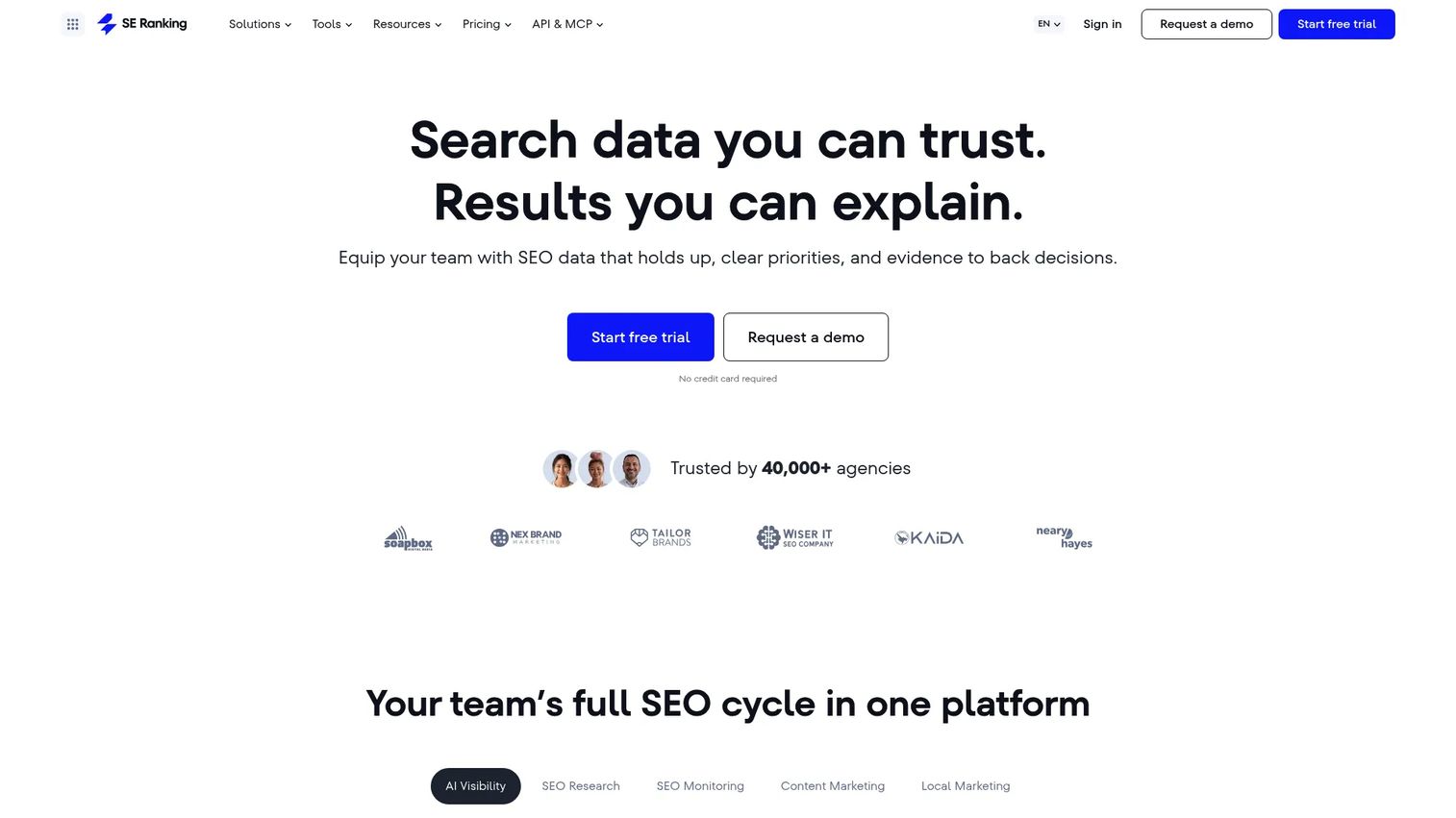
SE Ranking is a full SEO platform built for agencies and in-house marketing teams. It covers keyword research, rank tracking, site audits, backlink monitoring, competitor research, content tools, and local SEO under one roof. White-label reports and client access controls make it a practical choice for teams managing reporting across multiple accounts. SE Ranking also includes AI visibility tracking, which is useful for teams starting to report on presence in AI-generated search results.
Best for: Agencies and in-house SEO teams that want a balanced reporting suite without building from scratch.
Key features
- Keyword rank tracking across locations and devices
- White-label SEO reports with custom branding
- Site audit reporting with actionable issue summaries
- Backlink monitoring and competitor research
- Client access controls and project-level permissions
Why choose SE Ranking: It fits teams that want SEO-specific reporting rather than a generic marketing dashboard. Teams with broader paid media reporting may still need a separate dashboard tool for multi-channel consolidation.
SE Ranking pricing: Annual plans start at $103.20/month (Core) and $223.20/month (Growth). A 14-day free trial is available. Enterprise uses custom limits and pricing.
G2 rating: 4.7/5
2. Semrush
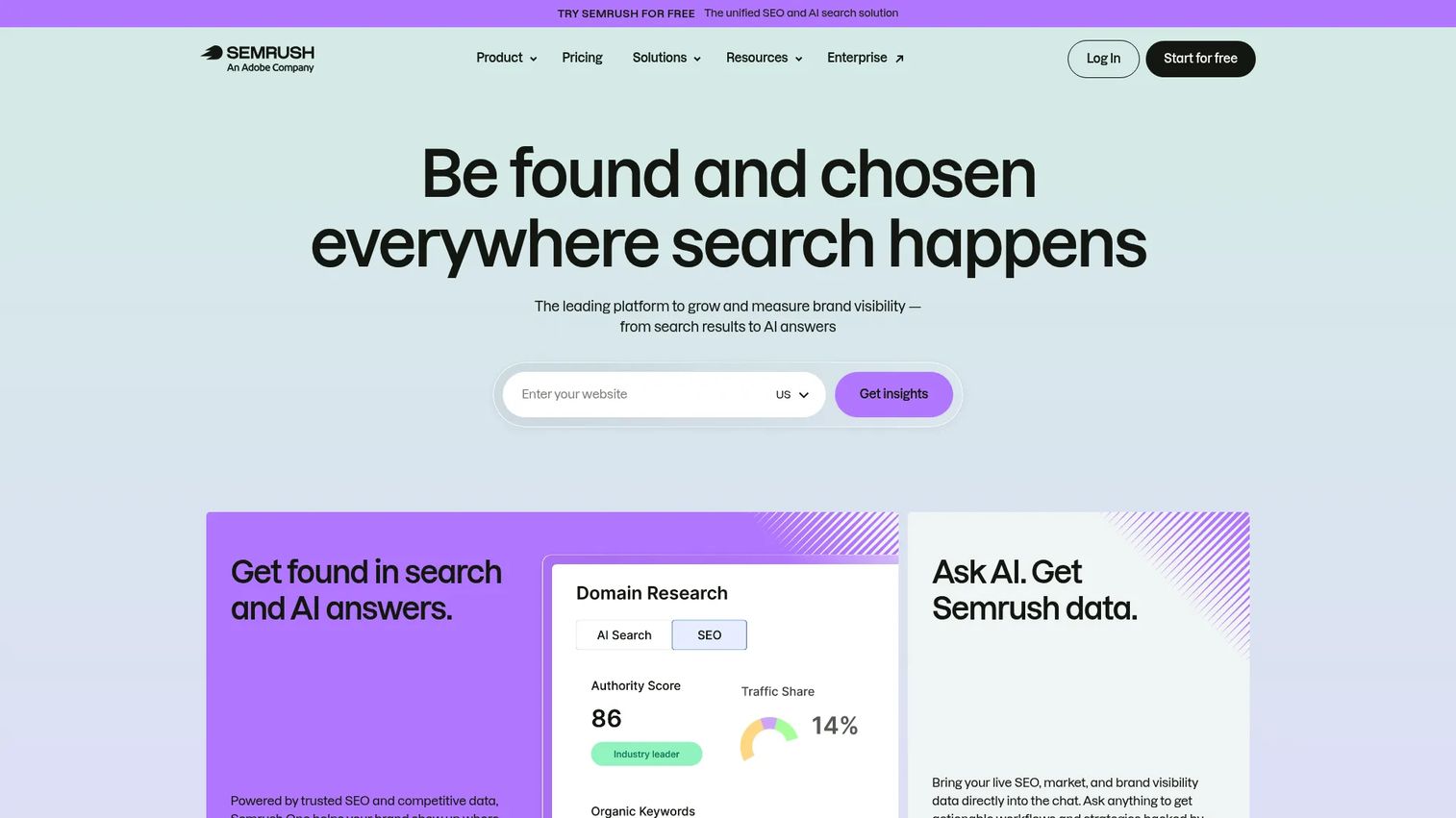
Semrush is an all-in-one platform covering SEO reporting, keyword tracking, site audits, backlink analytics, competitor research, content performance, and AI search visibility. For teams that want reporting and research from the same database, it removes the need to stitch together separate tools. Its PDF report builder and position tracking module handle most standard agency reporting workflows.
Best for: Growth teams that want SEO reporting plus competitive intelligence in one place.
Key features
- Position tracking and SERP report exports
- Site audit reports with prioritized issue lists
- Backlink analytics and competitor backlink comparison
- Organic competitor reports and keyword gap analysis
- PDF report builder with scheduling
Why choose Semrush: Choose it when the reporting tool also needs to fuel keyword strategy and competitive research. Pricing scales with projects and users, so check plan limits before committing for a larger team.
Semrush pricing: A free tier is available. Paid plans begin at $117.33/month (SEO plan, billed annually). Higher tiers add AI search monitoring and more project capacity.
3. Ahrefs
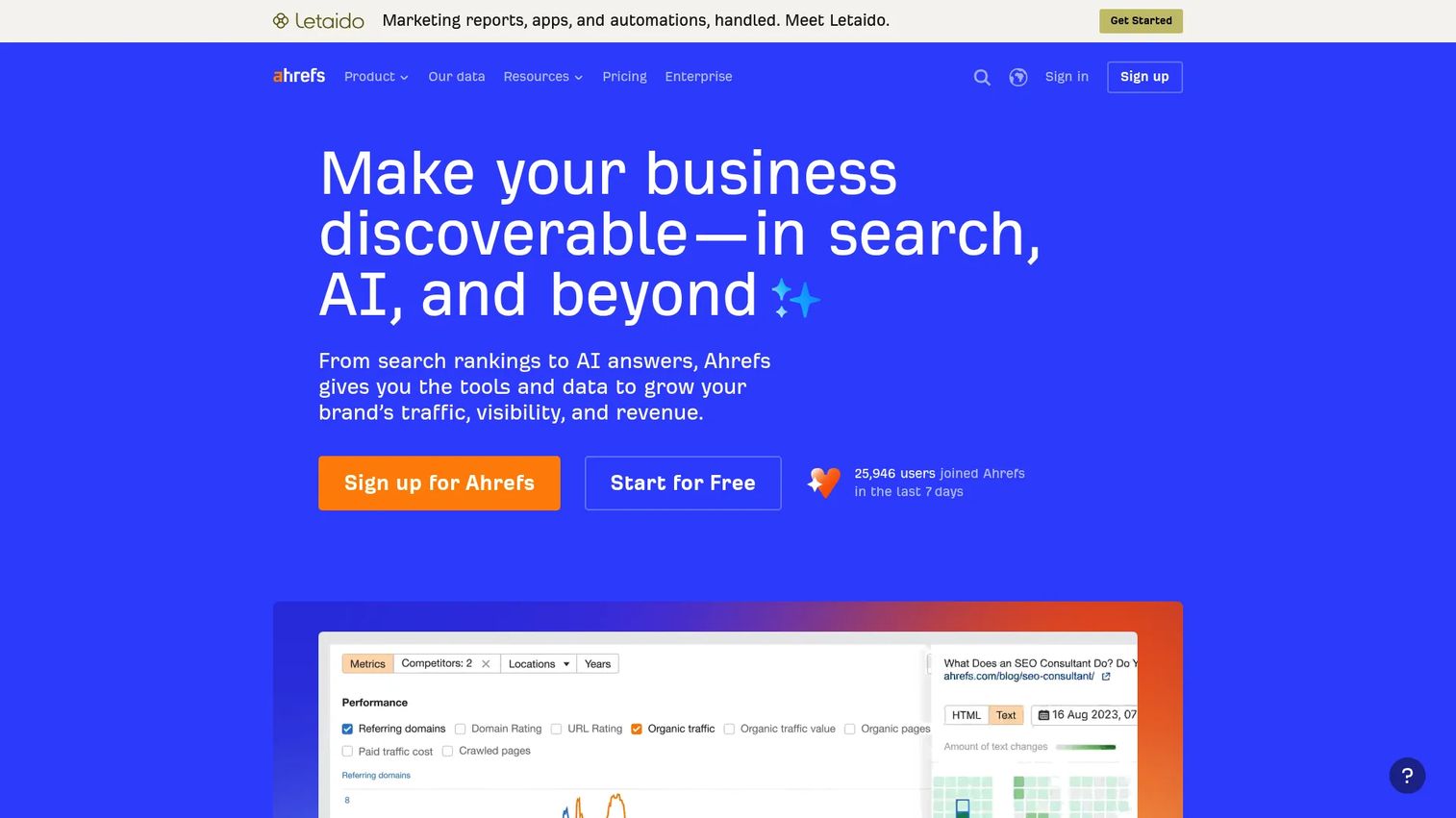
Ahrefs is built around link intelligence, organic competitor research, and content performance reporting. Site Explorer shows traffic estimates and backlink profiles. Rank Tracker monitors keyword positions over time. Site Audit surfaces technical issues. Content Explorer supports content-gap analysis and link acquisition research. Report exports and scheduled rank tracking updates round out the reporting workflow.
Best for: SEO teams that report heavily on backlinks, content performance, and competitor visibility.
Key features
- Site Explorer for organic traffic and backlink reporting
- Rank Tracker with historical position data
- Site Audit with crawl-based issue reports
- Content Explorer for content and link gap analysis
- Competitive organic reports and traffic share estimates
Why choose Ahrefs: It excels when backlink monitoring and competitive content analysis are central to what you report. Agencies needing polished client-facing white-label dashboards may still want to layer a separate reporting tool on top.
Ahrefs pricing: Plans start at $29/month (Starter) for limited access. The Lite plan is $129/month, Standard is $249/month, and Advanced is $449/month, all billed monthly. A free tier with restricted features is also available.
G2 rating: 4.5/5
4. Moz Pro
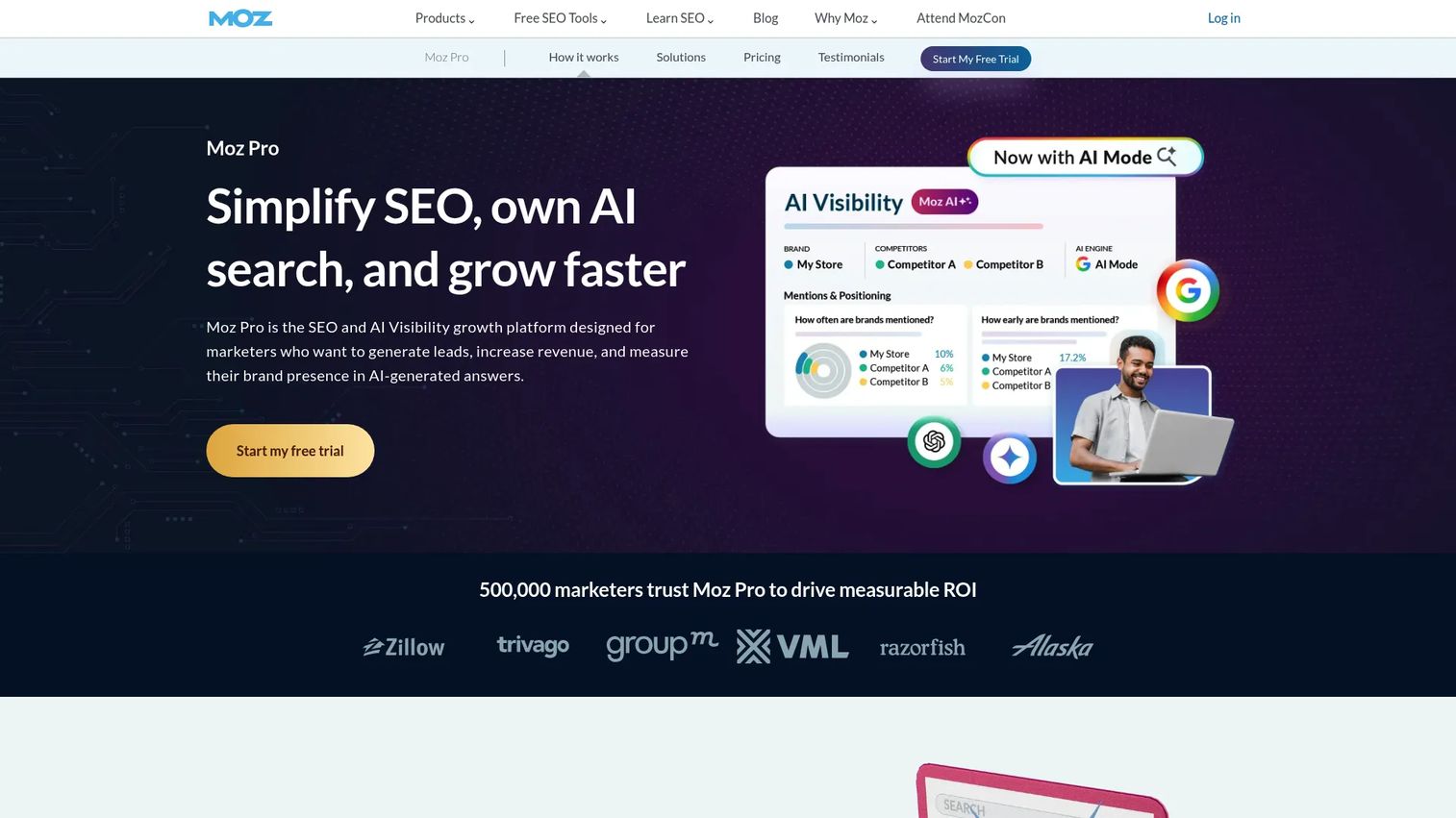
Moz Pro covers keyword rankings, site crawl reports, page optimization scoring, backlink analysis, and domain authority metrics in one platform. Its Campaign view organizes tracking by site and makes it straightforward to share ranking progress with clients or stakeholders. Moz also includes emerging GEO and AI visibility features for teams starting to track brand presence beyond standard SERPs.
Best for: Teams that want accessible SEO reporting with familiar visibility metrics and a clear campaign structure.
Key features
- Keyword rankings and SERP tracking
- Site crawl reports with prioritized technical issues
- Page optimization scoring by keyword
- Link Explorer for backlink and authority reporting
- Custom reports with campaign-level organization
Why choose Moz Pro: It works well for teams that value clear SEO metrics and a lower learning curve. Advanced agency reporting with heavy white-labeling and multi-channel data may require an additional dashboard tool.
Moz Pro pricing: The Starter plan is $49/month. Standard runs $99/month ($79/month billed annually). Medium is $179/month ($143/month annually). Large is $299/month ($239/month annually). A free trial is available.
G2 rating: 4.3/5
5. SEO PowerSuite
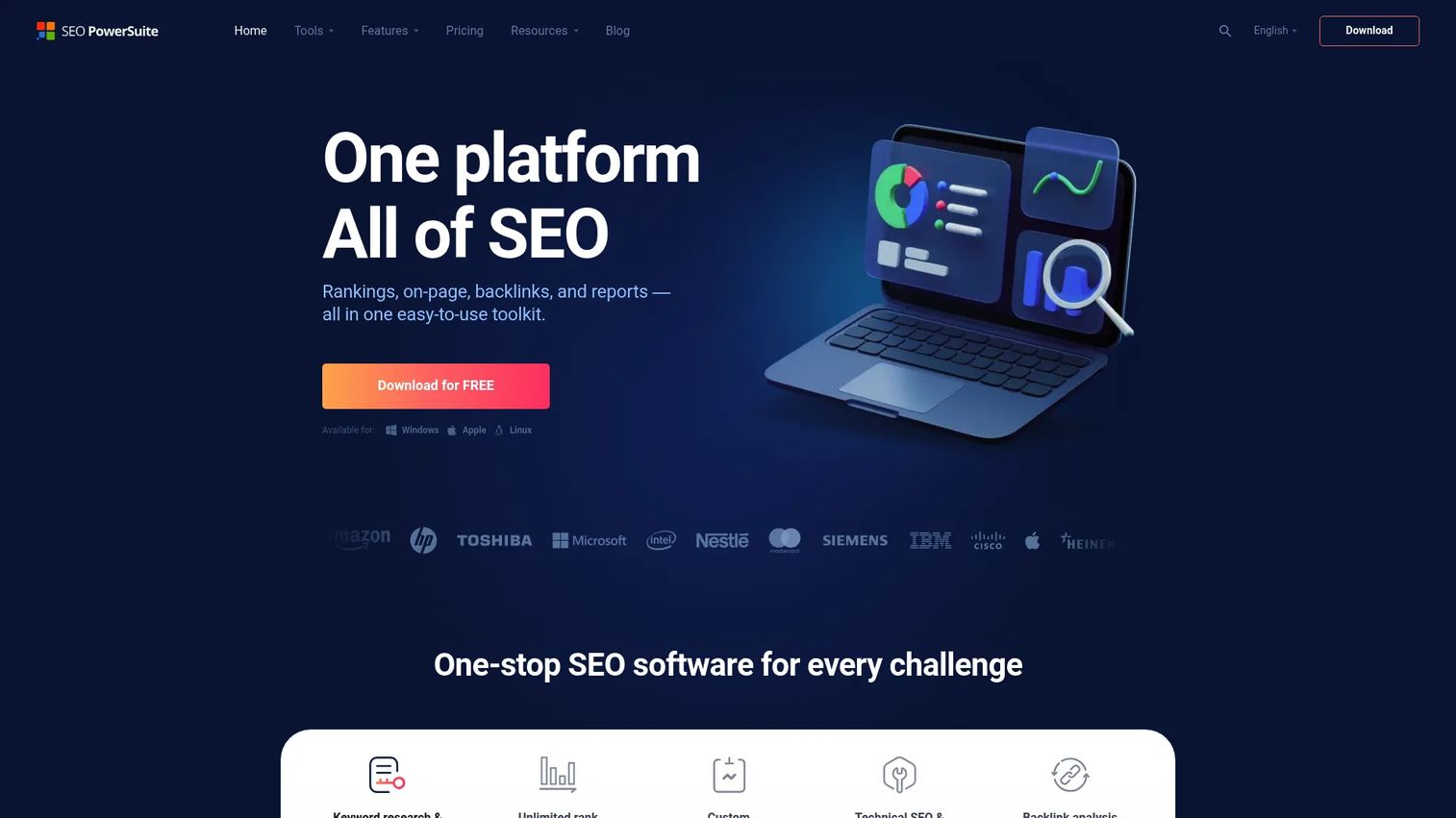
SEO PowerSuite is a desktop-based SEO toolkit that runs on Windows, macOS, and Linux. It bundles four modules: Rank Tracker for keyword position monitoring, Website Auditor for technical audits, SEO SpyGlass for backlink analysis, and LinkAssistant for link building outreach. The white-label report builder generates customizable PDF reports that can be scheduled and delivered to clients automatically.
Best for: Consultants and SEO teams comfortable with desktop software who want deep reporting without a monthly SaaS fee.
Key features
- Rank Tracker across 550+ search engines
- Website Auditor with crawl-based technical reports
- SEO SpyGlass for backlink analysis and reporting
- LinkAssistant for link outreach tracking
- White-label PDF report builder with scheduling
Why choose SEO PowerSuite: It is a strong option for teams that want annual licensing rather than recurring monthly costs. Desktop workflows may not suit teams that need always-on cloud dashboards shared in real time with clients.
SEO PowerSuite pricing: A free version is available with crawl and export limits. Paid plans are $349/year (Professional), $599/year (Enterprise), and $899/year (Max), billed annually.
G2 rating: 4.5/5
6. SpyFu
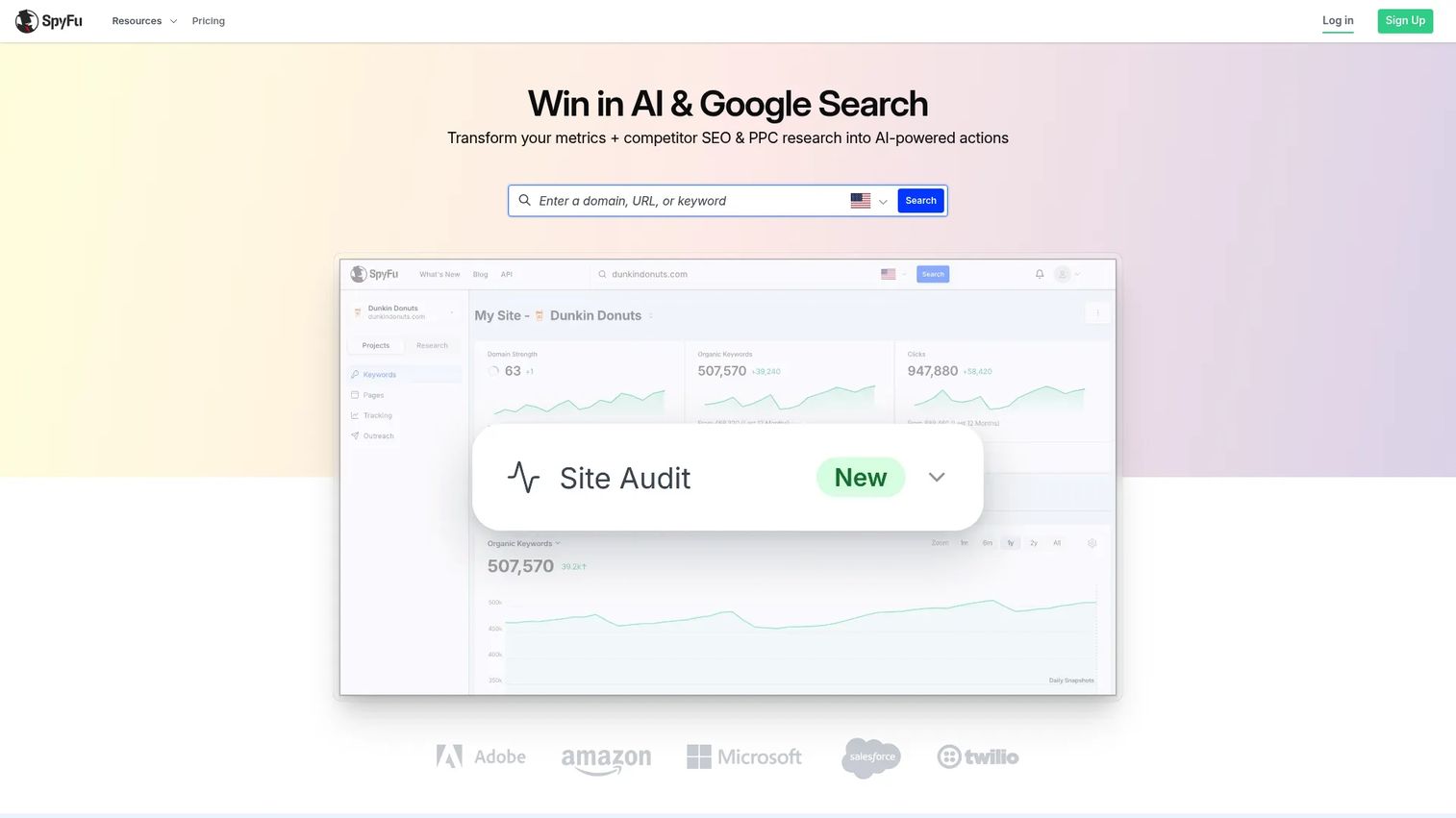
SpyFu focuses on competitive intelligence reporting. It surfaces competitor keyword rankings, Google Ads history, PPC spend estimates, domain comparisons, and keyword overlap in plain language that is easy to export and explain to clients. Its AI-powered site audit and ChatGPT integration add a lightweight content and technical layer to the competitive data.
Best for: Teams that need competitor SEO and PPC reporting alongside their own organic performance.
Key features
- Competitor keyword reports and ranking history
- Google Ads competitor and ad-history research
- Domain comparison and keyword gap reports
- Keyword rank tracking for owned sites
- Automated and white-label reporting
Why choose SpyFu: It fits teams that want competitive market reporting without enterprise-level complexity. It is less suited as a primary client dashboard or technical audit platform.
SpyFu pricing: Plans start at $29/month (Basic, billed annually) or $39/month on monthly billing. The Pro + AI plan is $89/month annually. Team plans are $187/month annually.
G2 rating: 4.6/5
7. Raven Tools
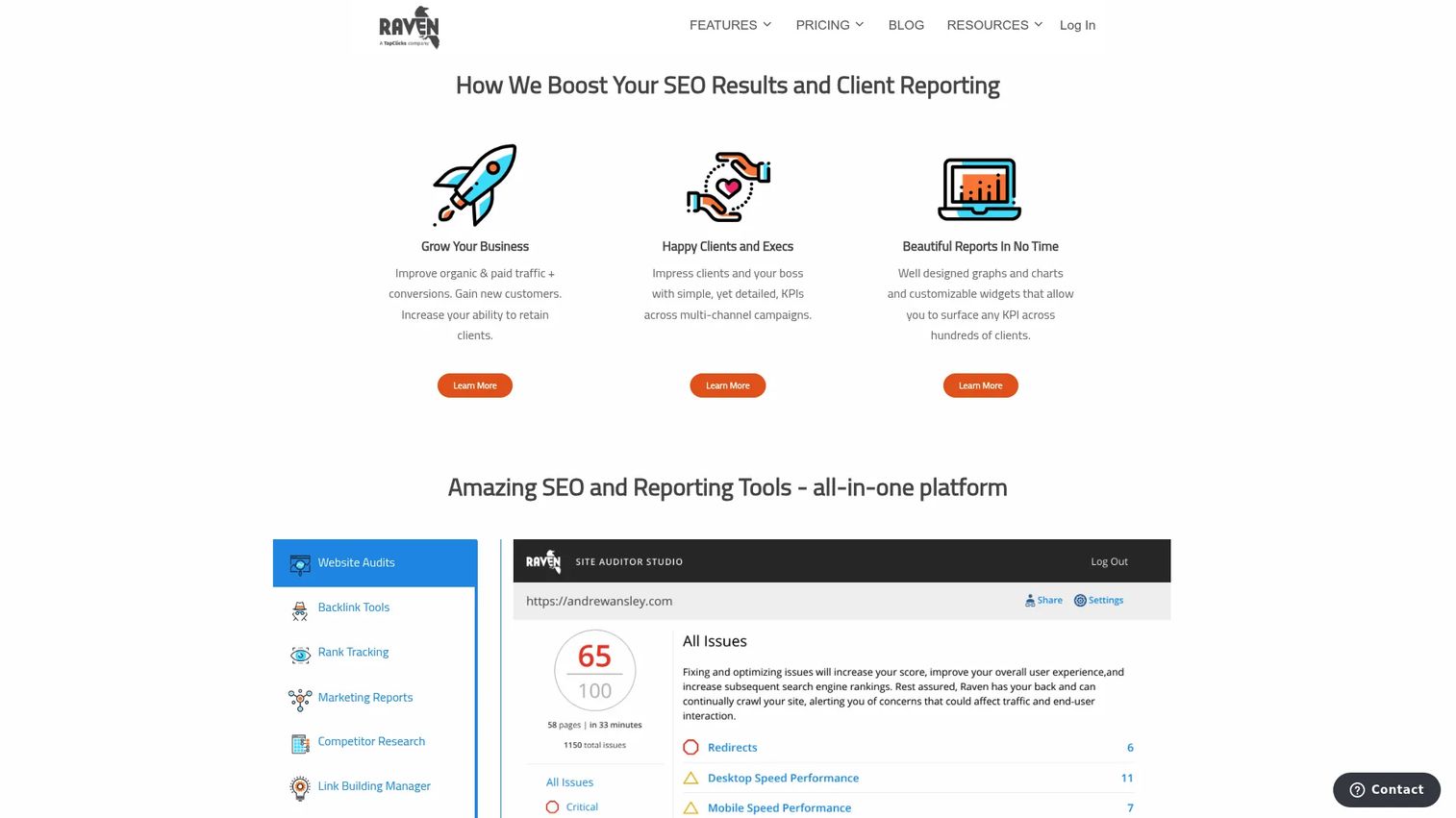
Raven Tools is a cloud-based platform built for agency reporting workflows. White-label reports, scheduled delivery, site audits, rank tracking, and marketing integrations are all included. The platform positions itself around automating recurring client deliverables rather than providing the deepest SEO research database.
Best for: Agencies that need recurring SEO reports with white-label branding and scheduled delivery.
Key features
- White-label reports with custom branding
- Scheduled automated report delivery
- Site Auditor with crawl-based issue reports
- Rank tracking across multiple campaigns
- Marketing integrations for multi-channel reporting
Why choose Raven Tools: It is a good fit for agencies that want reporting automation above all else. Teams that need a deeper SEO research database for keyword or link analysis may pair it with a dedicated SEO suite.
Raven Tools pricing: Annual plans start at $39/month (Small Biz) through $399/month (Lead). Monthly billing is also available at higher rates. A free plan with limited usage and a 7-day free trial are both offered.
G2 rating: 4.2/5
8. DashThis
DashThis is a marketing reporting platform that pulls data from over 30 integrations into automated, client-facing dashboards. It includes preset templates, calculated widgets, AI insights, white-label options with custom domains, and automated email report dispatch. The focus is on fast, polished dashboard delivery rather than deep SEO research.
Best for: Agencies that need fast, visual client dashboards across multiple marketing channels.
Key features
- Dashboard templates with drag-and-drop customization
- Automated email report delivery
- White-label dashboards and custom domain support
- AI-powered insights and calculated widgets
- 30+ marketing integrations including GA4 and GSC
Why choose DashThis: It is valuable when presentation speed and recurring delivery matter more than sourcing raw SEO data. The SEO depth it delivers depends entirely on what you connect to it.
DashThis pricing: Plans start at $54/month (Individual, monthly billing) with annual options from $44/month. The Professional plan is $164/month. Business is $324/month. No free tier; a 15-day trial is available.
9. AgencyAnalytics
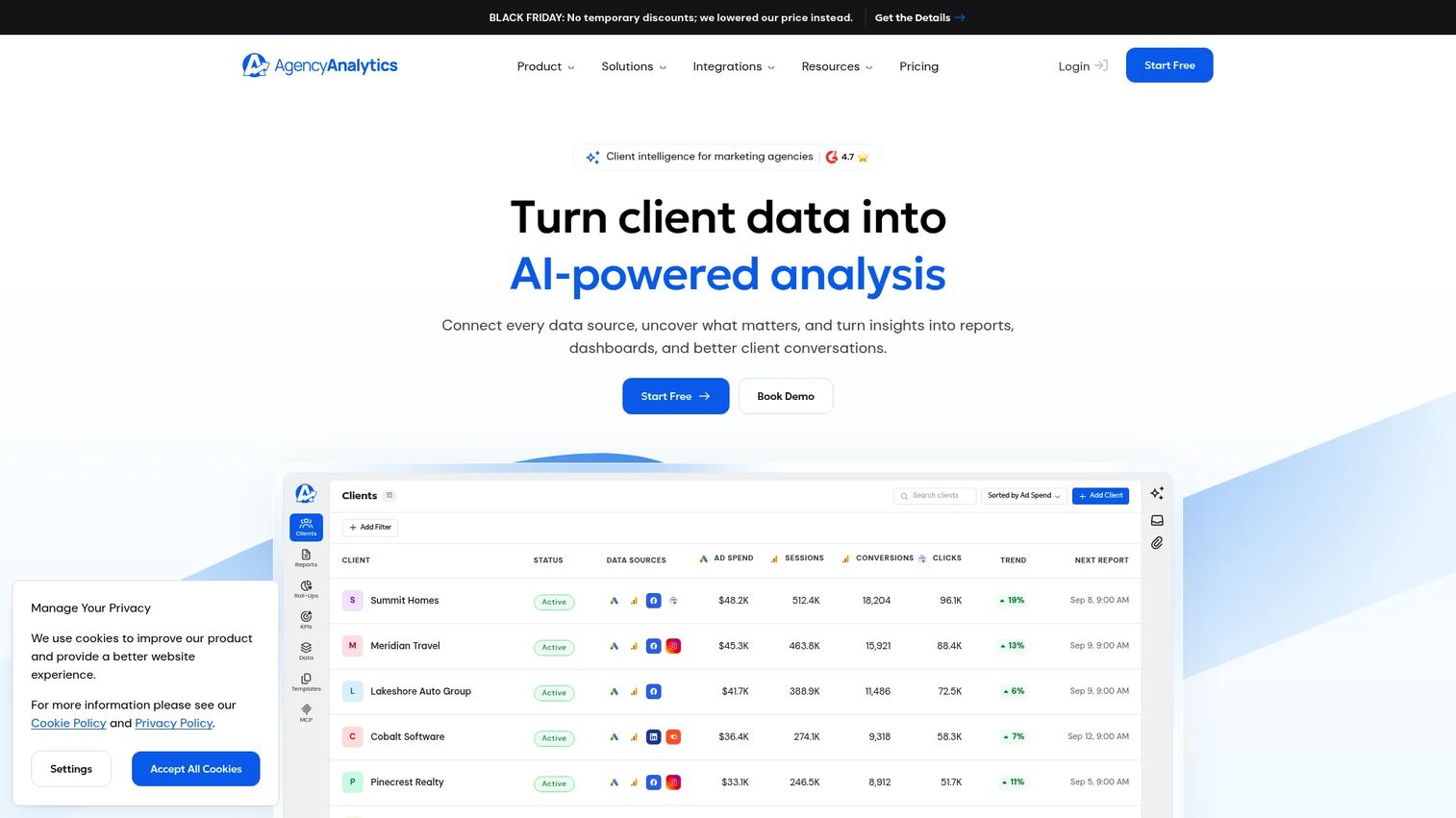
AgencyAnalytics is built specifically for marketing agencies that need to centralize client reporting. It supports white-label client portals, automated dashboards, goal tracking, anomaly detection, rank tracking, and site audits across 90+ integrations. Unlimited staff and client users are included on all plans, which makes scaling across a growing client base more predictable.
Best for: Agencies that want branded client portals and automated reports across multiple accounts.
Key features
- White-label client portals with custom branding
- Automated dashboards with goal tracking and alerts
- 90+ marketing integrations including GA4, GSC, and social platforms
- Rank tracking and site audit tools built in
- AI-powered performance insights and anomaly detection
Why choose AgencyAnalytics: It is a strong fit for agencies that need to package SEO performance for clients without maintaining separate tools for client access. In-depth SEO research for strategy work may still require a dedicated SEO suite.
AgencyAnalytics pricing: Core plan starts at $20 per client per month (billed annually). Rank Tracker and AI Tracker are available as add-ons. Volume discounts apply for 25+ clients. A 14-day free trial is available with no credit card required.
G2 rating: 4.7/5
10. Google Looker Studio
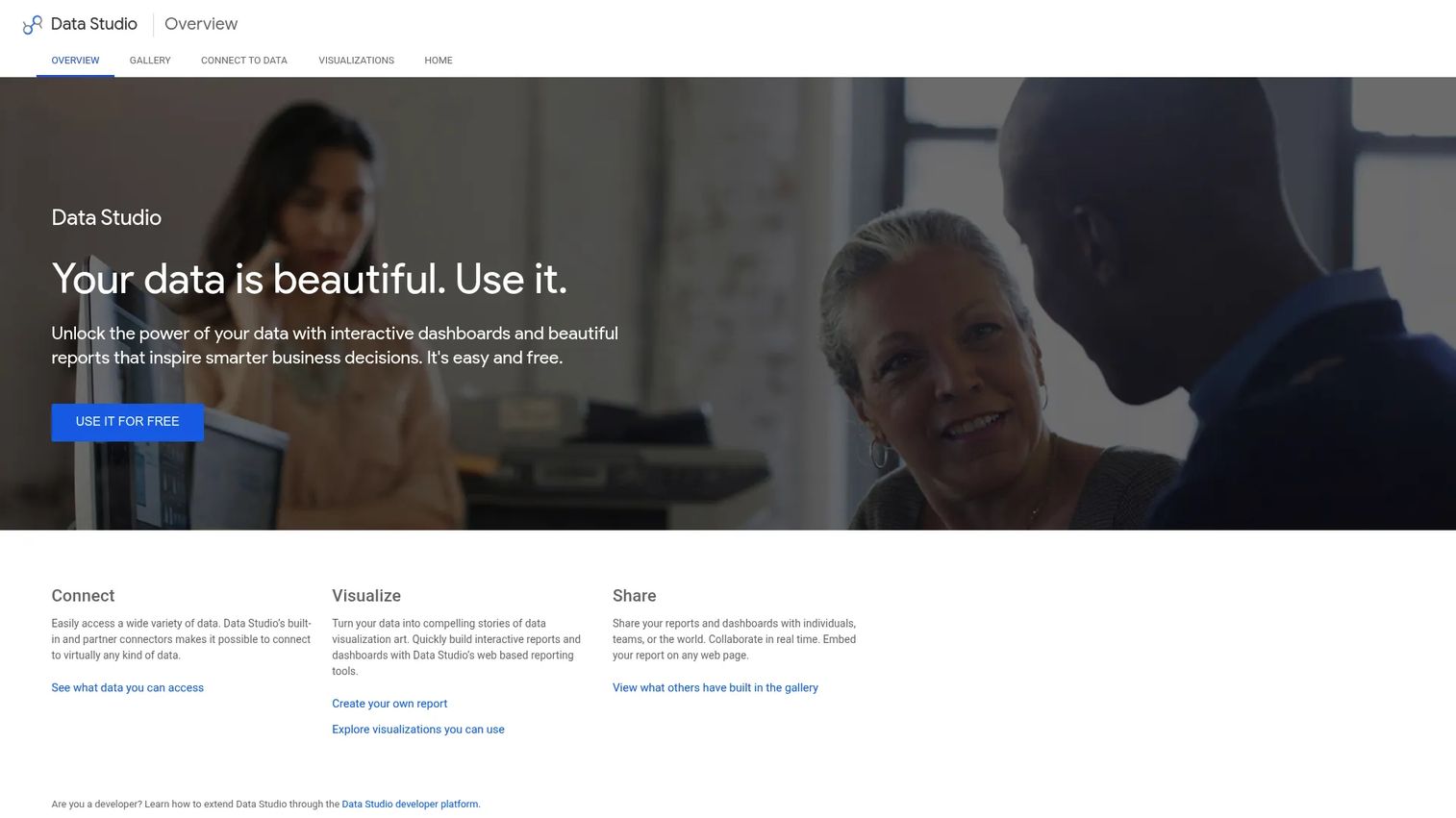
Google Looker Studio (now also referred to as Data Studio following Google's April 2026 rebrand) is a free dashboard builder that connects to GA4, Google Search Console, Google Ads, Sheets, BigQuery, and hundreds of partner connectors. You build exactly the report you need using a drag-and-drop editor, then share it as a live link or scheduled PDF.
Best for: Teams with reporting setup skills who want free custom dashboards without monthly tool costs.
Key features
- Custom dashboards with drag-and-drop editor
- Native connections to GA4, GSC, Ads, and Sheets
- Data blending across multiple sources
- Shareable live dashboards and scheduled email delivery
- Community connector library for third-party data
Why choose Google Looker Studio: It is the most flexible free option when the team has time to build and maintain dashboards. The trade-off is that it is a builder, not a reporting suite. Without a connected rank tracking tool, it shows no keyword position data.
Google Looker Studio pricing: Free for standard use. Looker Studio Pro (workspace-level collaboration and admin features) requires a Google Workspace subscription.
G2 rating: 4.4/5
11. Google Analytics 4
Google Analytics 4 is essential infrastructure for any SEO reporting stack. It tracks organic traffic by landing page, attribution paths, event-based conversions, audience behavior, and onsite engagement. For growth marketers connecting SEO activity to pipeline or revenue, GA4 is where organic sessions become conversion events and attribution reports.
Best for: Any team that needs website traffic, engagement, and conversion data to contextualize SEO performance.
Key features
- Organic traffic and landing page reports
- Event-based conversion tracking
- Cross-channel attribution paths and reports
- Audience segments and behavioral analysis
- Explorations for custom funnel analysis
Why choose Google Analytics 4: It is required for connecting SEO rankings and traffic to onsite behavior and business outcomes. GA4 does not provide keyword rankings or backlink data, so it works alongside an SEO suite rather than replacing one.
Google Analytics 4 pricing: Free. No paid GA4 tier was confirmed on Google's public pages at publication.
G2 rating: 4.5/5
12. Google Search Console
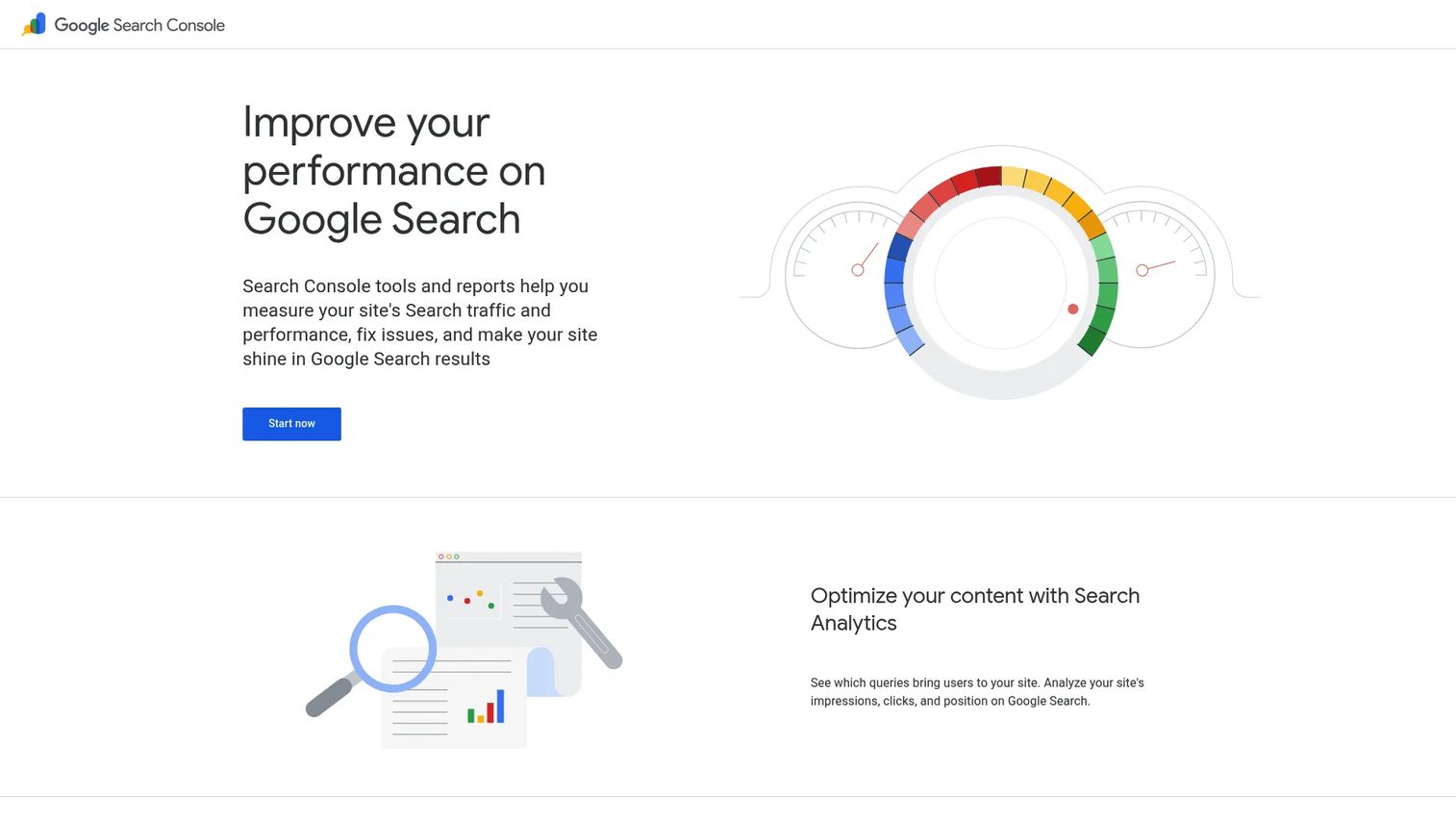
Google Search Console is the first-party source for how Google sees and ranks your site. It surfaces queries, clicks, impressions, average position, click-through rate, indexing status, Core Web Vitals, structured data issues, and security alerts. Every SEO reporting workflow starts here because the data comes directly from Google.
Best for: Any team that needs authoritative Google search performance and indexing data.
Key features
- Query and page performance reports with CTR and impressions
- Index coverage and URL inspection tool
- Core Web Vitals reporting
- Sitemap submission and crawl monitoring
- Structured data and rich-results reporting
Why choose Google Search Console: It is foundational. No other tool provides the same first-party view of how Google indexes and serves your content. The limitation is that client-ready reports require export or dashboard work since the native interface is not designed for client delivery.
Google Search Console pricing: Free.
G2 rating: 4.7/5
13. Screaming Frog SEO Spider
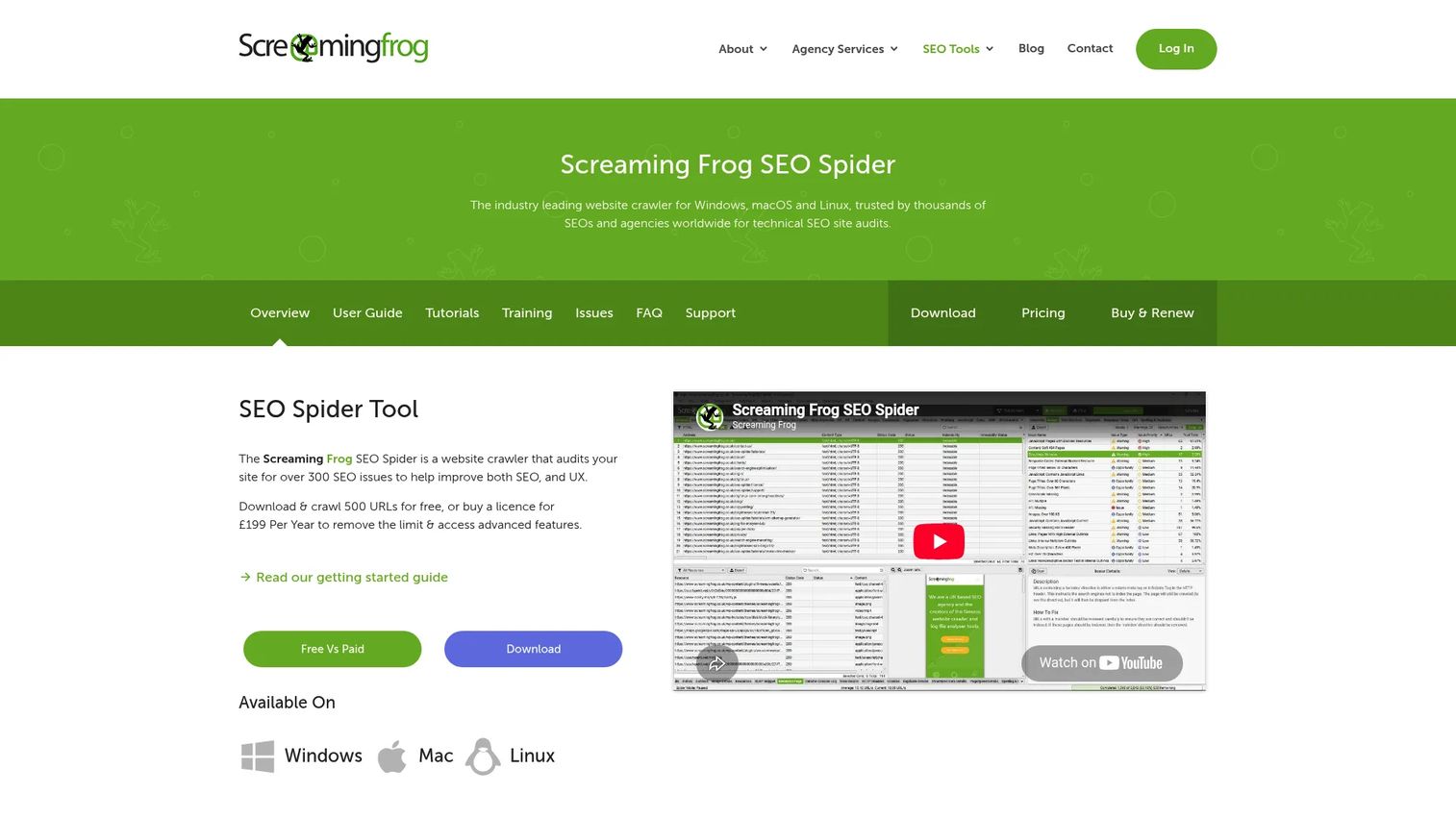
Screaming Frog SEO Spider is a desktop crawler for Windows, macOS, and Linux that audits websites for technical SEO issues. It identifies broken links, redirect chains, missing metadata, duplicate content, structured data errors, and canonicalization problems. Crawl results export to multiple formats and integrate with GA4, GSC, and PageSpeed Insights for richer audit reports.
Best for: Technical SEO teams that need crawl-based audit reports to explain and prioritize site fixes.
Key features
- Site crawling with broken link and redirect reports
- Metadata analysis and duplicate content detection
- Structured data and rich-results validation
- XML sitemap generation and analysis
- Crawl comparison for staging versus production
Why choose Screaming Frog SEO Spider: It is valuable when reporting needs to explain technical fixes, not just track rankings. The free version crawls up to 500 URLs. The paid licence removes that limit and adds scheduling and advanced integrations.
Screaming Frog SEO Spider pricing: Free for up to 500 URLs per crawl. The paid licence is £199 per year (single user), with volume discounts starting at five licences.
G2 rating: 4.7/5
14. Databox
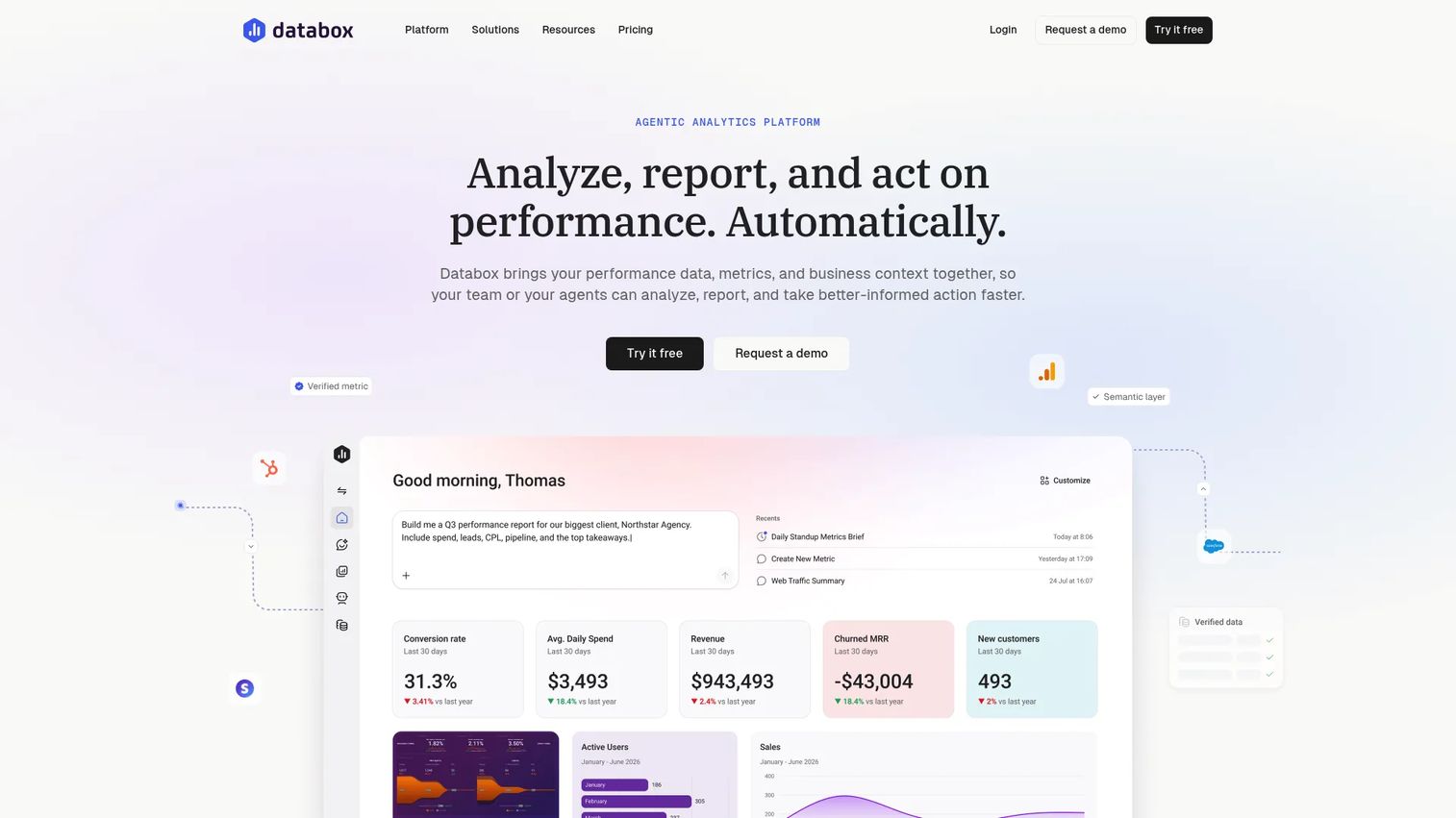
Databox is an analytics platform that centralizes KPIs from multiple sources into dashboards, scorecards, and reports. Its AI analyst (called Genie) generates performance summaries and can answer natural-language questions about your data. For growth marketers who need SEO metrics sitting alongside pipeline, conversion, and campaign KPIs in one executive view, Databox is well suited.
Best for: Growth teams that want SEO reporting next to revenue and funnel KPIs in a single dashboard.
Key features
- KPI dashboards with customizable metrics and templates
- AI analyst for automated summaries and performance questions
- Goal tracking, anomaly detection, and scheduled alerts
- Governed semantic layer and data lineage controls
- Integrations with cloud databases, APIs, and marketing tools
Why choose Databox: It works well when SEO performance needs to sit alongside pipeline, sales activity, and marketing KPIs for leadership reporting. The SEO research depth it delivers depends on the sources connected to it.
Databox pricing: A free tier is available (1 user, 3 data sources, 1 dashboard). The Team Core plan is $249/month. Team Scale is $399/month. An Agency plan starts at $99/month with unlimited users. Custom pricing is available for larger deployments.
G2 rating: 4.4/5
15. Whatagraph
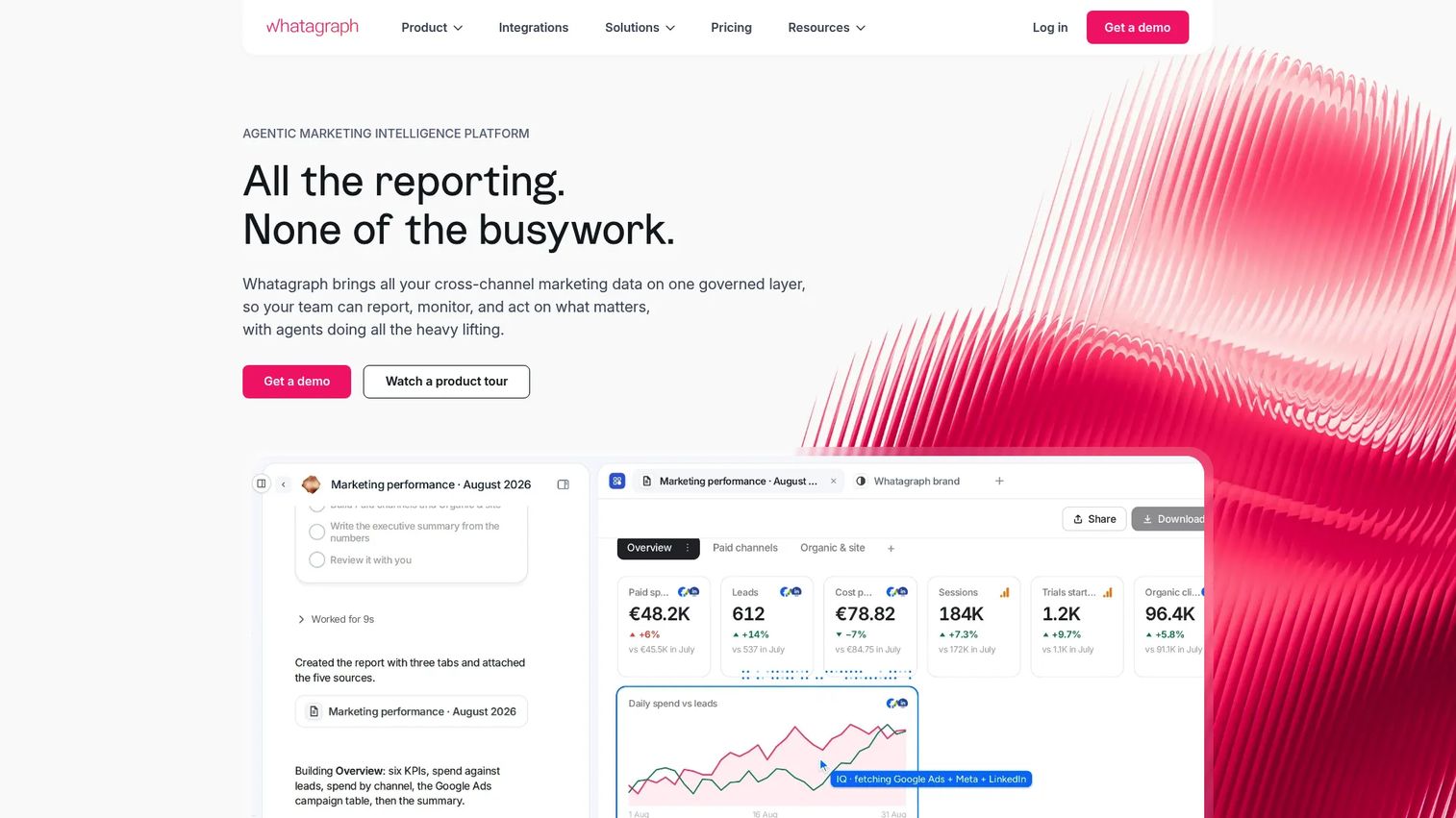
Whatagraph is a cross-channel marketing intelligence platform for agencies and marketing teams. It connects 60+ native integrations, supports no-code data transformations, and uses AI to generate report summaries, run audits, and answer natural-language queries about campaign data. White-label reports with automated PDF delivery and performance monitoring alerts round out the reporting workflow.
Best for: Agencies that need polished, automated reports across SEO, PPC, social, and ecommerce in one place.
Key features
- 60+ native integrations including GA4, GSC, and ad platforms
- AI report creation, summaries, and natural-language queries
- White-label reporting with custom domains
- Scheduled PDF delivery and automated performance alerts
- No-code custom metrics, dimensions, and data blends
Why choose Whatagraph: It suits agencies that want reports to look polished without custom design work. The SEO research depth comes from the tools you connect. Its premium pricing reflects the enterprise client and multi-channel positioning.
Whatagraph pricing: The Max plan starts from €699/month (billed annually). Prime is custom pricing. No free tier was confirmed on the official pricing page; check with the vendor for trial availability.
G2 rating: 4.5/5
16. BrightLocal
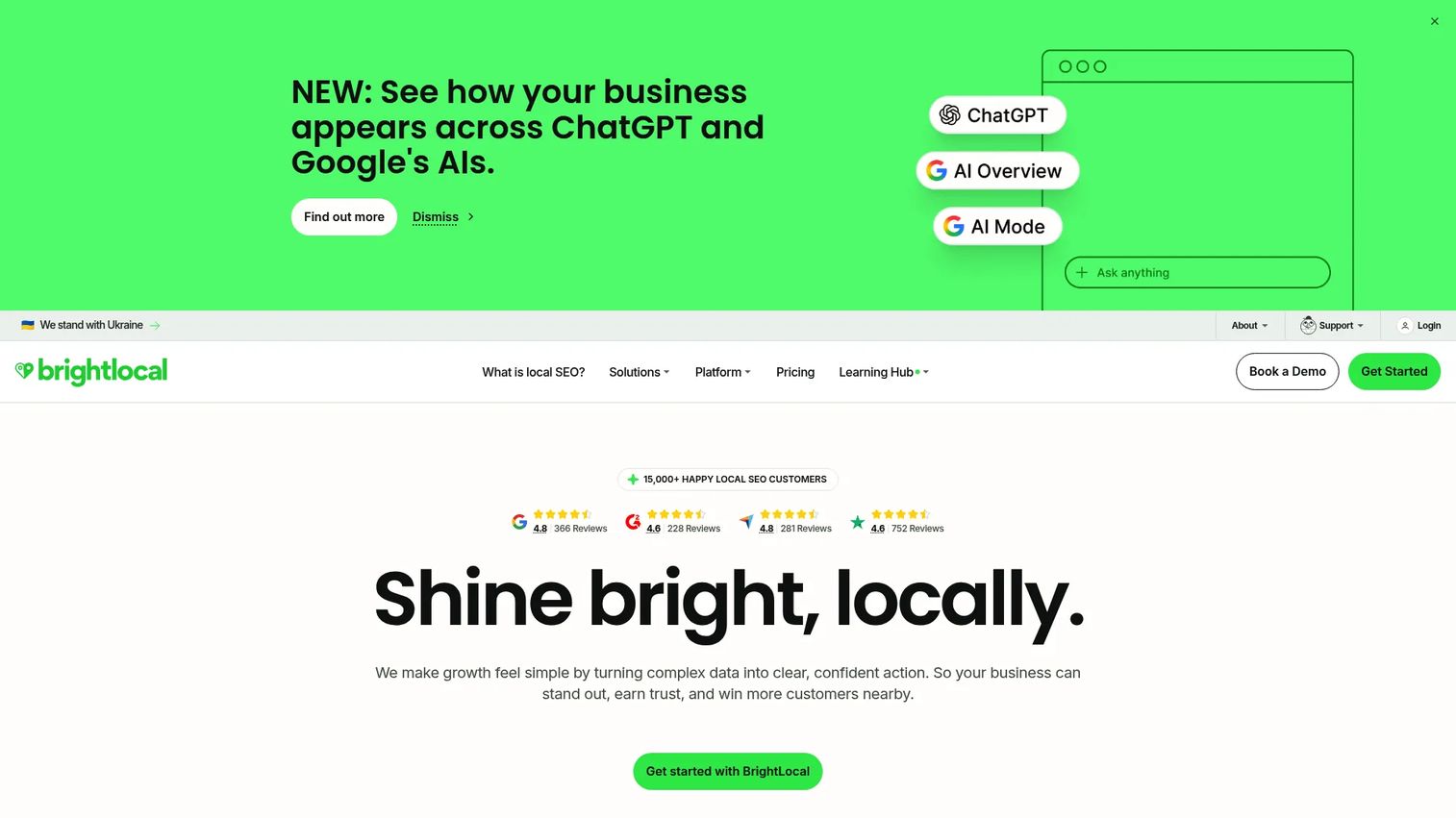
BrightLocal is built for local SEO reporting across single locations, multi-location businesses, and agencies managing local clients. It tracks local keyword rankings with geo-grid visualization, monitors citation consistency across directories, audits Google Business Profiles, and surfaces review trends across platforms. White-label reports and client access are included.
Best for: Agencies and local marketers reporting on local search rankings, citations, and online reputation.
Key features
- Local rank tracking with geo-grid search visualization
- Citation tracking and directory listing audits
- Review monitoring and collection tools
- Google Business Profile audits and post scheduling
- Local AI Visibility Tracker for emerging AI search results
Why choose BrightLocal: Choose it when local map rankings, citation health, and review performance are the core reporting deliverables. Teams managing national enterprise SEO alongside local campaigns will likely need a general SEO suite as well.
BrightLocal pricing: Plans start at $41/month (Track) on monthly billing, or $369/year billed annually. Manage is $54/month ($485/year). Grow is $65/month ($584/year). Pricing scales with number of locations. A 14-day free trial is available.
G2 rating: 4.6/5
17. AccuRanker
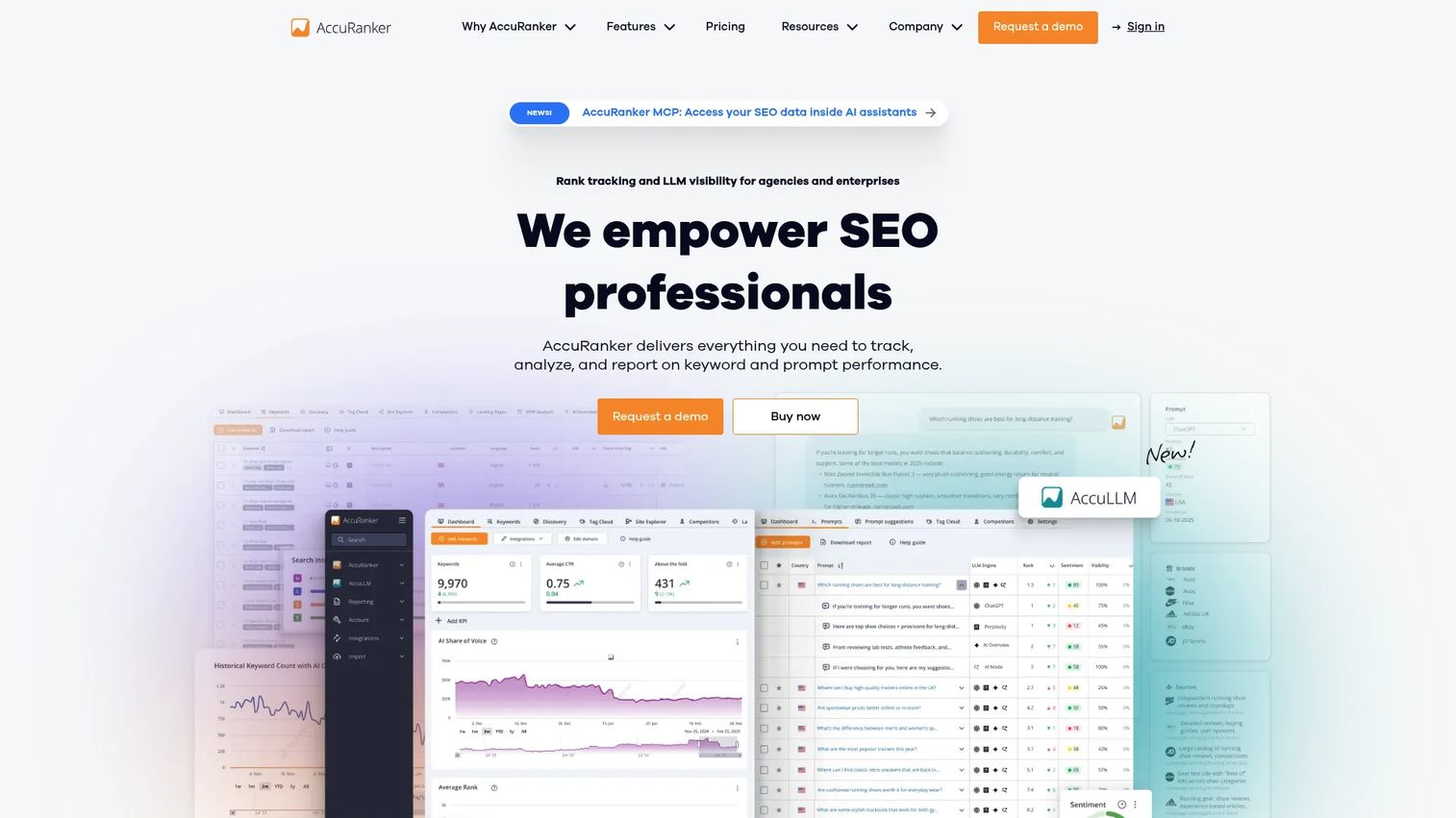
AccuRanker is a cloud-based rank tracking specialist. It monitors keyword positions daily with on-demand update capability, tracks SERP features and pixel positions, measures share of voice, and monitors competitors in parallel. Integrations with GA4 and GSC add traffic context to position data. Report exports and API access support teams that push data into custom dashboards or BI tools.
Best for: SEO agencies and in-house teams that need high-volume daily keyword rank tracking with granular visibility data.
Key features
- Daily and on-demand keyword rank updates
- SERP feature tracking and pixel-position monitoring
- Share of Voice and CTR analytics
- Competitor rank monitoring across tracked keywords
- GA4 and GSC integrations for traffic context
Why choose AccuRanker: It excels when rank tracking accuracy and volume matter more than a full SEO research suite. Teams still need separate tools for technical audits, backlink analysis, and client dashboards.
AccuRanker pricing: The Professional plan starts at €224/month. Expert is €764/month. Enterprise pricing is custom. Pricing is in EUR and scales by keyword volume.
G2 rating: 4.8/5
Considerations when choosing SEO reporting tools
Decide whether you need reporting-first or SEO-suite-first
Reporting-first tools package data beautifully but depend on connected sources for SEO-specific data like rankings and backlinks. SEO suites generate that source data and report on it from the same database. Smaller teams should evaluate whether they are paying twice for overlapping report delivery.
Check the integrations before checking the templates
If a tool cannot connect to GA4, GSC, and your rank tracking source, the template library does not matter. Data source fit is the first filter, not dashboard aesthetics.
Evaluate white-labeling and client access controls
For agencies, white-label reports, custom domains, scheduled delivery, and permission tiers matter as much as the reporting features themselves. Reports should make the agency look organized without giving clients access to internal views or other account data.
Look at pricing by the right scaling unit
SEO reporting tools scale by different variables: Users, dashboards, campaigns, tracked keywords, connected data sources, or client accounts. The entry plan may fit today, but check where costs land after 10 clients, 1,000 keywords, or five team members.
Test how quickly a report becomes actionable
A good SEO report shows what changed, why it matters, and what to do next. Before committing, test whether the tool can add annotations, track goals against baselines, surface AI-generated summaries, and export in a format your client or CMO will actually read.
Conclusion
Most teams need two layers: A source of SEO truth and a reporting layer that packages it.
For agencies that want both in one place, SE Ranking is the strongest balanced pick. Semrush and Ahrefs add deeper research capability for teams where keyword strategy and competitive analysis sit alongside reporting. DashThis, AgencyAnalytics, and Whatagraph serve agencies that prioritize client-facing delivery across multiple channels. Databox and Google Looker Studio work for teams building executive dashboards without agency-specific packaging needs.
For the free foundation, the Google stack (Search Console, GA4, and Looker Studio) handles organic performance, traffic, and conversions at no cost. Add Screaming Frog for technical depth and AccuRanker for high-volume rank tracking when those reporting jobs need specialist tools.
The right stack reduces manual assembly, produces reports people trust, and gives you time back for the work that actually moves rankings.
If your team also needs to show product value in campaigns or sales workflows, Guideflow helps you turn your product into self-serve interactive demos that prospects can explore without a live call.
Start your journey with Guideflow today!
FAQs
SEO reporting tools collect, organize, and present search performance data so teams can track rankings, organic traffic, technical health, backlinks, and business outcomes. The best tools turn scattered metrics into a report that clients or leadership can read without a walkthrough. They range from all-in-one SEO suites to specialized rank trackers and free Google tools.
The answer depends on the reporting workflow. SE Ranking covers SEO-specific reporting with built-in white-labeling and rank tracking. AgencyAnalytics, DashThis, and Whatagraph are built for client portals and multi-channel dashboard delivery. Before choosing, verify that the tool supports white-label branding, scheduled report delivery, client-level permissions, and your required integration set.
The strongest free stack combines Google Search Console for query and indexing data, GA4 for traffic and conversions, and Google Looker Studio to bring both into a custom dashboard. Each tool is free, but the setup requires time and reporting skills. This combination does not replace dedicated rank tracking or backlink reporting, and it does not automate white-label client delivery.
A complete SEO report covers keyword rankings, organic traffic by landing page, conversion events tied to organic sessions, technical issues and their resolution status, and backlink changes. For agencies, add a plain-language summary of progress against goals, work completed during the period, and recommended next actions. Report on business outcomes rather than raw activity metrics wherever the data supports it.
Monthly is the standard cadence for client reporting. Weekly reporting works for active technical fix campaigns or rank-sensitive projects where fast feedback matters. For leadership and executives, a monthly summary paired with live dashboard access covers both real-time visibility and periodic narrative reporting.
Yes, though they overlap. SEO audit tools identify technical site issues through crawling and analysis. SEO reporting tools package ongoing performance data across rankings, traffic, conversions, and audit findings into repeatable dashboards or PDF reports. Many SEO suites include both functions, while tools like Screaming Frog specialize in audit-specific crawling without ongoing dashboard reporting.
Some tools are starting to add AI visibility features, including tracking of brand presence in AI-generated answers and generative search results. SE Ranking and BrightLocal each include AI visibility tracking modules. Before relying on this data, verify which AI surfaces the tool tracks, how often it refreshes, and whether the methodology distinguishes AI-generated results from standard organic rankings. This category is still developing.
Start with what clients actually need to see: Rankings, traffic, leads, technical health, local performance, or multi-channel results. Then check that the tool supports white-label branding, scheduled delivery, the right permission levels, and integration with the data sources powering your SEO work. Run one full report cycle before committing to an annual contract.