



A deed comes in as paper. Someone scans it. Someone else types the grantor, grantee, legal description, and instrument number into a system by hand. A field gets transposed. Two weeks later a title search pulls the wrong record, and now a closing is at risk.
That is the everyday reality in a lot of recorder offices. Manual intake, manual indexing, and manual verification stack up into slow turnaround and quiet error rates that nobody measures until something breaks.
The category exists to fix that. Deed recording software captures, indexes, validates, stores, and publishes land records so teams stop re-keying and start trusting their data. And the money is following the shift. The U.S. property management software market was worth USD 1.54B in 2023, per Grand View Research (2024), growing at a 7.7% CAGR through 2030. Records automation is a real budget line now, not a someday project.
This guide walks through seven tools, from purpose-built deed processing software to general-purpose document platforms that recorder offices adapt for land records. No hype. Just what each one is good at, who it fits, and what to verify before you commit.
What's inside
This guide is for county recorder teams, public-sector IT leaders, and records operations managers comparing systems for deed intake, indexing, storage, retrieval, and public access.
We selected and ranked tools based on:
- Workflow fit: how well the system handles intake, indexing, routing, and retrieval end to end
- OCR and indexing strength: extraction accuracy, validation, and exception handling for deed records
- Security and audit trails: permissions, redaction, logging, and an audit trail for land records
- Integrations: GIS integration, tax, court, finance, and public search connections
- Scalability: whether it holds up at county volume and stays easy to maintain
The list mixes purpose-built land records management software with document platforms that flex into deed work.
TL;DR
- Best for county recorder teams: i3 Verticals, built around cashiering, scanning, verification, and disposition at high volume.
- Best for deed processing automation: BIS Management's Deed Processing Solutions, focused on data extraction and error detection for local government.
- Best for OCR and indexing at scale: DocuWare and Laserfiche both bring strong OCR for deed records and workflow automation.
- Best for audit trails and governance: M-Files, with metadata-driven control, version history, and permissions across document types.
- Best for records governance and tracking: Soutron, for teams managing deeds inside a broader records and archive operation.
- Best for transactional real estate teams: Signeasy, for signatures, storage, and lightweight document workflow.
What is deed management software
Deed management software is a system that helps land records teams capture, index, validate, store, route, retrieve, and publish deeds and related property documents.
It sits between paper or digital intake and the downstream systems that depend on accurate records. Instead of re-keying every field, teams pull structured data automatically, catch errors before they propagate, and give both staff and the public a fast way to find what they need.
Core capabilities usually include:
- OCR and intelligent indexing: automated deed indexing that reads scanned documents and extracts grantor, grantee, legal descriptions, and instrument data
- Workflow automation and validation: intake routing, approvals, and validation rules that flag exceptions before recording
- Access control and audit trails: role-based permissions, activity logging, and a defensible audit trail for land records
- Public search and retrieval: indexed search so citizens, title companies, and staff can run a public records search fast
- GIS, tax, court, and finance integrations: connections that push clean records into mapping, assessment, and fund accounting systems
- Redaction and security controls: tools to blur or remove sensitive data before records go public
The strongest systems treat land record digitization as an operational pipeline, not a filing cabinet. That distinction is what separates title processing software that speeds a team up from storage that just holds files.
When to use deed management software
Digitize paper-heavy deed intake
If your team is drowning in paper, scans, and manual indexing, that is the clearest trigger. Every hand-keyed field is a chance for a transposition error, and every error is a future title dispute. Land document management software with OCR cuts the re-keying, reduces rework, and shortens turnaround from days to hours. The payoff shows up fastest where intake volume is high and staffing is flat.
Control access and audit activity
Multiple teams touch the same records. Not all of them should see the same data. Recording clerks, title examiners, and public-facing search all need different access. This is when compliance and access control matters: granular permissions, redaction of sensitive fields, and logging that records who did what and when. When an auditor or a court asks how a record changed, you need an answer, not a shrug.
Connect records to downstream systems
Land records rarely live alone. They feed GIS maps, tax assessment, court filings, and fund accounting. When a deed records incorrectly and that error flows into three other systems, you have a mess that takes weeks to unwind. Integration keeps records accurate across the stack, so a single clean intake propagates correct data everywhere it needs to go.
Comparison table
Pricing and G2 ratings shift, so verify both on the vendor site and G2 at the time you shortlist. The table is ordered by relevance to deed and land records workflows, not general popularity.
| # | Product | Best for | Key differentiator | Pricing | G2 rating |
|---|---|---|---|---|---|
| 1 | BIS Management's Deed Processing Solutions | Local government deed processing | Automated data extraction and error detection | Quote-based | Not listed |
| 2 | i3 Verticals | County recorder workflows | Public-sector platforms with embedded payments | Contact sales | Not listed |
| 3 | Soutron | Records governance and archives | Configurable library and archive management | Annual fee, not public | Not listed |
| 4 | Signeasy | Transactional real estate documents | eSignature plus contract repository | From $10/month | 4.7/5 |
| 5 | Laserfiche | Document management at scale | AI content platform with low-code automation | From $73/user/mo | 4.7/5 |
| 6 | DocuWare | Records-heavy document operations | AI document identification and OCR | Tiered, contact sales | 4.4/5 |
| 7 | M-Files | Metadata-driven governance | Metadata-based classification and control | From $65/seat | 4.4/5 |
Best 7 tools for deed management
1. BIS Management's Deed Processing Solutions
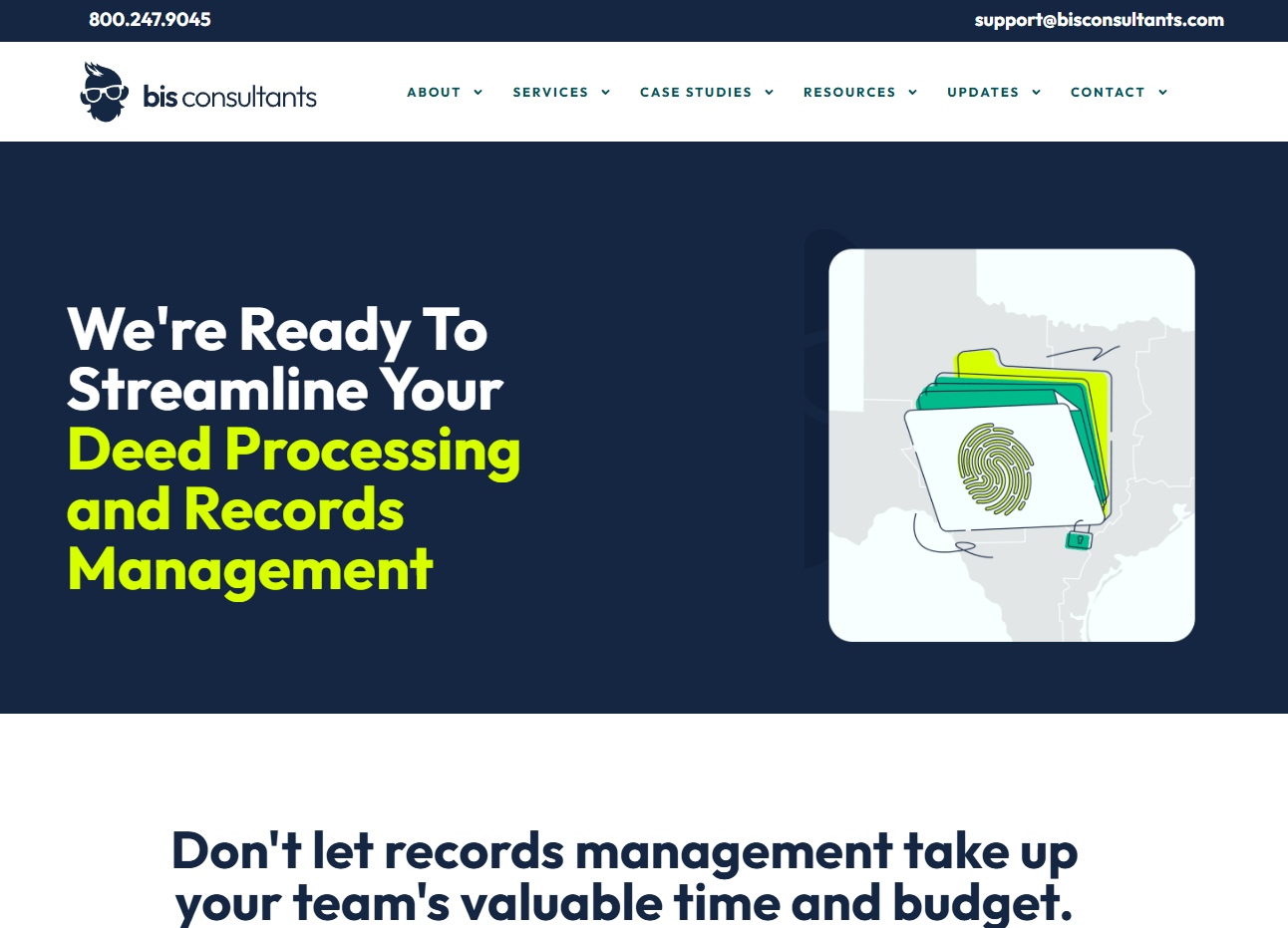
BIS Management's Deed Processing Solutions is built for local government offices that process deeds and manage land records. The focus is deed processing automation: pulling data out of documents, catching errors, and keeping the workflow moving without manual re-keying at every step. It fits offices where local workflow complexity, county-specific rules, and Texas-style processing context make a generic document tool a poor match.
The value shows up in error reduction. Automated data extraction reads the document, error detection and validation flag inconsistencies before recording, and integration with GIS and CAMA systems keeps land data aligned across mapping and assessment. For a recorder office, that means fewer transposed instrument numbers and fewer downstream corrections.
Best for: Local government offices that need deed processing automation and records support with county-level workflow complexity.
Key strengths
- Automated data extraction from deed documents
- Error detection and document validation
- Integration with GIS and CAMA systems
- Records-management support for local government
Why choose BIS Management's Deed Processing Solutions: Choose it when your priority is purpose-built deed processing for a public-sector office, not a repurposed general platform. It fits teams that value local workflow depth and hands-on support over a broad feature catalog.
BIS Management's Deed Processing Solutions pricing: Pricing is likely quote-based. Contact the vendor for a figure specific to your office size and workflow, and verify at the time you evaluate.
2. i3 Verticals
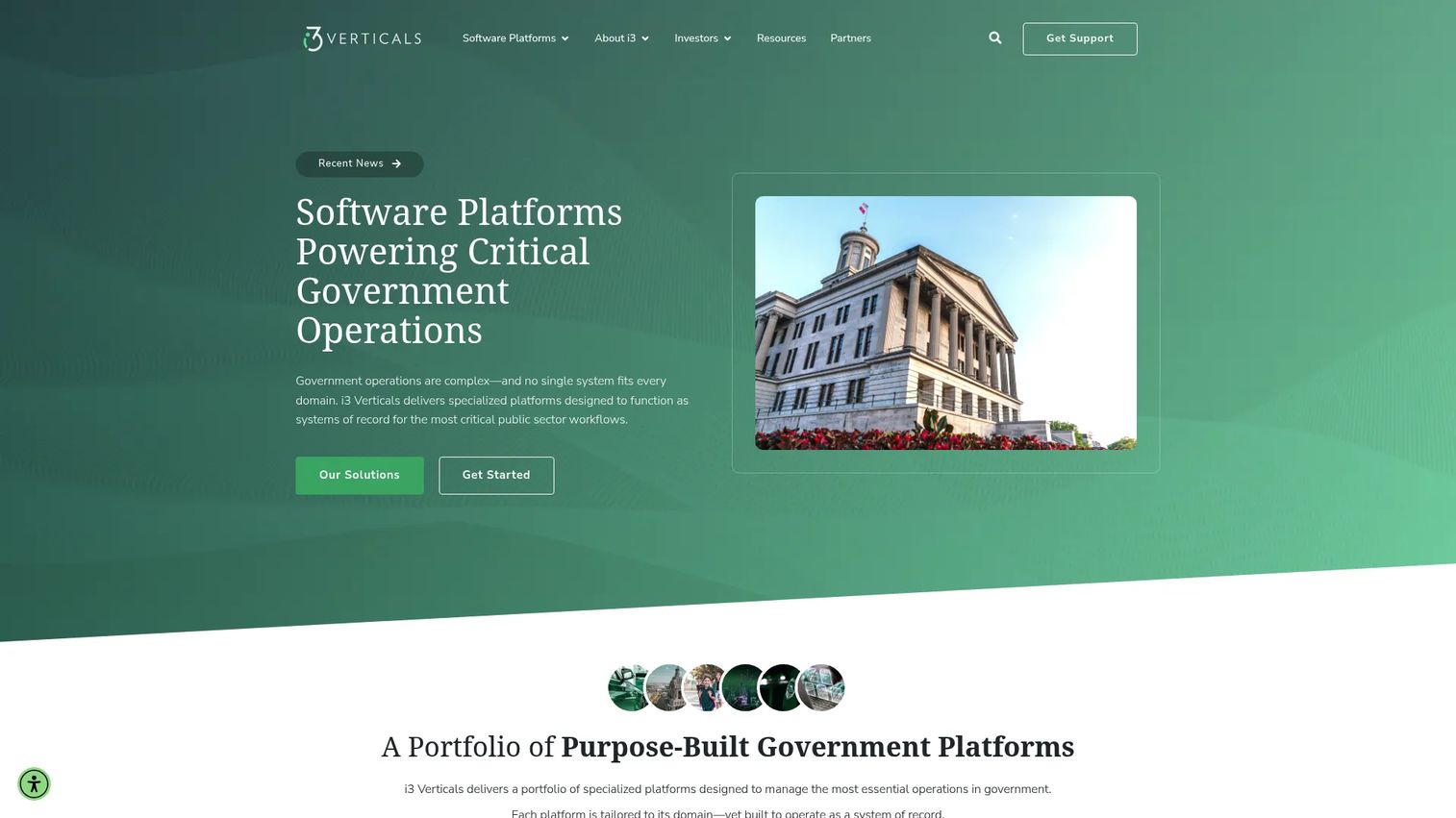
i3 Verticals builds purpose-built platforms for government, education, utilities, and justice workflows. For land records, that means county recorder software designed around the full recording lifecycle: cashiering, scanning, verification, indexing, and disposition. It suits high-volume recorder offices that need the whole intake-to-retrieval chain handled in one place.
The differentiator is public-sector depth combined with embedded payments and compliance-ready processes. Workflow automation moves a document from front-counter intake through verification and into public search without manual handoffs. Integrations with GIS, tax, court, and finance systems keep records consistent across the county's stack, which is where accuracy either holds or breaks.
Best for: High-volume county recorder offices that need an end-to-end recording platform with payments and downstream integrations.
Key strengths
- Government workflow platforms for recorder offices
- Embedded payments and cashiering
- Compliance and audit-ready processes
- GIS, tax, court, and finance integrations
Why choose i3 Verticals: Choose it when you want a platform built specifically for public-sector records rather than a document system adapted after the fact. It fits offices where recording volume and integration breadth are the deciding factors.
i3 Verticals pricing: The vendor directs buyers to contact sales or request a demo, so pricing depends on your office, volume, and modules.
G2 currently shows no reviews for i3 Verticals.
3. Soutron
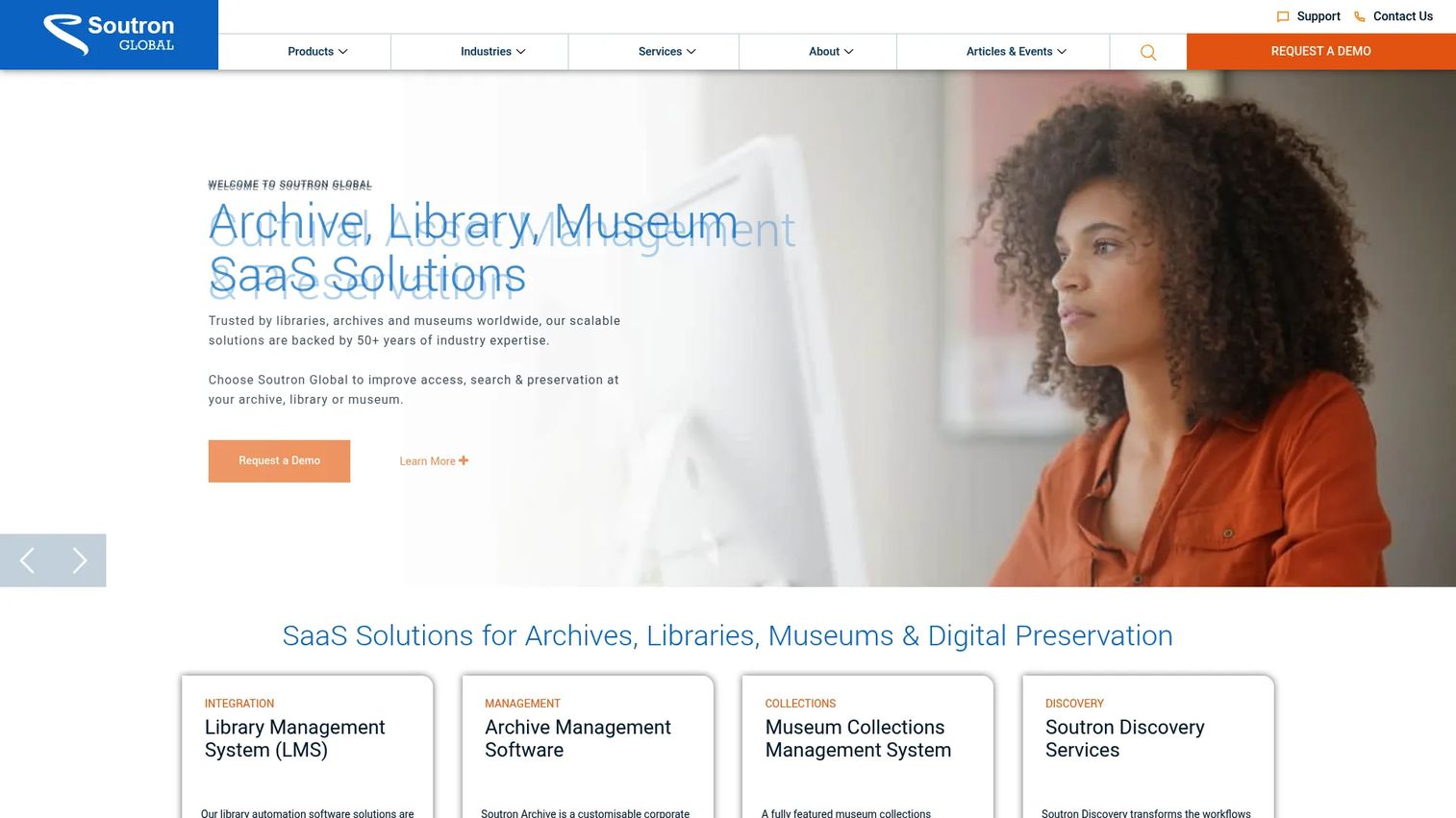
Soutron provides configurable SaaS for libraries, archives, museums, and knowledge management. For deed work, it fits organizations that manage title deeds as part of a broader records and governance operation rather than as a public recorder platform. Think law firms, corporate records teams, or archives tracking who holds which document and why.
The strength is metadata and records control. Permissioning governs who sees what, portal-based access gives distributed teams a single point of retrieval, and tracking shows the chain of custody for every document. That auditability is what makes Soutron useful for deed governance: you always know where a record is and who touched it.
Best for: Organizations that manage deeds inside a wider records, archive, or knowledge management operation.
Key strengths
- Integrated library and archive management
- Metadata-driven records control
- Portal-based access and permissioning
- Document tracking and chain of custody
Why choose Soutron: Choose it when deeds are one document type among many and governance across the whole collection matters more than public recorder throughput. It fits records-first teams over front-counter recording offices.
Soutron pricing: Soutron states pricing is a single annual fee covering software, maintenance, support, and hosting. No public number is displayed, so request a quote and confirm what the annual fee includes for your record volume.
4. Signeasy

Signeasy is eSignature and contract management software for individuals, teams, and businesses. It supports deed-adjacent workflows well: getting documents signed, stored, organized, and searchable. For transactional real estate teams handling purchase agreements and closing documents, it covers signatures and lightweight document management with transparent pricing.
Where it fits is the transaction side, not the county-recorder side. Signeasy handles eSignature, a contract repository, and AI insights across your documents. That makes it a strong choice for a title or real estate operation that needs to move paperwork and keep it organized, rather than a recorder office that needs OCR-driven indexing and public search at county scale.
Best for: Transactional real estate and title teams that need eSignature plus lightweight document management.
Key strengths
- eSignature for closing and transaction documents
- Contract repository and organization
- AI insights across stored documents
- Transparent self-serve pricing
Why choose Signeasy: Choose it when your work is transactional real estate rather than public land records. It is built for signing and managing documents, so pair it with a purpose-built recorder system if you also handle county-level indexing.
Signeasy pricing: Personal starts at $10/month, Business at $20/user/month, and Business Pro at $30/user/month, with a custom Build Your Plan tier. A 14-day free trial is offered.
Signeasy holds a 4.7/5 rating from reviewers.
5. Laserfiche

Laserfiche is an intelligent content platform for document management, process automation, and AI-assisted governance. It is not purpose-built for deeds, but it is widely adapted for records operations at scale. For a public-sector team that wants one platform across many document types, it brings OCR, routing, retention, access controls, and search into a single system.
The strength is automation depth. Intelligent data capture and Smart Fields pull structured data from documents, low-code process automation routes records through review and approval, and AI-assisted document management keeps large volumes organized. A records team can build a deed intake workflow inside Laserfiche and connect it to retention and search without heavy custom development.
Best for: Public-sector and enterprise records teams that want document management plus workflow automation across many document types.
Key strengths
- AI-powered document management
- Low-code process automation
- Intelligent data capture and Smart Fields
- Retention, access controls, and search
Why choose Laserfiche: Choose it when you want a general-purpose content platform that scales across departments, not just a deed tool. It fits teams ready to configure workflows, with the honest note that a purpose-built land records system may cover recorder-specific needs out of the box.
Laserfiche pricing: Laserfiche publishes three cloud tiers billed annually: Professional at $73 USD/user/month, Business at $93 USD/user/month, and Business+ at $42 USD/user/month. Cloud Starter is demo-only with no public price.
Laserfiche holds a 4.7/5 rating on G2.
6. DocuWare
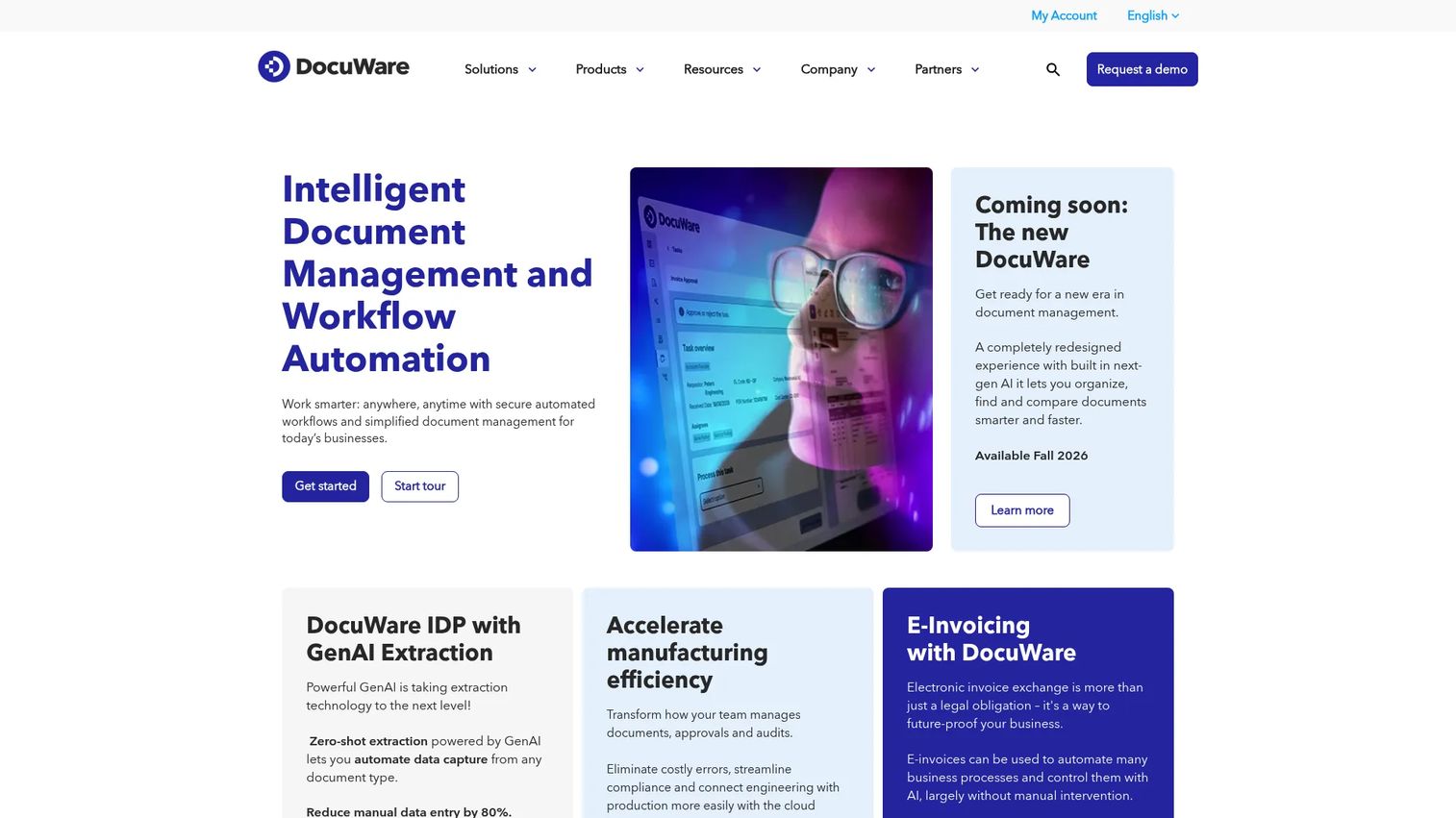
DocuWare is document capture and workflow automation software for records-heavy teams. It is strong where deed workflows sit inside a larger document operations stack, alongside invoices, contracts, and correspondence. For a team already standardizing document capture across functions, adding deed intake is a natural extension.
The capture side is the standout. AI-based automatic document type identification sorts incoming documents, OCR and HTR extraction with intelligent indexing pull the data, and workflow automation with forms and mobile capture moves records through approval and into secure storage. That combination handles digitization and routing without manual sorting at the front end.
Best for: Records-heavy teams that want document management and workflow automation across many document types, including deeds.
Key strengths
- AI-based automatic document type identification
- OCR and HTR extraction with intelligent indexing
- Workflow automation, forms, and mobile capture
- Secure archiving and retention
Why choose DocuWare: Choose it when deed processing is one workflow inside a broader document operations stack. It is best where capture and automation across many document types matter; a dedicated land records platform may be a better fit for a pure recorder office.
DocuWare pricing: DocuWare packages Cloud tiers by user and storage counts (Cloud 4, 15, 40, and 100) on annual or multi-year contracts. The pricing page does not show a public number, so contact sales for a quote based on tier and services.
DocuWare holds a 4.4/5 rating on G2.
7. M-Files
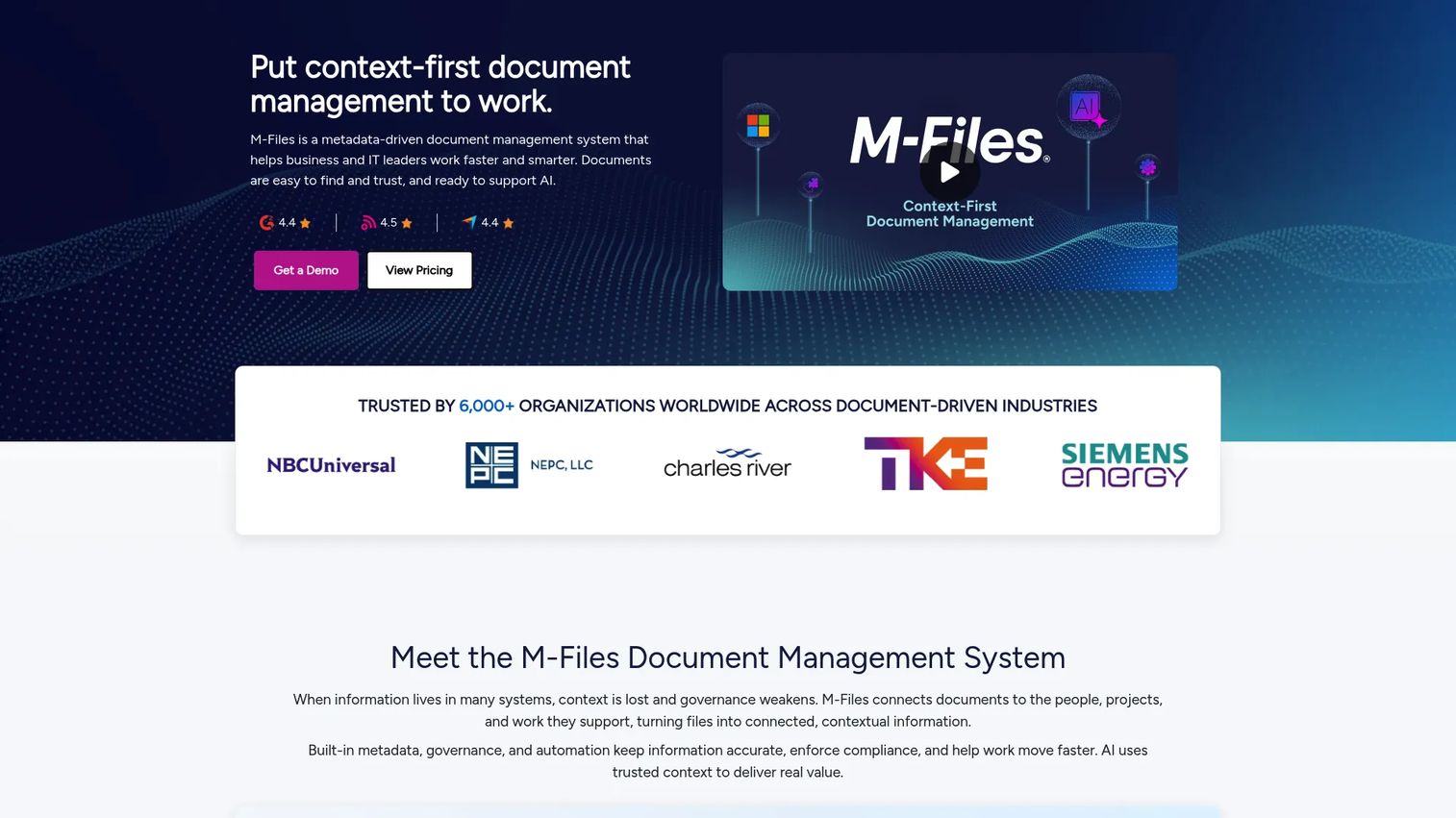
M-Files is an AI-powered document management and workflow automation platform built around metadata rather than folders. For complex records environments, that model is a real advantage: documents are classified by what they are and how they relate, not by where someone filed them. That supports deed and land record management when structured governance across many document types is the priority.
The strengths are classification, permissions, version control, and audit trails. Metadata-driven organization means a deed carries its grantor, grantee, and parcel data as searchable attributes. Security and compliance controls govern access, version control tracks every change, and audit trails give you a defensible record of activity. Microsoft 365 integration and AI-assisted search round out the day-to-day experience.
Best for: Organizations that need metadata-based document control, automation, and compliance across many record types.
Key strengths
- Metadata-driven document management
- Workflow automation
- Security, compliance, and audit trails
- Microsoft 365 integrations and AI-assisted search
Why choose M-Files: Choose it when metadata-driven search and structured governance matter more than a folder tree, and when you need flexibility across many document types. It fits teams that want to classify and control records by meaning rather than location.
M-Files pricing: The Essentials tier is publicly listed at $65/seat, and the Enterprise tier is quote-based. The site also mentions a 30-day free trial, so confirm current terms when you evaluate.
M-Files holds a 4.4/5 rating on G2.
Considerations
Before you shortlist, run each candidate through this checklist. These are the criteria that separate a system that speeds your team up from one that just relocates the manual work.
OCR and indexing quality
Test extraction accuracy on your actual documents, not a vendor sample. Old scans, handwritten margins, and dense legal descriptions are where OCR for deed records either holds up or falls apart. Ask how the system handles exceptions: does it flag low-confidence fields for human review, or silently guess? Automated deed indexing is only worth it if the validation catches errors before they reach the record.
Security and access control
Verify granular, role-based permissions so recording clerks, examiners, and public search each see the right scope. Confirm redaction tools can blur or remove sensitive data before records go public. Then look at logging. A real audit trail for land records captures who accessed or changed a record and when, in a form you can hand to an auditor or a court without editing.
Workflow fit
Map the system against your real workflow: intake, routing, approvals, public access, and retrieval. A tool that indexes beautifully but cannot route a rejected document back to a clerk creates a gap you will fill by hand. Walk one full deed from front counter to public records search inside the demo before you decide.
Integrations
Confirm the connections you actually depend on: GIS integration, tax office export, court, finance, ERP, and fund accounting. Ask whether integration is native, API-based, or a flat-file export, because that determines how much accuracy you keep in transit. The goal is one clean intake propagating correct data everywhere downstream.
Scalability and maintenance
Ask about volume ceilings, update cadence, and support responsiveness. A system that handles today's intake but stalls at peak recording season is a false economy. Find out how records stay current after digitization, who owns validation over time, and how much internal effort ongoing maintenance actually takes.
Conclusion
The right pick comes down to your workflow size, public access needs, security requirements, and integration complexity.
For high-volume county recorder offices, i3 Verticals covers the full recording lifecycle with payments and downstream integrations. For purpose-built deed processing automation in local government, BIS Management's Deed Processing Solutions focuses on extraction and error reduction. If you want strong OCR and workflow automation across many document types, Laserfiche and DocuWare both deliver, with Laserfiche leaning toward configurable automation and DocuWare toward capture-first operations.
For metadata-driven governance and audit trails across complex records, M-Files is the strongest fit. For records governance inside a broader archive operation, Soutron works well. And for transactional real estate teams that need signatures and lightweight document management, Signeasy covers that lane.
Shortlist based on your intake volume and downstream system needs, then run one full deed through each finalist's demo before you sign. The system that handles your messiest real document, not the clean sample, is the one worth buying.
FAQs
It supports the full land records lifecycle: capturing deeds, indexing and validating them, storing them securely, routing them through review, retrieving them fast, and publishing them for public access. The goal is to replace manual re-keying and reduce indexing errors so records stay accurate and searchable.
OCR and intelligent indexing, a defensible audit trail, granular permissions and access control, fast public search, workflow automation for intake and approvals, and integrations with GIS, tax, court, and finance systems. For county recorder work, extraction accuracy and validation carry the most weight because errors there propagate everywhere downstream.
They overlap but are not identical. Document management software handles storage, versioning, and retrieval for any file type. Deed and land records management software adds recorder-specific capabilities: automated deed indexing, grantor-grantee extraction, redaction for public records, and integrations with GIS and assessment systems. General platforms like Laserfiche and M-Files are often adapted for deeds, while tools like i3 Verticals are purpose-built for recorder offices.
OCR reads scanned deeds and extracts structured data, such as grantor, grantee, legal description, and instrument number, so staff stop hand-keying every field. That speeds up indexing, cuts transposition errors, and shortens turnaround. The best systems pair OCR with validation that flags low-confidence extractions for human review before they hit the record.
At minimum, GIS for mapping, tax and assessment (including CAMA) for property valuation, court systems for related filings, and finance or fund accounting for cashiering and revenue. Public search integration matters too, so title companies and citizens can retrieve records. Clean integration keeps a single accurate intake consistent across every downstream system.
Scale that matches peak recording volume, strong security and redaction, compliance-ready audit logging, OCR with real validation, native public access, and downstream integrations. Support responsiveness matters just as much, since a stalled system during peak season costs more than the license. Ask for references from offices of similar size and volume.
Build governance around the records: assign ownership for validation, use version control to track every change, and keep audit trails active so you can trace corrections. Run periodic accuracy checks against source documents, and set clear rules for how exceptions get reviewed and resolved. Accuracy is an ongoing process, not a one-time conversion.










