A support agent answers the same multi-step billing question for the ninth time today. She alt-tabs between the CRM, three help center articles, and a macro library that was last updated two product releases ago. The customer waits. Handle time climbs. So does her frustration.
That is the gap agent assist software fills. Static help center articles and macros are great for known, self-serve questions. They fall apart the moment a live conversation goes off script, because a document cannot listen to the call, read intent, and surface the right answer in the second the agent needs it.
The market is moving fast. The global agent assist software market was valued at $4.8 billion in 2025 and is forecast to reach $18.6 billion by 2034, a 16.2% CAGR, according to Dataintelo (2025). Separately, 75% of companies plan to increase investment in real-time agent assist and copilot tools within two years, per a Market.US synthesis of Capgemini and Deloitte data (2024).
If you run a ticket queue or a contact center, this is your category. Below are the eight platforms worth shortlisting, plus a buyer's checklist tuned to support metrics like AHT, FCR, and CSAT.
What's inside
This guide is for contact center leaders, support ops managers, QA managers, and CX teams comparing real-time agent assist tools for 2026. Here is how the list was built and what you will get.
- Scope: eight platforms spanning enterprise contact center suites, conversation intelligence, QA and coaching, and API-first voice AI
- Who it's for: Head of Support, Support Ops, QA Managers, and CX leaders evaluating agent assist ai
- Selection criteria: real-time guidance quality, transcription accuracy, integrations, compliance, and pricing transparency
- What you'll see: a comparison table, per-tool breakdowns, a buyer's checklist, and FAQs
TL;DR
Short on time? Here are the quick picks by use case.
- Best for enterprise omnichannel contact centers: Genesys, for AI routing, copilots, and journey analytics on one platform
- Best for QA and coaching depth: Calabrio and Observe.AI, for automated QA plus workforce and coaching workflows
- Best for real-time agent guidance: Cresta and Level AI, for live next best action prompts during calls
- Best for developers building custom agent assist ai: AssemblyAI, for transcription and speech understanding APIs
- Best for analytics-heavy teams: NICE, for workforce engagement and conversation analytics at scale
- Best for sales-adjacent support coaching: Salesken.ai, for real-time prompts and conversation insights
What is agent assist software
Agent assist software is real-time AI that listens to a live customer interaction and gives the human agent contextual guidance, suggested answers, and next best action prompts while the conversation is still happening.
The core workflow runs in a loop. The tool transcribes the call or chat live, detects intent, retrieves the relevant knowledge, and surfaces a prompt to the agent. After the interaction, it handles call summarization, feeds automated QA, and turns those records into coaching and analytics. The best contact center agent assist tools connect all of these steps instead of bolting them together.
Key features to expect:
- Live transcription: speech-to-text with speaker separation and transcription accuracy that holds up on real calls
- Intent detection: recognizing what the customer actually wants, not just keywords
- Knowledge retrieval: pulling the right article, policy, or macro into the agent's view
- Next best action: suggested responses, offers, or steps based on the moment
- Call summarization: auto-generated wrap-up notes and dispositions after each interaction
- Automated QA: scoring 100% of conversations instead of a 2% sample
- Coaching and analytics: turning conversation data into agent feedback and team trends
Generic call center software routes and records calls. Agent assist ai sits on top of that and actively guides the person on the line. That distinction matters for support teams because it attacks the exact daily pain: repeating the same explanation, hunting for the current answer, and doing it fast enough to protect AHT and CSAT.
Real-time guidance during customer interactions
This is the headline capability. As the customer speaks, the tool detects intent and pushes the agent a prompt: the right policy, a suggested reply, or a compliance reminder. New agents stop freezing on edge cases. Veteran agents stop tabbing through five systems mid-call.
After-call wrap-up and summarization
Wrap-up is invisible until you measure it. Call summarization drafts the notes, disposition, and follow-up items the moment a call ends, so agents move to the next ticket instead of typing a summary from memory. This is one of the most underrated levers on average handle time.
QA, coaching, and performance insight
Manual QA samples a tiny fraction of conversations. Automated QA scores all of them against your scorecard, then feeds coaching and analytics with objective, consistent data. Supervisors coach patterns, not one cherry-picked call.
Security, compliance, and privacy controls
Support conversations carry PII, payment data, and regulated content. Look for redaction, script adherence monitoring, access controls, and clear data handling. Compliance is not a feature you bolt on later.
When to use agent assist software
Three support scenarios where real-time agent assist earns its cost.
Reduce average handle time in live support
The trigger is a rising AHT metric and agents who spend calls searching instead of solving. Real-time guidance surfaces the answer during the conversation, and call summarization removes manual wrap-up. The outcome you track: shorter handle time without a drop in CSAT.
Coach agents without constant supervisor intervention
The trigger is a small QA team drowning in a growing agent roster. Automated QA scores every interaction and flags coaching moments, so supervisors spend time on patterns instead of listening to random calls. The outcome: consistent quality across the team, not just the top performers.
Speed up onboarding for new support hires
The trigger is churn or seasonal hiring that floods your queue with green agents. Live prompts act as training wheels, guiding new hires through the right steps in real time. The outcome: faster ramp to full productivity and fewer escalations from day-one agents.
Comparison table
Every tool below solves a piece of the agent assist puzzle. Some are full contact center suites, some are focused conversation intelligence, and one is an API for teams building their own. Ratings and pricing reflect verified public sources; where a vendor sells only through sales conversations, that is noted as custom.
| # | Product | Best for | Key differentiator | Pricing | G2 rating |
|---|---|---|---|---|---|
| 1 | Genesys | Enterprise omnichannel contact centers | AI routing, copilots, and journey analytics in one platform | From $75/user/mo | 4.4/5 |
| 2 | NICE | Analytics-heavy CX operations | Workforce engagement plus conversation analytics at scale | From $110/agent/mo | 4.3/5 |
| 3 | AssemblyAI | Developers building custom agent assist | Speech-to-text and speech understanding APIs | From $0.15/hr | 4.6/5 |
| 4 | Calabrio | QA, WFM, and coaching in one suite | Recording, QA, and analytics unified in Calabrio ONE | Custom | 4.5/5 |
| 5 | Level AI | Real-time guidance and conversation intelligence | Autonomous AI agents plus role-based automation | Custom | 4.7/5 |
| 6 | Observe.AI | Automated QA and coaching | Analyze 100% of conversations across voice and digital | Custom | 4.6/5 |
| 7 | Cresta | Real-time assist and next best action | Live agent guidance plus conversation intelligence | Custom | 4.2/5 |
| 8 | Salesken.ai | Sales-adjacent coaching and prompts | Real-time AI prompts with revenue intelligence | Custom | 4.9/5 |
Best agent assist software for 2026
1. Genesys
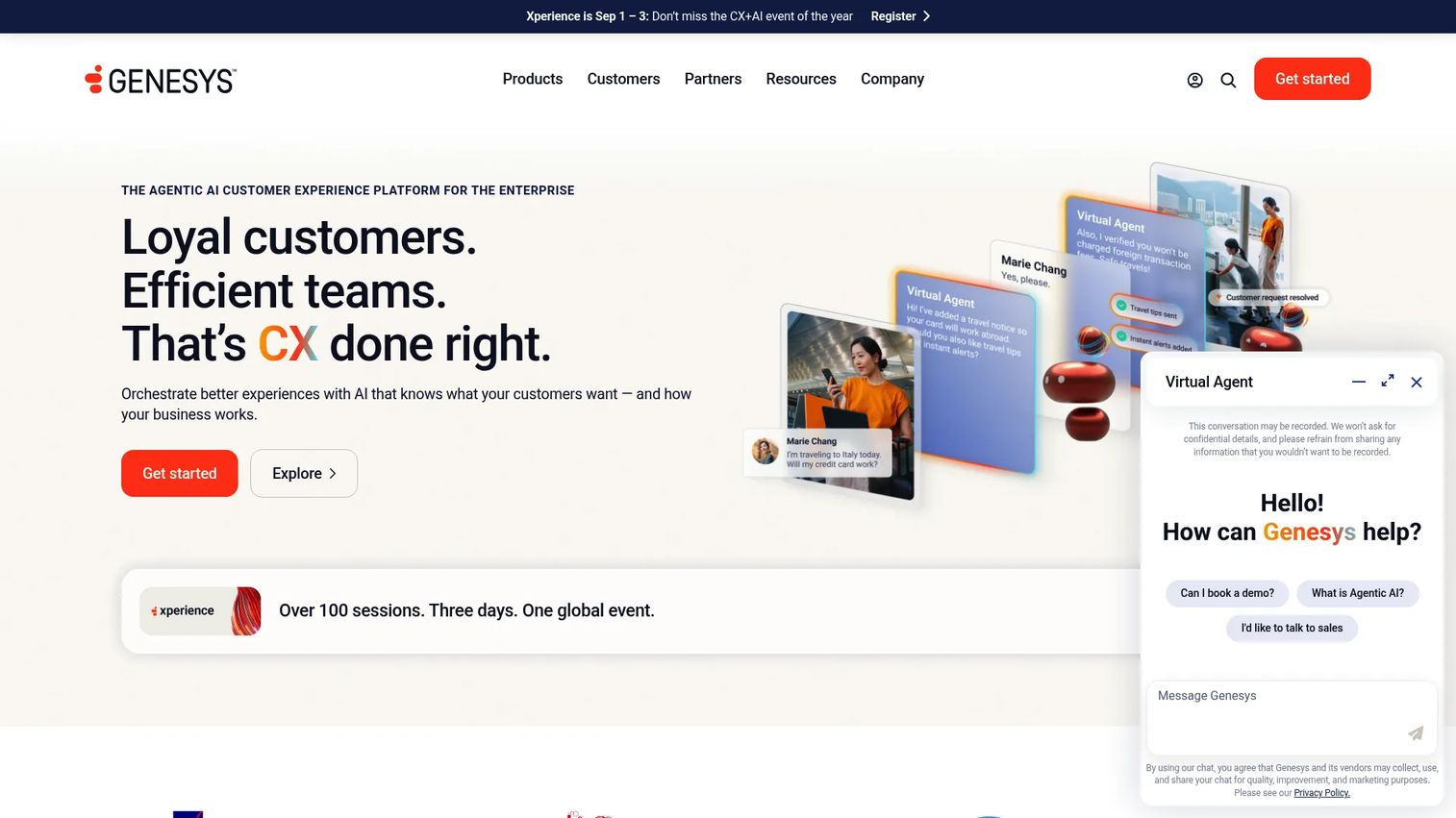
Genesys is a cloud customer experience platform covering voice, digital, AI, journey analytics, and workforce management. Its agent assist capability lives inside the broader Genesys Cloud CX suite, so real-time guidance, knowledge surfacing, and summaries run alongside routing and reporting rather than as a separate bolt-on. For support teams already standardizing on an omnichannel platform, that consolidation is the pitch.
Best for: enterprises that want AI-powered omnichannel contact center software with agent assist built in.
Key strengths
- Voice and digital contact center on one platform
- AI copilots, bots, and intelligent routing
- Journey analytics and workforce management
- Real-time knowledge surfacing for agents
Why choose Genesys: if you are replacing a fragmented stack and want agent assist, routing, and analytics under one roof, Genesys covers the full contact center rather than a single feature. It fits mid-market and enterprise teams with the budget for a platform commitment.
Genesys pricing: Genesys Cloud CX 1 starts at $75 per user per month billed annually. CX 2 is $115 and CX 3 is $155 per user per month. No free tier is listed on the public pricing page.
2. NICE
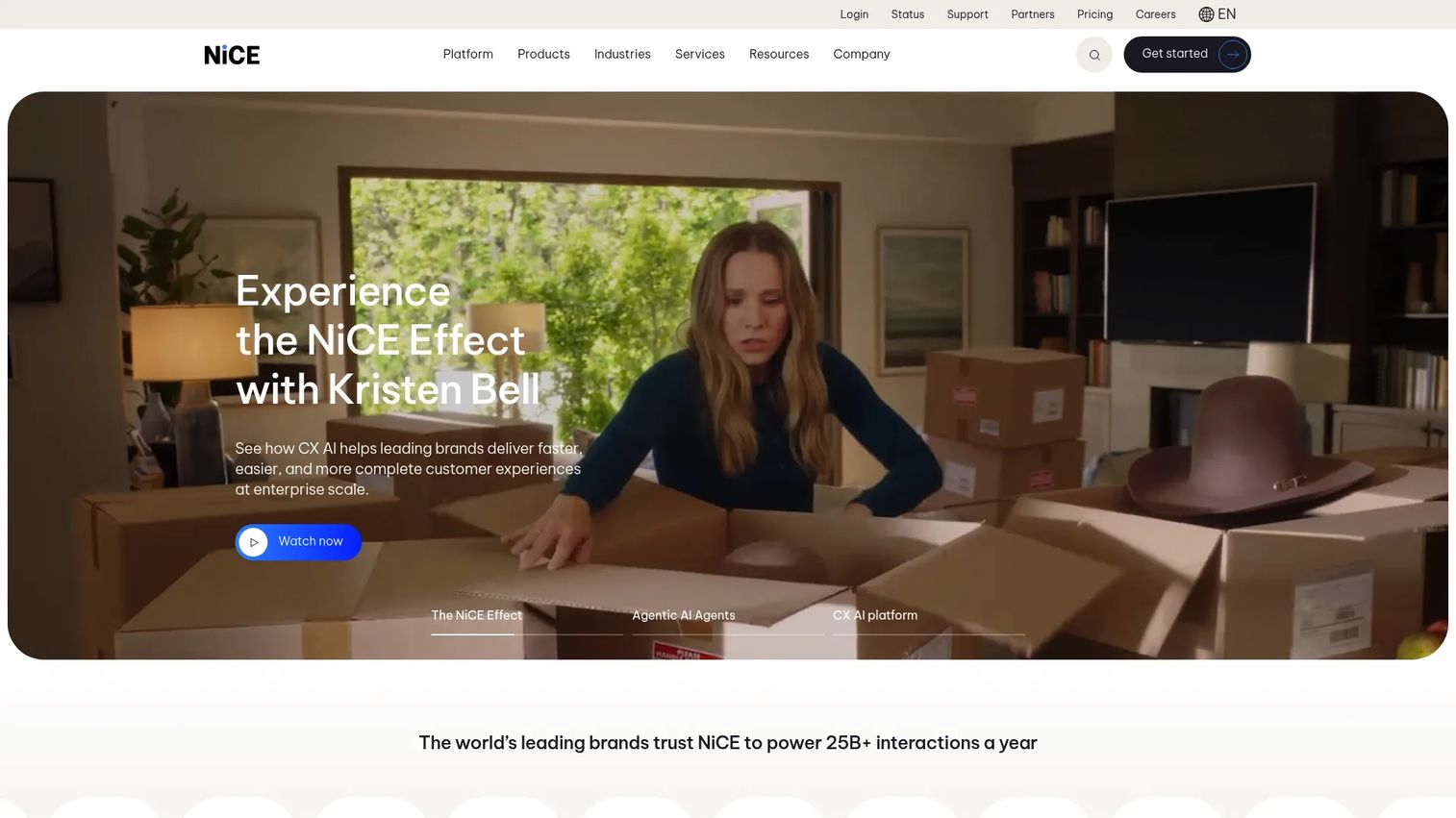
NICE runs CXone, an AI-powered customer experience platform built around omnichannel routing, workforce engagement, and conversation analytics. Its agent assist and self-service layers sit on a deep analytics foundation, which is why analytics-heavy CX operations gravitate to it. If your bottleneck is understanding what is happening across thousands of interactions, NICE is built for that scale.
Best for: mid-to-large organizations needing an all-in-one CX and contact center platform.
Key strengths
- Omnichannel routing across voice and digital
- Workforce engagement management
- AI self-service and agent assist
- Conversation analytics at scale
Why choose NICE: NICE suits teams that treat analytics and workforce engagement as first-class, not afterthoughts. It is a platform decision for organizations managing large, distributed support operations.
NICE pricing: CXone packages start with the Omnichannel Suite at $110 per agent per month. Essential is $135, Core is $169, Complete is $209, and Ultimate is $249 per agent per month. Some add-ons are priced on application.
3. AssemblyAI
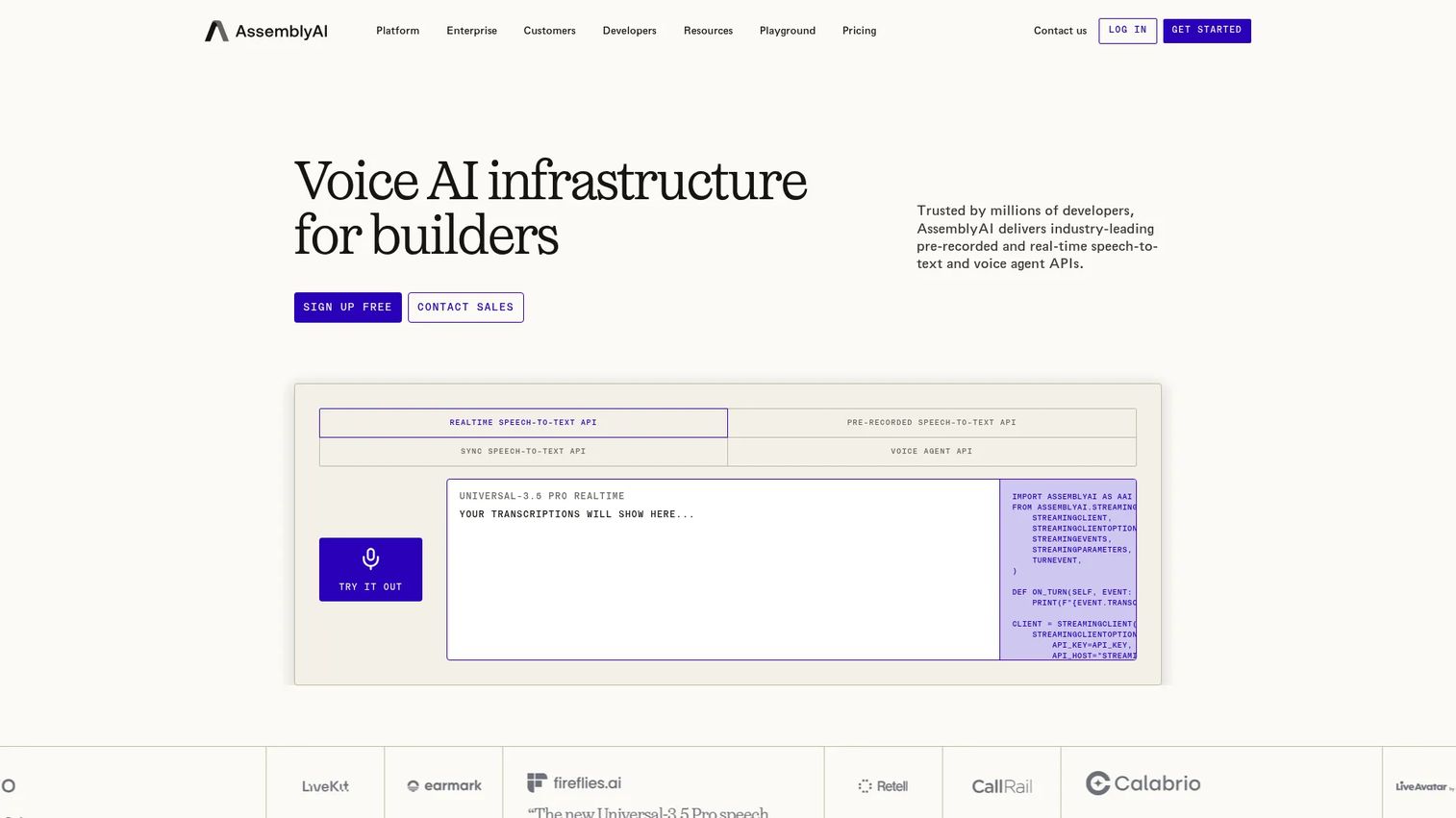
AssemblyAI is a voice AI platform for speech-to-text, speech understanding, and voice agents, delivered as APIs. It is not a packaged contact center product. Instead, it gives engineering teams the transcription accuracy, diarization, and summarization models to build their own agent assist workflows. If you have developer bandwidth and want to control the stack, this is the build-your-own option.
Best for: developers building transcription and audio-intelligence features into their own products.
Key strengths
- Speech-to-text transcription with strong accuracy
- Speaker identification and diarization
- Sentiment, topic, summary, and moderation models
- Usage-based, API-first pricing
Why choose AssemblyAI: choose AssemblyAI when off-the-shelf suites do not fit your product and you want to embed real-time transcription and call summarization directly into your own tooling. It rewards teams with engineering capacity.
AssemblyAI pricing: a free tier is available. Pay-as-you-go usage starts as low as $0.15 per hour, with per-feature and per-model pricing on the public pricing page.
4. Calabrio
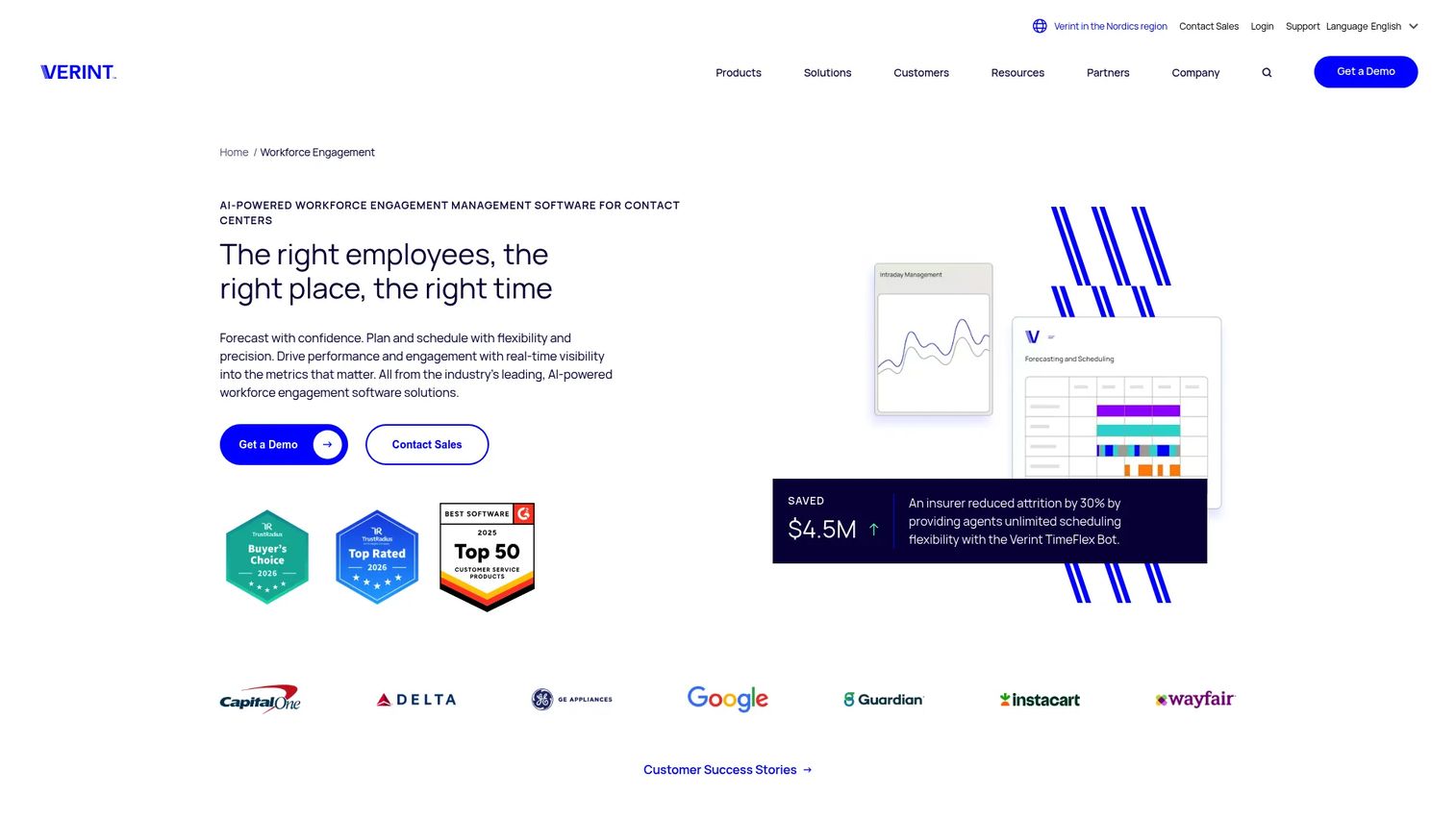
Calabrio is a workforce engagement and analytics provider built around Calabrio ONE, which unifies call recording, quality management, workforce management, and analytics. For support teams whose primary goal is better QA and coaching, this is a strong fit because scoring, WFM, and speech analytics live in one suite rather than three tools. It supports cloud, on-premises, and hybrid deployment.
Best for: mid-to-large contact centers needing WFM, QA, and analytics in one suite.
Key strengths
- Call recording and quality management
- Workforce management and forecasting
- Speech, desktop, and text analytics
- Cloud, on-premises, and hybrid deployment
Why choose Calabrio: if automated QA and coaching are your top priorities and you want them tied to workforce management, Calabrio ONE keeps those workflows together. It fits teams optimizing agent performance and scheduling at once.
Calabrio pricing: Calabrio does not publish public pricing. The vendor directs buyers to request a quote or a full-suite demo, so plan on a sales conversation to get numbers.
5. Level AI
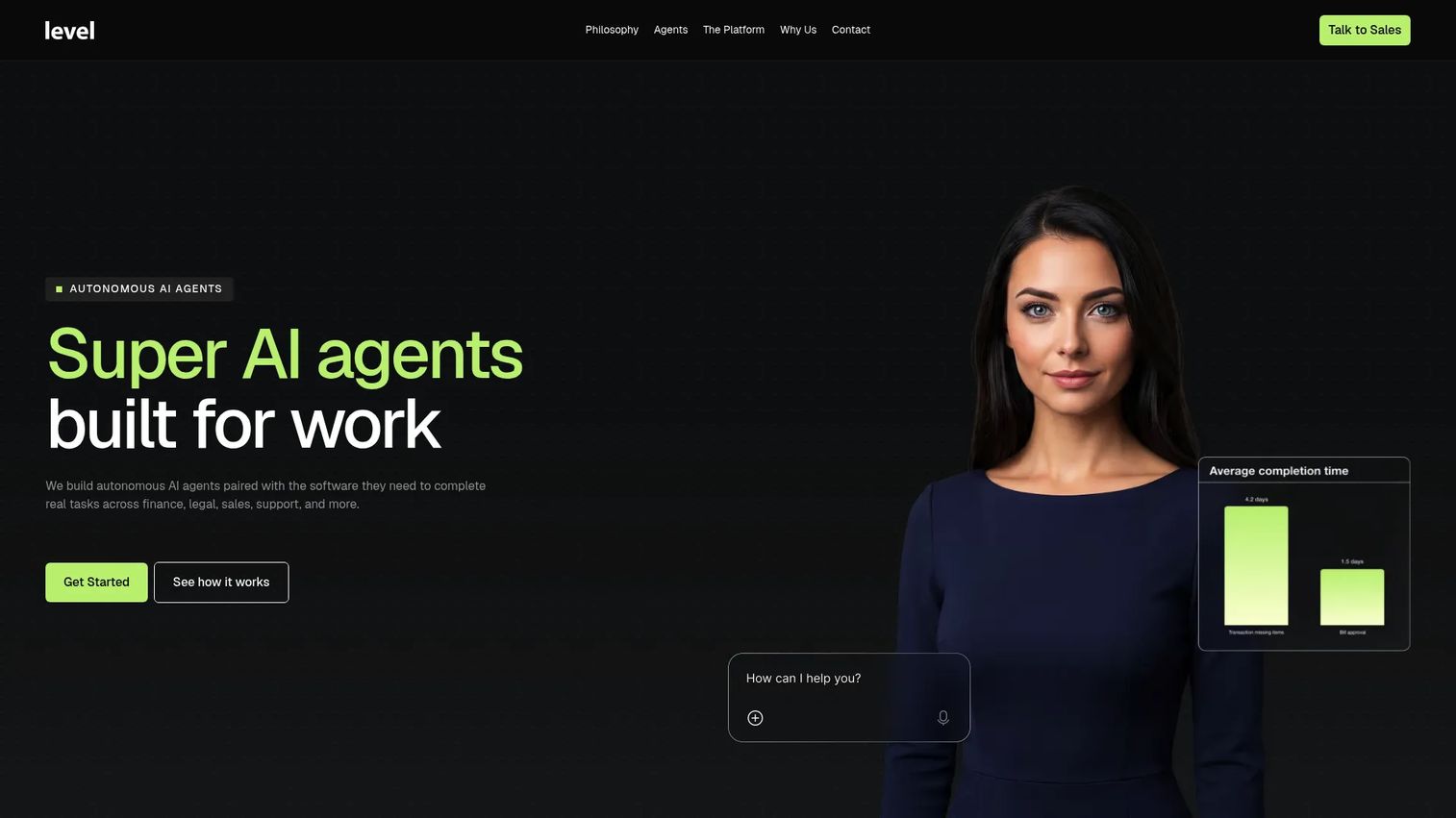
Level AI builds AI agents and software for autonomous work across customer operations, with real-time guidance and conversation intelligence at the core. It pairs live agent assist with role-based automation, so the same platform that prompts an agent mid-call can also run downstream workflows. That combination appeals to teams looking past assist toward broader operations automation.
Best for: enterprises automating customer operations with AI agents plus real-time coaching.
Key strengths
- Autonomous AI agents for customer operations
- Real-time agent guidance and coaching
- Conversation intelligence across interactions
- Workflow-based execution without manual clicks
Why choose Level AI: Level AI fits teams that want real-time guidance today and a path to automating whole workflows next. It is a strong pick for support orgs thinking about scale beyond human-only handling.
Level AI pricing: Level AI does not display public pricing on its site. Expect a custom quote based on your volume, seats, and automation scope.
6. Observe.AI
Observe.AI is an AI agents platform for customer experience that pairs agent automation with conversation intelligence. Its standout is coverage: it analyzes 100% of conversations for quality scoring and interaction intelligence, not a manual sample. For QA managers who have been scoring 2% of calls by hand, that shift changes what coaching and analytics can actually see.
Best for: contact centers wanting AI agents plus conversation intelligence on one platform.
Key strengths
- Build, orchestrate, and govern AI agents across voice and digital
- Analyze 100% of conversations for quality scoring
- Automated QA and interaction intelligence
- Lifecycle tooling and contact center integrations
Why choose Observe.AI: if full-coverage automated QA and coaching are the priority, Observe.AI scores every interaction rather than a fraction. It suits teams that want objective quality data feeding their coaching.
Observe.AI pricing: Observe.AI does not publish pricing publicly. Pricing appears to be quote-based, so plan on contacting sales for a tailored figure.
7. Cresta
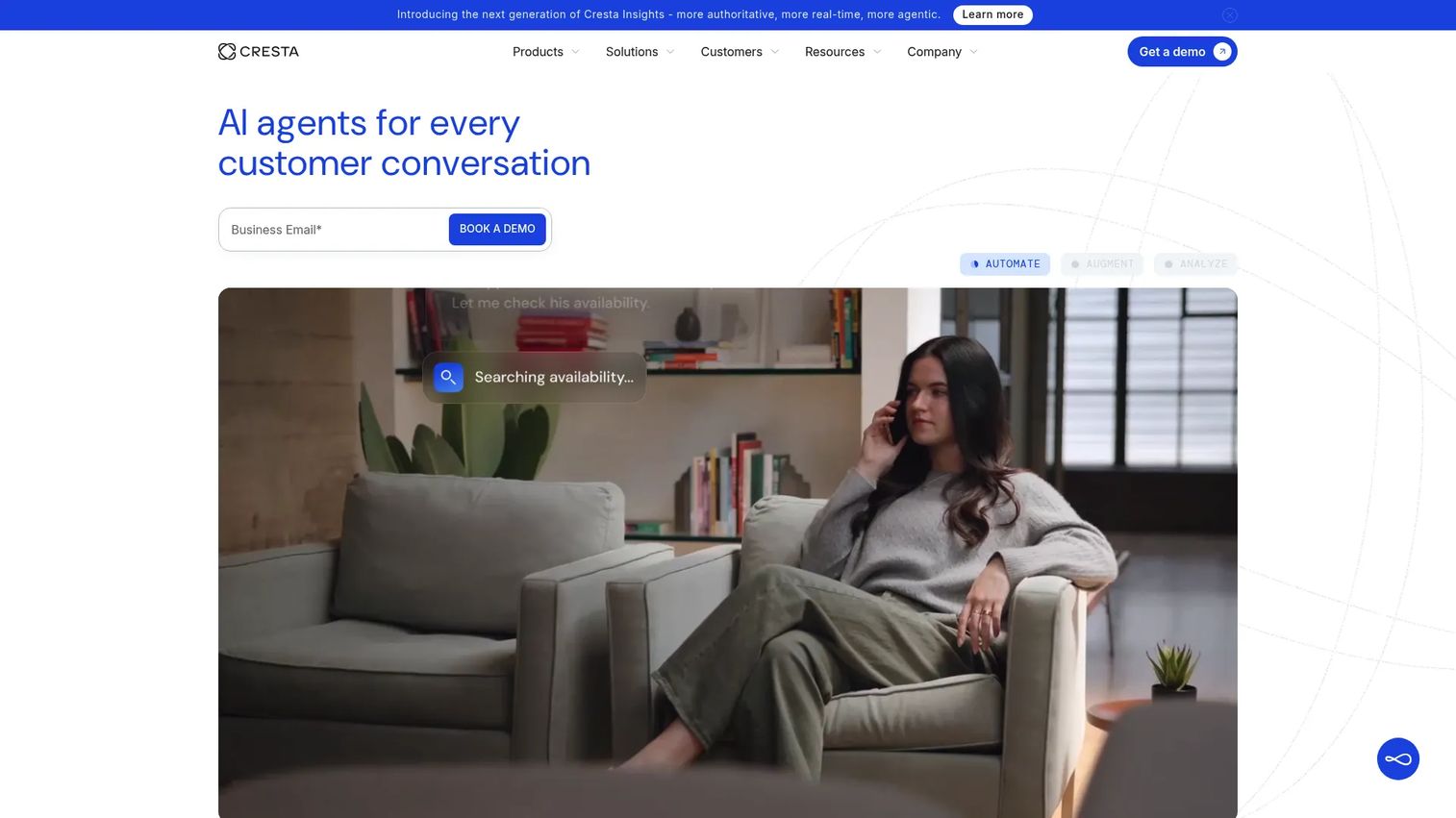
Cresta is an enterprise customer experience AI platform combining an AI Agent for automating conversations, Agent Assist for real-time guidance, and Conversation Intelligence for analysis and coaching. Its real-time assist delivers next best action prompts to human agents mid-conversation, which is exactly the live guidance support leaders want when handle time and consistency are the problem.
Best for: large contact centers wanting AI automation, real-time agent assist, and conversation analytics together.
Key strengths
- AI Agent for automating customer conversations
- Agent Assist for real-time guidance to humans
- Next best action prompts mid-conversation
- Conversation Intelligence for analysis and coaching
Why choose Cresta: Cresta fits enterprise support teams that want automation and live agent assist on the same platform, tuned for productivity gains. It is built for scale rather than small teams.
Cresta pricing: Cresta uses custom, module-based pricing sold directly to enterprise. There is no public rate card or self-serve tier, so expect a scoped quote.
8. Salesken.ai
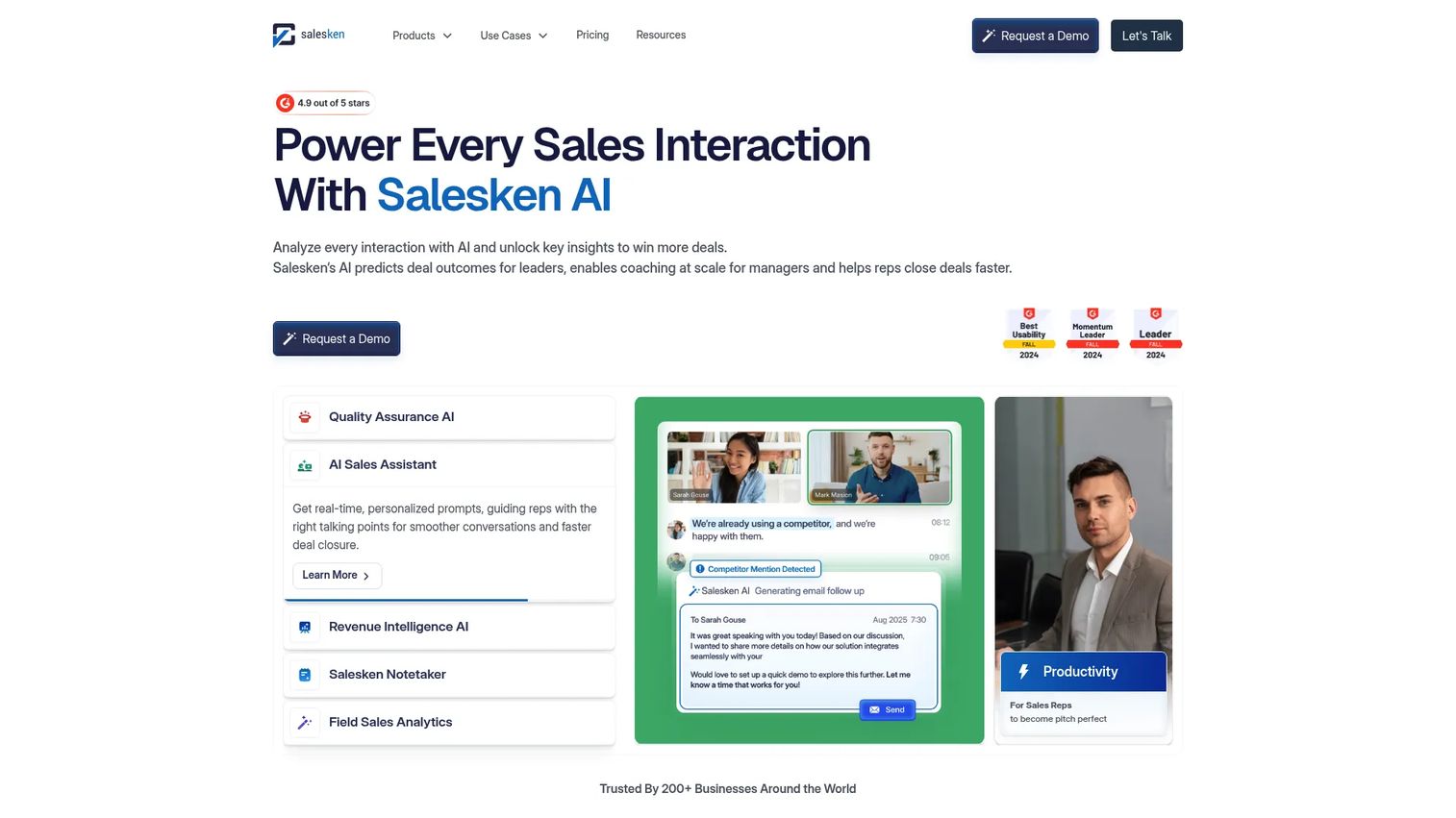
Salesken.ai is an AI platform for conversation intelligence, real-time coaching, revenue intelligence, QA, and notetaking. Its roots are in sales, but the real-time prompt engine and automated QA translate well to support teams that handle retention, upsell, or blended sales-support conversations. If your agents sit on the line between service and revenue, the coaching layer is relevant.
Best for: teams that want AI-driven call coaching and conversation analytics, including sales-adjacent support.
Key strengths
- Real-time AI prompts for reps during calls
- Revenue intelligence and outcome prediction
- Automated QA and compliance monitoring
- Conversation analytics and notetaking
Why choose Salesken.ai: Salesken.ai fits teams where support and revenue overlap and real-time coaching matters. It is the most sales-flavored option here, which is a strength for blended teams and less relevant for pure ticket queues.
Salesken.ai pricing: Salesken.ai does not publish public pricing. The site surfaces a pricing link and request-demo flows, so pricing comes through a sales conversation.
Considerations
Before you commit, run every shortlisted tool through this checklist against your own support reality.
Transcription accuracy and language coverage
Real-time guidance is only as good as the transcript underneath it. Test transcription accuracy on your actual calls, including accents, background noise, and jargon. Confirm multilingual support if you handle non-English queues, and check accuracy per language, not just English.
Latency and prompt timing
A prompt that arrives after the agent has already answered is noise. Measure latency in a live pilot. The suggestion has to land while the agent can still act on it, which means sub-second surfacing during the conversation, not a delayed pop-up.
Integrations with CRM, telephony, and knowledge bases
Agent assist lives inside your existing stack. Verify native integrations with your CRM, telephony or CCaaS platform, and knowledge base. If the tool cannot read your help center and write back to your CRM, agents end up copy-pasting, which defeats the point.
Compliance, script adherence, and privacy
Support conversations carry PII and regulated content. Confirm PII redaction, data residency options, script adherence monitoring, and access controls. Ask how long recordings and transcripts are stored and who can see them. Treat compliance as a gating criterion, not a nice-to-have.
Unified records for QA, coaching, and summaries
The real payoff comes when transcription, call summarization, automated QA, and coaching share one record. Check that a single conversation flows through all of them without manual re-entry, so supervisors coach from the same data agents saw live.
Conclusion
The right agent assist software depends on where your pain concentrates. Genesys and NICE fit teams consolidating onto an enterprise contact center platform. Calabrio and Observe.AI lead when automated QA and coaching are the priority. Cresta and Level AI shine for real-time next best action guidance during live calls. AssemblyAI is the build-your-own choice for teams with engineering capacity, and Salesken.ai fits blended sales-support coaching.
Whatever you shortlist, recenter on your core metrics: AHT, FCR, CSAT, onboarding speed, and deflection. A tool that shaves wrap-up time but tanks CSAT is not a win.
The practical next step: pick two or three tools that match your workflow, then run a pilot against a baseline. Measure handle time, first-contact resolution, and quality scores before and after. Let the numbers, not the demo, make the call.
If your support motion also depends on showing customers how to do something, pair your assist tooling with self-serve visual guides. Guideflow lets support teams build interactive walkthroughs for help center articles, ticket replies, chatbot responses, and onboarding flows, so agents deflect repetitive how-do-I questions before they ever hit the queue.
FAQs
Agent assist software is real-time AI that supports human agents during live customer interactions. It transcribes the conversation, detects intent, retrieves relevant knowledge, and surfaces next best action prompts, then handles call summarization and automated QA after the interaction. The goal is faster, more consistent resolution without adding headcount.
An AI agent handles the customer directly and resolves the issue on its own. Agent assist keeps a human in the seat and guides that person in real time. Many platforms now offer both, letting the AI handle simple cases while assist supports agents on the rest.
It runs a loop during the call. Live transcription feeds intent detection, which triggers knowledge retrieval, which surfaces a prompt or suggested answer to the agent within the conversation. Speed matters, so low latency is what makes real-time agent assist useful rather than a delayed suggestion.
Most enterprise tools integrate with common CRM, telephony, CCaaS, and knowledge base systems. Confirm native support for your specific stack before buying, since deep integrations with your CRM and help center are what let the tool retrieve the right answer and write summaries back automatically.
Pricing varies widely. Platform suites like Genesys start around $75 per user per month and NICE around $110 per agent per month. API-first tools like AssemblyAI charge by usage from $0.15 per hour. Many specialist tools, including Cresta, Level AI, Observe.AI, and Salesken.ai, use custom enterprise pricing quoted after a sales conversation.
Automated QA scores conversations against your scorecard, and the better tools score 100% of interactions rather than a manual sample. Those scores feed coaching and analytics, so supervisors see patterns and give agents objective, consistent feedback instead of critiquing one cherry-picked call.
Prioritize transcription accuracy on your real calls, low latency so prompts land in time, integrations with your existing stack, and compliance controls for PII and regulated content. Then confirm that transcription, call summarization, QA, and coaching share unified records so nothing gets re-entered by hand.
It can, on two fronts. Real-time guidance shortens the search-during-call time by surfacing answers as the customer speaks, and call summarization removes manual wrap-up after the call. Run a pilot against your baseline AHT to confirm the impact holds for your specific queues before rolling out widely.