
Your prospect watched the explainer video, skimmed the PDF, and still booked a call just to ask "but what does it actually do?" That gap between curiosity and comprehension costs you pipeline every week.
Interactive demo solutions let buyers click through your product before they ever talk to sales. This guide covers the 10 best platforms for 2026, evaluation criteria that actually matter, and how to match the right tool to your GTM motion.
What is an interactive demo solution
Interactive demo solutions create simulated, no-code product walkthroughs that let prospects experience software firsthand. Instead of watching a video or waiting for a live call, buyers click through your product at their own pace in the 80% of the journey they complete on their own. The core idea is simple: show, don't tell.
Static screenshots and explainer videos leave too much to imagination. Interactive demos let prospects actually use your product (or a safe simulation of it) before committing to a meeting.
That gap between curiosity and comprehension? Interactive demos close it.
Most interactive demo software follows a similar workflow:
- Capture: Record product flows via browser extension or screen capture
- Edit: Customize UI elements, text, and visuals without code
- Personalize: Tailor content by persona, account, or use case
- Share: Distribute via link, embed, email, or social
- Analyze: Track engagement signals and buyer intent
The result? Buyers self-educate because 61% prefer rep-free buying. Sales teams follow up with context.
Marketing gets measurable conversion data instead of "demo viewed" vanity metrics.
What's inside
This guide covers the top interactive demo solutions for B2B teams in 2026. You'll find evaluation criteria, use cases by team, funnel-stage applications, and common mistakes to avoid. We selected tools based on capture speed, personalization depth, analytics quality, integration ecosystem, and real-world adoption by GTM teams.
TL;DR
- Interactive demo software lets buyers self-qualify: Prospects explore your product on their own terms before committing to a call
- Speed to first demo matters: Look for capture-in-seconds, not implementation projects
- Intent data beats view counts: The best demo platforms tell you what features prospects explored, not just that they opened a link
- Personalization drives conversion: One generic demo for all personas underperforms when 94% want tailored demos
- Choose based on your GTM motion: Sales-led teams need different capabilities than product-led teams
How interactive demo software works
Most interactive demo solutions use a browser extension to record your product as you click through it. You follow a typical user flow, hit finish, and the platform auto-generates a clickable walkthrough.
No staging environment required. No engineering tickets.
From there, you refine the demo in a no-code editor. Add tooltips, CTAs, callouts, or branching paths.
Swap out text, images, or data to match different personas. Hide sensitive information with blur or redaction tools.
Once your demo is ready, distribution is straightforward. Share via public link, embed on landing pages, drop into email sequences, or post on LinkedIn. Some platforms support gated access with lead capture forms.
The analytics layer is where things get interesting. Instead of just tracking "demo viewed," the best platforms show you which features prospects explored, how long they spent on each section, and where they dropped off. That's intent data you can actually use for follow-up.
Interactive demo platforms comparison table
# | Product | Best for | Key differentiation | Pricing | G2 rating |
|---|---|---|---|---|---|
1 | Guideflow | Full-funnel demo automation | AI-powered editing, fastest capture, enterprise security | Free tier + paid from $40/mo | 5.0/5 |
2 | Demodesk | Live meeting automation | Video conferencing with demo features | Custom pricing | 4.6/5 |
3 | Fable | Design-focused demos | Narrative-driven storytelling | Custom pricing | 4.5/5 |
4 | Tourial | Marketing demo centers | Multi-demo website experiences | Custom pricing | 4.7/5 |
5 | Saleo | Live demo data overlays | Real-time data injection for sales calls | Custom pricing | 4.8/5 |
6 | Vidyard | Video prospecting | Clickable CTAs in video | Free tier + paid plans | 4.5/5 |
7 | Loom | Async screen recording | Quick walkthroughs with basic interactivity | Free tier + $15/mo | 4.7/5 |
8 | Synthesia | AI avatar videos | Presenter-led video content | From $29/mo | 4.7/5 |
9 | Pitch | Interactive presentations | Collaborative pitch decks | Free tier + paid plans | 4.4/5 |
10 | Ceros | Interactive content creation | Broader interactive experiences | Custom pricing | 4.6/5 |
Best interactive demo software for B2B teams
1. Guideflow
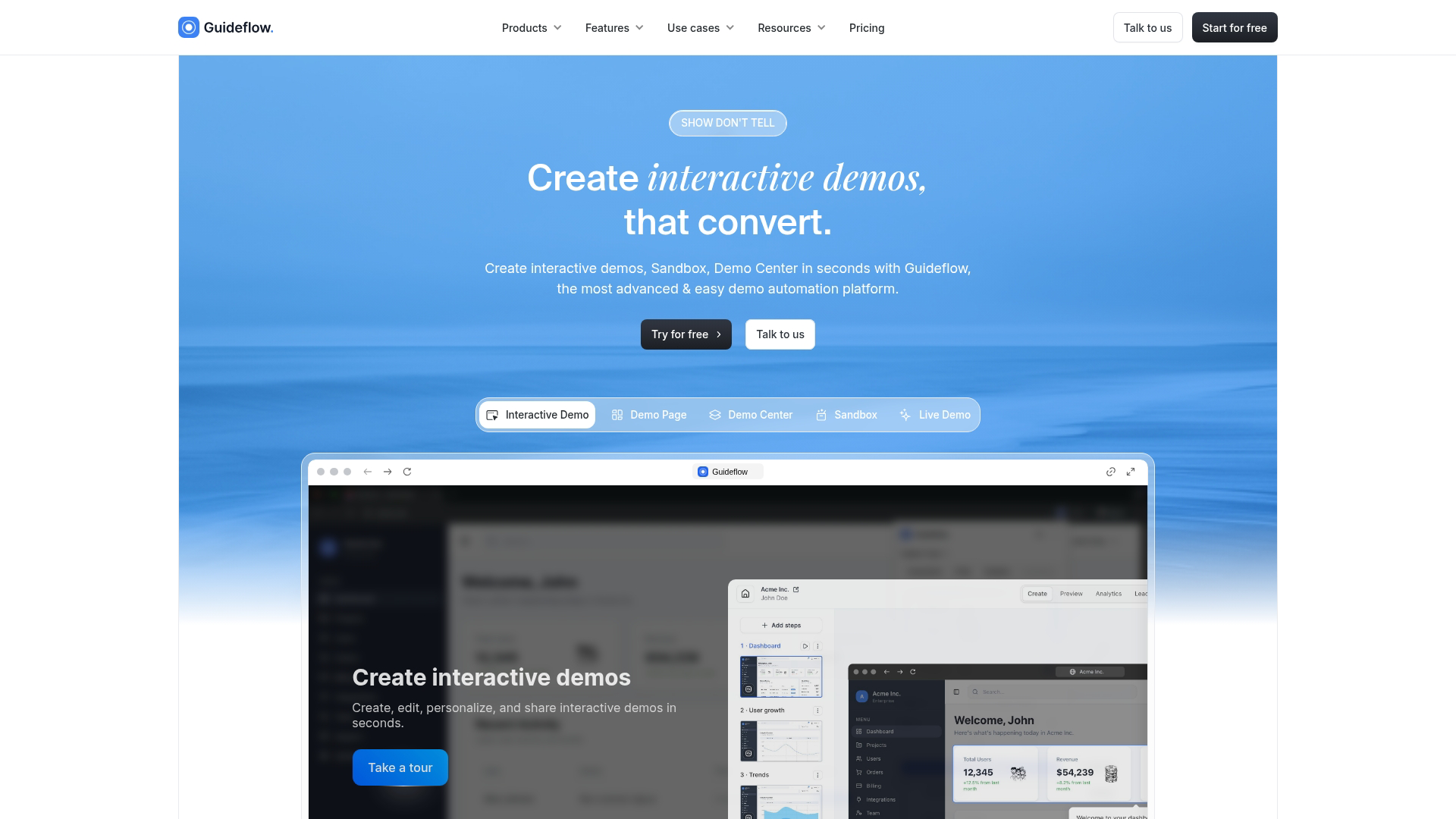
Guideflow is a demo automation platform built for B2B teams that want prospects to experience the product before a call. Instead of pushing everyone into a "book a demo" funnel, you capture any workflow and turn it into clickable, step-by-step demos you can embed on landing pages, link in outbound, or drop into docs.
The platform stands out for speed. Capture a demo in seconds with the browser extension.
Edit with a drag and drop editor that handles text, images, graphs, and UI elements. AI-powered features auto-generate steps, translations, and even voiceovers with synthetic avatars.
Best for: Product marketing, growth, and presales teams using PLG-style distribution who want a self-serve "try it now" experience without engineering lift.
Key strengths
- Full demo automation suite: Interactive demos, sandboxes, demo centers, and live demos in one platform
- Capture in seconds: Browser extension records your product as you click through it
- AI-powered editing: Auto-generated steps, CTAs, translations, and voiceovers
- Personalize demos for every prospect: Dynamic variables pull from CRM data for account-specific experiences
- Intent analytics: Track which features prospects explored, not just that they viewed the demo
- Enterprise security: SSO, SOC 2, and access controls for procurement-ready deployment
Why choose Guideflow
Pick Guideflow when you want both speed and power without the tradeoff. Most platforms force you to choose between fast-but-basic or powerful-but-slow-to-implement. Guideflow delivers capture in seconds, deep personalization, and enterprise-grade security in the same package.
The analytics layer shows exactly what prospects cared about, where they dropped off, and which use cases resonated. That data flows into your CRM via integrations with HubSpot, Salesforce, and more, so sales follow-up is contextual rather than generic.
Pricing
- Free: $0/month (5 guideflows, unlimited viewers, 7-day analytics, watermark)
- Solo: $40/month (unlimited guideflows, advanced analytics, lead forms, AI features)
- Growth: $499/month
- Advanced: $1,499/month
- Enterprise: From $2,999/month
Start your journey with Guideflow today!
2. Demodesk
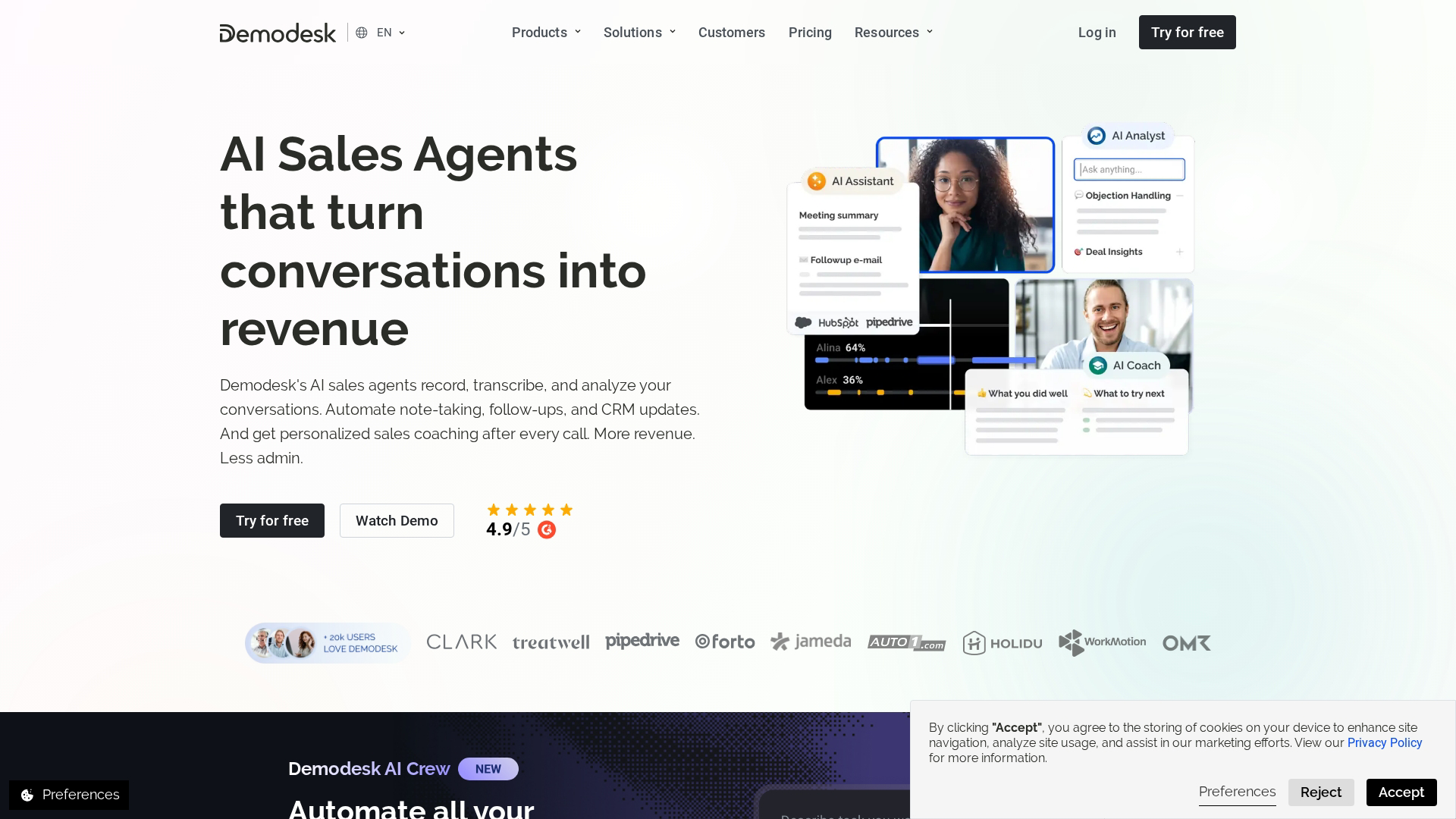
Demodesk combines video conferencing with demo automation features. The platform focuses on live meeting scenarios where sales reps run guided demos with built-in scheduling, recording, and playbook support.
Best for: Sales teams running live demos who want scheduling, recording, and coaching built into the meeting experience.
Key strengths
- Virtual meeting rooms: No downloads required for prospects
- Playbooks and battle cards: In-meeting guidance for reps
- Automatic scheduling: Calendar integration with routing rules
- Call recording and analytics: Review and coach on actual demos
Why choose Demodesk
Demodesk works well when your primary use case is live, synchronous demos rather than self-serve experiences. The platform optimizes the live meeting itself, not the async, clickable demo format.
Pricing
Custom pricing based on team size and feature requirements.
3. Fable
Fable approaches interactive demos with an emphasis on design and storytelling. The platform helps teams create polished, narrative-driven product experiences that feel more like guided stories than technical walkthroughs.
Best for: Teams prioritizing visual polish and narrative flow in their demo experiences.
Key strengths
- Design-first approach: Templates and styling options for brand consistency
- Guided narratives: Structure demos as stories with clear progression
- Collaboration features: Team editing and review workflows
- Embed flexibility: Multiple distribution options for websites and campaigns
Why choose Fable
Choose Fable when the visual quality and storytelling arc of your demo matters as much as the functionality. The platform suits teams with strong design sensibilities who want demos that feel premium and on-brand.
Pricing
Custom pricing. Contact sales for details.
4. Tourial
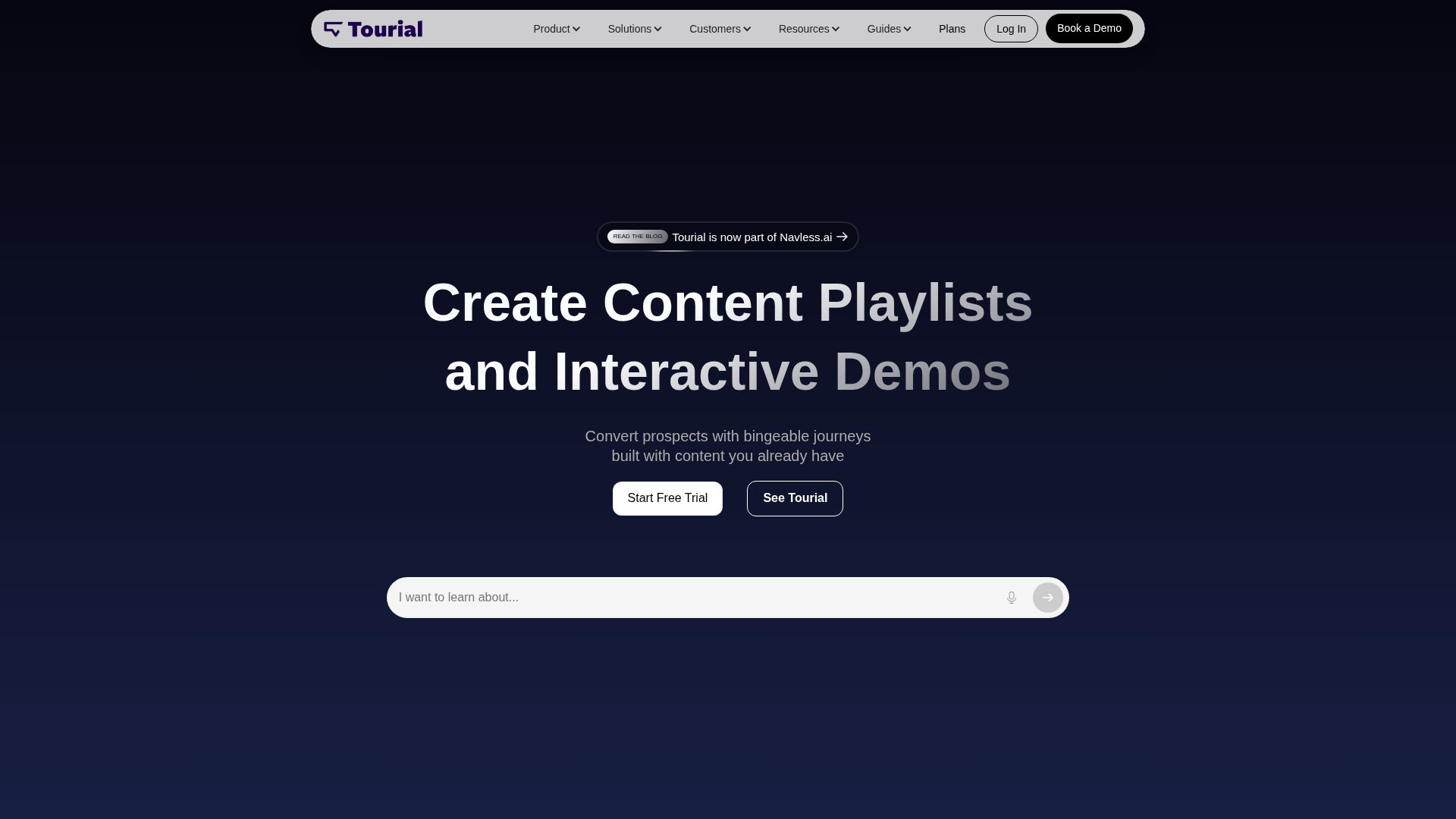
Tourial specializes in demo centers and guided tour experiences for marketing websites. The platform helps teams build multi-demo hubs where visitors can explore different products, features, or use cases from a single destination.
Best for: Marketing teams building multi-demo experiences for website visitors and campaign landing pages.
Key strengths
- Demo center creation: Organize multiple demos in branded hubs
- Guided tours: Linear walkthroughs for specific use cases
- Website embedding: Native integration with marketing sites
- Lead capture: Forms and gating options for qualification
Why choose Tourial
Tourial fits well when you have multiple products or use cases and want visitors to self-select their path. The demo center format works particularly well for companies with broad product portfolios or distinct buyer personas.
Pricing
Custom pricing based on usage and feature requirements.
5. Saleo
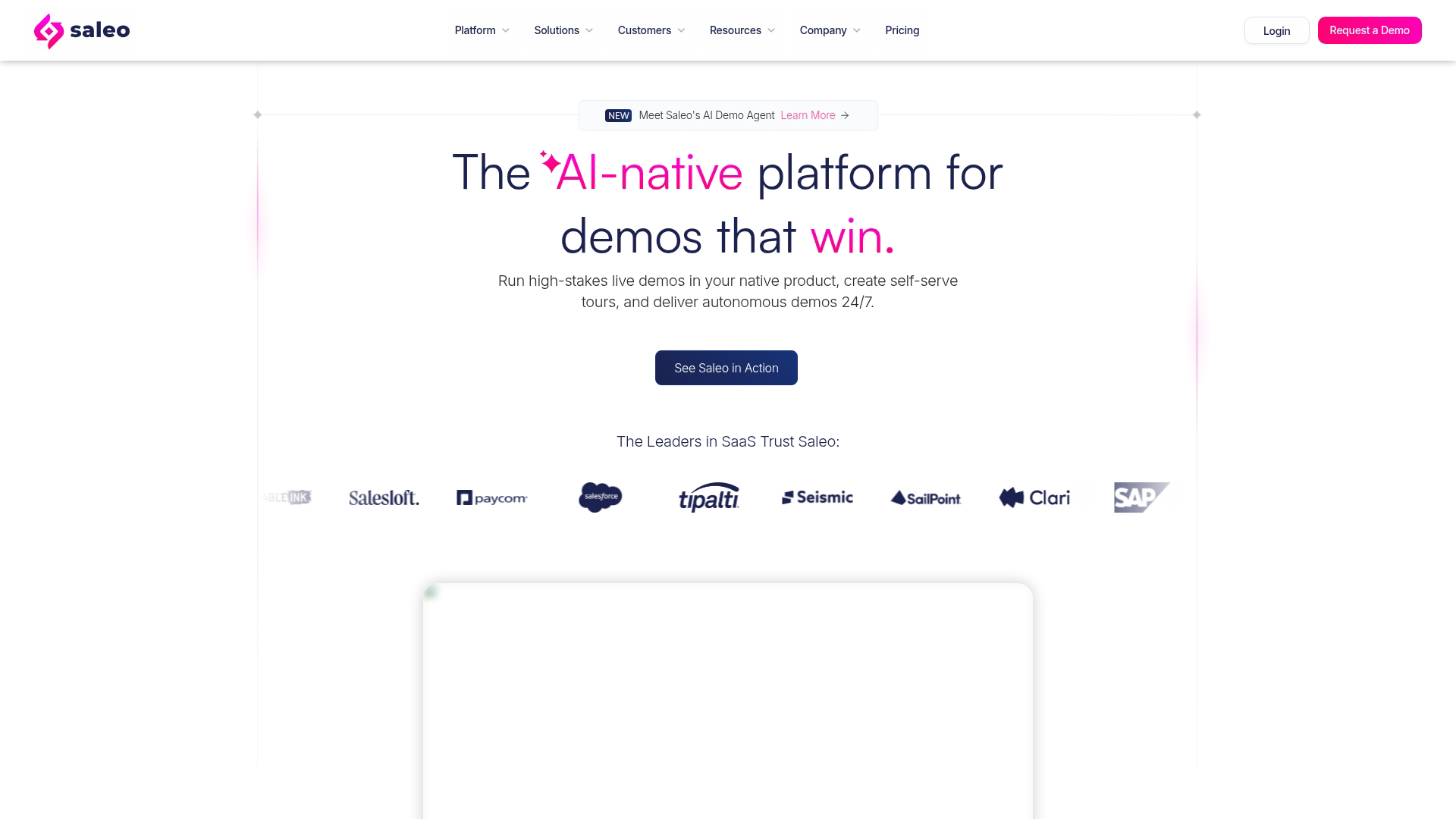
Saleo takes a different approach: live demo data overlays. Instead of creating simulated environments, Saleo injects realistic data into your actual product during live sales presentations. The prospect sees your real UI with fake (but believable) data.
Best for: Enterprise sales teams who run live demos and want to show realistic data without exposing production information.
Key strengths
- Real-time data injection: Overlay fake data on your live product
- No separate environment: Use your actual product UI
- Persona-specific data: Customize data sets for different industries or use cases
- Sales presentation focus: Built for live, synchronous demos
Why choose Saleo
Saleo solves a specific problem: you want to demo your real product, but you can't show real customer data. Instead of maintaining a separate demo environment (which often breaks), you overlay realistic data on the fly.
Pricing
Custom pricing. Contact sales for details.
6. Vidyard
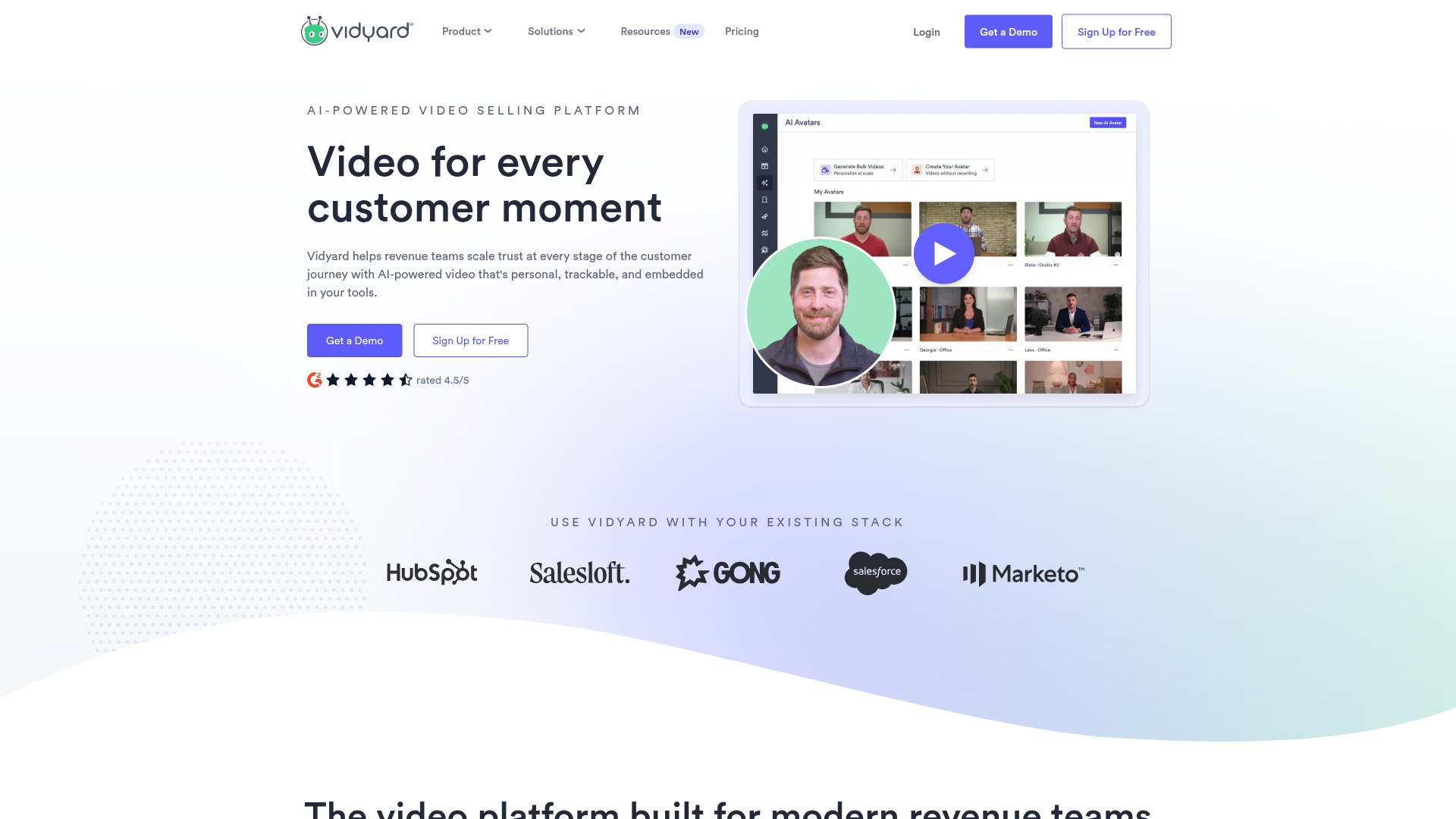
Vidyard is primarily a video platform with interactive elements layered on top. You record screen videos and add clickable CTAs, chapters, and calls-to-action. The platform integrates deeply with sales and marketing workflows.
Best for: Teams already using video prospecting who want to add clickable elements and better tracking.
Key strengths
- Video recording and hosting: Screen capture with webcam overlay
- Clickable CTAs: Add buttons and links within videos
- Viewer analytics: See who watched, how long, and what they clicked
- Sales integrations: Connect with CRM and email tools
Why choose Vidyard
Vidyard makes sense when video is your primary medium and you want to add interactivity on top. It's not a true interactive demo platform (prospects watch rather than click through), but the analytics and CTA features add engagement beyond passive video.
Pricing
Free tier available. Paid plans scale with features and usage.
7. Loom
Loom is a screen recording tool with basic interactive features. You record quick walkthroughs, add comments, and share via link. The platform excels at async communication but isn't built for true click-through demos.
Best for: Quick async walkthroughs and internal communication, not true interactive product demos.
Key strengths
- Fast recording: Capture screen and webcam in seconds
- Easy sharing: Instant links with no upload wait
- Comments and reactions: Async feedback on videos
- Transcription: Searchable video content
Why choose Loom
Loom works well for quick explanations and internal communication. It's not a replacement for interactive demos (prospects watch, they don't click), but it's useful for follow-up context or internal enablement.
Pricing
Free tier available. Pro plans start at $15/month.
8. Synthesia
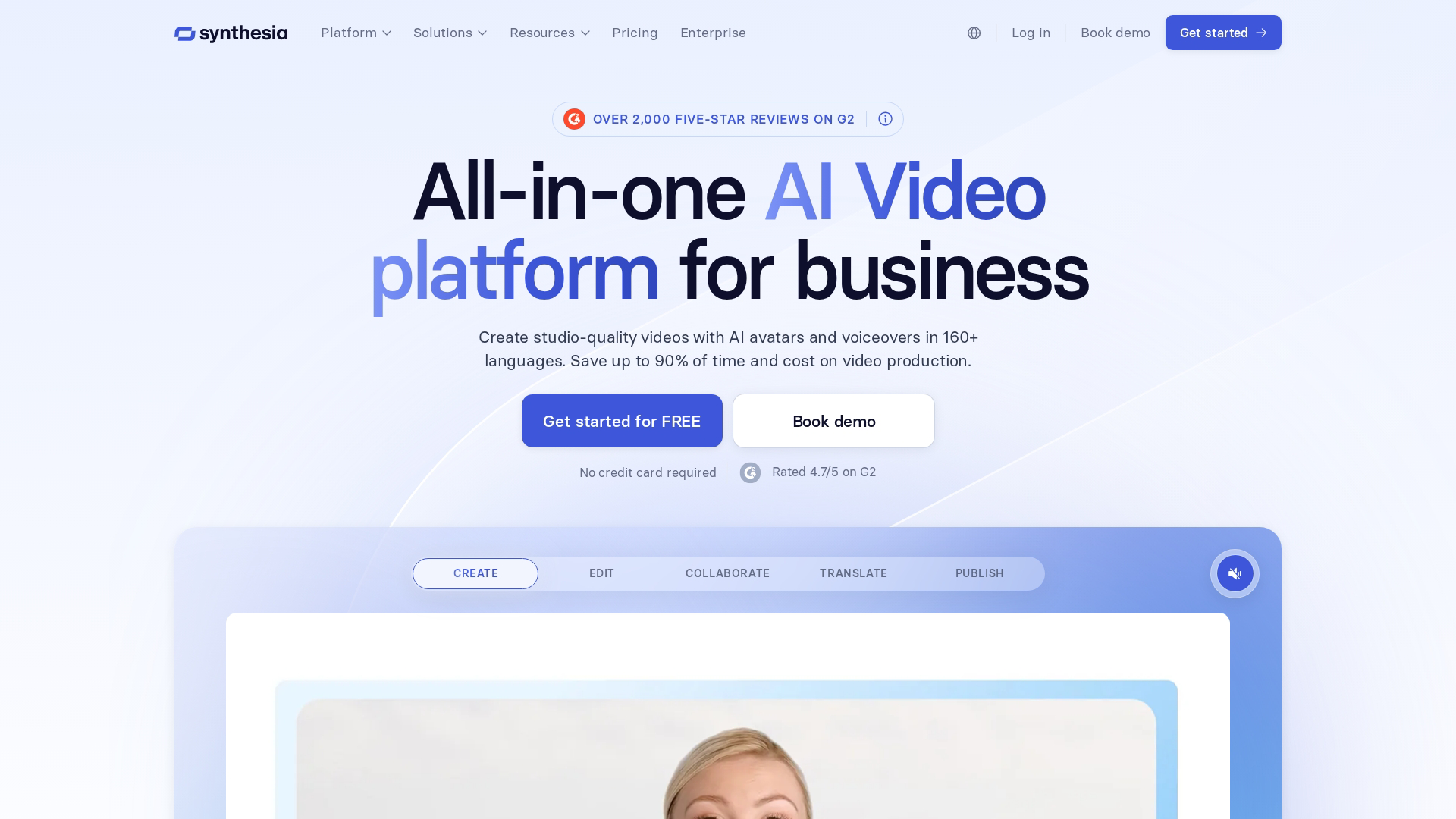
Synthesia generates AI avatar videos from text scripts. You type what you want the presenter to say, choose an avatar, and the platform creates a video. It's useful for training content and explainer videos, not click-through demos.
Best for: Teams creating presenter-led video content at scale, not interactive product demos.
Key strengths
- AI avatars: Generate realistic presenter videos from text
- Multi-language support: Create videos in dozens of languages
- No filming required: Skip the production process entirely
- Template library: Pre-built styles and formats
Why choose Synthesia
Synthesia solves the "we need a presenter video but don't have time to film" problem. It's not interactive demo software, but it can complement demos with polished explainer content.
Pricing
Plans start at $29/month for individuals. Team and enterprise pricing scales up.
9. Pitch
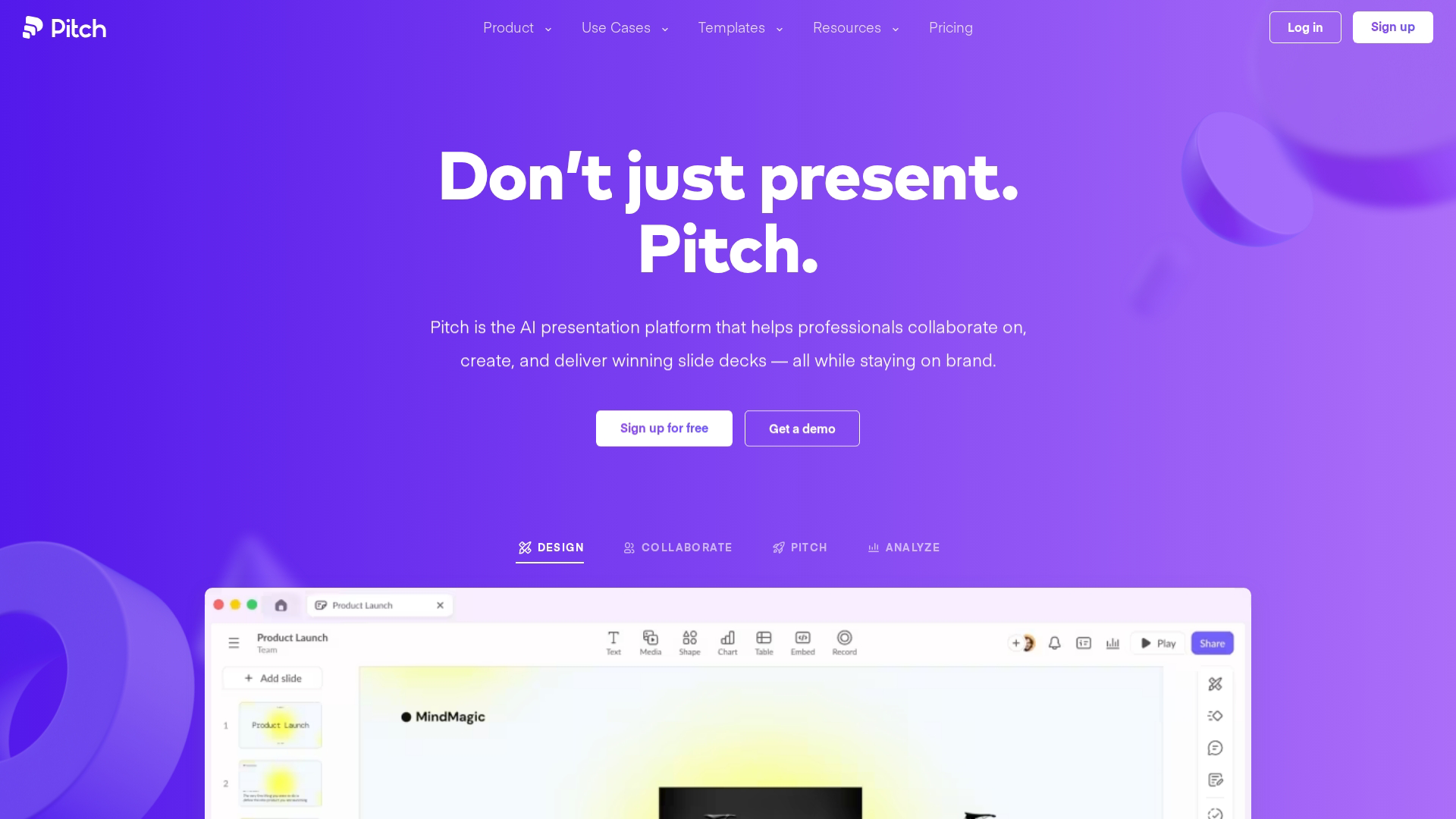
Pitch is a presentation platform with collaboration and interactive features. You build pitch decks with embedded videos, live data, and team editing. It's closer to Google Slides than to demo automation software.
Best for: Teams building pitch decks and presentations, not product demos.
Key strengths
- Collaborative editing: Real-time team work on decks
- Design templates: Professional styling out of the box
- Video embedding: Add recordings to slides
- Analytics: See who viewed your deck and for how long
Why choose Pitch
Pitch works well for sales decks and investor presentations. It's not a product demo tool, but it can house demo videos or links within a broader presentation context.
Pricing
Free tier available. Pro plans scale with team size and features.
10. Ceros
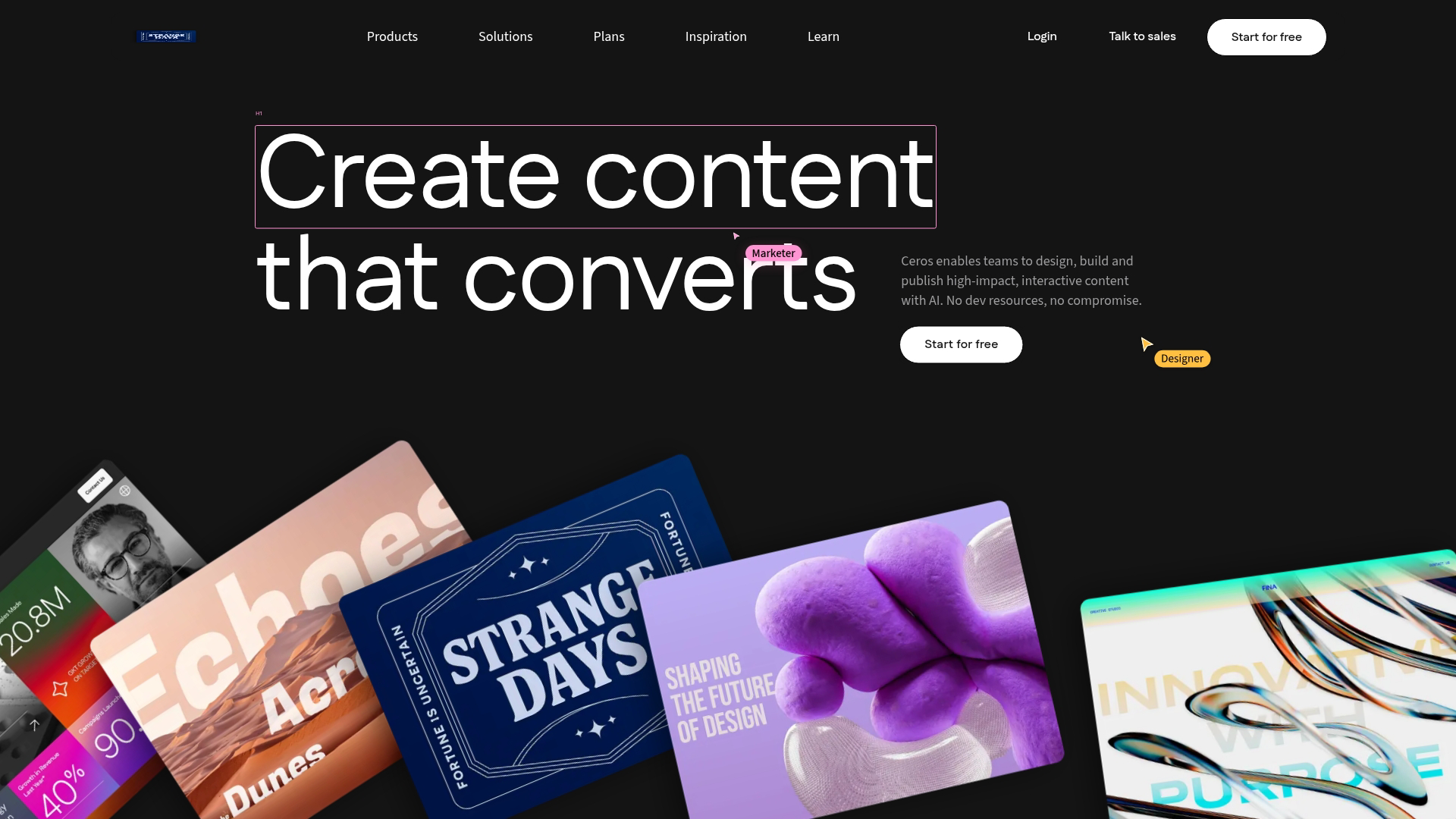
Ceros is an interactive content creation platform for marketing teams. You build interactive experiences like microsites, infographics, and landing pages. It's broader than demo software but can include product showcases.
Best for: Marketing teams building broader interactive experiences beyond product demos.
Key strengths
- No-code design: Drag-and-drop interactive content creation
- Animation and interactivity: Rich motion and engagement features
- Template library: Pre-built formats for common use cases
- Analytics: Track engagement across interactive content
Why choose Ceros
Ceros fits when you want interactive marketing content that goes beyond product demos. Think interactive annual reports, campaign microsites, or rich landing pages.
Pricing
Custom pricing based on usage and feature requirements.
How to evaluate interactive demo solutions
Capture method and time to first demo
The fastest path to adoption is a browser extension that records your product as you click through it. You follow a normal workflow, hit finish, and the demo exists.
No staging environment. No engineering tickets.
Compare that to platforms requiring manual recreation or complex setup. If your first demo takes days instead of minutes, adoption stalls. Look for tools where a non-technical user can create and share a demo in under an hour.
No-code editor and customization depth
After capture, you'll spend time in the editor. Key capabilities include:
- Blur or hide sensitive data: Protect customer information in demos
- Add tooltips and CTAs: Guide prospects through key moments
- Customize branding: Match your visual identity
- Edit individual elements: Change specific text or images without re-recording
The best editors feel like design tools, not code interfaces.
Personalization at scale
One generic demo for all personas underperforms when 94% want tailored demos. Look for dynamic variables that pull from CRM data, persona-based paths that show different features to different roles, and account-specific customization that makes each prospect feel like the demo was built for them.
Manual per-demo editing doesn't scale. Automated personalization via CRM data does.
Analytics and buyer intent signals
Vanity metrics tell you a demo was viewed. Intent data tells you what the prospect actually cared about.
Look for platforms that track:
- Which features were explored: What did they click on?
- Time per section: Where did they linger?
- Drop-off points: Where did they lose interest?
- Return visits: Did they come back? To which sections?
"They spent time on pricing and security" is actionable. "They viewed the demo" is not.
CRM and marketing automation integrations
Demo engagement data is only useful if it flows into your existing workflows. Evaluate integration categories:
- CRM enrichment: Salesforce, HubSpot activity logging
- MAP triggers: Marketo, Pardot nurture sequences
- Slack alerts: Real-time notifications for high-intent activity
- Analytics platforms: Segment, Amplitude event tracking
Without integrations, demo data lives in a silo. With them, it becomes part of your lead scoring and routing logic.
Security and compliance for enterprise teams
Enterprise procurement will ask about SOC 2, SSO, and data handling. Look for:
- SSO support: SAML, OKTA, Azure AD
- SOC 2 compliance: Audited security practices
- Data residency options: EU hosting if required
- Access controls: Role-based permissions and sharing restrictions
Pricing model and total cost
Common pricing models include per-seat, per-demo, usage-based, and flat rate. Watch for hidden costs like implementation fees, premium support tiers, and enterprise tier requirements for key features.
When to use interactive demos vs live demos
Factor | Interactive demos | Live demos |
|---|---|---|
Buyer preference | Self-serve, async | Guided, real-time |
Sales resource required | None | AE or SE time |
Personalization | Automated at scale | Manual per call |
Scheduling friction | Zero | Calendar coordination |
Best for | Early-stage evaluation, committee sharing | Complex discovery, negotiation |
The best teams use both. Interactive demos handle qualification and leave-behinds. Live demos handle high-stakes evaluation and negotiation.
Interactive demo use cases by team
Product marketing teams
Marketing teams embed interactive demos on landing pages, product pages, and campaign assets. The goal: replace static screenshots and explainer videos with clickable experiences that convert visitors to qualified leads.
Teams using product marketing tools alongside interactive demos see measurable conversion lifts on pages with embedded experiences.
Demand generation and growth teams
Demand generation tools work better when prospects can experience the product before filling out a form. Interactive demos serve as high-intent conversion points in paid ad destinations, email nurture sequences, and ABM campaigns.
Sales and account executive teams
Sales teams use interactive demos to reduce no-shows and improve follow-up. Pre-call demos warm up prospects before discovery. Post-call leave-behinds help champions share with buying committee members who weren't on the original call.
Presales and sales engineering teams
Presales teams face a common bottleneck: too many "show me how it works" requests, not enough time. Interactive demos offload repetitive walkthroughs so SEs can focus on complex, high-value opportunities.
Customer success and onboarding teams
Customer success teams use interactive demos for self-serve onboarding, feature adoption campaigns, and support deflection. Instead of scheduling training calls, you embed demos in help centers and lifecycle emails.
How to use interactive product demos across your funnel
Website embeds for top of funnel awareness
Embed demos on landing pages, blog posts, and product pages. The goal is replacing static screenshots and videos with clickable experiences that convert visitors to qualified leads. Above-the-fold demos on landing pages see higher engagement than buried embeds.
Leave-behinds and nurture for mid-funnel engagement
After a discovery call, send a personalized demo instead of a PDF recap. Champions can forward it to buying committee members who weren't on the call. The demo does the selling when you're not in the room.
Evaluation and proof for bottom of funnel decisions
For procurement and technical evaluation, demo centers and sandbox environments let buyers explore deeply. Multiple stakeholders can evaluate independently, and you track engagement across the entire account in purchases averaging 13 stakeholders per purchase.
Mistakes to avoid when choosing interactive demo solutions
1. Choosing features over speed to value
Complex platforms with long implementation timelines often go unused. Prioritize tools where a non-technical user can create and share a demo in under an hour.
2. Ignoring maintenance and update workflows
Product UI changes constantly. Ask how demos are updated when the product changes. Tools that require full re-recording for each update create ongoing friction.
3. Settling for views instead of intent data
"Demo was viewed" tells you nothing actionable. "Prospect spent time on pricing feature, skipped integrations, revisited security section" tells you exactly what to address in follow-up.
4. Underestimating personalization needs at scale
One generic demo for all personas, industries, and use cases underperforms. Evaluate how the tool handles dynamic variables and persona-specific paths.
5. Skipping security and compliance checks
Enterprise procurement will ask about SOC 2, SSO, and data handling. Choosing a tool that fails security review wastes implementation time.
Tip: Before committing to any platform, run a pilot with your actual product and real prospects. The demo about the demo tool is always polished. Your experience creating and maintaining demos is what matters.
FAQs about interactive demo solutions
How long does it take to create an interactive demo from scratch?
Most modern interactive demo platforms let you capture and publish a basic demo in minutes. Editing and personalization add time depending on complexity, but the best tools get you from zero to shareable in under an hour.
Can interactive demo software capture mobile apps?
Some platforms support mobile app capture via device simulators or screen recording, though capabilities vary. Check whether the tool handles iOS, Android, or mobile web specifically before committing.
Do interactive demo tools work for complex enterprise software?
Yes, but look for platforms that support multi-step workflows, branching paths, and the ability to hide or blur sensitive data in complex UIs.
How do teams measure ROI from interactive demo software?
Track conversion lift on pages with embedded demos, reduction in time-to-first-meeting, and sales cycle velocity. The best platforms tie demo engagement to CRM pipeline data so you can attribute revenue to specific demos.
What happens to interactive demos when the product UI changes?
Demos require updating when the underlying product changes significantly. Evaluate how each tool handles updates, whether through re-capture, in-place editing, or automated detection of UI changes.
Can prospects share interactive demos with their buying committee?
Most interactive demo platforms support shareable links that recipients can forward. Some also track multi-stakeholder engagement across a single account.
What file formats can interactive demos be exported to?
Many tools support export to video, PDF, or GIF for offline use. Native interactive format via link or embed typically provides the richest experience and best analytics.
Ship your first demo in minutes
The best interactive demo solutions combine speed (capture in seconds), power (personalization and analytics), and enterprise readiness (security and integrations) without forcing a tradeoff. You don't have to choose between fast-but-basic or powerful-but-slow.
Look for tools that let non-technical users create demos quickly, personalize at scale with CRM data, and capture intent signals that improve sales follow-up.