Your SDR just had a 20-minute call with a prospect. The notes are in a Google Doc. The call recording is in a separate app. The CRM still shows "no activity."
Sound familiar? Most business phone systems don't talk to the rest of your stack. Calls happen, context disappears, and pipeline attribution becomes guesswork.
This guide evaluates 16 VoIP service providers based on integration depth, pricing transparency, AI capabilities, call quality, and verified G2 ratings. Whether you're replacing a legacy system, scaling a remote team, or consolidating tools, there's a clear answer here for your situation.
What's inside
This guide covers the 16 best VoIP providers for 2026, selected based on five criteria: CRM and helpdesk integration quality, AI transcription and call intelligence features, pricing transparency at scale, G2 user ratings, and real-world fit for business teams across different sizes and use cases. Each review includes an honest take on trade-offs, not just feature lists.
TL;DR
- RingCentral is the strongest all-in-one UCaaS pick for mid-market and enterprise teams needing 300+ integrations.
- Zoom Phone works best for video-first teams already invested in the Zoom platform, starting at $10/user/month.
- Dialpad leads on AI features: real-time transcription and coaching suggestions are included on all plans, not just enterprise tiers.
- Aircall is the top choice for sales and support teams that need every call logged to Salesforce, HubSpot, or Zendesk automatically.
- Ooma Office is the most practical pick for budget-conscious small businesses that want reliable calling without contracts.
- AI transcription and native CRM integration are the two features that separate good VoIP providers from great ones in 2026.
What is VoIP phone service?
VoIP (Voice over Internet Protocol technology) is a voice over IP service that routes calls over the internet instead of traditional copper phone lines (PSTN). Instead of a physical landline, your calls travel as data packets through your broadband connection, handled by a cloud PBX (Private Branch Exchange) that manages routing, voicemail, IVR (Interactive Voice Response), and call queues.
VoIP phone systems can run on softphone apps on your laptop or mobile, dedicated IP desk phones, or both. The cloud PBX replaces on-premises hardware that traditional VoIP telephone service required, which is why modern VoIP companies can offer per-seat pricing with no hardware investment.
Core features you'll find across most VoIP phone service providers:
- Call forwarding and call routing
- Auto-attendant and IVR (directs inbound calls without a receptionist)
- Voicemail-to-email transcription
- Call recording and playback
- Video conferencing
- Team messaging
- CRM and helpdesk integrations
- AI-powered transcription and call summaries
When to use a VoIP provider
Replacing a legacy phone system
Your landline or POTS (Plain Old Telephone Service) costs are rising, and the system can't support remote workers or software integrations. VoIP for small business typically costs 40-60% less than traditional PSTN lines, and providers like Ooma offer dedicated POTS line replacement programs for businesses migrating from copper.
Scaling a remote or hybrid team
When your team is distributed across locations, VoIP services let everyone call from the same business number using softphone apps on their laptops or phones. No hardware at every desk. No per-location PBX. Providers like Zoom Phone and OpenPhone are built specifically for this model.
Consolidating communication tools
If you're paying separately for calling, video conferencing, and team messaging, UCaaS (Unified Communications as a Service) platforms bundle all three. RingCentral, Nextiva, and GoTo Connect handle this consolidation well, reducing both cost and context-switching.
Adding call tracking for marketing attribution
When you need to tie inbound calls to specific campaigns, keywords, or landing pages, some VoIP services for business offer basic call tracking natively. For full attribution, you'll typically layer a dedicated tool like CallRail on top. Either way, the VoIP provider needs clean CRM integration so call data reaches your pipeline. If you're evaluating attribution tools more broadly, our guide to the best attribution software tools covers the full landscape.
Best VoIP providers comparison table
Here's how the 16 providers compare across use case, pricing, and user ratings.
| # | Product | Intent | Key Differentiation | Pricing | G2 Rating |
|---|---|---|---|---|---|
| 1 | Allo | Small teams and SMBs | AI features included in all plans | From $18/user/mo | 4.6/5 |
| 2 | RingCentral | All-in-one UCaaS | Deepest integration marketplace | From $20/user/mo | 4.0/5 |
| 3 | Zoom Phone | Video-first teams | Native Zoom Meetings integration | From $10/user/mo | 4.5/5 |
| 4 | Microsoft Teams Phone | Microsoft-native orgs | Built into Microsoft 365 | From $8/user/mo | 4.3/5 |
| 5 | Nextiva | Customer-facing teams | Built-in CRM and analytics | From $20/user/mo | 4.5/5 |
| 6 | Vonage Business Communications | API-heavy customization | Programmable voice APIs | From $13.99/line/mo | 4.3/5 |
| 7 | Dialpad | AI-first communication | Real-time AI transcription and coaching | From $15/user/mo | 4.4/5 |
| 8 | 8x8 | Global calling needs | Unlimited international calling plans | From $24/user/mo | 4.2/5 |
| 9 | Ooma Office | Budget-conscious small business | Low-cost with no contracts | From $19.95/user/mo | 4.7/5 |
| 10 | GoTo Connect | Simplified UCaaS | Easy admin with bundled meetings | From $26/user/mo | 4.4/5 |
| 11 | Intermedia Unite | Compliance-focused teams | HIPAA-compliant by default | From $27.99/user/mo | 4.5/5 |
| 12 | Grasshopper | Solopreneurs and freelancers | Virtual phone system, no hardware | From $14/mo | 4.0/5 |
| 13 | Google Voice | Google Workspace users | Simple add-on to existing workspace | From $10/user/mo | 4.1/5 |
| 14 | Aircall | Sales and support teams | Native CRM integrations for call logging | From $30/license/mo | 4.3/5 |
| 15 | OpenPhone | Startups and small teams | Shared phone numbers and lightweight CRM | From $15/user/mo | 4.7/5 |
| 16 | VirtualPBX | Custom routing needs | Advanced call routing and ACD | From $9/user/mo | 4.2/5 |
16 best VoIP providers reviewed
1. Allo
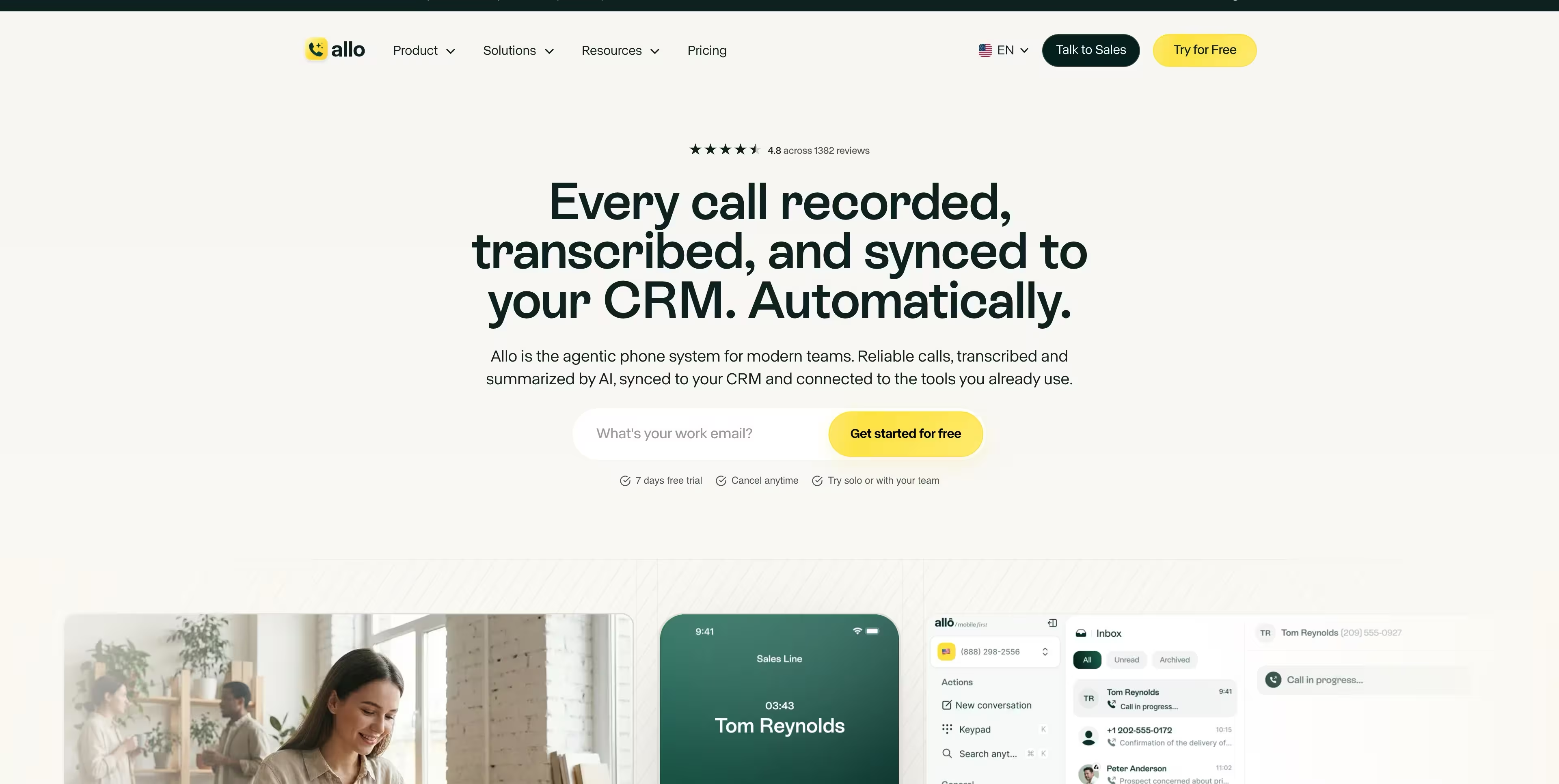
Allo is an AI-first business phone system built for small teams and SMBs. It supports both voice and SMS from the same numbers, so your team can call and text in one workspace without juggling separate apps.
The AI features are the strongest part of the product. Call transcription is reliable across conversations. Call summaries are customizable with your own custom prompt, so you can shape the output to match how your team reviews calls. MCP support lets you connect Allo with Claude and other LLMs for coaching, call analysis, and sending SMS straight from your model of choice. An AI receptionist handles inbound calls when no one is available.
Sales teams appreciate the depth of the CRM integrations. Calls, texts, summaries, and transcripts sync seamlessly into your CRM, so reps never log activity by hand. Allo connects with Salesforce, HubSpot, Pipedrive, Apollo, folk, and Zapier among other destinations, which covers most modern sales stacks. The built-in power dialer keeps outbound reps moving through call lists without manual dialing.
The trade-off is enterprise depth. Allo is not designed for large organizations with complex requirements. Access rights cannot be customized per user, and the call routing options are limited compared to legacy UCaaS platforms. If you need granular permissions or advanced routing trees, Allo will feel light.
Best for: Small teams and SMBs that want an AI-first phone system with deep CRM integrations and transparent pricing.
Key strengths
- Transparent pricing with strong value for money, including unlimited recordings and transcripts on every plan
- Deep CRM integrations with calls, texts, summaries, and transcripts synced automatically
- Strong AI features including customizable summaries, reliable transcription, MCP support, and an AI receptionist
- Highly-rated mobile apps
Pricing: From $18 per user monthly.
2. RingCentral
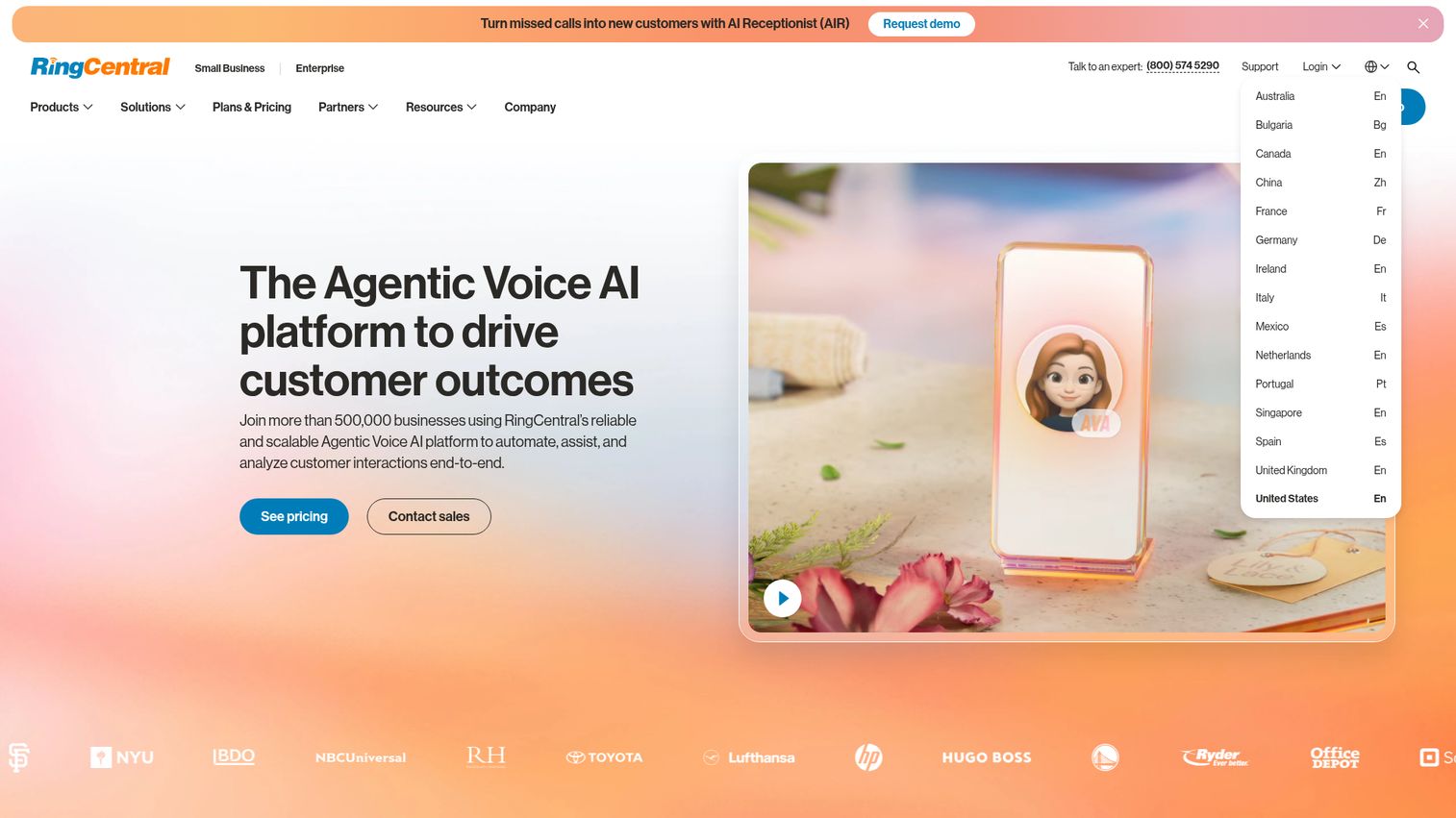
RingCentral is the most established all-in-one UCaaS platform on this list, trusted by 500,000+ businesses according to their own site. It handles calling, video, messaging, and fax in a single platform, which matters when you're trying to reduce tool sprawl across a mid-size or enterprise team.
The integration marketplace is the real differentiator. RingCentral connects natively with 300+ tools including Salesforce, HubSpot, Zendesk, Slack, and Microsoft 365. For a growth marketer managing a SaaS tool stack, that means call data can flow directly into your CRM without Zapier workarounds or manual logging.
On the AI side, RingCentral includes call summaries, real-time transcription, and AI-powered meeting notes. These features help sales and support teams capture context from every conversation without relying on manual note-taking.
The trade-off is complexity. The interface can feel heavy for teams that only need basic calling, and the pricing tiers add up quickly once you factor in international calling, contact center features, or additional storage. If your team has five people and just needs a business number with voicemail, RingCentral is more platform than you need.
Best for: Mid-market and enterprise teams that need a full UCaaS platform with deep CRM integrations.
Key strengths
- 300+ pre-built integrations including Salesforce, HubSpot, Zendesk, Slack, and Microsoft 365
- AI-powered call summaries, transcription, and meeting notes
- Unified calling, video, messaging, and fax in one platform
- 99.999% uptime SLA
- Global reach with local numbers in 100+ countries
Pricing: From $20/user/month.
2. Zoom Phone
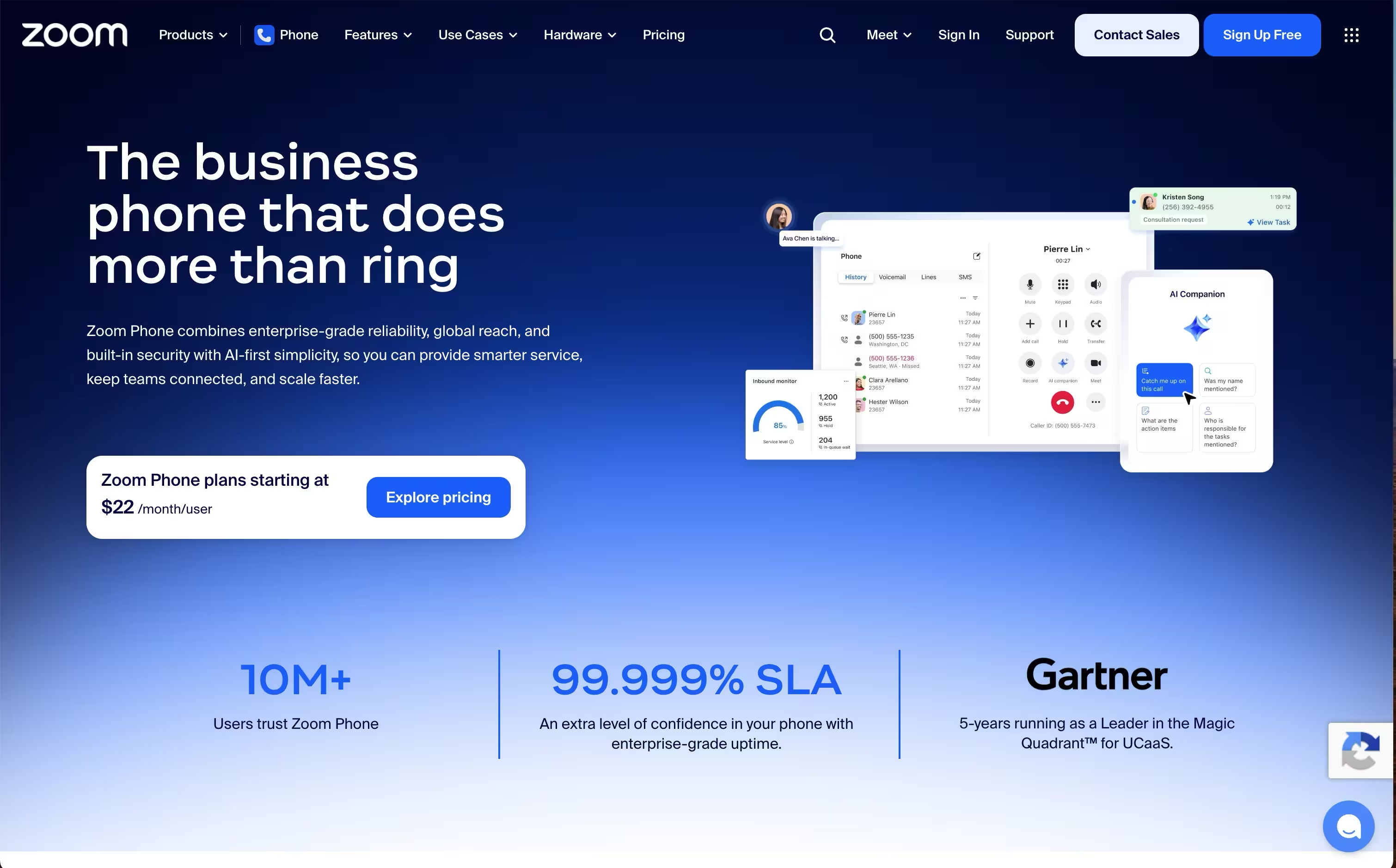
Zoom Phone is the natural choice for teams already using Zoom Meetings. It adds full PSTN calling to the Zoom platform you're already in, which means no new app to adopt and no context-switching between your phone system and your video conferencing tool.
The pricing is one of the most competitive on this list, starting at $10/user/month. That makes it a strong option for growing teams watching per-seat costs. The one-click escalation from a phone call to a Zoom Meeting is genuinely useful for sales teams that want to move from a quick call to a screen share without scheduling friction.
Zoom Phone covers global PSTN in 45+ countries, handles call routing, IVR, voicemail transcription, and call recording. The integration with Zoom Rooms and Zoom Contact Center makes it a coherent platform for companies that want to standardize on one vendor for all communication.
The limitation worth noting: the integration ecosystem outside Zoom's own products is narrower than RingCentral's. If your stack is Salesforce-heavy and you need deep CRM call logging, you'll need to evaluate whether Zoom's native Salesforce integration covers your requirements or whether a more CRM-focused provider like Aircall makes more sense.
Best for: Video-first teams already invested in the Zoom platform.
Key strengths
- Starts at $10/user/month, among the most affordable options
- One-click escalation from phone call to Zoom Meeting
- Native integration with Zoom Meetings, Rooms, and Contact Center
- Global PSTN coverage in 45+ countries
- Voicemail transcription and call recording included
Pricing: From $10/user/month.
3. Microsoft Teams Phone
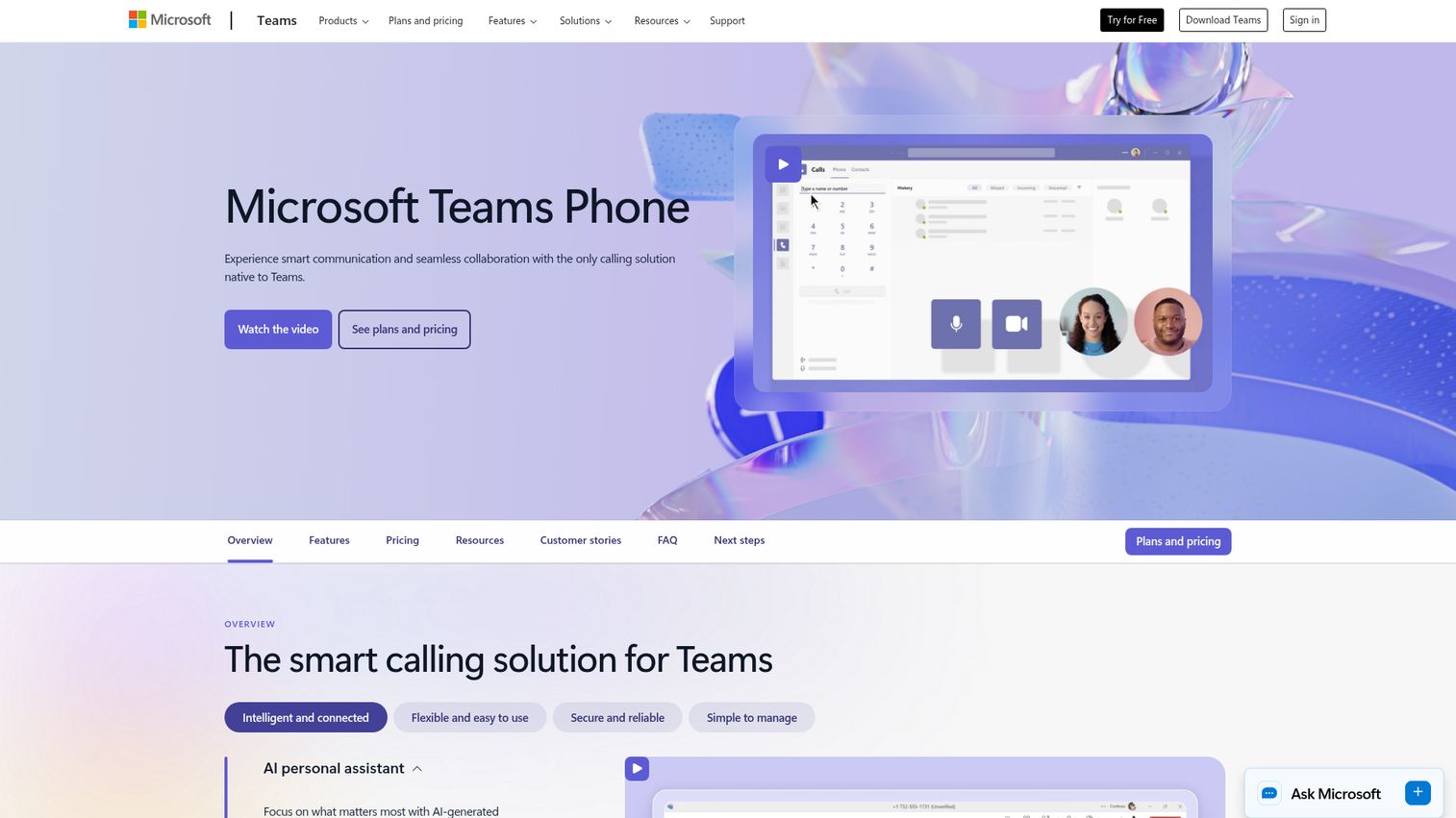
Microsoft Teams Phone adds PSTN calling directly into Microsoft Teams. If your organization is already standardized on Microsoft 365, this is the path of least resistance: users make and receive calls from the same app they use for chat, meetings, and file sharing.
There are three PSTN connectivity options worth understanding. Calling Plans are Microsoft-managed and the simplest to set up. Direct Routing lets you connect your own SIP carrier, which can reduce costs for high-volume callers. Operator Connect sits in between, using Microsoft-certified carriers with simpler setup than Direct Routing. The right option depends on your existing carrier relationships and call volume.
The Microsoft Copilot AI integration handles meeting recaps and call summaries, which is useful for teams already using Copilot across Microsoft 365. Auto-attendant and call queue capabilities cover most standard business phone system requirements.
The honest limitation: Teams Phone lags behind dedicated UCaaS platforms for contact center and call center use cases. If you need advanced ACD, workforce management, or sophisticated IVR, you'll likely need a separate contact center solution or a more purpose-built platform.
Best for: Organizations standardized on Microsoft 365 that want calling without adding another app.
Key strengths
- Calling embedded directly in Microsoft Teams
- Three PSTN connectivity options: Calling Plans, Direct Routing, and Operator Connect
- Auto-attendant and call queue capabilities
- Integration with Microsoft 365 apps including Outlook, SharePoint, and Dynamics
- Copilot AI for meeting recaps and call summaries
Pricing: From $8/user/month (add-on to Microsoft 365).
4. Nextiva
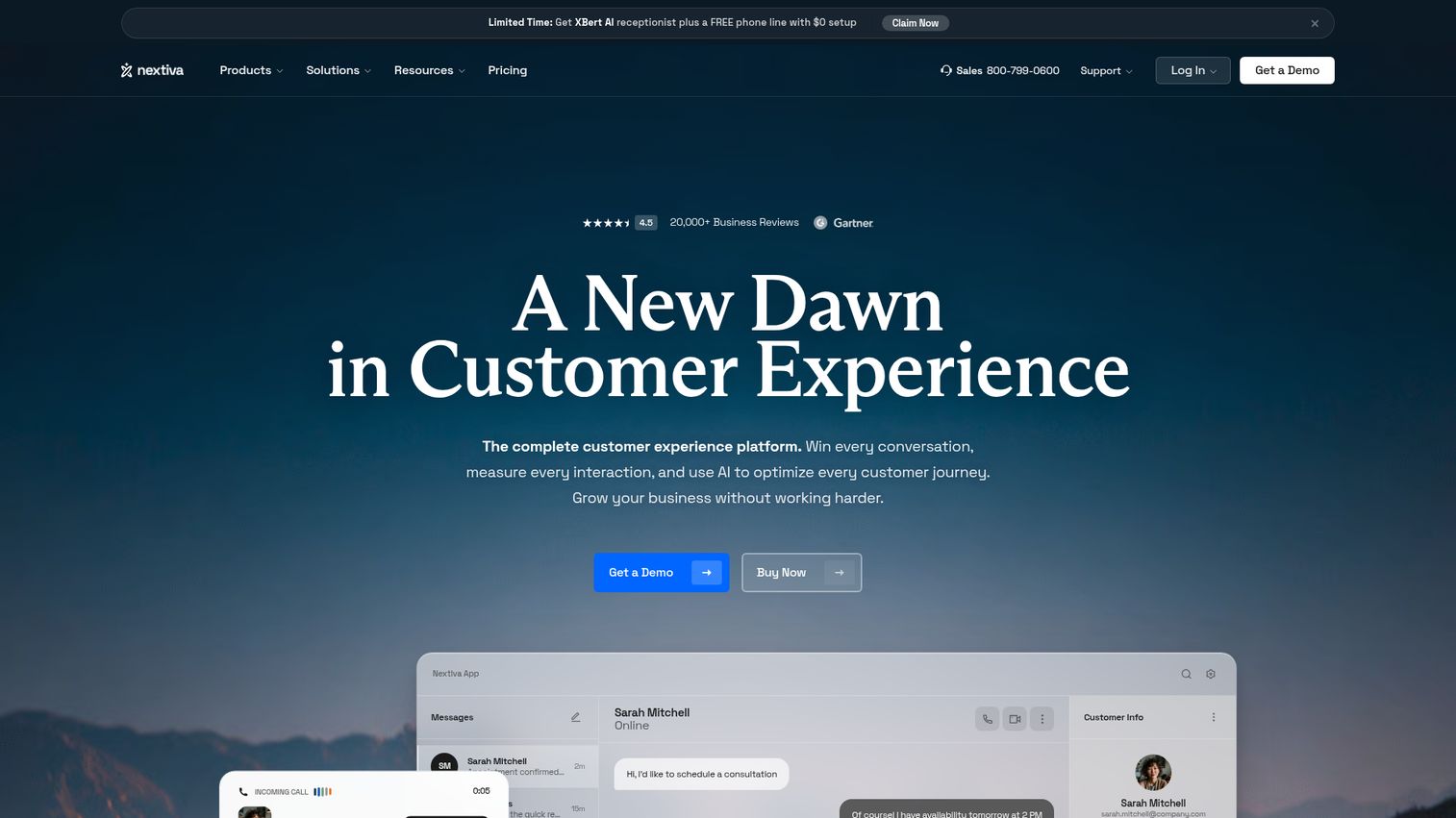
Nextiva positions itself as a unified customer experience platform, not just a phone system. The core idea is that calls, SMS, email, chat, and social interactions all land in one view, with a built-in lightweight CRM that logs every interaction automatically.
For customer-facing teams, this matters. When a prospect calls in, the rep sees the full interaction history without switching to a separate CRM tab. The real-time analytics dashboard shows call volume, sentiment trends, and team performance in one place, which gives operations managers the data they need to coach and optimize without building custom reports.
The AI-powered voicemail transcription and 99.999% uptime guarantee are standard at this tier, but the built-in sentiment tracking is a differentiator that most competitors don't offer natively.
The trade-off is honest: the built-in CRM is useful for tracking communication history, but it won't replace a dedicated CRM like Salesforce or HubSpot for complex sales workflows. If your team runs multi-stage deal cycles with custom fields, scoring, and pipeline reporting, you'll still need your primary CRM alongside Nextiva. For teams evaluating standalone CRM options, our best CRM software guide covers the top platforms. The integration between them is solid, but it's an additional layer to manage.
Best for: Customer-facing teams that want communication and lightweight CRM in one platform.
Key strengths
- Built-in CRM with automatic interaction logging across all channels
- Unified inbox for calls, SMS, email, and chat
- Real-time analytics with call sentiment tracking
- AI-powered voicemail transcription
- 99.999% uptime guarantee
Pricing: From $20/user/month.
5. Vonage Business Communications
Vonage offers something most VoIP providers don't: a programmable API layer on top of a standard UCaaS product. The Vonage Communications APIs let developer teams build custom voice, SMS, and video workflows directly into their own applications, rather than being limited to what the off-the-shelf platform provides.
The standard Vonage Business Communications product covers the expected UCaaS features: calling, messaging, video, and CRM integrations via the Vonage App Center. It's a solid platform. But the real differentiator is what happens when you have engineering resources to extend it.
For a SaaS company that wants to embed click-to-call into their product, build custom IVR flows tied to their own data, or route calls based on CRM properties, Vonage's API layer makes that possible without switching to a separate communications platform. The AI Virtual Assistant handles standard call routing for teams that don't need custom builds.
The limitation to be clear about: if you don't have developer resources, the API advantage doesn't apply to you. The standard UCaaS product is solid but not as feature-rich as RingCentral for teams that need the deepest integration marketplace out of the box.
Best for: Teams with developer resources that want to customize and extend their communication stack via APIs.
Key strengths
- Programmable voice, SMS, and video APIs for custom communication workflows
- Standard UCaaS features plus deep customization capability
- CRM integrations via Vonage App Center
- Global coverage with local numbers across multiple regions
- AI Virtual Assistant for call routing
Pricing: From $13.99/line/month.
6. Dialpad
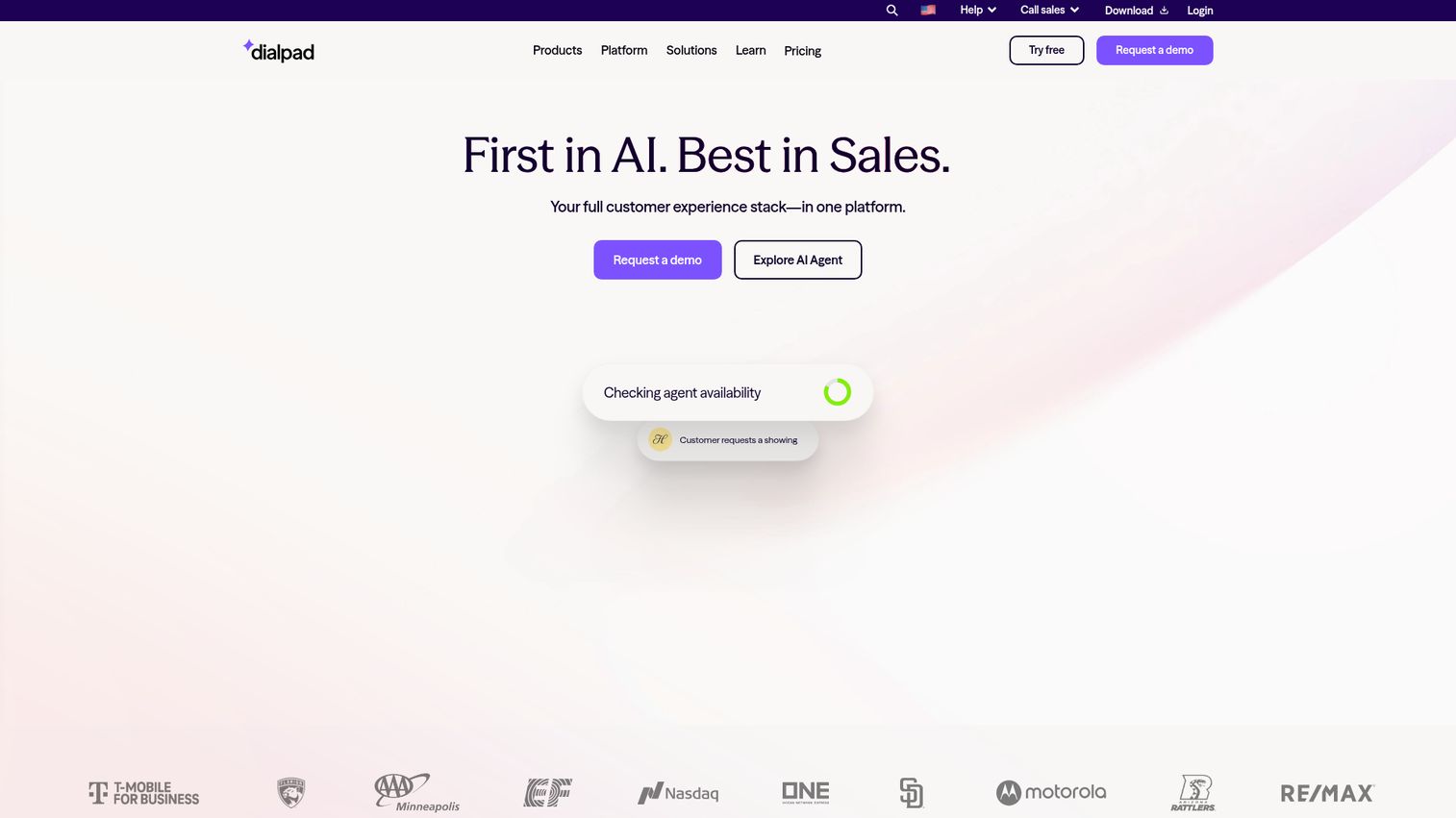
Dialpad is the AI-first VoIP provider on this list. The core differentiator isn't just that it has AI features, it's that those features are included in all plans rather than gated behind enterprise tiers. Real-time transcription runs during every call. AI-generated summaries and action items appear after each conversation. Live coaching suggestions surface for sales reps mid-call based on what's being said.
For sales teams, the live coaching capability is the most interesting feature in 2026. When a rep mentions pricing and the prospect hesitates, Dialpad can surface a relevant objection-handling prompt in real time. That's a different category of tool than a standard VoIP provider. If you're building out a broader sales coaching stack, our guide to the best sales coaching software covers dedicated platforms worth evaluating alongside Dialpad.
The native Salesforce, HubSpot, and Zendesk integrations handle automatic call logging, so every conversation reaches your CRM without manual entry. The unified platform covers voice, video, messaging, and contact center in one product.
The honest trade-off: the contact center product is newer and less mature than dedicated CCaaS platforms like Five9 or Genesys. If you're running a large-scale contact center operation with complex workforce management requirements, Dialpad may not be the right fit yet. For sales teams and support teams under 200 seats, it works well.
Best for: Sales and support teams that want AI transcription and coaching built into every call.
Key strengths
- Real-time AI transcription on every call, all plans
- AI-generated call summaries and action items
- Live coaching suggestions for sales reps mid-call
- Native Salesforce, HubSpot, and Zendesk integrations
- AI features included in all plans, not enterprise-only
Pricing: From $15/user/month.
7. 8x8
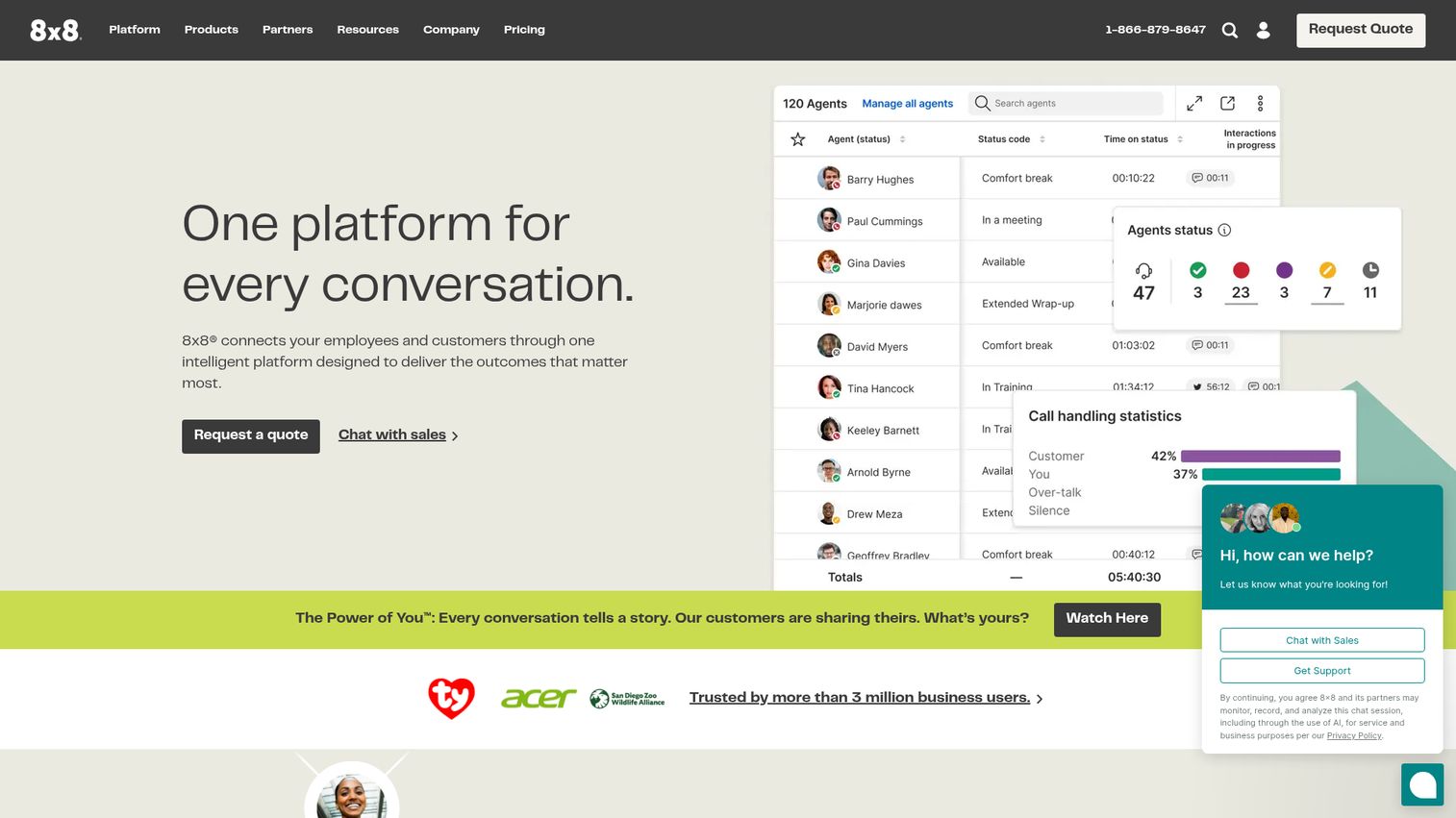
8x8 is the strongest option on this list for companies with significant international calling volume. Higher-tier plans include unlimited calling to up to 48 countries, which is a meaningful cost difference for teams with distributed customers or offices across Europe, Asia-Pacific, and the Americas.
The unified platform covers voice, video, chat, and contact center. The speech analytics and quality management tools give operations managers visibility into call quality, agent performance, and compliance adherence across global teams. 8x8 holds strong compliance certifications including HIPAA, GDPR, and FedRAMP, which matters for regulated industries operating internationally.
The multi-level auto-attendant and call routing handle complex inbound scenarios across time zones and languages.
The trade-off is the interface. The admin portal and user experience are functional but less intuitive than newer competitors like Zoom Phone or Dialpad. Teams coming from consumer-grade tools often find the learning curve steeper than expected. Pricing can also escalate quickly on enterprise plans once you add contact center seats, analytics add-ons, and international calling bundles. Get a detailed quote before committing.
Best for: Companies with significant international calling volume across multiple countries.
Key strengths
- Unlimited calling to up to 48 countries on higher-tier plans
- Unified communications and contact center in one platform
- Speech analytics and quality management tools
- Strong compliance certifications: HIPAA, GDPR, and FedRAMP
- Multi-level auto-attendant and call routing
Pricing: From $24/user/month.
8. Ooma Office
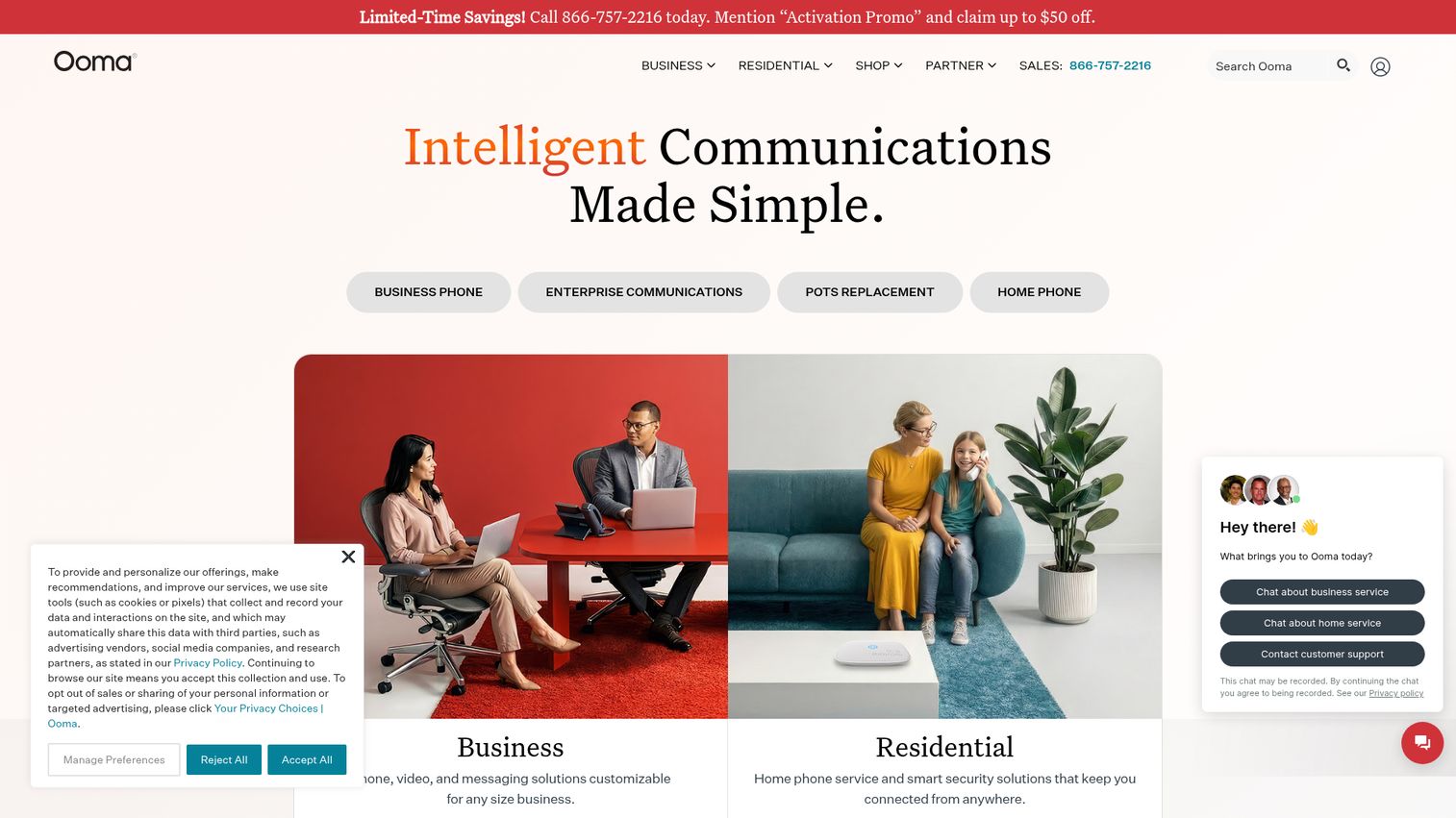
Ooma Office is the budget-friendly choice for small businesses that want reliable calling without contracts or complexity. The no-contract model means you can cancel anytime, which removes the commitment risk that makes many small businesses hesitant to switch from their current setup.
Even on the base plan, Ooma includes features that competitors charge extra for: virtual receptionist, ring groups, call parking, and music on hold. The AI-powered call transcription is a newer addition that brings Ooma closer to feature parity with mid-market platforms on the AI front.
The POTS line replacement offering is worth noting for businesses migrating from traditional landlines. Ooma has a specific program for this transition, which makes it a practical choice for VoIP for small business teams that are moving off copper for the first time.
The limitation is clear: the feature set is thinner than enterprise-grade platforms. CRM integrations are limited compared to RingCentral or Dialpad. There's no native video conferencing, and the contact center capabilities are basic. If your team is under 20 people and your primary need is reliable business calling with a professional auto-attendant, Ooma delivers that at a fair price. If you need deep CRM logging or AI coaching, look elsewhere.
Best for: Small businesses and budget-conscious teams that want reliable calling without contracts or complexity.
Key strengths
- No-contract pricing with month-to-month flexibility
- Virtual receptionist and ring groups included on all plans
- AI-powered call transcription
- POTS line replacement program for landline migration
- Desktop and mobile apps included
Pricing: From $19.95/user/month.
9. GoTo Connect
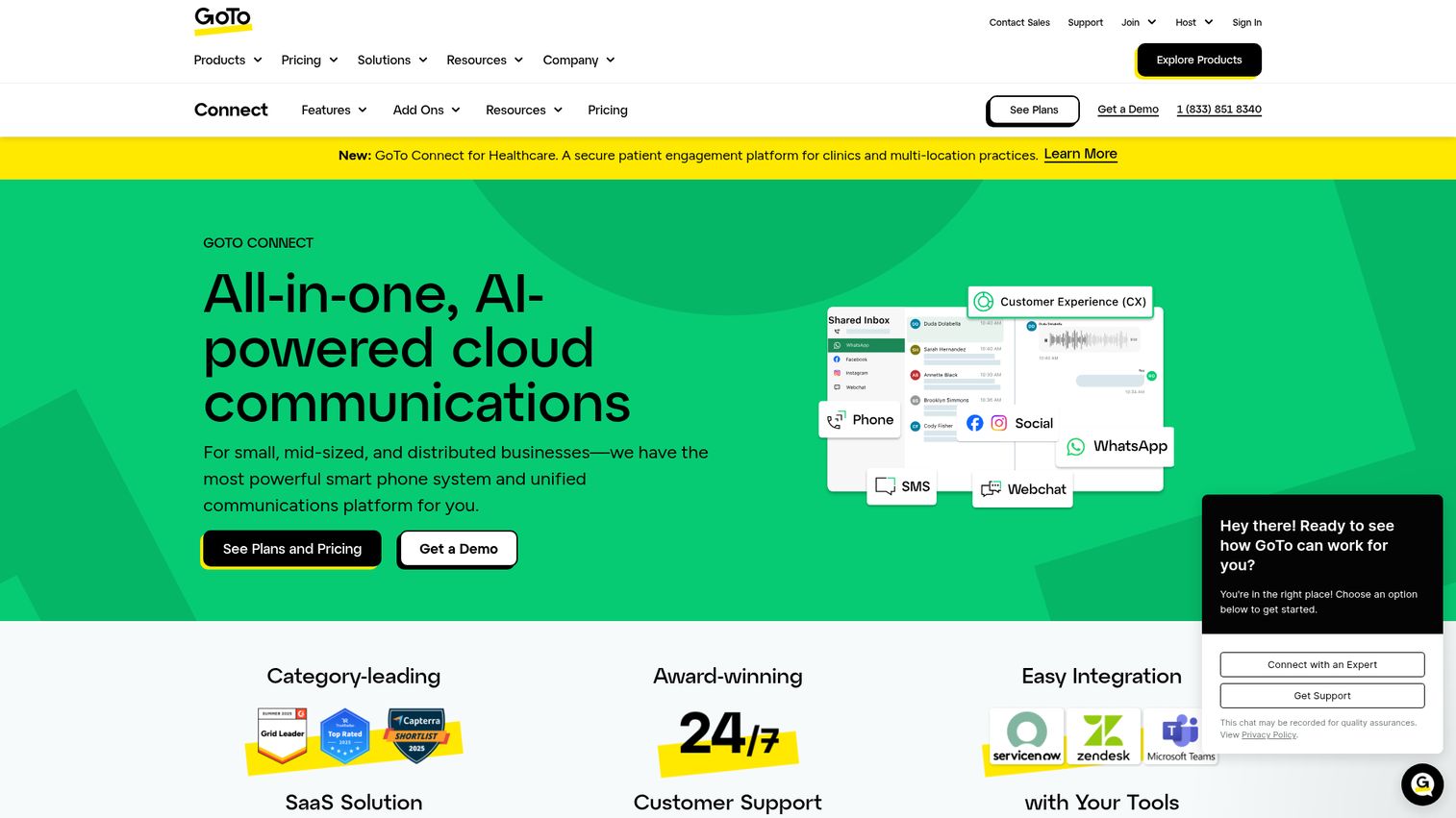
GoTo Connect is a simplified UCaaS platform that bundles calling, meetings, and messaging without the configuration complexity of enterprise platforms. The standout feature for non-technical admins is the visual drag-and-drop dial plan editor, which lets you build call routing flows without writing a single line of code or filing an IT ticket.
The bundled GoTo Meeting integration handles video conferencing for teams that want one vendor for all communication. The admin portal is designed for teams without dedicated IT support, which makes GoTo Connect a practical choice for small to mid-size businesses that can't afford to spend weeks on implementation.
The 99.999% uptime SLA and customizable auto-attendants cover standard business requirements. Setup is genuinely fast compared to enterprise alternatives.
The honest limitation: the integration marketplace is smaller than RingCentral's, which matters if your stack includes less common tools. Advanced contact center features require a separate GoTo Contact Center product, so the total cost can increase if you need those capabilities. If your team is under 100 people and you want UCaaS without a dedicated IT team to manage it, GoTo Connect is worth evaluating seriously.
Best for: Small to mid-size teams that want straightforward UCaaS without dedicated IT support.
Key strengths
- Visual drag-and-drop dial plan editor for non-technical admins
- Bundled calling, meetings, and messaging in one platform
- Simple admin portal with no IT team required
- Customizable call routing and auto-attendants
- 99.999% uptime SLA
Pricing: From $26/user/month.
10. Intermedia Unite
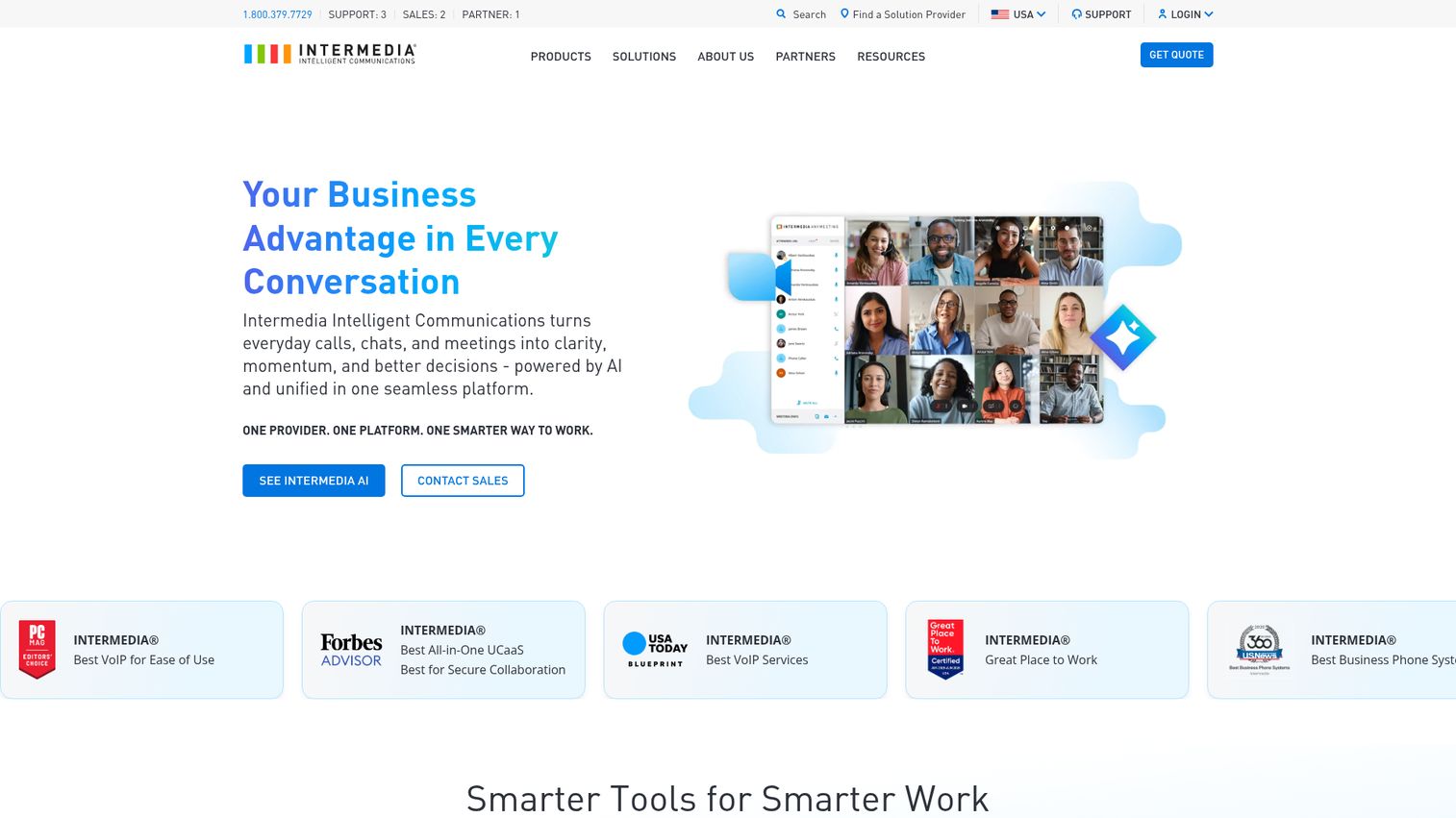
Intermedia Unite is the compliance-first UCaaS option on this list. HIPAA compliance is built into business plans by default, not offered as an add-on or enterprise upgrade. For healthcare practices, legal firms, and financial services teams, that default compliance posture removes a significant procurement hurdle.
The unified platform covers voice, video, chat, and file sharing. The SecuriSync file backup and collaboration feature adds a layer of data protection that most VoIP providers don't include. US-based customer support with white-glove onboarding is a meaningful differentiator for teams that don't have internal IT resources to manage a complex rollout.
The 99.999% uptime SLA is standard at this tier.
The trade-off is brand recognition. Intermedia is less well-known than RingCentral or Microsoft Teams, which can create internal buy-in challenges when presenting options to leadership. The pricing is also on the higher side relative to feature set. If compliance is your primary requirement, the premium is justified. If you're in an unregulated industry, there are more cost-effective options with comparable features.
Best for: Compliance-sensitive industries including healthcare, legal, and finance that need HIPAA-compliant communications by default.
Key strengths
- HIPAA-compliant by default on business plans
- Unified voice, video, chat, and file sharing
- SecuriSync file backup and collaboration
- US-based white-glove customer support
- 99.999% uptime SLA
Pricing: From $27.99/user/month.
11. Grasshopper
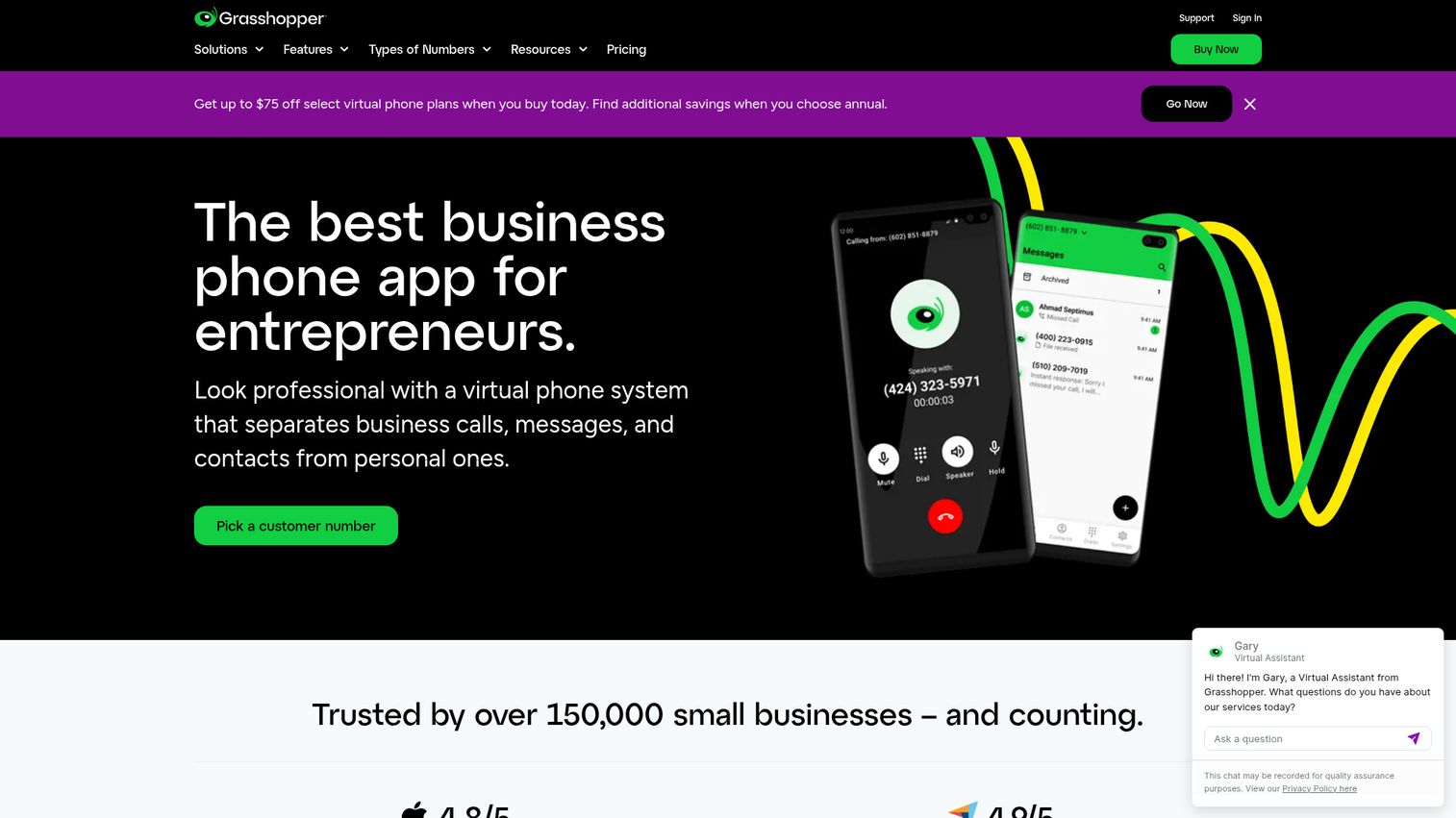
Grasshopper isn't a full UCaaS platform. It's a virtual phone system that adds a professional business number to your existing personal phone. That's a deliberate design choice, and it's the right one for solopreneurs and freelancers who need to separate business and personal calls without buying hardware or managing a complex system.
The setup is straightforward: choose a vanity, local, or toll-free number, configure your voicemail greeting, set up extensions if you have a small team, and forward calls to your cell. Voicemail transcription is included. The desktop and mobile apps let you call and text from your business number on any device.
For a one-person consulting practice or a freelancer who needs a professional number for client calls, Grasshopper solves the problem at a flat monthly rate starting at $14.
Be clear about what Grasshopper doesn't do. There's no video conferencing. No team messaging. No CRM integrations. No contact center features. This is phone-only, and intentionally so. If you need any of those capabilities, you've outgrown Grasshopper before you've started.
Best for: Solopreneurs and freelancers who need a professional business number without a full phone system.
Key strengths
- Business number on your personal phone with no hardware required
- Vanity, local, and toll-free number options
- Voicemail transcription included
- Simple call forwarding and extensions
- Desktop and mobile apps
Pricing: From $14/month (flat rate, not per user).
12. Google Voice
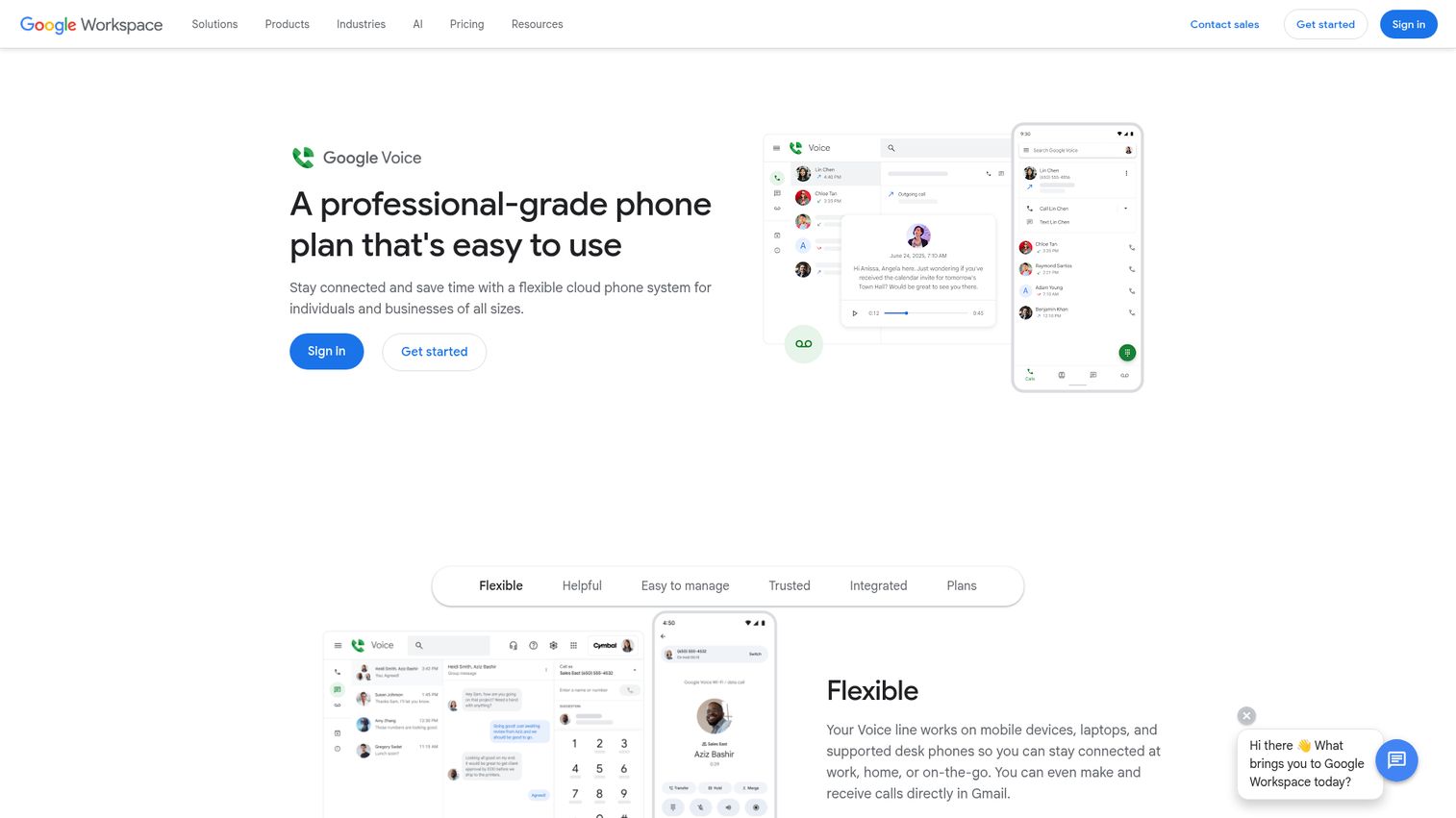
Google Voice is the simplest VoIP add-on for teams already running Google Workspace. It integrates directly with Google Calendar, Gmail, and Meet, which means setup takes minutes and there's no new ecosystem to learn.
The basic features cover most small team needs: call forwarding, voicemail transcription, spam call filtering, and ring groups. Standard and Premier plans add multi-level auto-attendant capability. Number assignment happens in the admin console and takes under five minutes for a typical team.
At $10/user/month, it's one of the most affordable options on this list for teams that don't need advanced features.
The honest limitation: Google Voice is basic compared to dedicated VoIP providers. There's no native contact center capability, limited international calling options on lower plans, and the feature set hasn't evolved as aggressively as competitors in recent years. If your team is 10 people on Google Workspace and your primary need is a business number with voicemail, Google Voice is the obvious choice. If you need AI coaching, deep CRM logging, or advanced call routing, you'll hit the ceiling quickly.
Best for: Small teams already on Google Workspace that need basic business calling.
Key strengths
- Native Google Workspace integration with Calendar, Gmail, and Meet
- Simple admin setup with number assignment in minutes
- Voicemail transcription and spam call filtering
- Multi-level auto-attendant on Standard and Premier plans
- Works on web, Android, and iOS
Pricing: From $10/user/month.
13. Aircall
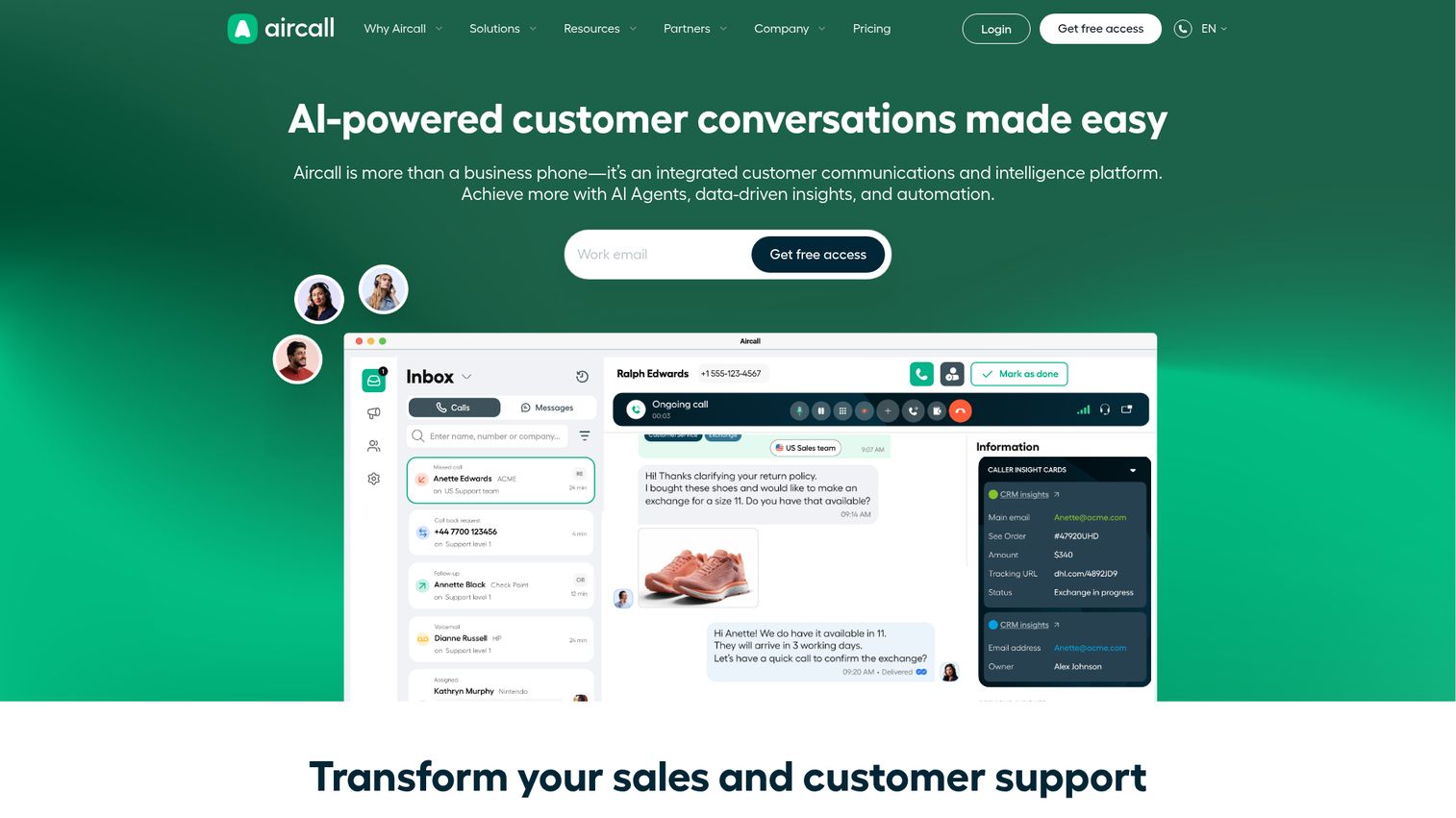
Aircall is built specifically for sales and support teams that need every call logged to CRM automatically. The integration depth is the core differentiator: native connections to Salesforce, HubSpot, Zendesk, Intercom, Pipedrive, and 100+ other tools, with automatic call logging that syncs recordings, transcriptions, and notes to the right contact record without any manual work.
For a growth marketer managing a SaaS tool stack, this matters more than most features. Calls that don't reach your CRM are invisible to your pipeline. Aircall solves that problem at the integration layer rather than relying on Zapier workflows that break. You can also explore the Aircall interactive demo to see the interface and call logging workflow before signing up.
The power dialer for outbound sales teams accelerates prospecting by automatically queuing the next call. The IVR handles inbound support routing. AI-powered call summaries and transcription are included. The real-time analytics dashboard shows call volume, wait times, and team performance across campaigns.
The trade-off is price and scope. At $30/license/month with a 3-license minimum, Aircall is more expensive than generalist VoIP providers. It's also not a full UCaaS platform: there's no native video conferencing. If you need calling and CRM integration as your primary use case, Aircall is the strongest option. If you need a full communication suite, pair it with a video tool or consider RingCentral.
Best for: Sales and support teams that need every call logged to CRM automatically.
Key strengths
- 100+ native CRM and helpdesk integrations
- Automatic call logging to Salesforce, HubSpot, and Zendesk
- Power dialer for outbound sales teams
- AI-powered call summaries and transcription
- Real-time analytics dashboard
Pricing: From $30/license/month (3-license minimum).
14. OpenPhone
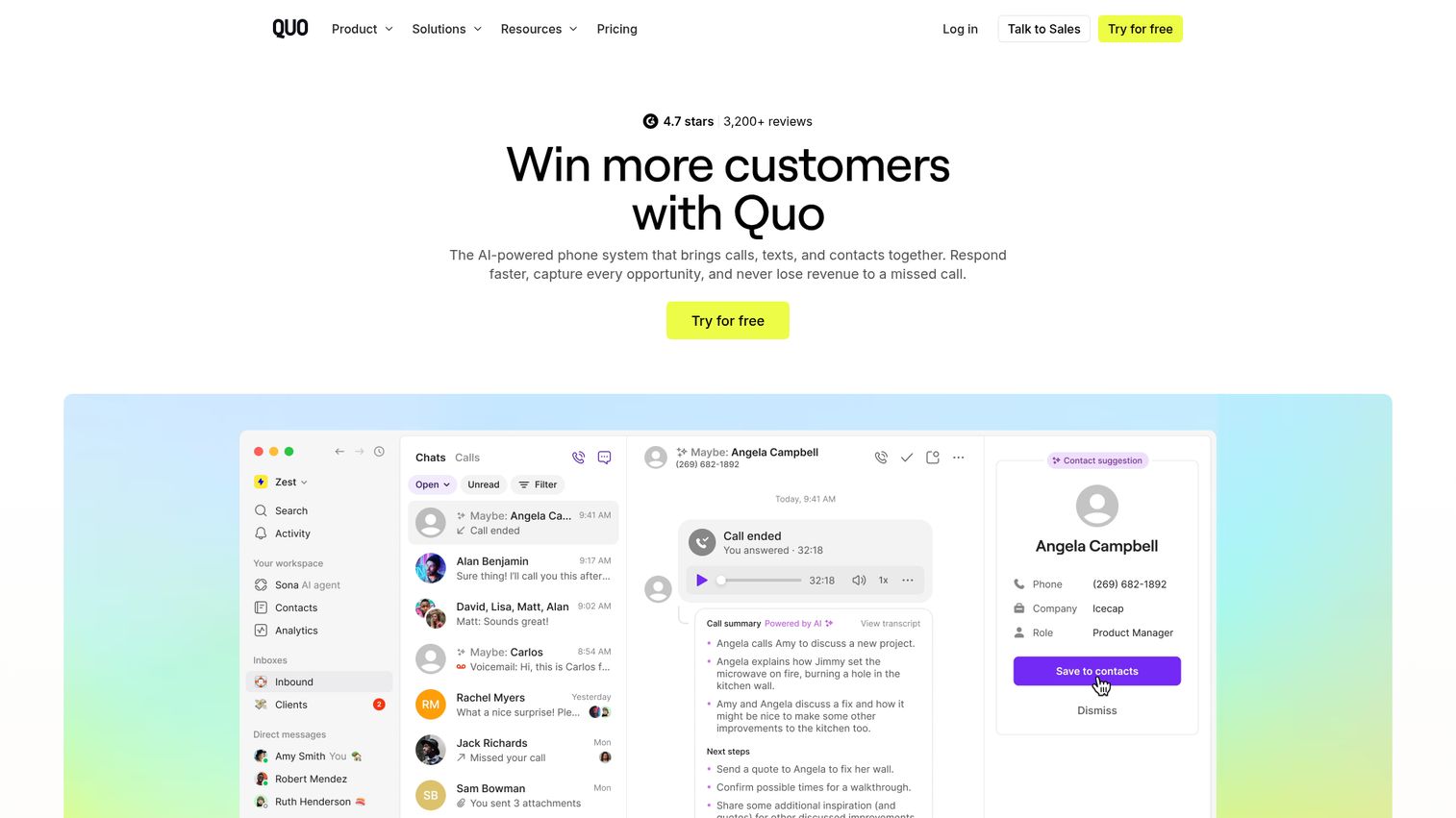
OpenPhone is a modern, lightweight VoIP platform built for startups and small teams that want a clean interface and fast setup. The standout feature is shared phone numbers: multiple team members can call and text from the same business number, with a shared inbox that gives everyone context on recent conversations.
The built-in lightweight CRM handles contact properties, notes, and tags without requiring a separate tool for basic contact management. For a 10-person startup that doesn't yet have a full CRM, this is genuinely useful. For teams already running Salesforce or HubSpot, it's supplementary.
AI-powered call transcription and summaries are included. The pricing is competitive at $15/user/month, and the setup is fast enough that most teams are making calls within an hour of signing up.
The honest scope limitation: OpenPhone is intentionally simple. There's no video conferencing, the IVR is basic compared to enterprise platforms, and the integration library is smaller than RingCentral or Aircall. This works well for teams under 50 people. If you're scaling past that or need contact center capabilities, you'll likely outgrow it and face a migration.
Best for: Startups and small teams that want shared numbers and a clean, modern interface.
Key strengths
- Shared phone numbers with team inbox for full conversation context
- Built-in lightweight CRM with contact properties and notes
- Clean, modern UI with fast setup
- AI-powered call transcription and summaries
- Affordable pricing for small teams
Pricing: From $15/user/month.
15. VirtualPBX
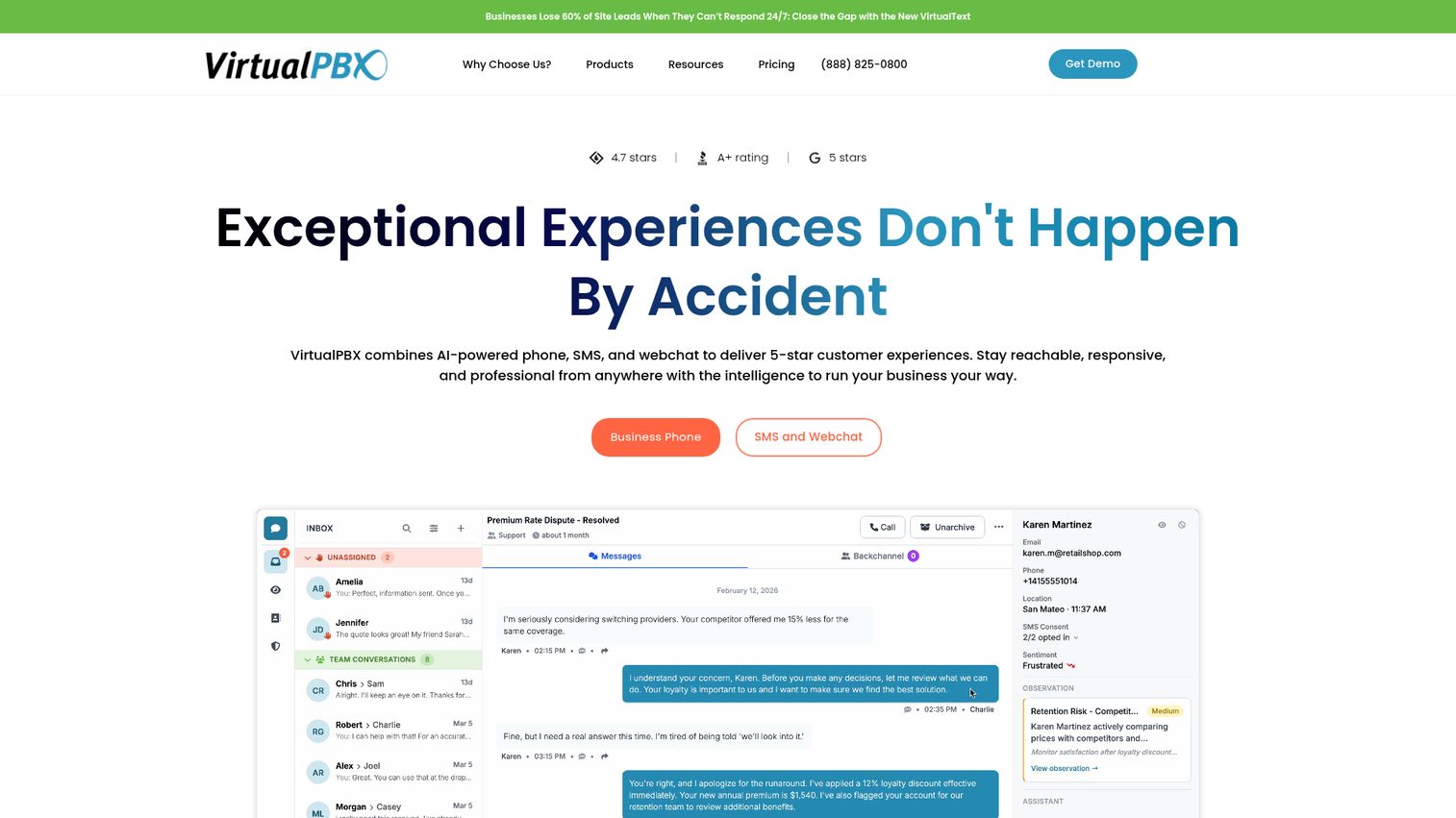
VirtualPBX is the advanced call routing specialist on this list. The platform offers highly customizable ACD (Automatic Call Distribution), call queues, ring groups, and PBX features at a lower price point than most competitors, starting at $9/user/month.
The tiered plans scale from basic auto-attendant setups to full contact center capabilities, which makes VirtualPBX a practical choice for teams that need sophisticated routing without enterprise pricing. The Dash softphone app handles desktop and mobile calling. Flexible deployment options include cloud-only and on-premises hybrid configurations for teams with specific infrastructure requirements.
Voicemail-to-email and call recording are included across plans.
The honest trade-off: the interface feels dated compared to newer competitors like OpenPhone or Dialpad. The brand recognition is lower than the big names on this list, which can create internal buy-in challenges when presenting options to leadership or IT. If your primary requirement is advanced, customizable call routing at a competitive price and you don't need the latest UI design, VirtualPBX delivers solid value. If modern UX and AI features matter more than routing depth, look at Dialpad or Aircall instead.
Best for: Teams that need advanced, customizable call routing without enterprise pricing.
Key strengths
- Highly customizable call routing and ACD
- Plans starting at $9/user/month
- Auto-attendant, ring groups, and call queues
- Voicemail-to-email and call recording
- Flexible deployment options including cloud and on-premises hybrid
Pricing: From $9/user/month.
Key features to evaluate in VoIP providers
CRM and helpdesk integrations
Calls that don't log to your CRM are invisible to your pipeline. The question isn't whether a provider offers CRM integration, it's whether that integration is native or Zapier-dependent. Native integrations like Aircall's Salesforce connection sync call recordings, transcripts, and notes automatically. Zapier workflows break, require maintenance, and often miss edge cases. Evaluate the integration before you commit.
AI transcription and call summaries
In 2026, AI transcription is table stakes. The real differentiator is what the AI does with the transcript. Dialpad surfaces live coaching suggestions mid-call. RingCentral generates post-call summaries with action items. Nextiva adds sentiment analysis across your call volume. When evaluating providers, ask specifically what the AI produces and whether it's available on your target plan tier. Teams exploring broader AI-powered sales tools should also check our roundup of the best AI sales tools.
Call routing and auto-attendant (IVR)
How inbound calls reach the right person directly affects customer experience and first-response time. A well-configured IVR routes calls to the right team without a receptionist. A poorly configured one sends prospects to voicemail. Evaluate the routing configuration tools: GoTo Connect's drag-and-drop editor is easier to maintain than code-based configurations, which matters when your team structure changes.
International calling and global numbers
If your team or customers are distributed internationally, per-minute international rates add up fast. 8x8's unlimited international calling to 48 countries is a meaningful cost advantage for global teams. Zoom Phone covers PSTN in 45+ countries. Understand what's included in your plan versus what triggers per-minute charges before signing.
Scalability and pricing transparency
Per-user pricing looks simple until you add international calling, toll-free numbers, contact center seats, or AI add-ons. Get a detailed quote at your expected scale, not just the advertised starting price. Some providers like RingCentral and 8x8 have significant price differences between their entry and enterprise tiers.
How to choose the right VoIP provider
Start with your existing stack
Your current tool stack is the fastest path to the right answer. If you're standardized on Microsoft 365, Teams Phone is the lowest-friction option. If your team runs on Google Workspace, Google Voice is the obvious starting point. If Salesforce is your CRM and call logging matters, Aircall or RingCentral are the strongest fits. Don't evaluate VoIP providers in isolation from the tools they need to connect with.
Match provider type to team size
Team size shapes which provider makes sense more than almost any other factor. Solopreneurs and freelancers are best served by Grasshopper or Google Voice. Small teams of 5 to 50 people tend to find OpenPhone, Ooma, or Zoom Phone the right balance of features and simplicity. Mid-market teams of 50 to 500 should evaluate RingCentral, Nextiva, or Dialpad. Enterprise teams above 500 seats typically need RingCentral, 8x8, or Microsoft Teams Phone for the compliance, uptime guarantees, and global coverage those platforms provide.
Prioritize what you'll actually use
A full UCaaS platform is only valuable if your team uses more than the calling feature. If you need basic calling and voicemail, paying for bundled video and messaging you won't use is waste. Conversely, if you're planning to add contact center capabilities in the next 12 months, choosing a platform that can scale there avoids a migration. Be honest about your 12-month roadmap, not just your current requirements.
Closing
The right VoIP provider depends on three things: your existing stack, your team size, and whether you need basic calling or a full UCaaS platform. Most providers on this list offer free trials, so testing before committing is straightforward. Once your communication stack is sorted, the next challenge is showing your product's value to prospects without scheduling-heavy interactive demo calls. Interactive demos let prospects experience your product on their own terms, at their own pace.
Start your journey with Guideflow today!
FAQs about VoIP providers
VoIP routes calls over the internet as data packets; traditional phone lines use copper wires through the PSTN (Public Switched Telephone Network). VoIP is typically 40-60% cheaper than traditional lines and includes features like voicemail-to-email, call recording, and CRM integration that standard landlines don't support natively.
Most VoIP providers charge between $10 and $30 per user per month. Basic virtual number services like Grasshopper start at $14/month flat. Full UCaaS platforms like RingCentral start at $20/user/month. Factor in add-ons like international calling, toll-free numbers, and contact center features when comparing total costs.
No. Most VoIP providers work with softphone apps on your computer or mobile device, so you can start making calls without buying anything. If you prefer physical desk phones, providers like Ooma, RingCentral, and Nextiva sell or lease compatible IP phones. You do need a stable internet connection: at least 100 Kbps per concurrent call is the standard recommendation.
Yes. Almost all VoIP providers support number porting, which transfers your existing business number to their service. The process typically takes 1 to 4 weeks depending on your current carrier and the complexity of your account. Most providers handle the porting process on your behalf once you submit the required documentation.
Modern VoIP providers offer 99.999% uptime SLAs, which translates to less than six minutes of downtime per year. Call quality depends primarily on your internet connection: a wired ethernet connection is more reliable than Wi-Fi for business calling. Most providers include failover options like automatic call forwarding to mobile if your internet connection drops.
Aircall and RingCentral lead on CRM integration depth. Aircall natively connects to 100+ tools including Salesforce, HubSpot, and Zendesk with automatic call logging that requires no manual work. RingCentral's marketplace covers 300+ integrations. Dialpad also offers strong native connections to Salesforce and HubSpot with AI-enhanced call data syncing to both platforms.
VoIP is specifically voice calling over the internet. UCaaS (Unified Communications as a Service) bundles VoIP with video conferencing, team messaging, file sharing, and sometimes contact center features into one platform. Most modern "VoIP providers" are actually UCaaS platforms: RingCentral, Nextiva, Dialpad, and 8x8 all fall into this category.
Some VoIP providers offer basic call tracking including source number, call duration, and recording. For full marketing attribution that ties inbound calls to specific campaigns, keywords, or landing pages, you'll typically need a dedicated call tracking tool like CallRail or Invoca that integrates with your VoIP provider and your analytics stack. For a deeper look at tracking options, see our guide to the best outbound call tracking software. The VoIP provider handles the call; the attribution tool handles the campaign data.