Your team is missing emails. Again.
Not because anyone is lazy. Because the average professional receives 121+ emails per day, and nothing in a standard Gmail or Outlook setup tells you who's handling what, whether a customer got a reply, or why three people just responded to the same thread.
That's the problem this guide solves.
What's inside
This guide covers the 15 best email management software tools for teams in 2026, spanning shared inbox platforms, helpdesk ticketing systems, personal email productivity apps, and full-featured email clients with team collaboration built in. Every tool is reviewed with honest pros, cons, pricing, and a clear "best for" verdict so you can shortlist the right options without reading 40 browser tabs.
Tools were selected based on feature depth, G2/Capterra ratings, pricing transparency, integration ecosystem, AI capabilities, and suitability for teams of various sizes. Email marketing platforms like Mailchimp, Brevo, and Klaviyo are excluded - they serve a different purpose and their inclusion in competitor lists tends to confuse buyers.
TL;DR
- Best overall for teams: Front - shared inbox, automation, and analytics in one platform
- Best for Gmail teams: Hiver - full team email management without leaving your inbox
- Best for enterprise support: Zendesk - scalable ticketing with deep AI and reporting
- Best for personal productivity: SaneBox - AI inbox filtering that works on any email client
- Best budget option: Zoho Mail - email hosting plus team features at a low per-user cost
- Most tools offer free trials of 7–14 days; trial 2–3 before committing
What is email management software (and why your team needs it in 2026)
Email management software is a category of tools that help individuals and teams organize, prioritize, track, and collaborate on email communication. It sits on a spectrum from personal inbox tools that declutter your own account, to shared inbox platforms where multiple agents handle a single address like support@, to full helpdesk systems that convert emails into trackable tickets.
Three broad categories cover most of what's on the market:
- Personal email productivity tools - AI filters, snooze functions, send-later features (SaneBox, Boomerang, Spike)
- Shared inbox and team collaboration platforms - multiple agents, one inbox, with assignment and collision detection (Front, Hiver, Missive, Helpwise)
- Email-integrated helpdesk and ticketing systems - email becomes a ticket with SLA tracking, macros, and reporting (Zendesk, Help Scout, LiveAgent)
Why does 2026 matter specifically? Three reasons. First, AI features are now standard across the category - smart prioritization, AI-drafted replies, and thread summarization are table stakes, not differentiators. Second, remote and hybrid work has made async email collaboration a baseline requirement for distributed teams. Third, customer expectations for response times have tightened: research from SuperOffice found that 88% of customers expect a response within 60 minutes, yet the average business response time sits closer to 12 hours.
The business email management software market reflects this urgency. Teams that lack proper email handling software tend to see duplicated replies, missed threads, and zero accountability for who owns what. That's a customer experience problem, not just a productivity one.
Key features to look for in email management software
Shared inbox and team collaboration
A shared inbox lets multiple team members read, reply to, and manage a single email address - support@, info@, sales@ - from one interface. The critical feature here is collision detection: an alert that fires when two agents are drafting a reply to the same thread simultaneously. Without it, customers get two contradictory responses and your team looks disorganized.
Email assignment and ownership
Assignment turns an inbox into an accountability system. When an email is assigned to a specific team member, there's no ambiguity about who's responsible. Look for the ability to reassign, set due dates, and track assignment history - especially useful when a team member is out sick and their queue needs coverage.
Automated workflows and rules
Email workflow automation handles the repetitive routing decisions your team makes manually dozens of times per day. Auto-routing by keyword, sender domain, or subject line; auto-tagging by category; SLA triggers that escalate unanswered emails after a set time - these features save meaningful hours per week at scale.
AI-powered features
In 2026, AI in email management goes well beyond spam filtering. The tools worth evaluating offer smart inbox prioritization (surfacing high-urgency emails first), AI-drafted reply suggestions, thread summarization for long chains, and sentiment detection that flags frustrated customers before they escalate. This is the feature category where the gap between tools is widest right now.
Analytics and reporting
Response time tracking, volume trends by day and channel, individual agent performance metrics, and CSAT integration - these tell you whether your email operations are actually working. Without reporting, you're guessing at capacity and quality. If you're evaluating product analytics software alongside email tools, look for platforms that share data between the two.
Integrations
Email management doesn't exist in isolation. Your team also uses a CRM, a project management tool, and probably Slack. The best email management tools connect to your broader stack so context travels with the conversation - no copy-pasting customer data between tabs.
Security, compliance, and data privacy
Encryption in transit and at rest, two-factor authentication, role-based access controls, SOC 2 certification, GDPR compliance, and HIPAA compliance for healthcare - these aren't nice-to-haves for regulated industries. They're requirements. This is a gap in most competitor listicles, but enterprise buyers treat it as a hard filter.
Multi-channel support
Some tools extend beyond email to live chat, social media DMs, SMS, and WhatsApp. If your team handles customer communication across multiple channels, a platform that unifies them reduces context switching and gives you a single view of each customer conversation. Teams investing heavily in SMS marketing software or conversational marketing will benefit from a unified inbox that covers these channels too.
How we evaluated and ranked these tools
Tools are ordered by overall recommendation strength for teams, not alphabetically. Evaluation criteria included:
- Feature set breadth relative to use case
- Ease of use and onboarding experience
- Pricing transparency and value at each tier
- G2 and Capterra ratings (minimum 4.0/5 threshold)
- Integration ecosystem depth
- AI capabilities as of 2026
- Suitability for teams ranging from 2 to 500+ users
Every tool in this list appears because it's genuinely good for a specific use case. Where a competitor is a better fit for your situation, that's noted directly.
15 best email management software tools for teams in 2026
The list below spans every major category of email management tool - shared inbox platforms, helpdesk systems, Gmail-native tools, personal productivity apps, and full email clients with team features. Whatever your use case, there's a fit here.
1. Front
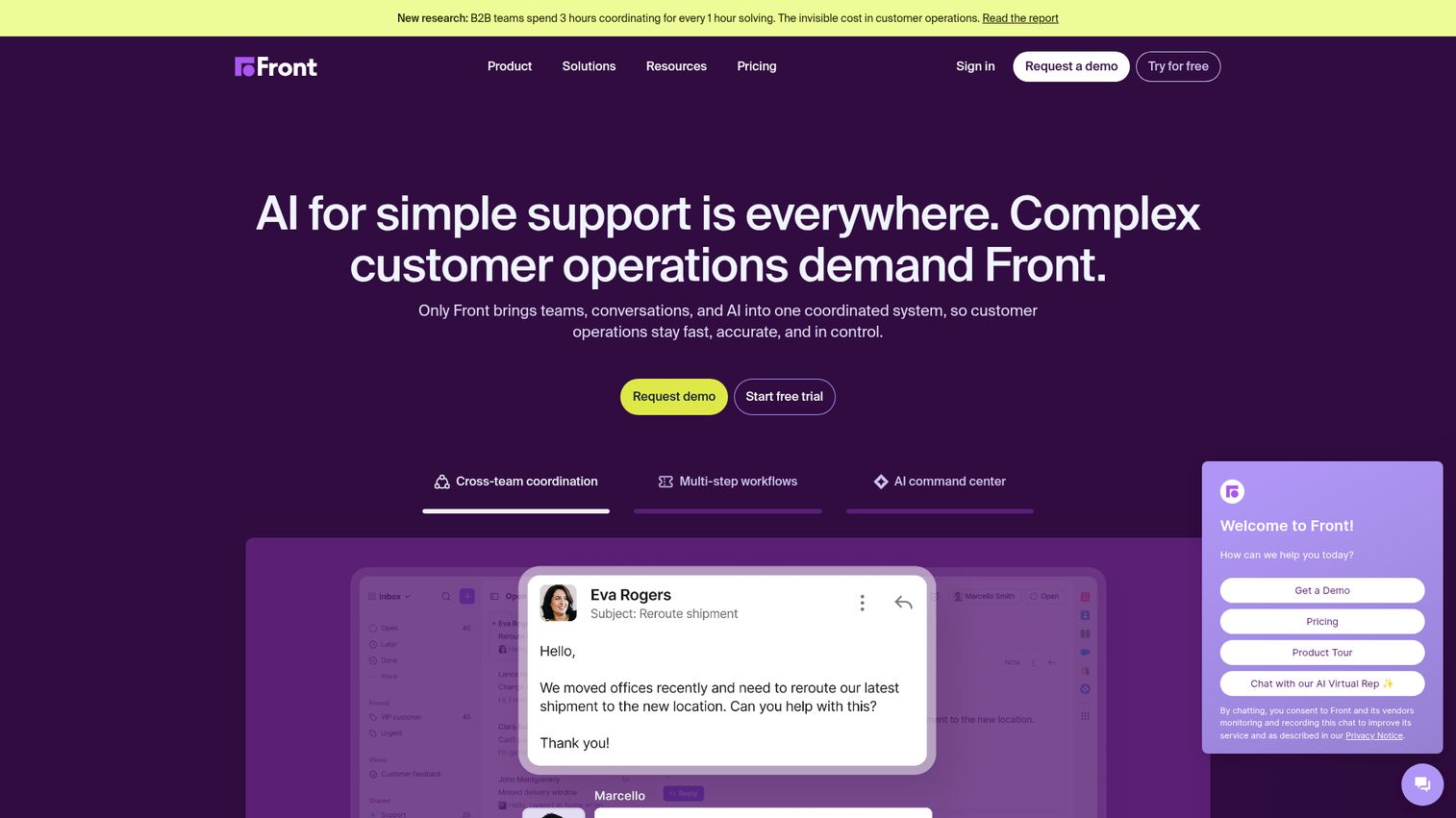
Front is a shared inbox and customer communication platform that combines email collaboration with CRM-like contact management, workflow automation, and multi-channel support.
What sets Front apart is the combination of depth and breadth. It handles email, SMS, live chat, and social media from a single interface, while giving teams the analytics and SLA tools that support managers actually need. It's the closest thing to a purpose-built team email management system that doesn't require you to compromise on features. You can explore how the platform works through the Front interactive demo.
Best for: Customer-facing teams that need a shared inbox with CRM-like features and omnichannel support
Key strengths
- Shared inbox with collision detection and internal comment threads
- Omnichannel support covering email, SMS, social, and live chat
- Workflow automation with rules, tags, and SLA triggers
- Deep analytics including response time, CSAT, and team performance
- Strong API and 100+ native integrations including Salesforce and Jira
Pricing: Starts at $19/seat/month (Starter). Growth plan at $59/seat/month. Scale and Premier tiers available for enterprise teams. No permanent free plan, but a 7-day free trial is available.
Honest trade-off: Front is one of the pricier options in this list, especially once you move past the Starter tier. Small teams with simple needs will likely find it more than they need. It works best for teams of 10+ with genuine omnichannel requirements.
2. Hiver
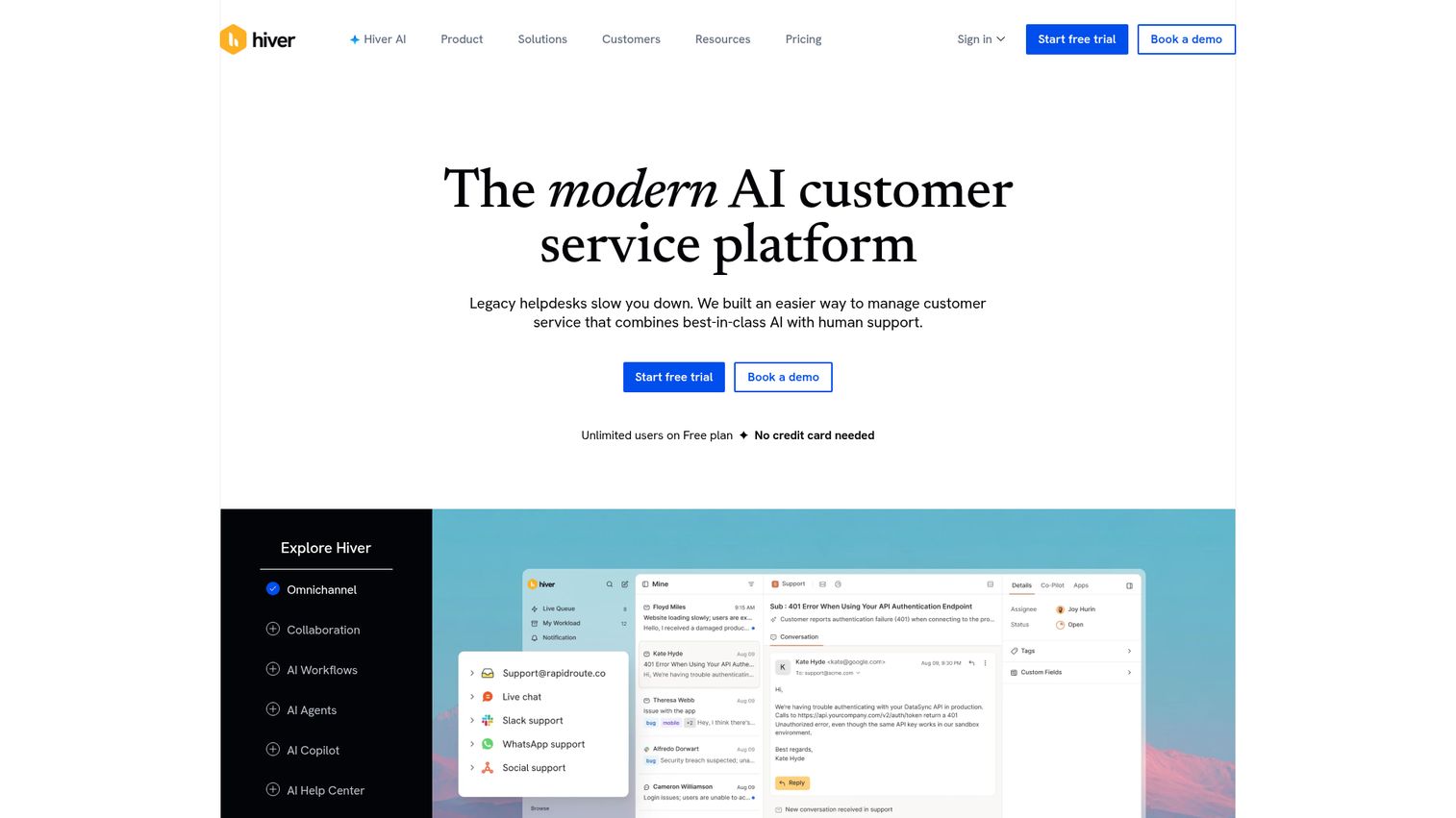
Hiver is a Gmail-native email management platform that adds shared inboxes, email assignment, collision alerts, and SLA tracking directly inside Google Workspace - no new interface required.
The core appeal is zero migration friction. Your team keeps working in Gmail; Hiver adds the collaboration layer on top. For Google Workspace shops that don't want to move to a dedicated helpdesk, this is the most practical path to team email management.
Best for: Teams already on Google Workspace who want shared inbox features without leaving Gmail
Key strengths
- Shared inboxes and email delegation inside native Gmail
- Collision detection prevents duplicate replies
- SLA tracking with escalation alerts
- AI-powered email summaries and suggested replies
- Free plan available for up to 2 users
Pricing: Free plan for up to 2 users. Lite plan starts at $19/user/month. Growth at $29/user/month. Elite and custom enterprise tiers available.
Honest trade-off: Hiver is locked to the Gmail ecosystem. If your team uses Outlook or a different email client, it won't work. The free plan is genuinely useful for very small teams, but the feature set is limited until you reach the Growth tier.
3. Help Scout
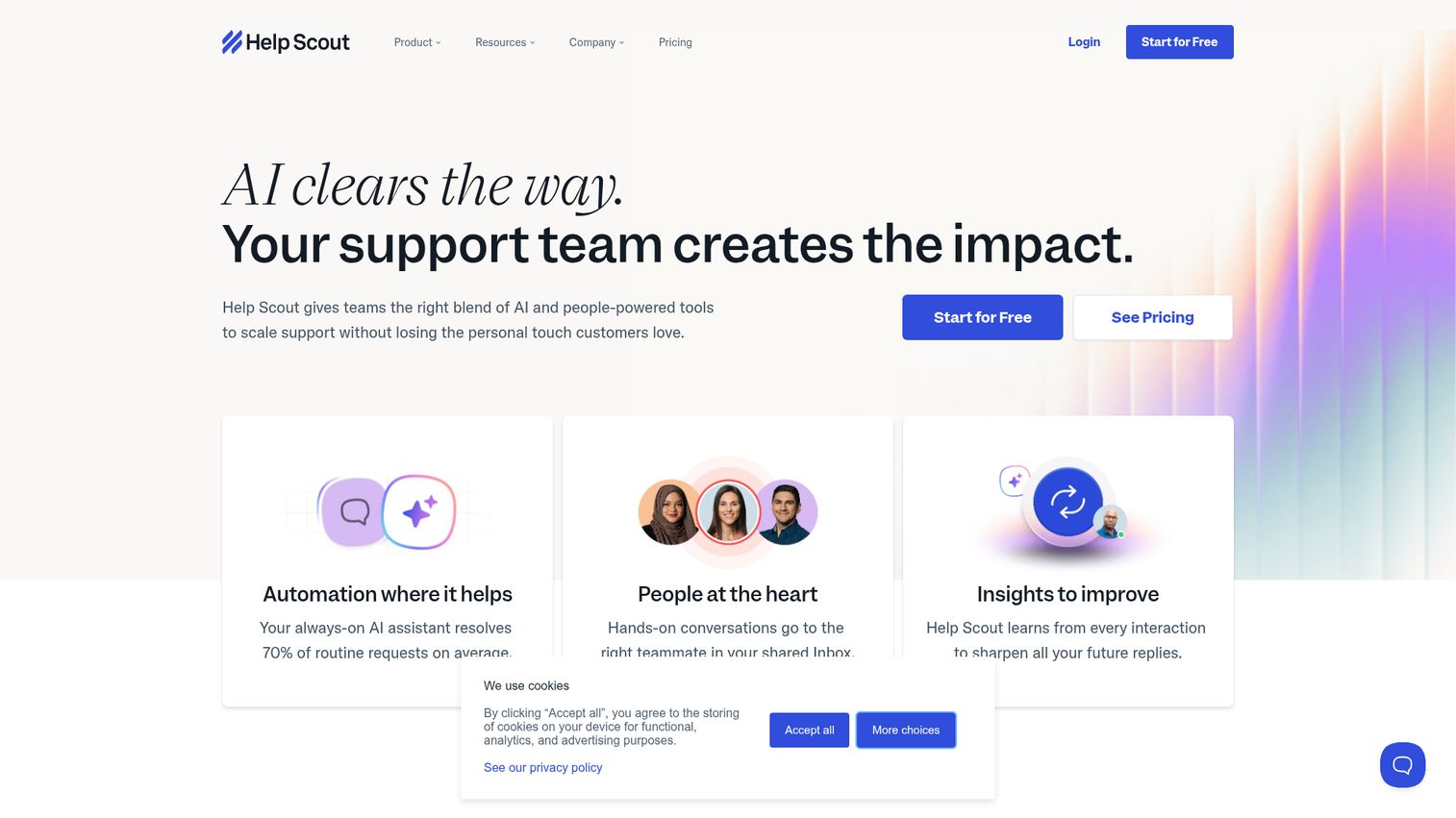
Help Scout is a customer support platform built around simplicity - a shared inbox, a knowledge base, an in-app Beacon widget, and customer profiles, all in one clean interface.
Help Scout tends to attract teams that tried Zendesk, found it overwhelming, and wanted something they could set up in an afternoon. The trade-off is that you get less automation depth and fewer AI features than the enterprise-tier tools. For teams of 5–50 focused on email support, that's often the right trade. If you're also evaluating standalone knowledge base software, Help Scout's built-in Docs feature may eliminate the need for a separate tool.
Best for: Small-to-mid-size customer support teams that prioritize ease of use over feature complexity
Key strengths
- Clean shared inbox with assignment and internal notes
- Built-in knowledge base (Docs) with Beacon in-app widget
- Customer profiles with full conversation history
- Satisfaction ratings (CSAT) built into every conversation
- Integrations with Salesforce, HubSpot, Jira, and Slack
Pricing: Starts at $20/user/month (Standard). Plus plan at $40/user/month. Pro plan available for larger teams. 15-day free trial.
Honest trade-off: Help Scout's automation capabilities are noticeably lighter than Front or Zendesk. If your team needs complex routing rules, multi-channel support, or deep AI features, you'll hit the ceiling. It's a deliberate product choice - simplicity over power.
4. Missive
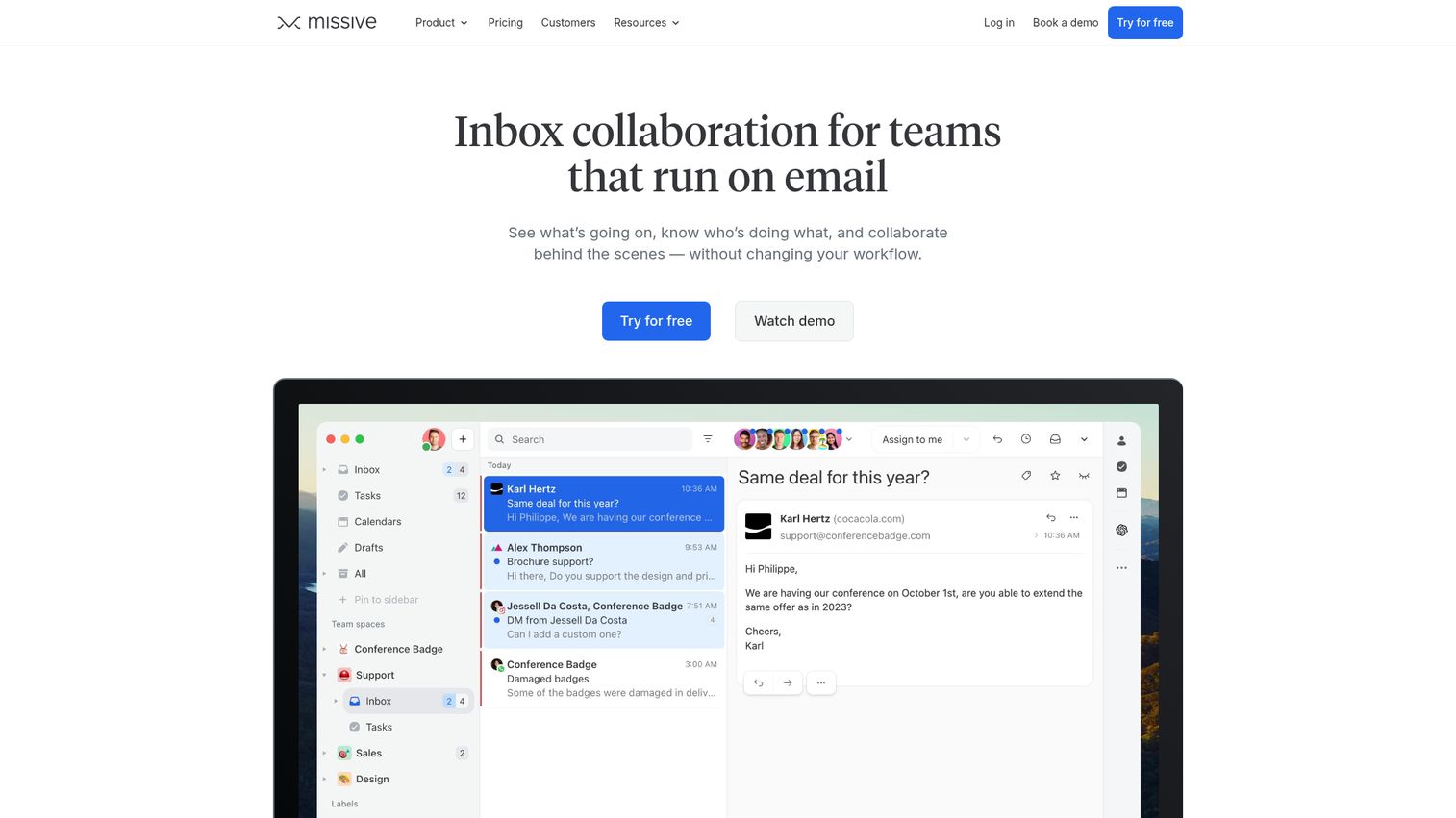
Missive is an email collaboration tool that combines shared inboxes, team chat, and task management in a single app - with a standout feature that lets multiple people co-author a reply in real time.
The collaborative drafting capability is genuinely unique. Two team members can edit the same draft simultaneously, with changes appearing live, before sending. For teams that handle complex or sensitive customer replies that need internal review before going out, this removes the awkward "can you check this before I send?" Slack message.
Best for: Teams that need real-time email collaboration and want chat built into the same tool
Key strengths
- Real-time collaborative email drafting (multiple authors, one reply)
- Team chat threads attached directly to email conversations
- Task creation from emails with assignment and due dates
- Integrations with Salesforce, Shopify, Asana, and Pipedrive
- Affordable pricing relative to feature depth
Pricing: Free plan for up to 3 users. Starter at $14/user/month. Productive at $18/user/month. Business at $26/user/month.
Honest trade-off: Missive has a steeper learning curve than Help Scout or Hiver, particularly for non-technical teams. Brand recognition is lower than the enterprise players, which can make internal buy-in harder. The interface takes some getting used to.
5. Zendesk
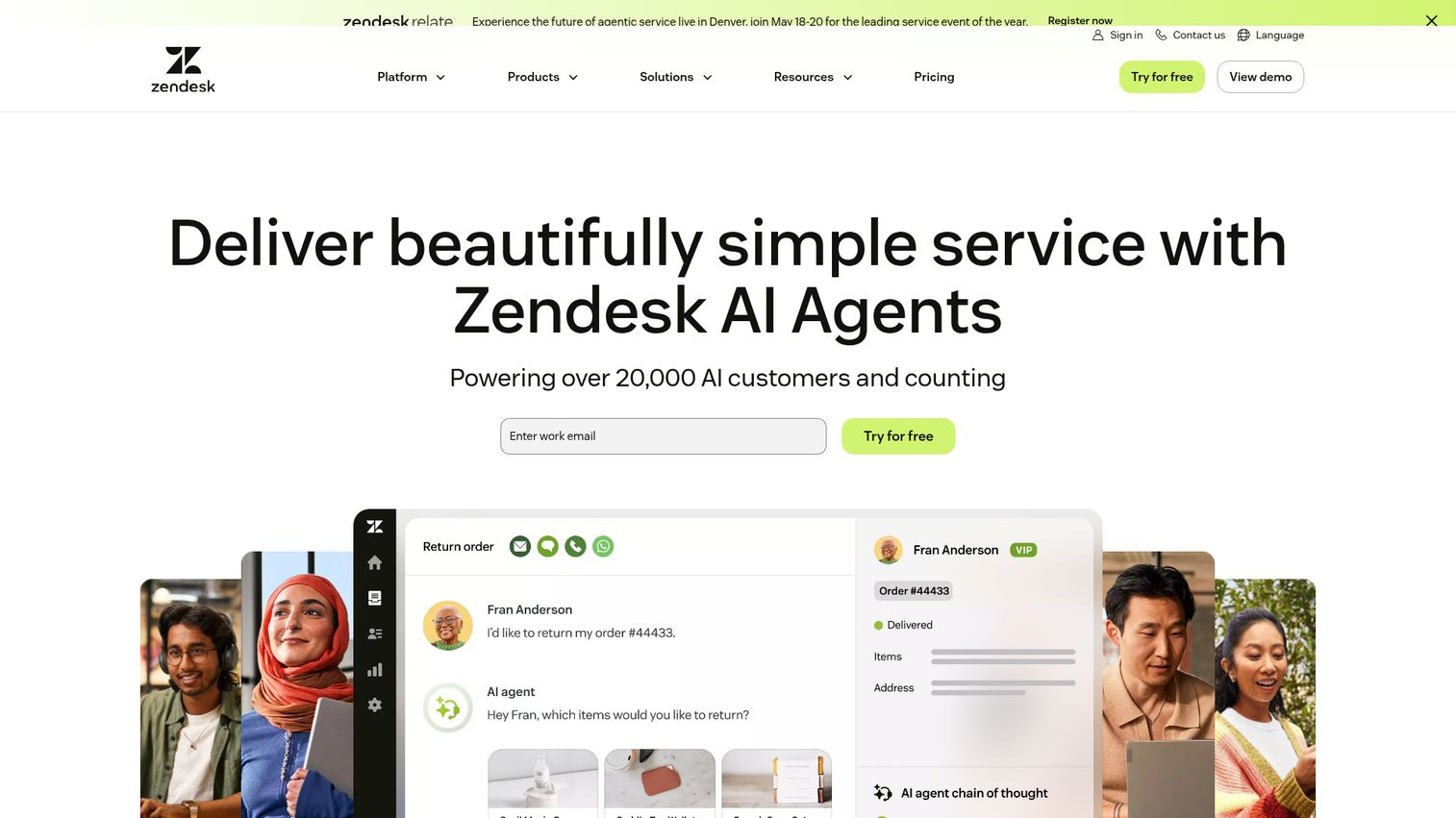
Zendesk is the enterprise standard for customer service email management software - a full-scale support suite with AI-powered ticket routing, macros, SLA management, and omnichannel coverage across email, chat, phone, and social. You can preview the platform's interface through the Zendesk interactive demo.
The reporting depth alone separates Zendesk from most competitors. You can track first reply time, full resolution time, agent workload, CSAT trends, and ticket volume by channel - all with customizable dashboards. For support teams managing thousands of tickets per month, that visibility is non-negotiable.
Best for: Enterprise teams needing a full customer service suite with email ticketing at its core
Key strengths
- AI-powered ticket routing and intelligent triage
- Macros and triggers for email workflow automation
- SLA management with escalation policies
- Omnichannel: email, chat, phone, social, and messaging
- Deep analytics with custom dashboards and reporting
Pricing: Suite Team starts at $55/agent/month. Suite Growth at $89/agent/month. Suite Professional at $115/agent/month. Enterprise pricing on request. 14-day free trial.
Honest trade-off: Zendesk is complex to set up and configure. Teams without a dedicated admin or IT resource will spend significant time on initial implementation. It's also expensive - at $55+/agent/month, a 10-person team is looking at $550+/month minimum. For teams that only need email management, it's likely overkill.
6. HubSpot Service Hub
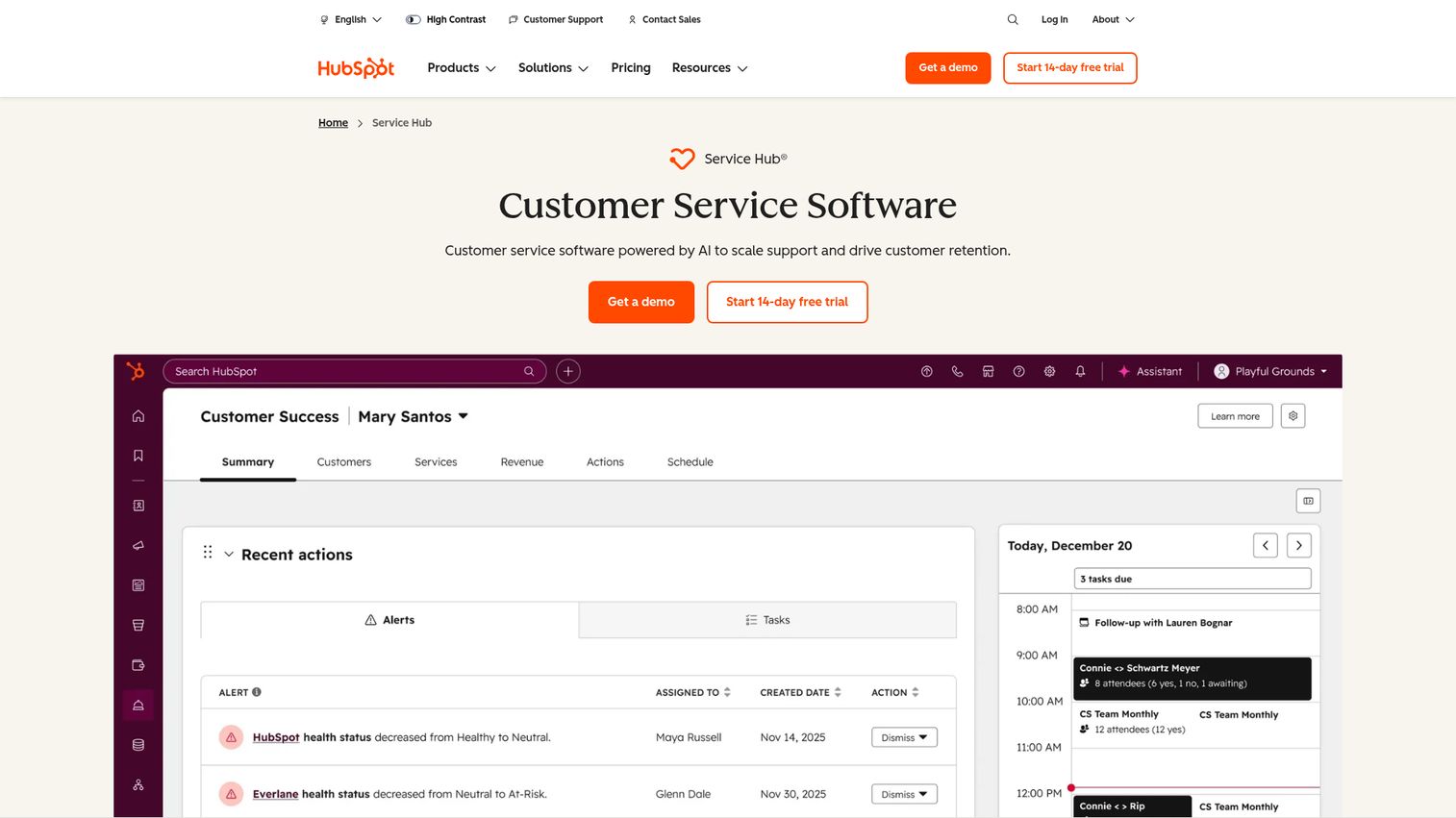
HubSpot Service Hub is a customer service platform built on top of HubSpot's CRM, giving support teams a shared inbox, ticketing system, knowledge base, and customer feedback tools - all connected to the same contact records used by sales and marketing. Explore the platform firsthand through the HubSpot interactive demo.
The CRM integration is the real differentiator here. When a customer emails support@, your agent sees the full history: every sales interaction, every marketing email opened, every previous support ticket. HubSpot has 288,706 paying customers across 135+ countries as of Q4 2025 (Backlinko, 2026), which speaks to the breadth of teams already in the ecosystem.
Best for: Teams already using HubSpot CRM who want unified customer data across sales, marketing, and support
Key strengths
- Shared inbox connected to HubSpot CRM contact records
- Ticket pipeline with customizable stages and automation
- Knowledge base with SEO optimization built in
- Customer feedback tools including NPS and CSAT surveys
- Generous free tier with basic ticketing and inbox features
Pricing: Free tier available with core features. Starter at $15/seat/month. Professional at $90/seat/month. Enterprise at $130/seat/month.
Honest trade-off: The free tier is useful but limited. Full power requires the Professional tier or above, and if you want the complete HubSpot experience - marketing automation, sales sequences, and service hub together - costs add up quickly. Teams not already in the HubSpot ecosystem may find the onboarding investment steep.
7. SaneBox
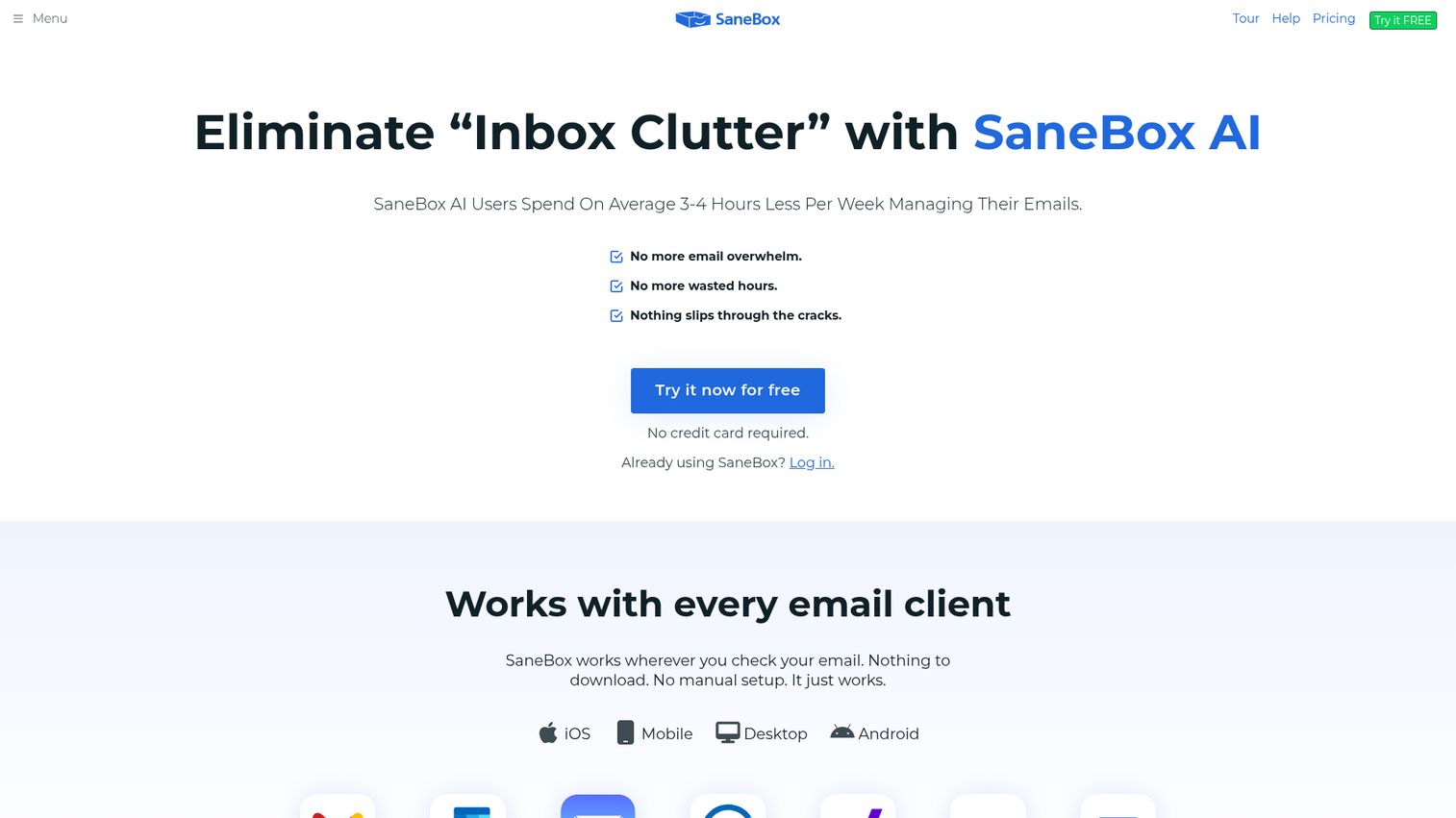
SaneBox is an AI-powered email productivity tool that sits on top of any existing email client - Gmail, Outlook, Yahoo, Apple Mail - and automatically sorts your inbox based on what you actually read and respond to.
Unlike every other tool in this list, SaneBox doesn't replace your email client or add a new interface. It connects via IMAP, analyzes your email behavior, and starts moving low-priority messages to folders like SaneLater, SaneNews, and SaneBlackHole. Setup takes about 5 minutes and requires no migration.
Best for: Individual professionals and small teams who want AI inbox decluttering without switching email clients
Key strengths
- AI inbox sorting that learns from your behavior over time
- SaneBlackHole for one-click unsubscribing from senders permanently
- SaneReminders for follow-up nudges on unanswered emails
- Do Not Disturb mode for focused work blocks
- Works with virtually any email provider via IMAP
Pricing: Snack plan at $7/month (1 email account). Lunch at $12/month (2 accounts). Dinner at $36/month (4 accounts). Annual billing discounts available.
Honest trade-off: SaneBox is a personal productivity tool, not a team collaboration platform. It has no shared inbox, no assignment features, and no collision detection. If your primary problem is team email coordination rather than personal inbox overload, look at Hiver, Front, or Missive instead.
8. Zoho Mail
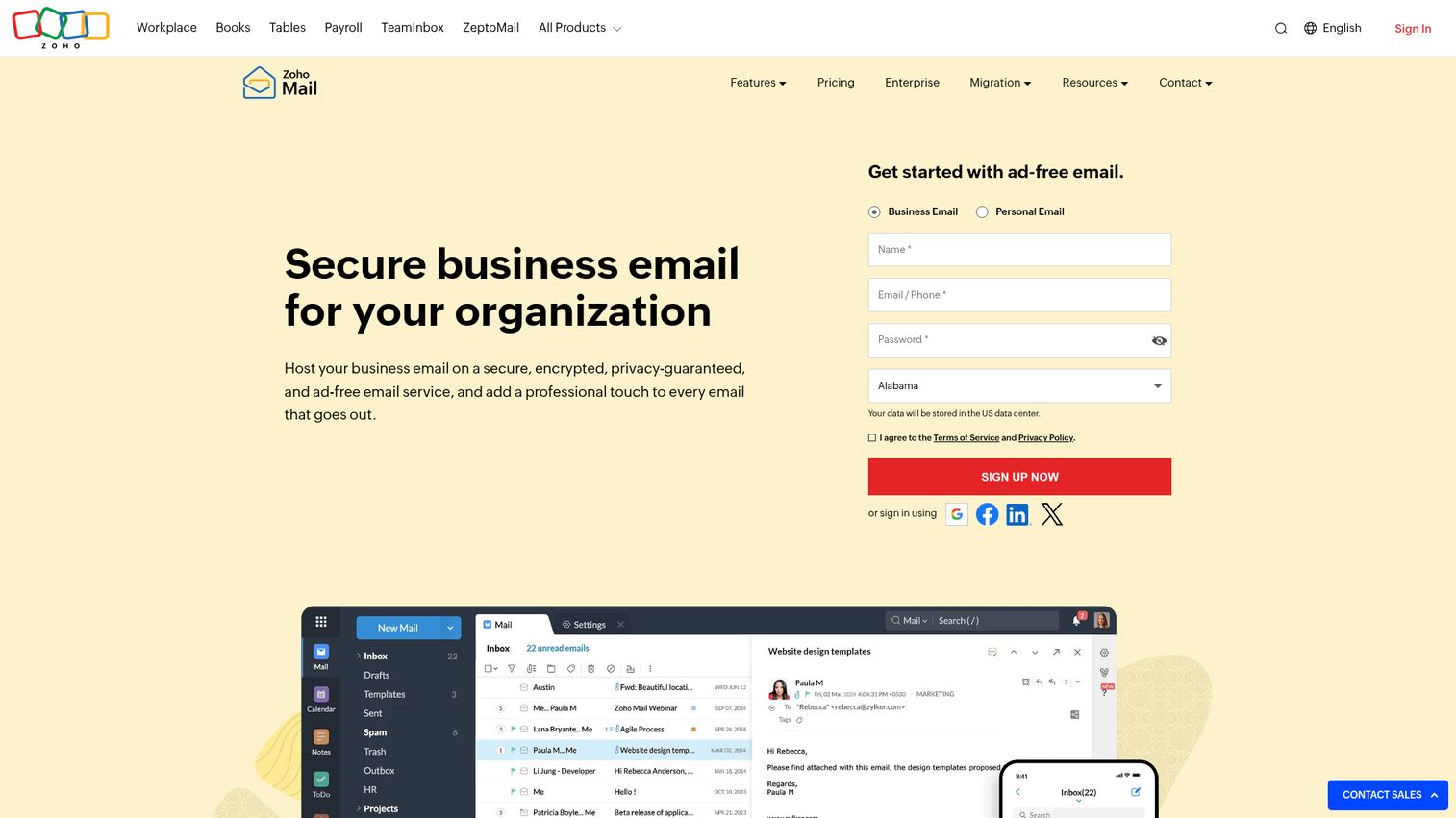
Zoho Mail is a full email hosting and management suite that includes shared mailboxes, task management, calendar, and notes - all within the broader Zoho product ecosystem. You can explore the Zoho interface through the Zoho interactive demo.
The value proposition is straightforward: you get business email hosting, team collaboration features, and integration with 40+ Zoho apps (CRM, Desk, Projects, Cliq) at a price point that undercuts most competitors significantly. The ad-free experience and strong security defaults - end-to-end encryption, 2FA, S/MIME - make it a credible option for budget-conscious teams that don't want to compromise on data privacy.
Best for: Budget-conscious businesses wanting email hosting and team management in one affordable suite
Key strengths
- Business email hosting with custom domains
- Shared mailboxes with team collaboration features
- End-to-end encryption and S/MIME certificate support
- Native integration with Zoho CRM, Zoho Desk, and 40+ Zoho apps
- Ad-free interface with strong spam filtering
Pricing: Free plan for up to 5 users (5GB/user). Mail Lite at $1/user/month. Mail Premium at $4/user/month. Workplace plans from $3/user/month include additional Zoho apps.
Honest trade-off: Zoho Mail's interface feels dated compared to Gmail or Outlook. Teams accustomed to modern email UX will notice the difference. The shared mailbox features are also less polished than dedicated shared inbox tools like Front or Hiver. It works best as part of a broader Zoho stack rather than as a standalone email management tool.
9. Microsoft Outlook (with Microsoft 365)
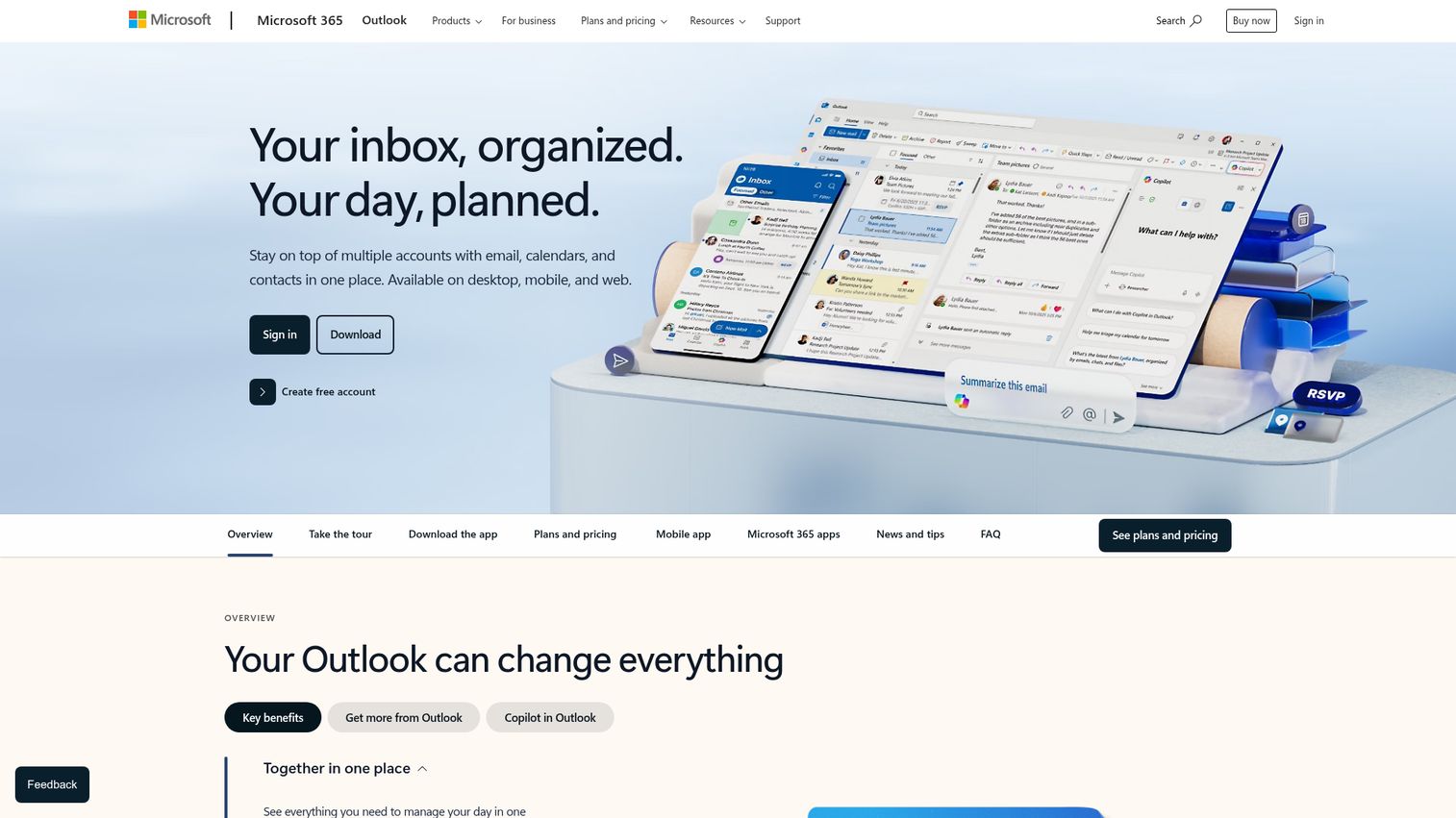
Microsoft Outlook with Microsoft 365 is the default email client for most enterprise organizations - and in 2026, Copilot AI features have added meaningful email management capabilities including draft suggestions, thread summarization, and meeting scheduling assistance.
The Microsoft 365 suite value extends well beyond email: Teams, SharePoint, OneDrive, and the full Office suite are included depending on your plan. For organizations already standardized on Windows and Microsoft infrastructure, Outlook is the path of least resistance.
Best for: Organizations standardized on Microsoft's ecosystem that want AI-assisted email without switching platforms
Key strengths
- Focused Inbox with AI-powered priority sorting
- Copilot AI for draft suggestions, thread summaries, and meeting prep
- Shared mailboxes and distribution groups via Exchange/Microsoft 365
- Deep calendar integration with meeting scheduling and room booking
- Full Microsoft 365 suite integration (Teams, SharePoint, OneDrive)
Pricing: Microsoft 365 Business Basic at $6/user/month. Business Standard at $12.50/user/month. Business Premium at $22/user/month. Enterprise plans available.
Honest trade-off: Outlook's shared inbox functionality is basic compared to purpose-built tools like Front or Hiver. Setting up shared mailboxes requires IT admin access and Exchange configuration - it's not self-serve. Teams that need collision detection, assignment workflows, or detailed support analytics will need to add a tool on top of Outlook.
10. Gmail (with Google Workspace)
Gmail with Google Workspace is the foundation layer for millions of teams - and in 2026, Gemini AI features have added smart compose improvements, email summarization, and contextual reply suggestions directly in the inbox.
Gmail's labels, filters, and Priority Inbox give individual users solid email organization tools. Google Workspace adds collaborative features through Google Chat, Spaces, and shared drives. The platform's strength is its ubiquity and integration depth - nearly every SaaS tool on the market connects to Gmail.
Best for: Teams that prefer Google's ecosystem and want a lightweight foundation for email management
Key strengths
- Gemini AI for email summarization and smart compose
- Labels, filters, and Priority Inbox for personal email organization
- Google Workspace integration with Chat, Meet, and Drive
- 5,000+ third-party integrations via native connectors and Zapier
- Familiar interface with near-zero onboarding friction
Pricing: Google Workspace Business Starter at $6/user/month. Business Standard at $12/user/month. Business Plus at $18/user/month. Enterprise pricing on request.
Honest trade-off: Gmail's native shared inbox capabilities are limited. Most teams that need true team email management - assignment, collision detection, SLA tracking - add a Gmail-native tool like Hiver, Gmelius, or Drag on top. Gmail alone is a foundation, not a complete team email management system.
11. LiveAgent
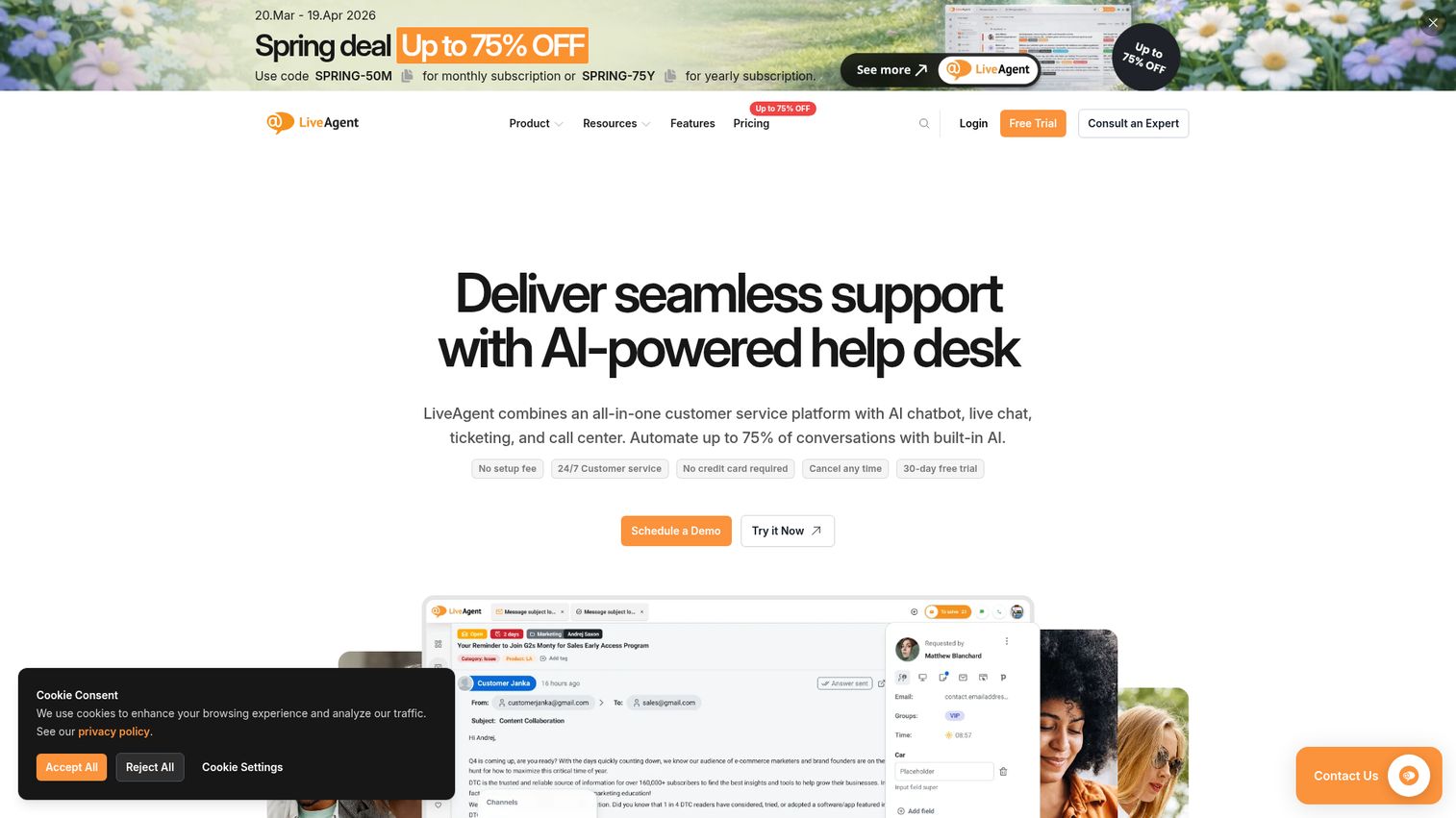
LiveAgent is a helpdesk platform that converts incoming emails into support tickets automatically, combining email ticketing with live chat, social media, and a call center in a single universal inbox. See how the platform looks in practice through the LiveAgent interactive demo.
LiveAgent's gamification features - agent rankings, badges, and performance leaderboards - are unusual in this category and work particularly well for support teams that want to motivate agents around response time and resolution metrics. Teams interested in sales gamification may find LiveAgent's approach to agent motivation familiar. The free tier is one of the more generous in the helpdesk space.
Best for: Support teams wanting a helpdesk with strong email ticketing, live chat, and an affordable entry point
Key strengths
- Universal inbox combining email, chat, social, and calls
- Automatic email-to-ticket conversion with routing rules
- Canned responses and email templates for fast replies
- SLA management with escalation policies
- Gamification features for agent performance motivation
Pricing: Free plan available (limited features). Small plan at $9/agent/month. Medium at $29/agent/month. Large at $49/agent/month. Enterprise at $69/agent/month.
Honest trade-off: LiveAgent's UI feels less polished than competitors like Help Scout or Front. The mobile app has received mixed reviews for reliability. Teams that prioritize a modern interface and smooth mobile experience may find it frustrating.
12. Helpwise
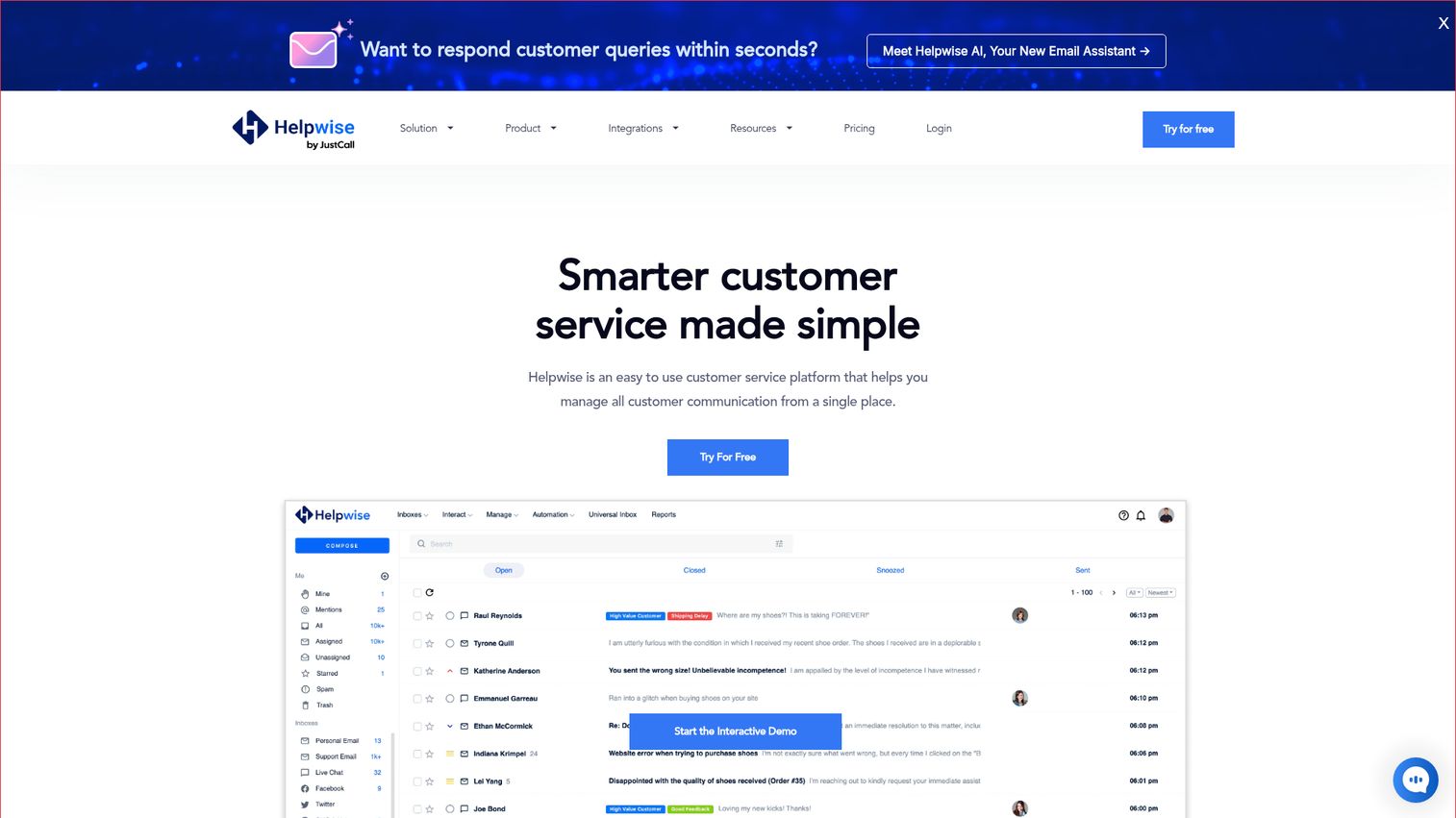
Helpwise is a shared inbox platform that supports email, WhatsApp, SMS, Facebook Messenger, and Instagram DMs from a single interface - making it one of the more accessible multi-channel options for growing teams.
The platform covers the core shared inbox features well: collision detection, email assignment, internal notes, CSAT surveys, and a basic knowledge base. Pricing is competitive, particularly for teams that need multi-channel coverage without paying enterprise rates.
Best for: Growing teams that need shared inboxes across email, WhatsApp, SMS, and social channels
Key strengths
- Shared inboxes for email, WhatsApp, SMS, and social media
- Collision detection and email assignment with internal notes
- Automation rules for routing, tagging, and auto-replies
- CSAT surveys with response tracking
- Knowledge base for self-service support
Pricing: Standard plan at $20/user/month. Premium at $40/user/month. 14-day free trial available.
Honest trade-off: Helpwise has fewer native integrations than Front or Zendesk. Reporting capabilities are functional but not deep - teams that need granular analytics or custom dashboards will find it limiting. It's a solid mid-market option, not an enterprise-grade platform.
13. Gmelius
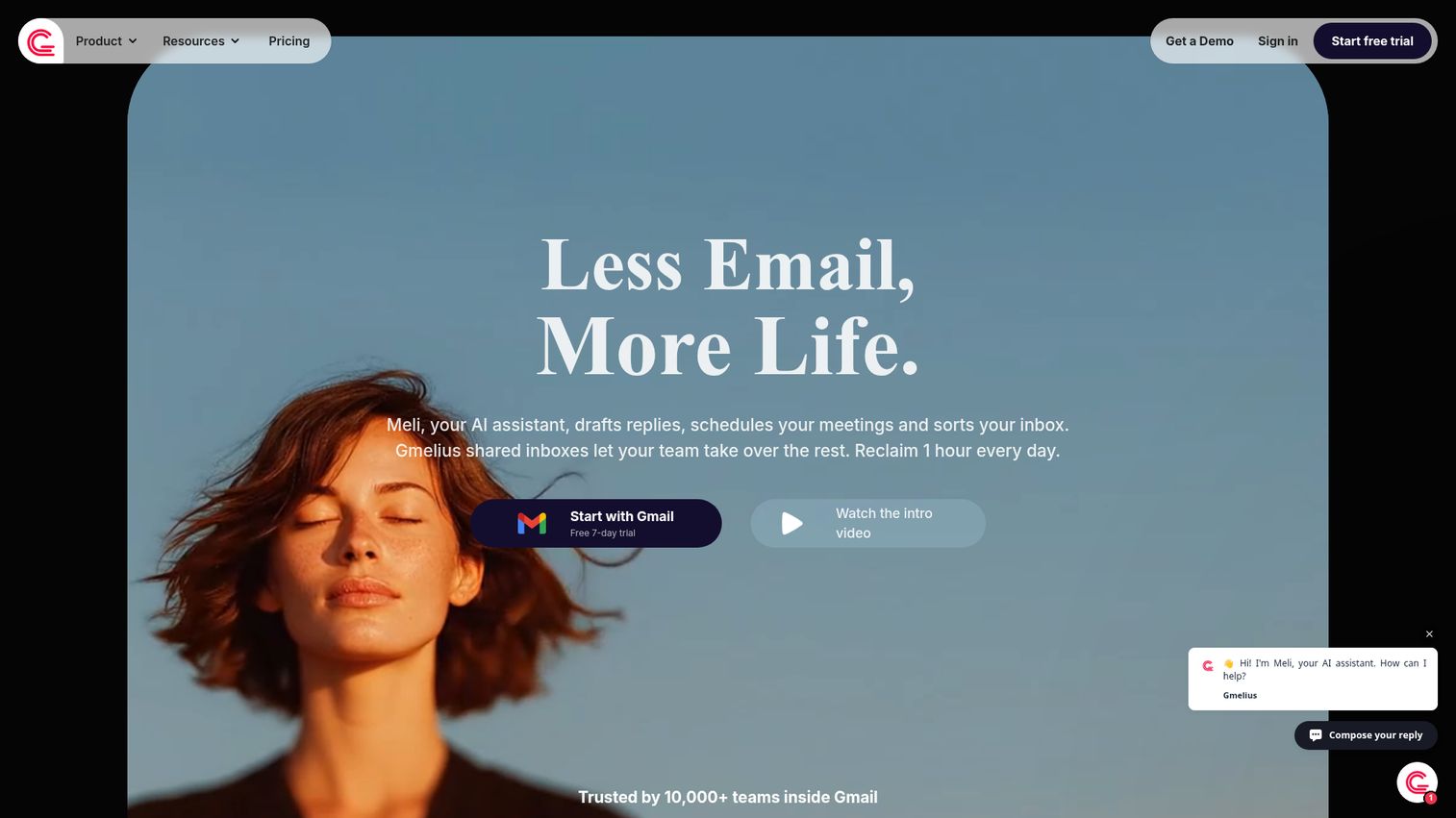
Gmelius turns Gmail into a collaborative workspace by adding shared inboxes, Kanban boards, email sequences, and workflow automation - all without leaving the Gmail interface.
The Kanban pipeline view is the standout feature: you can drag email conversations through custom stages, giving sales and support teams a visual workflow that feels more like a project management tool than an inbox. SLA tracking and email sequence automation round out the feature set.
Best for: Gmail power users who want Kanban-style pipeline management and automation inside their inbox
Key strengths
- Shared inboxes with assignment and collision detection inside Gmail
- Kanban board view for visual email pipeline management
- Email sequences for automated follow-up workflows
- SLA tracking with deadline alerts
- Workflow automation with rules and triggers
Pricing: Growth plan at $15/user/month. Business at $29/user/month. Enterprise pricing available. 7-day free trial.
Honest trade-off: Gmelius is Gmail-only - it won't work with Outlook or other email clients. Heavy use of the extension can slow down Gmail, particularly on older hardware or with large inboxes. Teams with 50+ users should test performance carefully before committing.
14. Drag
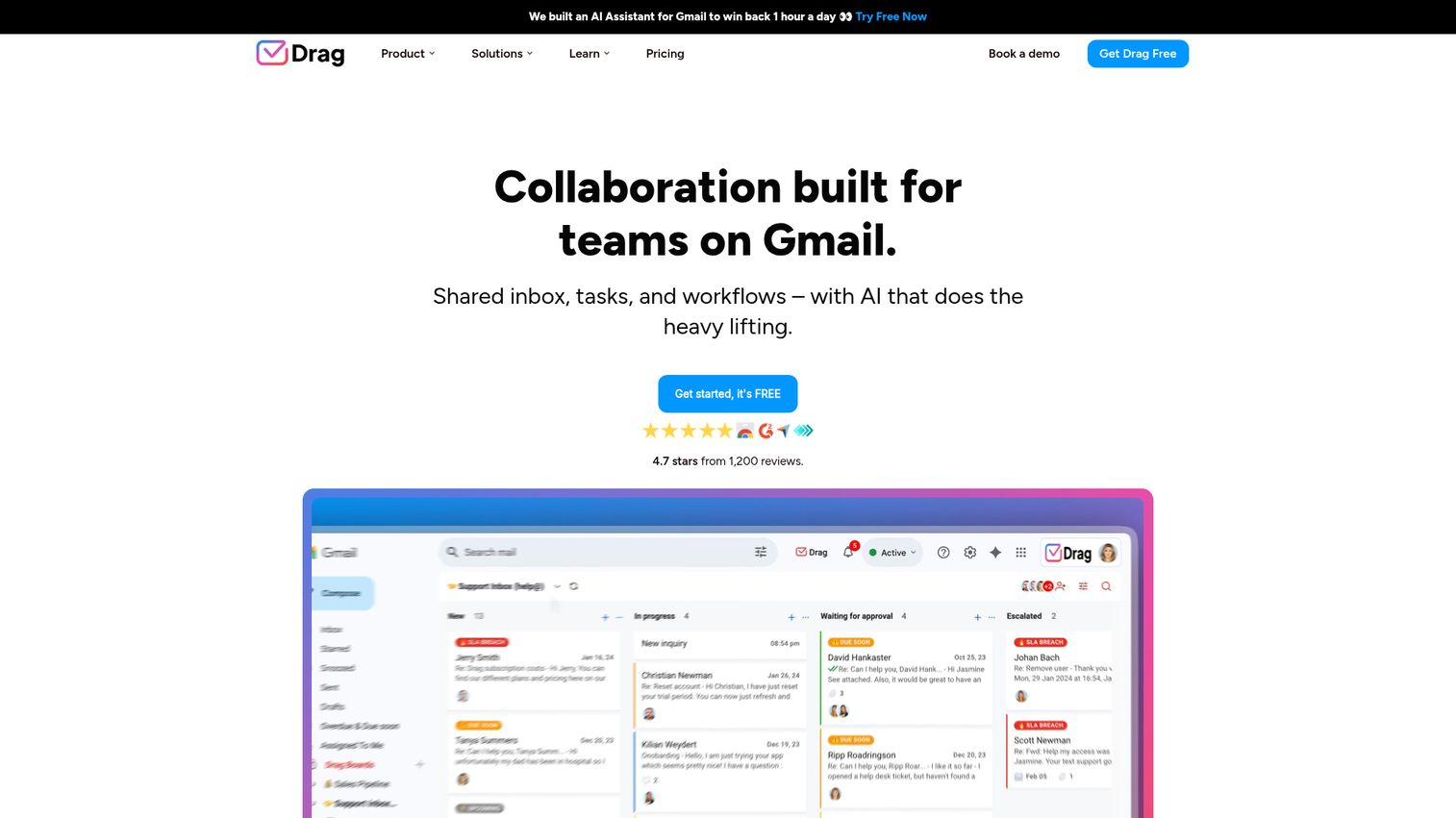
Drag adds Trello-style Kanban boards directly inside Gmail, letting small teams manage emails as tasks with shared boards, internal chat, and basic automation - all from within their existing inbox.
Drag is the lightest-weight option in this list. It's designed for small teams that want visual task management without the overhead of a full helpdesk or shared inbox platform. The free plan is functional enough for teams of 1–3 people to evaluate properly.
Best for: Small teams that want to turn Gmail into a visual task board with minimal setup
Key strengths
- Kanban boards built directly inside Gmail
- Shared boards with email assignment and internal team chat
- Email-to-task conversion with due dates and checklists
- Basic automation for routing and tagging
- Free plan available for small teams
Pricing: Free plan for up to 3 users. Starter at $8/user/month. Plus at $12/user/month. Pro at $16/user/month.
Honest trade-off: Drag is limited to Gmail. The automation capabilities are basic compared to Gmelius or Hiver. For teams with complex support workflows, multiple channels, or more than 10–15 users, Drag will feel constrained quickly.
15. Spike
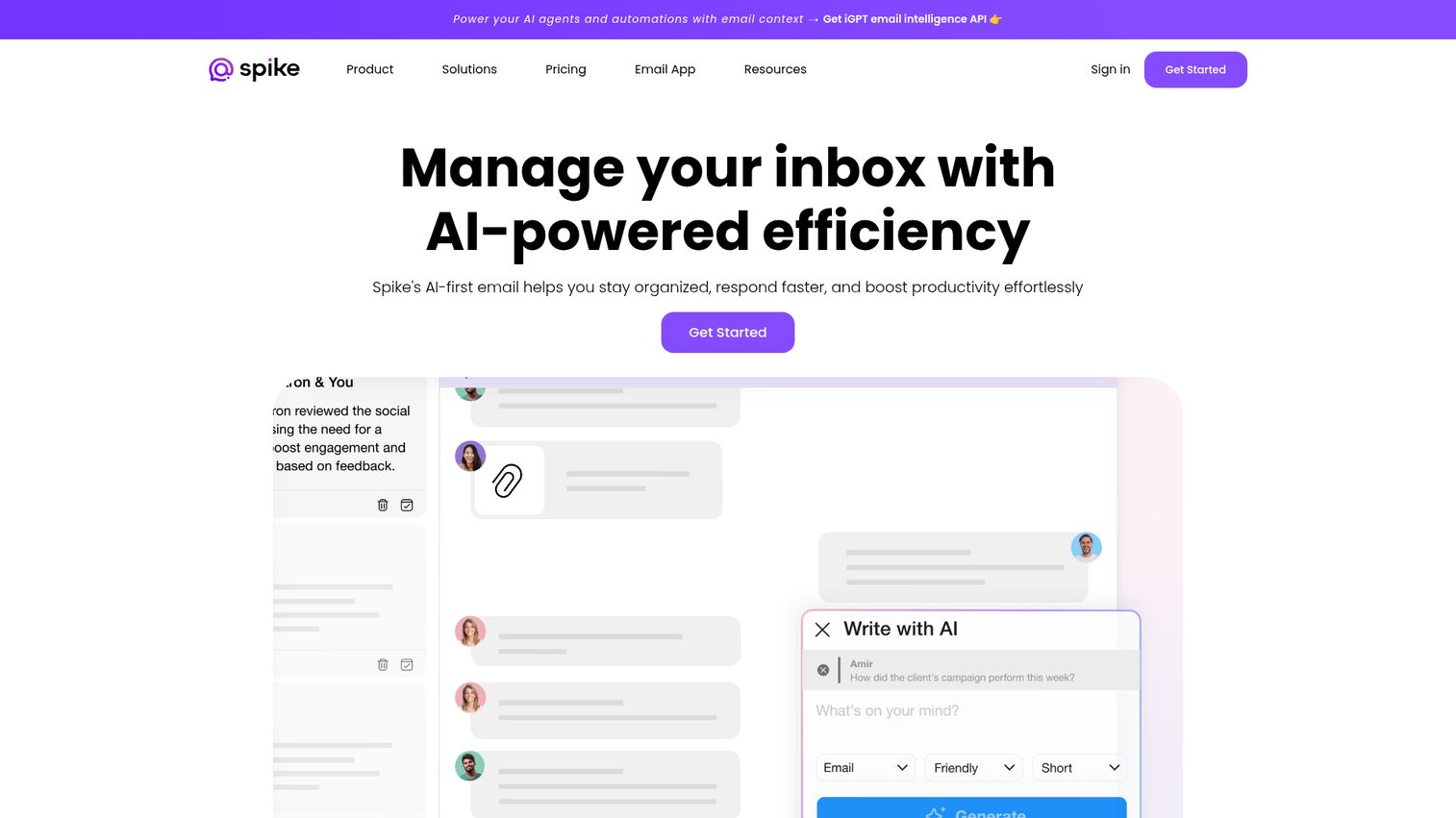
Spike reimagines email as a conversational messaging experience - emails appear as chat-style message threads rather than traditional formatted messages, with voice messages, video calls, and collaborative notes built in.
The UX is genuinely different from anything else in this list. If your team finds traditional email too formal and slow for internal communication, Spike's chat-like interface can close the gap between email and messaging apps. It supports shared inboxes and works with existing email accounts via IMAP.
Best for: Teams that want a modern, chat-like email experience and are open to a fundamentally different inbox UI
Key strengths
- Chat-style email interface with threaded conversations
- Shared inbox with team collaboration features
- Voice messages and video calls built into the email thread
- Collaborative notes attached to conversations
- Works with existing Gmail, Outlook, and IMAP accounts
Pricing: Free plan available. Teams plan at $5/user/month. Business at $10/user/month.
Honest trade-off: The chat-like interface is a polarizing design choice. Teams that send and receive formal business emails - contracts, legal correspondence, detailed proposals - often find the stripped-down message format disorienting. Test it with your actual team before rolling it out widely.
Quick comparison table: all 15 email management tools at a glance
Use this table to scan and compare before reading individual reviews. Prices shown are starting prices for paid plans.
| # | Tool | Best For | Key Differentiation | Starting Price | Free Plan | AI Features | Shared Inbox | G2 Rating |
|---|---|---|---|---|---|---|---|---|
| 1 | Front | Customer-facing teams | Omnichannel + CRM features | $19/seat/mo | No (trial) | Yes | Yes | 4.7/5 |
| 2 | Hiver | Gmail teams | Gmail-native, no new UI | $19/user/mo | Yes (2 users) | Yes | Yes | 4.6/5 |
| 3 | Help Scout | SMB support teams | Simplicity + knowledge base | $20/user/mo | No (trial) | Yes | Yes | 4.4/5 |
| 4 | Missive | Collaborative drafting | Real-time co-authoring | $14/user/mo | Yes (3 users) | Yes | Yes | 4.6/5 |
| 5 | Zendesk | Enterprise support | Full-scale ticketing suite | $55/agent/mo | No (trial) | Yes | Yes | 4.3/5 |
| 6 | HubSpot Service Hub | HubSpot ecosystem teams | CRM-connected inbox | $15/seat/mo | Yes | Yes | 4.4/5 | |
| 7 | SaneBox | Personal productivity | AI inbox filtering, any client | $7/mo | No (trial) | Yes | No | 4.9/5 |
| 8 | Zoho Mail | Budget-conscious teams | Email hosting + team features | $1/user/mo | Yes (5 users) | Limited | Yes | 4.4/5 |
| 9 | Microsoft Outlook | Microsoft ecosystem | Copilot AI + M365 suite | $6/user/mo | No | Yes | Yes | 4.5/5 |
| 10 | Gmail (Workspace) | Google ecosystem | Gemini AI + 5,000+ integrations | $6/user/mo | Yes (personal) | Limited | No (native) | 4.6/5 |
| 11 | LiveAgent | Support + live chat | Universal inbox + gamification | $9/agent/mo | Yes | Limited | Yes | 4.5/5 |
| 12 | Helpwise | Multi-channel teams | Email + WhatsApp + SMS | $20/user/mo | No (trial) | Limited | Yes | 4.5/5 |
| 13 | Gmelius | Gmail power users | Kanban + sequences in Gmail | $15/user/mo | No (trial) | Limited | Yes | 4.3/5 |
| 14 | Drag | Small Gmail teams | Kanban boards in Gmail | $8/user/mo | Yes (3 users) | No | Yes | 4.4/5 |
| 15 | Spike | Chat-style email | Conversational email UX | $5/user/mo | Yes | Limited | Yes | 4.5/5 |
Prices verified as of April 2026. Visit each tool's website for the latest pricing.
How to choose the right email management software for your team
The right tool depends on four variables: your primary use case, your existing tech stack, your team size, and your budget. Here's a scenario-based framework to narrow from 15 options to 2–3.
Define your primary use case
If your main problem is customer support email volume, look at Front, Zendesk, Help Scout, or LiveAgent. These are purpose-built for support workflows with ticketing, SLA tracking, and CSAT measurement.
If you need internal team collaboration on shared inboxes, Hiver, Missive, and Gmelius are the strongest options - each adds collaboration features without requiring a full helpdesk migration.
If personal inbox overload is the problem, SaneBox handles this better than any other tool in this list. It requires no migration and works on any email client.
If you want a full business communication suite, Zoho Mail, Microsoft Outlook with Microsoft 365, and Gmail with Google Workspace give you email hosting plus broader productivity tools.
Consider your existing tech stack
Your current email client matters more than most buyers realize. If you're a Google Workspace shop, Hiver, Gmelius, and Drag all work inside Gmail natively - zero migration required. If you're on Microsoft 365, Outlook's built-in features plus Front or Missive (which connect to both Gmail and Outlook) are the natural starting points. If you're a HubSpot user, HubSpot Service Hub's inbox connects directly to your existing CRM data without any integration work.
Budget and team size
For small teams under 10 people, Hiver's free plan, Drag's free tier, Missive's free plan, and HubSpot's free tier all provide meaningful functionality without a credit card. For mid-size teams of 10–50, Front, Help Scout, and Missive offer the best combination of features and pricing. For enterprise teams of 50+, Zendesk and Microsoft 365 have the scalability, security certifications, and admin controls that large organizations require.
Trial before you commit
Most tools offer 7–14 day free trials. Pick your top 2–3 based on the criteria above, involve the actual team members who will use the tool daily (not just the decision-maker), and evaluate on real workflows - not demo scenarios. The tool that gets adopted is the one that fits how your team already works, not the one with the longest feature list. If you want to see how interactive demos can help your own team evaluate software faster, Guideflow lets you build guided product walkthroughs that prospects can explore on their own.
Email management best practices for teams in 2026
Software alone doesn't solve email chaos. The teams that get the most from these tools pair them with clear processes.
1. Establish email ownership rules. Define which team member or role is responsible for each inbox and email type. "Everyone is responsible" means no one is. Document it and put it in your onboarding checklist.
2. Set SLA targets by email type. A billing dispute has a different urgency than a general inquiry. Set response time targets by category - for example, 2 hours for billing, 4 hours for support, 24 hours for general - and use your tool's SLA features to enforce them.
3. Use templates for repetitive queries, but personalize. Canned responses save time on the 80% of emails that follow predictable patterns. The mistake is sending them verbatim. Add one sentence of personalization - referencing the customer's specific situation - and response quality improves noticeably.
4. Schedule email processing blocks. Constant inbox monitoring fragments attention and reduces the quality of both email responses and other work. Two or three dedicated email blocks per day - morning, midday, end of day - work better than reactive checking every 10 minutes.
5. Use AI for triage, not just drafting. The most underused AI feature in 2026 is categorization. Let AI sort and prioritize your incoming email before you open it, not just suggest what to write. This is where the time savings are largest.
6. Audit your email workflows quarterly. Routing rules, auto-tags, and canned responses drift out of date as your product and team evolve. A 30-minute quarterly review to prune outdated rules and update templates keeps your system working as intended.
Find the email management software that fits your workflow
There's no single best email management software - the right choice depends on your team size, use case, existing tools, and budget. Front leads for customer-facing teams that need omnichannel depth. Hiver is the strongest option for Gmail teams that don't want to change their workflow. Zendesk is the right call for enterprise support operations that need scalability and compliance. SaneBox solves personal inbox overload better than anything else in this list.
Start with your biggest pain point, not the longest feature list. Pick two tools from the comparison table that match your scenario, run both trials with your actual team, and let usage data make the decision.
Frequently asked questions about email management software
Email management software is a category of tools that help individuals and teams organize, prioritize, track, and respond to emails more efficiently. It ranges from personal inbox tools like SaneBox that filter and sort your own account, to shared inbox platforms like Front and Hiver where multiple team members collaborate on a single address, to helpdesk ticketing systems like Zendesk that convert emails into trackable support tickets with SLA management and reporting.
Hiver offers a free plan for up to 2 users with shared inbox and basic assignment features. Missive's free plan supports up to 3 users. Drag's free tier works for small Gmail teams. HubSpot Service Hub has a free tier with basic ticketing and inbox tools. Most paid tools also offer 7–14 day free trials. Free plans typically have limits on users, inboxes, or automation features - check the specific plan page before committing.
Email clients like Gmail and Outlook handle sending and receiving email. Email management software adds layers on top: shared inboxes where multiple agents work from the same address, assignment and ownership tracking, automation rules for routing and tagging, SLA monitoring, collision detection, and analytics. Some tools replace the email client entirely; others like Hiver and Gmelius integrate directly with Gmail and add these features without changing the interface.
Yes - most tools integrate with one or both. Hiver, Gmelius, and Drag are Gmail-native and work inside Google Workspace. Front and Missive connect to both Gmail and Outlook. SaneBox works with virtually any email provider via IMAP, including Yahoo and Apple Mail. Microsoft 365 has built-in shared mailbox features for Outlook users, though they require IT admin configuration.
Prioritize shared inbox with collision detection, ticket assignment and ownership tracking, SLA management with escalation alerts, canned responses for common queries, CSAT surveys, and response time reporting. In 2026, AI-powered routing and auto-categorization are increasingly important for high-volume support teams. CRM integration is a strong secondary priority - it gives agents full customer context without switching tabs.
Pricing varies widely across the category. Free tiers exist for Hiver (2 users), Missive (3 users), Drag (3 users), HubSpot Service Hub, and LiveAgent. Mid-range tools like Help Scout and Missive start at $14–20/user/month. Enterprise platforms like Zendesk and Front range from $55–100+/agent/month depending on the tier. Most tools offer annual billing discounts of 15–20%. Start with a free trial before committing to any paid plan.
Reputable tools offer encryption in transit and at rest, two-factor authentication, role-based access controls, and compliance certifications including SOC 2 Type II and GDPR. Healthcare teams should verify HIPAA compliance specifically - not all tools in this list offer it. Always check a tool's dedicated security page and request their compliance documentation before purchasing, particularly if you handle sensitive customer data or operate in a regulated industry.
Not yet - but AI is now a core component of it. In 2026, AI handles email prioritization, draft suggestions, sentiment analysis, thread summarization, and auto-categorization within email management platforms. Think of AI as the engine inside the software, not a replacement for the platform itself. Standalone AI tools lack the shared inbox infrastructure, assignment workflows, SLA tracking, and team accountability features that make email management software valuable for teams.