You are five minutes from a technical demo. The JSON payload is malformed. Your prospect just sent a log file with a stack trace. Your discovery notes are full of formatting artifacts copied from a slide deck, and nothing is clean enough to paste into an email.
The text editor you reach for either fixes that in 30 seconds or turns a simple cleanup into a pre-call scramble. According to the Stack Overflow Developer Survey 2025, 75.9% of developers used Visual Studio Code as their primary editor, proof that the choice of editor is not casual. For presales engineers and solutions consultants, a good text editor is the utility that keeps technical work moving between demos, RFPs, and validation calls.
This guide focuses on plain text, code, Markdown, logs, and configuration files. If you need to edit technical files without hidden formatting breaking your scripts or API snippets, these 17 tools are the ones worth knowing.
What's inside
This guide covers 17 text editor software options for 2026, chosen for presales engineers, developers, IT teams, and technical writers.
Selection criteria:
- Platform support: Windows, macOS, Linux, and Android coverage
- Editing power: Syntax highlighting, search and replace, large-file handling, and Markdown preview
- Pricing and licensing: Free tiers, open-source options, and paid plans with clear terms
- Workflow fit: Practical utility for demo prep, log review, RFP work, and technical discovery
Pricing and G2 ratings reflect verified figures at time of publication.
TL;DR
- Best overall for speed and polish: Sublime Text balances performance with a refined cross-platform editing workflow
- Best free editor for developers: Visual Studio Code is free, extensible, and used by 75.9% of developers (Stack Overflow, 2025)
- Best Windows-only free option: Notepad++ is a lightweight, open-source upgrade from the default Windows editor
- Best terminal-first options: Vim and Neovim reward keyboard-driven workflows on remote machines and lab environments
- Best for Mac professionals: BBEdit handles text processing and code editing on macOS with a long track record
- Best mobile option: QuickEdit Text Editor brings syntax highlighting and cloud file access to Android phones and tablets
- Best for focused writing: iA Writer is the Markdown writing tool for presales teams drafting discovery notes and technical follow-ups
What is text editor software?
Text editor software is an application for creating and editing plain-text files, source code, Markdown, configuration files, logs, and other text-based formats without the layout-heavy controls of a word processor.
Where a word processor focuses on page layout, fonts, comments, and print-ready documents, a text editor preserves raw text and file structure. That distinction matters for technical work. Hidden formatting in a Word document can break a JSON payload, a shell script, or a YAML configuration the moment it gets pasted into a terminal.
Core jobs text editors handle
- Plain-text notes and discovery summaries
- Source-code editing across dozens of languages
- Markdown writing for technical documentation
- Configuration file editing (JSON, YAML, XML, TOML)
- Log review and search
- Search and replace across multiple files
- Syntax highlighting and code folding
- File encoding management (UTF-8, Latin-1)
Key features to look for
- Syntax highlighting for the languages you work with
- Multi-file search with regex support
- Fast startup and large-file handling
- Markdown preview
- Extension or plugin support
- Themes and keymap customization
- Cross-platform availability
- Git or terminal workflow compatibility
Text editor software vs word processor vs IDE
| Feature | Text editor | Word processor | IDE |
|---|---|---|---|
| Raw file editing | Yes | No | Yes |
| Hidden formatting | None | Common | None |
| Code intelligence | Varies | No | Full |
| Page layout tools | No | Yes | No |
| Startup speed | Fast | Moderate | Slow |
| Best for | Code, config, notes | Documents, proposals | Full dev projects |
When to use text editor software
Edit technical files without formatting risk
Reach for a plain-text editor any time you handle JSON, YAML, XML, HTML, shell scripts, or environment files. Hidden formatting from a word processor or a rich-text chat client can corrupt a file the moment it touches a terminal. For presales engineers cleaning up demo data, API snippets, or configuration examples before a technical call, a text editor is the safest starting point.
Review logs and code snippets during technical validation
Presales and solutions engineers frequently inspect log files, copied error messages, or API responses from prospects. A capable editor lets you search across a large file, fold sections you do not need, highlight syntax, and compare text quickly. That capability turns a 10-minute log hunt into a 90-second one.
Write Markdown and documentation faster
Discovery summaries, technical follow-up emails, internal runbooks, and RFP response fragments all benefit from plain-text Markdown. Editors that support Markdown preview let you write and check formatting without switching to a browser. The output stays portable across every system on the team.
Text editor software comparison
The table below compares all 17 tools by best use case, key differentiator, pricing, and G2 rating. Use it to shortlist by platform and budget, then read the item sections for detail.
| # | Product | Best for | Key differentiator | Pricing | G2 rating |
|---|---|---|---|---|---|
| 1 | Sublime Text | Fast cross-platform editing | GPU rendering and multi-selection | Free trial; $99 personal / $65/seat/year business | 4.5/5 |
| 2 | Visual Studio Code | Extensible developer workflows | Largest extension ecosystem | Free | 4.7/5 |
| 3 | Notepad++ | Lightweight Windows editing | Free, tabbed, open-source | Free | N/A |
| 4 | GNU Emacs | Extensible power users | Lisp-programmable environment | Free | N/A |
| 5 | Vim | Terminal-first editing | Modal keyboard workflow | Free | 4.4/5 |
| 6 | Neovim | Modern Vim-based setups | Lua config and async plugins | Free | 4.3/5 |
| 7 | BBEdit | Mac text processing | Grep, transformations, macOS-native | Free mode; $59.99 one-time or $4.99/month | 4.5/5 |
| 8 | UltraEdit | Large files and enterprise use | Handles files over 10 GB | From $94.96/year | 4.7/5 |
| 9 | TextMate | Lightweight Mac coding | Bundle system and macOS feel | Site licenses from €750 | 4.4/5 |
| 10 | Kate | Linux and KDE users | Multi-document with integrated terminal | Free | 4.2/5 |
| 11 | Geany | Lightweight coding | IDE-like features in a small package | Free | N/A |
| 12 | gedit | GNOME Linux desktop | Simple, plugin-extensible | Free | 4.0/5 |
| 13 | Bluefish | Web and markup editing | Remote file access across protocols | Free | 4.1/5 |
| 14 | TextPad | Windows business users | Stable paid Windows editor | G2 reports 4.4/5; contact vendor for price | 4.4/5 |
| 15 | EmEditor | Huge CSV and log files | Handles files up to 16 TB | Free edition; from $5/month | 4.4/5 |
| 16 | QuickEdit Text Editor | Android editing | Mobile code and plain-text editing | Free (with ads); Pro $3.99 one-time | N/A |
| 17 | iA Writer | Distraction-free Markdown writing | Focus mode and authorship tracking | From $29.99 one-time per platform | 4.4/5 |
Best 17 text editor software tools for 2026
1. Sublime Text
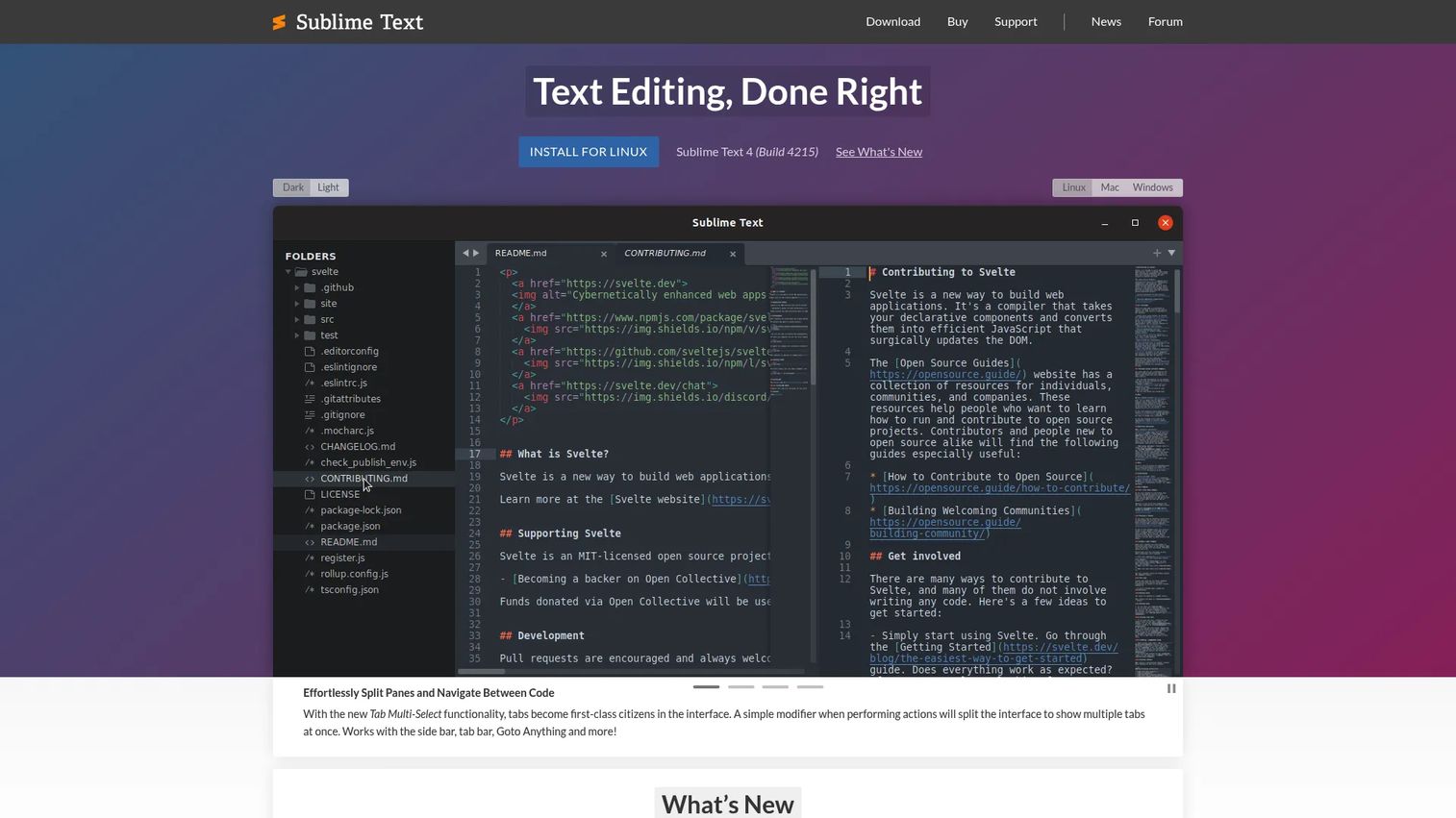
Sublime Text is a fast, polished cross-platform text editor for code, markup, and prose. It runs on Windows, macOS, and Linux, and it has built a reputation for responsive performance even on large files. GPU rendering, multiple selections, split panes, and a command palette make it one of the cleaner editing environments available without committing to a full IDE.
Best for: Developers, presales engineers, and technical writers who need a fast editor for code, scripts, and logs across platforms.
Key features
- GPU rendering for smooth scrolling on large files
- Multiple selections and multi-cursor editing
- Split panes and tab multi-select
- Command palette for fast navigation
- Context-aware autocomplete with TypeScript, JSX, and TSX support
Why choose Sublime Text: It earns its place when speed and low-friction editing matter more than a heavyweight development environment. For presales readers, it handles JSON cleanup, script edits, and log searches before a call without adding cognitive overhead.
Sublime Text pricing: Download and evaluate for free. Personal licenses are a one-time $99 purchase (includes three years of updates). Business licenses start at $65 per seat per year for the first 10 seats, dropping to $60 for seats 11 to 25 and $55 for seats 26 to 50.
G2 rating: 4.5/5
2. Visual Studio Code
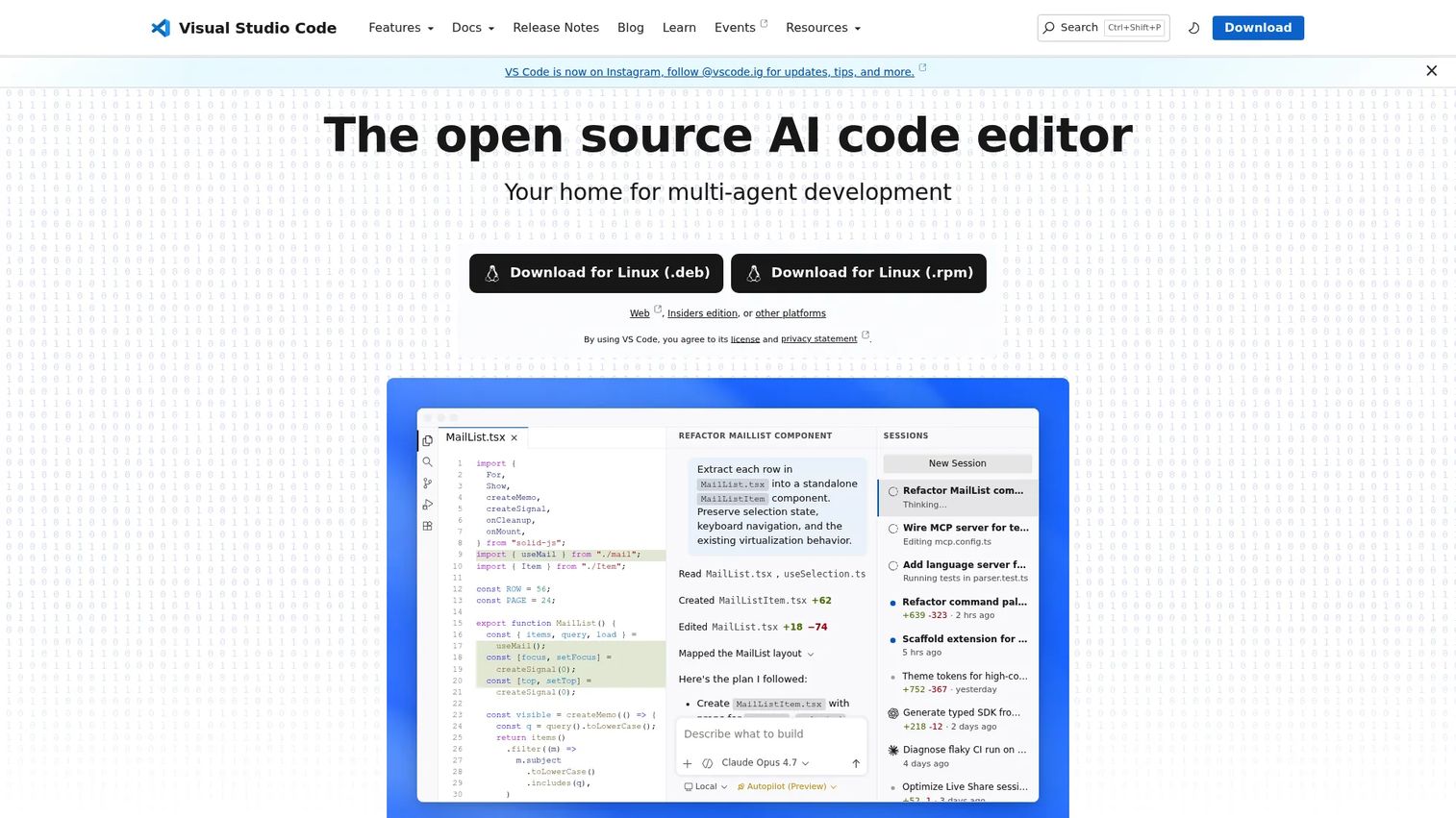
Visual Studio Code is a free, open-source code editor from Microsoft with an extension ecosystem that covers nearly every language, linter, debugger, and remote workflow a developer might need. According to the Stack Overflow Developer Survey 2025, 75.9% of developers use it as their primary editor. The built-in terminal, Git integration, and remote development extensions make it far more than a plain-text editor, though it starts up reasonably fast for quick file edits.
Best for: Developers and technical GTM teams that need a free editor capable of growing into a full development workflow.
Key features
- IntelliSense code completion, navigation, and refactoring
- Integrated debugging, testing, and terminal
- Built-in Git source control
- Extension marketplace with thousands of plugins
- Remote development via SSH, containers, and the browser
Why choose Visual Studio Code: Choose it when your editing sessions also involve running code, inspecting API responses, or working on remote machines. For presales, editing sample apps, Markdown docs, and demo scripts in one workspace is practical without switching tools.
Visual Studio Code pricing: The core editor is free with no paid tiers for the editor itself. Related services like GitHub Copilot are separate subscriptions, not part of the editor cost.
G2 rating: 4.7/5
3. Notepad++
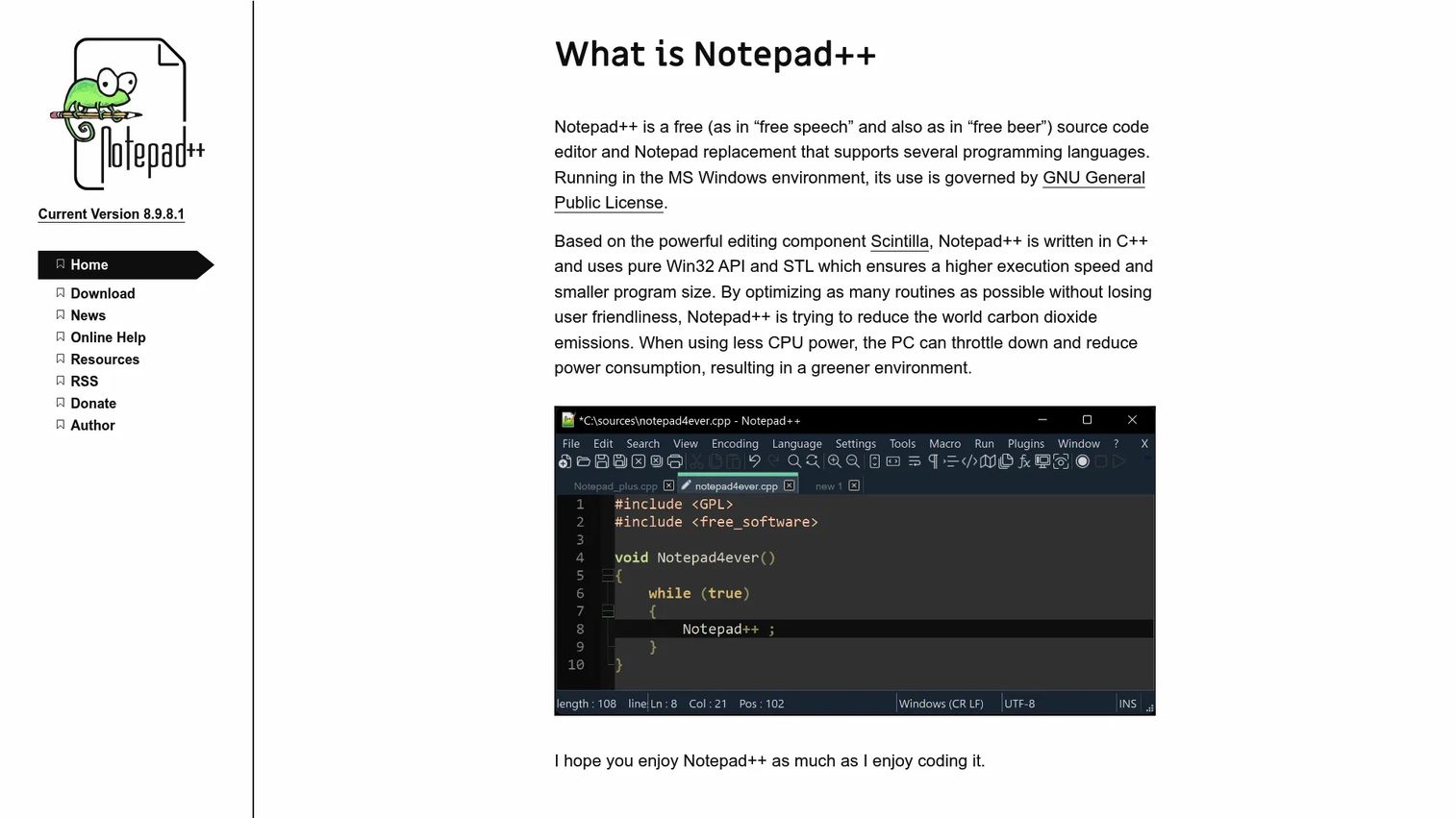
Notepad++ is a free, open-source text and source-code editor built for Windows. It replaces the default Windows text editor with tabbed editing, syntax highlighting for dozens of programming and markup languages, a plugin system, and robust search and replace including regular expressions. It stays lightweight even when you have 20 files open.
Best for: Windows users who handle scripts, configuration files, logs, and technical notes daily and want a capable free upgrade.
Key features
- Syntax highlighting for programming and markup languages
- Tabbed multi-file editing
- Regular-expression search and replace
- Plugin system for extended functionality
- Lightweight memory footprint on Windows
Why choose Notepad++: It is the obvious Windows upgrade for anyone who still opens the default text app for quick file edits. It covers most presales text-editing needs, from cleaning up copied API snippets to reviewing a configuration file, without any license cost.
Notepad++ pricing: Free, open-source software. Donations are accepted but not required.
4. GNU Emacs
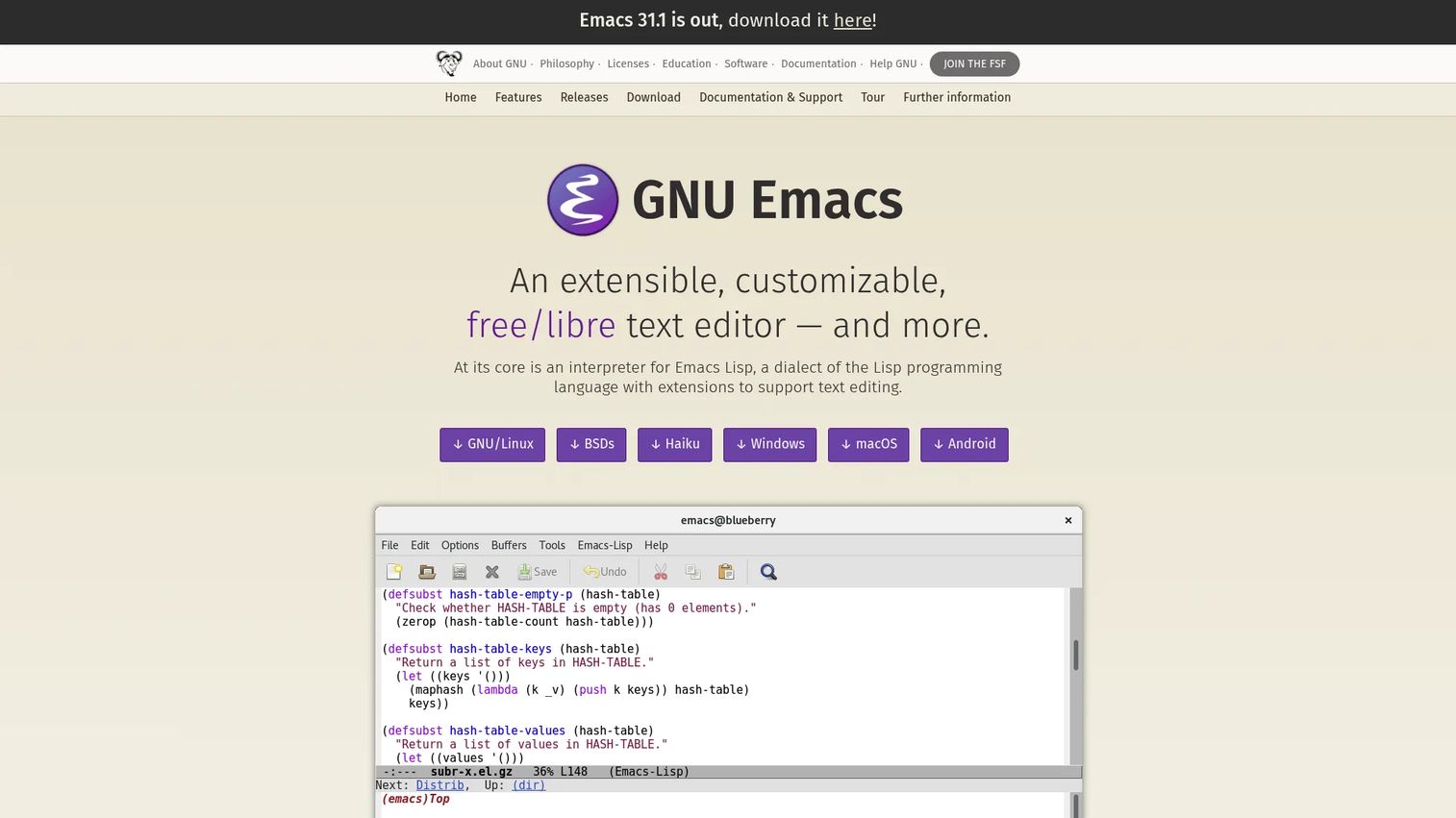
GNU Emacs is an extensible, customizable computing environment built around a text editor. It runs on Linux, macOS, and Windows, and its Emacs Lisp scripting system lets users reshape nearly every behavior of the editor itself. Org-mode, one of its most popular packages, turns plain text into a structured planning and note-taking system. The learning curve is real, but experienced users build workflows that few other editors can match.
Best for: Power users who want their editor to become a tailored workspace for code, structured notes, technical documentation, and long-lived discovery templates.
Key features
- Emacs Lisp extensibility for custom behavior
- Org-mode for structured notes and project planning
- Full Unicode support and syntax coloring for many languages
- Integrated mail, calendar, and IRC client
- Package system for installing community extensions
Why choose GNU Emacs: Choose it if you want to invest in an editor that compounds over time. For presales engineers who keep reusable snippets, structured discovery notes, and recurring technical templates, Org-mode alone justifies the learning cost.
GNU Emacs pricing: Free software under the GNU GPL. No paid tiers exist.
5. Vim
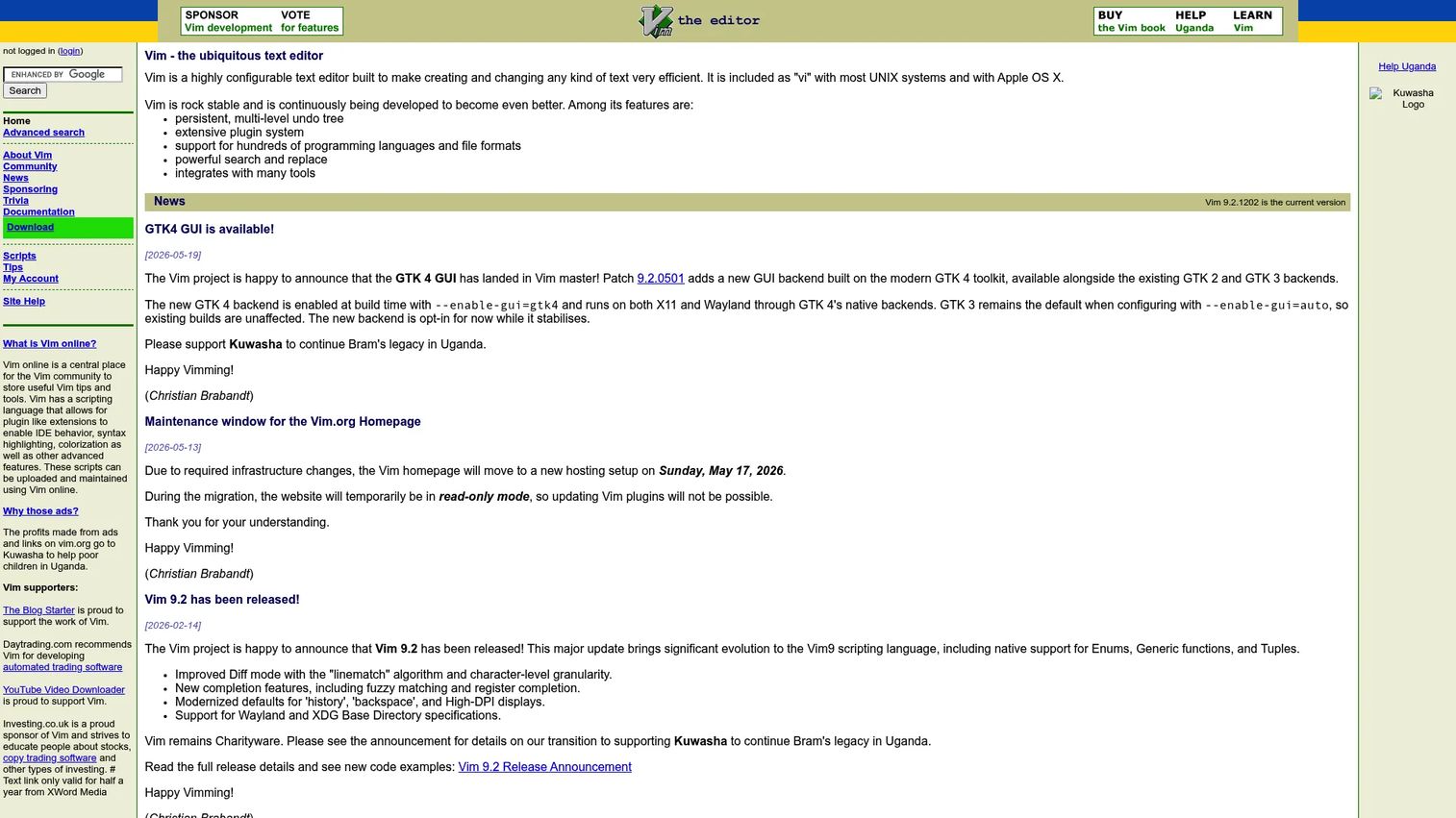
Vim is a terminal-first modal text editor that ships with virtually every Unix-like operating system. Its modal editing model, where different keyboard modes handle navigation, insertion, and commands separately, gives experienced users extremely fast editing without a mouse. Vim handles large files well, runs over SSH on remote machines, and supports syntax highlighting, macros, and a plugin ecosystem.
Best for: Technical users who work in terminals, inspect remote files frequently, or want fast keyboard-driven editing on any Unix-like system.
Key features
- Modal editing with Normal, Insert, and Command modes
- Persistent multi-level undo tree
- Macro recording for repetitive edits
- Syntax highlighting for hundreds of file formats
- Available on virtually every server by default
Why choose Vim: For solutions engineers who regularly access customer-like lab environments or inspect logs on remote servers, Vim is already there. You do not install it; you learn it once and it works everywhere.
Vim pricing: Free under a charityware license. Donations are directed to charity at the author's request.
G2 rating: 4.4/5
6. Neovim
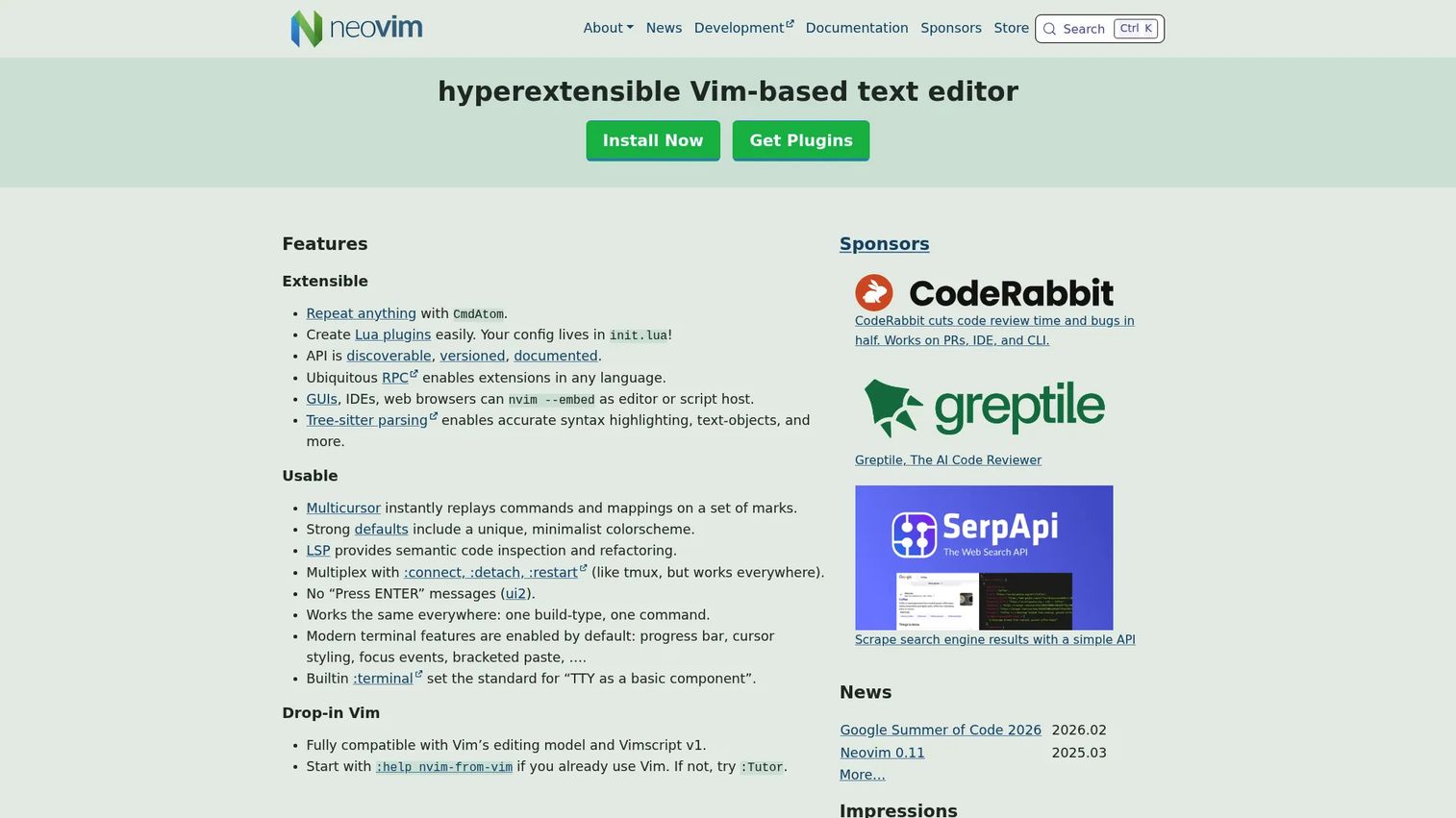
Neovim is a Vim fork built for extensibility and modern plugin architecture. Lua replaces Vimscript as the primary configuration language, which makes it faster and more approachable for users who want to customize deeply. It adds built-in Language Server Protocol support, Tree-sitter parsing for accurate syntax highlighting, and an async plugin system that keeps the editor responsive even with complex setups.
Best for: Developers who like Vim's editing model but want a modern configuration system and faster plugin execution.
Key features
- Lua configuration for performance and readability
- Built-in LSP support for code intelligence
- Tree-sitter parsing for precise syntax highlighting
- Async plugin execution
- Built-in terminal emulator
Why choose Neovim: If you already know Vim's modal editing model, Neovim gives you a cleaner path to a customized setup. The initial configuration investment pays off for engineers who spend significant time in the terminal across different machines.
Neovim pricing: Free and open-source, distributed under the Apache 2.0 license.
G2 rating: 4.3/5
7. BBEdit
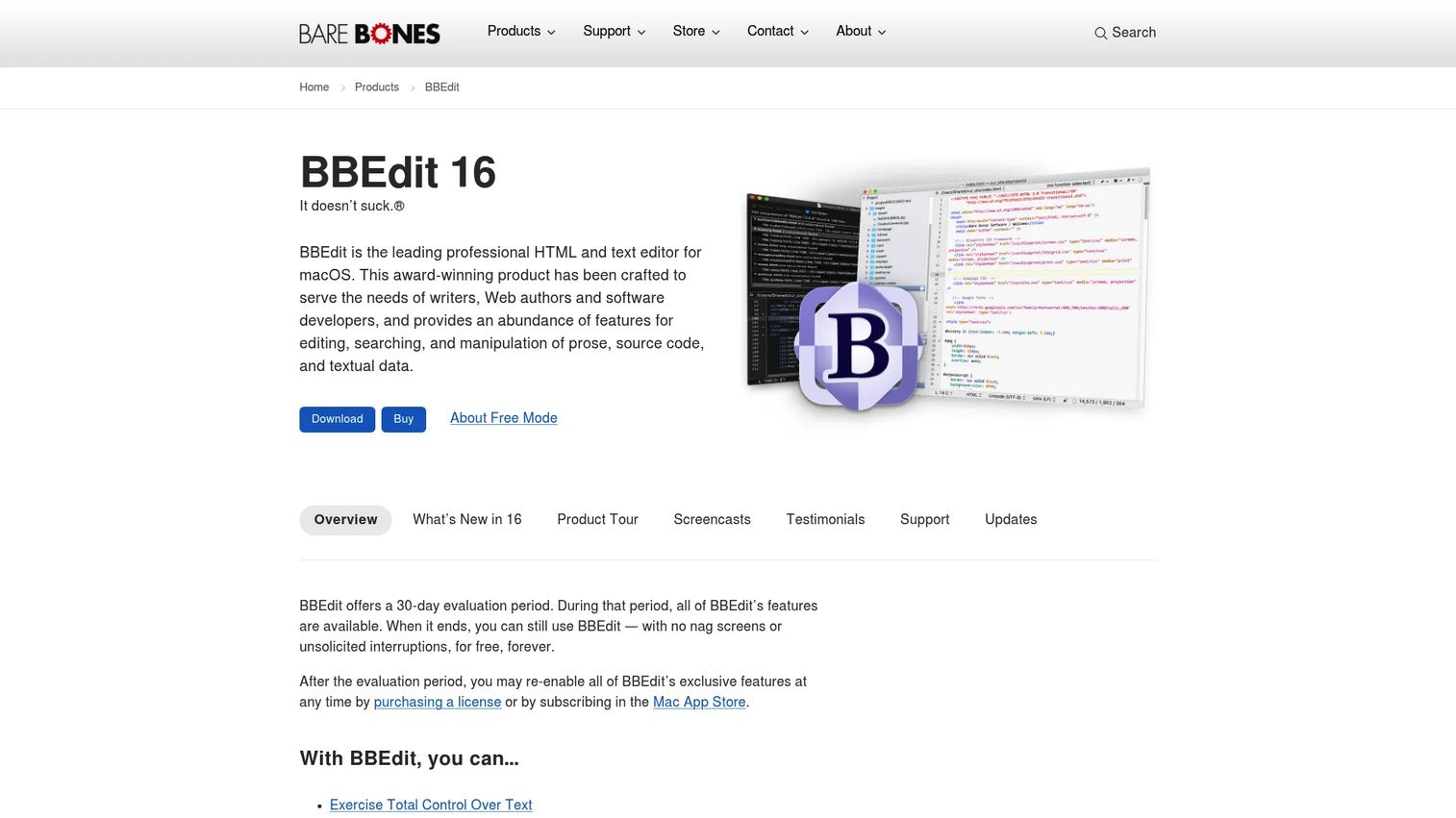
BBEdit is a professional macOS text and code editor from Bare Bones Software with decades of use behind it among Mac developers and writers. Its grep-based search, multi-file search and replace, text transformations, syntax coloring, and FTP/SFTP integration make it one of the more capable editors available on macOS outside of a full IDE. BBEdit enters a free mode after the 30-day trial with a reduced but usable feature set.
Best for: Mac users who need professional text processing, HTML authoring, code editing, and the ability to handle large files without moving into a heavier development environment.
Key features
- GREP pattern matching and multi-file search and replace
- Syntax coloring and code folding
- FTP/SFTP, Git, and Subversion integration
- AppleScript and Unix scripting support
- Text transformations for bulk editing
Why choose BBEdit: It is particularly strong when text manipulation matters as much as code editing. For presales engineers on Mac, it handles CSV snippet cleaning, text comparison, and technical note preparation cleanly.
BBEdit pricing: Individual license is a one-time $59.99 payment. Mac App Store subscriptions are available at $4.99/month or $49.99/year. A free mode activates after the 30-day evaluation period with core features available.
G2 rating: 4.5/5
8. UltraEdit

UltraEdit is a cross-platform text and code editor built for demanding workflows: Large files, complex data manipulation, and security-sensitive enterprise environments. It runs on Windows, macOS, and Linux. Its headline capability is handling files well beyond what most editors can open without slowing down, including logs and datasets over 10 GB. Column editing, multi-caret support, an integrated FTP/SSH client, and JavaScript-based macros round out a feature set built for heavy daily use.
Best for: Teams that handle large logs, CSV exports, SQL files, scripts, and regulated enterprise workflows where file size or security requirements strain lighter tools.
Key features
- Large-file editing, including files over 10 GB
- Column and block editing with multi-caret support
- Find and replace across files and projects with regex
- Integrated FTP, SSH, and Telnet client
- JavaScript-based scripting and macro automation
Why choose UltraEdit: It makes sense when you have hit the limits of free editors. For presales teams reviewing large customer exports, database query results, or technical validation artifacts, UltraEdit does not flinch at file sizes that would freeze a lightweight editor.
UltraEdit pricing: No permanent free tier. Core subscription starts at $94.96/year (billed every two years) or $99.95/year on an annual plan. A free trial is available.
G2 rating: 4.7/5
9. TextMate
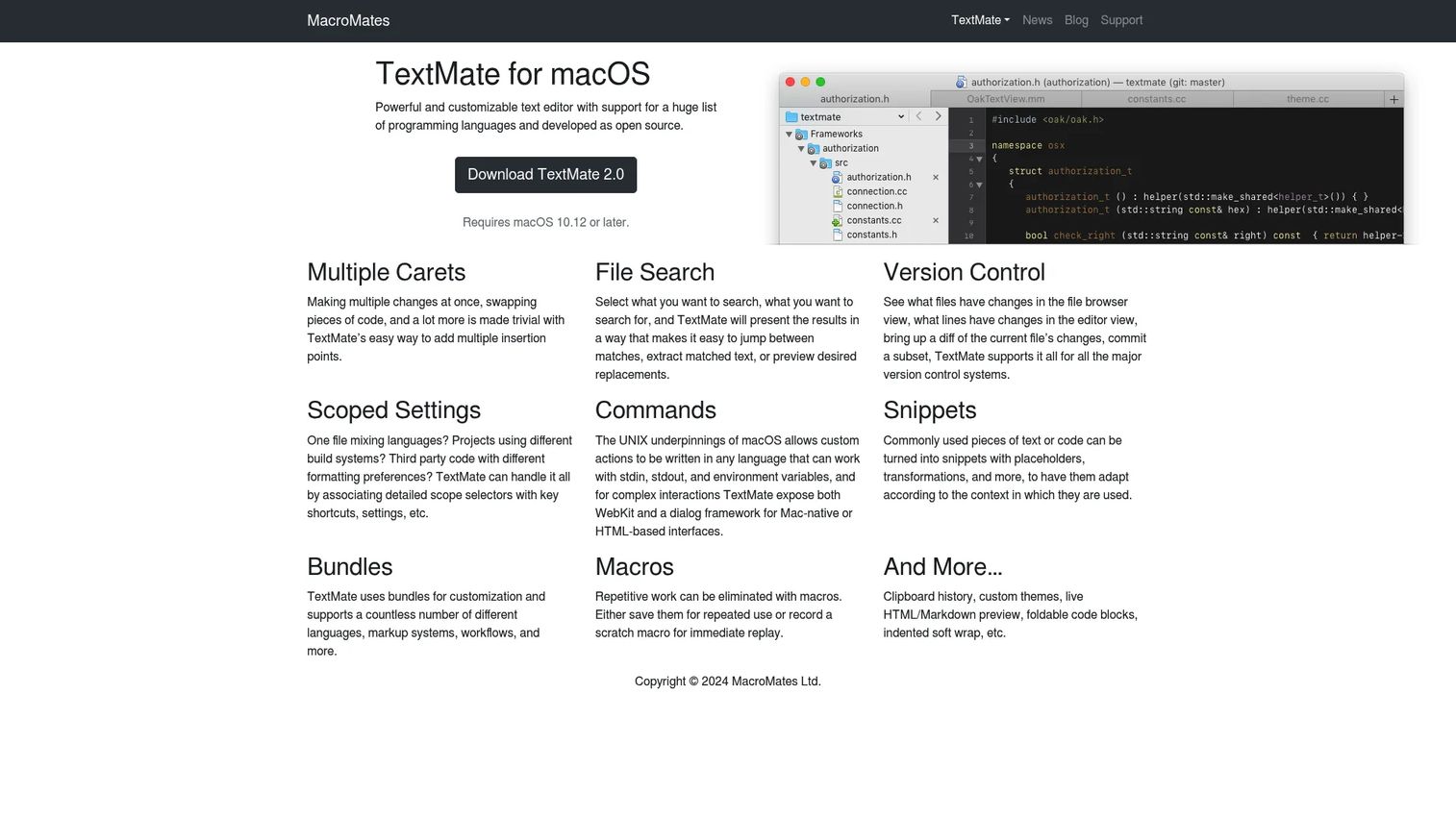
TextMate is a macOS code editor known for its bundle system, clean project drawer, and developer-friendly keyboard shortcuts. It supports multiple carets, snippet expansion, live HTML and Markdown preview, foldable code blocks, and version control integration. TextMate 2 requires macOS 10.12 or later. Its source code is available on GitHub, and site licenses cover teams.
Best for: Mac developers who want a lightweight editor with code-editing ergonomics and Markdown preview without committing to a heavier environment.
Key features
- Bundle system for language-specific tools and commands
- Snippets and macros for repetitive tasks
- Live HTML and Markdown preview
- Multiple carets and scoped settings
- Project drawer for file navigation
Why choose TextMate: It sits between basic Mac text editing and a full IDE. For presales engineers on Mac who need quick code edits and polished Markdown notes, it covers both without friction.
TextMate pricing: Site licenses are available starting at €750 for 30 seats (one-time). Individual pricing is not listed separately; the source code is open on GitHub for self-hosted builds.
G2 rating: 4.4/5
10. Kate
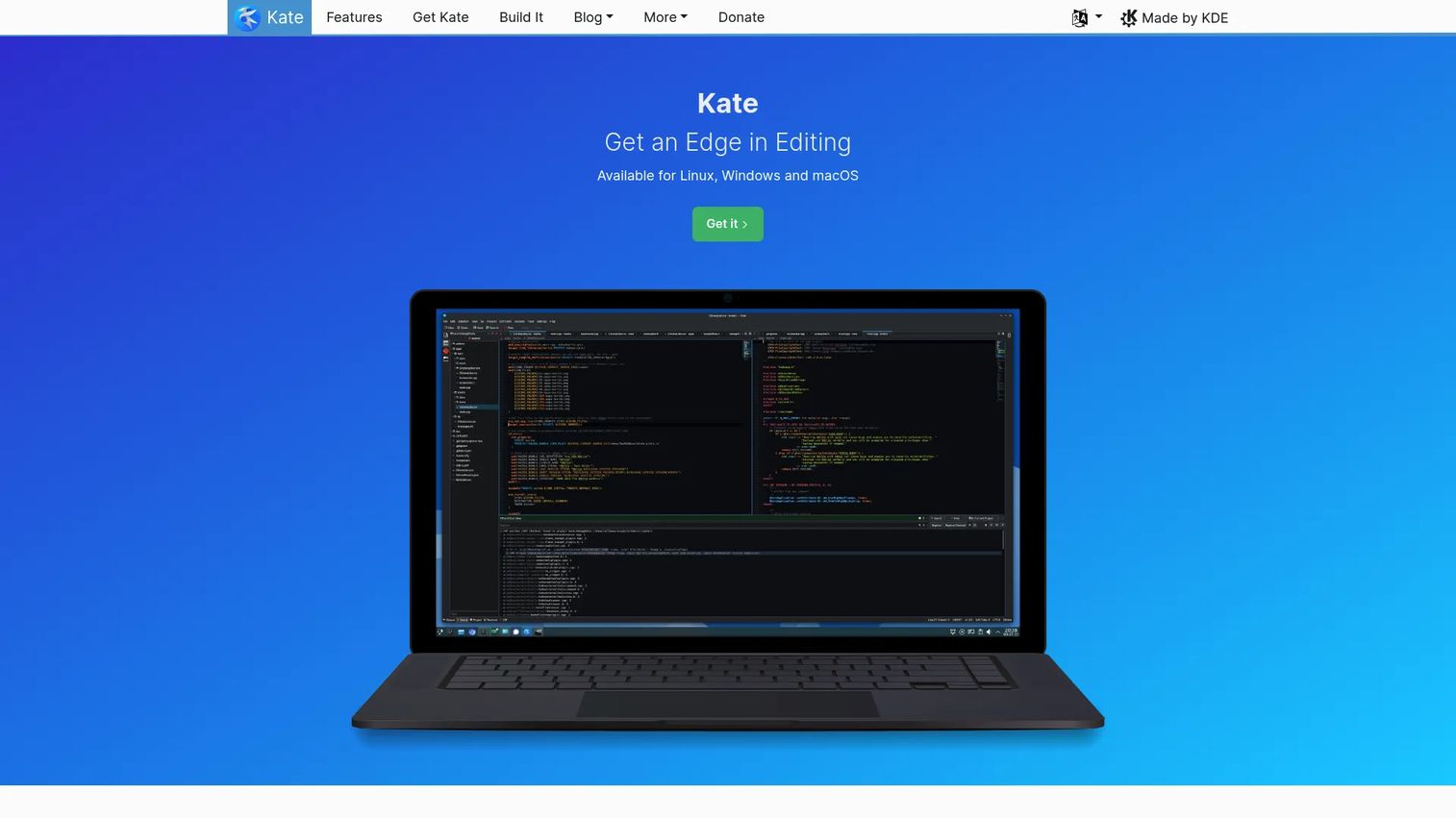
Kate is a feature-packed text editor from the KDE project, available on Linux, Windows, and macOS. It offers multi-document editing with tabs and split views, syntax highlighting for over 400 languages, an embedded terminal panel, LSP-based code completion, and multi-cursor editing. Session management lets you reopen a project exactly where you left it.
Best for: Linux users and KDE desktop users who want a capable graphical editor with developer-friendly features and no licensing cost.
Key features
- Multi-document interface with tabs and split views
- Syntax highlighting for 400+ languages
- Integrated terminal panel
- LSP support and code autocompletion
- Session management for project continuity
Why choose Kate: For presales engineers using Linux, Kate makes fast context-switching across multiple files during demo prep straightforward. The integrated terminal means you can run a quick command without leaving the editor.
Kate pricing: Free. Kate is an open-source project with no paid tiers.
G2 rating: 4.2/5
11. Geany
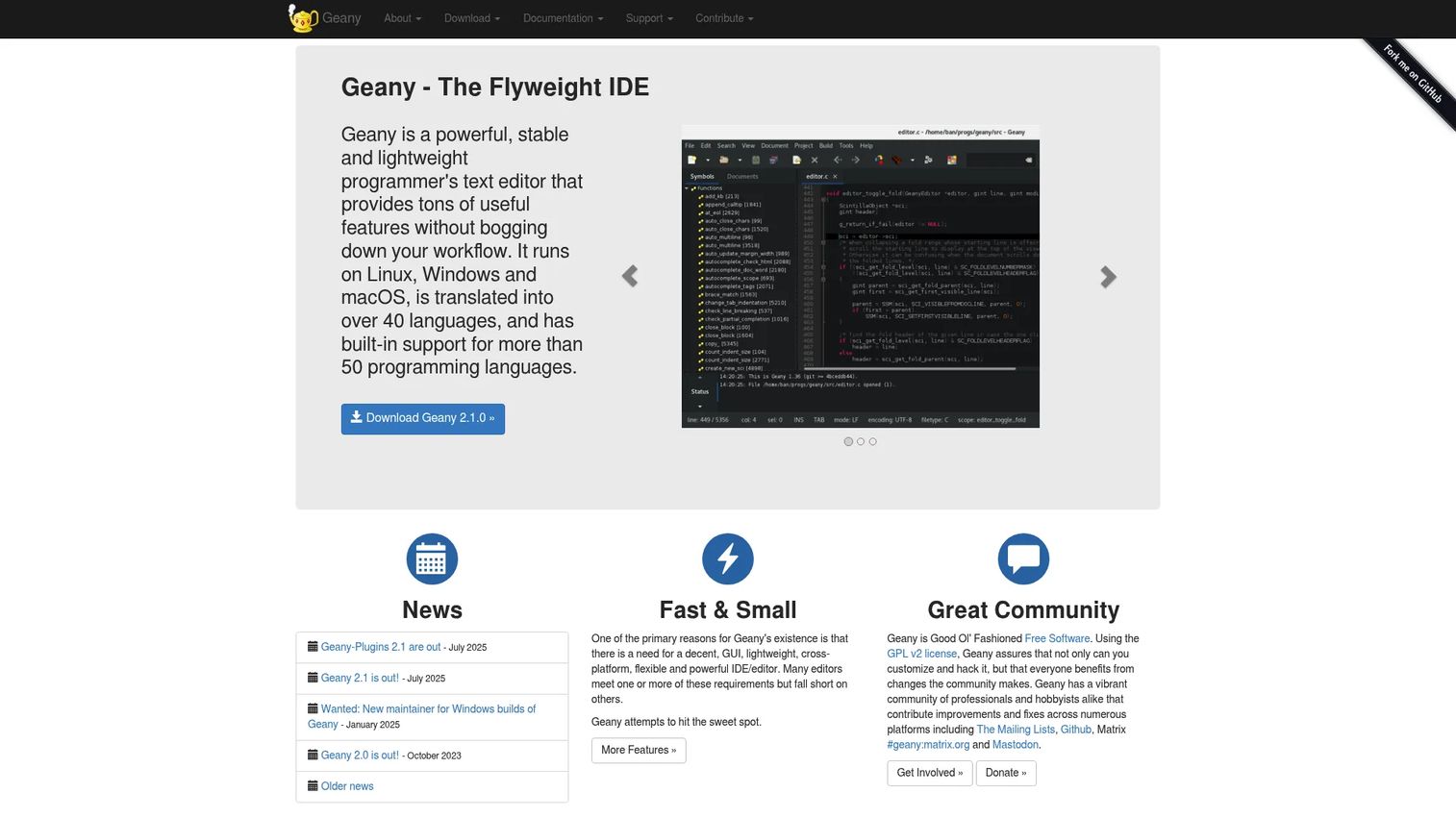
Geany is a lightweight text editor with IDE-like features: Syntax highlighting, code folding, symbol navigation, build commands, basic project support, and an embedded terminal. It runs on Linux, Windows, and macOS with low memory usage. A plugin system extends its capabilities without turning it into a heavyweight application.
Best for: Users who need more than a basic editor but do not want to install a full IDE for occasional code edits and file work.
Key features
- Syntax highlighting and code folding
- Code completion and symbol navigation
- Embedded terminal emulation
- Build commands and basic project management
- Plugin-based extensibility
Why choose Geany: Speed and simplicity make it a good fit when a presales engineer needs quick edits and code checks without spinning up a complex environment. It opens fast and stays out of the way.
Geany pricing: Free and open-source.
12. gedit
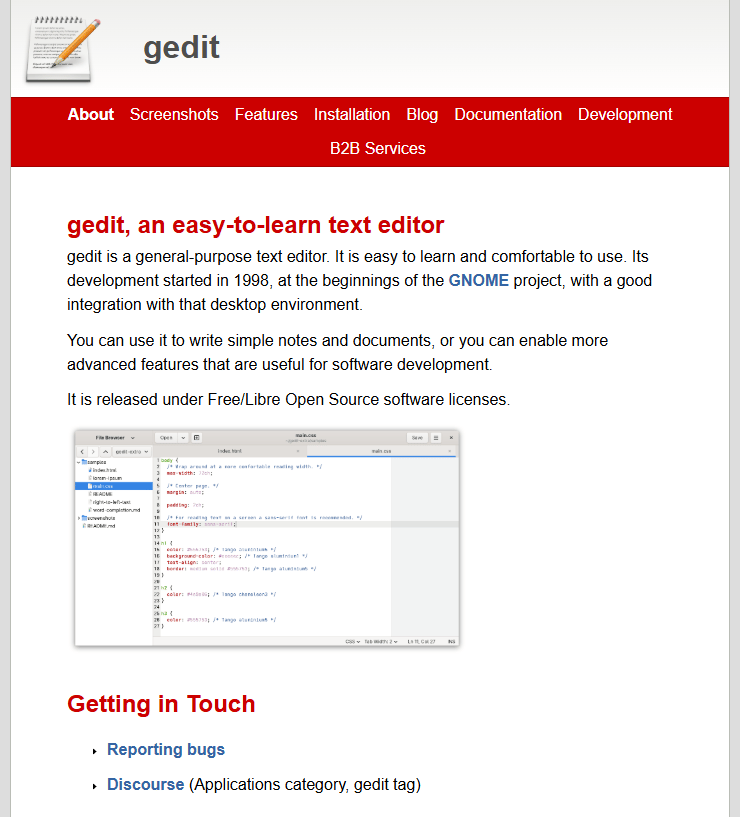
gedit is a general-purpose text editor for the GNOME Linux desktop. It covers plain-text notes, basic code editing, search and replace with regex support, spell-checking, remote file editing, and a plugin system for extending functionality. Its interface is clean and direct, suited for users who want an editor that does not require configuration to be useful.
Best for: Linux desktop users on GNOME who need a clean graphical editor for everyday text files, config edits, and light code work.
Key features
- Syntax highlighting for common programming languages
- Search and replace with regular-expression support
- Spell-checking and word auto-completion
- Remote-file editing
- Plugin system for additional features
Why choose gedit: Choose it when simplicity matters more than deep configuration. It handles quick notes, config edits, and lightweight technical files without requiring setup time.
gedit pricing: Free and open-source.
G2 rating: 4.0/5
13. Bluefish
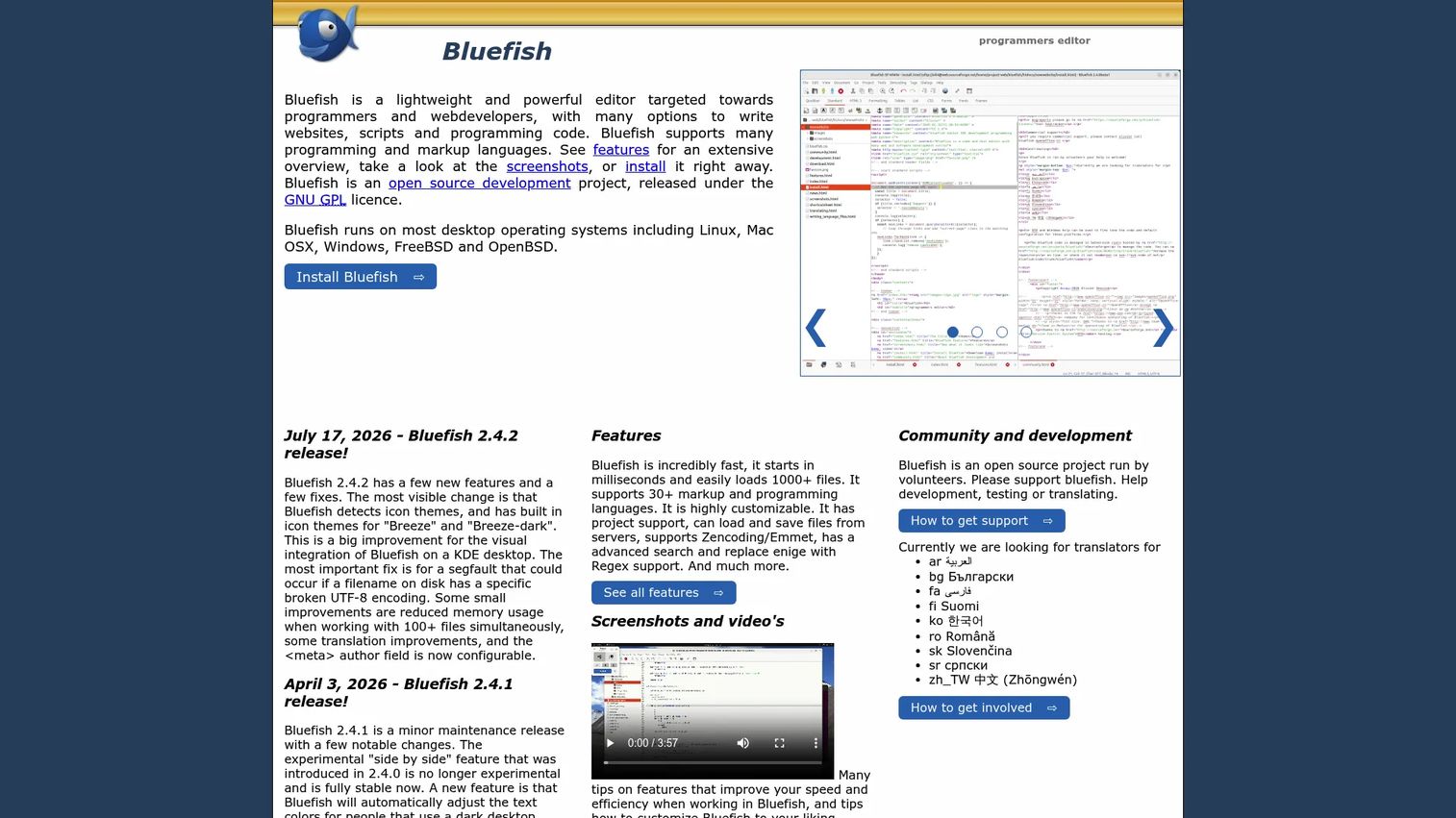
Bluefish is a lightweight, open-source programmer's editor focused on web development and markup-heavy workflows. It supports over 30 programming and markup languages, project management, multi-document editing, remote file access via FTP, SFTP, HTTP, WebDAV, and CIFS, code folding, auto-completion, and advanced search and replace across files.
Best for: Developers and web designers editing HTML, CSS, PHP, and web content across multiple files, including remote servers.
Key features
- Support for 30+ markup and programming languages
- Remote file access via FTP, SFTP, and WebDAV
- Project support and multi-document editing
- Advanced search and replace with regex
- Code folding and auto-tag closing
Why choose Bluefish: Its strength is web and markup editing rather than general note-taking. For presales engineers who need to edit demo landing pages, sample HTML, or technical proof snippets stored on a remote server, remote file access is a genuine time-saver.
Bluefish pricing: Free under the GNU General Public License. No paid tiers.
G2 rating: 4.1/5
14. TextPad
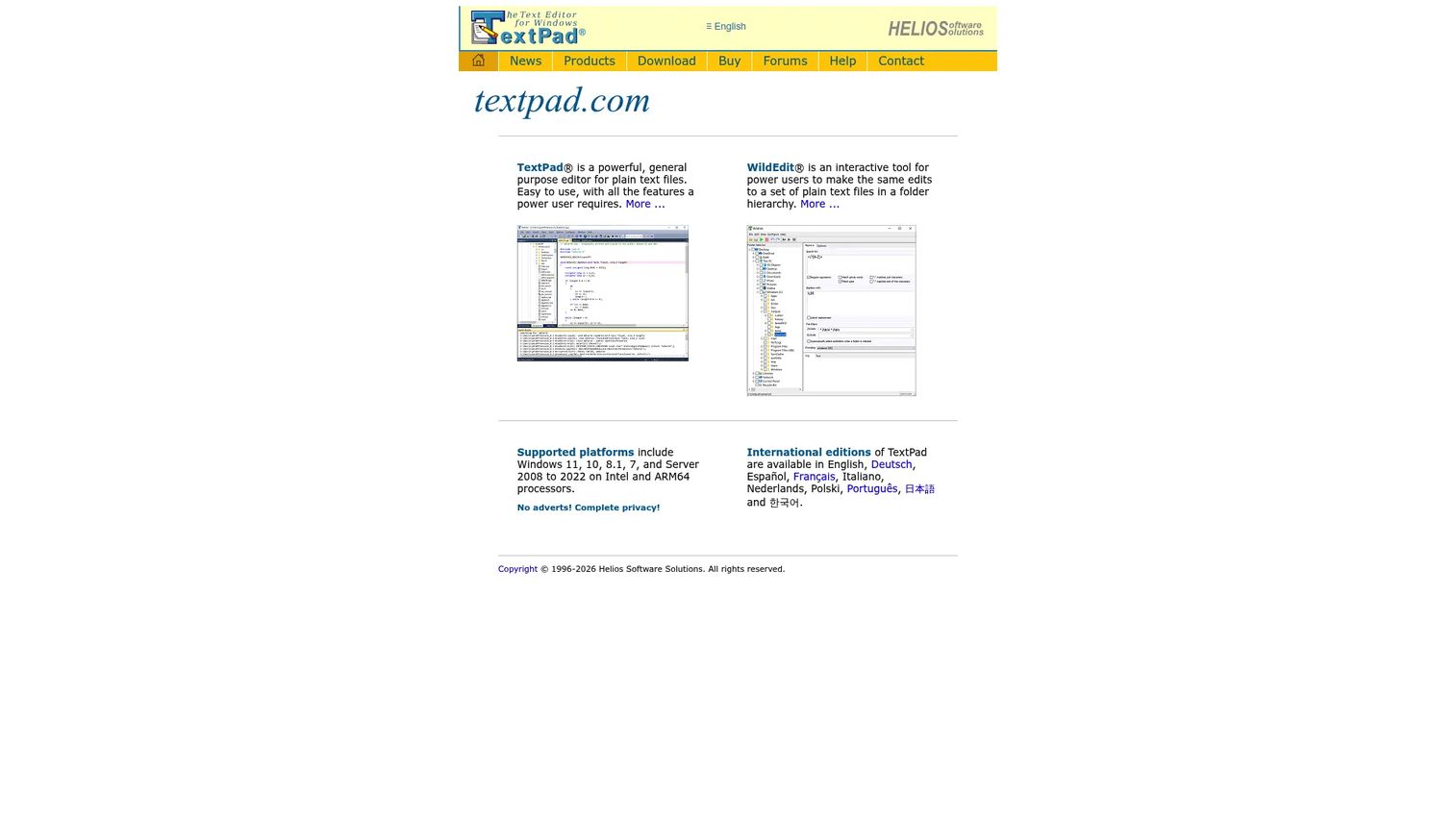
TextPad is a long-running Windows text editor with a paid license, built for business users who want tabbed document editing, search tools, macros, and syntax coloring in a stable Windows application. G2 reviewers rate it 4.4/5 based on 143 reviews. Its official site was inaccessible during research, so current license pricing could not be verified from first-party sources.
Best for: Windows business users who want a stable, paid editor for recurring file cleanup and technical notes without adopting a complex development environment.
Key features
- Tabbed multi-document editing on Windows
- Macro support for repetitive tasks
- Syntax coloring
- Search and replace tools
- Windows-native application
Why choose TextPad: It fits users who want a familiar Windows editor with more capability than the default app. The G2 score reflects a long-term user base that values stability over feature expansion.
TextPad pricing: Contact the vendor directly for current license pricing. G2 reviewers confirm it is a paid application.
G2 rating: 4.4/5
15. EmEditor
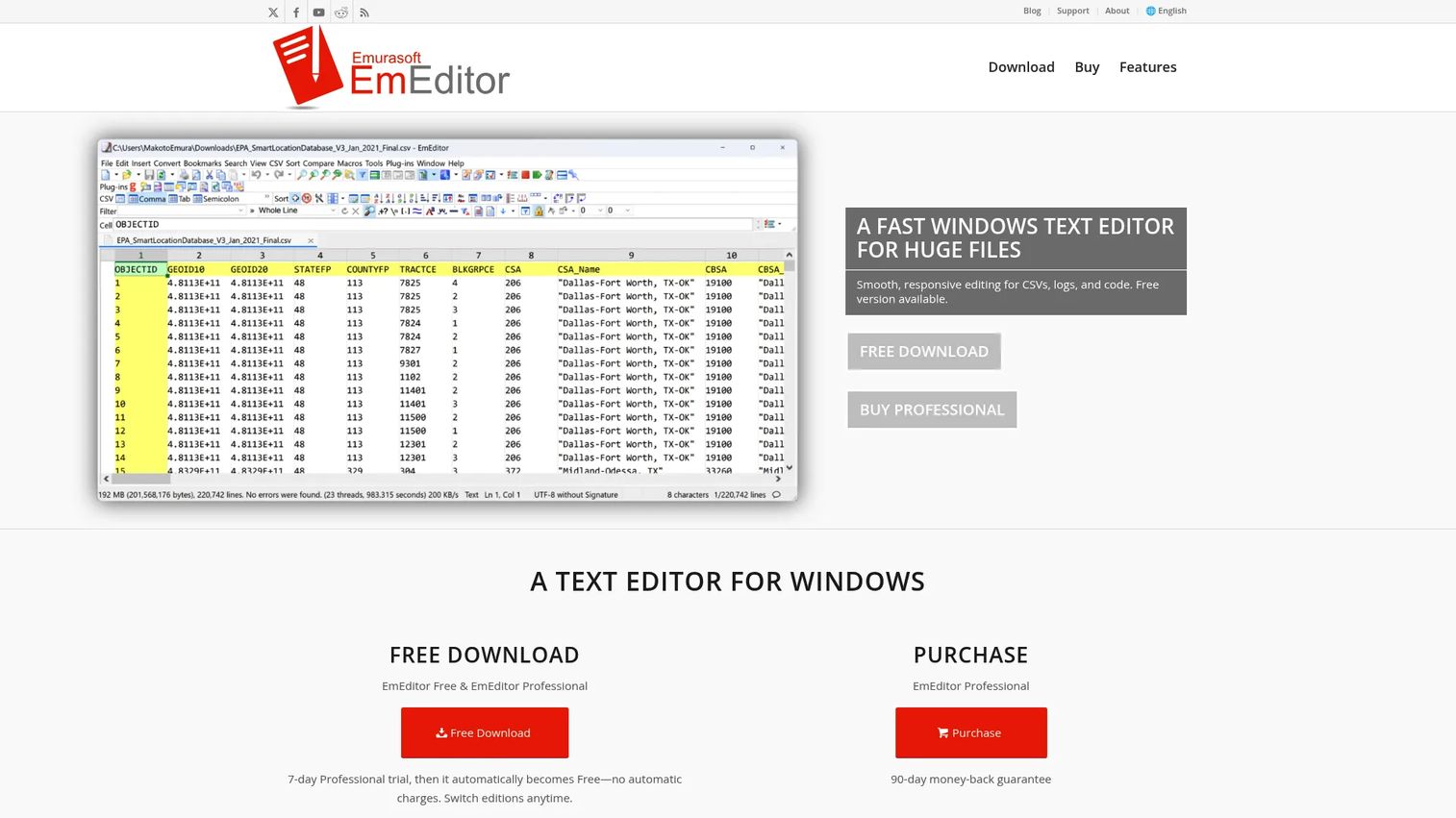
EmEditor is a Windows text editor built for performance on massive files, with support for files up to 16 TB. Its CSV editing tools, including sorting, filtering, pivot tables, and join operations, make it useful for data-heavy workflows well beyond plain code editing. It also includes syntax highlighting, regular-expression search, scriptable macros, and an AI-assisted writing feature.
Best for: Windows users who handle large logs, CSV exports, and technical data files that would slow down or crash a lighter editor.
Key features
- Large-file support up to 16 TB
- CSV tools: Sorting, filtering, pivot tables, joining
- Syntax highlighting and document comparison
- Plug-ins and scriptable macros
- AI-assisted writing and search
Why choose EmEditor: For presales teams reviewing customer data exports, large log archives, or technical validation files, EmEditor does not struggle where other editors time out. The CSV tools alone can replace a spreadsheet application for many quick data tasks.
EmEditor pricing: A free edition is available. Professional subscriptions start at $6/month (billed monthly) or $5/month (billed annually at $60 for the first year). Renewal pricing is $45/year.
G2 rating: 4.4/5
16. QuickEdit Text Editor
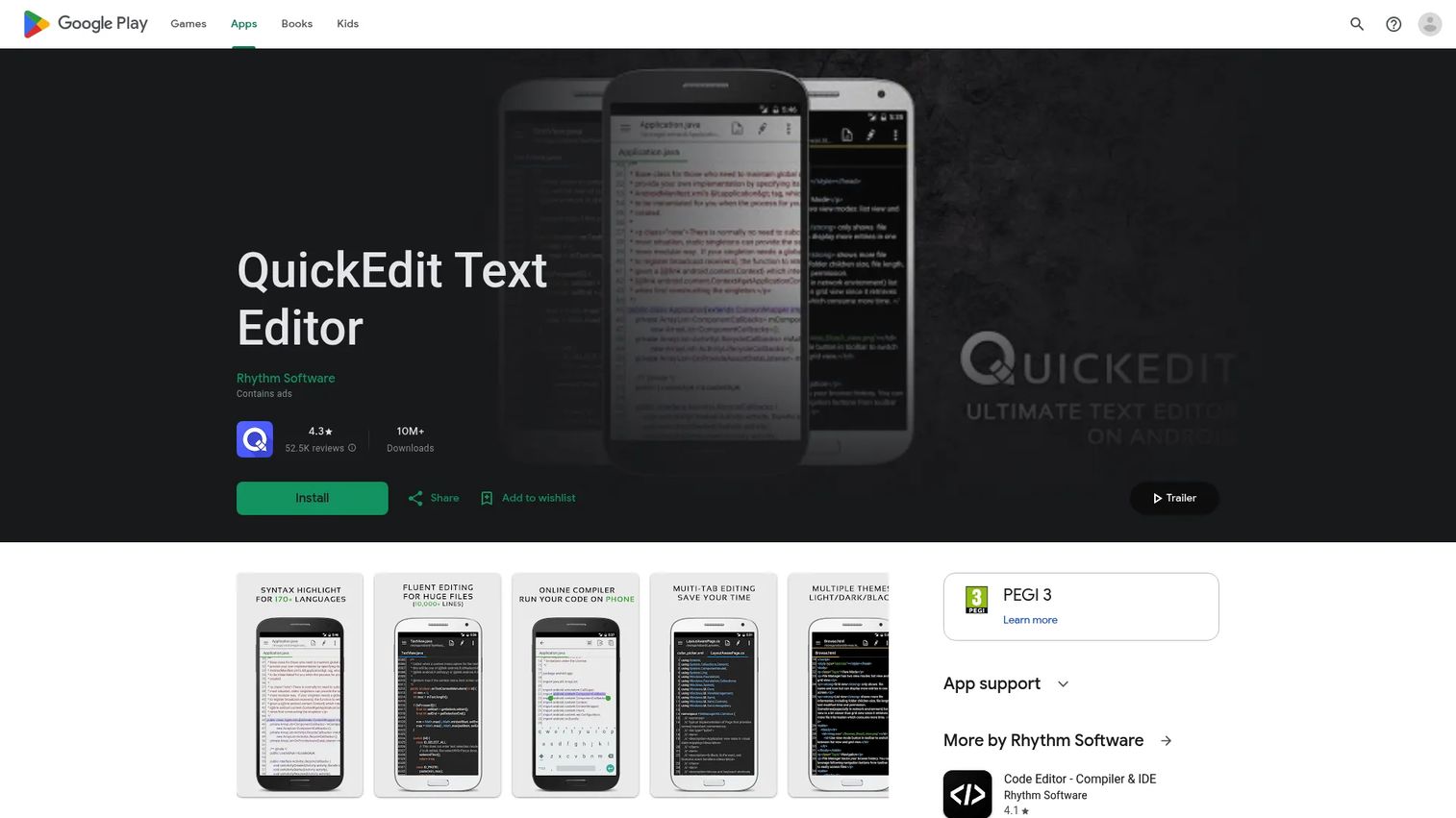
QuickEdit Text Editor is a fast Android text and code editor for phones and tablets. It supports syntax highlighting for over 170 languages, an online compiler for 30+ languages, multiple tabs, search and replace, HTML and Markdown preview, and file access from Google Drive, Dropbox, OneDrive, and FTP. Light and dark themes are included.
Best for: Android users who need to review or edit code, logs, scripts, and markup files away from a laptop.
Key features
- Syntax highlighting for 170+ languages
- Online compiler for 30+ languages
- Cloud file access: Google Drive, Dropbox, OneDrive, FTP
- HTML, Markdown, and AsciiDoc preview
- Multiple tabs with search and replace
Why choose QuickEdit Text Editor: It is a mobile companion for situations where you need to fix a file, review a snippet, or clean up notes while traveling between customer meetings. It handles the job without needing a laptop open.
QuickEdit Text Editor pricing: The free version includes ads. QuickEdit Text Editor Pro removes ads for a one-time $3.99 Google Play purchase.
17. iA Writer
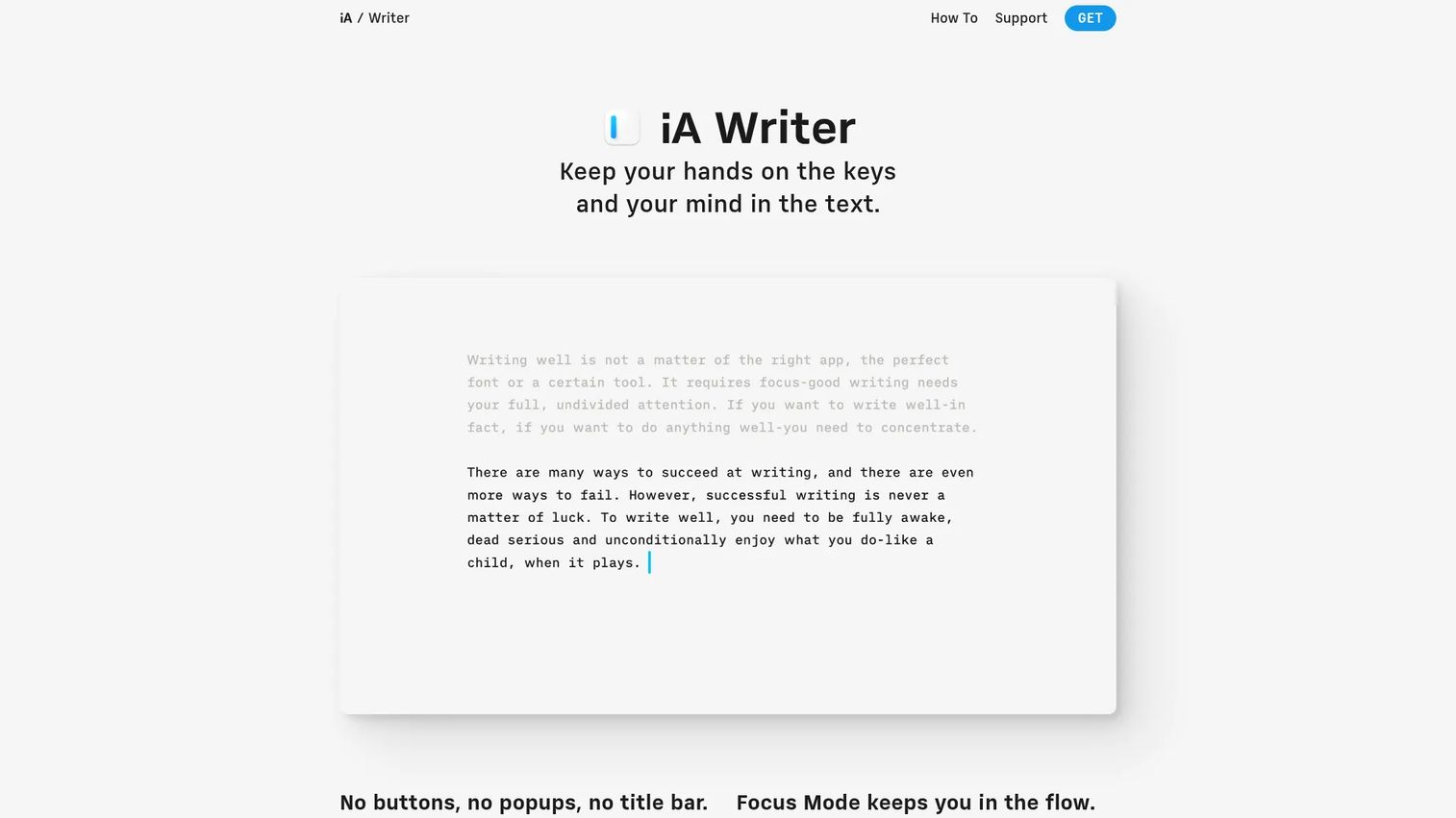
iA Writer is a minimalist Markdown writing app designed for focused, distraction-free writing. It supports Markdown editing, Focus Mode to highlight the active sentence or paragraph, Style Check for spotting filler language, Authorship tracking, and export to PDF, HTML, Markdown, and Microsoft Word. Cloud sync works through iCloud, Dropbox, Google Drive, and OneDrive. It runs on Mac, Windows, iPhone, and iPad.
Best for: Writers, technical marketers, and presales teams drafting Markdown-based discovery summaries, technical follow-up content, and reusable messaging notes.
Key features
- Focus Mode for distraction-free writing
- Markdown editing with live preview
- Style Check and Authorship tracking
- Export to PDF, HTML, and Word
- Cloud sync with iCloud, Dropbox, and Google Drive
Why choose iA Writer: Choose it as a writing-first tool, not a general-purpose coding editor. For presales engineers who draft discovery summaries, RFP narrative sections, or reusable technical talking points in Markdown, its focused interface removes the friction of a feature-heavy editor.
iA Writer pricing: Licenses are sold by platform. Mac and Windows are $49.99 each as one-time payments. iPhone and iPad versions are $29.99 each (App Store). A 7-day free trial is available with no credit card required.
G2 rating: 4.4/5
Considerations when choosing text editor software
Match the editor to the files you touch every day
Someone editing JSON payloads, YAML configs, and log files needs different capabilities than someone primarily drafting Markdown notes. Identify the two or three file types you handle most often, then confirm the editor supports their syntax highlighting, handles their typical file sizes, and lets you search across them efficiently.
Check platform support before you standardize
Team members in presales often work across Windows laptops, MacBooks, and occasionally Linux. Check whether your chosen editor runs natively on every platform your team uses before you commit to it. Cross-platform tools like Sublime Text, Visual Studio Code, and Kate eliminate the friction of different editors producing different formatting behavior.
Test search, navigation, and large-file handling
Search is where text editors prove themselves under real conditions. Before finalizing a choice, test regex search across multiple files, check how the editor handles a file larger than 500 MB, and verify that symbol navigation and line folding work for the file formats you use. Performance on large logs or CSV exports often separates capable editors from ones that appear capable in demos.
Decide how much customization you actually want
Some editors require configuration to become useful; others work out of the box. Vim and GNU Emacs reward heavy investment. Visual Studio Code meets most users partway with sensible defaults and a large extension library. Lightweight editors like gedit and Notepad++ work immediately without setup. Honest assessment of how much time you will invest in configuration determines which category fits your workflow.
Review licensing and team fit
Open-source editors like Vim, GNU Emacs, Kate, Geany, and Bluefish carry no license cost and no renewal risk. Paid editors like Sublime Text, UltraEdit, and BBEdit offer commercial support, stable update cycles, and predictable licensing. Teams with security or procurement requirements should verify update cadence, vendor support, and license terms before rolling an editor out broadly.
Conclusion
The right text editor for a presales engineer or solutions consultant is whichever one stays out of the way when the demo is five minutes out. That usually means something fast, cross-platform, and good at search.
For most technical workflows: Sublime Text handles speed and cross-platform polish. Visual Studio Code adds extensibility for free. Notepad++ covers Windows users who want no-cost reliability. Vim and Neovim reward engineers who live in the terminal. BBEdit is the mature Mac option. UltraEdit and EmEditor handle the large files that break lightweight tools. QuickEdit covers Android editing on the road. iA Writer is for Markdown writing when focus matters more than feature count.
Your text editor should reduce friction before technical calls, not become another tool to manage. Pick one that fits the files you actually open, test it on your worst-case file size, and confirm it runs on every machine your team uses.
If your presales team is also looking for better ways to show product workflows during buyer validation, you may find that clean scripts and polished snippets are only part of the equation. Guideflow helps teams create interactive demos that prospects can explore before or after a live call, pairing well with the technical prep work a good text editor supports.
Start your journey with Guideflow today!
FAQs
Text editor software creates and edits plain-text files without hidden formatting. Common uses include source-code editing, Markdown writing, configuration file management, log review, and technical documentation. For presales engineers, it handles JSON cleanup, YAML edits, API snippet preparation, and discovery notes that need to stay portable across systems.
Text editors preserve raw file structure with no invisible formatting, making them safe for code, scripts, and configuration files. Word processors add page layout, font controls, comments, and revision tracking, which is useful for proposals but dangerous for technical files where hidden characters can break a script or API call.
Several capable free options exist depending on platform. Visual Studio Code is free and cross-platform with the largest extension ecosystem. Notepad++ is the standard free choice on Windows. GNU Emacs, Vim, Neovim, Kate, Geany, gedit, and Bluefish are all open-source and free on their respective platforms. EmEditor also offers a free edition for Windows.
The answer depends on how much you want from the editor. Visual Studio Code covers most developers with built-in debugging, Git integration, and thousands of extensions. Sublime Text is faster for pure editing without full IDE overhead. Vim and Neovim suit engineers who want terminal-based, keyboard-driven workflows. Kate and Geany add IDE-like features on Linux without the weight of a full development suite.
Visual Studio Code and Notepad++ cover most Windows use cases for free. Sublime Text adds a polished paid option. UltraEdit and EmEditor handle large files that slower editors cannot open without stalling. TextPad suits Windows business users who prefer a stable, long-lived paid application for everyday file work.
Sublime Text and Visual Studio Code both run natively on macOS and cover most development needs. BBEdit is the strongest Mac-specific option for text processing, grep search, and professional editing. TextMate suits Mac developers who want a lightweight editor with a classic bundle system. iA Writer is the dedicated Markdown writing tool for Mac when distraction-free composition is the goal.
EmEditor handles files up to 16 TB on Windows and adds CSV tools that make data manipulation practical at scale. UltraEdit manages files over 10 GB with column editing and scripting. Sublime Text and Vim handle large files considerably better than most GUI editors, though they have practical limits below EmEditor's ceiling. Test any editor against your actual worst-case file before committing to it for log-heavy workflows.
A dedicated text editor makes a real difference if you regularly handle technical files: JSON payloads, YAML configs, copied API responses, log files, or Markdown notes from discovery calls. The difference between a capable editor and the default OS text app shows up in regex search, syntax highlighting on large logs, and the ability to have 10 files open without losing your place. For high-frequency technical work, the time savings accumulate quickly across a week of demo prep and RFP responses. You can also check out our guides on best AI code generation tools and best text analysis software for related tooling decisions.