You have 40 stops, six drivers, and a spreadsheet. You sequence the addresses by hand, print the sheets, and hope the order holds. It never does. One traffic delay, one time window missed, and the whole plan unravels by mid-morning.
That friction is why the category exists, and why it keeps growing. The global route optimization software market is projected to reach USD 8.98 billion in 2026, expanding at a 13.32% CAGR through 2031, according to Mordor Intelligence (2026). The same research found that 61.05% of 2025 market revenue came from large enterprises and 65.74% of market share came from cloud solutions. Businesses are not buying maps. They are buying fewer wasted miles, tighter schedules, and drivers who finish on time.
Manual sequencing breaks down fast once routes get dense. A good route planner does more than draw a line between points. It optimizes the sequence, respects time windows, hands off navigation, tracks execution, and feeds performance data back so you can plan better next week. If you evaluate software the way you evaluate any operational tool, the questions look familiar: how does it scale across segments, how much overhead does it add, and how fast does a team reach value.
This guide compares eight route planning tools by the factors that actually decide fit: stop capacity, optimization quality, dispatch and tracking, pricing transparency, and whether the tool suits delivery, field sales, or service work. If you also evaluate customer-facing software, our roundups of event planning software and image optimization software use the same decision-first lens.
What's inside
This guide covers eight route planning tools chosen for fleet routing depth, multi-stop handling, delivery execution features, and practical usability. We looked at how each tool sequences and optimizes stops, whether it supports dispatch and driver tracking, how transparent its pricing is, and which operating model it fits best. The list spans full last-mile operations platforms, simple import-and-drive planners, and familiar map tools, so you can match the software to your motion whether you run delivery, field sales, or service. Every pricing figure and rating reflects verified vendor and G2 sources at the time of writing.
TL;DR
- Best overall for fleets and delivery operations: Route4Me, with multi-stop optimization, dispatch, and live tracking.
- Best for simple, budget-friendly planning: MyRouteOnline, an import-plan-drive workflow starting at $19/month.
- Best for service teams that need scheduling depth: OptimoRoute, with automated route and schedule planning.
- Best for last-mile delivery execution: Onfleet, with driver apps, customer notifications, and proof of delivery.
- Best for field sales route planning: Badger Maps, built around territories and CRM-synced visits.
- Best free or low-cost basic planning: RouteXL for up to 20 stops free, with Google Maps and MapQuest for casual multi-stop needs.
What is route planning software?
Route planning software is a tool that organizes multiple stops into an optimized sequence and helps teams execute those routes efficiently across delivery, field sales, and service work. It replaces manual map-and-spreadsheet planning with automated optimization that accounts for distance, time, and constraints.
The core feature set typically includes:
- Multi-stop optimization: Reorders dozens or hundreds of stops to cut total distance and time.
- Stop sequencing and time windows: Respects delivery windows, service durations, and priority stops.
- Driver navigation and dispatch: Hands routes to drivers and assigns work from a central view.
- Real-time tracking: Shows where drivers are and how routes are progressing.
- Proof of delivery: Captures signatures, photos, and timestamps at each stop.
- Reporting and route performance analysis: Surfaces mileage, on-time rates, and plan-versus-actual data.
- Integrations with CRM, ERP, TMS, or field service systems: Connects routing to the systems that already run the business.
The distinction that matters most: a basic map app gives you directions between points you already ordered. Route planning software decides the order itself. When you have five stops, a phone works fine. When you have fifty stops across time windows and multiple drivers, manual sequencing wastes miles and hours. Fleets need optimization, not just navigation, and that is the line between a consumer tool and a business system.
When to use route planning software
Plan many stops without wasting miles
Manual sequencing works until it doesn't. Add a dozen stops, layer in delivery windows, and the number of possible route orders explodes past what anyone can solve by eye. Optimization software runs those permutations in seconds and returns a sequence that cuts total drive time. The denser the route and the tighter the windows, the bigger the payoff.
Coordinate drivers, dispatchers, and managers
Planning is only half the job. Schedules change mid-day, stops get added, and drivers hit delays. Route tools that include dispatch and tracking let managers reassign work, see live progress, and adjust routes without calling every driver. That execution layer is what separates a planner from a full operations platform.
Support delivery, field sales, and service teams
The same category serves very different motions. A delivery fleet cares about proof of delivery and last-mile visibility. A field sales team cares about territory coverage and account visits. A service business cares about scheduling and time windows. The buying criteria shift with the motion, so match the tool to how your team actually moves.
Comparison table
Here is a compact view of all eight tools, sorted by relevance to business route planning rather than alphabetically. Pricing and ratings reflect verified sources at the time of writing and should be reconfirmed before purchase.
| # | Product | Intent | Key use case | Pricing | G2 rating |
|---|---|---|---|---|---|
| 1 | Route4Me | Fleet operations | Multi-stop optimization, dispatch, and live tracking | Quote-based | 4.7/5 |
| 2 | MyRouteOnline | Simple planning | Import-plan-drive multi-stop routing | From $19/mo | 4.5/5 |
| 3 | RouteXL | Lightweight planning | Simple multi-stop optimization with free tier | Free to €70/mo | 4.2/5 |
| 4 | OptimoRoute | Delivery and service | Route and schedule optimization | From $35.10/driver/mo | 4.8/5 |
| 5 | Onfleet | Last-mile delivery | Delivery orchestration with driver apps | From $619/mo | 4.6/5 |
| 6 | Badger Maps | Field sales | Territory and visit route planning | From $58/user/mo | 4.7/5 |
| 7 | Google Maps | Basic navigation | Simple multi-stop directions | Free (consumer) | Not listed |
| 8 | MapQuest | Basic navigation | Consumer routing and location APIs | Free tier available | 4.5/5 |
1. Route4Me
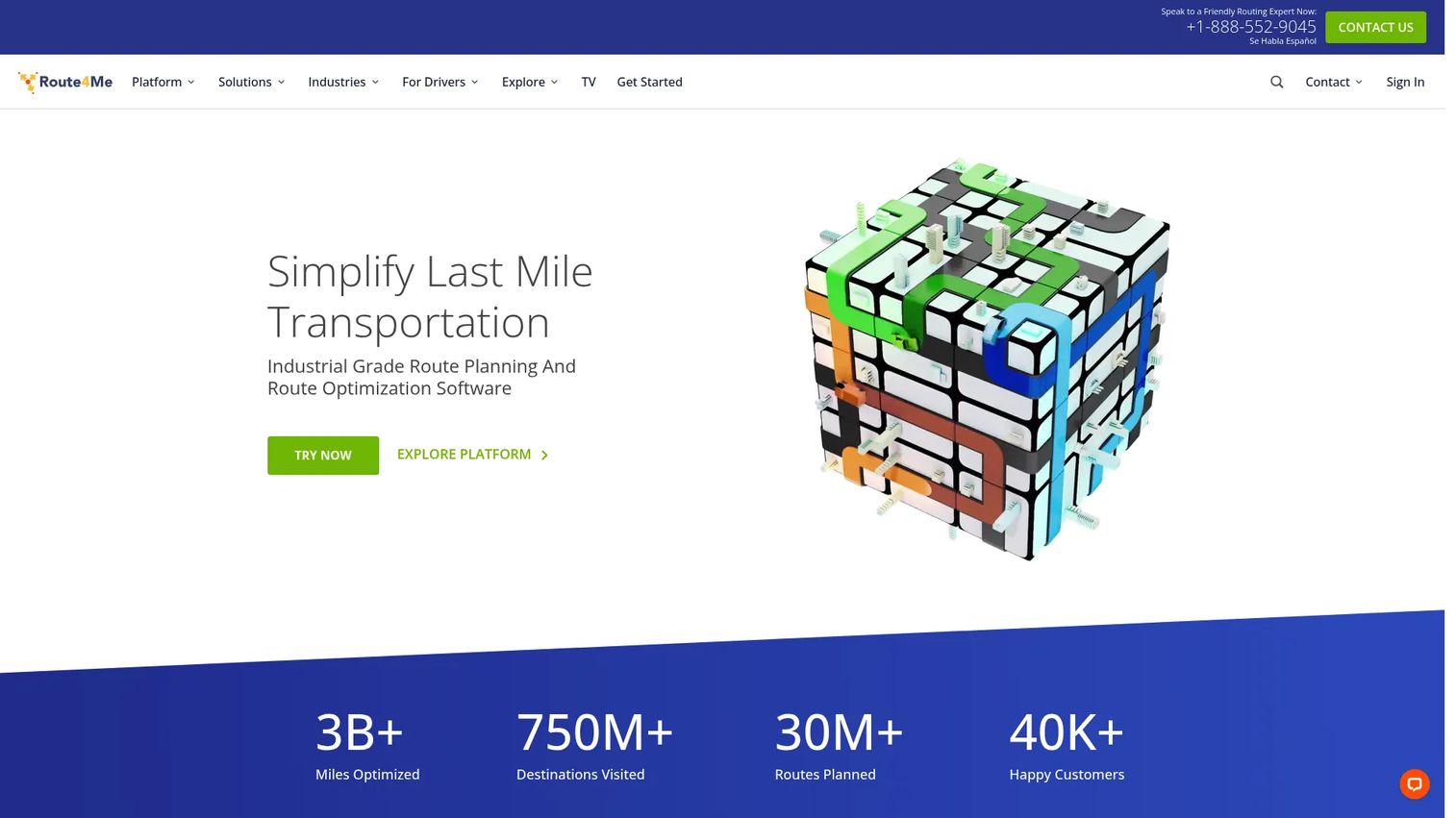
Route4Me is the most operationally complete option on this list. It combines multi-stop route optimization, dispatch, and real-time GPS tracking in one platform built for delivery, field service, and logistics teams. If you run a larger fleet or have complex routing needs across many drivers, Route4Me covers the full workflow from plan to proof, not just the planning step.
Best for: Businesses that need multi-stop route planning, dispatch, and live route visibility in a single system.
Key strengths
- Route optimization: Sequences dense multi-stop routes to cut total mileage and drive time.
- Dispatch and tracking: Assigns work from a central view and monitors progress live.
- Real-time GPS tracking: Shows exactly where every driver is throughout the day.
Why choose Route4Me: The platform fits teams that have outgrown simple planners and need dispatch, tracking, and driver workflows working together. Its credibility signals are strong, with a 4.7/5 rating on G2 across a large review base. If your operation depends on coordinating many drivers and proving delivery, this depth earns its place.
Route4Me pricing: Route4Me does not publish public pricing. The company directs buyers to its subscription plan page and a consultation with a routing expert to get an accurate quote for their fleet size and needs. Because pricing is quote-based, plan to scope your driver count and required features before the conversation so you can compare it against the priced options below.
2. MyRouteOnline
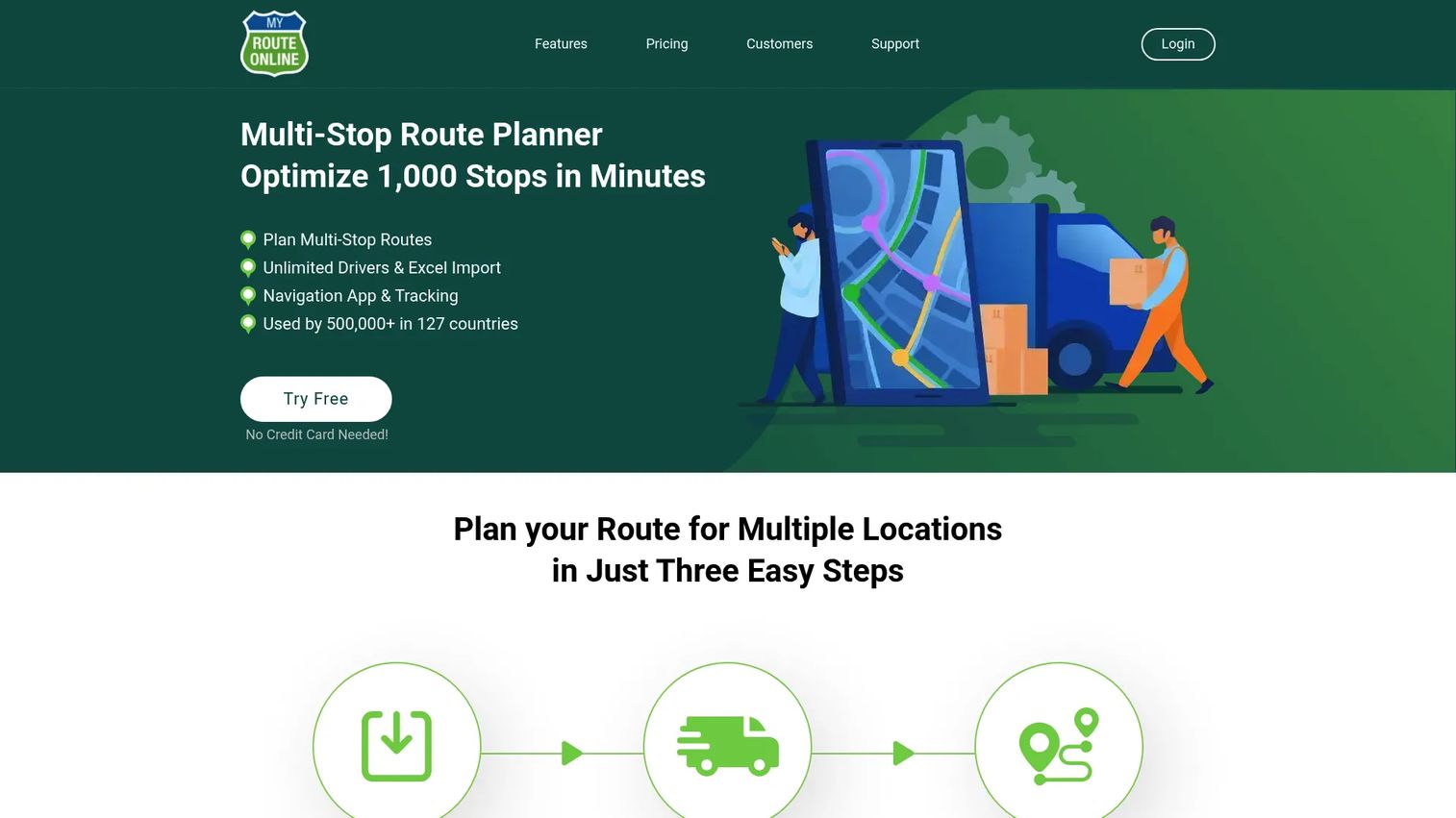
MyRouteOnline is a cloud-based route planner built around a straightforward import-plan-drive workflow. You import addresses from a spreadsheet, optimize by time or distance, and hand the route off to mobile navigation. For teams that want practical multi-stop planning without a heavy operations platform, it hits the mark.
Best for: Businesses that need multi-stop route planning with credits-based pricing and delivery tracking.
Key strengths
- High-volume import: Optimizes up to 1,000 addresses per run and imports from Excel, CSV, Google Drive, or Dropbox.
- Save and reload routes: Store frequent routes and reload them without rebuilding from scratch.
- Flexible handoff: Exports to mobile navigation, API, Zapier, and delivery tracking.
Why choose MyRouteOnline: The tool keeps planning simple while still handling serious stop volume, which suits delivery and service teams that value speed over configuration. It holds a 4.5/5 rating on G2. The credits-based model also lets occasional planners pay for what they use rather than a flat monthly commitment.
MyRouteOnline pricing: Public pricing starts at $19/month for the BASIC plan, with CLASSIC at $49/month and PREMIUM at $99/month on recurring billing. Pay-as-you-go options include PROFESSIONAL at $399 and BUSINESS at $799, priced by address credits. You can start free with no credit card required, which makes it easy to test the workflow before committing.
3. RouteXL
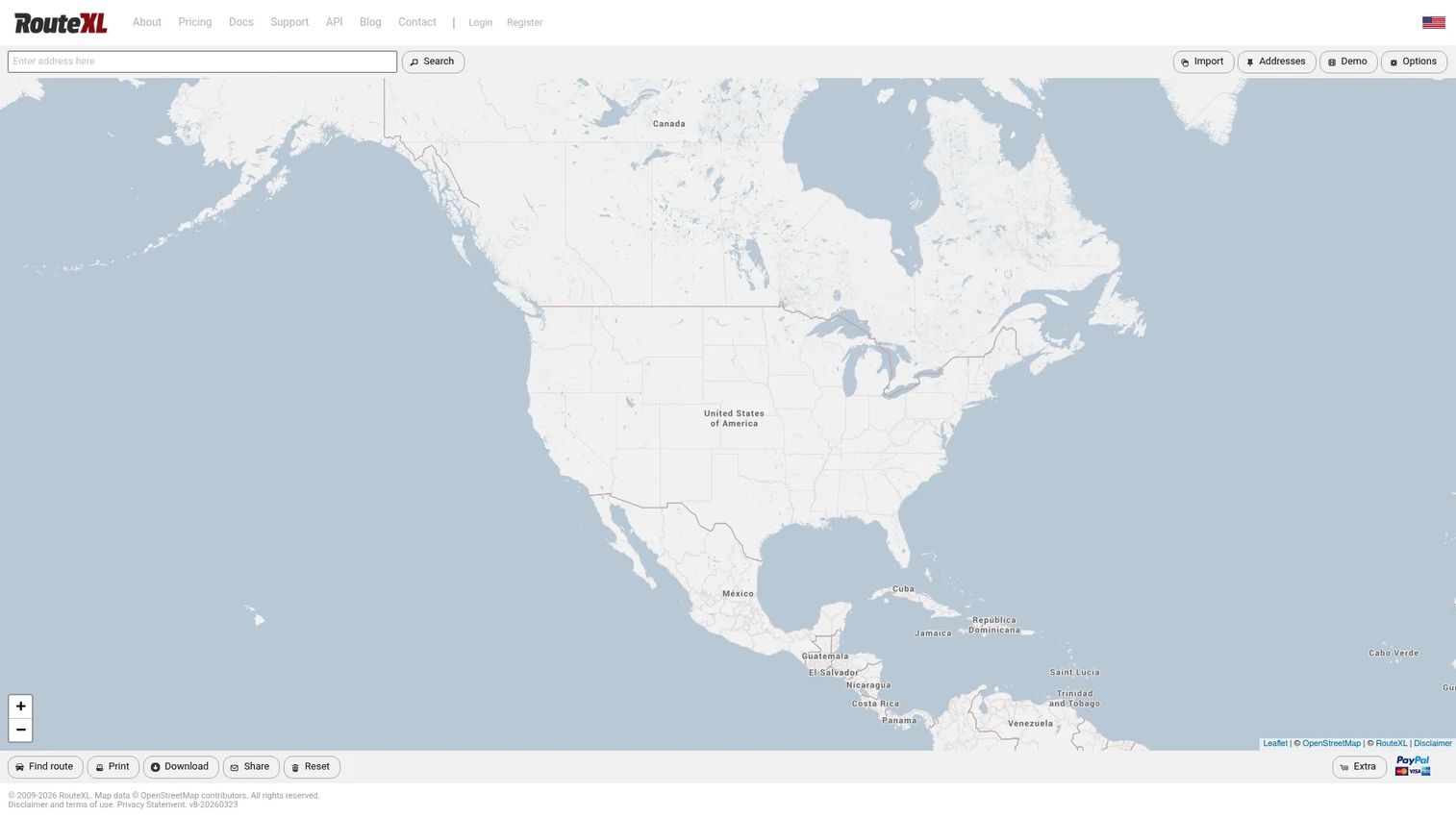
RouteXL is a web-based route planner that optimizes multi-stop journeys for deliveries, pickups, and services. It keeps the interface simple and the workflow light: paste in your addresses, optimize the order, and print or share the route. For buyers who want basic optimization without a learning curve, it performs well.
Best for: Businesses that need simple multi-stop route optimization with a free entry tier.
Key strengths
- Multi-stop optimization: Reorders stops into an efficient sequence for the day.
- Easy import: Copy and paste addresses from spreadsheets, apps, or email.
- Print and share: Print directions and export or share routes with drivers.
Why choose RouteXL: The free tier is the real draw. It suits solo operators, small delivery runs, and anyone testing whether route optimization is worth paying for. RouteXL holds a 4.2/5 rating on G2, and the paid upgrades scale stop capacity when a route outgrows the free limit.
RouteXL pricing: The free RouteXL 20 plan supports up to 20 stops per route. RouteXL 100 costs €5 per day or €35 per month for up to 100 stops, and RouteXL 200 costs €10 per day or €70 per month for up to 200 stops. Unlimited routes per day are allowed under a fair-use policy, and the day-rate option is handy for teams with occasional high-volume days.
4. OptimoRoute
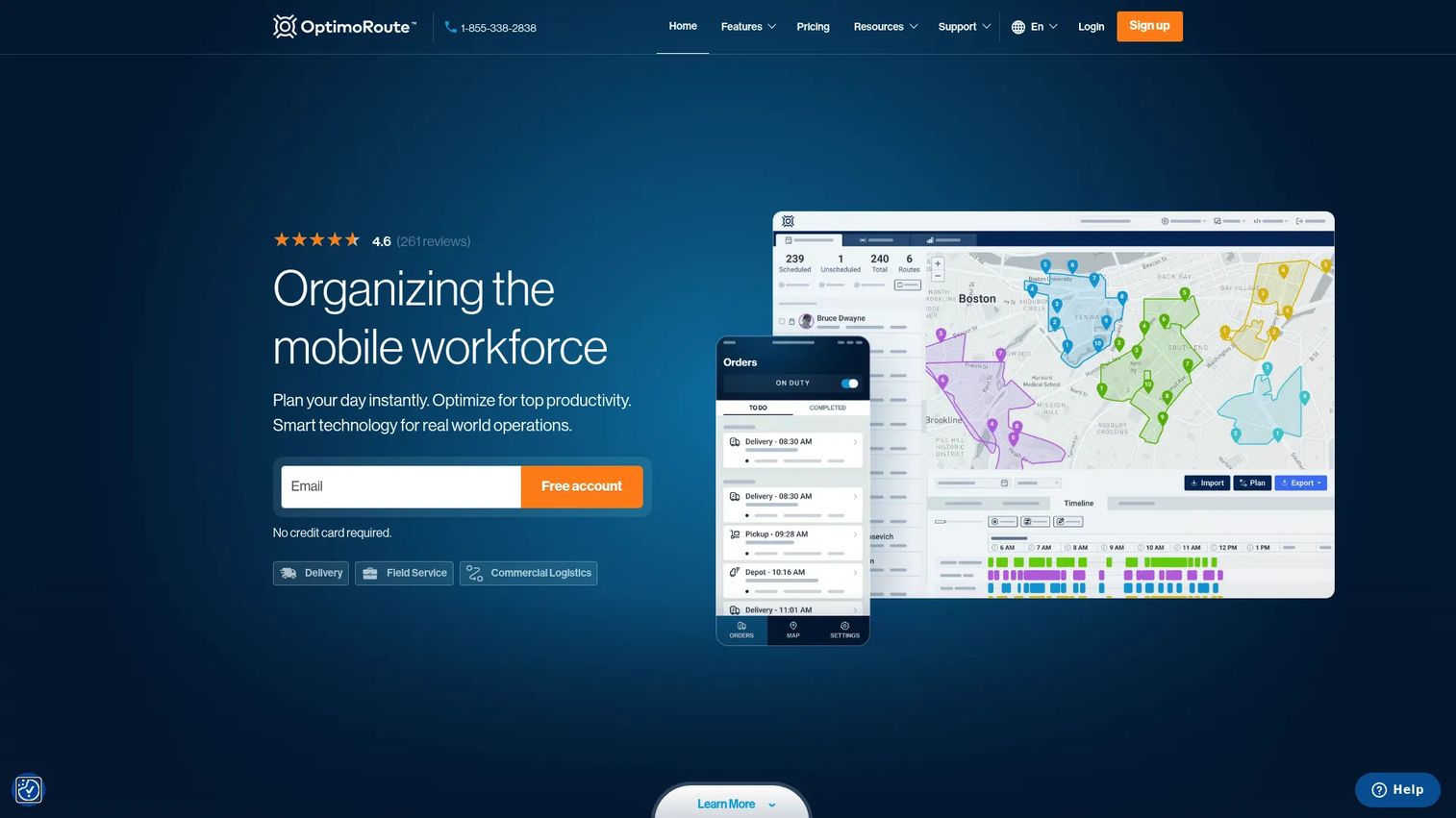
OptimoRoute is route optimization and schedule planning software for delivery and field service teams. It goes deeper than pure sequencing by automating both the route and the schedule, factoring in vehicle, driver, and order constraints. For teams that care about planning depth and real-time operations, it is a strong fit.
Best for: Delivery and field service businesses that need route and schedule optimization together.
Key strengths
- Automated planning: Builds routes and schedules automatically across drivers and orders.
- Live tracking and ETAs: Provides live tracking, ETAs, and breadcrumb history.
- Constraint handling and analytics: Manages vehicle, driver, and order constraints, plus analytics, API, and SSO.
Why choose OptimoRoute: The scheduling depth sets it apart from lighter planners, making it a fit for operations that juggle constraints and need visibility into plan-versus-actual performance. It carries a 4.8/5 rating on G2, the highest on this list. The per-driver model scales cleanly as a fleet grows.
OptimoRoute pricing: The Lite plan is $35.10 per driver per month and the Pro plan is $44.10 per driver per month, both billed annually. A Custom tier is available by contacting sales. OptimoRoute offers a 30-day free trial, so you can validate the optimization quality against your own routes before committing.
5. Onfleet
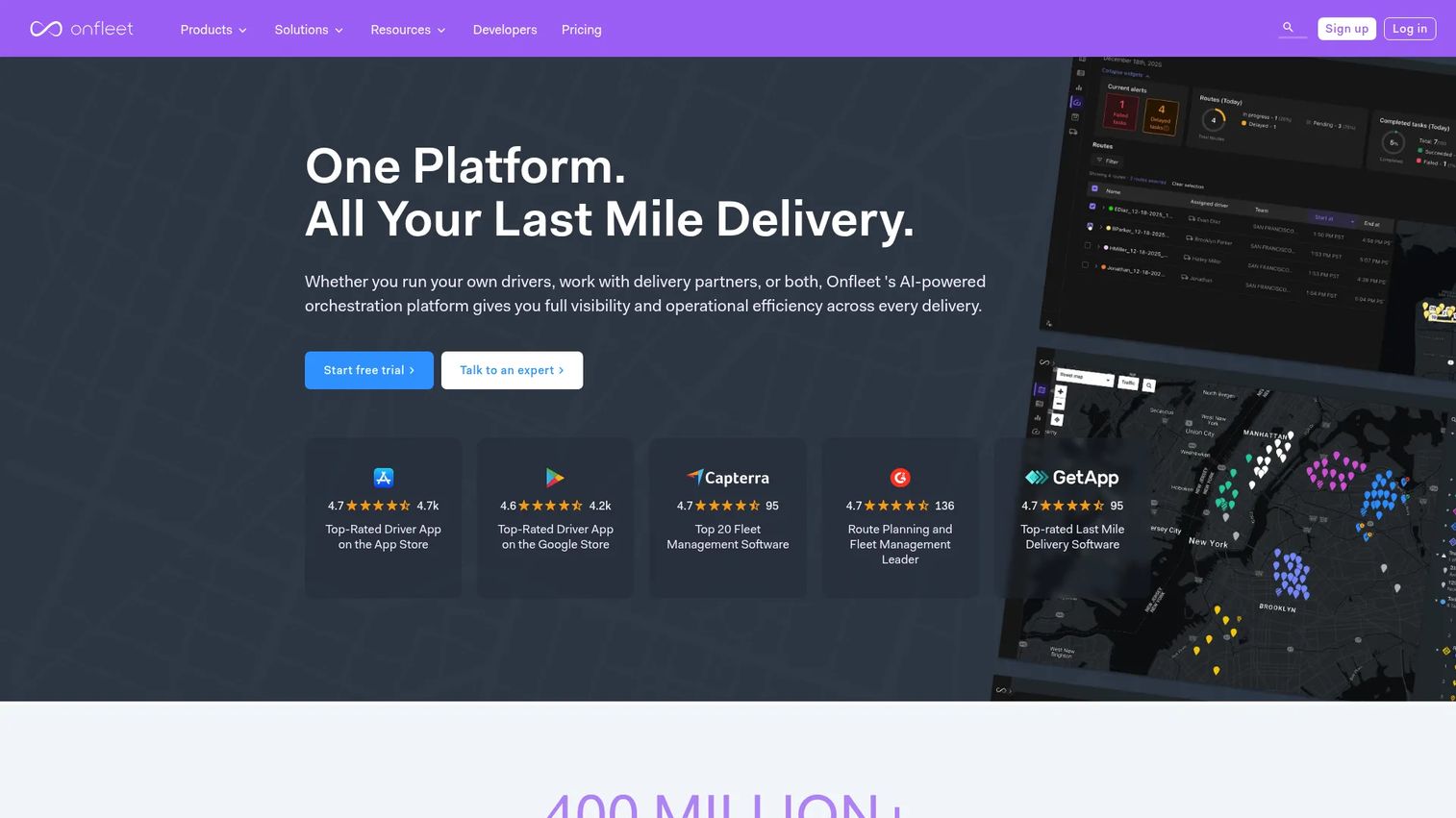
Onfleet is last-mile delivery software focused on dispatch, route optimization, tracking, and driver communication. Where some tools stop at planning, Onfleet is built around delivery execution and visibility, from the dispatcher's screen to the customer's ETA text. If last-mile operations are the core of your business, this is a purpose-built choice.
Best for: Businesses that need last-mile delivery orchestration with driver, dispatcher, and customer communication.
Key strengths
- Route optimization: Optimizes delivery routes across the fleet.
- Real-time visibility: Tracks tasks and drivers live throughout the day.
- Driver app with proof of delivery: Gives drivers a dedicated app and captures proof of delivery at each stop.
Why choose Onfleet: The delivery focus is the differentiator. Customer notifications, ETAs, and proof of delivery make it a fit for operations that treat the last mile as a customer experience, not just a logistics problem. It holds a 4.6/5 rating on G2. The task-based tiers align cost with delivery volume.
Onfleet pricing: The Launch plan starts at $619/month and includes 2,500 tasks. Scale starts at $1,349/month with 5,000 tasks, and Enterprise starts at $3,099/month with custom terms. A Courier Suite add-on starts at $299/month. Onfleet offers a 14-day free trial, though no permanently free tier, so factor the task volume into your comparison.
6. Badger Maps
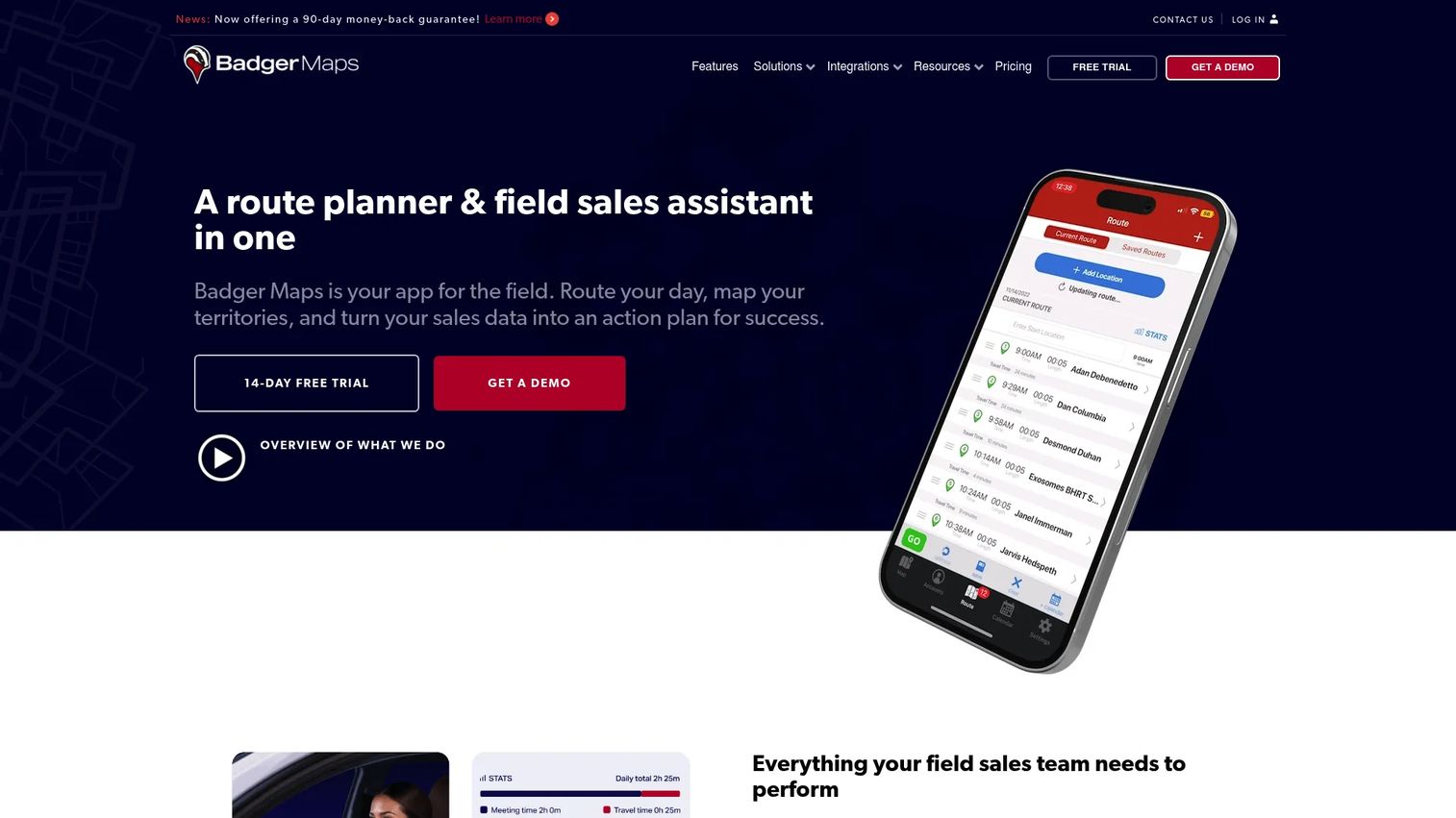
Badger Maps is field sales mapping and route-planning software built for managing territories, visits, and CRM-synced notes. Unlike delivery-focused tools, it optimizes routes around accounts and prospects rather than drop-offs, which makes it the right fit for outside sales reps who work a territory rather than a delivery manifest.
Best for: Outside sales teams that need route planning, territory management, and CRM-connected field activity tracking.
Key strengths
- Route optimization: Optimizes routes with up to 120 stops per plan.
- Interactive mapping: Filters and colorizes customers and prospects on an interactive map.
- CRM integration: Syncs notes and activity through CRM integrations.
Why choose Badger Maps: The territory and CRM angle is what sets it apart. Reps see their accounts on a map, plan the most efficient visit order, and log activity that flows back to the CRM. It holds a 4.7/5 rating on G2. For field sales leaders who care about coverage and pipeline hygiene, that combination is hard to match with a pure delivery tool.
Badger Maps pricing: The Business plan is $58 per user per month billed annually, or $69 billed monthly. The Enterprise plan is $95 per user per month billed annually, or $109 billed monthly. A 14-day free trial is available, and additional territory-management products are sold separately, so scope which capabilities each rep actually needs.
7. Google Maps

Google Maps is the familiar baseline. Almost everyone already knows how to search a place, get turn-by-turn directions, and add a few stops. For a handful of stops with no time windows or dispatch needs, it is genuinely enough, and it is free for consumer use.
Best for: People and businesses needing maps, navigation, and location discovery for simple, low-volume routing.
Key strengths
- Place search: Finds locations and businesses instantly.
- Turn-by-turn navigation: Delivers reliable voice-guided directions.
- Street View and offline maps: Adds Street View, offline maps, and saved places.
Why choose Google Maps: Zero learning curve and zero cost for basic use. It works when a route has a few stops and no operational layer, such as a rep running errands or a small crew with a short list. Where it stops short is business routing: it does not truly optimize the order across many stops, and it lacks dispatch, driver tracking, and proof of delivery. Once you cross into fleet territory, you need a dedicated planner.
Google Maps pricing: Consumer Google Maps is free on desktop and mobile. For developers, Google Maps Platform uses pay-as-you-go, SKU-based billing with free usage caps, but that applies to the developer platform rather than the consumer app. No single starting price applies to the product overall, and no G2 rating was verified for it.
8. MapQuest
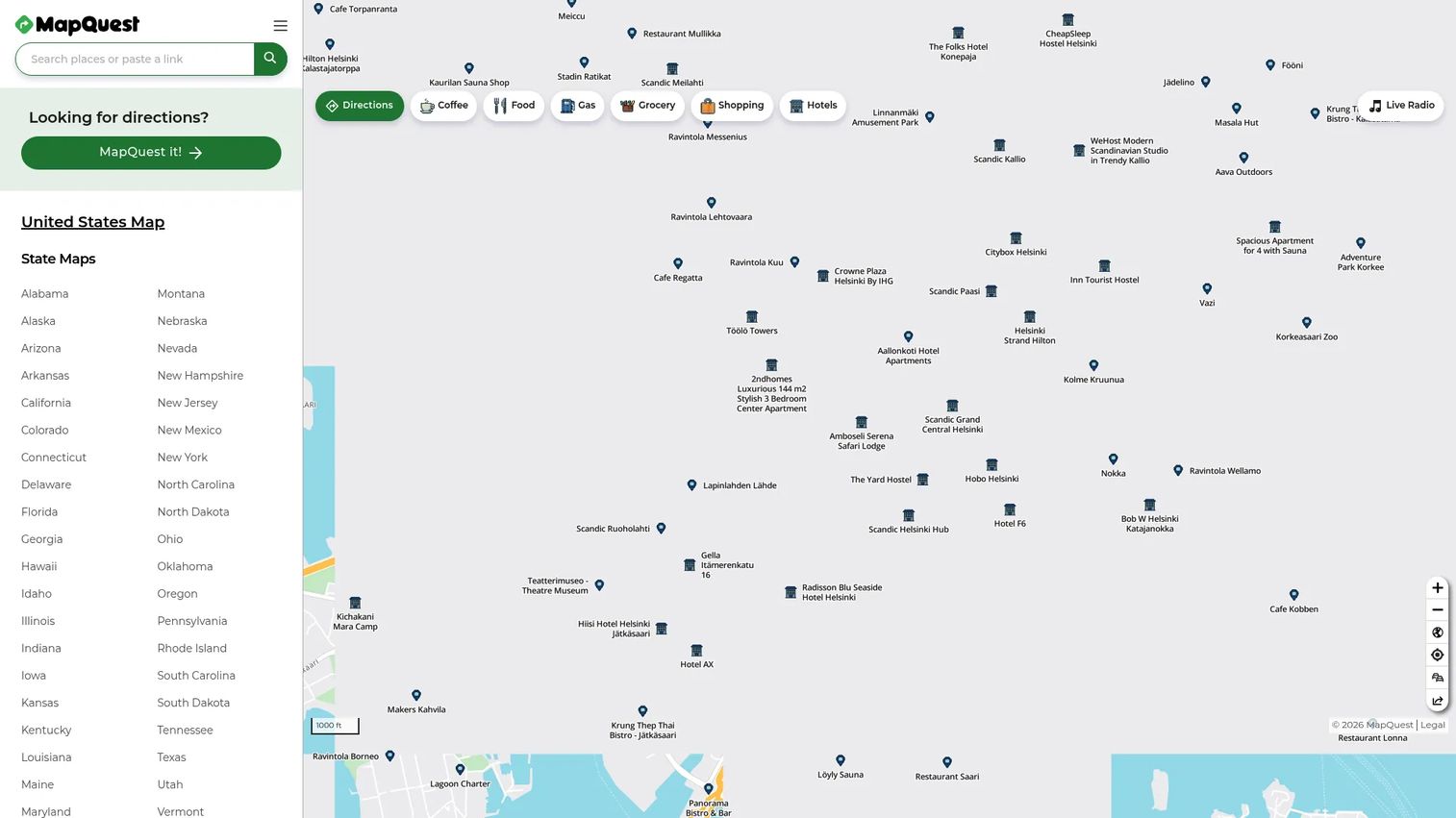
MapQuest is a mapping and navigation service with consumer navigation plus business geospatial APIs. Many people compare it early in the research process because it is well known and free to start. It handles live maps, multi-stop routing, and traffic-aware alternatives, which covers lighter planning needs.
Best for: Teams needing location APIs, routing, and navigation tools for casual or developer use.
Key strengths
- Live maps and navigation: Provides live maps and voice-guided navigation.
- Traffic and alternatives: Delivers real-time traffic updates and alternative routes.
- Multi-stop routing and APIs: Supports multi-stop routing, favorites, and geocoding, directions, search, and traffic APIs.
Why choose MapQuest: It works for casual business use and for developers who want routing and location APIs. For everyday multi-stop planning with traffic preferences, the consumer app does the job. Like other general map tools, it does not replace a fleet system with dispatch, driver tracking, and proof of delivery, so treat it as an early-stage option rather than an operations platform.
MapQuest pricing: The developer platform starts with 15,000 free one-time transactions, then $0.0045 per transaction on pay-as-you-go. Paid API plans run Basic at $119/month, Plus at $249/month, and Business at $499/month, with a custom Enterprise tier. All plans include core APIs and SDKs. The MapQuest API carries a 4.5/5 rating on G2.
Considerations before you buy
The right tool depends less on feature lists and more on how your team operates. Use these criteria to narrow the field.
Stop capacity and route density
Match the tool to your real stop counts. A free planner that caps at 20 stops works for a small run but breaks on a dense delivery day. Check the per-route stop limit and how the optimizer handles hundreds of stops across multiple drivers.
Execution versus planning only
Decide whether you need planning alone or full operations. A planner that only sequences stops is enough if drivers self-manage. If schedules shift mid-day, you want dispatch, live tracking, and reassignment built in so managers are not calling every driver.
Delivery, sales, or service fit
The motion changes the requirements. Delivery teams need proof of delivery and customer ETAs. Field sales teams need territory mapping and CRM sync. Service teams need scheduling and time windows. Buy for your motion, not a generic feature checklist.
Pricing model and transparency
Look at how cost scales. Per-driver, per-task, per-user, and credits-based models each favor different volumes. A tool with a free trial or free tier lets you validate optimization quality against your own routes before you commit budget.
Integrations and maintenance
Route planning rarely lives alone. Check for connections to your CRM, ERP, TMS, or field service system, plus API and Zapier support. The lower the ongoing maintenance and manual data entry, the more the tool actually saves.
Conclusion
The best route planning software is the one that matches your operating model, not the one with the longest feature list.
For complex fleet and last-mile operations, Route4Me is the most complete pick, pairing optimization with dispatch and tracking. MyRouteOnline is the straightforward choice for businesses that just want to import, optimize, and drive. OptimoRoute suits teams that need route and schedule optimization together, and Onfleet is purpose-built for delivery execution with driver apps and customer ETAs. Badger Maps is the standout for field sales that revolves around territories and account visits. For lighter planning, RouteXL offers a genuine free tier, while Google Maps and MapQuest cover casual multi-stop needs.
Pick based on three questions: how many stops you plan, whether you need execution or planning only, and whether your team runs delivery, sales, or service. Start with a free trial where one exists, run it against your real routes, and measure the mileage and time saved before you scale it across the fleet.
FAQs
Route planning software organizes multiple stops into an optimized sequence and helps teams execute those routes across delivery, field sales, and service work. It replaces manual map-and-spreadsheet planning with automated optimization that accounts for distance, time, and constraints like delivery windows.
Route4Me is the strongest fit for fleets because it combines multi-stop optimization, dispatch, and real-time GPS tracking in one platform. OptimoRoute is a close alternative when scheduling depth matters, and Onfleet leads when last-mile delivery execution is the priority.
Stop capacity varies by tool and tier. RouteXL's free plan caps at 20 stops, with paid tiers up to 200, while MyRouteOnline optimizes up to 1,000 addresses per run and Badger Maps handles up to 120 stops. Enterprise platforms like Route4Me and OptimoRoute scale across many drivers and large stop counts, so check the per-route limit against your busiest day.
Route planning is the broader act of organizing stops and assigning them to drivers. Route optimization is the engine inside it that reorders stops to minimize distance and time while respecting constraints. A basic map app plans a route you already ordered; optimization software decides the best order for you.
For a few stops with no time windows or dispatch needs, Google Maps is genuinely enough and free. Once you have many stops across multiple drivers, tight delivery windows, or a need for tracking and proof of delivery, a dedicated route optimization tool saves real mileage and time.
Onfleet is purpose-built for last-mile delivery, with driver apps, customer notifications, ETAs, and proof of delivery. Route4Me is a strong alternative for delivery fleets that also need heavy dispatch and tracking, while OptimoRoute fits delivery operations that need schedule optimization too.
Badger Maps is built for field sales, optimizing routes around territories and account visits rather than delivery drop-offs. It syncs notes and activity to the CRM, which suits outside sales reps who work a territory and need pipeline hygiene alongside efficient visit routing.
Full operations platforms like Route4Me, OptimoRoute, and Onfleet include dispatch and real-time tracking, so managers can assign work and monitor progress live. Lighter planners such as RouteXL, Google Maps, and MapQuest focus on sequencing and directions rather than the execution layer, so confirm what you need before you choose.