
You shipped a campaign page. Beautiful hero image, crisp product shots, a few charts to back up the pitch. Then someone on Slack pastes a PageSpeed Insights score in the 40s and asks why the page takes six seconds to load on mobile.
The culprit is almost always the same. Images. Bloated, uncompressed, served in formats from a decade ago, loading all at once before the visitor sees a single word.
Image optimization is one of the fastest levers you have for page speed, and page speed is no longer optional. A 2026 SammaPix benchmark compressed 100 real-world images across 10 tools at four quality levels, totaling 4,000 compressions, and found typical file size reductions between 62% and 78% with almost no visible quality loss. That is half your image weight gone, often more, without touching the design.
For a digital marketer, that translates into lower bounce, faster load time, and better SEO signals. The problem is not whether to optimize. It is picking the right image optimization software for your stack, your scale, and how much manual work you are willing to do.
What's inside
This guide compares image optimization software, services, and plugins built for marketers and web teams who care about speed, quality, automation, and scale. It covers tools across different deployment styles, from WordPress plugins to desktop apps to full image optimization services with CDN delivery, so you can match the tool to where it actually runs.
We chose and ranked tools using four criteria:
- Compression performance: how much file size it removes
- Format support: WebP, AVIF, and source format coverage
- Quality preservation: how the output looks on hero images, product shots, and charts
- Automation and workflow fit: bulk optimization, resizing, lazy loading, and delivery
TL;DR
Short on time? Here are the decision shortcuts.
- Best overall for scale: Cloudinary, the G2 category Leader, for teams that need media management, transformations, and CDN delivery in one platform.
- Best for WordPress: Imagify, for simple automatic compression and next-gen format conversion inside the media library.
- Best for bulk automation: ShortPixel, for high reduction rates and clear credit-based or plan-based optimization at volume.
- Best for teams that need CDN delivery: Optimole, for automatic optimization, adaptive resizing, and global delivery with minimal manual work.
- Best for quality-preserving compression: ImageOptim, for desktop-grade compression and metadata stripping before assets ever hit your site.
- Best free option to start: ImageKit, named Easiest to Use and Best Free Software on G2 for image optimization.
What image optimization software is
Image optimization software reduces the file size of images so pages load faster, while keeping the visual quality high enough that nobody notices the difference. It does this through compression, format conversion, resizing, and smarter delivery.
The outcomes marketers care about are concrete:
- Smaller file sizes: less data to download on every page view
- Faster load times: quicker rendering, especially on mobile networks
- Better UX: lower bounce, more time on page, less abandonment
- Stronger SEO: improved Core Web Vitals and page experience signals
Most image optimization tools combine several capabilities. Cloudinary's 2026 guidance frames modern image optimization services as systems that compress, resize, transform, and deliver images with automated format selection and CDN delivery, which is a useful way to think about the whole category.
Core capabilities to look for:
- Compression: lossless or lossy reduction of file size
- Resizing: scaling images to the dimensions a page actually needs
- Next-gen format conversion: generating WebP and AVIF versions
- Lazy loading: deferring offscreen images until they are needed
- CDN delivery: serving images from servers close to the visitor
- Metadata stripping: removing EXIF and other data that adds weight
What image optimization software does
The workflow is straightforward. You feed the tool an image, it applies compression and optional format conversion, then it either saves the optimized file or serves it through a delivery layer. A photo compressor or image compressor handles the file size. A full image optimization solution handles delivery too.
The difference that matters most is manual versus automated. Manual compression means you run each image through a tool before uploading, which gives you control but does not scale. Automatic optimization means the software processes images on upload or on the fly, which is what content-heavy sites and busy marketing teams need.
In practice, these tools sit inside your publishing flow. A WordPress image optimizer compresses every image as you add it to a post. An image optimization service plugs into your build or CDN so campaign pages, product galleries, and blog images all ship optimized without anyone thinking about it.
Why marketers care about image optimization
File size drives load time. Load time drives bounce rate. Bounce rate drives conversion. The chain is direct, and images are usually the heaviest thing on the page.
Faster pages improve the metrics you report on: lower bounce, higher engagement, better paid landing page Quality Scores, and stronger organic rankings tied to page experience. When a campaign depends on an image-heavy page converting, shaving seconds off load time is one of the cheapest wins available. Pairing fast pages with interactive product demos can lift engagement even further on campaign landing pages.
It also shows up in SEO reporting. Google's page experience signals lean on Core Web Vitals, and Largest Contentful Paint (LCP) is frequently an image. Optimize the image, improve the LCP, improve the signal. If you are building out your wider SEO stack, our roundup of the best SEO tools is a useful companion read.
Which image formats matter most
Format choice is half the battle. Here is how the common ones stack up for web use.
| Format | Best for | Compression | Notes |
|---|---|---|---|
| JPEG | Photos, hero images | Good | Universal support, lossy |
| PNG | Logos, transparency, screenshots | Moderate | Lossless, larger files |
| GIF | Simple animation | Poor | Mostly legacy now |
| WebP | Most web images | Strong | Broad modern browser support |
| AVIF | Photos, hero images | Strongest | Smallest files, growing support |
JPEG and PNG remain important as source formats. The optimization win comes from converting those sources to WebP or AVIF for delivery, which is why next-gen format conversion is a core feature in nearly every tool below.
When to use image optimization software
You do not need this category for a five-page brochure site. You need it when images are quietly costing you speed, rankings, or conversions. Here are the situations that should trigger an evaluation.
Improve landing page performance
Campaign pages live or die on load time. A slow hero image delays the moment a visitor sees your offer, and every extra second raises the odds they leave before the page finishes rendering.
Image compression directly supports conversion optimization here. Lighter images mean a faster LCP, a faster first impression, and more of your paid traffic actually reaching the call to action. If you run paid acquisition into image-heavy landing pages, this is where optimization pays for itself fastest. It also pairs well with the right landing page builders and a solid set of CRO tools for turning that speed into conversions.
Reduce media bloat in content libraries
Blogs, resource hubs, and product catalogs accumulate technical debt. Every author uploads full-resolution images, nobody resizes anything, and the media library balloons over months into hundreds of unnecessarily heavy files.
This is where bulk optimization and automated resizing earn their keep:
- Run a one-time bulk pass to compress every existing image
- Set automatic optimization on upload so new images never add weight
- Use resizing to stop serving 4000px images into 800px containers
A typical workflow: install an image optimizer, run bulk optimization across the existing library overnight, then leave automatic optimization on so the debt never builds up again.
Support SEO and Core Web Vitals work
Image weight is one of the most common causes of a poor LCP score, and LCP is a Core Web Vitals metric that feeds Google's page experience signals. If your PageSpeed Insights or GTmetrix reports flag large images, optimization is the fix.
Image optimization rarely works alone. Pair it with these tactics:
- Compression and conversion to cut file size
- Lazy loading to defer offscreen images
- Responsive resizing to serve the right dimensions per device
- CDN delivery to shorten the distance data travels
To dig deeper into where users drop off after the page loads, the best heatmap tools can show exactly how visitors interact with your optimized pages.
Comparison table
Here is how the tools compare at a glance. Pricing and G2 ratings are drawn from first-party pricing pages and live G2 listings.
| # | Product | Intent | Key use case | Pricing | G2 rating |
|---|---|---|---|---|---|
| 1 | Imagify | WordPress plugin | Automatic compression and next-gen conversion | Free; paid from $4.99/mo | 4.3/5 |
| 2 | ShortPixel | Plugin and service | High-reduction bulk optimization | Free plan; paid plans available | 4.5/5 |
| 3 | Optimole | Service and plugin | Automated optimization with CDN delivery | Free plan; paid tiers available | 4.5/5 |
| 4 | Smush | WordPress plugin | Simple bulk compression and lazy loading | Free; Pro from $3/mo | 4.8/5 |
| 5 | EWWW Image Optimizer | WordPress plugin | Configurable compression and CDN | Free; paid from $8/mo | 4.4/5 |
| 6 | ImageOptim | Desktop and API | Quality-preserving local compression | App free; API from $12/mo | Not listed |
| 7 | Uploadcare | Image optimization service | Upload, process, and deliver media | Free; Pro from $66/mo | 4.6/5 |
| 8 | Cloudinary | Media platform | Transformations and delivery at scale | Free; Plus from $99/mo | 4.4/5 |
| 9 | ImageKit | Image optimization service | Optimization plus DAM | Free; Lite from $9/mo | 4.7/5 |
| 10 | Filestack | File and media API | Upload workflows with optimization | From $69/mo | 4.2/5 |
| 11 | Brizy Cloud | Website builder | Built-in optimization, no plugins | From $19/mo | 4.7/5 |
1. Imagify

Imagify is WordPress image optimization software that compresses, resizes, and converts images to next-gen formats. It runs quietly inside the media library, optimizing images as you upload them and converting them to WebP and AVIF for delivery. For marketers who publish in WordPress and want optimization to happen without thinking about it, it is one of the simplest starting points.
The appeal is the lack of friction. You install it, pick a compression level, and let Smart Compression handle the rest. Existing libraries get cleaned up with an async bulk pass that runs in the background while you keep working.
Best for: WordPress sites that want simple image compression and next-gen format conversion without configuration overhead.
Key strengths
- Smart Compression: automatic optimization that balances file size and quality
- WebP and AVIF conversion: generates next-gen formats for lighter delivery
- Async bulk optimization: processes large existing libraries in the background
Why choose Imagify
Imagify fits marketers who want fewer decisions, not more. It compresses JPG, PNG, PDF, and GIF files, resizes images on the fly, and handles format conversion without you touching settings. If your priority is reclaiming page speed on a WordPress site with minimal setup, it gets you there fast.
It carries a 4.3/5 rating on G2. The Starter plan is free, Growth starts at $4.99 per month billed yearly, and Infinite starts at $9.99 per month billed yearly, with monthly billing also available.
2. ShortPixel
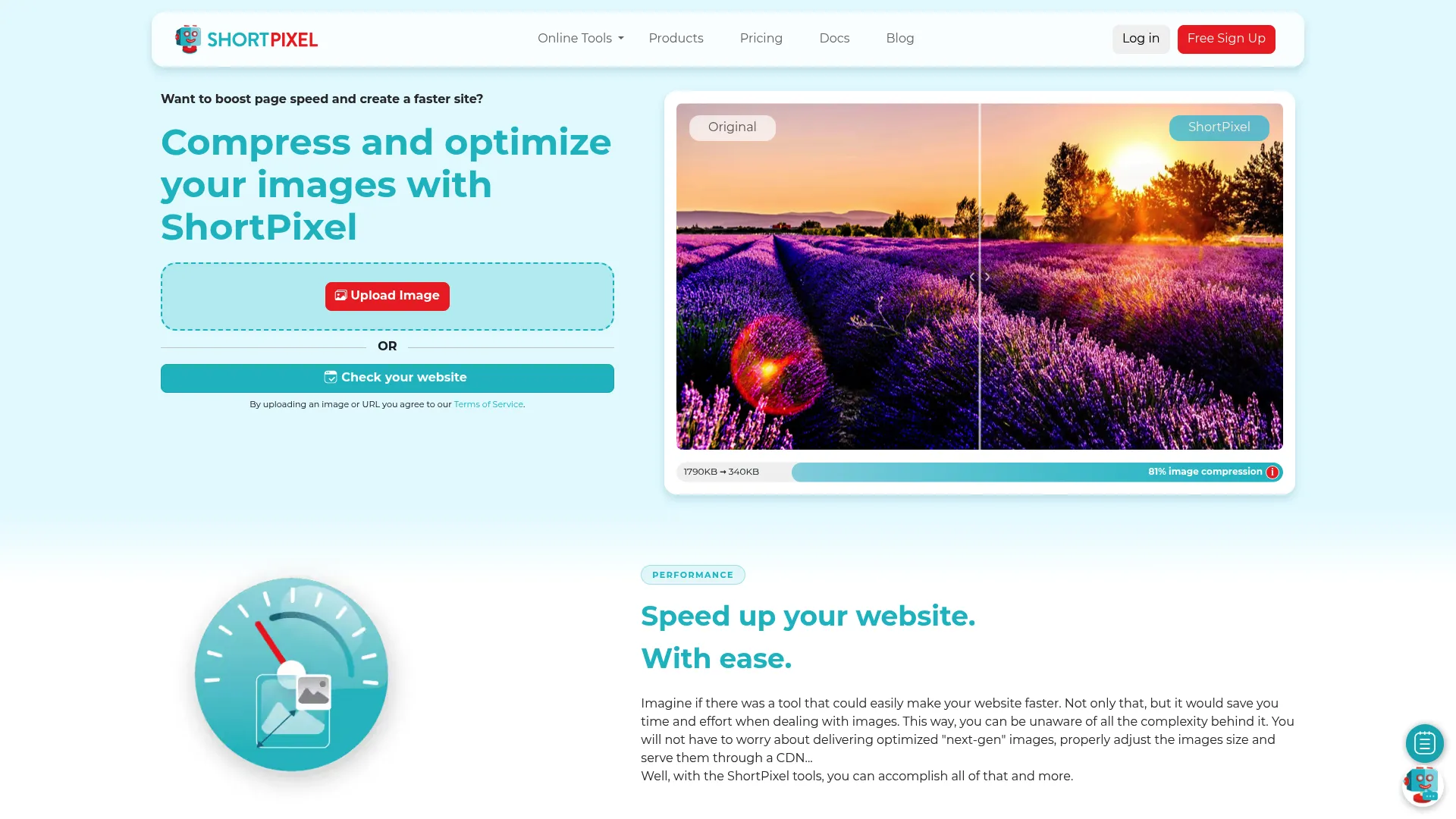
ShortPixel is an image optimization service and WordPress plugin suite that compresses images and serves next-gen formats like WebP and AVIF. It shows up consistently in benchmark-heavy comparisons because it pushes reduction rates hard. In the 2026 SammaPix benchmark, ShortPixel reached 76% raw file size reduction, among the strongest results in the test.
That makes it a favorite for teams who want measurable, defensible results. It offers multiple compression modes so you can dial in the tradeoff between file size and quality, and it handles bulk optimization across single sites and multisite networks.
Best for: WordPress sites and teams needing aggressive image compression and next-gen format delivery with clear control.
Key strengths
- SmartCompress modes: lossy, glossy, and lossless options for different asset types
- WebP and AVIF conversion: automatic next-gen format generation
- Bulk optimization and multisite: handles large libraries and network installs
Why choose ShortPixel
ShortPixel is built for the marketer who wants proof. Elementor's 2026 testing showed a page dropping from 9.3MB to 6.1MB with ShortPixel, with a sample image shrinking from 693KB to 175KB. When you need to report a before-and-after that holds up, this is a strong pick.
It holds a 4.5/5 rating on G2. ShortPixel offers a free plan plus paid options including unlimited monthly subscriptions and one-time payment plans, so you can match spend to your image volume.
3. Optimole
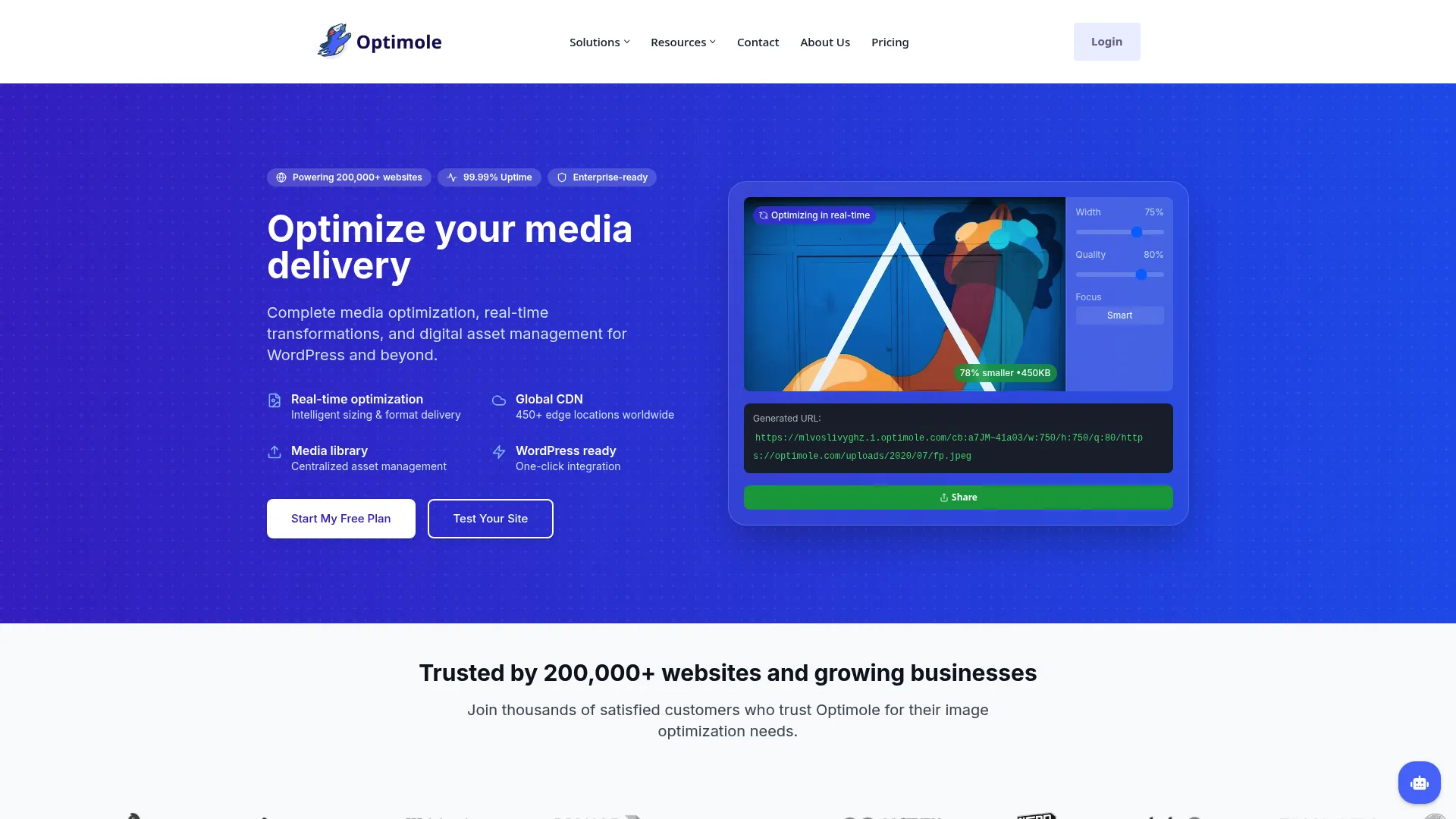
Optimole is an image optimization and media delivery platform for websites, especially WordPress, with CDN-based optimization, lazy loading, and media management. Instead of just compressing files in place, it optimizes images in real time and serves them through a global CDN, which means less manual work and faster delivery worldwide.
For marketers who want to set it up once and stop thinking about images, Optimole leans into automation. It resizes images on the fly for each device, lazy loads offscreen images, and converts to WebP and AVIF automatically.
Best for: WordPress and website teams that want automated image optimization and CDN delivery without ongoing maintenance.
Key strengths
- Real-time optimization and resizing: adapts images per device on the fly
- Lazy loading and next-gen formats: defers offscreen images, serves WebP/AVIF
- Global CDN delivery: serves optimized images from servers near each visitor
Why choose Optimole
Optimole suits teams that value less manual work over granular control. With a Media API and digital asset management on top of optimization and delivery, it covers more of the pipeline than a plain image compressor. If global page speed matters and you would rather automate than tweak, it fits.
It carries a 4.5/5 rating on G2. Optimole offers a free plan plus paid Starter, Business, and Flexible tiers based on monthly visits.
4. Smush
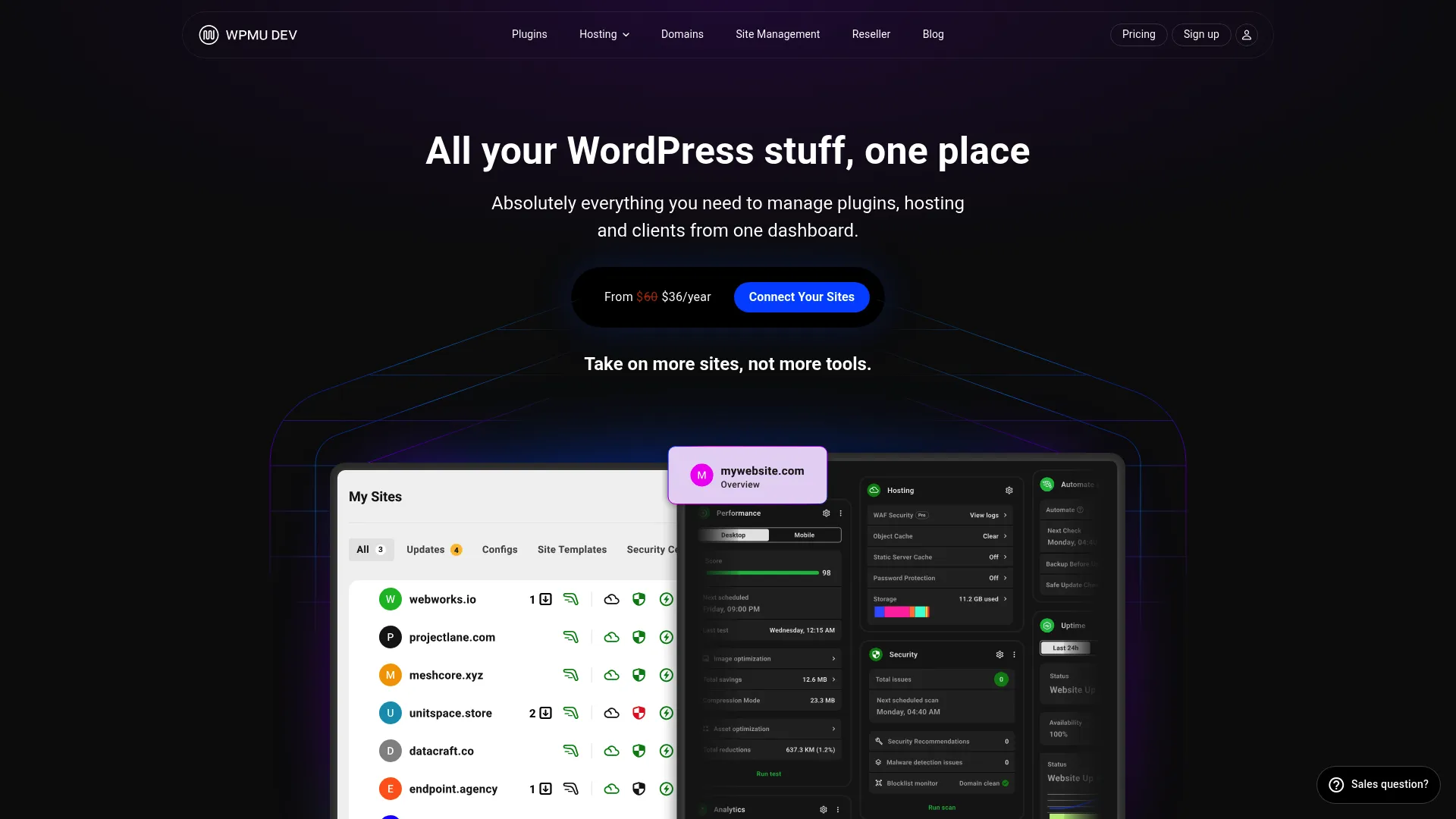
Smush is a WordPress image optimization plugin from WPMU DEV. It is one of the most familiar names in the WordPress ecosystem, and for good reason. It handles bulk compression, lazy loading, and next-gen formats with a simple workflow that does not demand much from the person running it.
If your team already lives in WordPress and wants a dependable image optimizer without a learning curve, Smush is a low-risk choice. The free tier covers the basics, which makes it easy to start before deciding whether you need more.
Best for: WordPress sites needing faster image delivery and straightforward bulk compression.
Key strengths
- Bulk image compression: optimizes entire libraries in batches
- Lazy loading: defers offscreen images to speed up initial render
- WebP and AVIF formats: serves next-gen formats for lighter delivery
Why choose Smush
Smush is the safe default for WordPress teams that want compression without complexity. It remains a common pick because it does the core job well and integrates cleanly into the publishing flow most marketers already use.
It earns a strong 4.8/5 rating on G2. A free version is available, and Smush Pro pricing starts at $3 per month, or $36 per year, with higher tiers for teams that need more.
5. EWWW Image Optimizer
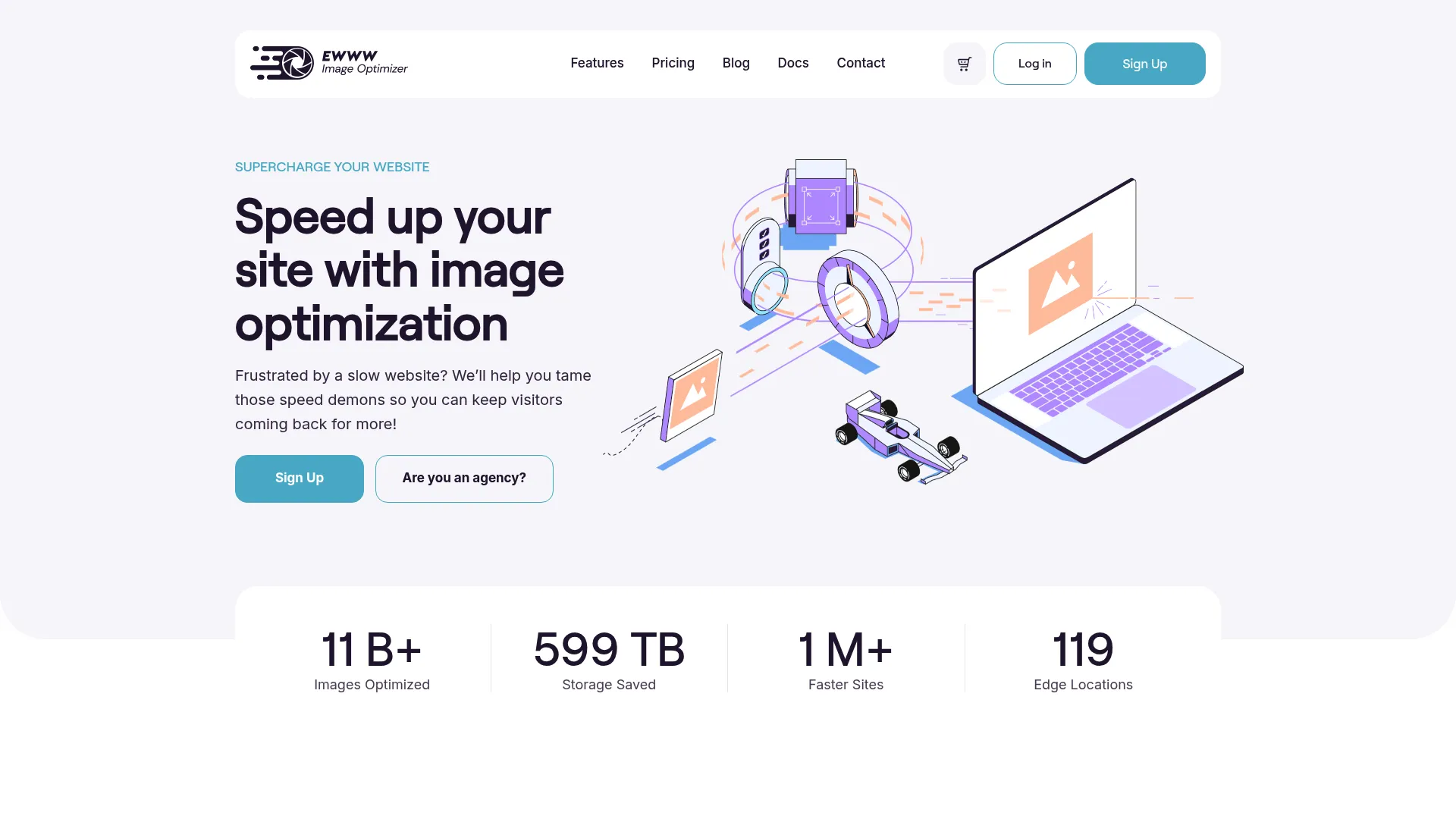
EWWW Image Optimizer is a WordPress image optimization and performance plugin with CDN, compression, lazy loading, and related speed tools. It sits at the more configurable end of the WordPress plugins, giving site owners deeper control over how and when images get optimized.
That flexibility is the draw. It optimizes images automatically on upload, converts to WebP and AVIF, and offers lazy loading and CDN-based delivery for teams that want the full performance picture from one plugin.
Best for: WordPress sites needing easy image compression plus CDN-based delivery and configuration flexibility.
Key strengths
- Automatic optimization on upload: compresses every new image without manual steps
- WebP and AVIF conversion: generates next-gen formats for delivery
- Lazy load and CDN delivery: defers and distributes images for speed
Why choose EWWW Image Optimizer
EWWW fits marketers and site owners who want more knobs to turn. If you need control over compression settings and delivery rather than a one-click black box, it gives you that depth while still automating the routine work.
It holds a 4.4/5 rating on G2. The Free plan is $0 forever, with paid plans including Unlimited and Standard at $8 per month, Growth at $16 per month, and Infinite at $32 per month.
6. ImageOptim
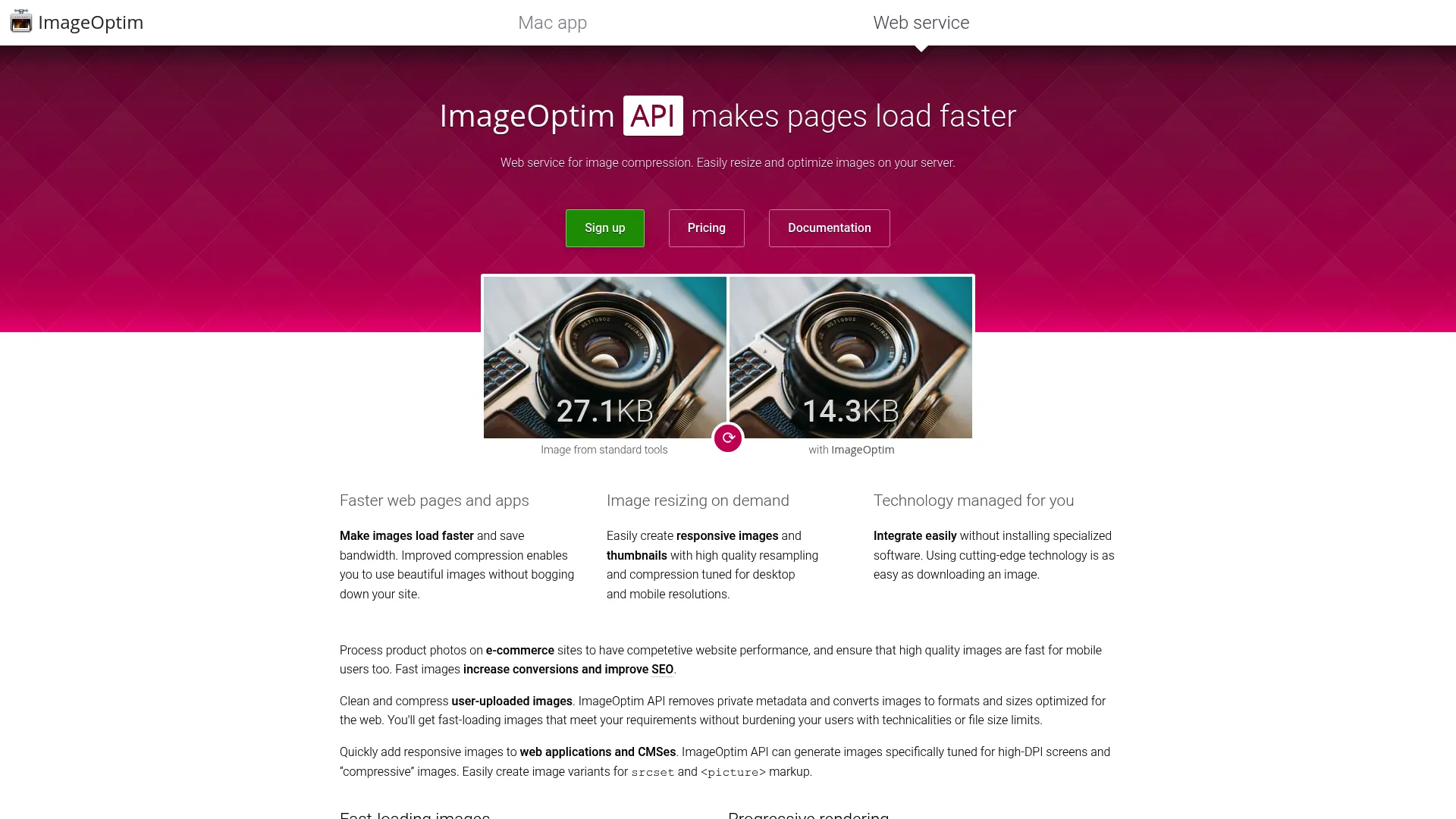
ImageOptim is a free open-source macOS image optimizer and web image compression service. Unlike the WordPress plugins above, this is a desktop workflow tool. You drag images into it, it compresses them and strips metadata locally, then you upload the optimized files wherever you need them.
That makes it ideal for teams who optimize assets before they ever reach a site or app. In the 2026 SammaPix benchmark, ImageOptim posted the second-highest quality score at 76.3, evidence that it preserves visual quality well even as it cuts weight.
Best for: Teams needing lightweight, quality-preserving image compression on macOS, or server-side optimization via the API.
Key strengths
- Lossy minification: compresses JPEG, SVG, animated GIF, and PNG
- Metadata stripping: removes EXIF and other data that adds weight
- Drag-and-drop local processing: optimizes files on your machine before upload
Why choose ImageOptim
ImageOptim suits a controlled pre-upload workflow. When you want to optimize hero images and product shots to a known standard before they enter the CMS, processing locally keeps quality high and removes the privacy concern of sending images to a third party. The ImageOptim API extends the same compression to server-side use.
The macOS app is free and open source. The ImageOptim API starts at $12 per month for the Starter plan, with Standard at $49 per month and Pro at $245 per month for higher-volume needs.
7. Uploadcare
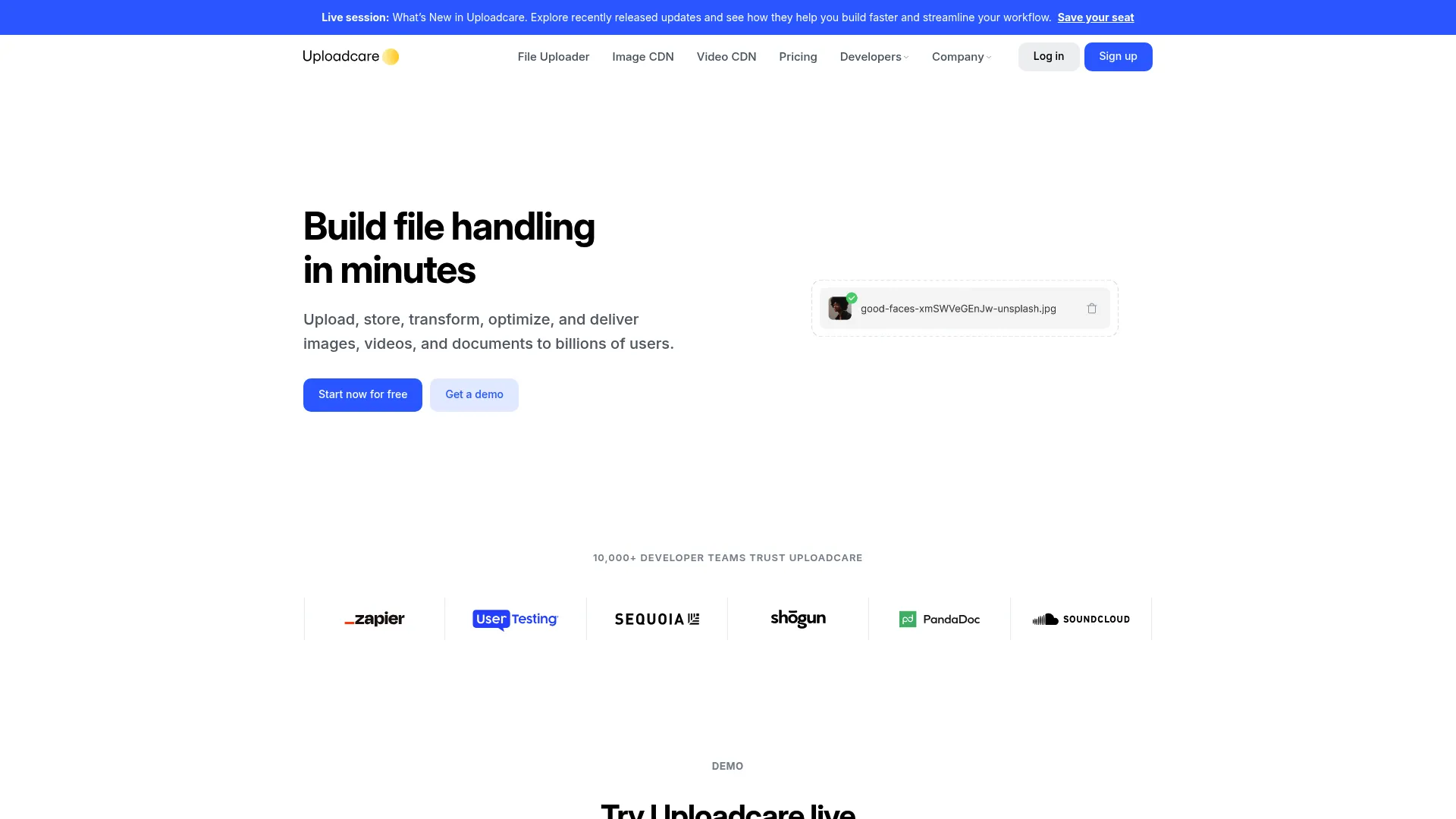
Uploadcare is a file uploading, processing, and delivery platform for web and mobile apps. It goes well beyond a plugin, handling image optimization, transformations, and delivery as part of a broader media pipeline. For sites that need to ingest, process, and serve images at scale, it covers the whole path.
The value is in handling more than compression. It pairs an upload API with on-the-fly transformations and CDN delivery, so images get optimized and served without engineering glue between separate tools.
Best for: Teams needing a developer-friendly file upload and media processing platform with optimization built in.
Key strengths
- File uploader and API: ingest media from many sources programmatically
- Image optimization and transformations: compress, resize, and convert on the fly
- Video and document processing: handle media beyond images in one platform
Why choose Uploadcare
Uploadcare fits teams that have outgrown a plugin and need an image optimization service that scales with the product. If you are serving user-generated images or running a media-heavy app, the combination of upload, processing, and delivery in one platform reduces the number of moving parts.
It carries a 4.6/5 rating on G2. Pricing starts with a free plan, then Pro at $66 per month and Business at $166 per month, with custom Enterprise pricing available.
8. Cloudinary

Cloudinary is an AI-native image, video, and digital asset management platform for creating, optimizing, and delivering visual media at scale. It is the G2 category Leader for image optimization in 2026, and it earns that position by covering the full media lifecycle, not just compression.
For teams with heavier image workflows, Cloudinary handles transformations, automated format and quality selection, and CDN delivery from one place. It is the choice when image optimization is one piece of a larger media operation rather than a standalone task.
Best for: Teams that need scalable visual media management, optimization, and delivery in a single platform.
Key strengths
- Image and video transformations: optimize and adapt media on the fly
- Digital asset management: search, metadata, and workflow automation
- CDN delivery and AI automation: fast global delivery plus automated moderation
Why choose Cloudinary
Cloudinary suits growth and web teams that need optimization to scale alongside everything else. When you are managing thousands of assets across campaigns, products, and channels, having transformations, DAM, and delivery unified avoids the tool sprawl that comes from stitching point solutions together.
It holds a 4.4/5 rating on G2. The Free plan is $0 forever, Plus is $99 per month, and Advanced is $249 per month, with custom Enterprise pricing for larger operations.
9. ImageKit
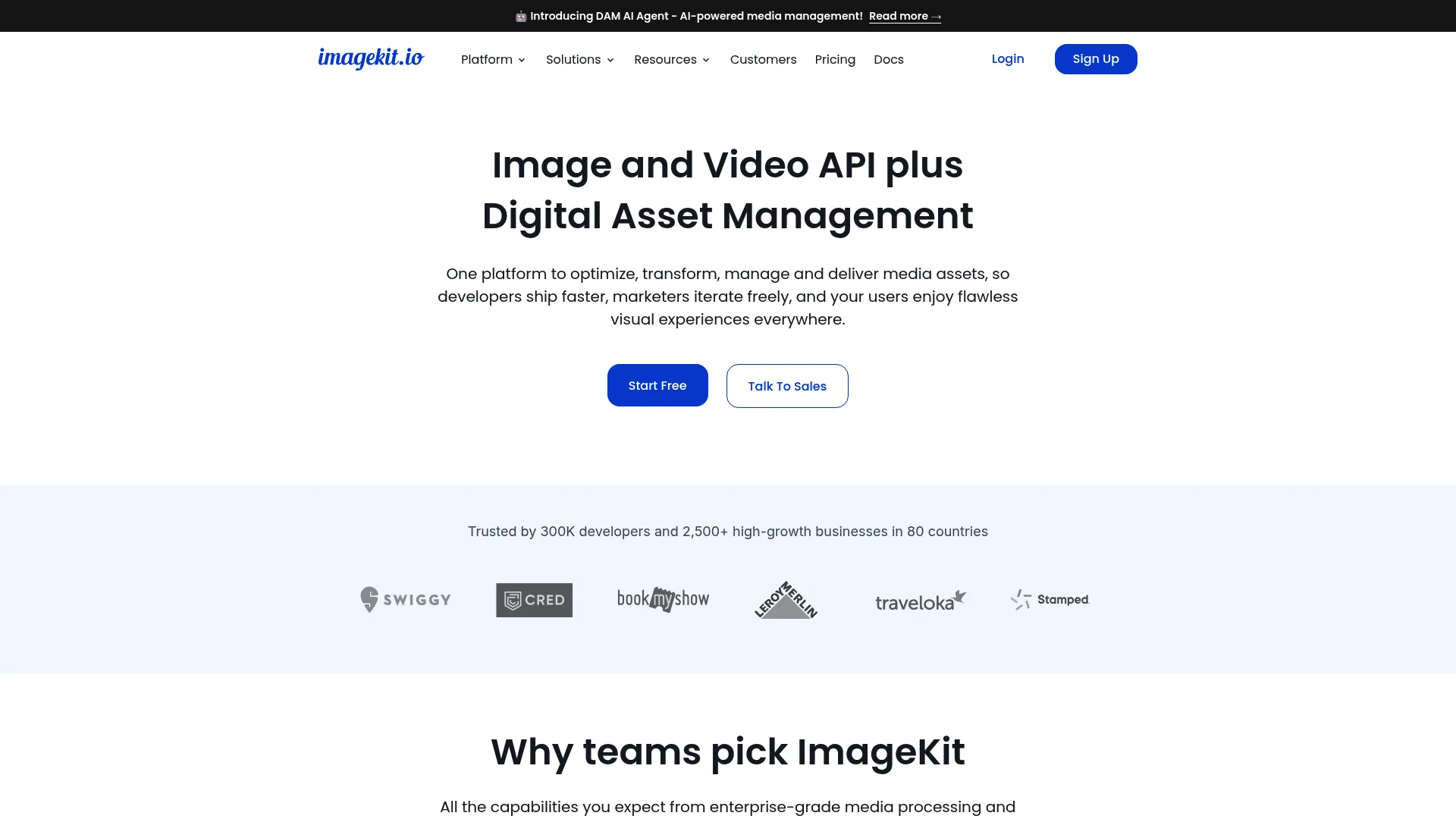
ImageKit is an image and video API plus AI-powered digital asset management for media optimization, transformation, delivery, and collaboration. G2 named it Easiest to Use and Best Free Software in the image optimization category for 2026, which makes it a strong entry point for teams comparing service-based options.
It pairs automatic optimization with real-time, URL-based transformations, so you can resize, crop, and convert images by changing the URL. Add a generous free tier and built-in DAM, and it covers a lot of ground for the price.
Best for: Teams needing image and video optimization plus digital asset management in one platform.
Key strengths
- Automatic optimization: compresses and converts images and video by default
- 50+ real-time transformations: resize, crop, and convert via URL parameters
- AI-powered DAM: tagging, search, permissions, and governance built in
Why choose ImageKit
ImageKit fits teams that want service-level capability without service-level complexity, and want to validate it for free first. The URL-based transformations make it easy to integrate, and the DAM layer means your optimization tool doubles as your asset library.
It earns a 4.7/5 rating on G2. The Forever free plan is $0 per month, Lite is $9 per month, and Pro is $89 per month, with custom Enterprise pricing and pay-as-you-go overages on paid tiers.
10. Filestack
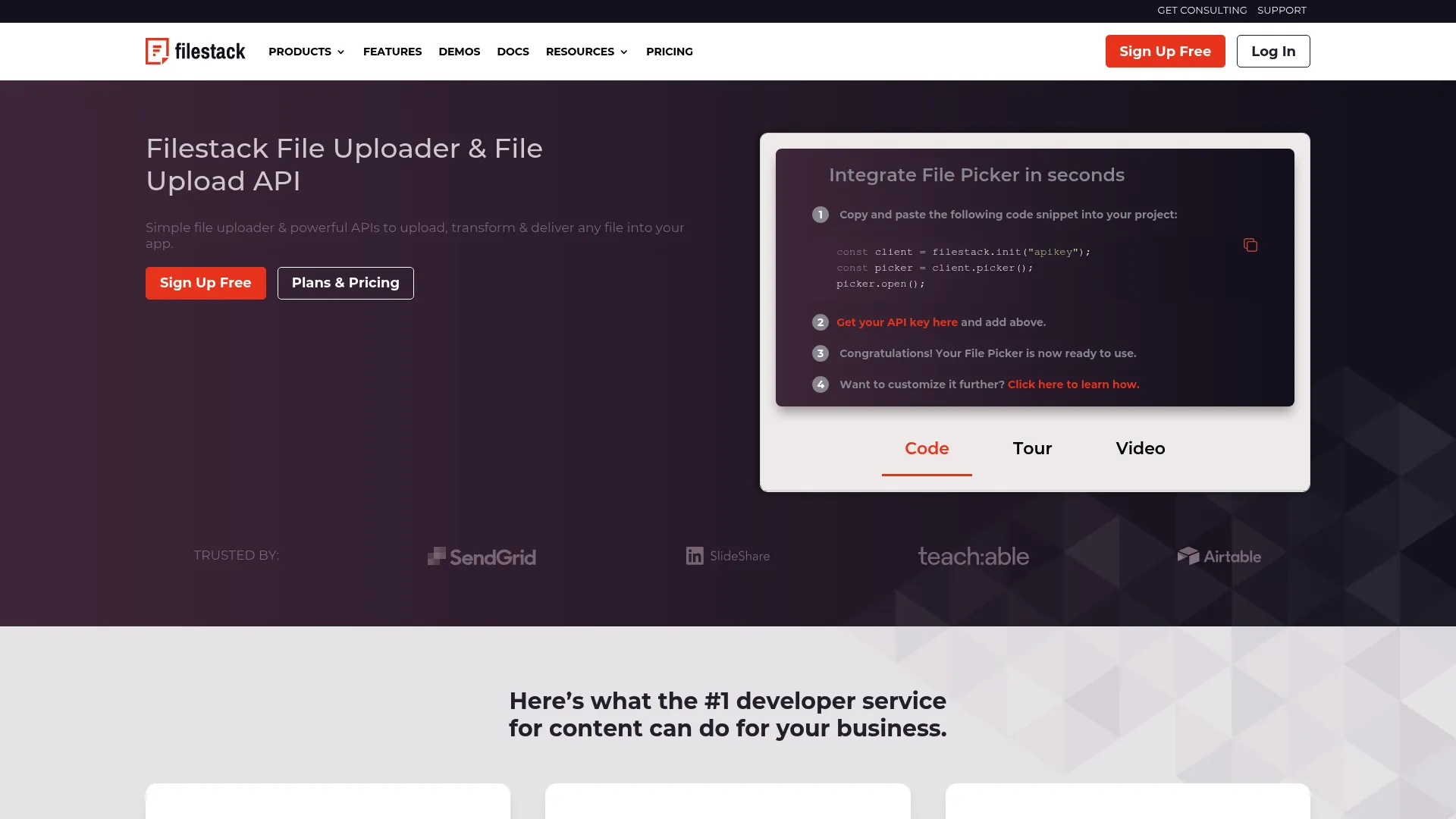
Filestack is a file management API platform for uploads, transformations, delivery, security, and workflows. It earns its place in this set by combining intake with optimization. If your team needs to accept files from users and then optimize and deliver them, Filestack handles both ends of that workflow.
The operational value is in the breadth. It uploads from 20+ sources, transforms images and documents, and applies AI intelligence and workflows, which matters when image optimization is part of a larger file-handling job rather than a standalone need.
Best for: Teams that need developer-friendly file upload, transformation, and delivery APIs with optimization included.
Key strengths
- File uploads from 20+ sources: ingest media from anywhere users have it
- Image and document transformations: optimize and adapt files on delivery
- AI intelligence and workflows: automate processing across the file pipeline
Why choose Filestack
Filestack fits marketing and product teams that need intake plus optimization, not optimization alone. When the workflow starts with user uploads, having upload, transformation, and delivery in one API reduces the engineering work to wire it all together.
It carries a 4.2/5 rating on G2. Pricing starts with the Start plan at $69 per month, Grow at $199 per month, and Scale at $379 per month, with custom Enterprise pricing.
11. Brizy Cloud
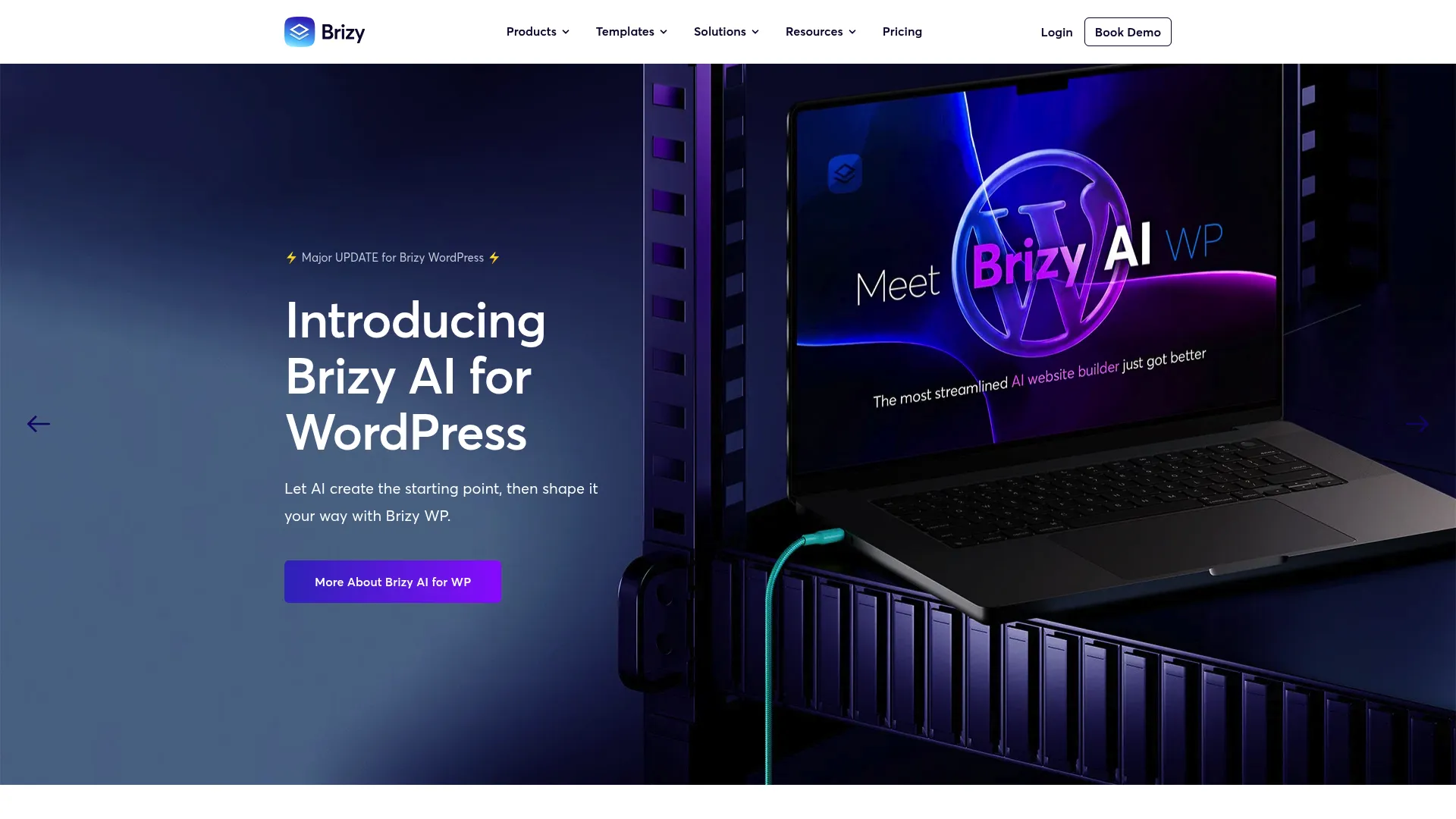
Brizy Cloud is a no-code website and landing page builder with hosting included. Its relevance here is the built-in optimization. If you are already building pages in Brizy, image optimization happens as part of the platform rather than through a separate plugin you have to install, configure, and maintain.
That matters most when simplicity beats plugin sprawl. For freelancers, agencies, and small teams building client sites fast, having optimization handled inside the builder keeps the stack lean and the publishing workflow clean.
Best for: Freelancers, agencies, and small teams building client websites fast who want optimization built in.
Key strengths
- Built-in optimization: image handling included in the builder and hosting
- Drag-and-drop visual builder: build and publish pages without code
- Premium hosting on AWS: delivery handled as part of the platform
Why choose Brizy Cloud
Brizy Cloud fits teams that want fewer moving parts. When you are building sites on a deadline and do not want to manage a separate image optimization plugin per project, having it baked into the builder removes a whole category of setup and maintenance.
It earns a 4.7/5 rating on G2. The Personal plan starts at $19 per month, Agency at $69 per month, and White Label at $159 per month, with annual billing and custom Enterprise pricing available, plus a 14-day free trial.
Considerations
Picking the right image optimization software comes down to matching the tool to your workflow, your scale, and how you measure success. Run through this checklist before you commit.
Compression quality vs file size
The best tool reduces size without hurting visuals. Aggressive compression that mangles a product shot is worse than no optimization. Test sample output on your hardest cases: hero images, detailed product photos, and charts with fine text. The 2026 SammaPix benchmark showed reductions of 62% to 78% with strong quality scores, so demand both.
Format support and conversion
WebP and AVIF support is the difference between modern delivery and serving last decade's formats. AVIF compresses smallest, WebP has broader established support, and most tools generate both. Confirm the tool handles your source formats too, since JPEG and PNG still matter as originals.
Automation and workflow fit
Decide where automation matters more than control. For high-volume content libraries, automatic optimization on upload and bulk optimization for the backlog save real time. For a controlled set of campaign assets, manual compression before upload may give you the precision you want. Match the model to how your team actually publishes.
Delivery layer and CDN support
Compression alone is sometimes not enough. If global page speed matters, look for lazy loading, responsive resizing, and CDN delivery. These complement compression by changing when and how images load, which moves the LCP needle further than file size alone.
Pricing and scalability
Model cost against your image volume, not a flat headline price. Plugins often charge by credits or images processed, while services charge by bandwidth or transformations. Check usage limits and scaling costs so a tool that fits today still fits when traffic doubles.
Conclusion
The right image optimization software depends on your stack, your scale, and how much manual work you want to own. For WordPress sites that want simple, automatic compression, Imagify is the easiest start. For aggressive, measurable reduction, ShortPixel delivers benchmark-strong results. For hands-off optimization with global delivery, Optimole automates the whole pipeline.
Teams that have outgrown plugins should look at services. Cloudinary is the G2 category Leader for scale and media management, ImageKit is the easiest and most generous free entry point, and Uploadcare and Filestack cover upload-heavy workflows. ImageOptim remains the quality-preserving choice for pre-upload compression, and Brizy Cloud removes the plugin question entirely for teams building in its builder.
The practical next step: run your three hardest images through two or three candidates, compare file size and visual quality, then check the before-and-after in PageSpeed Insights. The tool that shrinks your images most without breaking your visuals is the one to keep. And once your pages are fast, consider adding interactive demos to turn that speed into engaged, self-guided product experiences. You can browse real examples in the Guideflow demo showcase to see how teams put them to work.
FAQs
It depends on what you want. For simple, automatic compression, Imagify and Smush are easy starting points. For high reduction rates and control, ShortPixel stands out. For automation plus CDN delivery, Optimole fits, and for configuration depth, EWWW Image Optimizer. All are plugin-based options that fit WordPress workflows natively, so the right pick comes down to whether you want bulk simplicity, advanced control, or automated delivery.
For most web images, WebP gives strong compression with broad browser support, while AVIF compresses even smaller and is the best choice for photos and hero images where every kilobyte counts. JPEG remains the practical fallback for photos and PNG for logos, transparency, and screenshots. The winning move is keeping JPEG or PNG sources and converting to WebP or AVIF for delivery.
It can, but only if you let it. Quality impact depends on the compression mode and how aggressively the tool is configured. Lossless compression preserves visuals exactly, while lossy compression trades some detail for smaller files. The 2026 SammaPix benchmark showed reductions over 70% with high quality scores, so the loss is usually invisible. Always test output on your hardest images before publishing.
Yes, they work together and solve different parts of the problem. Compression reduces the weight of each image, while lazy loading changes when images load by deferring offscreen ones until the visitor scrolls to them. Compression makes every image lighter; lazy loading makes the initial page load lighter still. Using both gives you faster load time and a better LCP than either alone.
Image optimization software reduces file size through compression, resizing, and format conversion. A CDN handles delivery, serving images from servers physically closer to each visitor to cut latency. They address different stages: optimization makes the file smaller, the CDN gets it to the visitor faster. Many image optimization services, including Cloudinary, Optimole, and ImageKit, include both in one platform.
Run before-and-after comparisons in PageSpeed Insights, Lighthouse, or GTmetrix. Record your LCP, total page weight, and overall score before optimizing, apply the changes, then re-test. A drop in image weight and a faster LCP are the clearest signals it worked. For SEO impact, watch Core Web Vitals in Google Search Console over the following weeks.
It depends on the priority. AVIF often compresses smaller than WebP at the same visual quality, which makes it excellent for photos and large hero images. WebP has broader, more established support across browsers and workflows. The practical approach is serving AVIF where supported and falling back to WebP, then JPEG or PNG, so you get the smallest file every visitor's browser can handle.
Yes, they reduce file size in different ways. Resizing cuts unnecessary pixels by serving images at the dimensions a page actually needs, so you stop sending a 4000px image into an 800px container. Compression reduces the file weight of whatever dimensions remain. Combining responsive resizing with compression produces the smallest possible file and the fastest load time, which is why most image optimization tools handle both.