Running an event without the right software is like coordinating a wedding with sticky notes and group texts. Things get missed, details slip through the cracks, and you end up firefighting instead of executing.
Event planning software centralizes registration, ticketing, venue management, attendee engagement, and post-event analytics into one system. This guide covers 25 tools across six categories, from enterprise platforms to free options, so you can find the right fit for your next conference, trade show, or community gathering.
What's inside
This guide covers 25 event planning tools across several categories: all-in-one platforms, free and budget options, virtual and hybrid solutions, venue management systems, project coordination tools, and audience engagement software. We selected each tool based on feature depth, pricing transparency, G2 ratings, and fit for specific use cases like corporate conferences, trade shows, weddings, and nonprofit fundraisers.
TL;DR
Cvent is the top choice for enterprise-level corporate events with complex logistics and global scale.
Eventbrite offers the best free option for public events, workshops, and community gatherings.
Hopin leads the virtual and hybrid event space for large conferences and summits.
Planning Pod delivers the most complete venue management solution for hospitality businesses.
Requesting interactive demos before purchase is the most effective way to evaluate whether a tool fits your team's workflow.
What is event planning software
Event planning software streamlines the entire event lifecycle, from venue sourcing and registration to attendee engagement and post-event analytics. Top platforms for 2026 include Cvent, Whova, Eventbrite, Planning Pod, and Bizzabo, which offer features like ticketing, floor planning, and mobile apps. Costs vary widely based on features, with options ranging from free tiers to complex enterprise solutions.
You might also hear this category called event management software, event organizer software, or event coordination software. The core function remains the same: centralizing tasks, automating repetitive processes, and providing data-driven insights to improve event outcomes.
Core features of event management systems
Registration and ticketing: Create custom registration forms, sell tickets, process payments securely, and manage attendee lists.
Venue management and seating: Build floor plans, manage room bookings, and design interactive seating charts.
Attendee engagement: Mobile event apps, live polling, networking lounges, and real-time Q&A keep participants involved.
Marketing and communication: Build event websites, run email campaigns, and integrate with social media for promotion.
Project management: Track budgets, assign tasks, manage deadlines, and coordinate vendors.
Analytics and reporting: Dashboards provide post-event data, attendance tracking, engagement metrics, and ROI measurement.
Who uses event planning platforms
Corporate event planners managing conferences, trade shows, and team events rely on event planning platforms daily. Wedding and social event coordinators use them for personal celebrations. Venue managers and hospitality businesses handle bookings and operations through specialized platforms.
Nonprofit organizations run fundraisers, galas, and community events with event software. Marketing teams organize product launches, user conferences, and trade shows. Professional conference organizers manage large-scale industry events across multiple locations.
When to use event planning software
The right event planning software depends on your specific event type. Different platforms specialize in features tailored for corporate conferences, virtual webinars, or social gatherings.
Corporate conferences and team events
Focus on features like tiered registration, on-site badge printing, multi-track agenda management, and speaker management portals. Integration with CRM systems like Salesforce is a key requirement for tracking leads and customer engagement.
Trade shows and exhibitions
80% of trade show leads never receive any follow-up, so look for robust exhibitor management portals, interactive floor planning tools, lead capture and retrieval systems for sponsors, and booth assignment workflows.
Virtual webinars and hybrid events
Prioritize platforms with high-quality live streaming, virtual breakout rooms, online networking features, and on-demand content hosting. The platform capabilities support both remote and in-person audiences seamlessly.
Weddings and social celebrations
Essential features include RSVP management with custom questions, drag-and-drop seating charts, timeline creation tools, and guest communication channels.
Nonprofit fundraisers and galas
Key features include donation tracking, silent and live auction management, donor communication tools, and ticketing that handles different sponsorship levels.
Best event planning software comparison
This table provides a quick reference to all 25 tools before you dive into the detailed reviews.
# | Product | Best for | Key differentiation | Pricing | G2 rating |
|---|---|---|---|---|---|
1 | Cvent | Enterprise corporate events | End-to-end platform with venue sourcing | Custom | 4.3/5 |
2 | Bizzabo | B2B marketing events | Event Experience OS, strong data analytics | Tiered | 4.4/5 |
3 | Whova | Conferences and associations | Award-winning mobile app and networking | Per-event | 4.8/5 |
4 | Swoogo | Marketing and demand gen events | Highly customizable registration and branding | Subscription | 4.7/5 |
5 | EventMobi | Conferences needing branded apps | Advanced mobile app builder | Per-event/Annual | 4.6/5 |
6 | Splash | Brand and experiential marketing | Beautiful design templates, brand control | Tiered | 4.5/5 |
7 | Eventbrite | Public events and workshops | Marketplace discovery, free for free events | Fee-based | 4.4/5 |
8 | RSVPify | Private and corporate guest lists | Seating charts, custom RSVP questions | Free tier | 4.7/5 |
9 | Ticket Tailor | Recurring events and venues | Flat pricing, no per-ticket fees | Subscription | 4.8/5 |
10 | Luma | Community meetups and creators | Clean design, calendar sync, free tier | Free tier | 4.8/5 |
11 | Hopin | Large virtual conferences | Interactive stage, sessions, networking | Tiered | 4.4/5 |
12 | vFairs | Virtual trade shows and career fairs | Immersive 3D environments, gamification | Custom | 4.7/5 |
13 | Airmeet | Community summits and networking | Social lounge, speed networking | Tiered | 4.6/5 |
14 | Zoom Events | Organizations using Zoom | Familiar interface, registration hub | Per-attendee | 4.4/5 |
15 | RingCentral Events | Webinars and product launches | Studio production, simulive features | Tiered | 4.4/5 |
16 | Planning Pod | Venues and event businesses | All-in-one CRM, contracts, floor plans | Subscription | 4.6/5 |
17 | Tripleseat | Restaurants, hotels, venues | Sales and event management, BEOs | Custom | 4.5/5 |
18 | Honeybook | Independent planners | Client management, proposals, contracts | Subscription | 4.5/5 |
19 | Event Temple | Hotels and event spaces | Venue CRM, sales pipeline, proposals | Custom | 4.5/5 |
20 | Asana | Event project management | Task tracking, timelines, templates | Free tier | 4.3/5 |
21 | Monday.com | Customizable event workflows | Visual boards, automations, dashboards | Tiered | 4.7/5 |
22 | Airtable | Custom event tracking systems | Relational databases, flexible views | Free tier | 4.6/5 |
23 | Notion | Consolidating planning materials | All-in-one workspace, templates | Free tier | 4.7/5 |
24 | Trello | Visual task management | Kanban boards, simple coordination | Free tier | 4.4/5 |
25 | Slido | Audience engagement | Live polling, Q&A, quizzes | Free tier | 4.8/5 |
All-in-one event management platforms
This category includes comprehensive event management systems that handle the full event lifecycle. All-in-one platforms work best for organizations running multiple event types or large-scale corporate events, combining registration, marketing, engagement, and analytics into a single solution.
1. Cvent
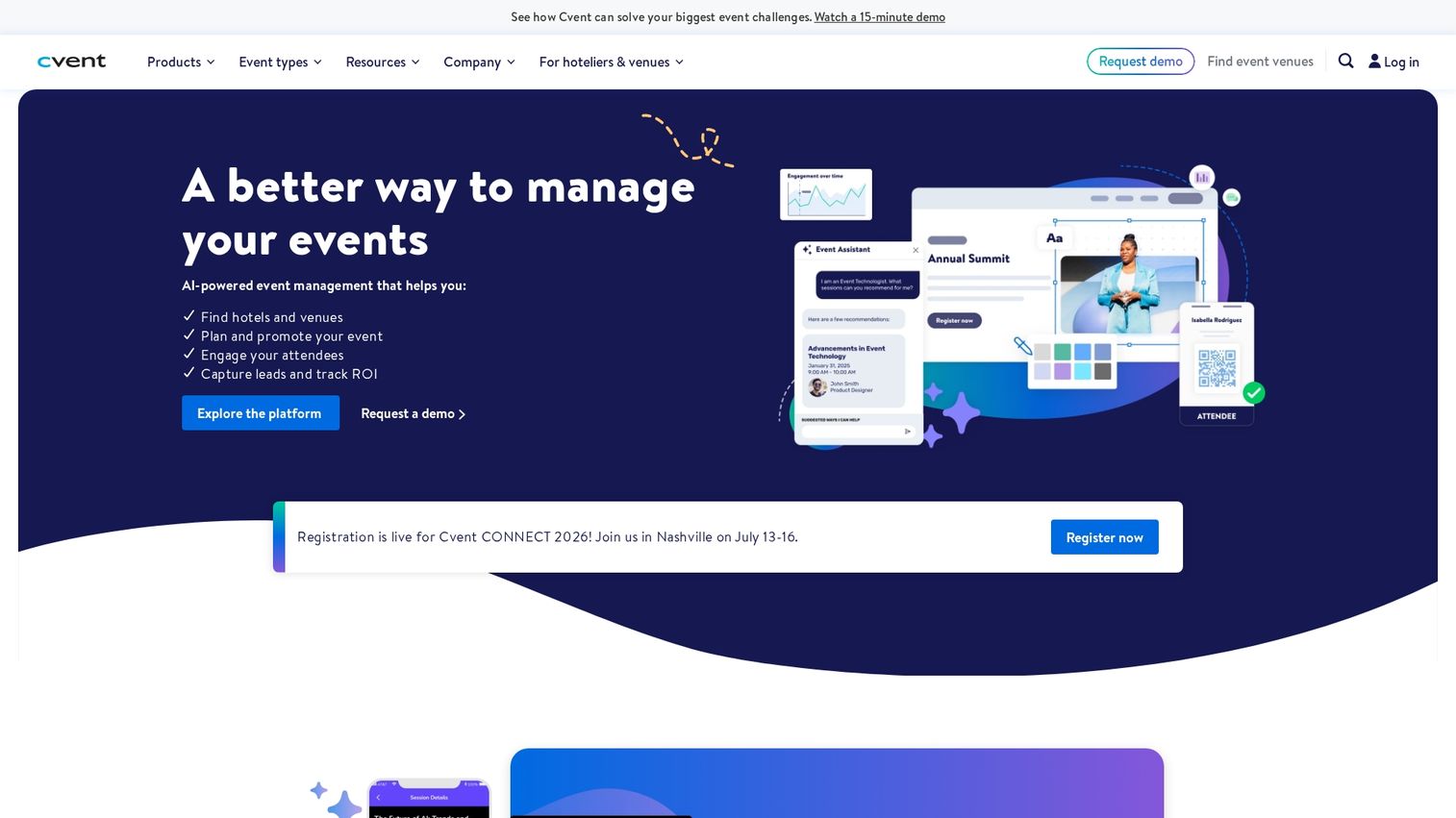
Cvent is an enterprise-grade corporate event management software designed for large organizations with complex event portfolios. The platform handles large-scale conferences, trade shows, and corporate meetings.
Key strengths
Venue sourcing network: Access thousands of properties through an integrated supplier marketplace.
Registration engine: Build custom workflows with tiered pricing and group registration.
Mobile app: Deliver attendee engagement features on iOS and Android.
Supplier marketplace: Manage vendor relationships and procurement in one place.
Choose Cvent when you need a scalable, end-to-end solution for diverse global events. Pricing is available via custom enterprise quotes.
2. Bizzabo
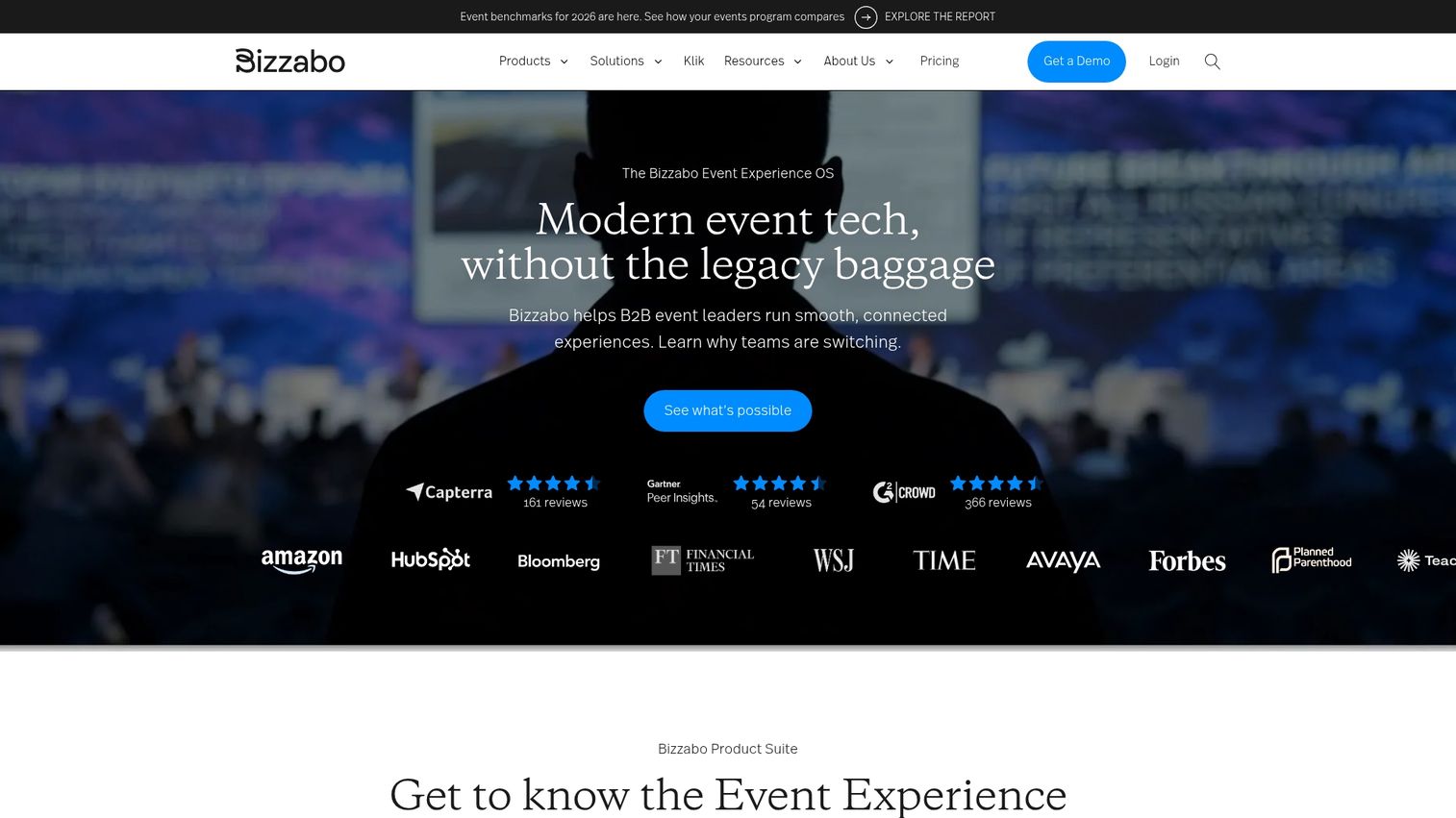
Bizzabo positions itself as an Event Experience Operating System for professional in-person, virtual, and hybrid events. The platform works best for mid-market to enterprise B2B organizations focused on driving revenue through events.
Key strengths
Data analytics: Measure event ROI with detailed reporting dashboards.
Marketing integrations: Connect with Salesforce, HubSpot, and Marketo.
Networking capabilities: Facilitate attendee connections through AI-powered matchmaking.
Pricing is offered in tiered plans based on features and event size.
3. Whova
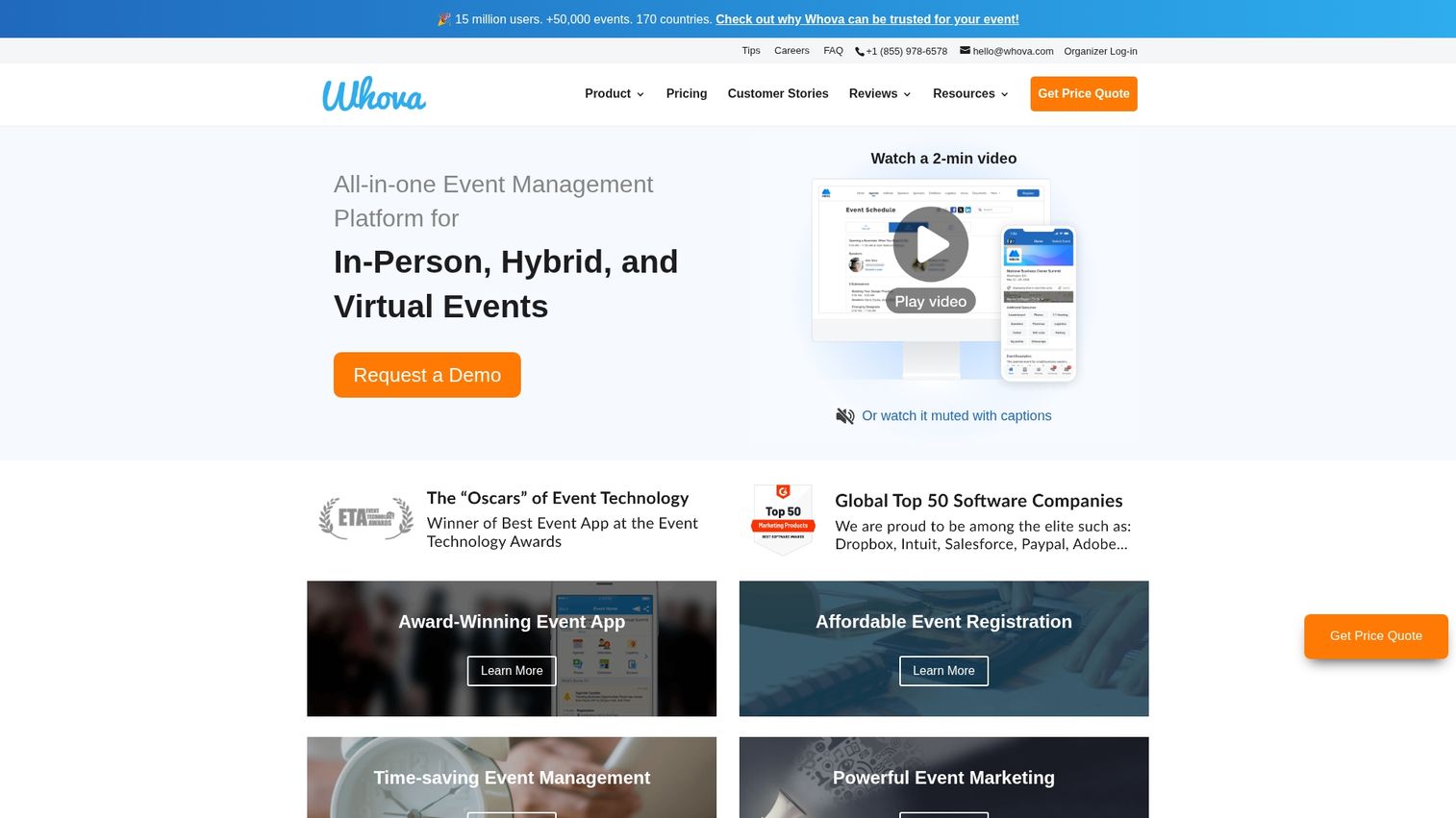
Whova is an award-winning all-in-one event management platform known for exceptional attendee engagement features and ease of use. The platform works best for associations, academic conferences, and corporate events that prioritize networking.
Key strengths
Mobile app: Top-rated on app stores with community-building features.
Agenda builder: Create multi-track schedules with speaker profiles.
Exhibitor tools: Manage booth assignments and lead retrieval.
Pricing is provided through event-based quotes.
4. Swoogo
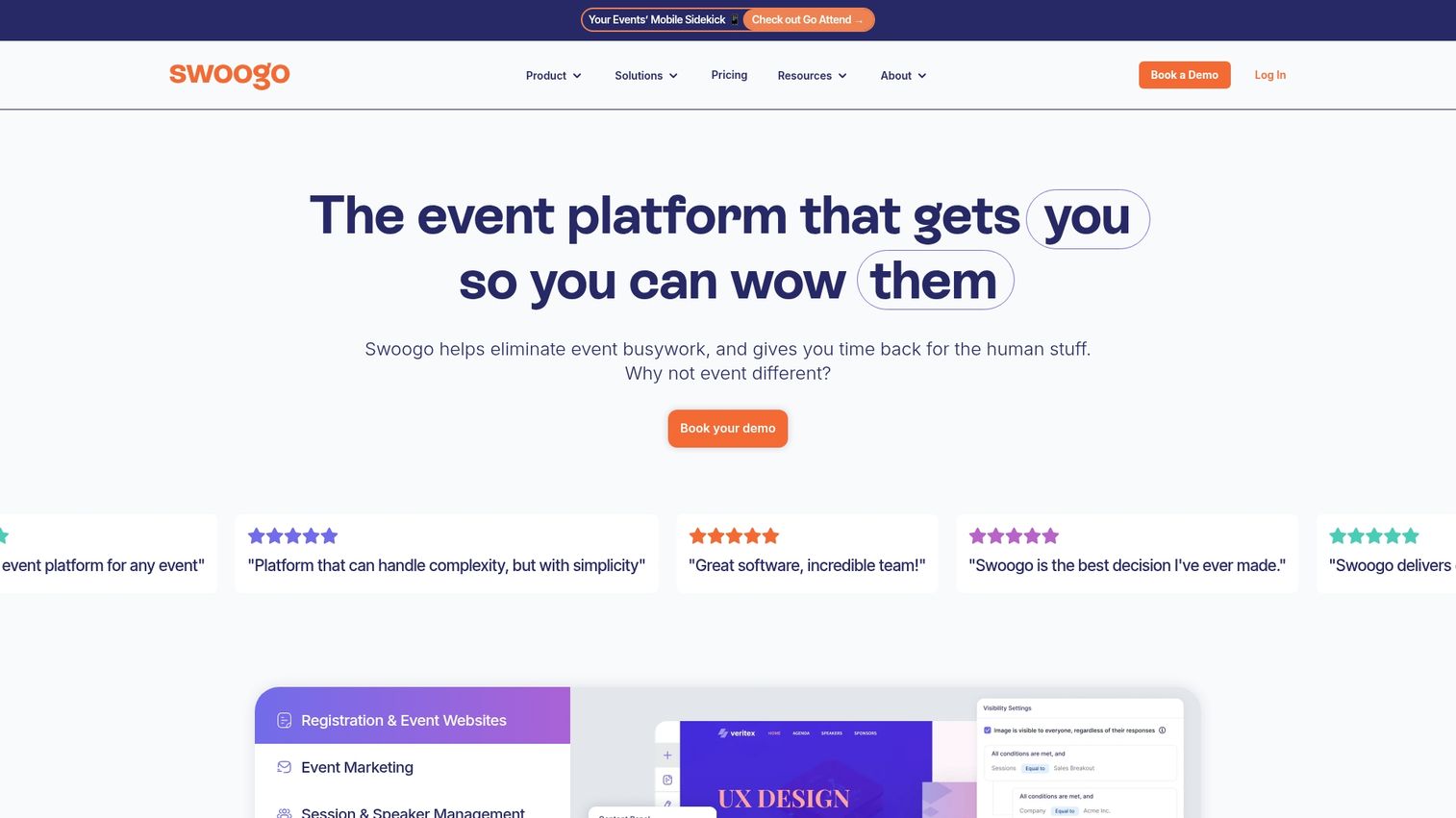
Swoogo is a flexible event management platform built for marketing teams. The platform works best for demand generation events, webinars, and user conferences where branding and customization matter most.
Key strengths
Registration workflows: Build highly customizable forms with conditional logic.
Marketing integrations: Connect with HubSpot, Marketo, and Pardot.
Branding control: Create fully branded event experiences without developer help.
Pricing is based on a subscription model.
5. EventMobi
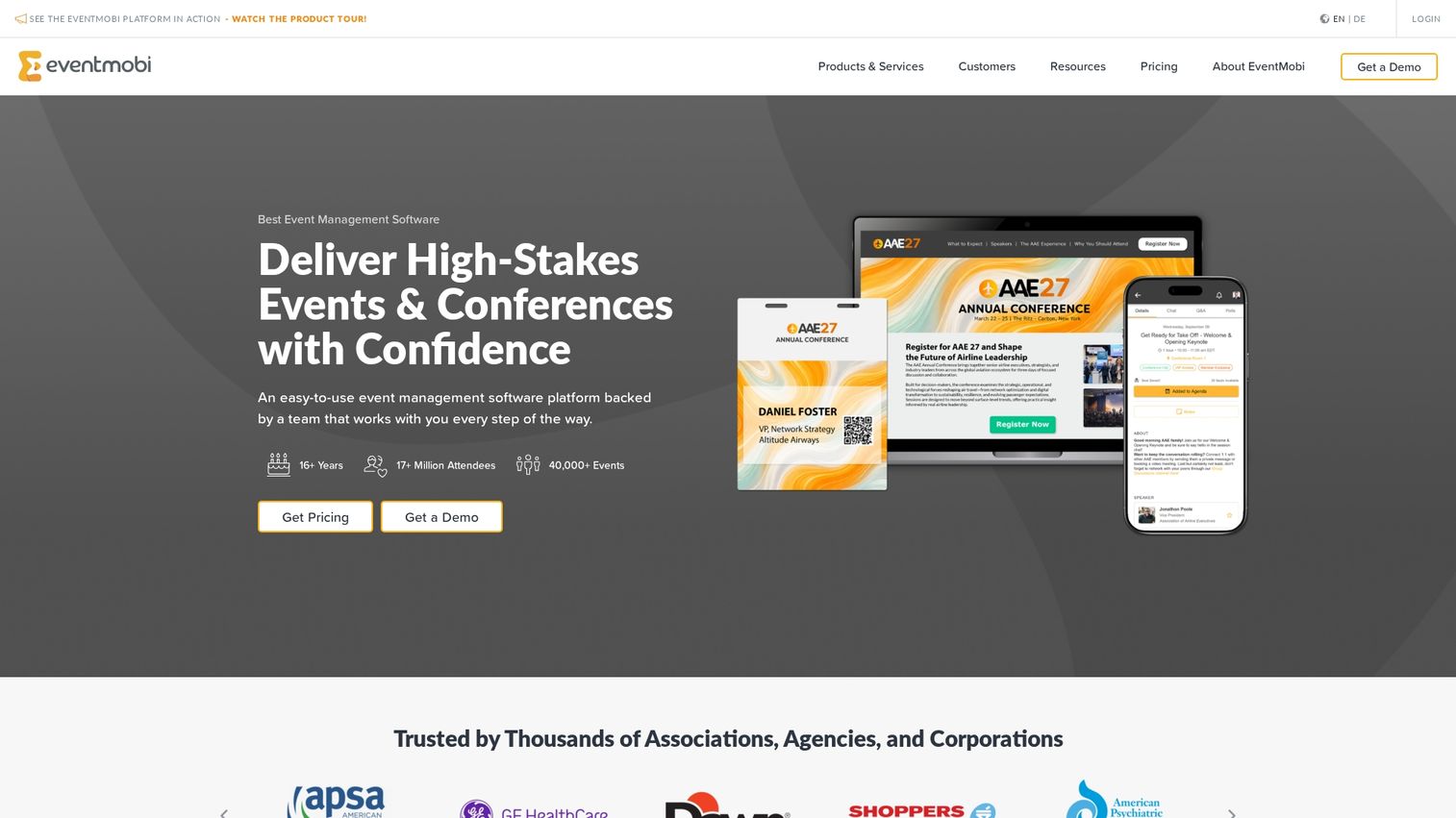
EventMobi is an event management software with particularly strong mobile app capabilities. The platform works best for conferences and trade shows that require a fully branded and feature-rich mobile app for attendees.
Key strengths
App builder: Create branded mobile apps with drag-and-drop tools.
Live engagement: Run polls, Q&A sessions, and surveys in real time.
Onsite tools: Manage check-in and badge printing from one dashboard.
Pricing is available in per-event and annual options.
6. Splash
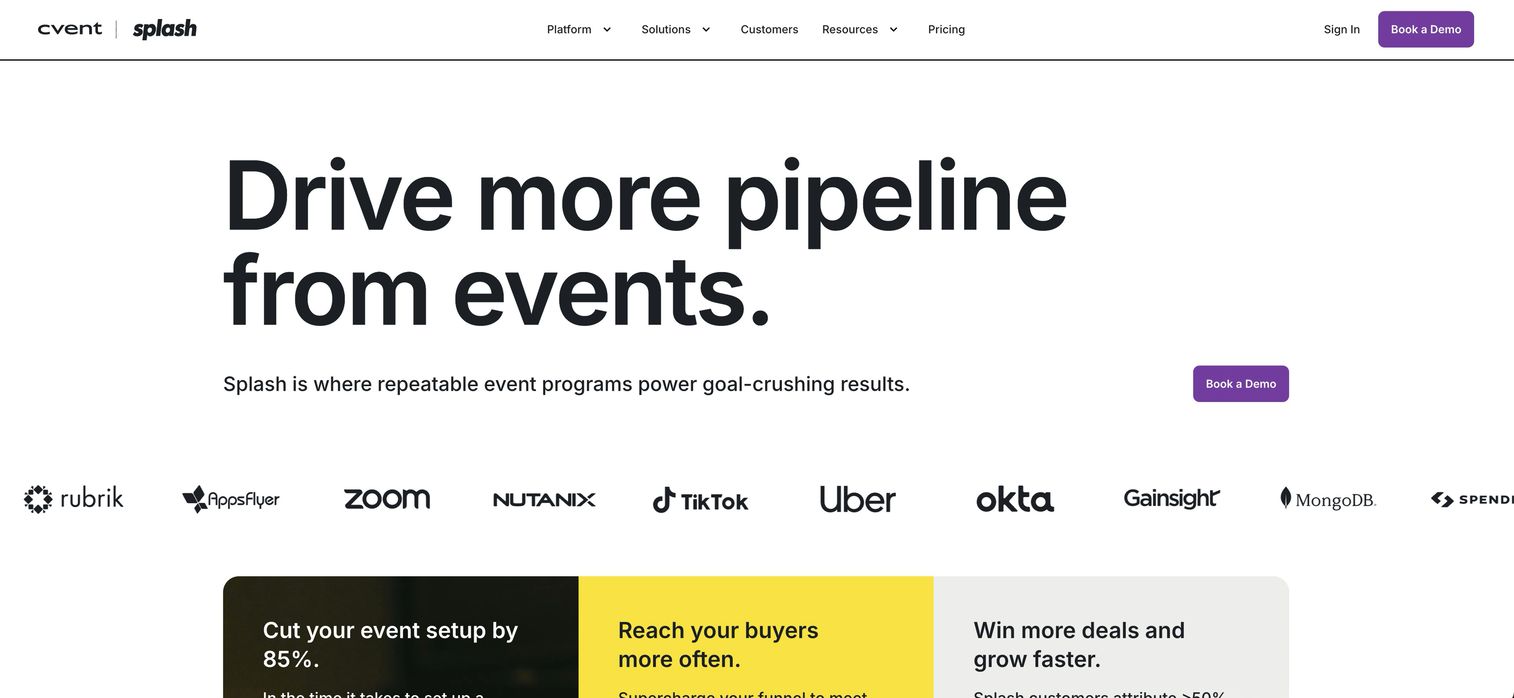
Splash is an event marketing platform focused on creating beautiful and engaging brand experiences. The platform works best for marketing teams running field marketing programs, product launches, and experiential events.
Key strengths
Design templates: Access stunning, customizable event page designs.
Brand control: Maintain visual consistency across all event touchpoints.
Marketing integrations: Connect with marketing automation software like Marketo and HubSpot.
Pricing is available in tiered plans.
Free and budget event planning software
This section covers free event planning software and budget-friendly options ideal for small events, startups, or planners who want to test event software before committing to a larger platform.
7. Eventbrite
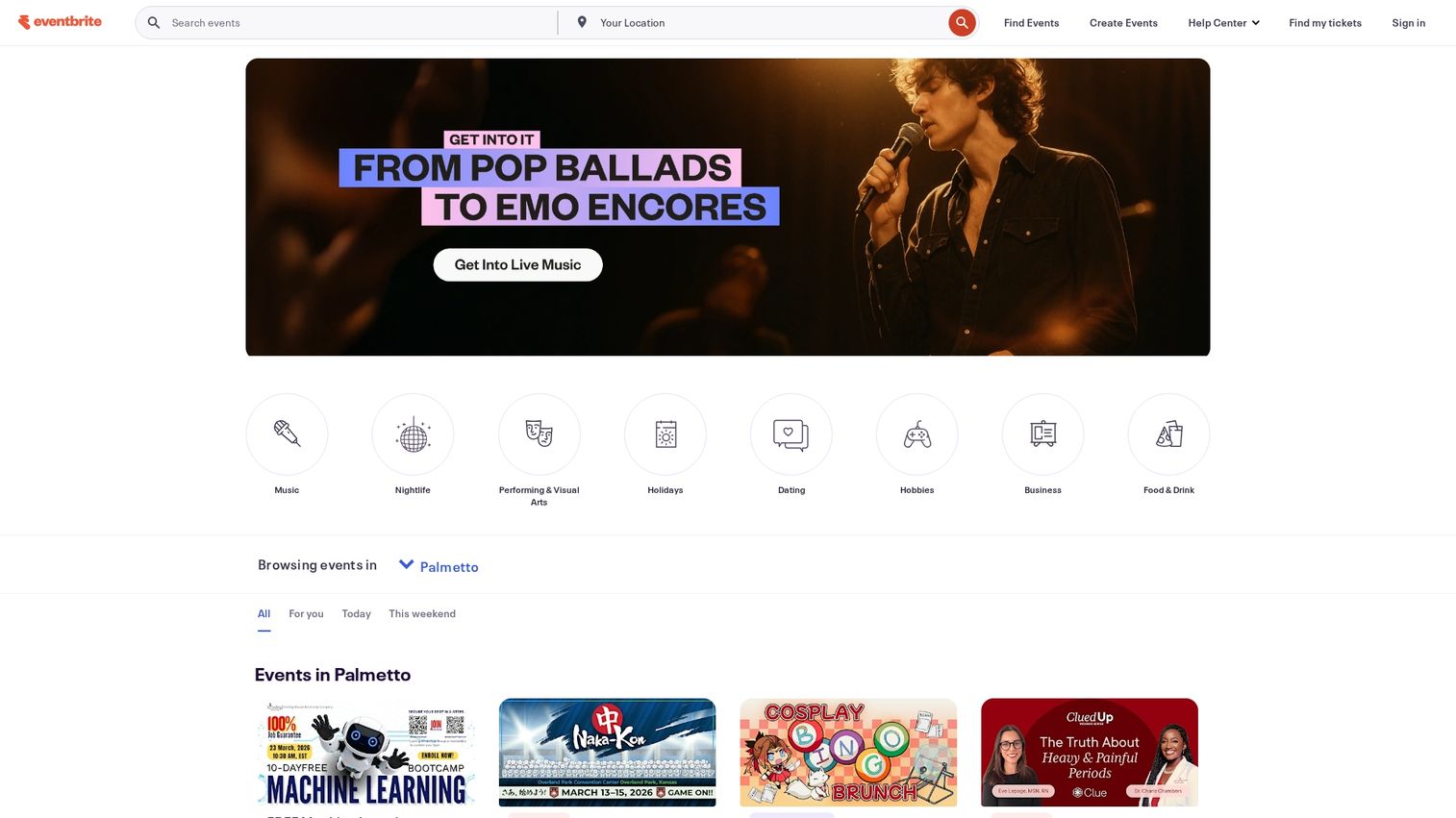
Eventbrite is a leading global platform for public event ticketing and registration. The platform works best for public events, workshops, concerts, and community gatherings.
Key strengths
Marketplace discovery: Reach new audiences through Eventbrite's event listings.
Payment processing: Accept credit cards and PayPal with built-in checkout.
Mobile check-in: Scan tickets and manage entry with the Organizer app.
The platform is free to use for free events, with a percentage-based fee charged for paid tickets.
8. RSVPify
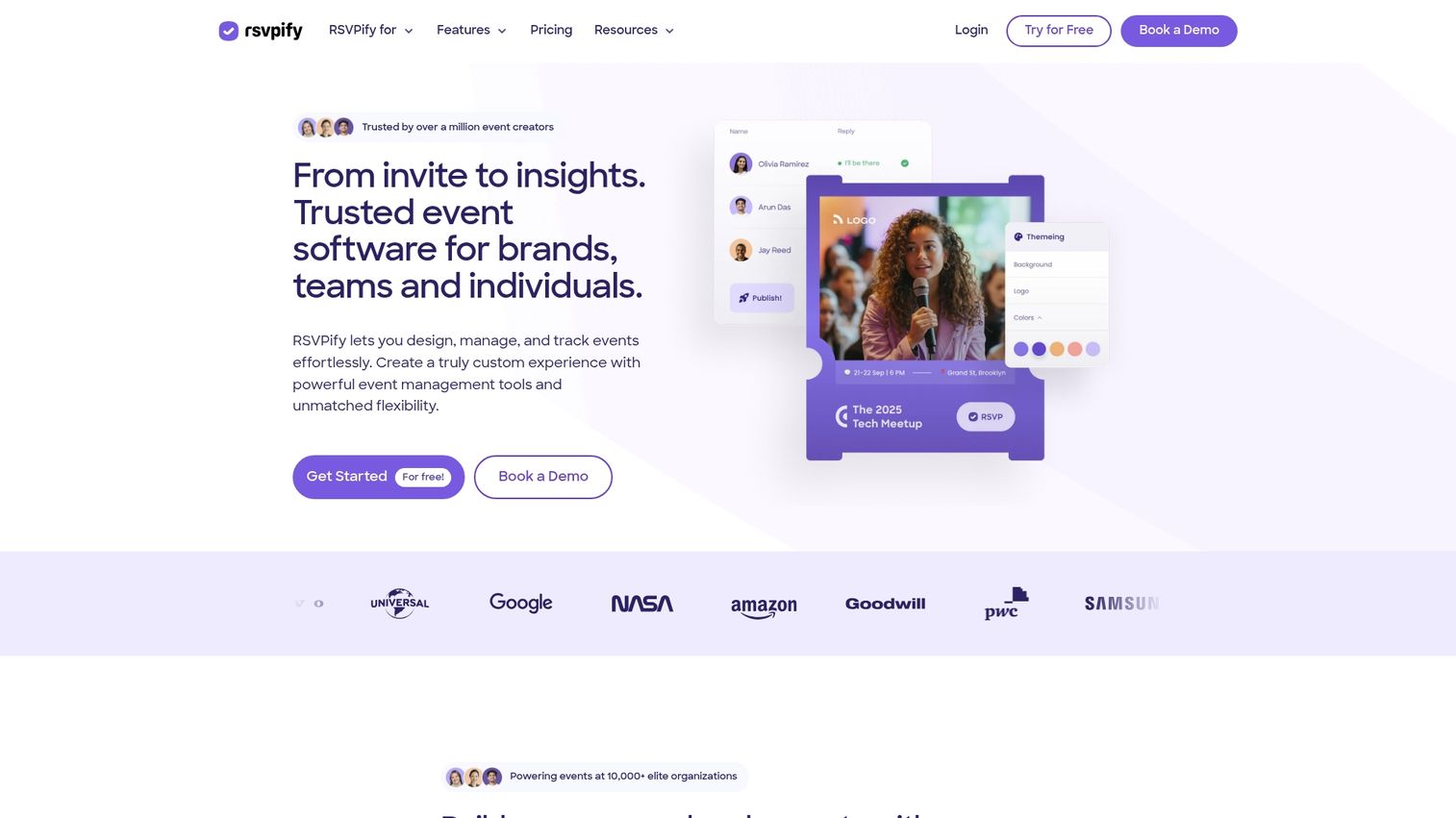
RSVPify is an excellent tool for managing RSVPs, creating event websites, and handling attendee communication. The platform works best for private events like weddings, galas, and corporate gatherings that require detailed guest management.
Key strengths
Custom RSVP questions: Collect dietary preferences, plus-one details, and more.
Seating chart management: Assign tables and track meal selections.
Event website builder: Create branded landing pages without coding.
A robust free tier is available for smaller events.
9. Ticket Tailor
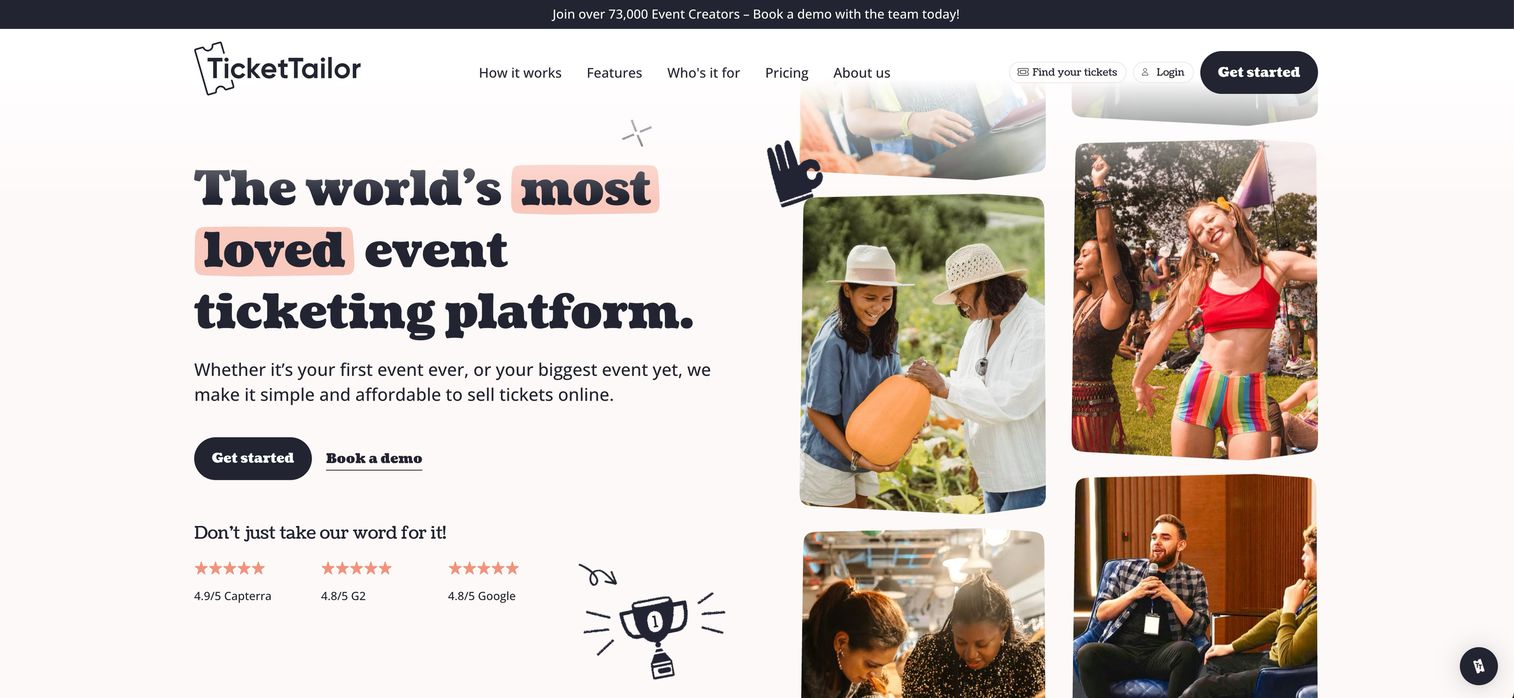
Ticket Tailor is a budget-friendly ticketing platform that stands out by not charging per-ticket fees on its higher tiers. The platform works best for recurring events and venues that want predictable cost control.
Key strengths
Flat-rate pricing: Pay a monthly fee instead of per-ticket charges.
Seating charts: Create assigned seating for theaters and venues.
Waitlist management: Automatically notify attendees when spots open.
Pricing is subscription-based.
10. Luma
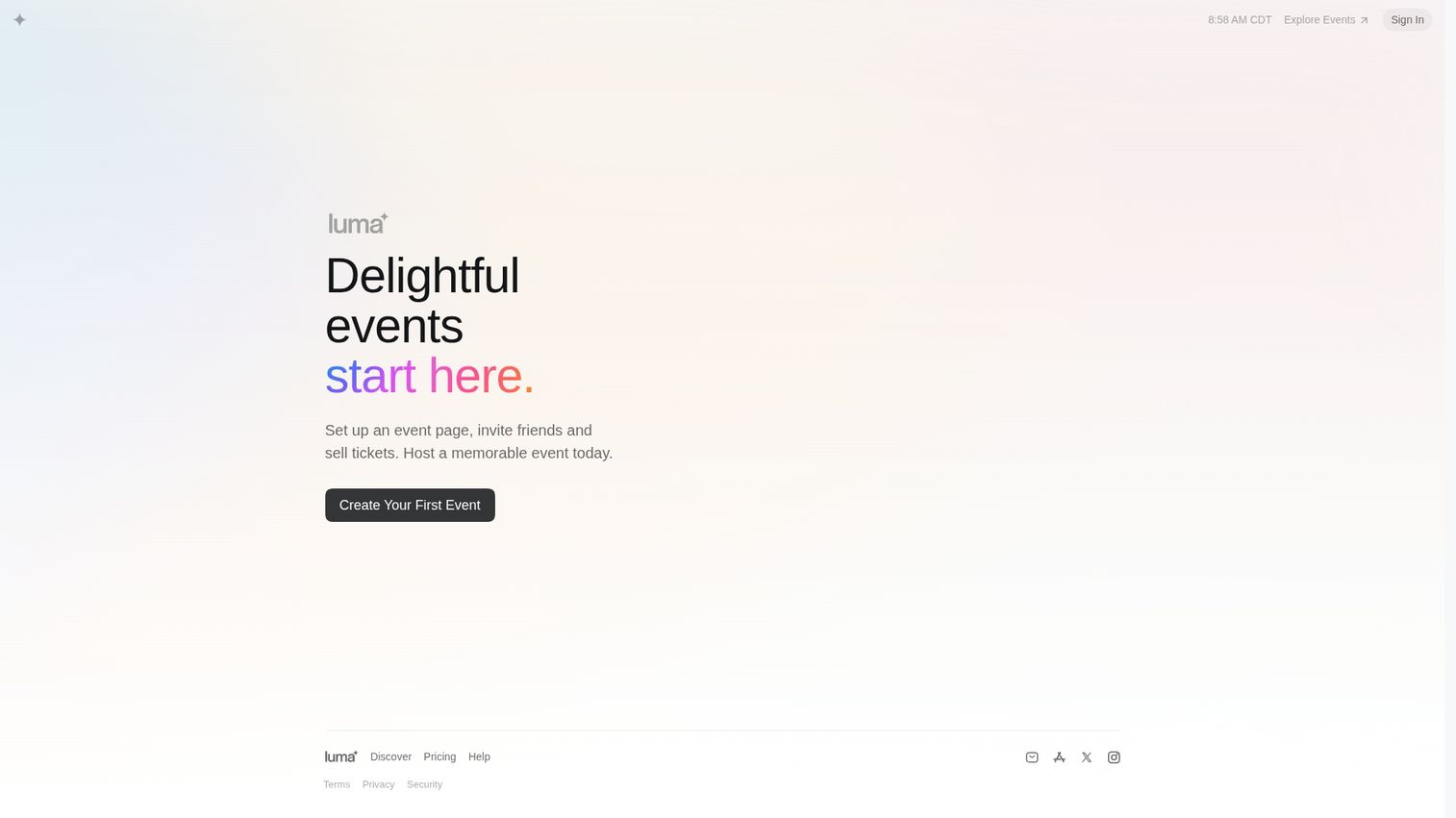
Luma is a modern and beautifully designed event platform for community builders. The platform works best for creators, startups, and community organizers hosting meetups, workshops, and online courses.
Key strengths
Clean design: Create visually appealing event pages in minutes.
Calendar sync: Automatically add events to attendee calendars.
Community features: Build recurring event series with subscriber lists.
A generous free tier is available.
Virtual and hybrid event platforms
This section focuses on online event planning software designed specifically for remote and hybrid experiences. With hybrid events projected to grow at the fastest CAGR of 16.05% across all event formats, virtual platforms go beyond simple streaming to include features that foster engagement and networking in a digital environment.
11. Hopin
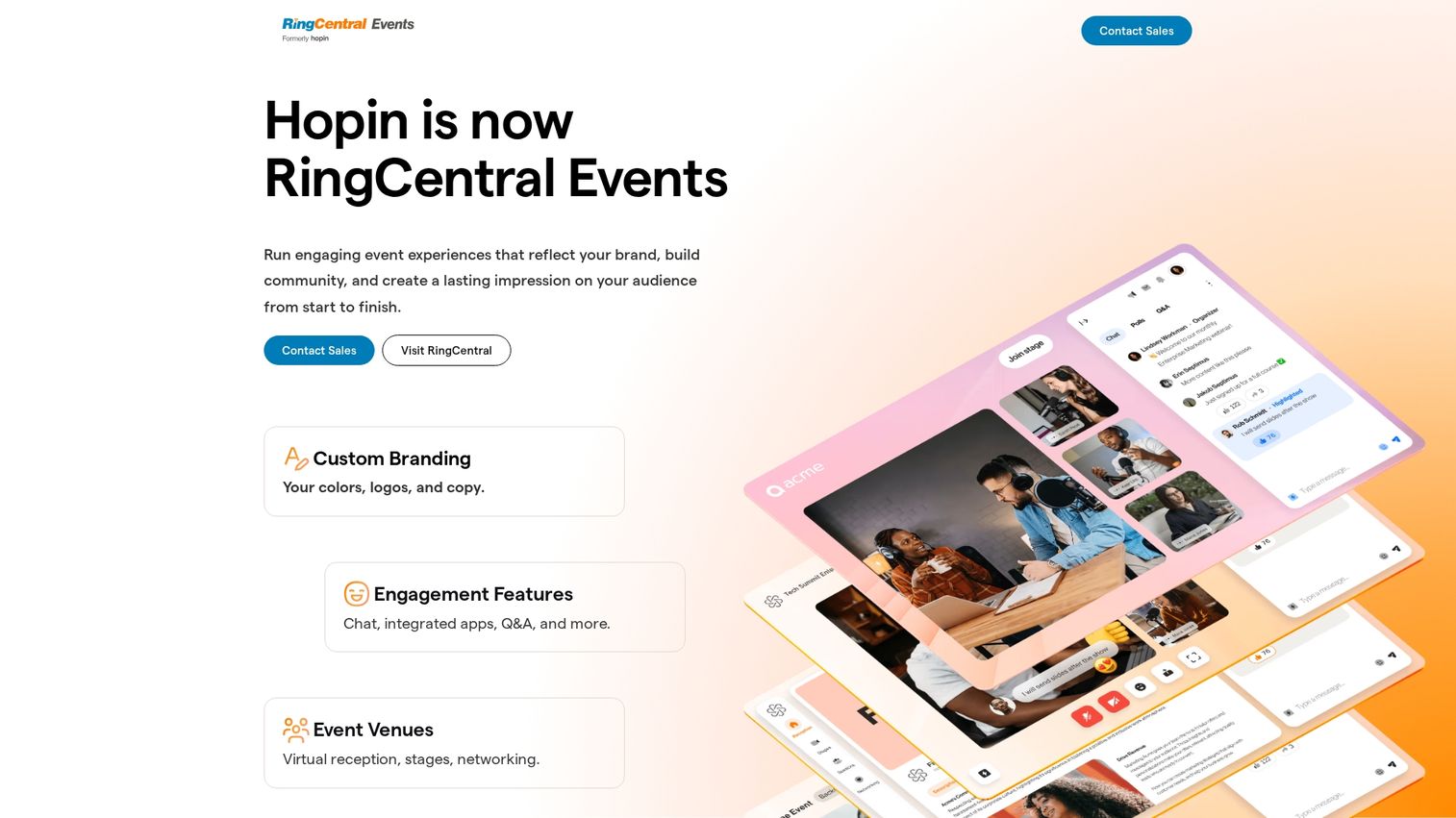
Hopin is a comprehensive virtual event platform designed to replicate the experience of an in-person conference online. The platform works best for large-scale virtual conferences and summits.
Key strengths
Stage and sessions: Host keynotes, breakouts, and workshops in separate areas.
Networking: Connect attendees through one-on-one video meetings.
Expo hall: Give sponsors and exhibitors virtual booth spaces.
Pricing is available in tiered plans.
12. vFairs
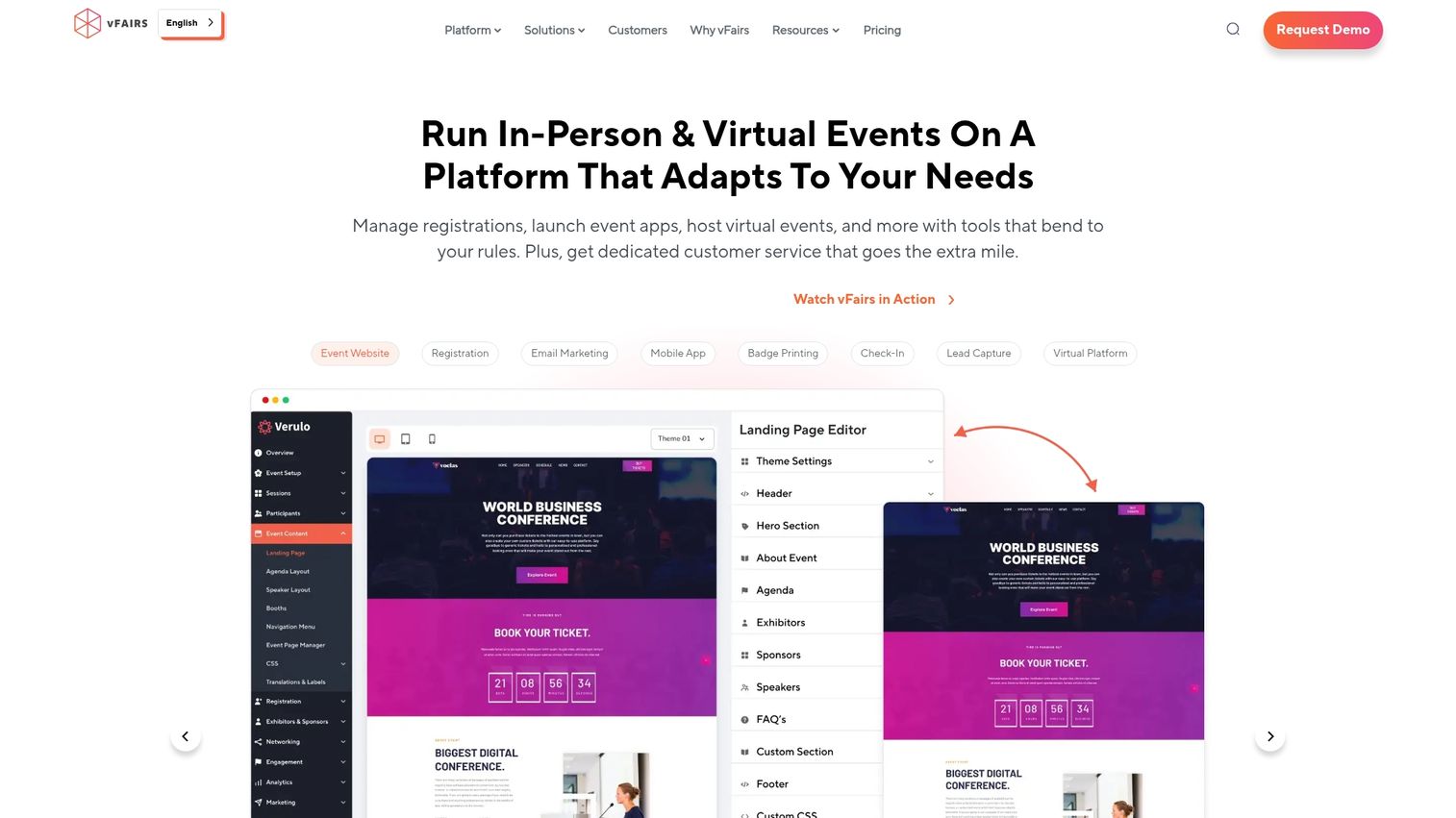
vFairs is an immersive virtual event platform that uses 3D environments to create engaging online experiences. The platform works best for virtual trade shows, career fairs, and university open days.
Key strengths
3D environments: Create visually rich virtual booths and lobbies.
Gamification: Boost engagement with leaderboards and challenges.
Lead capture: Collect attendee information for exhibitor follow-up.
Pricing is custom.
13. Airmeet
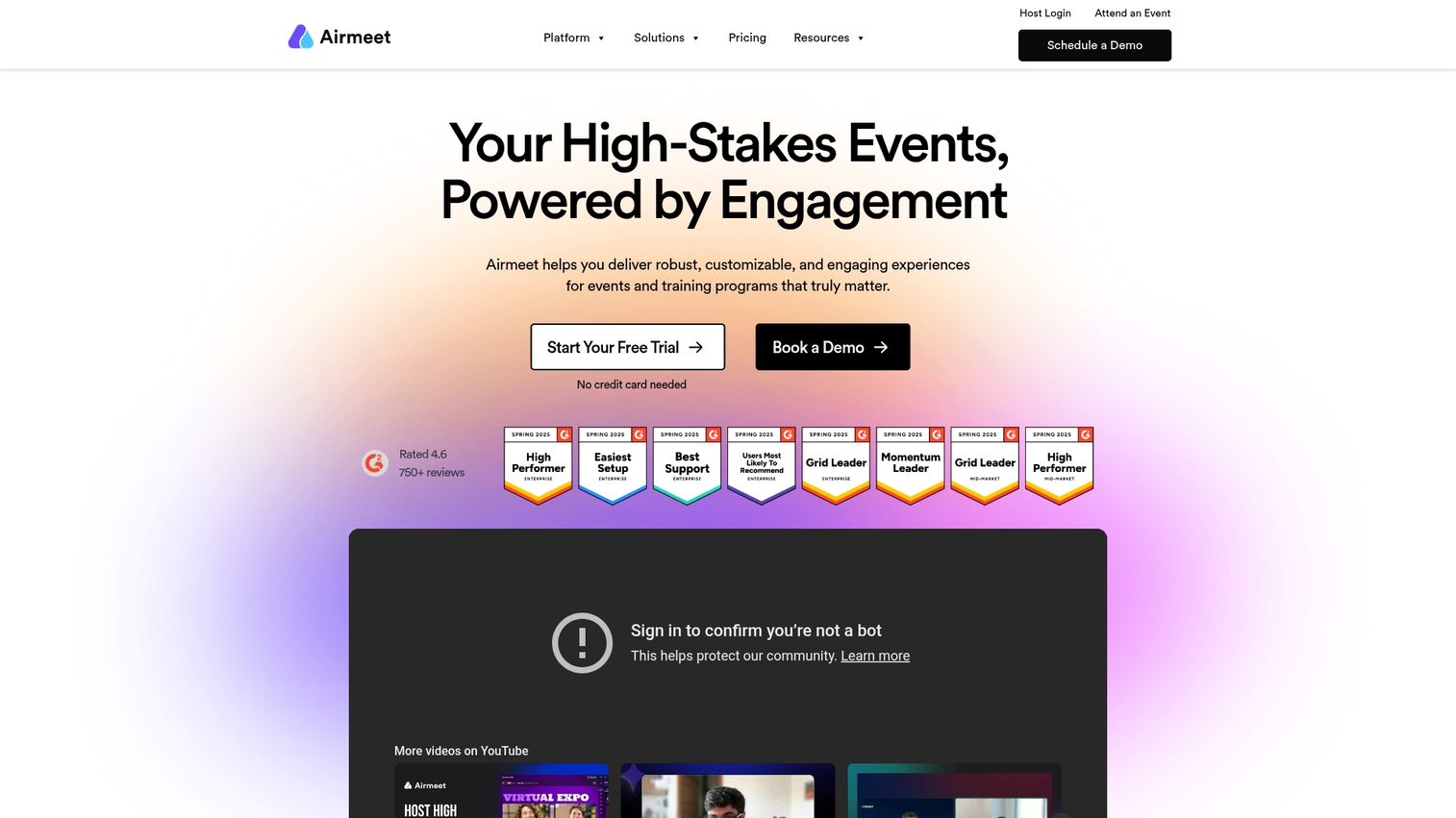
Airmeet is a virtual event platform that emphasizes networking and community interaction. The platform works best for community-driven summits, workshops, and meetups.
Key strengths
Social lounge: Create virtual tables for spontaneous conversations.
Speed networking: Match attendees for timed one-on-one meetings.
Fluid navigation: Let attendees move freely between sessions and networking.
Pricing is tiered.
14. Zoom Events
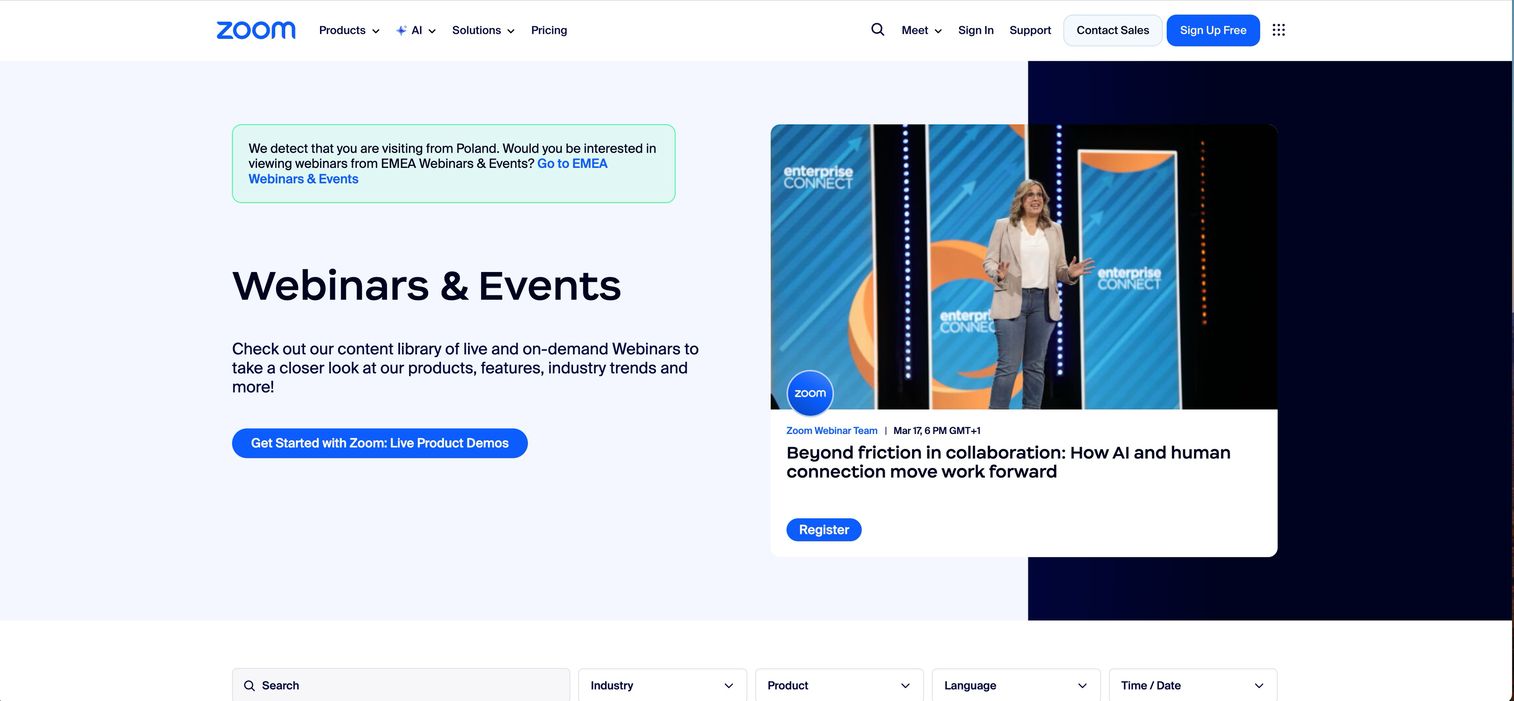
Zoom Events is an enterprise event solution built on Zoom's familiar video infrastructure. The platform works best for organizations already heavily invested in the Zoom ecosystem.
Key strengths
Familiar interface: Leverage existing Zoom knowledge across your team.
Registration hub: Manage multiple events from a centralized dashboard.
Backstage area: Prepare speakers before they go live.
Pricing is per-attendee.
15. RingCentral Events
RingCentral Events is a webinar and virtual event platform designed for high-production value broadcasts. The platform works best for marketing webinars, product launches, and all-hands meetings.
Key strengths
Production studio: Create professional broadcasts with multiple presenters.
Simulive: Broadcast pre-recorded content as if it were live.
Engagement tools: Run polls, Q&A, and chat during sessions.
Pricing is tiered.
Venue and catering management software
This category covers event business management software built specifically for venues, caterers, and hospitality businesses. Venue management platforms streamline operations by handling bookings, proposals, contracts, payments, and client communication.
16. Planning Pod
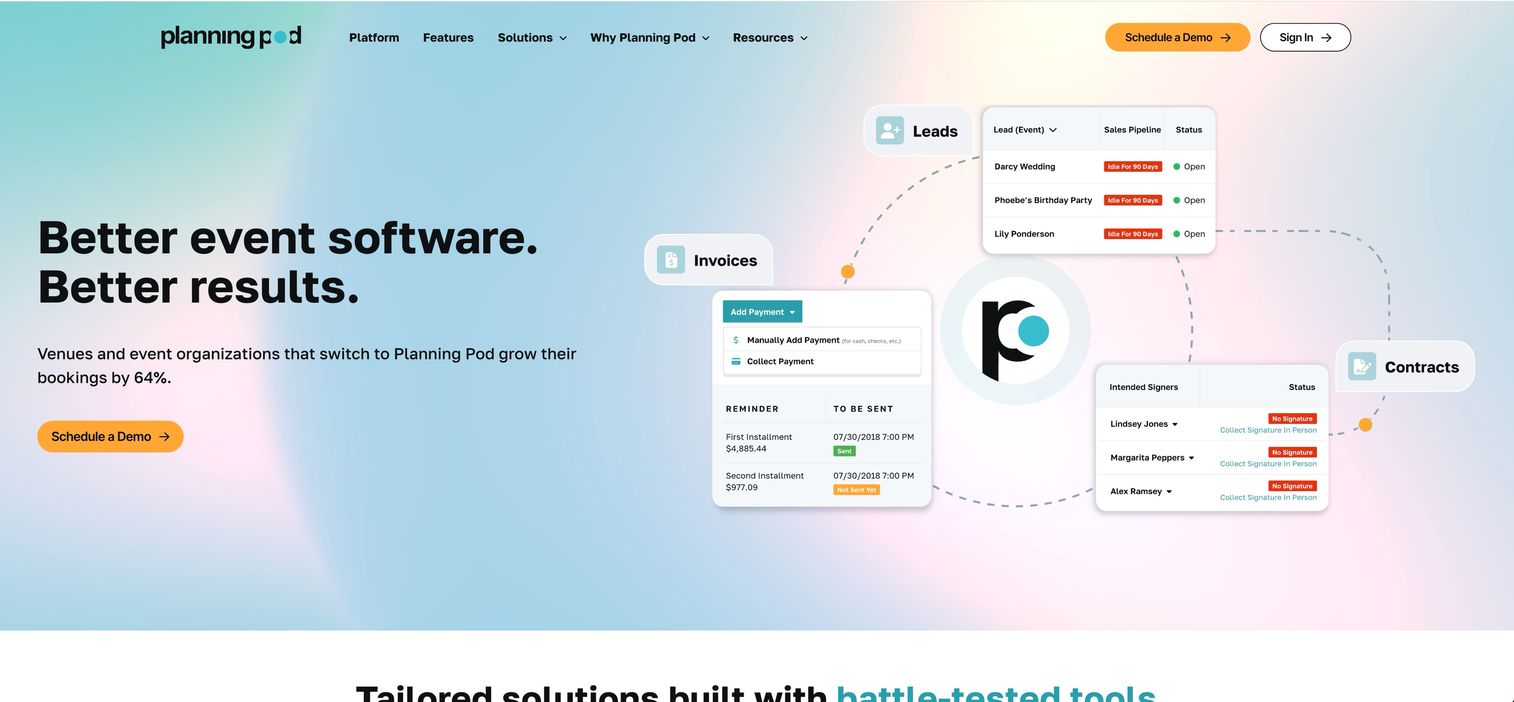
Planning Pod is an end-to-end venue and event management platform that combines over 20 tools into one system. The platform works best for venues and event businesses that need an all-in-one solution for CRM, contracts, floor plans, and invoicing.
Key strengths
Lead management: Track inquiries and convert them to bookings.
BEO templates: Create banquet event orders with standardized formats.
Interactive floor plans: Design layouts with drag-and-drop tools.
Pricing is a monthly subscription.
17. Tripleseat
Tripleseat is a leading sales and event management platform for the hospitality industry. The platform works best for restaurants, hotels, and unique venues managing private events.
Key strengths
Lead capture: Collect inquiries from your website automatically.
Proposal generation: Create and send professional proposals quickly.
POS integrations: Connect with Toast, Square, and other systems.
Pricing is custom.
18. Honeybook
Honeybook is a client management platform designed for creative small businesses, including many event planners. The platform works best for independent planners and small teams managing the entire client lifecycle.
Key strengths
Proposals: Create and send branded proposals with pricing options.
Digital contracts: Get signatures electronically without printing.
Client portal: Give clients a dedicated space to view documents and pay.
Pricing is subscription-based.
19. Event Temple
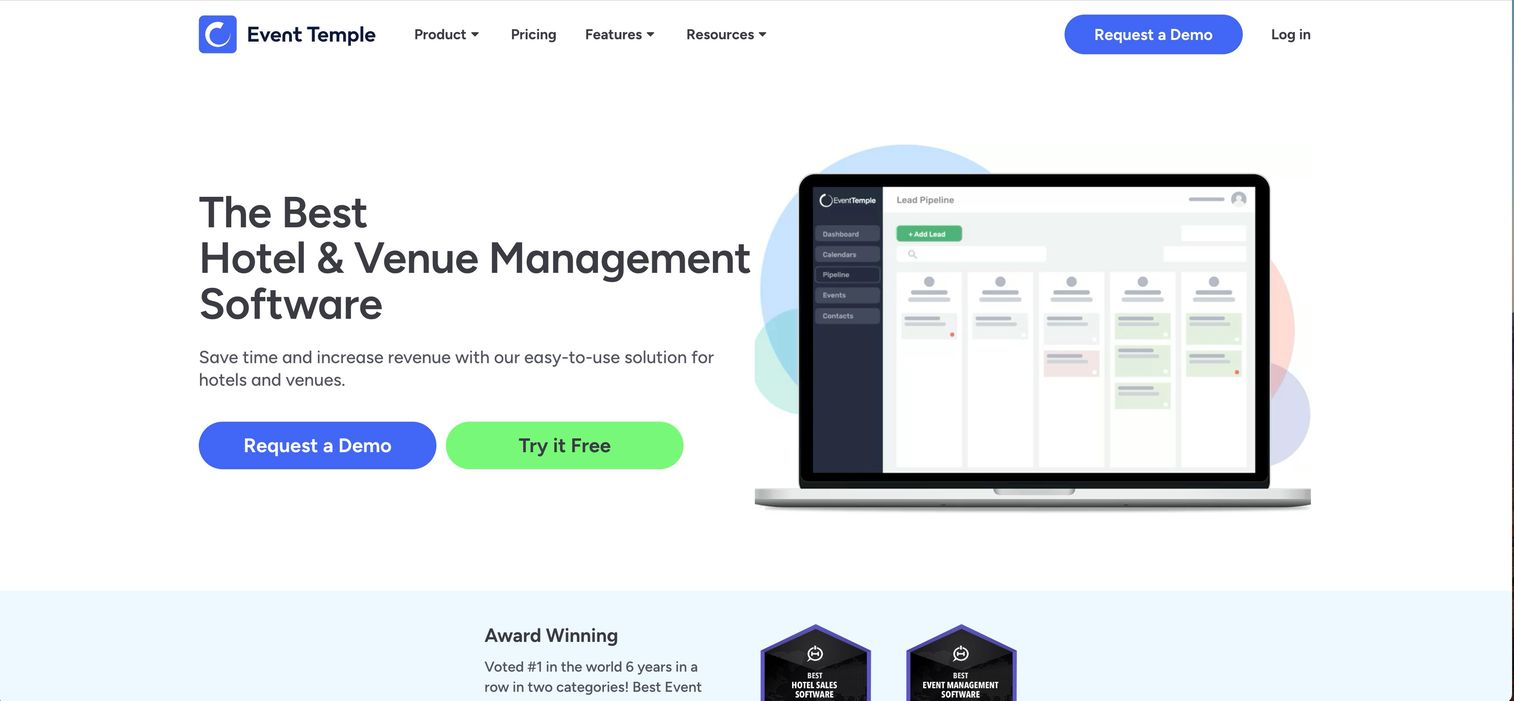
Event Temple is a modern venue CRM and event management software. The platform works best for hotel groups and large event spaces focused on sales and booking management.
Key strengths
Sales pipeline: Visualize deals from inquiry to close.
Proposal builder: Create professional proposals with templates.
Function diary: Manage room bookings and avoid conflicts.
Pricing is custom.
Event coordination and project management tools
This section highlights general project management tools that event planners widely adapt for coordination and execution. Project management platforms serve as excellent event scheduling software and task managers.
20. Asana
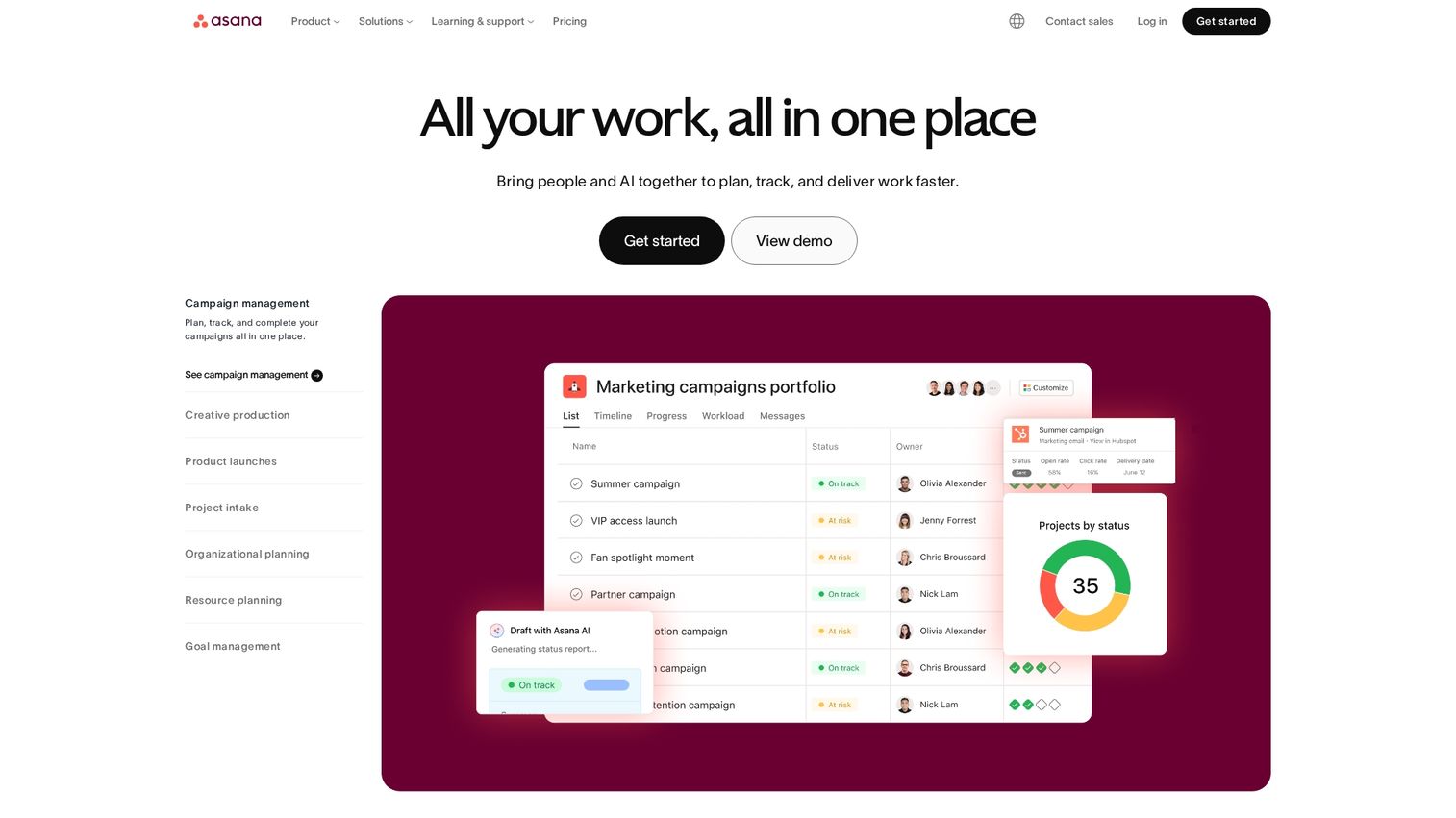
Asana is a work management platform widely used for event project management. The platform works best for teams that need detailed task tracking, project timelines, and seamless collaboration.
Key strengths
Event templates: Start with pre-built workflows for common event types.
Timeline view: Visualize task dependencies and deadlines.
Automations: Reduce manual work with rule-based triggers.
A free tier is available.
21. Monday.com
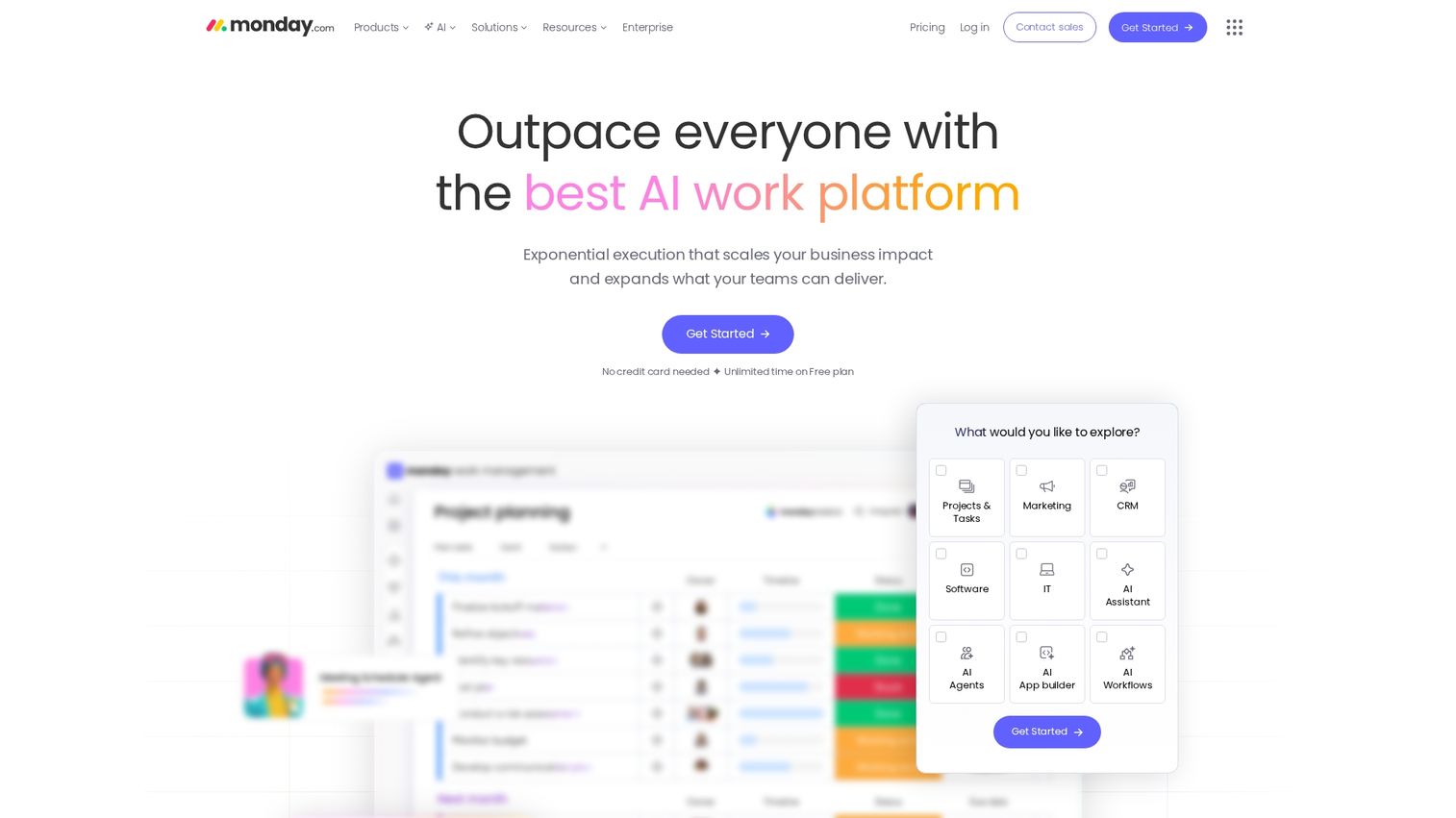
Monday.com is a highly visual project management platform that offers event planning templates. The platform works best for teams that want customizable workflows to match their specific planning process.
Key strengths
Visual boards: Track tasks with colorful, intuitive interfaces.
Automations: Set up notifications and status changes automatically.
Dashboards: Create custom reports for stakeholder updates.
Pricing is tiered.
22. Airtable
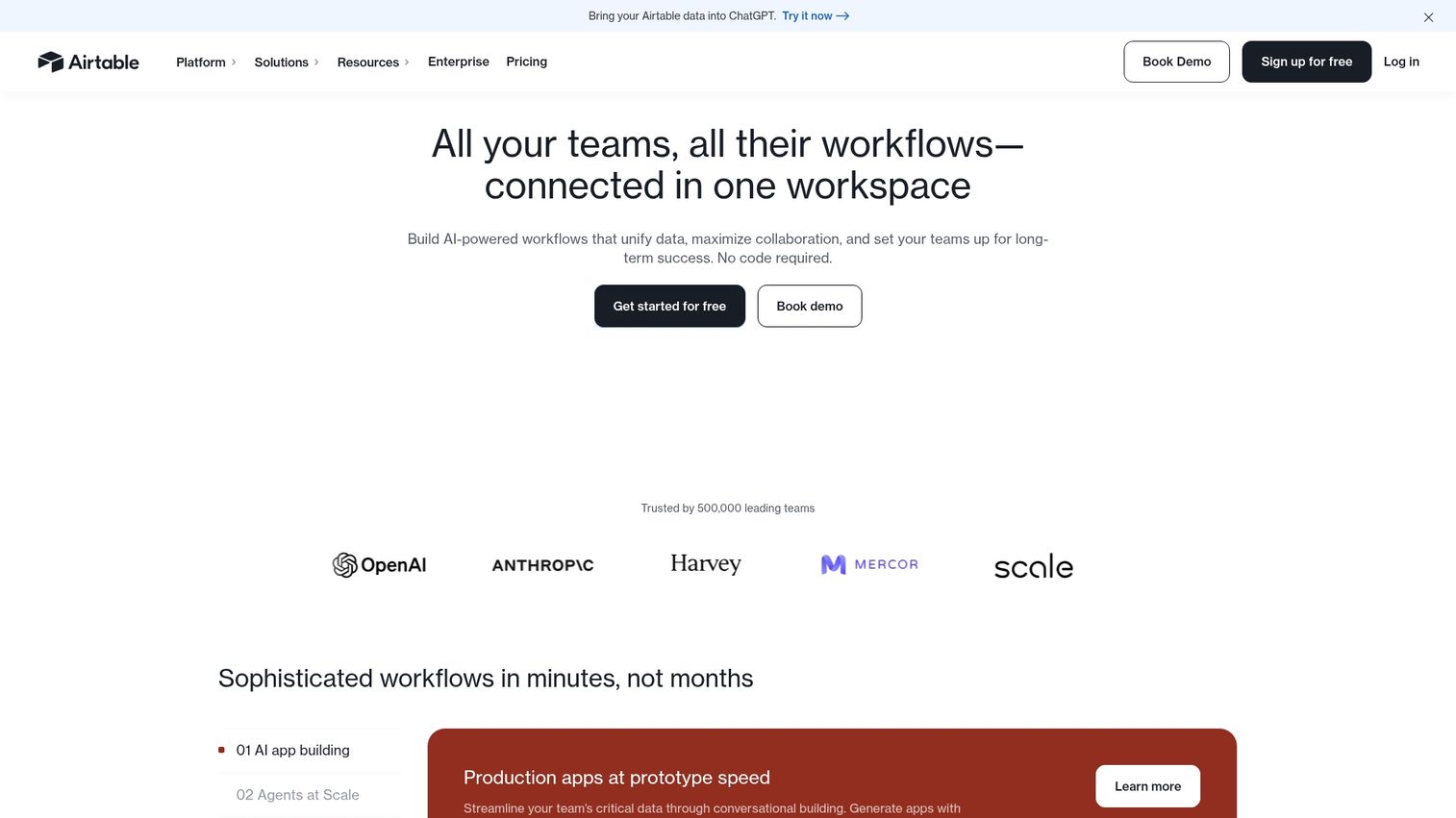
Airtable is a flexible, database-driven platform that can build custom event tracking systems. The platform works best for tech-savvy planners who need a completely customized system for managing vendors, speakers, budgets, and more.
Key strengths
Relational databases: Link tables for vendors, sessions, and attendees.
Multiple views: Switch between grid, calendar, and kanban layouts.
Automations: Trigger actions based on record changes.
A free tier is available.
23. Notion
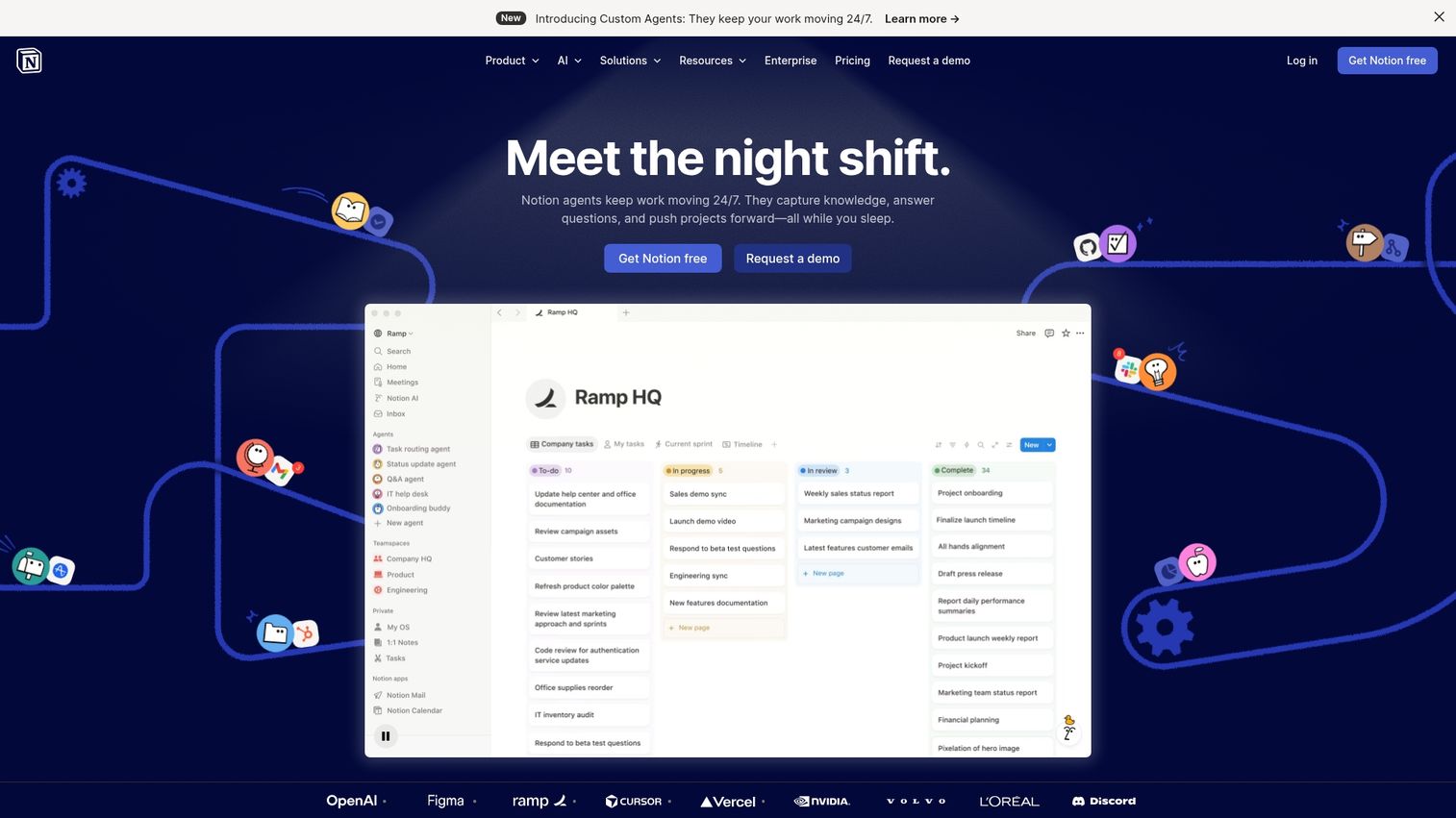
Notion is an all-in-one workspace that combines documents, databases, and collaboration tools. The platform works best for small teams and individual planners looking to consolidate all their planning materials in one place.
Key strengths
Flexibility: Build custom systems for any planning workflow.
Templates: Access community-made templates for event planning.
Real-time collaboration: Work with team members simultaneously.
A generous free plan is available for individuals.
24. Trello
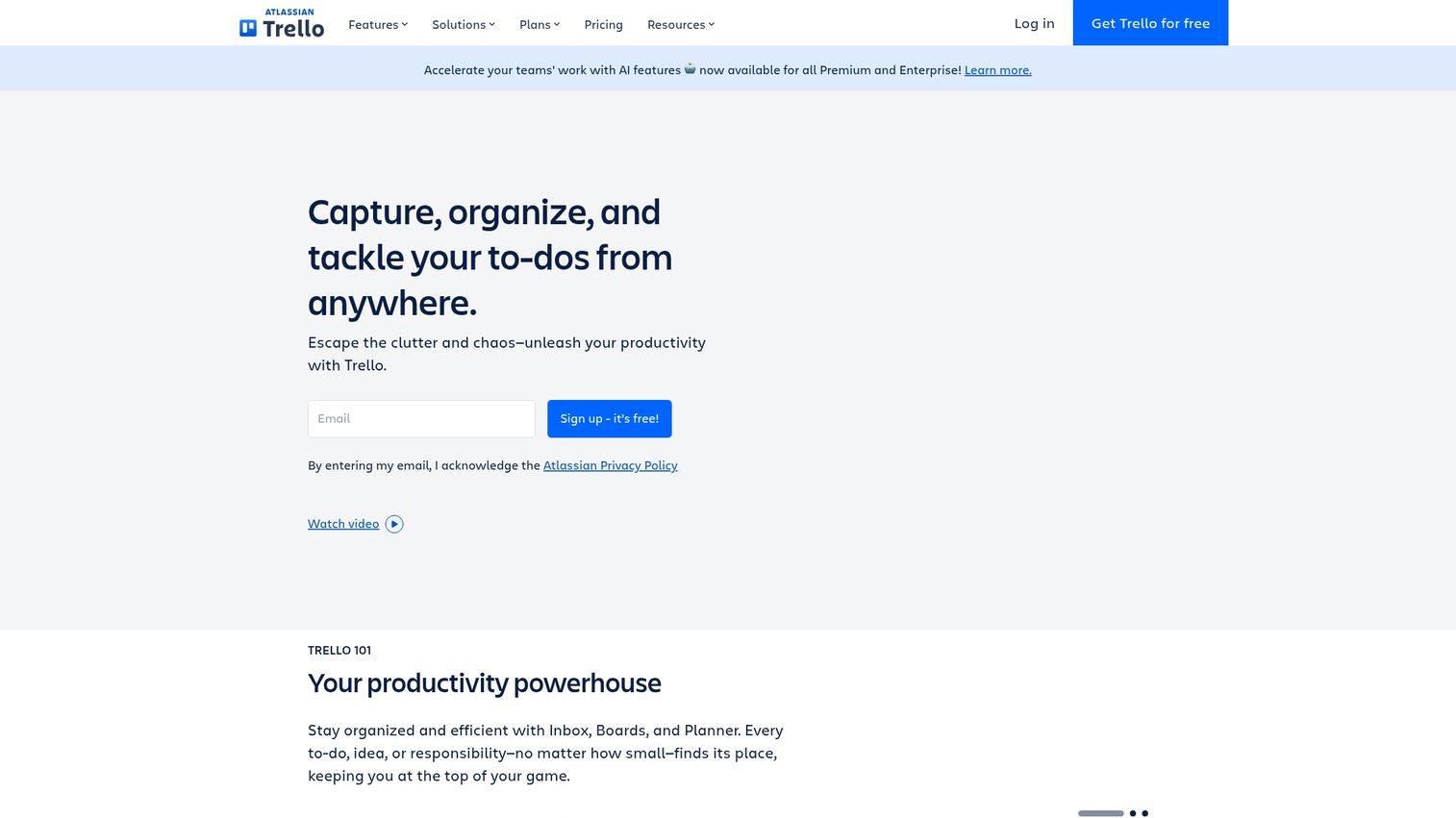
Trello is a Kanban-style project management tool known for its simplicity and visual appeal. The platform works best for visual task tracking and straightforward event coordination.
Key strengths
Boards and cards: Organize tasks in columns representing stages.
Power-Ups: Add functionality like calendars and voting.
Easy onboarding: Get new team members up to speed quickly.
A free tier is available.
Audience engagement software for events
This section covers specialized engagement tools that complement your main event platform.
25. Slido
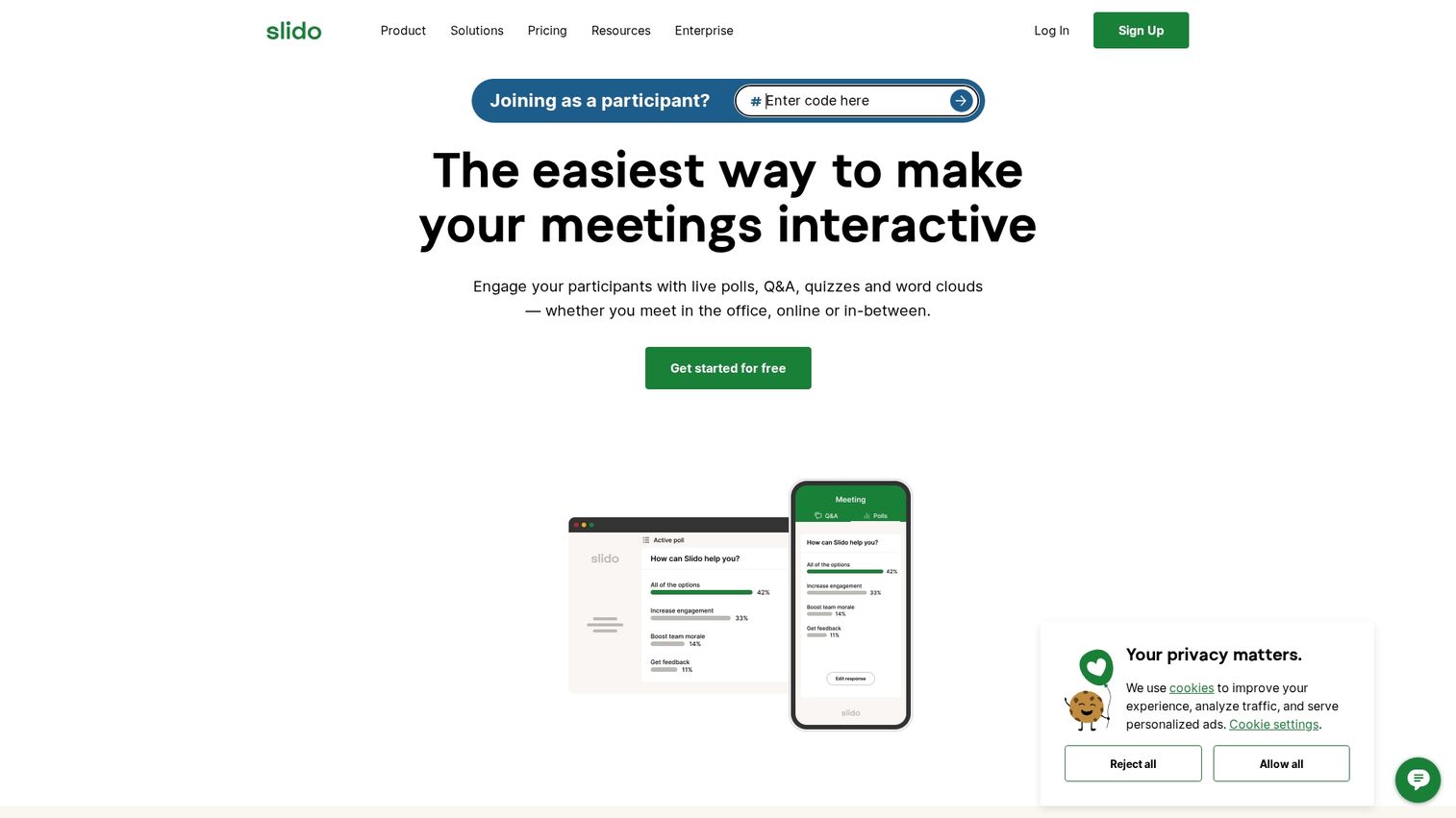
Slido is a leading live polling and Q&A platform for meetings and events. The platform works best for adding interactivity to any presentation or session, whether in-person or virtual.
Key strengths
Polls and quizzes: Create multiple-choice, word cloud, and rating questions.
Moderated Q&A: Filter and prioritize audience questions.
Presentation integrations: Embed directly in PowerPoint, Google Slides, and Teams.
A free tier is available for basic use.
How to choose the right event planning software
Choosing the right software requires a systematic evaluation of your needs against the available options.
Define your event types and attendance scale
Different software specializes in different event types. Before you start looking, answer a few questions: How many events do you run per year? What is your average attendance size? Are your events primarily in-person, virtual, or hybrid?
Map your integration requirements
Your event software works best when it connects with your existing tech stack - 79% of organizers already integrate their event platform with CRM or marketing automation. Common integration categories include CRM systems like Salesforce and HubSpot, marketing automation platforms, payment processors like Stripe and PayPal, and communication tools like Slack and Microsoft Teams.
Calculate total cost of ownership
Look beyond the subscription price. The total cost can include setup fees, per-attendee charges, percentage cuts of ticket sales, add-on modules, and support tier charges. Create a comparison table to map out the true costs of your top choices.
Evaluate ease of use and training needs
Consider your team's technical skills and how much time you can dedicate to onboarding. Look at the quality of customer support and the availability of documentation. Check reviews on G2 and Capterra specifically for feedback on usability and implementation.
Request interactive product demos
Testing a platform before you buy is the most reliable way to evaluate fit. Self-serve demos allow your team to explore the software at their own pace and see if it truly meets their needs. Guideflow helps software vendors create interactive product demos that let prospects experience the product before a call.
Start planning your next event
The right event planning software ultimately depends on your event type, scale, and budget. By defining your needs and evaluating platforms systematically, you can find a tool that saves time, enhances the attendee experience, and proves a clear return on investment. Shortlist 2-3 tools from this list and request demos to see them in action.
Start your journey with Guideflow today!
Frequently asked questions about event planning software
Professional event planners typically use all-in-one platforms like Cvent, Bizzabo, or Whova for corporate events. Wedding planners often prefer client and venue management tools like Planning Pod or Honeybook.
Eventbrite offers free ticketing for free events of any size, though paid events incur fees. For large paid events, most planners find they need premium platforms that offer dedicated support and advanced features not found in free tools.
Costs range widely, from free tiers for basic needs to thousands of dollars per month for enterprise platforms. Pricing models include per-event fees, per-attendee charges, and annual subscriptions based on feature access and event volume.
Yes, most modern all-in-one platforms now offer hybrid capabilities. However, some platforms specialize in virtual (like Hopin or vFairs) while others focus on in-person logistics (like Planning Pod or Tripleseat). Evaluate based on your primary event format.
Essential integrations include CRM systems like Salesforce and HubSpot, email marketing platforms, payment processors like Stripe and PayPal, calendar tools, and internal communication apps like Slack and Microsoft Teams.
Enterprise implementations typically take several weeks to a few months, depending on setup complexity, data migration needs, team training requirements, and the number of integrations. Simpler tools can often be operational within a few days.
The 5 C's of event planning are Concept (the overall vision and goals), Coordination (managing all logistical details), Control (staying on budget and on schedule), Culmination (flawless execution of the event), and Closeout (post-event analysis, feedback, and reporting).
Yes, Microsoft offers event functionality through Microsoft Teams for webinars and town halls. Additionally, Dynamics 365 Marketing includes a comprehensive event management module for organizations operating within the Microsoft ecosystem.
Dedicated event CRMs like Planning Pod and Tripleseat are excellent for venue-focused planners. For others, general-purpose CRMs like HubSpot and Salesforce work very well when integrated with event management software to manage attendee relationships and track marketing impact.
Most platforms provide onboarding support, extensive knowledge bases, and live training sessions. Teams can also accelerate their learning by exploring interactive product demos and using sandbox environments to practice before full implementation.