



You sign up for a POS system that advertises a free plan. Then the card reader costs $349. Then payment processing eats 2.6% of every sale. Then inventory and loyalty live behind a higher tier. The "free" point of sale system just became a four-figure annual commitment, and you found out one feature at a time.
That is the real problem with shopping for POS software in 2026. The monthly subscription line is the smallest part of the bill. Payment processing fees, hardware costs, add-on modules, and multi-location charges quietly stack up, and the cheapest tool at signup is rarely the cheapest tool at scale. The global POS software market is projected to grow from $19.0B in 2026 to $38.8B by 2033, a 10.8% CAGR according to Grand View Research, and that expansion brings more pricing models, more bundled add-ons, and more ways to misjudge total cost of ownership.
The same buying clarity that helps a SaaS team evaluate interactive product demos before committing applies to commerce software: look past the headline price and map the full cost. If you also evaluate analytics or data tooling for your store, our guide to best business intelligence software covers the reporting side. For teams managing product and pricing content across channels, the breakdown of component content management systems is a useful companion read.
This guide compares 10 POS tools against the metric that actually matters: what you pay once software, payments, and hardware are all on the table.
What's inside
This guide is for owners and operators comparing POS software for retail, restaurant, and small-business workflows. It is not a feature dump. It is a cost-and-fit comparison.
We ranked the 10 tools on four criteria:
- Pricing transparency: how clearly software, payments, and hardware costs are disclosed
- Core checkout features: speed, reliability, offline mode, and everyday register workflows
- Hardware and integrations: what devices are supported and how the system connects to accounting, ecommerce, and loyalty tools
- Business-model fit: whether the tool is built for retail, restaurant, ecommerce, or mobile checkout
Tools are ordered by relevance to a general POS buyer, not alphabetically.
TL;DR
- Best overall for small business: Square, for its $0 starting plan, simple setup, and flexibility across retail and service.
- Best for restaurants: Toast, built specifically for menus, table service, and back-of-house coordination.
- Best for retail depth: Lightspeed Retail, for serious inventory, variants, and multi-location reporting.
- Best for ecommerce sellers: Shopify POS, for unified online and in-store inventory and customer data.
- Best for transparent payment fees: Helcim, for interchange-plus pricing and no monthly account fees.
- Best for simple, lean checkout: Loyverse and PayPal POS, for budget-conscious operators who need core functions fast.
What is POS software?
A point of sale system is the combination of software, hardware, and payment processing that a business uses to complete sales and manage day-to-day operations at checkout. The software is the layer that rings up items, applies discounts, processes the payment, prints or emails a receipt, and records the transaction for reporting.
Modern POS systems have moved well beyond the cash register. Cloud-based POS systems now account for around 55% of all retail POS installations globally, according to Market Growth Reports, and retail POS terminals exceed 7 million worldwide, processing over 230 billion transactions a year. That shift means a POS is now a central operations hub, not just a checkout screen.
A capable point of sale system should handle:
- Checkout and payments: card, contactless, Tap to Pay, and split or partial payments
- Inventory management: stock counts, variants, low-stock alerts, and purchase orders
- Reporting and analytics: sales by item, hour, employee, and location
- Customer and loyalty tools: profiles, purchase history, and loyalty program tracking
- Integrations: accounting integrations, ecommerce integrations, and payroll
- Multi-location support and offline mode: so a store keeps selling even when the internet drops
The best POS system for your business is the one whose feature set matches how you actually sell, at a total cost you can predict.
How to evaluate POS software
Before you compare vendors, get clear on the criteria that drive total cost of ownership and daily usability. These are the factors that separate a tool that stays cheap from one that gets expensive fast.
Pricing model
Look at the whole stack: monthly software fee, payment processing fees, hardware costs, and per-feature or per-location add-ons. Free POS software is common, but "free" usually means free software with paid processing. Map your monthly transaction volume against the processing rate to see the real number.
Payment processing flexibility
Some platforms lock you into their own processor. Others let you bring your own or offer transparent interchange-plus pricing. If you process high volume, a fraction of a percent on the rate matters more than the subscription tier. Always check whether POS pricing includes the payment side or treats it separately.
Hardware needs
Decide whether you are hardware-light (a phone and a card reader) or hardware-heavy (terminals, receipt printers, cash drawers, barcode scanners, kitchen displays). Hardware costs can dwarf the first year of software fees, so factor them in upfront.
Inventory and reporting depth
A coffee cart needs basic stock tracking. A multi-location apparel store needs variants, matrices, transfers, and detailed reporting. Match the inventory management depth to your catalog complexity, not to the marketing page.
Support and reliability
Offline mode, fast support response, and PCI compliance handling all matter when a register goes down mid-shift. Check what support costs and whether it is gated behind a higher tier.
When to use different POS systems
The right POS depends on how you sell. Here is how business model changes the best fit.
Retail counter service. A fixed register, barcode scanning, and inventory depth matter most. Lightspeed Retail, Square, and Shopify POS all fit retail POS workflows, with Lightspeed leaning toward larger catalogs.
Restaurant and table service. You need menu management, modifiers, tableside ordering, and kitchen coordination. Toast is purpose-built for restaurant POS, with Clover and Lightspeed also serving food service.
Omnichannel selling. If you sell online and in-store, inventory and customer data need to sync across channels. Shopify POS and Square handle omnichannel POS with unified ecommerce integrations.
Mobile and pop-up selling. Markets, fairs, and field sales need a phone, a card reader, and offline mode. PayPal POS, Square, and Loyverse all support lightweight mobile checkout with minimal hardware.
Comparison table
The table below ranks the 10 tools by relevance to a general POS buyer. Read the Intent column to find your business model, then check pricing and ratings before shortlisting. Pricing reflects starting tiers and excludes payment processing fees and hardware costs, which vary by volume.
| # | Product | Intent | Key differentiation | Pricing | G2 rating |
|---|---|---|---|---|---|
| 1 | Square | All-purpose small business | Free starting plan, fast setup, retail and service flexibility | From $0/mo | 4.6/5 |
| 2 | Toast | Restaurant-first | Built for menus, table service, and back-of-house | From $0/mo; POS from $69/mo | 4.2/5 |
| 3 | Clover | Hardware-friendly SMB | Device ecosystem and merchant-led payments | Starter, Standard, Advanced plans | 3.9/5 |
| 4 | Shopify POS | Online plus in-store | Unified ecommerce and in-store inventory | From $39/mo; POS Pro $89/mo per location | 4.6/5 |
| 5 | Lightspeed Retail | Advanced retail | Inventory depth, variants, multi-location | From $89/mo | 4.0/5 |
| 6 | Helcim | Fee-conscious | Interchange-plus pricing, no monthly account fee | $0 account fee; hardware separate | 3.9/5 |
| 7 | Loyverse | Lean and budget | Free core POS with loyalty and inventory basics | Free core app | Not listed |
| 8 | eHopper | Simple essentials | Low-cost POS with online ordering | From $14.99/mo | Not listed |
| 9 | Odoo POS | All-in-one suite | POS tied to inventory, accounting, and ecommerce | Free single app; from $24.90/user/mo | 4.2/5 |
| 10 | PayPal POS | PayPal-aligned sellers | Familiar payments, simple hardware, no monthly fee | Hardware from $29; no monthly fee | 4.4/5 |
1. Square
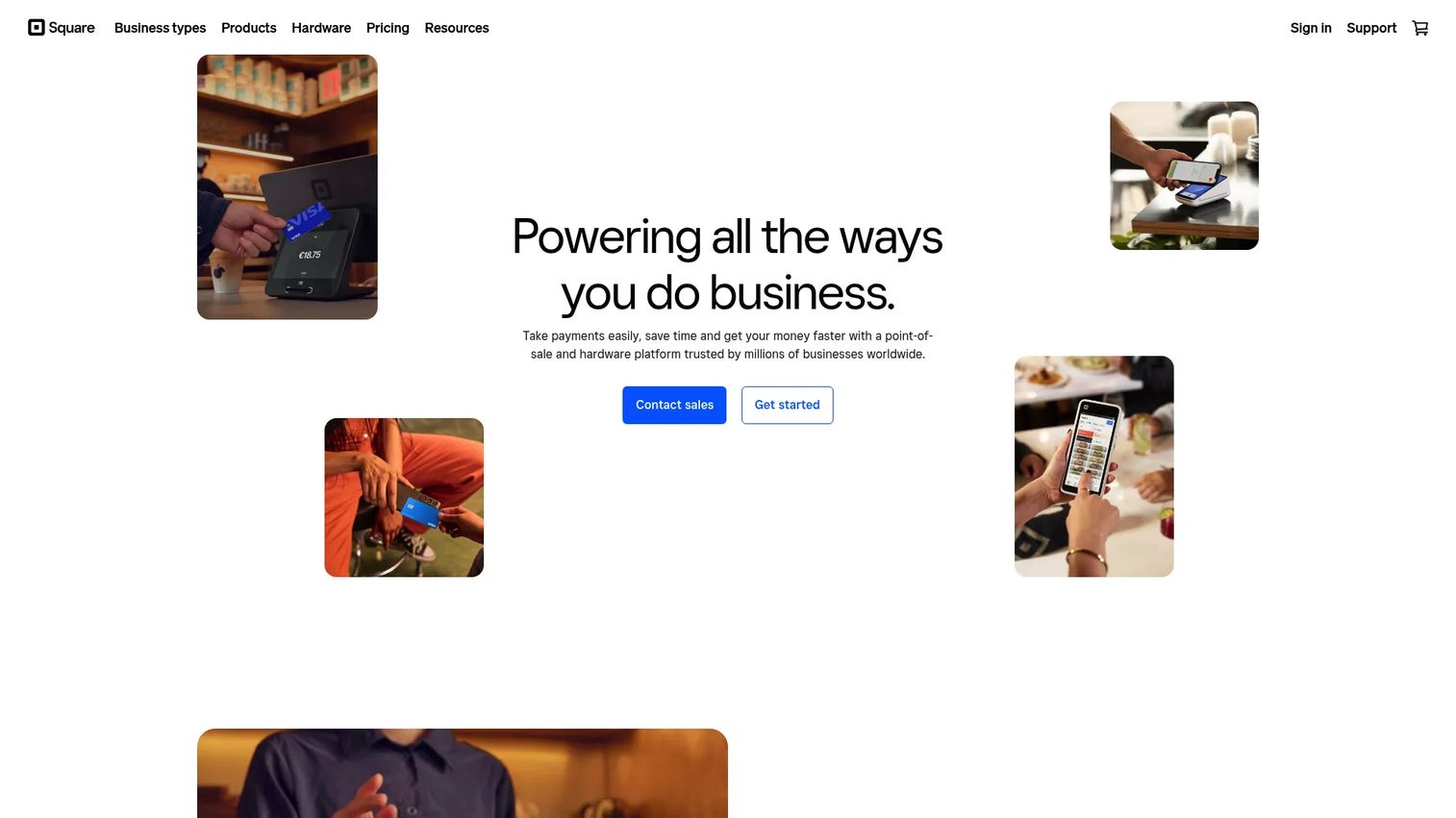
Square is the most recognizable all-purpose POS for small businesses, and for good reason. It is a commerce platform spanning payments, POS, online selling, and back-office software, and you can be ringing up sales within an hour of signing up. The free plan, mobile checkout, and flexible use across retail, service, and food businesses make it the default first choice for many operators.
Best for: Small and mid-sized businesses that want an all-in-one POS and payments platform without a long setup.
Key strengths
- Free starting plan: The $0 tier covers core checkout, so software cost is zero until you upgrade.
- All-in-one commerce: Payments, online store tools, inventory, customer, and staff management live in one account.
- Tap to Pay and mobile checkout: Accept contactless payments on a phone with no extra terminal.
Why choose Square
Square fits operators who value speed and simplicity over deep configuration. The trade-off is that you use Square's payment processing, so your effective cost is driven by transaction fees rather than the subscription. For most low-to-mid volume businesses, that bundle is a fair deal and removes the headache of stitching together a separate processor.
Square pricing
Square Free has no monthly subscription fee. Square Plus runs $49/mo per location and Square Premium is $149/mo per location, with the paid tiers including a 30-day free trial. Payment processing fees apply per transaction on every plan, so model your volume to find your real monthly cost.
2. Toast
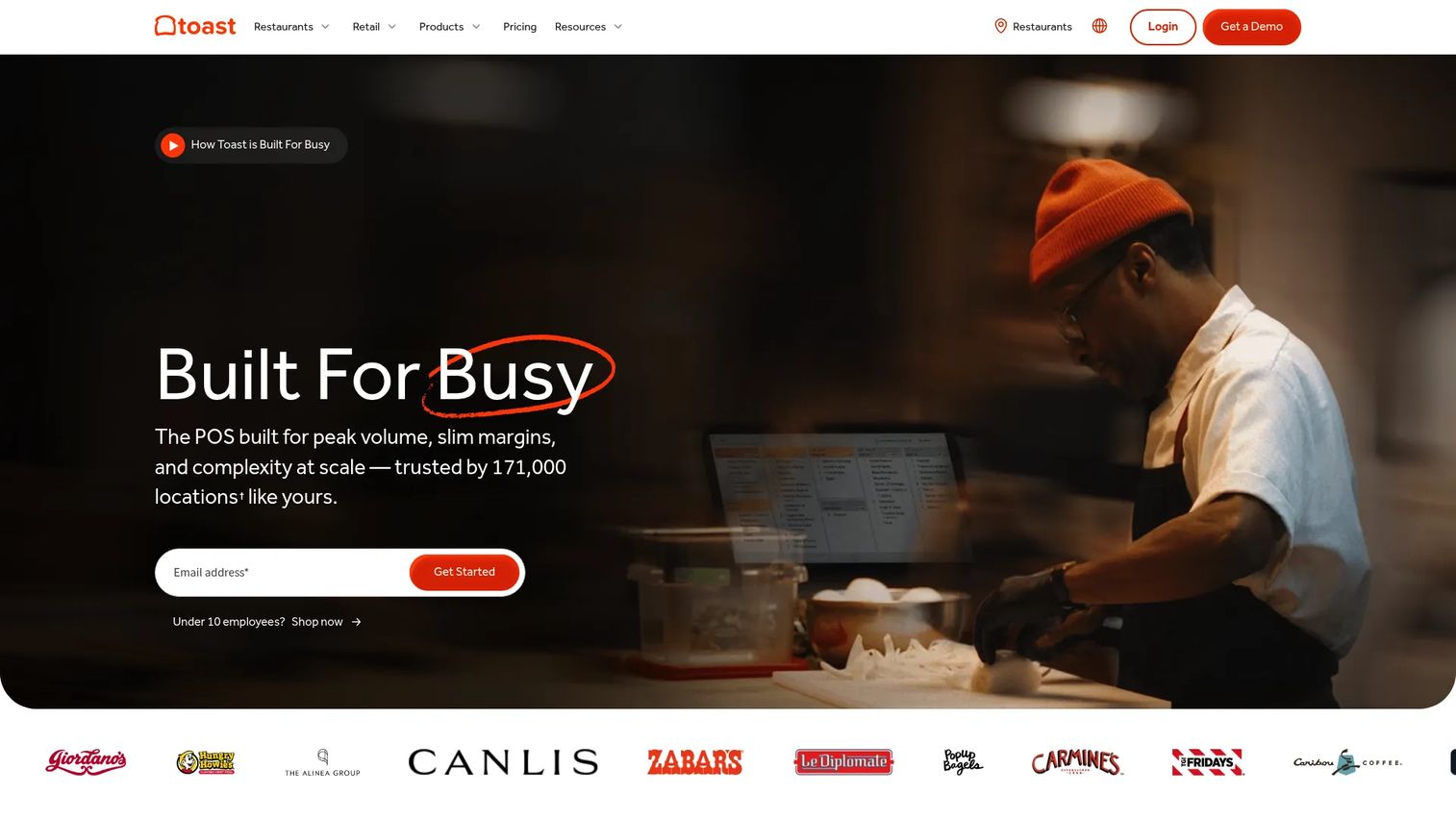
Toast is the restaurant-first POS choice, purpose-built for hospitality rather than retrofitted from a retail tool. It handles menu management, modifiers, tableside ordering, online ordering and delivery, plus back-of-house coordination through kitchen displays. For restaurants that want a single operations stack rather than a generic register, Toast is the obvious starting point.
Best for: Restaurants and food service operators who want an all-in-one POS and operations platform.
Key strengths
- Restaurant workflows: Menus, modifiers, coursing, and table management are native, not bolted on.
- Operations stack: Online ordering, delivery, inventory, payroll, scheduling, and loyalty in one system.
- Back-of-house coordination: Kitchen display integration keeps front and back of house in sync.
Why choose Toast
Toast fits restaurants that want hospitality-specific features over a general-purpose POS. The hardware is built for the demands of a busy kitchen and dining room, which is why most restaurants buy into the ecosystem rather than mixing vendors. If you run retail, Toast is not your tool, but for food service it is hard to beat on depth.
Toast pricing
Toast lists a Starter Kit from $0/mo, a Point of Sale plan from $69/mo, and a Build Your Own option with custom pricing. The Starter Kit pages show $0/mo plus 15¢ per card transaction on the basic package. As with any restaurant POS, hardware costs and payment processing fees are the larger part of the bill, so price the full kit before committing.
3. Clover
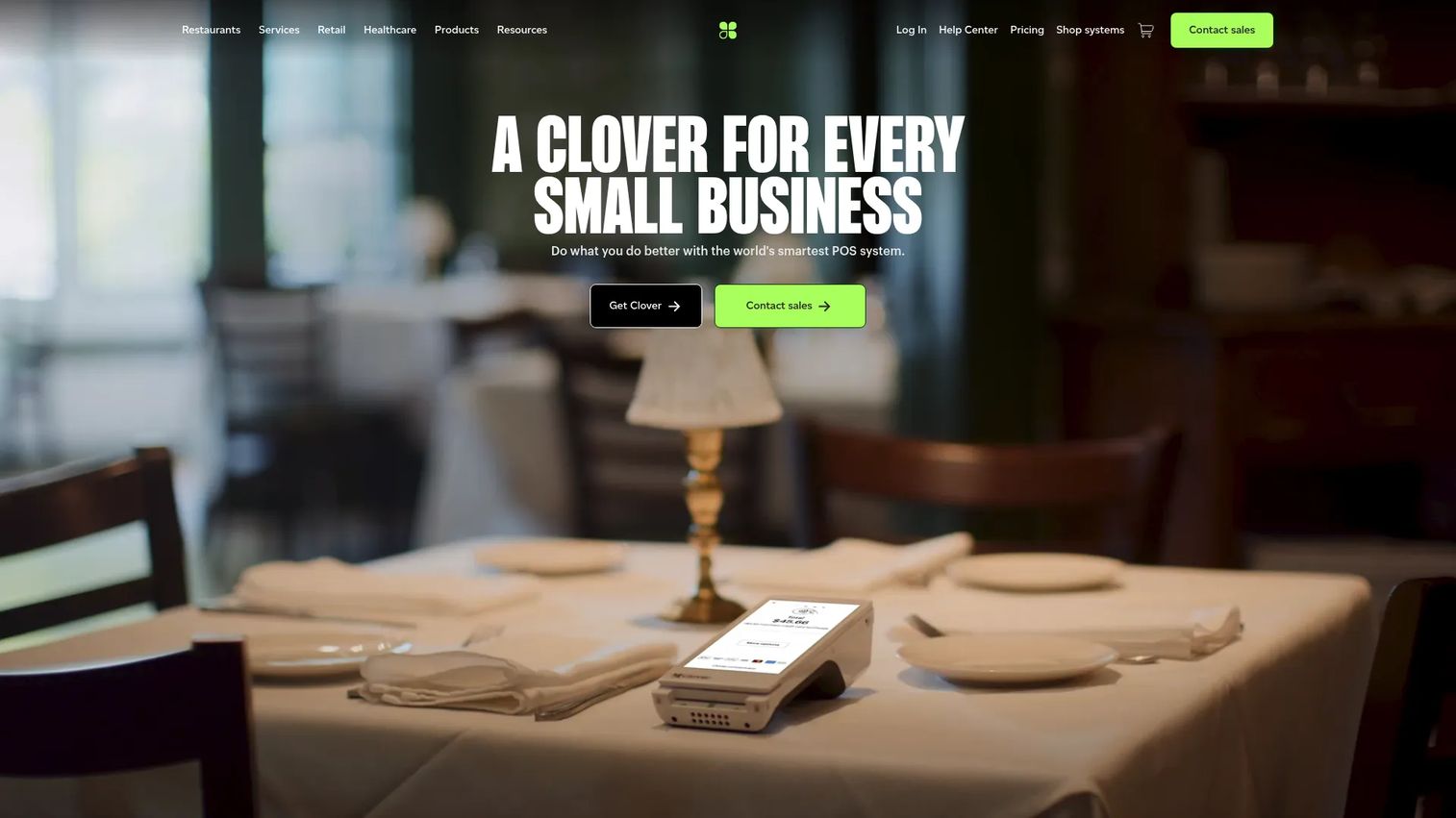
Clover is a hardware-friendly POS and payments platform built for a broad range of small businesses. It pairs sleek countertop and handheld devices with payments acceptance, inventory management, tracking and reporting, loyalty, and an app marketplace. Clover works well for counter service, quick-service food, and merchant-led payment setups where the hardware is a centerpiece.
Best for: Small businesses that need an integrated POS, payments, and business management system on dedicated hardware.
Key strengths
- Device ecosystem: A family of purpose-built terminals, handhelds, and mini devices.
- App marketplace: Extend the POS with third-party apps for vertical needs.
- Built-in business tools: Inventory, reporting, and a loyalty program ship in the platform.
Why choose Clover
Clover fits operators who want a tactile, dedicated device rather than a bring-your-own-tablet setup. One consideration is that Clover is typically sold through banks and merchant services providers, so payment processing and pricing can vary by reseller. Confirm the processing rate and any device financing terms before you sign.
Clover pricing
Clover offers Starter, Standard, and Advanced software and hardware plans. Public pricing varies by reseller and configuration, so the clearest path is to request a quote that itemizes hardware, software, and the payment processing rate together. Treat the processing rate as the number that matters most for total cost.
4. Shopify POS

Shopify POS is the in-person register for Shopify's ecommerce platform, and that integration is the whole point. If you already sell online with Shopify, or plan to, the POS keeps inventory, orders, and customer data synced across in-store, online, social, and marketplaces. That unified view is what makes it a strong omnichannel POS rather than just a retail terminal.
Best for: Retailers who want unified in-store and online commerce on a single Shopify backend.
Key strengths
- Omnichannel selling: Sell across in-store, online, social, and marketplaces from one system.
- Inventory and order sync: Stock and orders stay aligned across every location and channel.
- Unified customer data: Staff management, customer profiles, reporting, and analytics in one place.
Why choose Shopify POS
Shopify POS fits sellers whose center of gravity is ecommerce and who want the store to extend, not duplicate, that system. If you have no online store and no plans for one, a standalone retail POS may be simpler. But for omnichannel merchants, the inventory sync alone justifies the choice.
Shopify POS pricing
Shopify plans start at $39 USD/mo (Basic), with Grow at $105 USD/mo and Advanced at $399 USD/mo. POS Pro is an add-on at $89 USD/mo per location on annual billing, and a free trial is available. Factor the ecommerce plan and the POS Pro add-on together, plus payment processing fees, for your true cost.
5. Lightspeed Retail
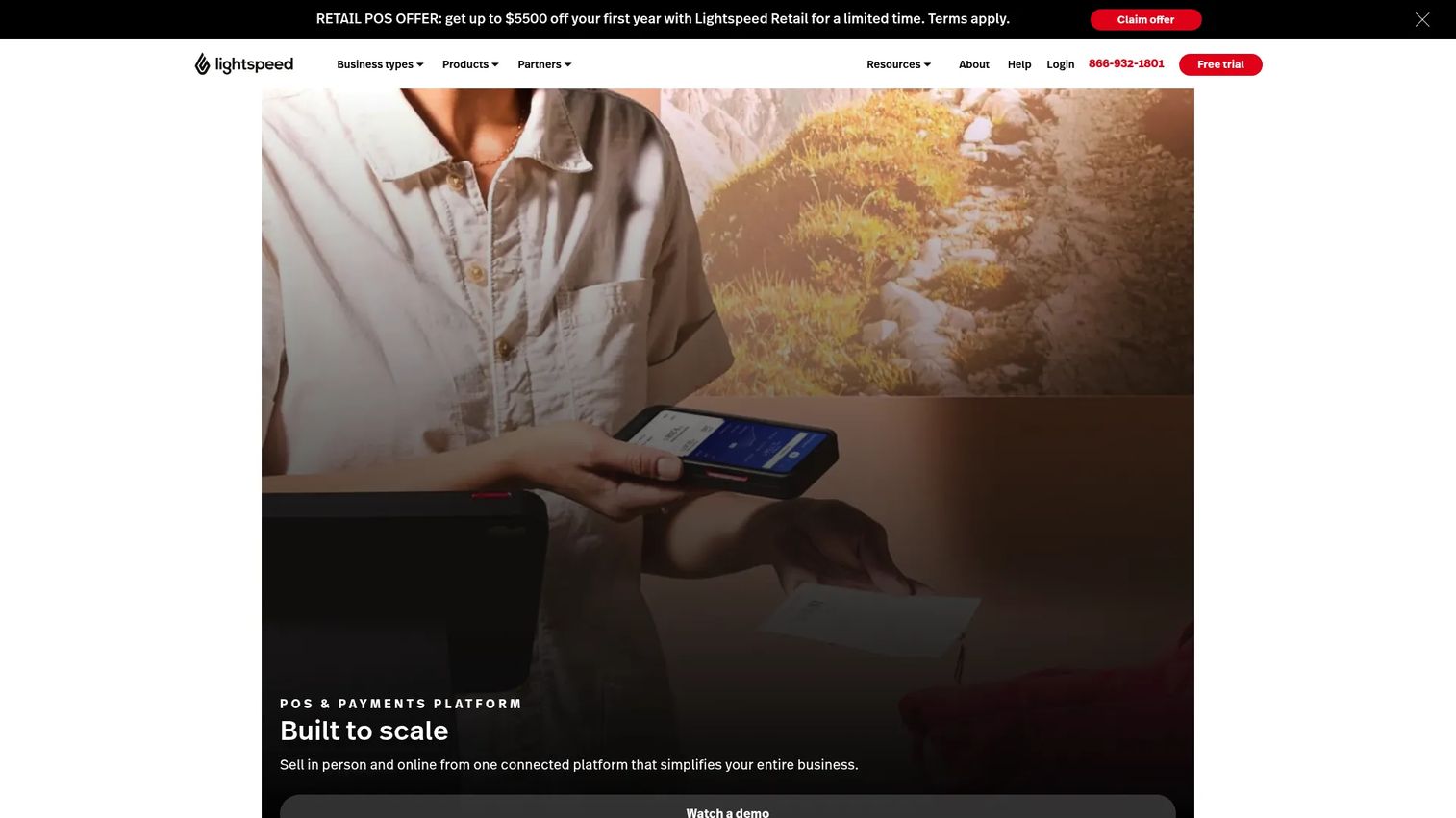
Lightspeed Retail is the more advanced retail POS on this list, built for stores with serious inventory needs. It is a cloud-based commerce platform with barcode scanning, deep inventory management, variants, multi-location pricing, and the kind of reporting larger retailers depend on. Where simple checkout tools stop, Lightspeed keeps going.
Best for: Retailers needing a POS with deep inventory, multi-location support, and omnichannel tools.
Key strengths
- Inventory depth: Variants, matrices, purchase orders, and transfers for complex catalogs.
- Multi-location pricing: Manage pricing and stock across stores from one backend.
- Barcode scanning and reporting: Fast register workflows plus retail-grade analytics.
Why choose Lightspeed Retail
Lightspeed Retail excels for retailers whose catalog complexity has outgrown a basic register. The platform is more capable than a coffee cart or pop-up needs, so it shines specifically when inventory depth and multi-location reporting are the priority. If you sell a handful of SKUs, a lighter tool is a better budget fit.
Lightspeed Retail pricing
Lightspeed Retail (X-Series) shows three monthly plans: Basic at $89 USD/mo, Core at $149 USD/mo, and Plus at $289 USD/mo. There is no free tier. Payment processing fees and hardware costs are separate, so the entry price is the floor rather than the full picture.
6. Helcim
Helcim is the fee-conscious choice, built around transparent interchange-plus payment processing for small and medium businesses. Instead of a flat blended rate, you pay the true interchange cost plus a clear markup, and there are no monthly account fees. For merchants who care about fee clarity and process meaningful volume, that structure can lower the real cost per sale.
Best for: Businesses that want transparent payment processing with online and in-person tools.
Key strengths
- Interchange-plus pricing: See the actual cost plus markup, not a blended rate that hides margin.
- No monthly account fees: You pay when you process, with no subscription or PCI compliance fees.
- Online and in-person payments: Recurring billing, invoicing, and POS in one platform.
Why choose Helcim
Helcim fits operators who view payment processing fees as the line item that actually moves the needle. Higher-volume businesses tend to save most with interchange-plus, while very low average tickets see less benefit. Hardware such as the Smart Terminal and card reader is sold separately, so add that to your first-year math.
Helcim pricing
Helcim charges no account monthly fees, no minimums, no software fees, and no statement fees. You pay per transaction on an interchange-plus basis, with recurring payments adding 0.4% per transaction. Hardware is separate: the Smart Terminal is $349 USD and the card reader is $199 USD, both one-time. The model rewards higher monthly volume.
7. Loyverse
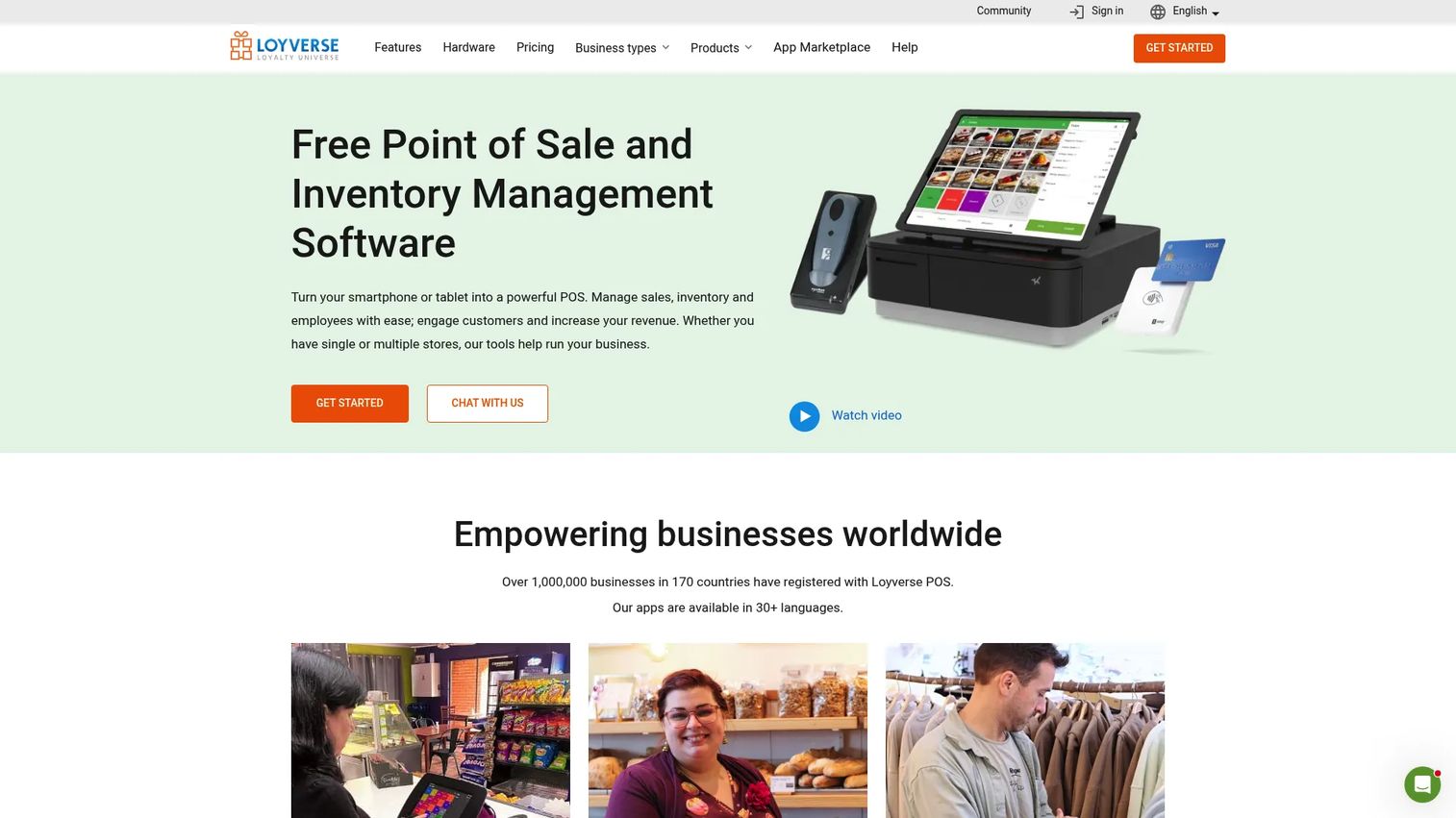
Loyverse is a lean, budget-friendly POS for smaller operations that want core functions without complexity. Its free core app covers checkout, inventory basics, and a loyalty program, with low-friction onboarding that gets a small shop or cafe selling quickly. Over a million businesses across 170 countries have registered with Loyverse, which speaks to its appeal at the small end of the market.
Best for: Small retailers, cafes, and service businesses that need simple checkout and basic inventory for free.
Key strengths
- Free core app: Checkout, inventory basics, and loyalty without a subscription.
- Loyalty program: Built-in points and customer tracking at no extra cost.
- Fast onboarding: Minimal setup to start ringing up sales on a phone or tablet.
Why choose Loyverse
Loyverse fits operators who need essentials and a tight budget. The buyers who outgrow it fastest are multi-location retailers and businesses with deep inventory or advanced reporting needs, where paid add-ons and more robust platforms become worth the spend. For a single small location, the free core is genuinely useful.
Loyverse pricing
Loyverse offers a free core POS app, with paid add-on modules for capabilities like advanced inventory and employee management. Payment processing is handled through integrated providers, so check the processing rate in your region. The free starting point makes it one of the lower-cost entries here for a basic setup.
8. eHopper
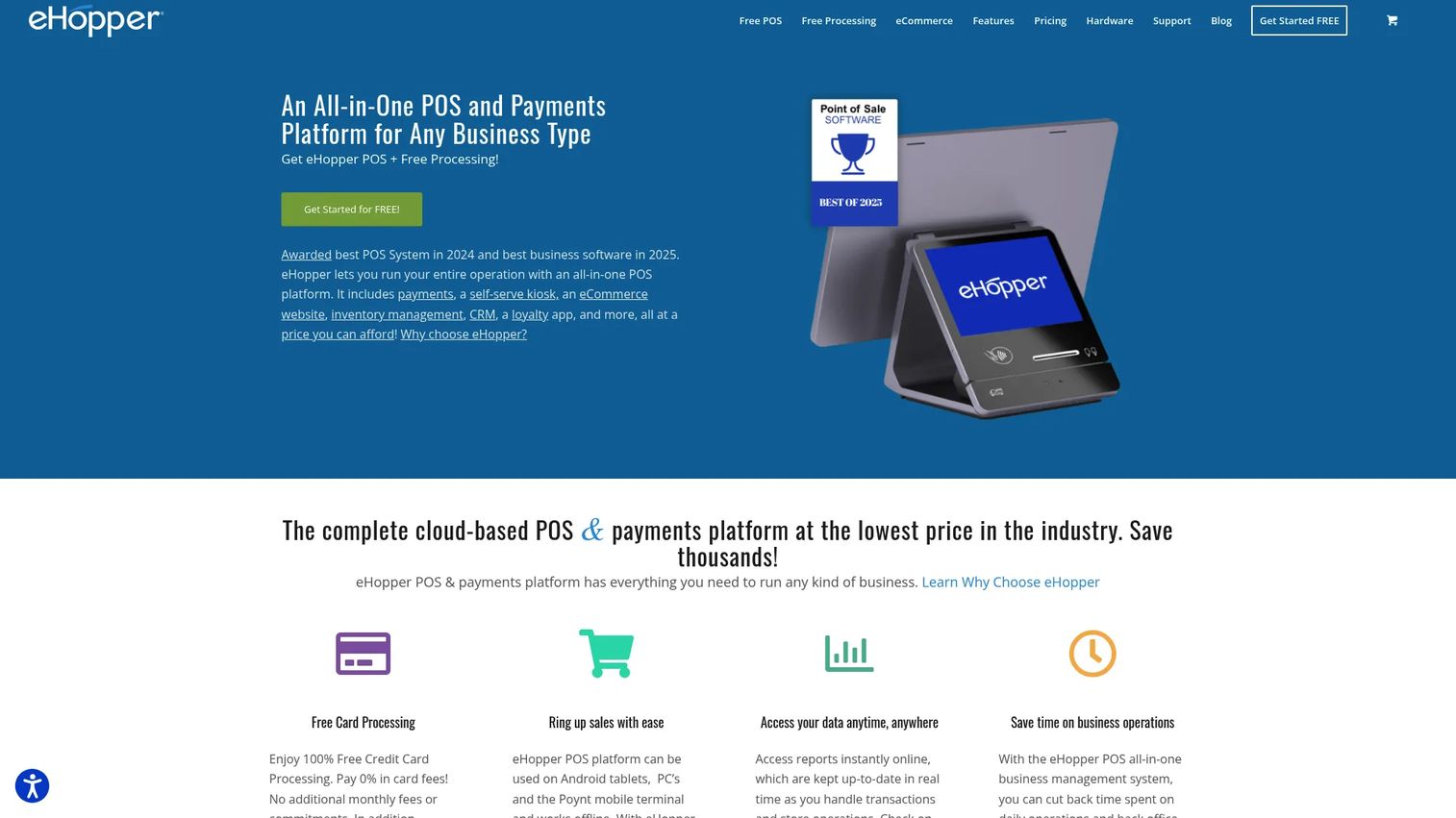
eHopper is a cloud POS for small retail, restaurant, and service businesses that want essentials without overhead. It bundles point of sale, inventory management, and online ordering or ecommerce into affordable plans, making it a practical pick for very small operations that still need a real system rather than a notebook and a calculator.
Best for: Small retail, restaurant, and service businesses needing a POS with online ordering.
Key strengths
- Affordable plans: Low monthly entry pricing for budget-minded operators.
- Online ordering: Built-in ecommerce and online ordering for small food and retail businesses.
- Core POS plus inventory: Checkout and inventory management bundled together.
Why choose eHopper
eHopper fits operators who want a straightforward system at a low price and do not need enterprise reporting or complex multi-location tooling. Higher tiers unlock more features, so confirm which capabilities are bundled at your plan versus add-on dependent. For a single small location, the entry plans cover the essentials.
eHopper pricing
eHopper offers a free starting option plus paid plans: Essential Plus at $14.99/mo, Freedom at $24.99/mo, and OmniChannel at $39.99/mo, with yearly billing toggles available. Confirm payment processing terms and any per-feature gating before you commit. The low entry price keeps it accessible for very small businesses.
9. Odoo POS
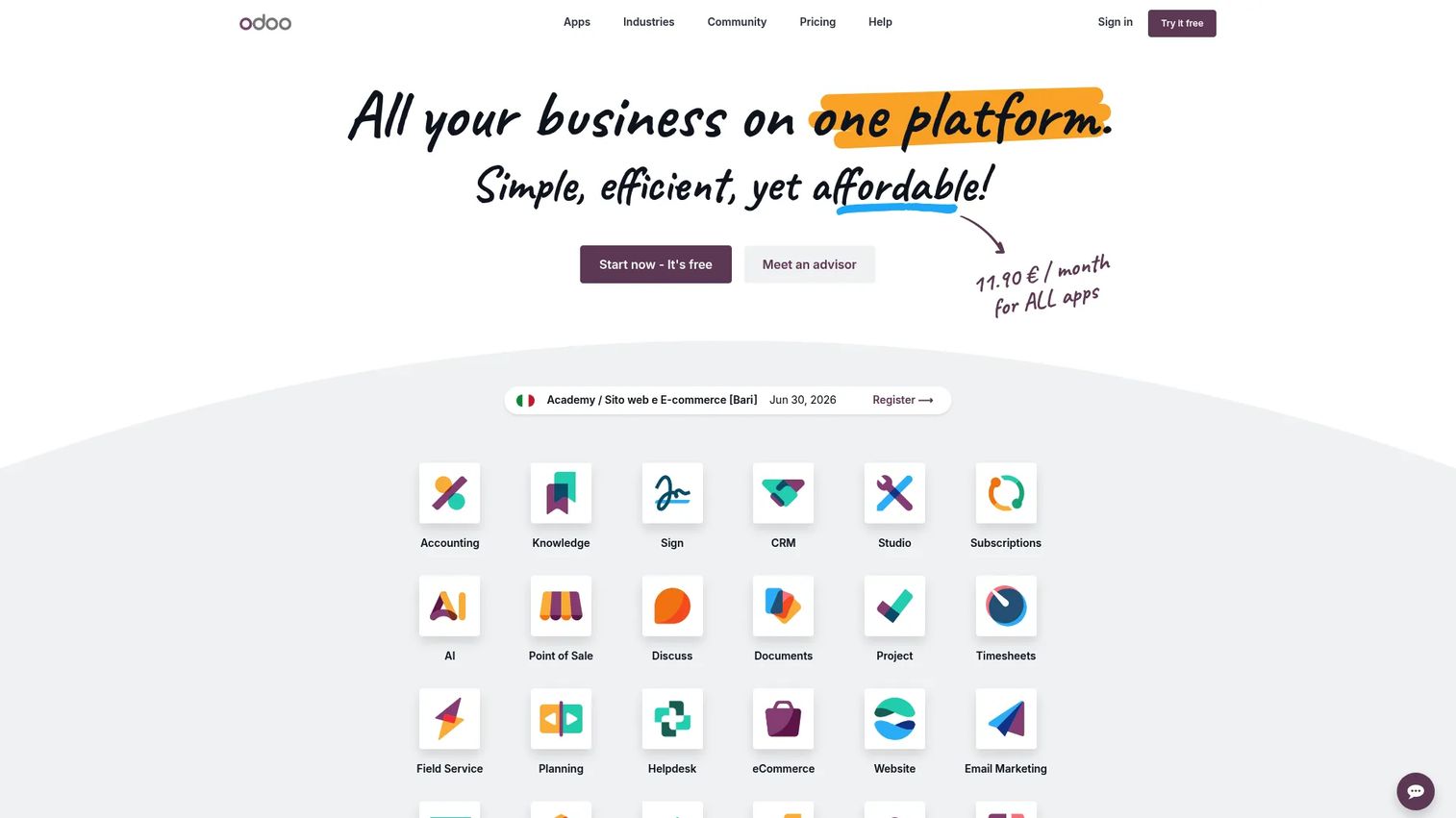
Odoo POS is web-based point of sale software for retail and restaurants that lives inside the broader Odoo business suite. Its appeal is integration: POS ties directly into inventory, accounting integrations, ecommerce, and loyalty, so a business already using or considering Odoo gets a single connected system. It runs on desktop, tablet, and smartphone, and supports offline mode.
Best for: Retailers and restaurants that want POS tightly integrated with inventory, accounting, and loyalty.
Key strengths
- All-in-one suite: POS connects to inventory, accounting, ecommerce, and CRM in one platform.
- Offline mode: Keep selling when the connection drops, then sync later.
- Flexible devices: Run on desktop, tablet, or smartphone with self-service options.
Why choose Odoo POS
Odoo POS fits businesses that value a connected suite over a standalone register. The modular model means you can start with POS and add modules as you grow, which suits operators planning to consolidate tools. If you only ever need checkout, a dedicated POS may be simpler than adopting a full suite.
Odoo POS pricing
Odoo offers a free single-app plan, with Standard at $24.90/user/mo and Custom at $49.00/user/mo. POS is included among the Odoo apps, so the suite pricing applies once you go beyond a single app. Factor in per-user costs and any modules you add as the business grows.
10. PayPal POS
PayPal POS is a lightweight point of sale option for sellers already aligned with PayPal. It pairs simple card reader and terminal hardware with Tap to Pay contactless payments, inventory management, and sales reporting, all with no monthly fee. For a small business that wants familiar payments and a fast start, it is an easy on-ramp to in-person selling.
Best for: Small businesses needing PayPal-branded in-person payments with simple hardware and no monthly fee.
Key strengths
- No monthly fee: Pay per transaction with no subscription or setup cost.
- Tap to Pay: Accept contactless payments on supported hardware.
- Simple hardware: A low-cost card reader and terminal get you selling quickly.
Why choose PayPal POS
PayPal POS fits sellers who already trust PayPal and want minimal setup for straightforward checkout. It is enough for pop-ups, small shops, and service businesses with simple needs. Operators who need deep inventory, multi-location support, or restaurant-specific workflows will likely outgrow it and move to a broader platform.
PayPal POS pricing
PayPal POS has no monthly or setup fees. Hardware starts at $29 for your first card reader, with a terminal at $199 and a terminal with built-in barcode scanner at $239, all one-time. Payment processing fees apply per transaction, so the per-sale rate is your real recurring cost rather than a subscription.
Considerations before you buy
Use this checklist to pressure-test any POS shortlist against total cost of ownership and operational fit.
Total cost of ownership
Add up monthly software, payment processing fees, hardware costs, and add-ons across a realistic year of volume. The cheapest signup is often not the cheapest in month 12. Free POS software almost always means free software with paid processing.
Payment processing flexibility
Decide whether you accept the platform's processor or want interchange-plus or bring-your-own options. At higher volume, a small rate difference outweighs the subscription tier. Confirm whether POS pricing bundles payments or quotes them separately.
Hardware strategy
Choose hardware-light or hardware-heavy based on how you sell. Terminals, receipt printers, cash drawers, and barcode scanners add up fast, and some platforms tie you to proprietary devices.
Integrations and scale
Check accounting integrations, ecommerce integrations, multi-location support, and offline mode against your roadmap. A tool that fits one store may strain at five. PCI compliance handling and support response times matter when a register goes down mid-shift.
Conclusion
The best POS system is not the one with the lowest sticker price. It is the one whose checkout workflow, payment costs, and hardware strategy match how your business actually sells, priced across a full year rather than a single month.
By business type: Square is the strongest all-purpose pick for small business, Toast owns restaurant POS, Lightspeed Retail wins on retail inventory depth, Shopify POS leads for omnichannel ecommerce sellers, Helcim is the move for fee-conscious operators, and Loyverse or PayPal POS keep lean, mobile, and pop-up setups affordable.
Your next step is simple. Shortlist two or three tools that match your business model, then open their live pricing pages side by side and model your real monthly volume across software, payments, and hardware. The numbers, not the marketing, will tell you which one is actually cheapest for you.
Start your journey with Guideflow today!
FAQs
A POS system is the combination of software, hardware, and payment processing used to complete sales and manage operations at checkout. The software rings up items and records transactions, the hardware handles physical interaction like card reading and receipts, and the payment processor moves the money. Together they form a single point of sale.
POS costs break into four parts: monthly software fees, payment processing fees, hardware costs, and add-ons. Software can be free, but payment processing typically runs around 2% to 3% per transaction, and hardware can range from a $29 card reader to multi-device kits. "Free" software is rarely fully free once processing and hardware are counted, so model your real monthly volume.
It depends on your model. For all-purpose small business use, Square is the strongest start thanks to its free plan. For restaurants, Toast is built for the job. For retailers with deep inventory, Lightspeed Retail fits, and for ecommerce-first sellers, Shopify POS leads. The best POS system for small business is the one that matches how you sell.
Common hardware includes a terminal or tablet, a card reader, a receipt printer, a cash drawer, and often a barcode scanner. Restaurants may add kitchen display screens, while mobile sellers may need only a phone and a card reader. Hardware costs vary widely, so confirm what your chosen platform requires and whether devices are proprietary.
The software can be genuinely free, but the full system rarely is. Free POS software almost always pairs with paid payment processing, and advanced features like deep inventory, multi-location support, or loyalty often sit behind paid tiers. Hardware is a separate cost too. Free is a real starting point, just not the final bill.
Toast is the leading restaurant POS because it is built around menus, modifiers, table service, and kitchen coordination rather than retrofitted from retail. Clover and Lightspeed also serve food service. The key features to look for are tableside ordering, modifier handling, online ordering, and back-of-house display integration.
For retail, inventory depth matters more than basic checkout speed. Lightspeed Retail handles variants, matrices, transfers, and multi-location pricing for complex catalogs, while Shopify POS leads when online and in-store inventory must sync. Square works well for simpler retail. Match the inventory management and omnichannel needs to your catalog size.
Compare pricing across software, payment processing fees, and hardware costs, then check integrations, support quality, PCI compliance handling, and scale needs like multi-location support and offline mode. Shortlist two or three tools that fit your business model and model your real transaction volume against each before deciding.










