



You patch every fixture, program every cue, and load the show. Then the interface drops mid-run and the room goes dark.
That single failure is what most people get wrong when they pick lighting control software. They evaluate the effects engine and the fixture library. They skip the boring part: which protocol the software speaks, which interface it drives, and whether that chain survives four hours of live playback.
The lighting control software market is projected to reach USD 15.8B by 2034, growing at a 13.4% CAGR from USD 5.2B in 2025, according to Market Intelo (2026). More software means more choice, and more ways to buy the wrong thing.
Modern DMX lighting control software now sits between USB DMX dongles, Art-Net, sACN, and full network rigs. The right pick depends on whether you run a laptop console at a church, a touring desk, or a fixed installation. Get the protocol and hardware match right, and the rest is programming.
What's inside
This guide is for anyone choosing lighting control software DMX workflows for a stage, venue, club, theater, or fixed install. We picked tools that ship real DMX output, support the protocols pro rigs actually run on, and hold up during live shows.
We evaluated each option against four criteria:
- Protocol support: DMX, Art-Net, sACN, and interface compatibility
- Platform: Mac, PC, or both
- Show workflow: cue building, effects, and live playback
- Scale: channel count and universe capacity
Pricing and ratings reflect each vendor's own listings. Where a figure was not public, we wrote around it instead of guessing.
TL;DR
- Best for Mac users: Lightkey, a Mac-native DMX app with a clean effects engine and Hue support
- Best for free cross-platform use: QLC+, open-source and runs on Mac, PC, and Linux
- Best for bundled downloads and utilities: Chromateq, hardware-paired software with a Wi-Light mobile app
- Best for advanced show control: MagicQ, a full console ecosystem for touring and theatre
- Best for pro theater workflows: ETC Nomad, laptop-based Eos programming
- Best for flexible cue programming: LightFactory, subscription and license options by universe
- Best for Elation and Obsidian hardware: ONYX Software, up to 128 universes with a free mode
What is lighting control software
Lighting control software turns a PC or Mac into a DMX controller for stage lighting, venues, clubs, and fixed installations. Instead of a dedicated hardware console, you run your fixtures from a laptop through a DMX interface or over a network.
DMX512 is the base protocol. It carries up to 512 channels per universe over a serial cable to your fixtures. Art-Net and sACN both send DMX data over standard Ethernet, so one network cable can carry many universes to nodes near the fixtures. sACN (also called E1.31) is the standard many pro rigs lean on for larger, network-first setups.
Most dmx software shares a core feature set:
- Fixture patching: assign fixtures to channels and universes
- Scene and cue programming: save looks and sequence them
- Chases and effects: automated color, movement, and intensity patterns
- Live playback and faders: run the show in real time
- Protocol output: USB DMX, Art-Net, and sACN support
- Universe and channel scaling: grow from one universe to dozens
The difference between lighting control software dmx workflows and a basic consumer app comes down to output. A phone app that flashes a smart bulb is not driving 512 channels of moving heads over sACN. Real DMX controller software patches fixtures, holds timing under load, and outputs to hardware interfaces that professional rigs depend on.
When to use lighting control software
Run stage lighting from a laptop
A church, theater, small venue, or event team often wants a console without buying console hardware. Stage lighting software on a laptop gets you fixture patching, cue stacks, and live faders for a fraction of a dedicated desk. It works well when your rig is modest and your operator is comfortable clicking through a screen instead of physical wings.
Control fixtures over USB or network
USB DMX is the simplest path: plug a dongle into your laptop, run one universe, done. Network-first workflows use Art-Net or sACN over Ethernet, which matters once you scale past a couple of universes or need nodes placed near distant fixtures. For a single-universe club rig, USB DMX is plenty. For a multi-zone install, network output is the right call.
Build cues and live show playback
Programmers use lighting software to store presets, sequence cues, run chases, and layer effects with live speed control. During a show you trigger cues in order, override with faders, and adjust rate on the fly. This is where MIDI input and timeline playback earn their place, letting you sync lighting to music or to a stage manager's calls.
Comparison table
We compared each tool on platform support, protocol compatibility, live-show workflow, scale, and setup. Pricing reflects each vendor's own listing. Several tools in this category, including QLC+, MagicQ, and ONYX, ship a free tier or free mode, so entry cost is often low and price scales with channels or universes.
| # | Product | Best for | Key differentiator | Pricing | G2 rating |
|---|---|---|---|---|---|
| 1 | Lightkey | Mac users | Mac-native DMX plus Philips Hue control | Free tier; paid from $79/year | Not listed |
| 2 | Chromateq | Installers and venues | Hardware-paired software with Art-Net pixel mapping | Free tier; licenses from €99 | Not listed |
| 3 | QLC+ | Free cross-platform use | Open-source, runs on Mac, PC, and Linux | Free, donation-supported | Not listed |
| 4 | MagicQ | Advanced show control | Full console ecosystem with visualisation | Free demo mode; paid unlocks | Not listed |
| 5 | ETC Nomad | Pro theater workflows | Laptop-based Eos programming | Education package $350; unlock keys vary | Not listed |
| 6 | LightFactory | Flexible cue programming | Cue and effects control priced by universe | Subscriptions from $99/year | Not listed |
| 7 | ONYX Software | Elation and Obsidian hardware | Up to 128 universes with DyLOS pixel control | Free mode; higher tiers via hardware | Not listed |
Best 7 lighting control software tools for 2026
1. Lightkey
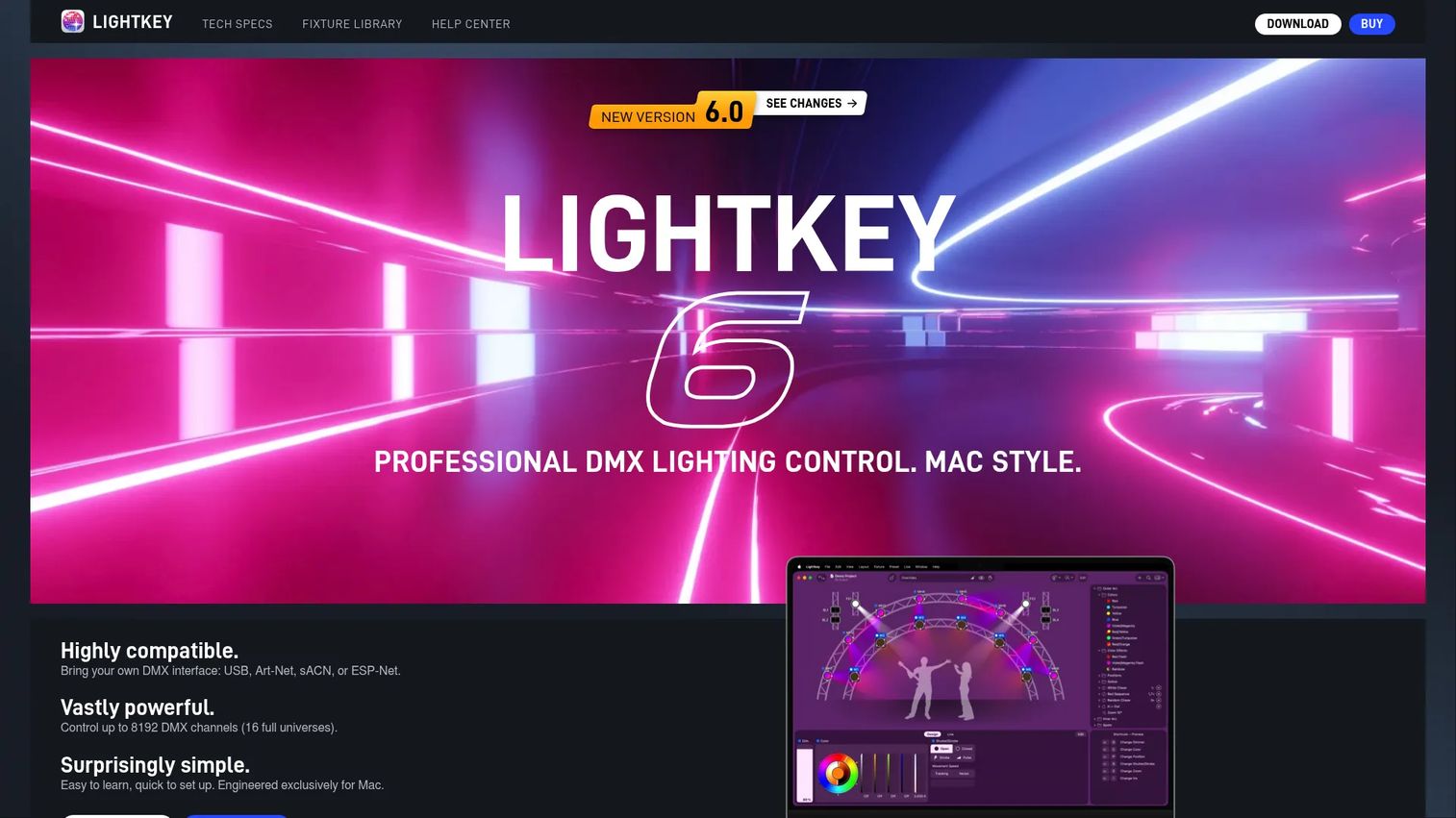
Lightkey is Mac-based professional DMX lighting control software. It gives Mac operators a native app for running fixtures, programming shows, and controlling Philips Hue smart lights alongside traditional DMX gear. The live preview with 3D virtual light beams lets you build looks before the rig is even powered.
Best for: Mac users needing DMX lighting control for shows, fixtures, and Hue smart lights.
Key features
- Control DMX fixtures and Philips Hue smart lights
- Live preview with 3D virtual light beams
- Effects engine with 70+ editable templates
- MIDI and Ableton Link workflow support
- Scales up to 8192 DMX channels
If you searched for light key software or a Mac DMX app, this is the answer to that query. Lightkey is one of the few options built Mac-first rather than ported from Windows, which shows in the interface. It suits smaller pro productions and Mac-heavy teams who want lighting control software for Mac without running a virtual machine.
Why choose Lightkey: It fits operators already inside the Mac ecosystem who want a clean effects engine and Hue integration in one app. The channel-based license tiers let you pay for the scale you actually run.
Lightkey pricing: The free edition includes the full feature set but limits DMX output to 24 channels. Paid licenses start at $79 for 256 channels, $119 for 512 channels, $199 for 1024 channels, and $379 for 8192 channels. Each license is valid for one year with free updates and support during that period.
A current G2 rating for Lightkey was not listed at the time of writing.
2. Chromateq
Chromateq builds lighting control hardware and software for DMX, Art-Net, and stand-alone show control. Its download hub bundles installers, drivers, and fixture profiles in one place, which makes it a practical no-friction starting point for installers and venue techs. The Wi-Light mobile app adds remote control over Wi-Fi or LAN.
Best for: Lighting installers and venues needing DMX and Art-Net control plus stand-alone playback.
Key features
- PRO DMX 2 software with PRO and Player modes
- PIXXEM Art-Net pixel mapping up to 512 universes
- Wi-Light mobile app and API for remote control
- Drivers and fixture profiles bundled in the download hub
- Cross-platform availability
Chromateq works for buyers who want a hardware-paired setup with software that comes ready to run. The stand-alone playback matters for installs where the show has to run without a computer attached after programming.
Why choose Chromateq: It fits installers who want DMX and Art-Net in a package that pairs with the vendor's own interfaces, plus a mobile app for on-site adjustments.
Chromateq pricing: Chromateq lists upgrade and license options tied to its interfaces. The YEAR license is €99 and the FULL license is €149, both one-time and excluding VAT. A free tier is available for entry-level use.
A current G2 rating for Chromateq was not listed at the time of writing.
3. QLC+
QLC+ is free, open-source, cross-platform lighting control software for DMX and related show-control workflows. It runs on Mac, PC, and Linux, which makes it the default pick for budget-conscious users, volunteers, and anyone testing lighting control before committing money. The Virtual Console lets you build a custom live-control layout.
Best for: Lighting designers, DJs, theaters, and hobbyists needing a free show-control console.
Key features
- Fixture library and Fixture Editor
- Virtual Console for live control
- USB DMX, MIDI, Art-Net, E1.31, and OSC input/output
- HID and SPI support
- Runs on Mac, PC, and Linux
QLC+ is the answer for anyone who wants lighting control software for PC or Mac without a license fee. It handles basic show programming well and scales further than its price suggests. Volunteer-run venues and community theaters lean on it precisely because it costs nothing and speaks every common protocol.
Why choose QLC+: It fits teams with tight budgets who still need real protocol support. Open-source means no license lock, and the community keeps the fixture library growing.
QLC+ pricing: QLC+ is free to use and donation-supported. The project accepts donations and takes paid feature requests, but there is no subscription or list price to pay.
A current G2 rating for QLC+ was not listed at the time of writing.
4. MagicQ
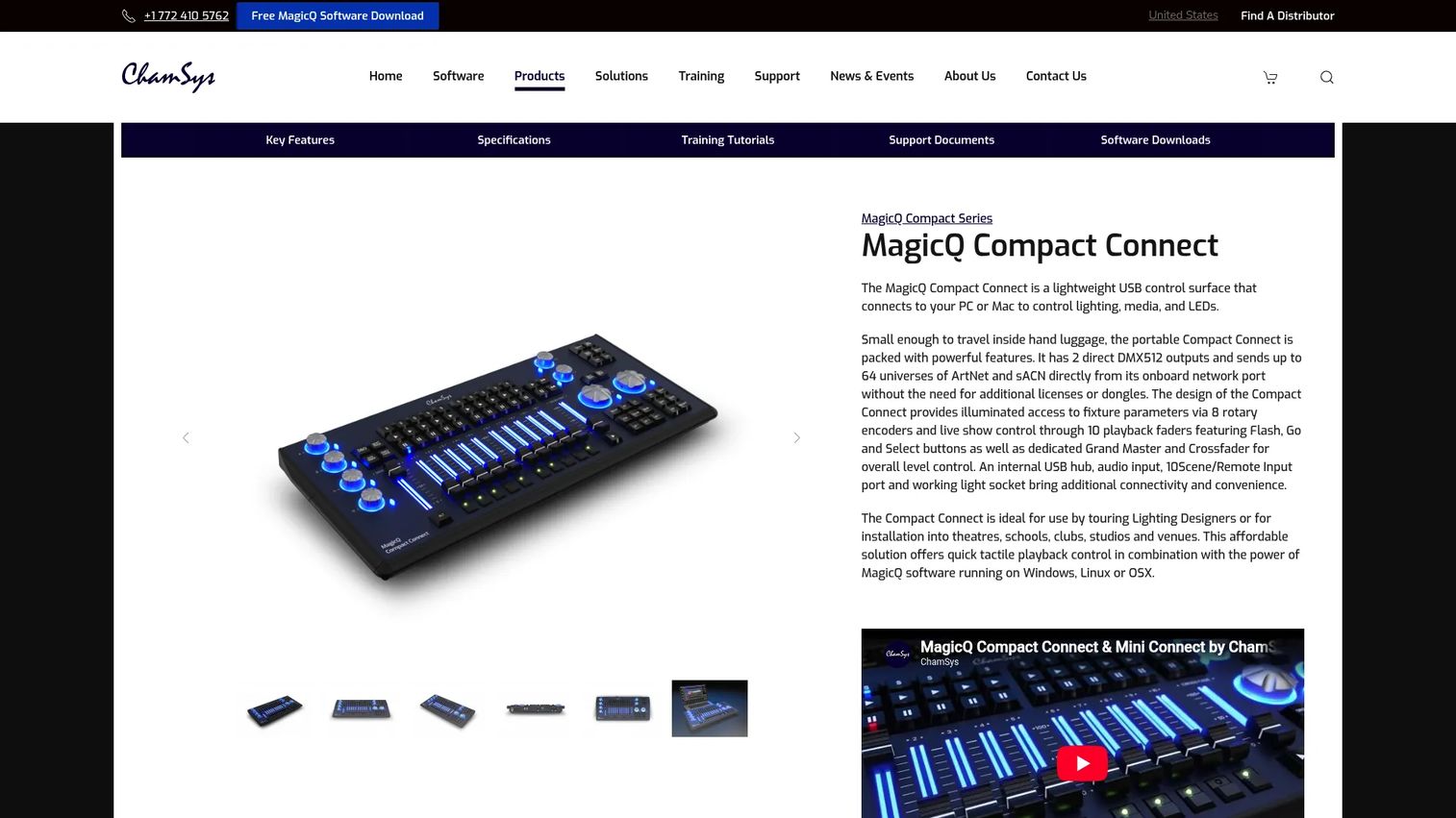
MagicQ is ChamSys's professional lighting control software and console ecosystem for complex live production. It targets touring, theatre, and live events where you need visualisation, pixel mapping, and multi-console programming. The software is a free download, and the same platform runs on ChamSys consoles.
Best for: Lighting professionals needing scalable console and software control for touring, theatre, and live events.
Key features
- Free MagicQ software download
- Full lighting visualisation and pixel mapping
- HD media playback
- Multi-console programming and networking
- Remote control support
MagicQ is stage lighting software built for scale. It is a strong fit for larger show environments and PC-based operators who want a real console workflow without buying a desk first. The free software download means you can learn the platform, then move to hardware or unlock output as the rig grows.
Why choose MagicQ: It fits programmers who expect to grow into touring or theatre-scale rigs and want software that matches the console they will eventually run.
MagicQ pricing: ChamSys lists three unlock levels: Demo Mode, Core Mode, and Unlocked Mode. Demo Mode is free. Pricing for the Core and Unlocked modes was not shown publicly at the time of writing, and output scale depends on the mode and connected hardware.
A current G2 rating for MagicQ was not listed at the time of writing.
5. ETC Nomad
ETC Nomad is a USB software key that unlocks ETC's Eos lighting control on a Mac or PC. If your venue already runs Eos consoles, Nomad puts the same programming environment on a laptop for offline work, backup, and training. It brings Augment3d visualisation and Magic Sheets to portable machines.
Best for: Lighting programmers needing portable Eos control on a laptop.
Key features
- Unlocks Eos on PC or Mac
- Base and unlocked output options
- Augment3d 3D visualisation
- Magic Sheets custom layouts
- Networking and output capability
Nomad is the practical choice for established theater and venue operations already inside the Eos world. Programmers use it to build shows offline, then walk into the venue and load onto the house console. That workflow continuity is the reason so many professional houses standardize on it.
Why choose ETC Nomad: It fits teams committed to the Eos ecosystem who want laptop programming that matches their venue consoles exactly.
ETC Nomad pricing: The ETCnomad Education Package is publicly priced at $350 (or €350 / £300, plus tax). Pricing for the standard base and unlocked keys was not shown on the product pages at the time of writing.
A current G2 rating for ETC Nomad was not listed at the time of writing.
6. LightFactory
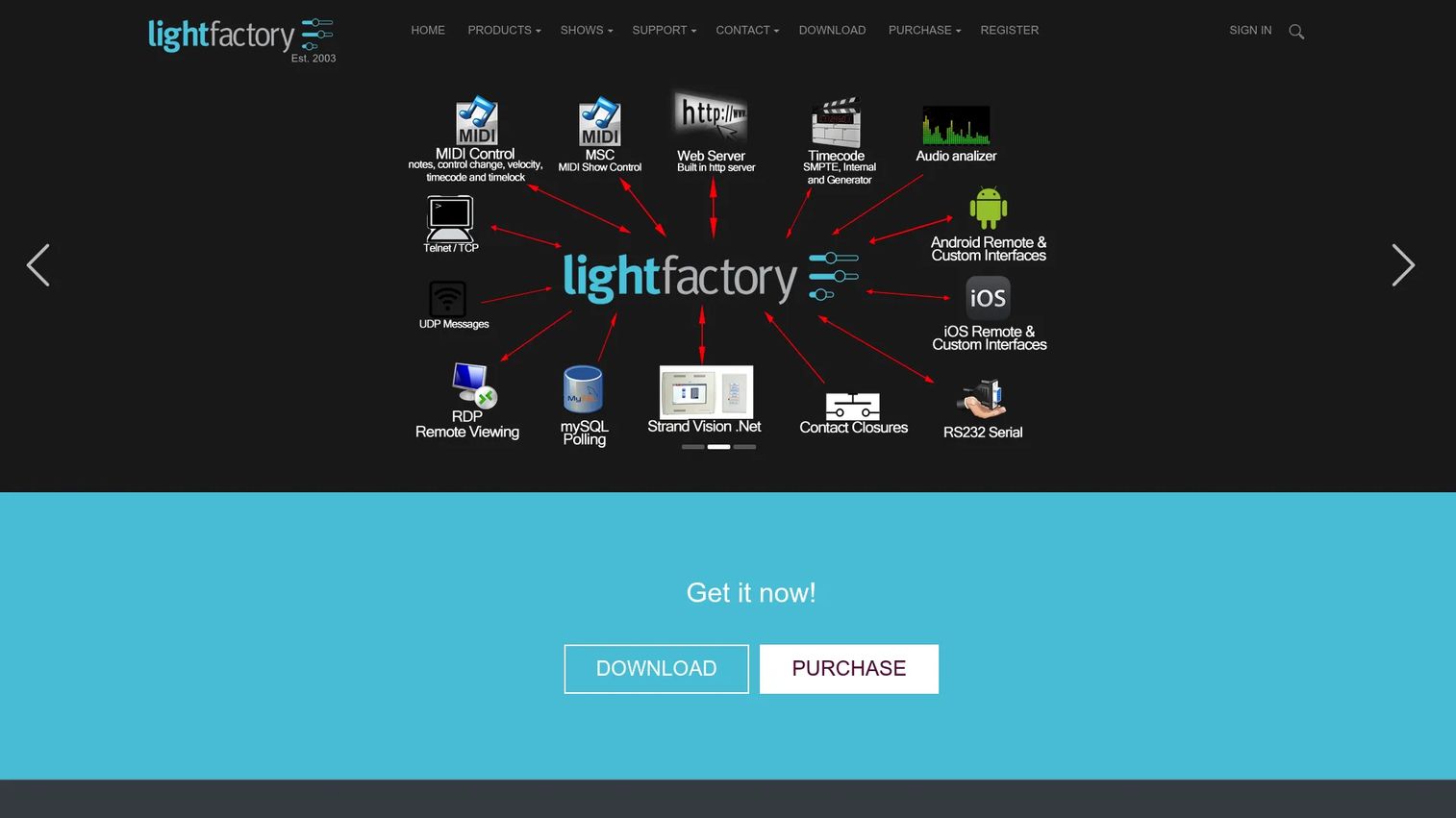
LightFactory is lighting control software built around cues, effects, LED and matrix control, and media playback. It targets programmers who want more than a basic controller app but do not want a full console ecosystem. The flexible cue system and effects runner handle both scripted playback and live, on-the-fly control.
Best for: Theatre, concert, club, and live-event lighting programmers needing cue-based control.
Key features
- Flexible cue system for automated playback
- Effects runner with on-the-fly control
- Advanced LED and matrix effects
- Media playback support
- Universe-based licensing
LightFactory sits between a simple laptop app and a pro desk. Operators compare it when a free tool feels limiting but a console feels like overkill. The universe-priced tiers let you match the license to the rig instead of paying for capacity you will not use.
Why choose LightFactory: It fits programmers who want serious cue and effects control with pricing that scales by universe rather than by feature gate.
LightFactory pricing: Subscriptions start at $99 per year for 1 universe, $149 per year for 4 universes, and $199 per year for 10 universes. A 1-universe license option is listed at $399.
A current G2 rating for LightFactory was not listed at the time of writing.
7. ONYX Software
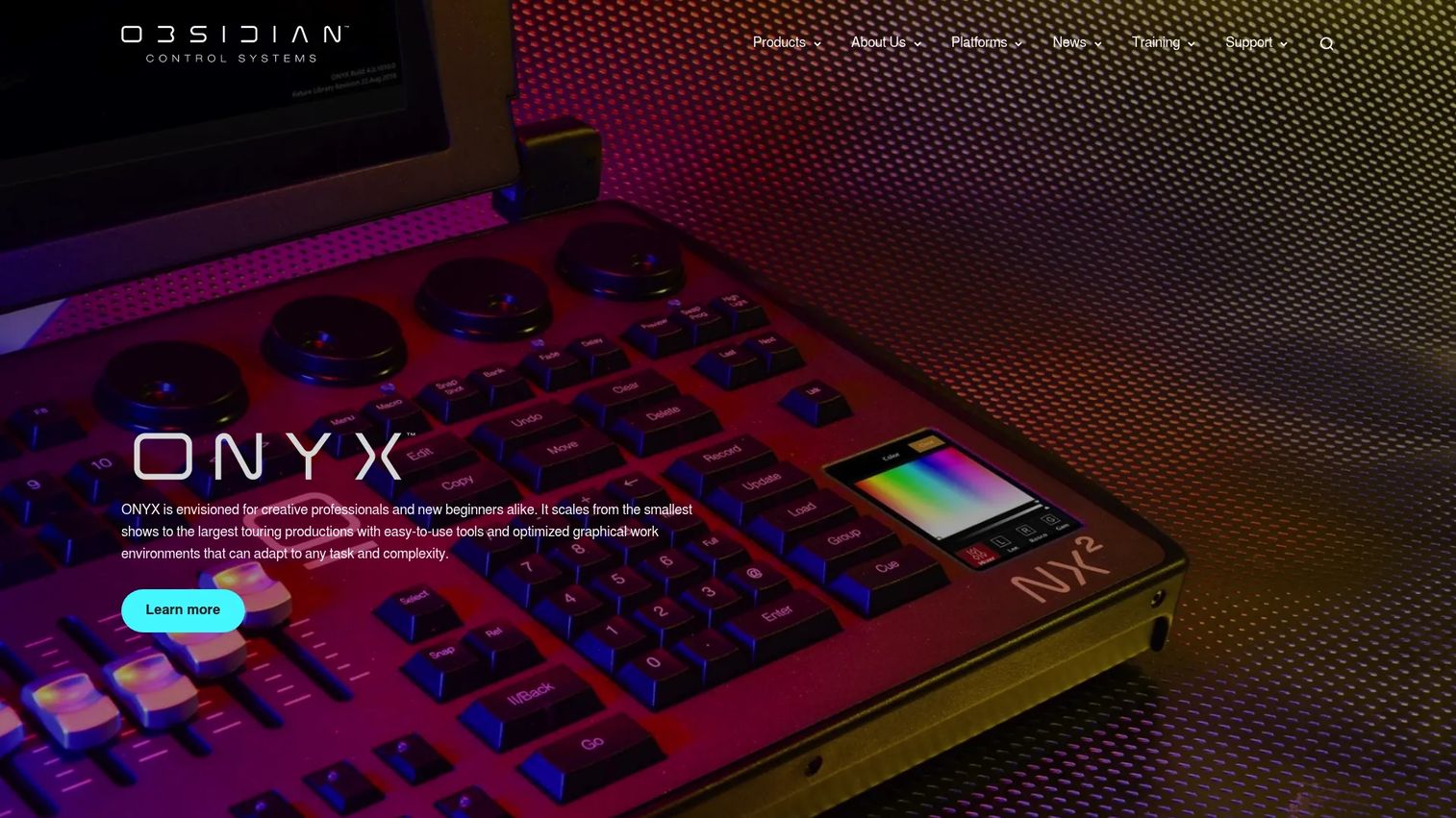
ONYX Software is a professional lighting control platform for Windows PCs and Obsidian NX consoles. It suits operators already inside the Obsidian and Elation hardware family who want one platform across laptop and console. Built-in DyLOS pixel and media control handle modern LED-heavy rigs.
Best for: Lighting professionals needing PC-based or console-based show control.
Key features
- Supports up to 128 universes
- Built-in DyLOS pixel and media control
- Art-Net and sACN support
- Free mode with no hardware required
- License tiers unlocked by hardware or USB keys
ONYX is a natural fit for teams standardized on Elation and Obsidian gear. The free mode lets you learn and program without hardware, and higher tiers unlock through compatible consoles or USB license keys. The 128-universe ceiling handles large fixed installs and touring rigs alike.
Why choose ONYX Software: It fits users already inside the Elation and Obsidian ecosystem who want a single platform that runs on both PC and dedicated consoles.
ONYX pricing: A free mode is available without hardware. Higher tiers, including NOVA, NOVA+, Essential, Premier, and Elite, unlock with compatible hardware or USB license keys. Numeric prices were not shown on the vendor pages at the time of writing.
A current G2 rating for ONYX Software was not listed at the time of writing.
Considerations
Before you buy, run every option through this checklist. The software features matter less than whether the whole chain holds up on show day.
Protocol support
Confirm the software speaks the protocols your rig runs. DMX over USB covers a single universe. Art-Net and sACN carry many universes over Ethernet, and sACN is the standard many larger network rigs settle on. If you plan to grow, pick software that supports all three so you are not migrating later.
Hardware and interface compatibility
A dmx controller software package is only as reliable as its interface. Check which USB DMX dongles, network nodes, and consoles the software officially supports. Vendor-paired hardware, like Chromateq interfaces or Obsidian consoles, tends to be the most stable path because the software and interface are tested together.
Scale and universes
Estimate your channel count now and in two years. One universe is 512 channels. A few moving heads and a pixel bar eat channels fast, so count fixture footprints before you assume one universe is enough. Software like ONYX scales to 128 universes; a small club rig may never leave one.
Reliability and backup workflow
For any show-critical rig, plan for failure. Network-first setups with sACN can run redundant paths, and some platforms support backup consoles or takeover. USB stability matters on show day too: a loose dongle is a dark stage. Test your exact laptop, interface, and cable combination under load before you rely on it.
Learning curve and show workflow
Match the software to the operator. A volunteer running Sunday services needs simple cue playback, not a touring console. A professional programmer wants deep effects, timeline control, and multi-console networking. Pick the tool your actual operator can run confidently, not the one with the longest feature list.
Conclusion
The right lighting control software comes down to three questions: which protocol does your rig speak, which hardware will you drive, and how critical is the show.
For Mac users, Lightkey gives you a native app with Hue support. For free cross-platform control, QLC+ runs everywhere and costs nothing. Chromateq suits installers who want bundled hardware and software. MagicQ scales into touring and theatre workflows. ETC Nomad fits established Eos houses. LightFactory offers flexible cue control priced by universe. ONYX Software is the pick for Elation and Obsidian hardware.
Start with your protocol and interface, not the feature list. A tool that speaks sACN and drives your exact node beats one with a prettier effects engine that drops output mid-show. Download a free tier or demo mode, patch your real fixtures, and run a full show cycle before you commit.
Start your journey with Guideflow today!
FAQs
QLC+ is the easiest place to start because it is free, cross-platform, and supports USB DMX out of the box. You can patch a few fixtures and build simple cues without spending anything. Mac users who want a cleaner interface often start with Lightkey's free 24-channel edition instead.
Not quite. A lighting console is dedicated hardware with physical faders and buttons. DMX lighting control software turns a laptop into a console, using an on-screen interface and a USB or network DMX interface for output. Many pro platforms, like MagicQ and ONYX, run the same software on both a PC and their own consoles.
USB DMX is enough for a single universe and a small rig: plug in a dongle and run 512 channels. Art-Net or sACN over Ethernet makes more sense once you scale past a couple of universes or need to place nodes near distant fixtures. For a club, USB is usually fine; for a multi-zone install, go network-first.
Lightkey is the standout Mac option because it is built Mac-first rather than ported from Windows. It handles DMX fixtures and Philips Hue lights, includes a 3D live preview, and scales to 8192 channels. If you want free cross-platform dmx software instead, QLC+ also runs natively on macOS.
Count your fixtures and their channel footprints. One universe holds 512 channels, and moving heads plus pixel devices consume channels quickly. A handful of conventional fixtures fits in one universe; a large LED or moving-head rig can need several. Estimate current needs, then add headroom so you are not re-buying later.
Yes, when the whole chain is tested. Reliability depends on your laptop, interface, cabling, and protocol choice more than the software brand. Network-first sACN setups can run redundant paths, and USB rigs need a solid dongle and cable. Always run a full show cycle on your exact gear before a live event, and have a backup plan.
At minimum, a DMX interface: a USB DMX dongle for one universe, or an Art-Net or sACN node for network output. Larger rigs add multiple nodes placed near fixtures, and some operators pair software with a dedicated console. Vendor-paired interfaces tend to be the most stable choice.
Often, yes. QLC+ and MagicQ's demo mode both deliver real DMX output and protocol support at no cost, and ONYX offers a free mode too. Free tools work well for smaller rigs, volunteers, and learning. Pro-grade paid platforms become worth it when you need larger scale, redundancy, timeline control, or matching console hardware for touring and theatre.










