You just wrapped a discovery call. The prospect named a competitor, flagged a budget cycle, and asked for one specific thing before the next call. Twenty minutes later, another call starts. By Friday, half of that detail lives in your memory, a quarter lives in a Slack message you can't find, and the rest never made it to the CRM.
That gap is where deals slow down. Not because the leads are bad, but because the follow-up loses the exact detail that would have moved the deal forward.
According to Fellow.ai (2025), 75% of professionals now use an AI note-taker in their work meetings. The tools got good. The problem now is picking the one that fits how you actually sell: fast calls, cleaner handoffs to AEs, and a CRM that reflects what was said without an hour of manual entry.
This guide compares eight tools that capture calls, write summaries, pull out action items, and push follow-up into your workflow. No fluff about "productivity." Just what each one does and who it fits.
What's inside
This guide is for SDRs, AEs, sales managers, and RevOps teams who run a lot of calls and need cleaner follow-up. We compared eight meeting notes tools on the factors that decide whether a tool earns its place in your stack.
We scored each on:
- Transcription quality and speaker identification
- Summaries and action items you can actually use
- Integrations, CRM sync, and workflow automation
- Pricing, free plan, and value for a growing team
- Team collaboration and searchable meeting archives
TL;DR
- Best for AI search and enterprise knowledge: Read AI, with cross-workspace search across meetings, email, and messages.
- Best for clean transcription and broad adoption: Otter.ai, strong on real-time transcription and shared notes.
- Best for CRM-centric follow-up automation: Fireflies.ai, with searchable archives and workflow automation.
- Best free option for lightweight notes: Fathom, with unlimited recordings on the free plan.
- Best for meeting rituals and team collaboration: Fellow, built around agendas and recaps.
- Best for structured organization and channels: MeetGeek, with templates and automation routing.
- Best for multilingual teams: tl;dv, strong on transcription across languages and clip sharing.
- Best for conversation intelligence and sales depth: Avoma, tying notes to coaching and pipeline.
What is meeting notes software?
Meeting notes software is a tool that records, transcribes, and summarizes conversations, then turns them into searchable notes, action items, and shareable recaps. Most modern options are AI meeting assistants that join Zoom, Google Meet, or Microsoft Teams, capture the audio, and produce a written record without anyone taking notes by hand.
The category grew fast. The AI note-taking market was valued at $623.5 million in 2025 and is projected to reach $3.48 billion by 2035, according to Precedence Research (2026). That growth reflects a simple shift: teams stopped writing notes and started reviewing them.
Core capabilities to expect from a meeting notes app:
- Transcription: Full text of the call, often with speaker identification and multilingual transcription.
- Summaries: A short recap of what was discussed and decided.
- Action items: Extracted next steps and owners, so nothing gets lost.
- Searchable archives: Find any past call, objection, or commitment by keyword.
- Sharing: Send recaps to teammates, or drop clips into Slack and email.
- Integrations: CRM sync, calendar links, and workflow automation into the tools you already use.
The best AI meeting notes tools do more than transcribe. They translate a conversation into follow-up: a task, a CRM update, a clip your AE can watch before the next call.
When to use meeting notes software
Capture meetings without manual note-taking
On a fast discovery call, you can either listen or write. You can't do both well. An AI meeting assistant records and transcribes in the background, so you stay present and ask the next question instead of scrambling to type.
This matters most on back-to-back call days. The tool removes the note fatigue that leads to thin, half-remembered summaries by 4pm.
Turn conversations into follow-up tasks
A call is only useful if it produces a next step. Meeting notes software with action items pulls out the commitments, deadlines, and owners, then routes them into tasks, reminders, or CRM fields.
For SDRs, this is the AE handoff. Clean notes plus a clear next step mean the meeting converts into pipeline instead of a dropped ball.
Search past calls for proof and context
Six weeks later, you need to know exactly what a buyer said about pricing. Searchable meeting notes let you find the objection, the commitment, or the buying signal in seconds. Managers use the same archive to coach reps and spot patterns across deals.
Comparison table
Here is how the eight tools compare on best fit, differentiation, pricing, and G2 rating. Pricing reflects each vendor's public pricing page as of July 2026, and ratings reflect current G2 listings.
| # | Product | Best for | Key differentiation | Pricing | G2 rating |
|---|---|---|---|---|---|
| 1 | Read AI | AI search and enterprise knowledge | Cross-workspace search across meetings, email, messages | Free; Pro $19.75/user/mo | 4.0/5 |
| 2 | Otter.ai | Clean transcription and broad adoption | Real-time transcription and shared notes | Free; Pro $8.33/user/mo | 4.4/5 |
| 3 | Fireflies.ai | CRM follow-up automation | Searchable archives and workflow automation | Free; Pro $10/seat/mo | 4.7/5 |
| 4 | Fathom | Free, lightweight notes | Unlimited recordings on the free plan | Free; Premium $16/user/mo | 5.0/5 |
| 5 | Fellow | Meeting rituals and collaboration | Agendas, briefs, and recap automation | Free; Team $7/user/mo | Not listed |
| 6 | MeetGeek | Structured organization | Templates plus automation routing | Free; Pro $9.99/user/mo | 4.6/5 |
| 7 | tl;dv | Multilingual teams | Transcription across languages, clip sharing | Free; Pro $18/user/mo | 4.7/5 |
| 8 | Avoma | Conversation intelligence and sales depth | Notes tied to revenue intelligence | Startup $19/seat/mo | 4.6/5 |
Best 8 meeting notes software tools
1. Read AI
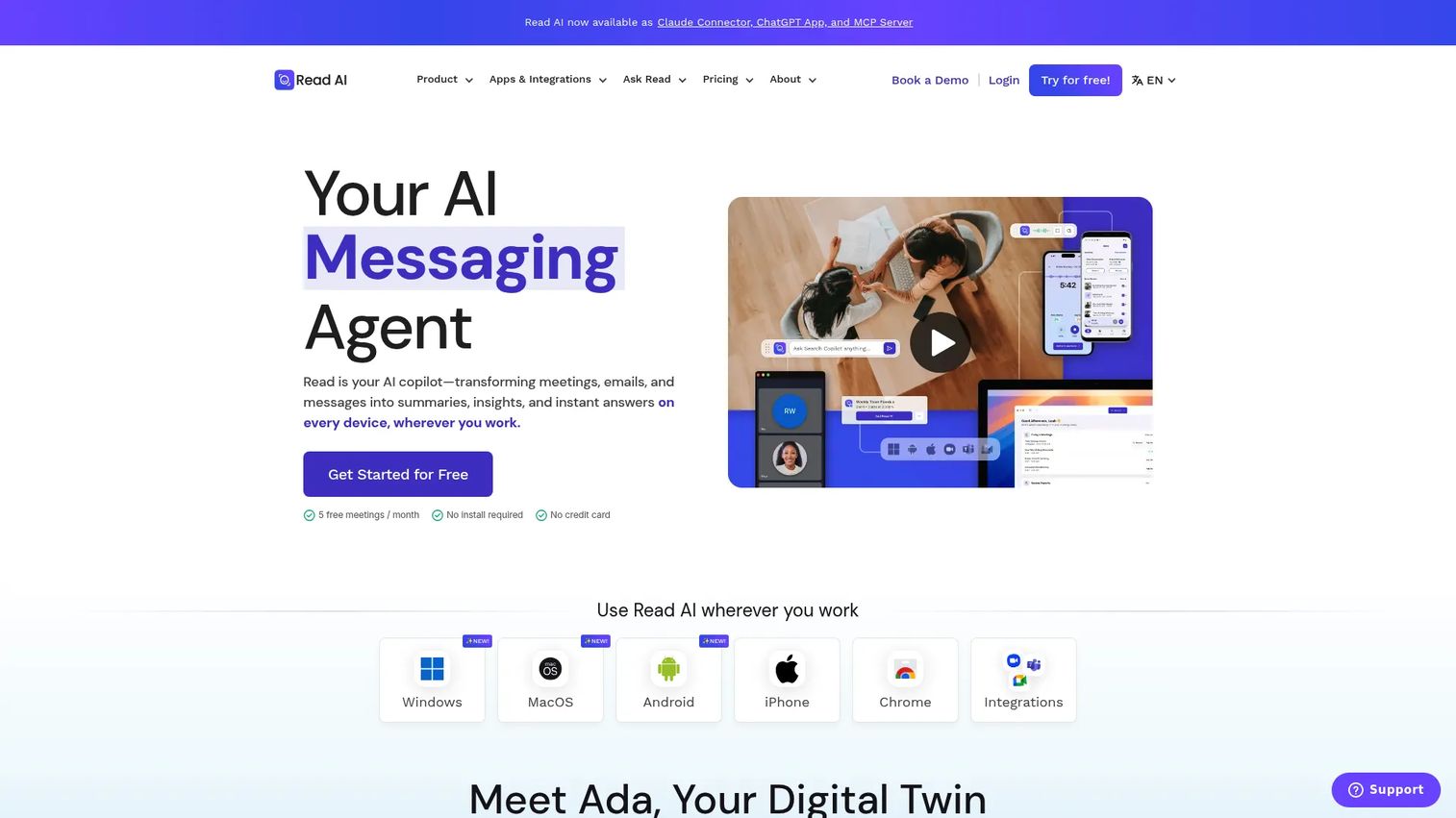
Read AI positions itself as an AI copilot for meetings, email, messages, and search. It captures your calls, writes summaries and action items, and layers on enterprise search across everything you touch during the day. The standout is "Ask Read," which lets you query across meetings, emails, and messages instead of hunting through one transcript at a time.
For a sales team, that cross-workspace search is the differentiator. When a prospect references a thread from three weeks ago, you find it fast.
Best for: Teams that want AI meeting notes plus cross-workspace search and summaries.
Key features
- Meeting summaries, transcripts, and action items
- Ask Read enterprise search across meetings, emails, and messages
- Meeting assistant for Zoom, Teams, and Google Meet
Why choose Read AI: Choose it if your team lives across multiple tools and needs one search layer over all of them, not just a per-call transcript. The unlimited enterprise search on the free plan makes it easy to test before you commit.
Read AI pricing: Free plan includes 5 meeting transcripts per month plus unlimited enterprise search. Pro is $19.75 per user/month billed annually. Enterprise is $29.75 and Enterprise+ is $39.75 per user/month billed annually.
2. Otter.ai
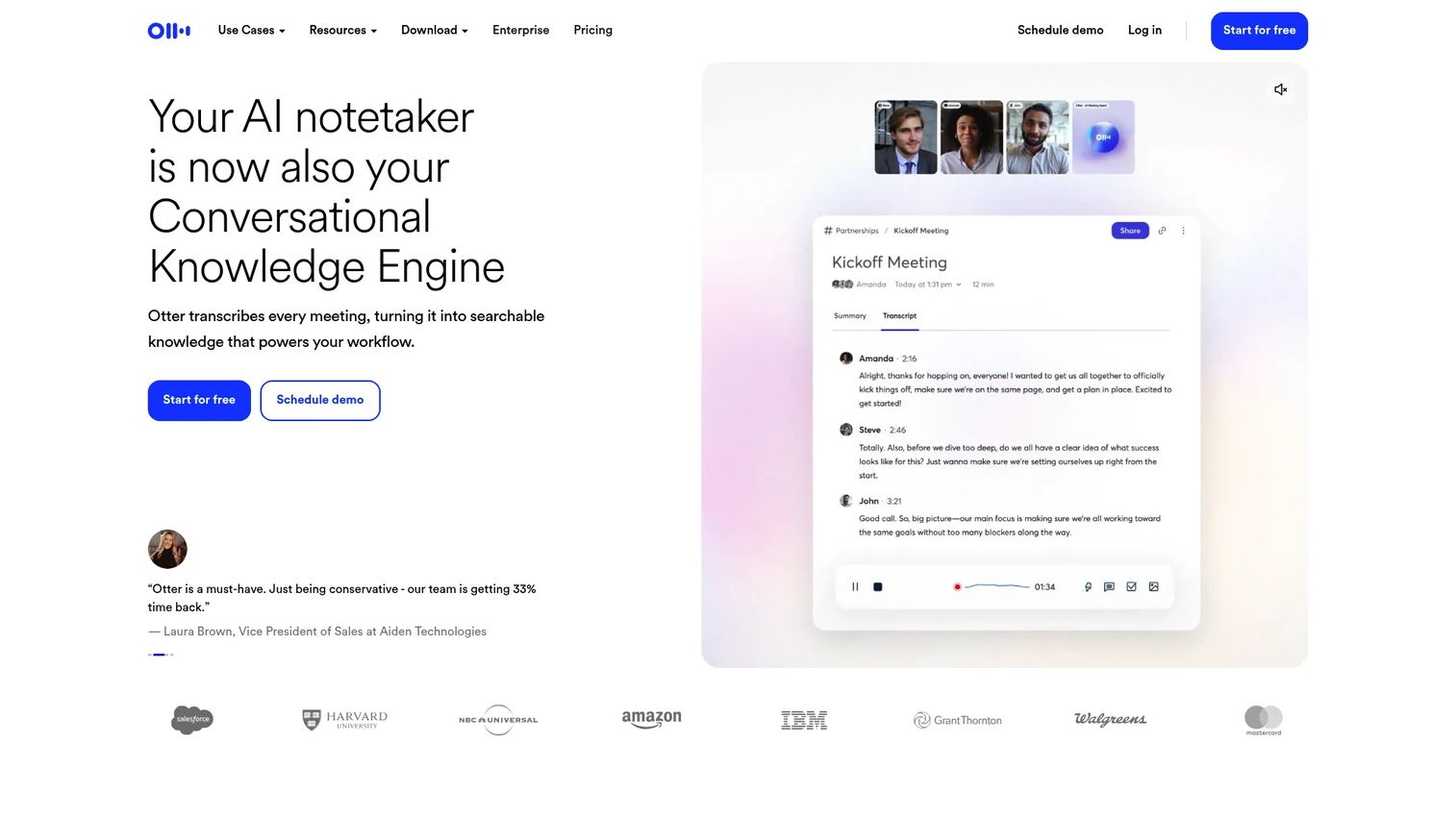
Otter.ai is one of the most widely adopted meeting assistant tools, known for fast, accurate real-time transcription. It captures live text as the call happens, generates summaries and action items, and makes shared notes easy for teams that want to collaborate on a single record.
Its broad adoption is a practical advantage. New reps already know it, which shortens onboarding, and it works across Zoom, Microsoft Teams, and Google Meet.
Best for: Teams that need AI meeting transcription and searchable notes.
Key features
- Real-time transcription
- Meeting summaries and action items
- Works with Zoom, Microsoft Teams, and Google Meet
Why choose Otter.ai: Choose it if transcription quality and team-wide adoption matter more than deep sales-specific automation. The live transcript view is strong for reps who want to skim during a call.
Otter.ai pricing: Basic is free forever. Pro is $8.33 per user/month billed annually. Business is $19.99 per user/month billed annually. Enterprise pricing is available by scheduling a demo.
3. Fireflies.ai
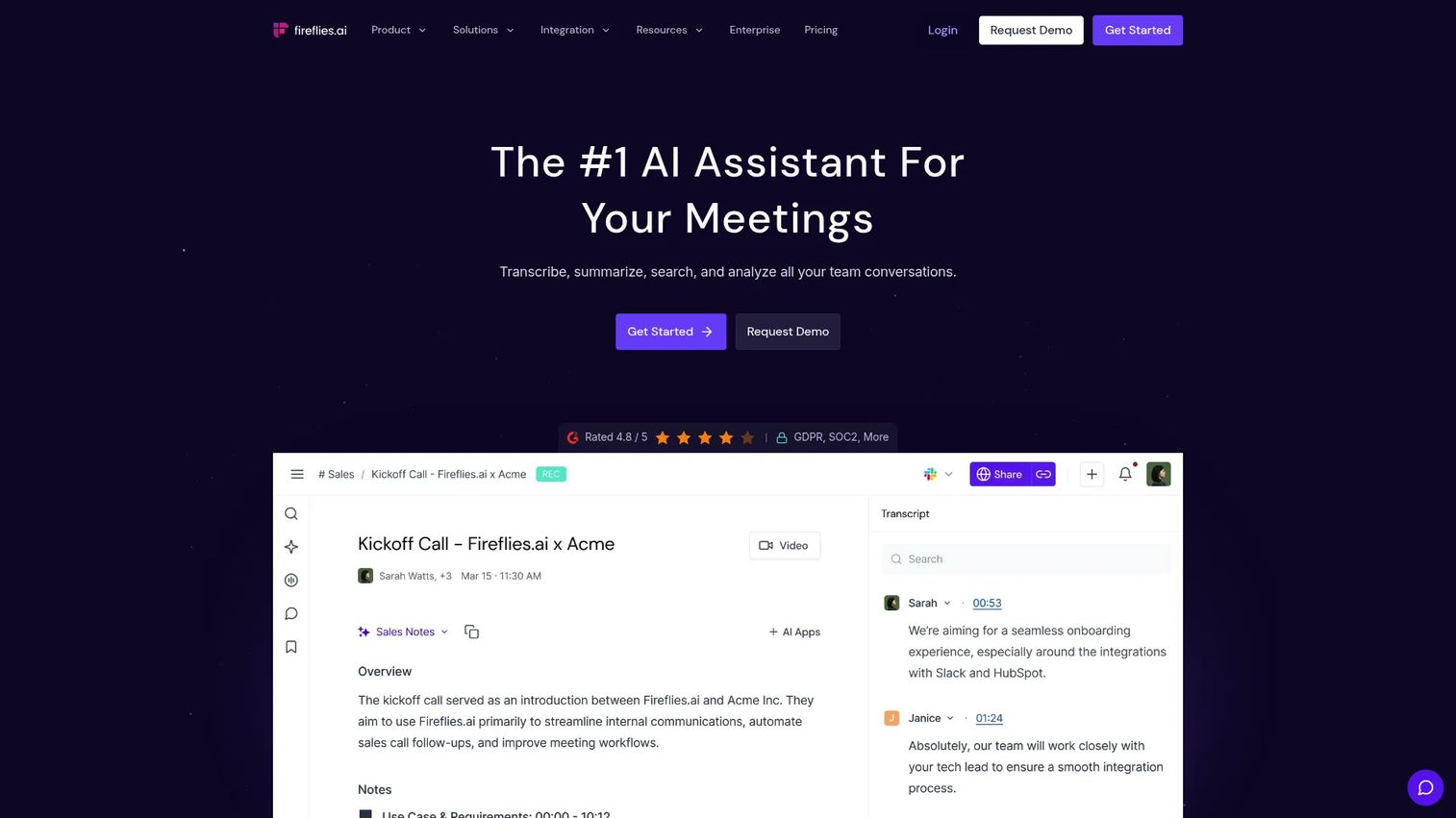
Fireflies.ai records, transcribes, and summarizes meetings, then leans hard into follow-up automation. It handles transcription in more than 100 languages, generates AI summaries with action items, and offers meeting search plus AskFred for querying past calls. For SDRs and AEs, the CRM sync and workflow automation are the reason to look here.
The searchable archive turns every past call into proof you can pull up mid-deal.
Best for: Teams that want automated meeting notes, transcription, and CRM follow-up.
Key features
- Meeting transcription in 100+ languages
- AI summaries with action items
- Meeting search, AskFred, and conversation intelligence
Why choose Fireflies.ai: Choose it if your priority is getting call outcomes into the CRM and firing off follow-up without manual entry. The workflow automation fits teams that treat the meeting record as pipeline input.
Fireflies.ai pricing: Free forever plan available. Pro is $10 per seat/month, Business is $19 per seat/month, and Enterprise is $39 per seat/month, all billed annually.
4. Fathom
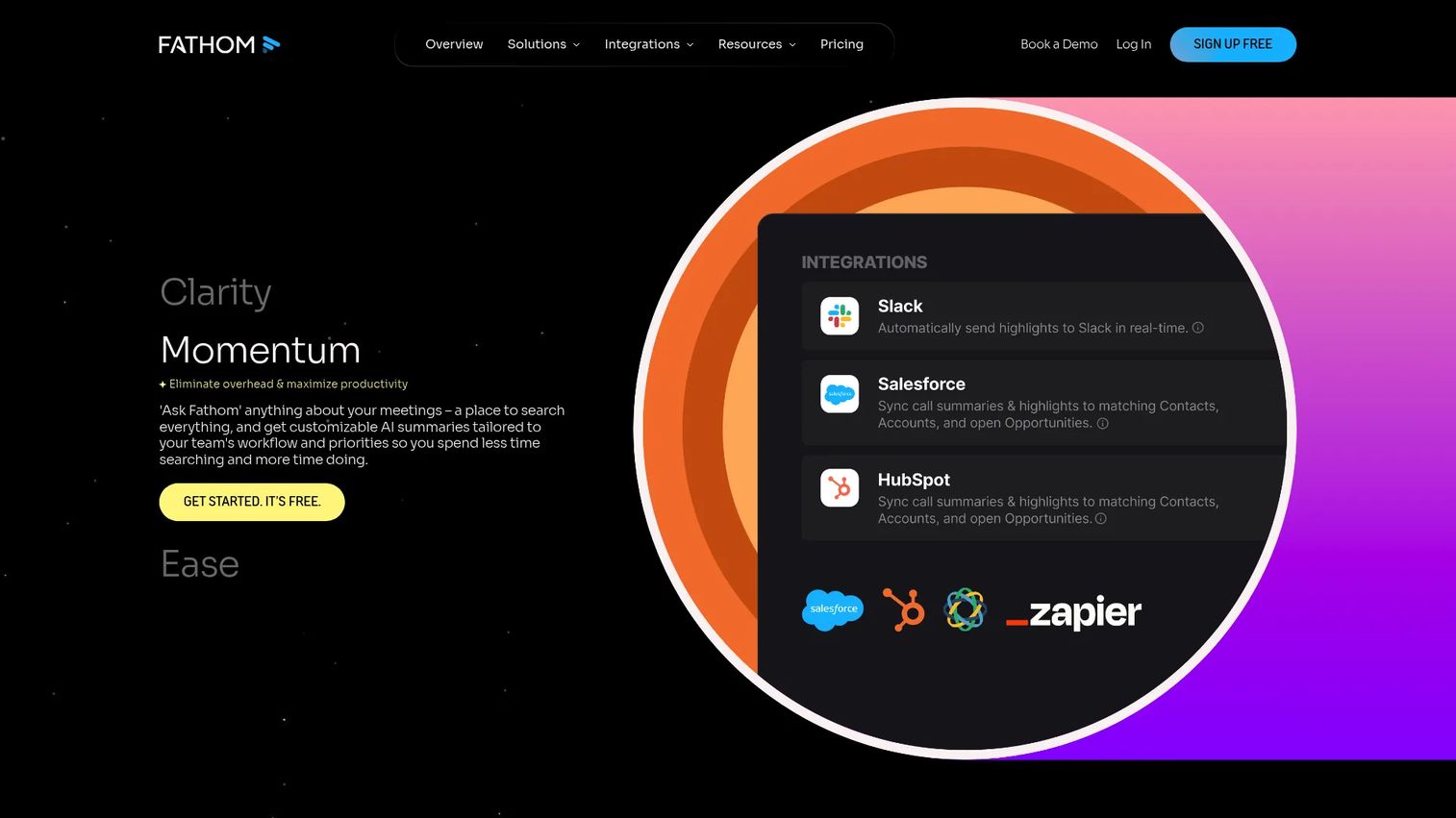
Fathom is an AI notetaker built for fast setup and a genuinely useful free tier. It records, transcribes, and summarizes calls, pulls out action items, and offers Ask Fathom search plus CRM sync. The free plan includes unlimited recordings and transcriptions, which is rare in this category.
For a rep who wants reliable notes without process overhead, Fathom is the low-friction entry point. Its 5.0/5 G2 rating reflects how well the lightweight approach lands with users.
Best for: Teams that want an AI notetaker for meetings with summaries, highlights, and CRM sync.
Key features
- Unlimited recordings and transcriptions
- AI meeting summaries and action items
- Ask Fathom search and CRM sync
Why choose Fathom: Choose it if you want to get value in minutes and skip the setup that heavier platforms require. The generous free plan makes it easy for a single rep or a small team to start.
Fathom pricing: Free forever plan with unlimited recordings. Premium is $16 per user/month. Team is $15 per user/month (2 user minimum) and Business is $25 per user/month (2 user minimum). Enterprise is available by talking to sales.
5. Fellow
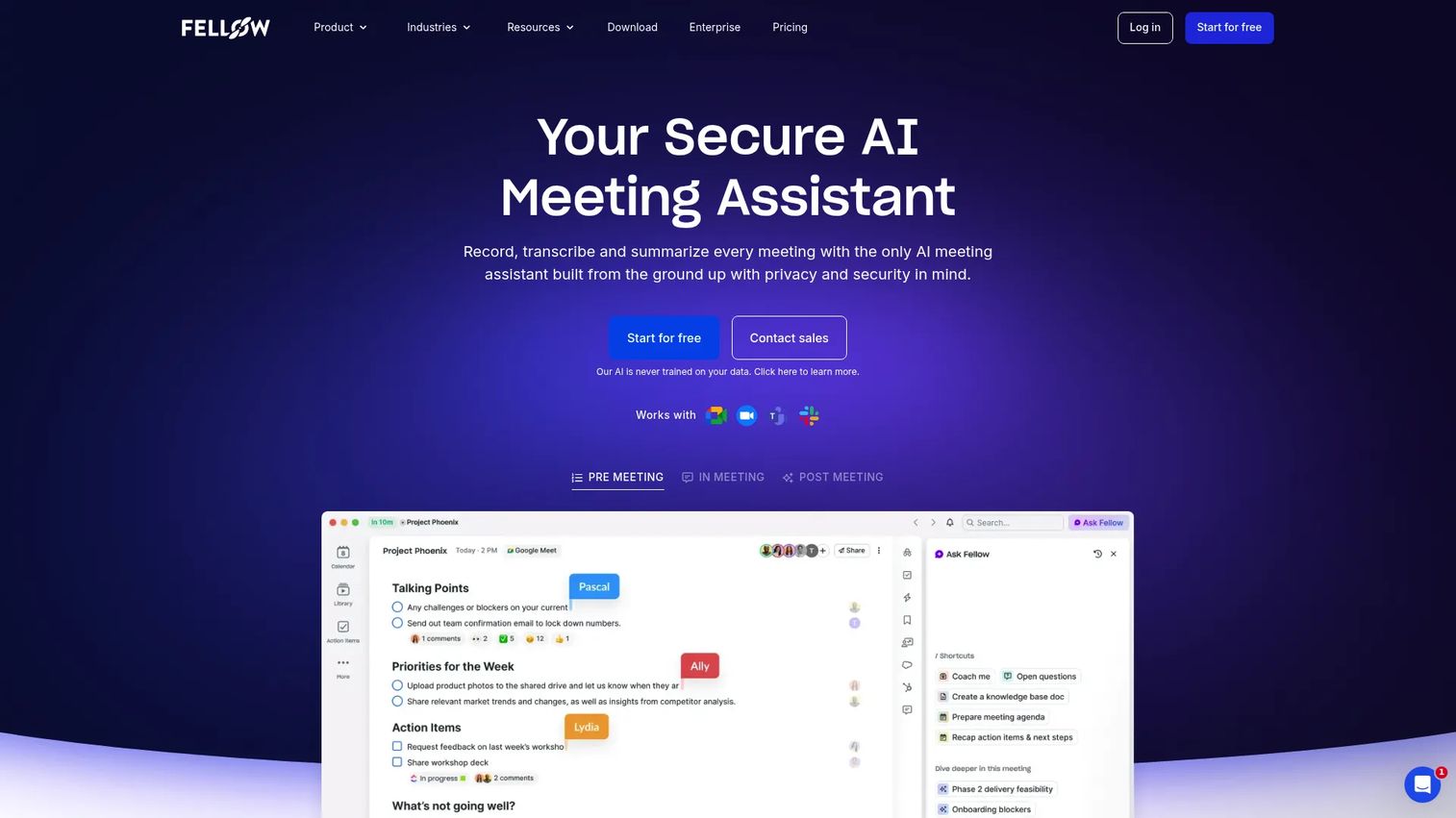
Fellow builds meeting notes around structure. It combines an AI note taker with collaborative agendas, pre-meeting briefs, and recap automation. Ask Fellow answers questions across your meetings and workspace, and the platform captures recordings, transcription, summaries, and action items in one place.
Where Fellow stands out is recurring meetings and manager-led coaching. Teams that run structured 1:1s, pipeline reviews, and standups get agendas and recaps that keep everyone accountable.
Best for: Teams that want AI-assisted meeting notes and follow-up automation.
Key features
- AI note taker with recordings, transcription, summaries, and action items
- Ask Fellow AI assistant for meeting and workspace questions
- Pre-meeting briefs, collaborative agendas, and recap automation
Why choose Fellow: Choose it if your meetings are recurring rituals that need agendas and owned action items, not just transcripts. It fits managers who coach and teams that live in structured meetings.
Fellow pricing: Free plan available. Team is $7 per user/month billed annually or $11 billed monthly. Business is $15 per user/month billed annually or $23 billed monthly. Enterprise is $25 per user/month billed annually, with a contact-sales option.
6. MeetGeek
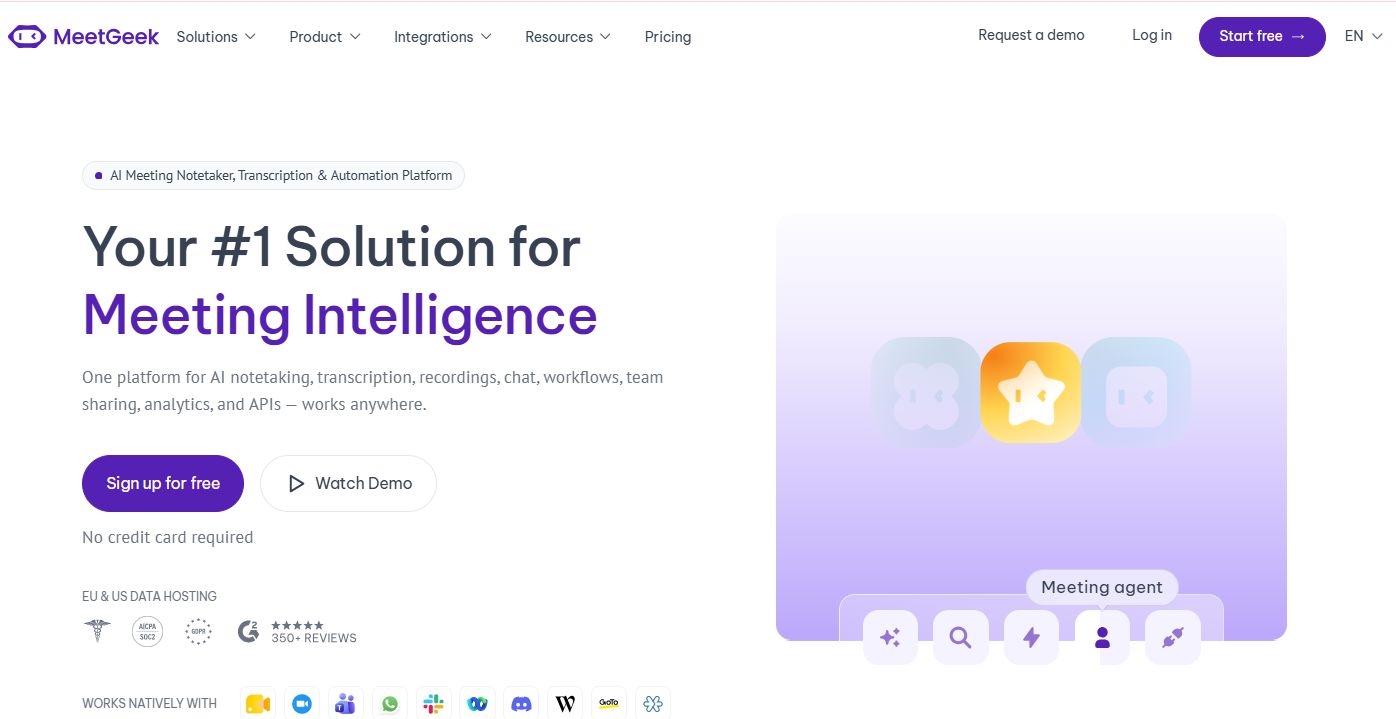
MeetGeek automatically records, transcribes, and takes notes across Zoom, Google Meet, and Microsoft Teams. It adds AI summaries, action items, analytics, search, and AI chat, then routes meeting insights into other tools through native apps, an API, MCP, Zapier, Make, and n8n. That automation layer is the reason to consider it for structured team organization.
Templates keep summaries consistent across a team, which helps when many reps run the same call type.
Best for: Teams that want an AI meeting assistant with transcription plus workflow automation.
Key features
- Automatic recording, transcription, and notes across Zoom, Google Meet, and Microsoft Teams
- AI summaries, action items, analytics, search, and AI chat
- Integrations and automation via native apps, API, MCP, Zapier, Make, and n8n
Why choose MeetGeek: Choose it if you want notes routed automatically into your stack with minimal manual steps. The template system fits teams that need consistent, searchable meeting knowledge.
MeetGeek pricing: Basic is free forever. Pro is $9.99 per user/month and Business is $17 per user/month. Enterprise is custom, contact sales.
7. tl;dv
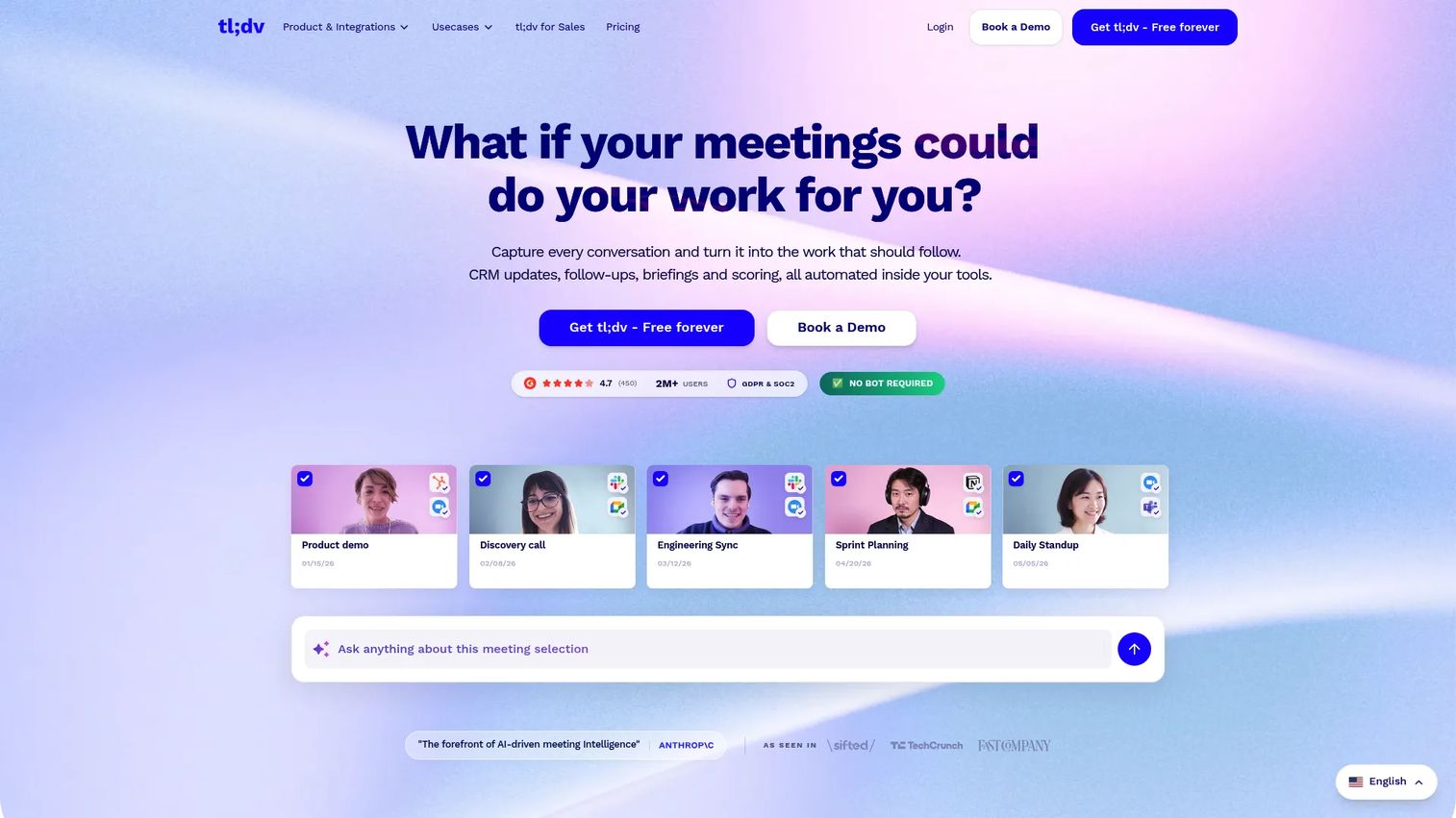
tl;dv is an AI meeting recorder and notetaker with a strong lean toward multilingual transcription and clip sharing. It records and transcribes automatically, generates AI summaries and notes, and syncs to CRM with meeting insights. For distributed teams selling across regions, the multilingual support and highlight clips are the draw.
The clip and share workflow is useful for SDRs who want to send an AE a 60-second snippet instead of a 40-minute recording.
Best for: Teams that want AI meeting transcription, summaries, and sales or workflow automation.
Key features
- Automatic meeting recording and transcription
- AI summaries and notes
- CRM sync and meeting insights
Why choose tl;dv: Choose it if your team spans languages and time zones and you share clips more than full recordings. The highlight-and-share flow keeps handoffs short and specific.
tl;dv pricing: Free plan available. Pro is $18 per user/month billed annually. Business is $59 per user/month. Enterprise is custom, contact sales.
8. Avoma
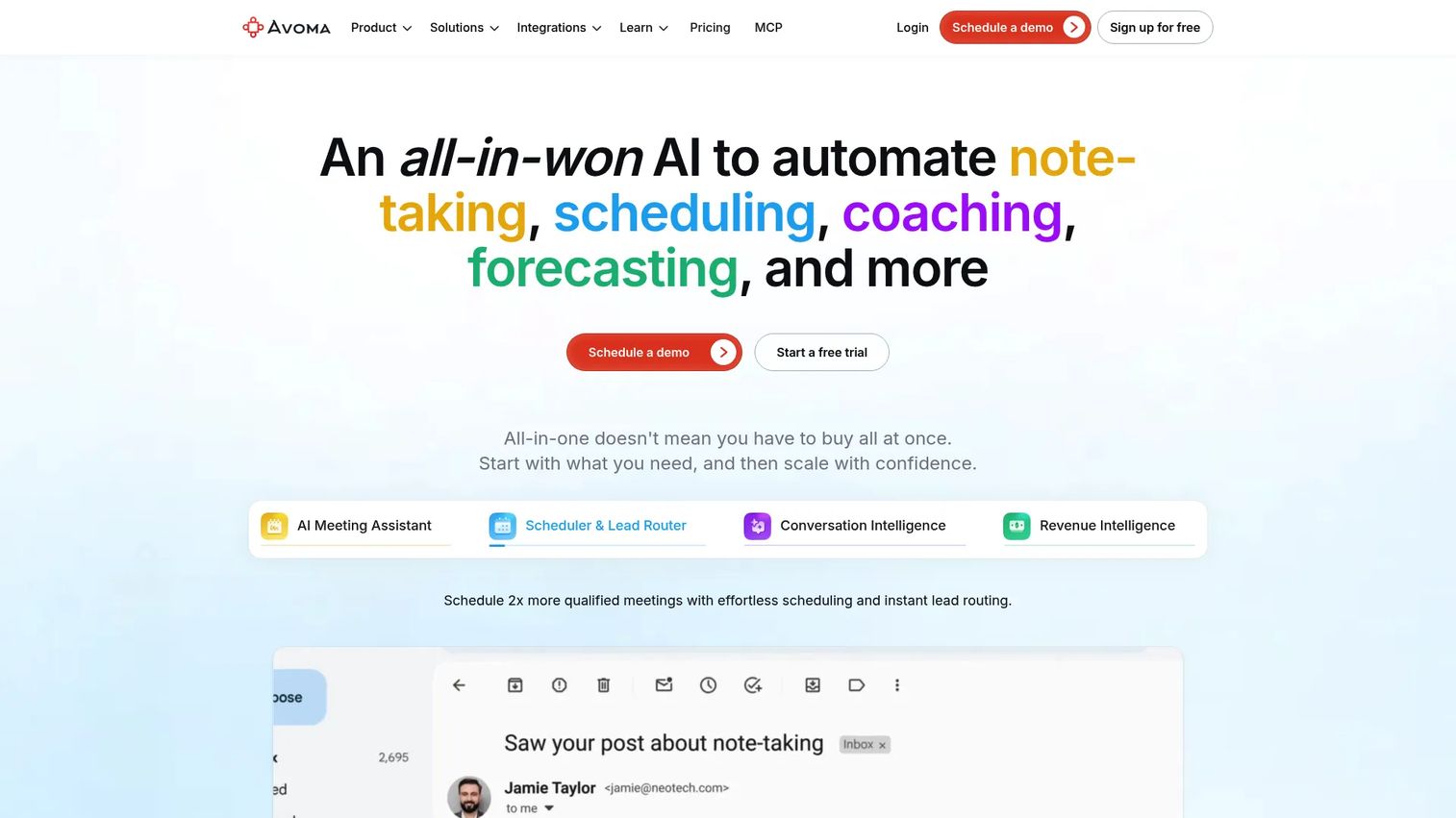
Avoma is an AI meeting assistant and revenue intelligence platform built for customer-facing teams. It records and transcribes meetings, generates AI summary notes and follow-up emails, and ties everything to CRM integrations and revenue intelligence. This is the pick for sales teams that want notes connected to coaching and pipeline, not just a transcript.
The conversation intelligence layer helps managers spot deal risk and coach reps against real calls.
Best for: Teams that want AI meeting capture plus revenue intelligence with CRM syncing.
Key features
- AI meeting recording and transcription
- AI summary notes and follow-up emails
- CRM integrations and revenue intelligence
Why choose Avoma: Choose it if the meeting record needs to feed coaching, pipeline visibility, and CRM hygiene in one platform. It fits sales teams ready to treat calls as data, not just notes.
Avoma pricing: A free Basic tier is available. Recorder-seat pricing starts with Startup at $19 per seat/month, Organization at $29, and Enterprise at $39, all billed annually. Add-on plans like Plus ($40/user/mo) and Premium ($70/user/mo) are billed yearly.
Considerations before you buy
Transcription accuracy and speaker identification
Test the transcript on a real call with your team's accents, jargon, and cross-talk. Poor speaker identification makes a transcript hard to search later. Run a live call through a free plan before you commit.
CRM sync and workflow automation
The value of meeting notes software is follow-through. Check that it writes to your CRM fields, creates tasks, and supports the workflow automation you need. A tool that syncs cleanly to your CRM saves an SDR real time every day.
Action items and summaries you trust
Summaries are only useful if they capture the right detail. Look at how action items are extracted, whether owners and deadlines get pulled, and how editable the recap is before it goes to the CRM or an AE.
Privacy and security
Sales calls carry sensitive commercial detail. Confirm how recordings are stored, who can access them, and whether the tool meets your company's privacy and security requirements. This gets stricter as you move upmarket.
Free plan and total cost
A free plan lets you prove value before spending. But check the limits: transcript caps, recording limits, and gated integrations. Model the cost at your real seat count, since per-seat pricing scales fast.
Conclusion
The right meeting notes software depends on what you need it to fix. If your problem is finding past context across tools, Read AI's cross-workspace search is the pick. If you want clean transcription and easy team adoption, Otter.ai fits. For CRM-centric follow-up automation, Fireflies.ai and Avoma both turn calls into pipeline input, with Avoma adding conversation intelligence for coaching.
Want the lowest-friction start? Fathom's free plan with unlimited recordings is hard to beat. Running structured, recurring meetings? Fellow's agendas and recaps keep teams accountable. Need multilingual coverage or automation routing? tl;dv and MeetGeek cover those.
Pick your top priority: enterprise search, a free tier, or CRM follow-up. Then run one real call through the free plan of your two front-runners this week. The transcript quality and how cleanly action items land in your workflow will tell you more than any feature list.
FAQs
For sales teams, the best fit depends on your priority. Avoma and Fireflies.ai lead for CRM follow-up and revenue intelligence, since both tie meeting notes software with action items directly to pipeline. Read AI wins if cross-tool search matters most. Test two on real calls before committing.
Fathom's free plan stands out because it includes unlimited recordings and transcriptions, which most competitors cap. Otter.ai, Fireflies.ai, Read AI, Fellow, MeetGeek, and tl;dv all offer free tiers too, but each limits transcript counts, recording time, or integrations. Check the specific caps against how many calls you run.
Yes. Fireflies.ai, Avoma, Fathom, and tl;dv all offer CRM sync that writes call summaries and action items into your CRM. MeetGeek routes insights through native apps, Zapier, Make, and n8n. Confirm it maps to the exact fields your team uses before you rely on it.
Prioritize transcription accuracy, action item extraction, searchable archives, and integrations. For sales specifically, CRM sync and workflow automation decide whether a call turns into follow-up. Speaker identification and summaries you can trust without heavy editing come next. Everything else is secondary.
It can be, but you have to check. Confirm how recordings are stored, who can access them, and whether the vendor meets your company's privacy and security standards. Enterprise tiers usually add access controls and admin governance. Route any compliance questions to your own security team.
A meeting assistant joins your calls, records, transcribes, and generates summaries and action items automatically. A basic note app relies on you to type. The AI meeting notes tools in this guide are meeting assistants, which is why they cut manual note-taking and improve follow-up.
Read AI leads for search because Ask Read queries across meetings, email, and messages, not just one transcript. Fireflies.ai's AskFred and Avoma also offer strong search inside their meeting minutes software. If searchable meeting knowledge across many tools is your priority, Read AI is the strongest fit.
Start with a free plan and your two front-runners. Weigh transcription quality, how cleanly action items reach your CRM, and per-seat cost as you add reps. Fathom suits low-overhead starts, while Fireflies.ai and Avoma fit teams that want tight CRM follow-up from day one.