A dispatcher juggling a whiteboard, three phones, and a shared spreadsheet is not running an operation. They are managing a slow leak. Every job reassigned by text message, every driver call to confirm a location, every status update re-keyed into an invoice later costs real hours. Multiply that by a full crew and a week of work, and the admin drag becomes the thing that caps how many jobs you can actually run.
The category is growing because operators feel that ceiling. The service dispatch software market was valued at $3.32 billion in 2025 and is projected to reach $3.62 billion in 2026, per The Business Research Company (2025). North America is the largest regional market for both service dispatch and computer-aided dispatch as of 2025. That growth tracks a simple shift: teams are moving coordination out of phone calls and paper and into systems that assign work, track it live, and push updates without anyone chasing them.
Good dispatch software closes a control loop. You assign a job or load, you see where it stands in real time, you communicate with the field worker and the customer, and you automate the repetitive parts so nobody re-enters the same data three times. The differences between tools come down to how deep each part of that loop runs, and which motion (trucking, field service, or construction) they were built for. If your evaluation also touches adjacent systems, it is worth scanning roundups on field sales tooling and outbound call tracking to understand how dispatch connects to the rest of your stack.
What's inside
This guide compares seven dispatch software platforms built for different dispatch motions: enterprise contractor networks, trucking fleets, field service teams, home service businesses, and construction crews. We picked tools based on four criteria that matter for daily operations: scheduling and routing depth, real-time status visibility, communication workflows across dispatcher, field worker, and customer, and integrations with the accounting, ELD, and payroll systems you already run. The list spans field service and trucking on purpose, because "dispatch software" covers both. Each entry includes verified pricing, G2 ratings, and who it fits best.
TL;DR
- Best for enterprise contractor-network orchestration: Dispatch, for teams coordinating work across technicians, service providers, and customers.
- Best for construction dispatch: Workyard, for GPS-verified time tracking and job costing on crews.
- Best for trucking dispatch: Truckbase, for asset-based carriers wanting load building, driver settlements, and ELD sync.
- Best for full-suite field service: ServiceTitan, for larger residential and commercial trades operations.
- Best for home service teams: Jobber, for small to mid-market businesses needing quotes, scheduling, and payments.
- Best for residential simplicity: Housecall Pro, for home service businesses that want speed and easy adoption.
- Best for project-based work: FieldPulse, for teams with more complex operational structures.
What is dispatch software?
Dispatch software is a system for assigning jobs or loads to workers or vehicles, tracking the status of that work in real time, and coordinating communication between the dispatcher, the field, and the customer. It replaces the whiteboard, the spreadsheet, and the string of phone calls with a single source of truth that everyone works from.
Most dispatch management software shares a core set of capabilities. What separates tools is how deep each one runs and which industry it targets.
- Scheduling and job assignment: Drag-and-drop dispatch boards, calendar views, and rules that match the right worker or truck to the right job.
- Route optimization: Sequencing stops and building efficient routes to cut drive time and fuel cost.
- Real-time tracking: Live GPS location, ETAs, and job progress so managers see status without calling anyone.
- Mobile dispatch app: Field worker apps for accepting jobs, updating status, capturing photos, and working offline.
- Communication workflows: Two-way messaging with field workers and automated notifications to customers.
- Automation: Auto-assignment, status triggers, and workflows that cut manual data entry.
- Integrations: Connections to QuickBooks, accounting, payroll, ELD, and telematics systems.
- Analytics: Dashboards on job completion, utilization, and operational performance.
- AI job matching: Automated dispatching that matches jobs to the best-fit resource based on skills, location, and availability.
The strongest fit depends on your motion. Trucking teams need load building, driver settlements, and ELD integration. Field service teams need scheduling boards, pricebooks, and customer portals. Construction crews need GPS-verified timecards and job costing. The sections below sort tools by which of these they were built for.
When to use dispatch software
Centralize scheduling and job assignment
Spreadsheets and phone calls work until they don't. The moment you are running enough jobs, routes, or crews that a single person cannot hold the schedule in their head, dispatch scheduling software earns its cost. Teams juggling dozens of daily jobs across multiple technicians or drivers hit this wall fast. Centralizing assignment means one board everyone reads from, fewer double-bookings, and a clear record of who is doing what and when.
Improve real-time visibility and status tracking
When a manager has to call three drivers to answer "where are we on the Johnson job," visibility is the bottleneck. Real-time tracking gives you live GPS location, ETAs, and job progress on one screen. That matters most for exception handling: a delayed job, a no-show, a route that fell apart. You catch it as it happens instead of hearing about it from an angry customer. This is where live GPS dispatch pays for itself.
Reduce admin work across dispatcher, field worker, and customer workflows
Manual data entry is the quiet tax on every field operation. A job gets scheduled, then re-typed into an invoice, then re-typed again for payroll. Dispatch automation cuts that. Field workers update status from a mobile app, customers get automated notifications, and the same job data flows into invoicing and accounting without re-keying. If your dispatcher spends more time coordinating than dispatching, that is the signal.
Comparison table
Here is how the seven tools compare on intent, differentiation, pricing, and G2 rating. Use it to shortlist by motion first, then dig into the sections below.
| # | Product | Intent | Key differentiation | Pricing | G2 rating |
|---|---|---|---|---|---|
| 1 | Dispatch | Enterprise contractor-network orchestration | Real-time visibility across contractor and service-provider networks | From $115/month | 5.0/5 |
| 2 | Workyard | Construction dispatch | GPS-verified time tracking and job costing | Starter $8/user/mo + $50/mo base fee | 4.8/5 |
| 3 | Truckbase | Trucking dispatch | Zero-data-entry dispatch with ELD and QuickBooks sync | From $290/month | 4.9/5 |
| 4 | ServiceTitan | Full-suite field service | All-in-one platform for residential and commercial trades | Request pricing | 4.4/5 |
| 5 | Jobber | Home service dispatch | End-to-end job management for small to mid-market teams | From $29/month | 4.6/5 |
| 6 | Housecall Pro | Residential service dispatch | Fast, simple dispatch board with automated client notifications | From $59/month | 4.3/5 |
| 7 | FieldPulse | Project-based service work | Customizable all-in-one FSM for complex operations | Request pricing | 4.7/5 |
1. Dispatch
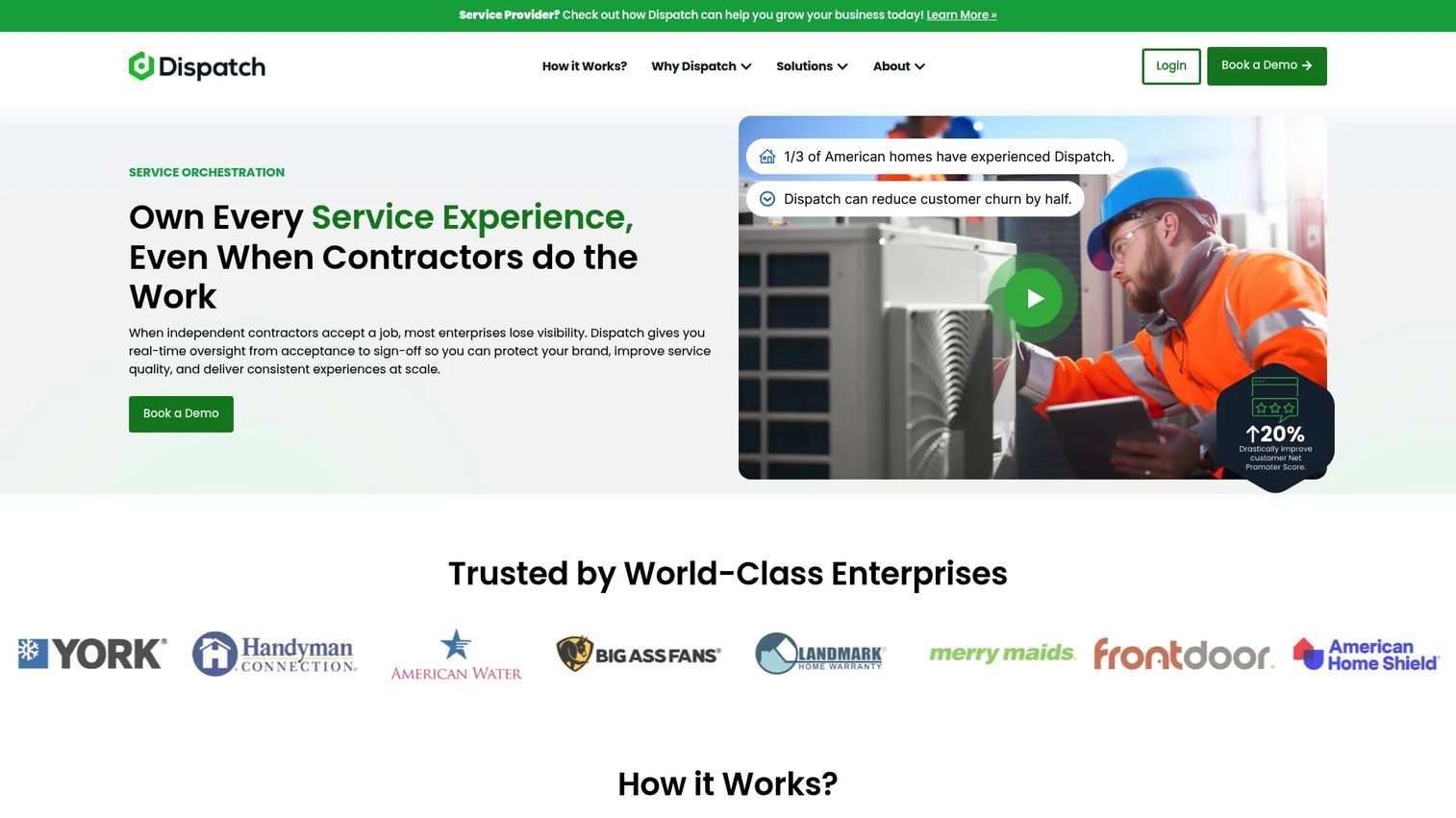
Dispatch is a service orchestration platform for enterprises that manage networks of contractors and service providers rather than a single in-house crew. It runs on a three-stage operating model: onboard and match the right provider, coordinate the work in real time, and deliver a branded customer experience from booking through completion. That focus on network coordination is what separates it from single-team dispatcher software.
Best for: Enterprises that need to orchestrate work across contractors, technicians, and customers under one brand.
Key strengths
- Real-time visibility across operations: See where every job stands across your entire provider network without chasing status updates.
- Provider onboarding and matching: Bring service providers into the network and match the right one to each job automatically.
- Branded customer experience: Give customers branded booking, tracking, and communication that reflects your company, not your subcontractor's.
Why choose Dispatch: If your dispatch problem is coordinating many independent providers instead of scheduling your own techs, most field service tools do not fit. Dispatch is built for that networked model. The enterprise ops teams that choose it care about consistent customer experience and end-to-end visibility across providers they do not directly employ.
Dispatch pricing: Dispatch publishes public plans. Pro starts at $115 per month, Plus at $232 per month, and Power at $345 per month, all billed monthly with yearly options shown at signup. A 7-day trial is available. It holds a 5.0/5 rating on G2. The plans cover different volumes of work and provider coordination, so match the tier to your network size.
2. Workyard
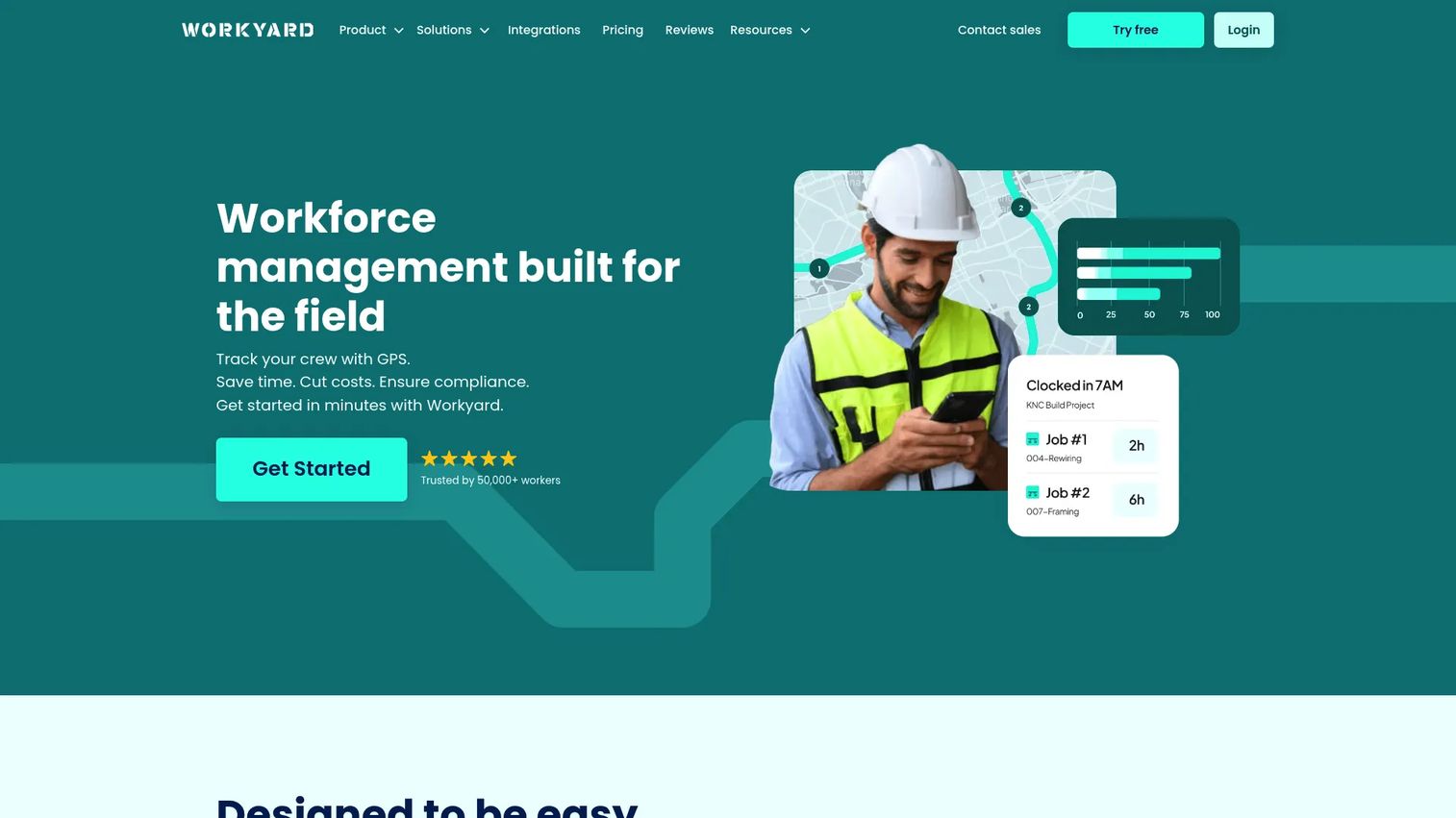
Workyard is workforce management software built for construction and field service teams, with dispatch anchored to precise GPS time tracking. Where most tools track jobs, Workyard tracks where crews actually are, then ties that location data straight into scheduling, job costing, and payroll. For construction contractors, that link between field time and labor cost is the whole point.
Best for: Construction contractors that need GPS-based time tracking and accurate job costing across crews.
Key strengths
- GPS time tracking: Verify where and when crews clock in, so labor hours match reality instead of guesswork.
- Scheduling and task management: Assign crews and tasks, then adjust as jobs shift throughout the day.
- Job costing and labor compliance: Roll accurate labor hours into job costs and stay on top of compliance requirements.
Why choose Workyard: Construction dispatch is different from service dispatch. The variables are crew location, labor cost per job, and compliance, not one-off service calls. Workyard performs best when your operation lives or dies on accurate labor data. Contractors juggling multiple job sites use it to see who is where and what each hour costs.
Workyard pricing: Workyard's pricing page shows a starting price of $6 per user per month billed annually. The Starter plan is listed at $8 per user per month plus a $50 per month company base fee, and Pro is $16 per user per month plus the same base fee. Enterprise pricing is by contact. It holds a 4.8/5 rating on G2. The per-user plus base-fee structure suits teams that want predictable cost as headcount grows.
3. Truckbase
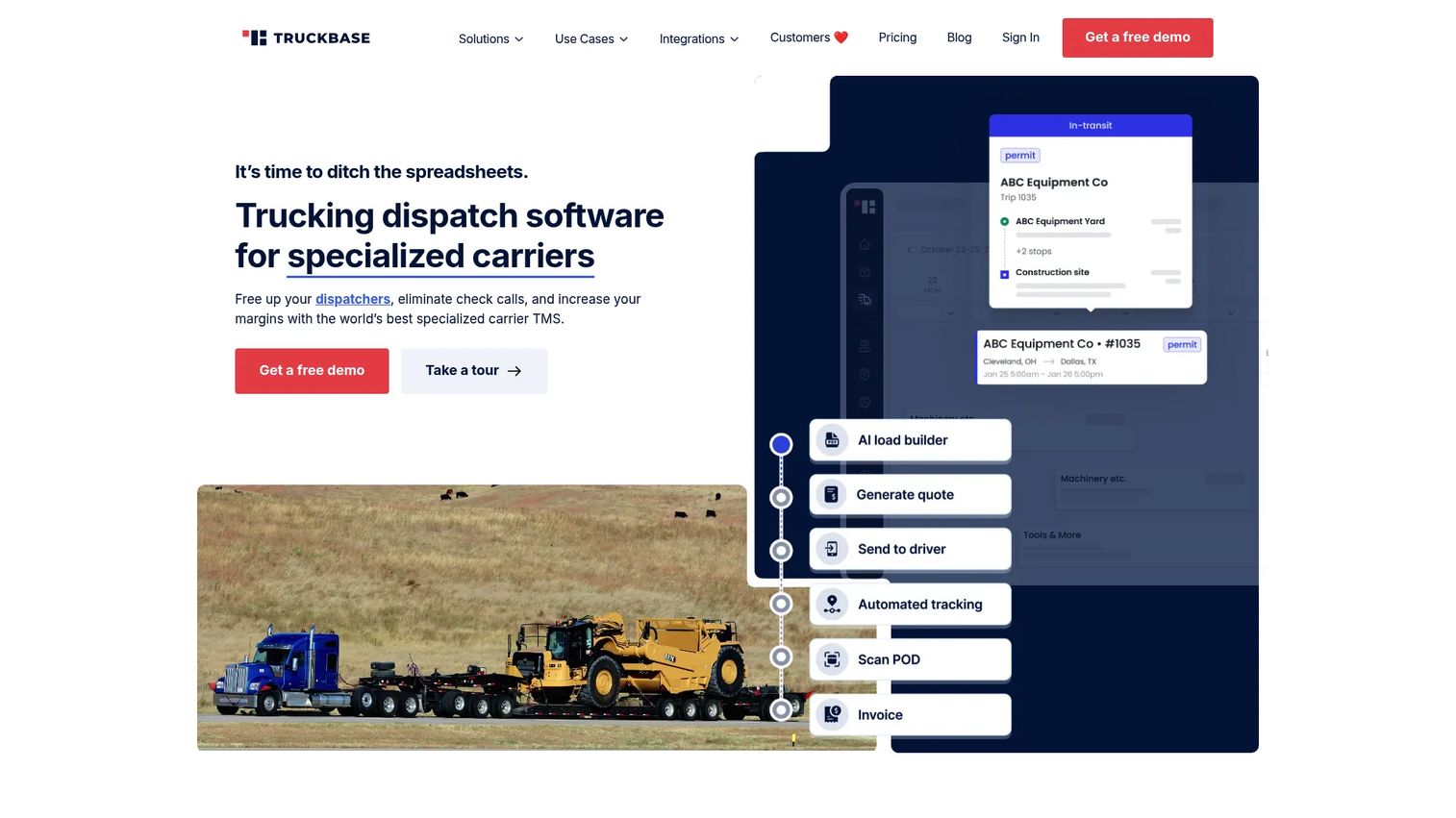
Truckbase is a cloud-based trucking TMS built for growing asset-based carriers. It is the trucking dispatch software pick on this list, and it earns the spot by removing manual data entry from the load-to-invoice cycle. Dispatchers build loads, communicate with drivers, and push work into invoicing and settlements without re-keying anything. For freight operators, that automation is where the hours come back.
Best for: Asset-based trucking fleets that want an all-in-one dispatch, invoicing, tracking, and settlements TMS.
Key strengths
- Dispatch with zero data entry: Build and assign loads without manual re-keying, cutting the admin drag on every load.
- Instant invoicing and driver settlements: Turn completed loads into invoices and settlements automatically, back-office included.
- 30+ ELD integrations plus EDI and QuickBooks: Sync hours, locations, and accounting so your systems talk to each other.
Why choose Truckbase: Truck dispatch software has to handle load building, driver communication, and settlements in one place, or the office ends up patching the gaps by hand. Truckbase covers that full cycle. Growing carriers choose it when they have outgrown spreadsheets but do not want an enterprise TMS overhaul. The text-based driver app keeps communication simple for drivers who do not want another complicated tool.
Truckbase pricing: Truckbase uses consultative pricing with multiple options, including per truck, per driver, per load, and flat annual rates. The public pricing page states a minimum price of $290 per month billed annually. There is no free tier. It holds a 4.9/5 rating on G2. Because pricing is flexible, fleets should scope the option that fits their truck count and volume with the Truckbase team.
4. ServiceTitan
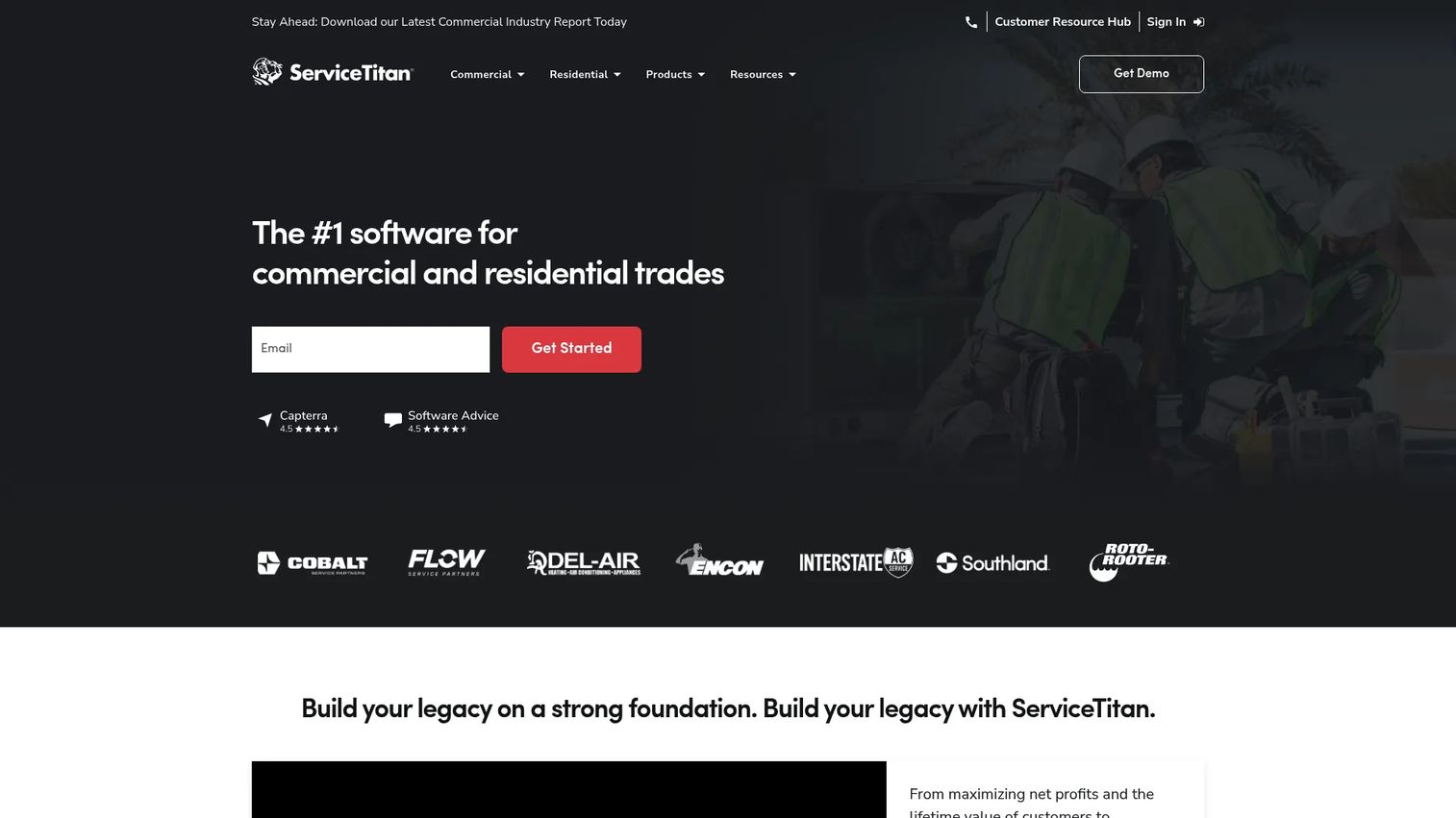
ServiceTitan is a cloud-based software platform for contractors in the trades, built to run the whole operation rather than just the dispatch board. Its scheduling and dispatching sit alongside invoicing, a pricebook, and reporting, so larger residential and commercial contractors can manage the full workflow in one system. Dispatch Pro adds AI job matching to help assign the right tech to the right call.
Best for: Residential and commercial contractors that need an all-in-one operations platform at scale.
Key strengths
- Dispatching and scheduling: Assign and reschedule jobs on a live board, with AI-assisted matching to the best-fit technician.
- Invoicing and pricebook: Standardize pricing and turn completed jobs into invoices without leaving the platform.
- Reporting and dashboards: See operational performance across jobs, techs, and revenue in one view.
Why choose ServiceTitan: ServiceTitan excels when a trades business has outgrown lightweight tools and needs depth across dispatch, sales, marketing, and finance. It is a heavier platform aimed at larger organizations, so the fit is strongest for contractors with the volume to use that depth. The customer portal and enterprise workflow coverage are why bigger service operations standardize on it.
ServiceTitan pricing: ServiceTitan uses package-based, per-technician pricing across three tiers: Starter, Essentials, and The Works. Prices are quoted on request rather than published, so you will need to talk to their team for a number tied to your technician count. It holds a 4.4/5 rating on G2. Treat it as an investment sized for larger operations rather than a small-team starter tool.
5. Jobber
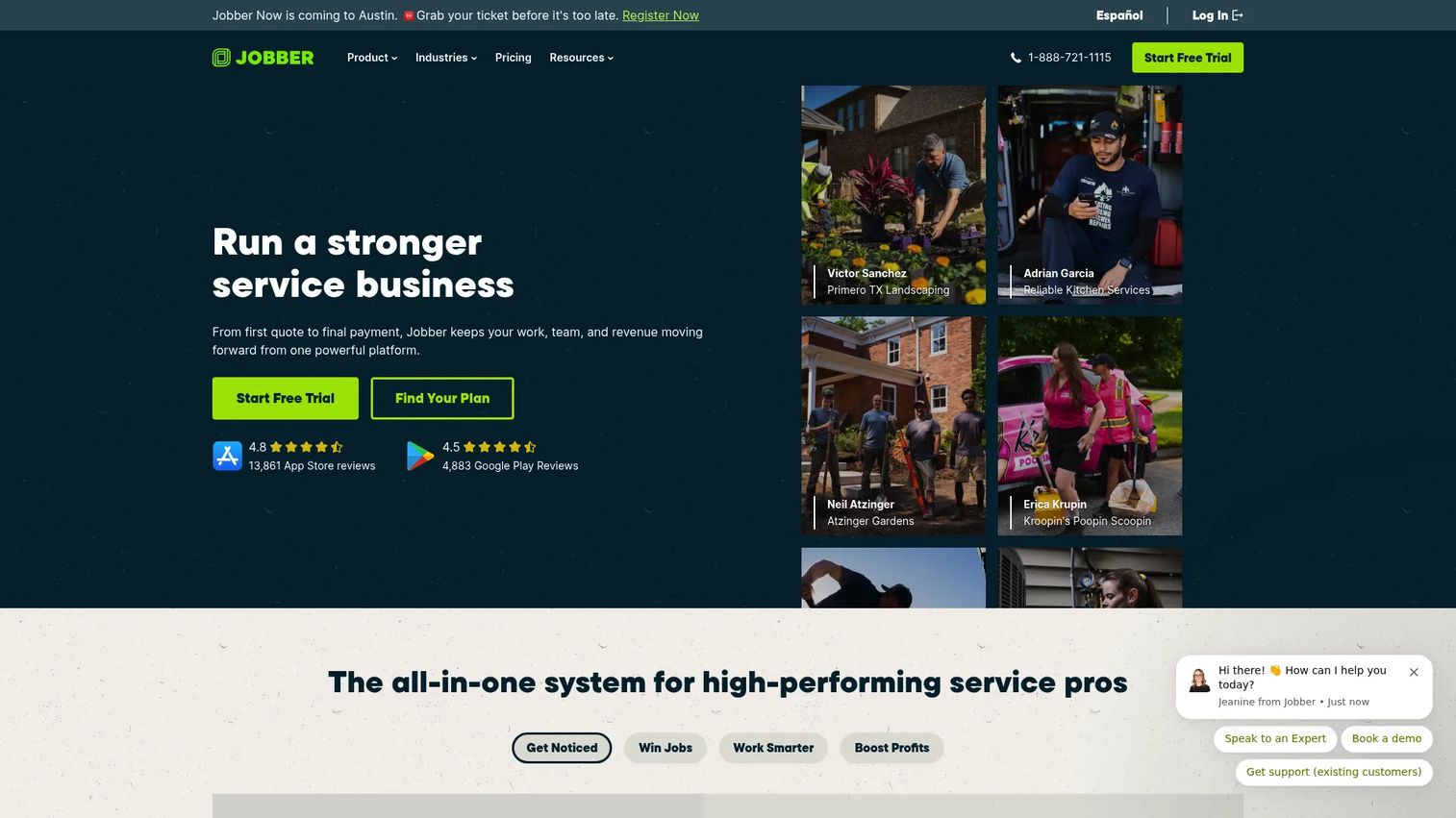
Jobber is field service management software aimed at small to mid-sized service businesses that want to run quotes, scheduling, invoicing, and payments end to end. Its dispatch sits inside a broader job lifecycle, so a lead becomes a quote, a scheduled job, a completed visit, and a paid invoice without jumping tools. Route optimization and job tracking keep the field side tight.
Best for: Small to mid-sized field service businesses that need end-to-end job management in one place.
Key strengths
- Quotes, scheduling, invoicing, and payments: Move a job from estimate to paid without switching systems.
- Route optimization and job tracking: Sequence stops efficiently and see job status as work progresses.
- Automations, job costing, and two-way SMS: Cut manual follow-up with automated reminders and text-based customer communication.
Why choose Jobber: Jobber performs best for home service teams that want strong dispatch without enterprise complexity. The mobile app is built for field workers who need to check schedules, update jobs, and collect payment on site. For a growing service business, the appeal is one tool that covers the whole customer and job workflow rather than a stack of point solutions.
Jobber pricing: Jobber offers four plans, all with annual billing options. Core starts at $29 per month, Connect at $99 per month, Grow at $149 per month, and Plus at $399 per month. There is a free trial but no permanent free tier. It holds a 4.6/5 rating on G2. Lower tiers fit solo operators and small crews, while Grow and Plus add automation and job costing for larger teams.
6. Housecall Pro
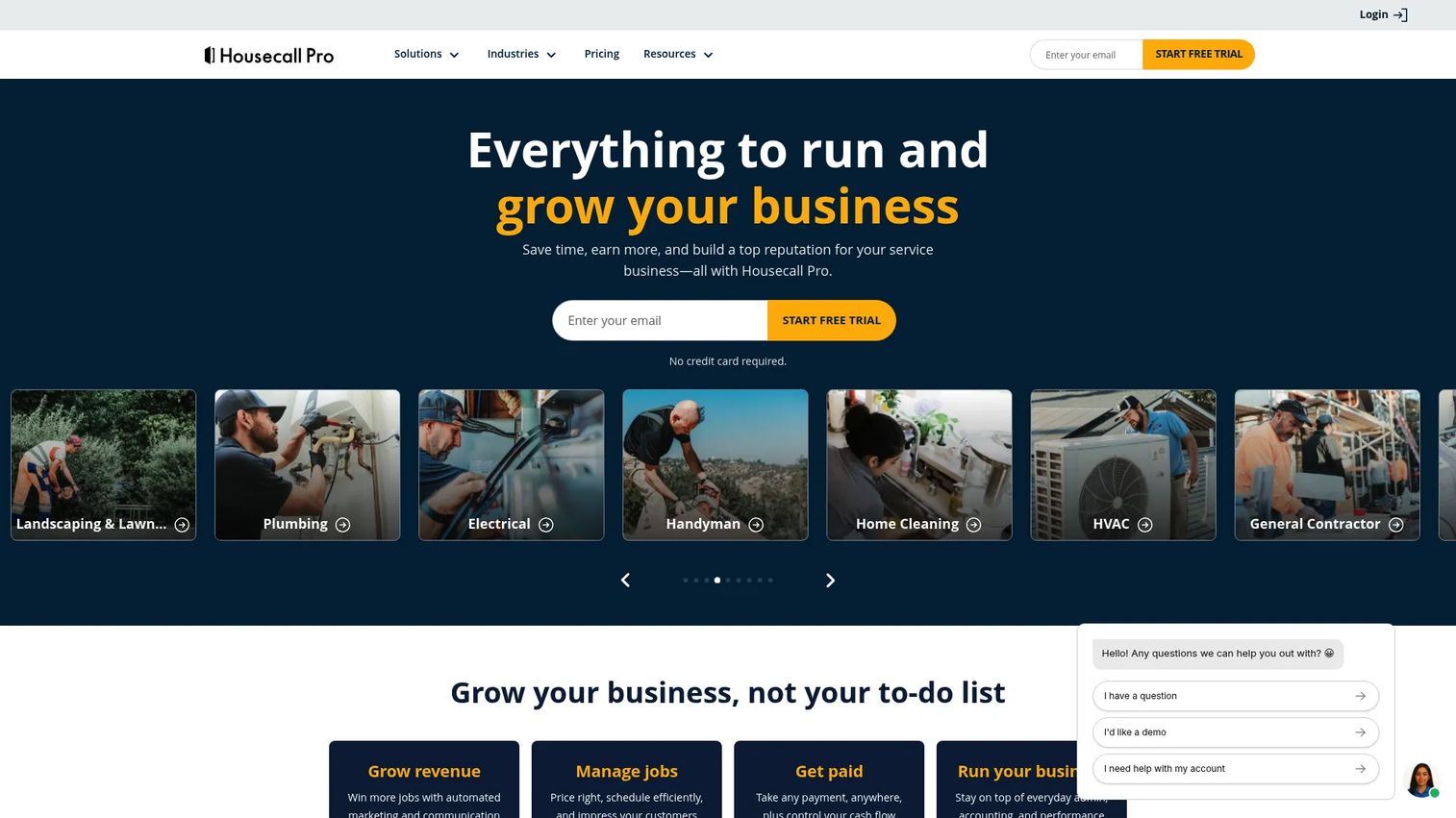
Housecall Pro is field service management software built for home service businesses that want speed and simplicity. Its dispatch board, automated client notifications, and route optimization are designed to be adopted fast, without a long implementation. For residential service teams that need to move quickly and keep customers informed, that low-friction setup is the draw.
Best for: Home service businesses that need an all-in-one field service platform that is quick to adopt.
Key strengths
- Scheduling and dispatching: Assign and adjust jobs on a clear dispatch board built for daily use.
- Invoicing and payments: Send invoices and collect payment without a separate accounting workflow.
- Online booking and review management: Let customers book online and prompt reviews to build reputation.
Why choose Housecall Pro: Housecall Pro performs best when a residential service business values ease of use over deep configuration. It gets a small team dispatching, invoicing, and communicating with customers quickly. The automated client notifications keep homeowners informed about arrival windows, which cuts the "where's my tech" calls that eat dispatcher time.
Housecall Pro pricing: Housecall Pro's Basic plan starts at $59 per month billed annually, with a 14-day free trial and no credit card required. Prices are in USD and exclusive of sales tax. Additional plans are shown through a plan selector on the pricing page. It holds a 4.3/5 rating on G2. The Basic tier suits solo operators and small crews, with higher tiers adding features as the business grows.
7. FieldPulse
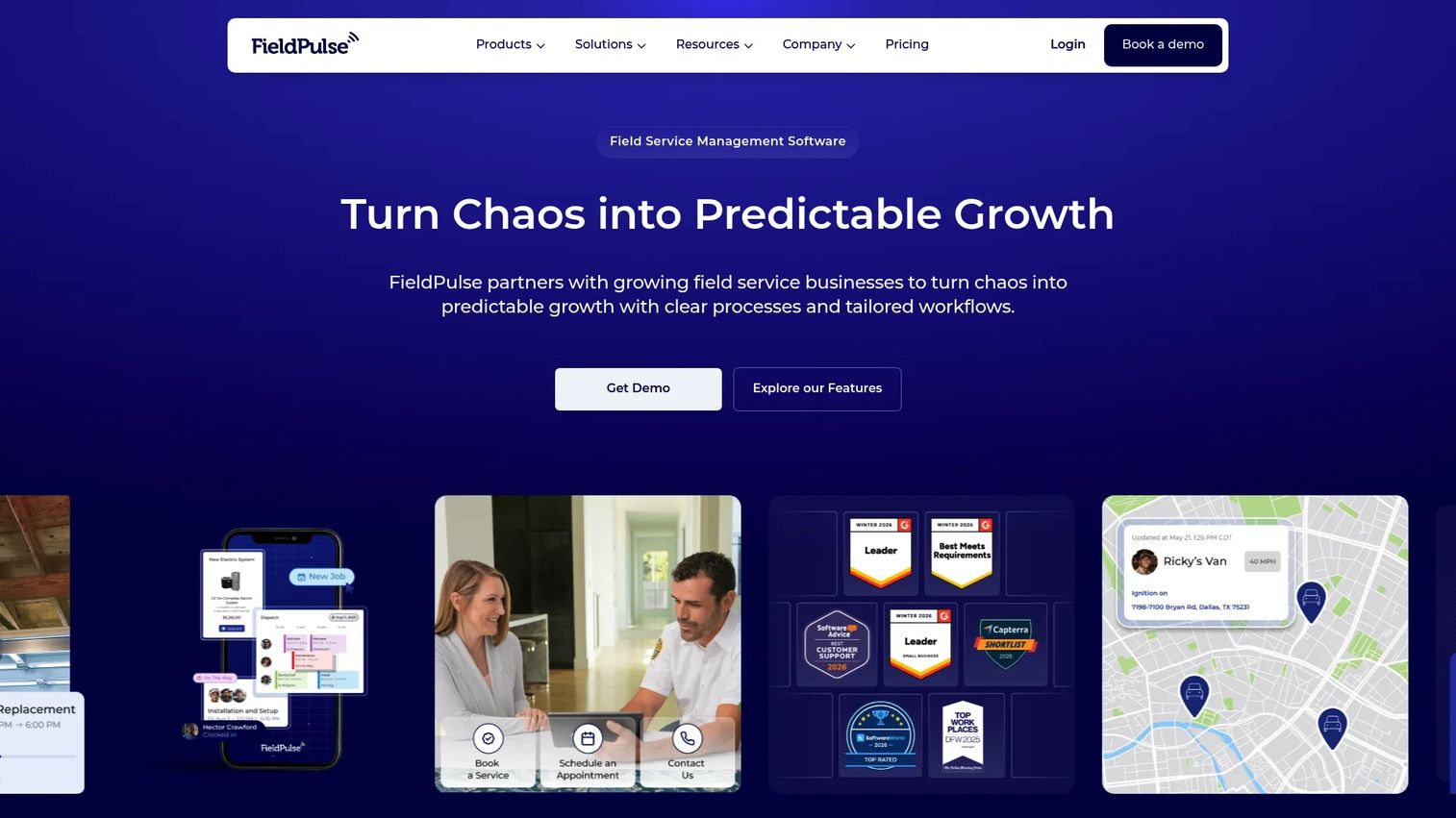
FieldPulse is field service management software that covers scheduling, dispatch, estimates, invoicing, CRM, and reporting, with an emphasis on customization. Teams with more complex operational structures use it because the dispatch workflows bend to their process rather than forcing a rigid one. Live GPS tracking and a full mobile app keep field coordination current.
Best for: Field service businesses that need a customizable all-in-one FSM platform for more complex operations.
Key strengths
- Scheduling and dispatching: Build dispatch workflows that match how your operation actually runs.
- Estimates, invoices, and pricebook: Quote with flat-rate pricing and move jobs into invoicing without re-entry.
- Work order and asset tracking: Manage work orders, track equipment, and give customers a portal for payments.
Why choose FieldPulse: FieldPulse excels when a field service team has outgrown rigid tools and needs dispatch that adapts to a multi-step or project-based process. The customization and asset tracking suit operations that manage equipment across jobs. The mobile app and live GPS tracking keep coordination tight even when the workflow is not a simple book-and-close service call.
FieldPulse pricing: FieldPulse uses seat-based pricing with full-access and field-only seats across three tiers: Essentials, Professional, and Enterprise. Pricing is not published; you request a custom quote tied to your seat mix and needs. It holds a 4.7/5 rating on G2. Because pricing is quote-based, scope your full-access versus field-only seat split with their team before committing.
Considerations before you buy
Once you have shortlisted by motion, run each finalist through these checks before committing.
Motion and industry fit
Trucking, field service, and construction dispatch are not interchangeable. A trucking TMS handles loads and settlements; a construction tool handles crew time and job costing; a field service platform handles service calls and pricebooks. Pick the tool built for your motion first, then compare features within that group.
Integration depth
Dispatch software is only as useful as the systems it connects to. Confirm it integrates with your accounting (QuickBooks), payroll, and, for fleets, your ELD and telematics. A tool that forces manual export defeats the point of automation. Ask specifically which versions and which direction data flows.
Mobile and offline experience
Your field workers live in the mobile app, not the dispatch board. Test it on a real phone. Check whether it works offline, how fast it is to update job status, and whether it captures photos and signatures. If the app is clumsy, adoption fails no matter how good the back office is.
Real-time visibility and communication
Evaluate how live the tracking actually is and how communication flows between dispatcher, field worker, and customer. Automated customer notifications cut inbound "where's my tech" calls. Confirm the status data is genuinely real-time, not a manual refresh someone has to trigger.
Conclusion
The right dispatch software depends on your motion before anything else. Dispatch fits enterprises orchestrating contractor networks. Workyard fits construction teams that live on GPS-verified labor data. Truckbase fits asset-based trucking fleets that want zero-data-entry dispatch and settlements. ServiceTitan fits larger trades operations needing full-suite depth. Jobber fits small to mid-market home service teams. Housecall Pro fits residential businesses that want speed and simplicity. FieldPulse fits project-based teams with more complex, customizable workflows.
Narrow by industry first, then by integrations and mobile experience. The tool that connects cleanly to your accounting, payroll, and ELD systems, and that your field workers will actually use on their phones, is the one that will cut admin drag and let you run more jobs without adding headcount. Start a trial with your top two, run a real week of jobs through each, and let your dispatcher and field crew tell you which one disappears into the workflow.
FAQs
Dispatch software assigns jobs or loads to workers or vehicles, tracks that work in real time, and coordinates communication between the dispatcher, the field, and the customer. It replaces spreadsheets and phone calls with one system for scheduling, routing, status tracking, and automated notifications, which cuts admin work and lets teams run more jobs.
The core features are scheduling and job assignment, route optimization, real-time GPS tracking, a mobile app for field workers, communication workflows, and integrations with accounting and payroll. Automation that reduces manual data entry and analytics on job completion round out what most operations need daily.
For trucking dispatch, Truckbase is the strongest pick on this list. It is built for asset-based carriers and handles load building, driver communication, invoicing, and settlements with minimal manual data entry, plus 30+ ELD integrations and QuickBooks and EDI sync. That end-to-end coverage is what freight operators need most.
Workyard is built for construction dispatch. It anchors scheduling and job assignment to GPS-verified time tracking, then ties that labor data directly into job costing and payroll. For contractors where accurate labor cost per job determines margin, that connection is the deciding feature.
Yes. Nearly every tool on this list includes a mobile dispatch app for field workers to accept jobs, update status, capture photos, and often work offline. The mobile experience matters as much as the back office, since field workers spend their whole day in the app rather than at a desk.
It reduces manual work through automation and integration. Field workers update job status from a mobile app, customers get automated notifications, and job data flows into invoicing, payroll, and accounting without re-keying. Auto-assignment and status triggers cut the repetitive coordination that otherwise fills a dispatcher's day.
At minimum, dispatch software should integrate with your accounting system, commonly QuickBooks, and your payroll. Trucking fleets also need ELD and telematics integrations. Confirm the direction data flows and which versions are supported, because a tool that forces manual export undercuts the automation you are paying for.
Yes, when it targets a real bottleneck. AI job matching assigns the best-fit worker or truck based on skills, location, and availability, which speeds assignment and improves route efficiency. Tools like ServiceTitan's Dispatch Pro and Truckbase's AI-powered load importer show where automated dispatching saves the most time on repetitive coordination.