


Email open rates averaging below 20%. Inbox competition is brutal, and the "send more emails" playbook stopped working two years ago. You need a direct channel that reaches users outside the inbox. If you're still relying heavily on email, you may want to explore the best email marketing software tools to optimize that channel too - but push is where the growth is.
Push notification software is that channel. According to Omnisend's analysis of 266 million web push messages, automated push notifications hit a 65.1% open rate, compared to the 2-3% click-through rate most marketing emails manage. E-commerce brands sent 55% more web push notifications in 2024 than the year before, totaling over 413 million messages. The channel is growing because it works.
But picking the wrong tool means opt-out fatigue, wasted budget, and another piece of software collecting dust in your stack. Push alerts that aren't targeted or timed well don't just underperform. They actively damage your subscriber base.
This article evaluates 12 push notification software tools on segmentation depth, automation capabilities, integration quality, pricing transparency, and aggregated user review data from G2 and Capterra. It's an editorial evaluation, not a vendor pitch. Every tool gets an honest trade-off.
Here's what you're working with.
What's inside
This guide covers 12 tools reviewed with genuine trade-offs, a side-by-side comparison table, a decision framework for web push vs. mobile push vs. multi-channel, and pricing breakdowns for every tool. Selection criteria: segmentation capabilities, automation depth, integration quality, pricing model, and aggregated user reviews.
- 12 individual tool reviews with honest limitations
- Comparison table with pricing, ratings, and use-case fit
- Decision framework: dedicated push tool vs. multi-channel platform
- Feature evaluation checklist for vendor demos and trials
- Web push vs. mobile push vs. both guidance
TL;DR
- Multi-channel lifecycle messaging: OneSignal (generous free tier, push + email + SMS + in-app) and Braze (enterprise-grade, $50K+/year)
- Web push notifications for e-commerce: PushEngage (AI-powered send times, Shopify/WooCommerce native) and Webpushr (unlimited notifications on free plan)
- Mobile-first push notification apps: Airship (deep mobile SDK, app lifecycle automation) and Pushwoosh (cross-platform at mid-market pricing)
- Developer notification infrastructure: Knock (API-first, cross-channel orchestration)
- Budget-friendly push notification software: Webpushr (free up to 10K subscribers) and WonderPush (€1/month per 1K subscribers, flat-rate)
- Publisher-focused: Pushly (content recommendation engine, audience monetization)
- Your choice depends on channel mix (web vs. mobile vs. both), integration stack, and whether you need push-only or multi-channel.
What is push notification software
Push notification software is a platform that sends targeted messages directly to users' browsers or mobile devices, enabling marketers to reach audiences outside of email and in-app channels with time-sensitive, personalized content.
Push notification services fall into two main categories. Web push notifications are delivered through browsers like Chrome, Firefox, Safari, and Edge. No app required. Mobile push notifications are delivered through native apps via Apple Push Notification service (APNs) and Firebase Cloud Messaging (FCM).
Both types require explicit user permission before you can send anything. This makes push a consent-based channel, which tends to produce higher engagement than channels where messages arrive uninvited. A push notifications service only works with subscribers who opted in.
Core capabilities any push notification software should include:
- Subscriber management and opt-in collection
- Audience segmentation (behavioral, demographic, event-based)
- Automation and triggered campaigns
- A/B testing and variant optimization
- Delivery and engagement analytics
- Multi-channel support (web, mobile, in-app)
When to use push notification software
Push notifications work best when the message is time-sensitive, action-oriented, or personalized to a specific user behavior.
E-commerce recovery and promotions
- Cart abandonment recovery: user adds item, leaves without purchasing, receives push within 1-2 hours
- Browse abandonment: user views a product page 3+ times without adding to cart
- Flash sale and limited-time offer push alerts with countdown urgency
- Price drop notifications for wishlisted items and back-in-stock alerts
SaaS activation and retention
- Onboarding nudges when a user signs up but hasn't completed setup after 24 hours - tools like user onboarding software can complement push for this use case
- Feature adoption prompts when a user hasn't tried a key feature after 7 days
- Re-engagement for inactive users with no login in 14+ days
- Usage milestone celebrations (100th action, first successful outcome)
Media and content engagement
- Breaking news alerts and new article/video published in a followed category
- Personalized content recommendations based on reading history
- Weekly digest notifications that drive push notification traffic back to the site
Transactional and operational alerts
- Order confirmation, shipping updates, and delivery tracking
- Account security push alerts (new login from unknown device)
- Appointment or renewal reminders
- These often use the same push notification software but require separate transactional vs. marketing message configuration
Push notification software comparison table
This table summarizes all 12 tools across the key evaluation dimensions. Scan it first to identify the best push notification software for your use case, then read the detailed reviews for your shortlisted push notification tools.
| # | Product | Best For | Key Differentiation | Pricing | G2 Rating |
|---|---|---|---|---|---|
| 1 | OneSignal | Multi-channel lifecycle messaging | Free tier up to 10K subscribers; email + push + SMS + in-app | Free; from $9/mo | 4.7/5 |
| 2 | PushEngage | Web push for e-commerce | AI-powered campaigns; Shopify/WooCommerce native | Free; from $9/mo | 4.9/5 |
| 3 | Braze | Enterprise multi-channel engagement | Real-time data streaming; advanced personalization | Custom pricing | 4.5/5 |
| 4 | Airship | Mobile-first push and in-app | Deep mobile SDK; app lifecycle automation | Custom pricing | 4.2/5 |
| 5 | Pushwoosh | Cross-platform push at scale | Omnichannel; event-based automation; competitive pricing | Free; from $49/mo | 4.7/5 |
| 6 | Webpushr | Budget-friendly web push | Unlimited notifications on free plan; simple setup | Free; from $29/mo | 4.5/5 |
| 7 | SendPulse | Multi-channel marketing with push | Email + push + SMS + chatbots in one platform | Free; from $8/mo | 4.6/5 |
| 8 | WonderPush | Developer-friendly web and mobile push | GDPR-compliant; flat-rate pricing; real-time analytics | From €1/mo per 1K subs | 4.8/5 |
| 9 | Pushly | Publisher-focused web push | Content recommendation engine; audience monetization | Custom pricing | 4.3/5 |
| 10 | Customer.io | Lifecycle messaging with push | Event-driven workflows; deep data integration | From $100/mo | 4.4/5 |
| 11 | Knock | Developer notification infrastructure | API-first; cross-channel orchestration; in-app + push + email | Free; from $250/mo | 4.8/5 |
| 12 | Pushover | Simple personal/team notifications | One-time purchase; API-driven; no marketing features | $5 one-time per platform | 4.5/5 |
12 best push notification software tools reviewed
Here's the detailed breakdown of each tool, including what it does well, where it falls short, and who it's built for.
1. OneSignal
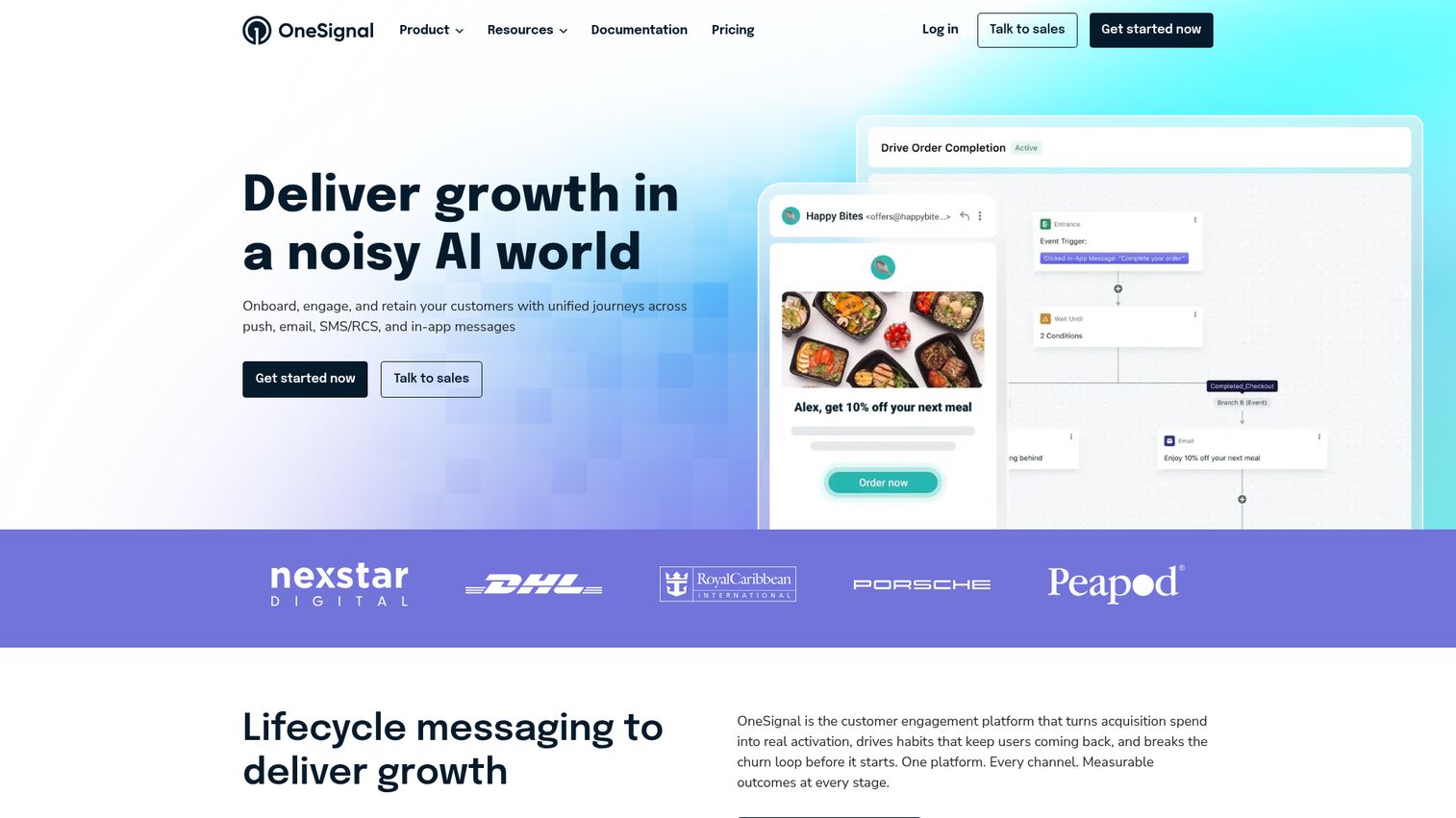
OneSignal has grown from a push-only tool into a full customer engagement platform covering push, email, SMS, and in-app messaging. That evolution is both its strength and its complexity. For teams that want OneSignal push notifications as part of a broader messaging stack without enterprise pricing, it's the strongest free-tier option on this list.
The free plan includes up to 10K email subscribers and unlimited mobile push subscribers, though web push subscribers are capped on the free tier. Journeys, their visual automation builder, lets you create multi-step campaigns across channels. Segmentation works by behavior, tags, and user attributes, with A/B testing for message variants. SDK support covers web (JavaScript), iOS, Android, React Native, Flutter, and Unity. Native integrations include Segment, Amplitude, HubSpot, Shopify, and WordPress.
Best for: Growth teams that want multi-channel messaging (push + email + SMS + in-app) on a startup-friendly budget.
Key strengths
- Free tier with unlimited mobile push subscribers
- Visual Journeys builder for multi-step automation
- SDKs for 6+ platforms including React Native and Flutter
- Native integrations with Segment, Amplitude, and HubSpot
- A/B testing for message copy, images, and send times
Honest trade-off: The free tier is generous for getting started, but analytics depth, advanced segmentation by event properties, and features like Confirmed Deliveries are gated behind paid plans. Teams that outgrow the free tier quickly may find the jump to paid steeper than expected, especially once you need granular behavioral targeting.
Pricing: Free tier available. Paid plans from $9/month (Growth plan).
2. PushEngage
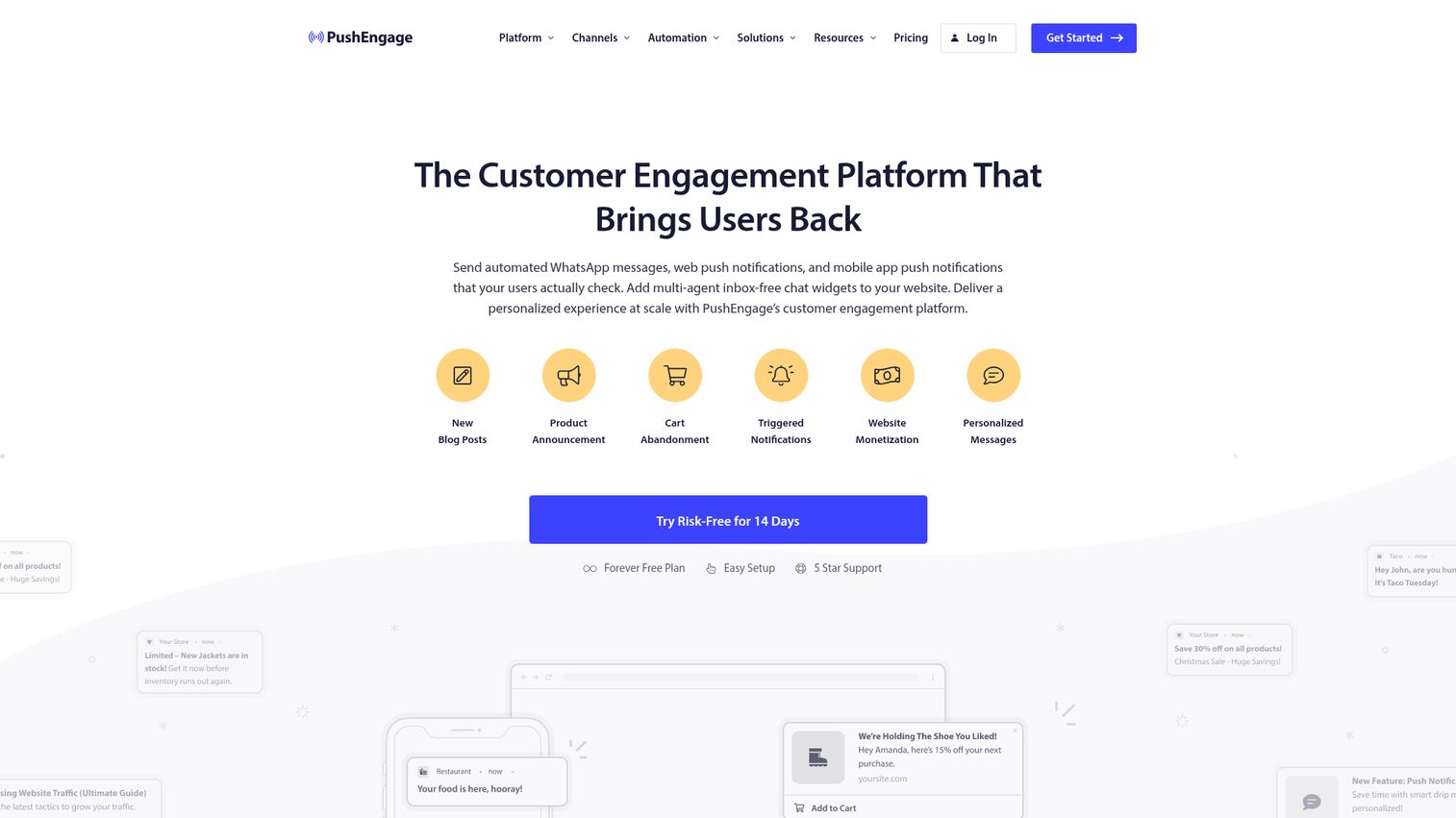
PushEngage is the dedicated web push notifications platform built for e-commerce teams, especially those running Shopify or WooCommerce. It's not trying to be a multi-channel platform. That focus means its web push features are deeper than what you'll find in generalist tools.
AI-powered smart sending optimizes delivery time per subscriber. Drip campaigns handle automated sequences. Cart abandonment and browse abandonment push campaigns come with specific trigger configuration out of the box. Segmentation covers page visits, purchase behavior, and geographic location. Custom opt-in popups (bell icon, large banner, slide-in) give you control over the permission experience. The WordPress plugin and Shopify app get you set up in under 10 minutes.
Best for: E-commerce teams on Shopify or WooCommerce that need deep web push capabilities without multi-channel complexity.
Key strengths
- AI-powered send-time optimization per subscriber
- Cart and browse abandonment campaigns with native triggers
- Shopify and WooCommerce apps for sub-10-minute setup
- Custom opt-in popup styles (bell, banner, slide-in)
- Drip campaigns for automated web push sequences
Honest trade-off: PushEngage is primarily web push. Its mobile push capabilities are limited compared to OneSignal, Airship, or Pushwoosh. If you need native mobile app push, this isn't the tool. The free tier is also tight: 200 subscribers and 30 campaigns/month, which doesn't leave much room for testing.
Pricing: Free tier (200 subscribers). Paid plans from $9/month.
3. Braze
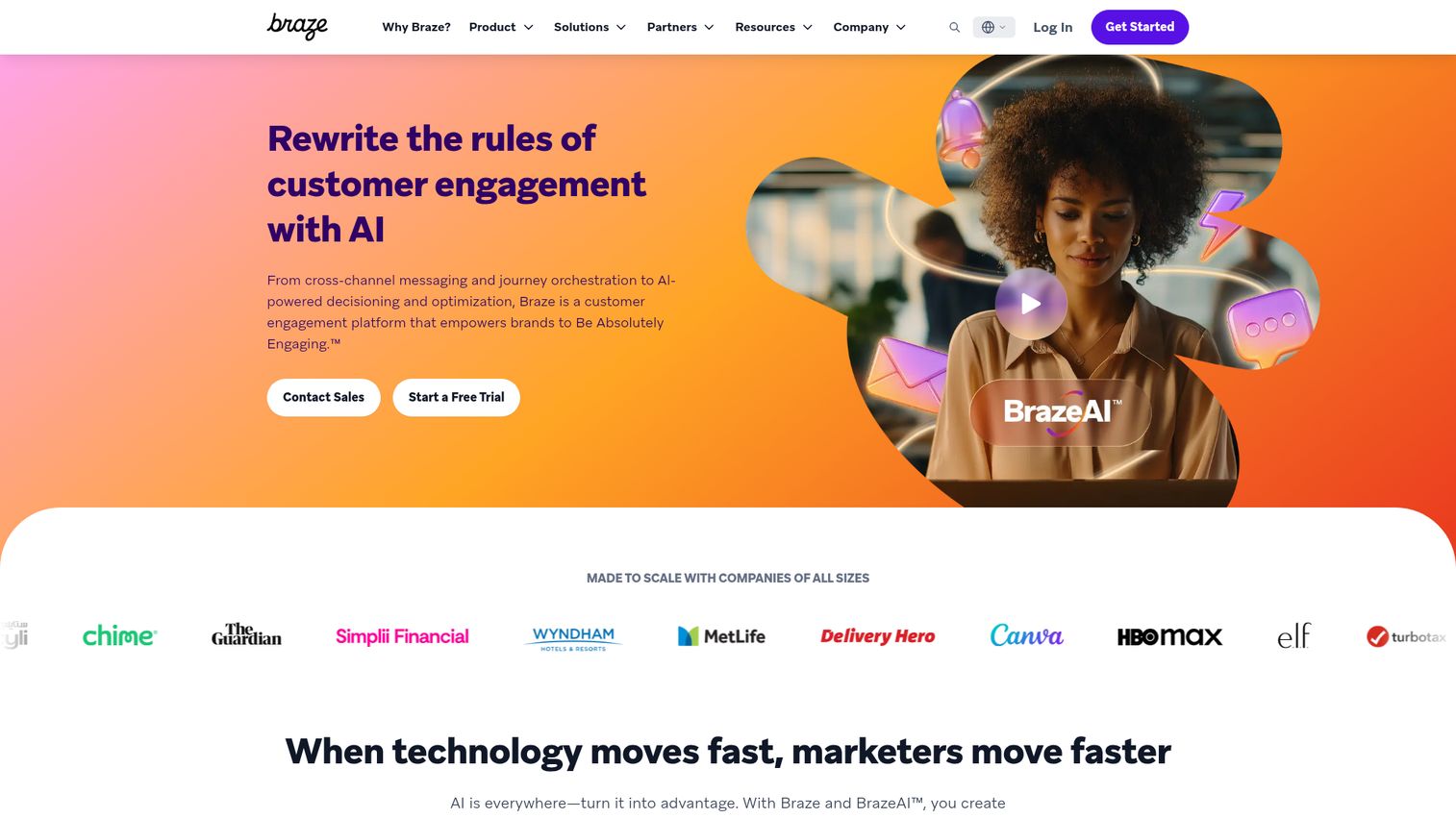
Braze is not a push notification tool. It's a customer engagement platform where push is one channel alongside email, SMS, in-app messaging, content cards, and webhooks. This distinction matters because evaluating Braze is a platform decision, not a push-only decision. It's among the most capable push notification platforms on the market, but it comes with enterprise-level pricing and implementation requirements.
Braze Currents streams engagement data to your warehouse or analytics tool in real time. Canvas, their visual journey builder, handles multi-step, multi-channel campaigns with branching logic. Liquid personalization inserts dynamic content based on user attributes and events. Predictive churn and engagement scoring help you target the right users before they disengage. Deep integrations with CDPs (Segment, mParticle), data warehouses (Snowflake, BigQuery), and analytics platforms make it the hub for complex lifecycle programs.
Best for: Mid-market and enterprise teams running multi-channel lifecycle campaigns with dedicated engineering resources.
Key strengths
- Real-time data streaming via Braze Currents
- Canvas visual journey builder with multi-channel branching
- Liquid personalization with dynamic user attributes
- Predictive churn and engagement scoring
- Deep CDP and data warehouse integrations
Honest trade-off: Pricing is opaque and starts high, typically $50K+/year for mid-market, though Braze doesn't publish this. Implementation requires dedicated engineering resources and often a 4-8 week onboarding period. For teams that only need push notifications, Braze is overkill and overpriced. No free tier.
Pricing: Custom pricing. Expect $50K+/year for mid-market. No free tier.
4. Airship
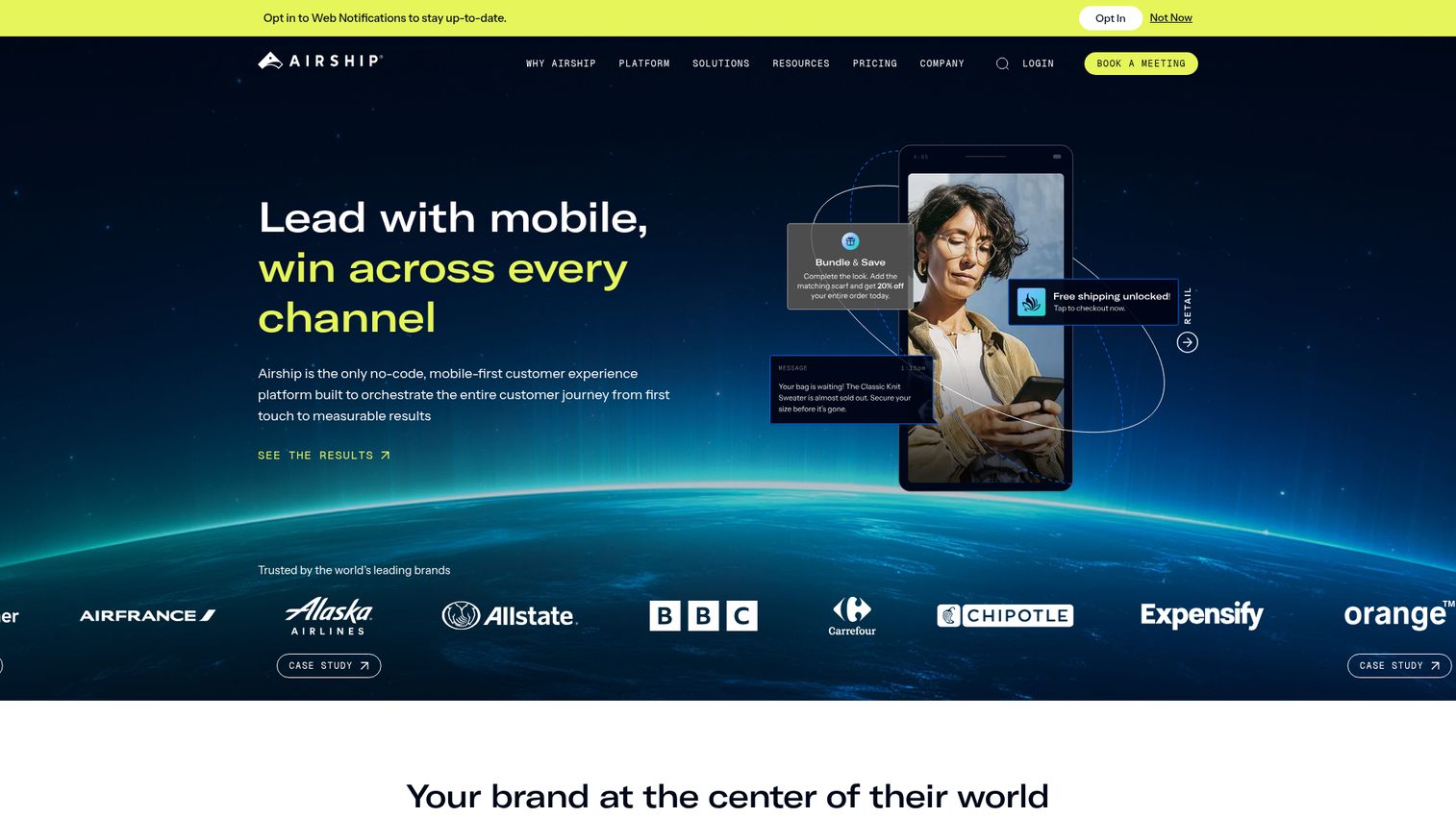
Airship is the mobile-first choice for companies with native mobile apps that need deep push notification app capabilities. Founded as Urban Airship in 2009, it was one of the first mobile push platforms and has evolved into a full mobile customer engagement system. If you're investing in mobile marketing software, Airship is a natural complement for the push notification layer.
The mobile SDK supports rich media push (images, GIFs, video), interactive buttons, and Stories (full-screen, swipeable content experiences within push). App lifecycle automation handles onboarding sequences triggered by first open and re-engagement campaigns for lapsed users. The preference center gives users granular control over which notification categories they receive. Real-time analytics include delivery confirmation, and compliance features serve regulated industries like finance, healthcare, and government.
Best for: Companies with native iOS/Android apps where in-app engagement and mobile push are the primary retention channels.
Key strengths
- Rich media push with images, GIFs, video, and interactive buttons
- Stories format for full-screen swipeable content
- App lifecycle automation for onboarding and re-engagement
- Granular preference center for user opt-in management
- Compliance features for regulated industries
Honest trade-off: Airship is less suited for web-only push. If your audience is primarily browser-based with no native app, tools like PushEngage or OneSignal are better fits. Pricing is enterprise-level and not publicly listed, which means a sales process is required. The platform can feel heavy for small teams with simple push needs.
Pricing: Custom pricing. Sales process required. No free tier.
5. Pushwoosh
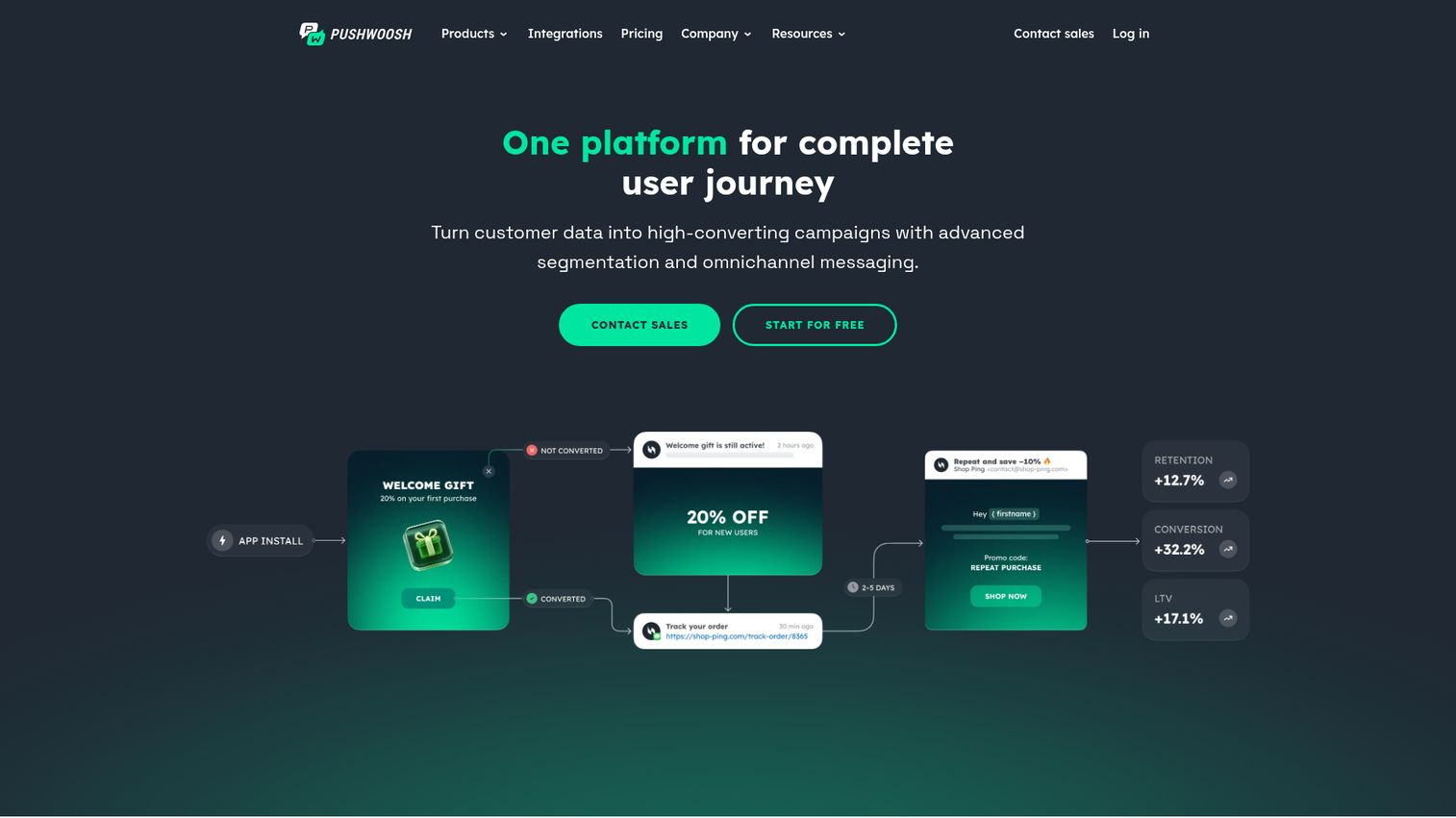
Pushwoosh is the mid-market alternative to Braze and Airship for teams that need cross-platform push (web + mobile) with event-based automation at a fraction of the enterprise price. It supports omnichannel messaging (push, email, in-app, SMS) with a Customer Journey Builder for visual automation.
Event-based triggers fire when a user completes action X, sending push Y after a configurable delay. RFM segmentation (Recency, Frequency, Monetary value scoring) helps you target users based on engagement patterns. Deep linking opens a specific screen within the app, not just the app home screen. Both web and mobile push run from a single platform, and the free tier covers up to 1K devices.
Best for: Mid-market teams that need cross-platform push notification tools with event-based automation without enterprise pricing.
Key strengths
- Event-based triggers with configurable delays
- RFM segmentation for behavioral targeting
- Deep linking to specific in-app screens
- Web and mobile push from a single platform
- Free tier for up to 1K devices
Honest trade-off: The UI can feel dated compared to newer platforms like OneSignal or Customer.io. The integration list is smaller, with fewer native connections to CDPs and analytics tools. Documentation, while functional, is less polished than Braze or OneSignal's developer docs.
Pricing: Free tier (up to 1K devices). Paid plans from $49/month.
6. Webpushr
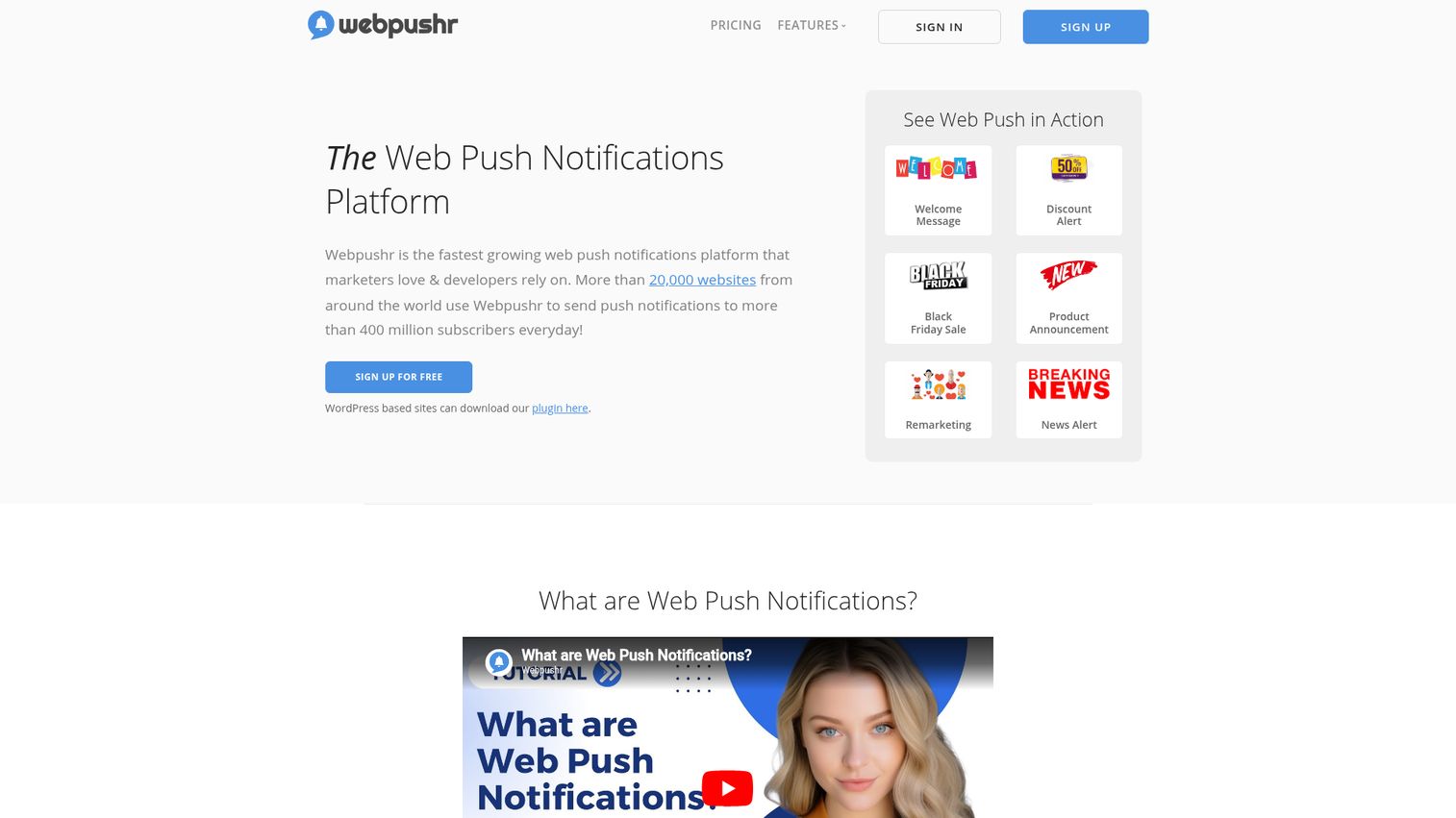
Webpushr is the most budget-friendly web push notification platform on this list. The standout: the free plan includes unlimited web push notifications to up to 10K subscribers. That's more generous than most competitors' free tiers.
Customizable opt-in prompts come in multiple styles (bell, banner, slide-in, full-page). Audience segmentation covers URL, device, browser, geography, and custom tags. Scheduled and automated campaigns handle the basics, and RSS-to-push automatically sends a notification when new content is published. Setup takes one line of JavaScript, or you can use the WordPress plugin or Shopify app. A REST API handles custom integrations.
Best for: Startups and small marketing teams that want unlimited web push notifications without per-message pricing.
Key strengths
- Unlimited notifications on free plan (up to 10K subscribers)
- Multiple opt-in prompt styles with customization
- RSS-to-push for automatic content notifications
- One-line JavaScript setup or WordPress/Shopify plugin
- REST API for custom integrations
Honest trade-off: Webpushr is web push only. No mobile push SDK. Automation capabilities are basic compared to OneSignal or PushEngage (no visual journey builder, limited event-based triggers). Analytics are functional but not deep. If you need behavioral automation or mobile push, look elsewhere.
Pricing: Free tier (up to 10K subscribers, unlimited notifications). Paid plans from $29/month.
7. SendPulse
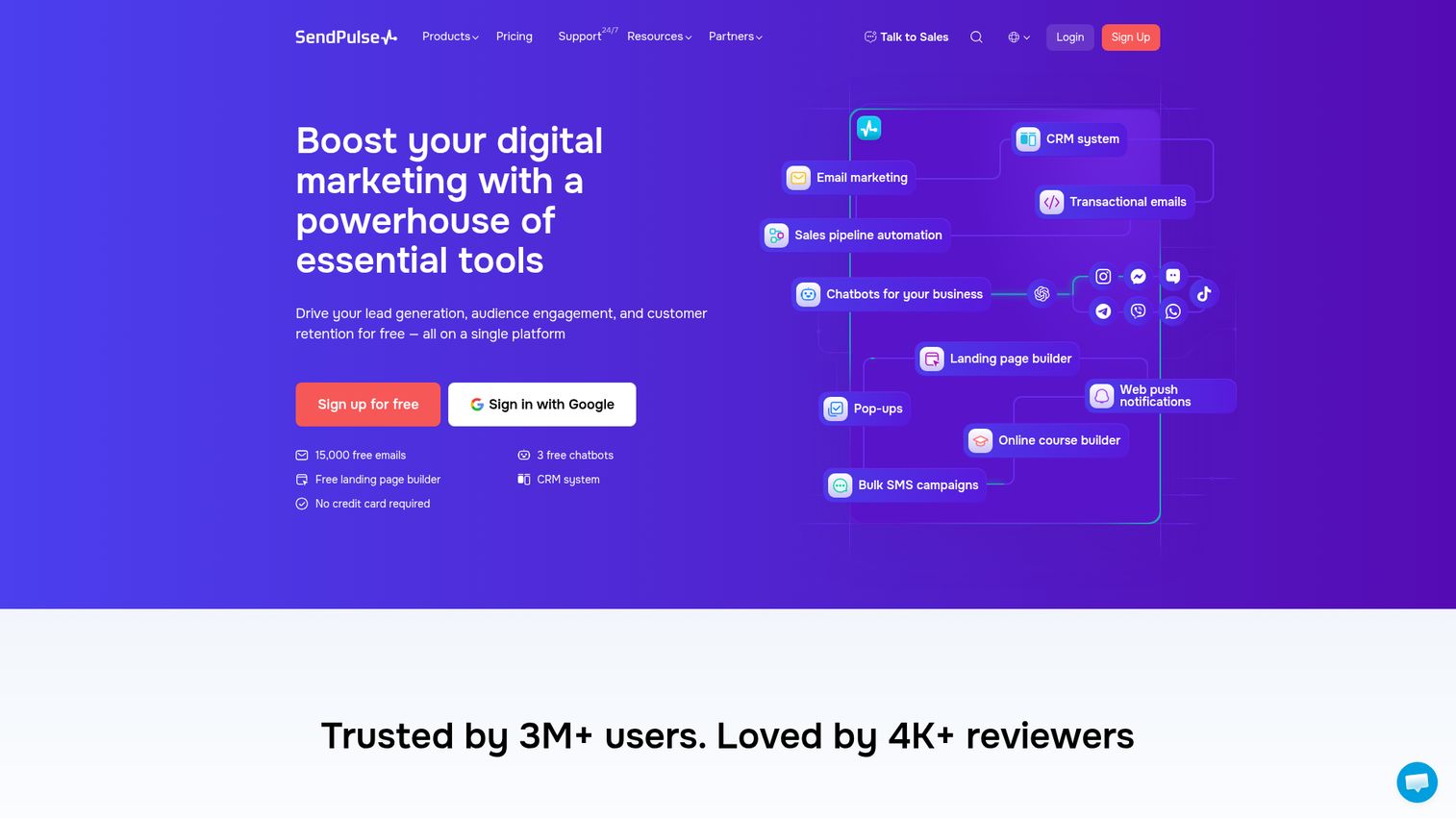
SendPulse is a multi-channel marketing platform where push notifications sit alongside email, SMS, chatbots, CRM, and landing pages. It's built for small to mid-sized teams that want to consolidate multiple marketing channels into one platform without paying for separate tools. If you're also evaluating standalone SMS tools, check out our guide to the best SMS marketing software.
Web push notifications come with subscriber segmentation. The visual automation builder (Automation 360) triggers push based on email opens, website visits, or custom events. Personalization uses dynamic variables. The free tier covers up to 10K web push subscribers. The bundled CRM and landing page builder add value if you don't already have those tools.
Best for: Small to mid-sized teams that want email, push, SMS, and chatbots in one platform at a low price point.
Key strengths
- Email + push + SMS + chatbots in a single platform
- Automation 360 visual builder with cross-channel triggers
- Free tier with up to 10K web push subscribers
- Bundled CRM and landing page builder
- Dynamic personalization variables in push content
Honest trade-off: Push notification features are less deep than dedicated push platforms like PushEngage or OneSignal. SendPulse is primarily an email marketing platform that added push, not a push-first tool. Mobile push is limited. If push is your primary channel, a dedicated tool will serve you better.
Pricing: Free tier available. Paid plans from $8/month.
8. WonderPush
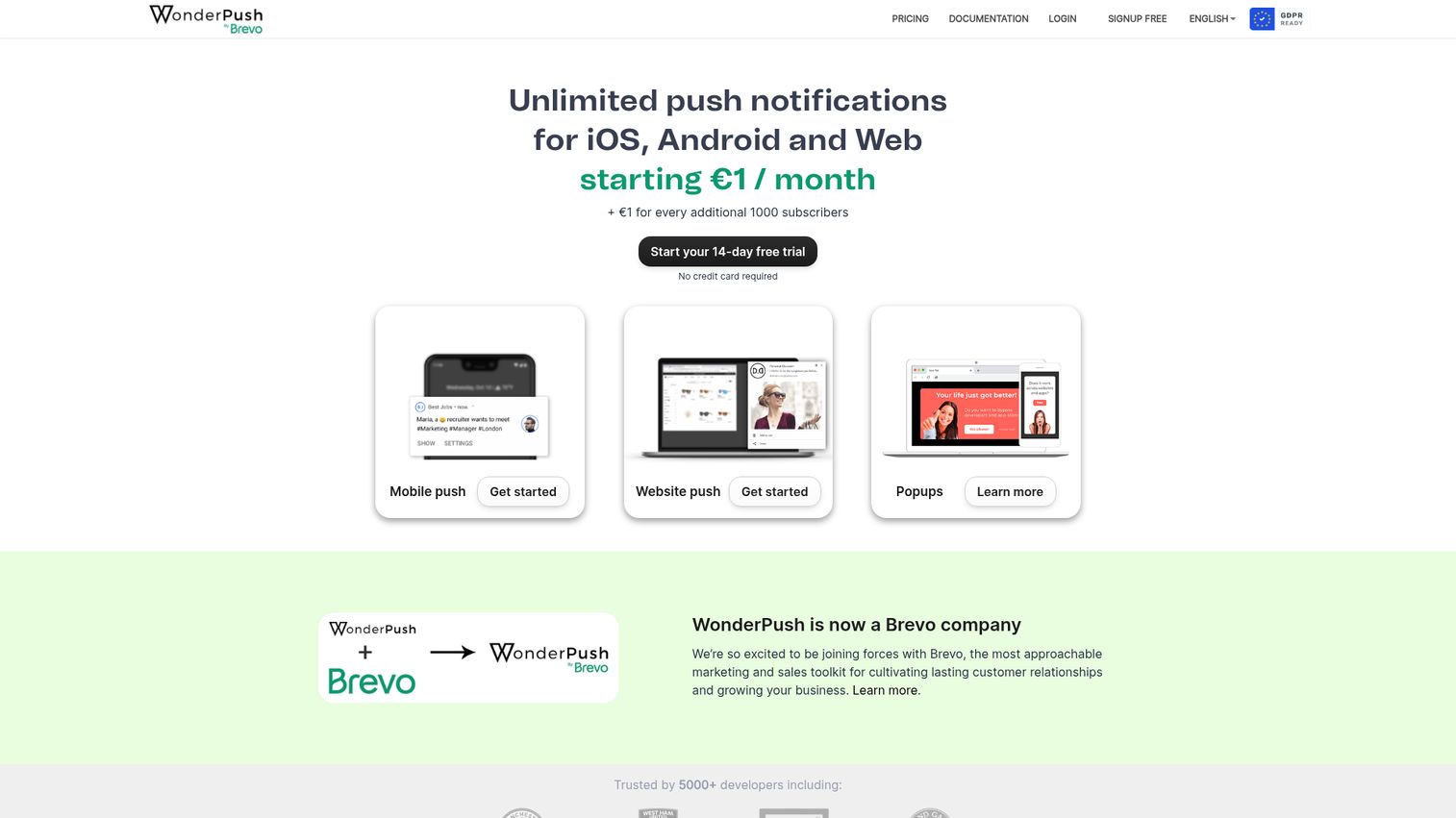
WonderPush is the GDPR-compliant, predictable-pricing option for European companies or privacy-conscious teams. The key differentiator is the flat-rate pricing model: €1/month per 1,000 subscribers with unlimited notifications. Costs are completely predictable, unlike per-message or tiered models where costs spike with growth.
WonderPush supports both web and mobile push (iOS, Android). The real-time analytics dashboard tracks delivery and engagement. Segmentation works by events, tags, and properties. Automation handles triggered campaigns. A WordPress plugin simplifies web push setup. Full GDPR compliance includes data hosted in Europe and explicit consent management.
Best for: European companies or privacy-conscious teams that want predictable pricing and GDPR compliance without complexity.
Key strengths
- Flat-rate €1/month per 1K subscribers with unlimited notifications
- Full GDPR compliance with EU data hosting
- Web and mobile push (iOS and Android) support
- Real-time analytics dashboard
- WordPress plugin for quick web push setup
Honest trade-off: WonderPush is a smaller company with a less extensive integration list than OneSignal or Braze. Fewer pre-built connections to CDPs, CRMs, and analytics platforms. Advanced automation features like visual journey builders and predictive scoring aren't as developed as enterprise platforms. Best for teams that prioritize simplicity, compliance, and cost predictability over advanced orchestration.
Pricing: From €1/month per 1,000 subscribers. Unlimited notifications. 14-day free trial.
9. Pushly
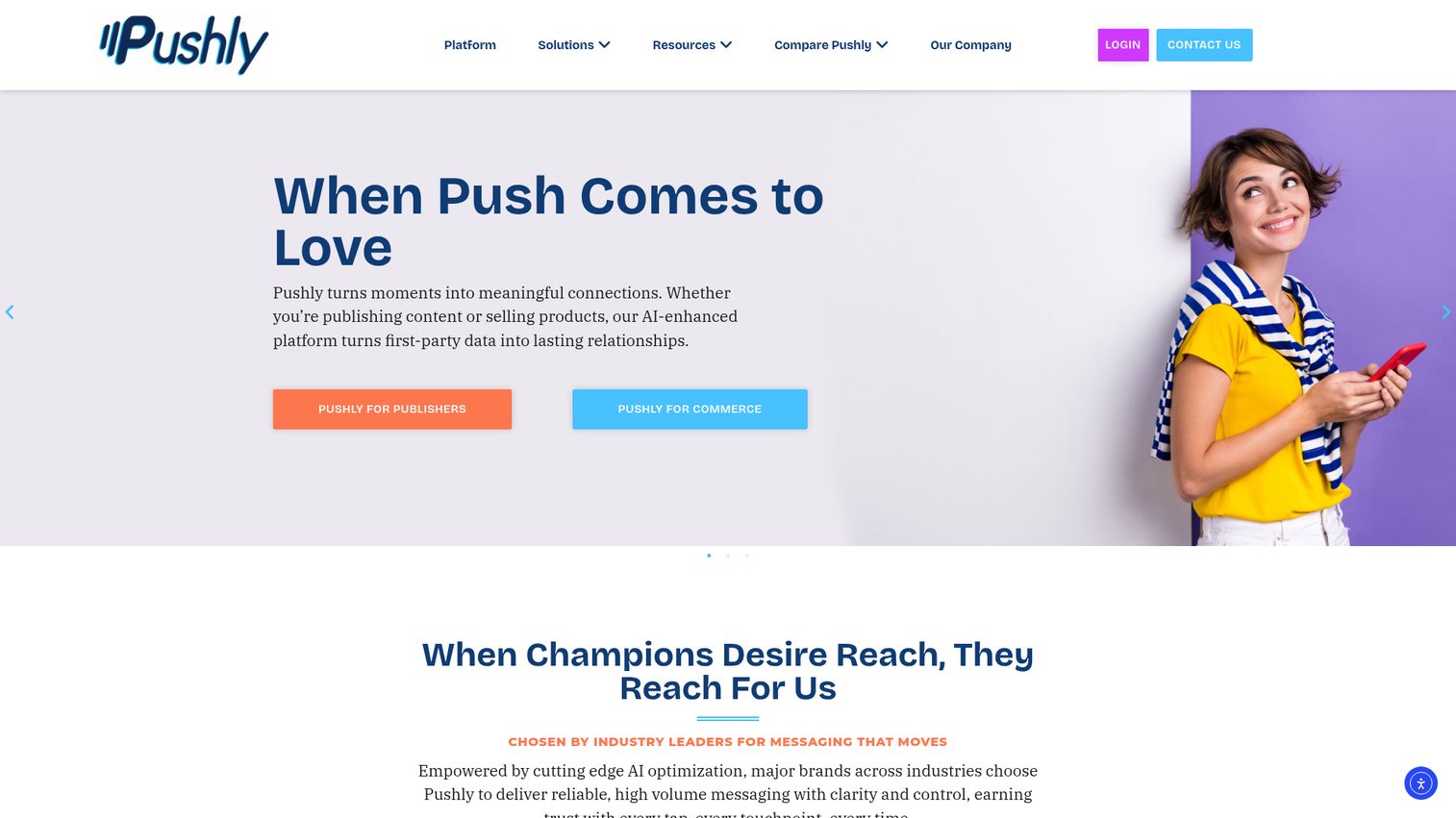
Pushly is the push notification platform built specifically for publishers and media companies. Its entire product is designed around the publisher use case: driving pageviews, increasing return visits, and monetizing audiences through push. This is a fundamentally different tool than the others on this list.
The content recommendation engine automatically suggests articles to push based on user reading behavior. Audience segmentation covers content category, reading frequency, and engagement level. Automated new-content alerts fire when a new article is published in a category the user follows. Revenue attribution tracks how push notification traffic drives ad revenue. Pushly partners with major digital publishers to optimize the push-to-pageview pipeline.
Best for: Publishers and media companies that need push to drive return visits, pageviews, and ad revenue.
Key strengths
- Content recommendation engine based on reading behavior
- Audience segmentation by content category and engagement level
- Automated new-content alerts by followed category
- Revenue attribution for push-driven ad revenue
- Built specifically for the publisher use case
Honest trade-off: Pushly is not built for e-commerce or SaaS. If you're not a content-driven business, this tool won't fit your use case. Automation for non-content triggers (cart abandonment, onboarding nudges) is limited or nonexistent. Pricing is custom and not transparent, which means a sales conversation is required.
Pricing: Custom pricing. Contact sales.
10. Customer.io
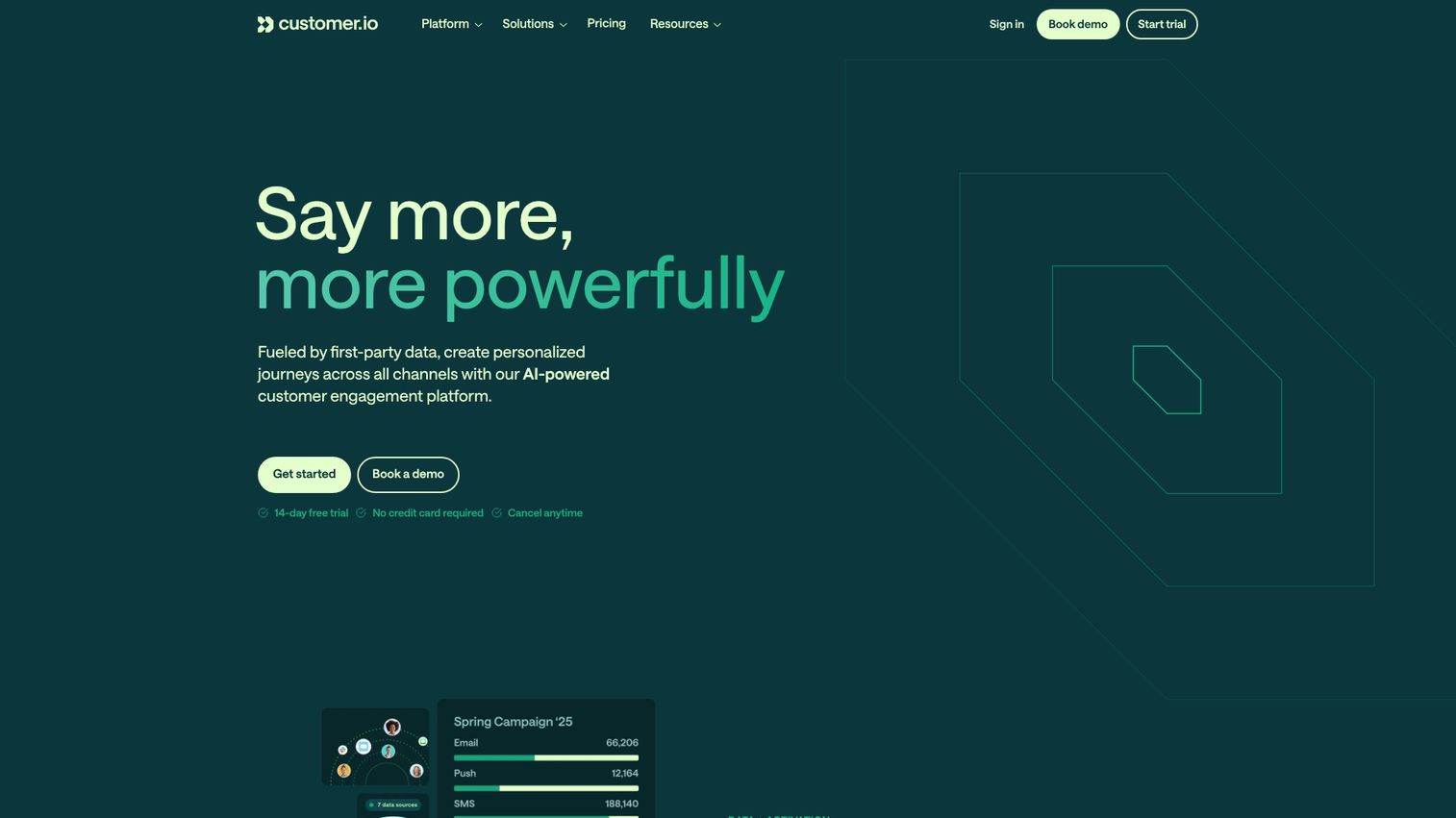
Customer.io is a lifecycle messaging platform where push notifications are part of a broader, event-driven automation strategy. It's built for SaaS and product-led growth teams that already have strong data infrastructure and want push as one channel within sophisticated lifecycle workflows. Teams investing in this level of marketing automation software typically need push tightly integrated with email and in-app messaging.
The visual workflow builder supports branching logic. Event-based triggers fire from product user completes onboarding step 3, user hasn't logged in for 7 days, user reaches usage limit. Segmentation covers user behavior, attributes, and computed properties. Data pipeline integrations include Segment, mParticle, Rudderstack, and direct warehouse connections to Snowflake and BigQuery. Push, email, SMS, in-app, and webhooks all work within the same workflow.
Best for: SaaS and PLG teams with strong data infrastructure that need push as one channel within event-driven lifecycle workflows.
Key strengths
- Visual workflow builder with branching logic
- Event-based triggers from product behavior data
- Direct warehouse connections to Snowflake and BigQuery
- Push, email, SMS, in-app, and webhooks in one workflow
- Segmentation by computed properties and behavioral attributes
Honest trade-off: Push is one channel within a larger platform, not the primary focus. If you only need push notifications, Customer.io's $100/month starting price is expensive for that single use case. The platform requires clean event data flowing in to deliver its full value. Implementation is more complex than a dedicated push tool.
Pricing: From $100/month (Essentials plan). No free tier. 14-day free trial.
11. Knock
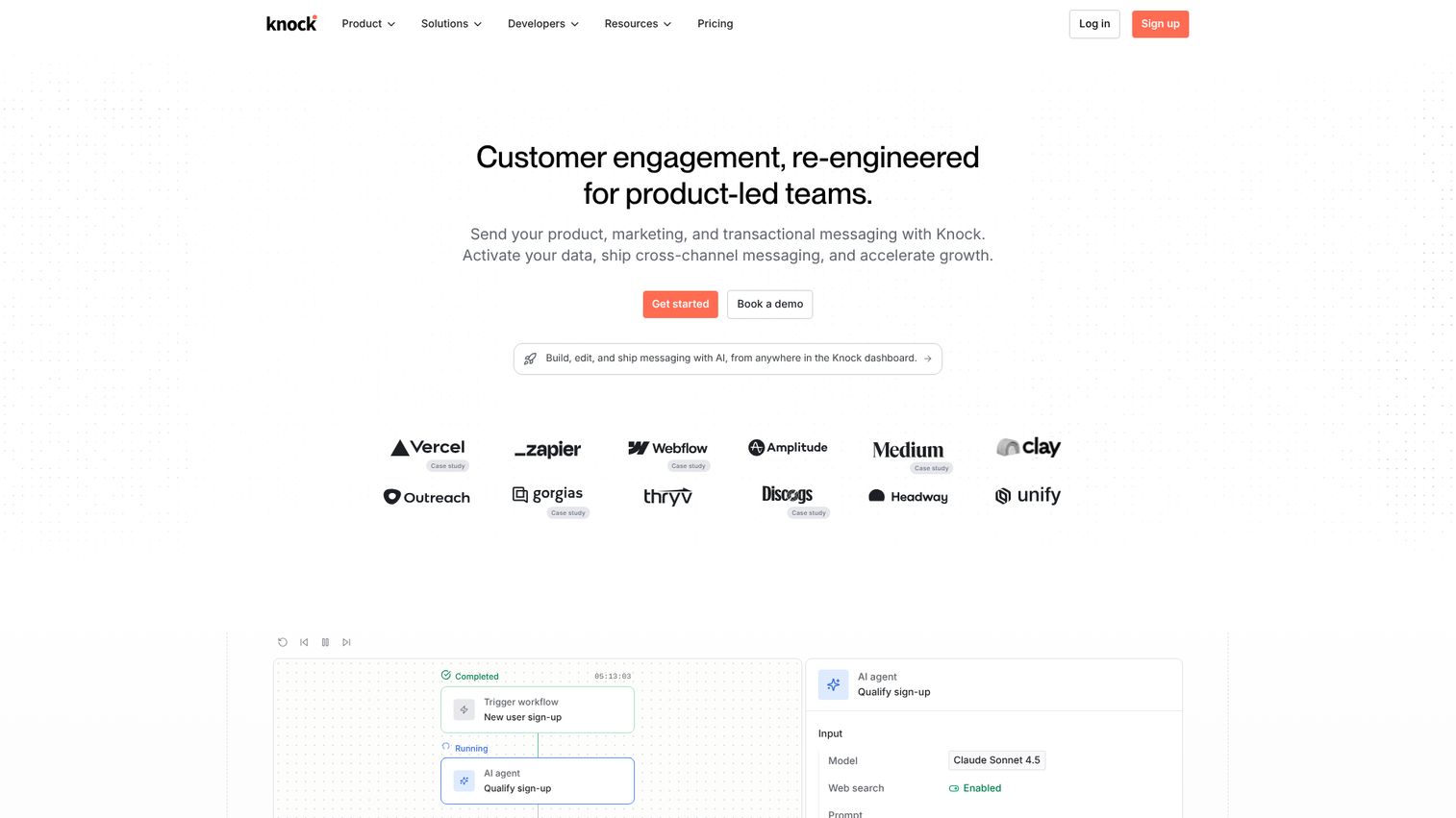
Knock is the developer-first notification infrastructure platform for engineering and product teams that want full control over their notification layer. This is not a marketer-friendly drag-and-drop tool. It's an API-first platform for building custom notification systems that orchestrate across push, email, in-app, SMS, Slack, and Microsoft Teams.
The notification engine lets you define workflows in code or via dashboard, routing messages across channels based on user preferences and delivery rules. Preference management gives users control over which channels they receive notifications on, per notification type. Cross-channel routing logic handles fallbacks: if push isn't delivered within 5 minutes, fall back to email. The real-time in-app notification feed comes with React components and SDKs. Developer experience is strong, with clear API docs, SDKs for multiple languages, and webhook support.
Best for: Engineering and product teams that want to own the notification experience end-to-end with an API-first approach.
Key strengths
- API-first with SDKs for multiple languages
- Cross-channel routing with fallback logic
- Per-notification-type user preference management
- Real-time in-app notification feed with React components
- Clear developer documentation and webhook support
Honest trade-off: Knock requires engineering resources to implement. There is no visual campaign builder for marketers. If your marketing team needs to create and send push campaigns without developer involvement, Knock is not the right tool. Pricing starts at $250/month for the paid tier, which is high for small teams.
Pricing: Free tier available. Paid plans from $250/month.
12. Pushover
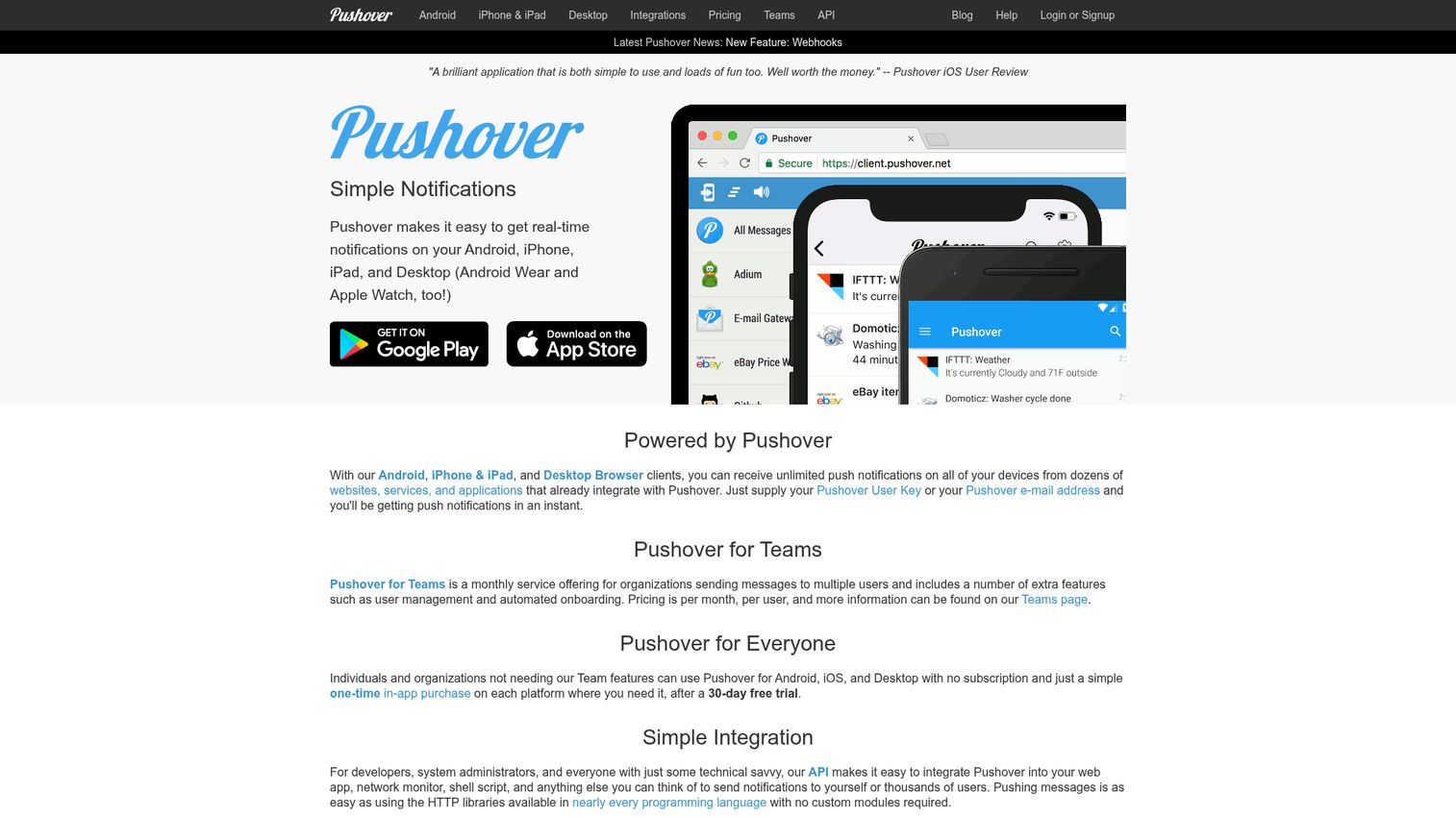
Pushover is a fundamentally different tool from everything else on this list, and that distinction matters. Pushover is a simple notification app for developers, sysadmins, and small teams that need to send real-time alerts from scripts, servers, or monitoring tools to their own devices. It is NOT a marketing push notification tool.
No subscriber management. No segmentation. No automation. No analytics dashboard. No campaign builder. It ranks for "push notification software" because it is, technically, software that sends push notifications. But it solves a completely different problem. The API supports Python, Ruby, PHP, Go, Perl, and command line. Cross-platform clients cover Android, iOS, Desktop, Apple Watch, and Android Wear. The pricing model is a one-time $5 purchase per platform with no subscription and no per-message fees. Pushover for Teams handles shared notification delivery for small groups.
Best for: Developers and sysadmins who need to push over alerts from scripts, servers, and monitoring tools to their own devices.
Key strengths
- One-time $5 purchase per platform, no subscription
- API support for Python, Ruby, PHP, Go, Perl, CLI
- Cross-platform clients including Apple Watch
- Pushover for Teams for shared group notifications
- Zero ongoing costs after initial purchase
Honest trade-off: If you're a growth marketer looking for a tool to send push campaigns to your users, Pushover is not what you need. It's on this list because it ranks for this keyword and you should understand the distinction rather than waste time evaluating it for the wrong use case. No segmentation, no automation, no marketing features.
Pricing: $5 one-time purchase per platform. No subscription. No free tier (but 30-day trial).
Key features to evaluate in push notification software
Now that you've seen the push notification tools, here's how to evaluate them against your specific requirements. Use these questions during vendor demos or free trial testing. For SaaS products specifically, running prospects through an interactive demo of your own product alongside push notifications can dramatically improve activation rates.
Segmentation and targeting
Segmentation depth is the single biggest differentiator between push tools. Untargeted push blasts drive opt-outs. The more granular your targeting (behavioral events, purchase history, engagement recency), the higher your click-through and the lower your unsubscribe rate.
- Can you segment by specific in-app events, not just page views?
- Does the tool support computed segments (e.g., users who did X but not Y within Z days)?
- Can you create segments from CRM or warehouse data, or only from data the push tool collects? If you're evaluating CRM options, our roundup of the best CRM software covers the leading platforms.
- How many segment conditions can you combine in a single audience?
Automation and triggered campaigns
The value of push notification software scales with automation depth: sending the right message at the right moment based on what the user just did or didn't do. Scheduled blasts are table stakes. Behavior-driven triggers are the differentiator.
- Does the tool support event-based triggers (user action → push), or only time-based scheduling?
- Can you build multi-step sequences with delays, conditions, and branching?
- Is there a visual journey builder, or is automation configured via rules and code?
- Can automations span multiple channels (push + email + in-app) in a single workflow?
Personalization and A/B testing
Personalized push notifications tend to see 2-3x higher click-through rates than generic ones. A/B testing lets you validate what works before scaling. If you're looking for deeper personalization software beyond push, there are dedicated platforms for that.
- Does the tool support dynamic variables (first name, last product viewed, account status) in push content?
- Can you A/B test more than just message copy (send time, rich media vs. text-only, CTA text)?
- How does the tool determine a winner in A/B tests (statistical significance or highest open rate after a fixed period)?
- Can you personalize the push notification landing URL per user?
Integration with your existing stack
Integration depth matters more than integration count. A push tool with 200 integrations but no connection to your specific CRM, analytics platform, or CDP is useless.
- Does the tool have a native integration with your CRM, or does it require Zapier?
- Can you send user events and attributes from your product to the push tool in real time?
- Does the tool support webhook-based triggers for custom integrations?
- Can you export push engagement data back to your analytics platform or warehouse? Teams using a customer data platform will want bidirectional data flow.
Analytics and attribution
Look beyond vanity metrics. The metrics that matter: delivery rate (percentage of pushes that reach the device), click-through rate, conversion rate, and revenue attribution. For a broader view of your marketing measurement stack, explore marketing analytics software.
- Does the tool track conversions, not just clicks, from push notifications?
- Can you attribute revenue to specific push campaigns?
- Does the tool provide delivery confirmation (confirmed delivered to device, not just sent to APNs/FCM)?
- Can you export raw event data for custom analysis?
Compliance and permission management
Compliance is non-negotiable for any team operating in the EU (GDPR), California (CCPA), or regulated industries. Push notifications require explicit opt-in, and the tool must support easy opt-out.
- Does the tool provide a preference center where users choose which notification types they receive?
- Is opt-out available in one click from the notification itself?
- Where is user data stored, and does the tool offer EU data residency?
- Does the tool maintain consent records for audit purposes?
How to choose the right push notification software
You've seen the tools and the evaluation criteria. Now narrow your decision with three key questions. The right push notification platform depends on your specific context, not a generic recommendation.
Web push vs. mobile push vs. both
This is the single biggest filter for narrowing your list. Assess your channel needs first.
- Web push only (no native app): You need browser-based web push notifications. Look at PushEngage, Webpushr, or OneSignal.
- Mobile push notification app (native iOS/Android): You need deep mobile SDK support. Look at Airship, Pushwoosh, or Braze.
- Both web and mobile: You need a platform that supports both channels. Look at OneSignal, Pushwoosh, Braze, or Customer.io.
Dedicated push tool vs. multi-channel platform
- Choose a dedicated push tool (PushEngage, Webpushr, Pushwoosh) when push is your primary channel, budget is tight, and you already have email and SMS tools you're happy with
- Choose a multi-channel platform (OneSignal, Braze, Customer.io, SendPulse) when you need push + email + in-app in a single automated journey and want unified analytics
- Choose developer infrastructure (Knock) when your engineering team wants full control over the notification layer
Pricing models and hidden costs
Four main pricing models to understand:
- Per-subscriber: Cost scales with audience size, regardless of messages sent
- Per-message: You pay per notification sent
- Flat-rate: Fixed monthly fee for a subscriber tier with unlimited messages
- Freemium: Free tier with feature or subscriber limits, paid tiers for more
Hidden costs to watch for:
- Subscriber limits on free tiers that force upgrades quickly
- Segmentation and automation locked behind higher-priced tiers
- Overage charges for exceeding subscriber or message limits
- Implementation and onboarding fees on enterprise plans
Conclusion
Start with your channel needs (web, mobile, or both), then match to your stack and budget. For multi-channel lifecycle messaging, OneSignal or Braze. For web push in e-commerce, PushEngage. For mobile-first apps, Airship or Pushwoosh. For developer-controlled notification infrastructure, Knock. For budget-friendly web push, Webpushr or WonderPush.
Most push notification software on this list offers free tiers or trials, so the best next step is to test 2-3 shortlisted push notification tools with real campaigns before committing. The channel is becoming a core part of the growth marketing toolkit as AI-driven send-time optimization and deeper behavioral targeting make push more precise and less intrusive. According to Persistence Market Research, the push notification software market is valued at $2.1 billion in 2026 and projected to reach $4.7 billion by 2033.
Pick 2-3 tools from this list, sign up for free tiers, and run a real campaign. The data will tell you which one fits.
FAQs about push notification software
Push notification software is a platform that sends targeted messages directly to users' browsers or mobile devices. For web push, the user grants permission through a browser prompt, and the software uses service workers to deliver messages even when the user isn't on your site. For mobile push, the app registers with Apple Push Notification service (APNs) or Firebase Cloud Messaging (FCM), and the push notifications service sends messages through those channels. The marketer creates the message, defines the audience segment and trigger, and the software handles delivery, tracking, and analytics.
Web push notifications are delivered through browsers (Chrome, Firefox, Safari, Edge) and don't require a native app. They appear as pop-up messages on the user's desktop or mobile browser. Mobile push notifications are delivered through native apps and appear in the notification tray. Web push has broader reach since any website visitor can opt in, while mobile push tends to see higher engagement because users who installed your app are more committed. Use web push if you don't have a native app, mobile push if you do, and both if you have both a web presence and an app.
Yes, with the right targeting. According to Omnisend's analysis, automated web push notifications hit a 65.1% open rate, and promotional campaigns average a 34% open rate. Meanwhile, 60% of businesses report a significant increase in user engagement through personalized push. The critical caveat: effectiveness depends entirely on segmentation and timing. Untargeted push blasts drive opt-outs and damage your subscriber base. Personalized, behavior-triggered push alerts consistently outperform scheduled blasts.
The full range: free tiers (OneSignal, Webpushr, Pushwoosh, SendPulse), low-cost paid plans starting at $8-$9/month (SendPulse, OneSignal, PushEngage), mid-range plans at $29-$100/month (Webpushr, Pushwoosh, Customer.io), and enterprise custom pricing (Braze, Airship, typically $50K+/year). Three main pricing models: per-subscriber (cost scales with audience size), flat-rate (fixed fee per tier), and custom/enterprise (negotiated based on volume). The outlier is Pushover at $5 one-time per platform, but it's not a marketing tool. Start with a free tier to validate the channel, then upgrade when you hit subscriber or feature limits.
Yes. Web push notifications work through browsers and don't require a native mobile app. Any website can implement web push by adding a JavaScript snippet or installing a plugin for WordPress or Shopify. Tools that support web-only push include PushEngage, Webpushr, OneSignal, SendPulse, and WonderPush. One limitation: Safari on iOS only added web push support in iOS 16.4+, which means reach on iPhones via web push is still growing but not yet universal.
Don't ask on the first page visit. Wait until the user has engaged with at least 2-3 pages or spent 30+ seconds on site. Use a custom opt-in popup that explains the value ("Get notified when items you viewed go on sale") instead of the generic browser prompt. Offer category-based opt-in so users choose which notification types they want. Use a two-step opt-in: soft ask with a custom popup first, then the browser permission prompt only if they click yes. Generic "Allow notifications?" prompts convert at 3-5%, while value-framed custom prompts convert at 10-20%. Optimizing these conversion flows is a key part of any CRO strategy.
The integration categories that matter most: CRM (HubSpot, Salesforce) for syncing subscriber data and triggering push from CRM events, analytics and CDP (Segment, Amplitude, Mixpanel, mParticle) for behavioral data exchange, e-commerce platform (Shopify, WooCommerce) for cart abandonment and purchase-based triggers, data warehouse (Snowflake, BigQuery) for advanced segmentation, and marketing automation if push is a standalone tool that needs to connect to your email/SMS platform. Integration depth matters more than integration count. One deep, real-time integration with your CRM is worth more than 50 shallow Zapier connections.
GDPR requires explicit, informed consent before sending push notifications. The browser or app permission prompt counts, but you should also explain what the user is opting into. Users must be able to opt out easily via one-click unsubscribe from the notification or a preference center. You must maintain records of consent for audit purposes, and user data must be stored in compliance with GDPR. Tools with strong GDPR features include WonderPush (EU-hosted, GDPR-focused), PushEngage (GDPR compliance features), and OneSignal (GDPR tools). CCPA has similar requirements for California users. Choose a tool with a built-in preference center and consent management rather than building your own.










