Product teams ship features faster than ever, but getting users to actually understand those features? That's where most teams stall. Static screenshots don't show workflow.
Videos get skipped. Live demos don't scale.
Interactive demo tools solve this by letting users click through your product themselves, without scheduling a call or spinning up a sandbox. This guide compares ten of the best interactive demo tools for product teams in 2026, covering full demo automation platforms, documentation tools, and in-app onboarding solutions.
What's inside
This guide covers the best interactive demo tools for product teams in 2026. You'll find a definition of interactive demo software, when to use each type, a comparison table with pricing and ratings, and detailed breakdowns of ten tools.
We selected tools based on creation speed, analytics depth, personalization capabilities, and how well they fit into existing product and GTM stacks.
TL;DR
- Best overall for product teams: Guideflow (capture, personalize, and measure interactive demos in minutes)
- Best for async video walkthroughs: Loom
- Best for step-by-step documentation: Tango or Scribe
- Best for in-app onboarding flows: Userpilot or Chameleon
- Key buying criteria: no-code creation speed, step-level analytics, CRM integrations, and maintenance workflow when your UI changes
What are interactive demo tools and why product teams need them
Interactive demo tools (also called demo automation platforms) let teams create clickable, self-guided product experiences without engineering help. In 2026, the leading tools focus on AI-powered creation, HTML capture, and high personalization to support product-led growth in a 500 million market in 2025.
For product teams specifically, the problem is familiar: how do you show users what your product does without scheduling a call, building a sandbox environment, or waiting on engineering? Interactive demos let prospects and users explore on their own terms.
The alternative is what most teams default to. You send a static screenshot, a video walkthrough, or a "book a demo" link. The prospect watches passively (or doesn't watch at all), and you lose visibility into what they actually cared about.
Core capabilities of demo automation platforms
- Browser-based capture: Record product flows directly from your app using a browser extension
- No-code editing: Add tooltips, hotspots, CTAs, and branching paths without writing code
- Personalization: Tailor content by persona, use case, or account using dynamic variables
- Analytics: Track completion rates, drop-off points, and feature engagement at the step level
- Distribution: Embed in help centers, emails, landing pages, or in-app experiences
How interactive demos differ from videos and live walkthroughs
| Format | Interactivity | Personalization | Viewer effort | Analytics depth |
|---|---|---|---|---|
| Video | Passive | None | Low | Views only |
| Live walkthrough | High | Manual | High (scheduling) | None |
| Interactive demo | Active | Scalable | Low | Step-level |
Interactive demos let users learn by doing. A video shows your product; an interactive demo lets someone experience it.
When product teams use interactive demos
User onboarding and activation
Interactive demos guide new users to their first "aha moment" without requiring a live CSM call. You can embed them in welcome emails, in-app empty states, or your help center. The goal is reducing time-to-value: the faster someone understands your product, the more likely they stick around.
Feature launches and adoption campaigns
When you ship a new feature, a changelog entry rarely drives adoption. Product marketing managers are increasingly using interactive demos to show features in context, letting users click through the workflow before they try it themselves. This approach typically outperforms release notes because it removes the cognitive load of figuring out where to start.
Self-serve product education
Embedding demos in help documentation and knowledge bases deflects support tickets. Instead of reading a five-paragraph explanation, users click through the exact steps. This works especially well for complex workflows where screenshots alone don't capture the sequence.
Internal training and team enablement
Product teams use demos to train sales, CS, and support on new features before customer-facing rollouts. This ensures everyone can answer questions accurately and reduces the back-and-forth of "how does this work again?" messages.
Best interactive demo tools for product teams in 2026: comparison table
| # | Product | Best for | Key differentiator | Pricing | G2 rating |
|---|---|---|---|---|---|
| 1 | Guideflow | Full demo automation suite | Capture, personalize, and analyze in one platform | Free plan available; paid from $35/mo | 5.0 |
| 2 | Loom | Async video walkthroughs | Quick screen recording with viewer analytics | Free plan available; paid from $12.50/mo | 4.7 |
| 3 | Tango | Step-by-step documentation | Auto-generates guides from screen capture | Free plan available; paid from $16/mo | 4.8 |
| 4 | Scribe | Process documentation | AI-generated how-to guides | Free plan available; paid from $23/mo | 4.8 |
| 5 | Userpilot | In-app product adoption | Native in-app flows and analytics | From $249/mo | 4.6 |
| 6 | Chameleon | In-app tours and tooltips | Deep customization and A/B testing | From $279/mo | 4.4 |
| 7 | Candu | In-app content experiences | No-code UI builder for product teams | Custom pricing | 4.6 |
| 8 | Spekit | Just-in-time enablement | Surfaces training content inside tools | Custom pricing | 4.6 |
| 9 | Videoask | Interactive video conversations | Branching video paths with responses | Free plan available; paid from $24/mo | 4.5 |
| 10 | Tolstoy | Shoppable interactive video | Video widgets for product pages | Free plan available; paid from $19/mo | 4.8 |
1. Guideflow
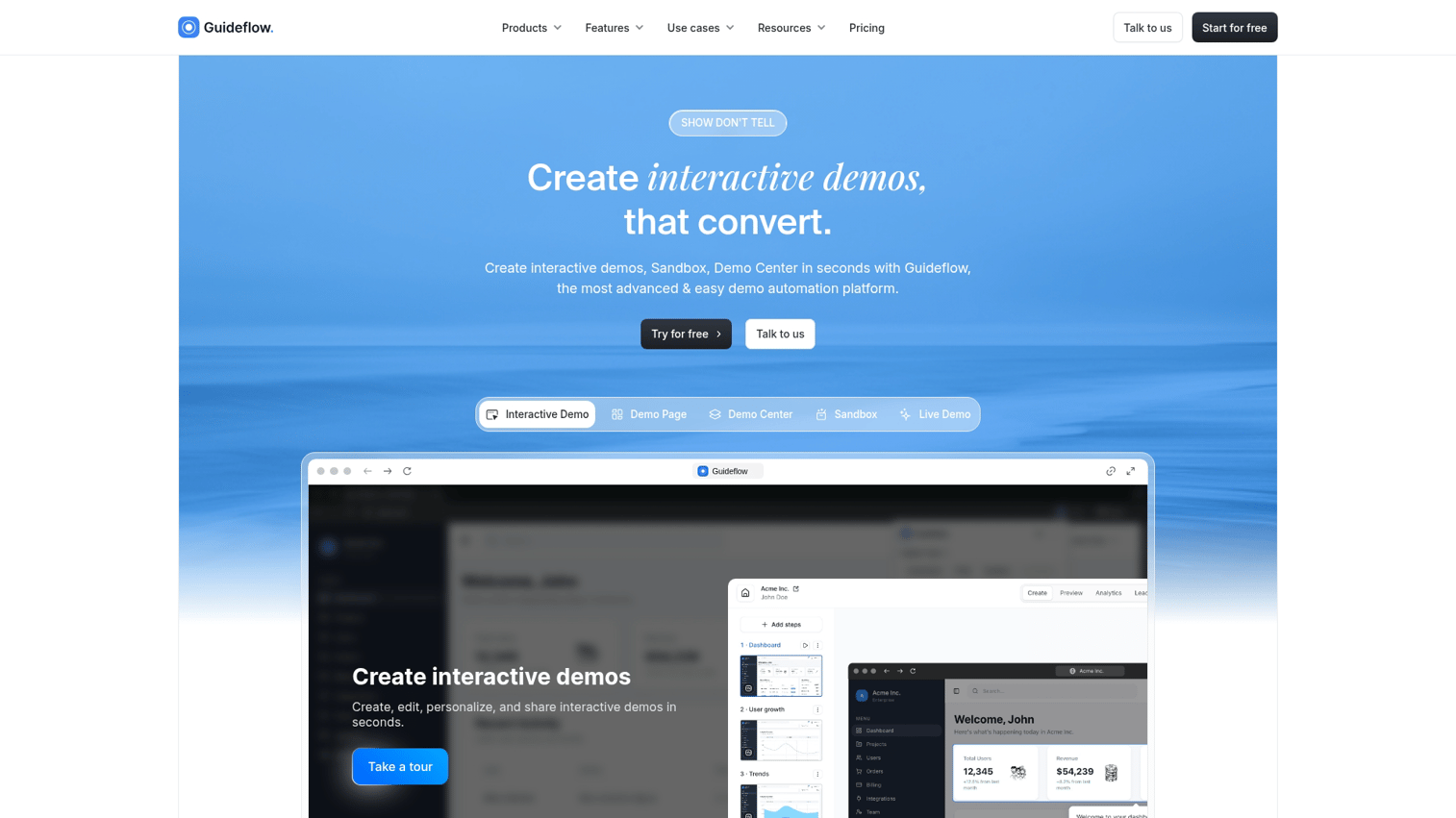
Guideflow is a demo automation platform built for teams that want prospects and users to experience the product before a call. Instead of pushing everyone into a "book a demo" funnel, you capture any workflow and turn it into clickable, step-by-step demos you can embed on landing pages, link in outbound, or drop into docs.
The platform combines multiple demo formats in one suite: interactive demos, sandboxes, demo centers, and live demos. Different moments in the buyer and user journey call for different experiences.
A quick product tour on your homepage serves a different purpose than a deep-dive sandbox for technical evaluation. Live demos bridge the gap between static tours and full sandbox access.
Best for: Product, marketing, and pre-sales teams using PLG-style distribution who want a self-serve "try it now" experience without engineering lift.
Key strengths
- Capture any workflow in clicks: Browser extension records your product as you use it, no staging environment required
- Personalize demos for every prospect: Dynamic variables, AI-powered translations, and persona-based paths
- Full analytics suite: Track step completion, drop-offs, and feature engagement to understand what users actually care about
- Multiple demo formats: Interactive demos, sandboxes, demo centers, and live demos in one platform
- Enterprise-ready: SSO, security controls, team collaboration, and CRM integrations
Why choose Guideflow
Guideflow fits product teams who want speed without sacrificing depth. The plug-and-play editor lets you refine demos without technical help, and AI voiceovers handle narration if you don't have time to record. You can share demos via link or embed in seconds, then track exactly which features drove engagement.
The platform also addresses the maintenance problem. When your UI changes, you can update individual steps rather than re-recording entire flows.
Pricing
Guideflow offers a free plan with core features. Paid plans start at $35/month for individuals, with team and enterprise tiers available.
Start your journey with Guideflow today!
2. Loom
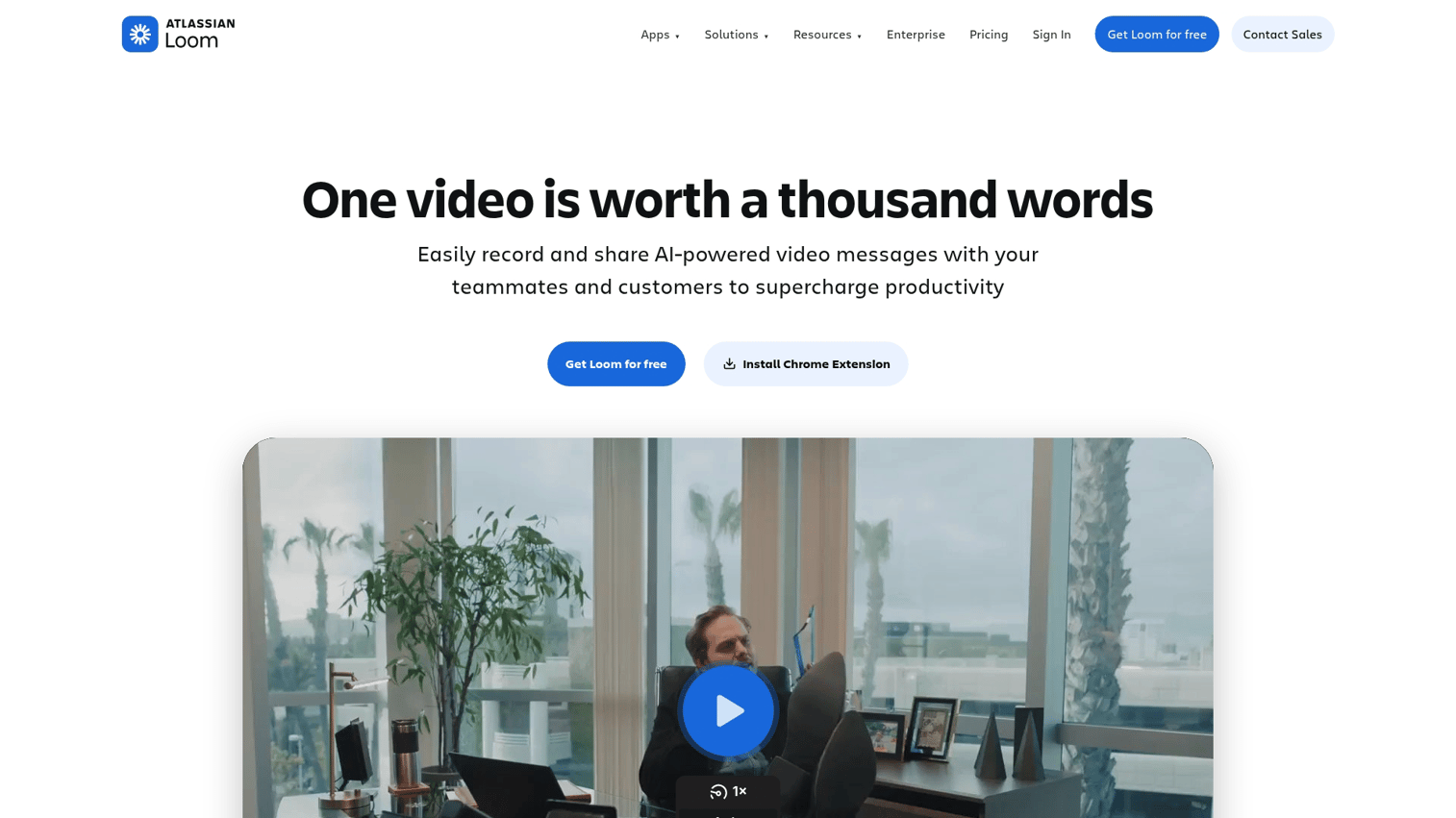
Loom is the go-to tool for async video walkthroughs. You hit record, capture your screen (with or without your face), and share a link. It's fast, familiar, and works well for quick explanations.
However, Loom creates passive viewing experiences. Viewers watch; they don't interact. You can see who watched and for how long, but you can't see which features they cared about or where they got confused.
Best for: Quick async updates, bug reports, or internal training where interactivity isn't required.
Key strengths
- Fast recording: Capture screen, camera, or both in seconds
- Easy sharing: Generate a link instantly without uploads or file management
- Viewer analytics: See who watched, how long, and where they dropped off
- Transcription and captions: Auto-generated for accessibility and searchability
Why choose Loom
Loom works well when you want to explain something quickly and don't have time to build a polished demo. It's especially useful for internal communication, like walking a teammate through a bug or explaining a design decision. For customer-facing product education, though, the lack of interactivity limits engagement.
Pricing
Free plan with limited video length. Business plan starts at $12.50/user/month.
3. Tango
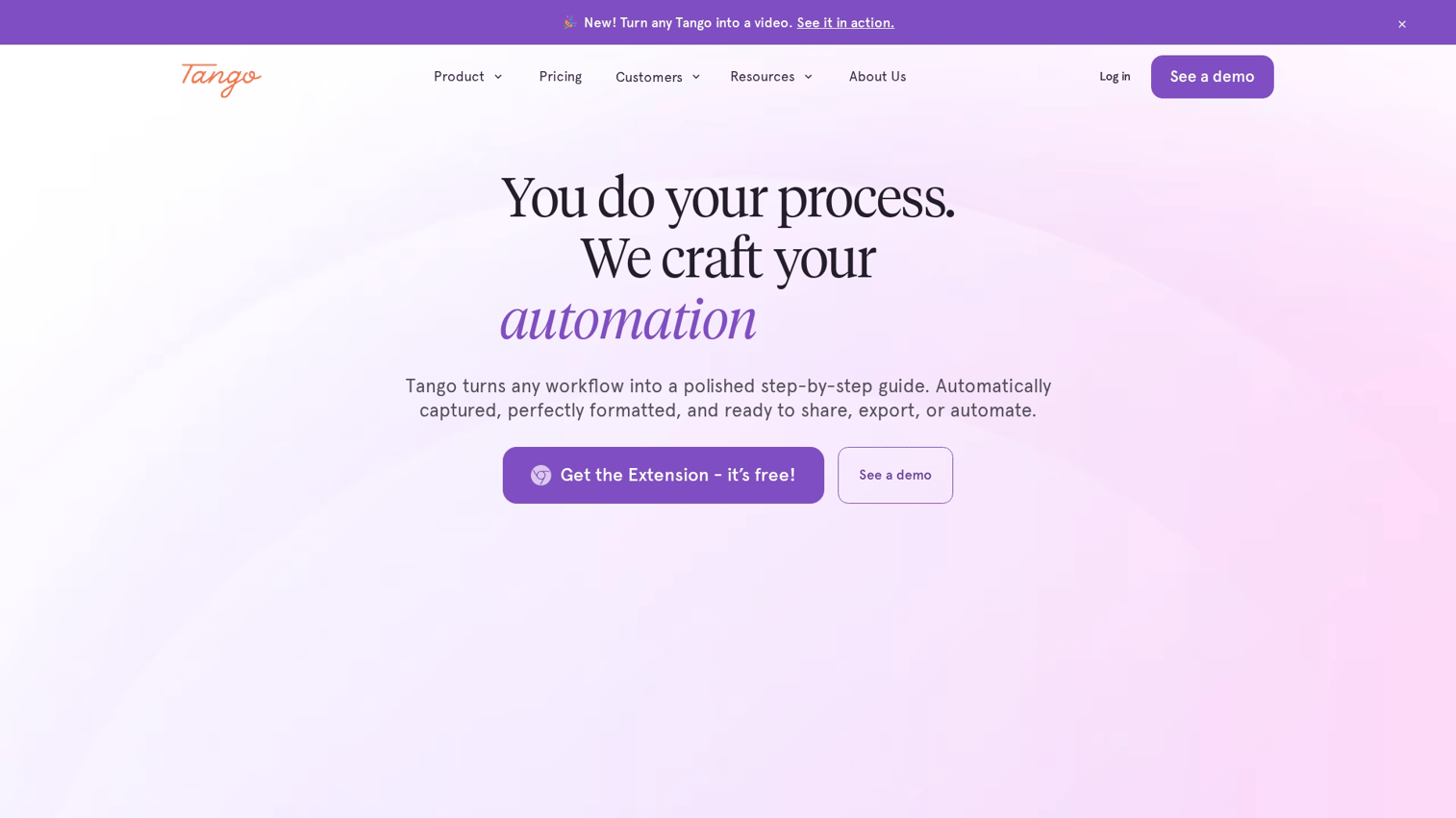
Tango auto-captures your clicks and generates numbered step-by-step guides. You walk through a workflow, and Tango creates a document with screenshots and instructions. It's optimized for documentation and SOPs, not interactive buyer-facing demos.
The output is static: a series of annotated screenshots that users read through. This works well for internal processes and support content but doesn't provide the hands-on exploration that interactive demos offer.
Best for: Product and ops teams creating internal documentation or support content.
Key strengths
- Auto-capture: Records clicks and generates numbered steps automatically
- Editable guides: Add annotations, blur sensitive data, customize branding
- Multiple export formats: Share as PDF, embed in Notion, or publish to knowledge base
- Browser extension: Works across web apps without integrations
Why choose Tango
Tango excels at documentation speed. If you're creating SOPs, training materials, or help articles, it saves hours compared to manual screenshot-and-annotate workflows. For external-facing demos with branching or personalization, you'll want a different tool.
Pricing
Free plan for individuals. Pro starts at $16/user/month.
4. Scribe
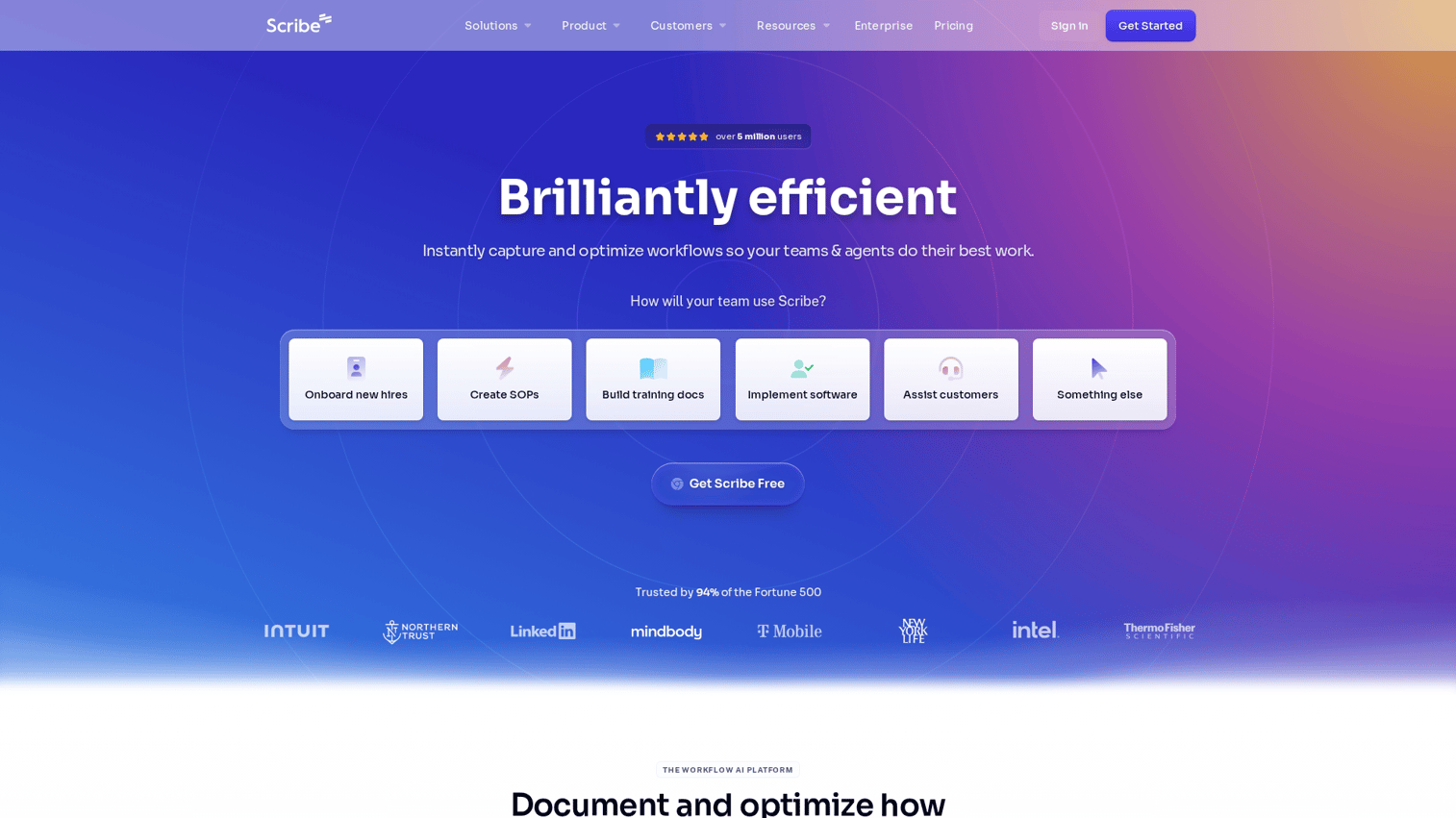
Scribe is similar to Tango but leans harder into AI. It captures your process and writes instructions automatically, including smart redaction of sensitive information. The output is a how-to guide you can embed in wikis, help centers, or LMS platforms.
Like Tango, Scribe creates static documentation rather than interactive experiences. The AI features speed up creation, but the end result is still a read-through guide.
Best for: Teams prioritizing documentation speed over demo interactivity.
Key strengths
- AI-generated guides: Captures your process and writes instructions automatically
- Smart redaction: Automatically blurs sensitive information
- Team workspaces: Organize and share guides across departments
- Embeddable: Add guides to wikis, help centers, or LMS platforms
Why choose Scribe
Scribe works well for internal enablement where you want to document processes quickly. The AI assistance reduces editing time, and the redaction features help with compliance. For buyer-facing use cases where you want prospects to click through your product, interactive demo tools are a better fit.
Pricing
Free plan with basic features. Pro starts at $23/user/month.
5. Userpilot
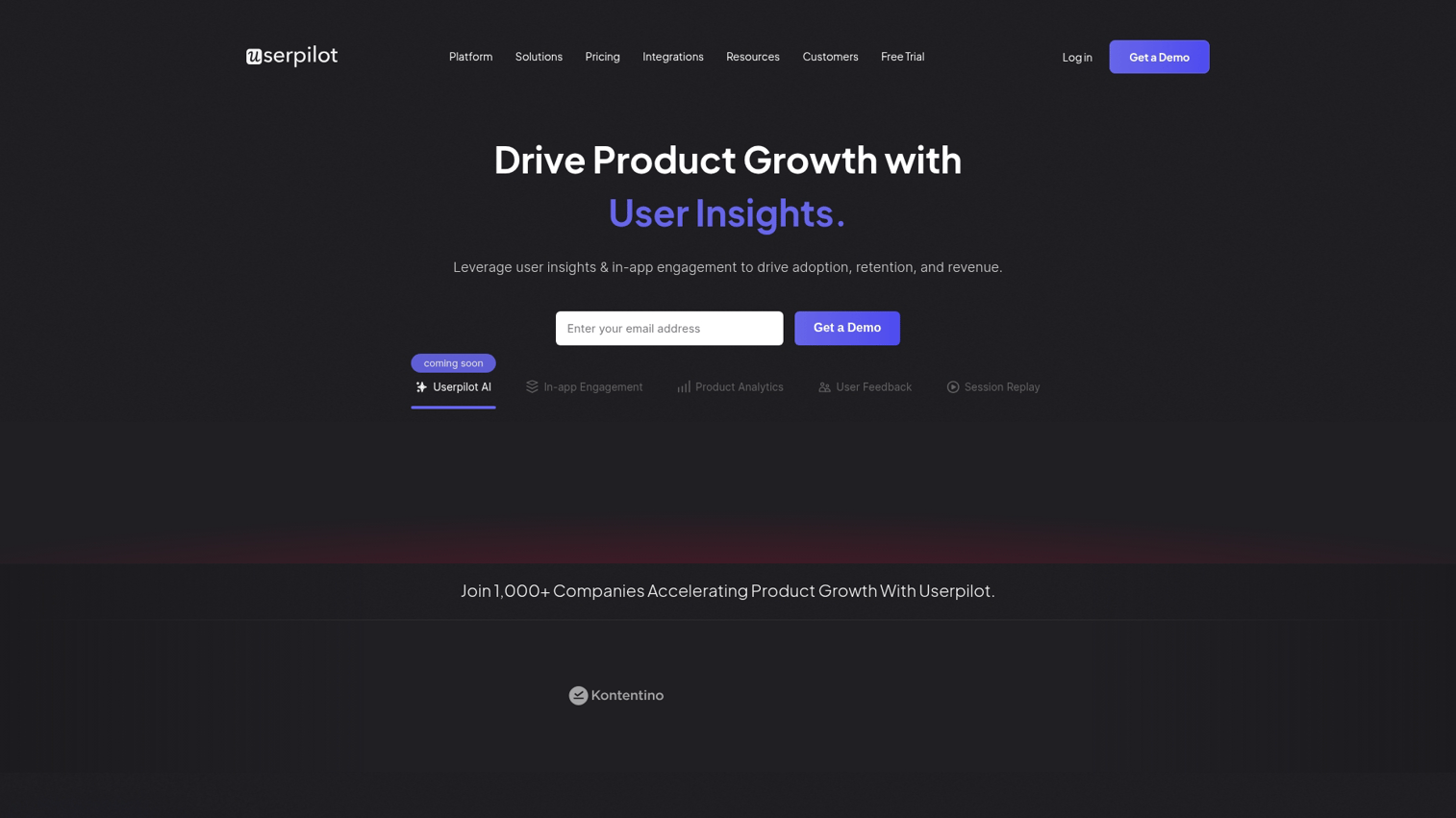
Userpilot is an in-app product adoption platform, not a standalone demo tool. It builds flows that run inside your live product for existing users: tooltips, modals, slideouts, and checklists that guide logged-in users through features.
The key distinction is that Userpilot requires users to be inside your product. You can't share a Userpilot flow via link or embed it on a landing page for prospects who haven't signed up yet.
Best for: Product teams focused on in-app onboarding and activation of logged-in users.
Key strengths
- In-app experiences: Tooltips, modals, slideouts, and checklists native to your product
- Segmentation: Target users by behavior, plan, or custom attributes
- Product analytics: Track feature adoption and user journeys
- A/B testing: Experiment with different onboarding flows
Why choose Userpilot
Userpilot works well when your primary goal is activating users who have already signed up. The segmentation and analytics help you understand which flows drive adoption. For pre-signup experiences or shareable demos, you'll want a tool that works outside your live product.
Pricing
Starts at $249/month for Starter plan. Growth and Enterprise tiers available.
6. Chameleon
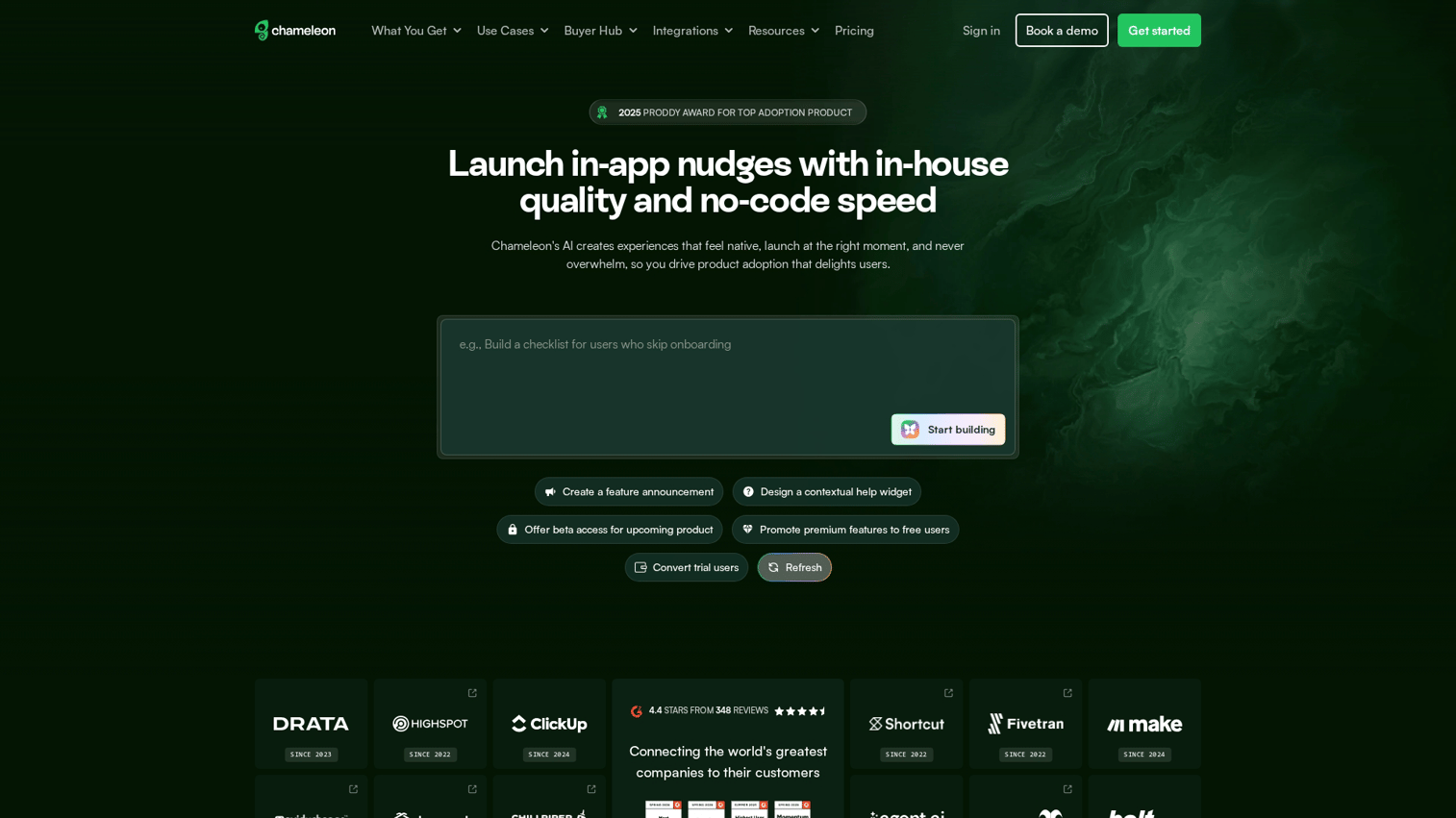
Chameleon is a deeply customizable in-app tour builder. Like Userpilot, it creates experiences that run inside your live product. The difference is Chameleon's emphasis on design control: you can match your product's design system precisely.
Chameleon requires developer setup for installation, which adds friction compared to browser-based capture tools. Once installed, though, it offers granular control over targeting and styling.
Best for: Design-conscious product teams who want pixel-perfect in-app experiences.
Key strengths
- Highly customizable UI: Match your product's design system precisely
- Microsurveys: Collect feedback inside onboarding flows
- Launchers: Create in-app resource centers and checklists
- Targeting rules: Show experiences based on URL, user properties, or events
Why choose Chameleon
Chameleon fits teams where brand consistency matters and you have engineering resources for setup. The customization options exceed most competitors, but the implementation complexity is higher. For standalone, shareable demos, look elsewhere.
Pricing
Starts at $279/month for Startup plan. Growth and Enterprise tiers available.
7. Candu
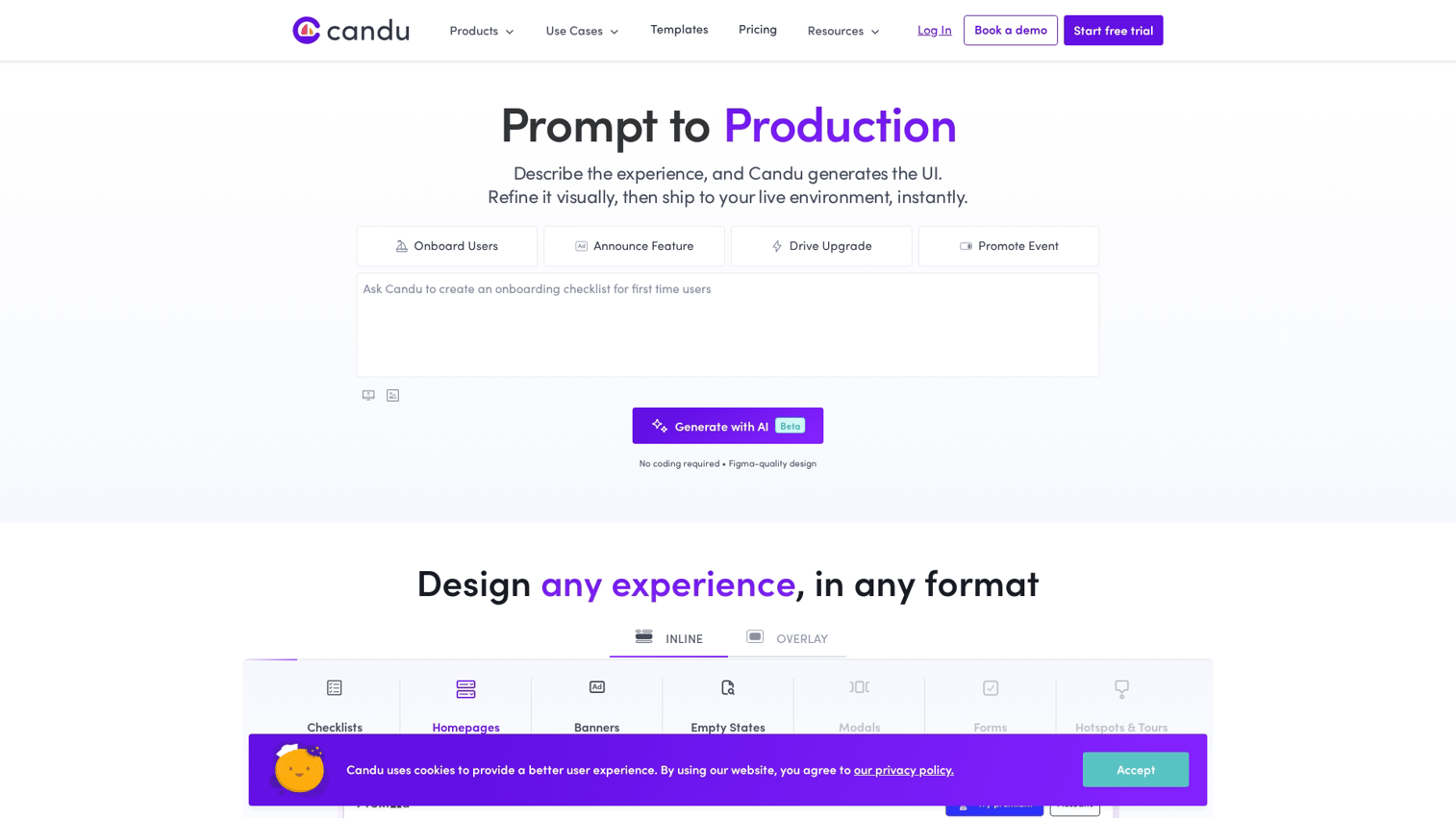
Candu is a no-code in-app content builder. It focuses on embedding UI components (checklists, banners, cards) inside your product that feel native rather than overlaid. Think of it as building product UI without writing code.
Like Userpilot and Chameleon, Candu requires integration with your product. The experiences run in-app for logged-in users, not as standalone shareable demos.
Best for: Product teams who want to build in-app experiences that feel native.
Key strengths
- No-code UI builder: Drag-and-drop components into your product
- Native look and feel: Components match your app's design
- Content targeting: Show different content to different user segments
- Analytics: Track engagement with each component
Why choose Candu
Candu works well when you want in-app content that doesn't look like a third-party overlay. The native feel improves user experience, but the integration work limits how quickly you can get started. For external demo distribution, this isn't the right tool.
Pricing
Custom pricing based on MAUs and features.
8. Spekit
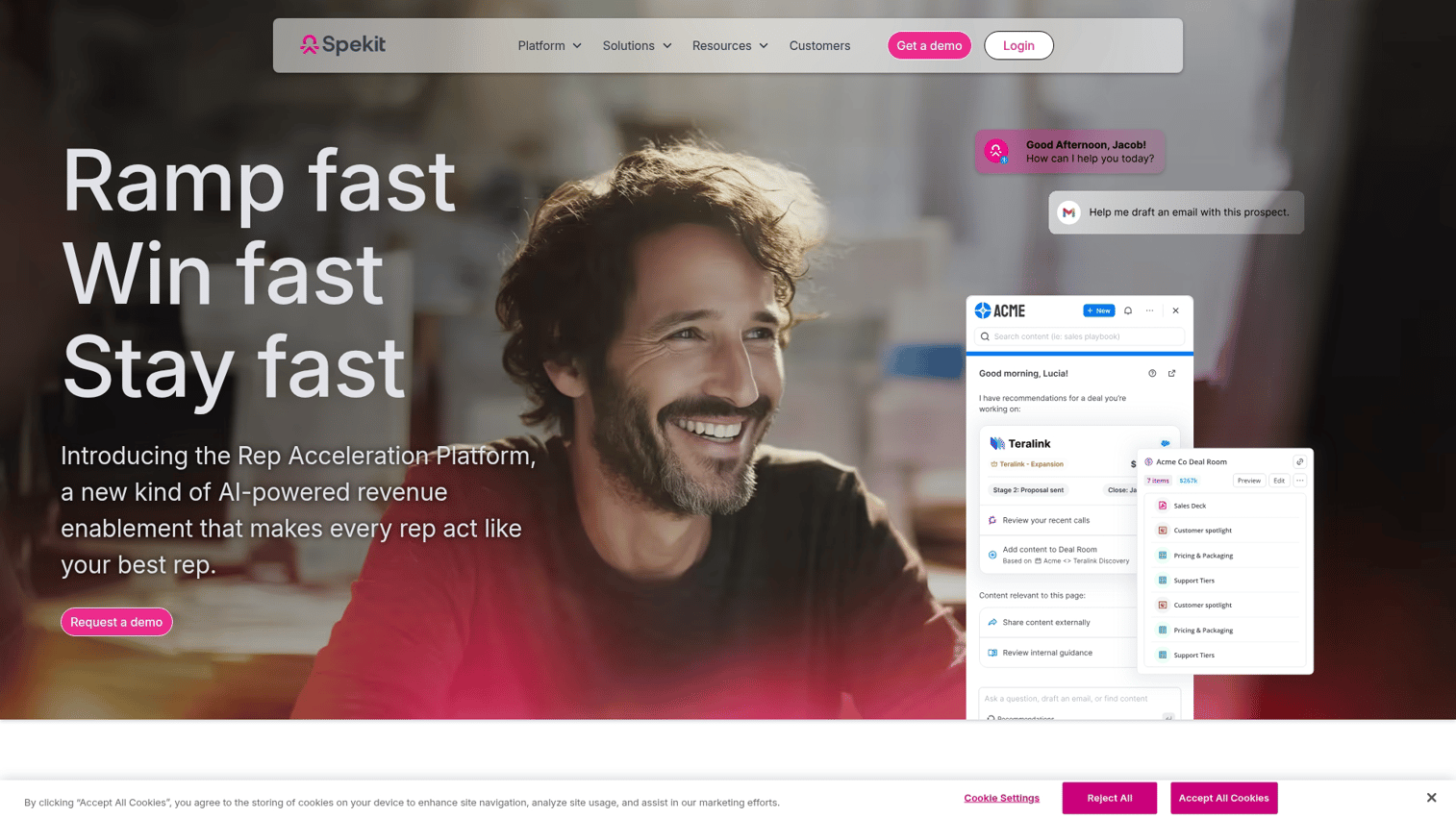
Spekit is a just-in-time enablement platform that surfaces training content inside the tools employees already use. It's focused on internal enablement, not buyer-facing demos.
The core use case is helping employees learn processes without leaving their workflow. Spekit appears contextually inside Salesforce, Slack, and other tools to answer questions in the moment.
Best for: Product and enablement teams training internal users on complex tools.
Key strengths
- In-app knowledge: Surfaces relevant training inside Salesforce, Slack, and other tools
- Speks: Bite-sized explanations that appear contextually
- Chrome extension: Works across web apps
- Change management: Push updates to teams when processes change
Why choose Spekit
Spekit excels at internal enablement, especially for sales teams learning complex CRM workflows. It's not designed for customer-facing interactive demos, so product teams typically use it alongside other tools rather than as a primary demo platform.
Pricing
Custom pricing. Contact sales for quote.
9. Videoask
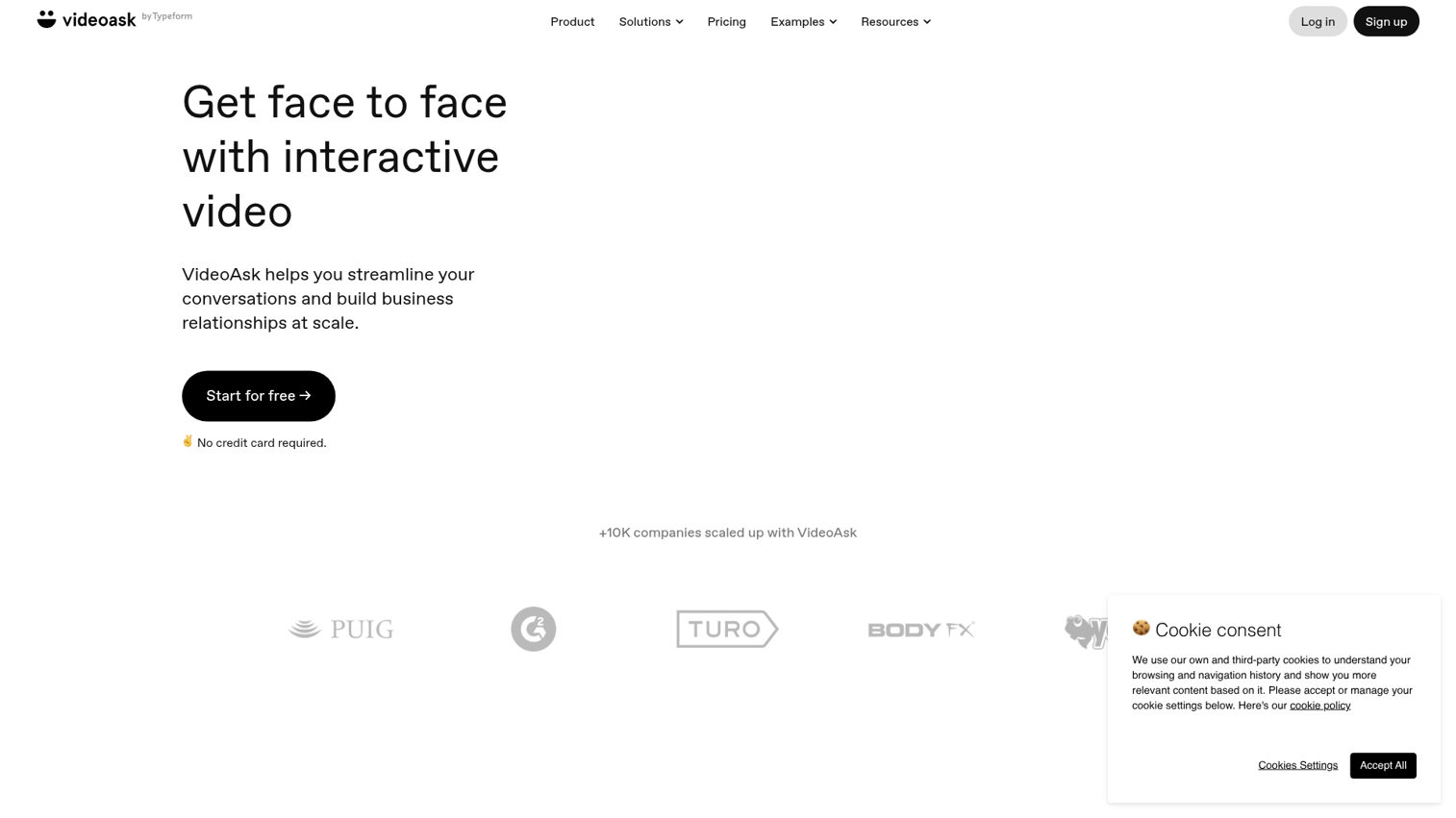
Videoask creates interactive video experiences with branching paths. Viewers watch a video, then choose their response (video, audio, text, or multiple choice), which determines what they see next.
This differs from traditional demos because it's video-first with response collection. The interactivity comes from viewer choices, not from clicking through a product interface.
Best for: Teams who want face-to-face feel at scale, like customer research or personalized outreach.
Key strengths
- Branching video paths: Viewers choose their journey through video responses
- Multiple response types: Video, audio, text, or multiple choice
- Lead capture: Collect contact info within the experience
- Embeddable widgets: Add to websites or landing pages
Why choose Videoask
Videoask works well for conversational experiences where you want to qualify leads or gather feedback. It's not a product demo tool in the traditional sense, but it can complement demos by adding a human touch to the buyer journey.
Pricing
Free plan with limited responses. Paid starts at $24/month.
10. Tolstoy
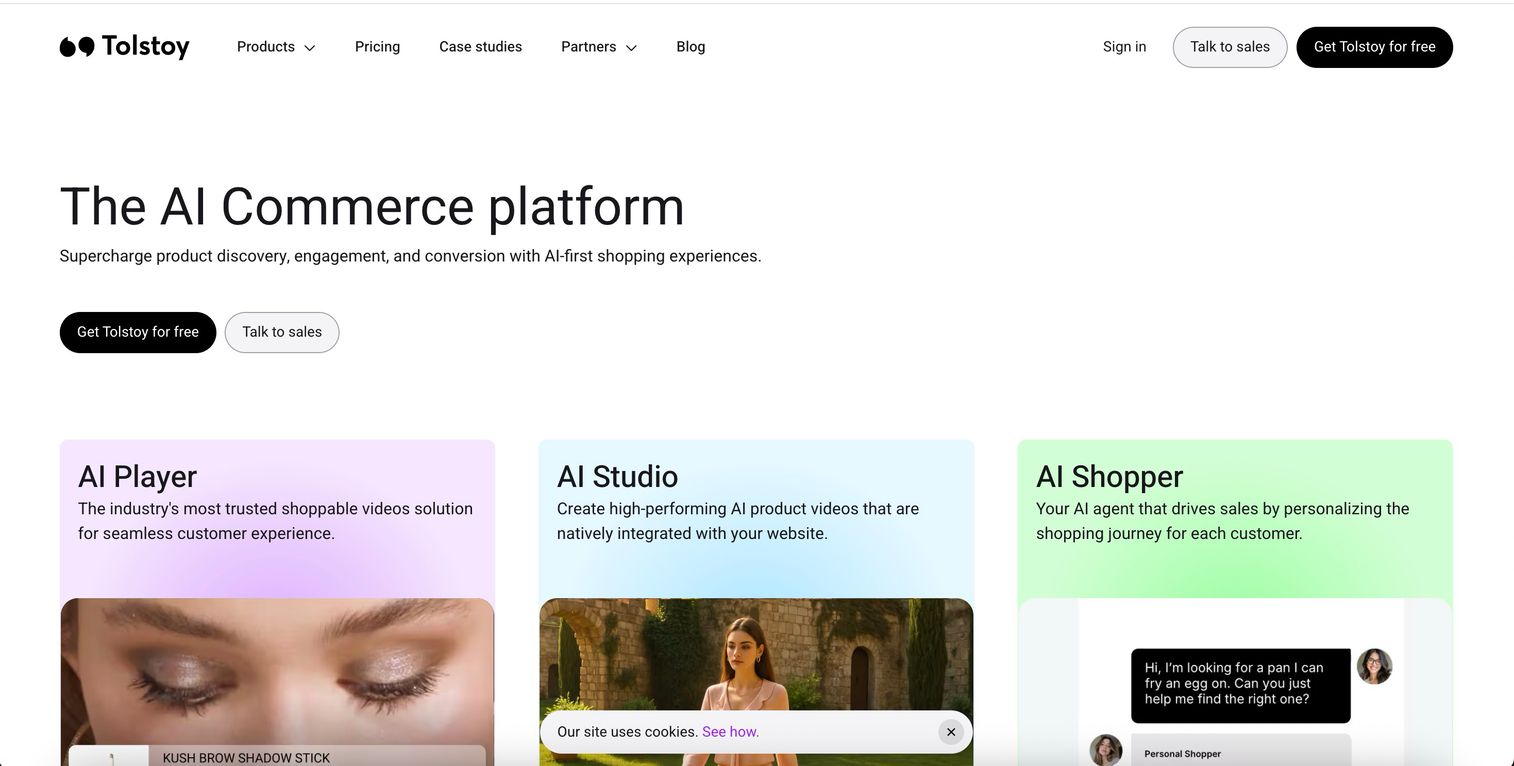
Tolstoy is a shoppable interactive video platform, primarily for e-commerce but usable for SaaS. It creates video widgets with clickable CTAs that you embed on product pages.
The focus is on video-first experiences with embedded actions. Viewers watch and click, but they're not exploring a product interface the way they would with an interactive demo.
Best for: Product teams at e-commerce or SaaS companies who want video-first experiences with embedded CTAs.
Key strengths
- Interactive video widgets: Embed clickable videos on product pages
- Branching paths: Viewers choose their own journey
- Shoppable elements: Add product links inside videos
- Analytics: Track viewer engagement and conversions
Why choose Tolstoy
Tolstoy fits teams who want video as the primary medium with interactive elements layered on top. For detailed product walkthroughs where users click through your actual interface, interactive demo tools are a better fit.
Pricing
Free plan available. Paid starts at $19/month.
How to choose interactive demo tool for your product team in 2026
The best tool depends on your GTM motion, technical resources, and primary use case. Here's how to narrow the decision.
Match the tool to your GTM motion
- Product-led growth: Prioritize self-serve demos, in-app flows, and analytics, a model tied to a 68% vs. 36.4% profitability. Tools like Guideflow and Userpilot fit here.
- Sales-assisted: Prioritize shareable demos with personalization and CRM integration. Building an interactive demos library can significantly boost sales conversion rates. Guideflow handles this well.
- Support-heavy: Prioritize embeddable guides and help center content. Tango and Scribe excel at documentation.
Evaluate no-code creation and editing speed
Product teams move fast. Look for browser-based capture, drag-and-drop editing, and template libraries. Tools requiring developer setup add friction that slows iteration.
Can a PM create and publish a demo without filing a ticket? That's the test.
Prioritize analytics and buyer intent signals
The difference between "views" and actionable data matters. Look for step-level analytics, drop-off tracking, and integration with your analytics stack. Intent data helps prioritize follow-ups and improve flows based on what users actually do.
Check CRM and analytics integrations
Demos generate valuable data, but only if it flows into your existing stack. Look for native integrations with Salesforce, HubSpot, Segment, and Slack. Isolated tools create data silos that limit the value of engagement signals.
Key buying considerations for demo automation software
Maintenance and update workflow
Products change constantly. Evaluate how easy it is to update demos when your UI changes. Tools that require re-recording entire flows create maintenance debt that compounds over time.
Tip: Ask vendors how they handle UI updates. The best tools let you edit individual steps without starting over.
Personalization at scale
Manual personalization (editing each demo by hand) doesn't scale. Look for variable substitution, persona-based branching, and AI-assisted editing. The goal is creating one demo that adapts to different audiences automatically.
Security and compliance requirements
Enterprise product teams evaluate SSO, data residency, SOC 2, and access controls. Sensitive data handling is critical for customer-facing demos, especially if you're showing real product interfaces.
Team collaboration and access controls
Product teams work cross-functionally. Look for shared workspaces, version history, and role-based permissions. The tool should support collaboration with marketing and sales without creating bottlenecks.
Build interactive demos that drive activation today
Product teams have multiple options depending on their goals. Video walkthroughs (Loom) work for quick explanations. Documentation tools (Tango, Scribe) handle SOPs and help content.
In-app flows (Userpilot, Chameleon) guide logged-in users. Full demo automation (Guideflow) covers the entire journey from prospect to power user.
The best tools combine speed with depth. You want to create demos quickly, personalize them for different audiences, and measure what actually drives activation.
Start your journey with Guideflow today!
FAQs about interactive demo tools for product teams
An interactive demo is a standalone, shareable experience that simulates your product. A product tour runs inside your live app for logged-in users. Choose interactive demos for prospects and external education; choose product tours for in-app onboarding.
With browser-based capture tools like Guideflow, you can create a basic interactive demo in under five minutes. Editing, personalization, and polish add time depending on complexity, but most teams ship demos same-day.
Some tools like Userpilot and Chameleon specialize in in-app experiences, while others like Guideflow focus on shareable demos that can also embed in-app. Choose based on whether you want native in-app flows or standalone experiences you can distribute anywhere.
Most tools require you to re-capture or edit affected steps when your UI changes. Look for tools with easy editing workflows and version control to minimize maintenance burden. The best platforms let you update individual steps without re-recording entire flows.
Focus on completion rate, step-level drop-off, time spent, and feature engagement. The data helps identify friction points and prioritize product improvements. Customer success teams also use this data to understand which features users struggle with.
Browser-based capture tools like Guideflow and Tango require no engineering setup. In-app tools like Userpilot and Chameleon typically require a code snippet installed by developers, which adds implementation time.
Yes, most interactive demo tools support embedding via iframe or native integrations with help center platforms like Zendesk, Intercom, and Notion. This makes demos accessible where users already look for help.
Interactive demos reduce time-to-value by letting users learn by doing. Teams often see measurable lifts in onboarding completion, though the impact varies by implementation quality and use case.