



Sales teams send hundreds of emails weekly. A fraction get replies, and fewer become meetings.
The bottleneck isn't effort or even targeting. It's the manual work of personalizing, scheduling, and following up across channels that kills momentum and lets warm prospects go cold.
This guide covers 14 outreach software tools that automate prospect communication, compares them by use case and pricing, and shows how to pick the right one for your team.
What's inside
This guide covers 14 outreach software tools, organized by use case and team size. You'll learn what outreach software does, how it differs from a CRM, and which type fits your workflow. Each tool includes pricing, G2 ratings, and key strengths so you can compare options quickly.
TL;DR
Outreach software automates prospect communication across email, phone, LinkedIn, and SMS so sales teams can scale personalized outreach without manual effort.
Enterprise platforms like Outreach and Salesloft work best for large teams with complex workflows, while data-plus-sequencing tools like Apollo combine contact databases with automation.
High-volume cold email tools like Instantly and Smartlead focus on deliverability at scale, often at lower price points.
Adding interactive demos to outreach sequences can lift response rates by giving prospects a hands-on product experience before booking a call.
What is outreach software
Outreach software helps sales and marketing teams automate and manage communication with prospects across multiple channels. Instead of manually sending emails, making calls, and tracking follow-ups in spreadsheets, you build sequences that run automatically based on prospect behavior and timing rules.
The core purpose is scaling personalized outreach - campaigns with advanced personalization see reply rates up to 18%, double the generic average. A single SDR can manage hundreds of active prospects when the right tool handles scheduling, follow-up reminders, and activity logging.
How outreach software differs from a CRM
CRMs and outreach software solve different problems, though they often work together.
Capability | CRM | Outreach software |
|---|---|---|
Contact storage | Yes | Limited |
Email sequences | Basic | Advanced |
Multi-channel automation | No | Yes |
Sales activity tracking | Yes | Yes |
Pipeline management | Yes | Limited |
A CRM like Salesforce or HubSpot stores contact data and tracks the overall customer relationship. Outreach software actively executes communication, automating the sequences, cadences, and follow-ups that move prospects through your pipeline - 55% of replies come from follow-ups rather than the initial message. Most teams use both together.
Who uses outreach software
Different roles rely on outreach software for different reasons:
Sales development reps (SDRs): Prospecting and booking meetings at scale
Account executives: Following up with qualified leads and managing deal progression
Marketing teams: Running outbound campaigns and nurturing sequences
Customer success teams: Renewal outreach and expansion conversations
Types of outreach software
Before diving into specific tools, it helps to understand the five main categories.
Enterprise sales engagement platforms
Full-featured platforms built for large sales teams with complex workflows. They typically include AI-powered insights, conversation intelligence, coaching features, and deep CRM integrations. Pricing usually requires a custom quote.
CRM-native outreach tools
Outreach capabilities built directly into or tightly integrated with existing CRMs. If your team already uses HubSpot or Salesforce, CRM-native options reduce the need for separate software.
Data and sequencing platforms
Tools that combine B2B contact databases with outreach automation. Useful when teams want both prospect data and engagement tools without juggling multiple vendors.
High-volume cold email tools
Specialized for sending large quantities of cold emails with strong deliverability features. Often more affordable than enterprise platforms but focused primarily on the email channel.
Outreach automation platforms
Tools that automate repetitive outreach tasks across multiple channels. Many include AI features for personalization at scale.
Outreach software comparison table
No. | Product | Best for | Key differentiator | Pricing | G2 rating |
|---|---|---|---|---|---|
1 | Outreach | Enterprise sales teams | AI-powered revenue workflows | Custom | 4.3/5 |
2 | Salesloft | Rep coaching and deals | Conversation intelligence | Custom | 4.5/5 |
3 | Apollo | Data + sequencing | Built-in contact database | Free + $49/mo | 4.8/5 |
4 | ZoomInfo Sales | Data accuracy | Premium B2B database | Custom | 4.4/5 |
5 | HubSpot Sales Hub | CRM-native outreach | All-in-one platform | Free + $15/mo | 4.4/5 |
6 | Reply | AI email writing | Multichannel + AI | $49/mo | 4.6/5 |
7 | Mailshake | Simple cold email | Fast setup | $29/mo | 4.7/5 |
8 | Lemlist | Email personalization | Custom images and videos | $32/mo | 4.4/5 |
9 | Woodpecker | Agencies | Multi-client management | $29/mo | 4.3/5 |
10 | Smartlead | High-volume sending | Unlimited mailbox rotation | $39/mo | 4.8/5 |
11 | Instantly | Deliverability at scale | Email warmup infrastructure | $30/mo | 4.8/5 |
12 | Mixmax | Gmail power users | In-inbox sequences | $29/mo | 4.6/5 |
13 | Klenty | Mid-market teams | Strong CRM integrations | $50/mo | 4.6/5 |
14 | Yesware | Individual reps | Lightweight tracking | $15/mo | 4.4/5 |
14 best outreach software tools
1. Outreach
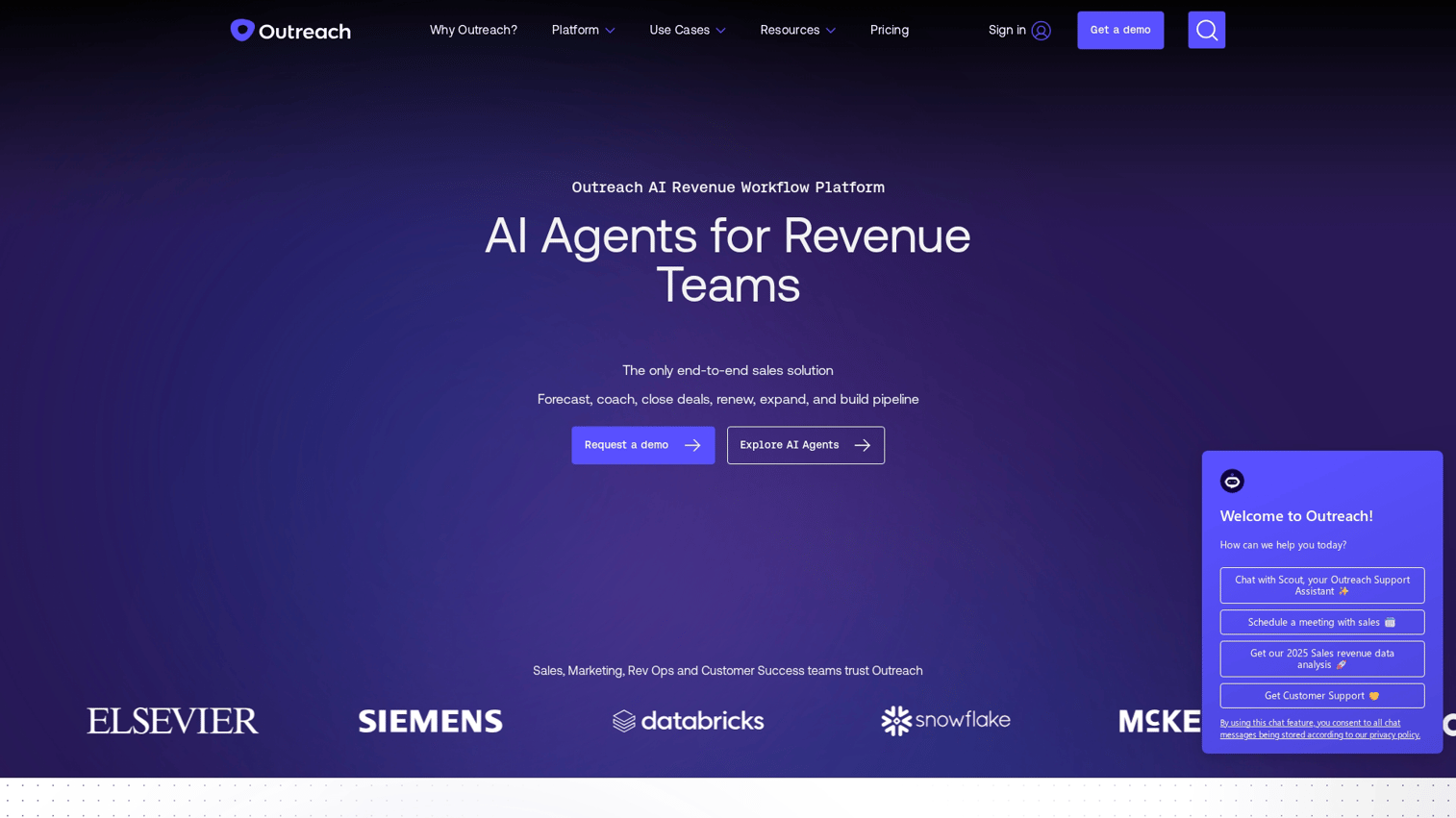
Outreach is the leading enterprise sales engagement platform, built for large revenue teams that want AI-powered workflows across the entire sales cycle. The platform handles prospecting sequences, deal management, forecasting, and rep coaching in one system.
What sets Outreach apart is depth. The AI analyzes conversations, surfaces deal risks, and recommends next actions.
Best for: Enterprise sales organizations with 50+ reps who want advanced AI insights and revenue intelligence.
Key strengths
AI-powered sequences: Automatically optimize send times, suggest content, and prioritize prospects
Revenue intelligence: Forecast accuracy and deal health scoring based on engagement signals
Conversation intelligence: Analyze calls and meetings to identify coaching opportunities
Multi-channel execution: Coordinate email, phone, LinkedIn, and SMS in unified workflows
Pricing: Custom pricing only. Contact sales for a quote.
2. Salesloft
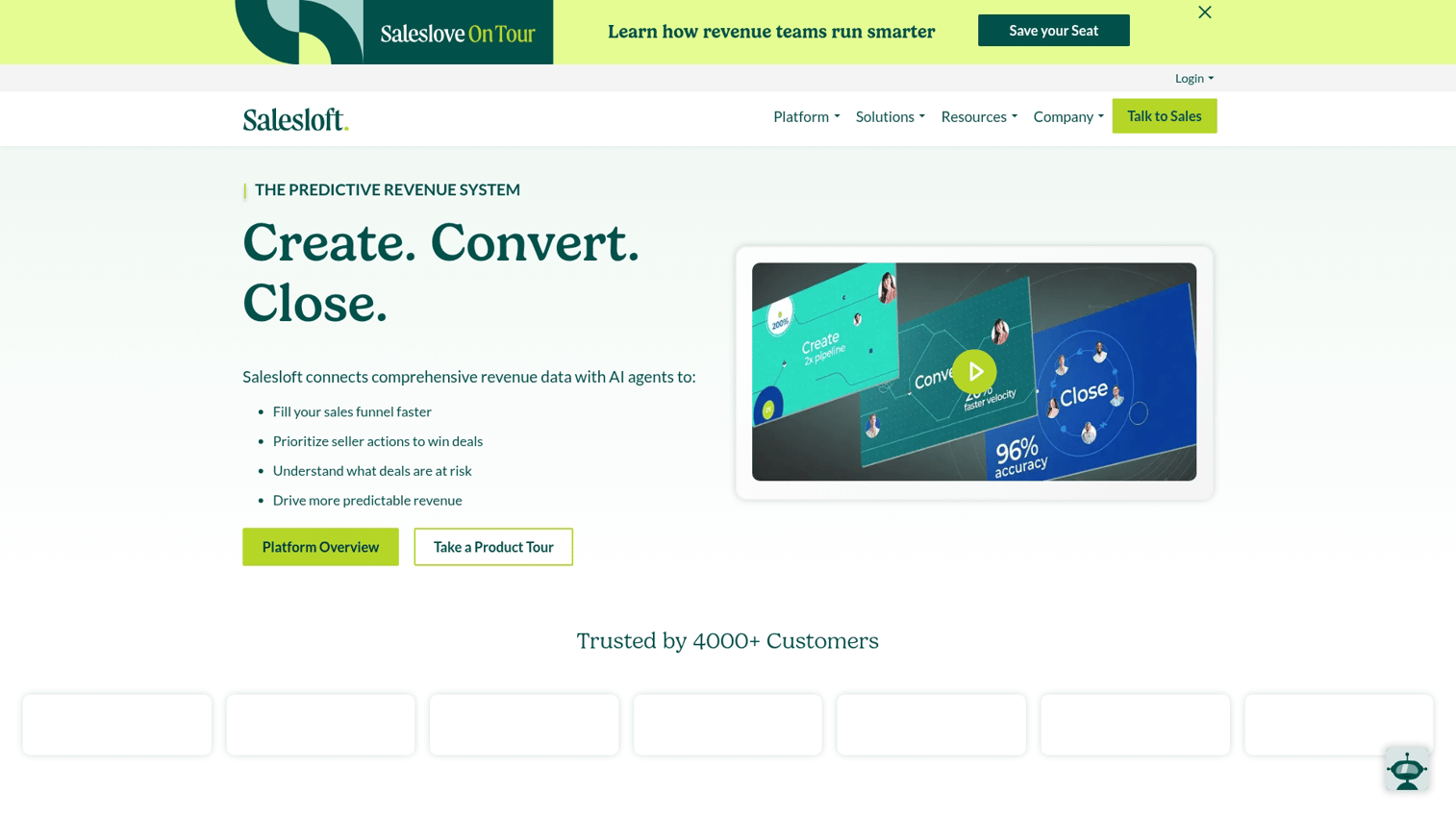
Salesloft competes directly with Outreach in the enterprise space, with particular strength in conversation intelligence and rep coaching. The platform combines cadence automation with deal management and pipeline visibility.
Best for: Enterprise teams that prioritize rep performance, coaching, and pipeline visibility alongside outreach automation.
Key strengths
Conversation intelligence: Transcribe and analyze calls to surface coaching moments
Deal management: Track deal progression and identify risks before they become losses
Cadence automation: Build multi-channel sequences with branching logic
Pricing: Custom pricing. Contact sales for details.
3. Apollo
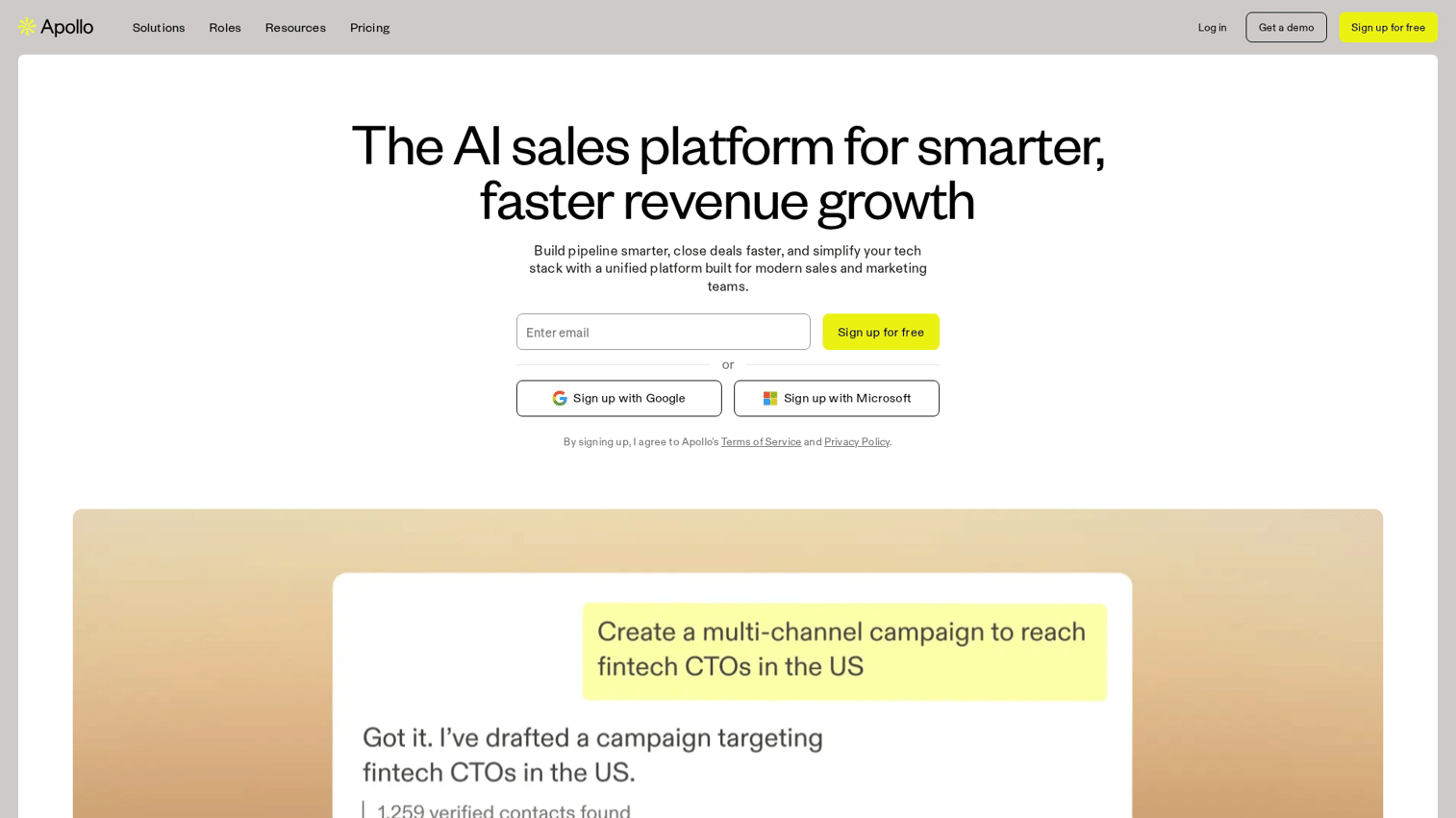
Apollo combines a B2B contact database with outreach automation, which makes it popular with teams that want both prospecting data and engagement tools in one platform. The database includes over 275 million contacts with email and phone data.
Best for: Growing sales teams that want contact data and outreach automation without managing multiple vendors.
Key strengths
Built-in contact database: Access 275M+ contacts with verified emails and direct dials
Sequence automation: Build multi-step email and call sequences with A/B testing
Intent data: Identify companies actively researching solutions in your category
Pricing: Free plan available with limited credits. Paid plans start at $49/month per user.
4. ZoomInfo Sales
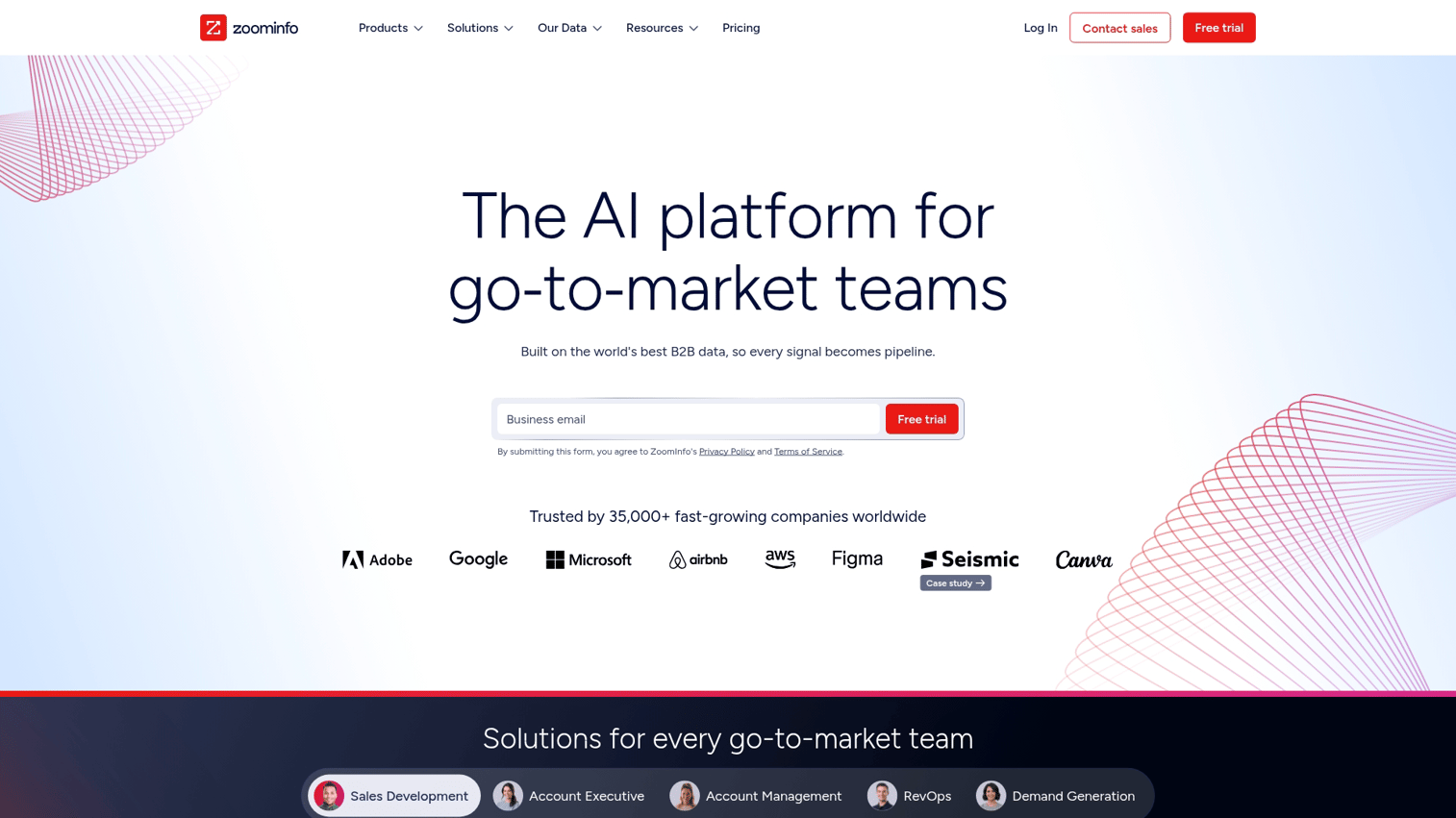
ZoomInfo is the premium B2B data provider, known for data accuracy and coverage that exceeds most competitors. The Sales platform adds engagement capabilities on top of the database.
Best for: Organizations that prioritize data accuracy and coverage above all else, with budget for premium pricing.
Key strengths
Premium data quality: Industry-leading accuracy for emails, direct dials, and org charts
Intent signals: Identify companies researching relevant topics across the web
Website visitor identification: See which companies visit your site and route them to reps
Pricing: Custom pricing based on data access and features.
5. HubSpot Sales Hub
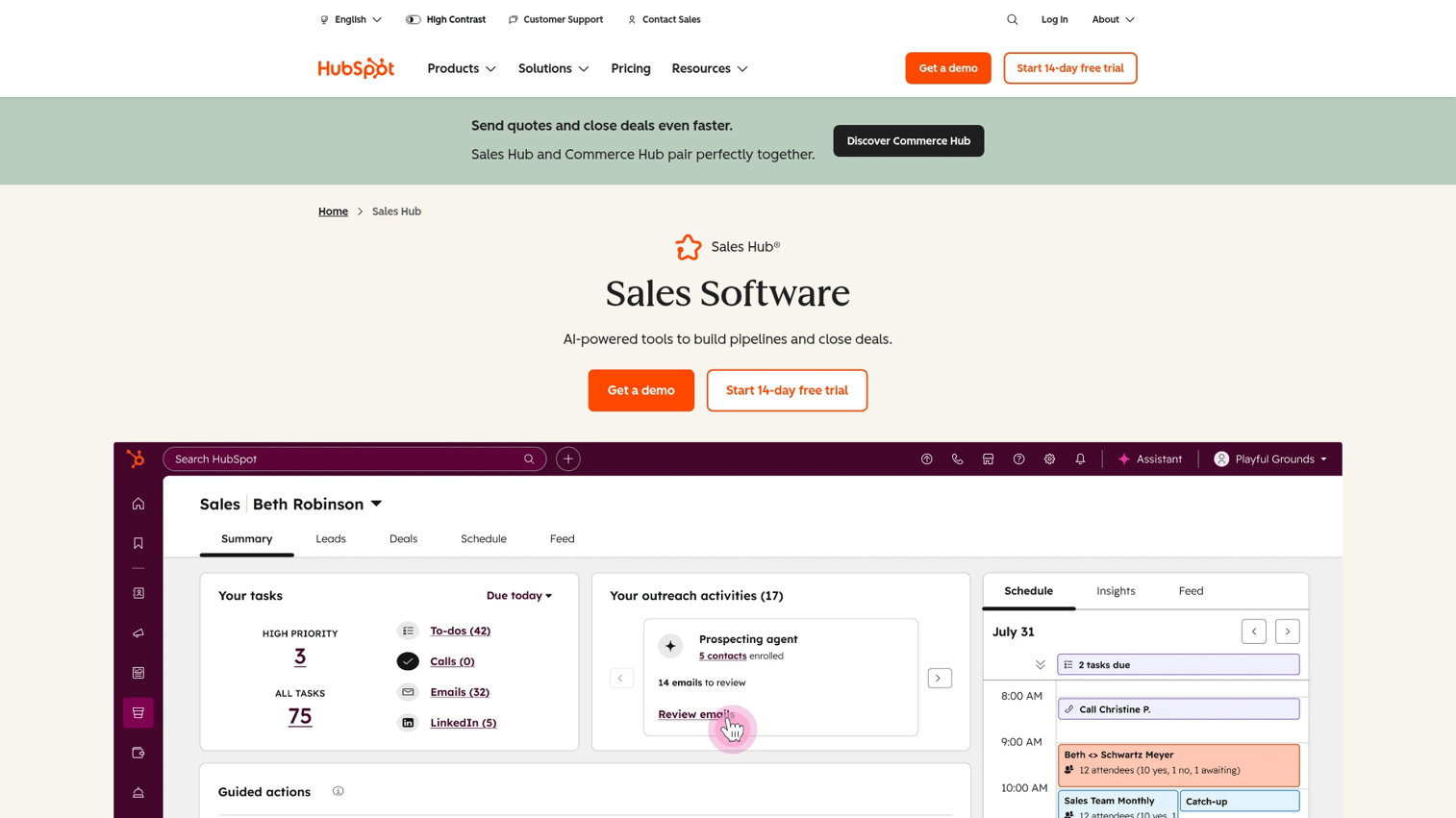
HubSpot Sales Hub provides outreach capabilities built directly into the HubSpot CRM. For teams already using HubSpot for marketing or service, Sales Hub adds sequences, email tracking, and meeting scheduling without introducing another vendor.
Best for: Small to mid-market teams already using HubSpot who want outreach automation without adding complexity.
Key strengths
Native CRM integration: Sequences, tracking, and automation built directly into HubSpot
Email sequences: Automate follow-up emails with personalization tokens
Meeting scheduling: Built-in calendar links that sync with your CRM
Pricing: Free tools available. Paid plans start at $15/month per seat for Starter.
6. Reply
Reply is a multichannel outreach platform with strong AI features for email writing and personalization. The AI assistant can generate personalized email copy based on prospect data.
Best for: Teams that want AI-powered email writing and multichannel automation at a mid-market price point.
Key strengths
AI email assistant: Generate personalized email copy based on prospect information
Multichannel sequences: Combine email, LinkedIn, calls, and SMS in automated workflows
A/B testing: Test subject lines, email copy, and sequence variations
Pricing: Plans start at $49/month per user for email automation.
7. Mailshake
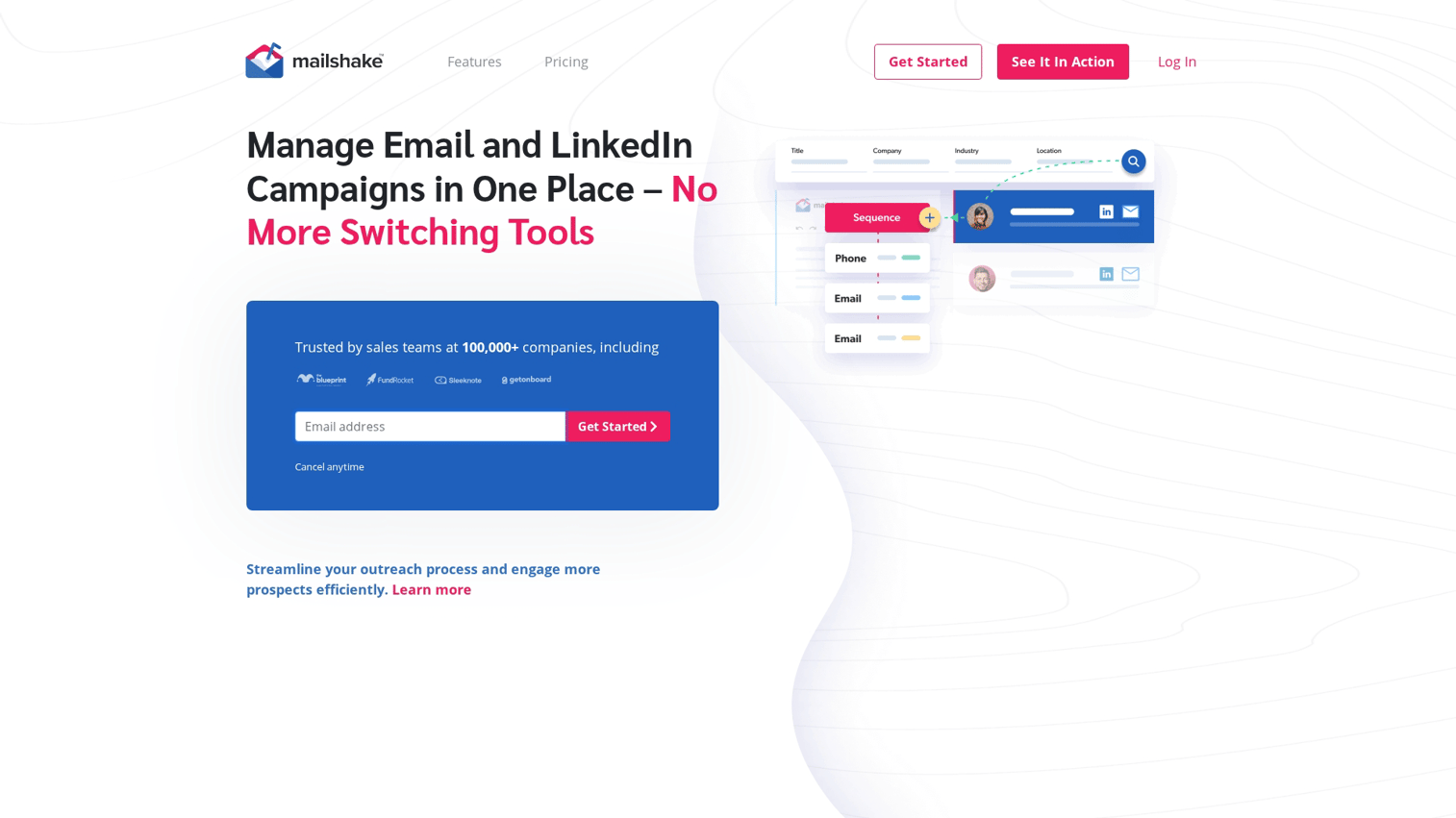
Mailshake focuses on simplicity for cold email and LinkedIn automation. Setup takes minutes rather than hours.
Best for: Teams new to outreach software who want fast setup and straightforward workflows.
Key strengths
Quick setup: Get your first sequence running in under an hour
Email and LinkedIn: Automate both channels in unified campaigns
Lead catcher: Automatically detect and route positive replies
Pricing: Plans start at $29/month per user for email outreach.
8. Lemlist
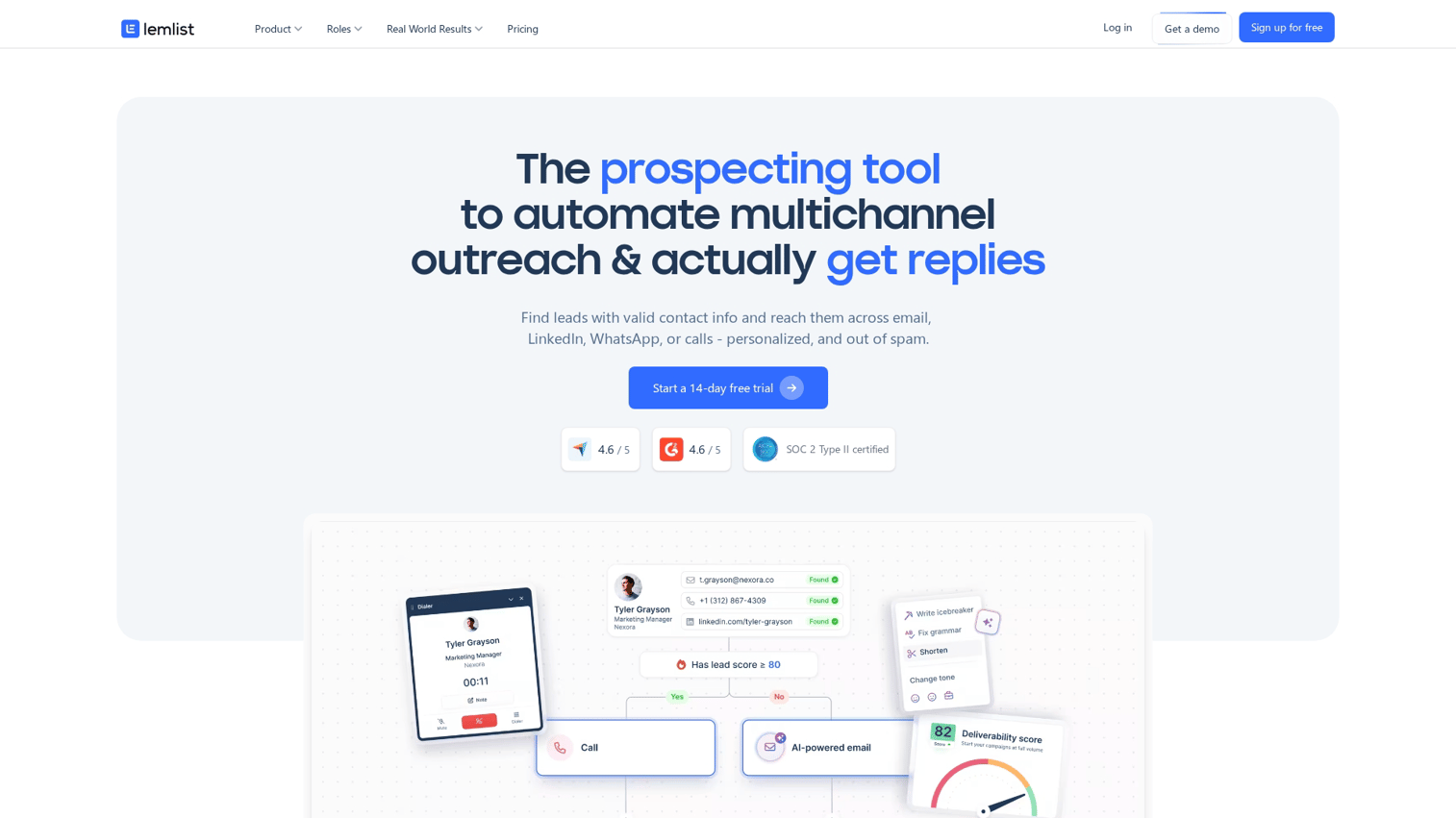
Lemlist differentiates through personalization capabilities, including custom images and videos in cold emails. The platform lets you automatically insert prospect names, company logos, and other dynamic content into visual elements.
Best for: Teams focused on creative personalization who want to stand out with custom images and videos.
Key strengths
Image personalization: Automatically insert prospect data into images
Video personalization: Create personalized video thumbnails at scale
Email warmup: Built-in deliverability tools to protect sender reputation
Pricing: Plans start at $32/month per user.
9. Woodpecker

Woodpecker is built for agencies and teams managing outreach for multiple clients or brands. The platform handles multi-account management, white-labeling, and client reporting.
Best for: Agencies and teams managing outreach campaigns for multiple clients or brands.
Key strengths
Multi-client management: Separate workspaces for different clients or brands
Deliverability focus: Advanced warmup and reputation monitoring
Agency reporting: Client-ready reports and white-label options
Pricing: Plans start at $29/month.
10. Smartlead
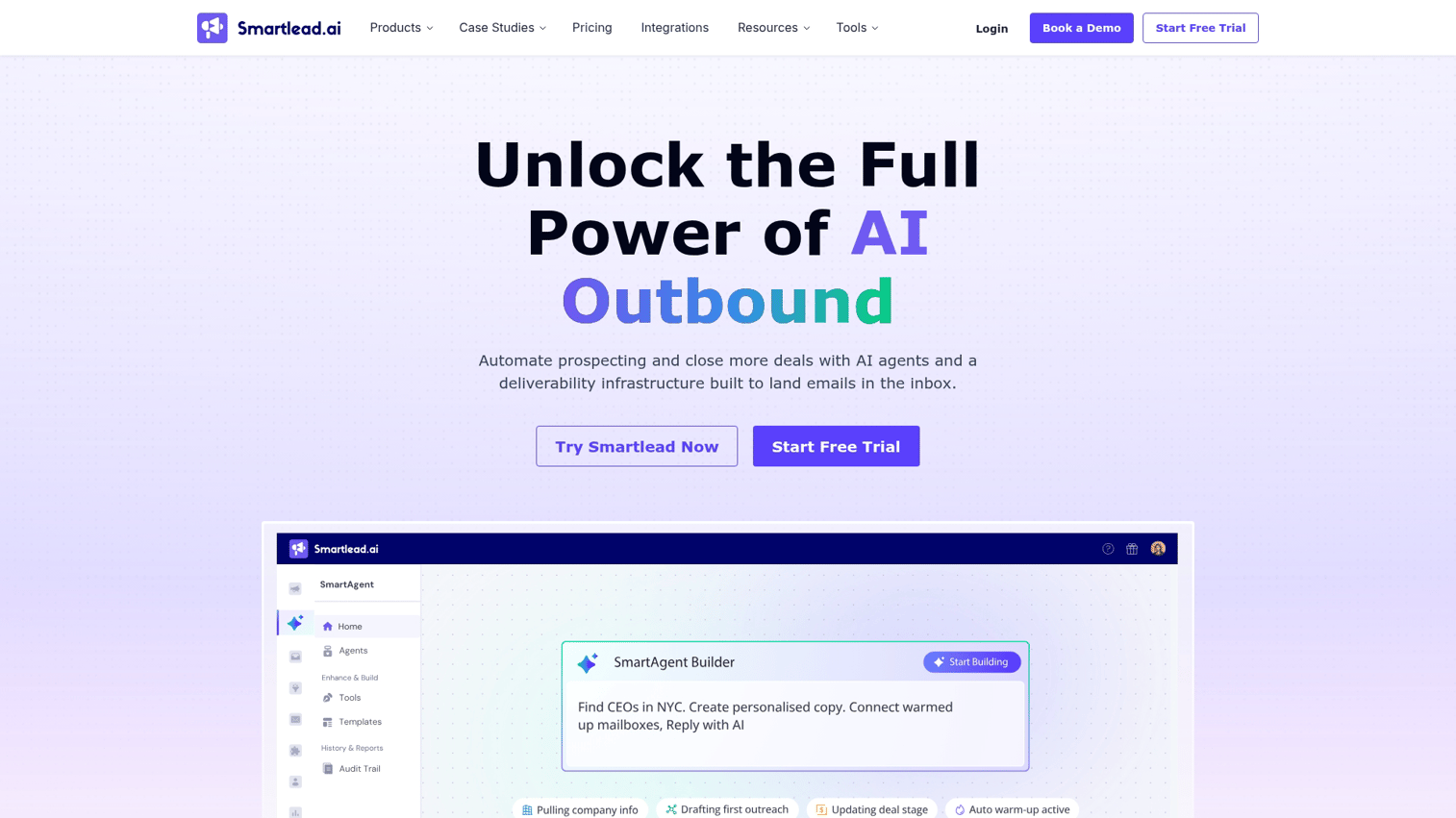
Smartlead focuses on high-volume cold email with unlimited mailbox rotation. The platform lets you connect as many email accounts as you want and automatically rotates sending across them.
Best for: Teams sending high volumes of cold email who want strong deliverability infrastructure.
Key strengths
Unlimited mailboxes: Connect as many sending accounts as you want
Auto-rotation: Automatically distribute sending across mailboxes
Unified inbox: Manage replies from all accounts in one place
Pricing: Plans start at $39/month with unlimited email accounts.
11. Instantly
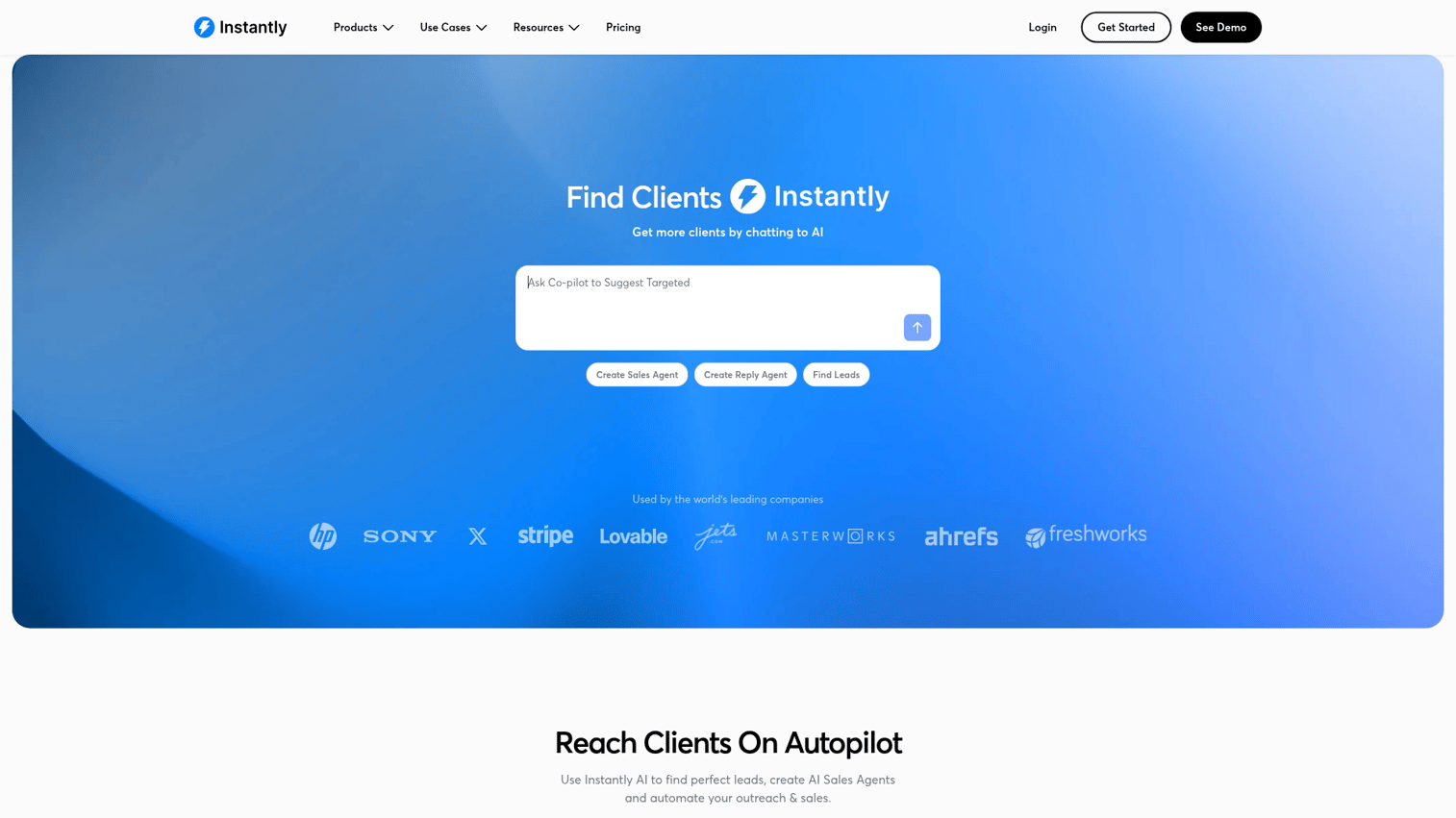
Instantly competes directly with Smartlead in the high-volume cold email space, with similar unlimited mailbox features and a focus on deliverability.
Best for: Budget-conscious teams prioritizing email deliverability and volume.
Key strengths
Unlimited sending accounts: No caps on connected mailboxes
Email warmup network: Large warmup pool for faster reputation building
Lead database: Optional add-on for B2B contact data
Pricing: Plans start at $30/month for sending features.
12. Mixmax
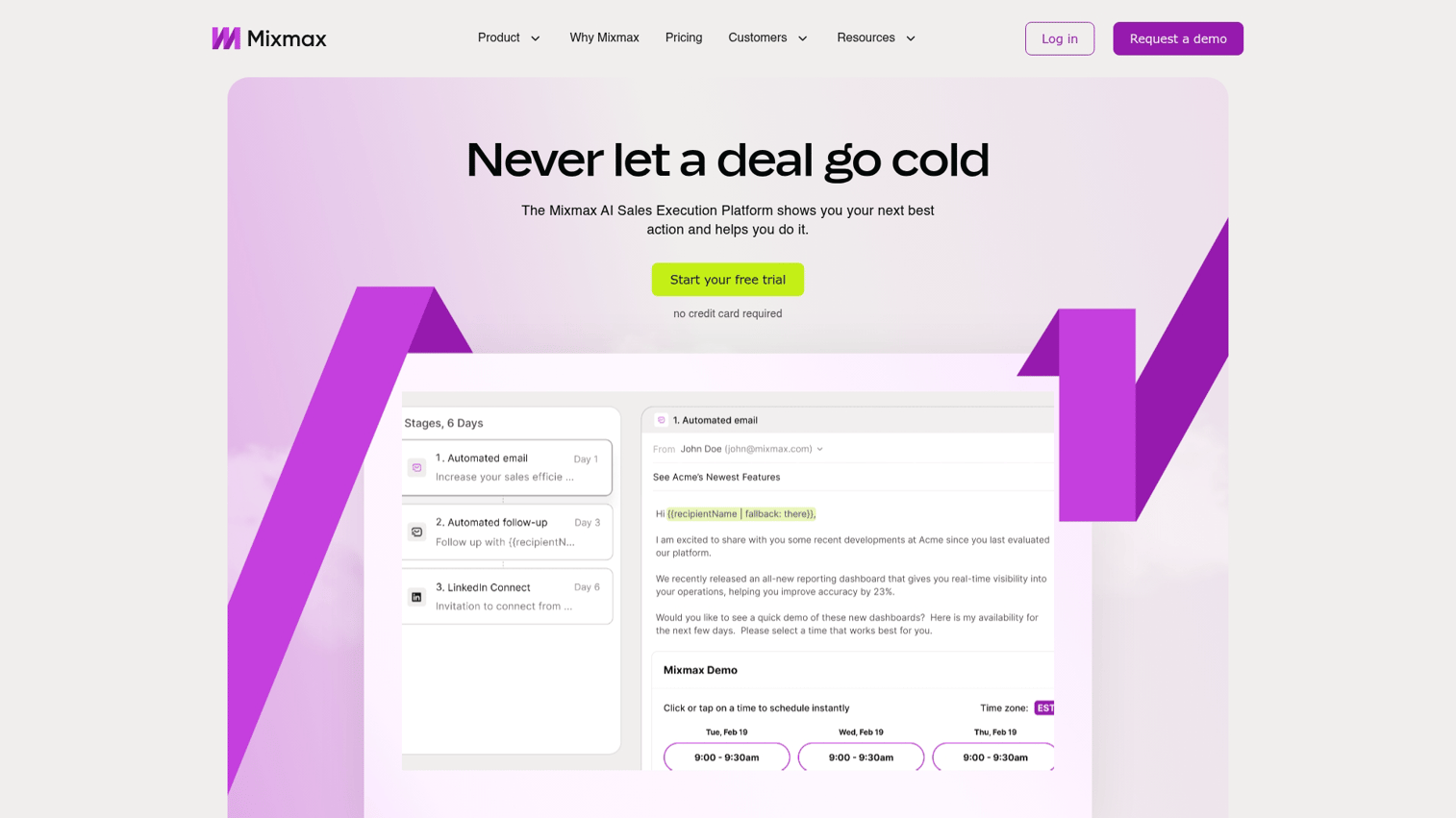
Mixmax works inside Gmail, adding sequences, tracking, and scheduling without requiring reps to learn a new interface.
Best for: Individual reps or small teams who want sequences without leaving Gmail.
Key strengths
Gmail-native: All features accessible directly in Gmail
Sequences: Build multi-step email sequences from your inbox
Calendar scheduling: One-click meeting booking for recipients
Pricing: Plans start at $29/month per user.
13. Klenty
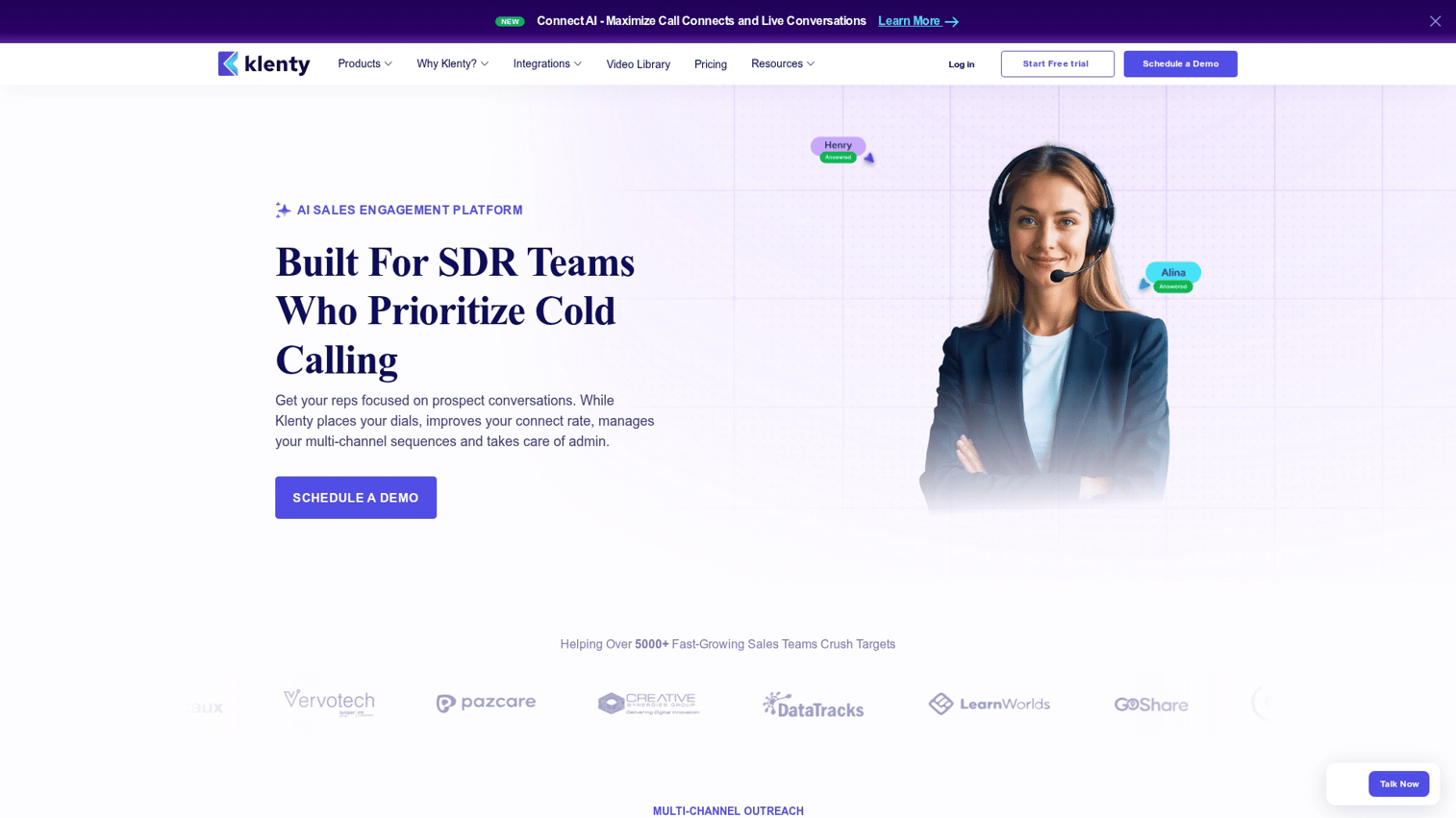
Klenty positions itself as a sales engagement platform for mid-market teams, with strong CRM integrations and a balance of features and usability.
Best for: Mid-market teams that want solid sales engagement features with strong CRM integration.
Key strengths
Deep CRM sync: Bi-directional integration with Salesforce, HubSpot, Pipedrive, and Zoho
Multichannel cadences: Email, phone, and LinkedIn in unified sequences
Intent signals: Identify engaged prospects based on behavior
Pricing: Plans start at $50/month per user.
14. Yesware
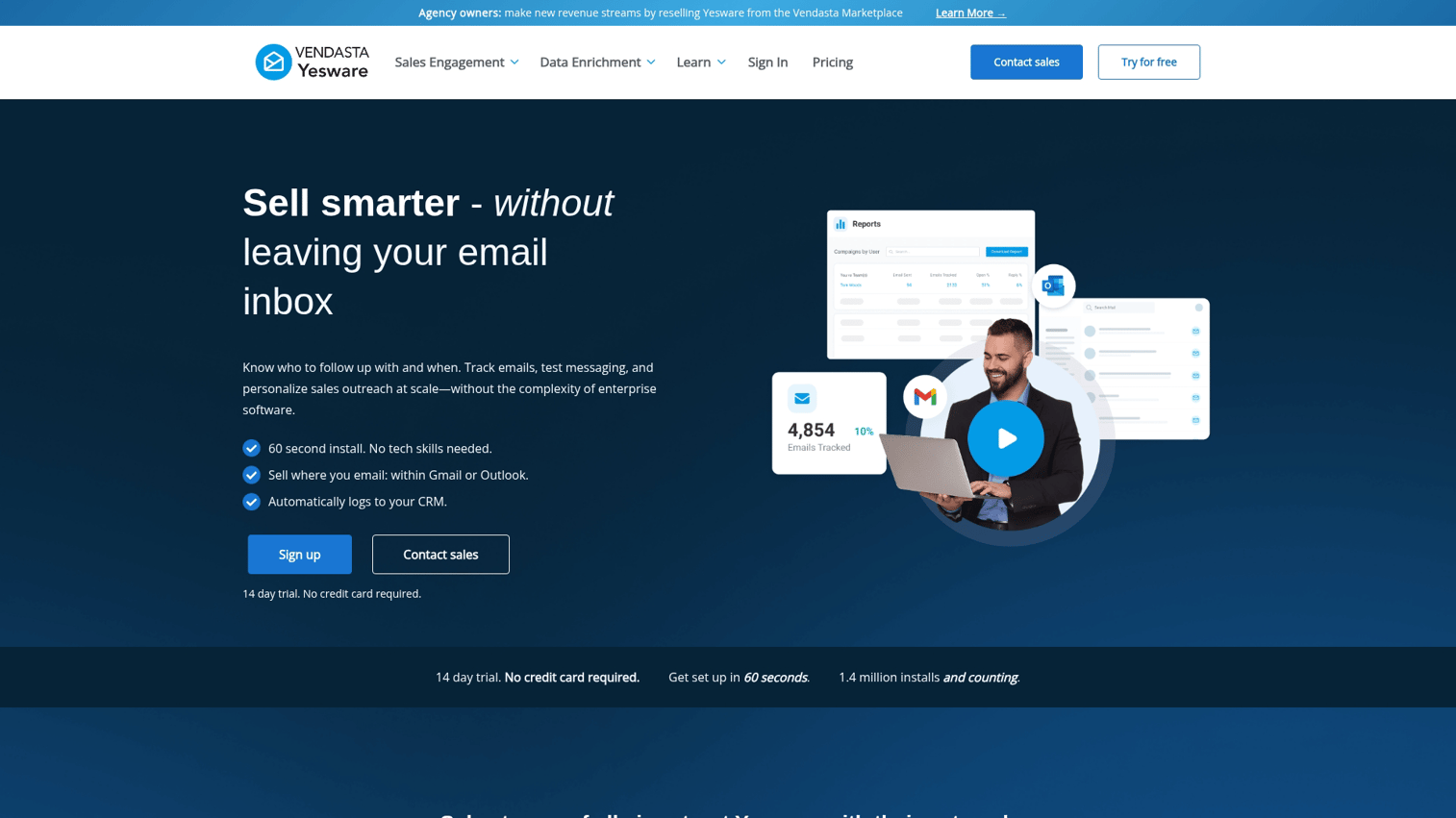
Yesware provides lightweight email tracking and templates for individual contributors who want basic outreach capabilities without full platform complexity.
Best for: Individual contributors who want basic email tracking and templates without platform complexity.
Key strengths
Email tracking: See opens, clicks, and attachment views
Templates: Save and access email templates quickly
Outlook and Gmail: Works in both email clients
Pricing: Plans start at $15/month per user.
How to choose the right outreach software
With 15 options to consider, narrowing down the right fit depends on your specific situation.
Multichannel capabilities
Email-only tools limit your reach. Modern buyers respond to different channels at different times, so look for platforms that coordinate email, phone, LinkedIn, and SMS in unified sequences.
CRM integration and data quality
Bi-directional CRM sync prevents data silos and manual entry. Evaluate how deeply each tool integrates with your existing CRM and whether the sync is real-time or batched.
AI and outreach automation features
AI features vary widely in usefulness. Some platforms use AI for email writing, others for send-time optimization or reply detection. Reps using AI sales tools are 3.7x more likely to meet quota, so focus on features that address your actual bottlenecks.
Analytics and reporting
Track the metrics that matter: reply rates, meeting booked rates, and sequence performance by step. Avoid platforms that only show vanity metrics like open rates without connecting to downstream outcomes.
Scalability and pricing
Pricing models vary significantly. Some charge per seat, others by usage or contacts. Calculate total cost of ownership as your team grows.
How interactive demos boost outreach results
Traditional outreach relies on static PDFs, screenshots, and "book a demo" CTAs. The problem is friction. Prospects protect their time and resist committing to live meetings with strangers.
Interactive demos change the equation by letting prospects experience your product immediately. Instead of asking for 30 minutes of their time, you give them something valuable in the email itself. They can click through your product, see how it works, and decide if it's worth a conversation.
Teams using interactive demos in outreach sequences report higher response rates because the demo removes the evaluation friction.
Find the right outreach software for your team
The best outreach software depends on your team size, technical capabilities, and primary use case. Enterprise teams with complex workflows benefit from platforms like Outreach or Salesloft. Growing teams often find better value in Apollo or Reply. High-volume senders gravitate toward Smartlead or Instantly.
Whatever platform you choose, consider how you can make your outreach more effective by showing rather than telling.
Start your journey with Guideflow today!
FAQs about outreach software
Outreach software automates and executes communication sequences, while a CRM stores contact information and tracks the overall customer relationship. Most teams use both together, with the CRM as the system of record and outreach software handling execution.
Pricing ranges from free tiers for basic tools to custom enterprise pricing that can exceed $100 per seat per month. Most mid-market options charge between $30 and $100 per user monthly.
Most outreach platforms offer native integrations with popular CRMs like Salesforce and HubSpot, plus connections to calendars, dialers, and communication tools. Integration depth varies by vendor.
Small teams often succeed with user-friendly options like HubSpot Sales Hub, Mailshake, or Apollo that offer simpler setup and more accessible pricing.
Focus on proper domain warmup, authenticated sending domains (SPF, DKIM, DMARC), clean contact lists, and tools with built-in deliverability monitoring.
Yes, Outreach provides Outreach University with courses, certifications, and best practices for platform users.
Interactive demos let prospects experience your product directly from an email or LinkedIn message. Removing the friction of committing to a live meeting increases the likelihood of a response.










