



You saw your last patient at 5pm. It's now 8:40pm and you're still charting.
That gap between the exam room and the finished note is where most clinical documentation burden lives. Notes pile up. Small details fade. Accuracy slips when you're typing tired at the end of a long day.
The category built to close that gap is medical dictation software: speech recognition that turns spoken notes into structured text inside your chart. The global market for it reached $2.8 billion in 2025 and is projected to hit $6.2 billion by 2034, growing at 9.2% annually, according to MarketIntelO (2025). Adoption is real, and after implementation one peer-reviewed study found 74.4% of dictation note volume was captured with speech recognition (PMC, 2018).
But the right tool is not obvious. Accuracy depends on your specialty vocabulary. Fit depends on your EHR. Compliance depends on the vendor's contracts and controls, not the category label. Setup speed decides whether your team gets value in week one or gives up in month two.
So which medical dictation app actually earns its place in your workflow?
What's inside
This guide is for clinicians, practice managers, and operations leaders evaluating dictation software for medical professionals. Whether you run a solo practice or a multi-site group, the goal is the same: get notes into the chart faster with fewer errors.
We chose the 7 tools by weighing what matters in real clinical settings:
- Accuracy with medical terminology and specialty vocabulary
- Speed of real-time transcription and note turnaround
- Integrations with major EHR systems
- Compliance posture, including HIPAA-relevant controls
- Ease of adoption across clinicians and support staff
TL;DR
- Best overall for most clinics: VoiceboxMD, real-time dictation plus AI scribe across Windows, Mac, and iOS.
- Best for enterprise healthcare teams: Philips Dictation, secure cloud dictation with central admin and hardware.
- Best for legacy Dragon users: Dragon Medical One, deep EHR support and clinician familiarity.
- Best AI medical dictation software for note workflows: DeepCura, AI scribe with SOAP note automation.
- Best for API and cloud transcription: Amazon Transcribe Medical, developer-first speech-to-text.
- Best lightweight medical dictation app: Notta, fast transcription across devices.
- Best for ambient AI documentation: Nuance DAX Copilot, post-visit note generation from conversation.
What is medical dictation software?
Medical dictation software is speech recognition that converts a clinician's spoken words into written clinical text for charts, SOAP notes, and documentation workflows. It differs from generic speech-to-text in three ways: it understands medical vocabulary, it fits clinical documentation workflows, and it carries the security controls healthcare demands.
A general transcription tool hears "hypertension" and often guesses. Medical voice recognition software is trained on clinical language, drug names, anatomy, and abbreviations, so it gets the terminology right the first time.
Core features to expect from clinical documentation software:
- Real-time transcription so text appears as you speak
- Medical terminology support across specialties and drug names
- EHR integration to send notes into the chart
- SOAP note formatting for structured, repeatable output
- Privacy and security controls including access management and encryption
There is also a meaningful split inside the category. Traditional medical speech recognition software transcribes what you dictate directly, you speak, it types. Ambient AI documentation listens to the full patient conversation and drafts a structured note afterward, no dictation required. Both reduce keyboard time. They just do it differently, and the right choice depends on how hands-on you want to be with the note.
Most physician dictation software today spans a spectrum from pure dictation on one end to full ambient AI on the other, with AI-assisted scribing in the middle.
When to use medical dictation software
Speed up charting after patient visits
The most common reason clinics adopt medical dictation is to stop charting spilling into evenings. Dictating a note in the room or between appointments beats typing it hours later. You capture detail while it's fresh, and you leave the clinic closer to on time.
Standardize SOAP notes and structured outputs
Teams with several clinicians use dictation to keep note quality consistent. With SOAP note automation and templated formatting, a subjective section reads the same way across providers and specialties. That consistency helps downstream coding, billing, and any colleague who picks up the chart next.
Reduce manual typing in EHR workflows
Every minute at the keyboard is a minute not spent with the patient. Voice input cuts the manual typing that clogs EHR workflows, especially for high-volume visit types. For clinicians managing dozens of encounters a day, that time adds up fast across a week.
Comparison table
Tools are grouped by approach. Traditional dictation and speech recognition options come first, followed by AI-assisted note workflows, developer-focused transcription infrastructure, and ambient AI documentation. Row 1 is VoiceboxMD, our pick for most clinics. The rest are ordered by general buyer relevance. Where a vendor keeps pricing behind a sales conversation, we say so plainly rather than guess.
| # | Product | Best for | Key differentiator | Pricing | G2 rating |
|---|---|---|---|---|---|
| 1 | VoiceboxMD | Clinics wanting dictation plus AI scribe | Real-time dictation and AI SOAP notes across Windows, Mac, iOS | From $49/mo | Not enough reviews for a rating |
| 2 | Philips Dictation | Enterprise healthcare teams | Secure cloud dictation with hardware and central admin | From $12.90/user/mo | 4.5/5 |
| 3 | Dragon Medical One | Legacy Dragon users and health systems | Deep EHR support with virtual deployment | Contact sales | Not verified |
| 4 | DeepCura | Solo clinicians and small teams | AI scribe plus practice automation and EHR integration | From $129/mo | 4.6/5 |
| 5 | Amazon Transcribe Medical | Developer and cloud stacks | API-first medical speech-to-text | Free tier, then pay-as-you-go | 4.6/5 |
| 6 | Notta | Lightweight cross-device transcription | Fast transcription with AI summaries | Free plan available | 4.4/5 |
| 7 | Nuance DAX Copilot | Teams wanting ambient AI notes | Ambient documentation from patient conversations | Contact sales | Not verified |
Best 7 medical dictation software tools for 2026
1. VoiceboxMD
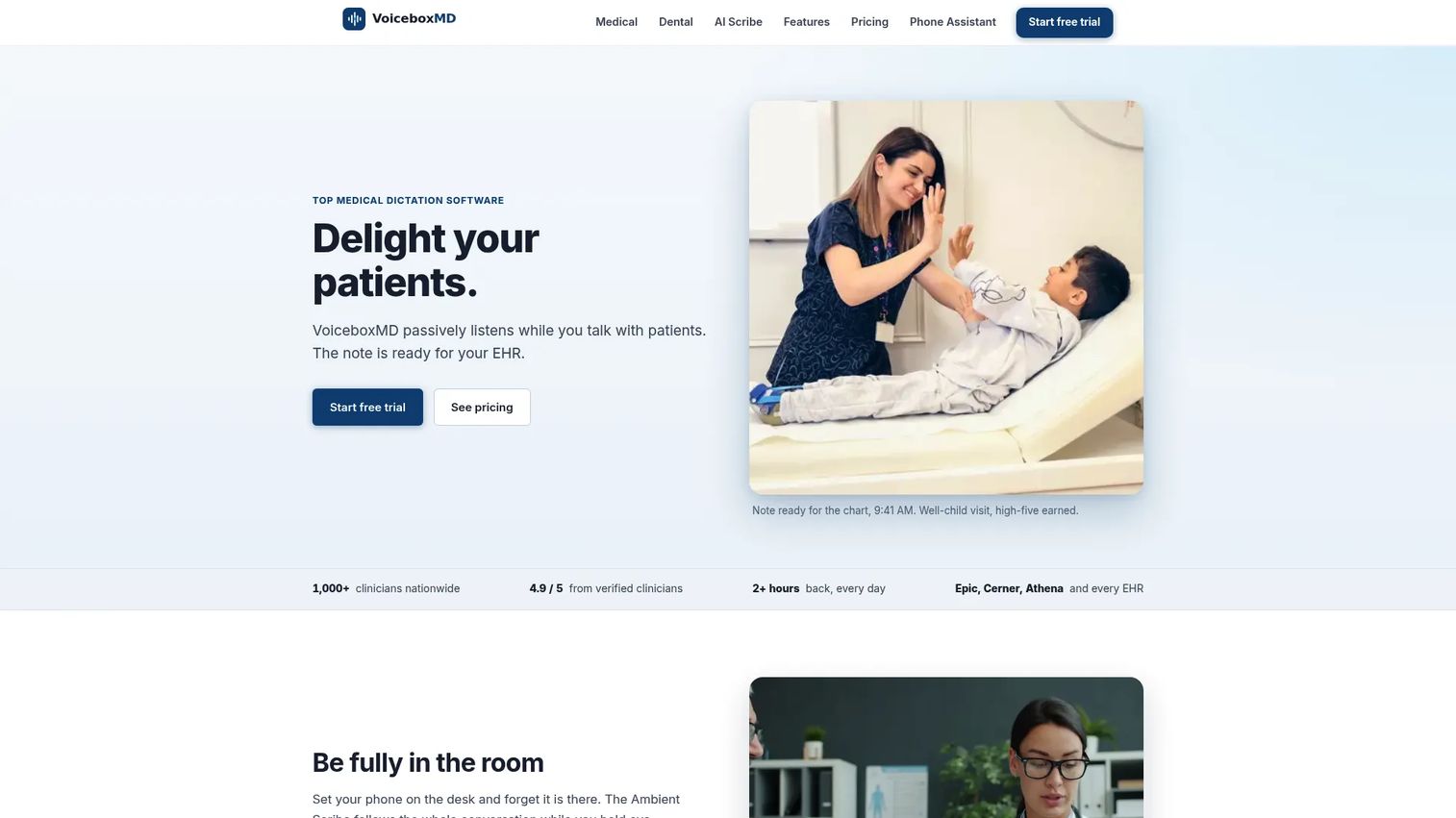
VoiceboxMD is cloud-based medical dictation and AI scribe software built for physicians. It handles real-time speech-to-text and also generates SOAP notes with its AI Medical Scribe. Because it inserts text at your cursor and works across Windows, Mac, and iOS, it fits most EHR setups without forcing a rip-and-replace of your documentation workflow.
That combination is why it leads this list. You get classic medical dictation for the moments you want to speak the note yourself, plus AI note generation for the moments you'd rather draft from the visit. Few tools at this price cover both.
Best for: Physicians and clinics that want real-time dictation and AI-assisted note generation in one tool.
Key features
- Real-time medical speech-to-text dictation
- AI Medical Scribe for SOAP note generation
- EHR-agnostic cursor insertion across Windows, Mac, iOS
- Specialty medical vocabulary support
- Cloud-based, no local server required
Why choose VoiceboxMD: If you want one tool that covers both dictation and AI scribing without an enterprise contract, this is the practical middle ground for solo providers and small groups.
VoiceboxMD pricing: Plans start at $49/mo for Essential, $79/mo for Power, and $139/mo for Premium. Every plan includes a 7-day free trial and no annual contract.
VoiceboxMD's G2 listing does not yet have enough reviews to show an aggregate rating.
2. Philips Dictation
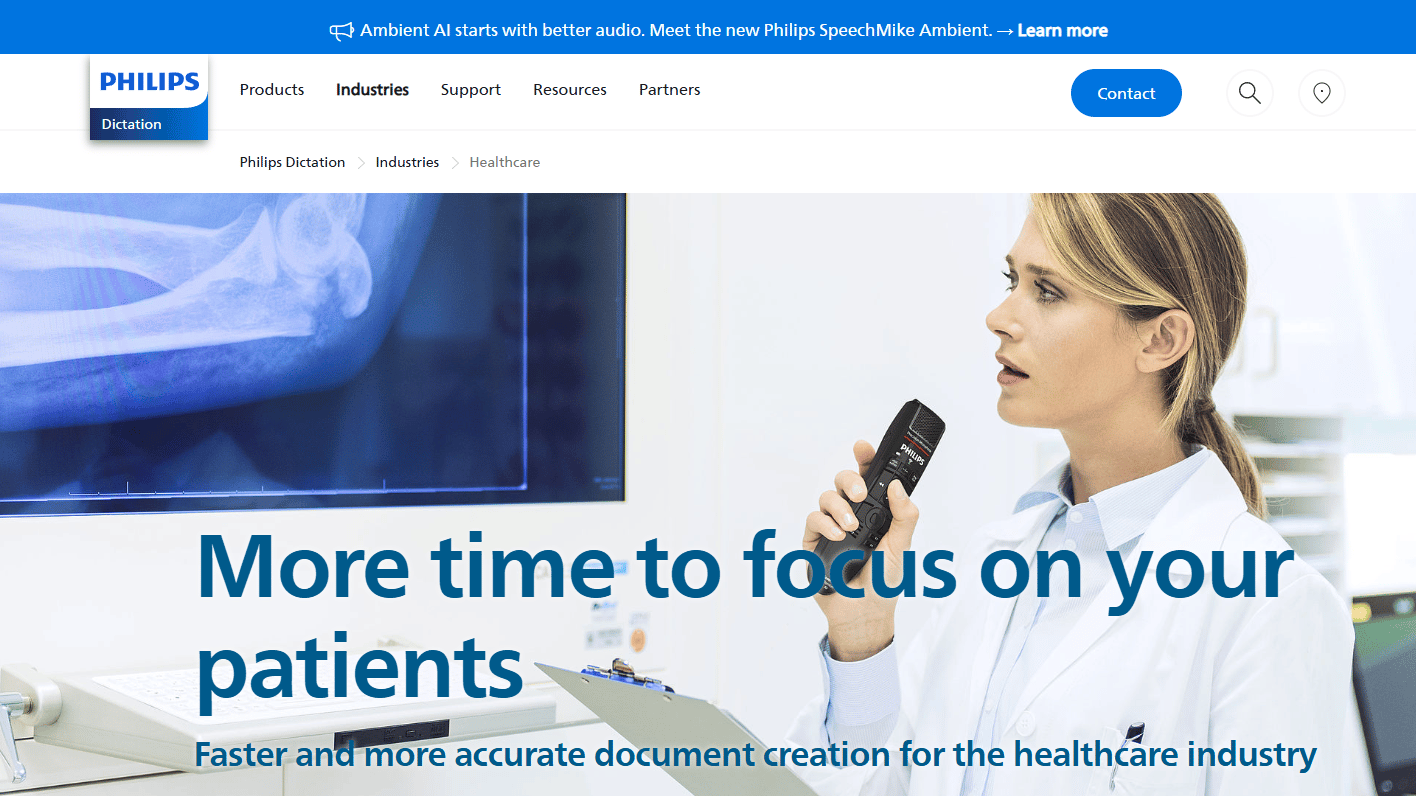
Philips Dictation brings professional dictation, transcription, and speech recognition to healthcare and other regulated industries. It pairs cloud dictation workflows with a well-known hardware ecosystem of microphones and recorders. For larger organizations, central administration and secure cloud handling are the draw.
The workflow angle matters here. Dictation, transcription routing, and optional medical speech recognition sit in one managed environment, which suits teams that need IT oversight and consistent processes across many users.
Best for: Enterprise healthcare teams needing secure cloud dictation with central administration and hardware support.
Key features
- Cloud dictation and transcription workflow
- Optional medical speech recognition via Dragon Medical One
- Dictation hardware, microphones and recorders
- Central administration for teams
- Secure cloud handling for regulated industries
Why choose Philips Dictation: Larger practices and health systems that want managed IT control, a hardware ecosystem, and workflow routing in one place will find it a natural fit.
Philips Dictation pricing: Philips presents pricing through its SpeechLive service. Basic runs $12.90 per user per month and Pro is $17.90 per user per month, both billed annually. A speech recognition add-on is $25.90 per user per month on Pro or Enterprise, and Enterprise pricing is custom. A free trial is available.
On G2, the related Philips SpeechLive product carries a 4.5/5 rating.
3. Dragon Medical One
Dragon Medical One is the cloud clinical speech recognition many physicians already know, now part of Microsoft for Healthcare. Its reputation rests on strong dictation accuracy and years of clinician familiarity. For long-time Dragon users, the muscle memory alone is a reason to stay in the ecosystem.
It also earns its enterprise reputation on integration depth. Dragon Medical One supports current EHRs including Epic, Cerner Millennium, athenaClinicals, and Meditech Expanse, plus virtual deployment through Citrix, Omnissa, and RDS or AVD extensions.
Best for: Clinicians and health systems needing secure cloud speech recognition tightly integrated with major EHRs.
Key features
- Advanced clinical speech recognition
- EHR support for Epic, Cerner, athenaClinicals, Meditech
- Virtual deployment with Citrix, Omnissa, RDS/AVD
- Cloud-based clinician profiles
- Backing of Microsoft for Healthcare
Why choose Dragon Medical One: If your team already relies on Dragon or runs a virtualized EHR environment, staying in this ecosystem keeps workflows and clinician habits intact.
Dragon Medical One pricing: Nuance handles Dragon Medical One pricing through its sales and licensing process rather than a published rate, so plan to contact the team for a quote based on your deployment and seat count.
A current G2 rating for the product was not verified from a primary source at the time of writing.
4. DeepCura
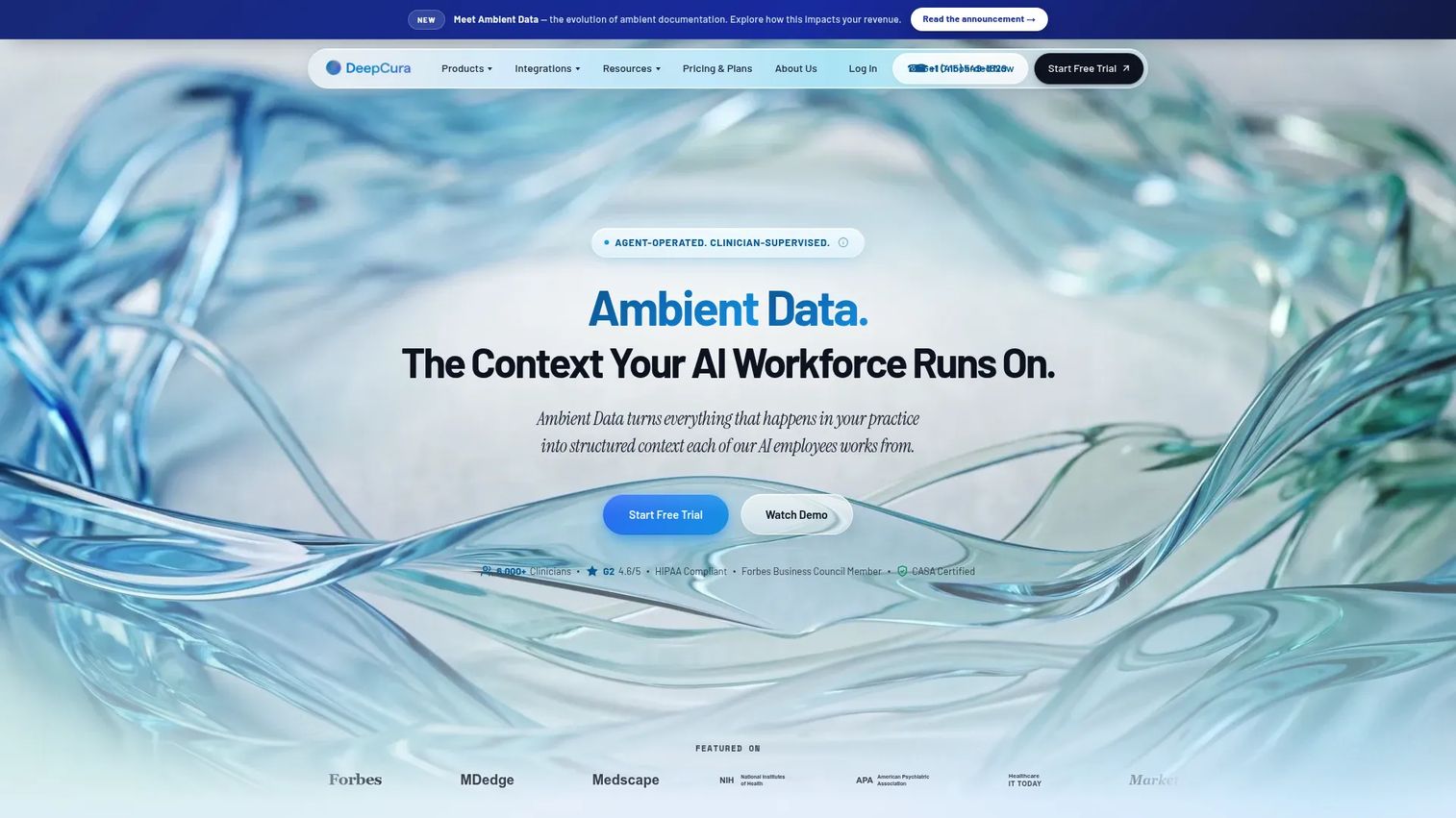
DeepCura is an AI clinical automation platform that goes beyond dictation into scribing, coding, an AI receptionist, and phone workflows. As AI medical dictation software, it stands apart from classic transcription tools by drafting structured documentation rather than just converting speech to text. It also connects natively to EHRs like Epic, athenahealth, eClinicalWorks, and AdvancedMD.
That breadth suits practices that want more than a dictation utility. If you're consolidating several manual tasks into one platform, DeepCura reaches further than a single-purpose transcription tool.
Best for: Solo clinicians and small teams wanting an all-in-one AI documentation and practice-automation platform.
Key features
- AI medical scribe and documentation
- SOAP note automation from visit context
- Native EHR integration with major systems
- AI receptionist and phone workflows
- Coding support inside the platform
Why choose DeepCura: It fits providers who want to consolidate documentation, coding, and front-office automation rather than run several narrow tools side by side.
DeepCura pricing: The main plan runs $129/mo per provider month to month, or $999/yr per seat annually, with volume discounts. Extra credits are available at $59/mo. A free trial exists, though there is no permanent free tier.
DeepCura holds a 4.6/5 rating on G2 from a small set of reviews.
5. Amazon Transcribe Medical
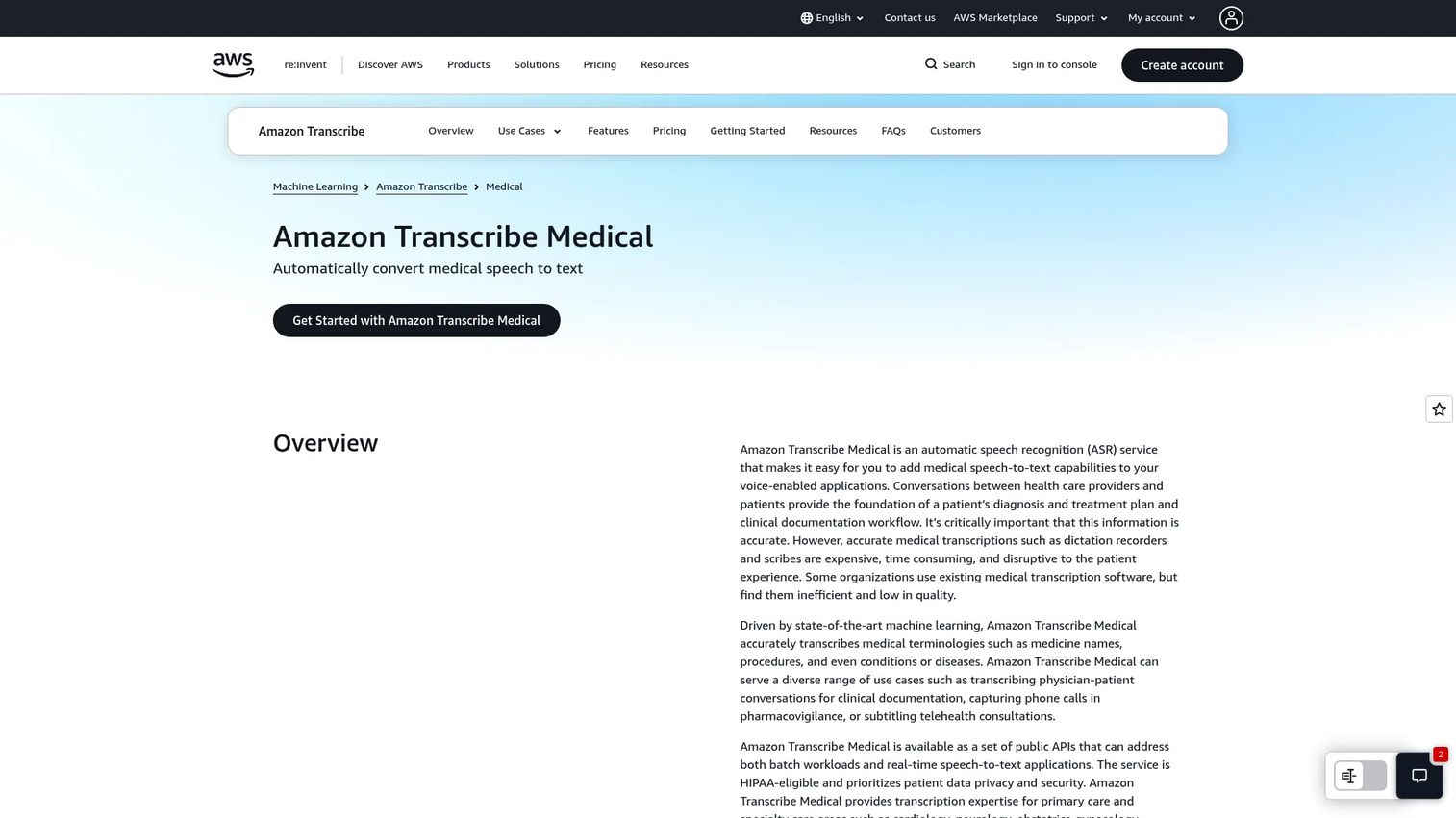
Amazon Transcribe Medical is AWS's speech-to-text service for medical conversations and dictation. It is infrastructure more than a clinician-facing app. Technical teams use it to build transcription into their own products, EHR add-ons, or internal tooling, with both real-time streaming and batch processing of uploaded audio.
If your organization has developers and a cloud stack, this is where dictation becomes a building block. You get the API and specialty support; your team builds the interface clinicians actually touch.
Best for: Developer and product teams embedding medical transcription into healthcare software stacks.
Key features
- Real-time streaming transcription
- Batch transcription of uploaded audio
- Medical specialty vocabulary support
- API-first developer access
- Runs inside the AWS cloud stack
Why choose Amazon Transcribe Medical: It suits technical teams building custom transcription workflows, not clinics wanting an out-of-the-box app for individual providers.
Amazon Transcribe Medical pricing: AWS includes a free tier of 60 minutes per month for the first 12 months, then moves to pay-as-you-go usage-based pricing. The pricing page directs teams to AWS specialists for exact rates on a given workload.
Amazon Transcribe Medical holds a 4.6/5 rating on G2.
6. Notta
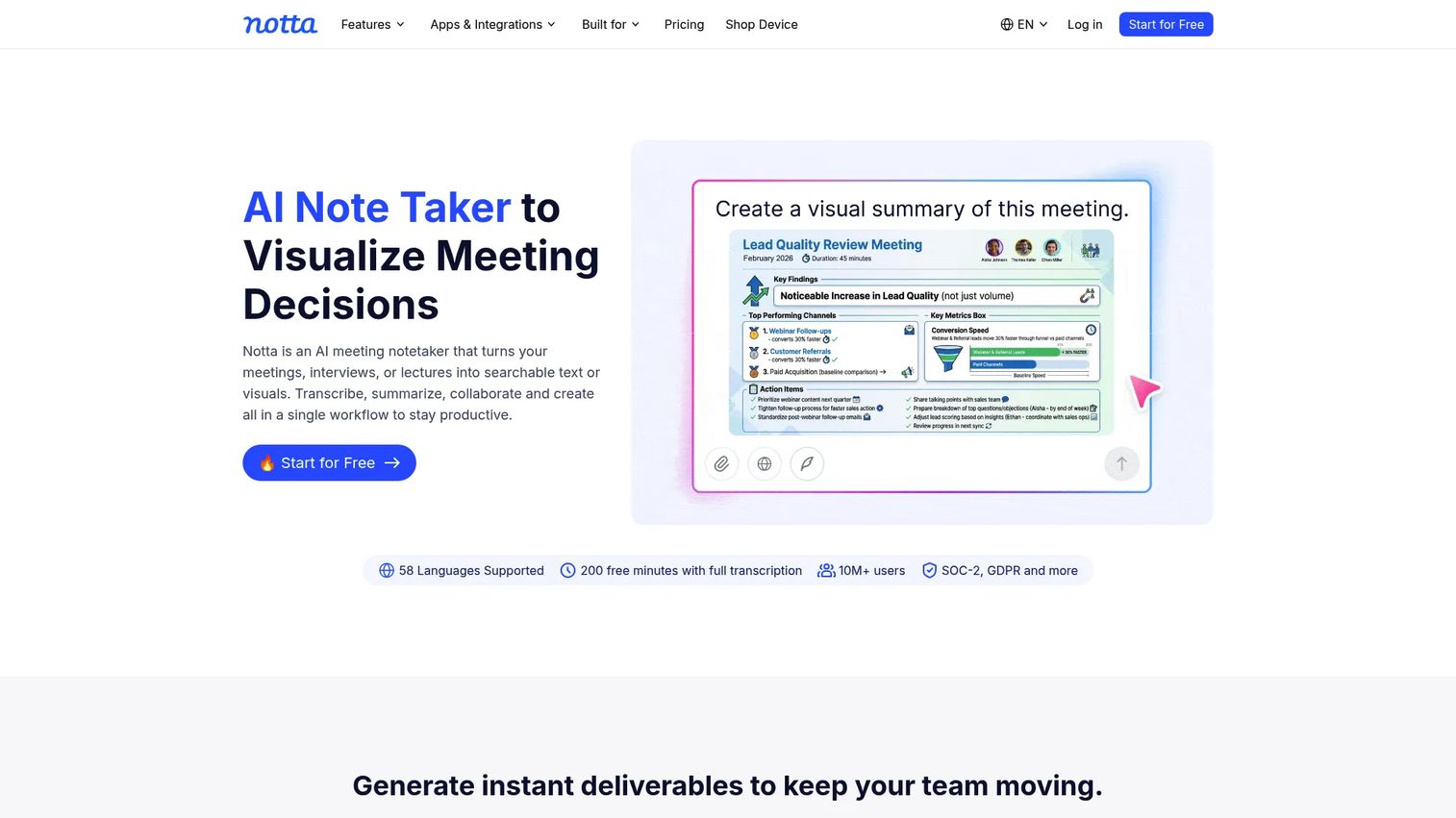
Notta is an AI transcription assistant that records, transcribes, and summarizes audio across devices. It's a lower-friction app layer for clinicians who want quick transcription and searchable notes without a heavy clinical documentation deployment. It captures via desktop with or without a meeting bot and produces AI summaries.
Notta is a general transcription tool rather than a purpose-built clinical system, so it performs best for lightweight capture and personal notes rather than deep EHR-integrated charting or specialty medical vocabulary. Match it to the job accordingly.
Best for: Clinicians wanting fast, cross-device transcription with minimal setup.
Key features
- Meeting and audio transcription
- AI summaries and searchable transcripts
- Bot or bot-free recording via desktop
- Cross-device access
- Collaboration and sharing
Why choose Notta: Pick it when you want speed and simplicity for capturing and searching spoken content, and you handle clinical formatting and EHR entry separately.
Notta pricing: Notta offers a Free plan at $0/month, along with Pro and Business tiers and a custom Enterprise plan through sales. Exact Pro and Business prices were not visible on the pricing page captured, so confirm current figures directly with Notta.
Notta holds a 4.4/5 rating on G2.
7. Nuance DAX Copilot
Nuance DAX Copilot is ambient clinical documentation. Instead of dictating, the clinician has a normal patient conversation and DAX Copilot drafts a specialty-specific clinical summary afterward. That's the key difference from traditional dictation: you don't speak the note, you speak to the patient, and the note is generated from the encounter.
It works alongside Dragon Medical One and EHR workflows, and can turn a conversation into referral letters, after-visit summaries, and other outputs. For teams exploring higher-automation documentation, it sits at the ambient end of the spectrum.
Best for: Healthcare organizations wanting ambient AI documentation that drafts notes from patient encounters.
Key features
- Ambient documentation from patient conversations
- Specialty-specific clinical summaries
- Works with Dragon Medical One and EHRs
- Generates referral letters and after-visit summaries
- Post-visit note drafting without dictation
Why choose Nuance DAX Copilot: Choose it when you want to remove active note-writing from the visit entirely and let the conversation itself become the source of the documentation.
Nuance DAX Copilot pricing: Nuance uses a contact-sales model for DAX Copilot rather than published pricing, so pricing depends on your organization's size and deployment and comes through a quote.
A current G2 rating for the product was not verified from a primary source at the time of writing.
Considerations
Accuracy and medical vocabulary
Test accuracy on your own specialty language, not a generic demo script. Dictate real drug names, anatomy, and abbreviations you use daily. Check how the tool handles punctuation, numbers, and clinical context, and whether it improves as it learns your voice.
EHR compatibility
Confirm the tool works with the EHR you actually run, and how deeply. Native integration beats copy-paste, and middleware sits between. Ask whether text lands directly in the right chart field or whether someone has to move it manually every note.
HIPAA and security
HIPAA-compliant medical dictation depends on the vendor's controls and contracts, not the category name. Ask for a signed BAA, and review how data is handled, encrypted, stored, and retained. Confirm access controls and audit logging match your compliance obligations.
Setup and learning curve
Gauge how fast your team reaches value. Check what hardware is required, whether a dedicated microphone helps, and how much training clinicians need. For medical dictation software for PC, verify OS support and any admin setup before rolling out widely.
Pricing and deployment model
Match the pricing model to your size. Seat-based monthly plans suit solo and small practices, while organization-wide contracts fit health systems. Watch for usage-based pricing on API tools and confirm what a realistic monthly volume actually costs.
Conclusion
The strongest fit depends on your clinic size, EHR environment, and how much automation you want in the note.
For most clinics, VoiceboxMD balances real-time dictation and AI scribing at an accessible price. Enterprise healthcare teams lean toward Philips Dictation for managed IT control and hardware. Long-time Dragon users and virtualized EHR shops stay with Dragon Medical One. DeepCura suits solo and small teams consolidating documentation and automation. Amazon Transcribe Medical fits developer stacks. Notta covers lightweight transcription, and Nuance DAX Copilot leads for ambient AI note generation.
Next step: shortlist two tools and test them on one real note type, one specialty workflow, and one EHR scenario. Give each a week with actual encounters, not a canned demo. The tool that lands notes in the chart with the fewest edits wins.
If your team also needs to show software visually, whether onboarding staff or walking stakeholders through a workflow, interactive product walkthroughs built with Guideflow let people experience a process at their own pace. You can capture a flow in clicks, personalize it per audience, share it anywhere, and analyze engagement, with AI to polish steps, teams to collaborate, simple edit controls, and integrate options into your stack.
Start your journey with Guideflow today!
FAQs
Medical dictation is speech-to-text: you speak a note and the tool types it. AI medical scribes go further, generating or structuring documentation from the context of a conversation, often without direct dictation. Dictation gives you control over exact wording, while scribes reduce active note-writing during the visit.
Compliance depends on the vendor's security controls, contracts, and data handling, not the category name alone. Look for a signed business associate agreement, encryption in transit and at rest, access controls, and clear retention policies. A tool is only part of a compliant workflow, your processes around it matter too.
Accuracy varies with specialty vocabulary, audio quality, accents, and how well the tool learns your voice. Modern medical speech recognition software handles clinical terminology far better than generic transcription. Test on your real specialty language before committing, since a cardiology note stresses different vocabulary than a pediatrics one.
Often, yes, through one of a few approaches. Some tools offer native integration with major EHRs like Epic, Cerner, or athenahealth, dropping text directly into chart fields. Others rely on cursor insertion or copy-paste, and some use middleware. Confirm the depth of integration with your specific EHR before buying.
Many tools run on a standard computer or phone microphone, but a dedicated headset or handheld microphone improves accuracy in noisy clinics. Some options are browser-based, others need a desktop app on a supported OS. Check platform and hardware requirements, especially for medical dictation software for PC deployments.
Pricing patterns range from seat-based monthly plans to usage-based API rates and custom enterprise contracts. Entry plans can start around $49 per month for individual clinicians, while ambient AI and enterprise tools use contact-sales pricing. Free trials are common, so test before you commit to a contract.
You can, but test the switch before you commit fully. Check that your specialty vocabulary transfers or retrains quickly, whether your custom macros have an equivalent, and how the new tool fits your EHR workflow. Also plan clinician training, since a new dictation habit takes a short adjustment period.










