Your queue is full of password resets, access requests, duplicate alerts, and escalation loops. Each one is a task a human shouldn't have to touch twice. Yet most IT teams are still doing exactly that, because the chatbots they deployed answer three questions and hand everything else back to the queue.
AI IT agents are a different category. They understand a request, check policy, call the right system, route an approval, document the action, and escalate when the risk gets too high. According to Gartner (2025), 75% of IT application leaders said their organization was already piloting, deploying, or had deployed some form of AI agents. The market itself hit $7.6 billion in 2025, per Grand View Research.
The gap between piloting and doing useful work in production is where most deployments stall. Permissions are too broad. The integration can read but not write. The demo skips approval routing. The buyer asks for audit logs and no one has them ready. This guide helps you close that gap by evaluating 12 AI IT agent tools through the lens of what actually matters in a POC: Workflow fit, integration depth, governance controls, and time to value.
What's inside
This guide compares 12 AI IT agents for 2026, evaluated across service desk automation, incident response, AIOps, and enterprise agent platforms. Tools were selected based on:
- Workflow fit: Does the agent handle real IT tasks, not just answer questions?
- Integration depth: Native connectors to ITSM, IAM, CMDB, and observability tools
- Governance controls: Approvals, audit logs, RBAC, and escalation thresholds
- Pricing visibility: Verified against each vendor's current pricing page
Audience: IT leaders, service desk owners, platform engineers, and presales teams running technical evaluations.
TL;DR
- Best overall for enterprise ITSM: ServiceNow AI Agents, for teams already running ServiceNow workflows
- Best for Microsoft-heavy IT teams: Microsoft Copilot Studio, when IT support lives inside Teams and Azure
- Best for incident response: PagerDuty, for SRE and DevOps teams managing alert noise and on-call response
- Best for employee service desk: Moveworks or Atomicwork, when ticket deflection is the primary goal
- Best transparent entry pricing: Freshservice starts at $19/agent/month, billed annually
- Best for Atlassian shops: Atlassian Rovo, included with eligible cloud plans
What is AI IT agent software?
AI IT agent software uses agentic AI to understand IT requests, reason through next steps, connect to enterprise systems, take approved actions, and document outcomes across service desk, operations, security, and infrastructure workflows.
Unlike a chatbot that returns a knowledge article and waits, an AI IT agent can plan a multi-step workflow, call APIs, trigger approvals, update a ticket, and hand off to a human when the situation exceeds its authority.
Core capabilities of AI IT agents
A capable AI IT agent covers most of the following:
- Natural-language request intake via chat, email, or voice
- Context retrieval from ITSM, IAM, CMDB, and knowledge bases
- Planning and multi-step workflow execution
- Tool calling through APIs and native connectors
- Human approval routing for sensitive or high-risk actions
- Ticket creation, updates, and audit log entries
- Memory or session context across related interactions
- Policy-aware escalation when thresholds are exceeded
How AI IT agents differ from chatbots
Chatbots mainly answer questions or collect intake data. AI IT agents can plan, call tools, execute tasks, update systems, and iterate when something goes wrong. The practical difference: A chatbot tells you to contact the helpdesk; an agent resets your password, verifies your identity, documents the action, and closes the ticket. The best deployments still require human approval for privileged access changes, production deployments, and anything with rollback risk.
Where AI IT agents fit in enterprise IT
The primary deployment areas are IT service management, employee support, incident response, access management, observability and monitoring, and cross-functional workflow automation connecting IT to HR, finance, and security teams. For presales teams evaluating these platforms, the question is never just "can it do this in a demo?" It's whether the agent can do it safely, with the right permissions, inside the customer's actual stack.
When to use AI IT agents
Deflect repetitive service desk tickets
Password resets, MFA enrollment, software access requests, device troubleshooting, and how-to questions make up a large share of service desk volume. AI IT agents handle these end-to-end by verifying identity, checking policy, completing the action, and closing the ticket. Presales note: In a POC, test a denied request to confirm the agent respects policy boundaries, not just happy paths.
Accelerate incident triage and remediation
Alert correlation, incident summaries, runbook suggestions, stakeholder notifications, and post-incident documentation are all candidates for agentic automation. The agent reduces the cognitive load on the on-call engineer by pre-gathering context and recommending next steps. Production changes still need human approval and rollback design. Test what happens when the agent reaches a decision point it cannot resolve autonomously.
Standardize employee IT workflows
Onboarding, offboarding, app provisioning, hardware requests, and policy routing involve handoffs across HR, IT, security, and finance. An AI agent can orchestrate those handoffs, trigger approvals from the right owners, and update each system of record. This is where integration depth matters most: Agents that can only read data are significantly less useful than agents that can write.
AI IT agent software comparison
The table below reflects pricing and ratings verified from each vendor's current pricing page and G2 listing. Tools with no G2 listing for the specific product are marked N/A.
| # | Product | Best for | Key differentiator | Pricing | G2 rating |
|---|---|---|---|---|---|
| 1 | ServiceNow AI Agents | Enterprise ITSM | Native ITSM workflows and governance | Custom pricing | 4.3/5 |
| 2 | Microsoft Copilot Studio | Microsoft-heavy IT teams | Agent building across Microsoft 365 and Azure | From $200/pack/month | 4.4/5 |
| 3 | Google Gemini Enterprise | Cloud-native agent development | Enterprise search and agent orchestration on Google Cloud | From $5/GiB/month (pay-as-you-go) | N/A |
| 4 | Amazon Bedrock AgentCore | AWS-native agent workflows | Managed agent runtime with AWS service integration | From $0.005/1,000 invocations | N/A |
| 5 | IBM watsonx Orchestrate | Enterprise workflow orchestration | Governed multi-agent orchestration with public entry pricing | From $530/month | 4.4/5 |
| 6 | PagerDuty | Incident response and operations | Agentic incident triage with 700+ integrations | Free plan available; Professional from $21/user/month | 4.5/5 |
| 7 | Freshservice | Mid-market ITSM | AI service desk with transparent per-agent pricing | From $19/agent/month (annual) | 4.6/5 |
| 8 | Atlassian Rovo | Atlassian-based teams | Knowledge discovery and agents across Jira and Confluence | Included with eligible plans; Rovo Standard from $5/user/month | 4.7/5 |
| 9 | Moveworks | Enterprise employee support | AI assistant with 100+ language support and enterprise integrations | Custom pricing | 4.4/5 |
| 10 | Atomicwork | AI-native IT service desk | Outcome-based pricing and AI Coworkers | From $25,000/year | 4.0/5 |
| 11 | Rezolve.ai | Employee service desk | Governed autonomous agents with approval gates | Custom pricing | 4.8/5 |
| 12 | Aisera | Enterprise service automation | AI agents across IT, HR, and operations | Custom pricing | 4.4/5 |
Best 12 AI IT agents for 2026
1. ServiceNow AI Agents
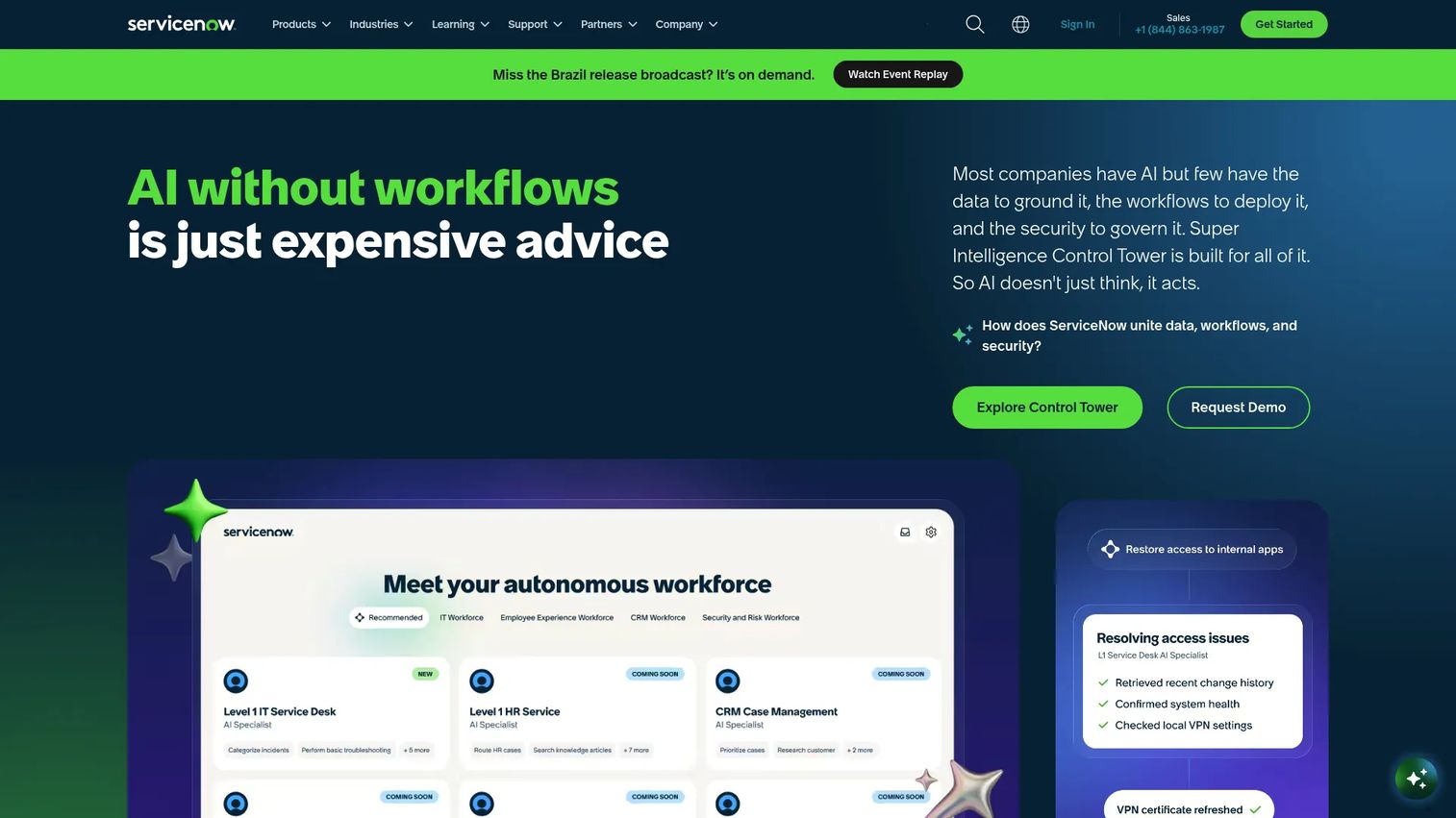
ServiceNow AI Agents are embedded directly into the ServiceNow AI Platform, giving them native access to ITSM workflows, the CMDB, knowledge bases, and enterprise system connectors. The platform includes AI Agent Studio for creating and testing agents, an AI Agent Orchestrator for coordinating multi-agent workflows, and integration with third-party APIs. For large organizations already running ServiceNow, this means agents operate inside the same ownership, escalation, and audit-trail structures that IT already enforces.
Best for: Enterprise IT teams that want AI agents operating inside an established ITSM environment with governance built in from the start.
Key features
- AI Agent Studio for building, managing, and testing agents
- AI Agent Orchestrator for multi-agent workflow coordination
- Native ITSM, CMDB, and knowledge base integration
- Foundation, Advanced, and Prime tier structure for different autonomy levels
- Third-party API and enterprise system connectors
Why choose ServiceNow: Choose ServiceNow when the agent needs to work inside ITSM processes that already define ownership, escalation paths, and audit requirements. The integration is native, not bolted on. In a POC, validate how the agent handles identity verification and approval routing before it takes action on a ticket.
ServiceNow AI Agents pricing: ServiceNow offers Foundation, Advanced, and Prime tiers. Foundation covers routine AI agents, Advanced adds agentic workflows, and Prime adds custom agent creation and autonomous AI workforce capabilities. All tiers are priced through a sales conversation.
G2 rating: 4.3/5
2. Microsoft Copilot Studio
Microsoft Copilot Studio is a low-code platform for building, managing, and deploying AI agents across Microsoft 365, Teams, Power Platform, Azure, and external channels. IT teams use it to create custom agents grounded in organizational data, with prebuilt and custom connectors to business systems. It's broader than IT specifically, but for organizations standardized on Microsoft infrastructure, it's a natural fit for support automation, approval routing, and knowledge retrieval inside Teams. Governance controls include human-review steps and performance analytics.
Best for: IT teams already standardized on Microsoft 365 and Azure, where IT support conversations happen inside Teams and workflows depend on Microsoft data.
Key features
- Low-code custom agent builder with generative AI
- Microsoft 365, Teams, and SharePoint grounding
- Power Platform connectors and workflow automation
- Multi-channel publishing including Teams, websites, and apps
- Analytics, evaluation, and human-review controls
Why choose Microsoft Copilot Studio: Choose Copilot Studio when IT support happens inside Teams and the data the agent needs lives in Microsoft systems. It removes the need to route employees to a separate portal. In a POC, test connector permissions, identity boundaries, and what happens when the agent encounters a request it cannot fulfill.
Microsoft Copilot Studio pricing: The standalone license is $200.00 per 25,000-Copilot-Credit pack per month, billed annually. A pre-purchase plan is available at $2,850 for 3,000 Copilot Credit Commit Units (one-year, pay-upfront). Microsoft 365 Copilot, which includes Copilot Studio for internal agents, is $30.00/user/month billed annually. Pay-as-you-go billing is also available.
G2 rating: 4.4/5
3. Google Gemini Enterprise
Google Gemini Enterprise is an enterprise AI assistant and agent platform that searches organizational data, generates content, and supports automated workflows. Teams use it to build custom no-code and full-code agents grounded in Google Cloud and third-party data sources, with permission-aware enterprise search ensuring agents only surface what a user is authorized to see. Features include Deep Research, Gemini Notebook Enterprise, and Data Insights agents, plus enterprise security controls such as VPC Service Controls, data residency, and Cloud Audit Logs.
Best for: Cloud-native IT teams building governed agents close to Google Cloud data and infrastructure, particularly where observability and knowledge systems run on Google.
Key features
- Permission-aware enterprise search across Google and third-party sources
- Custom no-code and full-code agent creation and orchestration
- Multimodal content generation and data insights agents
- Enterprise security: SSO, IAM, CMEK, VPC Service Controls, data residency
- Cloud Audit Logs for agent action traceability
Why choose Google Gemini Enterprise: Choose Google when the IT team wants to build agents tightly integrated with Google Cloud data, infrastructure, and compliance controls. It's a strong fit for organizations that need agents to query BigQuery, search Workspace, or trigger Cloud workflows. In a POC, validate tool-call logging, data access boundaries, and how the agent handles requests it cannot confidently resolve.
Google Gemini Enterprise pricing: The Pay-as-you-go edition carries no subscription fee; storage and data indexing cost $5 per GiB per month, with other usage priced through linked Google Cloud services. Business, Standard, and Plus edition subscription prices are not publicly displayed and require contacting Google.
4. Amazon Bedrock AgentCore
Amazon Bedrock AgentCore is an AWS platform for building, deploying, and operating production AI agents using any framework and foundation model. It provides a managed agent runtime through serverless microVMs or managed EC2 instances, a Gateway for secure unified access to APIs, Lambda functions, and MCP servers, and built-in tools including a browser, code interpreter, and observability layer. For IT teams with workflows deeply embedded in AWS infrastructure, AgentCore keeps agents close to the systems they need to act on.
Best for: AWS-heavy IT and platform engineering teams building production agents that need to interact with AWS services, internal tooling, and enterprise APIs.
Key features
- Managed agent runtime with serverless microVMs or managed EC2
- Gateway for unified, secure access to APIs, Lambda, and MCP servers
- Short-term and long-term agent memory
- Identity, authentication, authorization, and credential management
- Built-in observability, evaluations, and policy controls
Why choose Amazon Bedrock AgentCore: Choose AgentCore when agents need to operate near AWS systems, infrastructure logs, and internal tooling with production-grade reliability. The flexibility to use any foundation model and any agent framework is valuable for teams with specific model requirements. In a POC, test IAM boundary enforcement, rollback design for failed actions, and approval gate behavior.
Amazon Bedrock AgentCore pricing: Pricing is consumption-based with no upfront commitments. Gateway API invocations start at $0.005 per 1,000 invocations. Pricing varies by capability, covering Runtime, Gateway, Identity, Memory, Browser Tool, Code Interpreter, Evaluations, and Policy components. New AWS customers can access up to $200 in credits.
5. IBM watsonx Orchestrate
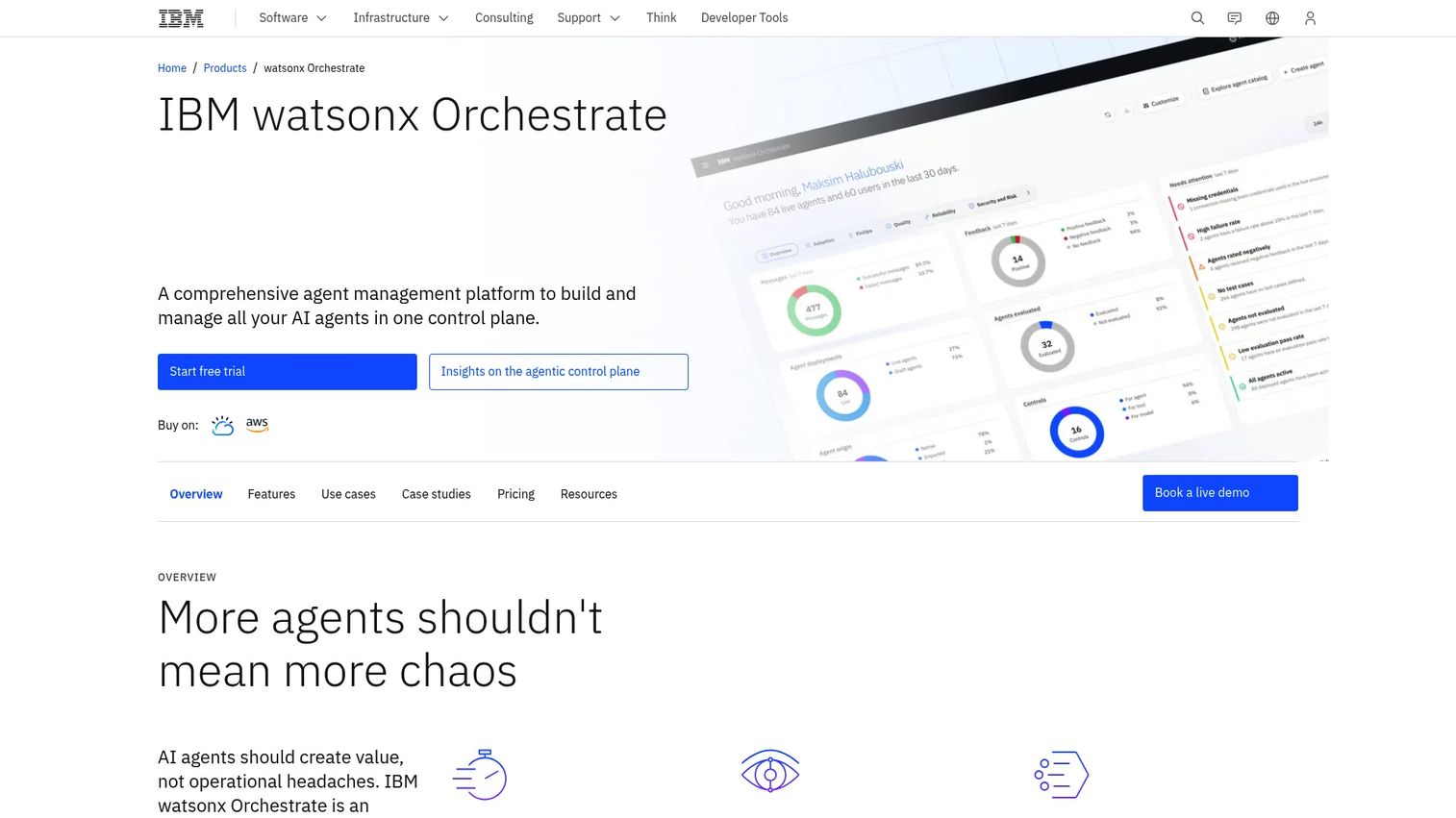
IBM watsonx Orchestrate is a comprehensive agent management platform for building, orchestrating, governing, and monitoring AI agents across business and IT workflows. It includes an AI agent and tool builder, multi-agent orchestration, a governed agent and tools catalog, and policy enforcement with observability. For regulated enterprises that need clear accountability around which agent took which action with which approval, this governance layer is a primary differentiator. IBM's consulting support also matters for organizations that want implementation expertise alongside the platform.
Best for: Enterprises that need governed AI agents across business and IT workflows, particularly in regulated industries where audit trails and policy enforcement are non-negotiable.
Key features
- AI agent and tool builder with multi-agent orchestration
- Governed agent and tools catalog
- Policy enforcement and observability controls
- Prebuilt skills and enterprise app integrations
- 30-day free trial available
Why choose IBM watsonx Orchestrate: Choose IBM when governance, accountability, and consulting support matter as much as the agent experience itself. The platform is built for organizations that cannot afford ambiguity about what an agent did and who approved it. In a POC, validate audit log completeness, approval model flexibility, and integration depth with your specific ITSM or IAM systems.
IBM watsonx Orchestrate pricing: A 30-day free trial is available. Essentials plans start at $530/month. Standard plans start at $6,360/month. Premium pricing requires contacting IBM directly. Prices may vary by country.
G2 rating: 4.4/5
6. PagerDuty
PagerDuty is an AI-first operations and incident management platform for detecting, responding to, and resolving service incidents. It correlates alerts, groups related events to reduce noise, generates AI incident summaries, automates response workflows, and manages on-call scheduling and escalation. With over 700 integrations and open APIs, it connects to observability, monitoring, deployment, and ITSM systems. PagerDuty's agentic capabilities focus on reducing the time between alert and informed human response, not on taking unsupervised production action.
Best for: SRE, DevOps, and IT operations teams where incident triage speed and on-call coordination are the primary KPIs.
Key features
- Incident detection, response, and on-call management
- Alert noise reduction and event correlation and grouping
- AI-generated incident summaries and recommended actions
- Automated workflows, escalation scheduling, and stakeholder communications
- 700+ integrations and post-incident review analytics
Why choose PagerDuty: Choose PagerDuty when the agent's job is to cut alert noise, coordinate response, and get the right information to the right engineer faster. It excels at the incident layer of IT operations rather than service desk automation. In a POC, test how it summarizes a complex incident, recommends next steps, and respects change control boundaries.
PagerDuty pricing: A free plan is available. Professional plans are $21/user/month billed annually. PD Reliability Platform plans start at $2,800/year (Starter), $12,000/year (Essential), and $48,000/year (Plus), with Ultimate at custom pricing.
G2 rating: 4.5/5
7. Freshservice
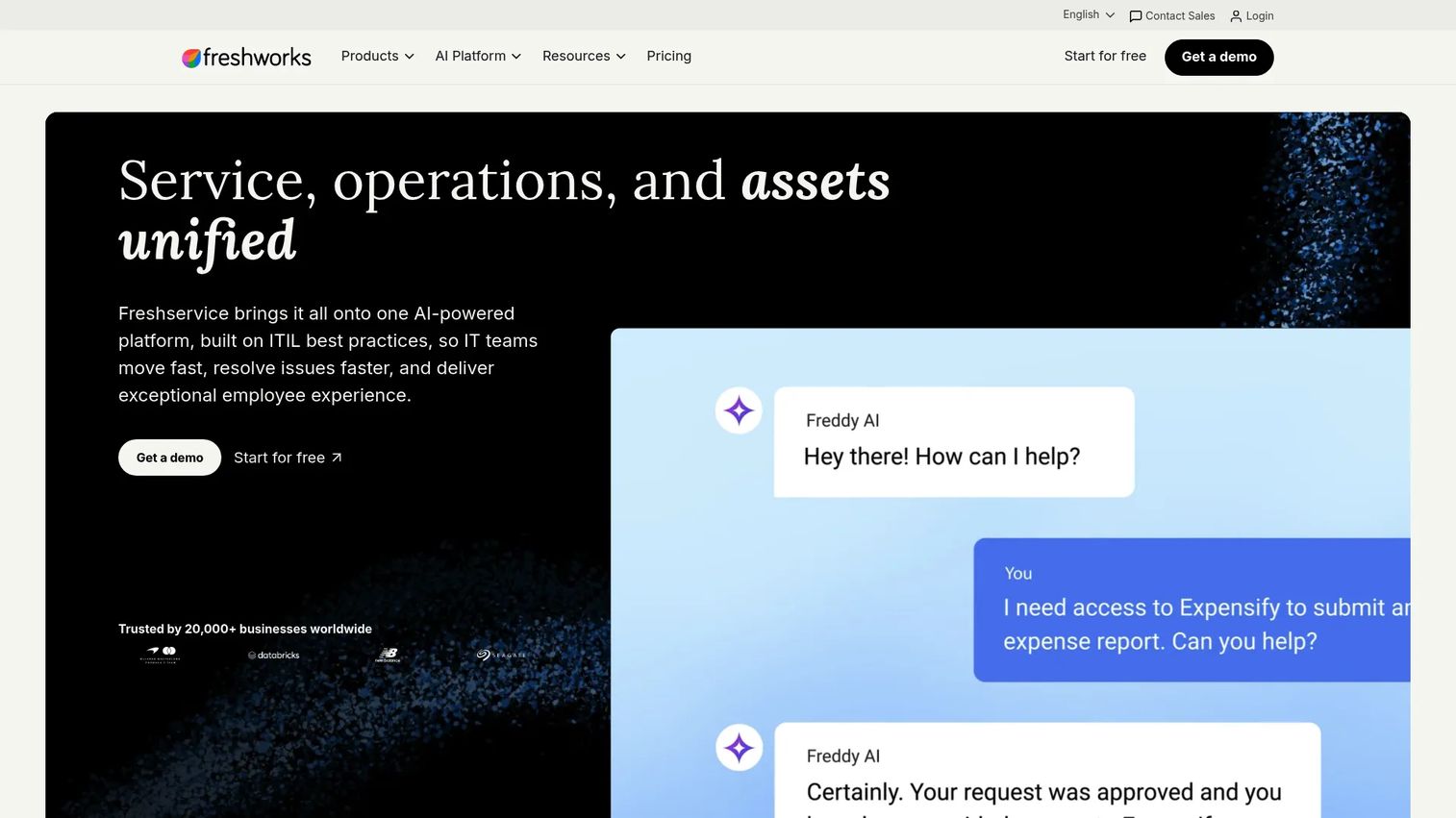
Freshservice is an AI-powered unified ITSM platform built for IT and enterprise service teams. Its Freddy AI suite covers a service agent (Freddy AI Agent), a productivity assistant (Freddy AI Copilot), and an analytics layer (Freddy AI Insights). The platform handles incident, problem, change, and service catalog management alongside workflow automation, intelligent routing, knowledge management, and IT asset tracking. For mid-market IT teams that want faster rollout than heavier enterprise suites, Freshservice offers a full ITSM stack with AI layered throughout rather than bolted on.
Best for: Mid-market IT teams that want an ITSM platform with built-in AI across service desk, operations, and asset management, without a lengthy implementation cycle.
Key features
- Freddy AI Agent, Copilot, and Insights across the ITSM stack
- Incident, problem, change, and service catalog management
- Intelligent ticket routing and knowledge-based suggestions
- Workflow automation and SLA management
- IT asset management and CMDB
Why choose Freshservice: Choose Freshservice when the team wants AI-assisted service desk and operations without rebuilding the entire ITSM stack from scratch. The per-agent pricing model scales predictably with team size. In a POC, test ticket deflection rates on your highest-volume request types, knowledge retrieval quality, and escalation accuracy for requests the agent cannot resolve.
Freshservice pricing: Starter plans cost $19/agent/month billed annually. Growth is $49/agent/month, Pro is $99/agent/month, and Enterprise pricing is custom. Freddy AI Copilot is an add-on at $29/agent/month. A free trial is available.
G2 rating: 4.6/5
8. Atlassian Rovo
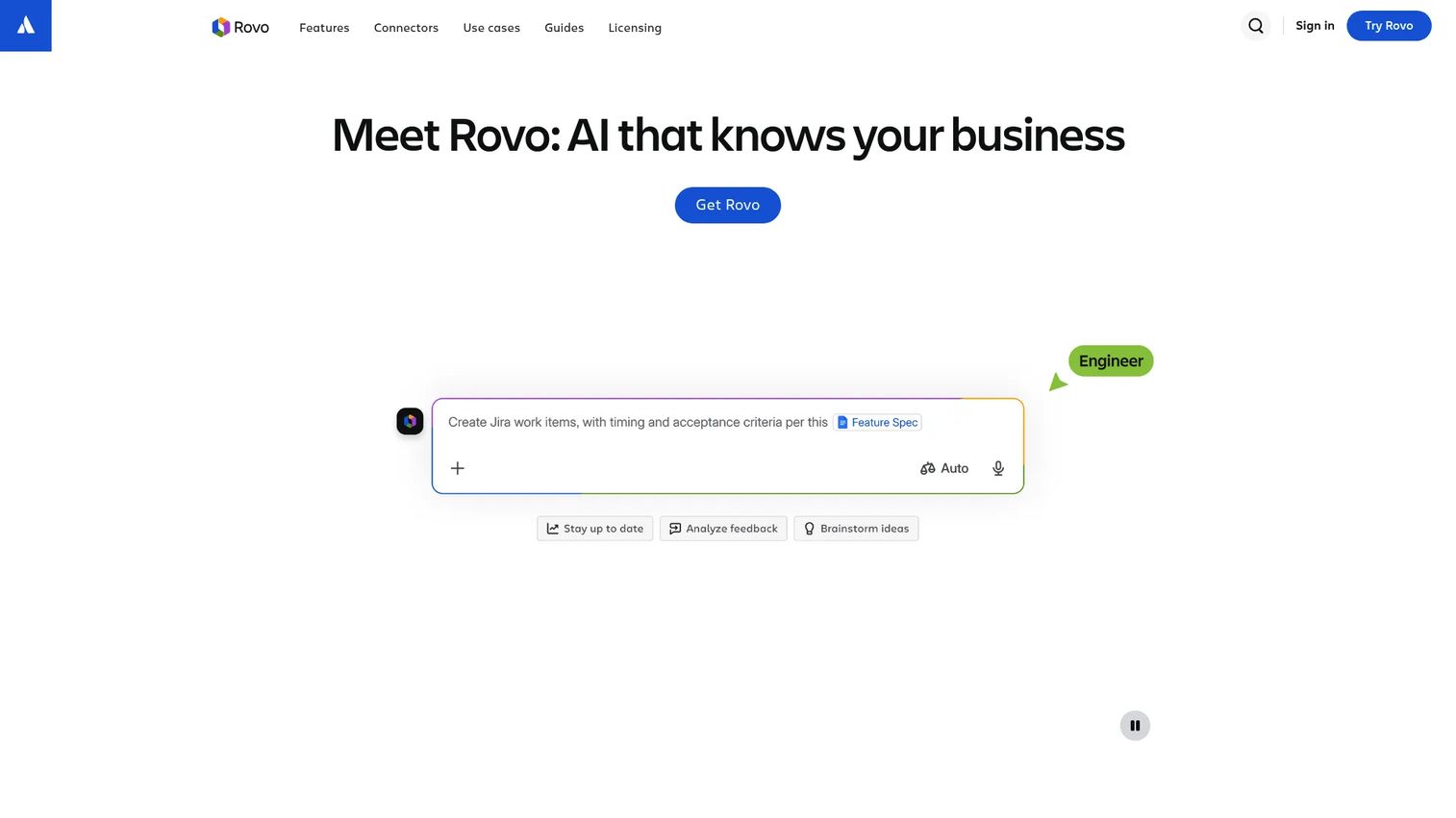
Atlassian Rovo brings AI search, chat, and agent capabilities across Jira, Confluence, Jira Service Management, and connected SaaS tools. It includes cross-product enterprise search, Rovo Chat for natural-language questions and actions, custom and out-of-the-box AI agents, and Rovo Studio for building agents and automations. For IT and engineering teams where support tickets, incident tracking, project work, and documentation all live in Atlassian, Rovo gives agents the context to retrieve relevant information without requiring data duplication elsewhere.
Best for: IT and engineering teams standardized on Jira, Confluence, and Jira Service Management, where work context and knowledge already live in the Atlassian ecosystem.
Key features
- Cross-product enterprise search across Atlassian and third-party apps
- Rovo Chat for natural-language questions, brainstorming, and actions
- Custom and prebuilt AI agents via Rovo Studio
- Jira and Confluence context for incident and service request work
- Usage-based credits for extra agent activity
Why choose Atlassian Rovo: Choose Rovo when the agent needs to understand project work, documentation, incidents, and service requests inside a single connected context. The included-with-subscription model reduces the barrier for teams already on Atlassian Cloud plans. In a POC, test Confluence knowledge retrieval quality and how well Rovo agents act on Jira tickets without leaving the existing workflow.
Atlassian Rovo pricing: Rovo is included with eligible Atlassian Standard, Premium, and Enterprise Cloud plans. For users without a qualifying subscription, Rovo Standard costs $5/user/month. Extra usage is charged at $0.01 per Rovo credit.
G2 rating: 4.7/5
9. Moveworks
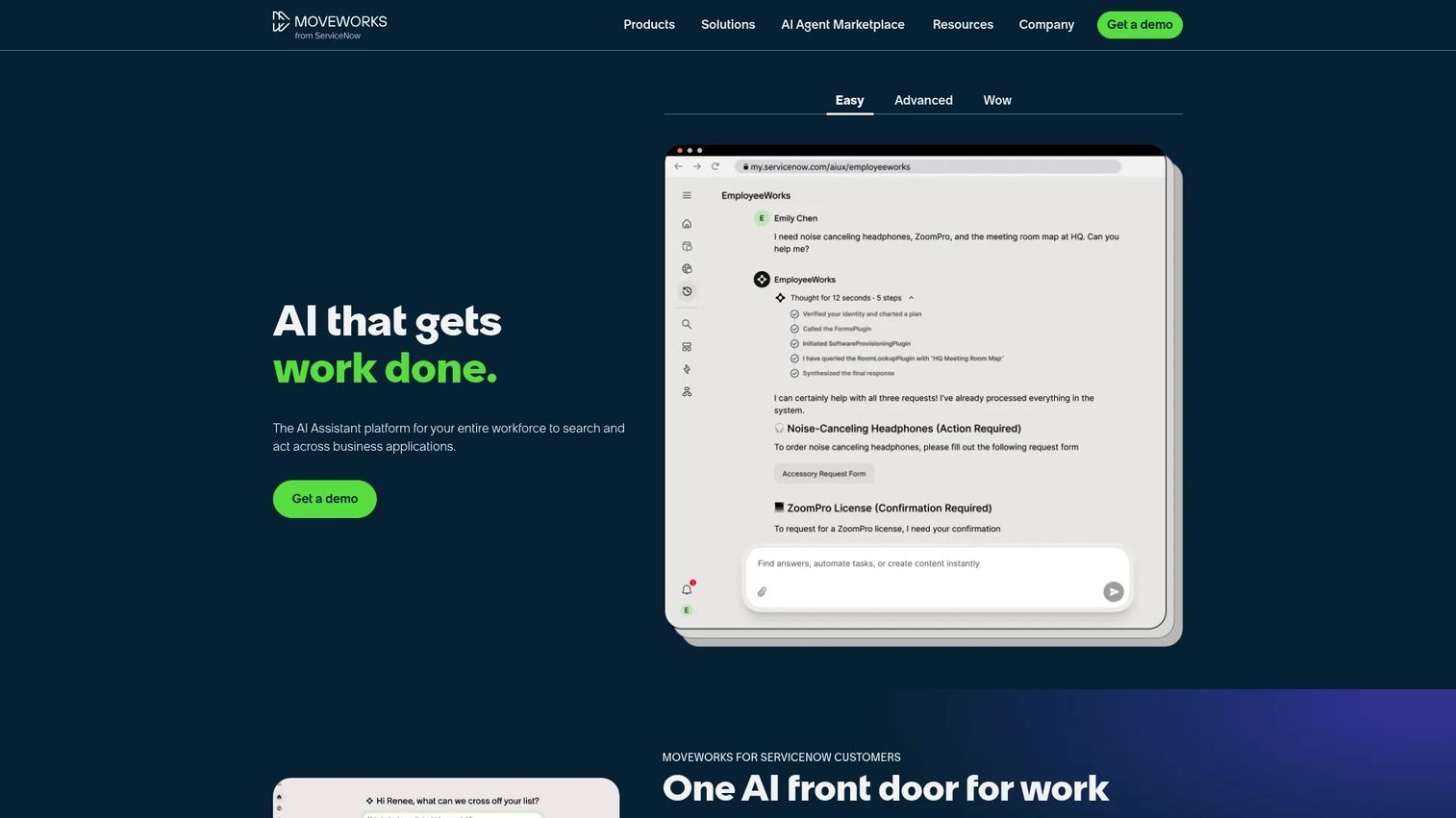
Moveworks is an enterprise AI platform combining context-aware search, workflow automation, and AI agents across business applications. Its AI Assistant handles natural-language employee requests and completes tasks end-to-end across ITSM, HR, finance, and other connected systems. The platform supports over 100 languages, includes an AI Agent Marketplace with pre-built agents and connectors, and provides governance, security, and analytics across deployments. For large enterprises with global employee populations and high volumes of repetitive support requests, Moveworks focuses on resolution without requiring a ticket.
Best for: Large enterprise organizations with high volumes of repetitive IT and workplace support requests, where employee experience and resolution speed are the primary measures.
Key features
- AI Assistant for context-aware search and end-to-end task automation
- Enterprise search across connected business applications
- Agent Studio and Marketplace for building and deploying agents
- Support for 100+ languages with governance and security controls
- Analytics across resolution rates, escalations, and usage
Why choose Moveworks: Choose Moveworks when employee IT support needs to happen in chat, resolve common requests without a ticket, and work across a multilingual global workforce. The enterprise integrations go deep into ITSM, IAM, and HR systems. In a POC, validate access workflow accuracy, language coverage for your employee base, and handoff quality when the agent escalates to a human.
Moveworks pricing: Moveworks prices through a custom enterprise quote. Contact Moveworks directly for a scoping conversation.
G2 rating: 4.4/5
10. Atomicwork
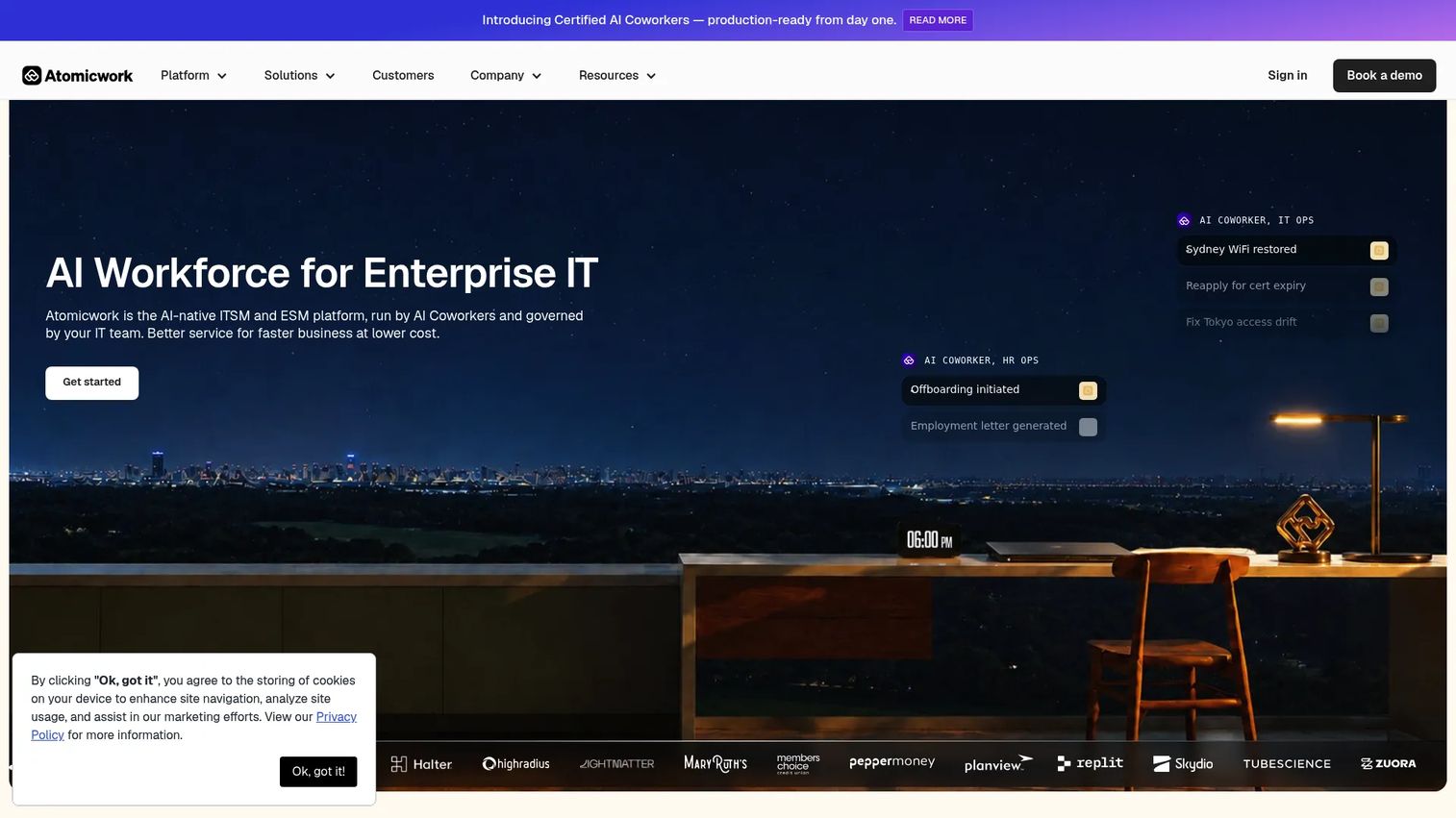
Atomicwork is an AI-native ITSM and enterprise service management platform powered by AI Coworkers, its term for autonomous AI agents. It covers IT, HR, and finance service management alongside agentic multi-step automations, omnichannel support across chat, voice, email, and Microsoft Teams, and incident, problem, change, and service catalog management. The outcome-based pricing model, which charges per resolved outcome rather than per seat, makes cost directly tied to value delivered. For growing companies that want an AI-first operating model for IT support without inheriting a legacy ITSM stack, Atomicwork offers a modern starting point.
Best for: Enterprises seeking an AI-native service desk where the operating model is built around agent resolution rather than human ticket-handling as the default.
Key features
- AI Coworkers for agentic multi-step enterprise automations
- Omnichannel support: Chat, voice, email, Teams, Slack, browser, and mobile
- IT, HR, and finance service management in one platform
- Incident, problem, change, and service catalog management
- Knowledge management and approval workflows
Why choose Atomicwork: Choose Atomicwork when employee support is the primary problem and the team wants to avoid building AI on top of a legacy ITSM system. The outcome-based pricing model aligns cost with resolution, not seat count. In a POC, test access request accuracy, policy routing, and admin controls for configuring what the AI Coworkers can and cannot do autonomously.
Atomicwork pricing: Professional plans start from $25,000/year (billed annually), including 2 AI Coworkers and 25,000 credits. Business and Enterprise plans are custom. Outcome-based pricing is also available: $1 per Knowledge Support outcome, $2 per Access Automation outcome, and from $3 per Service Resolution outcome.
G2 rating: 4.0/5
11. Rezolve.ai
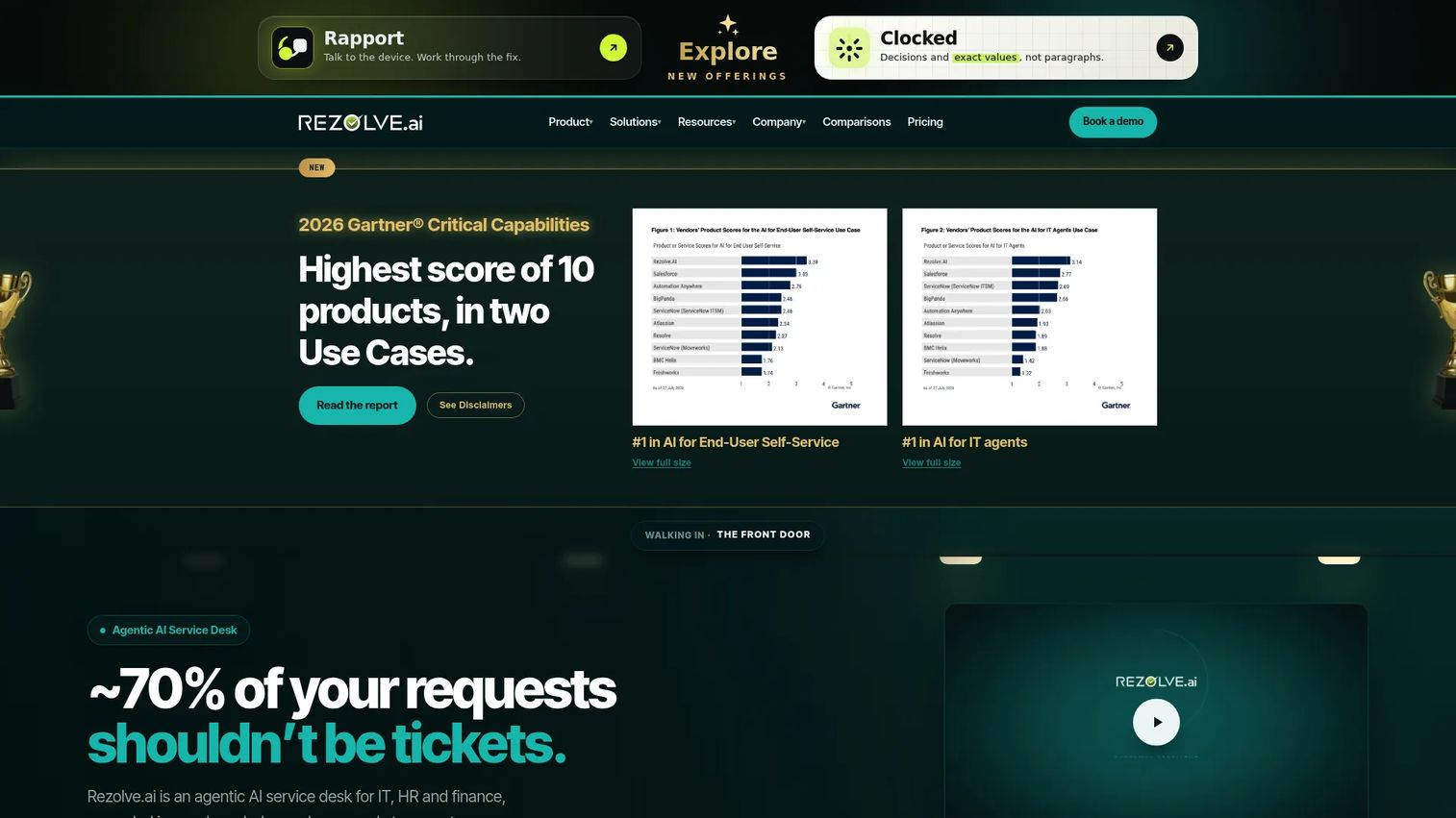
Rezolve.ai is an agentic AI service desk for IT, HR, and finance that resolves employee requests, automates workflows, and provides governed ITSM. It supports multichannel self-service across Microsoft Teams, Slack, email, web, mobile, and voice. The autonomous agents include approval gates, audit trails, and rollback, so high-risk actions require human sign-off before execution. Knowledge-grounded answers include citations and explainability, which helps IT teams understand what the agent retrieved before acting. Rezolve.ai is scoped for organizations with 2,000 or more employees.
Best for: Large organizations that want conversational AI service desk automation embedded in Teams and Slack, with strong governance controls and a full ITSM system of record.
Key features
- Multichannel AI self-service: Teams, Slack, email, web, mobile, and voice
- AI ticket triage, enrichment, similar-ticket search, and drafted responses
- Autonomous agents with approval gates, audit trails, and rollback
- Knowledge-grounded answers with citations and explainability
- Full ITSM system of record: Incident, problem, change, assets, and CMDB
Why choose Rezolve.ai: Choose Rezolve.ai when meeting employees where they already work, inside Teams or Slack, is the design constraint. The approval gates and rollback capabilities mean autonomous agents operate within defined boundaries. In a POC, test request accuracy on your highest-volume ticket types, how approval routing behaves for privileged access requests, and whether the audit trail meets your security team's requirements.
Rezolve.ai pricing: Pricing is custom and structured per employee per month (for end users) and per fulfiller per month (for technicians). The AI-Native ITSM tier adds a fixed fee for assets and CMDB. Autonomous Agent pricing is either a fixed annual fee or per agent run. Contact Rezolve.ai for a quote.
G2 rating: 4.8/5
12. Aisera
Aisera is an enterprise agentic AI platform for automating employee, customer, IT, HR, finance, and operations service experiences. Its capabilities cover a conversational AI and universal bot, AI-powered enterprise search and answer generation, and AI workflows for autonomous task automation. For enterprises that need service automation to span beyond IT into HR and customer-facing support, Aisera provides a cross-functional platform rather than an IT-only tool. This makes it relevant when the IT leader is evaluating platforms alongside HR and operations stakeholders.
Best for: Enterprises that want AI service automation coordinated across IT, HR, and employee support within a single platform.
Key features
- Conversational AI, universal bot, and enterprise search
- AI-powered answer generation with knowledge retrieval
- AI workflows and autonomous task automation
- Service desk automation across IT, HR, and customer support
- Enterprise integrations across ITSM, CRM, and HR systems
Why choose Aisera: Choose Aisera when IT support is part of a broader enterprise service automation strategy and stakeholders from HR, operations, and customer support are evaluating the same platform. The cross-functional coverage reduces platform sprawl. In a POC, validate taxonomy configuration, integration depth with your ITSM system, and analytics on resolved versus escalated requests to establish a baseline for improvement.
Aisera pricing: Aisera prices through a personalized quote. Contact Aisera directly for a scoping conversation.
G2 rating: 4.4/5
Considerations when choosing AI IT agents
Workflow fit before model choice
Start with the specific IT workflow the agent must complete, not the underlying AI model. Define success criteria before the first demo: What does a resolved password reset look like, what does a failed access request escalation look like, and who owns the exception path? Presales teams should push buyers to define these success criteria in writing before a POC starts, so evaluation is based on workflow completion rather than demo impressiveness.
Integration depth with IT systems
Ask for read and write action proof, not just retrieval. An agent that can open a ticket but cannot close it, or that can suggest a fix but cannot execute a runbook, has significant operational gaps. Confirm whether connectors to your ITSM, IAM, CMDB, and observability tools are native, API-based, or require custom middleware. Each option carries a different maintenance cost and failure risk.
Human approval and rollback design
Any agent action that affects production systems, privileged access, or financial data needs a defined approval path and rollback capability. Ask vendors to show you what happens when an approval is denied, when a workflow fails mid-execution, and how the platform handles a change that needs to be reversed. Teams without clear rollback design are exposed to incidents that the agent itself triggers.
Security, identity, and auditability
Agent identity should follow least-privilege principles: The agent should only have access to the systems it needs for the specific task it is performing. Ask for SSO integration, RBAC documentation, audit log format and retention period, and data handling policies. The question is not just what the agent can access, but whether you can prove what it accessed, changed, and who approved it. This is the question your security team will ask in procurement.
Measurement and business case
Establish a baseline before deployment. Track ticket deflection rate, mean time to acknowledge, mean time to resolve, escalation rate, and employee satisfaction. Without a pre-deployment baseline, it is impossible to demonstrate value to leadership or justify expansion. For teams supporting a presales motion around these platforms, requiring a baseline measurement plan is a sign of a mature buyer.
Conclusion
The right AI IT agent depends on where the work actually happens. For enterprise ITSM teams already running ServiceNow, the native integration and governance structure are hard to replicate elsewhere. Mid-market teams evaluating their first real ITSM AI layer will find Freshservice's transparent pricing and built-in Freddy AI a faster path to production. Microsoft Copilot Studio wins when Teams is the primary IT support channel. PagerDuty is the clear choice for SRE and DevOps teams where incident response speed is the KPI that matters.
For employee service desk automation, Moveworks, Atomicwork, Rezolve.ai, and Aisera each represent different models: Moveworks on enterprise depth and language breadth, Atomicwork on outcome-based pricing, Rezolve.ai on governed autonomous action, and Aisera on cross-functional coverage. Cloud-native teams building agents from scratch should evaluate Google Gemini Enterprise or Amazon Bedrock AgentCore based on which cloud their data and infrastructure already live in.
The practical next step: Shortlist two or three tools by workflow category, run one controlled POC, and test success scenarios, failure scenarios, approval routing, and audit log completeness before making a final recommendation.
For more context on the broader agentic AI tools landscape and AI orchestration platforms that support multi-agent coordination, those guides cover adjacent categories in depth.
FAQs
AI IT agents are AI systems that interpret IT requests in natural language, reason through the steps required to complete them, connect to enterprise tools and systems, and take approved actions such as resetting a password, routing an access request, triaging an alert, or closing a ticket. They differ from earlier automation tools by planning dynamically rather than following fixed decision trees. Examples include agents that handle password resets, incident summaries, software access requests, and alert correlation without requiring a human to manage each step.
Chatbots primarily answer questions, collect intake information, or route requests to a human. AI IT agents can plan multi-step workflows, call APIs, update systems of record, trigger approvals, and document their actions. The practical gap is large: A chatbot tells an employee to submit a ticket; an AI IT agent verifies identity, executes the access change, updates the ITSM system, and closes the ticket. The best AI IT agent deployments still require human approval for high-risk actions such as privileged access changes or production modifications.
There is no single universal answer. ServiceNow AI Agents is the strongest choice for enterprises already running ServiceNow workflows, because agents operate natively inside existing ITSM processes, approval chains, and audit structures. Freshservice suits mid-market ITSM teams that need a full platform with AI throughout at a transparent per-agent price. Microsoft Copilot Studio is the best fit when IT workflows are anchored in Microsoft 365 and Teams. The right answer depends on what ITSM system the organization already runs and where employees currently ask for help.
For low-risk, high-volume, repeatable requests, yes. Password resets, MFA enrollment, software access approvals within predefined policies, status checks, and knowledge-based answers are all candidates for full autonomous resolution. Human involvement should remain in the loop for privileged access changes, production system modifications, requests that fall outside defined policies, and any situation where the agent cannot determine a confident course of action. A well-designed deployment defines the boundary between autonomous and human-in-the-loop clearly, before go-live.
Test one or two high-volume workflows rather than trying to cover the full scope. For each workflow, run success cases, denial cases, and partial-failure cases. Measure resolution rate, escalation quality, approval routing accuracy, audit log completeness, and user satisfaction. Include at least one scenario where the agent encounters a request outside its configured scope, and confirm it escalates cleanly rather than giving a confident but incorrect answer. POC success criteria should be defined in writing before the evaluation starts.
They can be, when deployed with least-privilege agent identity, SSO integration, role-based access controls, full audit logging, defined data retention, and human approval for sensitive actions. The security risk rises significantly when agents can act across systems without clear identity boundaries, or when the audit trail is incomplete. During vendor evaluation, ask specifically for the agent identity model, what the agent can access versus what it is restricted from accessing, and how the platform logs every action the agent takes.
The most important integrations depend on the workflow. Service desk agents typically need ITSM (for ticket management), IAM (for access and identity actions), knowledge bases (for answers and self-service), and chat platforms like Teams or Slack (for where employees submit requests). Incident response agents also need observability and monitoring tools, alerting platforms, and change management systems. The question to ask during evaluation is not how many integrations a platform lists, but whether it can read and write to the specific systems your workflows require.
Presales teams supporting AI agent evaluations need to demonstrate more than a polished conversational response. Buyers at the technical evaluation stage want to see tool access and write actions, workflow execution across multiple systems, approval routing behavior, audit log format and completeness, and what happens when the agent encounters a request it cannot handle. Strong demos and POCs should include at least one failure or edge case to show guardrails working correctly, not just happy-path resolution. SEs who can show the governance layer build more credible buyer confidence than those who show only the agent answering questions. See also: AI governance tools for the broader category of tools that manage agent behavior at scale, and best AI customer service agents for the customer-facing parallel to internal IT agent deployments.