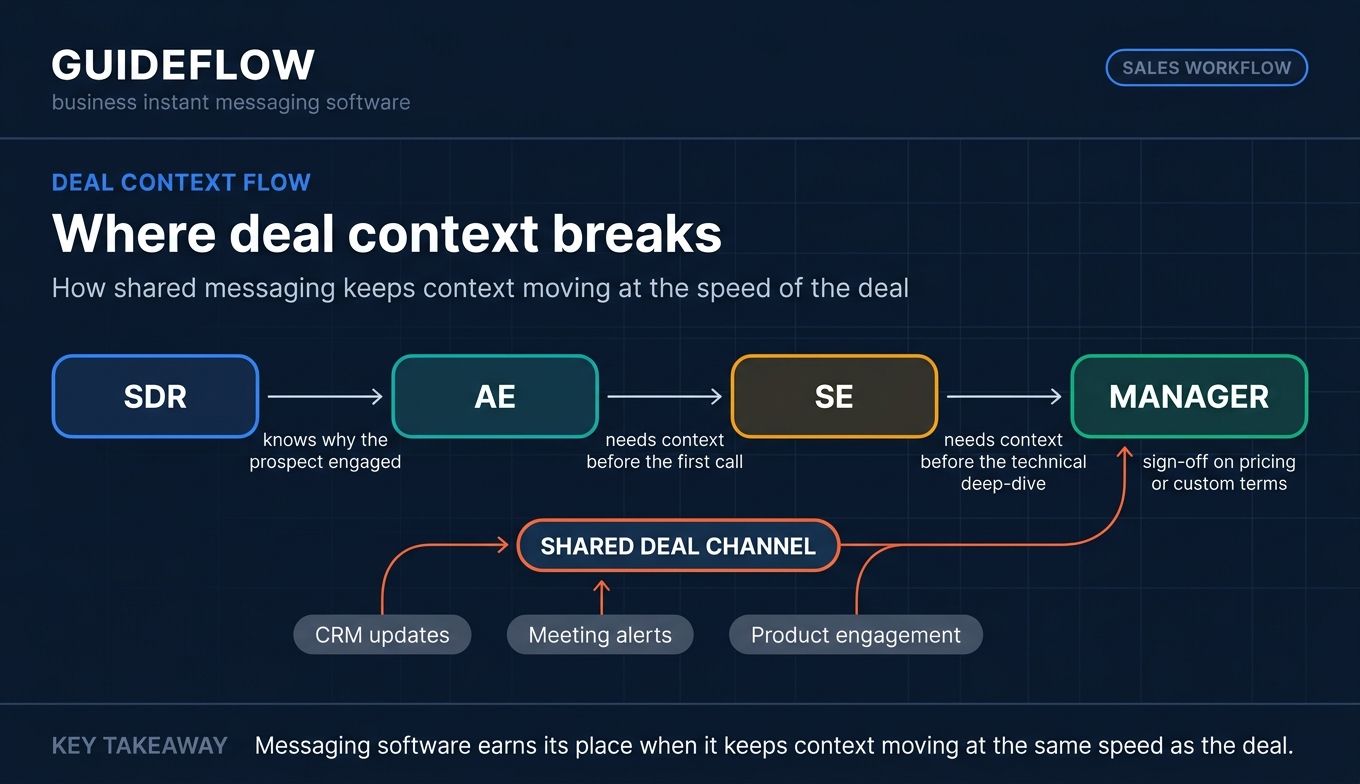
A deal moves from an SDR to an AE. The AE pulls in a sales engineer. The SE loops in a manager on pricing. At each step, context lives somewhere else: a CRM note, a forwarded email, a screenshot in someone's downloads folder. Momentum dies in the gaps.
That gap is where business instant messaging software earns its keep, or becomes another tab nobody opens.
Messaging is now one of the most widely adopted digital behaviors anywhere. According to Business of Apps, more than three billion people actively use messaging apps worldwide, and the count neared four billion in 2024. People already think in channels and threads. Bringing that habit inside the company is less a behavior change than a redirect.
A 2026 analysis from Jimdo puts it plainly: instant messaging has become an essential part of modern business communication, with Slack, Google Chat, Microsoft Teams, Pumble, and Discord among the popular business picks. For a sales org, the question is not whether to use a chat tool. It is which one keeps deal context alive, surfaces signal the whole team can act on, and gets adopted without a six-week rollout.
The wrong pick adds a tab. The right one removes three. This guide ranks ten options with that lens, so you can shortlist fast and buy with confidence.
What's inside
This guide is for sales orgs and business teams comparing a shared messaging system, from SDRs through VP Sales, plus the RevOps and IT folks who have to approve it.
We ranked each tool against four criteria that actually predict whether a purchase sticks:
- Workflow and stack fit: does it live where your team already works (Microsoft, Google, or neutral)?
- Adoption ease: will every role use it, not just the early adopters?
- Security and compliance: SOC 2, data residency, self-hosting, retention controls.
- Pricing model at scale: per-seat math, free-plan limits, monthly versus annual.
Pricing and ratings reflect verified vendor and review-site data current as of June 2026.
TL;DR
Short on time? Here are the decision shortcuts:
- Best all-around team chat: Slack, for the widest integration ecosystem.
- Best for Microsoft 365 teams: Microsoft Teams, bundled and governed.
- Best for Google Workspace teams: Google Chat, native and lightweight.
- Best free plan: Pumble, with unlimited message history at no cost.
- Best for self-hosting and security: Mattermost or Rocket.Chat.
- Best async-first: Twist, for distributed teams cutting notification overload.
- Best for Zoho users: Zoho Cliq, with native CRM integration.
Pick based on the ecosystem your team already lives in. Adoption follows familiarity.
What is business instant messaging software?
Business instant messaging software is a real-time team chat platform that lets coworkers exchange messages, files, and calls in organized channels with a searchable, persistent history. It replaces scattered email threads and one-off DMs with a structured, central place where conversations stay findable.
That last part matters. Slack describes instant messaging at work as real-time, text-based conversation between two or more people that changes how teams coordinate. The persistent, searchable record is what separates a business messaging app from a personal one. A new AE inheriting a deal can scroll the channel and catch up, instead of asking three people to re-explain.
Most instant messaging tools share a common feature set:
- Channels and threads: organize conversations by deal, account, team, or project so context stays grouped.
- Search: find any past message, file, or decision across the full history.
- Notifications: configurable alerts so reps see what matters without drowning in noise.
- File sharing: drop decks, contracts, and call notes where the team can find them.
- Audio, video, and screen sharing: jump from a message to a quick call without scheduling.
- Integrations: connect CRM, calendar, scheduling, and analytics so signal flows into the channel.
- Security and compliance: SOC 2, encryption, SSO, data residency, and retention controls.
- AI assistants: summaries, recaps, search, and translation built into the workflow.
For sales teams, the defining test is whether these features reduce handoff friction. A team chat tool that keeps deal context alive and routes intent signals to the right channel earns its place. One that just adds another inbox does not. That is the lens the rest of this guide uses.
When sales teams use business instant messaging
Generic productivity claims are easy to ignore. Here is where instant messaging for business actually changes how a sales org operates.
Keep deal context alive across handoffs
Every handoff is a leak point. The SDR knows why the prospect engaged. The AE needs that context before the first call. The SE needs it before the technical deep-dive. A dedicated deal channel keeps the full thread in one place, so the next person reads in instead of starting cold. No more reconstructing the story from a CRM note written at 5pm on a Friday. For teams formalizing these transitions, a structured presales process keeps context flowing through every stage.
Coordinate live deals in real time
Deals do not wait for your next meeting. A prospect asks a pricing question mid-call. An SE needs a manager's sign-off on a custom term. With work instant messaging, you pull the right person into a thread and get an answer in minutes, not days. The deal keeps moving while the buyer is still leaning in.
Route buyer signals to the whole team
The fastest reps act on signal, not guesswork. Piping CRM updates, meeting alerts, and product engagement into a channel means the team sees intent the moment it happens. For example, routing interactive demo engagement alerts into a channel tells a rep exactly when a prospect explored the product and which features held their attention, so follow-up lands while interest is hot. When that signal hits the channel the team already watches, response time drops and no high-intent moment slips through. The same data flows into your share and analytics workflow, so reps can see exactly how prospects interact with the demos you send.
Business instant messaging software compared
Here is the at-a-glance view. Use it to narrow your shortlist before reading the full sections below. Pricing reflects entry business tiers; free plans and enterprise quotes are noted in each tool's section.
| # | Product | Intent | Key use case | Pricing | G2 rating |
|---|---|---|---|---|---|
| 1 | Slack | All-around team chat | Widest CRM and app integration depth | Free; Pro from $7.25/user/mo annual | 4.7/5 |
| 2 | Microsoft Teams | Microsoft-first orgs | Chat plus Microsoft 365 collaboration | Free; Essentials $4.00/user/mo annual | 4.4/5 |
| 3 | Google Chat | Google-first teams | Native Workspace messaging with Gemini | From $3.50/user/mo annual | Not listed |
| 4 | Pumble | Budget-conscious teams | Unlimited free message history | Free; Pro $2.49/seat/mo annual | 4.5/5 |
| 5 | Mattermost | Security-strict teams | Self-hosted, sovereign collaboration | Free Entry; paid by quote | 4.3/5 |
| 6 | Rocket.Chat | Data-sovereignty teams | Self-hosted internal plus omnichannel | Free Starter; paid by quote | 4.2/5 |
| 7 | Chanty | Small sales teams | Chat plus built-in task management | Free; Business $3/user/mo annual | 4.4/5 |
| 8 | Twist | Distributed async teams | Thread-first, reduced-meeting messaging | Free; Unlimited $6/user/mo | 4.3/5 |
| 9 | Discord | Voice-first collaboration | Persistent voice and text channels | Free; Nitro from $2.99/mo | Not listed |
| 10 | Zoho Cliq | Zoho ecosystem teams | Chat native to Zoho CRM and suite | Free; Professional $1.8/user/mo annual | 4.4/5 |
The 10 best business instant messaging software for 2026
1. Slack
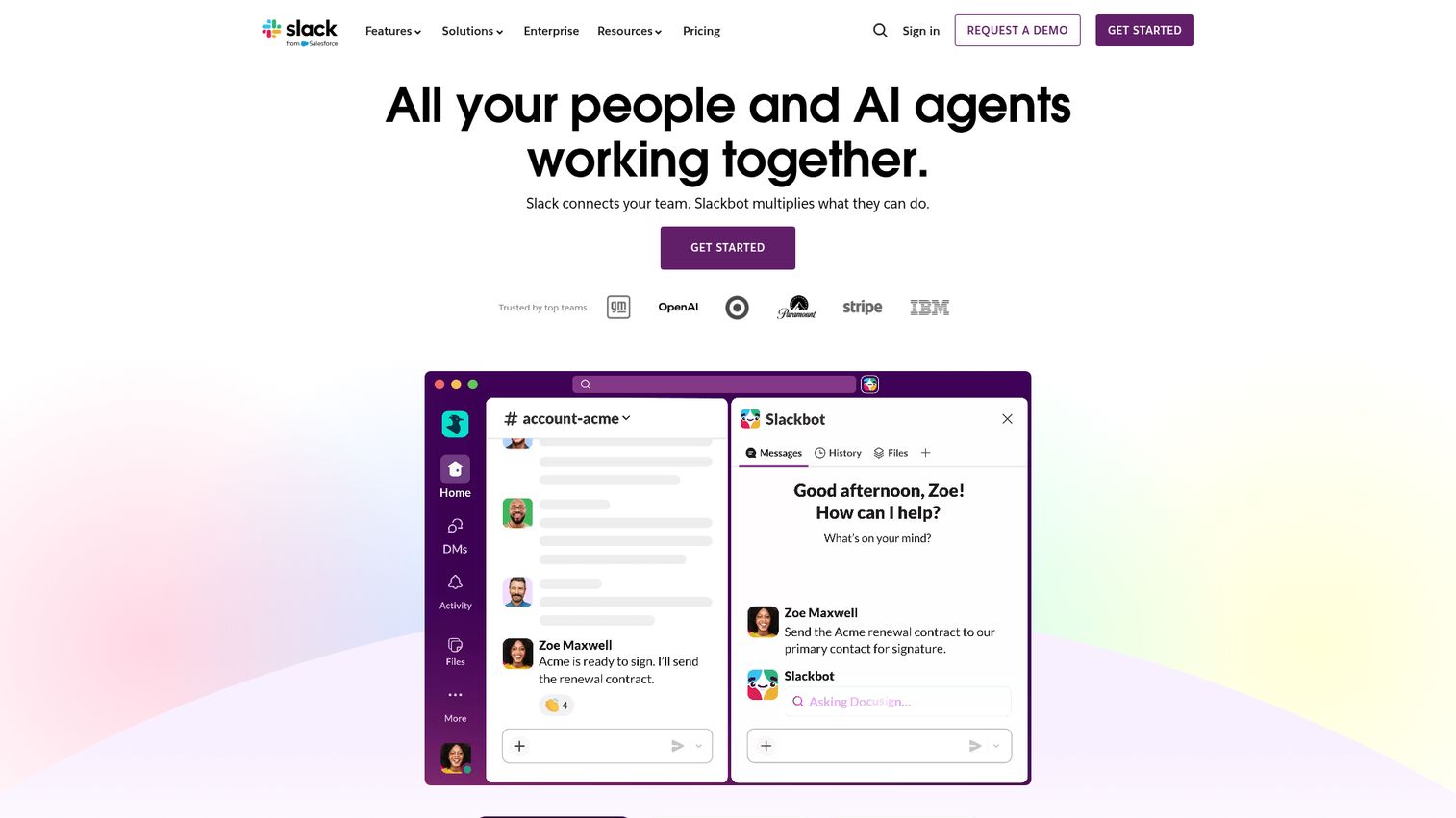
Slack is a work collaboration platform that brings communication, AI, automation, apps, and organizational knowledge into channels and shared workspaces. It is the reference point most teams compare every other tool against, largely because of how much of the sales stack plugs into it. For a sales org, that integration breadth is the headline.
Best for: Sales teams that want the widest CRM and sales-tool integration depth in one workspace.
Key strengths
- Channels and Slack Connect: organized real-time conversations internally, plus secure collaboration with external partners, customers, and vendors.
- Huddles, clips, canvases, and lists: lightweight audio and video, async clips, and collaborative docs without leaving the chat.
- Workflow automation and Slack AI: build no-code workflows and use AI for summaries, search, and recaps across your history.
Why choose Slack: If your reps live across Salesforce, HubSpot, scheduling tools, and analytics, Slack's app ecosystem keeps those signals flowing into channels reps already watch. It is the default for teams that want broad CRM and sales-tool integration coverage without custom engineering. If a CRM is also on your shortlist, see our roundup of the best CRM software. The tradeoff to watch is cost at scale on premium tiers.
Slack pricing: Free includes 90 days of message history, up to 10 apps, and basic AI. Pro runs $8.75 per user per month billed monthly, or $7.25 billed annually, and adds unlimited history and unlimited integrations. Business+ is $18 per user per month monthly, or $15 annually, adding advanced AI and SAML SSO. Enterprise+ is custom; contact sales.
2. Microsoft Teams
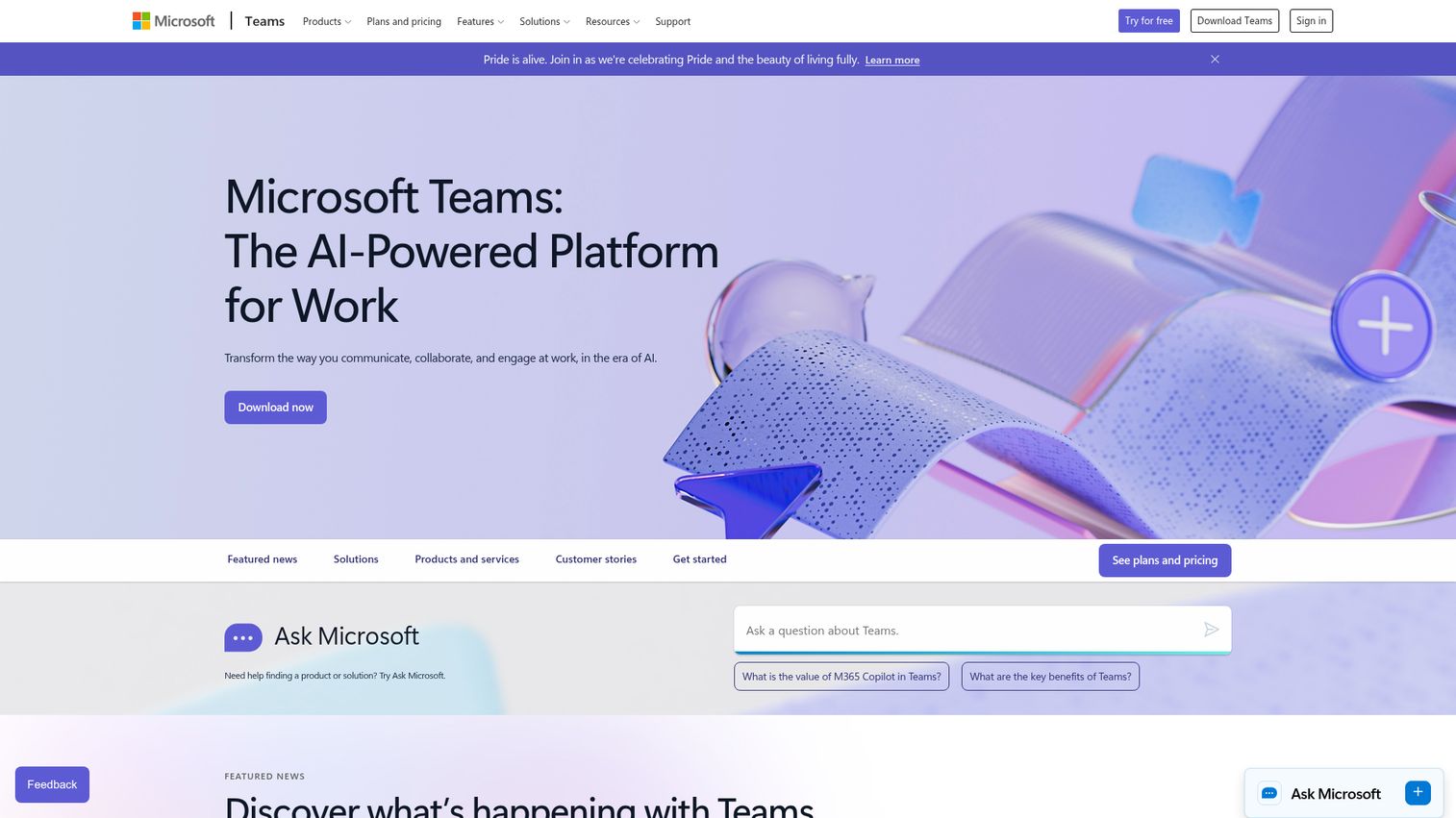
Microsoft Teams is an AI-powered work platform for communication, collaboration, meetings, calling, and workplace engagement. For organizations already standardized on Microsoft 365, it is less a separate purchase than a feature you already own. That bundle math is the whole argument.
Best for: Microsoft-first orgs that want chat, meetings, and file collaboration inside the tools they already pay for.
Key strengths
- Chat, calling, and video conferencing: one platform for messages, calls, and meetings.
- Real-time collaboration: file sharing, tasks, and polling tied to Word, Excel, and SharePoint.
- Meeting recordings with transcripts: automatic recordings, live captions, and searchable transcripts.
Why choose Microsoft Teams: When your company runs on Microsoft 365, Teams adds enterprise governance, Copilot AI, and deep Office integration without a new vendor relationship. Procurement and IT tend to approve it faster because it sits inside an existing agreement. It is the natural fit for Microsoft-first sales orgs.
Microsoft Teams pricing: A free tier covers personal use with calls up to 60 minutes. Teams Essentials is $4.00 per user per month paid yearly. Microsoft 365 Business Basic is $6.00 per user per month yearly, and Business Standard is $12.50 per user per month yearly. Teams Phone, Rooms, and Premium are priced as separate add-ons.
3. Google Chat
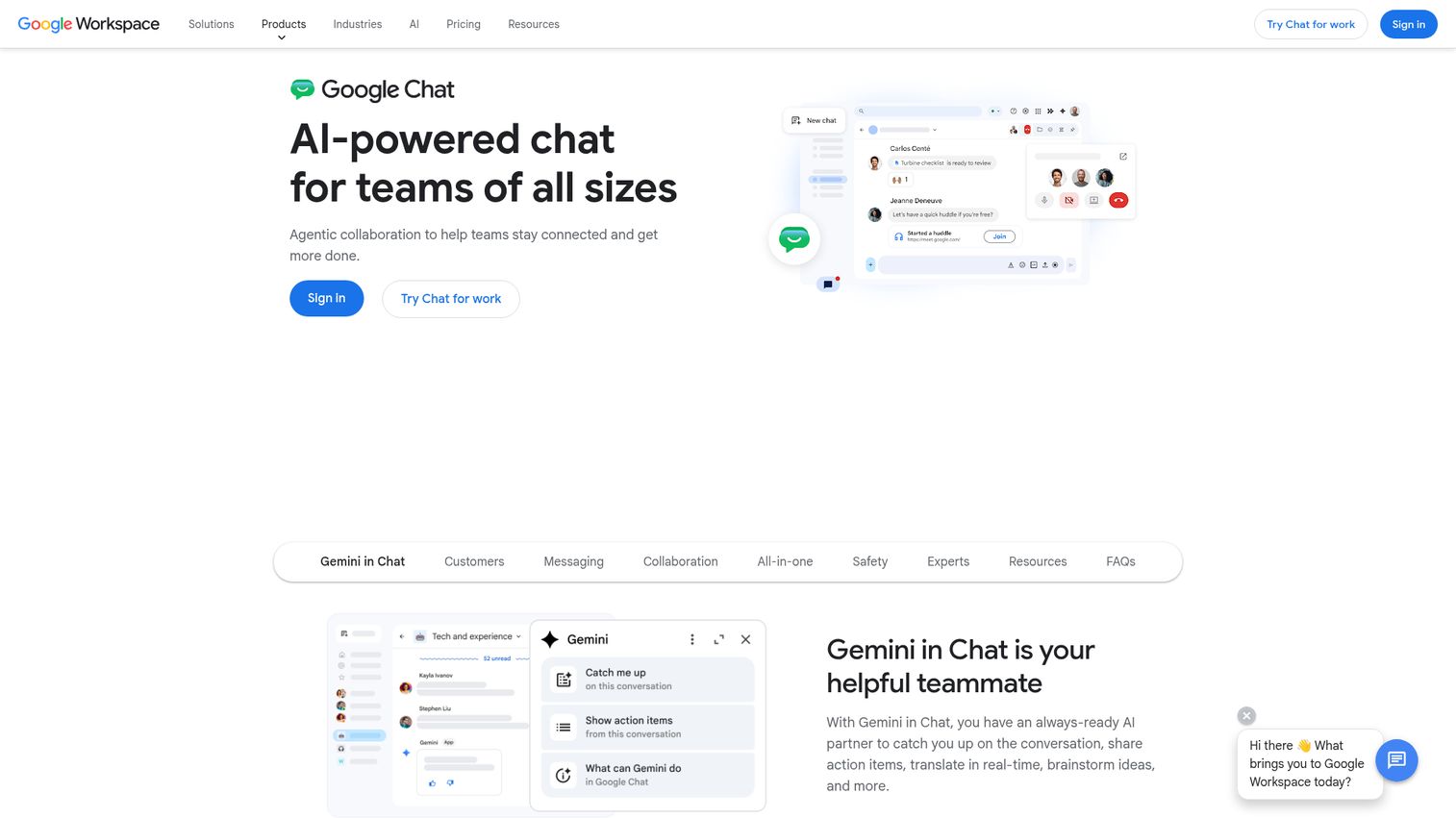
Google Chat is an AI-powered team messaging and collaboration app included with Google Workspace. It is lightweight by design, which is exactly what teams already living in Gmail, Docs, and Calendar want. The pitch is fewer tabs, not more features.
Best for: Teams already using Google Workspace that want integrated messaging, spaces, and Gemini-assisted collaboration.
Key strengths
- Persistent collaboration spaces: Spaces support up to 500,000 members with threaded conversation.
- Gemini in Chat: catch up on conversations, pull action items, translate in real time, and brainstorm.
- Workspace integrations: share files, schedule meetings, collaborate on documents, and reach Gmail without switching apps.
Why choose Google Chat: If your team runs on Google Workspace, Chat is the path of least resistance. It is native, so adoption is near-automatic, and Gemini handles summaries and translation inside the flow. For Google-first sales orgs, it removes the friction of a separate chat vendor.
Google Chat pricing: Chat is included with Google Workspace. Starter lists at $3.50 per user per month on an annual commitment, Standard at $7.00, and Plus at $11.00, with Enterprise priced by contacting sales. Published prices were rising under a promotion scheduled later in 2026, so confirm current rates at signup.
4. Pumble
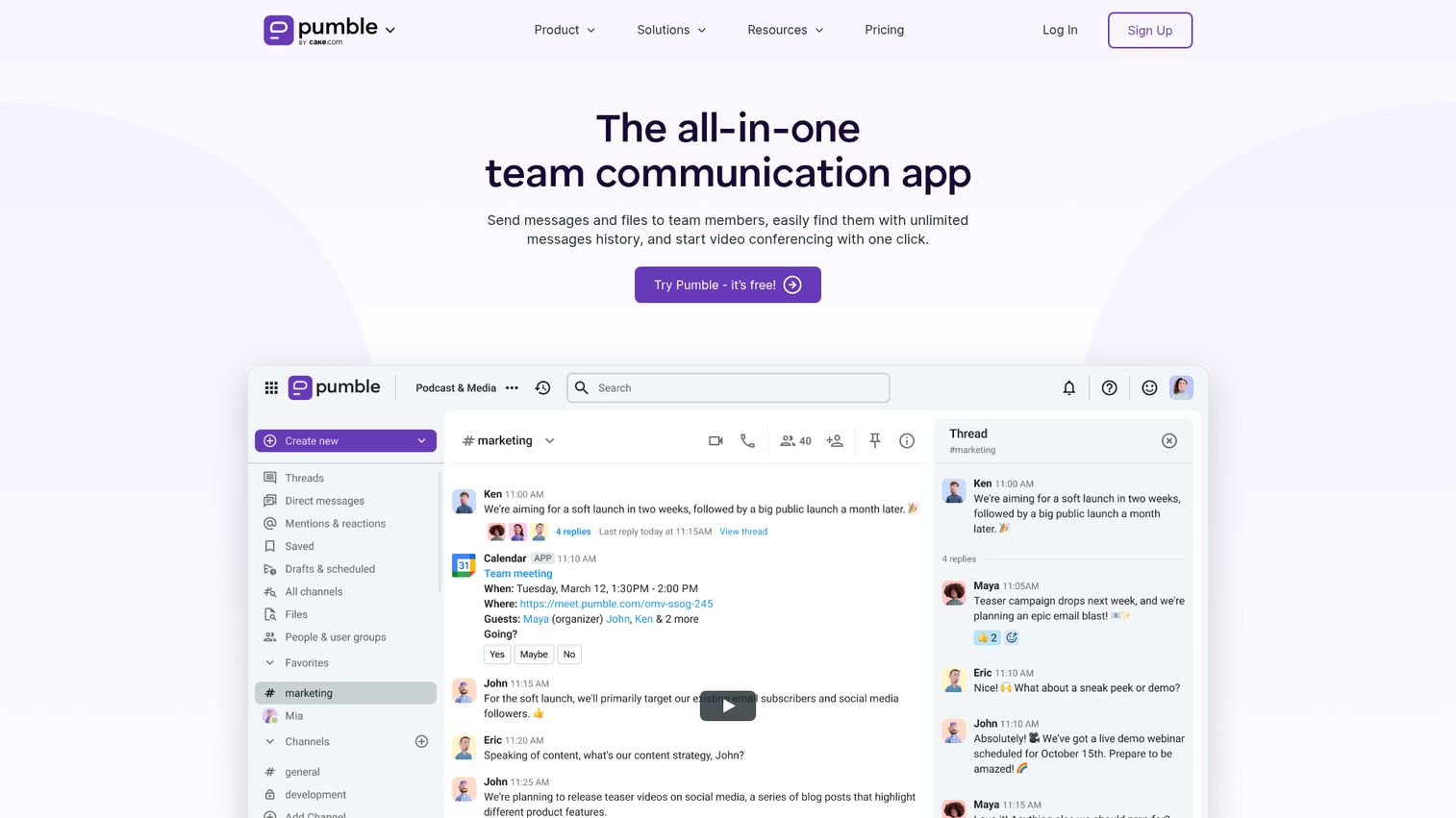
Pumble is a team communication and collaboration app for business messaging, meetings, channels, and file sharing. Its standout is a genuinely generous free plan, which makes it a strong fit for remote and hybrid teams watching the budget. Unlimited free history is the differentiator most teams notice first.
Best for: Cost-conscious teams that want a Slack-style hub with searchable history at no cost.
Key strengths
- Channels, DMs, and threads: familiar structure for organizing conversations by team or topic.
- Voice and video meetings: built-in meetings with screen sharing.
- File sharing and search: shared storage with full message history and search.
Why choose Pumble: Where many tools cap free-tier history, Pumble keeps unlimited message history on its free plan. For a small or growing sales team that wants a persistent record without a per-seat bill on day one, that combination is hard to beat. Paid tiers add meetings, permissions, and storage as you scale.
Pumble pricing: Free covers unlimited users, unlimited message history, 1:1 meetings, and up to 3 integrations. Pro is $2.49 per seat per month billed annually, or $2.99 monthly, adding group meetings and screen sharing. Business is $3.99 annually, Enterprise is $6.99 with SSO and data retention, and the Productivity Suite is $12.99 per seat per month annually.
5. Mattermost
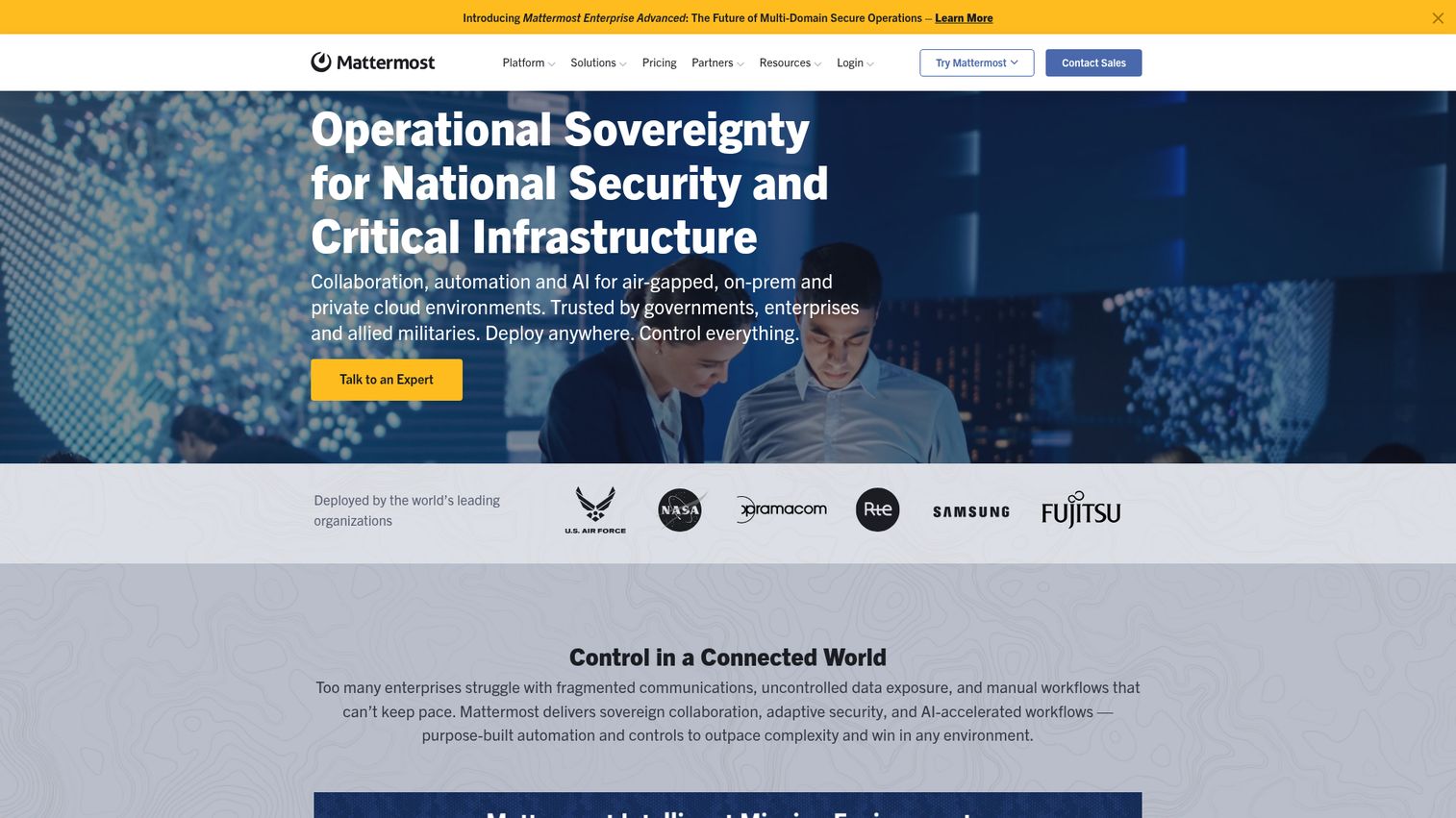
Mattermost is a secure collaboration, automation, and AI platform for mission-critical teams in air-gapped, on-premises, and private cloud environments. It is the pick when data control is non-negotiable. Open-source and self-hostable, it puts your messages on infrastructure you own.
Best for: Security-sensitive government, defense, and enterprise teams needing self-hosted or sovereign collaboration.
Key strengths
- Secure messaging and channels: file sharing, threaded discussions, audio calls, and screen sharing under your control.
- Workflow and playbook automation: repeatable operational procedures built into channels.
- Flexible deployment: sovereign cloud, on-premises, air-gapped, and hybrid environments.
Why choose Mattermost: If your sales org sells into regulated industries, or your own compliance posture demands data residency and self-hosting, Mattermost gives you that control without giving up modern chat. It is built for teams where a public-cloud chat tool is a non-starter. The tradeoff is that paid pricing is quote-based, so plan a sales conversation.
Mattermost pricing: Mattermost Entry is a free, limited-use edition for technical evaluation. Professional, Enterprise, and Enterprise Advanced are paid tiers without public numeric prices, routing instead to Contact Sales, Get Pricing, or Request Quote. Budget time to scope a quote against your deployment needs.
6. Rocket.Chat
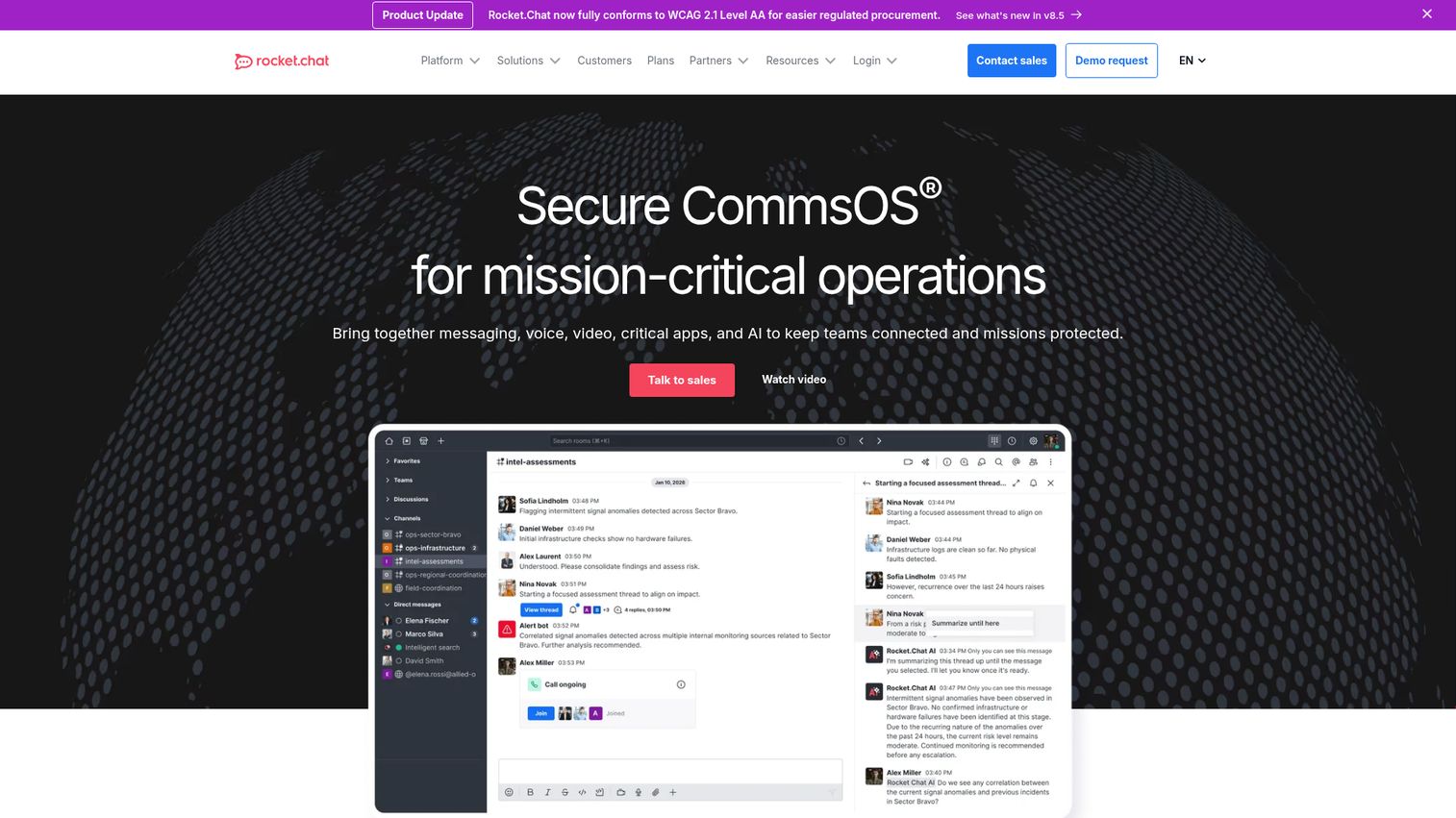
Rocket.Chat is a secure communications platform for messaging, voice, video, AI, and mission-critical collaboration in controlled or sovereign environments. Like Mattermost, it leans hard into data control, but it adds customer-facing omnichannel messaging on top of internal team chat. That dual role is its niche.
Best for: Organizations needing secure, self-managed team communication plus external, customer-facing messaging.
Key strengths
- Unified communication: chat, voice, video, screen sharing, and file sharing in one platform.
- Self-managed deployment: on-premises, private cloud, and air-gapped options on paid plans.
- Security and governance: SSO, LDAP/AD, MFA, end-to-end encryption, data retention, and audit controls.
Why choose Rocket.Chat: If you need both internal secure messaging and a way to talk to customers across web chat and social from one system, Rocket.Chat covers both. It suits teams that want data sovereignty without running two separate tools. As with Mattermost, paid plans are quote-based.
Rocket.Chat pricing: The Starter plan is free for a self-managed workspace of up to 50 users. Commercial, Government, and Defense plans are quote-based for enterprise, public-sector, and defense use cases. Reach out to sales to scope a price for your deployment.
7. Chanty
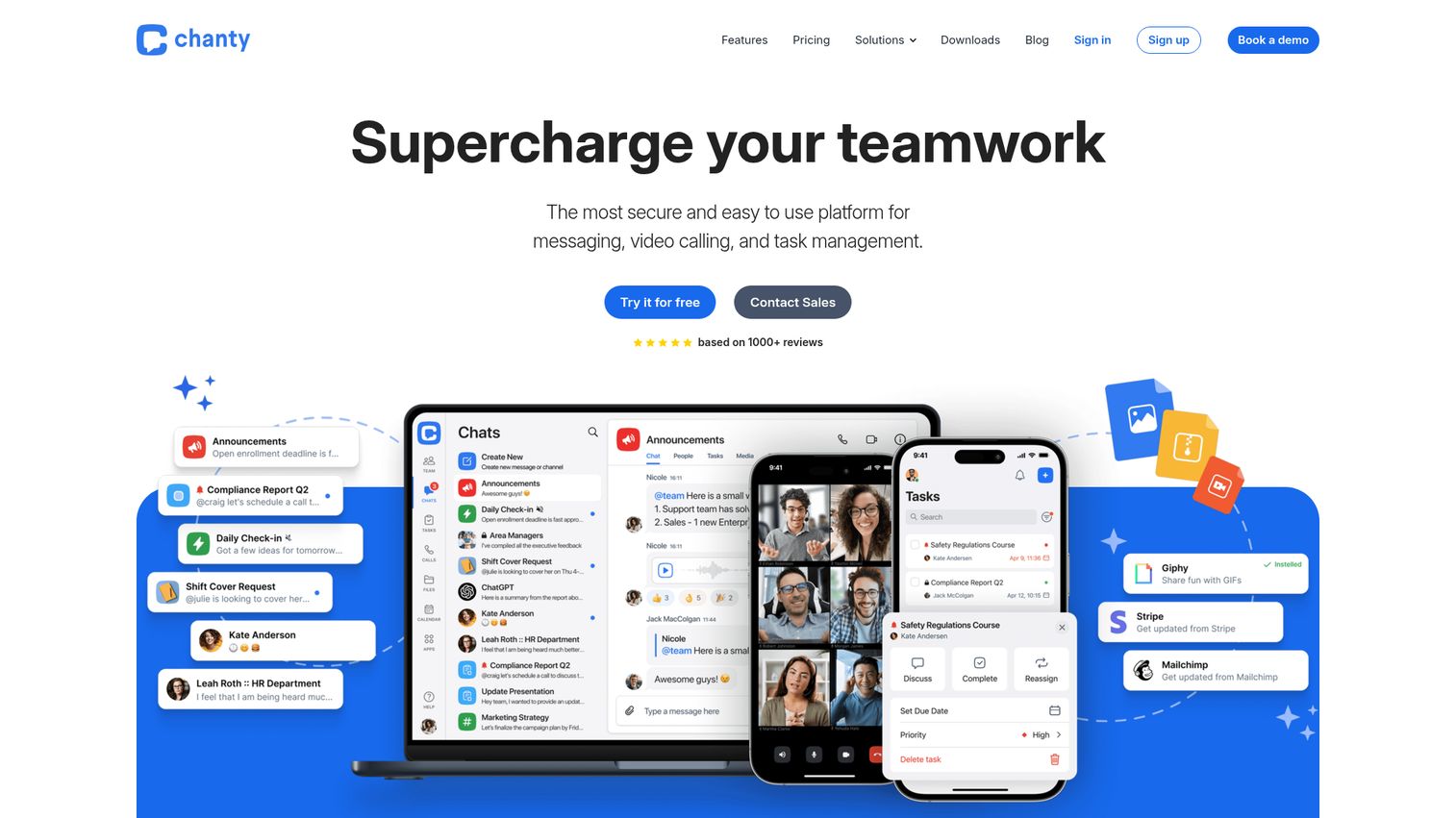
Chanty is a team communication and collaboration platform for messaging, video calling, and task management. Its angle is bundling lightweight task tracking into chat, so a small sales team can coordinate and follow up without a separate project tool. Simple and affordable is the through-line.
Best for: Small to mid-sized teams that want simple chat with calls and built-in task management.
Key strengths
- Team messaging: unlimited public and private chats with searchable history.
- Audio and video calls: calls and screen sharing built in.
- Built-in task management: Kanban boards and to-do lists tied to conversations.
Why choose Chanty: When a small sales team wants chat plus a place to track follow-ups without adopting a full project management suite, Chanty handles both in one workspace. The Teambook organizes tasks, conversations, and shared content together. It is a practical pick for teams that value simplicity over a sprawling feature list.
Chanty pricing: Free is free forever, covering unlimited chats, unlimited searchable history, 1:1 audio and video calls, and built-in task management for up to 5 members. Business is $3 per user per month billed annually, or $4 billed monthly, adding unlimited group calls, task boards, and SSO. Enterprise is quote-based with white labeling, SCIM, and data residency.
8. Twist
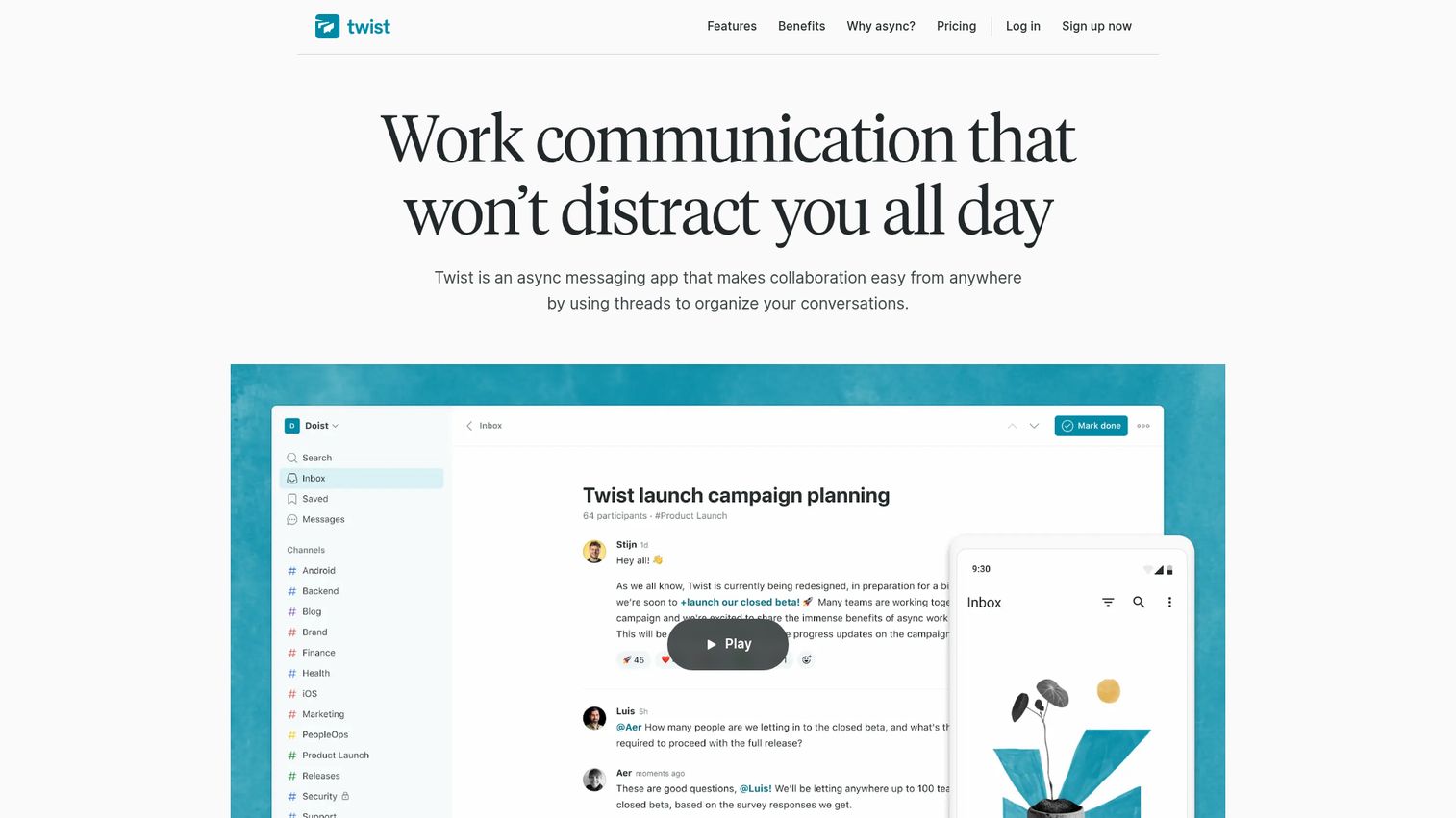
Twist is an async messaging app for organized team communication using threads, channels, messages, notifications, and integrations. Built by Doist, it deliberately rejects always-on chat in favor of calm, thread-first communication. For distributed teams drowning in pings, that is the appeal.
Best for: Remote or hybrid teams that prefer calmer asynchronous communication over real-time chat.
Key strengths
- Thread-based conversations: discussions organized by topic so context stays intact.
- Structured channels: channels by topic, project, or client, plus private 1:1 messages.
- Smarter notifications and inbox: prioritize threads instead of reacting to every ping.
Why choose Twist: If your sales team spans time zones and meetings keep eating the calendar, Twist's async-first design cuts notification overload while keeping conversations findable. It suits distributed teams that want fewer interruptions and a cleaner record. The structure rewards teams willing to commit to async habits.
Twist pricing: The Free plan includes up to 1 month of message history, up to 5 integrations, 5 GB of file storage, and up to 500 internal and guest accounts. Unlimited is $6 per user per month and adds full history, unlimited integrations, unlimited storage, and priority support.
9. Discord
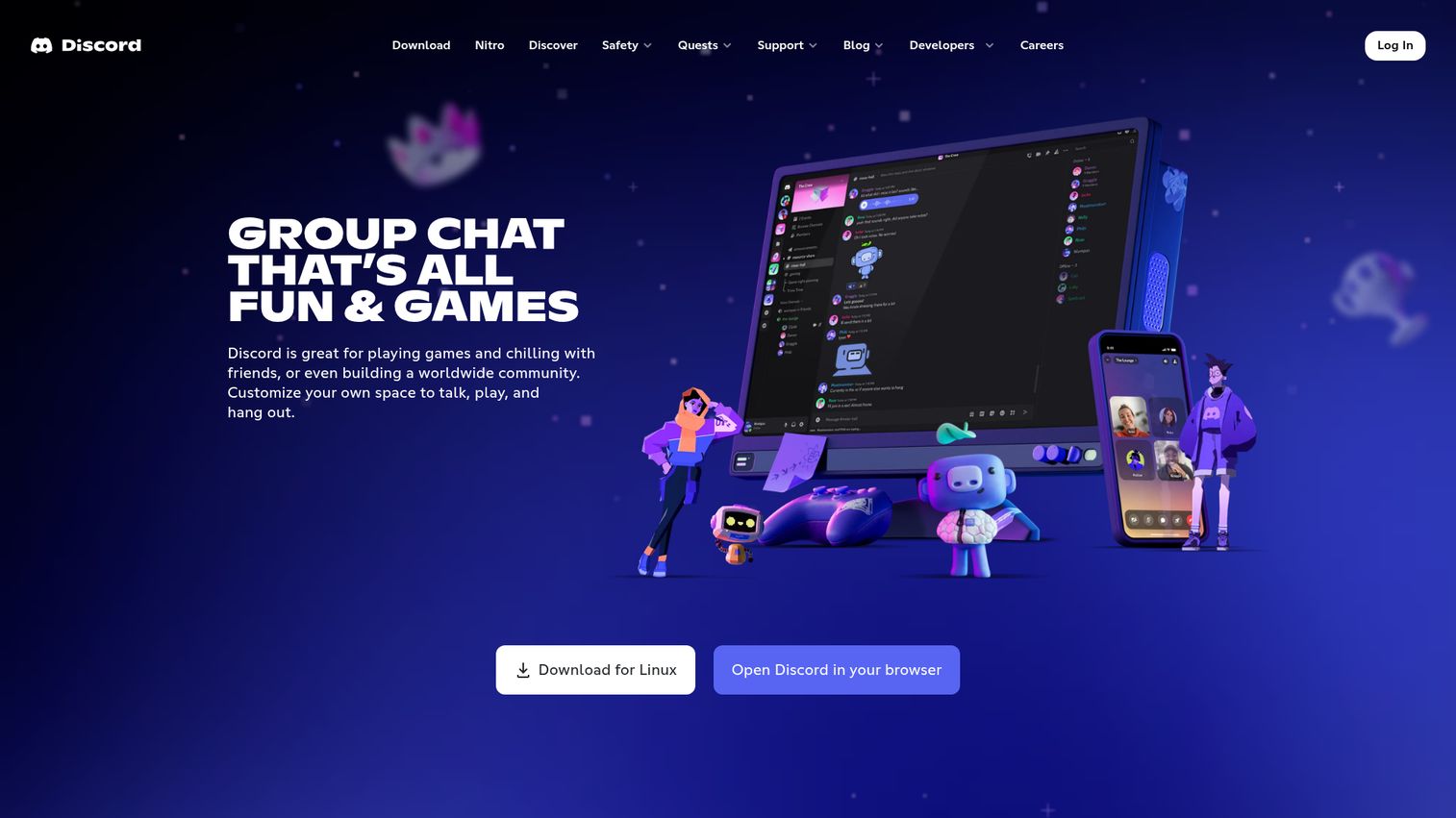
Discord is a communications platform for communities and gaming that supports voice, video, and text communication. Its persistent voice channels make it feel like a virtual office where teammates drop in and out. For teams that value always-on voice, that model is distinctive and very low cost.
Best for: Communities, gaming groups, and teams that want persistent text, voice, video, and screen sharing.
Key strengths
- Private, invite-only servers: controlled spaces for your team or community.
- Text and voice channels: organized channels for both written and always-on voice conversation.
- Voice, video, and screen sharing: drop-in audio rooms and live screen shares.
Why choose Discord: Teams that want spontaneous, voice-first collaboration get a low-cost, persistent space where conversation flows without scheduling a call. Worth a caveat for sales orgs: Discord is built for communities first, so it lacks the CRM-native integrations and enterprise governance that business-focused tools include. If community is your priority, our guide to community management software covers purpose-built options. Weigh that against the price.
Discord pricing: Discord is free to use and download, with optional paid Nitro upgrades. Nitro Basic is $2.99 per month or $29.99 per year, and Nitro is $9.99 per month or $99.99 per year. Localized pricing may vary by region.
10. Zoho Cliq
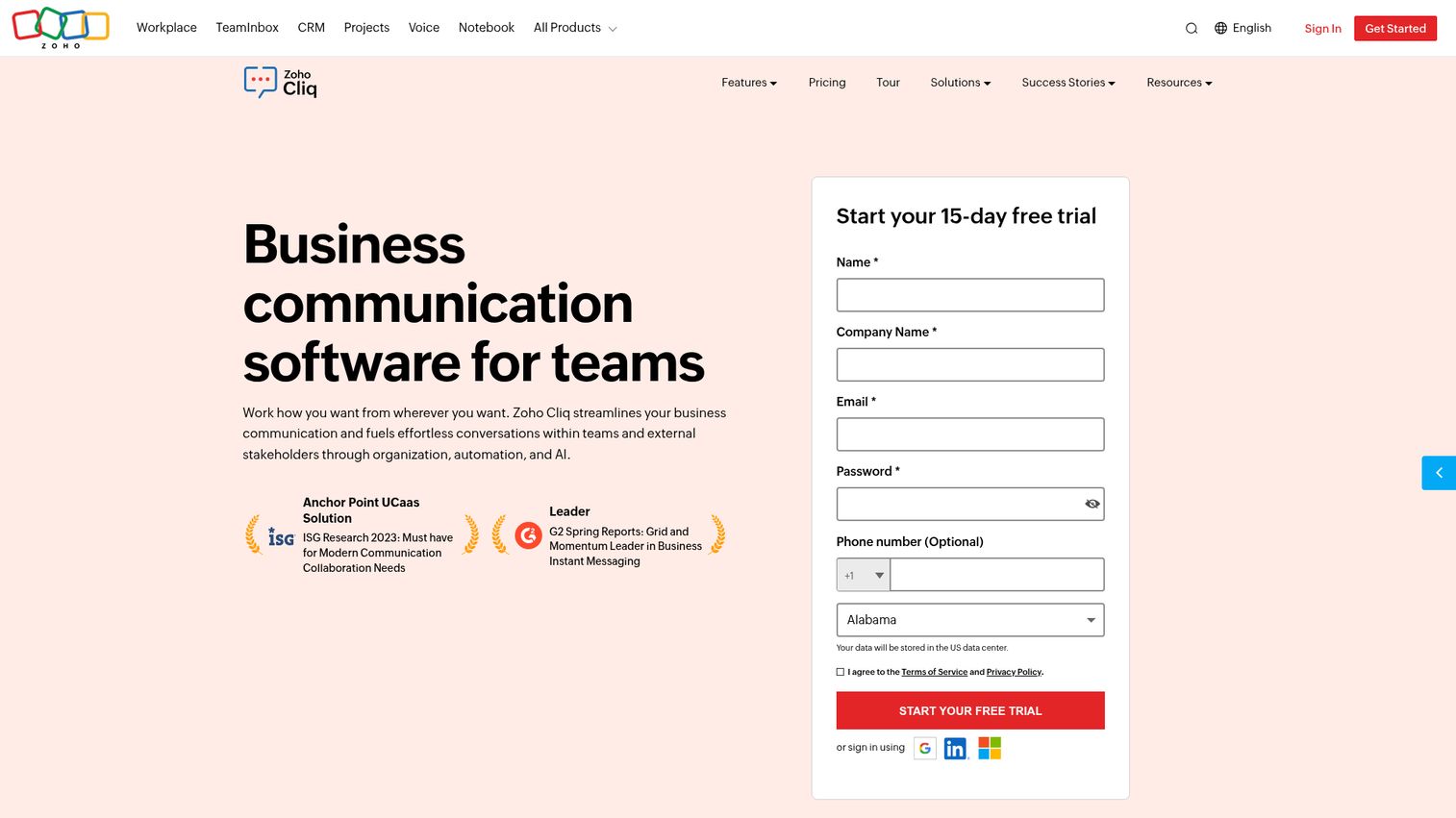
Zoho Cliq is business communication software for team chats, channels, online meetings, automation, and AI-powered collaboration. Its strongest hook for sales teams is tight integration with Zoho CRM and the broader Zoho suite. If you already run Zoho, Cliq keeps chat in the same family.
Best for: Teams already using Zoho, or seeking a cost-conscious chat tool with native CRM integration.
Key strengths
- Chats, channels, and meetings: internal and external communication in one place.
- Rich collaboration: audio and video calls, screen sharing, async voice and video messages, calendar, tasks, and whiteboards.
- AI and automation: AI chat summaries, workflow automation, admin customization, and a developer platform.
Why choose Zoho Cliq: For teams running their pipeline in Zoho CRM, Cliq routes deal context and CRM signal directly into chat without a third-party connector. It is also one of the more affordable options at scale. That makes it a strong cost-conscious Slack alternative for the Zoho ecosystem. You can see how Zoho's suite presents itself in this Zoho interactive demo.
Zoho Cliq pricing: A free plan is available. Standard is $18 per month for up to 25 users billed monthly. Professional is $2 per user per month monthly, or $1.8 per user billed annually, with a 10-user minimum. Enterprise is $4 per user per month monthly, or $3.6 annually, adding audit history, eDiscovery, DLP, and advanced reporting.
How to choose business instant messaging software
You have ten options. Here is the buyer's checklist that actually predicts whether a purchase sticks across your sales org.
What does it replace?
This is the objection every sales leader raises first. A new tool that adds to the stack is a tax; one that retires an existing tab is a win. Map each option to what it kills, whether that is scattered email threads, a separate task tool, or a redundant chat app. If you cannot name what it replaces, reconsider.
Does it fit your stack?
Ecosystem fit drives adoption more than any feature. Microsoft-first orgs adopt Teams almost by default; Google Workspace teams pick up Google Chat without training. Neutral teams have more freedom but should weigh integration depth. Match the ecosystem your team already lives in, and adoption mostly takes care of itself.
Security, compliance, and retention
Sales orgs handle sensitive deal and customer data. Check for SOC 2, encryption, SSO, and configurable retention. Regulated teams should evaluate self-hosting and data residency, where Mattermost and Rocket.Chat lead. Get security and procurement involved early, not after you have picked a favorite.
Integrations with your sales stack
The whole point is keeping reps fast. Verify the tool connects to your CRM, scheduling, and analytics so signal lands where reps already watch. Engagement and intent signals, including those from interactive demo platforms like Guideflow, are most useful when they hit the channel the team monitors, not a dashboard nobody checks. Guideflow's own integrations push demo engagement straight into the tools your reps already use. Integration depth is what turns a chat tool into a sales advantage.
Pricing model at scale
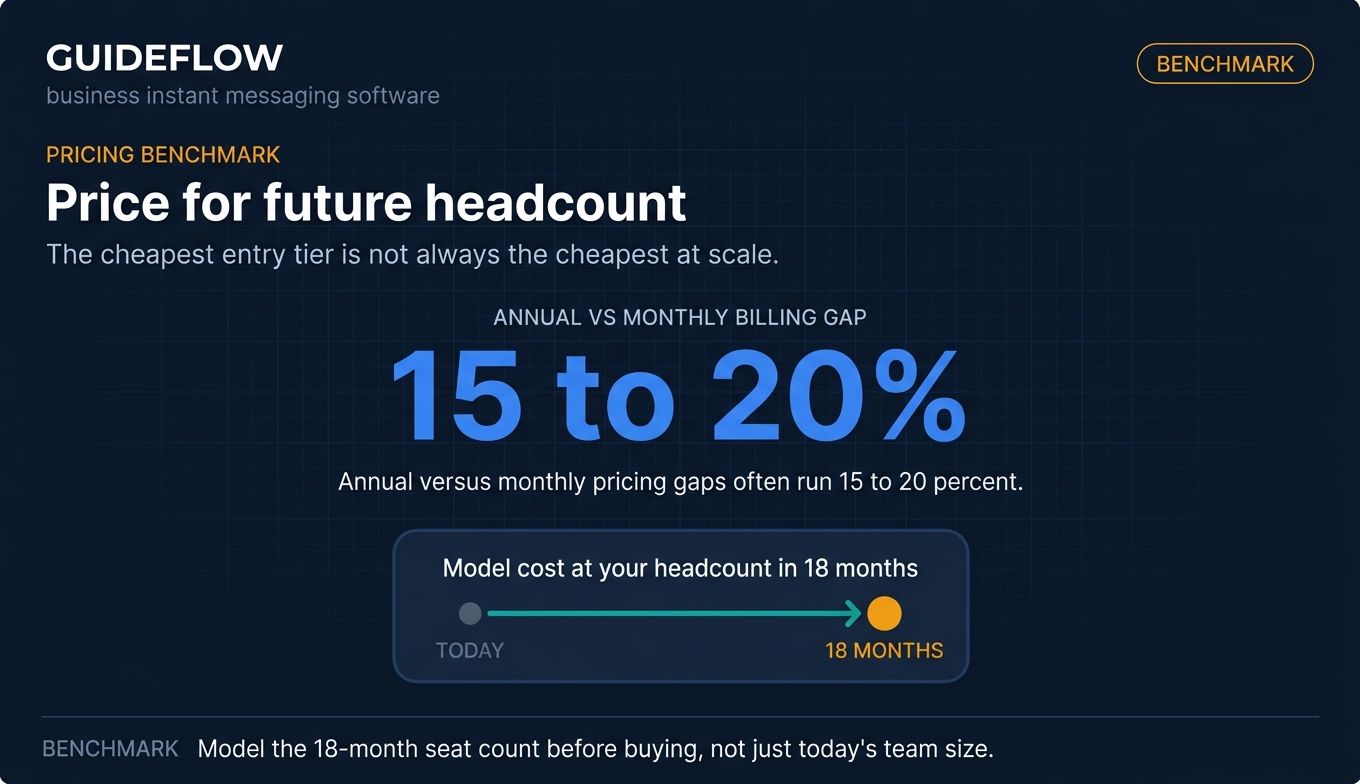
Per-seat pricing that climbs fast is a flag. Model the cost at your headcount in 18 months, not just today. Compare free-plan limits, where Pumble's unlimited free history stands out, and check the monthly-versus-annual gap, which often runs 15 to 20 percent. The cheapest entry tier is not always the cheapest at scale.
Conclusion
The right business instant messaging software depends less on a feature checklist and more on where your team already works and what you can retire.
For most sales orgs, Slack wins on integration breadth. Microsoft Teams is the obvious call for Microsoft 365 shops, and Google Chat for Google Workspace teams, both because the bundle math and native adoption are hard to argue with. On a budget, Pumble's unlimited free history is the standout. For regulated or security-strict teams, Mattermost and Rocket.Chat give you self-hosting and data control. Distributed teams cutting meeting overload should look at Twist, and Zoho shops at Zoho Cliq.
Next step: shortlist two that fit your stack, run a free trial across roles from SDR to SE, and confirm what each one replaces before you buy. The goal is one system the whole team actually works in, not a seventh tab. Adoption is the real metric, and adoption follows familiarity and fit. While you're auditing your stack, our broader library of best-tools comparisons can help you evaluate adjacent categories like sales engagement and CRM.
Start with the ecosystem you already live in, and the rest gets a lot simpler.
FAQs
It depends on your stack. Slack is the strongest all-around pick for its integration depth, Microsoft Teams fits Microsoft 365 orgs best, and Google Chat suits Google Workspace teams. The "best" tool is the one that matches the ecosystem your team already uses and the security requirements you have to meet.
It is a real-time team chat platform where coworkers exchange messages, files, and calls in organized channels with a searchable, persistent history. Unlike personal messaging apps, it adds admin controls, integrations, and compliance features built for work. Examples include Slack, Microsoft Teams, and Google Chat.
Business instant messaging organizes conversations into persistent channels and threads, makes the full history searchable, and adds admin controls, integrations, and compliance features. SMS and consumer apps like WhatsApp are built for personal, one-to-one or small-group chat without that structure or governance. For sales teams, the searchable, integrated record is the key difference.
Pumble is the standout free option because it offers unlimited message history at no cost, where most tools cap free-tier history. Slack's free tier is generous on integrations but limits history to 90 days. Discord is free with optional paid upgrades, though it lacks business-focused governance. Match the free-plan limits to what your team actually needs.
Yes, several options are built for it. Mattermost and Rocket.Chat support self-hosting and air-gapped deployment for full data control. Many cloud tools, including Slack and Microsoft Teams, offer SOC 2 compliance, encryption, SSO, and configurable retention. Check for data residency and the specific certifications your industry requires before committing. Guideflow's own security and compliance posture shows the kind of standards to look for.
Match the ecosystem your team already uses. If you run Microsoft 365, Teams is bundled, governed, and adopts fastest. If you run Google Workspace, Google Chat is native and removes a separate vendor. Aligning with your existing stack drives both adoption and bundle value, which is usually more important than any single feature.
Slack integrates broadly with CRMs like Salesforce and HubSpot through its large app marketplace. Microsoft Teams connects with Dynamics 365 and other CRMs natively or via connectors. Zoho Cliq integrates directly with Zoho CRM and the wider Zoho suite. Routing CRM updates and deal signals into channels keeps reps fast and reduces handoff friction. For a deeper look at engagement tooling, see the best sales engagement tools.
Most tools offer a free tier, with premium business plans typically running from around $2 to $15 per user per month depending on features and billing period. Enterprise tiers are usually quote-based. Watch per-seat pricing that scales aggressively, and compare annual versus monthly rates, since annual billing often saves 15 to 20 percent.