You added 12 new customers this quarter. Three of them email you directly when something breaks. Two ping your CSM on Slack. One files tickets in your help desk. None of them know where to look for last week's deliverable, and your VP of Customer Success just asked why onboarding takes four meetings instead of one.
This is the moment most founders start searching for client portal software. The job is simple to describe and hard to solve: give every client one secure, branded place to find their files, their status, their next step, and a way to ask a question without pinging the founder's personal inbox.
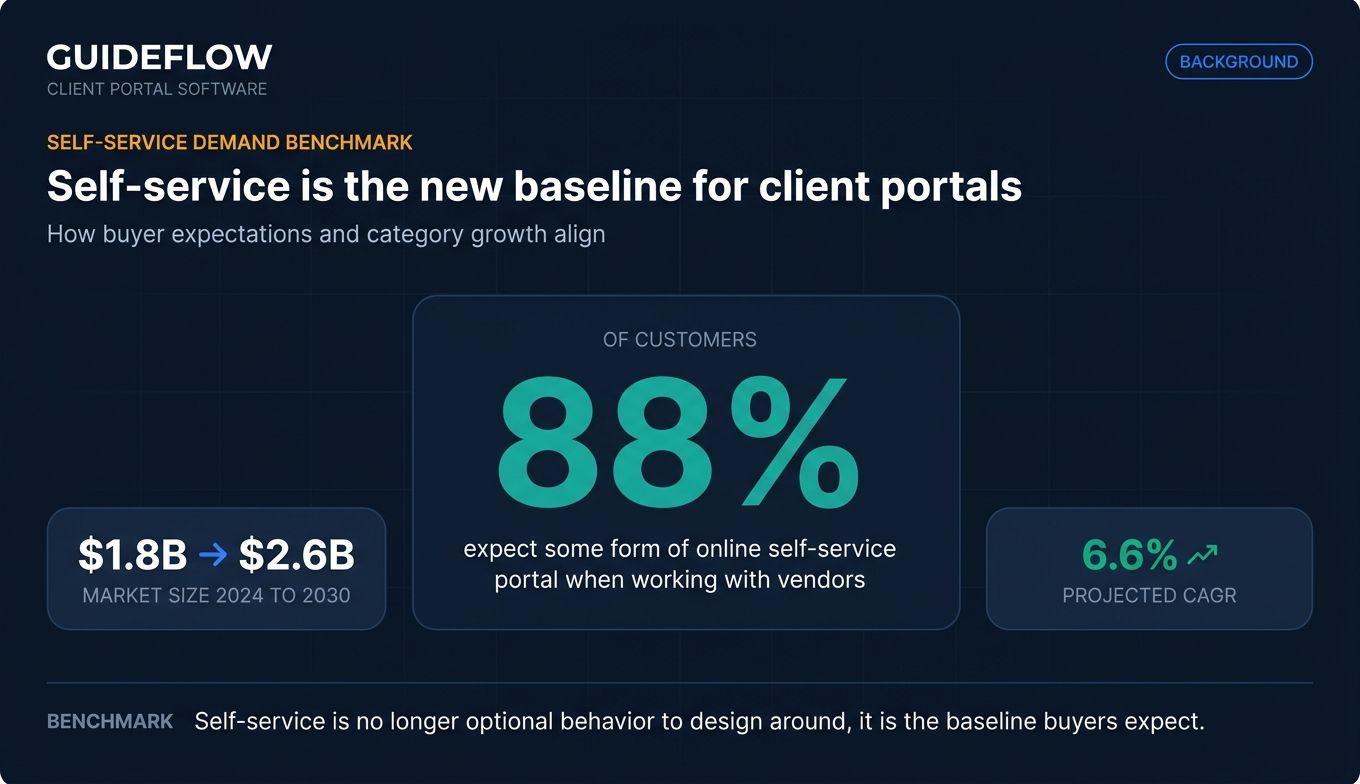
The expectation is real. According to Monday.com's research roundup on customer service, 88% of customers now expect organizations to offer some form of online self-service portal. The global client portal software market reflects that demand. Market analysts at MarketResearch.com estimate it reached $1.8 billion in 2024 and project it will hit $2.6 billion by 2030 at a 6.6% CAGR, with cloud-based deployments growing faster than on-premise.
The catch: most "best client portal software" lists are written for solo freelancers or generic SMBs. This one is written for the operator who needs the portal to earn its place in the stack within Q1, not next year.
What's inside
This guide covers the 10 client portal software tools worth shortlisting in 2026, ranked by relevance to SaaS founders, agency operators, and CS leads consolidating scattered client communication. We evaluated each tool on four criteria: security and access controls (SOC 2, SSO, role-based access), real customization depth (branding, custom domain, white-label), integration with the GTM stack (CRM, billing, file storage), and transparent pricing that scales without surprise gating. We excluded tools without active development, project management apps masquerading as portals, and solo-freelancer products that don't fit Series B operations.
TL;DR
- Best overall for SaaS teams: Dock, for its native fit with onboarding and CS workflows.
- Best for agencies and productized services: Copilot, for branded portals with payments built in.
- Best for client-facing service businesses: Hubflo, for an all-in-one workspace with CRM-lite features.
- Best for WordPress sites: Client Portal, the dominant WordPress plugin with one-time-style licensing.
- Best for enterprise security and white-label: Clinked, for SOC-ready security and full brand control.
- Best for no-code custom portals: Softr, for teams building on Airtable or Google Sheets without engineering.
What is client portal software?
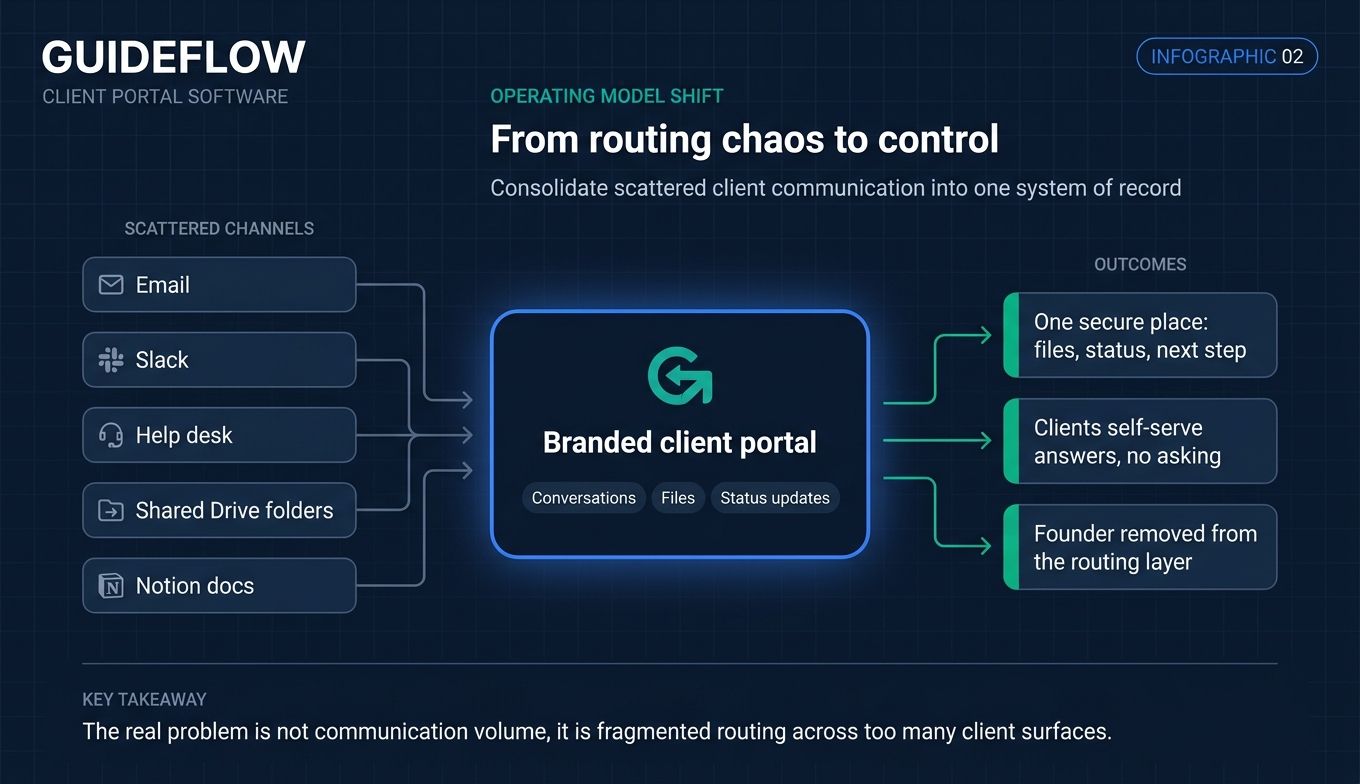
Client portal software is a secure, branded online workspace where businesses share files, project status, communication, and resources with clients in one place. It replaces the patchwork of email threads, Slack DMs, shared Drive folders, and Notion docs that most growing companies accumulate by accident.
A client portal is not a CRM, and it is not project management software. A CRM tracks the relationship internally for your sales and CS teams. Project management tools track work for the people doing it. A client portal is client-facing: it is the room your customer walks into when they want to see what's happening on their account.
The category overlaps with customer portal software, client management portals, and broader web portal software, but the through-line is the same. One secure hub. One source of truth. One login for the client.
Core capabilities to expect from any modern client portal solution:
- Secure file sharing with version control and audit trails
- Role-based access so clients see only their own data
- Branding and white-label with custom domain and logo support
- Notifications across email, in-app, and sometimes SMS
- Integrations with your CRM, billing, file storage, and messaging stack
- Reporting and analytics on client engagement and activity
- Knowledge base or resource library for self-serve answers
- Secure messaging that replaces ad-hoc email threads
Industry examples span verticals. Accounting firms use portals to collect tax documents and deliver returns. Law firms use them for matter management and e-signature. Marketing agencies use them for asset delivery and approvals. SaaS companies use them for onboarding, success plans, and renewal prep. The job is the same, the surface differs.
When to use a client portal
Consolidate scattered client communication
If your team is answering the same questions across email, Slack, and your help desk, you do not have a communication problem. You have a routing problem. A client portal puts every conversation, file, and status update in one place that both sides can find without asking. The founder stops being the routing layer.
Onboard new clients without founder involvement
Repeatable onboarding lives or dies on whether a new client can find what they need on day one. A portal gives you a templated welcome flow, the contract, the kickoff materials, and the next step in a sequence the client can self-serve. Some SaaS teams embed interactive demos inside their portal's onboarding section so new clients can walk through the product without scheduling a call, then ask sharper questions when they do. Pairing the portal with a dedicated demo center lets CS leads curate role-specific walkthroughs for each client segment, and teams running structured rollouts often layer in user onboarding software to drive activation in the first week.
Give clients a branded, secure home for everything
Your portal is a trust signal. A custom domain, your colors, your logo, your security posture: these tell the client that you treat their data and their time seriously. For regulated industries this is table stakes. For SaaS and agencies, it is a quiet differentiator that compounds over the lifetime of the account.
Comparison table
The table below ranks each tool by relevance to the SaaS founder and operator audience. Pricing reflects each vendor's first-party pricing page as of June 2026. G2 ratings reflect each product's current G2 listing. Where billing cadence affects the headline price, the table lists the cadence the vendor publishes most prominently.
| # | Product | Intent | Key use case | Pricing | G2 rating |
|---|---|---|---|---|---|
| 1 | Collect | Document-driven client portal | Automated onboarding portals with document collection, e-sign, and CRM sync | Trial; Pro $129/mo; Business $349/mo; Enterprise from $849/mo (annual) | N/A |
| 2 | Moxo | Workflow-driven client portal | Orchestrate external workflows with structured steps and AI assistance | Free; Business $99/mo; Pro $499/mo; Enterprise custom | 4.5/5 |
| 3 | Dock | SaaS-native client portal | Customer onboarding, digital sales rooms, and CS workspaces | Free; Standard $350/mo; Premium $1,000/mo (annual); Enterprise custom | 4.7/5 |
| 4 | SuperOkay | Branded client portal | Agency client delivery with embedded apps and reusable blocks | Free; Solo $9/mo; Solo+ $29/mo; Business $112/mo (annual) | 4.8/5 (Capterra) |
| 5 | Copilot | Productized services portal | Service businesses delivering work plus payments and messaging | Public plans on pricing page | N/A |
| 6 | Hubflo | All-in-one client portal | Agencies and consultancies needing CRM-lite plus portal | Starter $67/mo; Business $142/mo; Unlimited $262/mo (annual) | 4.7/5 |
| 7 | Clinked | Secure white-label portal | Regulated industries needing strong security and brand control | Standard $239/mo; Premium $479/mo; Enterprise custom | 4.8/5 |
| 8 | Onehub | Secure file sharing and workspaces | Accounting, legal, and finance teams needing audit trails | Standard $12.50/user/mo; Advanced $20/user/mo; Data Room $300/mo (annual) | 4.2/5 |
| 9 | FuseBase | Knowledge-rich client portal | Content-heavy client work with AI-powered workspaces | Free plan; Solo, Essentials, Advanced; Unlimited custom | 4.7/5 |
| 10 | Client Portal | WordPress client portal | Teams on WordPress wanting full ownership | Single site $25/mo; Multi site $49/mo | 3.7/5 |
| 11 | Softr | No-code custom client portal | Teams building portals on Airtable or Google Sheets | Free; Basic $49/mo; Professional $139/mo; Business $269/mo (annual) | 4.7/5 |
Best client portal software tools for 2026
1. Collect
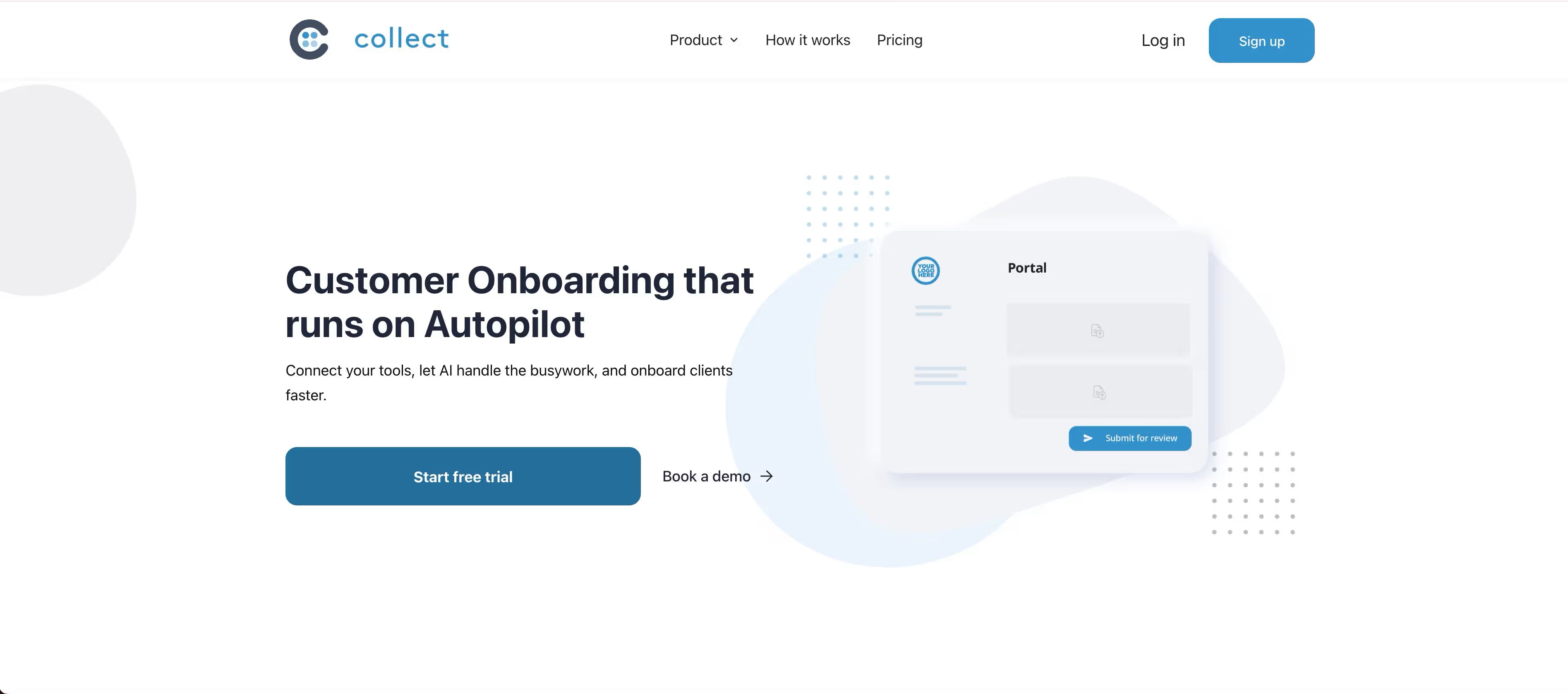
Collect is a document-driven client portal built for high-velocity teams whose onboarding bottleneck is collecting files, signatures, and information from clients at scale. Rather than a long-form project workspace, it generates branded, passwordless portals where each client uploads documents, completes tasks, and signs, while automated reminders chase anything outstanding. The founder stops being the follow-up layer.
Best for: SaaS and services teams that onboard clients through structured document collection and want progress synced back into the CRM without standing up a heavier project tool.
Key strengths
- Automated document chasing: Scheduled, personalized follow-ups run until each task is complete, with real-time visibility into who is on time and who is behind.
- Branded passwordless portals: Custom domain, logo, and white-label emails on higher tiers, with no client account or login to create.
- Native CRM and AI tooling: HubSpot and Pipedrive sync, plus Zapier and Docusign, alongside an AI portal builder, document parsing, and an MCP server for custom automation.
Why choose Collect: Collect is the right call when onboarding is really a document problem in disguise. If your team currently chases tax forms, contracts, or KYC files across email and shared drives, Collect collapses that into one client-facing flow with automated nudges and CRM sync, and an ops lead can stand it up without engineering. For teams that also need standalone signing, our list of e-signature software covers the adjacent category.
Collect pricing: Collect's pricing page lists a 7-day free trial, Pro at $129/month, Business at $349/month, and Enterprise from $849/month, all on annual billing. Monthly billing runs higher (Pro $107.50, Business $290.83, Enterprise from $699). The trial allows up to 50 requests before a paid plan is required.
2. Moxo
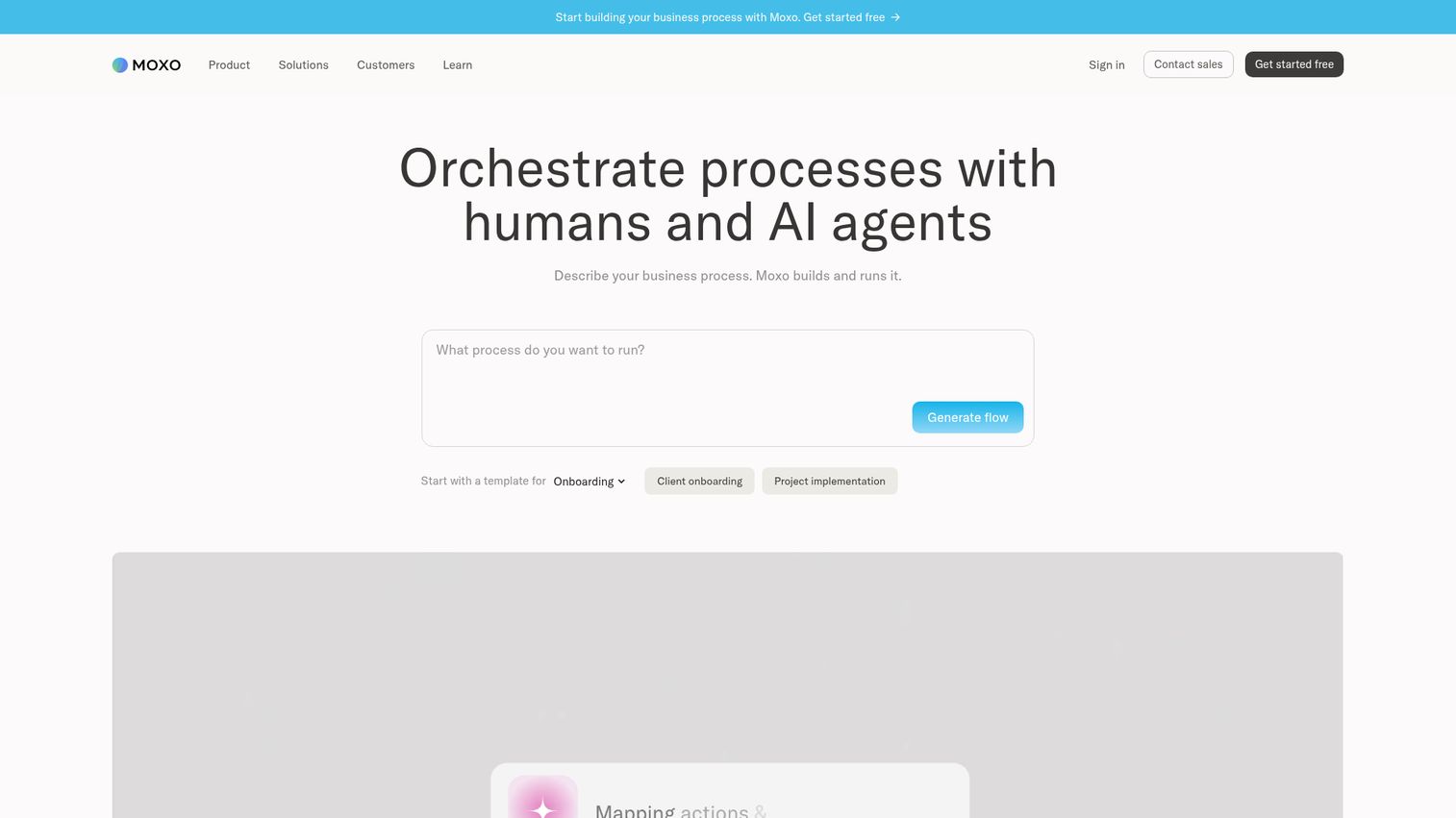
Moxo is an AI orchestration platform for running complex business processes with humans, AI agents, and system actions across departments and organizations. It is the most-cited tool across competitor roundups for a reason: it treats the client portal as a workflow surface, not a file cabinet. Onboarding, approvals, document collection, and recurring service delivery are modeled as structured flows with branching, milestones, and rules, all in a client-facing interface.
Best for: Operations-heavy SaaS and services teams that need to orchestrate external workflows with structured human actions, AI assistance, and system integrations.
Key strengths
- Workflow builder: Branching, loops, milestones, scheduled and external triggers, forms, subflows, and business rules that model real client work.
- AI tooling: AI Copilot, AI extract, AI transcribe, AI write, AI summarize, and AI translate built into the same surface clients use.
- Enterprise controls: Magic links, portals, audit logs, SAML SSO, webhooks, REST APIs, and SDKs.
Why choose Moxo: If your team currently runs structured client engagements (onboarding, KYC, document collection, recurring deliverables) across email and spreadsheets, Moxo is the tool that compresses that into one client-facing flow. It pays back fastest for ops teams that already think in process diagrams. Teams evaluating this orchestration angle should also review the broader landscape of AI orchestration platforms before committing.
Moxo pricing: Moxo's first-party pricing page lists Free at $0/month, Business at $99/month, Pro at $499/month, and Enterprise as custom. The page shows both monthly and annual billing options. The Free tier is useful for evaluating the builder before committing to a paid plan.
3. Dock
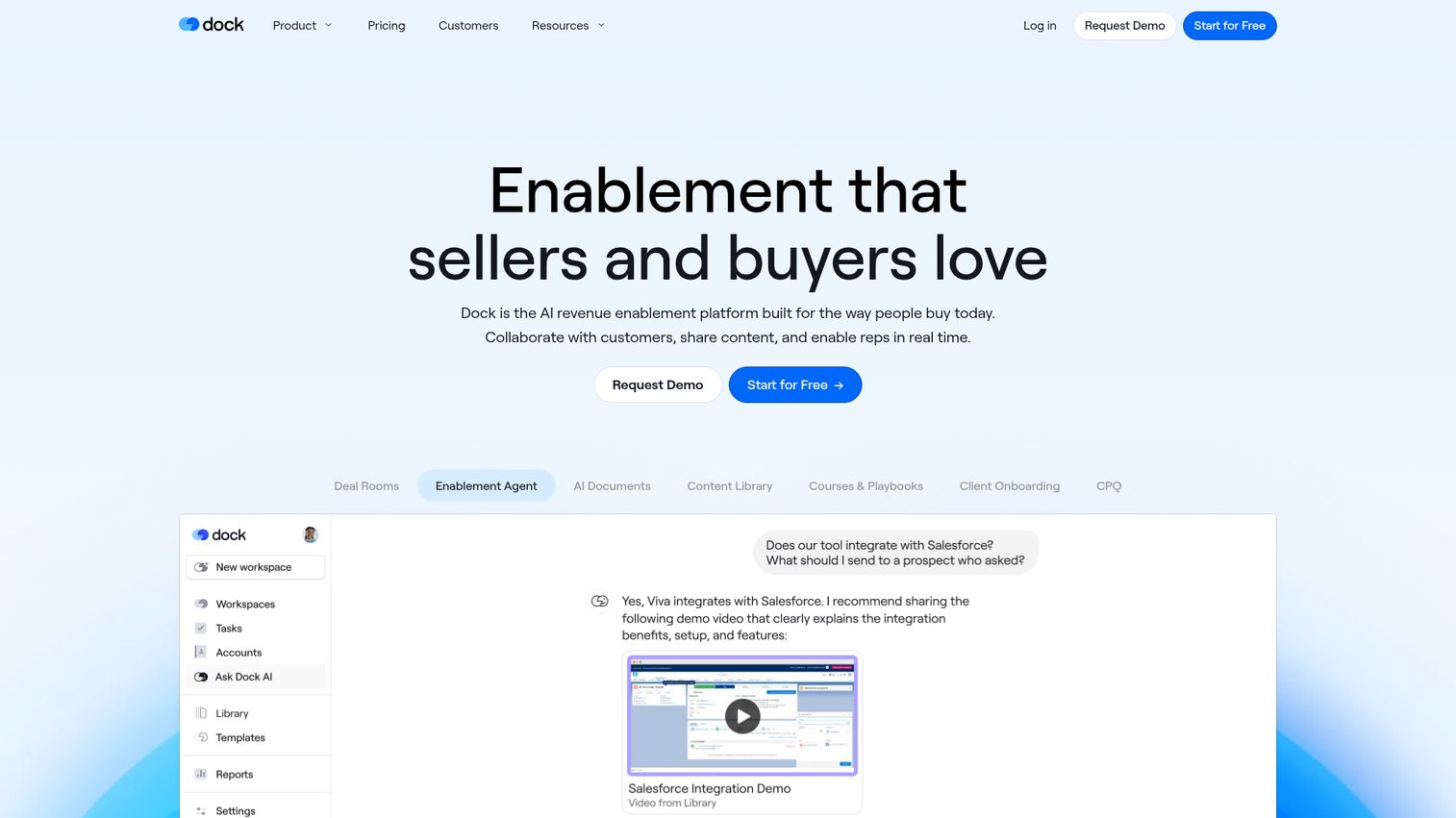
Dock is an AI-powered revenue enablement platform built around digital sales rooms, customer onboarding and client portals, and content management. It is the most SaaS-native option on this list, designed for revenue teams that want one shared workspace for prospects becoming customers and customers becoming renewals.
Best for: B2B SaaS go-to-market teams that want a single client-facing workspace for deals, onboarding, shared content, and ongoing buyer collaboration.
Key strengths
- Digital sales rooms: A shared space for AEs and buyers during the deal that converts cleanly into the onboarding portal post-close.
- AI documents and enablement agent: Generates portal content from your existing materials and helps reps assemble the right assets per account.
- Content library with engagement analytics: Track which clients open what, when, and how often, then act on that signal.
Why choose Dock: If your sales and CS teams already work in HubSpot or Salesforce and the missing layer is a branded client-facing surface tied to deal and account context, Dock is the most natural fit. CS leaders tend to adopt it inside a quarter without engineering involvement. For teams comparing the deal-room layer separately, our roundup of presales software tools covers the adjacent category.
Dock pricing: Dock's pricing page lists a Free plan at $0, Standard at $350/month billed monthly, Premium at $1,000/month billed annually, and Enterprise on contact-sales pricing. Additional seats for Standard and Premium are listed at $50 per user per month. The Free tier lets a small team validate the workflow before committing.
4. SuperOkay
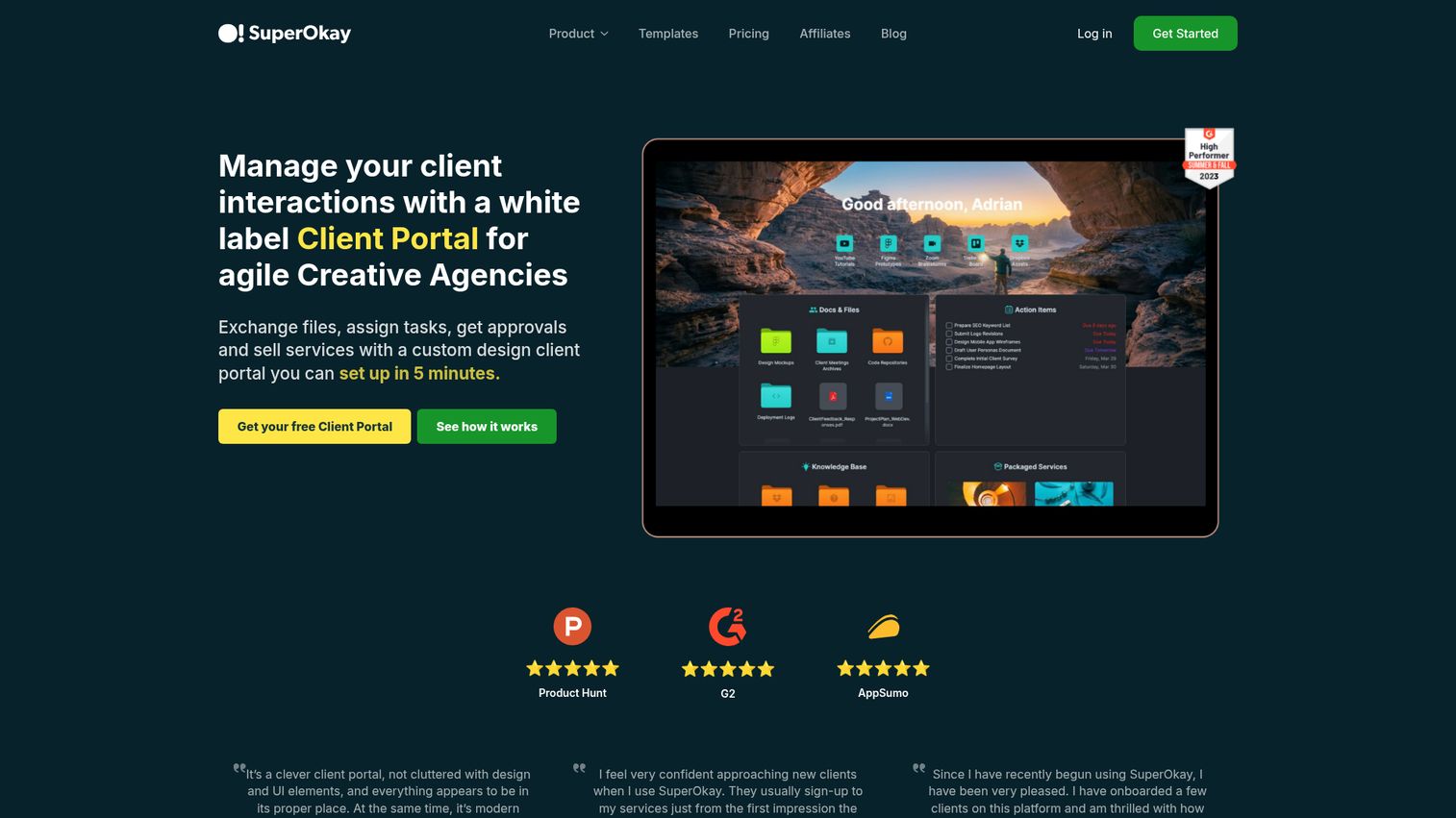
SuperOkay is a white-label client portal built for creative agencies and service businesses to exchange files, assign tasks, get approvals, and sell packaged services. It has become one of the more recognized client portals for marketing agencies because of its embedded apps and reusable block system.
Best for: Freelancers, creative agencies, and service teams that need a branded client portal for sharing documents, tasks, links, and embedded apps from tools like Notion, Loom, and Figma.
Key strengths
- Reusable blocks: Build once, drop into every new client portal, keep delivery consistent across accounts.
- Embedded apps: Pull in Notion, Loom, Figma, and other tools directly inside the portal so clients don't tab-hop.
- Packaged services: Sell defined service bundles inside the portal, useful for productized agencies.
Why choose SuperOkay: SuperOkay performs best when the client experience is the product. Agencies that compete on polish, not headcount, get the most out of it. SaaS teams running a managed-service motion alongside the product also fit well.
SuperOkay pricing: SuperOkay's pricing page lists Free at $0/month, Solo at $9/month, Solo+ at $29/month, and Business at $112/month on annual billing. Monthly billing options are Solo $12, Solo+ $38, and Business $146 per month. The Free plan is enough to test the builder with one client.
5. Copilot
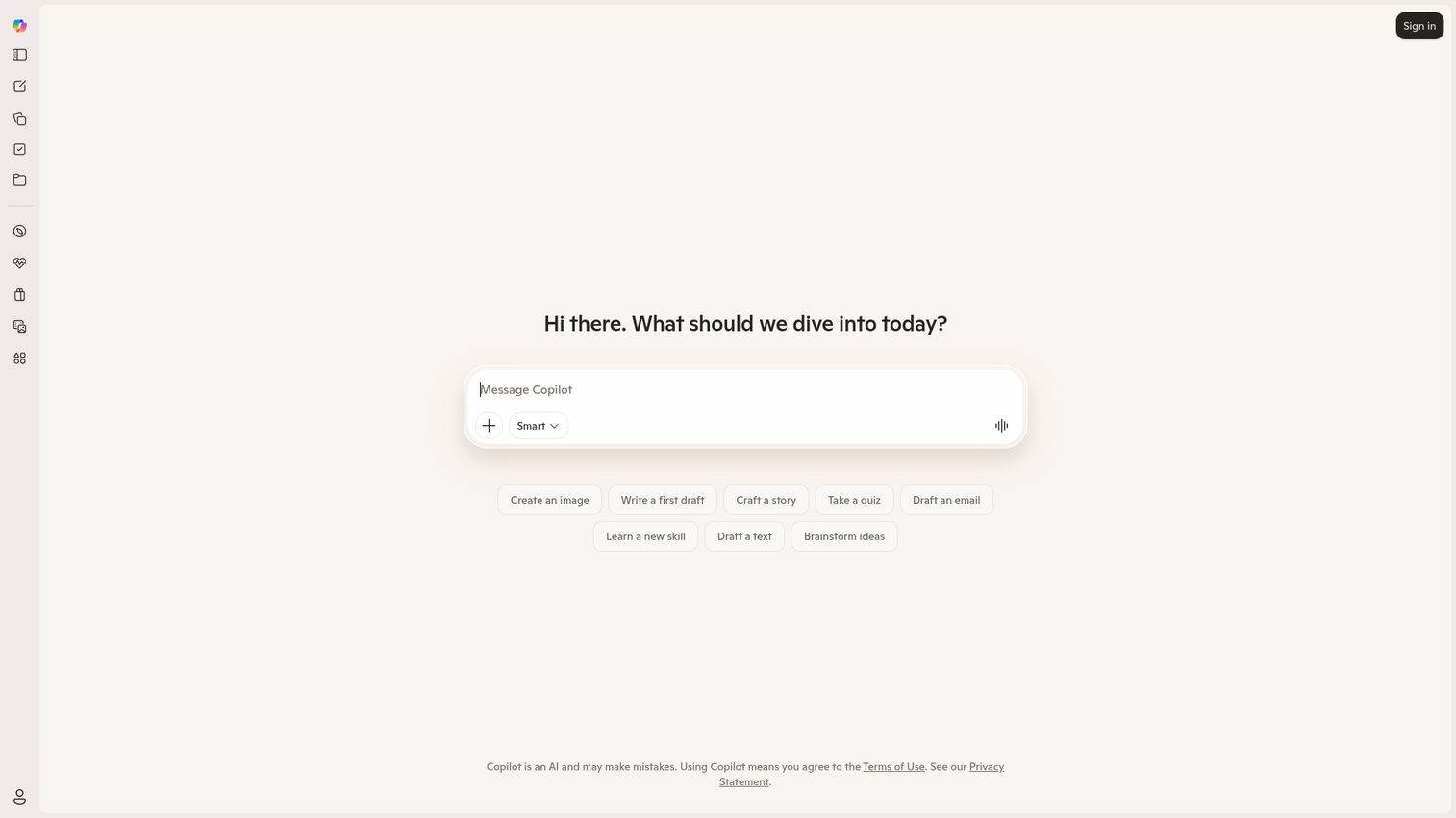
Copilot is a modern, SaaS-styled client portal built for productized service businesses and SaaS companies offering managed services. It ships with messaging, files, payments, contracts, forms, and a help center, plus the ability to embed your own apps inside the client experience.
Best for: Productized service businesses, fractional teams, and SaaS companies that wrap services around their product and want one branded portal to deliver all of it.
Key strengths
- Built-in payments: Stripe-powered billing inside the portal so clients pay where they work.
- Messaging and files together: Replaces the email-plus-Drive combination for day-to-day client work.
- Embedded apps and custom modules: Extend the portal with your own software or third-party tools.
Why choose Copilot: Copilot is the strongest option when revenue and delivery happen in the same room. If you bill, deliver, message, and collect documents from clients, Copilot collapses those into one workflow with a polished client UI. Teams pairing Copilot with e-sign workflows can compare options in our list of e-signature software.
Copilot pricing: Copilot publishes plan details on its pricing page at copilot.com/pricing. We were unable to verify the current numeric tier pricing from a first-party source at write time, so confirm the latest plan structure directly on the vendor's site before publishing or purchasing. [verify before publishing]
6. Hubflo
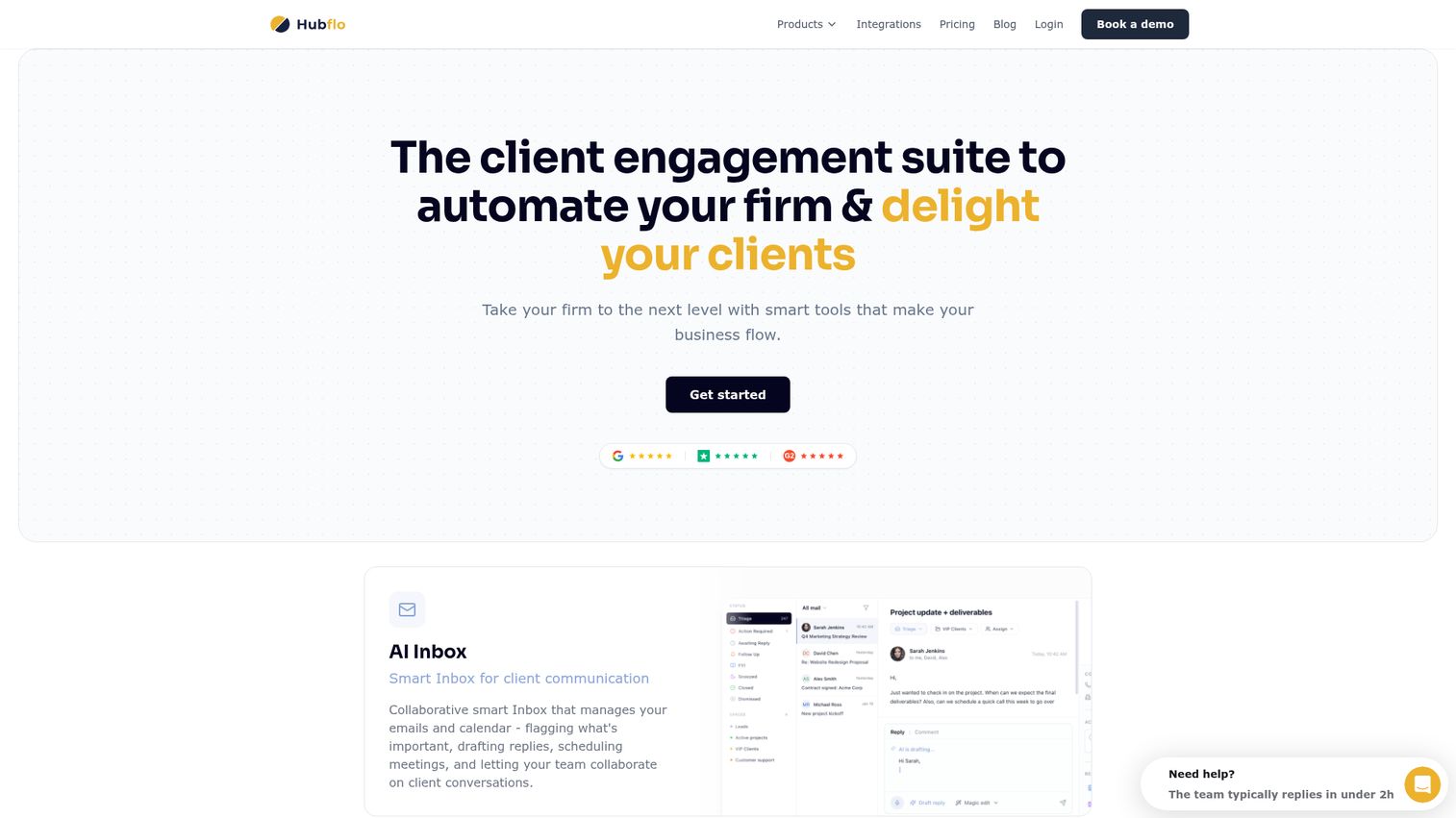
Hubflo is an all-in-one client portal and client engagement suite for service businesses. It pairs branded portals and workspaces with built-in CRM, projects, tasks, forms, proposals, contracts, e-signatures, invoicing, and payment collection.
Best for: Service businesses such as agencies, consultants, accountants, and law firms that need a client portal plus the back-office workflow tools sitting around it.
Key strengths
- Branded portals and workspaces: White-label client environments for onboarding and ongoing collaboration.
- CRM, projects, and contracts in one: Replaces the patchwork of separate tools for client-facing service businesses.
- Invoicing and payments built in: Collect money in the same place you deliver the work.
Why choose Hubflo: Hubflo is the right call when the portal is one of several systems you would otherwise need to buy. A small services team can consolidate CRM, proposals, billing, and the client portal into a single subscription, which is the kind of math founders pay attention to. If you'd rather keep your CRM separate, our guide to the best CRM software and best proposal software break out those layers individually.
Hubflo pricing: Hubflo's pricing page lists annual Portals and Client Management plans at Starter $67/month, Business $142/month, and Unlimited $262/month, all billed annually. An Enterprise tier is available on contact-sales pricing. Confirm whether monthly billing options have shifted since the last update before committing.
7. Clinked
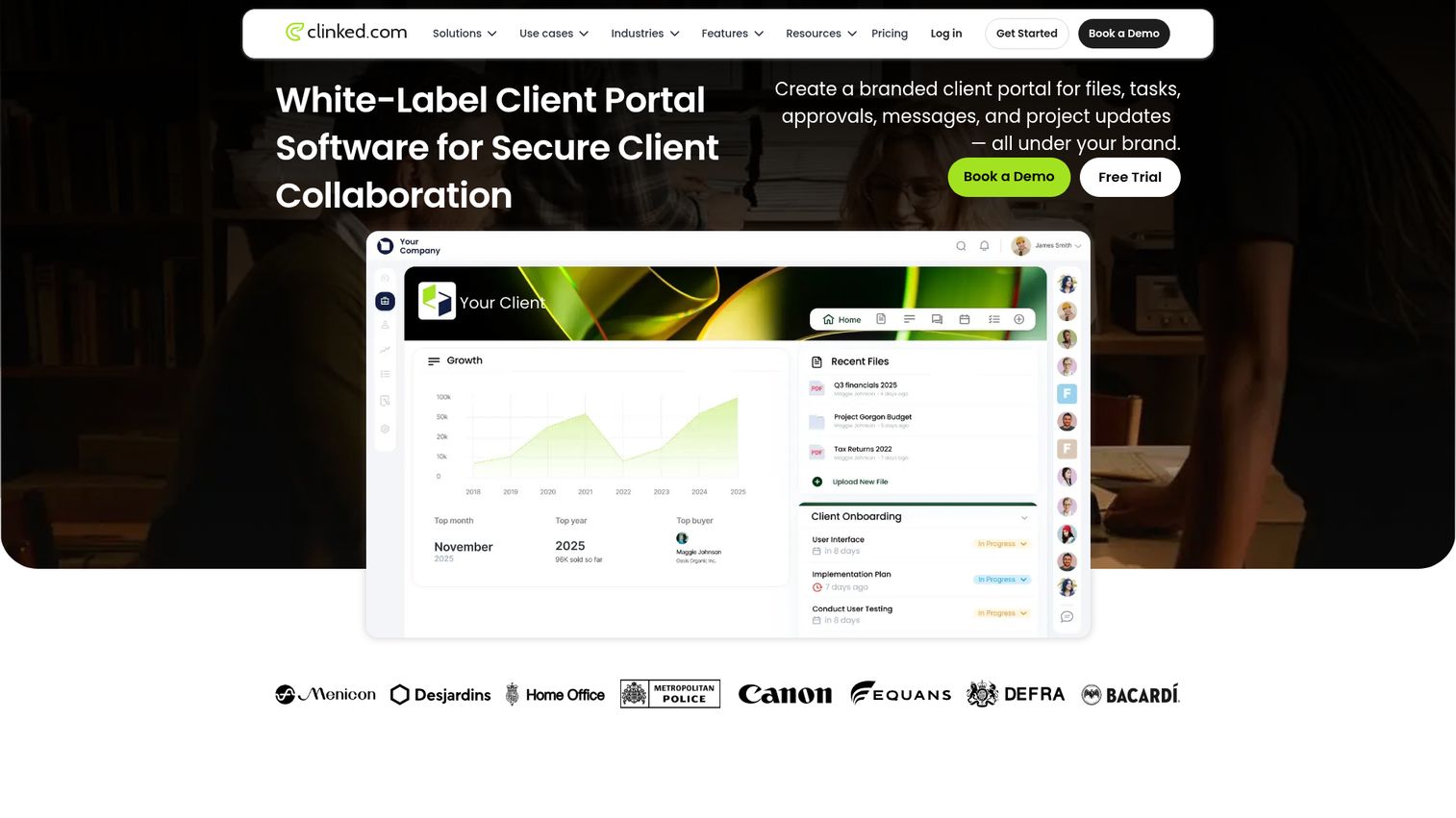
Clinked is a white-label secure client portal software platform built for files, tasks, approvals, messages, and project updates under your brand. It leans enterprise: full white-label, custom domain, two-factor authentication, and a virtual data room option for sensitive transactions.
Best for: Mid-market and enterprise teams in regulated industries that need a secure client portal with deep brand control and audit-friendly access management.
Key strengths
- Custom domain and white-label: Portal runs on your domain with your branding end-to-end.
- File approval workflows: Structured sign-off flows for documents that require it.
- Two-factor authentication: Standard secure-access baseline for client logins.
Why choose Clinked: Clinked is the option to evaluate when security and brand control are non-negotiable. SaaS founders selling into financial services, legal, or healthcare buyers should shortlist it specifically because the security questionnaire conversation gets easier. If security posture is a top driver in your evaluation, Guideflow's own security and compliance overview is a useful reference for what enterprise buyers typically ask for.
Clinked pricing: Clinked's pricing page lists Standard at $239/month, Premium at $479/month, and Enterprise on contact-sales pricing. A separate VDR (virtual data room) plan starts at $599/month. Free trial options are available, but a permanent free tier was not confirmed on the pricing page.
8. Onehub
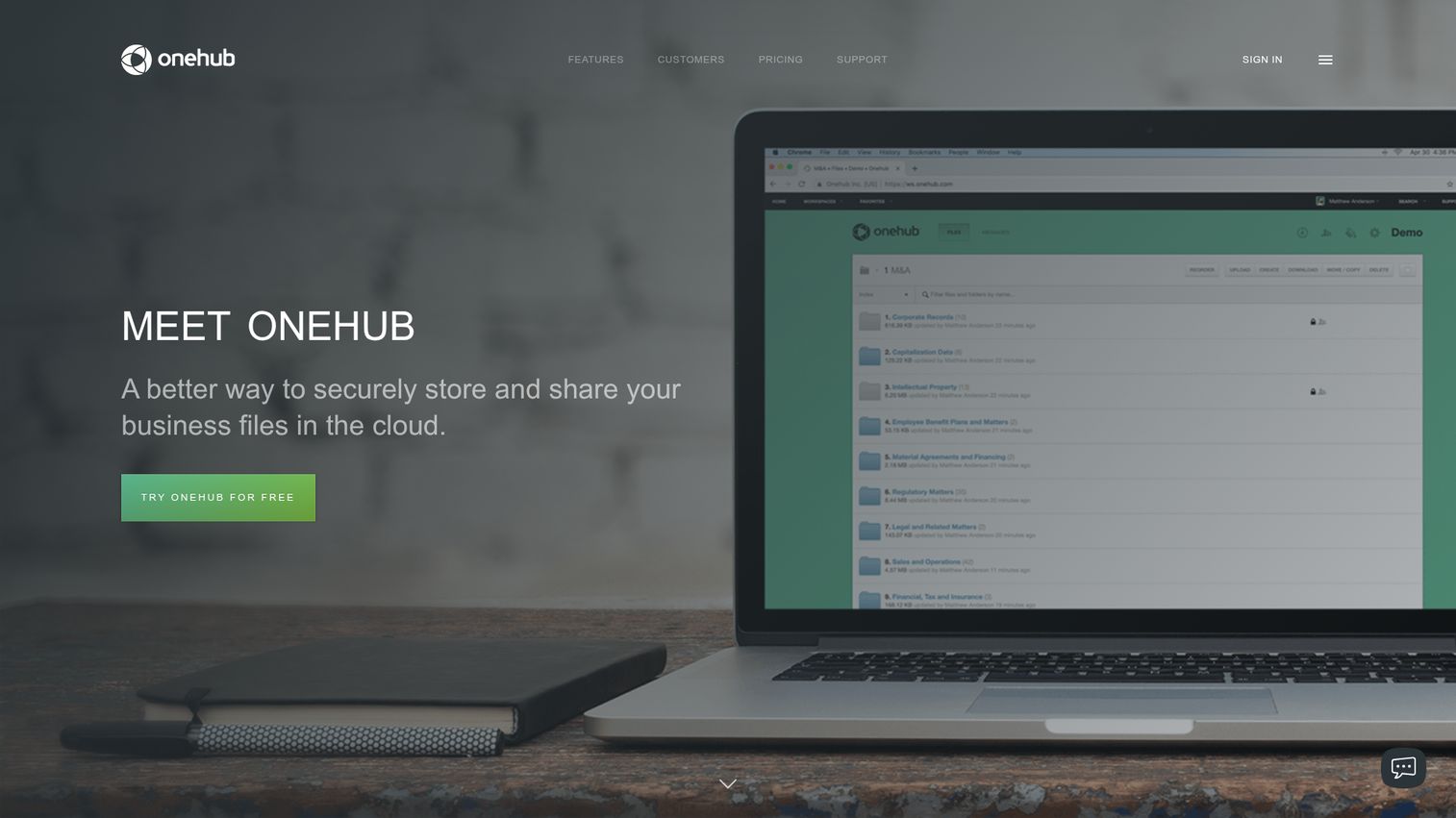
Onehub provides secure cloud storage, file sharing, client portals, and virtual data rooms for businesses. It is a mature product with strong staying power in accounting, legal, and financial services, where the workflow centers on secure document exchange and audit trails.
Best for: Accounting firms, law firms, and finance teams that need secure document sharing, branded client portals, and virtual data rooms for sensitive collaboration.
Key strengths
- Drag-and-drop folder uploads: Automatic versioning and a secure FTP gateway for large or recurring transfers.
- Custom branding: Logo, colors, custom domain, and full white-labeling on higher tiers.
- Security controls: Role-based permissions, audit trails, session timeouts, and two-factor authentication.
Why choose Onehub: Onehub is purpose-built for industries where every file is a compliance artifact. The product has been around long enough that the workflows feel battle-tested. If your client base expects a "send me the documents securely" portal, Onehub is the safe pick.
Onehub pricing: Onehub's pricing page lists Standard at $12.50 per user per month, Advanced at $20 per user per month, Data Room Edition at $300 per month, and Enterprise Edition as a custom quote, all billed annually. A 14-day free trial is available, but a permanent free tier was not confirmed.
9. Client Portal
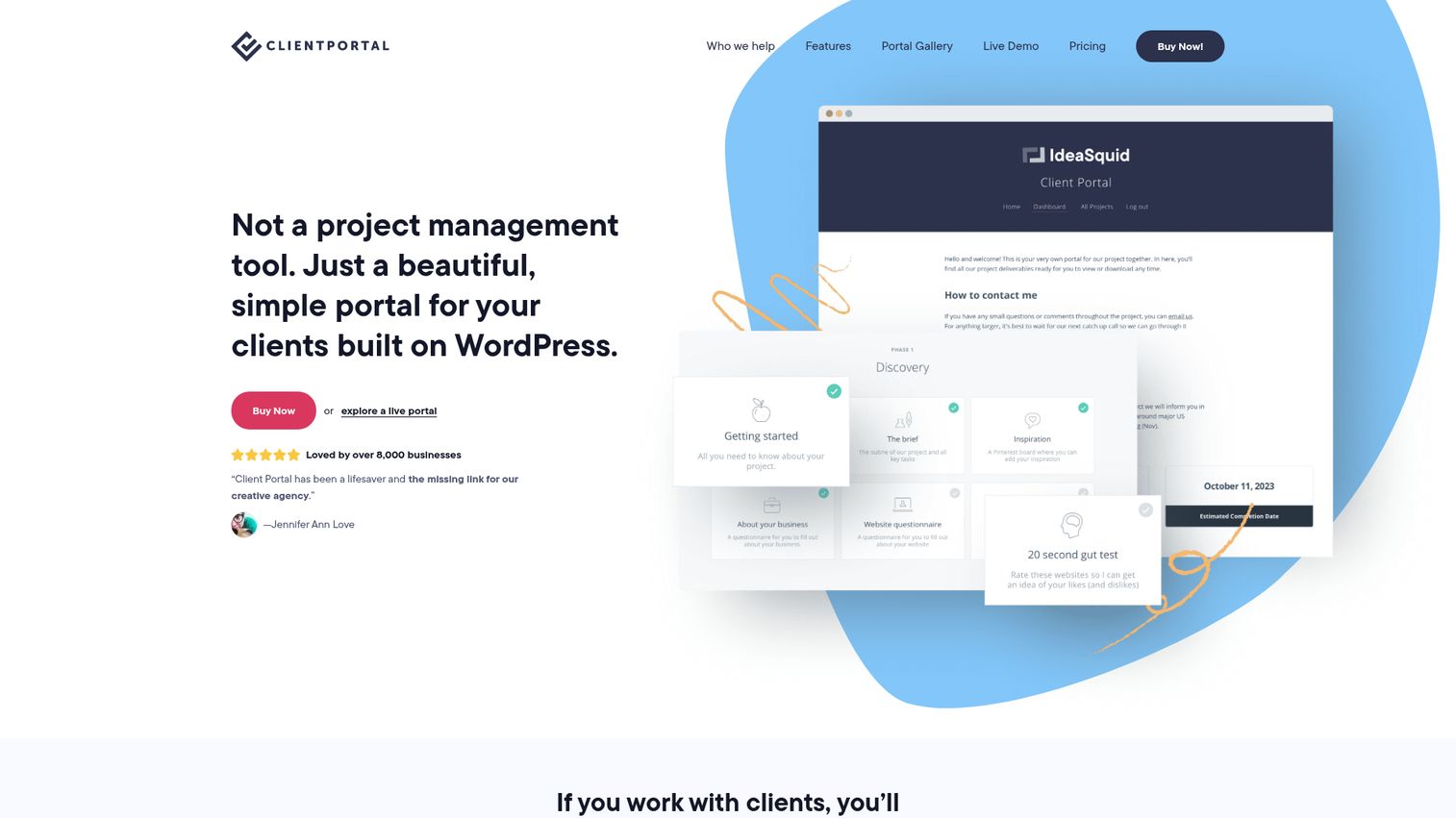
Client Portal is a lightweight WordPress plugin for giving clients a centralized portal for project files and deliverables. It is the dominant WordPress client portal option and the answer for teams that already run their site, marketing, and content on WordPress and want the portal to live there too.
Best for: WordPress-based freelancers, agencies, and client-service businesses that want a simple portal living on infrastructure they already control.
Key strengths
- Custom branding: Portal styled to match your WordPress site, including theme and domain.
- Private file uploads: Clients upload directly into their own portal area.
- Client self-registration: Clients can sign themselves up rather than waiting on a manual invite.
Why choose Client Portal: Client Portal is the right call when you want full ownership of the data and infrastructure. Hosting is yours, the database is yours, the customizations are yours. For agencies and consultants who already maintain a WordPress site, the operational overhead is near zero.
Client Portal pricing: Client Portal's pricing page shows a Single site license at $25/month and a Multi site license at $49/month, both with monthly renewal. The page also references annual and lifetime license options, but specific annual or lifetime prices were not visible at write time. Verify on the live pricing page before purchase.
10. Softr
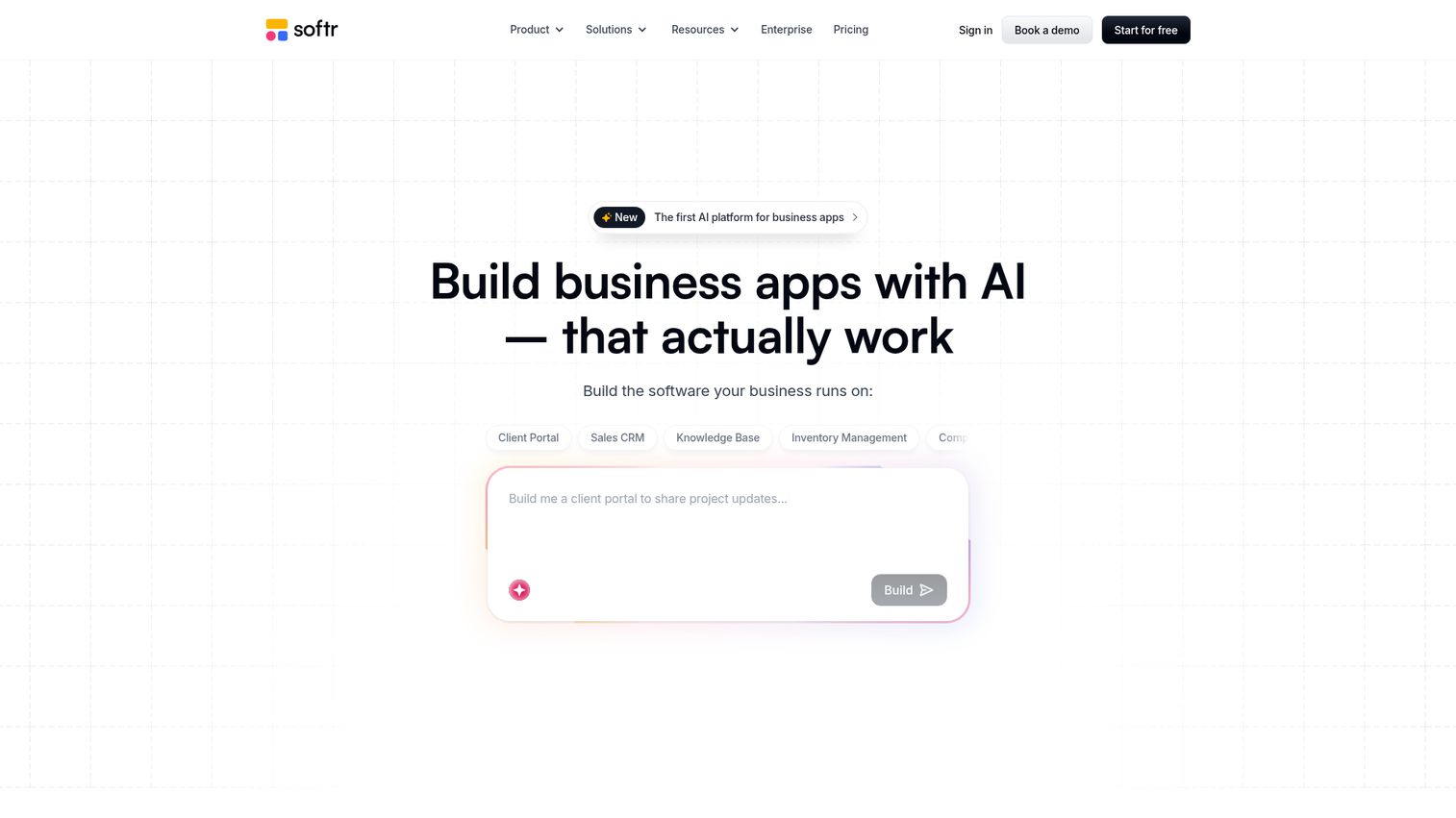
Softr is an AI platform for building business software, including apps, databases, workflow automation, and forms, without code. It is the strongest option in the category for teams that want a custom client portal built on top of Airtable or Google Sheets without hiring engineers.
Best for: Teams that want to build internal tools, client portals, and other business apps without code, often on top of an existing Airtable or Sheets data layer.
Key strengths
- AI app builder: Generate working portal screens from prompts and existing data sources.
- Built-in databases: Use Softr's data layer or connect Airtable, Google Sheets, and other sources.
- Workflow automation: Automate notifications, status updates, and client-facing actions without code.
Why choose Softr: Softr is the answer when no off-the-shelf portal fits and you don't want to commit engineering cycles. Operations leads at SaaS companies use it to ship custom portals in days that would otherwise sit in the product backlog for a quarter.
Softr pricing: Softr's pricing page lists Free at $0/month, Basic at $49/month, Professional at $139/month, and Business at $269/month, all billed yearly. Enterprise is custom-priced on contact sales. Monthly billing exists as an option on the toggle, but the verified numeric figures captured at write time are the annual amounts.
Considerations: what to evaluate before buying
Security and compliance
The portal sees your clients' files, contracts, and conversations. SOC 2 Type II, GDPR posture, SSO support, role-based access, and audit logs are baseline requirements for any secure client portal software shortlist. If you sell into regulated industries, ask for the documentation before the demo, not after.
Integration with your existing stack
The portal should reduce tools, not add to them. Check integrations with your CRM (HubSpot, Salesforce), billing (Stripe, QuickBooks), file storage (Drive, Dropbox), and Slack. A portal that doesn't sync engagement signal back into the CRM is a silo waiting to happen.
Branding and white-label depth
Custom domain, full color and logo control, and removed vendor branding separate a real client portal solution from a generic SaaS landing surface. For agencies and any SaaS team where the portal is part of the client experience, white-label depth is worth paying for.
Total cost of ownership
Per-seat pricing scales fast. Watch tier gating on essential features like SSO, white-label, and SOC 2 documentation. Model the cost at 50 clients, not five. A tool that looks cheap at the Starter tier often forces a jump to Enterprise the moment you cross a real threshold.
Time-to-first-value
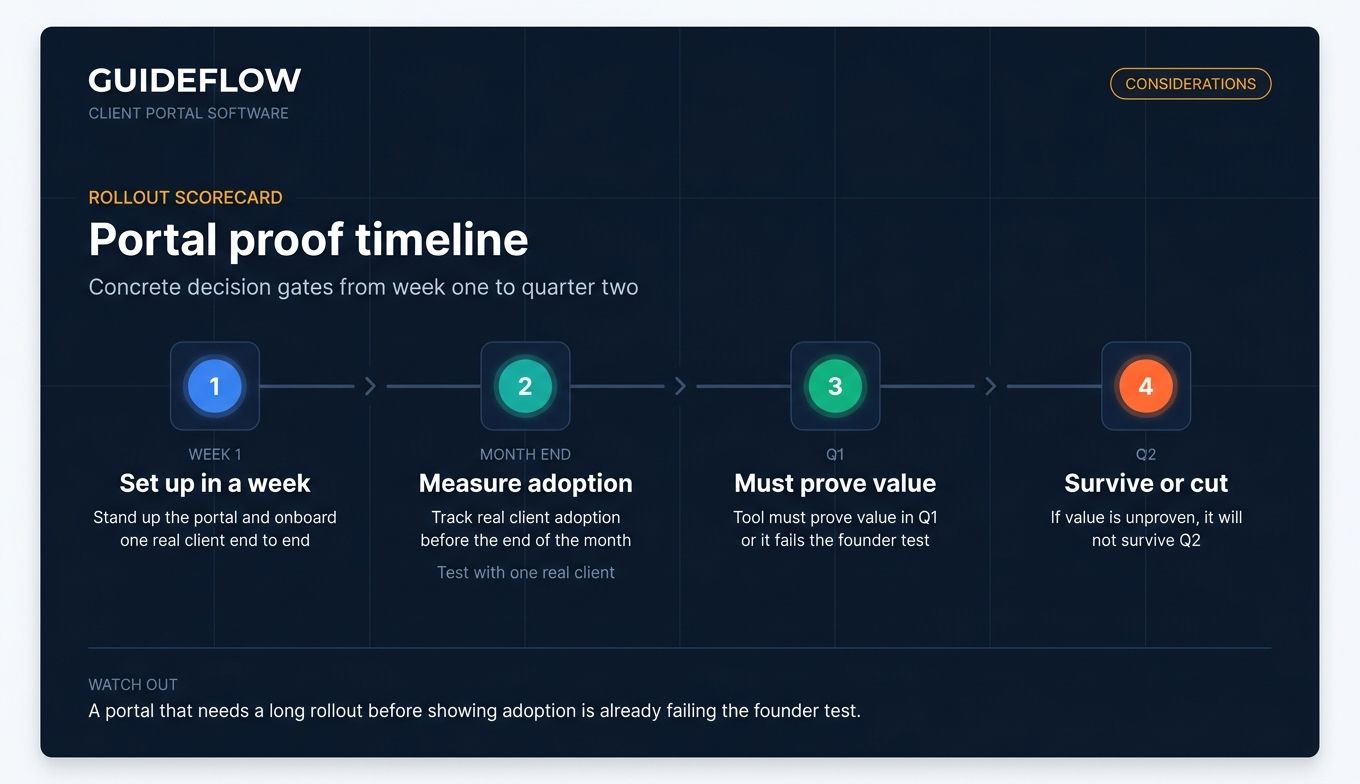
Ask the practical question: can your team set this up in a week, with one real client, and measure adoption before the end of the month? Founders should treat every new tool as a hypothesis. If the portal cannot prove its value in Q1, it will not survive Q2.
How to choose the right client portal for your team
If you're an early-stage SaaS team replacing email and Drive, start with Dock. The free plan covers the validation phase, the digital sales room doubles as a deal tool, and the CS team can stand up onboarding portals without engineering. SuperOkay is a reasonable alternative if your work looks more like client delivery than account management.
If you're a mid-market SaaS company with security and compliance pressure, shortlist Clinked and Onehub. Both have the security posture and white-label depth that survives a buyer's security review. Clinked leans modern client collaboration. Onehub leans secure file workflows and data rooms, which matters when your buyers are accounting, legal, or finance leads.
If you're an agency or productized service business, Copilot and Hubflo are the two to test in parallel. Copilot wins when payments and embedded apps matter most. Hubflo wins when you want CRM, proposals, contracts, billing, and the portal in one subscription. SuperOkay is the third option when brand polish and embedded tooling outweigh the back-office consolidation.
If you want full ownership and one-time-style pricing, Client Portal on WordPress is the cleanest answer. If you want full customization without engineering, Softr is the no-code custom client portal that ships fastest.
The order of operations matters: pick two finalists, run a two-week test with one real client per tool, and measure first-week activation. The portal that gets used wins. The one that requires another meeting to explain loses.
Conclusion
The three tools worth starting with depend on the shape of your business. Dock is the best overall pick for SaaS teams consolidating onboarding and CS. Copilot is the strongest fit for productized services and managed offerings. Clinked is the safest pick when security and white-label depth dominate the decision.
The next step is not a longer shortlist. It is a shorter one. Pick two tools from this list. Set them up this week with one real client each. Measure how many touches it takes the client to find what they need on day one. The winner is the portal that removes you from the routing, not the one with the longest feature list.
Pick one, set it up this week, and stop chasing files.
FAQs about cilent portal software tools
Client portal software is a secure, branded online workspace where businesses share files, project status, communication, and resources with clients in one place. It replaces scattered email, Slack, and Drive folders with a single source of truth that both sides can access. The category overlaps with customer portal software and client management portal tools but always centers on the client-facing experience.
A CRM tracks the client relationship internally for your sales and success teams. A client portal delivers the actual work and communication to the client. They sit next to each other in the stack: the CRM is where your team sees the account, and the portal is where the client sees their account. Most modern client portals integrate with HubSpot or Salesforce so engagement signal flows back into the CRM.
At minimum, look for SOC 2 Type II compliance, SSO support, role-based access controls, audit logs, encrypted file storage, and two-factor authentication. For regulated industries, add GDPR documentation, data residency options, and a virtual data room mode for sensitive transactions. Clinked and Onehub are two examples that publish their security posture clearly and are commonly cited as secure client portal software.
Pricing varies widely by category. Free tiers exist on Moxo, Dock, SuperOkay, FuseBase, and Softr. WordPress-based Client Portal uses a license model starting at $25/month per single site. Mid-market portals typically run from roughly $50 to $300 per month for team plans or $12 to $20 per user per month on per-seat models. Enterprise plans on tools like Clinked, Onehub, and Moxo are custom-priced, often starting in the low thousands per month.
For small businesses, the best client portal software for small business use cases is usually Dock (free plan plus simple paid tiers) or SuperOkay (low-cost Solo and Solo+ tiers built for service businesses). Hubflo is the upgrade path when you want CRM, proposals, billing, and the portal in one product. All three avoid the per-seat pricing trap that hurts small teams.
Yes. Softr is the strongest no-code option for a custom client portal, with an AI app builder that generates working screens from prompts and connects to Airtable or Google Sheets. FuseBase offers Notion-style building blocks for content-heavy portals. SuperOkay's reusable blocks system also enables meaningful customization without code. All three let an operations lead ship a working portal in days.
Client Portal at client-portal.io is the dominant WordPress client portal option. It installs as a plugin, runs on your existing WordPress infrastructure, and uses a per-site license model rather than per-seat pricing. For teams already maintaining a WordPress site, it is the lowest-overhead way to add a branded portal without adopting a new SaaS subscription.
The strongest client portals for marketing agencies are SuperOkay, Hubflo, and Copilot. SuperOkay leads on branded delivery and embedded apps like Notion, Loom, and Figma. Hubflo wins when you want one tool covering CRM, proposals, contracts, billing, and the portal. Copilot is the pick when payments and a polished SaaS-style client experience matter most. Test two in parallel with a real client and let activation decide.