Pick the wrong application server and you feel it for years. The runtime that looked fine in a proof of concept starts leaking memory under load. Clustering that "just works" in the docs needs a week of tuning before failover behaves. Security review flags a version nobody on the team can patch without breaking three integrations. None of this shows up in a feature matrix.
For presales teams and technical evaluators, the stakes are sharper. You are often the person explaining backend architecture to a prospect's engineers, or defending a platform choice in an architecture review. A runtime that merely runs is not the same as a runtime that scales, fails over cleanly, and stays observable in production. The gap between those two things is where deals stall and migrations blow their budgets.
The market keeps expanding, which means more options and more noise. The global application server market is projected to grow from USD 33.99 billion in 2026 to USD 99.57 billion by 2034, a 14.38% CAGR, according to Fortune Business Insights (2024). That growth is spread across Java, .NET, PHP, and polyglot runtimes, each with its own operational profile. If your day involves technical validation, you already know how much time gets lost when the runtime layer is the thing under debate. The same discipline that helps presales teams evaluate an interactive demo or an application performance monitoring tool applies here: match the tool to the job, then verify it against real constraints before you commit.
What's inside
This guide covers seven real application server software options for teams evaluating Java, .NET, PHP, and hybrid deployment needs. We chose them on runtime fit, scalability features like clustering and failover, deployment flexibility across on-premises and cloud, operational maturity, and enterprise readiness. This is a buyer's guide, not a glossary. Each entry explains where the app server fits by stack family and deployment model, so you can pattern-match to your own architecture instead of wading through generic definitions. Pricing and ratings shift, so treat every figure as a starting point and verify on the vendor site before you build a business case.
TL;DR
- Enterprise Java at scale: IBM WebSphere Application Server suits transaction-heavy, mission-critical Java estates that need deep governance and hybrid deployment.
- Java or Jakarta EE with high availability: Oracle WebLogic Server fits enterprise teams standardizing on Java EE with clustering, failover, and Kubernetes support, especially in Oracle-heavy environments.
- Lightweight Java web apps: Apache Tomcat is the go-to open-source servlet container when you want a lean runtime rather than a full enterprise suite.
- CFML and rapid delivery: Adobe ColdFusion works best for teams maintaining or building web apps in a familiar CFML environment.
- Modern, polyglot deployment: NGINX Unit fits teams that want a configurable, multi-language runtime with a runtime control API.
What is application server software?
Application server software is middleware that runs your business logic and connects clients or web servers to backend systems like databases, message queues, and external APIs. Where a web server hands back files, an application server executes code, manages state, and orchestrates the work that turns a request into a meaningful response.
A typical request lifecycle runs like this: a client or web server forwards a dynamic request, the application server routes it to the right component, that component runs business logic, pulls or writes data, applies security rules, and returns a formatted response. The app server manages the machinery around that flow so your application code does not have to.
Core capabilities most application servers provide:
- Business logic execution: runs the code that implements your application's rules and workflows.
- Session management: tracks user state across requests so multi-step flows work reliably.
- Data access: pools and manages connections to databases and other data sources.
- Security: handles authentication, authorization, and often encryption in transit.
- Load balancing: distributes requests across instances to keep response times steady.
- Clustering: groups server instances so they act as one logical unit.
- Failover: reroutes traffic when an instance goes down, protecting uptime.
Web server vs application server
The web server vs application server distinction confuses a lot of buyers, so it is worth being precise. A web server serves static content and forwards dynamic requests. An application server runs the dynamic logic behind those requests. In the application server vs web server framing, the app server is where sessions, transactions, and integrations live.
The boundary is increasingly hybrid. Many modern platforms bundle web serving and application serving in one process, and several tools on this list, including NGINX Unit, blur the line by handling static files, TLS, request routing, and application code together. The practical takeaway: know which layer a product actually owns before you slot it into your architecture.
When to use application server software
Not every app needs a dedicated application server. These are the situations where one earns its place.
Run complex business logic behind the web tier
When your application needs real session handling, middleware services, API orchestration, and controlled access to multiple data sources, a dedicated application server pays off. This is the classic fit for enterprise apps and internal platform teams: the logic is too complex for a bare web server, and you want a runtime that manages connections, transactions, and security in one place. Presales teams selling into these environments should expect questions about transaction integrity and data access patterns, which is exactly what this category is built to answer.
Standardize deployments across Java, .NET, or PHP stacks
Teams running many applications often want a consistent runtime layer instead of ad hoc hosting per app. A standard Java application server, a .NET application server, or a PHP application server gives operations a predictable deployment target, uniform monitoring, and shared security policy. Before recommending a platform, know the runtime family the prospect is committed to. A Jakarta EE shop and a CFML shop have very different shortlists, and matching the runtime early avoids a painful reset later in the deal.
Improve scalability, fault tolerance, and monitoring
When clustering, failover, central management, and workload observability matter more than raw simplicity, a mature application server is the right call. Think of a payments platform that cannot drop sessions, or an internal system where a single node failure would halt a department. These scenarios reward built-in load balancing, health monitoring, and horizontal scaling. This is also where a strong application performance monitoring practice pairs naturally with the app server, giving you the telemetry to prove the platform holds up under load.
Comparison table
Pricing models and ratings for application servers change often, especially for enterprise licensing, so verify every figure on the vendor site and current review pages before you build a business case.
| # | Product | Intent | Key use case | Pricing | G2 rating |
|---|---|---|---|---|---|
| 1 | IBM WebSphere Application Server | Enterprise Java runtime | Mission-critical, transaction-heavy Java apps | Standard subscription starting at USD 759.00 | 4.1/5 |
| 2 | Oracle WebLogic Server | Java/Jakarta EE with HA | Enterprise apps needing clustering and failover | Enterprise Edition from $500 Named User Plus (perpetual) | 4.2/5 |
| 3 | Red Hat JBoss EAP | Supported enterprise Java | Hybrid and container-ready Java deployments | Standard from US$8,800/year | 4.1/5 |
| 4 | Apache Tomcat | Lightweight servlet container | Java web apps and servlets | Free, open source | 4.5/5 |
| 5 | Adobe ColdFusion | CFML application runtime | Rapid web app delivery on CFML | Standard from $760; Developer Edition free | 4.2/5 |
| 6 | Progress | OpenEdge app deployment | Modernizing OpenEdge business apps | Pricing via Progress | 4.0/5 |
| 7 | NGINX Unit | Polyglot modern runtime | Multi-language apps with runtime config | Free, open source | Not listed |
1. IBM WebSphere Application Server
IBM WebSphere Application Server is a secure, high-performance Java application server built to run and manage Java EE applications at scale. It runs workloads on-premises, in the cloud, and across hybrid infrastructures, which makes it a common anchor in large estates that cannot rip and replace their core systems. Enterprises reach for it when transaction integrity, governance, and long-term support matter more than lightweight footprint.
Best for: Large enterprises modernizing or running mission-critical Java applications.
Key strengths
- Secure, high-performance runtime: built for mission-critical workloads where uptime and data integrity are non-negotiable.
- Flexible deployment: runs on-premises, cloud, and hybrid infrastructures, so you can modernize incrementally.
- Enterprise reliability and modernization support: designed for the deployment, reliability, and modernization needs of large organizations.
Why choose IBM WebSphere: If your organization runs transaction-heavy Java workloads that a team has depended on for years, WebSphere gives you a runtime with the governance and support depth to match. It fits teams that value operational maturity and a clear modernization path over a minimal setup. For presales, it is the platform to know when a prospect's architecture review centers on stability and enterprise support.
IBM WebSphere pricing: IBM's WebSphere Hybrid Edition pricing page lists a Standard subscription starting at USD 759.00, with a note that prices are indicative and may vary by country. Pricing for the standalone application server is typically enterprise-oriented, so confirm current figures and licensing terms directly with IBM and cross-check reviewer-reported ranges before you quote anything internally. On G2, WebSphere holds a 4.1/5 rating.
2. Oracle WebLogic Server
Oracle WebLogic Server is Oracle's Java and Jakarta EE application server for building, deploying, and running enterprise applications on-premises and in the cloud. It brings high availability, clustering, and container support together with the management and diagnostic tooling large teams expect. WebLogic tends to appear on shortlists inside Oracle-heavy estates where tight integration with the surrounding stack carries real weight.
Best for: Enterprise teams standardizing on Java or Jakarta EE application servers with high availability and Kubernetes needs.
Key strengths
- Jakarta EE support: aligns with modern Java enterprise standards for portable applications.
- Kubernetes and container support: fits teams moving Java workloads toward containerized deployment.
- High availability and clustering: built-in clustering and failover keep critical apps online.
- Management and diagnostics: monitoring and diagnostic tooling to operate at scale.
Why choose Oracle WebLogic: WebLogic is a strong fit when you need enterprise-grade reliability and you already live in the Oracle ecosystem. The combination of Jakarta EE alignment, clustering, and container support suits teams standardizing a runtime layer across many applications. For presales conversations, it is the answer when a prospect asks how to run Java EE workloads with proven high availability.
Oracle WebLogic pricing: Oracle publishes perpetual license prices in its public price list. WebLogic Server Enterprise Edition starts at $500 per Named User Plus and $25,000 per Processor, while Standard Edition starts at $200 per Named User Plus. The Management Pack Enterprise Edition adds $12,000 per Processor. Licensing for this class of platform gets complex fast, so verify current terms with Oracle and confirm which editions and packs your scenario actually requires. WebLogic carries a 4.2/5 rating on G2.
3. Red Hat JBoss Enterprise Application Platform
Red Hat JBoss Enterprise Application Platform is an enterprise Java application platform for building and deploying Jakarta EE apps across environments. Its open-source lineage and cloud- and container-ready architecture make it a frequent pick for teams that want enterprise Java capabilities with broader platform flexibility. JBoss EAP shows up often in modernization conversations, where an organization wants supported, standards-based Java without locking into a single monolithic stack.
Best for: Organizations needing a supported, enterprise-grade Java application server for hybrid deployments.
Key strengths
- Jakarta EE application platform: a full enterprise Java runtime built on open standards.
- Cloud- and container-ready architecture: deploys cleanly across hybrid and containerized environments.
- Management and automation: capabilities that reduce the operational lift of running Java at scale.
Why choose JBoss EAP: JBoss EAP fits teams that want the flexibility of an open-source foundation with the assurance of Red Hat support. It is well suited to hybrid deployments and to organizations modernizing incrementally rather than in one big leap. In presales, it is the platform to raise when a prospect wants enterprise Java that plays well with containers and the wider Red Hat ecosystem.
JBoss EAP pricing: Red Hat's store lists two subscription options, Standard at US$8,800 per year and Premium at US$13,200 per year. Confirm current subscription terms and support levels on Red Hat's site, since enterprise agreements and volume terms can shift the effective cost. JBoss EAP holds a 4.1/5 rating on G2.
4. Apache Tomcat
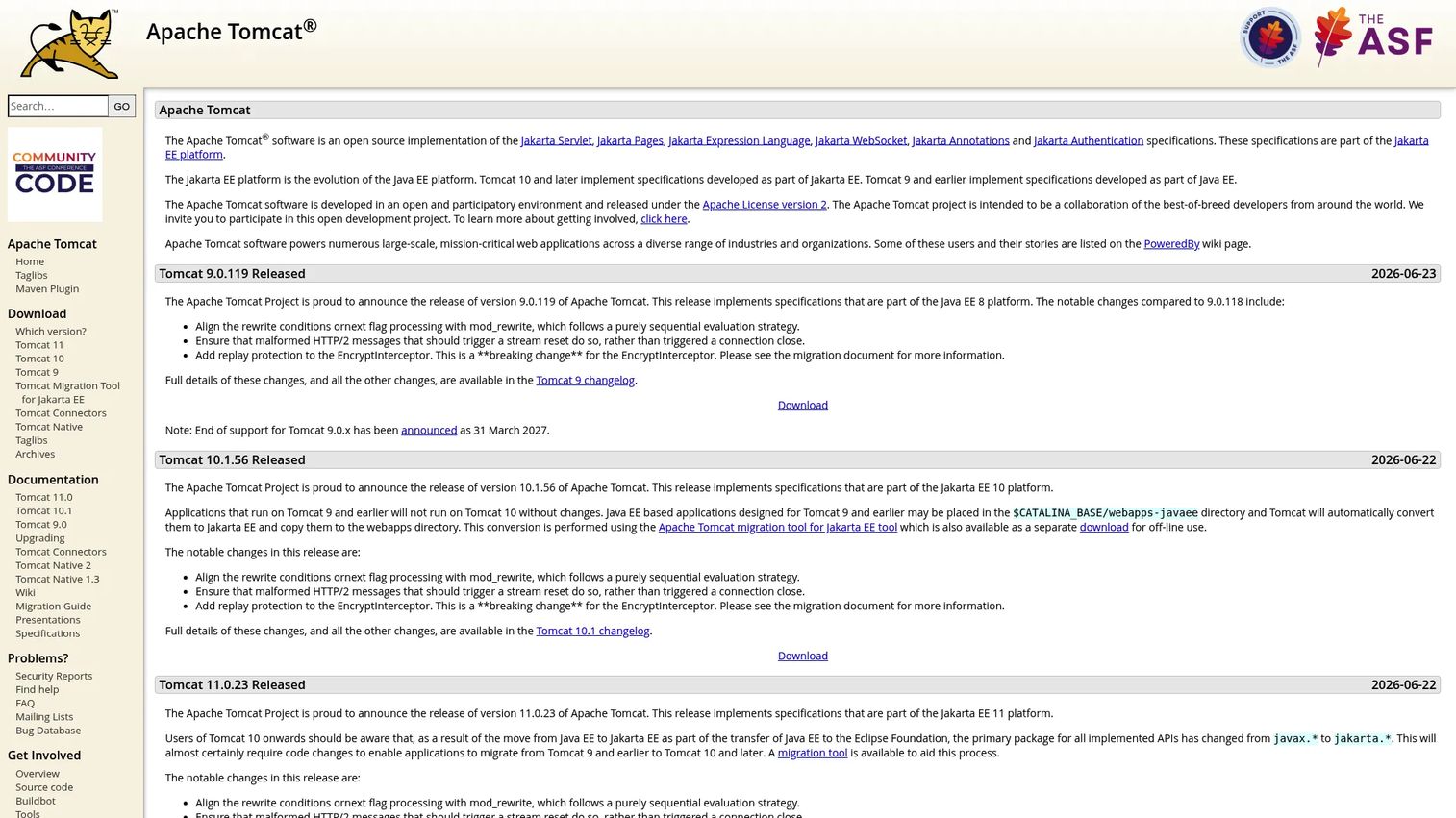
Apache Tomcat is an open-source implementation of key Jakarta EE web application specifications, including Jakarta Servlet, Jakarta Pages (JSP), and Jakarta WebSocket. It is a servlet container, not a full enterprise application server, and that is precisely why so many teams love it. When you need a lean runtime for Java web applications rather than a heavyweight suite, Tomcat is often the first tool reached for.
Best for: Teams needing a lightweight open-source servlet container for Java web apps.
Key strengths
- Jakarta Servlet implementation: runs standard Java servlets with broad community familiarity.
- Jakarta Pages (JSP) engine: renders dynamic JSP pages out of the box.
- Jakarta WebSocket support: handles real-time, bidirectional communication.
Why choose Apache Tomcat: Tomcat shines when your application needs servlets and JSP rather than the full Jakarta EE profile with distributed transactions and message-driven beans. It is free, widely understood, and fast to stand up, which makes it a natural default for web-tier Java workloads. Before assuming it covers your needs, verify that your application does not depend on full enterprise services that a heavier platform provides. When it fits, few things are simpler to operate.
Apache Tomcat pricing: Tomcat is free and open source, distributed through the official Apache download pages with no paid tiers. Because it is community-maintained, factor in your own operational and support model when you plan a production deployment. On G2, Tomcat holds a 4.5/5 rating, the highest on this list.
5. Adobe ColdFusion
Adobe ColdFusion is a rapid scripting environment and server platform for building dynamic web applications with CFML. It bundles a web application runtime with built-in search and charting capabilities, which is why teams already invested in CFML value it for fast delivery in a familiar environment. ColdFusion matters most for organizations maintaining existing apps or prioritizing speed over rebuilding on a new stack.
Best for: Teams building enterprise web apps on CFML who want Adobe-supported deployment and licensing.
Key strengths
- CFML-based development: build dynamic web applications quickly with a mature scripting language.
- Built-in search and charting: capabilities included in the platform rather than bolted on.
- Standard and Enterprise editions: subscription licensing that scales from smaller apps to larger deployments.
Why choose Adobe ColdFusion: ColdFusion is the pragmatic choice when you already run CFML workloads and want Adobe-supported deployment and licensing. It rewards teams that value rapid delivery and continuity over migrating to a different runtime family. For presales, it is worth knowing when a prospect has a substantial ColdFusion footprint and is weighing modernization against maintaining what already works.
Adobe ColdFusion pricing: Adobe lists 2025 release pricing in its US direct store at $760 for Standard and $2,930 for Enterprise, both on subscription. A complimentary Developer Edition is available for development use only. Confirm current editions and licensing terms with Adobe before you plan a deployment. ColdFusion holds a 4.2/5 rating in Adobe's own documentation, so cross-check third-party review sites for a fuller picture.
6. Progress Application Server for OpenEdge
Progress Application Server for OpenEdge is an Apache Tomcat-based application server for deploying and modernizing OpenEdge applications. It handles secure HTTP and HTTPS client requests and OpenEdge application deployment, and it comes in development and production variants. For organizations running business-critical OpenEdge workloads, it provides a standards-based path to modernize without replacing everything at once.
Best for: Organizations running OpenEdge apps that need a secure, standards-based server for deployment and modernization.
Key strengths
- Tomcat-based web and application server: a familiar, standards-based foundation for OpenEdge apps.
- Secure request handling: supports HTTP and HTTPS client requests and ABL application deployment.
- Development and production variants: separate builds matched to where you are in the lifecycle.
Why choose Progress Application Server for OpenEdge: This is the natural fit when your business logic already lives in the Progress OpenEdge ecosystem and you want to modernize deployment without a full rewrite. Its Tomcat foundation gives you a recognizable operational model while keeping continuity with existing OpenEdge applications. In presales, it is the platform to surface when a prospect's core systems depend on OpenEdge and migration risk is the central concern.
Progress Application Server for OpenEdge pricing: Progress does not publish a public price for this product, so pricing is arranged directly with Progress. Request a quote and confirm which variant and support level fits your deployment. Reviewer sentiment for the broader OpenEdge platform sits around 4.0/5, so review current listings for detail specific to your use case.
7. NGINX Unit
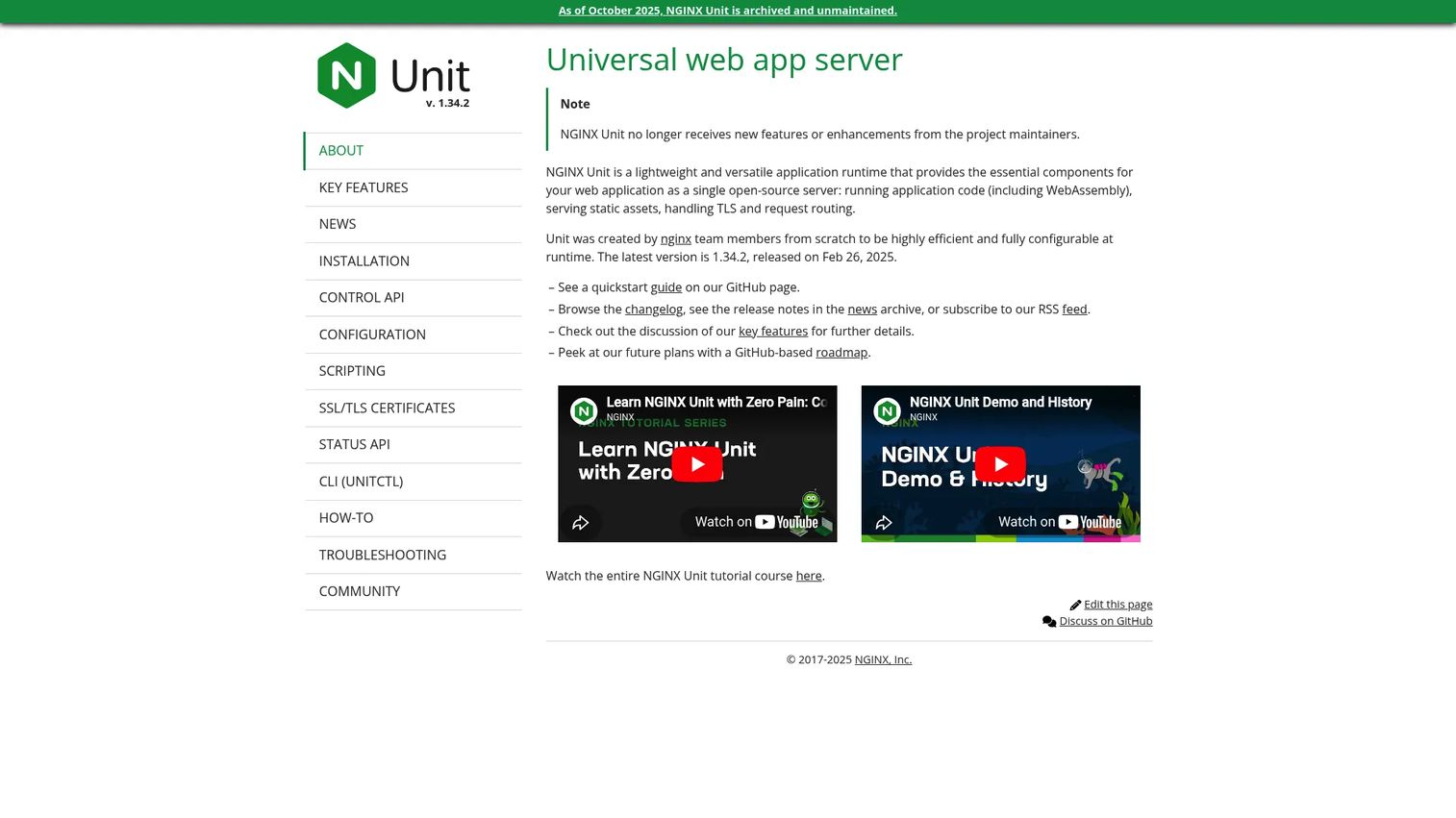
NGINX Unit is an open-source, runtime-configurable universal application server for running application code, serving static assets, handling TLS, and routing requests. It supports multiple languages and WebAssembly, and exposes a dynamic RESTful JSON control API that lets you update configuration with zero-interruption reloads. This is a more modern, configurable choice than the classic enterprise application servers, aimed at teams that want fine-grained control over polyglot applications.
Best for: Teams that want a lightweight, open-source application server with runtime configuration and multi-language support.
Key strengths
- Runtime config via control API: update configuration through a JSON API with no service interruption.
- Polyglot and WebAssembly support: run application code across multiple languages, including WebAssembly.
- Built-in static serving, TLS, and routing: handle static files, encryption, and request routing in one process.
Why choose NGINX Unit: NGINX Unit fits modern, polyglot architectures where you want one lightweight runtime to serve static assets, terminate TLS, route requests, and run app code across languages. It differs from classic enterprise application servers by leaning on dynamic configuration rather than heavy administration consoles. Evaluate it carefully for stack fit and check its current maintenance status against your production support requirements before committing.
NGINX Unit pricing: NGINX Unit is open source with no public paid tiers listed on the official site. As with any community-maintained runtime, plan your own support and operational model for production. A current third-party rating was not available at review time, so weigh its fit through hands-on evaluation and your own testing.
How to choose the right application server
The shortlist above splits cleanly by runtime family and deployment style, which is the fastest way to narrow your options.
For enterprise Java, IBM WebSphere, Oracle WebLogic, and Red Hat JBoss EAP form the core tier, each strong on clustering, failover, and governance, with different ecosystem alignments. For lightweight Java web work, Apache Tomcat is the lean servlet container of choice. For CFML teams, Adobe ColdFusion keeps delivery fast in a familiar environment. For OpenEdge estates, Progress Application Server for OpenEdge modernizes deployment without a rewrite. And for modern polyglot architectures, NGINX Unit offers runtime-configurable, multi-language serving.
The right choice depends on your Java, .NET, PHP, or hybrid requirements, plus operational needs like clustering, monitoring, and central management. Whatever you shortlist, validate it against your real architecture, security review, and deployment constraints before you commit. Stand up a test workload, run it under representative load, and confirm the runtime behaves the way the docs promise. That last step is where most bad decisions get caught in time.
FAQs
Application server software is middleware that runs your application's business logic and connects clients or web servers to backend systems like databases and APIs. It executes code, manages sessions and transactions, applies security, and returns dynamic responses, doing the work a plain web server cannot.
A web server serves static content and forwards dynamic requests, while an application server runs the dynamic business logic behind those requests. In short, the web server hands back files, and the application server executes code, manages sessions, and orchestrates backend integrations. Many modern platforms blur this line by handling both roles in one process.
For enterprise Java, teams most often shortlist IBM WebSphere, Oracle WebLogic, or Red Hat JBoss EAP, since all three offer Jakarta EE support, clustering, failover, and enterprise governance. For lighter Java web applications built on servlets and JSP, Apache Tomcat is a common choice. The right pick depends on whether you need the full enterprise profile or a lean servlet container.
Apache Tomcat is a servlet container that implements key Jakarta EE web specifications like Jakarta Servlet, JSP, and WebSocket, rather than a full Jakarta EE application server. It comes up constantly in the application server conversation because it covers the web tier for many Java apps. If your application needs full enterprise services like distributed transactions, a heavier platform may fit better.
Check security capabilities like authentication and encryption, scalability features such as clustering and load balancing, and monitoring and observability support. Confirm the deployment model matches the prospect's environment, on-premises, cloud, or hybrid, and verify stack compatibility with their runtime family, whether that is Java, .NET, or PHP. Aligning these early keeps technical validation moving and avoids a reset later in the deal.
Yes. Most enterprise application servers, including IBM WebSphere, Oracle WebLogic, and Red Hat JBoss EAP, provide built-in clustering and failover. These matter in production because clustering distributes load across instances while failover reroutes traffic when a node goes down, protecting uptime and session continuity for critical workloads.
It depends on the ecosystem you already run. For OpenEdge applications, Progress Application Server for OpenEdge modernizes deployment without a full rewrite, and for CFML workloads, Adobe ColdFusion keeps existing apps supported while you evolve them. For enterprise Java estates, Red Hat JBoss EAP is often shortlisted because its container-ready architecture supports incremental modernization with lower migration risk than a rip-and-replace approach.