You have more services than you can track by hand. Web apps, internal tools, APIs, background workers, each with its own port, its own TLS certificate, and its own idea of how routing should work. Every new deployment adds another entry point to protect and another config file someone has to remember. That sprawl is the real problem reverse proxy software solves.
A reverse proxy server sits between clients and your origin servers. Requests hit the proxy first, then get routed, load balanced, cached, authenticated, and terminated for TLS before they ever touch your application. The reverse proxy definition is simple in practice: one controlled front door instead of a dozen exposed ones. That single layer is where you enforce security, distribute traffic, and standardize how the outside world reaches your stack.
The category is growing because more teams are hitting this exact wall. The global proxy server market was valued at USD 4.29 billion in 2023 and is projected to reach USD 7.59 billion by 2032, according to Zion Market Research (2025). Cloud-native architectures, zero trust security, and container orchestration have pushed reverse proxies from optional to load-bearing infrastructure.
Choosing one is less about finding the "best" tool and more about matching capabilities to your reality: load balancing needs, SSL and TLS termination, traffic routing rules, caching, authentication, authorization, and how well it fits your deployment model. This guide walks through eight strong options and, more importantly, when each one is the right call. If you also evaluate front-end and growth tooling, our roundups of ab testing tools and ai content creation tools cover adjacent parts of the stack.
What's inside
This guide covers eight reverse proxy software options chosen for real-world fit, not download counts. We evaluated each one across five criteria that actually matter when you run this in production: raw performance, security and access control, cloud-native and container compatibility, configuration complexity, and observability. The list mixes general-purpose proxies that do everything with specialized tools built for one job exceptionally well. This is written for people choosing software for a real stack, not just learning what a reverse proxy is. Every entry includes where it shines and where a different tool might serve you better.
TL;DR
- Fastest cloud-native and container fit: Traefik auto-discovers services in Docker and Kubernetes with minimal config.
- Highest raw traffic performance and load balancing precision: HAProxy for teams that need throughput and control.
- Simplest setup with automatic HTTPS: Caddy for smaller stacks and teams that want fewer moving parts.
- Most versatile all-rounder: NGINX for web serving, API routing, and reverse proxying in one battle-tested package.
- Service mesh and microservices: Envoy when you need advanced routing, observability, and service-to-service control.
- Caching-first acceleration: Varnish Cache for high-traffic content delivery where caching is the main objective.
If you want the deeper reasoning behind each pick, keep reading. For adjacent infrastructure decisions, our guides on ai governance tools and agentic ai platforms are worth a look.
Background: what reverse proxy software does
A reverse proxy is a server that sits in front of one or more origin servers and forwards client requests to them, returning the response as if it came from the proxy itself. The request flow is straightforward: a client sends a request, the reverse proxy receives it, applies rules, and routes it to the correct backend. The client never talks to your origin servers directly.
Core functions of reverse proxy software include:
- Load balancing: distributing incoming traffic across multiple backend servers to prevent overload and improve reliability.
- SSL/TLS termination: decrypting HTTPS traffic at the proxy so backends can handle plain requests, offloading crypto work.
- Caching: storing responses to serve repeat requests fast without hitting the origin.
- Routing: directing requests to the right service based on path, host, header, or method.
- Authentication and authorization: verifying who a user is and what they can access before requests reach the app.
- Compression and request filtering: shrinking responses and blocking malformed or malicious requests.
Reverse proxy vs forward proxy: A forward proxy sits in front of clients and represents them to the internet, often for privacy or content filtering. A reverse proxy sits in front of servers and represents them to clients. One protects the user, the other protects and fronts the infrastructure.
Most modern tools here operate as a Layer 7 reverse proxy, meaning they understand HTTP and can route based on application data like URLs and headers. Some also work at Layer 4 (TCP/UDP), routing raw connections without inspecting content. Layer 7 gives you smarter routing; Layer 4 gives you speed and protocol flexibility.
When to use reverse proxy software
Protect and expose internal apps
Reverse proxies let you put a single controlled layer in front of internal services that would otherwise sit exposed. You handle TLS termination once, enforce access control in one place, and route traffic to the right backend without publishing each service directly. In multi-app environments where you need to expose some services publicly while keeping others locked down, this is the cleanest pattern. Authentication and authorization live at the proxy, so backends stay simple.
Scale traffic without changing application code
When traffic grows or spikes seasonally, load balancing across multiple backend instances keeps things responsive. A reverse proxy distributes requests without any application-level changes, so you scale horizontally by adding servers behind the proxy. Caching helps here too: repeat requests get served from the proxy instead of hammering your origin. This is how you handle growth and reliability without rewriting the app.
Simplify container and cloud deployments
Docker, Kubernetes, and AWS teams often standardize on a reverse proxy because it maps cleanly to service discovery and ingress. In Kubernetes, an ingress controller is a reverse proxy that routes external traffic to internal services. As containers spin up and down, a container-aware proxy updates its routing automatically. That gives you deployment consistency across environments and removes manual config churn every time a service moves.
Comparison table
We ranked these tools by relevance to general reverse proxy use, weighing performance, security, container fit, and how much operational effort each demands. Pricing reflects open-source availability plus commercial tiers where they exist. G2 ratings are pulled from current listings.
| # | Product | Intent | Key differentiation | Pricing | G2 rating |
|---|---|---|---|---|---|
| 1 | NGINX | General-purpose proxy + web server | High performance across web serving, routing, and caching | Free (OSS); NGINX Plus from $2,500/yr | 4.6/5 |
| 2 | HAProxy | High-throughput load balancing | Precision load balancing for HTTP, TCP, UDP, QUIC | Free (Community); Enterprise custom | 4.7/5 |
| 3 | Traefik | Cloud-native ingress | Auto service discovery and dynamic config | Free (OSS); paid tiers quote-based | 4.6/5 |
| 4 | Caddy | Simple setup + auto HTTPS | Automatic HTTPS by default | Free / open source | 4.9/5 |
| 5 | Envoy | Service mesh data plane | Out-of-process proxy for microservices | Free / open source | 5.0/5 |
| 6 | Apache HTTP Server | Flexible general-purpose server | mod_proxy plus 100+ modules | Free / open source | 4.3/5 |
| 7 | Varnish Cache | Caching-first acceleration | In-memory HTTP caching via VCL | Free / open source | 4.7/5 |
| 8 | Squid | Web caching proxy | Mature caching for HTTP/HTTPS/FTP | Free / open source | 4.1/5 |
1. NGINX
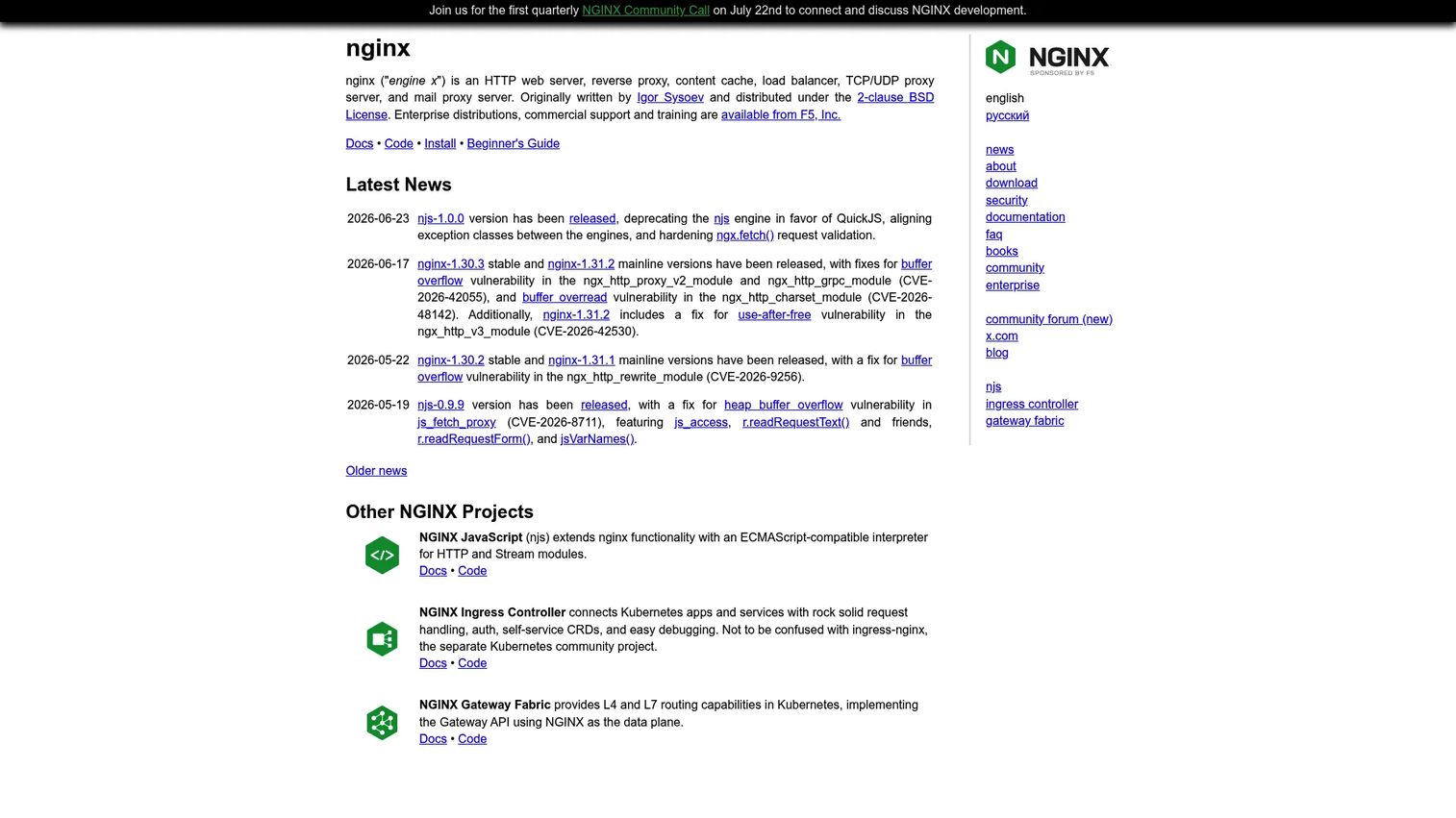
NGINX is the default many teams reach for when they need a reverse proxy, and for good reason. It started as a high-performance web server built to handle massive concurrency, and that same event-driven core makes it a fast, reliable reverse proxy. It serves static content, terminates TLS, load balances across backends, and caches responses, all in one package that runs almost anywhere. If you asked ten engineers to name a reverse proxy, most would say NGINX first.
Its strength is versatility without sacrificing performance. NGINX handles web apps, API gateways, and containerized services with the same config model. It proxies HTTP, and it also does TCP and UDP proxying for non-HTTP workloads. The ecosystem is enormous, so almost any problem you hit has a documented answer.
Best for: teams needing a high-performance web server and traffic proxy stack in a single, widely supported tool.
Key strengths
- High-performance core: event-driven architecture handles heavy concurrent traffic efficiently.
- Reverse proxy and load balancing: distributes traffic across backends with multiple balancing algorithms.
- TCP/UDP proxying: proxies non-HTTP protocols alongside standard web traffic.
Why choose NGINX: It is the safest general-purpose choice. If you want one tool that covers web serving, routing, caching, and load balancing with a config syntax most engineers already know, NGINX fits. Teams wanting fully automatic service discovery in containers may prefer a container-native option, but for broad coverage NGINX is hard to beat.
NGINX pricing: NGINX open source is free. For commercial support and advanced features, F5 NGINX Plus is listed starting around $2,500 per year for a single instance, with NGINX WAF around $2,000 per year, per G2. Most teams start with the open-source build and move to Plus only when they need commercial backing.
2. HAProxy

HAProxy is the tool infrastructure teams choose when load balancing is the main event and precision matters. It is a high-performance application delivery platform built for throughput, stability, and fine-grained control over how traffic flows. If you are running heavy traffic and want detailed control over health checks, balancing algorithms, and connection handling, HAProxy gives you levers that most tools do not expose.
It load balances and reverse proxies across HTTP, TCP, UDP, and QUIC, so it fits both web and lower-level protocols. It also handles Kubernetes app routing and service discovery, and its enterprise tier layers on WAF, bot management, and DDoS protection. Observability is strong, with detailed stats and logging that help you debug traffic issues quickly.
Best for: teams needing a fast, highly configurable load balancer and application delivery platform.
Key strengths
- Multi-protocol load balancing: balances HTTP, TCP, UDP, and QUIC with high throughput.
- Kubernetes routing: app routing and service discovery for container environments.
- Enterprise security: WAF, bot management, and DDoS protection in the Enterprise tier.
Why choose HAProxy: Pick HAProxy when raw performance and control over traffic are your priorities. It rewards teams that care about tuning and stability under load. The configuration is powerful, and teams that value precise routing behavior tend to stick with it for years.
HAProxy pricing: HAProxy Community is free and open source. HAProxy Enterprise pricing is customized and requires contacting sales, so there is no public entry price. Most teams run Community until they need enterprise security features or vendor support.
3. Traefik
Traefik is built for the cloud-native world. Where older proxies expect you to write and reload static config, Traefik watches your infrastructure and configures itself. It reads labels from Docker, discovers services in Kubernetes, and updates routing dynamically as containers appear and disappear. For teams standardizing on containers, that automatic discovery removes a whole category of manual work.
It supports HTTP/2, HTTP/3, TCP, UDP, gRPC, and WebSockets, with built-in certificate management via Let's Encrypt and middleware for load balancing, rate limiting, and auth. As an ingress controller, it slots naturally into Kubernetes. There is a clear upgrade path from the open-source proxy to enterprise API gateway and management capabilities if you grow into needing them.
Best for: teams needing a cloud-native reverse proxy and ingress controller with room to grow into API gateway features.
Key strengths
- Service discovery routing: dynamic, automatic configuration based on running services.
- Broad protocol support: HTTP/2, HTTP/3, TCP, UDP, gRPC, and WebSockets.
- Built-in certificate management: automatic TLS with middleware for auth and rate limiting.
Why choose Traefik: If your world is Docker and Kubernetes, Traefik removes the friction of keeping proxy config in sync with a fast-moving container fleet. Teams that want deep, hand-tuned control over every routing detail sometimes reach for a lower-level proxy, but for container-native workflows Traefik is one of the smoothest options available.
Traefik pricing: The OSS Application Proxy tier is free. The paid API Gateway and API Management tiers are quote-based, so you contact Traefik Labs for pricing. Most teams start on the free proxy and evaluate paid tiers only when API management enters the picture.
4. Caddy
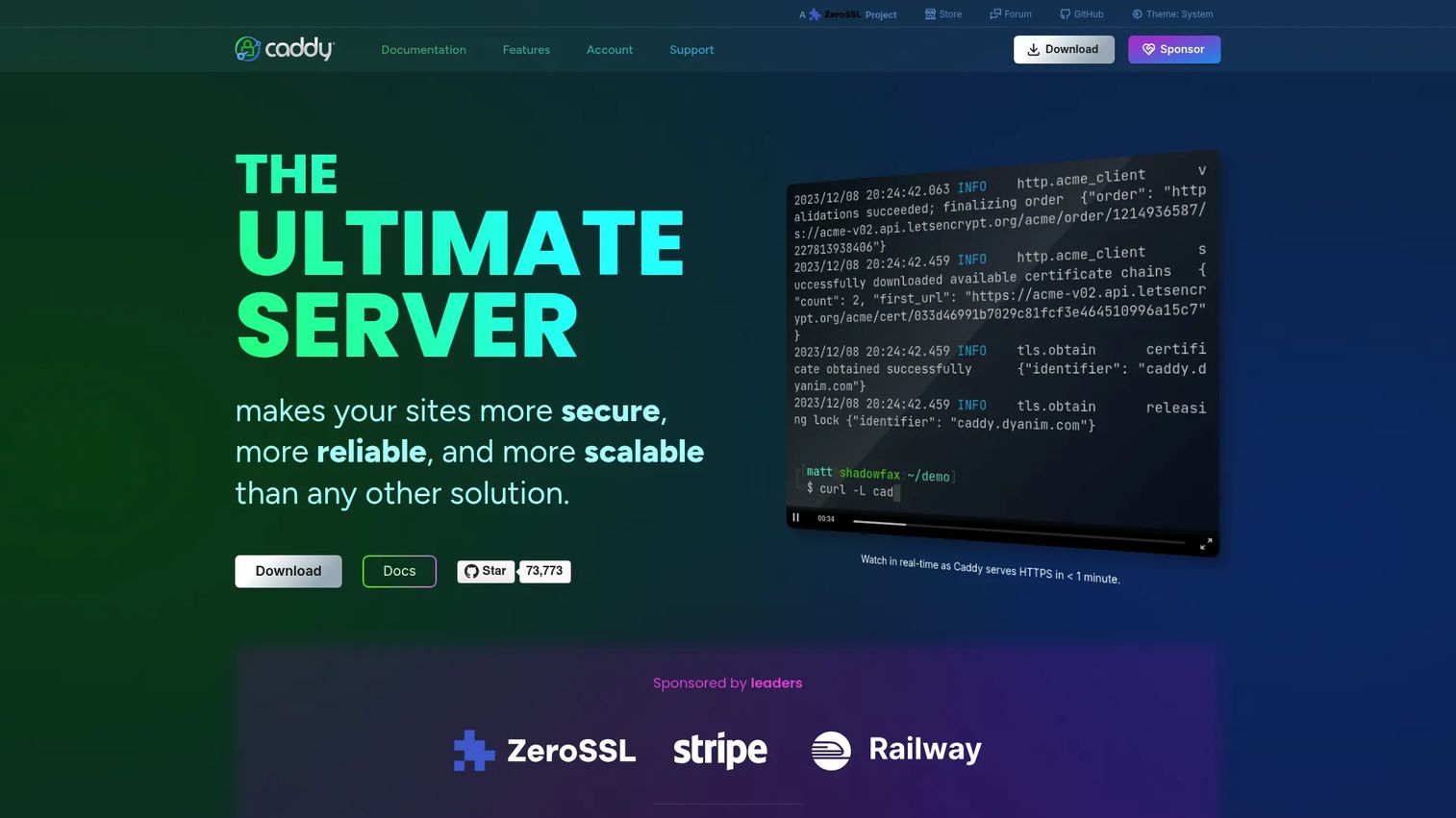
Caddy wins fans by doing the annoying parts for you. Its headline feature is automatic HTTPS: point Caddy at a domain and it provisions, installs, and renews TLS certificates without you touching a thing. The config file, called a Caddyfile, is short and readable, which makes standing up a reverse proxy a few lines of work instead of a config marathon.
It supports HTTP/1.1, HTTP/2, and HTTP/3, serves static files, handles FastCGI, and reverse proxies cleanly. The modular architecture means you can extend it, but most teams never need to. For smaller web stacks, side projects, and teams that want fewer moving parts, Caddy is a genuine pleasure to run.
Best for: teams needing an automated HTTPS web server and reverse proxy with minimal configuration.
Key strengths
- Automatic HTTPS: certificates provisioned and renewed by default, no manual setup.
- Modern protocol support: HTTP/1.1, HTTP/2, and HTTP/3 out of the box.
- Reverse proxy and file serving: clean proxying plus static file and FastCGI support.
Why choose Caddy: Choose Caddy when you value simplicity and want HTTPS handled automatically. It is ideal for smaller deployments and teams that would rather not manage certificate renewals or wade through dense config. Larger infrastructure teams with complex traffic-shaping needs may want a heavier tool, but for quick, clean setups Caddy is excellent.
Caddy pricing: Caddy is free and open source, supported by sponsorships. There is no paid software tier on the official site, so cost is not a factor in adopting it.
5. Envoy
Envoy is the proxy for modern distributed systems. Originally built at Lyft and now a Linux Foundation project, it is designed as an out-of-process proxy that runs alongside every service, forming the data plane of service meshes. When your architecture is microservices talking to microservices, Envoy handles the service-to-service traffic with advanced routing, load balancing, and deep observability.
It has first-class HTTP/2 and gRPC support, which matters for internal service communication. Its observability is a standout: detailed metrics, tracing, and logging give you visibility into traffic that is otherwise hard to see in a distributed system. Envoy is a building block for platforms like service meshes rather than a drop-in web proxy, so it is typically chosen for architectural sophistication.
Best for: teams needing a cloud-native service proxy or service mesh data plane.
Key strengths
- Out-of-process architecture: runs as a sidecar alongside services for consistent traffic control.
- HTTP/2 and gRPC support: built for modern service-to-service communication.
- Advanced observability: rich metrics, tracing, and load balancing for distributed systems.
Why choose Envoy: Reach for Envoy when you are building or running microservices at scale and need fine control over service-to-service traffic plus deep observability. It powers many Kubernetes service meshes. Teams that just need a front door for a handful of services often find a simpler proxy fits faster, but for complex distributed systems Envoy is purpose-built.
Envoy pricing: Envoy is an open-source project and free to use. There is no commercial pricing tier from the project itself; commercial value comes through the service mesh platforms built on top of it.
6. Apache HTTP Server
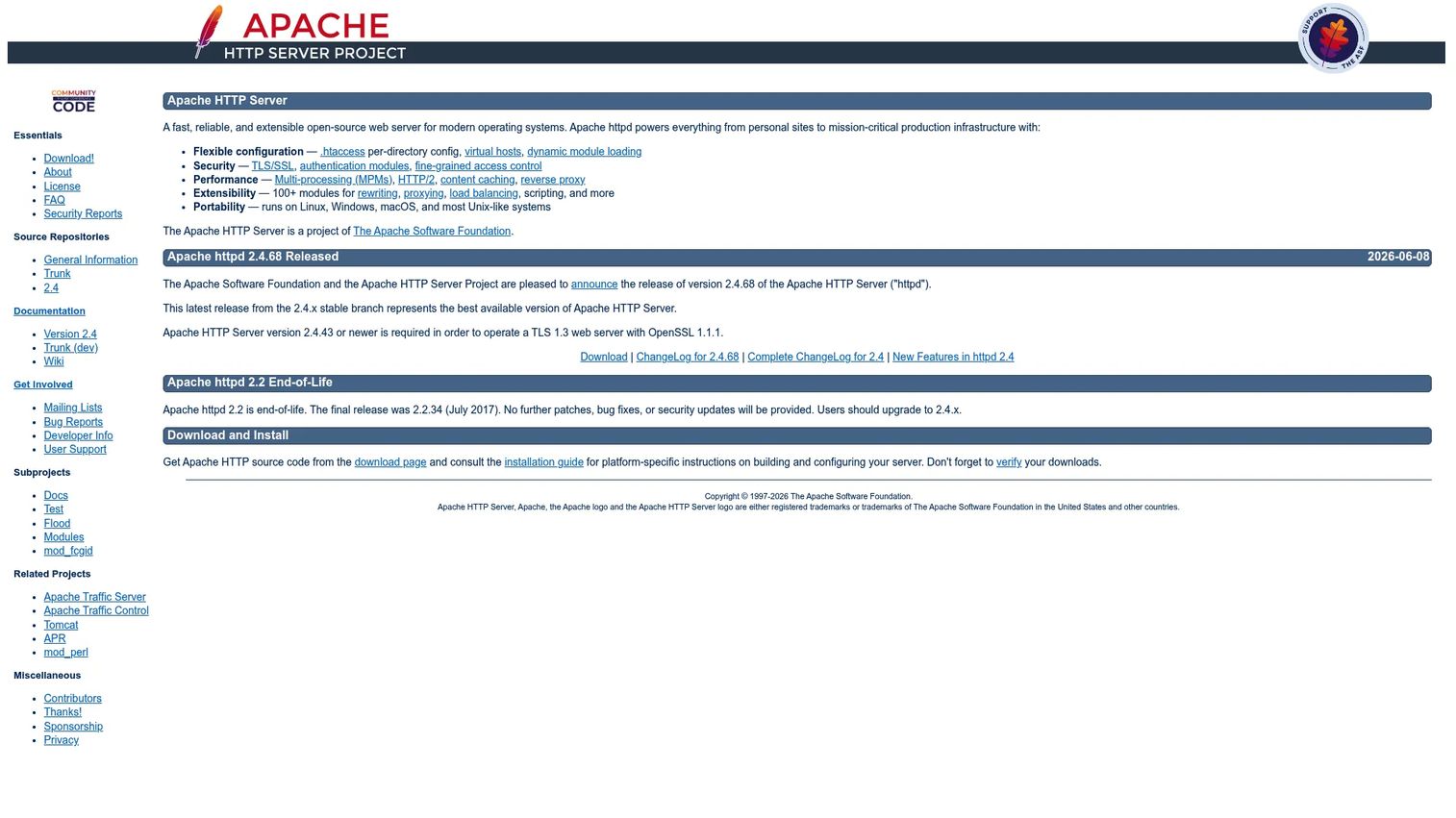
Apache HTTP Server has been serving the web for decades, and its mod_proxy module makes it a capable reverse proxy on top of everything else it does. If your organization already runs Apache, adding reverse proxy capability with existing knowledge and config patterns is often the path of least resistance. It is mature, flexible, and extraordinarily well documented.
Its flexibility comes from configuration options like .htaccess, virtual hosts, and dynamic module loading, plus a library of over 100 modules covering TLS/SSL, authentication, caching, HTTP/2, and reverse proxying. For teams standardized on Apache, this means one familiar server handles web serving and proxying together, without introducing a new tool into the stack.
Best for: teams needing a mature, configurable, open-source web server with reverse proxy capability.
Key strengths
- Flexible configuration:
.htaccess, virtual hosts, and dynamic module loading. - Security modules: TLS/SSL and authentication modules built in.
- Extensibility: MPMs, HTTP/2, caching, reverse proxy, and 100+ modules.
Why choose Apache HTTP Server: Choose Apache when it already fits your infrastructure and team skills. It is often selected because it integrates with what you have, not because it is the newest option. Teams building greenfield container platforms usually pick a lighter, container-native proxy, but Apache remains a solid, well-understood choice for established stacks.
Apache HTTP Server pricing: Apache HTTP Server is free and open source under The Apache Software Foundation. There is no paid tier, so adoption cost is limited to your own operational time.
7. Varnish Cache
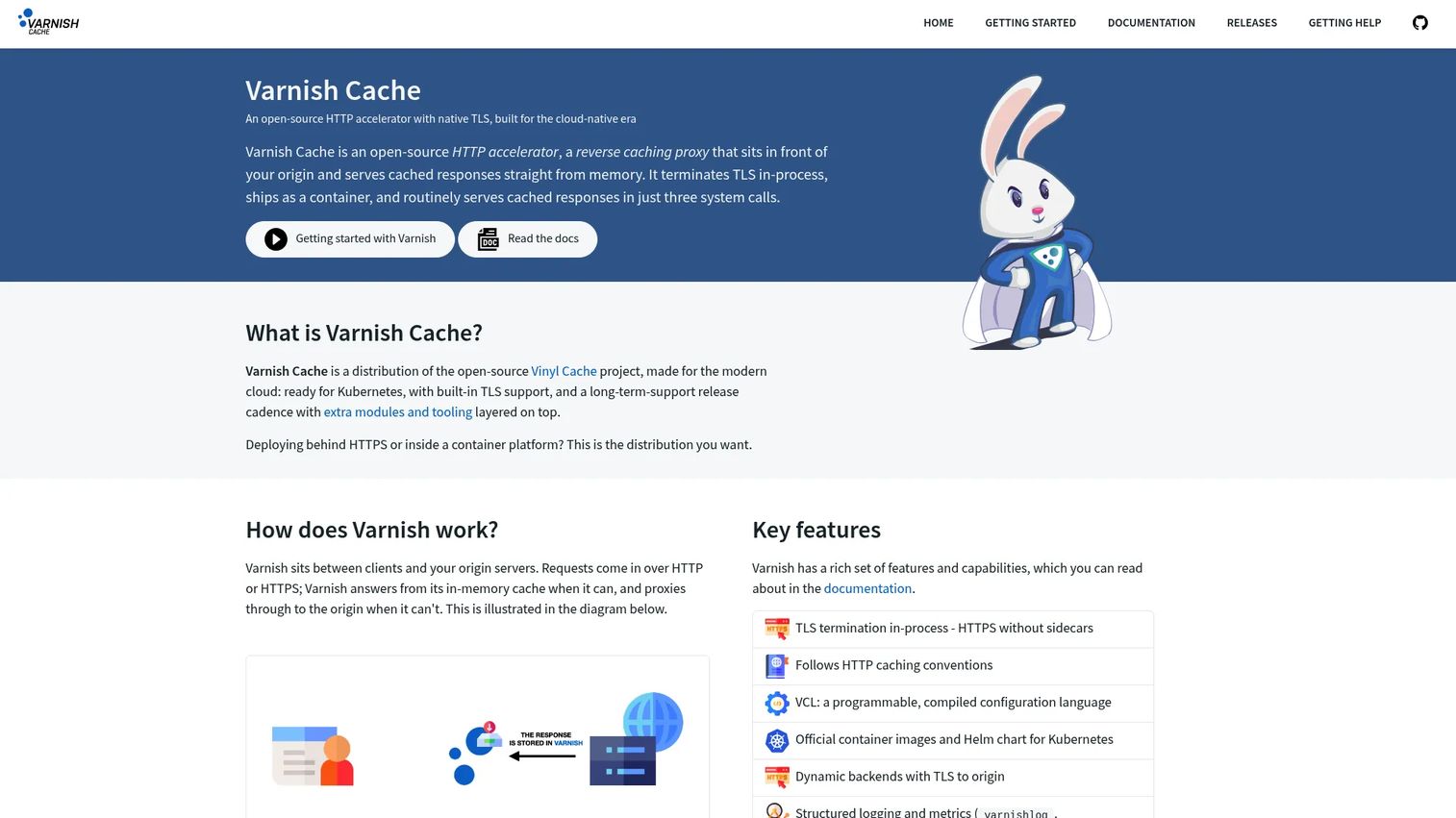
Varnish Cache is a reverse proxy with a single-minded focus: caching. It is an HTTP accelerator built to sit in front of your origin and serve cached content at extreme speed. For high-traffic sites where most requests could be served from cache, Varnish can cut origin load dramatically and speed up response times for users.
Its power comes from VCL, the Varnish Configuration Language, which lets you write precise caching logic: what to cache, for how long, how to vary by request, and when to bypass the cache. It handles TLS termination in-process and provides structured logging and metrics so you can see cache hit rates and tune accordingly. This is the tool you pick when acceleration and caching are the primary objective.
Best for: high-traffic websites needing fast in-memory HTTP caching and reverse proxying.
Key strengths
- In-memory HTTP caching: serves cached content at high speed to offload the origin.
- VCL programmability: fine-grained control over caching logic via a purpose-built language.
- Structured logging and metrics: detailed visibility into cache behavior.
Why choose Varnish Cache: Choose Varnish when caching is a major goal and you want programmable control over exactly how content is cached. It excels at content delivery and acceleration for busy sites. Teams that need general-purpose routing and load balancing usually pair Varnish with another proxy rather than using it alone, since caching is where it truly shines.
Varnish Cache pricing: Varnish Cache is free and open source. There is no public paid tier on the official site, so you can adopt it without licensing cost.
8. Squid
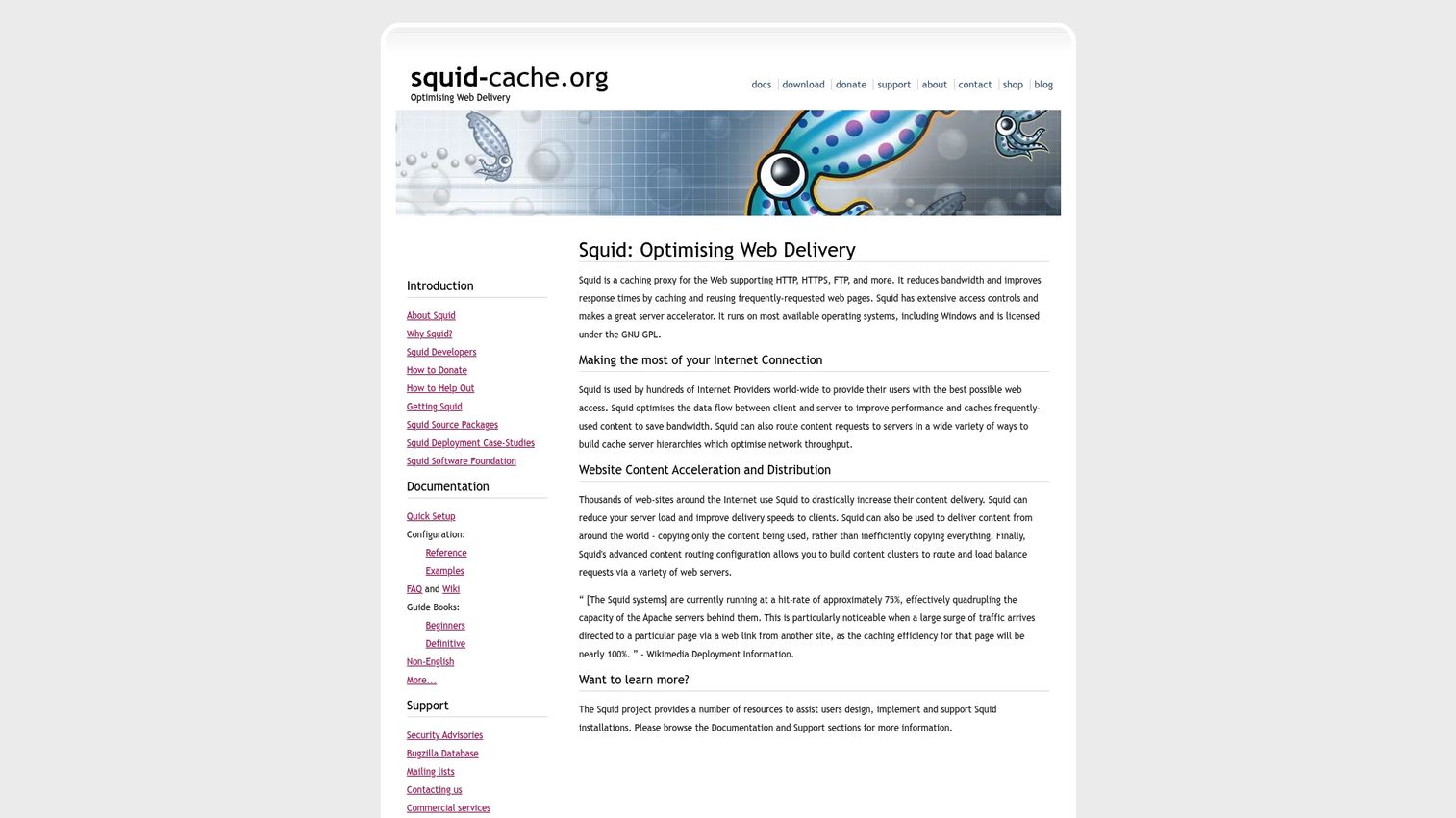
Squid is a veteran caching proxy with deep roots in web caching and content acceleration. While it is best known as a forward proxy, it can also work as a reverse proxy, often called an HTTP accelerator in Squid terms, sitting in front of origin servers to cache and serve content. It supports HTTP, HTTPS, and FTP, with mature access controls and detailed request logging.
Squid is highly configurable and has been battle-tested across enterprise networks for a long time. Organizations that already run Squid for caching or filtering sometimes extend it into reverse proxy duty rather than adding a separate tool. Its access control lists are granular, and its logging is thorough, which helps in environments where traffic auditing matters.
Best for: organizations needing a configurable caching proxy for web traffic optimization.
Key strengths
- Web caching and acceleration: caches content to speed delivery and reduce origin load.
- Multi-protocol proxying: supports HTTP, HTTPS, and FTP traffic.
- Access controls and logging: granular ACLs and detailed request logging.
Why choose Squid: Squid fits organizations that already use it or that need robust caching and access control for web traffic. It performs best in caching-heavy and filtering scenarios. For modern container-first deployments most teams reach for a container-native proxy first, but Squid remains a capable option where its caching heritage aligns with the need.
Squid pricing: Squid is free and open source. There is no public paid tier, so it carries no licensing cost.
Considerations
Match the tool to the deployment model
The "best" reverse proxy depends heavily on where it runs. In Docker and Kubernetes, a container-native tool like Traefik or Envoy fits naturally because it discovers services automatically. On bare metal or traditional VMs, NGINX or HAProxy give you stable, well-understood behavior. On AWS, you weigh managed load balancers against a self-run proxy for more control. A tool that shines in one environment can create friction in another, so evaluate against your actual deployment target, not a benchmark.
Verify security and access-control needs
Check that the tool handles what you need: SSL/TLS termination, authentication, authorization, and correct header handling. If you are moving toward zero trust or identity-aware access, confirm the proxy can integrate with your identity provider. Some proxies build auth and rate limiting in as middleware; others expect you to layer it on. Security requirements often narrow the field faster than raw performance does.
Watch the operational burden
A tool that looks powerful on paper can get expensive to run. Assess configuration complexity, quality of debugging and monitoring, and documentation depth before committing. Ask how hard it is to trace a bad request, roll back a config change, or onboard a new engineer. Strong observability and clear docs save more time over a year than a small performance edge.
Check performance under your traffic profile
Benchmarks rarely match your workload. Consider your real traffic: concurrency, request spikes, caching opportunity, and latency sensitivity. A caching-first tool like Varnish transforms performance for read-heavy content but adds little for dynamic APIs. A precision load balancer like HAProxy pays off under sustained high throughput. Match the tool to how your app actually behaves.
Validate integrations and ecosystem fit
Confirm the proxy works with your service discovery, CI/CD pipeline, observability stack, and container orchestration. A tool that plugs into what you already run reduces glue code and maintenance. Existing team skills count too: a proxy your engineers already know ships faster and breaks less. For related tooling decisions, our guides on ai customer service software and affiliate marketing software show how ecosystem fit shapes the same buying calculus in other categories.
Conclusion
There is no single winner here, only the right fit for your situation. NGINX is the safe general-purpose default that covers web serving, routing, caching, and load balancing in one tool. HAProxy wins when raw throughput and precise load balancing control matter most. Traefik and Envoy are the cloud-native picks, with Traefik easing Docker and Kubernetes ingress and Envoy powering service meshes and microservices. Caddy gets you running fast with automatic HTTPS, while Varnish Cache and Squid lead when caching and acceleration are the primary objective.
Your choice comes down to three things: your deployment model, your traffic pattern, and your security requirements. A container-first team optimizes for automatic discovery; a high-traffic content site optimizes for caching; a load-heavy API optimizes for balancing precision.
The practical next step is simple. Shortlist two or three tools that match your stack, then run each against a realistic slice of your own traffic. Configuration feel, debugging experience, and observability tell you more in a week of hands-on testing than any comparison table can. Test, measure, and pick the one that fits how your team actually works.
FAQs
Reverse proxy software is a server that sits between clients and your origin servers, receiving incoming requests and forwarding them to the correct backend. It handles load balancing, SSL/TLS termination, caching, routing, and authentication in one controlled layer. Because it sits in front of your infrastructure, clients never connect to origin servers directly, which improves security, performance, and scalability.
A forward proxy sits in front of clients and represents them to the internet, often used for privacy, content filtering, or access control on the user side. A reverse proxy sits in front of servers and represents them to clients, handling routing, load balancing, and TLS on the infrastructure side. In short, a forward proxy protects and represents users, while a reverse proxy protects and fronts your servers.
Traefik and NGINX are the common starting points for Docker. Traefik reads container labels and configures routing automatically as containers start and stop, which suits teams that want automation and minimal manual config. NGINX is a strong choice when your team already knows it and you want a stable, well-documented proxy. The right pick depends on how much you value automatic discovery versus familiarity.
Traefik and Envoy are the most common considerations for Kubernetes. Traefik works well as an ingress controller with automatic service discovery, while Envoy is often the data plane behind service meshes for advanced service-to-service traffic control. Both matter because Kubernetes needs ingress and service discovery handled cleanly. Choose based on whether you need straightforward ingress or full service mesh capability.
Look for load balancing, SSL and TLS termination, flexible routing, caching, and authentication and authorization support. Beyond features, weigh observability, configuration complexity, and ease of maintenance, since those shape your day-to-day operational cost. Finally, confirm it fits your deployment model and integrates with your existing service discovery, CI/CD, and monitoring stack.
No. Smaller teams use reverse proxies too, often for security and simple deployment control. A tool like Caddy gives a solo developer automatic HTTPS and clean routing in a few lines of config. The value of a single controlled entry point in front of your services applies whether you run three services or three hundred.
It depends on your traffic. Caching helps most when you serve read-heavy or static content that many users request repeatedly, where a tool like Varnish Cache can dramatically cut origin load. For highly dynamic or personalized responses, caching offers less benefit and can add complexity. Evaluate your cache hit potential before making it a priority.
Match the tool to your team's maturity and operational tolerance. If you want fast setup and low maintenance, a simpler tool like Caddy or a container-native option like Traefik gets you running quickly. If you need fine-grained control over routing, balancing, and traffic behavior, HAProxy or Envoy reward the added configuration effort. Start with the simplest tool that meets your requirements, and move to more control only when a real need appears.