You own the content number, but the demand never slows. Blog posts, ad variants, nurture emails, social, video scripts, landing pages. The list grows every quarter. Your team size and budget do not. This is where ai content creation tools earn their place, by absorbing the repetitive drafting and editing work so people focus on strategy and judgment.
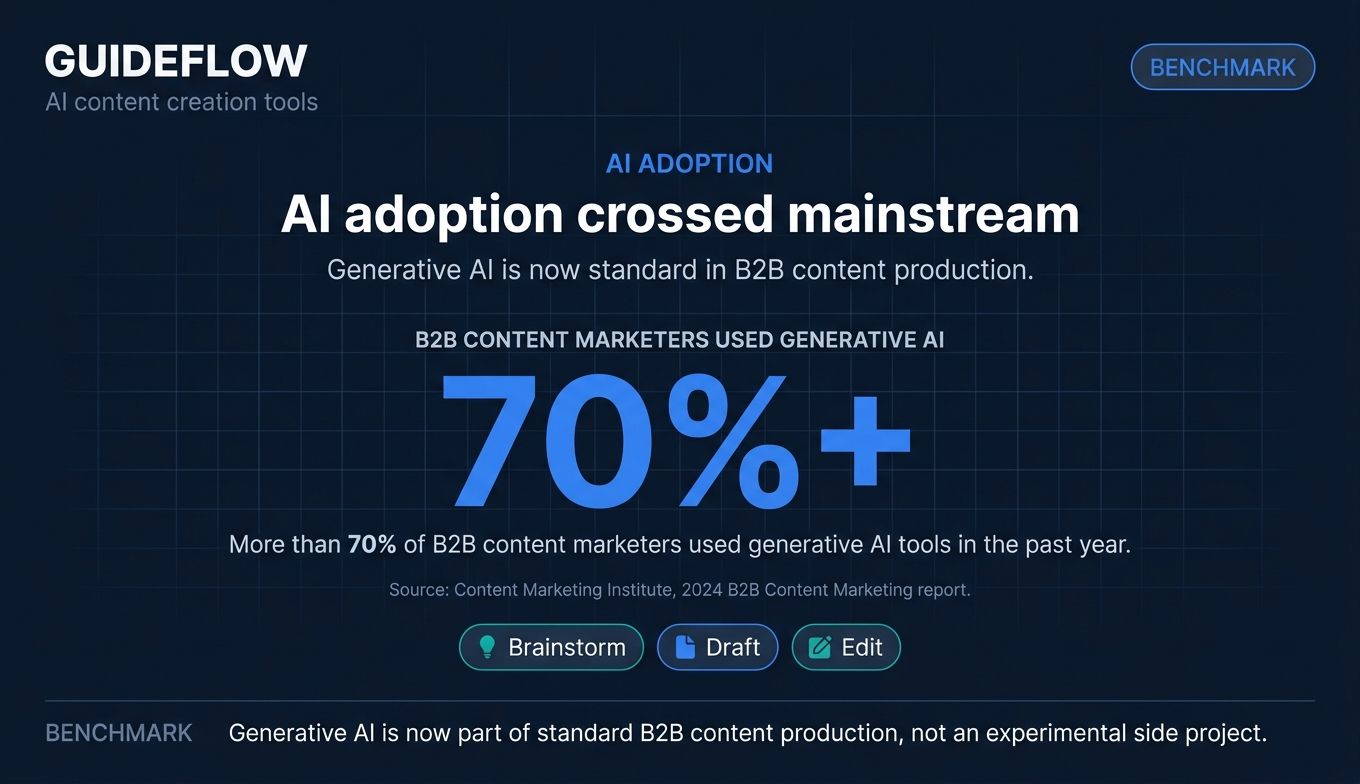
The data backs the shift. The Content Marketing Institute's 2024 B2B Content Marketing report found that more than 70% of B2B content marketers used generative AI tools in the past year, mostly to brainstorm, draft, and edit. AI content creation is no longer a side experiment. It is part of how content teams ship.
The harder question is not whether to use AI. It is which tools actually move output, quality, and scale, and which ones quietly duplicate spend you already carry. Most marketers are not shopping for more tabs. They are consolidating.
So the real test for any tool is simple. Does this replace something you already pay for? Or does it just add another seat fee and another login to manage?
This guide answers that. It covers ai for content creation across writing, SEO, image, video, audio, and workflow automation. Each pick is mapped to a specific job, not a generic "best tool" label. Because the right choice depends entirely on what you produce most and what your stack already covers. If you want a deeper dive into the broader category, our roundup of the best content creation software tools covers complementary picks worth a look.
What's inside
This guide is for growth and digital marketers, content strategists, and solo founders building or trimming their content stack. We organized the 15 picks by use case, not by hype, so you can match a tool to a specific job.
Every tool was assessed against four criteria:
- Output quality: Does it produce usable work, not just plausible filler?
- Use-case fit: Is it built for a real content job (writing, SEO, image, video, audio, automation)?
- Pricing and free tier: Is there a free plan or trial, and what does the entry tier cost?
- Stack integration: Does it fit a real marketing workflow and consolidate spend?
Pricing and G2 ratings were verified against live sources at the time of writing.
TL;DR
Short on time? Here are the fast picks by marketer sub-segment:
- Best all-around AI writer: ChatGPT, for drafting, ideation, and research across almost any format.
- Best free AI tools for content creation: ChatGPT, Rytr, and Microsoft Designer, all with usable free tiers.
- Best for marketing teams: Jasper, for on-brand long-form and campaign copy.
- Best for conversion-focused copy: Anyword, for predictive scoring tied to performance.
- Best for SEO content: Surfer SEO, for SERP analysis and content optimization.
- Best for video: Synthesia, for avatar-led and explainer video at scale.
- Best for voice and audio: Murf, for professional AI voiceovers.
- Best for workflow automation: Zapier, to chain content generation and distribution.
What are AI content creation tools?
AI content creation tools are software platforms that use generative AI to produce, edit, or optimize written, visual, audio, and video content. They sit across the content workflow, from the first idea to the final published asset.
The category is broad on purpose. AI content generation now spans far more than text. A single content team might use one tool to draft a blog post, another to optimize it for search, a third to design the social graphic, and a fourth to turn the post into a short video.
Here are the core capabilities these tools cover:
- Text generation: Drafting blog posts, ad copy, emails, scripts, and social captions.
- Image generation: Creating graphics, illustrations, and product visuals from text prompts.
- Video creation: Building avatar-led, text-to-video, or repurposed short-form video.
- Voice and audio: Generating narration, voiceovers, and multilingual audio.
- SEO optimization: Scoring content against search intent and competitor pages.
- Research: Summarizing sources, gathering data, and shaping outlines.
- Editing and proofreading: Fixing grammar, tone, and clarity at scale.
- Workflow automation: Connecting tools to trigger and distribute content automatically.
Generative AI for content creation works by predicting the most likely next word, pixel, or frame based on patterns in training data. That is why output quality depends heavily on the prompt, the brand context you feed it, and the human editing layer on top.
The practical takeaway: no single tool covers every format well. The strongest content stacks pair a versatile writing assistant with specialized tools for SEO, visuals, video, and automation. That is exactly how this list is organized.
How to choose an AI content creation tool
The right tool depends on what you make, what you already own, and how you measure impact. Use these three lenses to narrow the field fast.
Match the tool to the content format you produce most
Start with your highest-volume output. If you publish long-form blog content weekly, a strong writing and SEO tool matters more than a video generator. If your channel is short-form video, prioritize that. Buying a do-everything tool you barely use is how stacks bloat. Lead with your dominant format, then fill gaps.
Prioritize tools that integrate with your existing stack
A tool that lives outside your workflow gets abandoned. Check whether it connects to your CMS, CRM, marketing automation, and analytics. An ai powered content creation platform that pushes drafts straight into your editor or syncs engagement data back to your CRM removes manual handoffs. Integration depth is often the difference between adoption and an unused seat.
Weigh free tiers against the cost of tool sprawl
This is the consolidation question every marketer asks: does this replace something you already pay for? Before adding a tool, list what it makes redundant. A capable AI writing assistant might absorb your headline tool and your basic copy generator. Free tiers are great for testing, but the real cost is sprawl: seven logins, seven invoices, and no single source of truth. Buy to consolidate, not to collect.
Comparison table
The table below summarizes all 15 ai content generation tools by use case, entry pricing, and verified G2 rating. Pricing reflects entry tiers at the time of writing. Note where billing is annual versus monthly, and where a free tier exists. Use it as a quick shortlist before reading the detailed sections.
| # | Product | Intent | Key use case | Pricing | G2 rating |
|---|---|---|---|---|---|
| 1 | ChatGPT | Writing & copy | All-purpose drafting and ideation | Free tier; paid plans (Go, Plus, Business) | 4.6/5 |
| 2 | Jasper | Writing & copy | On-brand marketing and campaign copy | From $59/mo/seat (yearly) | 4.7/5 |
| 3 | Copy.ai | Writing & copy | Short-form sales and marketing copy | From $24/mo (yearly) | 4.4/5 |
| 4 | Writer | Writing & copy | Enterprise brand governance | Starter and Enterprise (custom) | 4.4/5 |
| 5 | Rytr | Writing & copy | Budget short-form drafting | Free; Unlimited $7.50/mo (yearly) | 4.7/5 |
| 6 | Anyword | Writing & copy | Conversion-focused copy | From $39/mo (yearly) | 4.8/5 |
| 7 | Surfer SEO | SEO | SEO content optimization | From $49/mo (yearly) | 4.8/5 |
| 8 | NEURONwriter | SEO | Affordable NLP-based SEO | From $23/mo | 4.4/5 |
| 9 | Canva | Image & design | On-brand visuals without a designer | Free; Pro $144/yr | 4.7/5 |
| 10 | Microsoft Designer | Image & design | Quick social graphics | Free with monthly credits | 4.6/5 |
| 11 | Synthesia | Video | Avatar and explainer video | Free; Starter $18/mo (yearly) | 4.6/5 |
| 12 | Pictory | Video | Repurposing content into video | From $25/mo (yearly) | 4.6/5 |
| 13 | Descript | Video | Text-based video and audio editing | Free; Hobbyist $16/person/mo | 4.6/5 |
| 14 | Murf | Voice & audio | Professional AI voiceovers | Free tier available | 4.7/5 |
| 15 | Zapier | Workflow automation | Automating content workflows | Free; Professional $19.99/mo (yearly) | 4.5/5 |
The 15 best AI content creation tools for 2026
Below, each tool gets its own section, grouped loosely by the job it does best. We start with writing and copy, the foundation of most content workflows, then move through SEO, image, video, audio, and automation.
Writing & copy
Writing is where most teams start with AI. These six tools cover everything from all-purpose drafting to enterprise brand governance and conversion-focused copy. For a marketer-focused breakdown, see our guide to the best AI writing tools for marketers.
1. ChatGPT
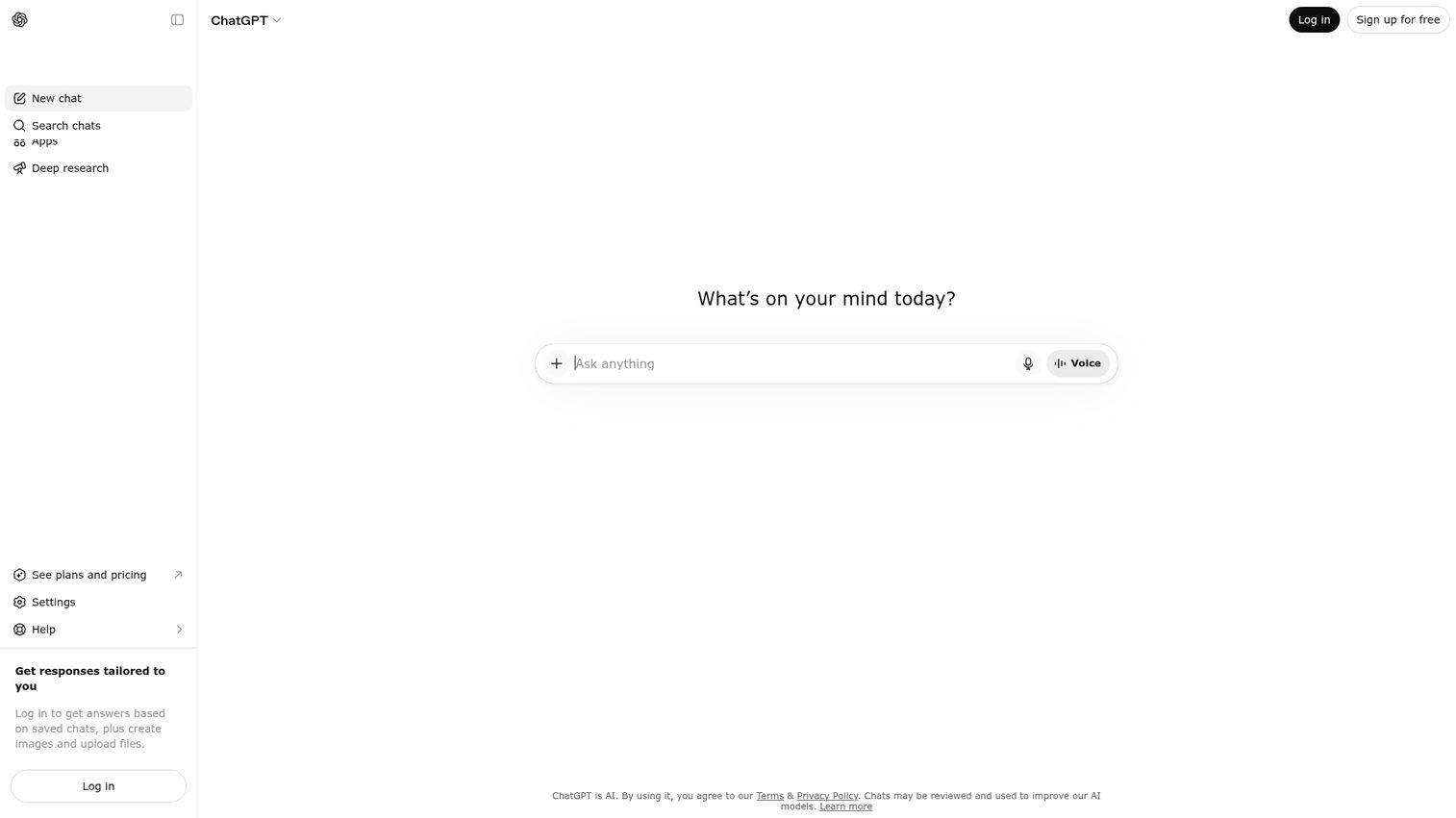
ChatGPT is the AI assistant most marketers reach for first. Built by OpenAI, it handles writing, research, analysis, and ideation in a single chat interface. It appears across multiple 2026 AI content tool roundups for a reason: it is the most versatile general-purpose option, useful for outlining a blog post, rewriting ad copy, or brainstorming campaign angles in minutes.
Best for: All-purpose drafting and ideation across nearly any content format.
Key strengths
- Versatile drafting: Generates first drafts, outlines, and rewrites across email, blog, ad, and social formats.
- Custom GPTs and models: Access to GPT-5.5 Instant, Thinking, and Pro tiers, plus reusable custom GPTs for repeatable tasks.
- Multi-modal workspace: Voice, file uploads, data analysis, vision, and search in one place.
Why choose ChatGPT: It is the closest thing to a default AI tool for content teams. The free tier is genuinely useful for testing, and paid plans scale to team workspaces with admin and security controls. The trade-off is that it is a generalist. It drafts well, but it will not optimize for SEO or enforce brand voice the way specialized tools do.
ChatGPT pricing: OpenAI offers a free tier available to everyone, plus paid plans including Go, Plus, and Pro on monthly billing. Business plans (ChatGPT and Codex) are billed per user per month annually, and Enterprise uses custom pricing. Numeric prices were not readable on the live pricing page at the time of writing, so confirm current rates directly with OpenAI.
2. Jasper
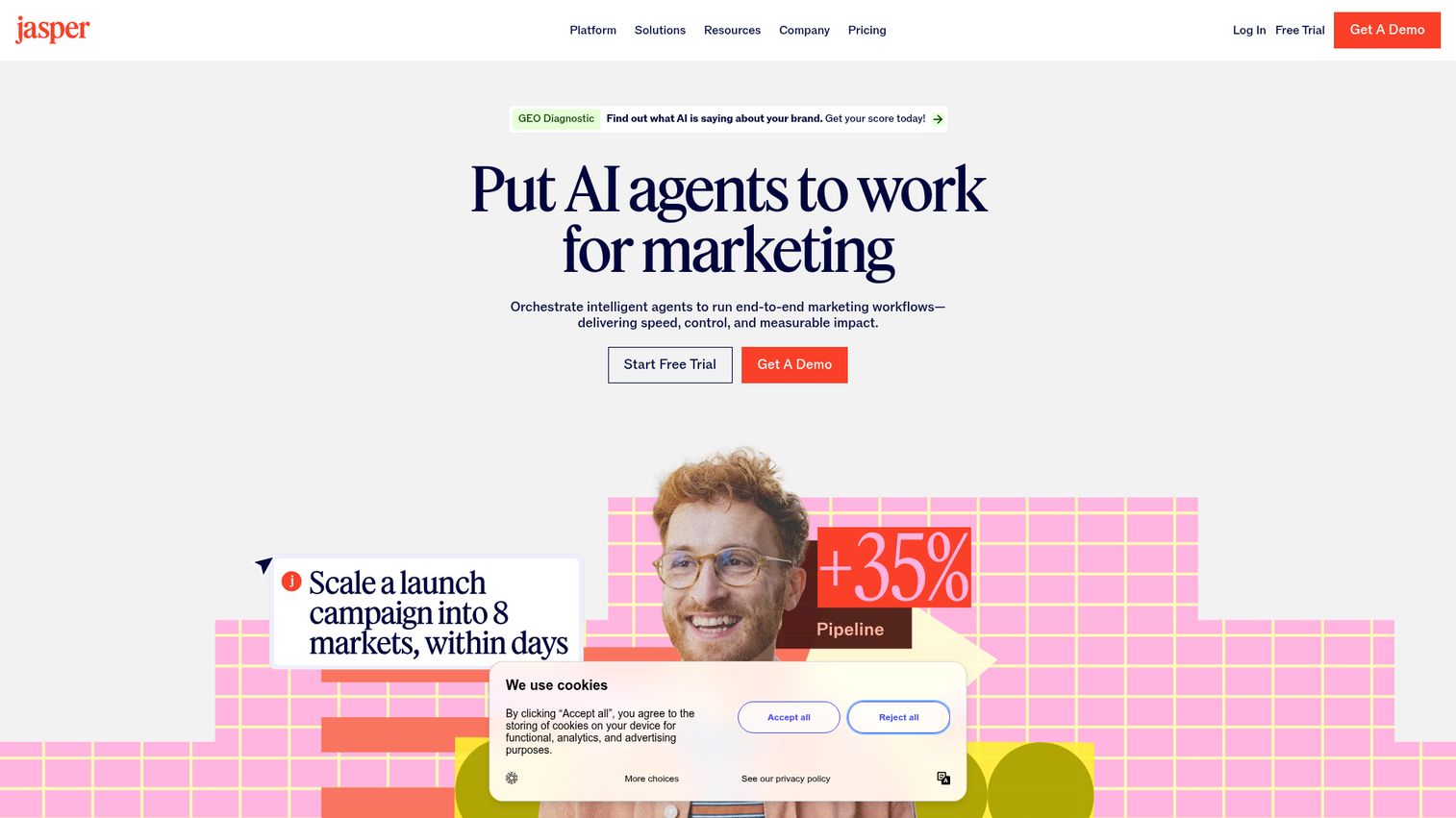
Jasper is built for marketing teams that need AI output to stay on brand. Where a general assistant drafts generically, Jasper layers in brand voice, marketing templates, and campaign workflows. It positions itself as an on-brand marketing copilot, with a Canvas workspace, agents for repeatable workflows, and Jasper IQ customization for voice and knowledge.
Best for: Marketing teams producing on-brand long-form content and campaign copy at scale.
Key strengths
- Brand voice control: Define and apply consistent voice across every asset and channel.
- Marketing templates and agents: Pre-built workflows for campaigns, plus essential and advanced agents.
- Team collaboration: Knowledge assets, audiences, and a style guide shared across the team.
Why choose Jasper: If message drift across your site, ads, and emails is a recurring problem, Jasper's brand governance directly addresses it. It fits teams that produce a steady volume of marketing copy and need it to sound the same everywhere. The cost is higher than a basic writing tool, so it suits teams that will use the brand and workflow features, not just occasional drafting.
Jasper pricing: The Pro plan starts at $59 per month per seat billed yearly, or $69 per month billed monthly. It includes one seat, Canvas, essential agents, two brand voices, five knowledge assets, and three audiences. The Business plan uses custom pricing and adds advanced agents, an AI app builder, unlimited IQ customization, API access, and enterprise governance. Jasper offers a 7-day free trial rather than a free tier.
3. Copy.ai
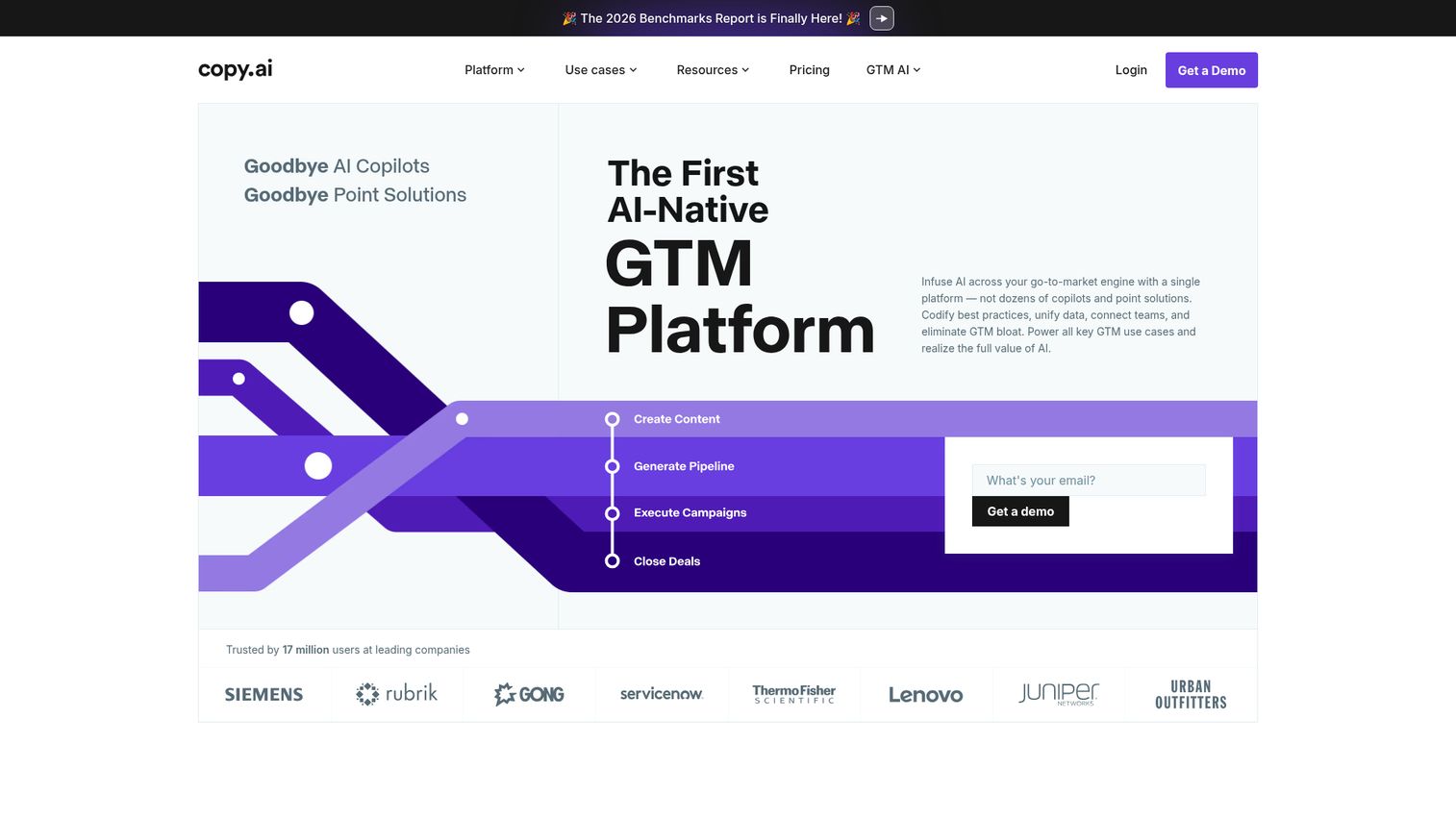
Copy.ai started as a short-form copy generator and has grown into an AI-native go-to-market platform. It automates content, sales, and operations workflows, with strong coverage of short-form ad and email copy. For marketers, it is most useful for producing volume: social posts, ad variants, and outreach copy, plus longer GTM workflows for prospecting and lead processing.
Best for: Short-form sales and marketing copy produced at high volume.
Key strengths
- GTM workflows: Automated sequences for content, prospecting, and inbound lead processing.
- Short-form copy at scale: Ads, emails, social, and SEO content from templates.
- Brand Voice and model choice: Consistent outputs with access to OpenAI, Anthropic, and Gemini models.
Why choose Copy.ai: It fits teams that need both copy volume and workflow automation in one platform. The entry Chat plan includes five seats and unlimited words, which is generous for small teams. The trade-off is the steep jump to higher tiers, which are built for larger GTM operations rather than solo marketers.
Copy.ai pricing: The Chat plan is $24 per month billed annually, or $29 per month billed monthly, and includes five seats and unlimited words. From there, plans scale significantly: Growth at $1,000 per month, Expansion at $2,000 per month, and Scale at $3,000 per month, each adding more seats and workflow credits. Enterprise uses custom-demo pricing. There is no listed free plan, though a free trial CTA is available.
4. Writer
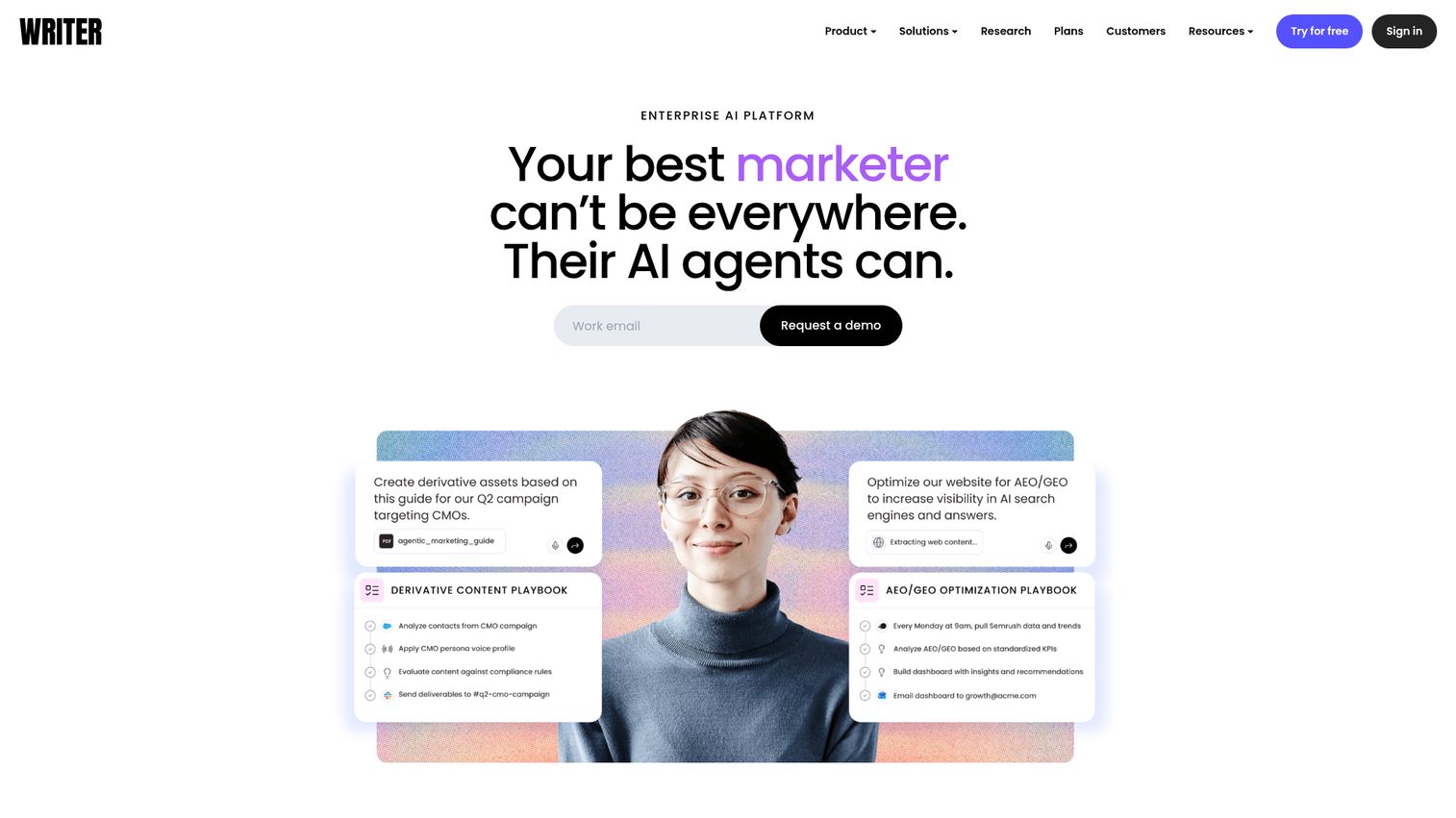
Writer is an enterprise AI platform built for governed, brand-consistent content. It helps teams build and supervise AI agents grounded in company data, with strong controls for style, compliance, and security. For large organizations where every word has to match brand and legal standards, Writer is built for that reality rather than ad-hoc drafting.
Best for: Enterprise teams enforcing consistent brand voice, compliance, and security.
Key strengths
- Brand governance: Style guides and departmental brand and voice profiles applied across teams.
- Data grounding: A Knowledge Graph with connectors that ground output in company data.
- Workflow automation: Playbooks and scheduled routines for repeatable, governed work.
Why choose Writer: It fits enterprises that cannot risk off-brand or non-compliant content. The governance, observability, and auditability features matter most in regulated industries and large teams with many writers. For a small marketing team, this depth is more than you need. For a 200-person org, it is the point.
Writer pricing: The Starter plan supports up to five users and includes Writer Agent, up to five playbooks, one team personality profile, and basic connectors. The Enterprise plan adds unlimited users, unrestricted playbooks and workflows, full Knowledge Graph capabilities, advanced governance, and priority support, and is available through sales. A 14-day free trial is available; there is no ongoing free tier. Numeric prices were not publicly displayed at the time of writing.
5. Rytr
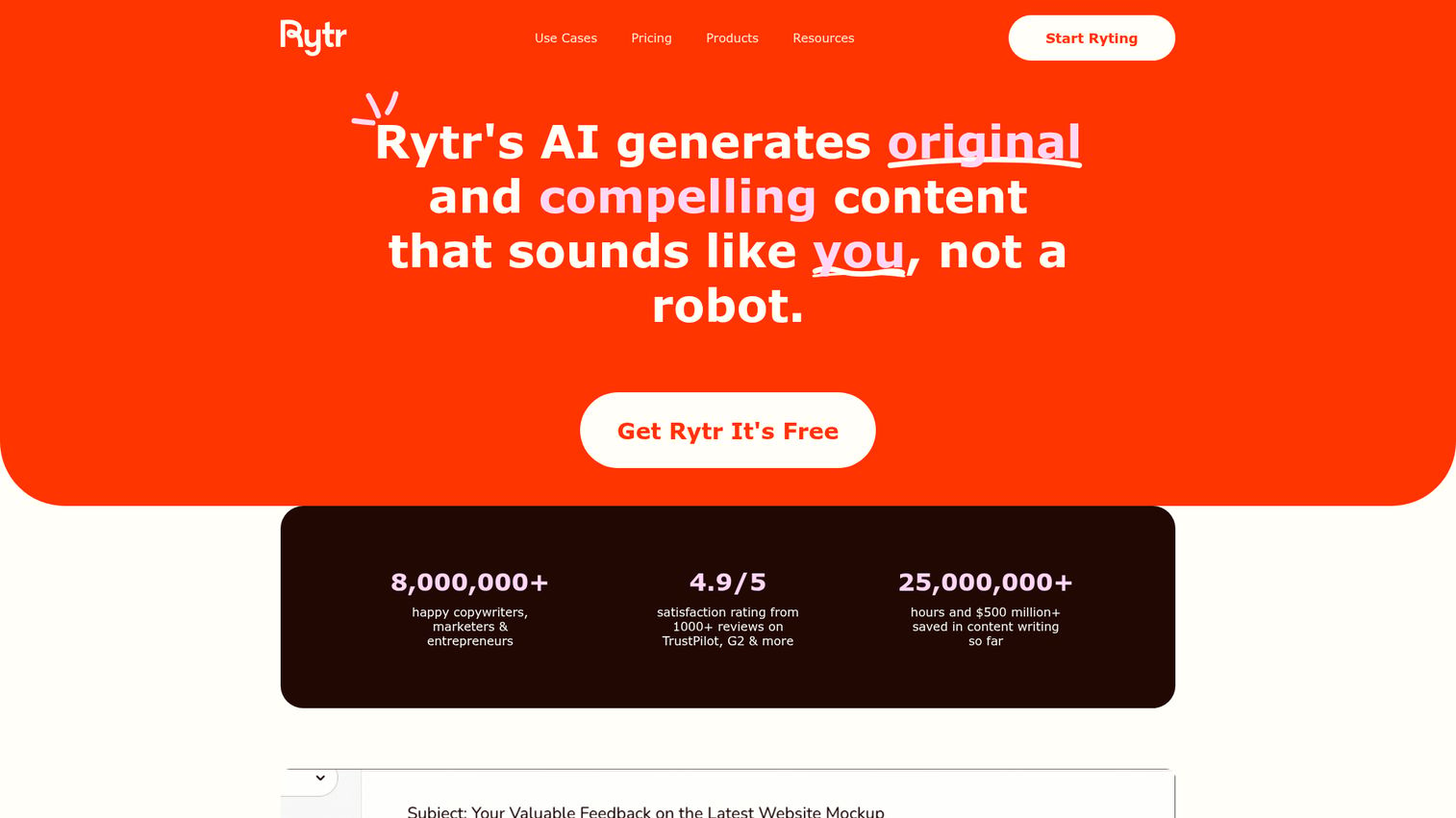
Rytr is the budget-friendly AI writing assistant on this list. It generates content across more than 40 use cases and templates, in multiple tones and languages. For lean teams and solo founders who need quick short-form copy without a heavy subscription, Rytr is among the strongest free ai tools for content creation thanks to a genuine free plan.
Best for: Lean and early-stage marketers on a tight budget who need fast short-form copy.
Key strengths
- Wide template library: More than 40 content use cases and templates for quick drafting.
- Tone matching: Custom tone-of-voice matching plus rewording and grammar checks.
- Built-in extras: Plagiarism checks and a Chrome extension for in-browser writing.
Why choose Rytr: It is the practical pick when budget is the constraint and the job is short-form. The free tier lets you test before paying anything, and the paid plans are some of the cheapest on this list. The trade-off is depth: Rytr is built for quick copy, not enterprise brand governance or long-form SEO content.
Rytr pricing: The Free plan includes 10,000 characters per month. The Unlimited plan is $7.50 per month billed yearly and adds unlimited generation, one tone match, 50 plagiarism checks per month, and one language. The Premium plan is $24.16 per month billed yearly, adding multiple tone matches, 100 plagiarism checks, 35-plus languages, and custom use cases.
6. Anyword
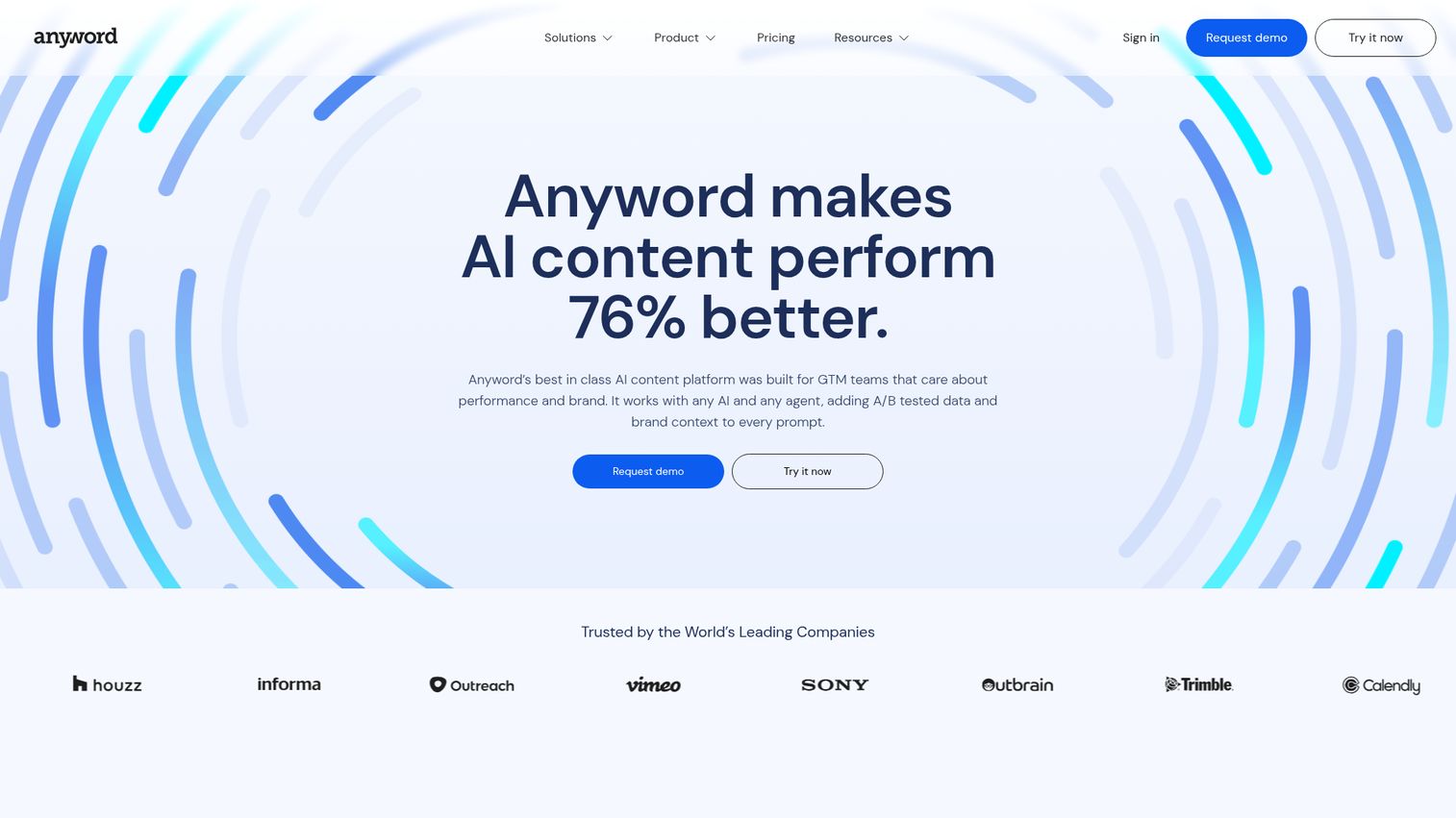
Anyword is the pick for marketers who must tie copy to conversion, not just output. It adds predictive performance scoring to AI-generated content, so you can see which variant is likely to perform before you publish. For growth and demand-gen marketers under pressure to prove pipeline impact, that data-driven layer is the differentiator.
Best for: Marketers who need to connect copy directly to conversion and ROI.
Key strengths
- Performance prediction: Predictive scoring on copy variations before they go live.
- Content intelligence: Compares published content against industry-specific A/B-test data.
- Brand voice management: Keeps on-brand consistency across channels and assets.
Why choose Anyword: If your job is measured in conversion rates and pipeline influence, generic AI copy is not enough. Anyword's scoring helps you prioritize the variant most likely to convert, which is the kind of evidence a CFO will accept. It suits performance marketers more than teams who only need basic drafting.
Anyword pricing: The Starter plan is $39 per month billed yearly, or $49 per month, and includes one seat, unlimited copy generation, one brand voice, and the Blog Wizard with plagiarism checker. The Data-Driven plan is $79 per month billed yearly, or $99 per month, and adds three seats plus real-time performance predictions. Business and Enterprise use custom pricing. A 7-day free trial is available; there is no persistent free tier.
SEO
For content that needs to rank, raw drafting is not enough. These two tools optimize content against search intent and competitor pages. If you want a wider shortlist, our roundup of the best SEO tools and our guide to answer engine optimization tools go deeper on search-focused stacks.
7. Surfer SEO
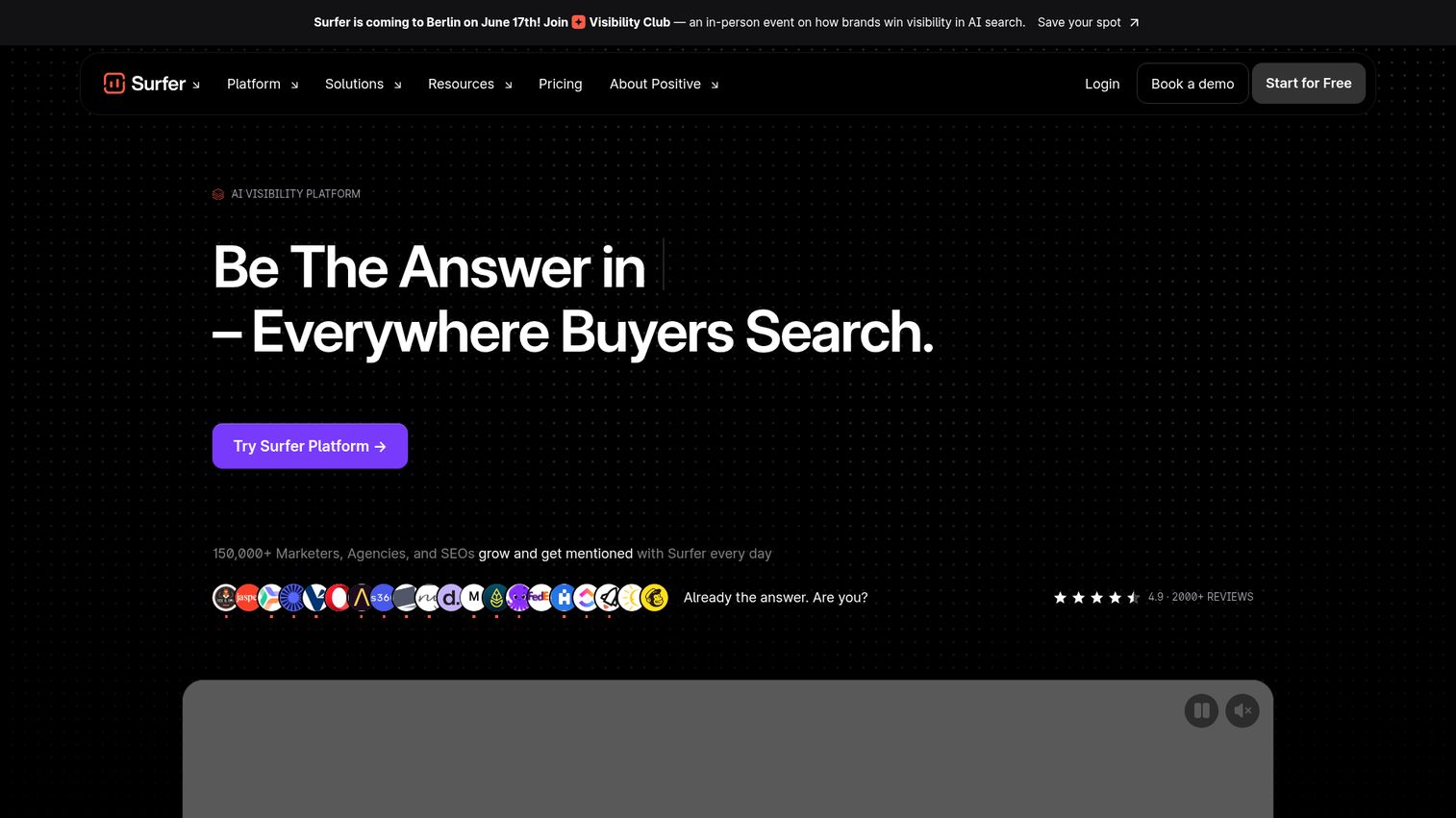
Surfer SEO is the go-to for SEO-led content teams. It combines SERP analysis, a Content Score editor, and an AI writing assistant so you can create and optimize content against what actually ranks. It also tracks AI visibility across answer engines, which matters as search moves toward AI overviews and chat-based results.
Best for: SEO-led content teams who optimize against search intent and the SERP.
Key strengths
- Content optimization: Content Score and AI Writing Assistant guided by live SERP data.
- AI visibility tracking: Monitors visibility across ChatGPT, Perplexity, Google AI Mode, AI Overview, and Gemini.
- Full content workflow: Content audits, page tracking, topical planning, and internal linking.
Why choose Surfer SEO: It earns its place when organic search is a real channel for you. The optimization scoring takes the guesswork out of on-page SEO, and the AI visibility tracking is increasingly relevant as search behavior shifts. For teams that do not prioritize organic, it may be more than you need.
Surfer SEO pricing: Plans are billed yearly. Discovery starts at $49 per month, Standard is $99 per month, Pro is $182 per month, and Peace of Mind is $299 per month. Enterprise is $999 per month with tailored packages. There is no distinct free plan, though free-start CTAs are available.
8. NEURONwriter
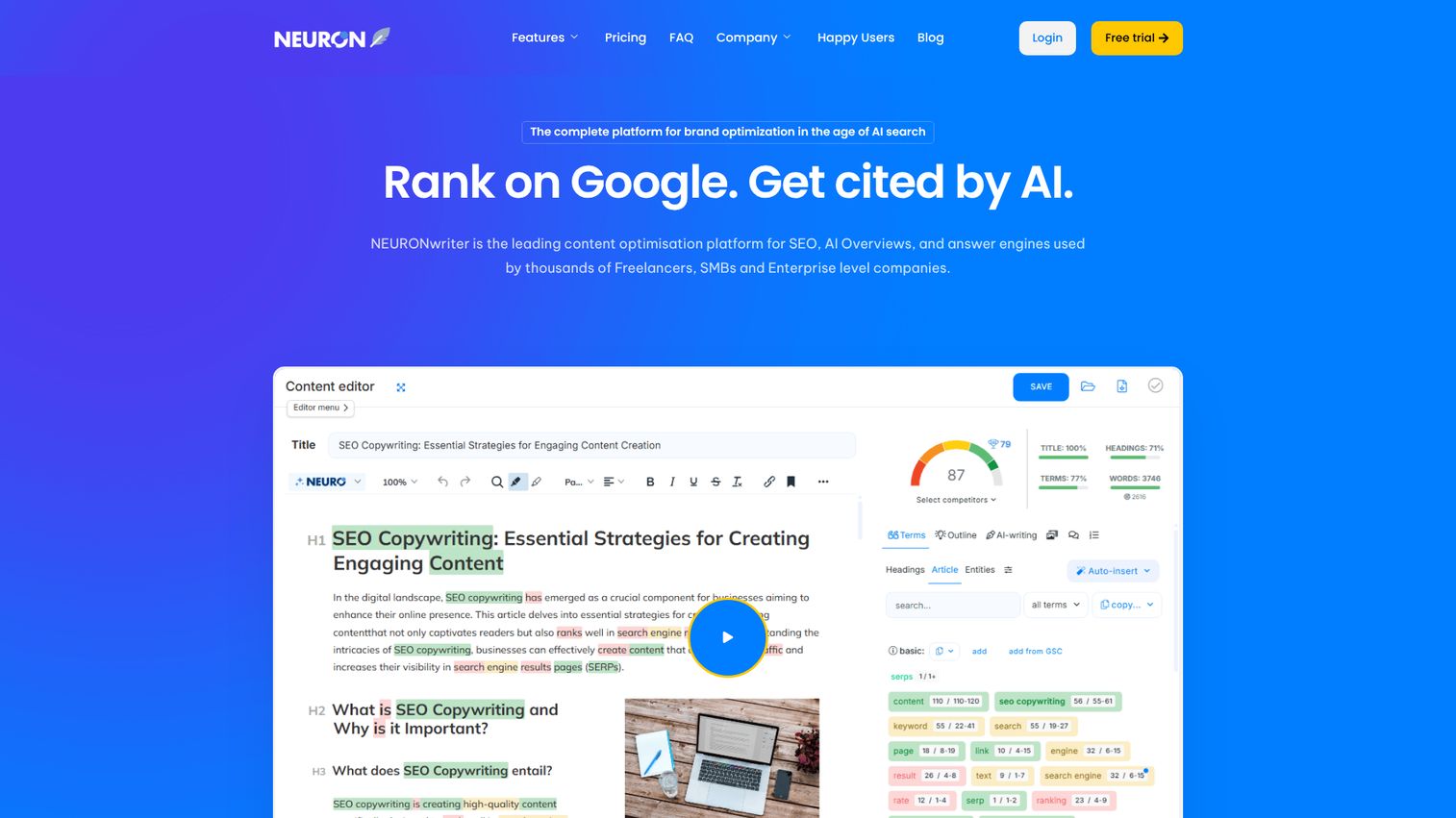
NEURONwriter is the budget-conscious SEO content tool. It uses NLP-based optimization to help content rank in Google and AI search, with a content editor, competitor analysis, and SERP-driven content ideas. For freelancers, SMBs, and agencies who want strong SEO guidance without enterprise pricing, it hits a practical sweet spot.
Best for: Budget-conscious SEO content for freelancers, SMBs, and agencies.
Key strengths
- NLP-based optimization: Content Writer that optimizes for SEO and AI ranking.
- SERP intent ideas: Content ideas generated from search intent analysis.
- Practical integrations: Connects with WordPress, Google Search Console, and Shopify.
Why choose NEURONwriter: It delivers most of the SEO optimization value at a fraction of the cost of premium platforms. The integrations make it easy to publish straight to WordPress and pull in Search Console data. The trade-off is a less polished experience than the category leaders, which is a reasonable price for the savings.
NEURONwriter pricing: Monthly plans run from the Bronze plan at $23 to the Diamond plan at $117, with Silver at $45, Gold at $69, and Platinum at $93. Yearly billing lowers the effective monthly rate. There is a 7-day free trial under Gold plan terms, but no ongoing free tier.
Image & design
Visuals no longer require a designer for every asset. These two creative AI platforms put on-brand graphics within reach of any marketer. For a wider look at this category, see our roundup of the best AI design tools.
9. Canva
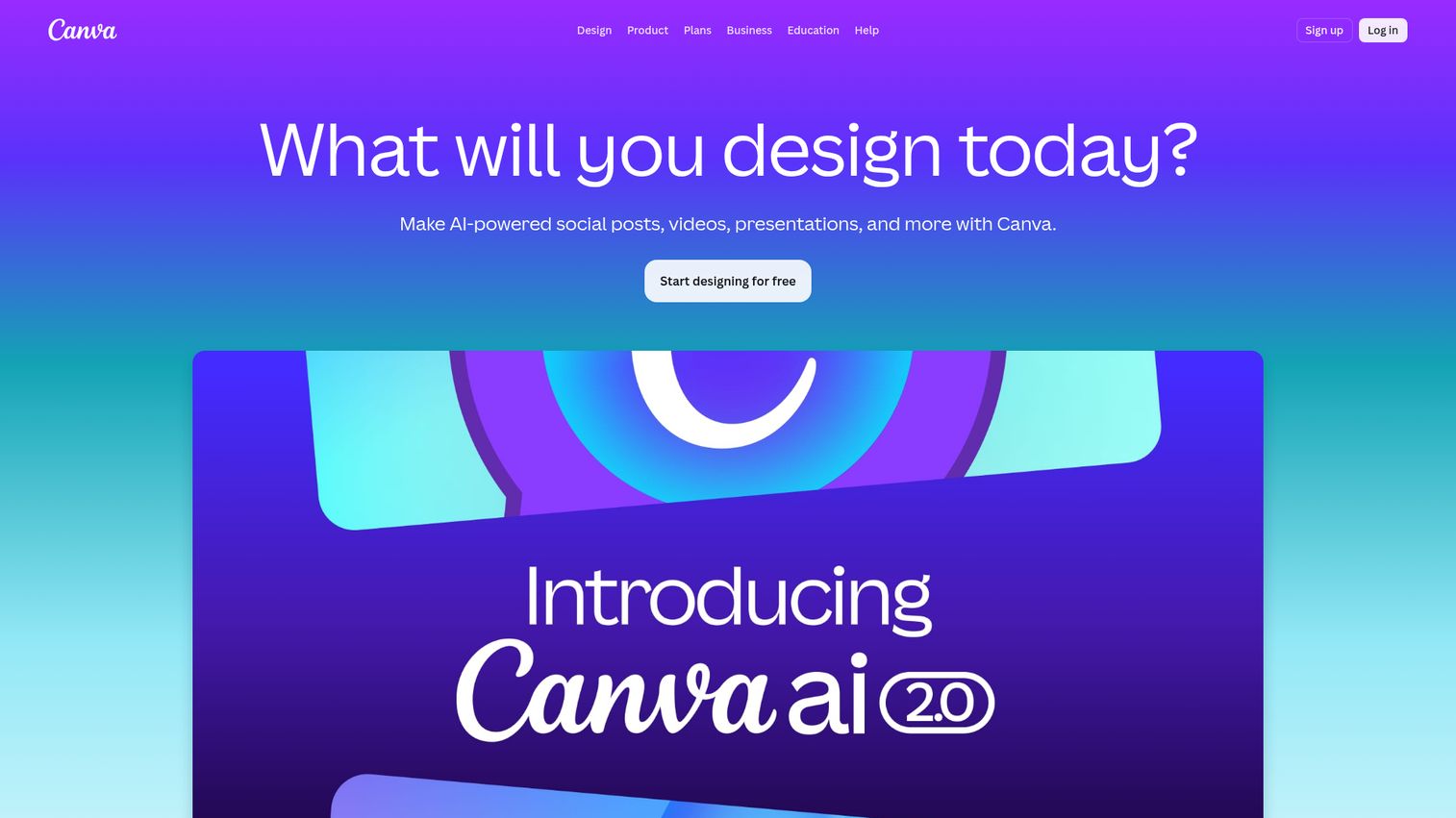
Canva is the design tool that made visual content accessible to non-designers, and its AI features (Magic Studio) extend that further. With Magic Write, text-to-image, brand kits, and thousands of templates, marketers can produce on-brand graphics, social posts, and presentations without a designer in the loop. It appears across multiple 2026 content tool lists for exactly this reason.
Best for: Marketers producing on-brand visuals and social content without a designer.
Key strengths
- Template-based design: A drag-and-drop editor with templates, stock media, and fonts.
- AI design tools: Canva AI, Magic Write, Magic Resize, Magic Eraser, and video generation.
- Brand management: Brand Kits, approvals, comments, and team administration.
Why choose Canva: It removes the design bottleneck for marketing teams. Most marketers can produce a polished social graphic or one-pager in minutes, and brand kits keep everything consistent. The trade-off versus dedicated design software is depth, but for the everyday content most teams ship, Canva covers it.
Canva pricing: The Free plan supports individual creation at no cost. Pro is $144 per year for one person and unlocks premium content and AI tools. Business is $250 per year per person and adds collaboration, brand approvals, and a higher AI allowance. Enterprise uses custom pricing with advanced security and admin controls.
10. Microsoft Designer
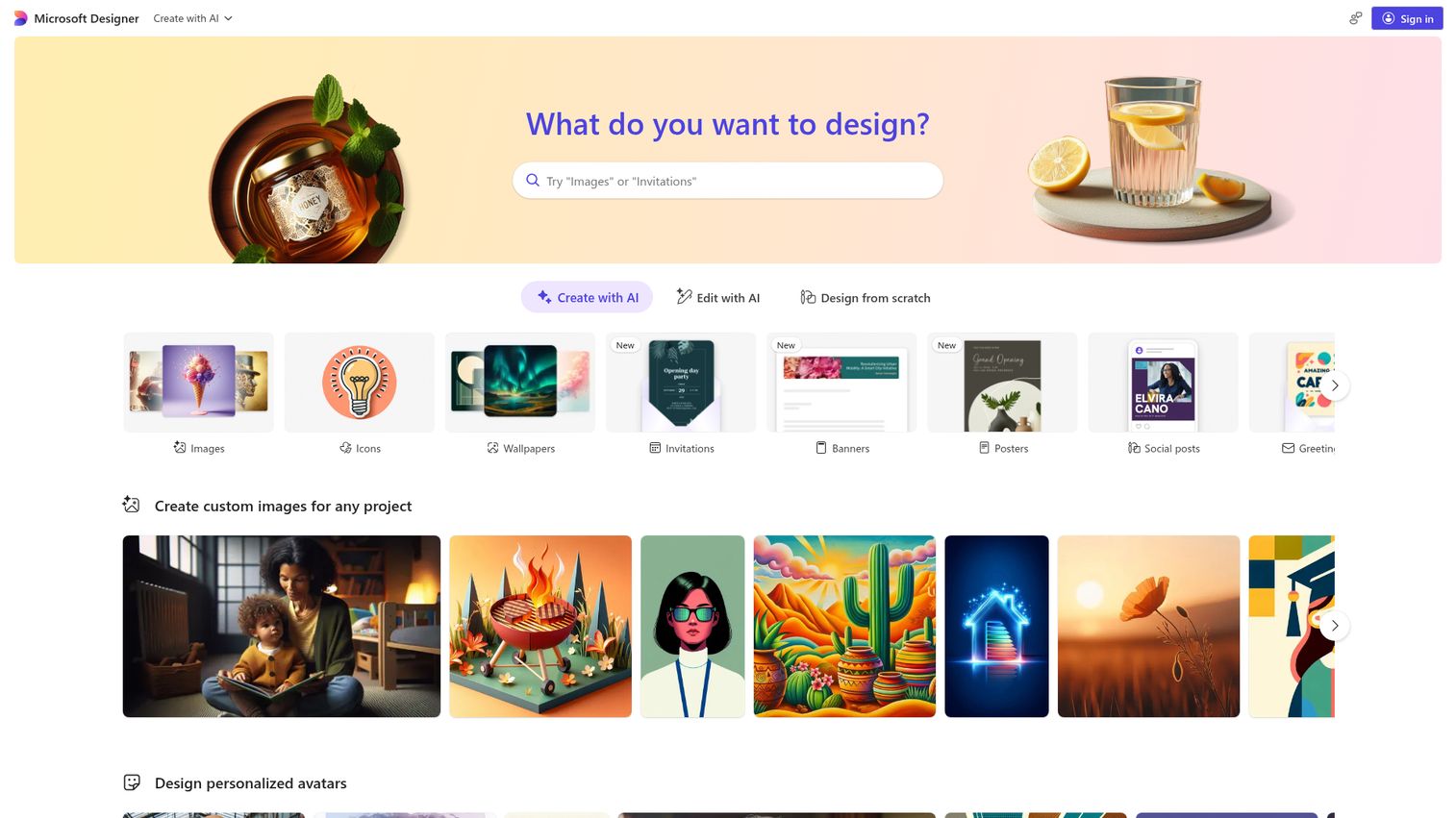
Microsoft Designer is an AI-powered graphic design app for quick social graphics and images. It uses text-to-image generation, powered by DALL-E, to create visuals, social posts, and edits from a simple prompt. With a free tier and tight integration into Microsoft apps, it is a fast option for marketers already in that ecosystem.
Best for: Quick social visuals on a free tier, especially for Microsoft 365 users.
Key strengths
- Text-to-image: Create images, social posts, and graphics from words using AI.
- Built-in editing: Erase distractions, restyle, blur or remove backgrounds, and resize designs.
- Microsoft integration: Generate images from text inside apps like Word and PowerPoint.
Why choose Microsoft Designer: It is a genuinely free way to produce social graphics, which makes it ideal for testing and lean teams. The catch is that Microsoft licenses Designer for personal, non-commercial use, so check the terms before using output in paid campaigns. For quick personal or internal visuals, it is hard to beat on price.
Microsoft Designer pricing: Designer is free with monthly credits. Microsoft 365 subscriptions add more credits: Personal at $9.99 per month, Family at $12.99 per month, and Premium at $19.99 per month, with annual options also available. The free tier makes it one of the easier creative AI platforms to try.
Video
Video used to mean a production budget. These three tools generate, repurpose, and edit video without one. Static content is expanding into richer, more interactive formats, and many marketing teams now build interactive demos alongside their video to let prospects experience a product directly on a landing page or in a campaign.
11. Synthesia
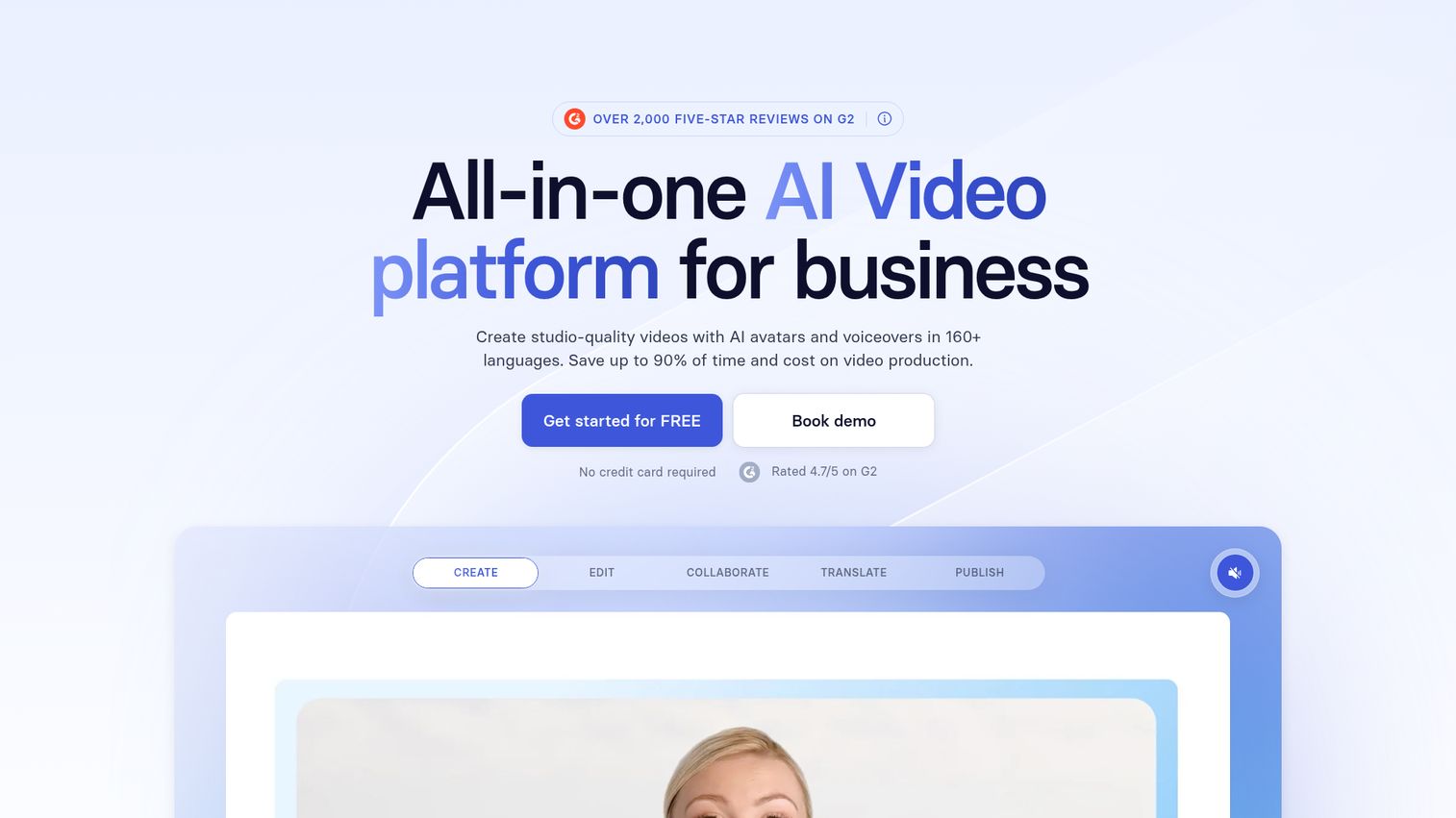
Synthesia is an AI video platform built for business, centered on AI avatars and text-to-video. You write a script, pick an avatar and voice, and Synthesia produces a presenter-led video without cameras or studios. For training, explainer, and internal comms video at scale, it removes the production bottleneck entirely.
Best for: Scalable avatar-led and explainer video for training, marketing, and localization.
Key strengths
- AI avatars and voices: Presenter-led video from text, with a large avatar library.
- AI Video Assistant: Turns decks, PDFs, and websites into video automatically.
- Multilingual delivery: One-click translation, AI dubbing, and captions across languages.
Why choose Synthesia: It makes video production a repeatable, low-cost workflow rather than a project. Teams that need many videos, or the same video in many languages, get the most value. The trade-off is that avatar video suits explainer and training content more than highly produced brand films.
Synthesia pricing: The Basic plan is free and includes 1,200 credits per month. Starter is $18 per month billed yearly, or $29 monthly, and adds downloads, the AI Video Assistant, and AI dubbing. Creator is $64 per month billed yearly, or $89 monthly, and adds personal avatars and API access. Enterprise uses custom pricing with unlimited video minutes and translations into 80-plus languages.
12. Pictory
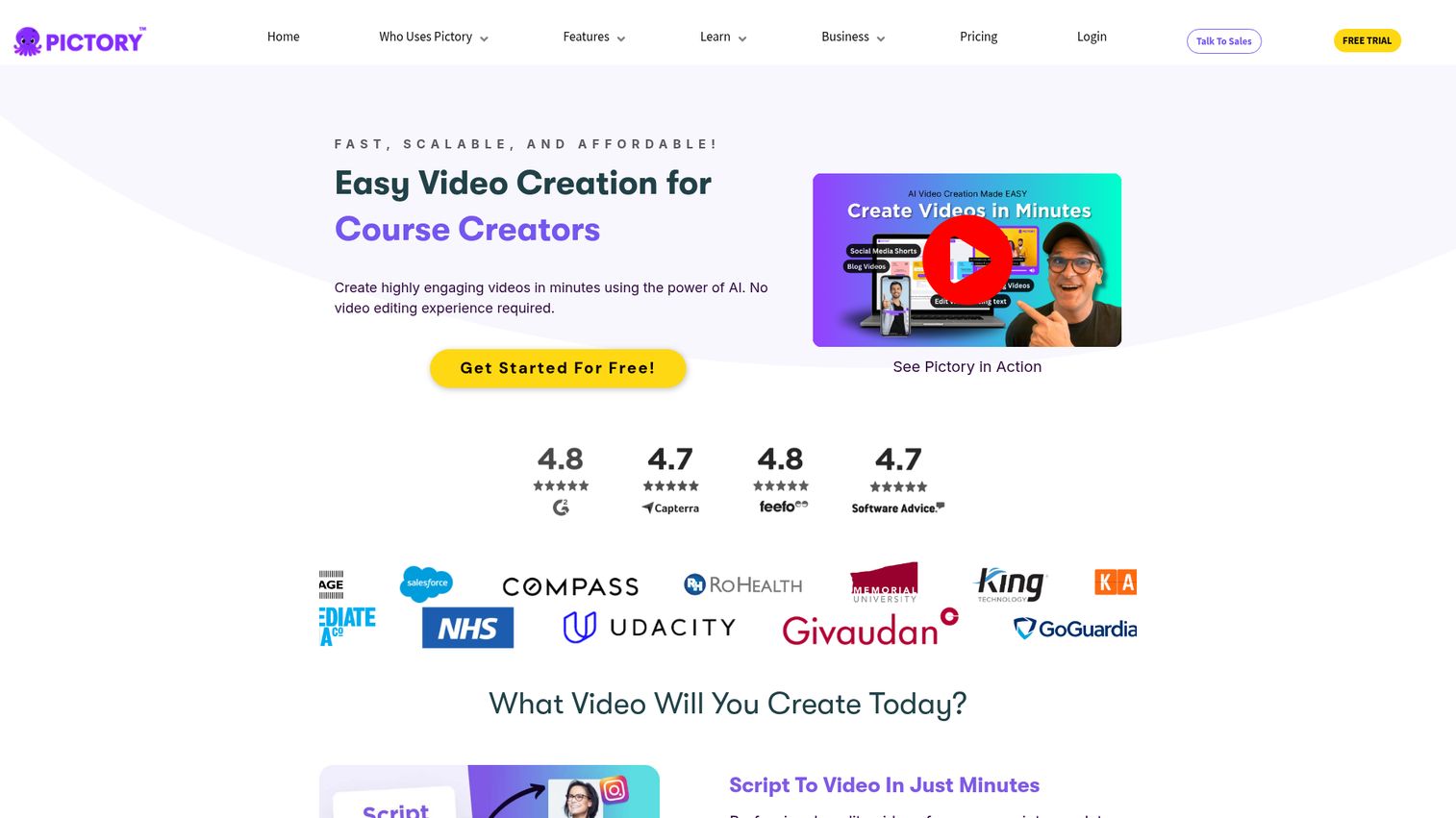
Pictory is built for repurposing. It turns long-form content into short, branded video: blog-to-video, script-to-video, and URL-to-video, with automatic subtitles and highlights. For content marketers sitting on a library of posts and webinars, Pictory is a fast way to extract short-form video without filming anything.
Best for: Repurposing existing blog posts and long-form content into short video.
Key strengths
- Content repurposing: Script-to-video and URL-to-video generation from existing assets.
- AI video editing: Automatic subtitles, highlights, and text-based editing.
- Brand and team support: Brand kits, AI voiceovers, stock media, and team collaboration.
Why choose Pictory: It solves a specific, high-value job: getting more mileage out of content you already published. If you produce blogs or webinars and want short video for social, Pictory shortens that workflow dramatically. It is less suited to original, from-scratch video production.
Pictory pricing: Plans are billed annually. Starter is $25 per month, Professional is $35 per month, and Team is $119 per month. Enterprise uses custom pricing. A 14-day free trial is available rather than an ongoing free tier.
13. Descript
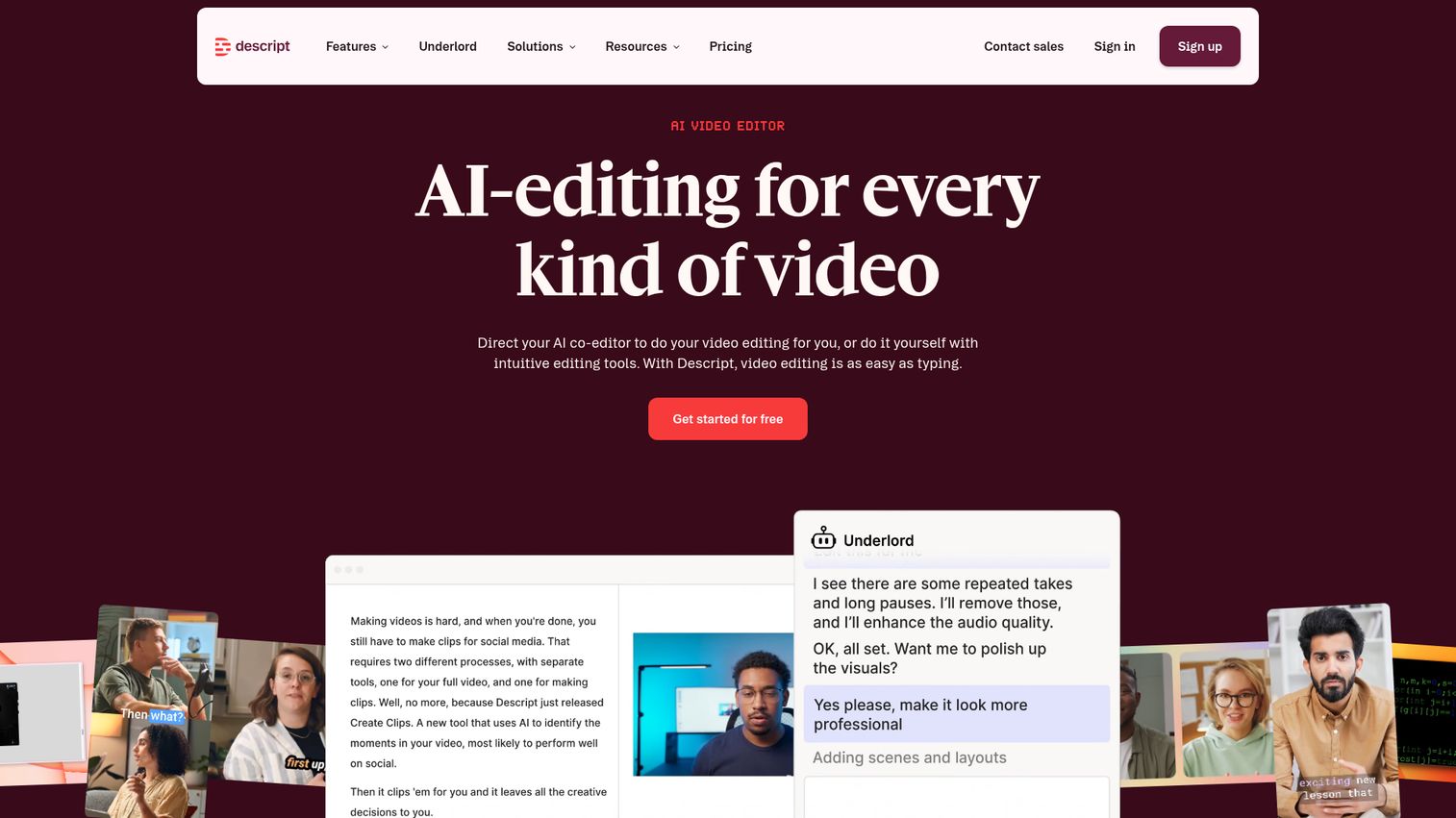
Descript edits video and audio like a text document. It transcribes your recording, then lets you edit the media by editing the words, with AI tools for cleanup and effects. For podcast and video workflows, that text-based approach is far faster than a traditional timeline editor, which is why it shows up across creator tool lists.
Best for: Editing video and audio like a doc, for podcasts, tutorials, and social clips.
Key strengths
- Text-based editing: Edit video and audio by editing the automatic transcript.
- AI editing tools: Studio Sound, Green Screen, Eye Contact, filler-word removal, and Create Clips.
- AI Speech: Text-to-speech, custom voice clones, and stock AI speakers.
Why choose Descript: It collapses the learning curve on video and audio editing for people who are not editors. Marketers can produce clean podcast episodes, tutorials, and social clips without mastering a complex editor. The trade-off is that highly advanced video work may still need a dedicated editing suite.
Descript pricing: The Free plan includes one media hour per month and 100 one-time AI credits. Hobbyist is $16 per person per month, Creator is $24, and Business is $50, each adding more media hours and AI credits. Enterprise uses custom pricing. Annual billing lowers the effective monthly rate.
Voice & audio
Professional narration no longer requires a voice actor or a booth. This tool generates studio-quality voiceovers from text.
14. Murf
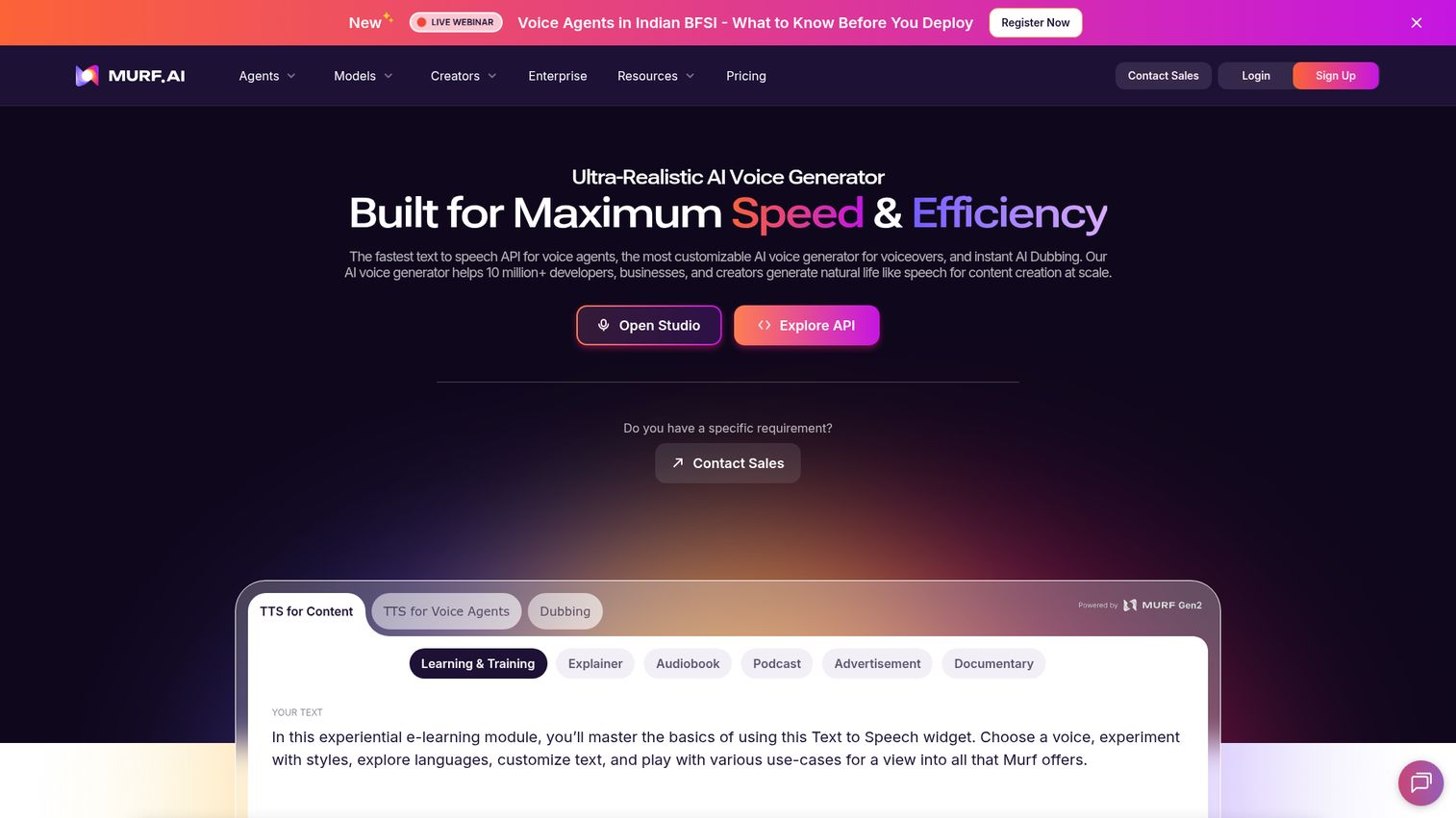
Murf is an AI voice platform for generating realistic text-to-speech voiceovers. It offers a large library of expressive voices across many languages, with controls for pitch, speed, and pronunciation. For marketers adding voiceover to video, ads, or e-learning, Murf produces professional narration without booking a voice actor.
Best for: Marketers adding professional AI voiceover to video, ads, and training content.
Key strengths
- Large voice library: More than 200 expressive voices across 35-plus languages.
- Voice customization: Controls for pitch, speed, intonation, and pronunciation.
- Dubbing and integrations: AI dubbing plus integrations with Canva, PowerPoint, and Adobe Captivate.
Why choose Murf: It turns voiceover from a scheduling and budget problem into a quick task. The voice quality and language range suit explainer videos, ads, and learning content, and the integrations fit it into existing tools. For projects that demand a specific human voice and performance, a voice actor still has the edge.
Murf pricing: Murf offers a free option, confirmed through its free AI voice generator. Specific paid plan names and prices were not readable on the live pricing page at the time of writing, so confirm current tiers directly with Murf before committing.
Workflow automation
The last gap most stacks have is connection. This tool ties your content tools together so generation and distribution run with less manual work.
15. Zapier
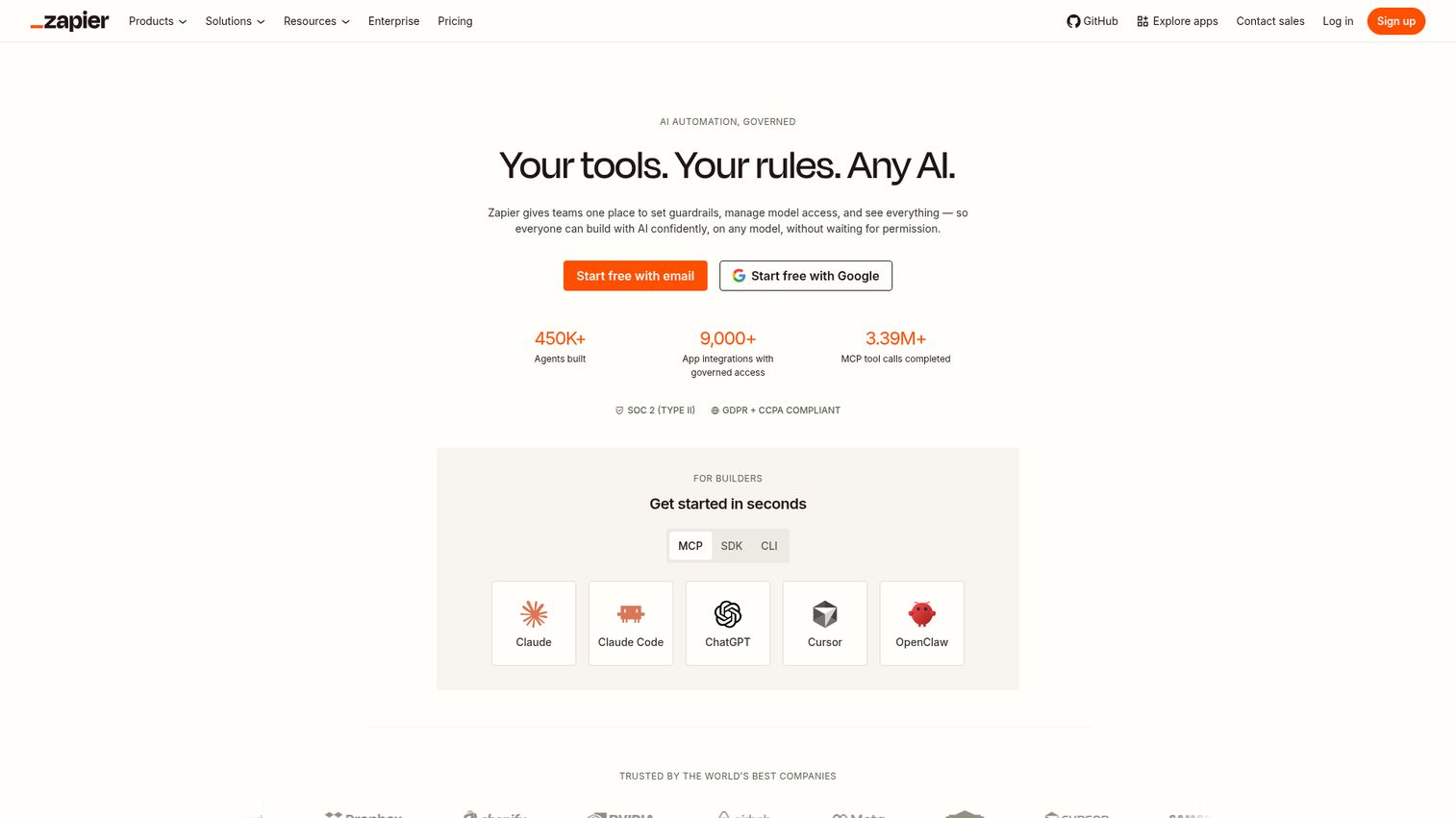
Zapier is the automation layer that connects your content tools to each other. It links thousands of apps so you can trigger and distribute content without manual handoffs, which is the core of content automation. As an automatic content generator, it can chain AI steps, then push the output to your CMS, email tool, or Slack.
Best for: Marketers automating content generation and distribution across their stack.
Key strengths
- Broad app coverage: Connects to more than 9,000 apps for automated workflows.
- Multi-step automation: Multi-step Zaps with paths, scheduling, and conditional logic.
- Built-in toolkit: Zaps, Tables, Forms, Canvas, and AI fields in one platform.
Why choose Zapier: It is how you stop copying content between tools by hand. Once a draft is approved, Zapier can route it to your CMS, notify your team, and schedule distribution automatically. For teams running several content tools, it is often the piece that consolidates the workflow rather than adding to it.
Zapier pricing: The Free plan includes 100 tasks per month with Zaps, Tables, and Forms. The Professional plan starts at $19.99 per month billed annually and adds multi-step Zaps, premium apps, webhooks, and AI fields. The Team plan is $69 per month billed annually for 25 users and shared workflows. Enterprise is contact-for-pricing with advanced admin controls.
How to build an AI content creation workflow
Tools are only as good as the workflow they sit in. A clean, repeatable process turns a pile of subscriptions into actual published content. Here is a practical sequence that maps the tools above to each stage.
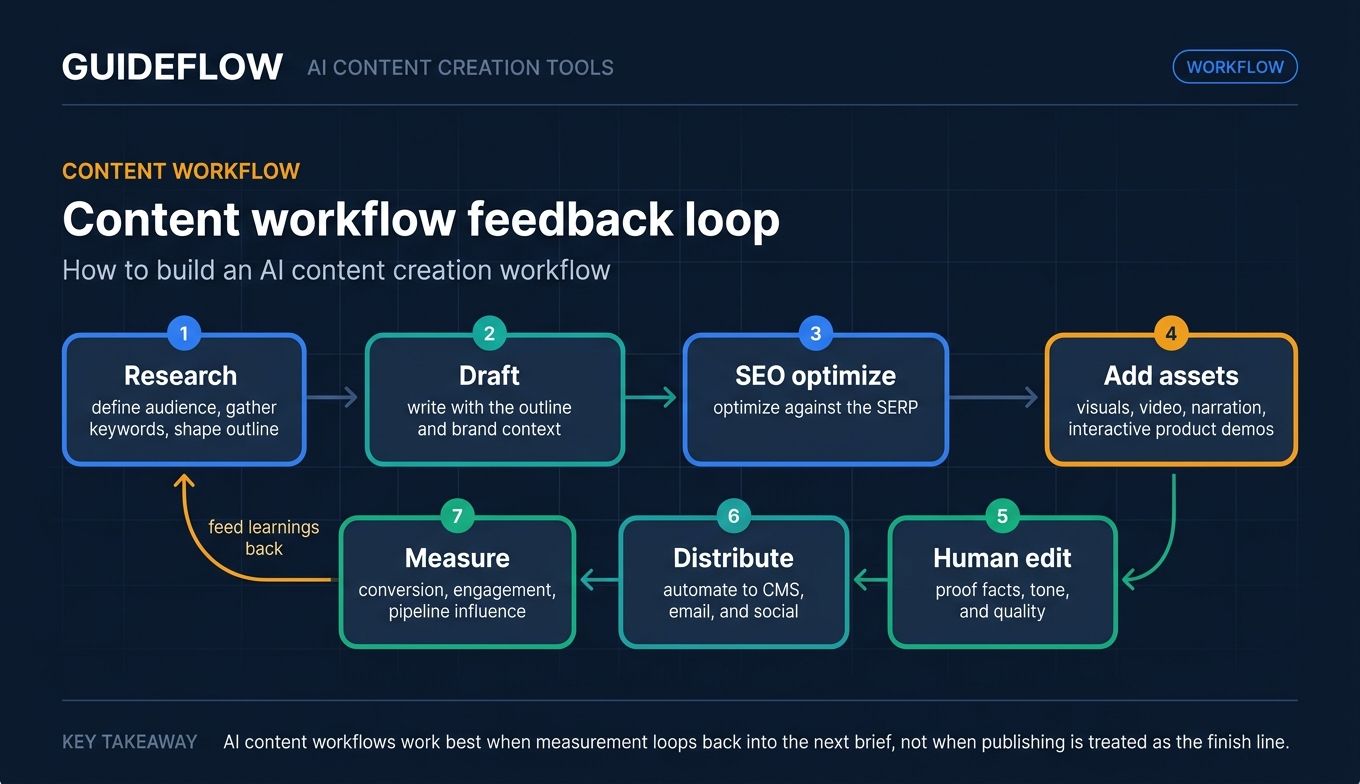
Start with research. Use a research and ideation tool to define your audience, gather keywords, and shape an outline. This is where you decide the angle and the search intent you are targeting, before a single word gets drafted.
Draft with a writing tool. Feed your outline and brand context into a writing assistant to produce the first draft. The goal here is speed and structure, not perfection. A general assistant works for most formats, while a marketing-specific tool keeps long-form copy on brand.
Optimize for SEO. Run the draft through an SEO tool to score it against the SERP and tighten on-page elements. This is where you align the content with what actually ranks, rather than guessing.
Generate visuals and video. Add the supporting assets: a social graphic from a design tool, a short repurposed video, or an avatar-led explainer. Pair narration with an AI voice tool where audio is needed. Many teams also layer in interactive product demos so a prospect can experience the product itself, not just read about it.
Edit and proof. This is the non-negotiable human step. Fact-check claims, tune tone, and remove anything that reads like filler. AI accelerates drafting; people protect quality and originality.
Automate distribution. Use an automation tool to route the finished content to your CMS, email platform, and social channels. This removes the manual copy-paste work and keeps publishing consistent.
Measure and iterate. The final step is measurement, and it is the one most teams skip. Track the KPIs that matter to your role: conversion rate, engagement, and pipeline influence. Then feed what you learn back into the next cycle. A workflow that does not measure impact is just busy work. The point of AI is not more content. It is more content that moves a number you are accountable for.
Common pitfalls when using AI content tools (and what to do instead)
AI content tools are easy to misuse. The failures are rarely the tool's fault. They come from skipping the human and process layers around it. Here are the common pitfalls and the fix for each.
Over-relying on AI without human editing. Publishing raw AI output is the fastest way to erode quality and trust. The fix is a mandatory human-review step. Treat AI drafts as a starting point that a person edits for accuracy, voice, and value before anything ships.
Ignoring originality and authenticity. Generic AI content reads like generic AI content, and readers notice. The fix is to feed the tool real brand context, tune brand voice, and add original insight, data, or examples a model could not generate on its own.
Tone drift across channels. When different people prompt different tools, your brand voice splinters. The fix is a documented style guide and brand-voice settings applied consistently, so your site, ads, and emails sound like one company.
Accuracy and hallucination risk. AI confidently states things that are wrong. The fix is source verification. Check every claim, stat, and citation against a primary source before publishing, especially for anything technical or regulated.
Misreading search and AI-detection concerns. Some teams fear AI content gets penalized in search. Google's 2023 Search Central guidance clarifies that its systems reward high-quality content however it is produced, focusing on helpfulness and E-E-A-T rather than authorship. The fix is to pair AI drafting with genuine human edits and real experience signals, so the content is useful first and AI-assisted second.
Considerations before you buy
Before you add another tool, run it through this checklist. The goal is to consolidate spend and prove value, not to collect logins.
Does it replace something you already pay for?
This is the first question, every time. List what the new tool makes redundant. A capable writing assistant might absorb a basic copy generator and a headline tool. If a purchase only adds to your stack without removing anything, the value has to be obvious. Buy to consolidate.
How well does it integrate with your CRM and stack?
A tool outside your workflow gets abandoned. Check whether it connects to your CMS, CRM, marketing automation, and analytics. Tools that push drafts into your editor or sync engagement data back to your CRM remove manual handoffs and earn their seat.
What does the free tier actually include?
Free tiers vary widely. Some are generous, like a usable monthly character or credit allowance. Others are demos with watermarks and hard limits. Read the fine print before assuming a free plan covers real work, and check usage caps against your actual volume.
Can you measure its impact on output and ROI?
You have to prove the tool moved something. Decide upfront what you will measure: drafting time saved, content volume, conversion lift, or pipeline influence. A tool you cannot tie to a number is hard to defend at renewal.
How steep is the learning curve for your team?
Adoption dies on complexity. Estimate how long it takes a team member to produce real work, not just a demo. The most powerful ai powered content generation tools are worthless if nobody on the team actually uses them.
Conclusion
The strongest content stack is not the biggest one. It is the one where each tool maps to a real job and earns its seat. For all-purpose drafting and ideation, ChatGPT is the versatile default. For on-brand marketing copy, Jasper. For conversion-focused copy, Anyword. For SEO, Surfer SEO. For visuals, Canva. For video, Synthesia or Pictory. For voiceover, Murf. And for tying it all together, Zapier.
The practical next step is not to buy everything. It is to find your single biggest format gap and fill it with one tool. If you publish heavily for organic search, start with an SEO tool. If video is your channel, start there. If you just need faster drafting, start with a writing assistant and a free tier.
Pick one, run it through a real project, and measure the output against a KPI you actually own. Then expand only where the next gap is clear. That is how you build a stack that consolidates spend and proves impact, instead of one that just grows. And if interactive product experiences are part of your strategy, our guide to content marketing tools is a useful next read.
FAQs
The best tool depends on the job. For all-purpose writing and ideation, ChatGPT is the most versatile pick. For SEO-driven content, Surfer SEO leads with SERP analysis and content scoring. For video, Synthesia stands out for avatar-led and explainer content. Most teams use two or three tools across formats rather than one for everything.
The strongest free ai tools for content creation include ChatGPT, which offers a usable free tier for drafting and research, Rytr, which includes 10,000 free characters per month, and Microsoft Designer, which is free with monthly credits for graphics. Free tiers typically cap usage, restrict advanced features, or limit output, so confirm the limits against your real volume before relying on one.
No. AI accelerates drafting and scales output, but human editing remains the quality and originality layer. Models can produce plausible filler and confident errors, so a person still has to fact-check, tune voice, and add real insight. The most reliable workflow treats AI as a drafting assistant with a mandatory human-review step before publishing.
Yes, when the content is human-edited and genuinely useful. Google's 2023 Search Central guidance states that its systems reward high-quality content however it is produced, focusing on helpfulness and E-E-A-T rather than whether a human or AI wrote it. AI content generation can rank well when you pair it with human editing, accurate sourcing, and real experience signals.
Costs range from free tiers to roughly $50 or more per seat per month for premium plans, with usage-based and enterprise tiers running higher. Many tools offer a free plan or trial, and professional plans often start around $20 to $50 per user per month. Costs scale with volume, seats, and advanced features, so estimate your real usage before committing.
AI writing tools generate a single output, like a blog draft or ad copy, on demand. AI content automation tools, such as Zapier, chain steps together to trigger generation and distribution across your stack without manual handoffs. Writing tools create the content; automation tools move it through your workflow. Many teams use both, with the writing tool feeding the automation layer.
It depends on the marketing job. For on-brand long-form and campaign copy, Jasper fits teams that need consistent brand voice. For conversion-focused copy tied to ROI, Anyword adds predictive performance scoring. For organic search, Surfer SEO optimizes against the SERP. The best pick is the one that matches your dominant content job and integrates with your existing stack.
Yes. The category spans formats well beyond writing. Synthesia creates avatar-led and explainer video from text, Pictory repurposes long-form content into short video, Descript edits video and audio through a transcript, and Murf generates professional AI voiceovers. That cross-format range is why a complete content stack pairs writing tools with dedicated video and audio tools.