A customer calls Tuesday to book a cleaning. You scribble it on a sticky note. The estimate goes out three days later because you were on a roof all day. The invoice sits unsent for a week. By the time you sync numbers into your accounting file, the season is already turning and you have lost track of which jobs got paid. Sound familiar?
Chimney sweep businesses run on a brutal split: someone has to manage the office while someone else works the field. When those two sides run on separate spreadsheets, text threads, and paper, jobs slip and cash slows down. That is exactly the gap chimney sweep software closes. The U.S. chimney sweep and fireplace services industry is a $710 million market in 2026 with 6,313 active businesses, according to IBISWorld data via Service Business Academy, and the software built to run those businesses is growing fast. The chimney sweep scheduler app market was valued at $167.36 million in 2025 and is forecast to grow at a 12.4% CAGR through 2033, per DataInsightsReports.
The right platform does five things well: it schedules work cleanly, quotes jobs faster, invoices sooner, syncs your accounting, and keeps customers informed without a phone call for every update. This guide compares the eight strongest options for 2026 so you can pick based on your business size, how much your office does today, and how much self-serve experience you want to give customers.
What's inside
This guide compares eight chimney sweep software platforms chosen for how well they handle the workflows owners actually buy for: scheduling and dispatch, estimates and proposals, invoicing and payments, QuickBooks sync, mobile field access, customer management, and reporting.
We prioritized chimney sweep management software that fits trade workflows and matches real buyer intent, not generic feature checklists. Each tool was evaluated on four criteria: operational fit for a service trade, mobile usability for field crews, accounting and payment coverage, and pricing clarity. Use the shortlist to match a platform to your business size, your office maturity, and how much online booking or customer portal access you want to offer.
TL;DR
- Best for larger, multi-crew operations: ServiceTitan, for complex dispatch, job costing, and reporting at scale.
- Best all-in-one for quoting, scheduling, and customer communication: Jobber, with a strong client portal and online booking.
- Best for unlimited users on a flat plan: Service Fusion, which prices by company, not by seat.
- Best for ease of use in small to mid-sized teams: Housecall Pro, built around fast setup and online booking.
- Best for mobile-first field control: FieldPulse, for crews that live in the app between inspections and repairs.
- Best for the smallest teams that want simple core workflow: Kickserv, with straightforward scheduling, estimates, and invoicing.
What is chimney sweep software?
Chimney sweep software is field service management software tuned to the workflows of a chimney and fireplace business: booking cleanings and inspections, dispatching crews, quoting repairs, invoicing, collecting payments, and keeping accounting synced.
At its core, this category handles the office-to-field handoff that trade businesses depend on. The strongest chimney sweep service software covers:
- Scheduling and dispatch across one or many crews
- Estimating, proposals, and approvals
- Invoicing, payments, deposits, and accounting sync
- Mobile technician workflows for the field
- CRM and customer communication
- Reporting and business visibility
- Optional online booking or a customer portal
In 2026, buyers care about three things more than ever. First, mobile parity: the field app should do nearly everything the office screen can, because your techs are on roofs, not at desks. Second, QuickBooks integration, so revenue and expenses land cleanly without double entry. Third, inspection documentation with photos and video, since North America accounts for over 34% of global chimney sweeping services revenue, driven by strict fire safety codes and insurance requirements, according to DataHorizzon Research. Documented inspections protect you and speed up insurance-driven jobs.
When to use chimney sweep software
Not every business needs the same depth. Here is how to tell which use case matches your situation.
Reduce admin and replace spreadsheets
If your calendar lives in your head, your quotes live in a Word doc, and your invoices live in a shoebox, you have outgrown manual tools. Chimney sweep business software centralizes jobs, customers, estimates, and invoices in one place. You stop re-entering the same customer three times and stop losing track of which job got billed. This is the entry point for most owners moving off pen, paper, and texts.
Speed up quoting and payment collection
Chimney work runs on seasonal spikes, add-on repairs, and residential deposits. If you are quoting frequently and chasing payment after the job, chimney sweep scheduling software with built-in estimates and payment links pays for itself fast. Look for approvals, e-signatures, deposit collection, and one-tap payment links so customers can say yes and pay from their phone.
Keep field crews in sync
If your techs move between inspections, cleanings, and repairs across a full day, they need mobile access to job details, notes, photos, and status updates. A crew that can see the next job, pull up the customer's history, and capture inspection photos on-site loses far less time. This matters most when you run more than one truck and route awareness affects the day.
Comparison table
Use this table as a fast filter before reading the full profiles. It is sorted by relevance to chimney sweep workflows, not alphabetically. Pricing and G2 ratings reflect verified values at the time of writing; where a vendor gates pricing behind a request, that is noted.
| # | Product | Intent | Key differentiation | Pricing | G2 rating |
|---|---|---|---|---|---|
| 1 | ServiceTitan | Larger, multi-crew operations | All-in-one dispatch, job costing, and deep reporting | Request pricing | 4.5/5 |
| 2 | Jobber | All-in-one for growing teams | Client Hub portal, online booking, quoting-to-payment | From $199/mo | 4.6/5 |
| 3 | Service Fusion | Teams wanting unlimited users | Flat pricing per company, not per seat | From $208/mo | 4.1/5 |
| 4 | Housecall Pro | Small to mid-sized ease of use | Fast setup, online booking, mobile payments | From $59/mo | 4.3/5 |
| 5 | FieldPulse | Mobile-first field crews | Mobile-first operations with customer portal | Custom pricing | Not listed |
| 6 | Workiz | Automation and office control | Built-in phone system and 2-way texting | Free plan available | 4.4/5 |
| 7 | Kickserv | Smallest teams, simple core | Straightforward scheduling, estimates, invoicing | From $60/mo | 4.5/5 |
| 8 | QuoteIQ | Quoting-focused contractors | Home-service CRM built around quoting | Not listed | Not listed |
1. ServiceTitan
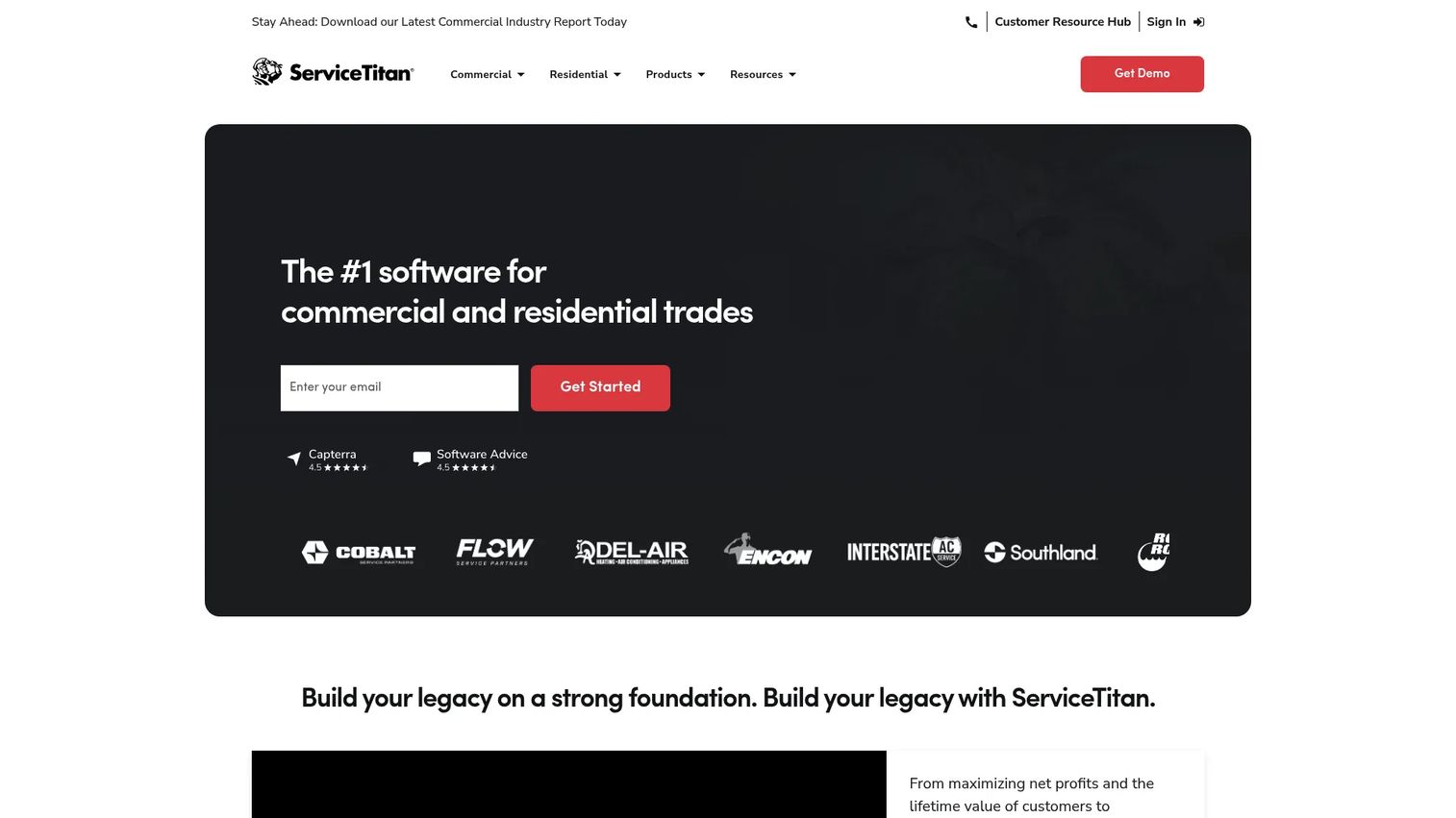
ServiceTitan is field service management software for contractors, built for residential and commercial operations that need an all-in-one platform. For a chimney sweep business running several crews, multiple service lines, and steady commercial work, it brings dispatch, call booking, scheduling, invoicing, and reporting under one roof. It is the deepest system on this list and is designed for operators who want to run the whole business, not just the calendar.
The reason larger chimney businesses choose it is control. When you have more than a few trucks, the coordination cost of dispatching, tracking job profitability, and reporting across the operation grows fast. ServiceTitan is built to absorb that complexity.
Best for: Residential and commercial contractors that need an all-in-one field service platform at scale.
Key strengths
- Dispatching and scheduling: Coordinate multiple crews and route work across a full board of jobs.
- Job costing and reporting: See profitability by job and pull deep operational reports for weekly decisions.
- Pricebook and marketing: Standardize repair and service pricing, and tie marketing spend to booked revenue.
Why choose ServiceTitan: Pick it when scale is the problem you are solving. If you run multiple crews, mix residential and commercial, and need reporting clean enough to make real allocation decisions, the depth earns its place. Smaller single-truck operations will likely find lighter tools faster to adopt.
ServiceTitan pricing: Public pricing is request-only. The plans are named Starter, Essentials, and The Works, all priced per technician. There is no free tier. Because pricing is quoted based on your operation, plan a conversation with sales to scope cost against your crew count and service mix. ServiceTitan holds a 4.5/5 rating on G2.
2. Jobber
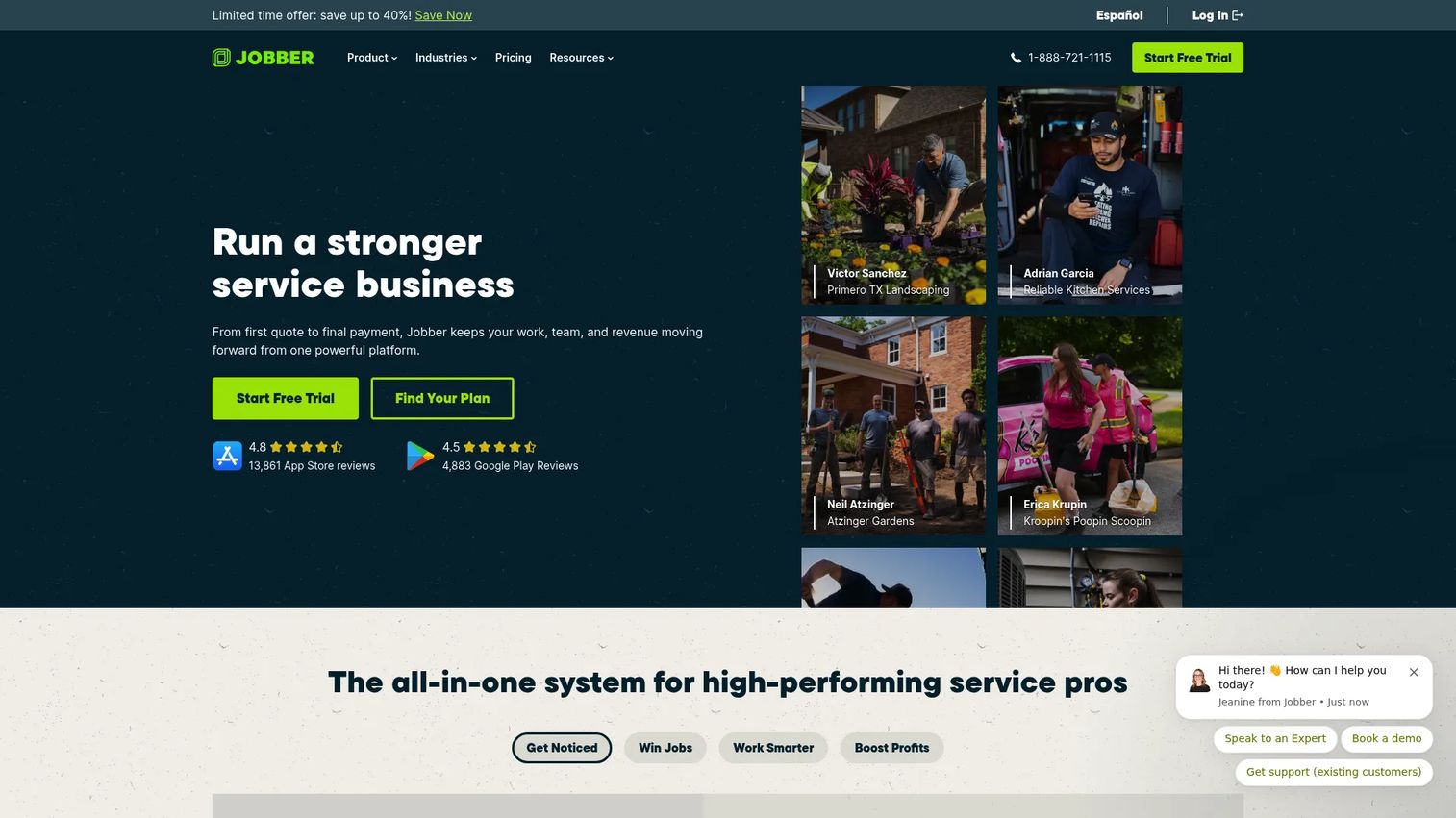
Jobber is field service management software for home service businesses, and it is one of the most complete all-in-one options for a growing chimney sweep company. It ties together quoting, scheduling and dispatching, invoicing, and payments, then wraps the customer experience in a client portal called Client Hub where homeowners can approve quotes, view visits, and pay online. If you want one system for the full job lifecycle, Jobber is a strong default.
Its strength is the customer-facing experience. Online booking, automated follow-ups, and reminders reduce the phone tag that eats an owner's day, while the portal gives customers a self-serve place to interact without calling the office.
Best for: Home service companies that want an all-in-one operations platform with a strong client experience.
Key strengths
- Quoting to payment: Move from estimate to approval to invoice to payment in one connected flow.
- Client Hub portal: Give customers a self-serve place to approve quotes, see visits, and pay.
- Scheduling and reminders: Automated reminders and follow-ups cut no-shows and manual outreach.
Why choose Jobber: Choose it when customer communication and quote-to-cash speed matter as much as scheduling. It fits owners who want polish in front of the customer without stitching together separate tools. Very large multi-crew commercial operations may eventually want the deeper job costing of a heavier platform.
Jobber pricing: Jobber starts with the Grow plan at $199/mo, with the Plus plan at $499/mo, both billed monthly. Pricing scales with user count and billing options, and a free trial is available with no credit card required. There is no free tier. Jobber holds a 4.6/5 rating on G2, the highest on this list.
3. Service Fusion
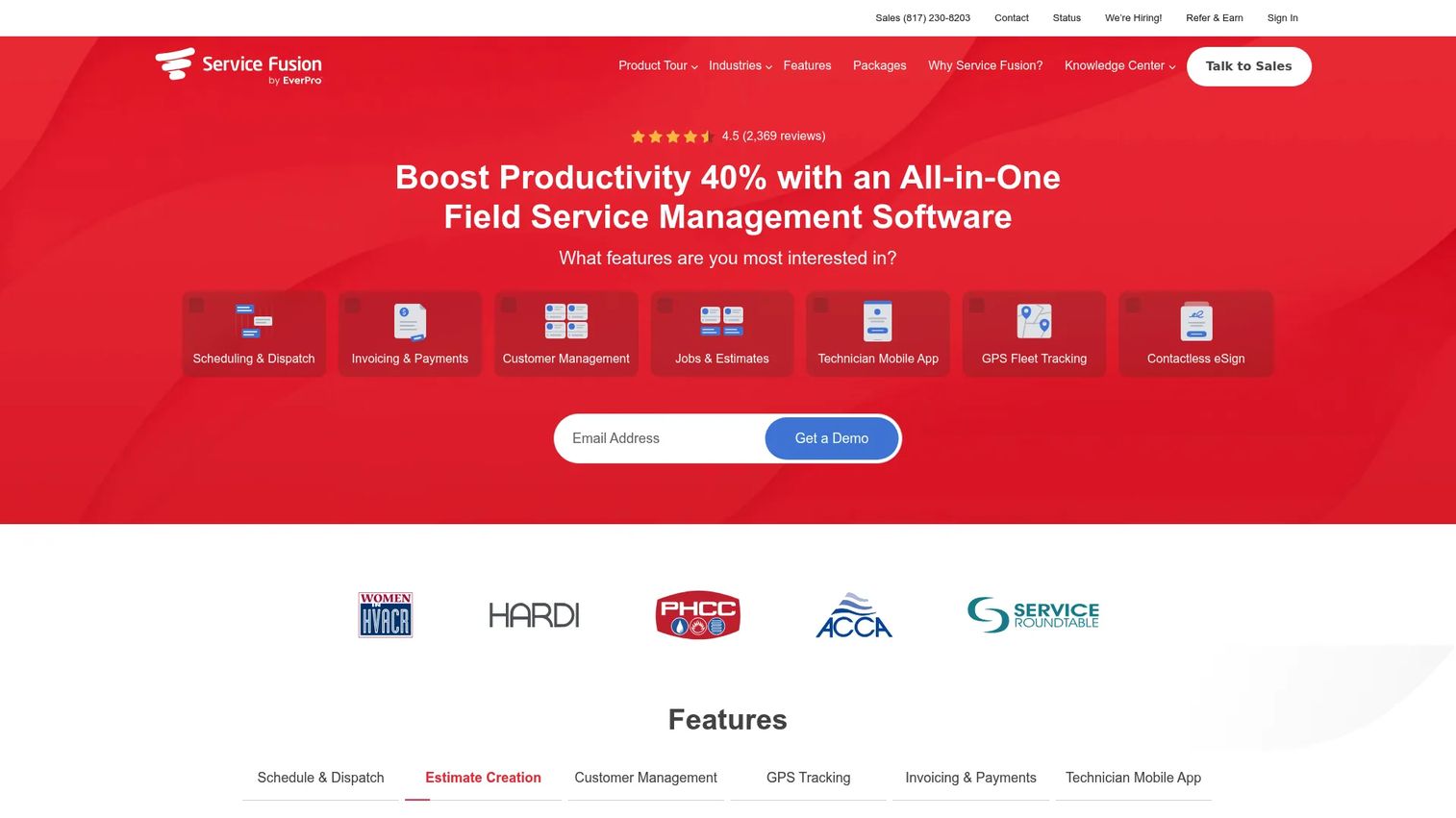
Service Fusion is field service management software for service businesses, covering customer management, scheduling and dispatching, invoicing, payments, and reporting. Its standout for chimney sweep operators is pricing structure: every plan includes unlimited users. If you have a rotating crew, seasonal help, or a growing office team, you are not penalized per seat, which changes the math for many trades.
For a chimney business that adds hands during peak season, flat per-company pricing removes a real cost variable. You dispatch, invoice, and manage customers without watching a seat counter.
Best for: Field service companies that need all-in-one dispatch, invoicing, and customer management with unlimited users.
Key strengths
- Unlimited users: Every plan covers your whole team without per-seat charges.
- Scheduling and dispatching: Assign and move jobs across the calendar with customer context attached.
- Invoicing and reporting: Bill, collect, and report on the business from one place.
Why choose Service Fusion: Choose it when your headcount fluctuates and per-seat pricing would punish growth. The unlimited-user model fits seasonal trades and teams planning to add office staff. Owners who want the slickest consumer-facing portal may want to compare the customer experience against Jobber first.
Service Fusion pricing: Annual-billed plans start at $208/month for Starter, $325/month for Plus, and $533/month for Pro. Monthly billing runs higher at $245, $382, and $627 respectively, and annual billing saves roughly 15%. All plans include unlimited users, and no contract is required. Service Fusion holds a 4.1/5 rating on G2.
4. Housecall Pro
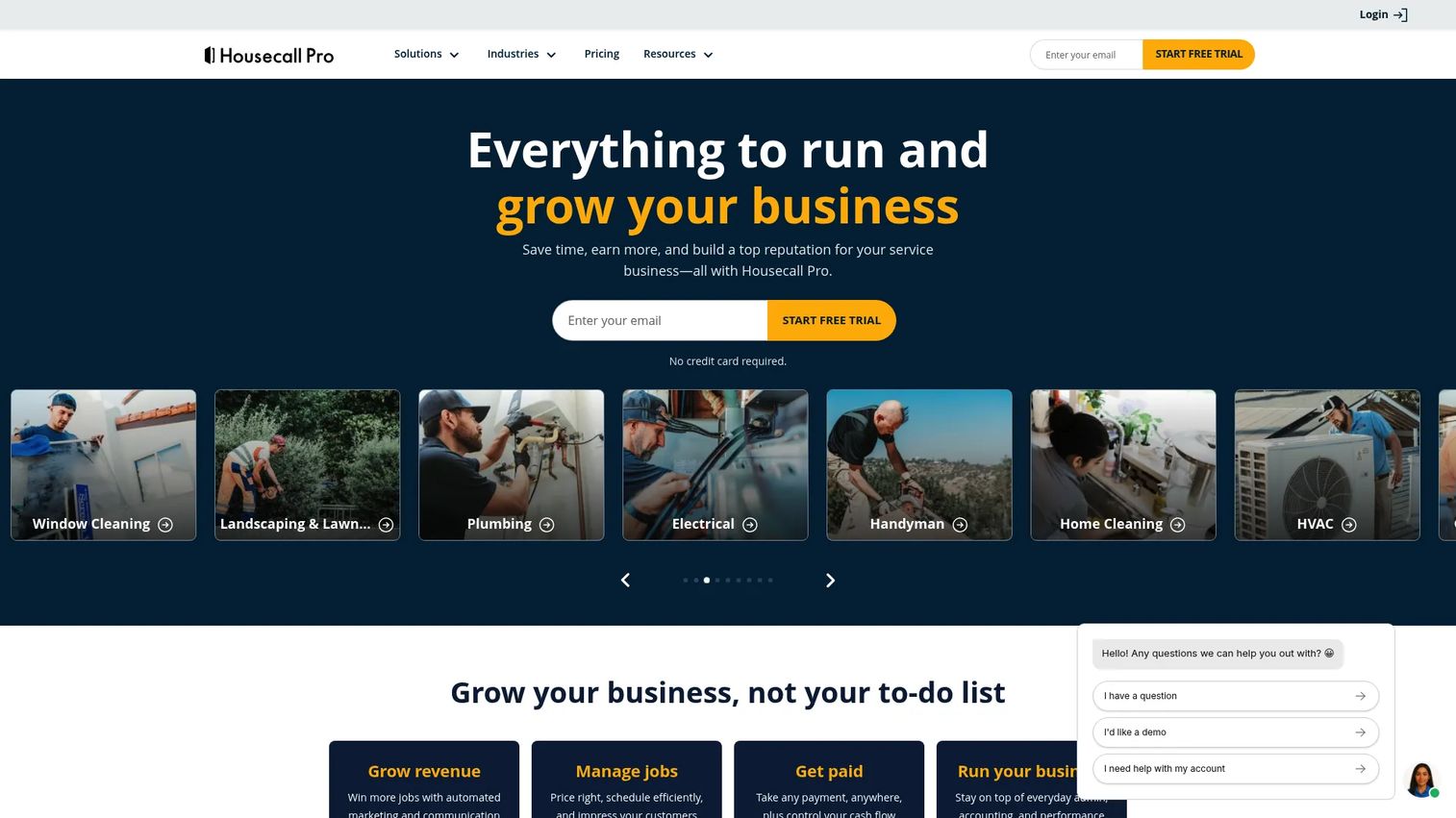
Housecall Pro is field service management software for home service businesses, and it is built around ease of use. It handles online booking, scheduling and dispatching, invoices, and payments, with a mobile experience that small and mid-sized chimney sweep teams can adopt without a long ramp. If getting up and running quickly matters more than deep customization, this is a natural pick.
The appeal is speed to value. Owners who do not want a lengthy setup can get scheduling, quoting, invoicing, and online booking working fast, then let customers self-book from the website.
Best for: Home service teams that want scheduling, quoting, invoicing, and online booking in one easy system.
Key strengths
- Online booking: Let customers self-schedule cleanings and inspections from your site.
- Scheduling and dispatching: Manage the day's jobs and assign crews without friction.
- Invoices and payments: Send invoices and collect payment from the field or office.
Why choose Housecall Pro: Choose it when fast setup and a low learning curve matter most, especially for a small to mid-sized team. It gets an owner off spreadsheets quickly. Businesses that need heavy job costing and multi-crew commercial reporting may outgrow it as they scale.
Housecall Pro pricing: The Basic plan starts at $59/mo, with Essentials and MAX tiers above it. A 14-day free trial is available, and add-ons plus extra users are optional. Annual billing is offered with savings shown on the pricing page. Housecall Pro holds a 4.3/5 rating on G2.
5. FieldPulse
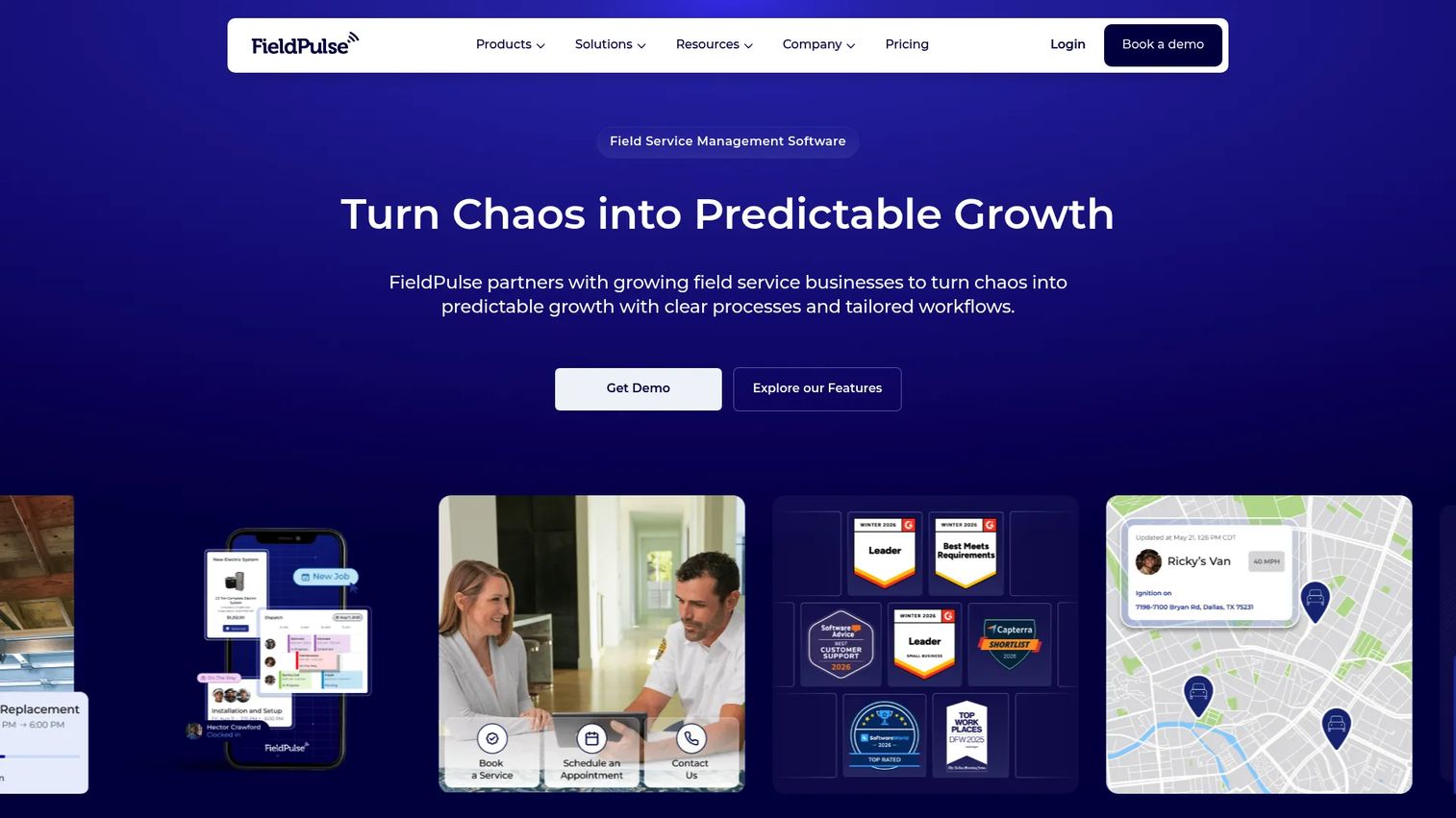
FieldPulse is field service management software built for scheduling, dispatching, invoicing, and customer management, with a mobile-first design that suits crews living in the app all day. For chimney sweep teams that move between inspections, cleanings, and repairs, the field experience is the deciding factor, and FieldPulse leans into it. It also includes a customer portal for self-serve interaction.
The fit here is operational: small to mid-sized teams that want mobile control over estimates, invoices, and scheduling without dragging techs back to a desktop to close out a job.
Best for: Small to mid-sized field service teams that need mobile-first operations software.
Key strengths
- Scheduling and dispatching: Assign and adjust jobs and see the day clearly from any device.
- Estimates and invoices: Build quotes and bill directly from the field after the work is done.
- Customer portal: Give customers a self-serve place to interact with their jobs and history.
Why choose FieldPulse: Choose it when your crews do most of their work inside the app and mobile parity is non-negotiable. It fits growing teams that want flexible workflow control. Because pricing is quoted per seat, scope your crew count before committing.
FieldPulse pricing: Pricing is seat-based and customized, with Essentials and Professional plans. The site directs you to request a quote rather than showing public prices. A G2 rating was not confirmed at the time of writing, though FieldPulse is reviewed on Capterra. Request a quote to match cost to your team size.
6. Workiz
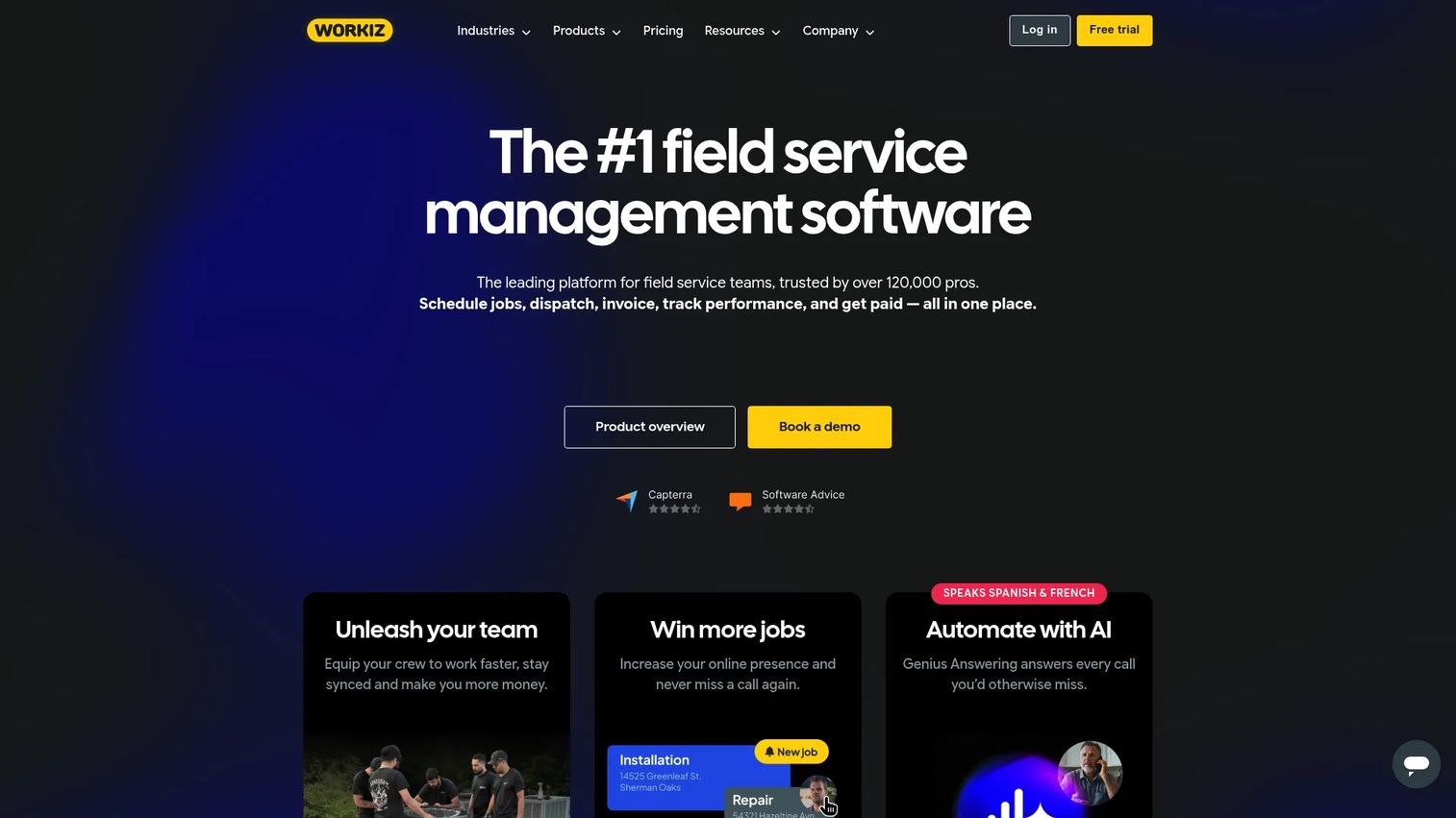
Workiz is field service management software for scheduling, dispatching, invoicing, payments, and communications, with an edge in office coordination. Its built-in phone system and two-way texting fold customer communication directly into the platform, which is useful for a chimney sweep office fielding a high volume of booking calls and confirmations. It also offers a free forever Lite plan, a rare entry point in this category.
The draw is automation and control. Teams that want to reduce manual follow-up and keep call, text, and job data in one system get real leverage from the integrated communication tools.
Best for: Field service businesses that want an all-in-one operations platform with strong built-in communication.
Key strengths
- Integrated phone and texting: Handle booking calls and confirmations without a separate phone tool.
- Scheduling and dispatching: Coordinate the field and office from a shared calendar.
- Invoicing and payments: Send estimates and invoices, then collect online payments.
Why choose Workiz: Choose it when phone and text volume is high and you want communication inside the same system as scheduling and invoicing. The free Lite plan also makes it low-risk to trial. Larger operations that need deep job costing may still want to compare against ServiceTitan.
Workiz pricing: The Lite plan is free forever. Standard, Pro, and Ultimate plans show request pricing on the site, with the first five users included on the paid monthly tiers. All plans include scheduling, automations, invoices and estimates, online payments, a local number, and client management. Workiz holds a 4.4/5 rating on G2.
7. Kickserv
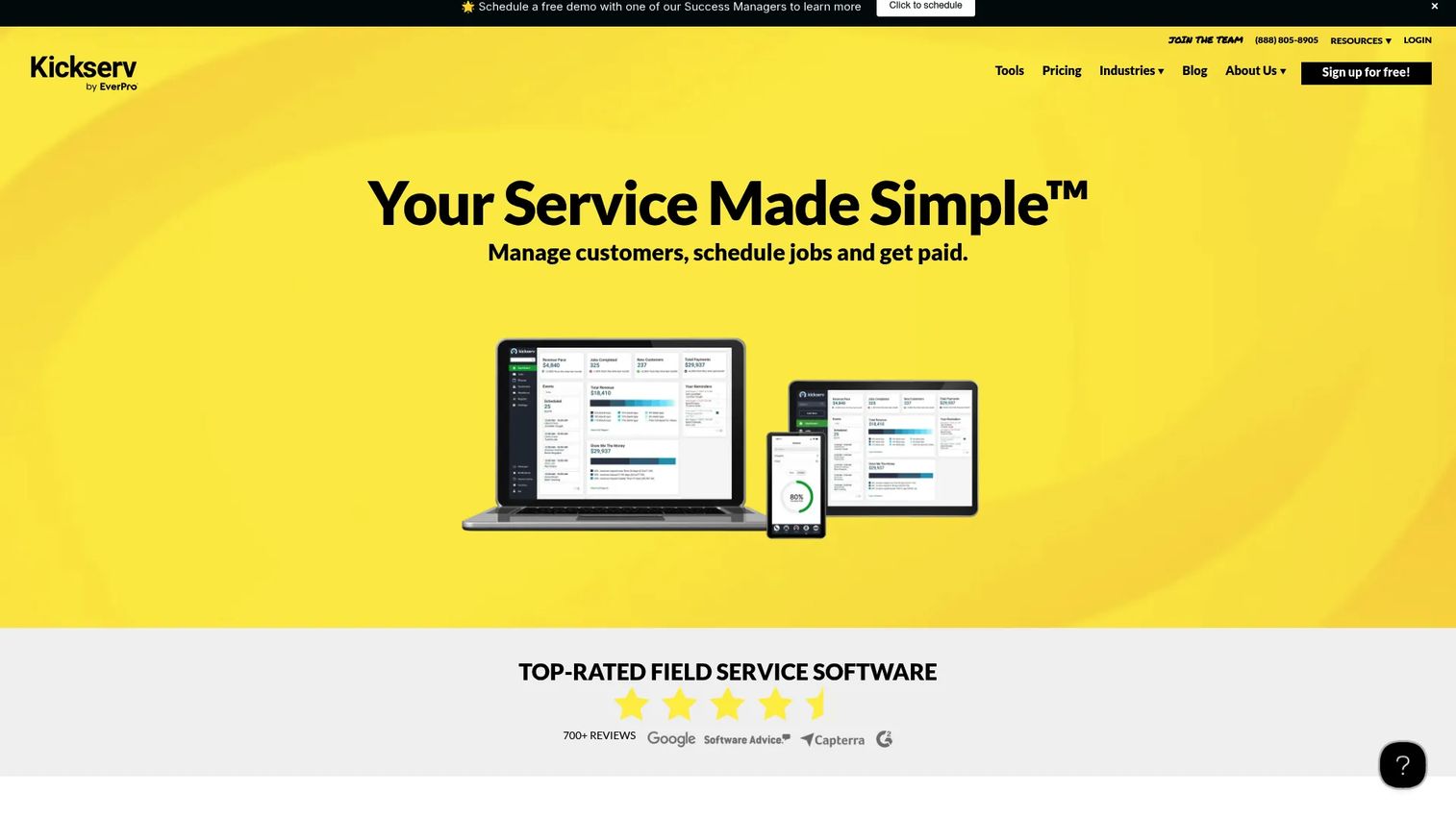
Kickserv is field service management software for managing customers, scheduling jobs, and getting paid, with a focus on small to mid-sized simplicity. For a chimney sweep business that needs solid core workflow without a steep learning curve, Kickserv covers scheduling, estimates, invoicing, and payments cleanly. Its Customer Center gives clients a place to view and approve work, and GPS and time tracking help owners keep tabs on the field.
The fit is straightforward: smaller teams that want the essentials handled well and adopted quickly, without paying for depth they will not use.
Best for: Small to mid-sized home service businesses that need scheduling, dispatch, invoicing, and payments.
Key strengths
- Estimates and signatures: Send quotes, capture approvals, and move jobs through a clear pipeline.
- Scheduling and time tracking: Schedule jobs with GPS and time tracking for field visibility.
- Invoicing and payments: Invoice and collect online payments with accounting integrations.
Why choose Kickserv: Choose it when you want core workflow coverage that is easy to adopt and priced for a smaller team. It gets an owner organized without overwhelming a two- or three-person crew. Businesses that need advanced automation and reporting will eventually want a heavier platform.
Kickserv pricing: The Start plan is $60/mo for 5 users, Run is $119/mo for 10 users, and Scale is $199/mo for 20 users, all billed monthly. Annual billing saves 20%, and a 30-day free trial is available with no free tier. Kickserv holds a 4.5/5 rating on G2.
8. QuoteIQ

QuoteIQ is a home-service CRM and quoting platform built for contractors, with quoting at the center of the product. For chimney sweep operators whose work is inspection-heavy and quote-driven, a tool that puts fast, accurate estimating first fits the daily reality. Chimney jobs often start as an inspection that turns into a repair quote, so quoting speed directly affects how many jobs convert.
The angle here is trade-specific and quoting-forward. If your bottleneck is turning inspections into approved estimates quickly, a quoting-first CRM addresses the friction where it actually lives.
Best for: Contractors and home-service businesses that need strong quoting and job management.
Key strengths
- Quoting-first workflow: Turn inspections into professional estimates quickly to lift conversion.
- Home-service CRM: Keep customer records and job history in one place for repeat and seasonal work.
- Contractor focus: Built around the trade reality of estimating and managing residential jobs.
Why choose QuoteIQ: Choose it when quoting is your bottleneck and you want a CRM that leads with estimates rather than treating them as an afterthought. It suits inspection-driven chimney work where fast quotes win jobs. Because first-party pricing and feature detail were not fully verifiable at the time of writing, request a walkthrough to confirm current plans and coverage.
QuoteIQ pricing: Public first-party pricing was not confirmed at the time of writing, and a verified G2 rating was not available. Contact QuoteIQ directly to confirm current plans, tiers, and features before committing.
Considerations before you buy
Before you shortlist, run every option through the criteria that actually determine whether the software sticks.
Accounting sync and QuickBooks integration
QuickBooks integration is where clean books live or die. Test how the sync handles invoices, payments, taxes, and customer records before you migrate. A weak sync means double entry and reconciliation headaches every month, which defeats the point of chimney sweep accounting software in the first place.
Mobile field usability
Your techs will decide whether the tool succeeds. If the field app is clumsy, crews route around it and your data goes stale. Check that a non-technical tech can view the day's jobs, pull customer history, capture photos, and close out an invoice on a phone without help.
Customer experience and portal
Decide how much self-serve you want to offer. Online booking and a customer portal reduce inbound calls and give homeowners a place to approve quotes and pay. If reducing phone tag is a priority, weight this heavily.
Reporting and seasonal visibility
Chimney work is seasonal, so chimney sweep reporting software should show you revenue, job mix, and crew utilization across peaks and valleys. Ask what reports come standard and whether you can see profitability by job, not just top-line revenue.
Pricing model and scaling
Per-seat and flat-rate pricing behave very differently as you grow. If you add seasonal help, unlimited-user plans protect your margin. If you stay small, entry-tier per-seat pricing may cost less. Match the model to how your headcount actually moves.
Conclusion
The best chimney sweep software is the one that shortens scheduling chaos, tightens quoting, speeds up payment, keeps QuickBooks clean, and gives your field crew enough mobile support to actually use it.
For larger, multi-crew operations, ServiceTitan brings the deepest dispatch, job costing, and reporting. For an all-in-one system with a strong customer portal and online booking, Jobber is the balanced default. Service Fusion wins on unlimited-user pricing for teams that flex with the season, while Housecall Pro is the fastest to adopt for smaller crews. FieldPulse leads on mobile-first field control, Workiz folds phone and texting into the workflow, Kickserv keeps the smallest teams organized simply, and QuoteIQ centers the product on quoting for inspection-driven work.
Your next step: shortlist two tools that match your business size, run a demo of each on the workflows you use most, and test the QuickBooks sync with real data before you migrate. The tool that handles your quote-to-cash and office-to-field handoff cleanly is the one worth committing to.
FAQs
Chimney sweep software is field service management software tuned to a chimney business, covering scheduling, dispatch, estimates, invoicing, payments, customer communication, and accounting sync. It connects the office and the field so jobs, quotes, and invoices live in one system instead of scattered spreadsheets and text threads.
Most leading platforms offer QuickBooks integration, which pushes invoices, payments, and customer records into your books without double entry. Coverage varies, so test the sync with a few real invoices and payments before you migrate, and confirm it handles taxes and customer matching the way your bookkeeper expects.
Yes. A mobile app is central to this category because your techs work in the field, not at a desk. The strongest tools give crews near-full functionality on a phone: viewing the day's jobs, pulling customer history, capturing notes and photos, and sending invoices on-site.
Most chimney sweep service software lets technicians capture photos and, in many cases, video directly on the job. This matters for inspection documentation, since chimney work is often driven by fire safety codes and insurance requirements. Attached photos protect the business and speed up insurance-related repairs.
Yes. Quote and estimate workflows are core to the category, including line-item pricing, e-signature approvals, and turning an inspection into a repair estimate quickly. Faster approvals mean higher conversion, especially for seasonal and inspection-driven chimney jobs.
Most platforms support chimney sweep invoicing along with deposits and payments, including payment links customers can pay from their phone. Collecting a deposit at booking and full payment at job completion shortens the time between finishing work and getting paid.
Many tools offer online booking and a customer portal so homeowners can request or schedule cleanings and inspections without calling. Self-serve booking reduces phone tag for the office and gives customers a place to approve quotes and pay, which raises the overall customer experience.
The best options are designed so a non-technical tech can view jobs, capture photos, and close out invoices on a phone with minimal training. When you evaluate, have an actual field tech test the mobile app first, because crew adoption is what determines whether the software delivers value or gets ignored.