
You shipped the feature. It passed QA. It broke production for 12% of your users anyway, and you found out from a support ticket, not a dashboard.
Most teams treat this as an engineering discipline problem. Better testing, they think. Better staging parity. More careful deploys. They are solving the wrong problem. The issue is not code quality. It is that a deploy and a release are the same event in their workflow, so every rollout is all-or-nothing with no runtime control once the code is live.
Feature flag software decouples the two. Code ships dark, then you turn it on for 1% of traffic, watch the metrics, and expand or roll back without another deploy. That control is why the category is growing fast. Business Research Insights (2025) reports that roughly 61% of organizations have adopted A/B testing and feature flagging to run controlled releases, and the broader feature management market is projected to keep expanding through the decade.
For a product manager, that shift changes what a release even means. You stop asking "did engineering ship it" and start asking "which cohort has it, what happened to activation, and can I reverse it in one click." This guide is written for that reader, not just the developer wiring up an SDK. If you also manage adjacent work like event management or lean on a customer data platform for segmentation, several of these tools plug directly into that stack.
What's inside
This guide covers 10 feature flag platforms built for product and engineering teams shipping software in 2026. It spans commercial platforms, open source projects, and the vendor-agnostic standard layer that ties them together.
We selected tools based on four criteria that matter to PMs, not just developers:
- Targeting and segmentation by user, cohort, plan, region, or custom attribute
- Rollout safety including progressive rollouts, canary deployments, and one-click rollback
- Analytics and experimentation to tie releases to activation, retention, and conversion
- SDK coverage and vendor fit, including open source and self-hosted options
Every pricing figure and G2 rating below reflects verified, current data at the time of writing.
TL;DR
- Best overall for release safety and experimentation: LaunchDarkly, the most complete platform for targeting, progressive delivery, and governance at scale.
- Best vendor-agnostic standard: OpenFeature, an open specification that lets you swap providers without rewriting instrumentation.
- Best open source options: Flagsmith, Unleash, and GrowthBook, for teams that want self-hosted control and community-backed infrastructure.
- Best for experimentation-heavy teams: Split and Statsig, where measurement and release optimization sit in one platform.
- Best budget-conscious pick: ConfigCat, with a genuine free tier and self-serve pricing.
What is feature flag software?
Feature flag software is a runtime control system that lets teams turn features on or off for specific users without deploying new code. It separates deployment from release, so a feature can live in production while staying invisible until you decide who sees it and when.
Also called feature flag management or feature toggling tools, these platforms give product and engineering teams a control plane over live behavior. Instead of coupling every release to a code push, you flip a flag in a dashboard and the change propagates to your app in real time.
Core capabilities of a modern feature flag platform:
- Runtime control: Toggle features live without redeploying, from a dashboard or API
- Targeting and segmentation: Serve different flag values by user ID, plan, region, cohort, or custom attribute
- Progressive rollouts and canary deployments: Release to 1%, then 10%, then 100% while watching metrics
- Rollback: Kill a flag instantly when something breaks, no deploy required
- Experimentation: Run A/B/n tests, multivariate testing, and holdouts against flagged features
- Low-latency evaluation: Local SDK evaluation with caching and failover so flags never block a request
- Analytics and observability integrations: Connect flag data to your product analytics and monitoring stack
The strongest feature flagging software treats flags as a first-class part of the release process, not a config file. That means audit logs, governance, targeting rules that non-engineers can read, and clean SDK coverage across your languages.
When to use feature flag software
Feature flags earn their place at three specific moments in a product team's workflow.
Ship launches without all-or-nothing risk
When you release a new feature, a flag lets you expose it to a small cohort first. You watch activation and error rates on real traffic, then expand the rollout on your own schedule. If a metric moves the wrong way, you dial it back without a hotfix or an emergency deploy.
Run controlled experiments
Flags are the mechanism behind clean product experimentation. You assign users to variants, hold out a control group, and measure the impact on conversion or retention. Because the flag controls who sees what, your experiment and your rollout use the same targeting engine, which keeps instrumentation consistent.
Kill broken features instantly
Every PM has watched a release degrade a core flow. A feature flag is a kill switch. When something breaks, you flip one toggle and the feature disappears for everyone in seconds, buying your team time to diagnose without customers bearing the cost. This release safety is often the single reason teams adopt a feature flag service in the first place.
Comparison table
The table below summarizes intent, primary use case, pricing, and G2 rating for each platform. Use it to shortlist, then read the detailed sections for fit.
| # | Product | Intent | Key use case | Pricing | G2 rating |
|---|---|---|---|---|---|
| 1 | LaunchDarkly | Enterprise feature management | Release safety, targeting, experimentation at scale | Free; usage-based paid; custom enterprise | 4.5/5 |
| 2 | OpenFeature | Vendor-agnostic standard | One SDK API across providers | Open source, free | Not rated |
| 3 | Flagsmith | Open source flagging | Segmentation, self-hosted control | Free; $40/mo+ | 4.8/5 |
| 4 | Unleash | Open source feature management | Controlled rollouts, self-hosted or SaaS | From $75/seat/mo | 4.7/5 |
| 5 | Split | Feature flags + experimentation | Release monitoring and impact measurement | Free tier; custom | Not rated |
| 6 | ConfigCat | Simple hosted flagging | Fast setup, self-serve pricing | Free; $110/mo+ | 4.6/5 |
| 7 | DevCycle | Developer-friendly flags | Gradual rollouts and experimentation | Free; $625/mo+ | 4.5/5 |
| 8 | GrowthBook | Open source experimentation | Warehouse-native flags and A/B tests | Free; $40/seat/mo | 4.6/5 |
| 9 | Harness | Enterprise delivery platform | Feature flags inside CI/CD and governance | Free; custom | 4.8/5 |
| 10 | Statsig | Measurement-first platform | Flags, experiments, and product analytics | Free; $150/mo+ | 4.7/5 |
1. LaunchDarkly
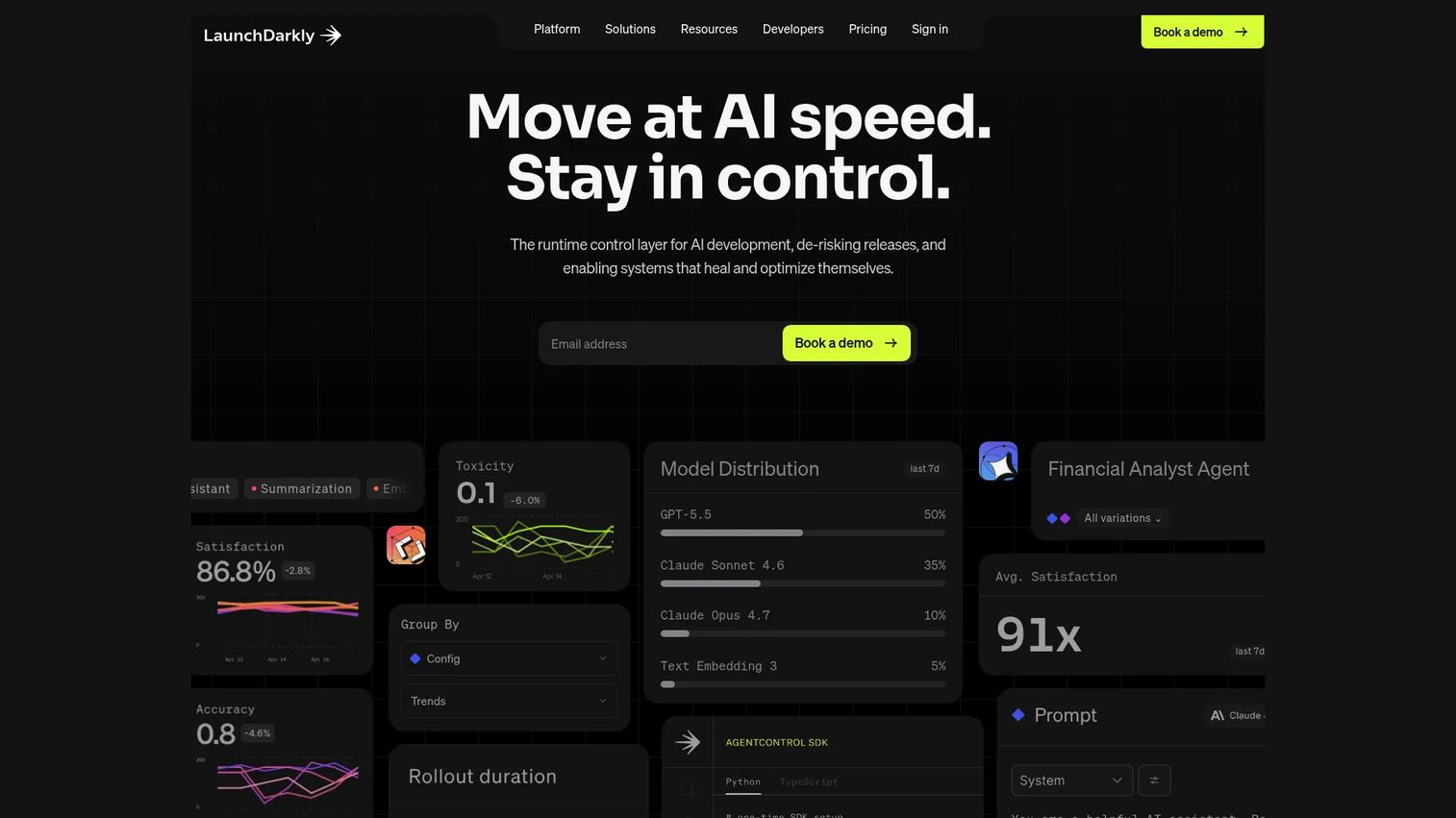
LaunchDarkly is the platform most teams benchmark against when they think about feature flag software. It combines feature flags, targeting, experimentation, and release monitoring into a single control plane, and it has extended that model to cover AI agents and AI-era rollout governance. For product and platform teams shipping at scale, it treats every release as a controlled, reversible event.
Best for: Teams that need controlled feature releases, experimentation, and runtime release safety across a large engineering org.
Key strengths
- Feature flags and targeting: Serve different values by user, plan, cohort, or custom attribute with rules a PM can read.
- Experimentation and A/B tests: Run experiments against flagged features and tie results to product metrics.
- Release safety and rollback controls: Progressive rollouts and instant kill switches without redeploying.
Why choose LaunchDarkly: It is the most complete option when your risk profile is high and multiple teams touch the same production surface. The governance layer, audit trails, and targeting depth matter most for mid-market and enterprise product orgs where a bad release costs real revenue. Smaller teams may not use every capability, but the runtime control is worth the platform on its own.
LaunchDarkly pricing: The Developer plan is free to start. The Foundation plan is usage-based and billed yearly, priced per service connection, per 1,000 client-side monthly active users, and per block of AI runs. Enterprise and Guardian tiers are custom-priced through sales. This usage model scales with how much you flag, not just seat count, which suits teams that want to start small and grow.
2. OpenFeature
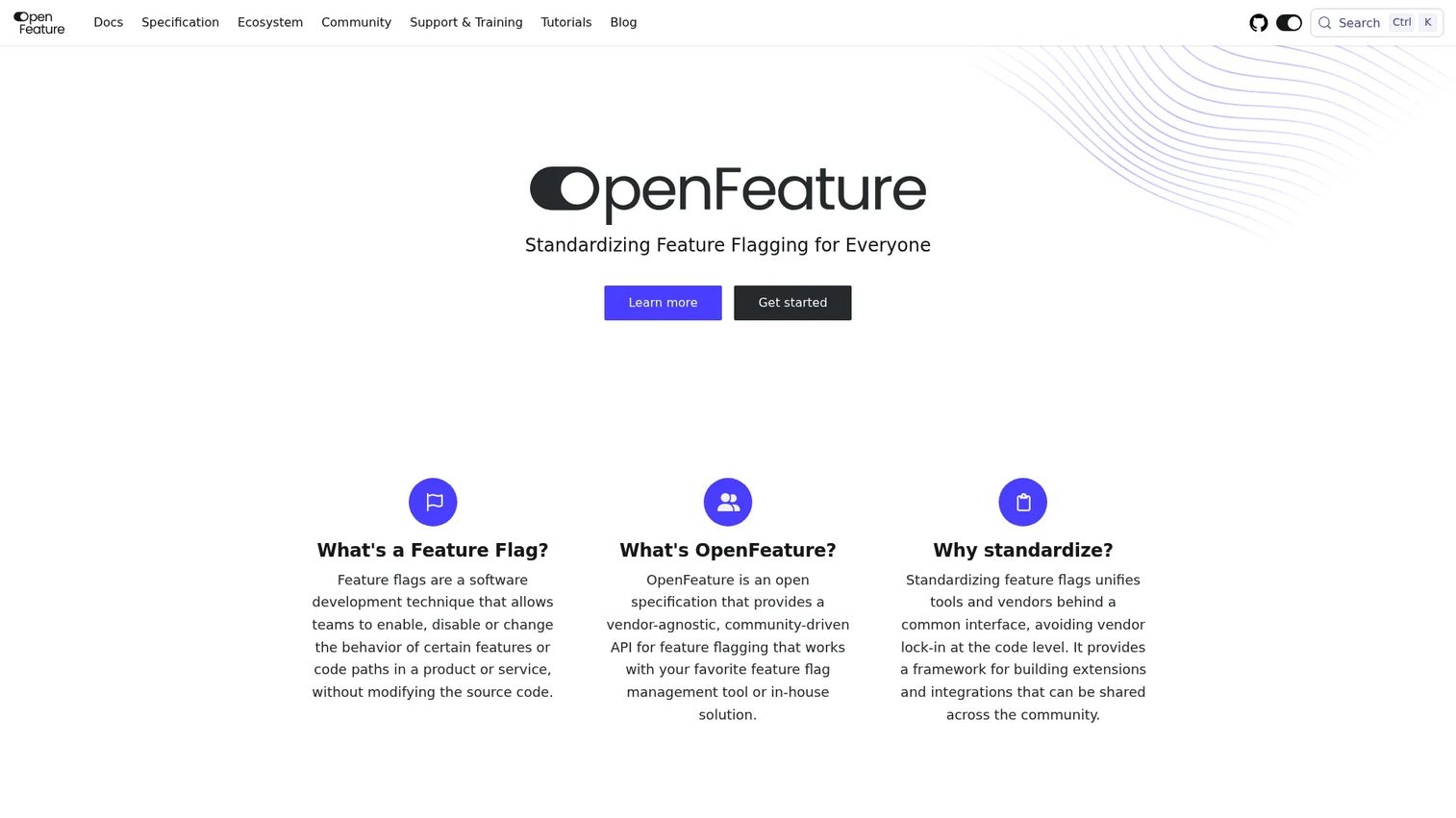
OpenFeature is not a hosted flagging app. It is an open specification and vendor-agnostic API for feature flagging, and a CNCF incubating project under the Apache 2 license. You instrument your code once against the OpenFeature API, then plug in whichever provider you choose behind it, and swap providers later without rewriting your application code.
Best for: Teams that want a standardized, open source feature flagging interface across providers to avoid lock-in.
Key strengths
- Vendor-agnostic feature flagging API: One instrumentation layer that works across multiple flag providers.
- Evaluation API and evaluation context: A consistent way to pass user and environment data into flag decisions.
- Providers, hooks, and events: Extend behavior with hooks and standardized events across languages.
Why choose OpenFeature: This is a platform strategy decision, not a tool purchase. If your organization worries about migration risk or wants the freedom to change vendors as needs evolve, OpenFeature is the abstraction layer that makes that possible. It pairs naturally with a hosted provider like Flagsmith or Unleash, giving you portability on top of a real management UI.
OpenFeature pricing: OpenFeature is open source and free. There is no hosted plan or pricing page, because it is a specification and set of SDKs rather than a commercial product. Your cost is the provider you choose to run behind it.
3. Flagsmith
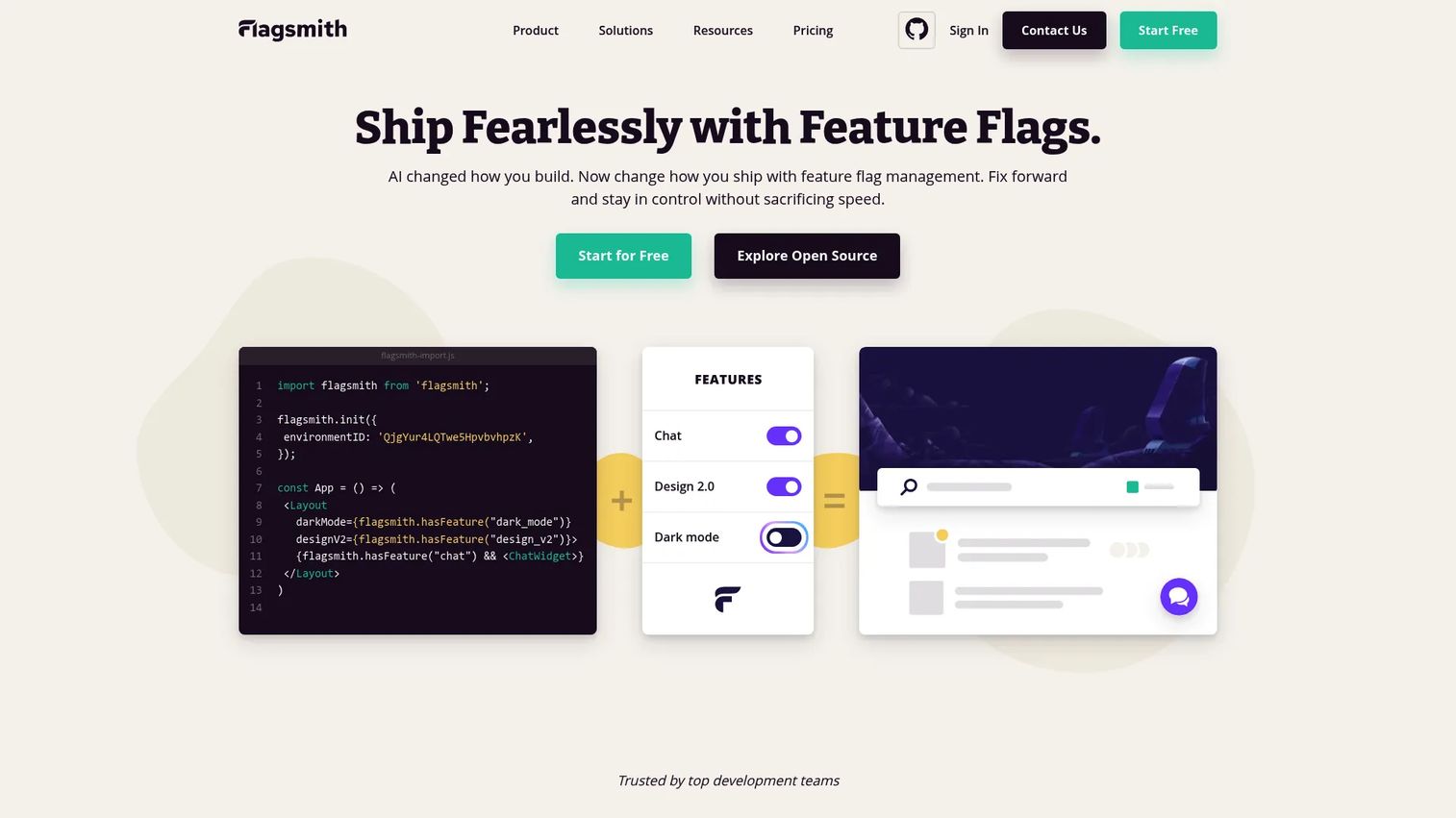
Flagsmith is an open source feature flag and remote config platform that gives teams the choice of cloud, self-hosted, or enterprise deployment. It handles flags, segmentation, and multi-environment control, and layers experimentation on top, making it a strong fit for product teams that want control without full vendor dependence.
Best for: Teams that need feature flags with segmentation, experimentation, and self-hosted or enterprise deployment options.
Key strengths
- Feature flags and remote config: Manage flag state and remote configuration from one place.
- Segmentation and multi-environment control: Target segments and promote flags cleanly across dev, staging, and production.
- A/B and multivariate testing: Run experiments against flagged features without a separate tool.
Why choose Flagsmith: The self-hosting option is the differentiator. If data residency, compliance, or infrastructure control rules out a pure SaaS provider, Flagsmith lets you run the whole platform inside your own environment while keeping a polished management UI. The open source core also means you can inspect and extend behavior, which appeals to teams wary of black-box vendors.
Flagsmith pricing: The Free plan starts at $0. Start-Up is $40 per month billed yearly or $45 monthly. Scale-Up is $250 per month yearly or $300 monthly. Enterprise is contact sales. Both open source self-hosting and paid cloud tiers are available, so cost scales with whether you run it yourself or let Flagsmith host.
4. Unleash
Unleash is an open source feature management platform built for controlled rollouts. It offers self-hosted, private cloud, and SaaS deployment, with strong SDK breadth and rollout controls. For engineering-led teams that want community-backed infrastructure they can host themselves, it is a serious option among feature flag tools.
Best for: Engineering teams needing controlled feature releases with self-hosted or SaaS deployment.
Key strengths
- Feature flags and rollout/rollback control: Progressive rollouts and instant rollback across environments.
- Multi-environment management: Manage flag state consistently from development through production.
- Flexible deployment: Self-hosted, private cloud, and SaaS options to match your security posture.
Why choose Unleash: The open source foundation plus flexible deployment is the draw. Teams that need to keep flag evaluation inside their own infrastructure, for latency or compliance reasons, get that without giving up a maintained platform. The active community and broad SDK coverage make it dependable for teams standardizing feature flagging across many services.
Unleash pricing: Cloud Hosted pay-as-you-go starts at $75 per seat per month. Self Hosted pay-as-you-go starts at $375 for 5 seats per month. Enterprise is an annual contract through sales. The open source project itself is free to self-host if you want to run it without a commercial plan.
5. Split
Split is a feature management and experimentation platform that pairs rollout control with release monitoring and impact measurement. It is built for teams that want to ship a feature, watch how it performs on real traffic, and measure whether it moved the metric they cared about, all in one system.
Best for: Engineering and product teams that want feature flags plus experimentation in one platform.
Key strengths
- Feature flags and rollout control: Targeted releases with progressive rollouts and kill switches.
- Release monitoring: Watch feature performance and catch regressions on live traffic.
- Experimentation and impact measurement: Tie each release to a measurable effect on product metrics.
Why choose Split: For teams running a mature experimentation program, Split's tight coupling of flags and measurement removes the gap between releasing a feature and knowing if it worked. If your PMs care deeply about attribution, holdouts, and release optimization rather than just on/off control, this is a natural fit.
Split pricing: Split offers a free account and a 30-day trial. Public materials reference Developer, Platform, Business, and Enterprise editions, with pricing configured through sales for the paid tiers. Start on the free account to validate fit before scaling into a paid edition.
6. ConfigCat
ConfigCat is a hosted feature flag and remote configuration service built around simplicity and fast setup. It covers targeting, segmentation, and percentage rollouts with SDKs for major platforms, and it does so with a self-serve pricing model that suits smaller teams and simpler use cases.
Best for: Teams that need a hosted feature flag platform with a free tier and self-serve pricing.
Key strengths
- Feature flags and remote configuration: Manage flags and config values from one clean dashboard.
- Targeting, segmentation, and percentage rollouts: Serve flags by segment and roll out gradually.
- Audit log, SSO/SAML/SCIM, and SDKs for major platforms: Governance and broad language support out of the box.
Why choose ConfigCat: When governance needs are moderate and you want flags working today, ConfigCat's fast setup is the appeal. It gives you the core of feature flag management, targeting, rollouts, and audit trails without a heavy implementation project. Teams that do not need a full experimentation suite get exactly what they need and nothing they do not.
ConfigCat pricing: The Forever Free plan is $0. Pro is $110 per month, Smart is $325 per month, Enterprise is $900 per month, and Dedicated is $4,500 per month. The generous free tier makes it a practical starting point for a first feature flag service, with clear steps up as usage grows.
7. DevCycle
DevCycle is a feature flag and feature management platform focused on developer-friendly workflows. It handles flags, gradual rollouts, targeting, and experimentation with the kind of clean day-to-day management that drives team adoption rather than shelfware.
Best for: Engineering teams that need feature flags, gradual rollouts, and experimentation.
Key strengths
- Feature flags: Straightforward flag management built into developer workflows.
- A/B testing and experimentation: Run experiments against flagged features without extra tooling.
- Targeting and segmentation: Serve flags by user attribute, cohort, or environment.
Why choose DevCycle: If a previous flag rollout stalled because the tool felt clunky, DevCycle's emphasis on straightforward implementation is the counter. It is built so that the whole engineering team actually uses it, which matters more than any feature list once you are trying to standardize feature flagging across squads.
DevCycle pricing: The Free plan is $0 with no credit card required. The Business plan starts at $625 per month billed annually. Enterprise is custom, billed annually. The free tier is a real option for validating the workflow before committing to a paid contract.
8. GrowthBook
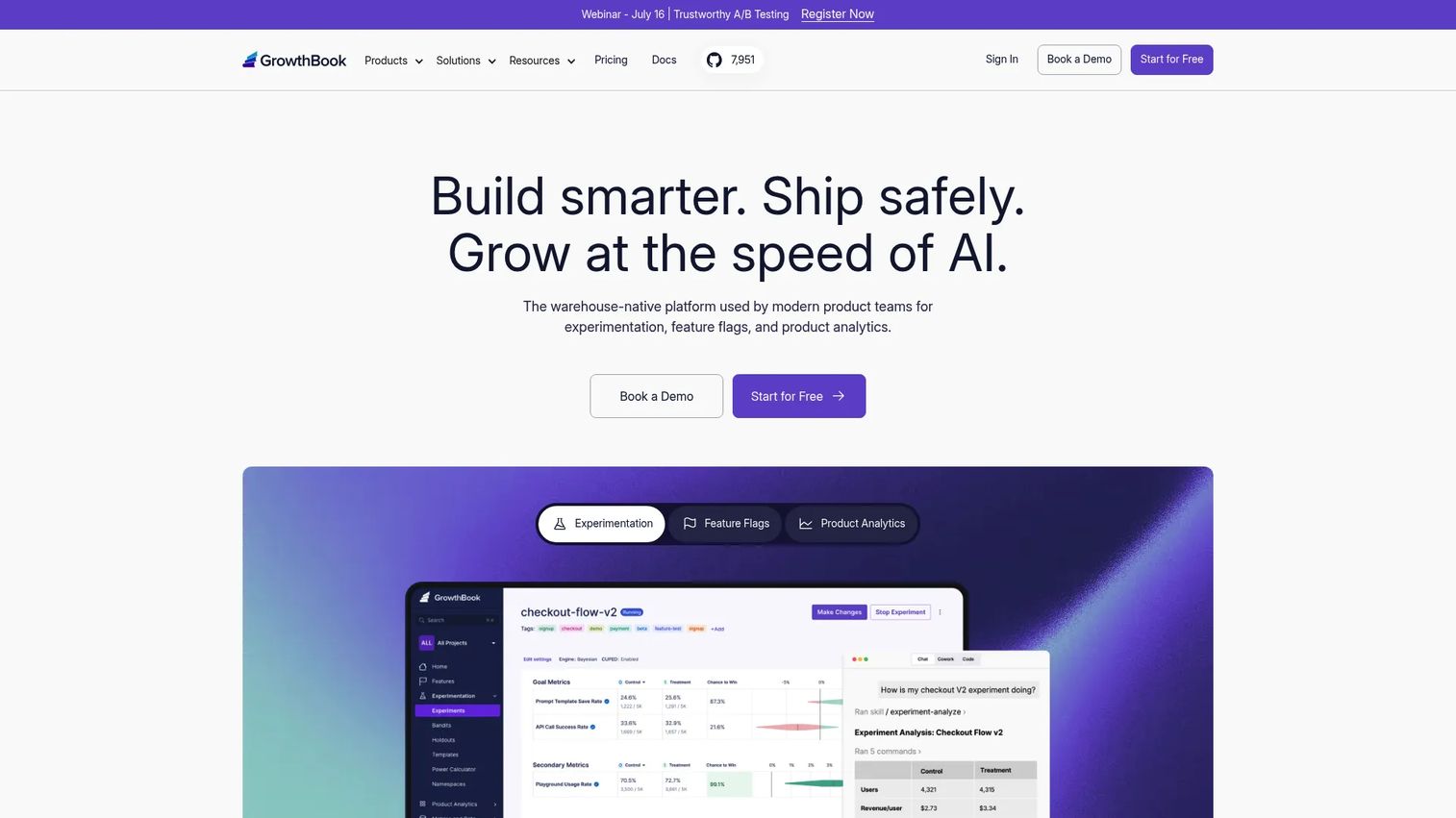
GrowthBook is a warehouse-native experimentation, feature flag, and product analytics platform. It brings flags and experimentation into one open source ecosystem and connects directly to your data warehouse, so measurement runs on the numbers you already trust.
Best for: Teams that want warehouse-native feature flags and experimentation with a free entry tier.
Key strengths
- Feature flag management: Targeting and rollout control alongside experimentation.
- A/B testing and experimentation: Run experiments and read results against warehouse data.
- Product analytics and 24+ SDKs: Broad SDK coverage plus analytics in one platform.
Why choose GrowthBook: For teams that want flags and experimentation without stitching together separate vendors, GrowthBook's warehouse-native model is compelling. Because it reads from your existing data, PMs get experiment results grounded in the same source of truth as the rest of the business. The open source core makes it a fit for teams wary of lock-in.
GrowthBook pricing: The cloud Starter plan is free for up to 3 users. Pro is $40 per seat per month for up to 50 users. Enterprise is custom. A free self-hosted open source plan is also available, giving budget-conscious and privacy-conscious teams a genuine no-cost path in.
9. Harness
Harness is an AI-native software delivery platform that folds feature management into a broader suite covering CI/CD, GitOps, security, and cloud cost management. For platform and DevOps-heavy organizations, feature flags live inside the same system that already governs delivery and releases.
Best for: Engineering teams needing an integrated platform for delivery, governance, security, and FinOps.
Key strengths
- Continuous delivery and GitOps: Automated, governed pipelines with flags as part of the release flow.
- Continuous integration: Build and test automation in the same platform.
- Feature management and experimentation: Flags, targeting, and experiments aligned with CI/CD.
Why choose Harness: The case for Harness is consolidation. If your organization is already standardizing delivery, governance, and cost management on one platform, adding feature flags in the same place aligns rollout control with your CI/CD pipeline. It fits DevOps-led orgs that treat release safety as part of the delivery system, not a separate tool.
Harness pricing: Harness lists a free plan plus Essentials and Enterprise plans that require contacting sales. Packaging is module-based, so feature management is priced alongside the other modules you adopt. The free plan is a reasonable place to evaluate the feature flag capability before committing to the wider platform.
10. Statsig
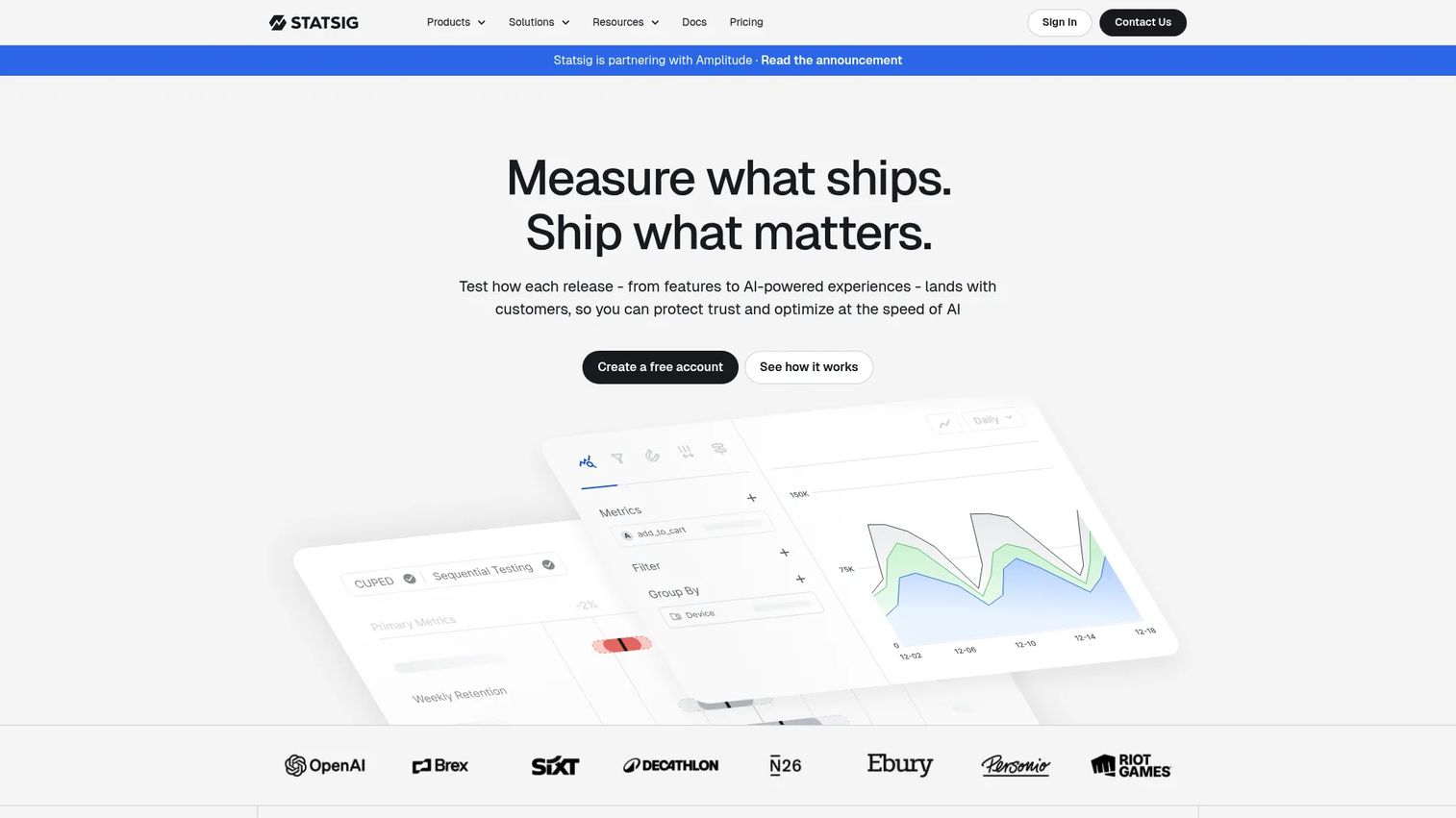
Statsig is a product development platform that combines feature flags, experimentation, product analytics, and session replay. It appeals to teams that want a measurement-first stack, where every flag and rollout is instrumented and analyzed in the same place they ship it.
Best for: Teams that want one platform for flags, experimentation, and analytics.
Key strengths
- Feature flags and config management: Runtime control with targeting and gradual rollouts.
- A/B testing and experimentation: Deep experimentation with results tied to product usage.
- Product and web analytics: Analytics and session replay alongside flag data.
Why choose Statsig: For product teams that iterate fast and want measurement baked in, Statsig removes the seams between flagging, experimenting, and analyzing. PMs get flag control and experiment results in the same tool as their product analytics, which shortens the loop from ship to insight. It suits teams where experimentation maturity is a priority.
Statsig pricing: The Developer plan is free with 2M events per month. Pro starts at $150 per month with 5M events included and $0.05 per additional 1,000 events. Enterprise is custom. The event-based model scales with usage, so cost tracks how much you measure rather than seat count alone.
Considerations before you buy
A shortlist is only useful once you match it to your team's reality. Here is what to verify before committing to a feature flag platform.
Targeting and segmentation depth
Check whether the tool targets by the attributes you actually use: plan, role, region, lifecycle stage, or custom traits. Weak segmentation forces engineering to hardcode logic that flags were supposed to remove. Confirm that non-engineers can read and edit targeting rules without a code change.
Rollback and default-state behavior
Ask what happens when the flag service is unreachable. Good platforms evaluate locally with cached values and a defined default state, so a network blip never blocks a request. Verify that a kill switch takes effect in seconds, not minutes, because that latency is the whole point of release safety.
Analytics and experimentation fit
Decide how much measurement you need. Some teams want flags plus a full experimentation suite with holdouts and multivariate testing. Others just need clean rollout control and will send flag events to their existing analytics. Buying more experimentation than you will use adds operational overhead without payback.
Vendor fit and lock-in
Consider open source, vendor-agnostic feature flagging, and commercial platforms as distinct paths. If migration risk worries you, instrument against OpenFeature so you can change providers later. If data residency matters, weight self-hosted options like Flagsmith or Unleash.
Low-latency evaluation and reliability
Production flags sit in the request path, so evaluation speed, caching, and failover are not optional. Confirm the SDK evaluates locally, that flag changes propagate quickly, and that the platform degrades gracefully rather than failing your app.
Conclusion
The right feature flag software depends on your team's maturity and what you are optimizing for.
If you need the most complete release-safety and experimentation platform for a large product org, LaunchDarkly is the benchmark. If avoiding vendor lock-in is a strategic priority, standardize on OpenFeature and pick a provider behind it. For open source and self-hosted control, Flagsmith, Unleash, and GrowthBook each give you infrastructure you own. If experimentation is the point, Split and Statsig put measurement and rollout in one place, while GrowthBook does it warehouse-native. For fast, budget-conscious setup, ConfigCat and DevCycle get flags working quickly. And if you want flags folded into your delivery pipeline, Harness fits DevOps-heavy orgs.
Your next step: shortlist two tools that match your deployment and experimentation needs, then run a small rollout on a real feature. The tool that makes your team ship faster without breaking production is the one to keep. For more tooling decisions across the PM stack, our guides on the best customer data platform and event management software cover adjacent categories.
FAQs
Feature flag software is used to control which users see a feature at runtime, without deploying new code. Teams use it for progressive rollouts, targeted releases by cohort or region, and instant kill switches when something breaks. It separates deployment from release, so shipping code and turning a feature on become two independent decisions.
Feature flags are the technique of toggling features at runtime, and most vendors offer a product to manage them. OpenFeature is not a flag management product. It is an open, vendor-agnostic specification and API that sits above whatever provider you use, so you instrument once and can swap the underlying flag service without rewriting your code.
Flagsmith, Unleash, and GrowthBook are the strongest open source options. Flagsmith and Unleash offer self-hosted deployment with polished management UIs and multi-environment control. GrowthBook adds warehouse-native experimentation on top of open source flags, which suits teams that want measurement and flagging in one ecosystem.
Prioritize targeting and segmentation that non-engineers can read, reliable rollback and kill-switch behavior, analytics that connect releases to activation and retention, and team collaboration features. Also weigh maintenance burden and how cleanly the tool integrates with your existing analytics and CI/CD stack, since a high-overhead system erodes the time it was meant to save.
Feature flags assign users to variants and serve each group a different experience, which is the mechanism behind A/B and multivariate testing. Platforms with experimentation built in add holdout groups, statistical analysis, and impact measurement, so you can tie a release to a change in conversion or retention. The same targeting engine powers both your rollouts and your experiments.
It depends on your migration risk tolerance. Flags become deeply embedded in application code, so switching providers can be costly if you instrument directly against a single vendor's SDK. Using a vendor-agnostic abstraction like OpenFeature, or choosing an open source platform you can self-host, reduces that risk and preserves portability.
Three models dominate. Seat-based pricing charges per editor, usage-based pricing charges by monthly active users, service connections, or events, and enterprise contracts are custom. Many platforms combine a free tier for small teams with usage-based paid plans and custom enterprise deals, so cost scales with either team size or how much you flag.
Yes. Flags sit in the request path, so slow evaluation directly degrades your app's performance. Good platforms evaluate flags locally in the SDK using cached values, with failover and a defined default state so a network issue never blocks a request. Low-latency evaluation and graceful degradation are core reliability requirements, not nice-to-haves.