You walk a job, scribble measurements on a notepad, then lose two evenings turning them into a quote in a spreadsheet. By the time you send it, the homeowner already got two other bids. That lag costs deals.
The numbers back it up. Painting contractors that adopt dedicated estimating software see average ticket size climb 18 to 27 percent within 12 months, and quote turnaround drop from 3.4 days to under 24 hours, according to Painting Contractors Association benchmarks reported via MyQuoteIQ in 2026. Faster bids, bigger tickets, fewer deals lost to whoever answered first.
That is the real problem painting estimating software solves. Not fancier reports. Speed and accuracy at the exact moment a customer is deciding. The demand is real too: the U.S. residential painting contractor segment includes roughly 223,000 businesses doing $28.2 billion a year in revenue, per Paintviz (2026), and the broader construction estimating software market sits at $3.07 billion in 2026, growing at a 12.66 percent CAGR through 2031, per Mordor Intelligence.
This is a buyer's shortlist, not a brochure. Seven tools, sorted by how well they support the full workflow a painting contractor actually runs, from takeoff and production rates to proposals, follow-up, and job management.
What's inside
This guide is for painting contractors, estimators, and owners comparing tools to replace spreadsheets, paper takeoffs, or a patchwork of disconnected apps. We ranked seven options using four criteria that matter on real jobs: estimating and takeoff accuracy, proposal quality, workflow coverage from lead to invoice, and integrations plus proof. Each tool gets a plain-language rundown of what it does, who it fits, what makes it different, and what it costs. No feature dumps, no filler. If a tool wins on takeoff but skips sales follow-up, we say so.
TL;DR
- Best for sales-led painting businesses: PaintScout ties estimating to proposals and automated follow-up.
- Best painting takeoff software for commercial estimators: PlanSwift, for PDF plan takeoff and precise measurement.
- Best one-time purchase for owner-operators: The Paint Estimator, a Windows desktop tool with lifetime updates.
- Best lean estimate generation: PaintSmith, for contractors who want quotes without a heavy system.
- Best all-in-one for field service teams: QuoteIQ, with on-site quoting, photos, and payments in one app.
- Best when estimating feeds project management: JobTread or Buildertrend, for teams running the whole job in one platform.
What is painting estimating software?
Painting estimating software is a tool that helps painting contractors measure surfaces, calculate labor and material costs, and produce priced quotes and proposals for clients. Instead of manual spreadsheets, it applies production rates and pricing rules to generate accurate painting estimates fast.
The category usually includes:
- Takeoff and measurement: counting square footage, walls, ceilings, trim, and surface area, often from photos or uploaded plans.
- Production rates: labor time per surface type so estimates reflect real crew output, not guesses.
- Proposals: branded, client-facing quotes with line items, options, and e-signatures.
- CRM and job management: lead tracking, follow-up, scheduling, and job status in one place.
- Invoicing and payments: turning an accepted estimate into an invoice and collecting payment.
- Integrations: connections to accounting like QuickBooks, plus CRM and automation tools.
- Mobile estimating: building or adjusting a quote on-site from a phone or tablet.
Not every tool covers all of this. Some specialize in painting takeoff software and precision measurement. Others lean into sales and proposals. A few bundle estimating into full painting contractor software that runs the entire job. The right pick depends on where your current process breaks.
When to use painting estimating software
Speed up bid turnaround
If measurements and pricing eat your evenings, estimating software is the fix. You capture dimensions on-site, apply saved production rates and estimate templates, and generate a priced quote before you leave the driveway. Less back-and-forth, fewer transcription errors, and a bid in the customer's inbox while they still remember your walkthrough.
Improve proposal quality
A clean, branded proposal wins trust. Estimating software for painting contractors turns raw numbers into professional proposals with line items, good-better-best options, photos, and e-signatures. That polish separates you from the contractor who texts a number, and it shortens the decision because the client sees exactly what they are buying.
Connect estimating to the rest of the workflow
The best painting contractor software does not stop at the quote. It tracks the lead, automates follow-up, schedules the crew, and feeds accepted jobs into scheduling and accounting. When the estimate flows into the rest of operations, nothing falls through the cracks between "yes" and "paid."
Comparison table
Here is how the seven tools stack up on intent, standout use case, verified pricing, and public rating. Pricing and ratings reflect vendor and G2 sources as of mid-2026.
| # | Product | Intent | Key use case | Pricing | G2 rating |
|---|---|---|---|---|---|
| 1 | PaintScout | Sales-led estimating | Estimates, proposals, and follow-up | From $99/mo (annual) | Not published |
| 2 | PlanSwift | Takeoff precision | PDF plan takeoff and measurement | $2,000/yr | 4.3/5 |
| 3 | The Paint Estimator | Desktop estimating | One-time Windows estimating tool | $129 one-time | Not published |
| 4 | PaintSmith | Lean estimating | Straightforward quote generation | Not published | Not published |
| 5 | QuoteIQ | All-in-one field service | On-site quoting, photos, payments | From $29.99/mo | Not published |
| 6 | JobTread | Estimating plus PM | Estimating tied to job management | From $199/mo | Not published |
| 7 | Buildertrend | Full contractor platform | Projects, finances, communication | Custom pricing | 4.2/5 |
1. PaintScout
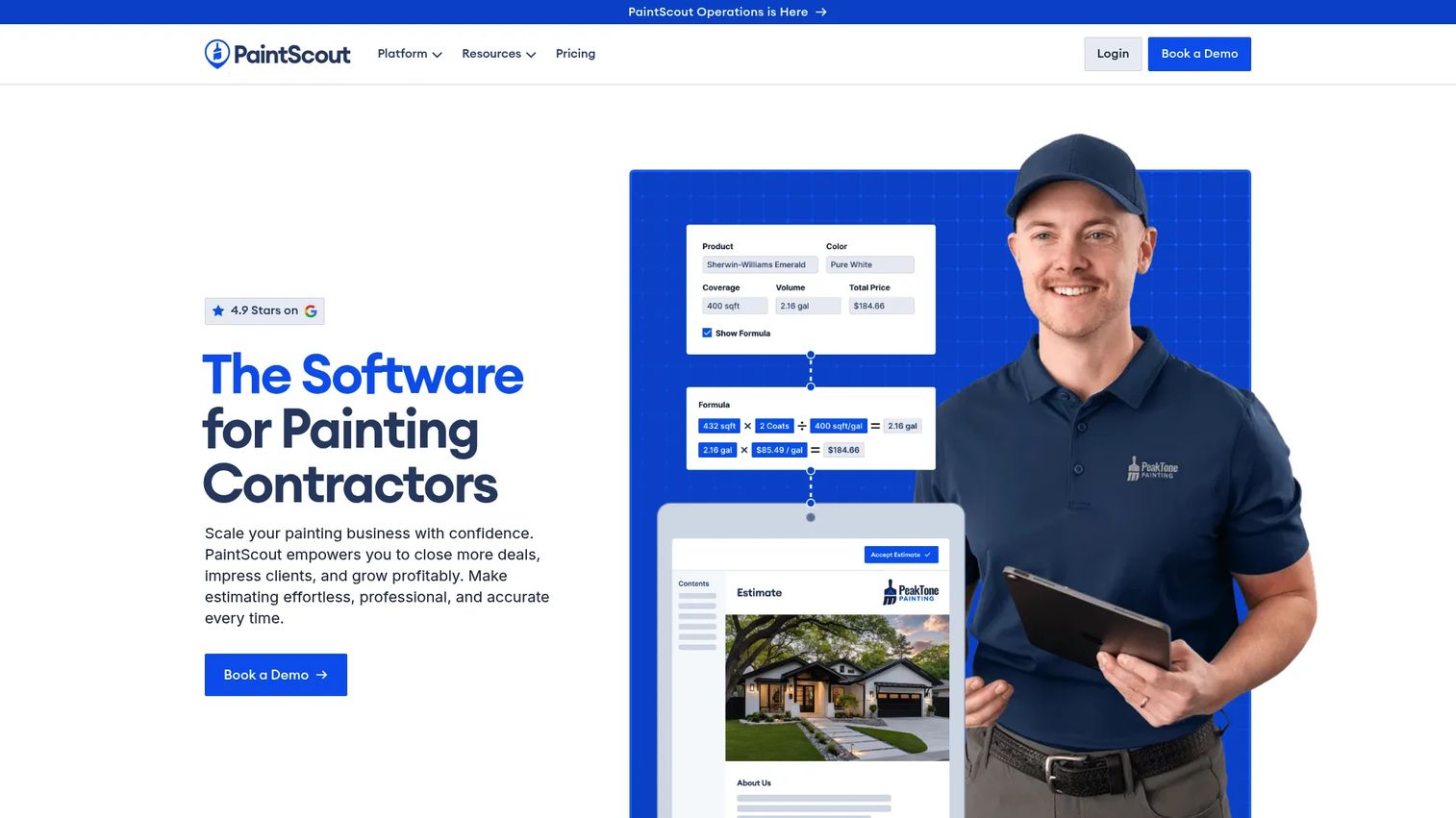
PaintScout is built specifically for painting contractors who want estimating tied directly to the sales motion. It splits the workflow into a Sales side for creating estimates and interactive proposals, and an Operations add-on for managing the work once a job is won. If your bottleneck is turning walkthroughs into signed jobs, this is the tool aimed squarely at that gap.
The core strength is speed from measurement to sent proposal. You build estimates using production rates, present them as branded, interactive proposals, and let automated email and SMS follow-ups keep prospects warm without you chasing every lead by hand. That closes the loop between estimating and closing.
Best for: Painting contractors who want a dedicated estimating and sales platform, not a generic construction tool.
Key strengths
- Production rate estimating: price jobs on real labor output per surface, not rough guesses.
- Interactive proposals: send branded, client-facing quotes that look professional and win trust.
- Automated follow-ups: email and SMS sequences that keep bids from going cold.
Why choose PaintScout: It is one of the few tools designed around the painting sales cycle rather than takeoff alone. If deals stall between estimate and signature, the automated follow-up and interactive proposals are the reason to pick it over a spreadsheet or a bare takeoff tool.
PaintScout pricing: The Sales plan starts at $99/mo billed annually, or $119/mo billed monthly, in USD. The Operations add-on is $99/mo monthly or $79/mo annually, with additional users at $20/user/month. One-time onboarding packages (Plus, Pro, Premium) run from $999 to $1,999. A 14-day free trial is available with no credit card required.
2. PlanSwift
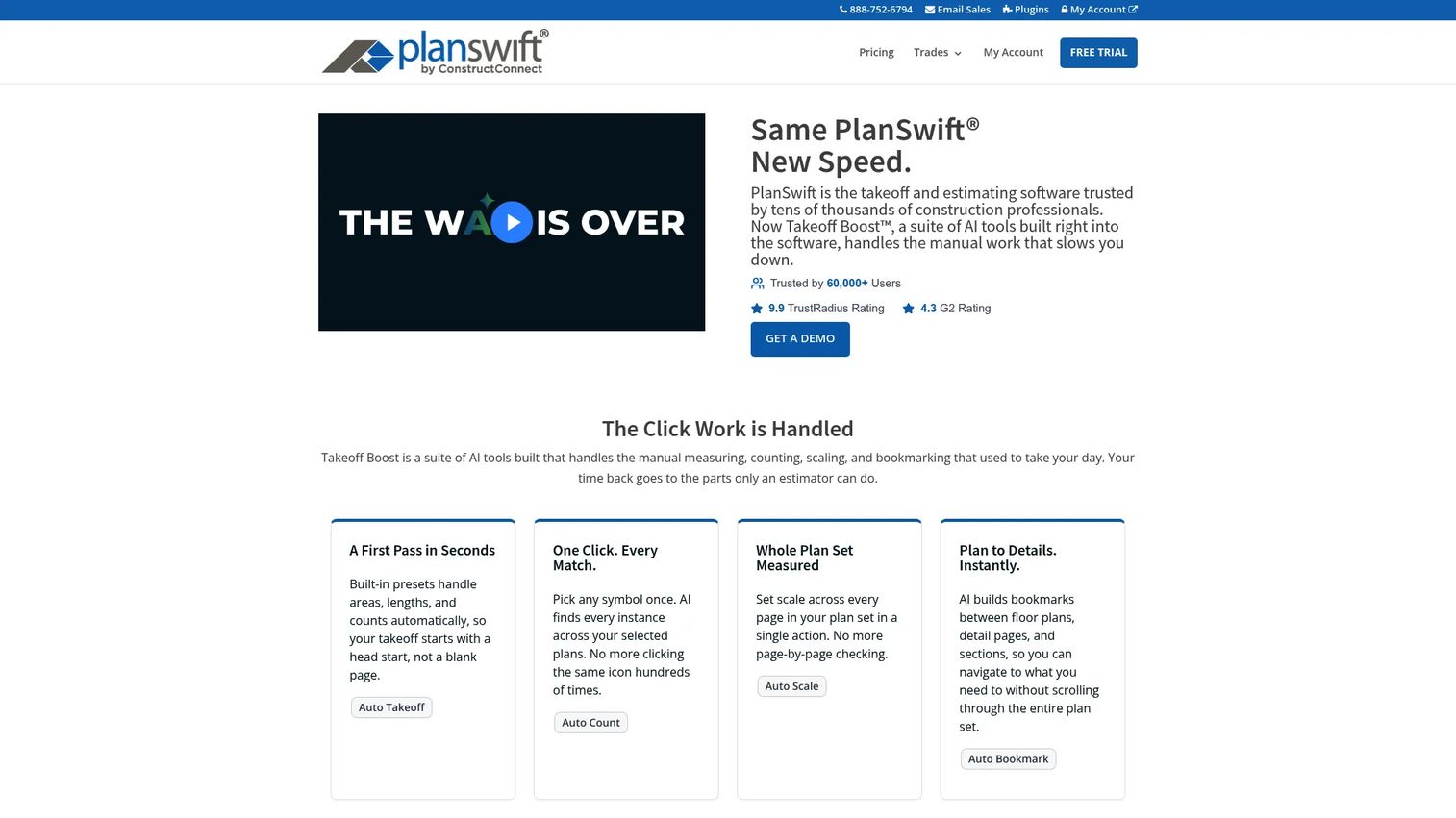
PlanSwift is painting takeoff software built for precision. It is a general construction takeoff and estimating tool that painting estimators keep in the conversation because of how cleanly it handles measurement from digital plans. If your work involves bidding off PDF blueprints for commercial painting estimating software needs, this is where accuracy lives.
You import plans, measure walls and ceilings with single-click area takeoff, and let AI bookmarks connect floor plans, detail pages, and sections so you are not scrolling endlessly. The drag-and-drop estimating workflow turns measured quantities into priced line items, and results export cleanly for the rest of your process.
Best for: Construction estimators and painting contractors doing PDF plan takeoffs on larger commercial jobs.
Key strengths
- Single-click area takeoff: measure walls and ceilings fast without manual math.
- AI bookmarks: jump between floor plans, detail pages, and sections without losing your place.
- Drag-and-drop workflow: build estimates from measured quantities with a visual builder.
Why choose PlanSwift: When bids depend on reading plans accurately, generic estimating tools fall short on measurement depth. PlanSwift is the pick for commercial estimators who live in takeoff and need the numbers to be right down to the square foot.
PlanSwift pricing: The PlanSwift Professional Subscription runs $2,000 per year in USD and includes support, software updates, and 2 hours of training. Optional Updates and Support is $200/year, and a 3-hour web training package is $295. It holds a 4.3/5 rating on G2. There is no free tier.
3. The Paint Estimator
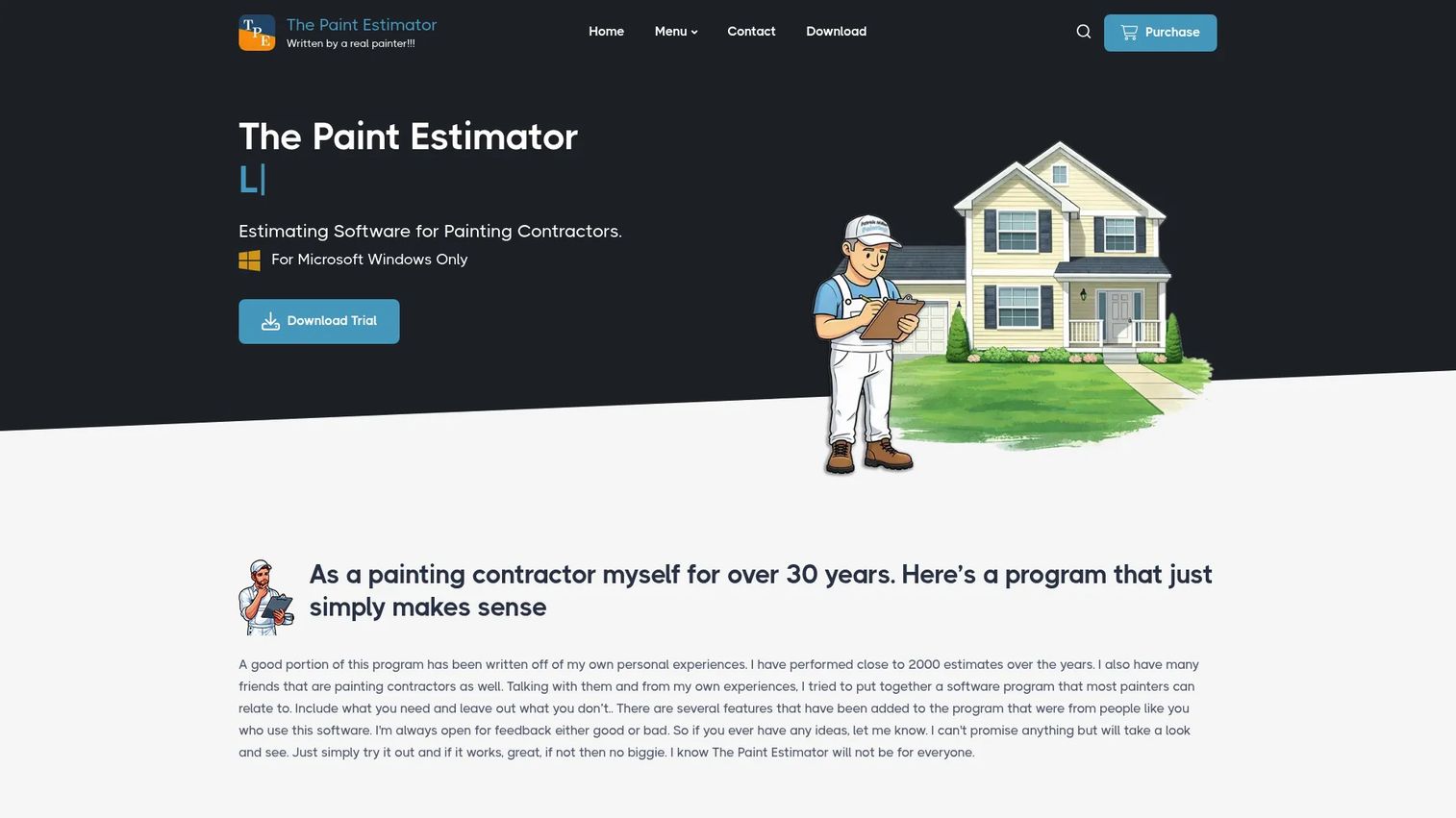
The Paint Estimator takes the opposite approach to subscription tools. It is a Windows desktop application you buy once and own, bundling estimating and light business management into a single package. For owner-operators who resent monthly fees and want their data on their own machine, the one-time purchase model is the whole appeal.
It supports multiple estimating methods, by item, by day, by production rates, and time and materials, so you price jobs the way that fits each project. Beyond estimates, it generates proposals and invoices with your company logo, and syncs with Google Calendar to keep scheduling in one view.
Best for: Painting contractors who want a one-time-purchase Windows estimating tool without recurring costs.
Key strengths
- Multiple estimating methods: price by item, day, production rates, or time and materials.
- Proposals and invoices: produce branded client documents with logo support.
- Calendar sync: connect with Google Calendar to keep jobs and estimates aligned.
Why choose The Paint Estimator: The economics are the differentiator. One payment, lifetime updates, lifetime support, and no per-seat subscription creep. If you run a small crew on Windows and want predictable costs, it earns its place.
The Paint Estimator pricing: A one-time purchase of $129.00 in USD, with lifetime updates and lifetime support included. A 5-day full-feature trial is available before you buy.
4. PaintSmith
PaintSmith fits the contractor who wants straightforward estimate generation without adopting a heavy system. It focuses on the core job: turning a walkthrough into a priced quote with less manual calculation, so you can produce professional-looking estimates in the field and move on to the next lead.
The appeal here is leanness. Rather than bundling CRM, scheduling, accounting, and everything else, it stays close to the estimate itself, which keeps the learning curve short for a small team that just needs faster, cleaner quotes.
Best for: Contractors who want simple, fast estimate creation without the overhead of a full platform.
Key strengths
- Focused estimating: build quotes quickly without navigating a sprawling feature set.
- Field-friendly quoting: create client-ready estimates on-site.
- Low overhead: a lean tool that a small crew can adopt without heavy training.
Why choose PaintSmith: If a full contractor platform feels like too much and a spreadsheet feels like too little, a focused estimate tool sits in the middle. Choose it when your only real bottleneck is the time it takes to build a quote.
PaintSmith pricing: Public pricing is not listed on the vendor site, so confirm current plans directly before committing. Evaluate it against your specific estimating volume to judge fit.
5. QuoteIQ
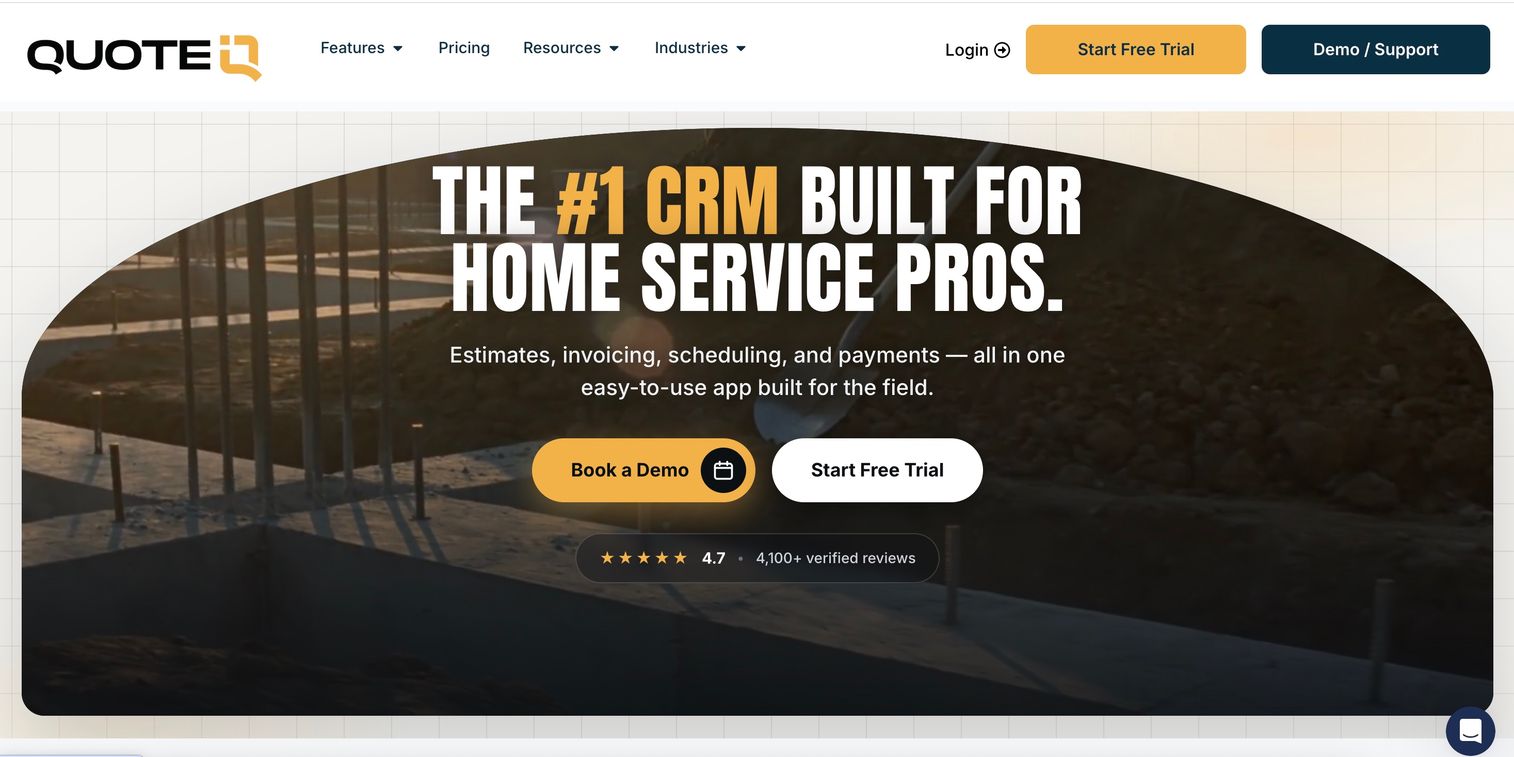
QuoteIQ is an all-in-one field service management CRM built for home-service contractors, painting included. It pulls estimates, invoicing, scheduling, and payments into one system, which makes it a strong fit for owner-operators who want to move from quote to follow-up to paid without juggling apps.
Where it stands out is field tooling. MapMeasure Pro pulls satellite measurements, QuoteIQ Cam handles photo documentation, and a set of AI tools, including an AI Estimator and AI Autopilot, speed up the parts of quoting that usually slow you down. It is a lot of workflow for the price point.
Best for: Home-service and painting contractors who want quoting, scheduling, payments, and AI in one system.
Key strengths
- Estimates to payments: quoting, invoicing, scheduling, and payments in one flow.
- Satellite measurement: MapMeasure Pro for on-site and remote measuring, plus photo documentation.
- AI tools: AI Estimator and AI Autopilot to cut manual quoting time.
Why choose QuoteIQ: For a smaller team that wants CRM, mobile estimating, and payments without stitching together three subscriptions, QuoteIQ consolidates the stack. It fits the owner-operator who runs sales and operations from a phone.
QuoteIQ pricing: Five flat-rate monthly plans in USD: Essentials at $29.99/mo, Beginner at $74.99/mo, Pro at $149.99/mo, Elite at $299/mo, and Max at $699/mo. Every plan includes a 14-day free trial, and annual billing is also offered.
6. JobTread
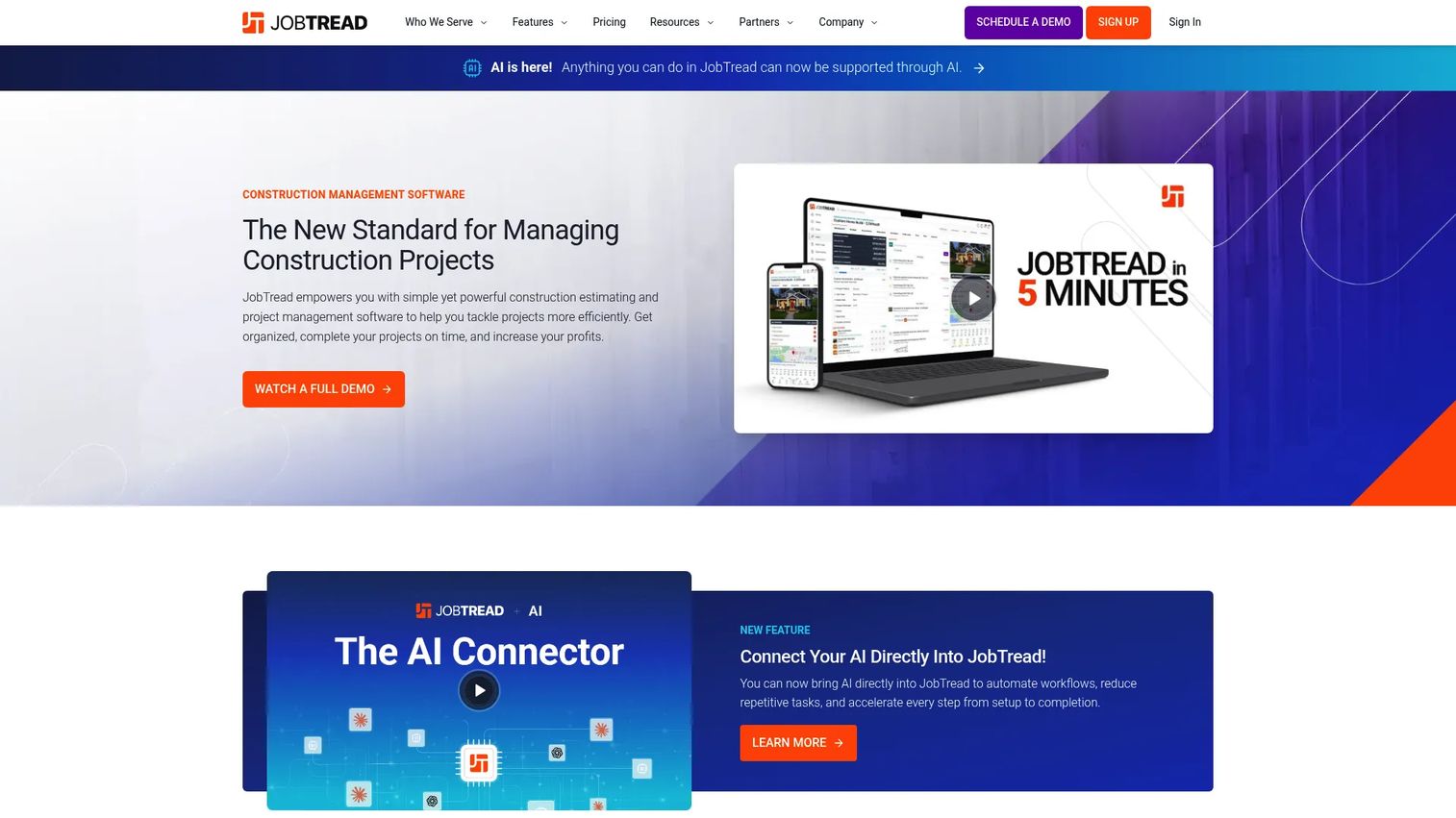
JobTread is construction management software that treats estimating as one piece of a larger operation. It bundles a construction CRM, estimating, takeoff, contracts with eSignatures, workflows, and a mobile app, so the estimate you build flows straight into job scheduling, client communication, and job tracking.
The value shows up when you want the whole job in one platform. Rather than exporting an estimate to another tool, you win the bid, and the same record carries forward into contracts, scheduling, and status tracking. That continuity is what separates it from standalone estimating apps.
Best for: Painting and construction contractors who want an all-in-one management platform where estimating feeds the rest of the job.
Key strengths
- Estimating plus CRM: build quotes inside a system that also tracks leads and clients.
- Takeoff and contracts: measure, price, and get eSignatures without leaving the platform.
- Mobile and workflows: manage jobs from the field with structured workflows.
Why choose JobTread: Pick it when the estimate is only the start and you want scheduling, contracts, and tracking to follow automatically. It suits growing painting businesses ready to run operations, not just quotes, from one place.
JobTread pricing: A core subscription starts at $199 per month in USD, plus $20/month per internal user. Annual subscriptions save 20 percent. All pricing is in US dollars.
7. Buildertrend
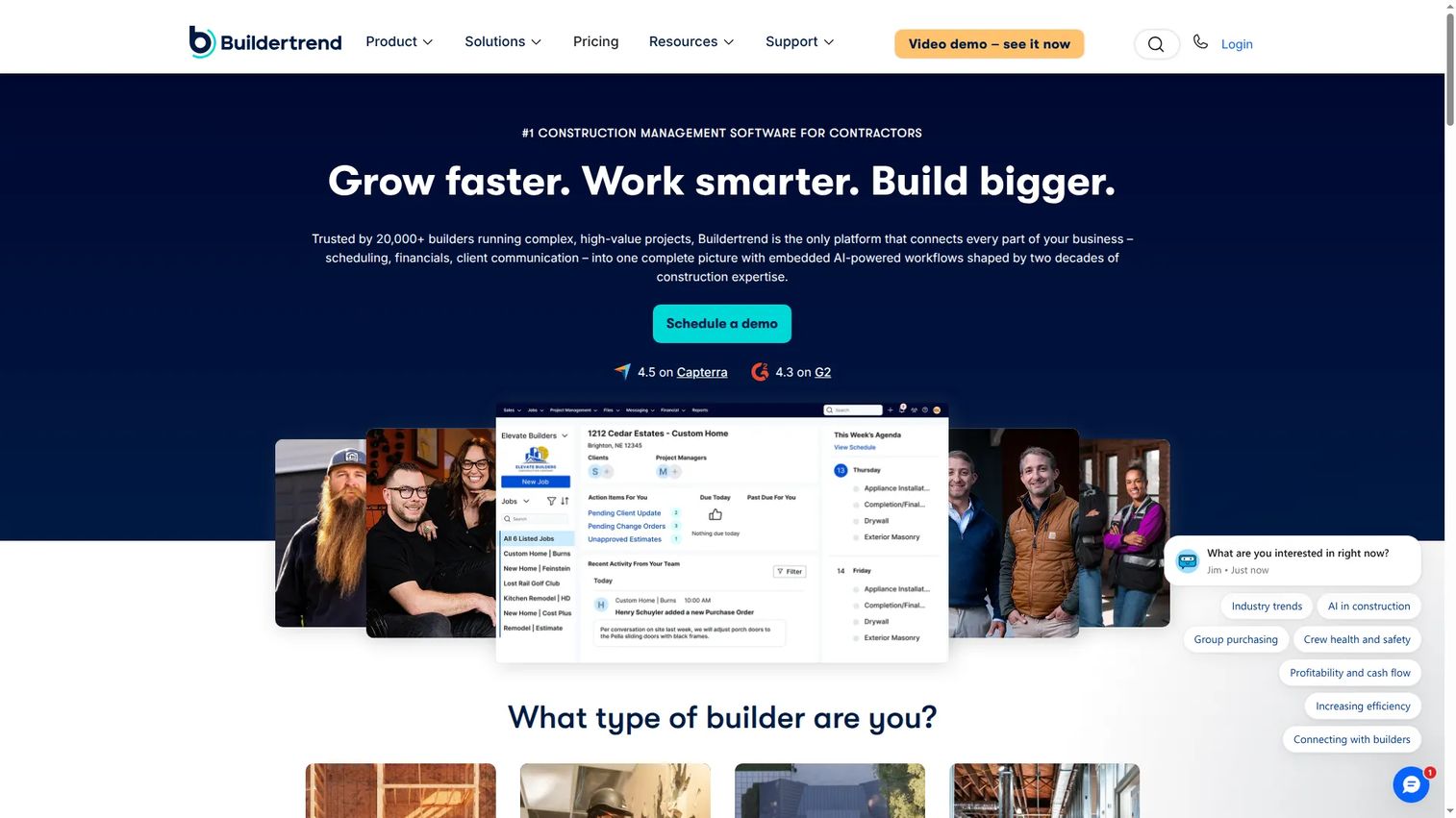
Buildertrend is a full construction management platform for builders, remodelers, and contractors, where estimating is one module inside a broad system. Teams typically buy it for project management, financial management, and client communication first, with estimating riding along as part of the package.
That framing matters. If your primary pain is running projects and finances across a bigger operation, Buildertrend covers the whole span. If you only need faster painting estimates, it is more platform than a lean crew requires, so weigh what you actually need before buying.
Best for: Established construction and painting businesses that need one platform for projects, finances, and client communication.
Key strengths
- Project management: coordinate schedules, tasks, and jobs across a larger operation.
- Financial management: budgets, invoicing, and cost tracking in one place.
- Client communication: keep customers updated through a shared portal.
Why choose Buildertrend: Choose it when estimating is one piece of a much larger operations problem. For teams that need the full contractor platform, the breadth justifies the investment; for estimate-only needs, a focused tool fits better.
Buildertrend pricing: Pricing is custom and requires a quote; no public starting price is listed on the vendor site. It holds a 4.2/5 rating on G2.
Considerations before you buy
Before you commit to any painting contractor estimating software, run through this checklist against your actual workflow.
Match the tool to your bottleneck
Do not buy the longest feature list. Buy the tool that fixes where your process breaks. If bids are slow, prioritize estimating speed and mobile estimating. If deals stall after the quote, prioritize proposals and follow-up. If jobs fall apart after "yes," prioritize workflow coverage.
Takeoff versus estimating
Painting takeoff software focuses on measurement precision from plans. Estimating software applies pricing and production rates. Some tools do both; some specialize. Know which problem is yours before you pay.
Integrations that matter
Check whether the tool connects to what you already run, especially accounting like QuickBooks and any CRM or automation you rely on. A tool that forces double data entry costs you the time it was supposed to save.
Pricing model fit
Decide between subscription and one-time purchase, and count per-user costs at your real team size. A $99/mo tool can outrun a $129 one-time tool once you add seats and add-ons, so model it against a full year.
Try before you commit
Most of these tools offer a free trial. Build a real estimate for a real job during the trial, not a toy example. The tool that feels fast on your actual work is the one that will get used.
Conclusion
The right painting estimating software depends on where your workflow breaks, not on which tool has the most features. PaintScout wins for sales-led painting businesses that need estimating tied to proposals and follow-up. PlanSwift is the pick for commercial estimators who live in plan takeoff. The Paint Estimator suits owner-operators who want a one-time Windows purchase. PaintSmith fits contractors who just want faster quotes, while QuoteIQ bundles quoting, payments, and AI for field service teams. JobTread and Buildertrend earn their place when estimating needs to feed a full job-management operation.
Start with the tool that solves your primary bottleneck, then use the free trial to build a real bid before you sign anything. The best system is the one your crew will actually use every day.
FAQs
Painting estimating software helps contractors measure surfaces, apply labor and material costs, and generate priced quotes and proposals. It replaces manual spreadsheets and paper takeoffs, using production rates to produce accurate painting estimates faster and reduce costly math errors.
The features that matter most depend on your bottleneck, but the core set includes takeoff and measurement, production rate pricing, branded proposals, and mobile estimating. Beyond that, follow-up automation, invoicing, and integrations with tools like QuickBooks separate a full painting contractor software from a bare quoting tool.
Not exactly. Painting takeoff software focuses on measuring surfaces and quantities, often from digital plans. Painting estimating software applies pricing, production rates, and labor to turn those quantities into a quote. Some tools, like PlanSwift, specialize in takeoff, while others bundle both takeoff and estimating together.
For commercial painting estimating software needs, PlanSwift stands out because it handles PDF plan takeoff and precise measurement that larger bids demand. Contractors running full commercial operations may also lean toward JobTread or Buildertrend, which tie estimating into broader project and financial management.
Many do. PaintScout produces interactive branded proposals, The Paint Estimator generates proposals and invoices with your logo, and QuoteIQ bundles invoicing and payments. Always confirm that proposals and invoicing are in the plan tier you choose, since some tools gate these behind higher plans or add-ons.
Several tools in this category connect to accounting like QuickBooks and include or integrate with CRM and follow-up automation. Coverage varies by product and plan, so verify the specific integrations you need, whether that is QuickBooks, a CRM, or a workflow tool, before committing.
Yes. PaintScout offers a 14-day trial with no credit card, QuoteIQ includes a 14-day trial on every plan, and The Paint Estimator provides a 5-day full-feature trial. Use the trial to build a real estimate for an actual job so you can judge fit on your true workflow.
Look for speed on real bids, accurate production rates, professional proposals, and integrations with what you already use. Match the tool to your biggest bottleneck rather than the longest feature list, and test it on a live job during the free trial before you move your whole process over.