Your team's tools are scattered. Conversations happen in email, files live in three different drives, tasks get tracked in spreadsheets, and nobody knows who's doing what by Friday. That's the reality for most teams - and it's exactly the problem team collaboration software is built to fix.
But with hundreds of collaboration tools on the market, picking the right one is its own project. Some platforms are built for messaging. Others focus on project management or document collaboration. A few try to do everything at once.
What's inside
This guide breaks down the 20 best team collaboration tools for 2026 across every major category - from real-time messaging to visual whiteboarding to async video. Each review covers features, pricing, AI capabilities, pros, cons, and the specific team size and use case it fits best.
You'll also find a side-by-side comparison table, a decision framework based on your team's primary workflow, and a section on the collaboration trends shaping 2026. Whether you're replacing a tool that isn't working or building your stack from scratch, this guide gives you what you need to make a confident pick. If you're evaluating how to showcase any of these tools to your own team, interactive demos can help stakeholders experience a product before committing.
TL;DR
- Slack leads for real-time messaging and integrations; Microsoft Teams wins if you're already in the Microsoft 365 ecosystem
- monday.com, Asana, and ClickUp are the strongest project collaboration tools - ClickUp offers the most features per dollar
- Google Workspace remains the gold standard for real-time document collaboration
- Notion and Coda are the picks for teams that prioritize knowledge bases and custom doc-based workflows
- Every tool on this list now ships AI features - summaries, drafting, smart search - making AI table stakes, not a differentiator
- Most tools offer free plans; start with 2–3 free trials and test with a real project before committing
What is team collaboration software?
Team collaboration software is a category of cloud-based tools that help teams communicate, share files, manage tasks, and coordinate work in real time - whether they're in the same office or spread across time zones. It's a broad label that covers everything from messaging apps to project management platforms to document collaboration suites.
The core capabilities tend to include:
- Real-time messaging and channels
- Video and audio conferencing
- File sharing and cloud storage
- Task and project management
- Document co-editing
- Workflow automation and AI assistance
The category has expanded significantly since 2020, driven by the shift to remote and hybrid work. Today's collaboration platforms often combine several of these capabilities into a single product. Choosing the right one depends on which capability matters most to your team - and that's what this guide helps you figure out.
How we evaluated these collaboration tools
Every tool on this list was assessed against six criteria. Here's what we looked at and why each matters.
- Core collaboration features - Does the tool cover messaging, video, file sharing, task management, and real-time co-editing? We weighted tools that handle multiple collaboration modes over single-purpose apps.
- Ease of use and onboarding - How quickly can a new team member start contributing without training? Tools with intuitive interfaces and strong onboarding flows scored higher. Platforms that support user onboarding software integrations tend to reduce time-to-value even further.
- Integrations and ecosystem - We evaluated the number and quality of third-party integrations. A collaboration tool that doesn't connect to your existing stack creates more silos, not fewer.
- Pricing and free tier value - What's genuinely usable for free? How does per-user pricing scale at 25, 100, and 500 users? We flagged tools where costs spike at realistic team sizes.
- Security and compliance - SOC 2 Type II, GDPR, SSO/SAML, 2FA, data encryption, and admin audit logs. Enterprise buyers need these; we checked which tools deliver them.
- AI and automation capabilities - In 2026, AI-powered features like smart summaries, auto-scheduling, and workflow automation are expected. We noted what each tool ships natively versus what requires add-ons.
Quick comparison table: all 20 tools at a glance
Before diving into detailed reviews, here's every tool side by side. Use this to shortlist your top 3–4 picks, then read the full reviews below.
| Tool | Best For | Starting Price (per user/mo) | Free Plan? | Standout Feature |
|---|---|---|---|---|
| Slack | Real-time messaging | ~$8.75 | Yes | 2,600+ integrations |
| monday.com | Visual project collaboration | ~$12/seat | Yes (2 seats) | No-code automations |
| Microsoft Teams | Microsoft 365 ecosystems | ~$6 | Yes | Deep Office 365 integration |
| Google Workspace | Cloud document collaboration | ~$7 | Yes (personal) | Real-time co-editing |
| Zoom Workplace | Video-first collaboration | ~$13.33 | Yes | AI Companion included free |
| Asana | Structured task management | ~$13.49 | Yes (10 users) | Task dependency mapping |
| ClickUp | All-in-one platform | ~$10 | Yes | Most feature-rich free plan |
| Trello | Simple Kanban boards | ~$6 | Yes | Unlimited free boards |
| Notion | Knowledge management & wikis | ~$12 | Yes (personal) | Blocks-based flexibility |
| Dropbox | File-centric collaboration | ~$20 | No (trial) | Dash AI universal search |
| Miro | Visual brainstorming | ~$10 | Yes (3 boards) | Infinite whiteboard canvas |
| Jira | Software development teams | ~$8.15 | Yes (10 users) | Agile sprint management |
| Airtable | Database-driven workflows | ~$24/seat | Yes (1,000 records) | Relational databases + apps |
| Zoho Workplace | Budget-friendly suite | ~$3 | Yes | Full suite under $6/user |
| Smartsheet | Enterprise workflows | ~$12 | No (trial) | Portfolio-scale management |
| Coda | Custom collaborative docs | ~$12/doc maker | Yes | Doc-as-app paradigm |
| Loom | Async video messaging | ~$15 | Yes (25 videos) | AI-powered video summaries |
| Figma | Design team collaboration | ~$15/editor | Yes (3 files) | Real-time multiplayer design |
| Hive | Flexible team workflows | ~$7 | Yes (10 members) | Built-in email + chat |
| Podio | Low-code custom workflows | ~$14 | Yes (5 employees) | Drag-and-drop app builder |
The 20 best team collaboration software tools for 2026
The following 20 tools represent the best collaboration software across categories - real-time messaging, project management, document collaboration, visual thinking, and specialized workflows. Each review covers key features, pricing, what the tool does well, where it falls short, and who it's best for.
1. Slack - best for real-time team messaging
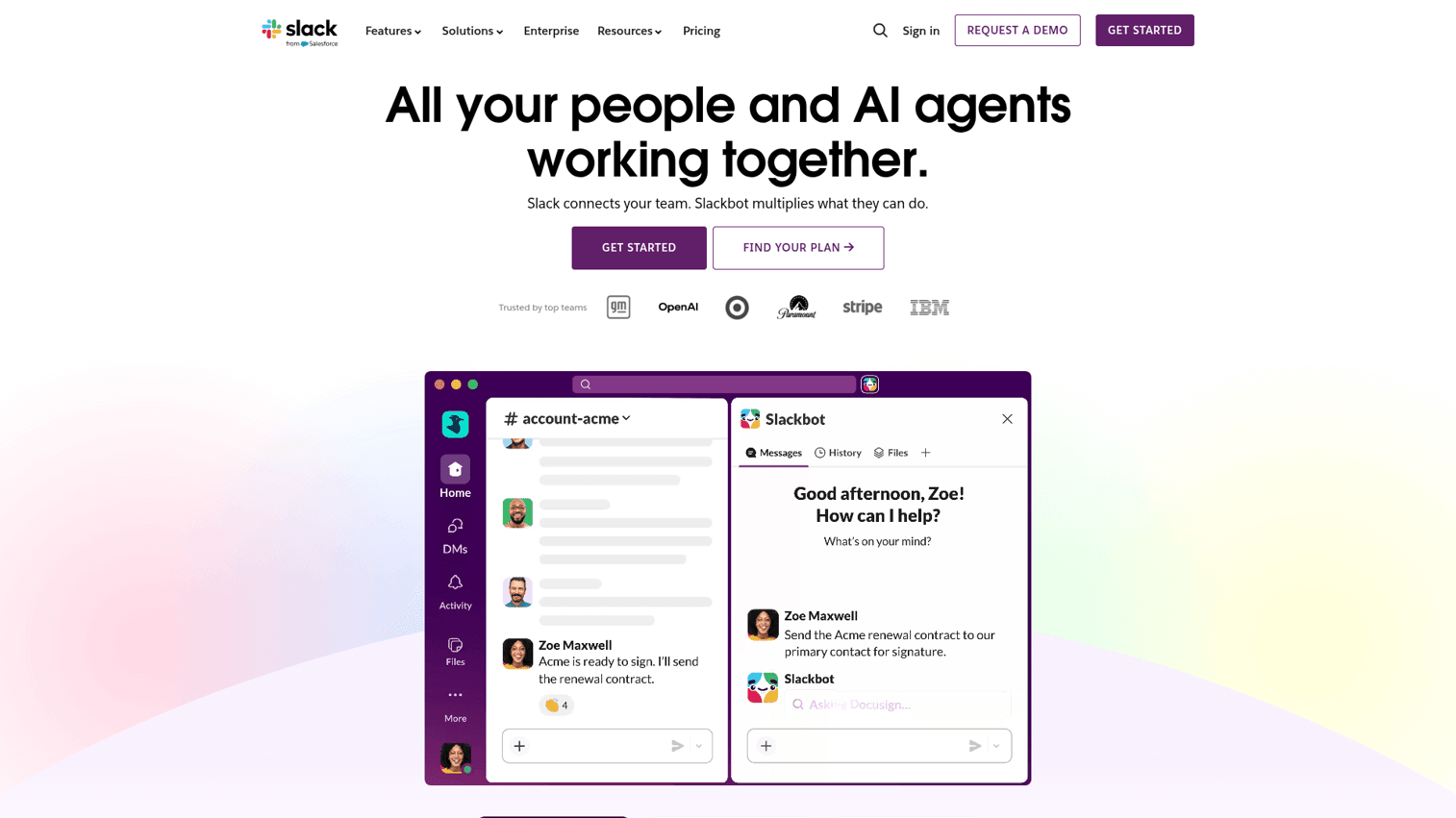
Slack is the channel-based messaging platform that became the default team communication tool for millions of teams worldwide. Since its acquisition by Salesforce, it's pushed deeper into enterprise with features like Slack Connect and Slack AI.
What makes Slack stand out isn't just messaging - it's the integration ecosystem. With 2,600+ app integrations, Slack functions as a central hub where notifications from every other tool in your stack converge. Slack AI adds conversation summaries, intelligent search, and channel recaps, which is particularly useful for catching up after time off.
Best for: Teams of any size that prioritize asynchronous messaging and need a central hub connecting all other tools.
Key strengths
- 2,600+ integrations - the largest app ecosystem
- Slack AI summaries and intelligent search
- Huddles for quick audio and video calls
- Slack Connect for cross-organization collaboration
- Workflow Builder for no-code automations
Pricing: Free plan (90-day message history, 1:1 huddles); Pro from ~$8.75/user/mo; Business+ ~$12.50/user/mo; Enterprise Grid (custom). The free plan works for small teams, but the 90-day message history limit means you'll lose searchable context fast. At 100 users on Pro, you're looking at ~$875/month. That adds up, and it's worth noting that Microsoft Teams bundles comparable messaging into broader Microsoft 365 plans at lower per-user costs.
The main trade-off with Slack is noise. Without channel discipline - clear naming conventions, threading habits, and notification settings - it can become a firehose. Teams that adopt it well tend to invest time upfront in channel architecture.
2. monday.com - best for visual project collaboration
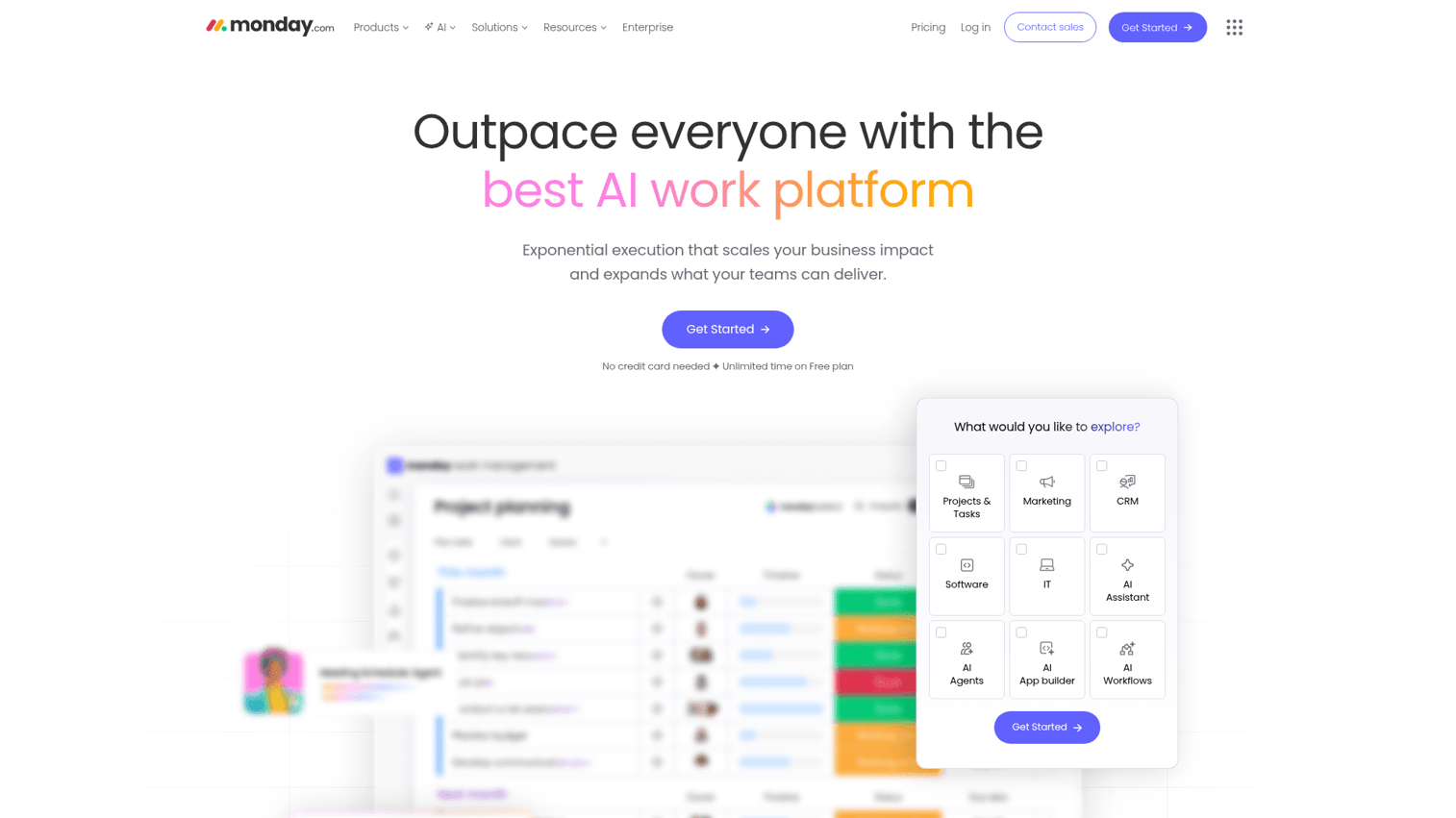
monday.com is a Work OS that combines project management, collaboration, and workflow automation in a highly visual interface. It's flexible enough to serve marketing teams, developers, HR departments, and even CRM use cases. You can explore the platform's interface through this monday.com interactive demo.
The platform's strength is its visual approach to project collaboration tools. Boards can display as Kanban, Gantt, timeline, or calendar views. The no-code automation builder handles repetitive tasks - status changes trigger notifications, due date reminders fire automatically, and items move between boards without manual effort. monday WorkDocs brings document collaboration directly into the platform.
Best for: Mid-size teams (10–200) that need project tracking and collaboration in one visual platform.
Key strengths
- Highly visual boards with multiple view options
- Powerful no-code automation builder
- 200+ integrations including Slack and Google Workspace
- monday AI assistant for task and content generation
- Extensive template library across departments
Pricing: Free plan (up to 2 seats); Basic ~$12/seat/mo; Standard ~$14/seat/mo; Pro ~$27/seat/mo; Enterprise (custom). The free plan is essentially a demo - 2 seats isn't enough for real team collaboration. Per-seat pricing climbs quickly: a 50-person team on Standard runs ~$700/month. If you need project management tools without the visual overhead, Asana or ClickUp may offer better value at scale.
3. Microsoft Teams - best for Microsoft 365 ecosystems
Microsoft Teams is Microsoft's all-in-one collaboration platform, bundled with Microsoft 365 subscriptions. It combines chat, video meetings, file storage via OneDrive and SharePoint, and deep integration with Word, Excel, and PowerPoint. See how the interface works through this Microsoft Teams interactive demo.
If your organization already pays for Microsoft 365, Teams is the obvious choice - you're already paying for it. Video conferencing supports up to 10,000 participants for webinars. Microsoft Copilot AI handles meeting summaries, action item extraction, and document drafting. Microsoft Loop adds modular, real-time collaborative components that work across Teams, Outlook, and other Microsoft apps.
Best for: Organizations already invested in Microsoft 365; enterprise teams needing robust security and compliance.
Key strengths
- Deep native integration with the entire Office 365 suite
- Video conferencing for up to 10,000 webinar participants
- Microsoft Copilot AI for meetings, chat, and documents
- Strong enterprise security and compliance certifications
- Generous free tier with core collaboration features
Pricing: Free plan (limited); Microsoft 365 Business Basic ~$6/user/mo; Business Standard ~$12.50/user/mo; Enterprise plans available. At $6/user/mo for Business Basic, it's one of the most affordable collaboration platforms - especially since you get email, storage, and Office apps included.
The honest downside: the interface feels cluttered. Teams tries to do everything, and the result is a steeper learning curve than Slack for messaging and weaker UX for project management compared to dedicated tools. Notification management, in particular, tends to frustrate users.
4. Google Workspace - best for cloud-native document collaboration
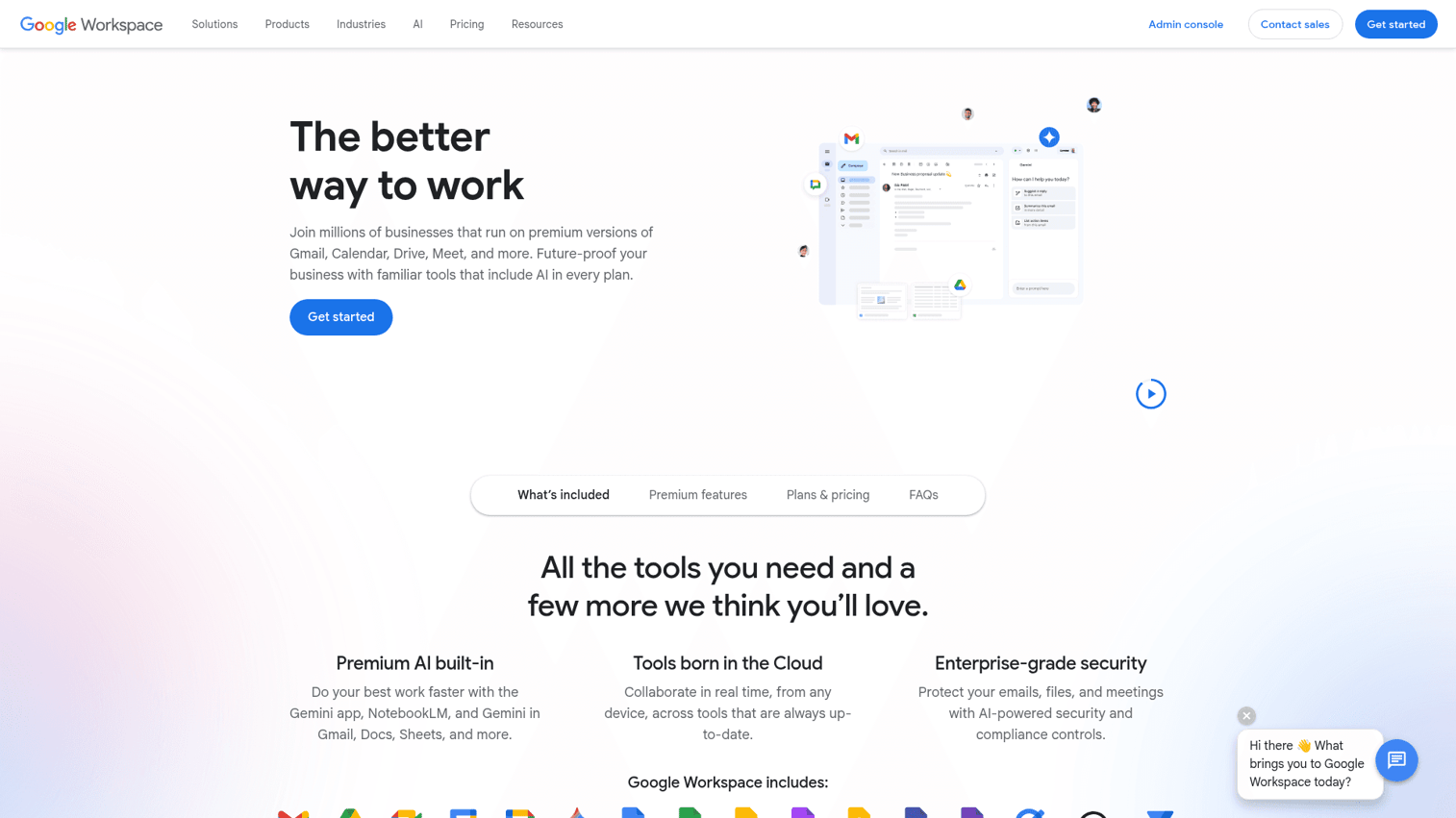
Google Workspace is Google's integrated productivity suite - Gmail, Drive, Docs, Sheets, Slides, Meet, Chat, and Spaces. It remains the gold standard for real-time document co-editing, and virtually everyone already knows how to use it.
The real-time collaboration in Docs, Sheets, and Slides is still unmatched. Multiple users editing simultaneously, commenting, suggesting changes - it just works. Gemini AI now handles drafting, summarizing, and image generation across the suite. Google Chat and Spaces provide messaging, though they're noticeably weaker than Slack or Teams as team communication tools.
Best for: Teams that live in documents and need real-time co-editing; startups and SMBs wanting an affordable cloud collaboration suite.
Key strengths
- Best-in-class real-time document collaboration
- Near-universal adoption means minimal training needed
- Gemini AI across Docs, Sheets, Slides, and Gmail
- Strong mobile apps across iOS and Android
- 15GB free storage per personal account
Pricing: Free (personal Gmail); Business Starter ~$7/user/mo; Business Standard ~$14/user/mo; Business Plus ~$22/user/mo; Enterprise (custom). Business Starter is competitive, but storage fills up fast at 30GB per user. Teams managing large file libraries often need Business Standard or higher.
The gap is in project management and messaging. Google Workspace is a document collaboration tool first. If you need task tracking, Kanban boards, or structured workflows, you'll need to pair it with something like Asana or monday.com.
5. Zoom Workplace - best for video-first collaboration
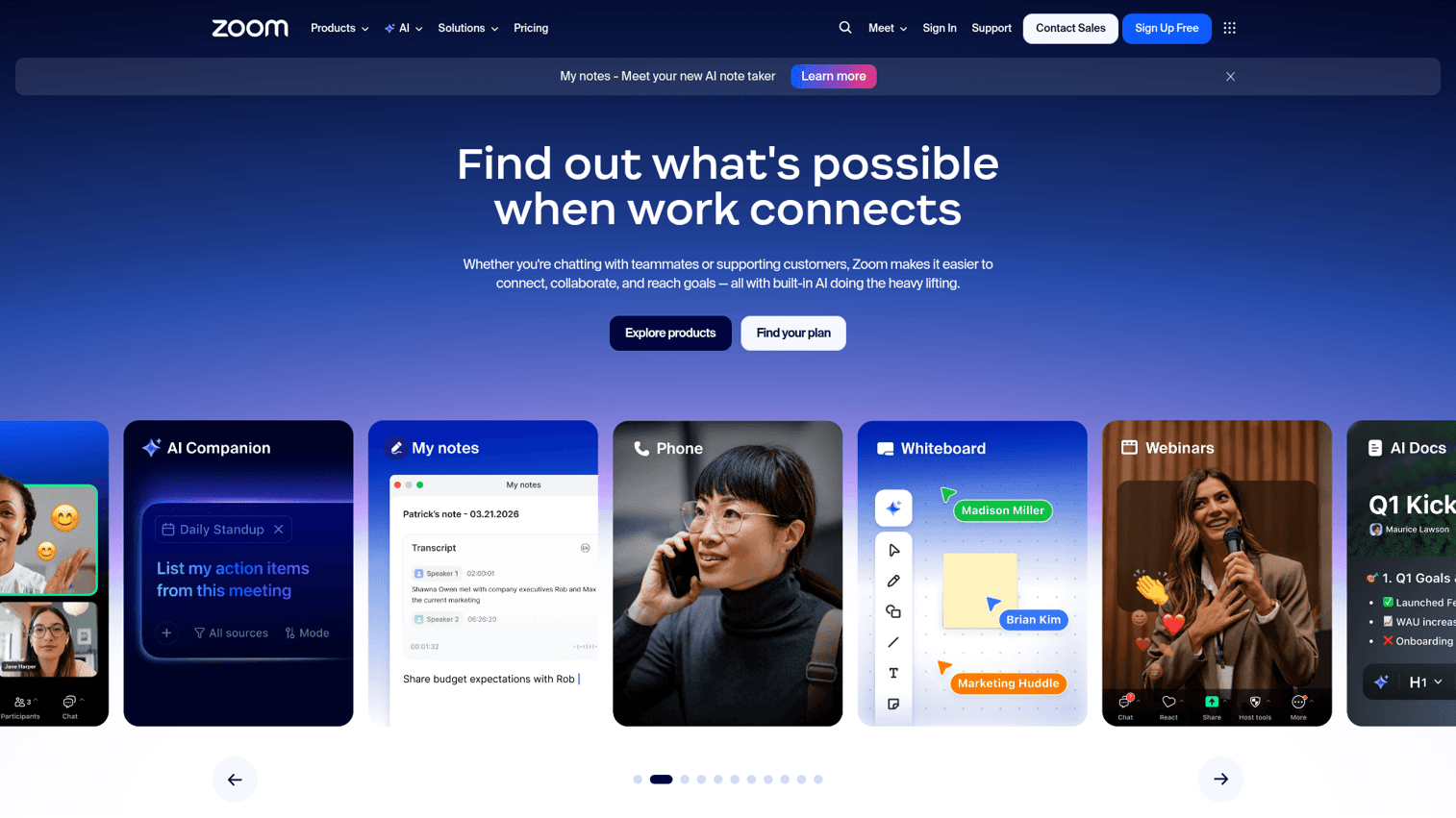
Zoom Workplace has evolved well beyond video meetings. The platform now includes Team Chat, Whiteboard, Docs, Scheduler, Phone, and the AI Companion - positioning it as a full online collaboration tool rather than a single-purpose video app. You can preview the Zoom experience through this Zoom interactive demo.
Video quality and reliability remain Zoom's core advantage. The AI Companion - included free on paid plans - generates meeting summaries, smart recordings with chapters, and email/chat composition. Zoom Clips enables async video messages, which is a direct competitor to Loom. For teams where meetings are the primary collaboration mode, consolidating into Zoom Workplace reduces tool sprawl. If you're also evaluating virtual event platforms, Zoom's webinar capabilities are worth considering alongside dedicated solutions like the best webinar platforms.
Best for: Teams where video meetings are the primary collaboration mode; organizations wanting to consolidate communication tools.
Key strengths
- Industry-leading video quality and reliability
- AI Companion included free on all paid plans
- Zoom Clips for asynchronous video messaging
- Whiteboard and Docs expanding the collaboration suite
- Supports up to 1,000 meeting participants
Pricing: Free plan (40-min group meetings); Pro ~$13.33/user/mo; Business ~$21.99/user/mo; Enterprise (custom). The 40-minute limit on free group meetings is the most common pain point. Pro removes it and adds the AI Companion.
The trade-off: Zoom's collaboration features outside video are still maturing. Team Chat adoption lags significantly behind Slack and Teams, and Zoom Docs is newer than Google Docs or Notion. If video isn't your team's primary workflow, you'll likely get more value from a messaging-first or project-first platform.
6. Asana - best for structured task and project collaboration
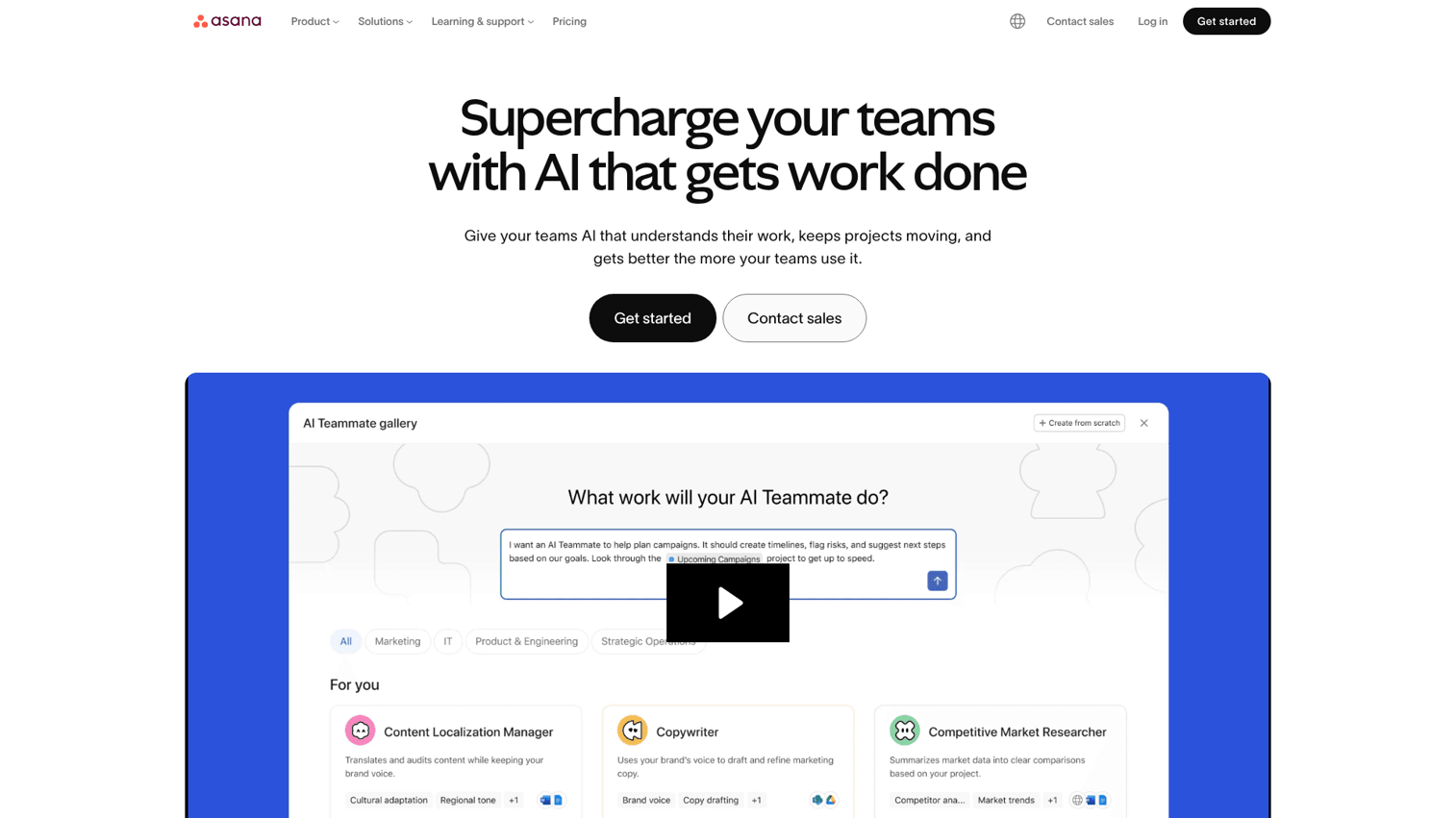
Asana is a project management platform focused on task tracking, workflows, and cross-team coordination. It's stronger on project structure than communication - and that's by design. Try the interface yourself with this Asana interactive demo.
Where Asana excels is in mapping complex, multi-step projects with dependencies, milestones, and cross-functional handoffs. The Workflow Builder automates routine status updates and task routing. Goals and Portfolios give leadership a top-down view of progress across teams. Asana Intelligence, its AI layer, generates smart status updates and task prioritization suggestions.
Best for: Teams managing complex, multi-step projects with dependencies; PMOs and operations teams.
Key strengths
- Excellent task dependency and timeline management
- Clean, intuitive UI that's easy to navigate
- Powerful Workflow Builder for automation
- Goals and Portfolios for cross-team visibility
- 200+ integrations including Slack and Microsoft Teams
Pricing: Free (up to 10 users, limited features); Starter ~$13.49/user/mo; Advanced ~$30.49/user/mo; Enterprise (custom). The free plan caps at 10 users, which works for small teams but forces a paid upgrade quickly. Advanced tier pricing at ~$30.49/user/mo is steep - a 50-person team pays ~$1,525/month.
The main limitation: no built-in chat or video. Asana is a project collaboration tool, not a communication tool. You'll need Slack or Teams alongside it. If you want everything in one place, ClickUp or monday.com may be a better fit.
7. ClickUp - best all-in-one collaboration platform
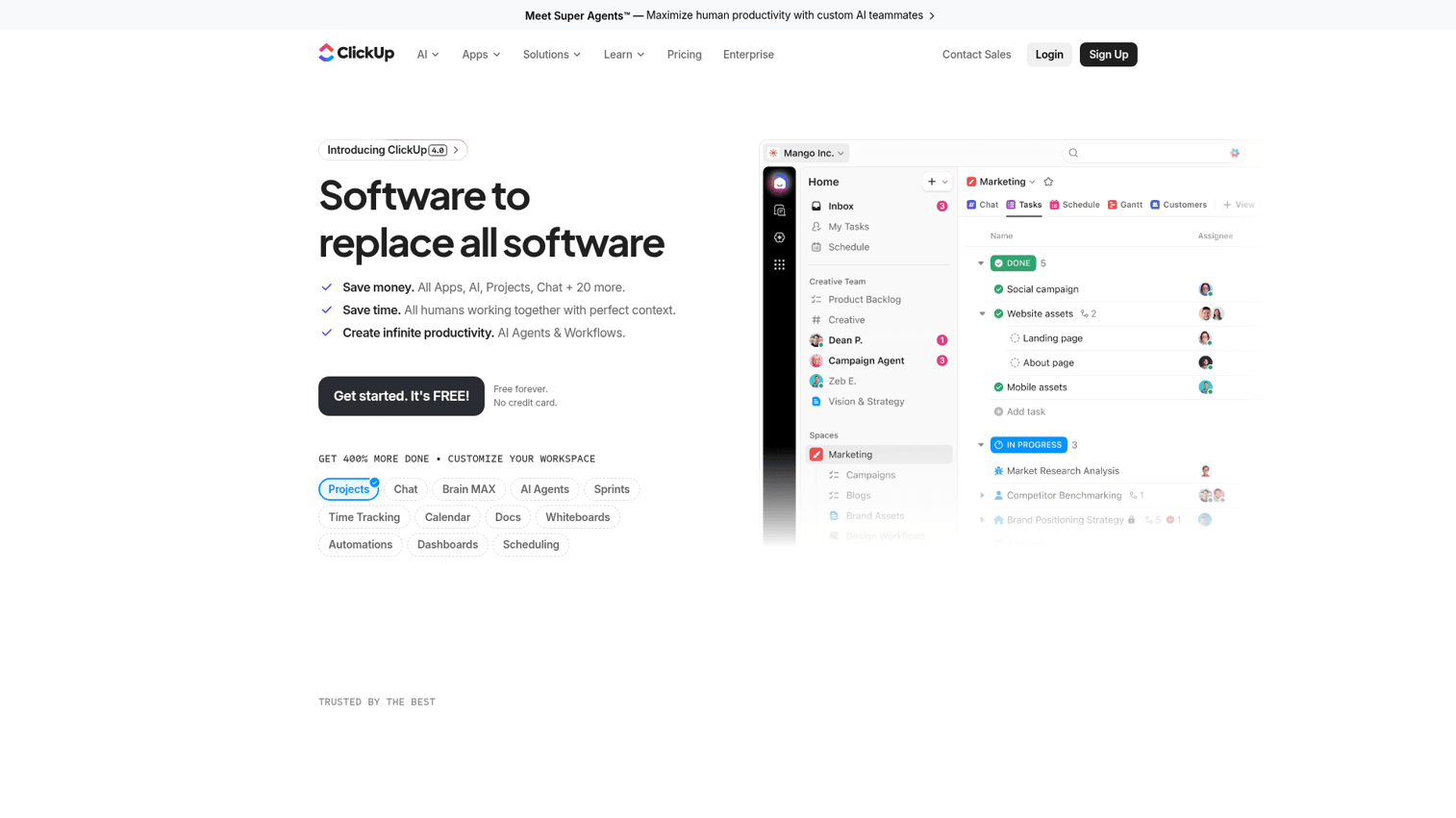
ClickUp positions itself as "one app to replace them all" - and it's not far off. It combines project management, docs, chat, whiteboards, goals, and time tracking in a single platform. It's an ai powered collaboration platform with ClickUp Brain handling writing, summarization, and project updates. Explore the platform through this ClickUp interactive demo.
The Free Forever plan is the most generous on this list. You get tasks, docs, chat, whiteboards, and 100MB of storage - enough to genuinely evaluate the platform with your team. ClickUp Brain generates standup reports, summarizes tasks, and drafts content. The 1,000+ integrations connect it to virtually any existing tool in your stack.
Best for: Teams wanting to consolidate multiple tools (PM + docs + chat + goals) into one platform; power users who value customization.
Key strengths
- Most feature-rich free plan on the market
- ClickUp Brain AI for writing and project updates
- Combines PM, docs, chat, and whiteboards natively
- 1,000+ integrations with third-party tools
- Highly customizable views and workflows
Pricing: Free Forever plan (generous); Unlimited ~$10/user/mo; Business ~$19/user/mo; Enterprise (custom). At $10/user/mo for Unlimited, ClickUp is one of the best values in collaboration apps. A 50-person team pays ~$500/month - roughly half what Asana Advanced costs.
The honest trade-off is complexity. ClickUp's feature density means a steeper learning curve. Simple teams that just need a Kanban board will find it overwhelming. Performance can also lag in large workspaces with thousands of tasks. If simplicity is your priority, Trello is a better starting point.
8. Trello - best for simple Kanban-style collaboration
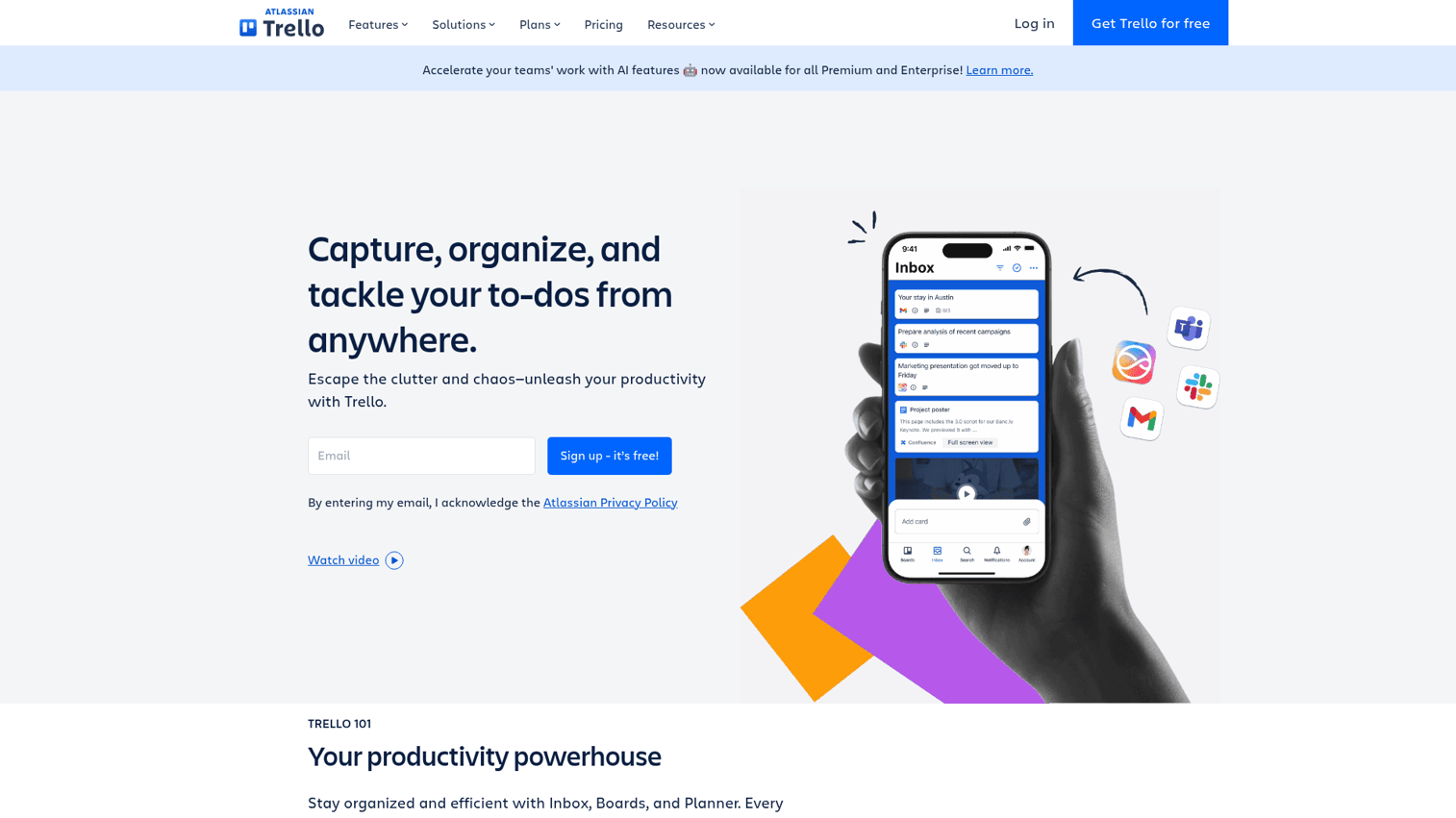
Trello is Atlassian's visual project tool built around Kanban boards. Boards, lists, and cards. That's it. The simplicity is the point. See how it works with this Trello interactive demo.
If your team needs lightweight task tracking without the complexity of a full project management suite, Trello delivers. The free plan includes unlimited boards and up to 10 Power-Ups (integrations and add-ons). Butler automation handles repetitive actions like moving cards between lists or assigning due dates. Atlassian Intelligence adds AI-powered card description generation.
Best for: Small teams, freelancers, and departments needing simple visual task management without complexity.
Key strengths
- Extremely easy to learn - minutes, not days
- Unlimited boards on the free plan
- Butler automation for no-code task rules
- Strong template library for quick setup
- Lightweight and fast across devices
Pricing: Free (unlimited boards, 10 Power-Ups); Standard ~$6/user/mo; Premium ~$12.50/user/mo; Enterprise (custom). At $6/user/mo for Standard, it's among the most affordable collaboration tools. The catch: timeline, calendar, table, and dashboard views are locked behind Premium.
Trello's limitations are clear. Complex projects with dependencies, resource management, or cross-team portfolios will outgrow it quickly. There's no built-in messaging or document collaboration. It's a Kanban board - a good one - but not a full collaboration platform.
9. Notion - best for knowledge management and team wikis

Notion is an all-in-one workspace for notes, docs, wikis, project management, and databases. It's beloved by startups and creative teams for its flexibility - you can build virtually any workflow using its blocks-based editor. Teams looking for the best knowledge base software will find Notion among the top contenders.
The blocks system lets you combine text, databases, embeds, toggles, and callouts in a single page. Databases support table, board, calendar, gallery, and timeline views. Notion AI handles writing, summarization, translation, and Q&A across your entire workspace. With 10,000+ community templates, most teams can find a starting point for any workflow. Notion Calendar and Notion Sites extend the platform beyond docs.
Best for: Teams that prioritize documentation, knowledge bases, and flexible workspace design; startups building their operating system.
Key strengths
- Incredibly flexible blocks-based editor for any workflow
- Powerful databases with five distinct view types
- Notion AI for writing, summarization, and workspace Q&A
- 10,000+ community templates for fast setup
- Beautiful, clean UI that teams enjoy using
Pricing: Free (personal use, limited blocks for teams); Plus ~$12/user/mo; Business ~$18/user/mo; Enterprise (custom). The free plan is generous for personal use but restrictive for teams. Plus at $12/user/mo is competitive with Coda and ClickUp.
The gaps: no real-time chat or video conferencing. Large databases can slow down noticeably. The learning curve for relational databases trips up non-technical users. And offline mode remains limited. If you need real-time communication alongside your wiki, pair Notion with Slack.
10. Dropbox - best for file-centric team collaboration
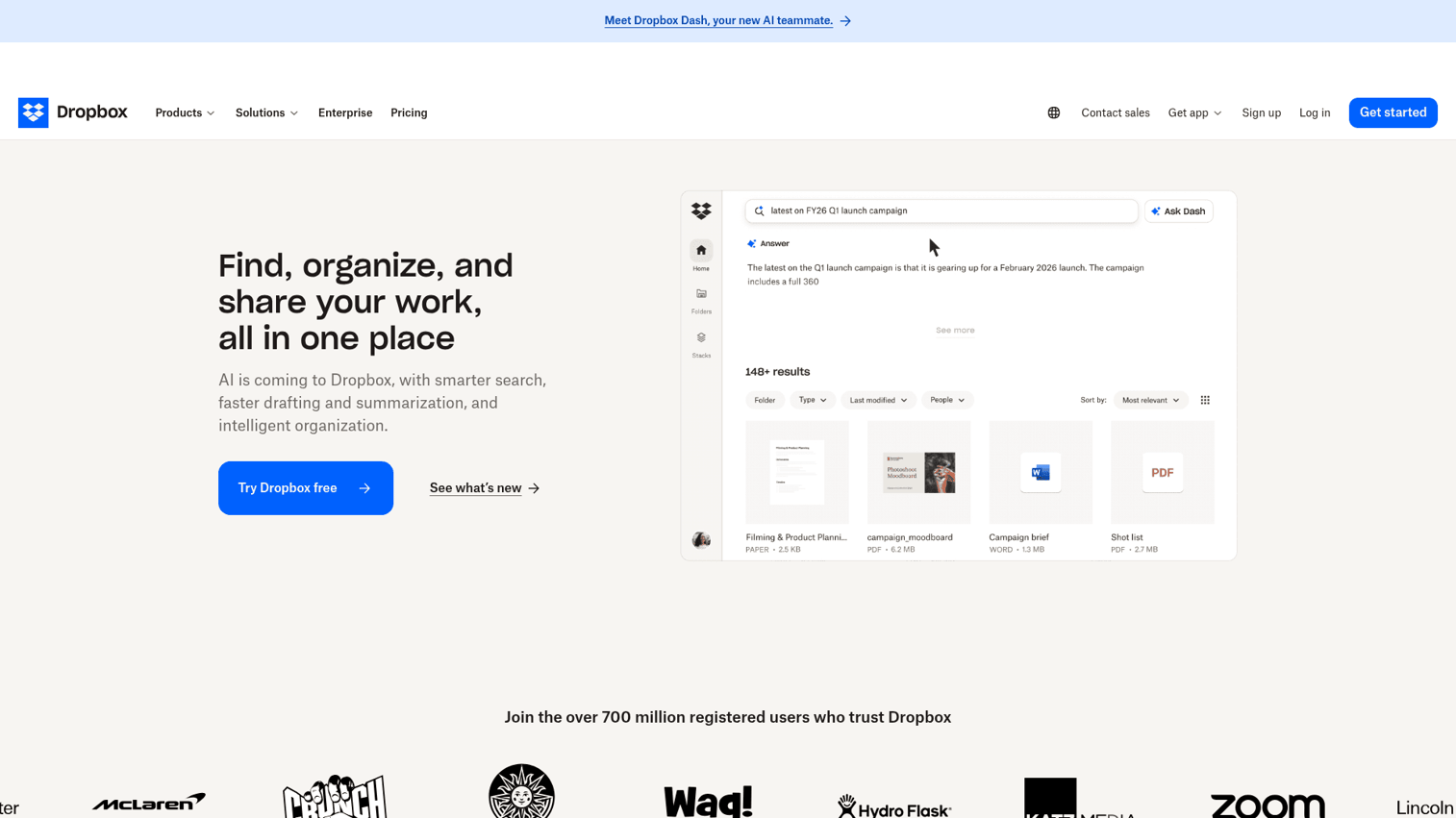
Dropbox is the cloud storage pioneer that has expanded into collaboration with Paper (docs), Dash (AI-powered universal search), and Replay (video and audio review). It remains one of the most reliable file sharing tools on the market. Preview the Dropbox experience through this Dropbox interactive demo.
Dropbox Dash is the standout feature in 2026 - it's an AI-powered universal search that works across all your connected apps, not just Dropbox. Replay is a document collaboration tool specifically for creative teams reviewing video and audio files. File sync reliability and version history remain best-in-class.
Best for: Teams whose collaboration centers on files - creative agencies, legal firms, architecture studios; organizations needing reliable cross-platform file sync.
Key strengths
- Best-in-class file sync reliability and speed
- Dash AI search across all connected applications
- Replay for video and audio review workflows
- Strong version history and file recovery
- Dropbox Sign for integrated e-signatures
Pricing: Plus ~$11.99/mo (1 user); Essentials ~$24/mo (1 user); Business ~$20/user/mo; Business Plus ~$26/user/mo. No free plan for teams - only a trial. At $20/user/mo for Business, it's pricier than Google Workspace for storage-only needs.
The limitation is that collaboration features feel added on rather than native. There's no messaging, no video, no task management. Dropbox is a file sharing tool with collaboration features bolted on - not a collaboration platform with file sharing built in. If files aren't your primary collaboration mode, Google Workspace or Microsoft Teams offer more per dollar.
11. Miro - best for visual brainstorming and whiteboarding
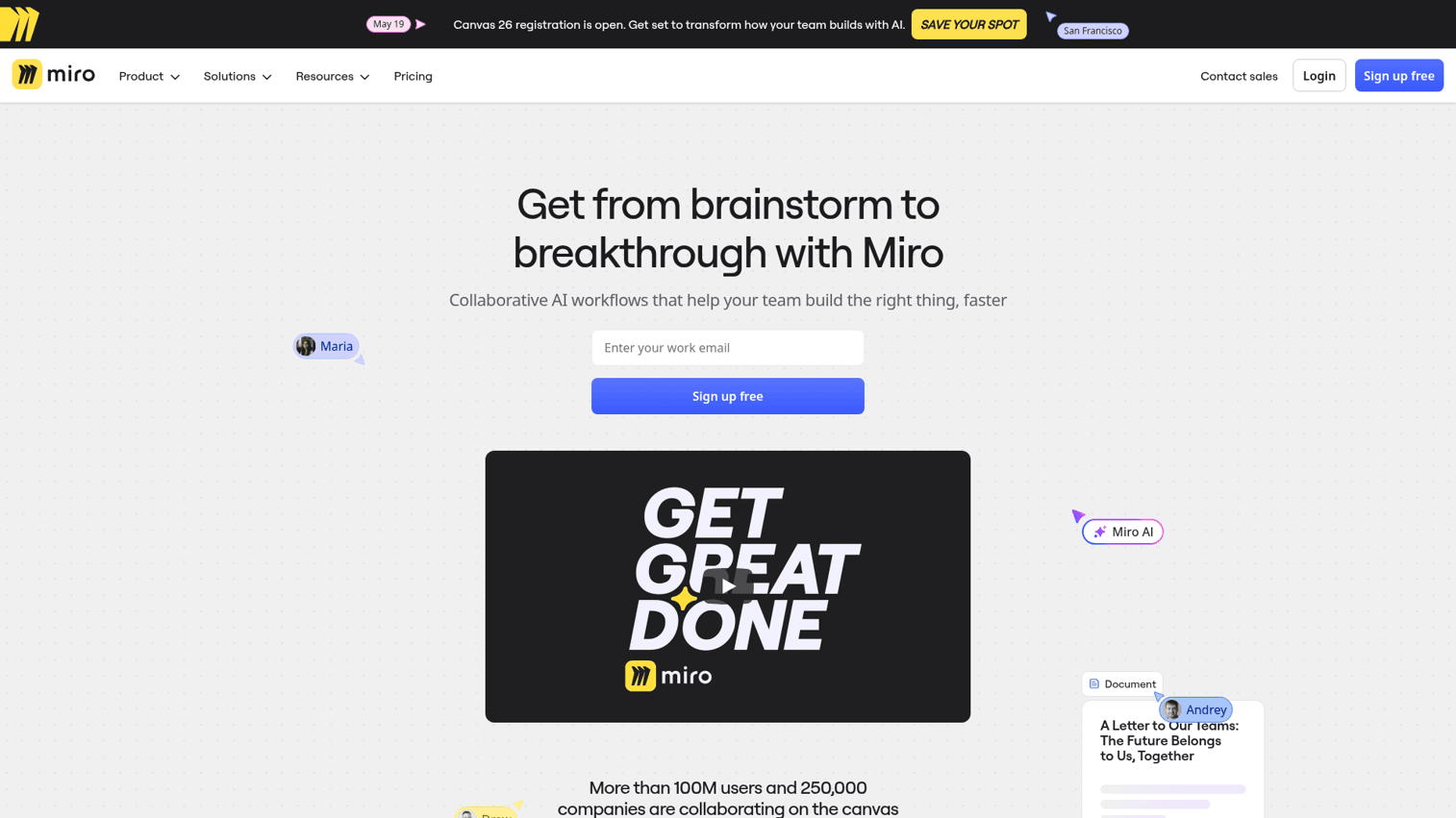
Miro is a digital whiteboard platform for brainstorming, diagramming, workshops, and visual collaboration. If your team does design thinking, remote workshops, or any kind of visual ideation, Miro is the standard. Try it yourself through this Miro interactive demo.
The infinite canvas supports sticky notes, diagrams, mind maps, wireframes, and embedded content from other tools. With 2,500+ templates and strong facilitator tools (timers, voting, presenter mode), Miro works particularly well for structured workshops. Miro AI clusters sticky notes, generates mind maps, and summarizes board content. Talktrack adds video narration to boards for async collaboration.
Best for: Product teams, designers, facilitators, and any team that does visual thinking, workshops, or design sprints.
Key strengths
- Best whiteboarding experience on the market
- 2,500+ templates for workshops and brainstorming
- Miro AI for clustering, summarization, and mind maps
- Strong facilitator tools including timers and voting
- Integrations with Jira, Slack, Asana, and more
Pricing: Free (3 editable boards); Starter ~$10/user/mo; Business ~$20/user/mo; Enterprise (custom). The free plan's 3-board limit is restrictive for ongoing use. Starter at $10/user/mo is reasonable for teams that use whiteboarding regularly.
Miro isn't a full project management tool. Large boards with hundreds of sticky notes can lag. And for teams that don't do visual collaboration regularly, it's overkill. Pair it with a PM tool like Asana or monday.com for a complete workflow.
12. Jira - best for software development team collaboration
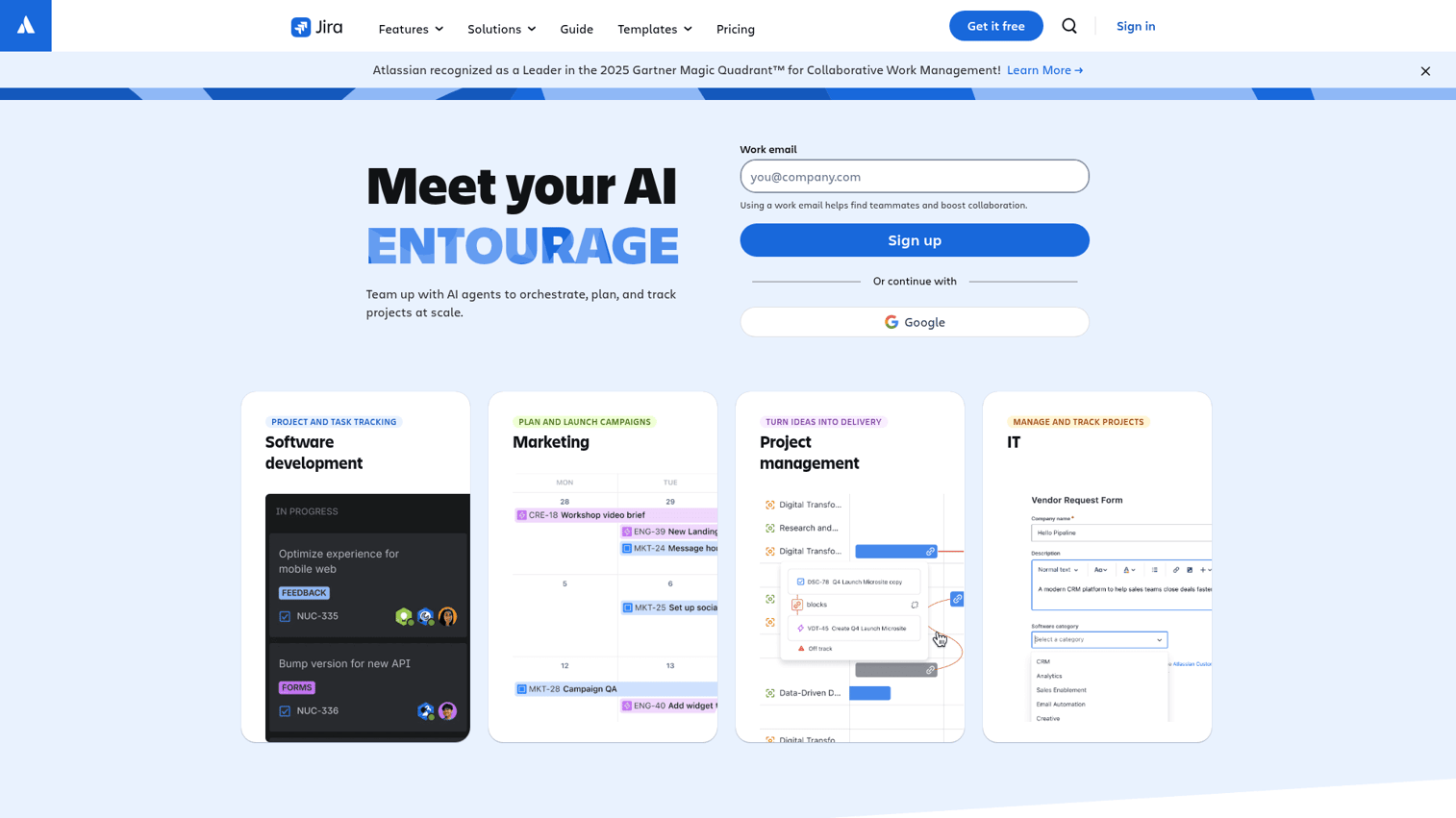
Jira is Atlassian's issue and project tracking tool - the industry standard for agile software development teams. Scrum boards, Kanban boards, sprint planning, backlogs, and bug tracking are its core strengths. Explore the interface with this Jira interactive demo.
With 3,000+ apps in the Atlassian Marketplace, Jira connects to virtually any development tool. The integration with Confluence adds wiki-style documentation alongside issue tracking. Jira Product Discovery helps product teams prioritize features based on impact. Atlassian Intelligence generates JQL queries, summarizes issues, and suggests next actions.
Best for: Software development teams practicing Agile/Scrum; engineering organizations needing robust issue tracking.
Key strengths
- Gold standard for agile development workflows
- 3,000+ Atlassian Marketplace integrations
- Deep Confluence integration for documentation
- Advanced reporting and sprint analytics
- Generous free tier for up to 10 users
Pricing: Free (up to 10 users); Standard ~$8.15/user/mo; Premium ~$16/user/mo; Enterprise (custom). The free plan for up to 10 users is genuinely useful for small dev teams. Standard at $8.15/user/mo is competitive for project management tools in the development space.
The downside: Jira is overwhelming for non-technical teams. The UI is complex, the learning curve is steep, and it's not designed for general team collaboration. Marketing teams, HR departments, or operations groups will find monday.com or Asana far more approachable.
13. Airtable - best for database-driven team collaboration
Airtable is a spreadsheet-database hybrid that lets teams build custom apps and workflows without code. Think of it as a relational database with the usability of a spreadsheet and the views of a project management tool. Preview the platform through this Airtable interactive demo.
Interface Designer lets you build custom front-end apps on top of your data - no coding required. Views include grid, Kanban, calendar, gallery, and Gantt. Automations handle routing, notifications, and status changes. Airtable AI generates fields, summarizes records, and categorizes data within your bases.
Best for: Operations teams, marketing teams managing content pipelines, product teams tracking launches - anyone who needs structured data plus collaboration.
Key strengths
- Unmatched flexibility for structured relational data
- Interface Designer for custom no-code apps
- Multiple views including Kanban, Gantt, and gallery
- Strong API for developer-driven customization
- Airtable AI for field generation and summarization
Pricing: Free (up to 1,000 records per base); Team ~$24/seat/mo; Business ~$54/seat/mo; Enterprise Scale (custom). The free plan's 1,000-record limit is the biggest constraint - most real workflows exceed it within weeks. Team at $24/seat/mo is steep, and Business at $54/seat/mo makes it one of the most expensive collaboration tools on this list.
Airtable isn't a communication tool. There's no messaging, no video, no real-time chat. And the relational database concept has a learning curve. If you just need task tracking, Trello or Asana will be simpler and cheaper.
14. Zoho Workplace - best budget-friendly collaboration suite
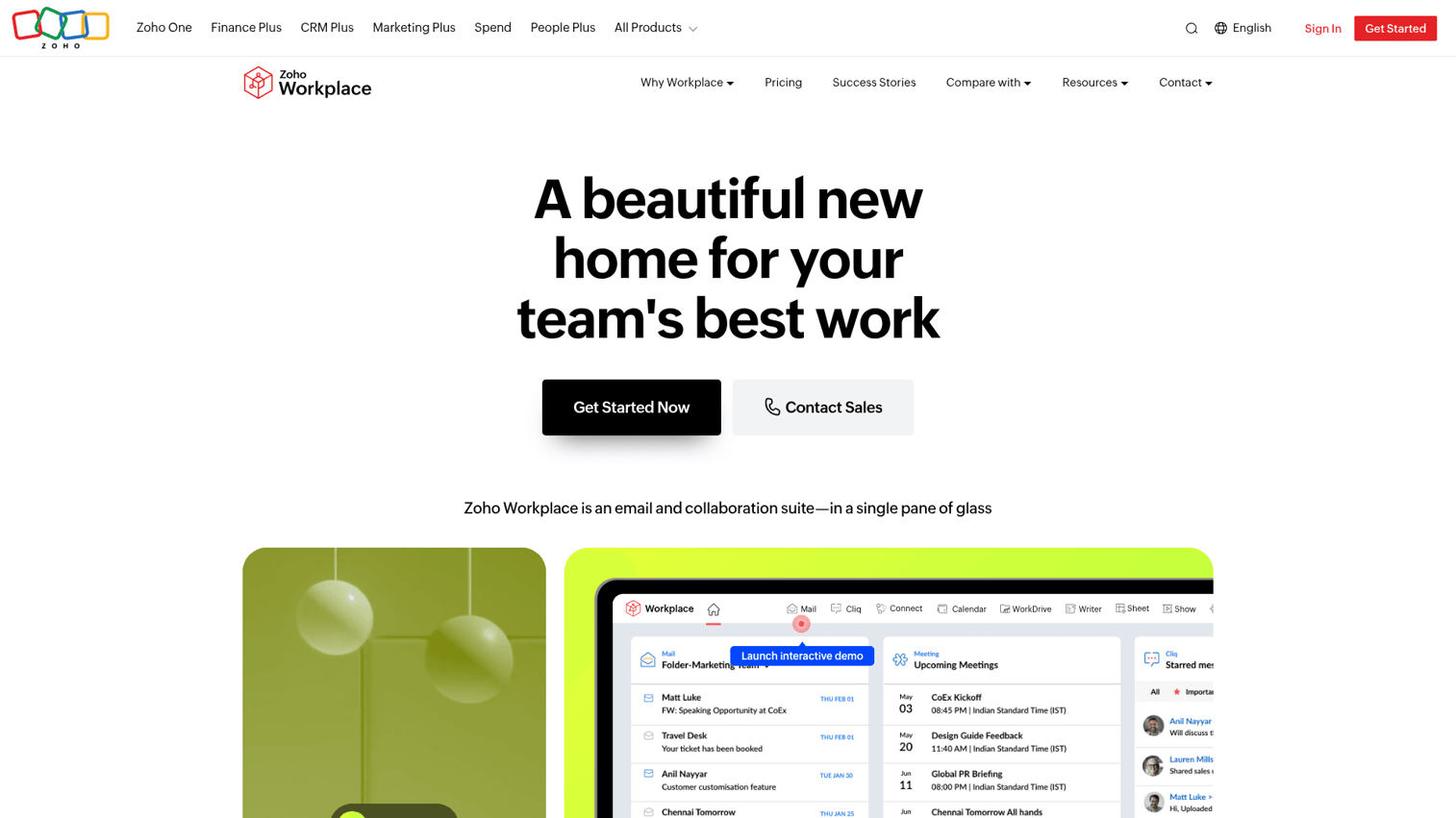
Zoho Workplace is Zoho's integrated suite combining email (Zoho Mail), docs (Writer/Sheet/Show), chat (Cliq), video (Meeting), file storage (WorkDrive), and project management. It's part of the broader Zoho ecosystem of 70+ business apps. Explore the Zoho interface with this Zoho interactive demo.
The value proposition is straightforward: a full collaboration suite for a fraction of what Google Workspace or Microsoft 365 costs. At $3/user/mo for Workplace Starter, you get email, messaging, video, docs, and file storage. Zia, Zoho's AI assistant, provides writing assistance, data analysis, and smart suggestions across apps. The privacy model is notable - Zoho doesn't run ads or sell data. Zoho also offers a capable CRM that integrates seamlessly with Workplace, making it a strong choice for teams that want both collaboration and customer management under one roof.
Best for: Budget-conscious SMBs, especially those already using other Zoho products; teams that want a full suite without per-app pricing.
Key strengths
- Full collaboration suite starting at $3/user/mo
- No ad-based model - strong privacy positioning
- Deep integration with 70+ Zoho business apps
- Zia AI assistant across the entire suite
- Email, chat, video, docs, and storage included
Pricing: Free plan available; Mail Only ~$1/user/mo; Workplace Starter ~$3/user/mo; Professional ~$6/user/mo. At $6/user/mo for Professional, a 50-person team pays ~$300/month - compared to ~$700/month for Google Workspace Business Standard.
The trade-off is polish. Zoho's UI feels a generation behind Google and Microsoft. The third-party integration ecosystem is smaller. And lower brand recognition means some team members may resist adoption - "Why aren't we using Google?" is a conversation you'll have. But on pure value, nothing comes close.
15. Smartsheet - best for enterprise workflow collaboration
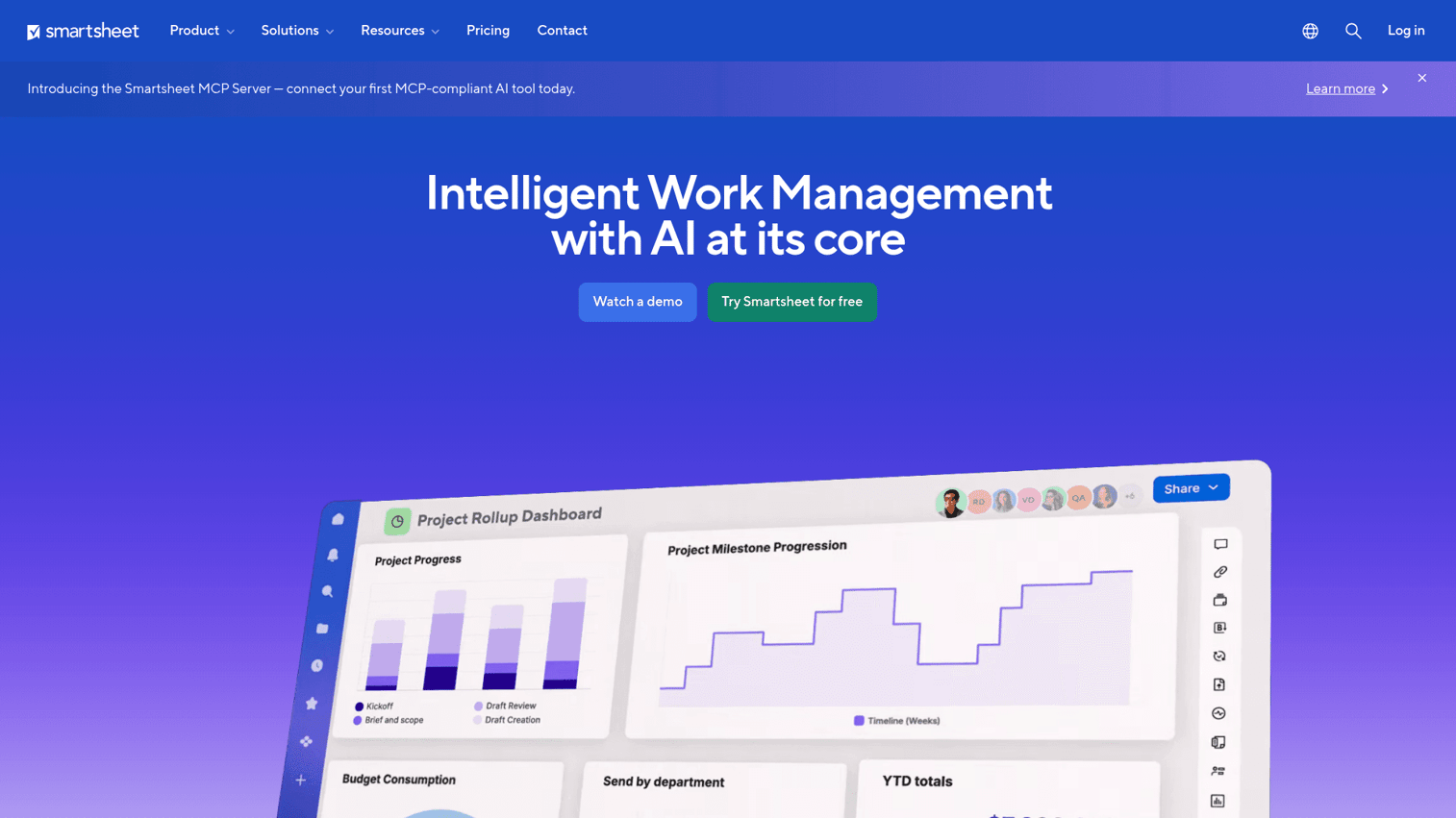
Smartsheet is an enterprise work management platform that combines the familiarity of spreadsheets with project management, automation, and collaboration features. It's built for large organizations managing complex portfolios. Preview the platform with this Smartsheet interactive demo.
The spreadsheet-style interface means low friction for teams already comfortable with Excel. Automated workflows handle approvals, notifications, and status updates. Dashboards aggregate data across sheets for executive-level reporting. Control Center manages portfolio-scale project templates. Proofing enables creative review workflows directly in the platform.
Best for: Enterprise PMOs, operations teams managing large portfolios, organizations that need spreadsheet-style flexibility at scale.
Key strengths
- Familiar spreadsheet interface reduces onboarding friction
- Powerful automated workflows for approvals and routing
- Control Center for portfolio-scale project management
- Strong dashboards and executive reporting
- Proofing tools for creative asset review
Pricing: Pro ~$12/user/mo; Business ~$24/user/mo; Enterprise (custom). No free plan - only a 14-day trial. The lack of a free tier is a significant barrier for smaller teams evaluating the platform.
Smartsheet's UI feels dated compared to monday.com, ClickUp, or Asana. It's not ideal for small teams - the value shows at scale with large portfolios and enterprise governance needs. Communication features are minimal, so you'll need Slack or Teams alongside it. For project collaboration software at the enterprise level, though, it's hard to beat.
16. Coda - best for custom collaborative documents
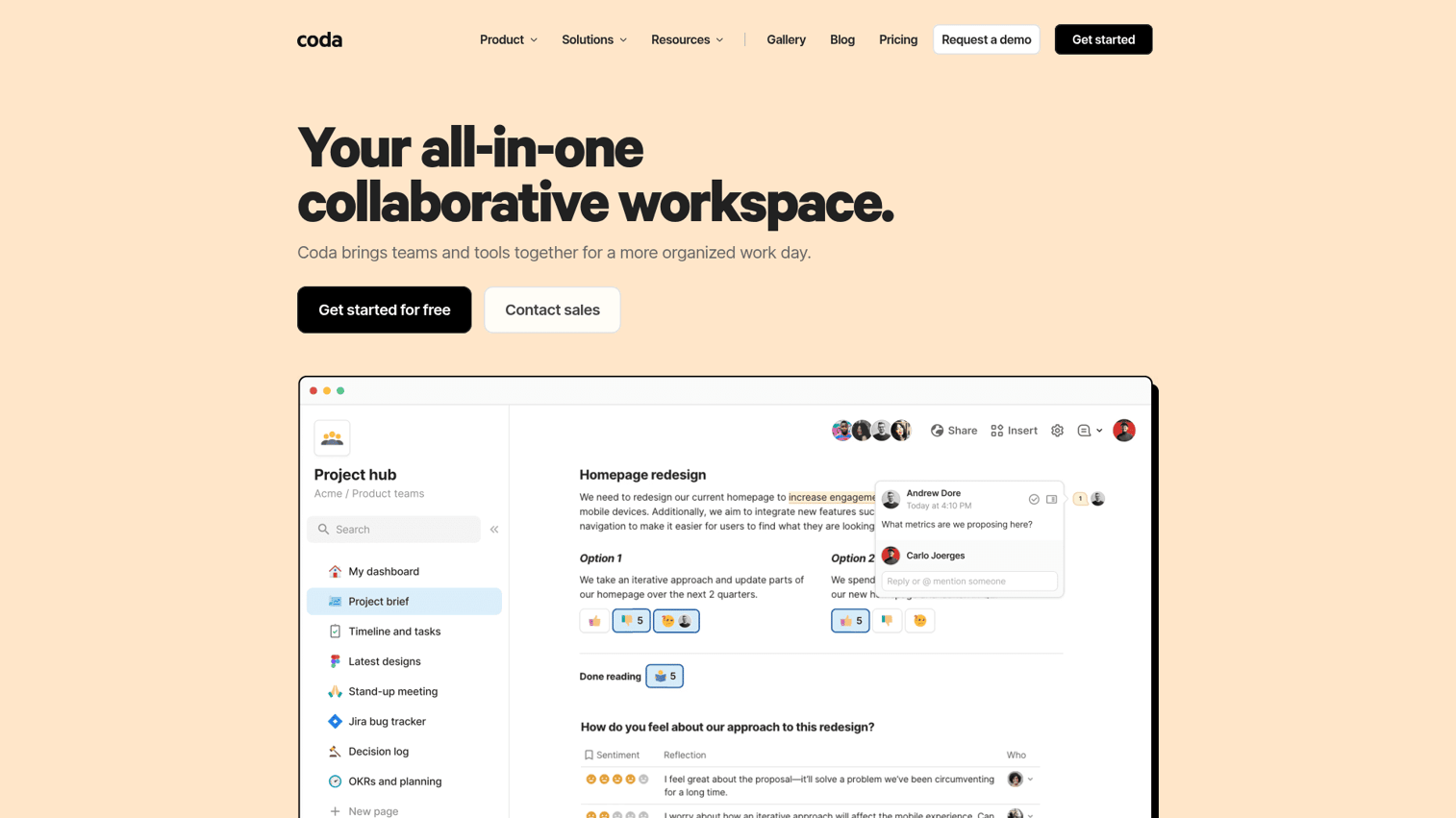
Coda is a doc-meets-app platform where teams build custom documents with embedded databases, automations, buttons, and interactive elements. Think Notion's flexibility combined with Airtable's data power, all inside a document.
The unique pricing model deserves attention: only "doc makers" (people who create and edit docs) pay. Viewers and commenters are free. Packs connect Coda to external tools like Slack, Jira, and GitHub, pulling live data into your docs. Coda AI generates tables, writes content, and powers custom AI assistants you can build into any doc.
Best for: Teams that want to build custom workflows inside documents; product and engineering teams replacing wiki + tracker + runbook with one tool.
Key strengths
- Doc-as-app paradigm - docs that function like software
- Only doc makers pay - viewers and commenters free
- Packs pull live data from external tools
- Coda AI for writing, tables, and custom assistants
- Cross-doc syncing for connected workflows
Pricing: Free (unlimited docs, row limits); Pro ~$12/doc maker/mo; Team ~$36/doc maker/mo; Enterprise (custom). The doc-maker pricing model can be cost-effective for teams with many viewers but few creators. However, Team at $36/doc maker/mo is expensive if most team members need editing access.
The learning curve is real. Coda's power comes from its building-block approach, which takes time to master. The community is smaller than Notion's, meaning fewer templates and tutorials. Mobile experience is limited. But for teams that invest in learning it, Coda can genuinely replace 3–4 separate tools.
17. Loom - best for asynchronous video collaboration
Loom is an async video messaging platform, now owned by Atlassian. Record your screen and camera, share a link instantly, and let viewers watch on their own time. It's a remote collaboration tool that directly replaces meetings that should have been videos.
Loom AI is the standout feature - it auto-generates titles, summaries, chapters, and even removes filler words from recordings. Viewer insights show who watched, how much they watched, and where they dropped off. Timestamped comments enable specific feedback without scheduling a call. For onboarding, training, product demos, and async updates, Loom tends to reduce meeting load significantly.
Best for: Remote and async teams, product teams sharing demos, managers giving feedback, anyone drowning in meetings.
Key strengths
- Dramatically reduces unnecessary meetings
- Loom AI for summaries, chapters, and filler removal
- Viewer insights showing engagement analytics
- Timestamped comments for precise feedback
- Incredibly easy to record and share
Pricing: Free (up to 25 videos, 5 min each); Business ~$15/user/mo; Enterprise (custom). The free plan's limits - 25 videos at 5 minutes each - are tight. Business at $15/user/mo is reasonable if Loom becomes a daily tool for your team.
Loom is a single-purpose tool. It doesn't manage projects, track tasks, or host real-time conversations. It also requires a culture shift - teams used to live meetings need to actively adopt async habits. But for hybrid work tools, few things reduce meeting fatigue as effectively as a well-placed Loom video.
18. Figma - best for design team collaboration
Figma is a browser-based design tool that made real-time multiplayer editing the standard for UI/UX design. Multiple designers work on the same file simultaneously - no version conflicts, no file passing. Explore the interface with this Figma interactive demo.
FigJam, Figma's whiteboarding tool, extends collaboration beyond design into brainstorming and planning. Dev Mode bridges the design-to-code handoff, giving engineers exact specs, assets, and code snippets. Figma Slides brings design-quality presentations into the platform. Figma AI assists with layout suggestions, asset search, and content population.
Best for: Design and product teams; any organization where design collaboration is a core workflow.
Key strengths
- Industry standard for collaborative UI/UX design
- FigJam whiteboarding for brainstorming and planning
- Dev Mode for design-to-engineering handoff
- Design systems and reusable component libraries
- Figma AI for layout and content generation
Pricing: Free (3 Figma files, unlimited FigJam); Professional ~$15/editor/mo; Organization ~$45/editor/mo; Enterprise ~$75/editor/mo. The free plan works for freelancers and small projects. But Organization at $45/editor/mo and Enterprise at $75/editor/mo make Figma one of the most expensive tools on this list for large design teams.
Figma is a specialized collaboration tool. It requires design skill to use effectively. Heavy files with complex prototypes can lag in the browser. And it doesn't handle project management, messaging, or general document collaboration. But for design teams specifically, nothing else comes close.
19. Hive - best for flexible team workflows
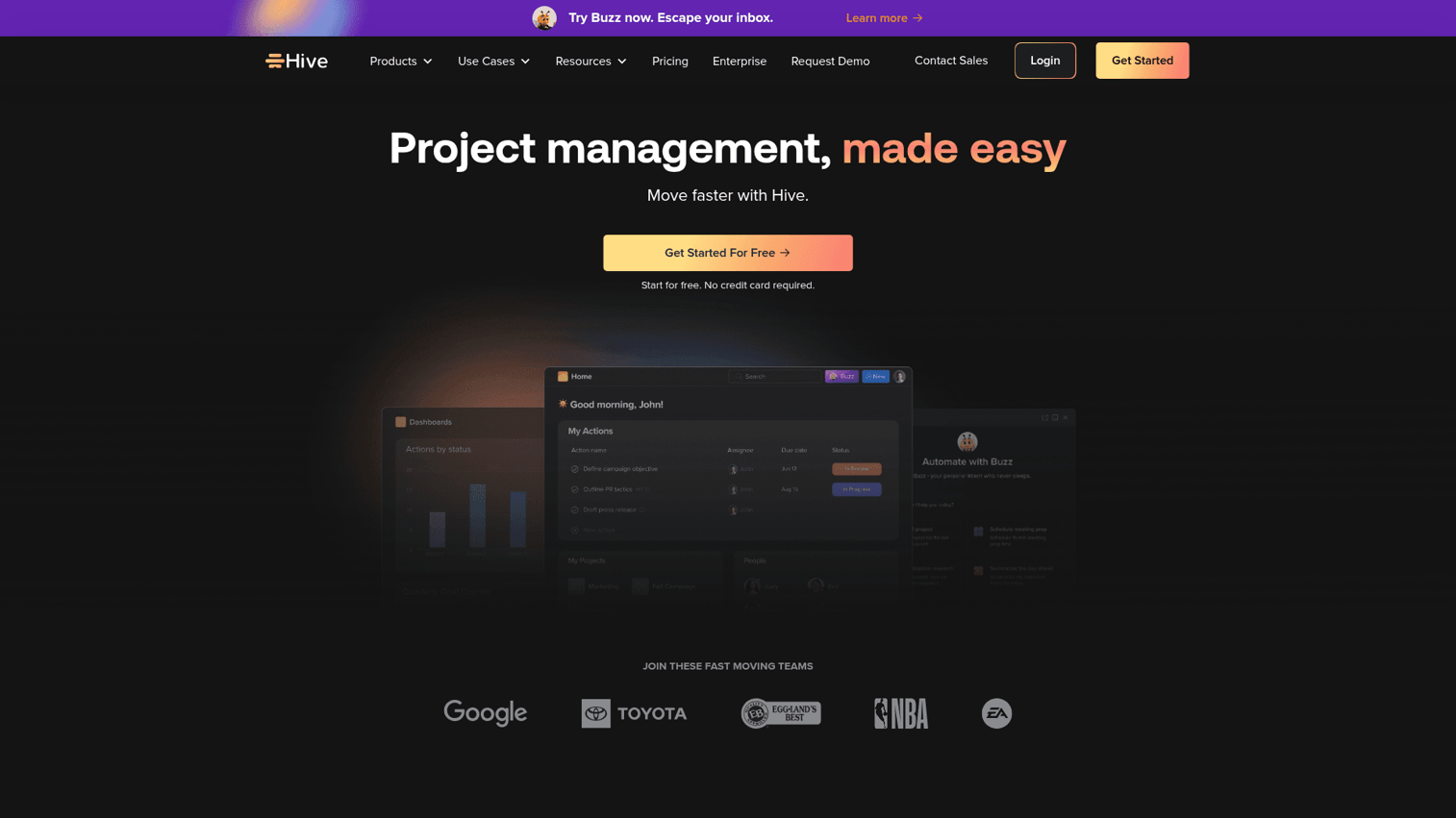
Hive is a project management and collaboration platform with native email, chat, and AI features built in. It positions itself as a flexible, user-driven alternative to heavier tools like ClickUp or Asana.
The standout feature is Hive Mail - native email integration that lets you manage email alongside tasks without switching apps. Hive Chat provides built-in messaging. Proofing tools support creative review workflows. HiveMind, the AI layer, generates content, analyzes project risks, and suggests task assignments. Multiple project views (Gantt, Kanban, calendar, table, portfolio) cover most workflow needs.
Best for: Small to mid-size teams wanting PM plus communication in one tool without the complexity of ClickUp.
Key strengths
- Built-in email and chat reduces tool switching
- Multiple project views including Gantt and portfolio
- Proofing tools for creative asset review
- HiveMind AI for content and risk analysis
- Affordable starting price at $7/user/mo
Pricing: Free (up to 10 members); Starter ~$7/user/mo; Teams ~$18/user/mo; Enterprise (custom). At $7/user/mo for Starter, Hive is competitively priced. The free plan for up to 10 members is generous enough for small teams to evaluate properly.
The trade-offs: Hive has a smaller user base, which means fewer integrations and a thinner community for support. The UI is less polished than monday.com or Asana. The mobile app needs work. But for teams that want PM and communication in one affordable package, it's worth testing.
20. Podio - best for customizable low-code collaboration
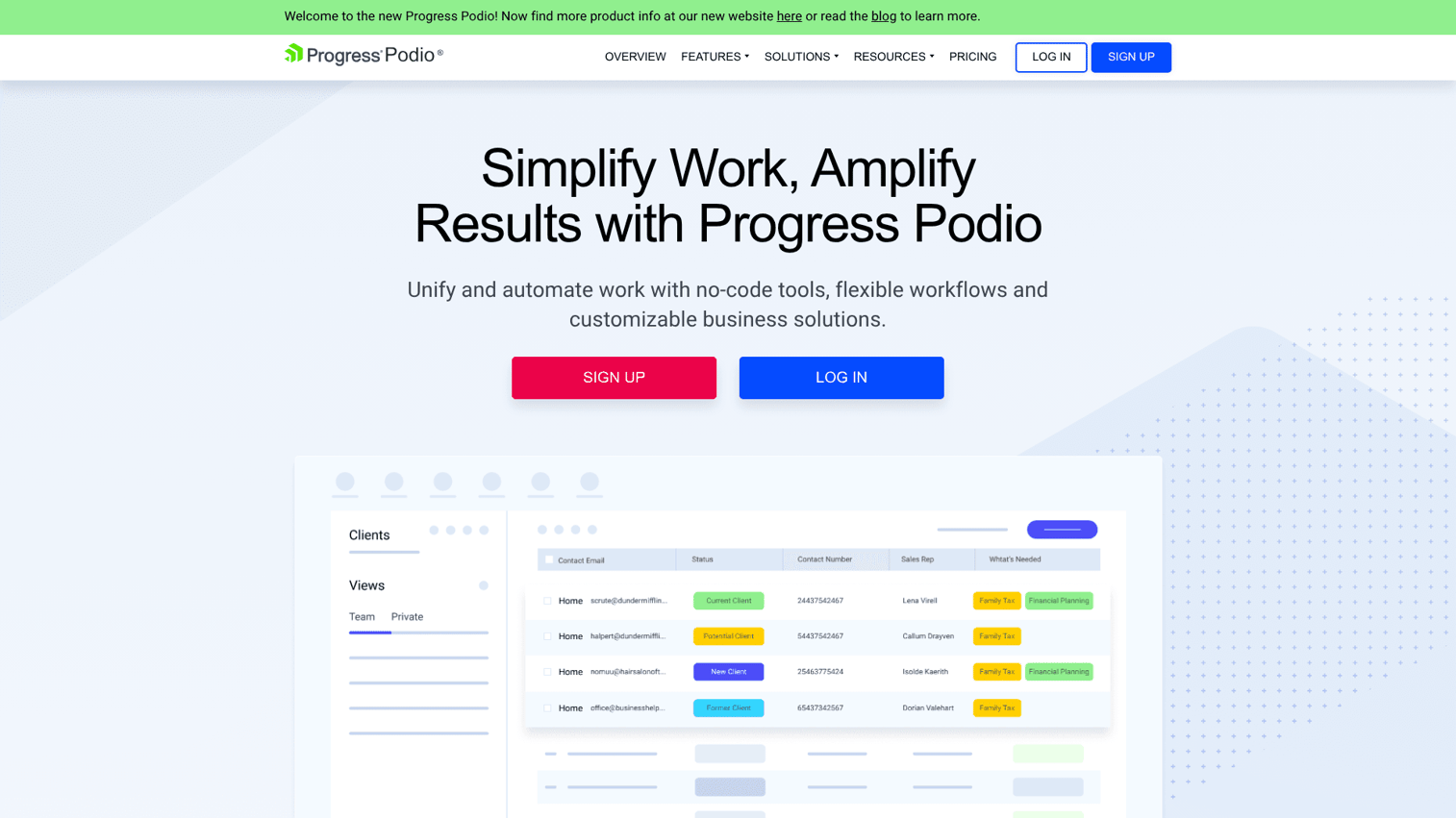
Podio is a Citrix-owned platform that lets teams build custom collaboration apps using a low-code, drag-and-drop builder. It's designed for teams with unique workflows that off-the-shelf tools don't support.
The app builder is the core differentiator. You can create custom fields, views, workflows, and automations tailored to your specific process - whether that's real estate deal tracking, event management, or client onboarding. Integrated chat and task management are included. GlobiFlow powers advanced workflow automations with 60+ integrations.
Best for: Teams with unique workflows that off-the-shelf tools don't support; small businesses wanting a customizable team collaboration platform.
Key strengths
- Drag-and-drop custom app builder for any workflow
- Built-in chat and task management included
- GlobiFlow for advanced workflow automations
- Affordable pricing starting at $14/user/mo
- Strong API for developer-driven extensions
Pricing: Free (up to 5 employees); Plus ~$14/user/mo; Premium ~$24/user/mo. The free plan for up to 5 employees is a decent starting point for very small teams.
The honest assessment: Podio's UI feels dated. The ecosystem is smaller than competitors. The learning curve for app building is real. Modern AI features are limited - you'll rely on third-party integrations for AI capabilities. And the development pace has slowed compared to tools like ClickUp or monday.com. Podio works best for teams with specific, non-standard workflows where customization matters more than polish.
How to choose the right team collaboration software
Twenty tools is a lot. Here's how to narrow it down without overthinking it.
Match the tool to your primary collaboration need
Start with the question: what does your team spend most of its time doing together?
- Communication-first teams: Slack, Microsoft Teams, Zoom Workplace
- Project management-first teams: monday.com, Asana, ClickUp, Jira
- Document-first teams: Google Workspace, Notion, Coda
- File-sharing-first teams: Dropbox, Google Workspace
- Visual and creative teams: Miro, Figma, Loom
- All-in-one seekers: ClickUp, Notion, monday.com
Most teams have one dominant collaboration mode. Build around that, then add specialized tools where gaps exist.
Consider your team size
Team size changes which tools make sense - both functionally and financially.
- Solo or freelancers (1–5): Trello, Notion, ClickUp Free
- Small teams (5–25): Slack + Trello, Google Workspace, Hive
- Mid-size (25–200): monday.com, Asana, ClickUp, Microsoft Teams
- Enterprise (200+): Microsoft Teams, Smartsheet, Jira + Confluence, Slack Enterprise Grid
A tool that's perfect for 10 people can become unmanageable at 200. Check pricing at your actual team size, not just the "starting at" number.
Evaluate integration requirements
Your collaboration tool doesn't exist in isolation. It needs to connect to your CRM, HR system, dev tools, and finance stack. Map your existing tools before choosing.
Slack offers 2,600+ integrations. Jira has 3,000+ marketplace apps. Tools like Zapier and Make connect virtually any platform. But native integrations tend to work more reliably than third-party connectors. Check that your must-have integrations exist natively.
Factor in security and compliance needs
If you're in a regulated industry or handling sensitive data, collaboration software needs to meet specific standards. Look for:
- SOC 2 Type II certification
- GDPR compliance
- SSO/SAML authentication
- Two-factor authentication (2FA)
- Data encryption at rest and in transit
- Admin audit logs
- Data residency options
Microsoft Teams, Google Workspace, Slack Enterprise Grid, and Smartsheet tend to offer the most robust security and compliance certifications.
Team collaboration software trends in 2026
Five trends are shaping how collaboration platforms evolve this year.
- AI is table stakes, not a differentiator. Every major platform has shipped AI features - meeting summaries, content drafting, smart search, workflow suggestions. The question isn't "does it have AI?" but "how well does its AI work with my data?" Tools like Slack AI and ClickUp Brain that connect to your workspace context tend to deliver more useful results than generic AI assistants. If you're exploring how AI is transforming sales workflows specifically, the same principle applies - context-aware AI outperforms generic assistants.
- Async-first workflows are growing. Loom, Slack clips, Notion - remote collaboration tools are increasingly designed around async communication. Teams across time zones are finding that fewer meetings and more recorded updates improve both productivity and work-life balance.
- Platform consolidation is accelerating. The average team used 5–7 collaboration apps in 2023. In 2026, teams are consolidating to 2–3 platforms. All-in-one tools like ClickUp, Notion, and monday.com are winning because they reduce context-switching and subscription costs.
- AI agents are moving beyond assistants. Beyond chat-based AI helpers, tools are shipping autonomous agents that complete tasks, update statuses, route work, and trigger workflows without human intervention. This is the next frontier for business collaboration software.
- Security and data sovereignty are purchase drivers. With increasing regulation globally, enterprise buyers are prioritizing tools with data residency options, advanced compliance certifications, and transparent data handling policies. This trend benefits established platforms like Microsoft Teams and Google Workspace over newer startups.
Finding your team's collaboration stack
There's no single "best" team collaboration tool. The right choice depends on your team's primary workflow, size, budget, and existing tech stack. For messaging, Slack leads. For project management, monday.com and Asana excel. For all-in-one value, ClickUp offers the most features per dollar.
Don't overthink it. Start with free plans from your top 2–3 picks and run a real project through each before committing your team. And when it's time to evaluate a new tool with stakeholders, consider using interactive product demos to let everyone experience the platform hands-on before making a decision.
FAQs about team collaboration software
Team collaboration software is a category of cloud-based tools that help teams communicate, share files, manage tasks, and coordinate work in real time. It encompasses messaging apps like Slack, video conferencing tools like Zoom, project management platforms like Asana, and document collaboration suites like Google Workspace. The category has grown significantly as remote and hybrid work became standard.
Start with your team's primary need - communication, project management, or document collaboration. Then evaluate how well each tool integrates with your existing stack, what it costs at your actual team size (not the "starting at" price), and how easy it is for new members to adopt. Testing 2–3 free plans with a real project is the most reliable way to find the right fit. Avoid choosing based on feature lists alone - adoption matters more than capability.
The core benefits include centralized communication (fewer lost email threads), real-time document co-editing, improved visibility into project status and deadlines, better coordination for remote and hybrid teams, and reduced meeting load through async tools like Loom and Slack clips. Teams that adopt collaboration tools for teams well also tend to see faster onboarding for new hires, since institutional knowledge lives in searchable, shared spaces rather than individual inboxes.
Yes - most modern collaboration platforms offer extensive integrations. Slack has 2,600+ app integrations, Jira has 3,000+ marketplace apps, and connector tools like Zapier and Make bridge virtually any two platforms. Before choosing a tool, map your existing stack (CRM, HR system, dev tools, finance software) and verify that native integrations exist for your must-have connections. Native integrations tend to be more reliable than third-party connectors.
Collaboration software bridges the physical distance gap through real-time messaging, video conferencing, async video (Loom), shared documents, and centralized task tracking. Tools like Slack, Zoom, and Microsoft Teams were built for distributed work. Async features are particularly important for teams across time zones - recorded video updates, threaded discussions, and shared docs let people contribute on their own schedule rather than requiring simultaneous availability.
Yes - most tools on this list offer free tiers. The strongest free plans include ClickUp (most feature-rich free plan with tasks, docs, chat, and whiteboards), Trello (unlimited boards), Slack (generous messaging but 90-day history limit), Jira (up to 10 users), and Notion (personal use). Free plans typically limit storage, user count, or advanced features like automations and reporting. They're useful for evaluation and small teams, but most growing teams outgrow them within 6–12 months.
Look for SOC 2 Type II compliance, GDPR compliance, SSO/SAML authentication, two-factor authentication (2FA), data encryption at rest and in transit, admin audit logs, and data residency options. Enterprise plans from Slack, Microsoft Teams, and Google Workspace offer the most robust security certifications. If your team handles sensitive data or operates in a regulated industry (healthcare, finance, legal), security features should be a primary selection criterion, not an afterthought.
Collaboration software is the broader category - it encompasses communication, file sharing, document co-editing, and general team coordination. Project management software specifically focuses on task tracking, timelines, dependencies, and resource allocation. Many tools blur this line: monday.com, ClickUp, and Asana offer both project management and collaboration features. Slack is collaboration without project management. Jira is project management with limited general collaboration. The distinction matters when deciding whether you need one tool or two.