Your money lives in six places. Checking, savings, two credit cards, a brokerage account, and whatever is left after the last automatic payment cleared. You know roughly what came in. You have no idea where most of it went. The budget you set in January survived until the first unplanned car repair, and then it quietly stopped tracking reality.
Most people assume this is a discipline problem. Spend less, check your accounts more, and the numbers will behave. That is rarely the real issue. The issue is visibility. When your spending is scattered across accounts and categories that never quite match your life, no amount of willpower fixes the fact that you cannot see the whole picture at once.
That is what budgeting software is built to fix. It links your accounts, categorizes transactions, and shows spending, goals, and cash flow in one view that updates without you re-entering anything. The category is growing for a reason. Fortune Business Insights (2025) projects the budgeting software segment will hold 30.77% of the global personal finance software market in 2026, the largest single tool category. North America alone accounted for 32.60% of global personal finance software revenue in 2025.
The hard part is not finding a budget app. It is choosing the right one. Some enforce a strict method. Some automate everything. Some are built for two people to share. Pick by method first, then by household needs, and the rest gets easier.
What's inside
This guide is for anyone comparing a personal finance app to get spending under control, whether you budget solo or run household budgeting with a partner. We looked at software that tracks transactions, syncs across web and mobile, supports shared budgets, and handles goals and debt payoff.
We selected tools based on four criteria that actually decide fit:
- Budgeting method: zero-based, envelope, flexible, or automated
- Account linking: how well it connects and categorizes bank and card activity
- Collaboration: whether two people can see and edit the same budget
- Cross-platform budgeting: mobile and desktop access, plus trust signals like ratings and security
We excluded business-only tools and anything without meaningful spending visibility.
TL;DR
Short on time? Here is the quick read on the best budgeting apps 2026 has to offer:
- Best overall for all-in-one money management: Monarch, for households wanting budgeting plus net worth and goals in one place.
- Best for zero-based budgeting: EveryDollar, for people who want every dollar assigned before the month starts.
- Best for subscriptions and cash flow monitoring: Rocket Money, for anyone cutting recurring waste fast.
- Best for desktop-first budgeting: Lunch Money, for spreadsheet-minded users who like web workflows.
- Best for envelope budgeting: Goodbudget, for households that want a manual method with real structure.
Your best fit depends on one question: do you want collaboration, automation, or a hands-on method you control?
What is budgeting software?
Budgeting software is a personal finance app that connects your financial accounts, categorizes your transactions, and shows your spending, savings, and cash flow against a plan you set. Instead of reconstructing your month from bank statements, you see where money went and where it is going in one place.
Modern budget apps share a common set of capabilities. The strongest ones cover most of these:
- Account linking: automatic connections to bank, card, loan, and investment accounts so transactions flow in without manual entry
- Category budgets: spending buckets that map to your actual life, with rollovers and custom categories
- Financial goals: savings targets, sinking funds, and progress tracking toward things like an emergency fund or a down payment
- Recurring transaction tracking: automatic detection of subscriptions, bills, and repeating charges
- Reports: spending trends, net worth over time, and cash flow summaries
- Mobile and desktop budgeting: synced access across your phone, tablet, and web so the budget is current wherever you check it
There is a useful distinction between a budget app and broader money management software. A budget app focuses on planning and tracking spending against categories. Money management software wraps budgeting inside a fuller picture that includes net worth tracking, investment monitoring, and long-term planning. Some tools do both. Which side you need depends on whether you want tight spending control or a full financial dashboard.
When to use budgeting software
Not every situation calls for software. Here is where it earns its place over a spreadsheet or nothing at all.
Track spending without spreadsheet drift
Manual tracking works until it does not. If you make more than a handful of transactions a week, re-entering them by hand falls behind fast, and a stale budget is worse than none. Software that links your accounts categorizes charges automatically, flags recurring transactions, and sends alerts when a category runs hot. The budget stays current because you are not the one keeping it current.
Build a household budget that both people can see
Shared money is where budgets break down. One person tracks, the other spends, and neither has the full view. Tools with household collaboration give both partners real-time access to the same budget, the same categories, and the same balances. For couples and families, that shared visibility removes the "I didn't know we were over" conversation before it starts.
Plan savings and debt payoff in one place
When you are balancing an emergency fund, a vacation, and a credit card balance at once, priorities compete. Software with financial goals and debt payoff scheduling lets you assign money to each target, forecast payoff dates, and watch progress without a separate spreadsheet. Seeing the tradeoffs in one view makes the hard choices clearer.
Comparison table
The list below is sorted by how well each option matches the most common search intent: households and individuals wanting clear spending visibility and a method that fits. Pricing and ratings reflect verified values at the time of writing. Where a public G2 rating was not available, the cell is left blank rather than estimated.
| # | Product | Intent | Key differentiation | Pricing | G2 rating |
|---|---|---|---|---|---|
| 1 | Forbes | Research benchmark | Broad editorial evaluation and methodology | Free to read | - |
| 2 | Monarch | All-in-one money management | Flex and Category budgeting plus net worth and collaboration | $8.33/mo (billed yearly) | 4.0/5 |
| 3 | Quicken Simplifi | Simple automated budgeting | Spending Plan with real-time tracking | $2.99/mo (billed annually) | - |
| 4 | EveryDollar | Zero-based budgeting | Paycheck planning aligned to Ramsey's method | Free; Premium $79.99/yr | - |
| 5 | Rocket Money | Subscription and cash flow tracking | Subscription cancellation and bill negotiation | Free; Premium $7–$14/mo | - |
| 6 | Lunch Money | Desktop-first budgeting | Web-based, multi-currency, pay-your-own-price | $10/mo or $100/yr | - |
| 7 | Wallet by BudgetBakers | Broad cash flow visibility | Bank sync with 15,000+ banks worldwide | Free; Premium in-app | - |
| 8 | PocketGuard | Safe-to-spend simplicity | "In My Pocket" spendable view | Free; Premium $6.25/mo | - |
| 9 | Goodbudget | Envelope budgeting | Manual envelope method with household sync | Free; Premium $10/mo or $80/yr | - |
1. Forbes
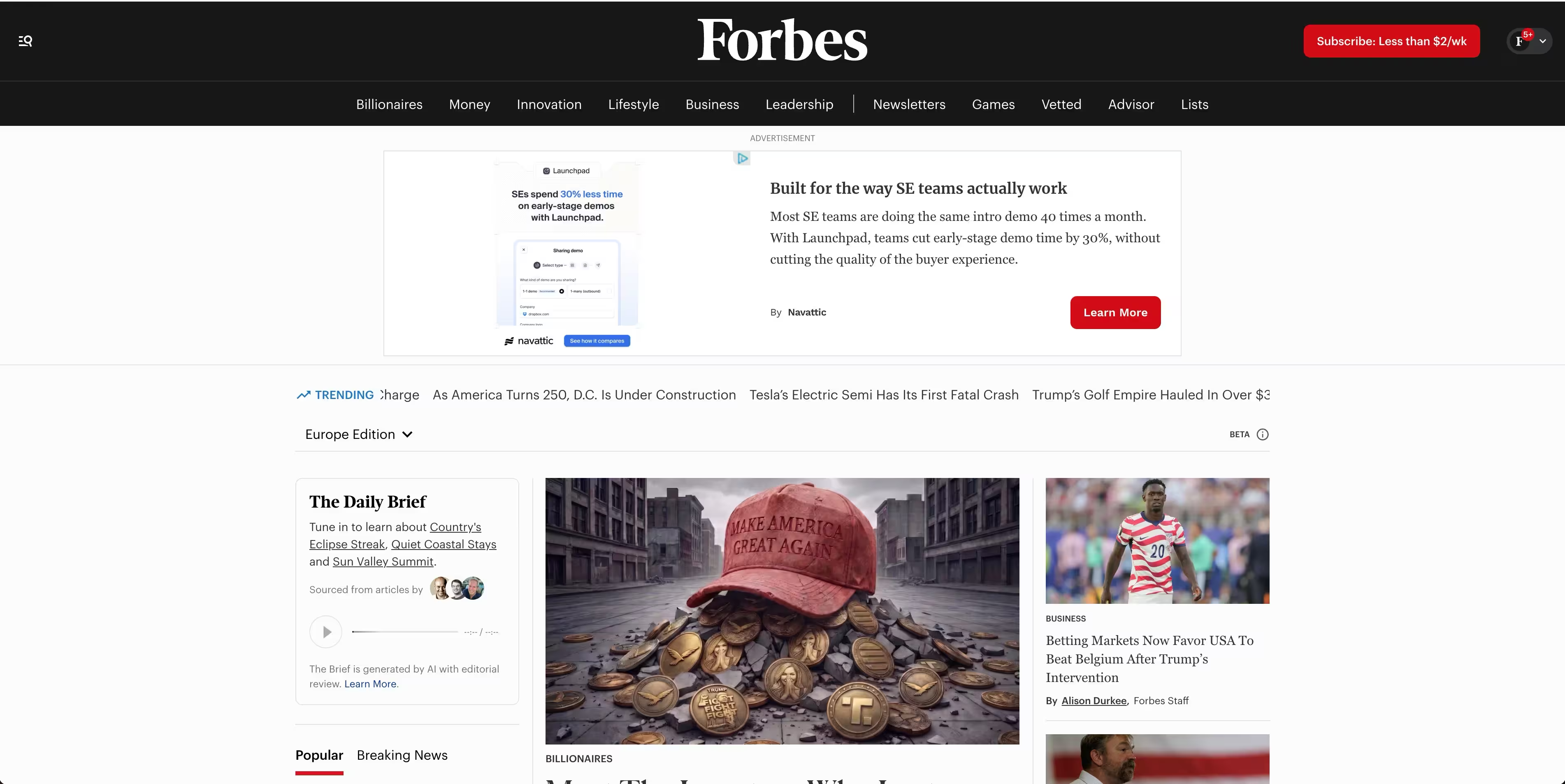
Forbes Advisor is not a budget app. It is the editorial benchmark most people hit first when they search this category, and it belongs on this list as a research starting point rather than a product to install. Its budgeting app coverage runs a broad evaluation across dozens of tools, scores them on a consistent framework, and publishes current pricing signals alongside feature summaries.
Best for: Readers who want a wide, methodology-driven survey of the category before narrowing a shortlist.
Key strengths
- Broad comparison coverage: Evaluates a large field of apps, so you see options beyond the usual three or four names.
- Transparent methodology: Scores tools on consistent criteria, which makes the "best for" labels easier to trust.
- Current pricing signals: Keeps pricing and feature notes reasonably fresh, useful for a first pass.
Why choose Forbes: Use it the way you would use a market map, not a purchase. It is strong for orienting yourself and understanding what separates one tool from another. It leans generic on household and couple-specific needs, so pair it with hands-on trials of the two or three tools you shortlist. Treat the ratings as a filter, not a verdict.
Forbes pricing: Free to read. Forbes Advisor is ad and affiliate supported editorial content, so there is no subscription to access the comparisons or the methodology behind them.
2. Monarch
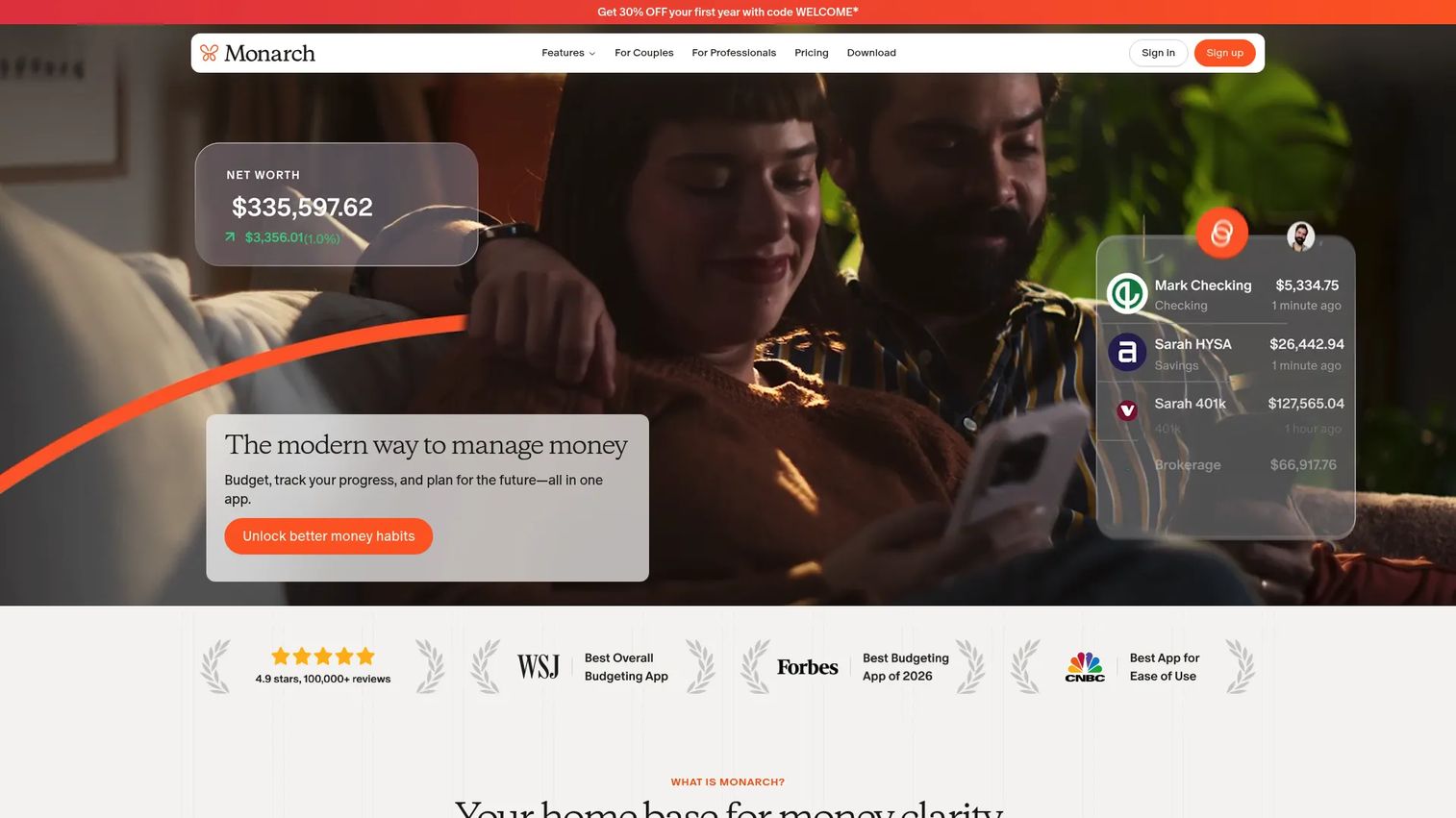
Monarch is a personal finance app built for tracking, budgeting, planning, and collaborating on household finances. It sits at the all-in-one end of the category, pairing category and flexible budgeting with net worth tracking, goals, and shared household views. It is ad-free, which matters if you have grown tired of finance apps that monetize your attention instead of your subscription.
Best for: Households and couples wanting shared budgeting alongside full-picture financial tracking.
Key strengths
- Two budgeting modes: Flex budgeting for a looser structure, Category budgeting for granular control, so the method fits how you actually think.
- Household collaboration: Both partners see and edit the same budget and balances in real time, with shared views across accounts.
- Full financial picture: Net worth, spending, and transaction tracking in one dashboard, not just a spending log.
Why choose Monarch: Choose Monarch when budgeting is only part of what you want. If you are tracking net worth, planning goals, and managing spending across a household, having it in one ad-free view beats stitching together three apps. It fits people with more complex financial lives who value shared visibility over a single strict method.
Monarch pricing: The Core plan runs $8.33 per month, billed at $99.99 yearly. There is no free tier. Monarch positions itself as premium, and the price reflects the breadth of what it tracks.
3. Quicken Simplifi
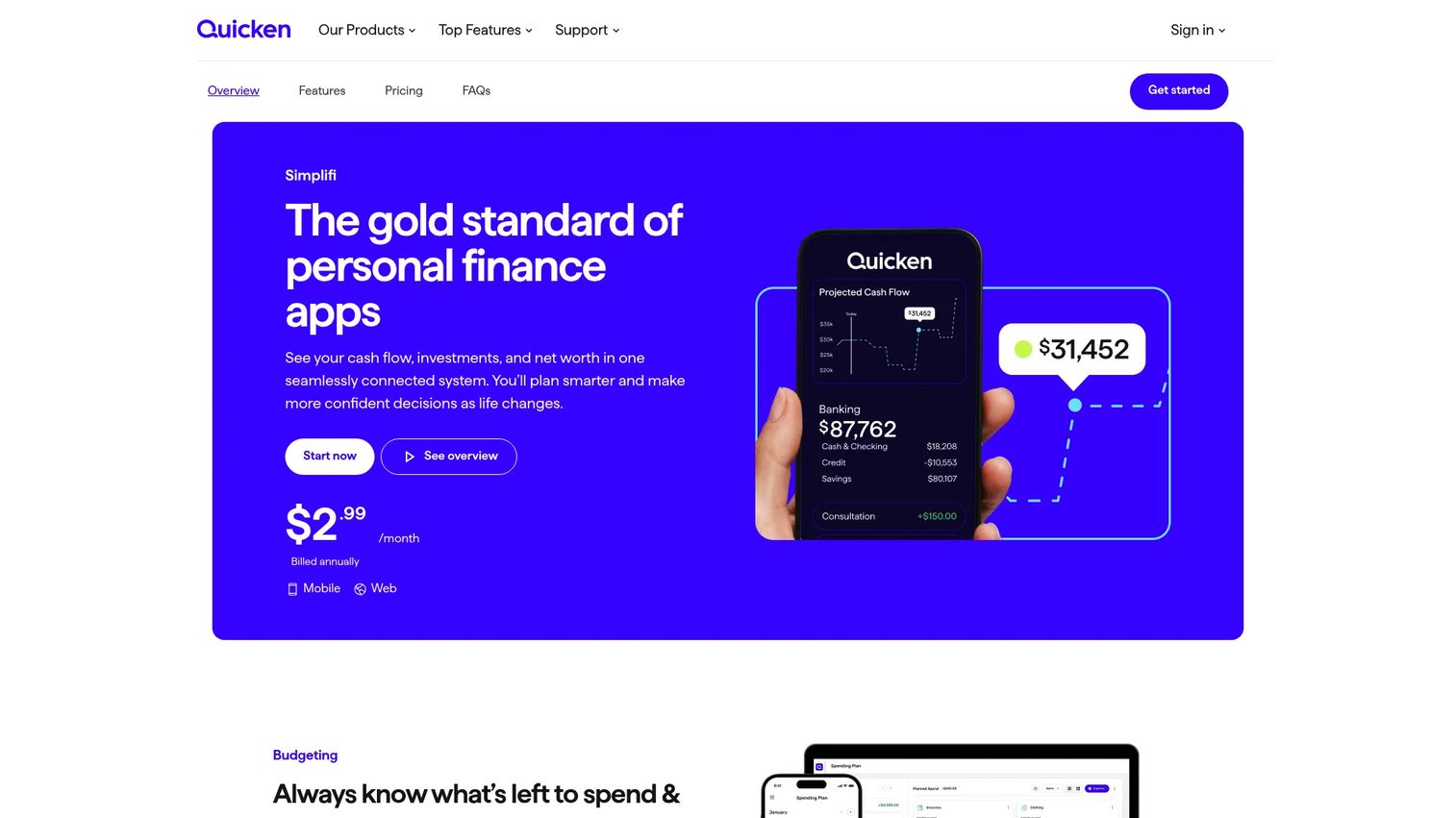
Quicken Simplifi is a cloud-based personal finance app for budgeting, spending, investing, and cash-flow insights. Its Spending Plan builds an automated budget from your linked accounts and real-time activity, so you get structure without a heavy setup ritual. For people who want a budget that mostly maintains itself, it is one of the cleaner options.
Best for: Individuals who want a simple, cloud-based budgeting and spending app with real-time financial tracking.
Key strengths
- Spending Plan budgeting: An automated plan that adjusts as income and bills land, giving you a running picture of what is left.
- Unlimited customizable reports: Slice spending and cash flow however you need, useful for spotting patterns in family spending.
- Account aggregation: Connects across financial institutions so balances and transactions stay current in one view.
Why choose Quicken Simplifi: Choose Simplifi when you want structure without too much manual work. It stands out for visibility into household spending because the Spending Plan translates raw transactions into a forward-looking view of what you can safely spend. It suits people who want automation over a hands-on envelope or zero-based method.
Quicken Simplifi pricing: $2.99 per month, billed annually, shown against a crossed-out $5.99 monthly comparison price. There is no free tier, but the entry price is among the lowest here for a fully automated tool.
4. EveryDollar
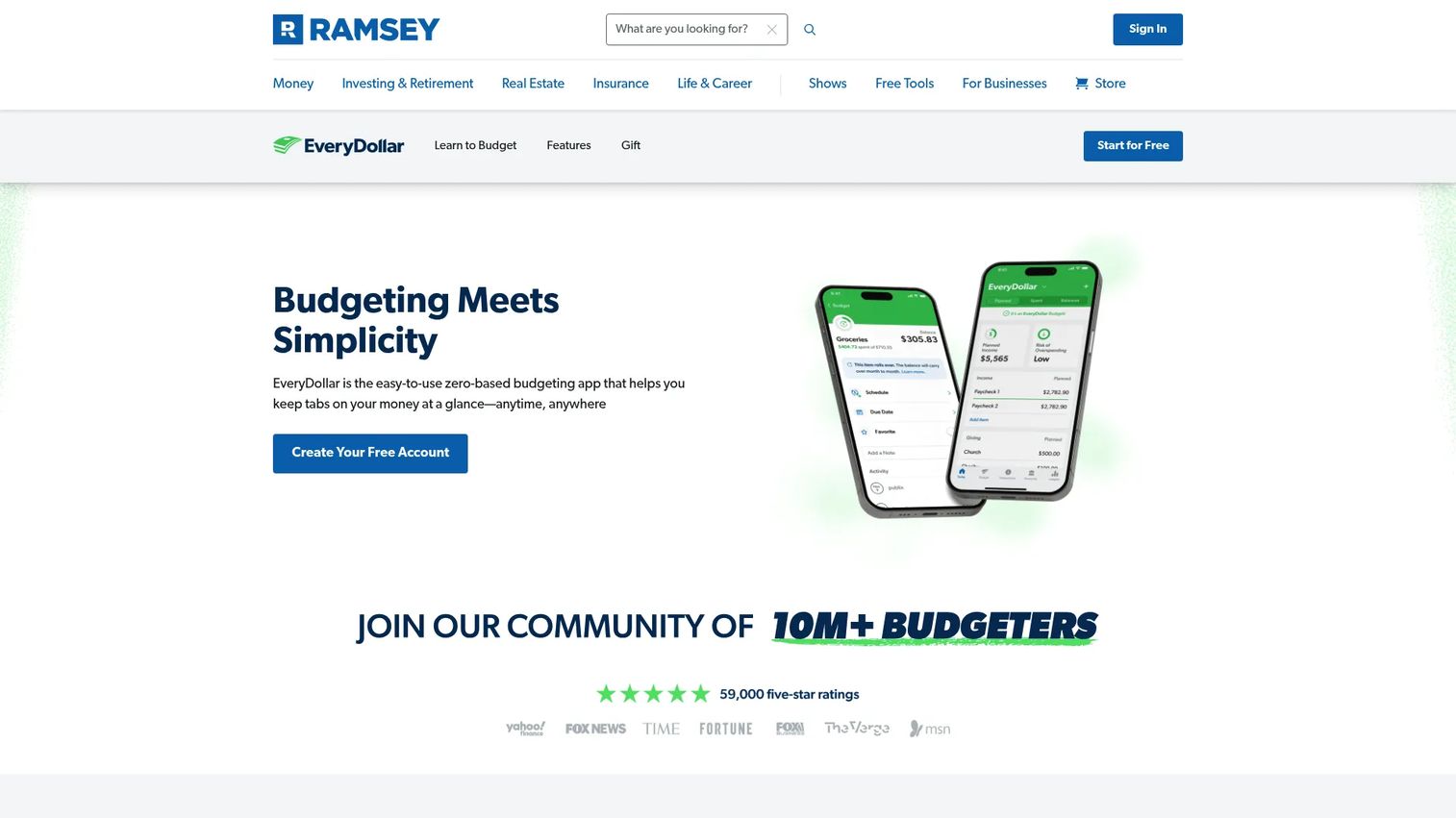
EveryDollar is a zero-based budgeting app from Ramsey Solutions built for planning, tracking, and automating personal budgets. Zero-based budgeting means you assign every dollar of income a job before the month begins, so income minus expenses equals zero on paper. If you want a strict, hands-on method rather than a passive dashboard, this is the one built for it.
Best for: People who want a simple zero-based budgeting app aligned with Ramsey's Baby Steps.
Key strengths
- Zero-based method: Create unlimited monthly budgets and custom budget categories, assigning every dollar before you spend it.
- Flexible transaction entry: Enter transactions manually for full awareness, or connect a bank to stream them automatically on Premium.
- Milestone and net worth tracking: Track net worth and financial milestones with coaching and educational support built in.
Why choose EveryDollar: Choose EveryDollar for method discipline. The tradeoff is deliberate: it is stronger on enforcing a budgeting method than on being an all-in-one financial dashboard. That is the point. People who want to feel every dollar move get more from a strict planner than from an automated one that hides the work.
EveryDollar pricing: The free plan supports manual zero-based budgeting forever. Premium adds bank syncing, custom reports, and goals at $79.99 per year, or $17.99 per month billed monthly. A 14-day free trial covers Premium.
5. Rocket Money
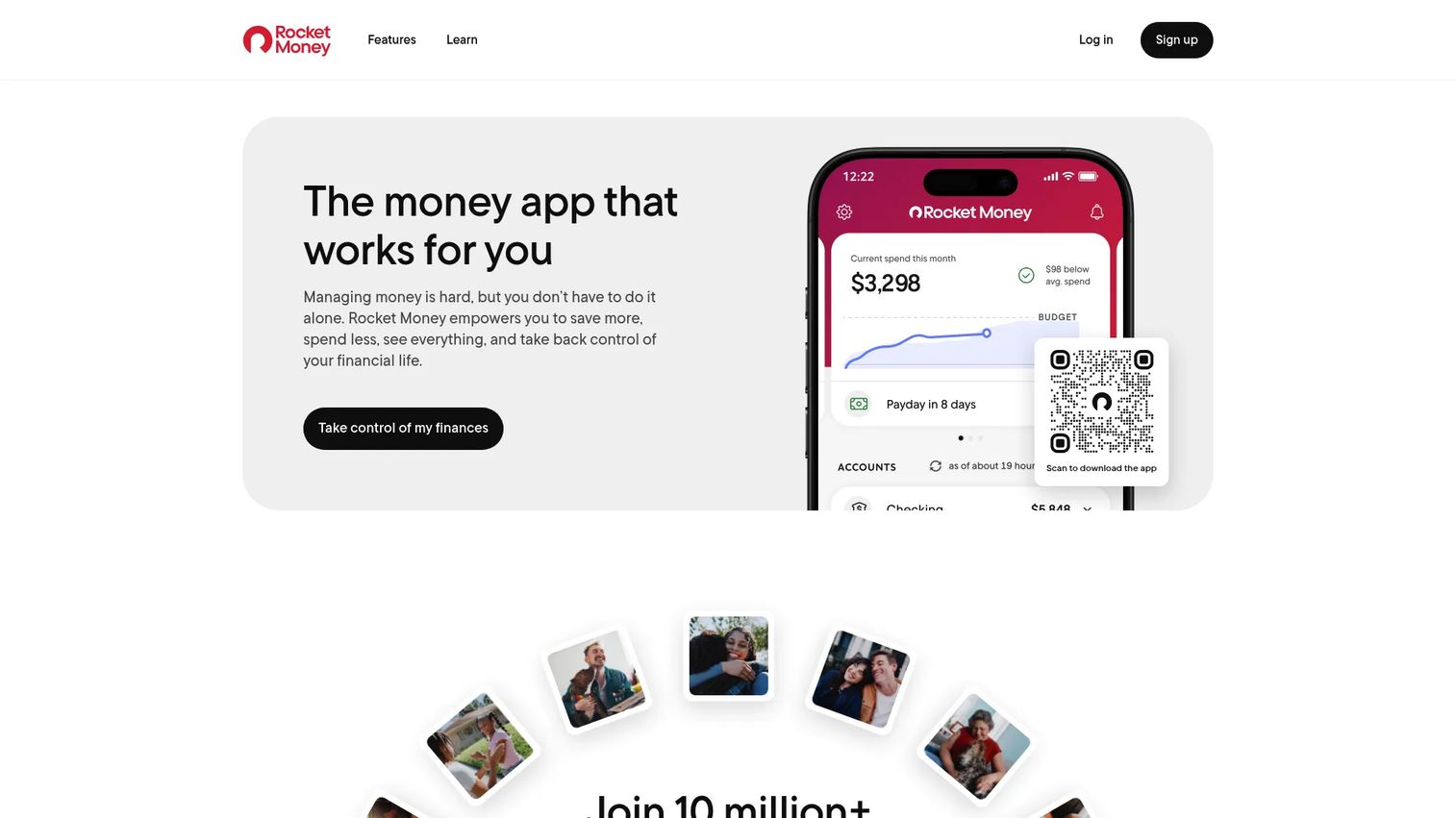
Rocket Money is a personal finance app for subscription tracking, budgeting, savings, credit monitoring, and bill negotiation. Its standout job is finding the recurring charges you forgot about and helping you kill them. If your main leak is subscriptions and creeping bills, this is the fastest path to a visible win.
Best for: Individuals who want an all-in-one app to manage subscriptions, budgeting, and savings.
Key strengths
- Subscription tracking and cancellation: Surfaces every recurring charge and cancels the ones you no longer want, without the phone call.
- Cash flow monitoring: Budgeting and spending insights plus net worth tracking give you a clear read on money in versus out.
- Bill negotiation and automated savings: Negotiates bills on your behalf and automates savings toward goals.
Why choose Rocket Money: Choose Rocket Money when you want quick wins. Cutting three forgotten subscriptions in the first week is the kind of immediate payoff that keeps people engaged with a budget. It works best for people focused on cutting waste and monitoring cash flow rather than running a strict category method.
Rocket Money pricing: The free plan covers core tracking. Premium uses a pay-what-you-think-is-fair sliding scale, typically $7 to $14 per month, with a 7-day free trial. Bill negotiation is available to all users and charges 35 to 60% of first-year savings only if it succeeds.
6. Lunch Money
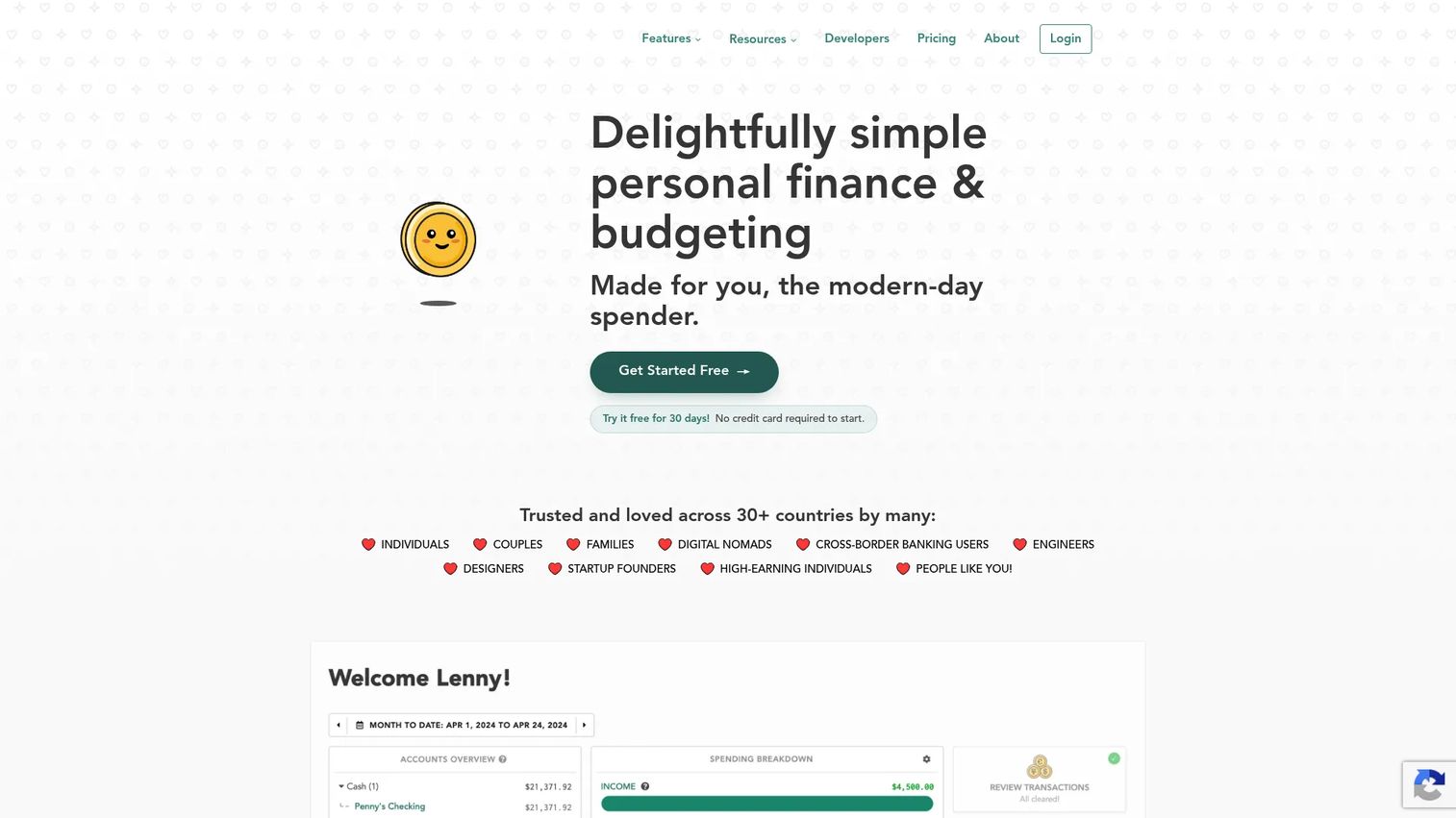
Lunch Money is a web-based personal finance app for budgeting, transaction tracking, and net worth monitoring. It is desktop-first and built for people who like control: custom budget periods, a rules engine, multi-currency support, and even a developer API for importing transactions. If you moved off a spreadsheet reluctantly, this is the tool that will feel most like home.
Best for: Individuals who want flexible budgeting and transaction management across multiple accounts and currencies.
Key strengths
- Flexible transaction import: Automatic bank sync, CSV/PDF import, manual entry, and a developer API for full control over your data.
- Custom budgeting: Custom periods, rollover options, and budget presets that bend to your workflow rather than forcing a template.
- Power-user features: Net worth tracking, multi-currency support, recurring expenses, a rules engine, and crypto tracking in one web app.
Why choose Lunch Money: Choose Lunch Money if you think in spreadsheets and want a web workflow with real depth. The multi-currency and API support make it a favorite among people managing money across countries or who want to script their own imports. It rewards users who like to tune their system rather than accept defaults.
Lunch Money pricing: $10 per month or $100 per year, with every feature included at both tiers. A 30-day free trial requires no credit card to start. Pricing is in USD.
7. Wallet by BudgetBakers
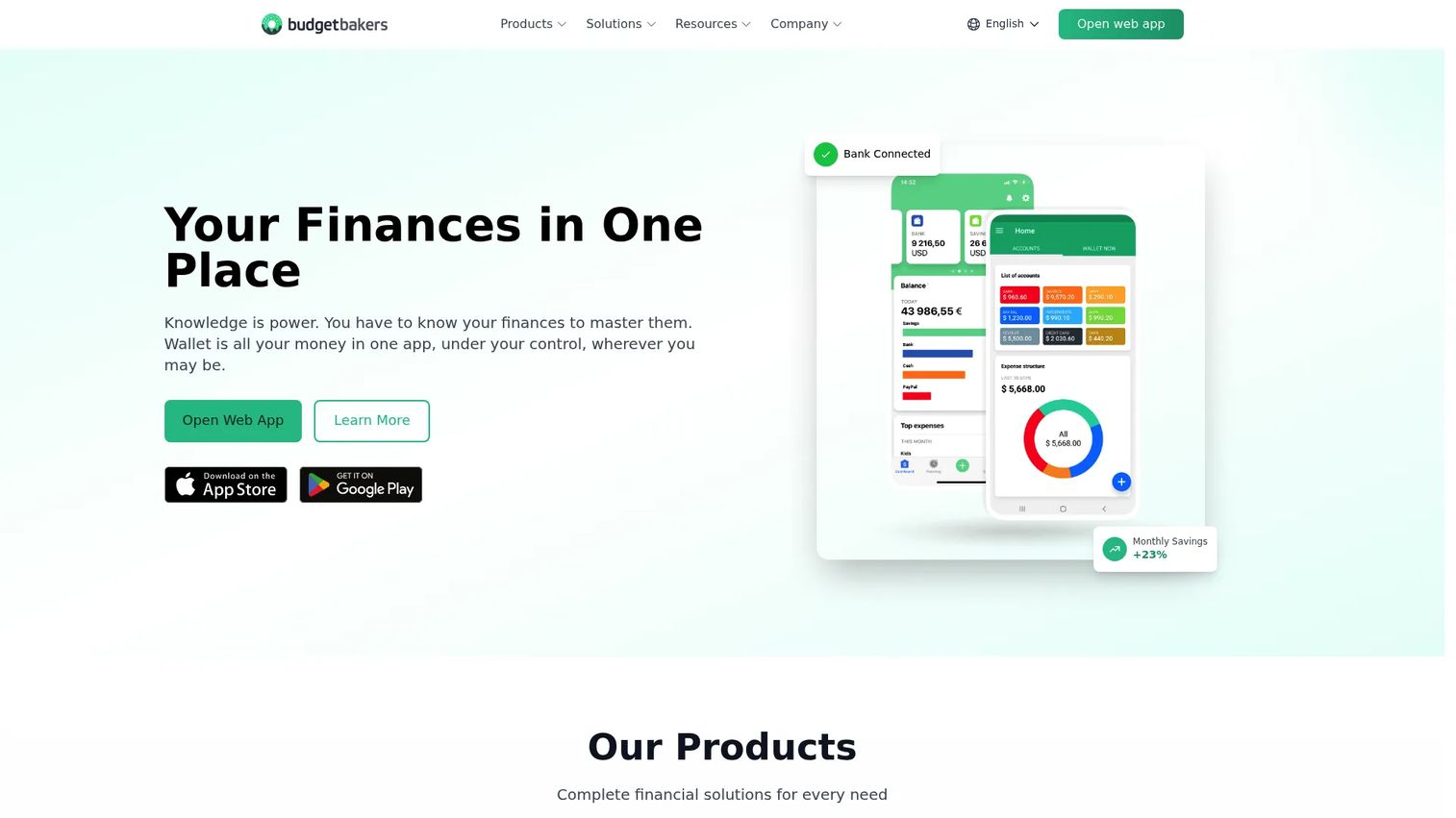
Wallet by BudgetBakers is a personal finance app for budgeting, expense tracking, and bank synchronization. Its reach is the headline: bank sync with more than 15,000 banks worldwide, which makes it a strong choice if your accounts span institutions or countries that narrower apps do not cover. For broad cash flow monitoring across many accounts, it is hard to beat on coverage.
Best for: Individuals or families who want budgeting, expense tracking, and bank syncing in one app.
Key strengths
- Wide bank sync: Connects to 15,000+ banks worldwide, so international and multi-bank users get full visibility.
- AI auto-categorization: Expense tracking with automatic categorization that keeps the ledger clean without constant tagging.
- Category-based budgeting: Smart budgeting with category tracking across multiple devices, web and mobile.
Why choose Wallet by BudgetBakers: Choose Wallet when broad visibility matters more than a single method. The cross-platform, cross-border sync makes it a fit for households with accounts in more than one place. It is a free budgeting software option at the base tier, with a Premium upgrade for users who want more.
Wallet by BudgetBakers pricing: Wallet is free at the base tier. Wallet Premium is offered in Monthly, Yearly, or Lifetime plans, with current prices shown inside the app. The free version is genuinely usable, which lowers the risk of trying it.
8. PocketGuard
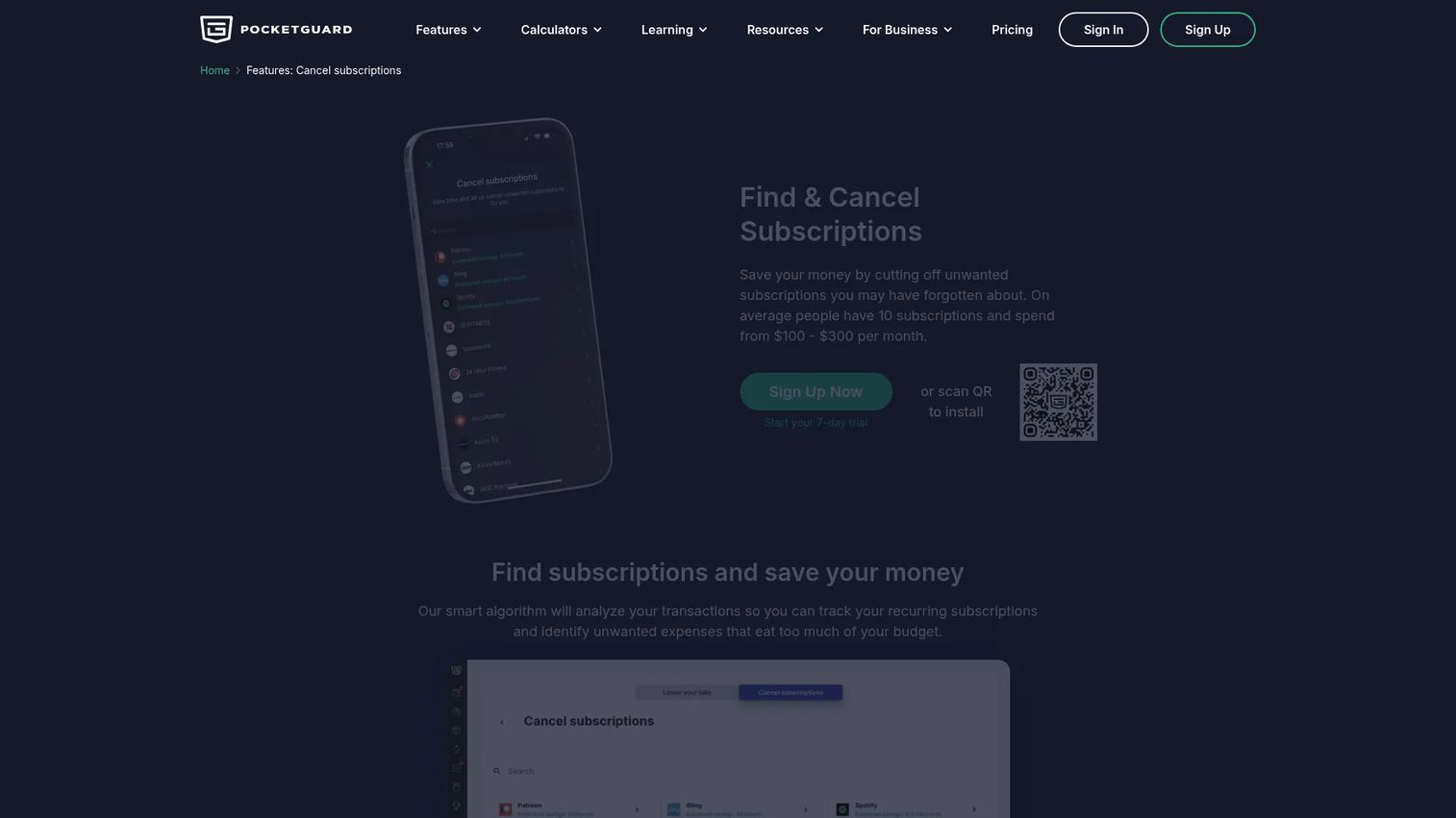
PocketGuard is a personal budgeting app that shows safe-to-spend money and helps track bills, budgets, and accounts. Its signature "In My Pocket" number answers the one question most people actually ask: how much can I spend right now without wrecking my bills or goals? That simplicity is the draw.
Best for: Individuals who want a simple budgeting app with bill tracking and safe-to-spend guidance.
Key strengths
- Safe-to-spend view: Calculates spendable money after bills, goals, and budgets, so the answer is one glance away.
- Debt payoff planning: Custom categories, category budgets, rollovers, and a debt payoff planner in one place.
- Flexible transaction tools: Import and export, rules, splitting, and receipt attachments for people who want more than the basics.
Why choose PocketGuard: Choose PocketGuard for ease of use. If detailed category budgeting feels like too much and you just want to know what you can safely spend, the safe-to-spend model does that job cleanly. The debt payoff planner adds real value for anyone balancing balances alongside daily spending.
PocketGuard pricing: A free tier covers the basics. PocketGuard Premium runs $6.25 per month billed yearly ($74.99/year), or $12.99 per month billed monthly, with a 7-day free trial. The pricing page notes a lifetime offer may be available to some customers.
9. Goodbudget
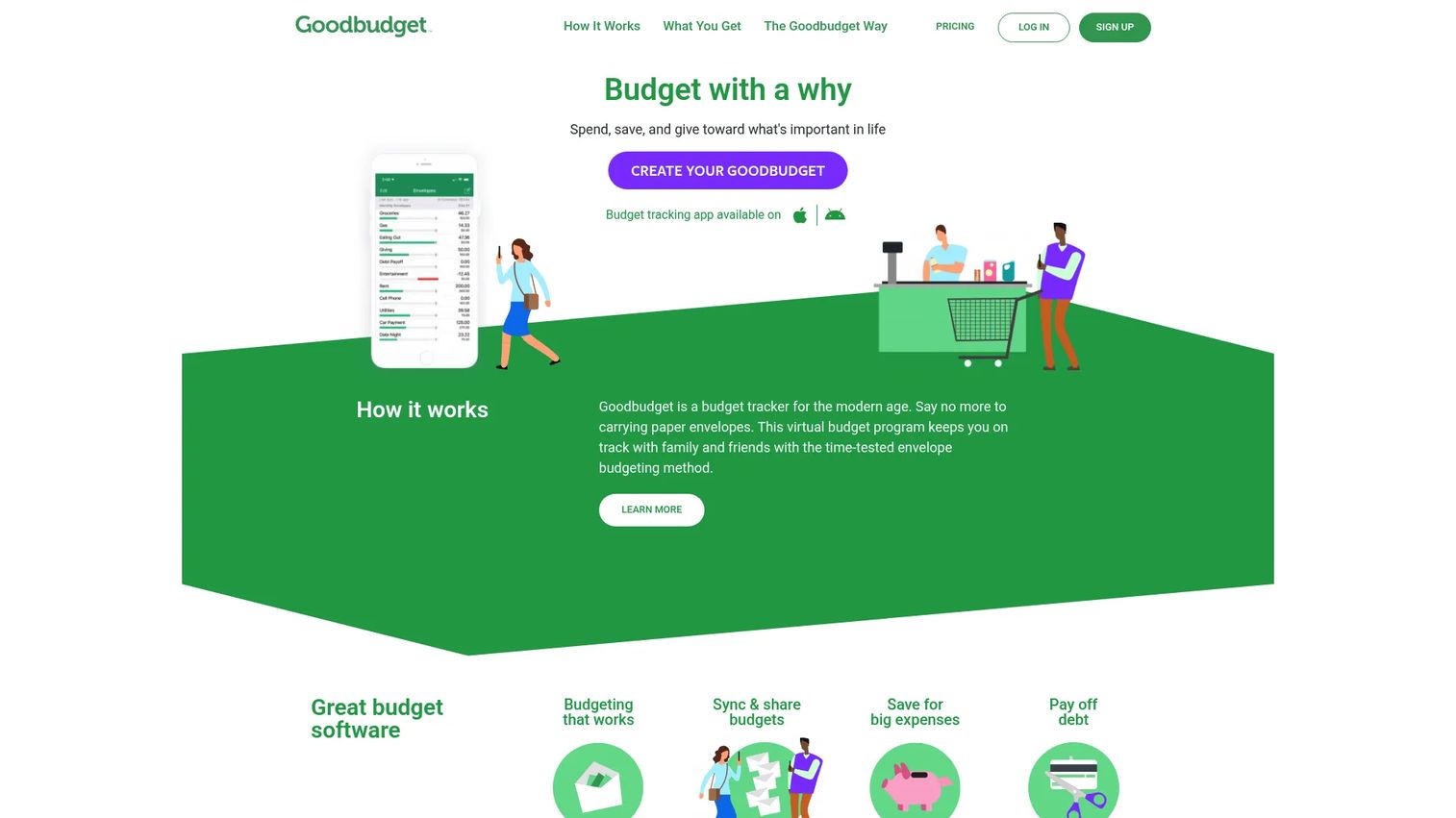
Goodbudget is envelope budgeting software for web, iPhone, and Android. Envelope budgeting is the digital version of the old cash-in-envelopes system: you assign money to envelopes for each category, and you spend from those envelopes until they are empty. It is manual by design, and that is exactly why disciplined budgeters love it.
Best for: Households that want a shared envelope-budgeting system with manual budgeting plus optional US bank sync.
Key strengths
- Envelope method: Assign money to envelopes by category, a proven structure for people who overspend when money feels fungible.
- Household syncing: Sync and share budgets across devices so both partners work from the same envelopes.
- Debt payoff and savings: Debt tracking and savings planning built into the same envelope framework.
Why choose Goodbudget: Choose Goodbudget when you want a manual method with strong structure and a shared household setup. Its long-standing educational angle helps newcomers learn the envelope method rather than just use an app. For couples committed to hands-on budgeting and debt payoff, the shared envelopes keep everyone honest.
Goodbudget pricing: The Free Forever plan supports manual envelope budgeting with a capped number of envelopes and accounts. Premium adds automatic US bank sync, unlimited envelopes and accounts, more devices, and extended history at $10 per month or $80 per year.
Considerations before you choose
The right tool depends less on features and more on how you budget. Run through this checklist before you commit.
Budgeting method
Decide your method first. Zero-based (EveryDollar) assigns every dollar a job. Envelope budgeting (Goodbudget) caps spending by category. Flexible and automated approaches (Monarch, Quicken Simplifi) do more of the work for you. The method that matches your temperament is the one you will actually keep using.
Account linking and coverage
Check that the tool connects to your specific banks and cards. Coverage varies widely, and a tool that cannot sync your main account forces manual entry from day one. If you bank internationally or across many institutions, broad coverage like Wallet's matters more than any single feature.
Collaboration and shared budgets
If you share money, shared access is non-negotiable. Confirm both people can log in, see the same categories, and edit in real time. Monarch and Goodbudget handle household budgeting well; a solo-focused app will create the exact blind spot you are trying to fix.
Pricing and free tiers
Match spend to value. Free budgeting software (Goodbudget, Wallet, the EveryDollar free tier) is enough for many people. Pay when a specific capability, like automatic sync or net worth tracking, saves you real time. Do not pay for breadth you will not use.
Conclusion
Choosing budgeting software gets simple once you decide what job it needs to do. For all-in-one money management with net worth and collaboration, Monarch is the strongest pick. For strict zero-based budgeting where every dollar gets assigned, EveryDollar is purpose-built. For cutting subscription waste and monitoring cash flow, Rocket Money delivers the fastest visible wins. For envelope budgeting with a shared household setup, Goodbudget remains the standard.
The next step is straightforward. Pick your method first, because a tool that fights how you think about money will not last a month. Then weigh pricing and collaboration. Most of these offer a free tier or trial, so shortlist two, run them against a real month of spending, and keep the one that stays current without a fight. If you want an even wider survey before deciding, use an editorial benchmark like Forbes to map the field, then test the finalists yourself. The best budgeting software is the one you will still open in March.
FAQs
Budgeting software is a personal finance app that links your bank and card accounts, categorizes transactions automatically, and shows your spending against a plan. It replaces manual tracking with a live view of where your money goes, and most tools add goals, reports, and debt payoff tracking on top.
For most people, yes. A spreadsheet gives you total control but requires constant manual entry, and it falls behind the moment life gets busy. Budgeting software keeps itself current through account linking and auto-categorization. If you love spreadsheets and want that control in an app, a tool like Lunch Money bridges both worlds.
Monarch and Goodbudget are both built for shared budgets. Monarch gives couples a real-time collaborative dashboard with net worth and goals, while Goodbudget lets both partners work from the same envelopes. The best choice depends on whether you want an automated full picture or a hands-on envelope method.
PocketGuard and Goodbudget both include debt payoff support. PocketGuard offers a debt payoff planner alongside its safe-to-spend view, and Goodbudget builds debt tracking into its envelope framework. Both let you forecast payoff and balance debt against everyday spending in one place.
Most modern tools do. Account linking pulls transactions and balances in automatically so you are not entering them by hand. Coverage varies, though. Wallet by BudgetBakers connects to more than 15,000 banks worldwide, while some tools focus on US institutions, so confirm your bank is supported before you commit.
Yes. Goodbudget offers a Free Forever plan for manual envelope budgeting, Wallet by BudgetBakers has a usable free tier, and EveryDollar's free plan supports full zero-based budgeting by hand. Free tiers usually skip automatic bank sync, so you trade some convenience for zero cost.
Envelope budgeting software is the digital version of putting cash into labeled envelopes for each spending category. You assign money to each envelope and spend only what is inside until it is empty. Goodbudget is the best-known example, and the method works well for people who overspend when money feels like one big pool.
Start with method, then coverage, then collaboration. Decide whether you want automated, flexible, zero-based, or envelope budgeting. Confirm the tool syncs your household's actual banks. Then verify both partners can see and edit the same budget in real time. Match the price to the features you will genuinely use, and test your shortlist against one real month before paying.