A fraud model that scores transactions once an hour is a fraud model that pays out on fraud for 59 minutes. A recommendation engine that refreshes overnight shows yesterday's intent to a buyer who already left. Batch processing was fine when "fast enough" meant tomorrow morning. It is not fine when the decision has to happen before the request completes.
That gap is the whole reason event streaming software exists. Instead of collecting data and processing it on a schedule, streaming platforms move and process events the moment they happen, so downstream systems react in milliseconds instead of hours. The event stream processing market reflects the shift: ResearchAndMarkets projects it will grow from USD 2.02B in 2026 to USD 3.93B by 2030 at an 18.1% CAGR, driven by real-time fraud detection, IoT analytics, and cloud-native data platforms.
For presales teams, this category shows up in the least forgiving part of a deal. It surfaces in architecture reviews, security calls, and POC planning, where a vague answer about throughput or exactly-once semantics stalls technical validation. Whether you are validating fit for your own stack or supporting a buyer through theirs, the questions are the same: how does it scale, who operates it, and what breaks under load. This guide is built to help you answer those quickly. If your evaluation touches real-time dashboards or downstream reporting, it is worth pairing this with a look at analytics platforms that drive ROI and the best data visualization tools, since streaming data usually ends up feeding both.
What's inside
This guide covers 10 event streaming software tools worth shortlisting in 2026, from open-source backbones to fully managed cloud services. It is written for technical buyers, platform engineers, and presales teams who already know they need streaming and are now sorting out platform fit.
We selected tools based on four criteria that matter in a real evaluation: streaming and processing capabilities, operational reliability at scale, integration depth with existing stacks, and deployment flexibility across cloud, self-managed, and hybrid. Pricing and G2 ratings are included where publicly available, so you can move from long list to shortlist fast.
TL;DR
- Best open-source backbone: Apache Kafka is the durable event log most streaming architectures are built on, with the widest ecosystem.
- Best fully managed Kafka: Confluent Cloud offloads cluster operations while adding governance and stream processing.
- Best stream compute engine: Apache Flink handles stateful, low-latency processing and complex event logic on top of your event backbone.
- Best for AWS-native teams: Amazon Kinesis Data Streams ties tightly into the AWS analytics ecosystem.
- Best for enterprise decisioning: SAS Event Stream Processing pairs streaming analytics with machine learning and governance for regulated environments.
- Best for high-performance simplicity: Redpanda offers Kafka API compatibility with a single-binary deployment model.
What is event streaming software?
Event streaming software is infrastructure that captures, moves, and processes a continuous flow of events in real time, so applications can react to data the moment it is produced rather than after a scheduled batch job.
An event is a single record of something that happened: a click, a payment, a sensor reading, a login. Streaming platforms organize these events into a few core building blocks:
- Events: immutable records of a state change, ordered by time.
- Streams and topics: named, append-only logs where related events are published and consumed.
- Partitions: slices of a topic that spread load across brokers for parallelism and scale.
- Offsets: the position markers consumers use to track what they have read.
- Brokers: the servers that store events and serve producers and consumers.
- Retention and compaction: rules for how long events are kept, and how duplicate keys are collapsed.
- Consumers: the applications that read events and act on them.
A few concepts separate credible platforms from the rest:
- Event streaming vs batch processing: batch collects data and processes it on a schedule or in windows; event streaming processes each event continuously as it arrives, which is the difference between minutes and milliseconds.
- Event stream processing: the compute layer that filters, joins, aggregates, and transforms events in motion, often called an event stream processor.
- Exactly-once processing: the guarantee that each event affects results exactly once, even after failures and retries.
- Backpressure and fault tolerance: the ability to absorb load spikes and recover from broker or consumer failures without data loss.
- Real-time analytics and AI decisioning: streaming feeds live dashboards, anomaly detection, and models that need fresh features for low-latency data processing.
When to use event streaming software
Streaming is not a universal upgrade over batch. It earns its complexity in specific situations. Here is how to pattern-match your workload before you shortlist anything.
Use streaming when latency matters
If the value of a decision decays by the second, streaming is the right model. Fraud detection has to score a transaction before it clears. Live personalization has to react while the visitor is still on the page. Monitoring and anomaly detection lose their point if the alert lands an hour after the incident. In each case, a scheduled batch job answers the right question at the wrong time.
Use it when systems need continuous state
Some systems never stop receiving events, and everything downstream has to stay current. Logistics platforms track shipments that move continuously. IoT fleets emit telemetry around the clock. Observability pipelines ingest logs and metrics without pause. Transactional systems propagate changes as they happen. When the input is a firehose, not a file drop, streaming keeps every consumer in sync.
Use it when multiple teams depend on the same event backbone
Streaming pays off most when a single event stream serves many consumers. Engineering, data, product, and security teams can all subscribe to the same events without building point-to-point pipelines. That shared backbone means one source of truth, consistent governance, and reuse instead of duplication. This is where an event streaming platform stops being a project and becomes infrastructure.
Comparison table
This table is built to help you shortlist fast. Scan the intent and key use case columns to find the two or three tools worth a deeper look, then read their full sections below. Pricing and ratings reflect publicly available data at the time of writing; usage-based platforms often price by throughput rather than a flat tier.
| # | Product | Intent | Key use case | Pricing | G2 rating |
|---|---|---|---|---|---|
| 1 | Apache Kafka | Open-source event backbone | Real-time pipelines, event streaming, streaming analytics | Open source | 4.5/5 |
| 2 | Confluent Cloud | Managed Kafka platform | Hosted streaming, governance, stream processing | From \~$895/month | 4.4/5 |
| 3 | Apache Flink | Stream compute engine | Stateful processing, low-latency analytics | Open source | Not listed |
| 4 | SAS Event Stream Processing | Enterprise streaming analytics | Decisioning, anomaly detection, regulated data | Contact sales | 4.1/5 |
| 5 | Amazon Kinesis Data Streams | AWS-native streaming | Real-time pipelines on AWS | From $0.032 per GB | 4.3/5 |
| 6 | Google Cloud Dataflow | Managed stream + batch | Unified pipelines, ETL, event processing | Usage-based | 4.2/5 |
| 7 | Azure Stream Analytics | Managed streaming analytics | IoT, telemetry, alerting | Usage-based | Not listed |
| 8 | IBM Event Automation | Composable event platform | Governed event-driven apps | Contact sales | 4.5/5 |
| 9 | Redpanda | Kafka-compatible streaming | High-throughput, low-latency pipelines | Free tier available | 4.8/5 |
| 10 | Aiven for Apache Kafka | Managed Kafka service | Cloud-flexible Kafka, data pipelines | From $0/month | 4.3/5 |
1. Apache Kafka
Apache Kafka is the open-source distributed event streaming platform that most modern streaming architectures are built on. It functions as a durable, high-throughput event log where producers publish events and any number of consumers read them independently. If you have sat through an architecture review in the last five years, Kafka almost certainly came up as the default answer for real-time data streaming.
Kafka fits best where you need to capture high volumes of events, decouple systems, and keep a durable record of everything that happened. The append-only log model means consumers can replay history, join late, or fan out to new use cases without disturbing producers. Its ecosystem is the real moat: Kafka Connect links to a huge range of sources and sinks, and the surrounding tooling is deeper than anything else in the category.
Best for: Teams building real-time data pipelines, event streaming, and streaming analytics that want a battle-tested, ecosystem-rich foundation.
Key strengths
- High-throughput distributed streaming: Scales horizontally across brokers and partitions to handle very high event volumes.
- Built-in stream processing: Supports joins, aggregations, filters, and transformations directly on streams.
- Broad connectivity: Connects to many event sources and sinks through Kafka Connect.
Why choose Apache Kafka: Kafka is the safe architectural bet when you want maximum ecosystem support and full control over your event backbone. It rewards teams that value portability and long-term durability over turnkey convenience.
Apache Kafka pricing: Kafka is an open-source project, so the software itself is free to run. There is no public SaaS price because you deploy and operate it yourself or through a managed provider. Presales teams should confirm whether the buyer plans to self-manage or use a managed distribution, since that decision drives the real total cost of ownership.
2. Confluent Cloud
Confluent Cloud is a fully managed, cloud-native Apache Kafka service built by the team behind much of Kafka's core development. It takes the open-source backbone and removes the operational work of running clusters, patching brokers, and scaling capacity, while layering on governance and stream processing. For teams that want Kafka without owning the platform, it is the most direct path.
The value is operational offload. Instead of staffing a team to keep clusters healthy, you get managed clusters, data replication through Cluster Linking, and stream governance out of the box. Confluent also integrates Apache Flink for stream processing, so ingestion and compute live in one managed environment. That matters when the goal is faster deployment and predictable reliability rather than deep infrastructure control.
Best for: Teams needing a fully managed Kafka platform with connectors, governance, and stream processing in one place.
Key strengths
- Fully managed Kafka clusters: Removes broker operations, patching, and scaling work.
- Cluster Linking and replication: Moves data across regions and clusters for resilience and geo-distribution.
- Stream Governance and Flink integration: Adds schema management and managed stream processing on top of Kafka.
Why choose Confluent Cloud: Confluent Cloud fits teams that have decided on Kafka but want to spend engineering time on applications, not cluster maintenance. It is the natural move when you outgrow self-managed operations.
Confluent Cloud pricing: Confluent Cloud uses consumption-based pricing, with an Enterprise option shown starting around $895 per month on its public pricing page. New developers receive $400 in credits during their first 30 days. Because billing scales with throughput and storage, buyers should model expected event volume before committing.
3. Apache Flink
Apache Flink is an open-source framework and distributed processing engine for stateful computations over data streams. Where Kafka is the log that stores and moves events, Flink is the compute layer that acts on them. It is purpose-built for continuous processing: filtering, joining, aggregating, and running complex event logic on data in motion with low latency.
Flink stands out for stateful stream processing at scale. It maintains large application state reliably, supports event-time processing so out-of-order events are handled correctly, and offers exactly-once state consistency for results you can trust after failures. Its SQL support lets teams run the same queries over both streaming and batch data, which simplifies mixed workloads. Flink complements event brokers and storage layers rather than replacing them.
Best for: Teams needing open-source, stateful stream processing and low-latency analytics at scale.
Key strengths
- Exactly-once state consistency: Guarantees correct results even after failures and retries.
- Event-time processing: Handles late and out-of-order events accurately using event timestamps.
- SQL on streams and batch: Runs the same declarative queries across streaming and bounded data.
Why choose Apache Flink: Flink is the choice when your workload needs real computation on streams, not just transport. Presales teams should ask about runtime management, team skill with stateful processing, and how Flink will connect to the event backbone and storage.
Apache Flink pricing: Flink is an open-source project with no public product pricing; you run it yourself or through a managed service. Confirm whether the buyer will self-operate the runtime or consume Flink through a managed platform, since that shapes the operating model.
4. SAS Event Stream Processing
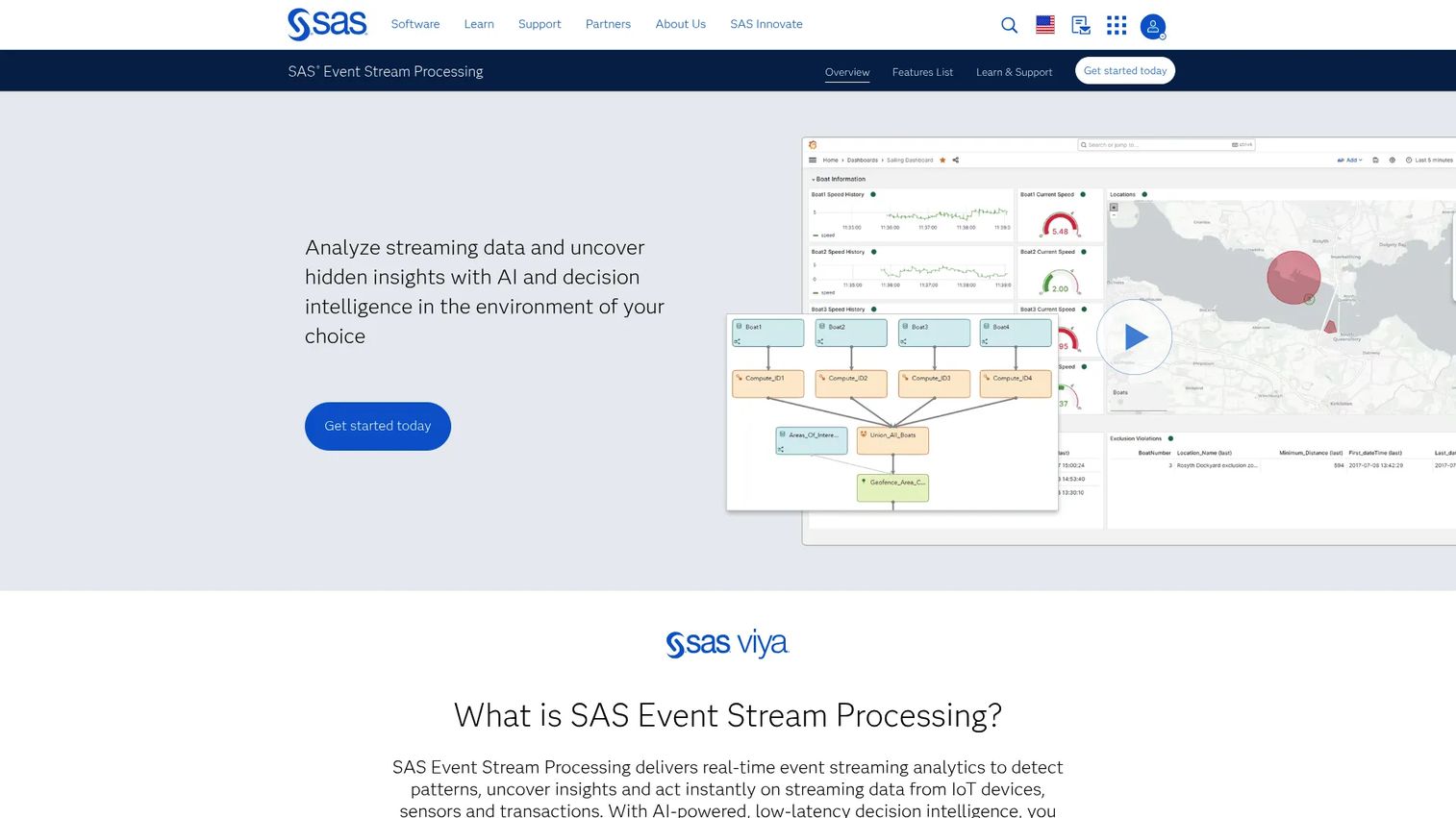
SAS Event Stream Processing is an enterprise-grade platform for real-time streaming analytics and decision intelligence. It processes high-velocity data to detect patterns and act on them as events arrive, with a strong emphasis on embedded analytics and machine learning. This is the option built for organizations that want to make decisions on streams, not just move them.
SAS leans into analytics and governance. It processes millions of events per second at low latency, connects and cleans streaming data from IoT devices, sensors, and transactions, and supports embedded models with visual project design. That combination suits workloads like anomaly detection, industrial data processing, operational analytics, and regulated environments where model governance and auditability are non-negotiable. Deployment flexibility across cloud and on-prem is part of the appeal for enterprises with strict data requirements.
Best for: Enterprises needing low-latency streaming analytics and real-time decisioning in governed or regulated settings.
Key strengths
- High-velocity processing: Handles millions of events per second with low latency.
- Broad source connectivity: Connects, cleans, and analyzes data from IoT, sensors, and transactions.
- Embedded analytics and ML: Supports machine learning and visual project design on streaming data.
Why choose SAS Event Stream Processing: SAS fits enterprises that need streaming plus decisioning and analyst-grade governance in one platform. It is a strong fit where compliance and model oversight carry as much weight as throughput.
SAS Event Stream Processing pricing: SAS uses annual event consumption pricing available through a SAS representative, with no public numeric price listed. A free trial and demo are offered. Buyers should validate the deployment model, model governance features, and how licensing scales with event volume.
5. Amazon Kinesis Data Streams
Amazon Kinesis Data Streams is the AWS-native managed service for capturing, processing, and analyzing real-time data streams. For teams already standardized on AWS, it removes most of the friction around setup and integration because it plugs directly into the surrounding cloud services. It is the streaming ingestion layer of choice when the rest of the stack already lives in AWS.
The fit is tightest for AWS-centered teams. Kinesis offers on-demand and provisioned capacity modes, delivers with low latency to AWS analytics services and Lambda, and replicates durably across three Availability Zones. That native integration means less glue code and a shorter path from raw events to downstream processing. The trade-off to validate is ecosystem gravity: the deeper you go, the more AWS-specific your pipeline becomes.
Best for: Teams building real-time streaming pipelines inside the AWS ecosystem.
Key strengths
- Flexible capacity modes: Offers on-demand and provisioned options to match workload patterns.
- Native AWS delivery: Streams with low latency to AWS analytics services and Lambda.
- Built-in durability: Replicates data across three Availability Zones.
Why choose Amazon Kinesis Data Streams: Kinesis is the pragmatic pick when AWS is your home and you want managed streaming without leaving it. Confirm throughput planning, downstream consumers, and how tightly the design couples to AWS-only services.
Amazon Kinesis Data Streams pricing: Pricing is usage-based and publicly documented. On-demand Advantage lists example rates around $0.032 per GB of data ingested, while On-demand Standard runs about $0.08 per GB ingested plus a stream-hour charge. Kinesis Data Streams is not part of the AWS Free Tier, so model expected volume carefully.
6. Google Cloud Dataflow
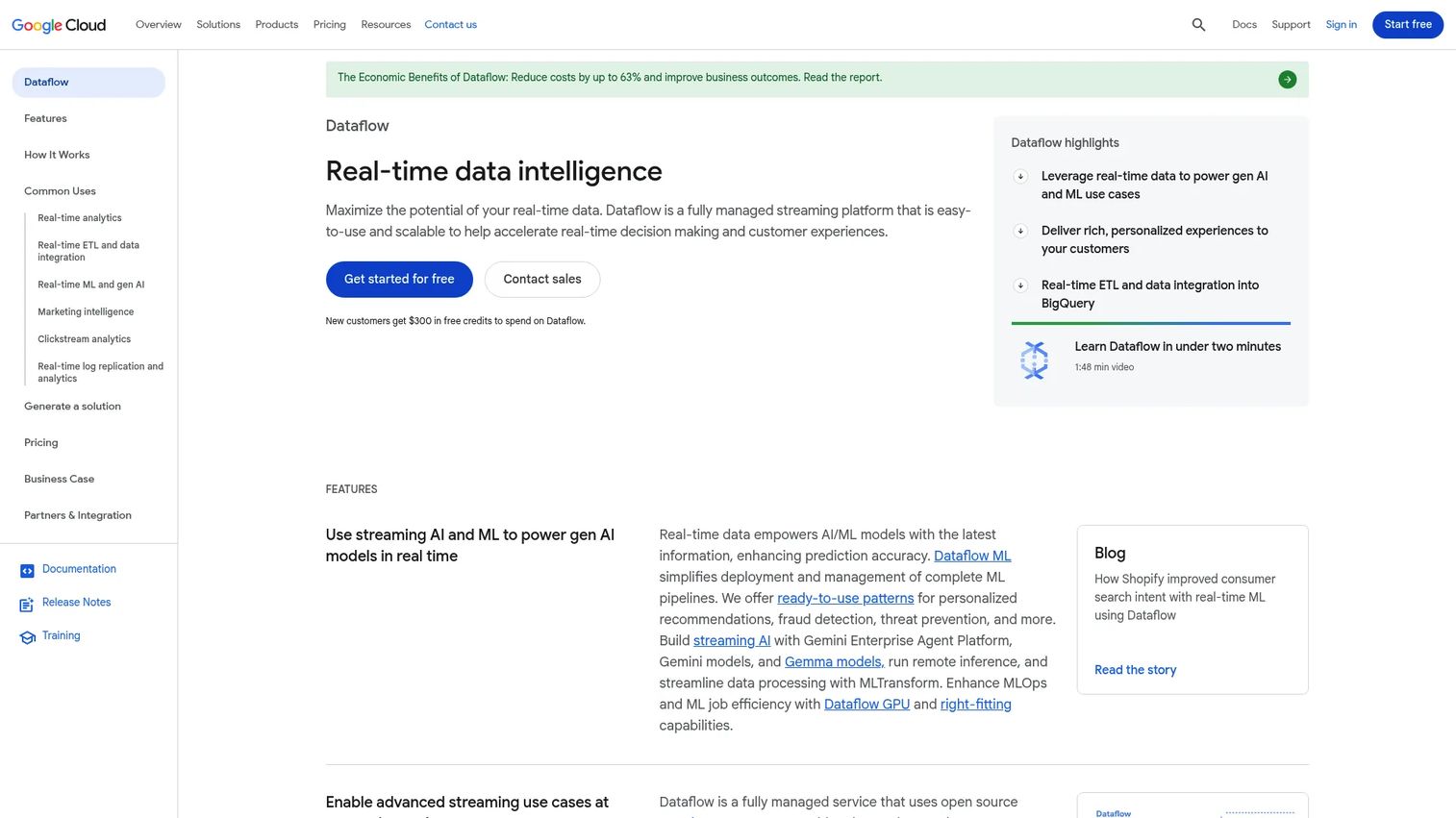
Google Cloud Dataflow is a fully managed Google Cloud service for unified stream and batch data processing. Its appeal is pipeline abstraction: you describe the processing logic once and Dataflow handles worker provisioning, autoscaling, and execution. For teams that want managed pipelines without operating the runtime, it removes a large chunk of infrastructure work.
Dataflow is built on Apache Beam, which gives pipelines a degree of portability across execution engines. It handles real-time analytics, ETL, and event-driven processing with a single programming model for streaming and batch. That unification is useful when a team runs both continuous and scheduled workloads and does not want two separate systems. The consideration for presales is Google Cloud dependency and how the Beam abstraction fits the team's developer workflow.
Best for: Teams needing serverless batch and streaming data pipelines on Google Cloud.
Key strengths
- Unified batch and streaming: One model covers both continuous and bounded pipelines.
- Managed autoscaling: Provisions and scales workers automatically based on load.
- Beam-based portability: Pipelines follow the Apache Beam model for flexibility.
Why choose Google Cloud Dataflow: Dataflow suits teams on Google Cloud that want managed execution and a single abstraction for stream and batch. Validate portability expectations, the depth of Google Cloud dependency, and developer familiarity with Beam.
Google Cloud Dataflow pricing: Dataflow uses pay-as-you-go, usage-based pricing with a request-a-quote option, and does not publish a single flat starting price. Because cost tracks compute and resource usage, buyers should estimate pipeline load and run a scoped test before sizing a contract.
7. Azure Stream Analytics
Azure Stream Analytics is Microsoft's managed real-time stream processing service for analyzing event data and building low-latency streaming pipelines. It is designed to be low-lift: you write SQL-like queries or use no-code tooling, and Azure handles the serverless execution. For Microsoft-centric environments, it is the fastest route to production streaming analytics.
The strengths show up in operational simplicity and native Azure fit. It offers serverless streaming pipelines with no-code or SQL authoring, built-in machine learning and anomaly detection, and CI/CD support with an SLA-backed runtime. Common use cases include IoT telemetry, operational dashboards, and alerting, where the priority is getting a reliable pipeline live quickly. For teams already running Azure services, integration is close to seamless.
Best for: Teams that need managed real-time processing for streaming data on Azure.
Key strengths
- Serverless SQL pipelines: Author streaming logic with SQL or no-code tooling.
- Built-in anomaly detection: Includes machine learning for real-time pattern detection.
- CI/CD and SLA-backed reliability: Supports deployment automation with a managed runtime.
Why choose Azure Stream Analytics: Azure Stream Analytics is the low-friction choice for Microsoft-centric teams that want streaming analytics without managing infrastructure. Check how it handles query complexity and scale for your specific workload.
Azure Stream Analytics pricing: Pricing is based on provisioned streaming units across V2 Standard, V2 Dedicated, and IoT Edge options, billed pay-as-you-go. The public pricing page lists tier names without exposing flat numeric prices, so confirm current rates with Microsoft and size streaming units against expected throughput.
8. IBM Event Automation
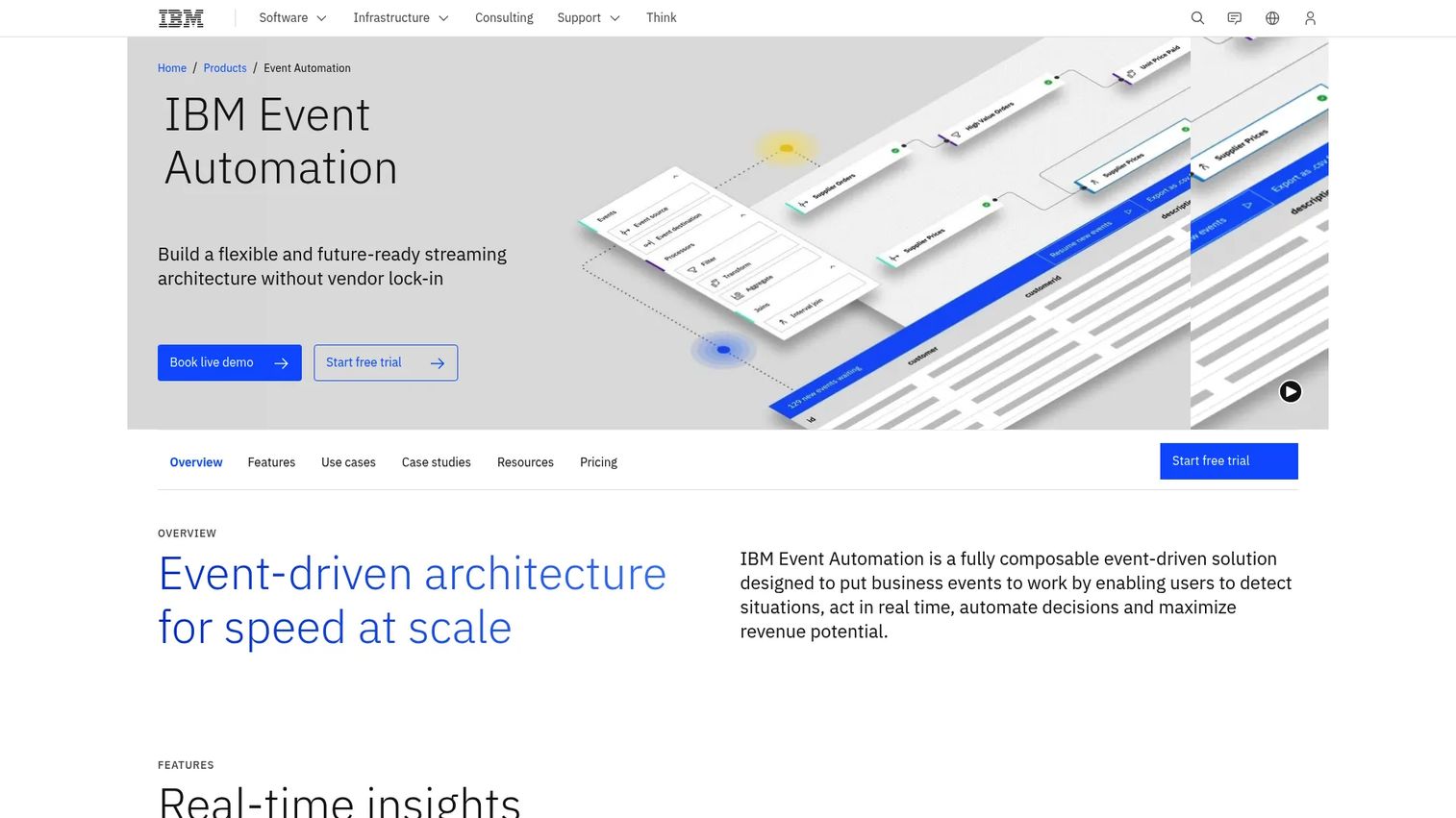
IBM Event Automation is a composable platform for real-time event streaming, processing, and endpoint management. It targets enterprise data architectures where events flow across many systems and teams, and where governance is as important as speed. Rather than a single product, it bundles capabilities that map to distinct parts of an event-driven system.
The platform breaks into three pieces: Event Streams for a scalable, Kafka-compatible event backbone, Event Processing for low-code stream processing and testing, and Event Endpoint Management for discovery, governance, and secure sharing. That structure fits governance-heavy or integration-heavy environments where teams need to catalog events, control access, and process streams without deep custom code. For enterprises building governed event-driven applications, the endpoint management layer is a notable differentiator.
Best for: Enterprises building governed, real-time event-driven applications on Kafka-compatible infrastructure.
Key strengths
- Event Streams backbone: Provides a scalable, Kafka-compatible event log.
- Low-code Event Processing: Enables stream processing and testing without heavy coding.
- Event Endpoint Management: Adds discovery, governance, and secure event sharing.
Why choose IBM Event Automation: IBM Event Automation fits enterprises that need streaming plus strong governance and event discovery across many teams. Validate ecosystem compatibility, deployment model, and who will own the platform technically.
IBM Event Automation pricing: IBM uses quote-based pricing with an ROI estimator and a request-a-quote flow; no public numeric price is listed. Because packaging spans multiple capabilities, buyers should scope which components they actually need before requesting a quote.
9. Redpanda
Redpanda is a Kafka-compatible data streaming platform built for performance and operational simplicity. Teams evaluate it when they want Kafka's API and ecosystem compatibility but different operational characteristics under the hood. It speaks the Kafka protocol, so existing Kafka clients and tooling work without rewrites.
The differentiator is its architecture. Redpanda ships as a single binary with no external dependencies like a separate coordination service, which simplifies deployment and operations. It maintains Kafka API compatibility, supports 300+ connectors, and is positioned for real-time streaming, analytics, and AI workloads. Common use cases include low-latency pipelines, high-throughput event ingestion, and modern cloud deployments where teams want strong performance without heavy operational overhead.
Best for: Teams that need high-performance, Kafka-compatible streaming with managed or self-managed deployment options.
Key strengths
- Kafka API compatibility: Works with existing Kafka clients and tooling.
- 300+ connectors: Integrates with a wide range of sources and sinks.
- Single-binary deployment: Runs without external dependencies for simpler operations.
Why choose Redpanda: Redpanda is worth evaluating when you want Kafka compatibility with a leaner operational footprint. Confirm ecosystem compatibility for your specific tooling, the support model, and any migration effort from an existing Kafka deployment.
Redpanda pricing: Redpanda offers a free Community tier, plus Enterprise, Serverless, and Bring Your Own Cloud (BYOC) options. The public pricing page is an estimator that directs teams to contact sales for discounted pricing, so model your usage inputs and confirm the plan that matches your deployment.
10. Aiven
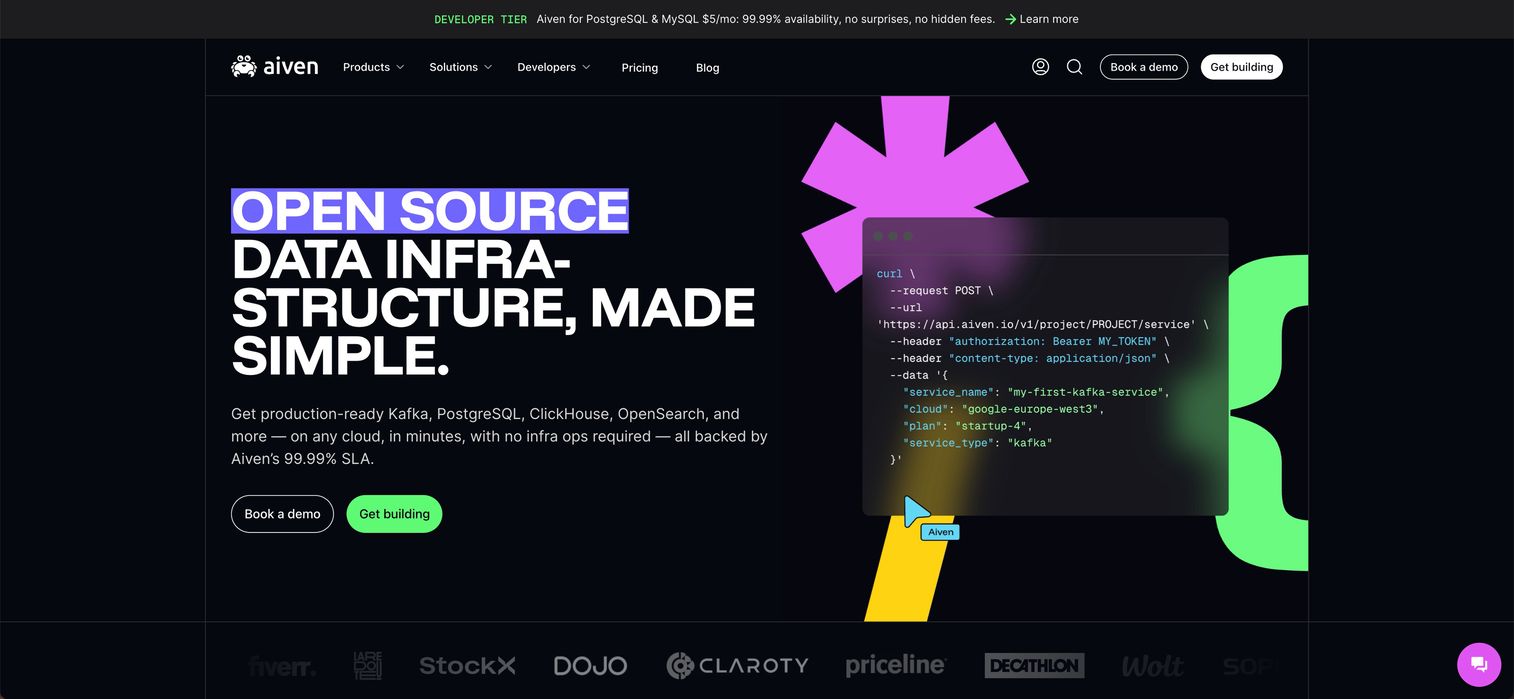
Aiven is a fully managed Apache Kafka service for event streaming, data pipelines, and stream processing. It is aimed at teams that want Kafka with cloud simplicity and less infrastructure work, without committing to a single cloud provider. Aiven runs and maintains the service so your team can focus on building on top of it.
The fit is cloud-native and flexible. Aiven provides a fully managed Kafka service with cloud deployment flexibility across providers, offers Inkless and Classic cluster types, and includes managed MirrorMaker 2 and Kafka Connect for replication and integration. That combination suits teams that need Kafka without running the full operational stack themselves, and that value the option to deploy across different clouds. Managed Kafka Connect in particular reduces the effort of wiring events into existing systems.
Best for: Teams that want a fully managed Kafka service with cloud deployment flexibility.
Key strengths
- Fully managed Kafka: Aiven operates the service so teams skip cluster maintenance.
- Flexible cluster types: Offers Inkless and Classic options for different needs.
- Managed integration tooling: Includes MirrorMaker 2 and Kafka Connect out of the box.
Why choose Aiven: Aiven fits teams that want managed Kafka with multi-cloud flexibility and less infrastructure burden. Validate cloud alignment, the support model, and governance controls against your requirements.
Aiven pricing: Aiven's public pricing page shows a Free tier at $0 per month and a Developer tier at $35 per month for Apache Kafka, with additional plans available. Because production workloads scale beyond the entry tiers, confirm pricing for the cluster size and cloud region you plan to run.
Considerations before you buy
Once you have a shortlist, these are the criteria that decide whether a tool survives technical validation. Treat them as a checklist for the POC, not afterthoughts.
Deployment model and ownership
Decide early whether the team will self-manage, use a fully managed service, or run a hybrid setup. Self-managed offers maximum control and portability; managed services trade some control for operational offload. The wrong choice here surfaces as either burnout or a surprise cloud bill six months in.
Throughput, latency, and scale
Test against realistic event volumes, not a happy-path demo. Confirm how the platform behaves under load spikes, how backpressure is handled, and whether latency stays within your SLA at peak. A tool that looks fast at 10% of production load can behave very differently at 100%.
Processing semantics and fault tolerance
Ask directly about exactly-once processing, state management, and recovery behavior after a broker or consumer failure. For anything financial or safety-critical, delivery guarantees are not a nice-to-have. Validate them explicitly rather than trusting a marketing page.
Ecosystem and integration depth
Map the tool against your existing stack: connectors, downstream analytics, schema management, and monitoring. A platform that integrates cleanly saves months of glue code. One that does not becomes a maintenance tax that grows with every new consumer.
Governance and security
For regulated or multi-team environments, check access controls, schema governance, audit logging, and data residency. These are the questions security review will raise anyway, so surface them during evaluation, not after a contract is signed.
Conclusion
The right event streaming software depends less on feature checklists and more on where your workload and your team already sit. If you want an open-source backbone with the widest ecosystem, Apache Kafka is the default, with Confluent Cloud and Aiven for Apache Kafka as managed paths that offload operations. When you need real computation on streams, Apache Flink is the compute engine, and SAS Event Stream Processing adds analytics and decisioning for regulated enterprises.
Cloud alignment often decides the rest. Amazon Kinesis Data Streams, Google Cloud Dataflow, and Azure Stream Analytics each win when the surrounding stack already lives in AWS, Google Cloud, or Azure. IBM Event Automation suits governance-heavy architectures, and Redpanda is the pick when you want Kafka compatibility with a leaner operational model.
Whichever way you lean, do not buy on the datasheet. Run a scoped POC against real event volumes, test failure recovery, and confirm governance before you sign. The best tool is the one that survives your actual workload, not the one with the longest feature list. If you support demos and technical validation as part of that process, Start your journey with Guideflow today!
FAQs
Event streaming software captures, moves, and processes events in real time so applications can react the moment data is produced. It powers operational use cases like fraud detection, monitoring, and logistics tracking, and analytical ones like real-time dashboards, anomaly detection, and streaming analytics. In practice it acts as a shared event backbone that many downstream systems consume from at once.
Batch processing collects data and runs it on a schedule or in windows, so results arrive minutes or hours later. Event streaming processes each event continuously as it arrives, which brings latency down to milliseconds. The batch processing vs event streaming decision comes down to how quickly a decision loses value: if it decays by the second, streaming is the right model.
Kafka is the log and transport layer: it stores and moves events durably and lets many consumers read them independently. Flink is the compute layer: it runs stateful processing, joins, aggregations, and complex event logic on those streams. They are complementary, not competing. Most architectures use Kafka as the event backbone and Flink as the event stream processor on top.
It usually maps to the cloud you already run. Amazon Kinesis Data Streams fits AWS-centered stacks, Google Cloud Dataflow suits Google Cloud, and Azure Stream Analytics is the low-lift option on Azure. If you want managed Kafka without single-cloud lock-in, Confluent Cloud and Aiven for Apache Kafka both offer cloud-flexible managed services.
Focus on the things a datasheet cannot prove: sustained throughput at production volume, latency at peak load, and recovery behavior after a broker or consumer failure. Confirm exactly-once processing where results must be correct, check integration depth with the existing stack, and validate governance and access controls. These are the questions that decide technical validation and keep a deal moving.
Yes. Streaming keeps features fresh for models that need current data, feeds real-time inference and decisioning, and supports anomaly detection on live signals. For AI systems, stale features quietly degrade accuracy, so a streaming pipeline that delivers low-latency data processing directly improves how well models perform in production. The value scales with how time-sensitive the decision is.
Cloud-managed services reduce operational load and speed up deployment, self-managed options offer maximum control and portability, and hybrid setups split the difference for data residency or governance needs. Tie the choice to your operational capacity and compliance requirements rather than defaulting to one model. Teams without a dedicated platform team usually get more from managed services.
The common ones are vendor and cloud lock-in, unplanned operational complexity, skill gaps around stateful processing, and unclear ownership of the platform after launch. Each is manageable if you surface it during evaluation. Run a scoped POC, model total cost of ownership honestly, and confirm who operates the system in production before you commit.