You shipped a feature Friday. By Monday, three support tickets say it crashes on a specific Android build you have never seen. Your QA lead has two devices on their desk. Your users have thousands.
That gap is the whole problem. Release velocity keeps climbing, and device fragmentation keeps widening underneath it. Android alone spans years of OS versions, screen sizes, chipsets, and manufacturer skins. Add iOS, and every sprint quietly ships into an environment no single desk can reproduce.
The money follows that pressure. The mobile application testing services market is expected to grow from USD 7.70B in 2025 to USD 9.02B in 2026, on its way to USD 19.84B by 2031, according to Mordor Intelligence (2024). Automated testing already accounts for 46.05% of that market in 2025. Teams are not debating whether to automate mobile testing. They are deciding which stack to standardize on.
This guide is built for that decision. It is written for product managers, QA leads, and engineering managers who need to align a team on one toolset without getting buried in framework trivia. Every recommendation ties back to the three things a PM actually weighs: release cadence, engineering cost, and risk. If you are also evaluating adjacent layers of the mobile stack, our roundups on application performance monitoring tools and the best mobile attribution platforms pair naturally with what follows.
What's inside
This list covers four categories of mobile app testing tools: open-source frameworks, real device clouds, low-code platforms, and enterprise testing suites. We picked tools that solve a real QA job and hold up across many team profiles, not just one niche.
Every tool was evaluated against five criteria that matter to a shipping team:
- Android and iOS coverage, including native, hybrid, and cross-platform apps
- Real device access versus emulators and simulators
- Language and framework support relative to your team's skill set
- CI/CD integration with pipelines like Jenkins, GitHub Actions, and Bitrise
- Budget and maintenance overhead, not just sticker price
TL;DR
- Best for open-source control: Appium gives cross-platform mobile automation with broad language support and no license fee.
- Best for Android-native teams: Espresso runs fast, reliable UI tests inside the Android toolchain.
- Best for iOS-first roadmaps: XCUITest is Apple's own UI testing framework, tightly integrated with Xcode.
- Best for device cloud scale: BrowserStack and Sauce Labs give real device access without managing hardware.
- Best for real-device fidelity: Kobiton focuses on authentic device behavior for manual plus automated QA.
- Best for low-code and mixed-skill teams: TestGrid and Katalon Studio cut scripting overhead while covering broad device matrices.
- Best for enterprise governance: Perfecto brings analytics, reporting, and compliance-grade controls.
What are mobile app testing tools?
Mobile app testing tools are software platforms and frameworks that validate how a mobile app behaves across devices, operating systems, and real-world conditions, using automated scripts or managed device access instead of manual checks on a handful of phones.
They differ from manual testing in scale and repeatability. A tester tapping through screens on two devices catches obvious breaks. A mobile test automation setup runs the same suite across dozens of Android and iOS configurations on every commit, catching regressions a human never would at that volume.
Most mobile testing tools fall into four buckets:
- Open-source frameworks like Appium, Espresso, and XCUITest, where your team writes and owns the test code.
- Device clouds like BrowserStack, Sauce Labs, and Kobiton, which give real device testing on hardware you never have to buy or maintain.
- Low-code and scriptless platforms like TestGrid and Katalon Studio, built so mixed-skill teams can author tests without deep programming.
- Enterprise platforms like Perfecto, which add governance, analytics, and compliance on top of a mobile testing platform.
Real devices matter because emulators and simulators approximate hardware but never fully reproduce it. Battery behavior, camera input, biometric sensors, GPS drift, network switching, and manufacturer OS quirks show up on physical devices in ways a simulator smooths over. For anything users touch in the wild, real device testing is where confidence actually comes from.
What to look for in mobile app testing tools
Android and iOS coverage
Most SaaS teams ship to both platforms, so verify depth on each, not just a checkbox. Confirm the tool handles native apps, hybrid apps, and cross-platform builds from frameworks like React Native or Flutter. Android testing tools and iOS testing tools often diverge in how they hook into the app, so a tool strong on one platform is not automatically strong on the other. Check SDK requirements and whether instrumentation needs app changes.
Real devices vs emulators and simulators
An emulator (Android) or simulator (iOS) runs a virtual version of the OS on your machine or in the cloud. It is fast, cheap, and fine for early logic checks and quick smoke tests. Real devices run your app on actual hardware.
Use emulators when you are validating business logic, UI layout, and quick regression passes during development. Real devices become non-negotiable when you test performance under load, hardware sensors, biometrics, camera flows, or behavior on specific manufacturer builds. The emulator vs real device decision usually ends as "both," staged by risk.
Language and framework support
Your team's existing skills determine adoption speed more than any feature list. Java and Kotlin dominate Android testing, Swift and Objective-C dominate iOS, and JavaScript shows up across cross-platform tools. Scriptless and low-code mobile testing options let QA analysts build coverage without deep coding. Match the test automation framework to the people who will maintain it, or maintenance debt piles up fast.
CI/CD and DevOps integration
Automation only pays off when it runs on every build without a human kicking it off. Confirm the tool plugs into your pipeline, whether that is Jenkins, GitHub Actions, Bitrise, or another runner. Strong CI/CD integration turns your test suite into a release gate: regressions surface at commit time, not in production. The tighter the loop, the more your release cadence can climb without eroding confidence.
Budget and maintenance overhead
Sticker price is the smallest number in the equation. Weigh license fees, device cloud minutes, infrastructure to self-host, and the engineering hours to write and maintain tests. A free framework can cost more in upkeep than a paid platform that maintains the device lab for you. Evaluate total cost of ownership across a full release cycle, not the entry price.
When to use mobile app testing tools
Catch regressions before release
Regression testing is the daily job. Every sprint changes code, and every change risks breaking something that worked last week. Automated mobile testing runs your regression suite on each build, so a change to the checkout flow does not silently break login on older devices. The more often you ship, the more this automation earns its keep.
Validate real-world conditions
Users do not sit in a lab. They log in with a fingerprint on a spotty connection, upload a photo from the camera, rotate the screen mid-task, and move between wifi and cellular. Validating GPS simulation, biometric login, camera input, orientation changes, and network throttling by hand does not scale. Device clouds and real device testing let you script these conditions and run them consistently.
Support cross-functional QA workflows
The same toolset serves different people differently. Engineers write unit and UI tests close to the code. QA builds broader regression and exploratory coverage. Product watches pass rates and coverage as release-readiness signals. When all three read from one system, you get fewer late-stage surprises and a shared definition of "ready to ship."
Comparison table
Here is a side-by-side view of all nine mobile application testing tools, sorted by relevance to most mobile teams. Use it to narrow to two or three, then read the full sections below.
| # | Product | Intent | Key use case | Pricing | G2 rating |
|---|---|---|---|---|---|
| 1 | Appium | Open-source automation | Cross-platform mobile UI automation | Free, open-source | 4.4/5 |
| 2 | Espresso | Android framework | Fast native Android UI tests | Free, open-source | Not listed |
| 3 | XCUITest | iOS framework | Native iOS UI testing in Xcode | Free with Xcode | Not listed |
| 4 | BrowserStack | Device cloud | Real device and cross-browser at scale | From $25/mo (annual) | 4.4/5 |
| 5 | Sauce Labs | Device cloud | Scalable real and virtual device testing | From $39/mo (annual) | 4.3/5 |
| 6 | Kobiton | Real-device platform | Real-device manual and automated QA | From $83/mo | 4.3/5 |
| 7 | Perfecto | Enterprise platform | Governed enterprise device-cloud testing | Quote-based | 4.4/5 |
| 8 | TestGrid | Low-code cloud | AI-assisted web and mobile automation | From $199/seat/mo | 4.7/5 |
| 9 | Katalon Studio | Low-code IDE | Unified web, mobile, API automation | From $700/seat/yr | Not listed |
Pricing and ratings reflect publicly available figures at the time of writing. Open-source frameworks carry no license fee but shift cost into engineering time. Device clouds and platforms price the hardware and maintenance you would otherwise own.
1. Appium
Appium is the default answer for teams that want open-source, cross-platform mobile automation. It drives real product UIs across mobile, browser, desktop, and even TV platforms through a single stable interface, so one skill set covers Android and iOS. Its driver-and-plugin ecosystem keeps it flexible as your app stack evolves.
The reason Appium stays dominant is language freedom. Your team writes tests in the language it already knows, and Appium reuses the same automation approach across platforms. That makes it a strong backbone for mobile test automation when you want control and no license ceiling.
Best for: Teams that want open-source cross-platform mobile and app UI automation without vendor lock-in.
Key strengths
- Cross-platform automation: One interface tests mobile, browser, desktop, and TV apps.
- Broad language support: Write tests in your team's existing language, not a proprietary one.
- Open ecosystem: A community of drivers and plugins extends coverage as needs grow.
Why choose Appium: Choose Appium when you want ownership of your test code and freedom from per-seat fees, and you have the engineering capacity to run your own device infrastructure or pair it with a device cloud. It rewards teams with the skills to maintain framework-level tests.
Appium pricing: Appium is a free, open-source project. There is no paid tier or license fee. Budget instead for the engineering time to build and maintain suites, plus any device cloud you connect it to for real device testing at scale.
2. Espresso
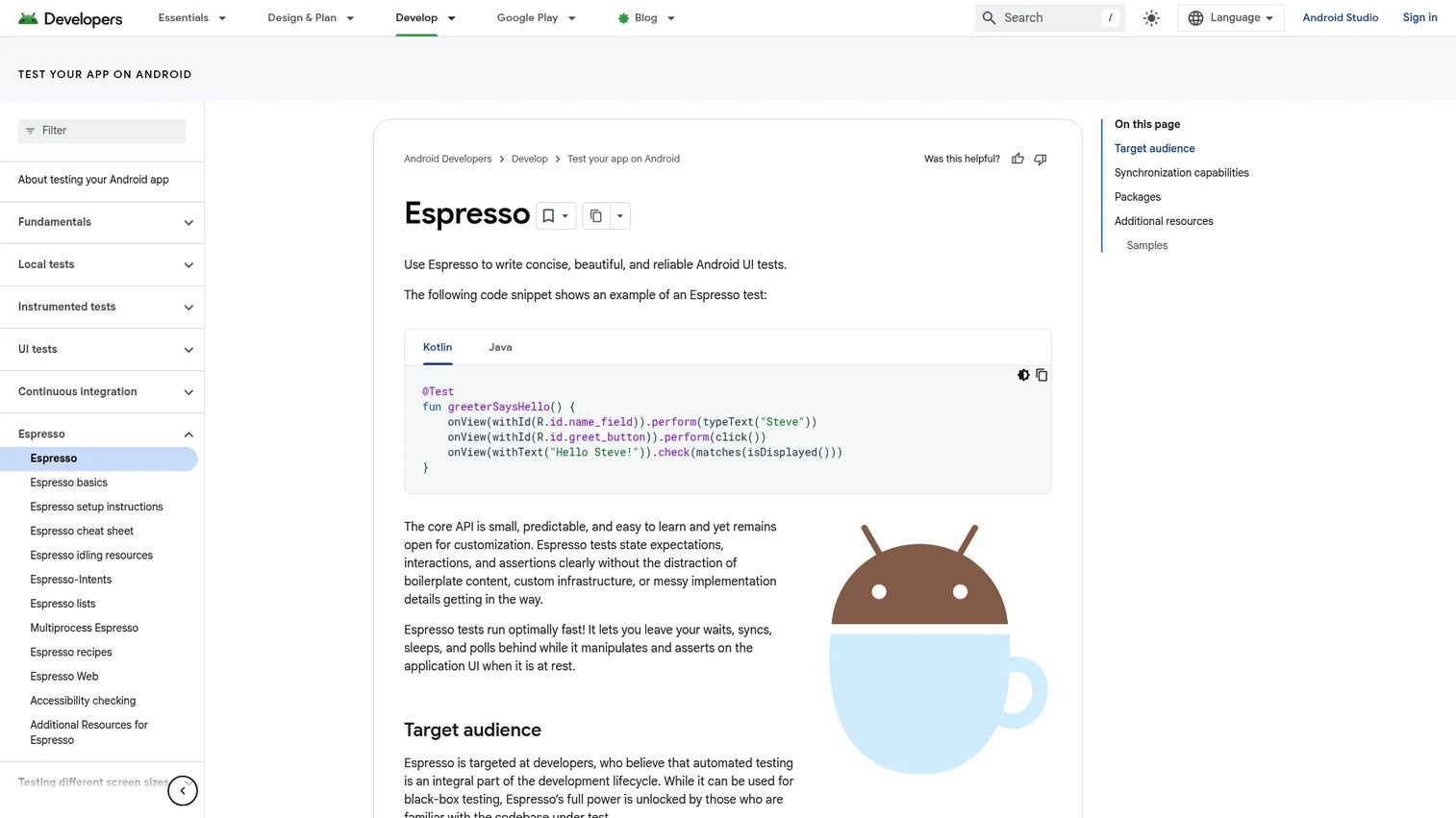
Espresso is Google's Android UI testing framework, built for concise and reliable tests inside the Android toolchain. It automatically synchronizes with the app's UI state, so tests wait for the interface to settle instead of relying on brittle manual timeouts. That single behavior removes a whole class of flaky-test pain.
For Android-native teams, Espresso is hard to beat on speed and integration. It lives inside the same environment engineers already build in, with core packages for web views, intents, idling resources, and multiprocess testing.
Best for: Developers testing Android app UI behavior directly inside the native toolchain.
Key strengths
- Automatic UI synchronization: Tests wait for the UI to be ready, cutting flakiness.
- Concise test syntax: Readable Android UI tests that stay maintainable.
- Deep toolchain fit: Core packages cover web, intents, idling resources, and multiprocess cases.
Why choose Espresso: Choose Espresso when your product is Android-first and your engineers own testing close to the code. It is one of the strongest Android testing tools for fast in-toolchain feedback, though you will pair it with something else for iOS coverage.
Espresso pricing: Espresso is free and open-source, distributed as part of the Android testing support libraries. There is no license cost. Your investment is the engineering time to write and maintain the tests.
3. XCUITest
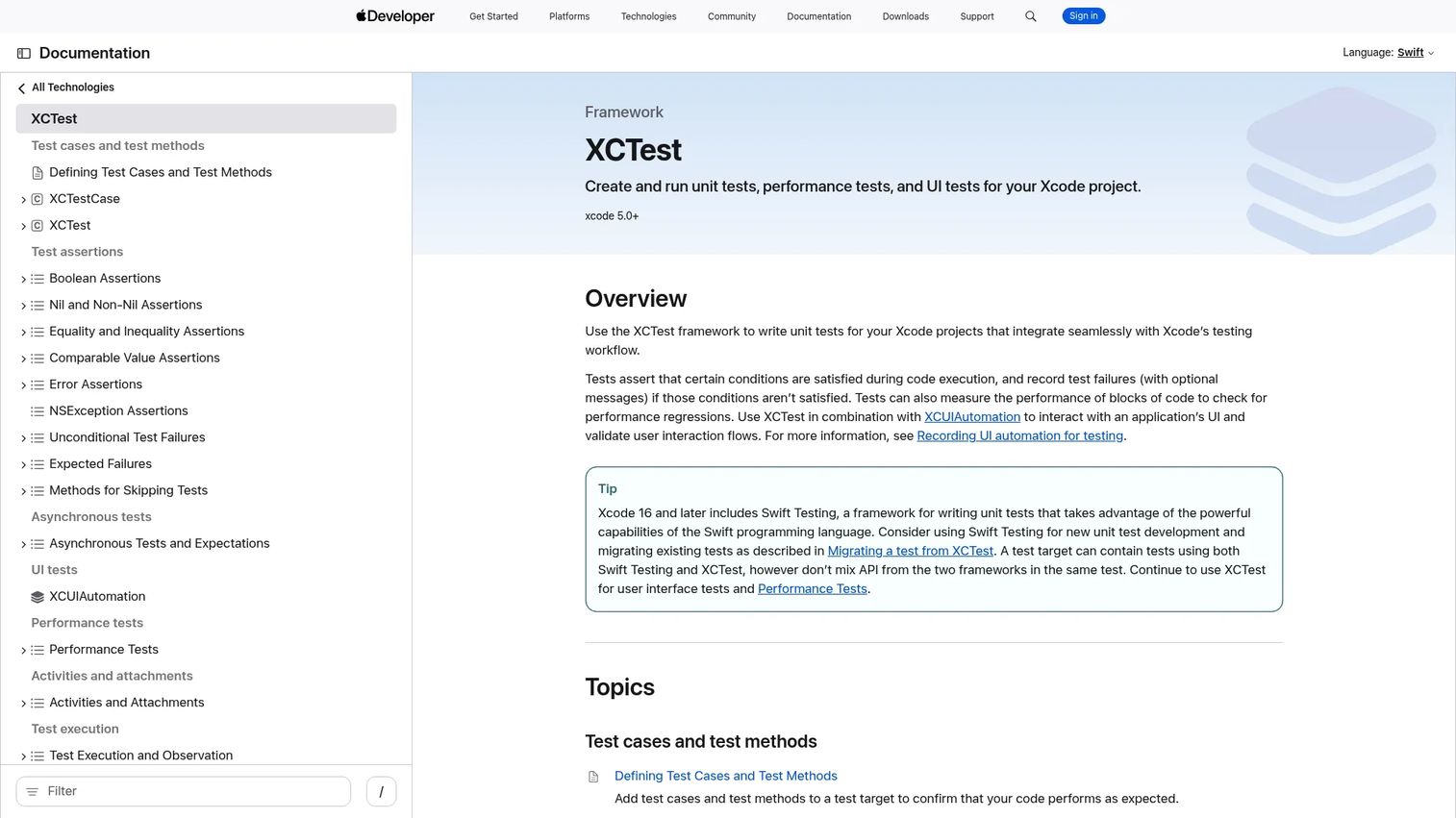
XCUITest is Apple's native UI testing framework, part of XCTest, for creating and running automated tests directly in Xcode. It covers unit tests, UI tests, and performance tests in one framework, all inside the environment iOS engineers already use daily.
For teams shipping on an Apple-first roadmap, that tight integration is the whole appeal. Tests run where the app is built, updates track the Xcode toolchain, and there is no external dependency to keep aligned with new iOS releases.
Best for: iOS and macOS teams writing automated tests inside Apple's ecosystem.
Key strengths
- Native Xcode integration: Tests live in the same IDE engineers build in.
- Full test coverage: Unit, UI, and performance tests in one framework.
- First-party alignment: Tracks new iOS versions as Apple ships them.
Why choose XCUITest: Choose XCUITest when iOS is your primary or only mobile platform and your team writes Swift or Objective-C. It is among the most reliable iOS testing tools for staying current with Apple's release cycle without a third-party layer in between.
XCUITest pricing: XCUITest ships with Xcode at no additional cost. There is no separate license. Budget for the developer time to author and maintain the test suite.
4. BrowserStack
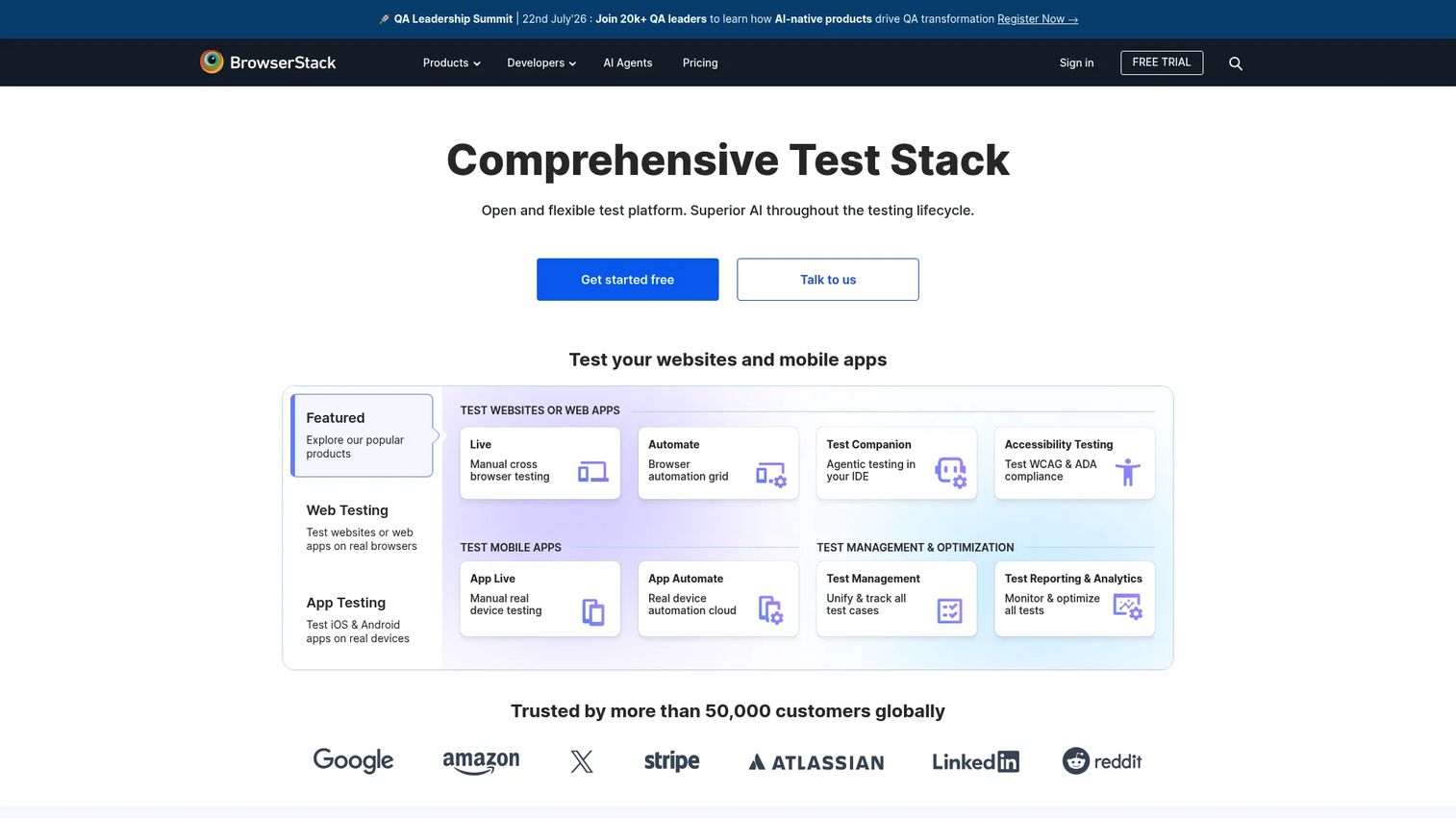
BrowserStack is a cloud platform for testing websites and mobile apps on real browsers and devices. It gives access to a real device cloud with 20,000+ devices and thousands of device-browser combinations, so you can cover the long tail of hardware without buying or maintaining any of it.
For teams that need broad device coverage fast, this is the appeal. You get real device testing on demand, layered with accessibility, visual, and test management tooling, and it plugs into CI/CD pipelines for automated runs on every build.
Best for: Teams that need real-device and cross-browser testing at scale without managing hardware.
Key strengths
- Massive real device cloud: 20,000+ real devices for Android and iOS coverage.
- Cross-browser breadth: Thousands of device-browser combinations in one place.
- Broad tooling: Accessibility, visual testing, and test management alongside device access.
Why choose BrowserStack: Choose BrowserStack when your device matrix is wide and you would rather rent hardware than run a lab. It fits teams that want device cloud testing tightly integrated with CI/CD and collaboration workflows.
BrowserStack pricing: BrowserStack's public pricing spans multiple product lines. A free tier is available for its Percy visual testing product, while paid plans start at $25/month (billed annually) for Essentials, with device cloud plans at $199/month and up. Larger team options require contacting sales.
5. Sauce Labs
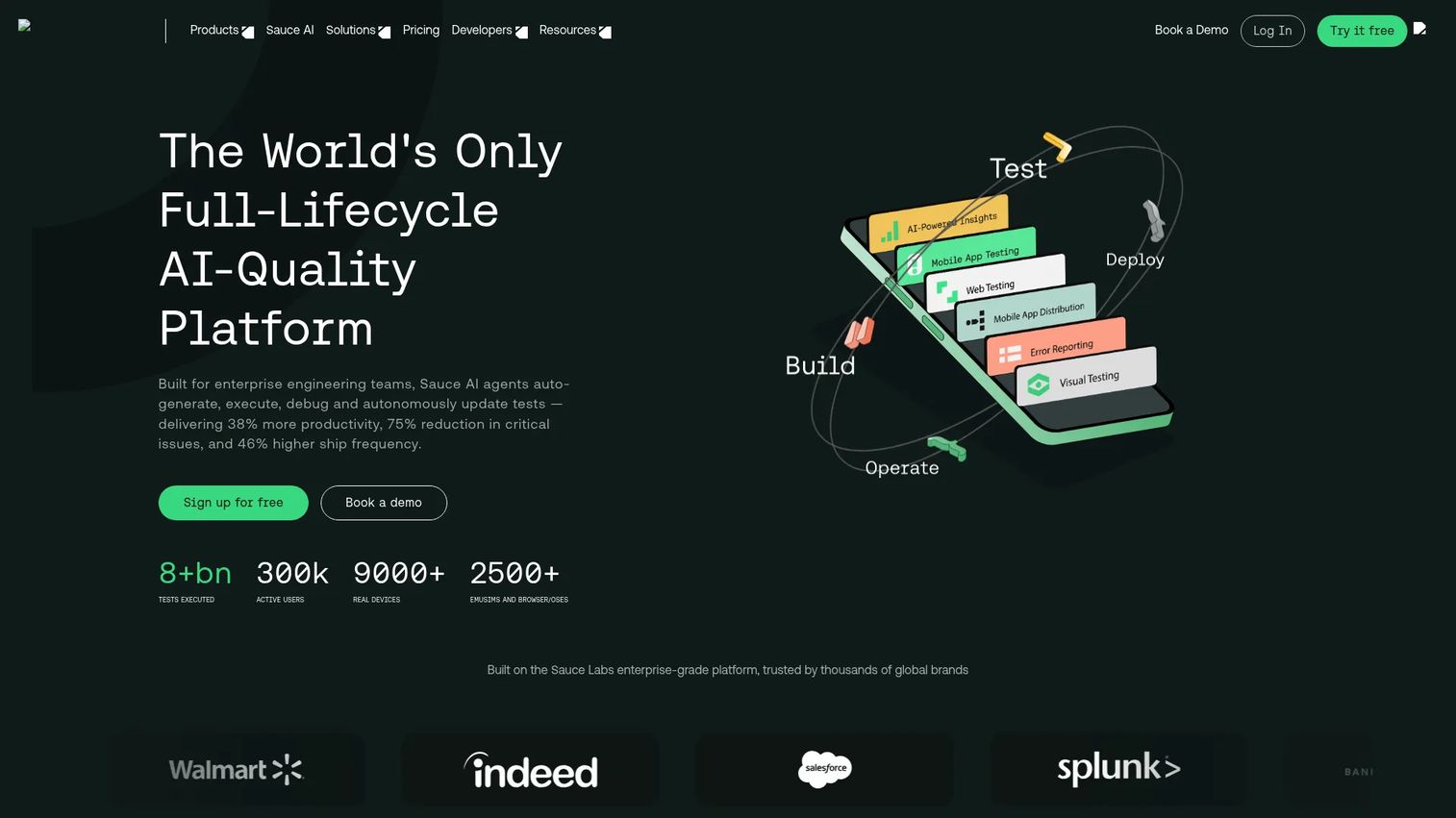
Sauce Labs is a cloud-based testing platform for web and mobile apps, built for scale. It runs cross-browser and mobile tests on both virtual and real devices, supports automation frameworks like Appium and XCUITest, and bundles debugging tools such as video playback, screenshots, and unified analytics.
For teams running large parallel suites, Sauce Labs is built for that throughput. It supports enterprise workflows and gives you the coverage and governance needed to keep a big test program consistent across teams.
Best for: Teams that need scalable cross-browser and mobile test automation on real or virtual devices.
Key strengths
- Real and virtual device cloud: Choose fidelity or speed per test stage.
- Framework support: Works with Appium, XCUITest, and other standard frameworks.
- Debugging depth: Video, screenshots, and unified analytics for fast diagnosis.
Why choose Sauce Labs: Choose Sauce Labs when you run mobile automation testing at scale and need parallel execution plus enterprise-grade reporting. It suits organizations that treat testing as shared infrastructure across multiple teams.
Sauce Labs pricing: Sauce Labs publishes plans starting at $39/month (billed annually, or $49 month to month) for Live Testing, with Virtual Device Cloud from $149/month and Real Device Cloud from $199/month. Enterprise plans require contacting sales, a free trial is available, and free accounts are offered for qualifying open-source projects.
6. Kobiton
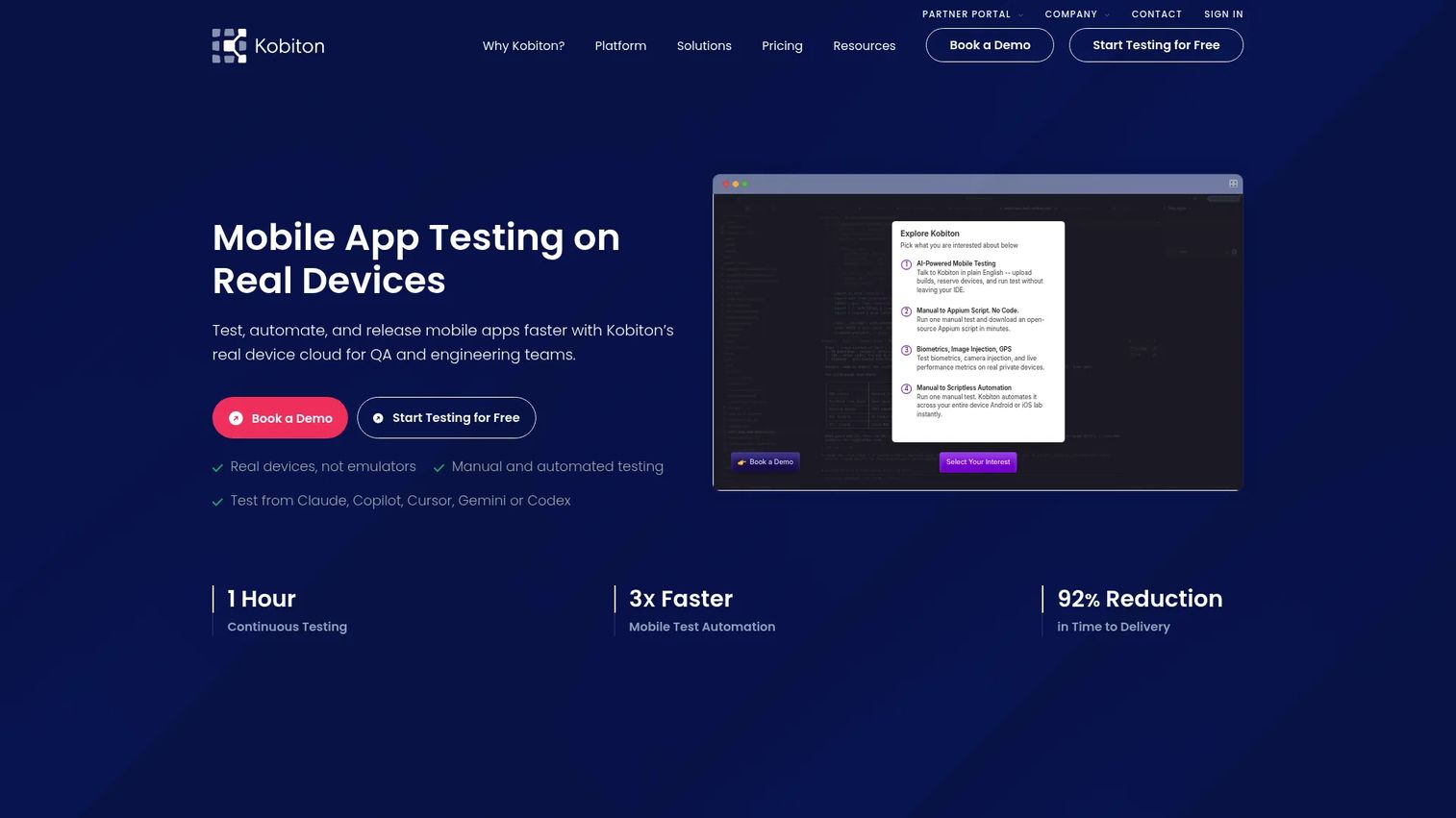
Kobiton is a mobile testing platform focused on real-device testing, automation, and device lab management. It combines real-device access with Appium and scripted automation, plus mobile test management and AI-driven analysis, so manual and automated validation live in one place.
When device fidelity is the whole point, Kobiton leans into it. Teams use it to run manual exploratory sessions and automated regression on the same real hardware, which keeps results honest for hardware-dependent flows.
Best for: Teams that need real-device mobile app testing and scalable QA workflows.
Key strengths
- Real-device focus: Test on authentic hardware for true-to-life behavior.
- Manual plus automated: Run exploratory and scripted tests on the same devices.
- AI-driven analysis: Surface issues faster with automated result analysis.
Why choose Kobiton: Choose Kobiton when hardware-specific behavior drives your risk, and you want manual and automated QA on the same real devices. It fits teams that need device fidelity without standing up their own lab.
Kobiton pricing: Kobiton's self-serve plans start at $83/month for Startup, $399/month for Accelerate, and $9,000/year for Scale, with custom Enterprise pricing. A free trial is available.
7. Perfecto
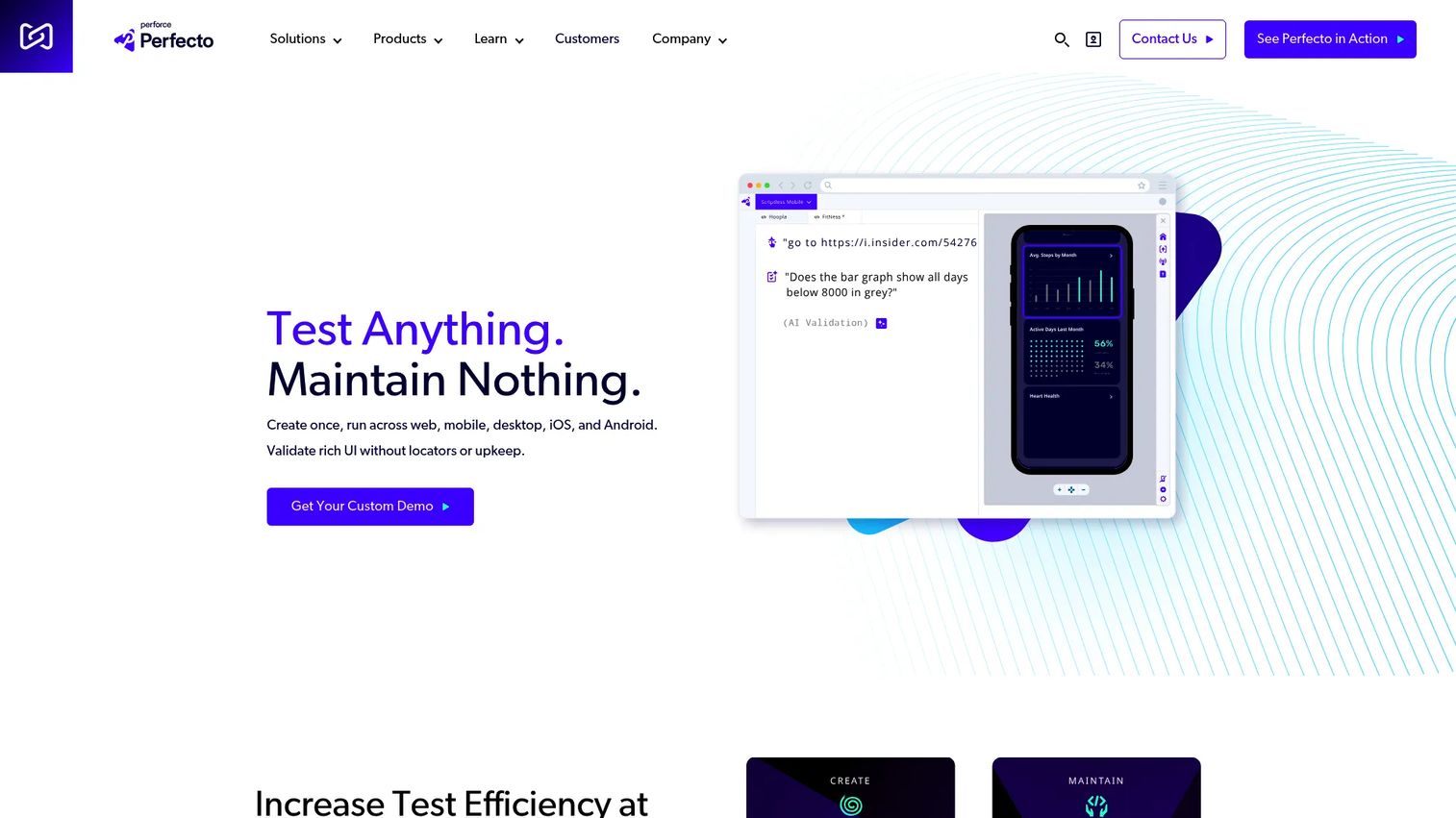
Perfecto is an AI-driven web and mobile testing platform aimed at enterprise QA organizations. It brings cross-browser testing, parallel execution, and AI-powered visual and diagnostic analysis across a large real-device cloud, so big teams can run broad coverage with strong reporting.
For regulated or large organizations, the pull is governance and analytics. Perfecto is built for teams that need auditable, repeatable testing at scale, with the reporting and CI/CD support that enterprise release processes demand.
Best for: Enterprise teams needing mobile and web test automation across real devices and browsers.
Key strengths
- Enterprise device cloud: Broad real-device and cross-browser coverage.
- Parallel execution: Run large suites concurrently to keep pipelines fast.
- AI-powered analysis: Visual and diagnostic insights to triage failures quickly.
Why choose Perfecto: Choose Perfecto when you run enterprise-scale QA and need governance, analytics, and compliance-grade controls. It suits finance, healthcare, and large SaaS organizations where auditability and reporting matter as much as coverage.
Perfecto pricing: Perfecto uses quote-based pricing. The vendor's pricing page directs teams to build a custom quote rather than listing public plan prices, which is typical for enterprise testing platforms scoped to device usage and seats.
8. TestGrid
TestGrid is an AI-powered, end-to-end software testing platform for web and mobile apps. It combines codeless and low-code authoring with support for Selenium, Appium, and Cypress, plus AI test generation and real-device, real-browser execution. That mix lets mixed-skill teams build coverage quickly.
For teams that want faster setup than a pure framework, TestGrid's low-code angle is the draw. QA can author tests without deep programming, while engineers still drop into code when they need it, and everything runs on real devices in the cloud.
Best for: Teams needing a unified web and mobile test automation platform with real devices and AI-assisted test creation.
Key strengths
- AI test generation: Agentic and AI-assisted authoring speeds up coverage.
- Real-device execution: Run tests on real devices and browsers, not just emulators.
- Codeless plus framework support: Low-code authoring with Selenium, Appium, and Cypress underneath.
Why choose TestGrid: Choose TestGrid when you want low-code mobile testing with the option to drop into standard frameworks, and you value AI-assisted test creation. It fits teams that need broad coverage without a large scripting effort.
TestGrid pricing: TestGrid's Starter Package is $199 per seat/month, with Growth and Custom Device Lab tiers on custom pricing. The site offers a guided proof-of-concept flow rather than a public free tier.
9. Katalon Studio
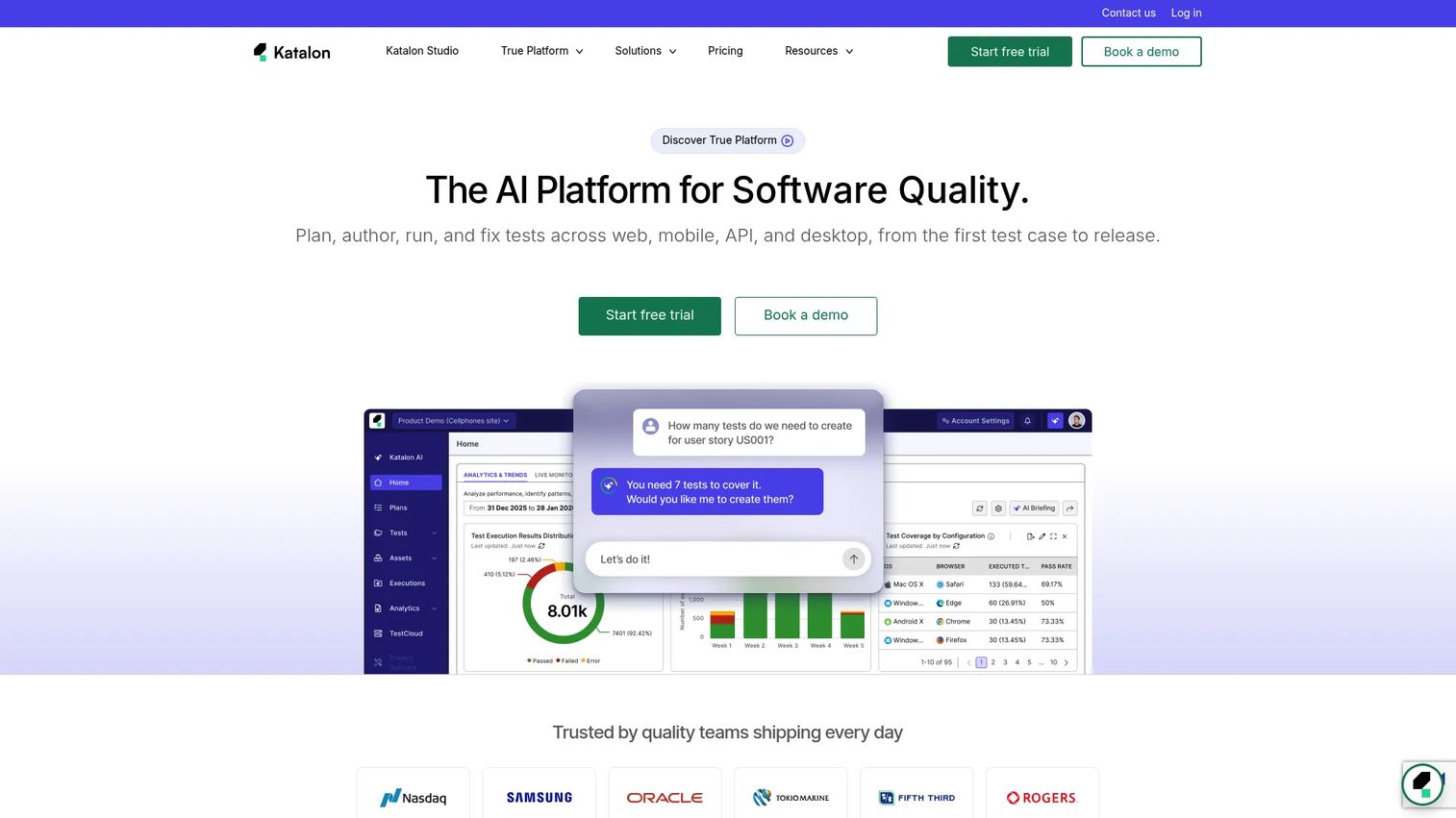
Katalon Studio is an AI-assisted test automation IDE for web, mobile, API, and desktop testing. It supports both no-code and full-code authoring, with self-healing tests, smart waits, and a recorder and object spy that lower the scripting bar. One tool spans multiple test types, which appeals to teams consolidating tools.
For mixed-skill teams, Katalon's hybrid approach is the fit. Analysts build tests with the recorder, engineers extend them in code, and self-healing reduces the maintenance that usually comes with scriptless testing as the UI shifts.
Best for: Teams needing a single tool for automated web, mobile, API, and desktop test creation and execution.
Key strengths
- No-code and full-code: Author with a recorder or drop into code as needed.
- Self-healing tests: Smart waits and self-healing cut maintenance on UI changes.
- Multi-surface coverage: Web, mobile, API, and desktop in one IDE.
Why choose Katalon Studio: Choose Katalon Studio when your team spans skill levels and you want to consolidate web, mobile, and API testing in one platform. It fits broader automation programs that want less scripting overhead without giving up code-level control.
Katalon Studio pricing: Katalon publishes annual per-seat pricing, with True Platform from $700/seat/year and True Automation from $2,000/seat/year, plus Studio Enterprise and Runtime Engine add-ons and custom Enterprise plans. A 30-day trial of Studio Enterprise is available.
Considerations
Team skill level
Match tool complexity to the people who will maintain it. Framework-heavy tools like Appium, Espresso, and XCUITest reward strong engineering teams with control and no license cost. If your QA function leans toward analysts rather than developers, low-code platforms shorten the ramp and keep coverage from stalling.
Device coverage requirements
Decide whether you need long-tail device coverage or a focused matrix. If your users cluster on a handful of recent devices, a small lab or limited cloud plan may suffice. If you support older Android builds and many manufacturers, device cloud testing usually costs less than owning and refreshing the hardware yourself.
Release cadence
Tie the choice to how often you ship. Weekly or daily releases demand strong CI/CD integration and automated regression, so tools that plug cleanly into Jenkins, GitHub Actions, or Bitrise earn their place. Slower cadences can lean more on manual and exploratory testing without the same automation depth.
Security and compliance
Check access controls, data handling, and audit trails, especially in finance, healthcare, or enterprise SaaS. Enterprise platforms like Perfecto are built for these requirements. Confirm how test data is stored, who can access devices, and whether the tool meets your compliance obligations before you commit.
Total cost of ownership
Compare license fees, device minutes, self-hosting infrastructure, and maintenance hours across a full release cycle. A free framework can carry high upkeep if tests break often. A paid platform can be cheaper overall when it maintains the device lab and cuts flaky-test triage. Price the whole system, not the entry tier.
Conclusion
The right mobile app testing tool comes down to three questions: what devices you must cover, what your team can maintain, and how fast you ship.
Engineering-heavy teams shipping to one platform get the most from Appium, Espresso, or XCUITest, owning the code and skipping license fees. Teams that need broad real device testing without a hardware lab should shortlist BrowserStack, Sauce Labs, or Kobiton. Mixed-skill teams that want faster setup lean toward TestGrid or Katalon Studio, while enterprise organizations with governance needs land on Perfecto.
Do not try to standardize on paper. Pick two or three tools that fit your device needs, skill level, and release workflow, then validate each against one real, high-risk app flow before you commit. A single honest test on your actual product tells you more than any feature matrix. If you are mapping the wider mobile stack while you evaluate, our guides to A/B testing tools, AI app builder software, and the best mobile marketing software are worth a look alongside this one.
FAQs
A framework like Appium, Espresso, or XCUITest is the engine your team writes tests against. A full mobile testing platform usually wraps a framework with device access, reporting, CI/CD hooks, and management. Frameworks give you control and no license fee; platforms give you infrastructure and less to maintain yourself.
Both, staged by risk. Emulators and simulators are fast and cheap for logic checks, UI layout, and quick regression during development. Real device testing becomes non-negotiable for performance, biometrics, camera, GPS, and behavior on specific manufacturer builds. Most mature teams run emulators early and real devices before release.
Cross-platform tools cover both cleanly. Appium automates Android and iOS through one interface, and device clouds like BrowserStack and Sauce Labs give real device access across both platforms. If you prefer native frameworks, most teams pair Espresso for Android with XCUITest for iOS.
Yes, for many teams. Low-code and scriptless platforms like TestGrid and Katalon Studio let QA analysts build solid coverage without deep programming, and engineers can still extend tests in code. They shine when you want faster setup and broad coverage without a large scripting effort.
They are decisive for fast-shipping teams. Automation only pays off when tests run on every build without manual triggering, so confirm clean integration with your pipeline, whether Jenkins, GitHub Actions, or Bitrise. Strong CI/CD integration turns your suite into a release gate that catches regressions at commit time.
These hardware-dependent flows need real devices. Kobiton focuses on real-device testing for exactly this fidelity, and BrowserStack, Sauce Labs, and Perfecto all provide real device clouds that support sensor, biometric, and camera scenarios. Emulators approximate these conditions but rarely reproduce them faithfully.
Weigh device coverage, team skill fit, CI/CD integration, and total cost of ownership over a full release cycle. Tie each to release cadence and risk, not just features. The best choice reduces late-stage surprises and cross-team friction without adding maintenance your team cannot sustain.
Neither is universally better. Open-source frameworks give control and no license fee but shift cost into engineering time and device infrastructure. Commercial platforms cost more upfront but maintain the device lab, add reporting, and cut maintenance. The right call depends on your team's engineering capacity and device coverage needs.