You have an app idea. Six months ago, that meant hiring developers, writing specifications, and waiting weeks for a prototype. Now you describe what you want in plain English, and working software appears in minutes.
AI app builder software turns natural language prompts into functional applications, handling frontend, backend, and deployment without code. This guide covers nine platforms tested for speed, output quality, and practical use cases, from full-stack MVPs to mobile apps powered by spreadsheet data.
TL;DR
- Best for full-stack MVPs: Bolt.new and Replit Agent generate frontend, backend, and database from a single prompt
- Best for UI-first design: v0 by Vercel and Figma Make turn visual prompts into working code
- Best for mobile apps: Glide creates native-feeling apps powered by spreadsheet data
- Best for internal business tools: Softr connects to Airtable and Google Sheets for production-ready portals
- Best free option: Create.xyz offers a generous free tier for beginners exploring ai app creation
What's inside
This guide covers nine ai app builder software platforms tested for speed, output quality, and practical use cases. You'll find tools for full-stack web apps, UI-first design workflows, mobile development, and internal business applications.
Selection criteria included prompt-to-app speed, code export options, deployment simplicity, and pricing transparency. The list includes both app builder ai free tiers and paid plans for teams scaling beyond prototypes.
What is AI app builder software
AI app builder software lets you generate, design, and deploy functional applications by describing your ideas in plain English. You type what you want the app to do, and the platform produces working software without writing code.
The core workflow looks like this: describe your app idea, review the generated output, refine with follow-up prompts, then deploy. Most platforms handle hosting automatically, so you get a public URL without configuring servers. Once deployed, you can use AI to auto-adjust and polish your demos for different audiences.
You might hear this category called AI for creating apps, app ai creator, or no-code AI development. The terminology varies, but the capability stays the same: turn natural language into functional software.
When to use AI for building apps
Validate a product idea without hiring developers
Founders and product managers can test concepts before committing budget. Instead of spending weeks on specifications and developer handoffs, you describe the app and see a working version in hours.
This approach works well for MVPs and proof-of-concept work because 42% of startup failures come from no market need. You learn whether the idea resonates before investing in production-grade development.
Build internal tools without engineering bandwidth
Operations teams often wait months in a dev queue for simple workflow tools amid a 1.2 million shortage by 2026. With ai app creation, you can solve your own problems without competing for engineering resources. See how to create custom internal apps with Retool for a practical example.
Common examples include employee directories, inventory trackers, approval workflows, and client portals. The tools don't require custom architecture, just functional software that connects to existing data.
Launch an MVP before competitors
Speed matters when testing market timing. Traditional development takes weeks or months. AI app builders can cut development time by 90%.
Once launched, you'll need the right product marketing software tools to drive adoption.
The tradeoff is flexibility. You get fast results within the platform's constraints, which works well for validation but may require rebuilding later for scale.
How AI app creation works
Describe your app idea in plain language
Start by writing what the app does, who uses it, and what features matter most. No code knowledge required. The more specific your description, the better the output.
For example: "A task management app for remote teams with project boards, due dates, and Slack notifications" gives the AI enough context to generate something useful.
Review the generated code and interface
The ai app developer produces working code and a visual preview. You inspect both before making changes. Most platforms show the interface alongside the underlying code.
This step reveals whether the AI understood your intent. Sometimes it nails the concept. Sometimes it misses entirely. Either way, you see results in minutes rather than days.
Refine with follow-up prompts
Iteration happens through conversation. Describe what to change, and the app developer ai adjusts the code based on your feedback.
"Make the sidebar collapsible" or "Add a dark mode toggle" work as follow-up prompts. The AI modifies the existing codebase rather than starting over.
Deploy and share your app
Most tools handle hosting automatically. You get a public URL or embed option without configuring servers, domains, or deployment pipelines.
Some platforms also support custom domains and export options for teams that want to self-host later.
AI app builder software comparison
# | Product | Best for | Key differentiation | Pricing | G2 rating |
|---|---|---|---|---|---|
1 | Bolt.new | Fastest prompt-to-app | Browser-based, instant full-stack generation | Free tier, paid from $20/mo | 4.6/5 |
2 | Replit Agent | End-to-end development | Integrated hosting and mobile access | Free tier, paid from $25/mo | 4.7/5 |
3 | Lovable | MVP validation | Optimized for demo-ready prototypes | Free tier, paid from $20/mo | 4.5/5 |
4 | Cursor | Code-first AI assistance | Works with existing codebases | Free tier, paid from $20/mo | 4.8/5 |
5 | v0 by Vercel | UI-first design | React/Next.js output with Vercel deployment | Free tier, paid from $20/mo | 4.4/5 |
6 | Figma Make | Design-to-app workflow | Native Figma integration | Included with Figma plans | N/A |
7 | Create.xyz | Beginners | Simple prompting, quick deployment | Free tier available | 4.3/5 |
8 | Softr | Business tools on databases | Airtable and Google Sheets integration | Free tier, paid from $49/mo | 4.8/5 |
9 | Glide | Mobile-first apps | Spreadsheet-powered native experience | Free tier, paid from $25/mo | 4.7/5 |
1. Bolt.new
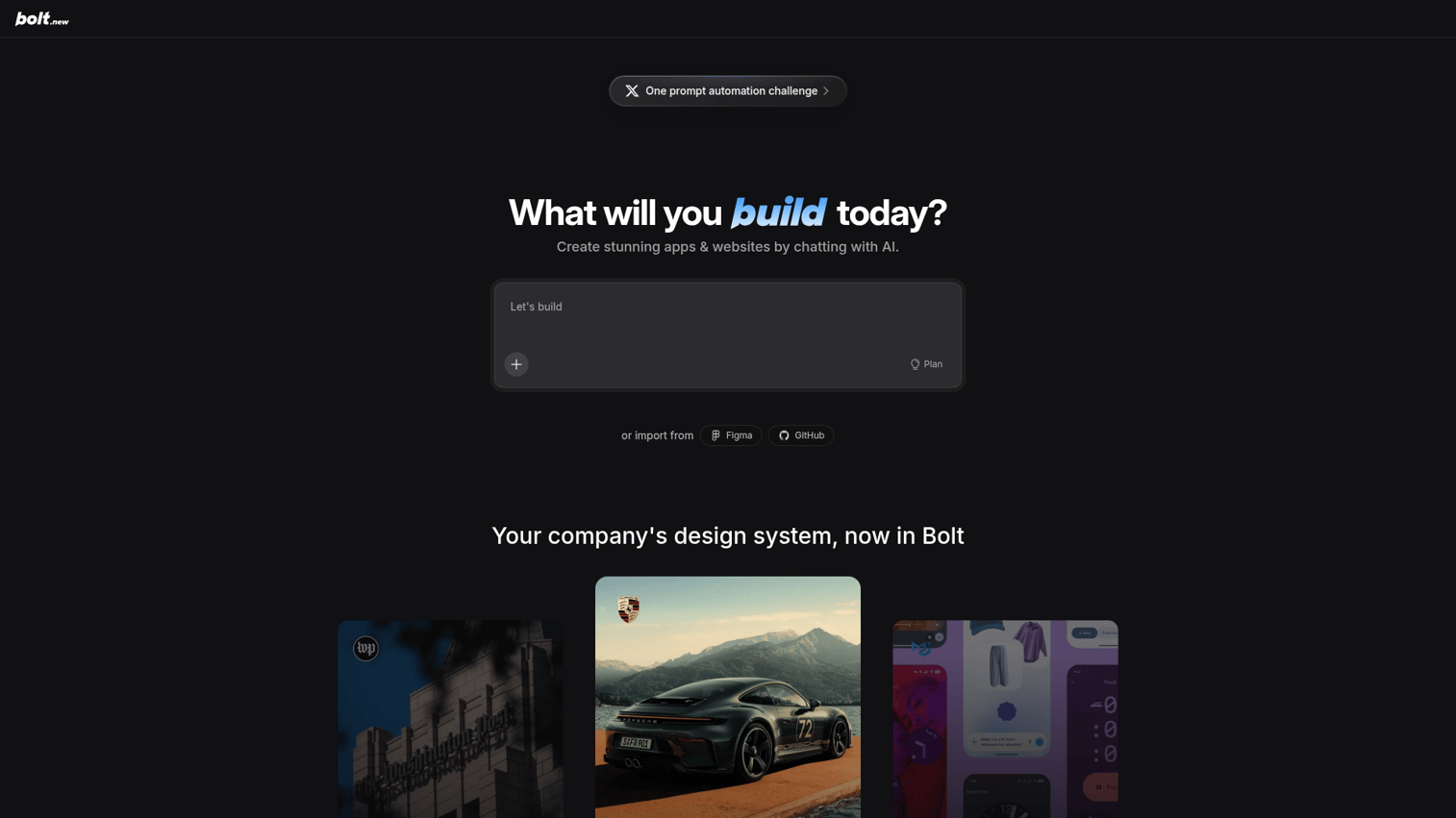
Bolt.new generates full-stack applications from a single prompt, running entirely in your browser. No local setup, no environment configuration. You describe what you want, and the platform produces a working app with frontend, backend, and database.
Best for: Makers who want the fastest path from idea to deployed application.
Key strengths
- Instant full-stack generation: Creates complete applications including database schema from one prompt
- Browser-based environment: No downloads, installations, or local configuration required
- One-click deployment: Ships directly to production without manual hosting setup
Why choose Bolt.new
Pick Bolt.new when speed matters more than customization. The platform excels at getting something live quickly, which works well for validation, demos, and internal tools. Technical users appreciate the code visibility, while non-technical users benefit from the abstraction.
Bolt.new pricing
Free tier includes limited projects and compute. Paid plans start at $20/month for additional capacity and features.
2. Replit Agent
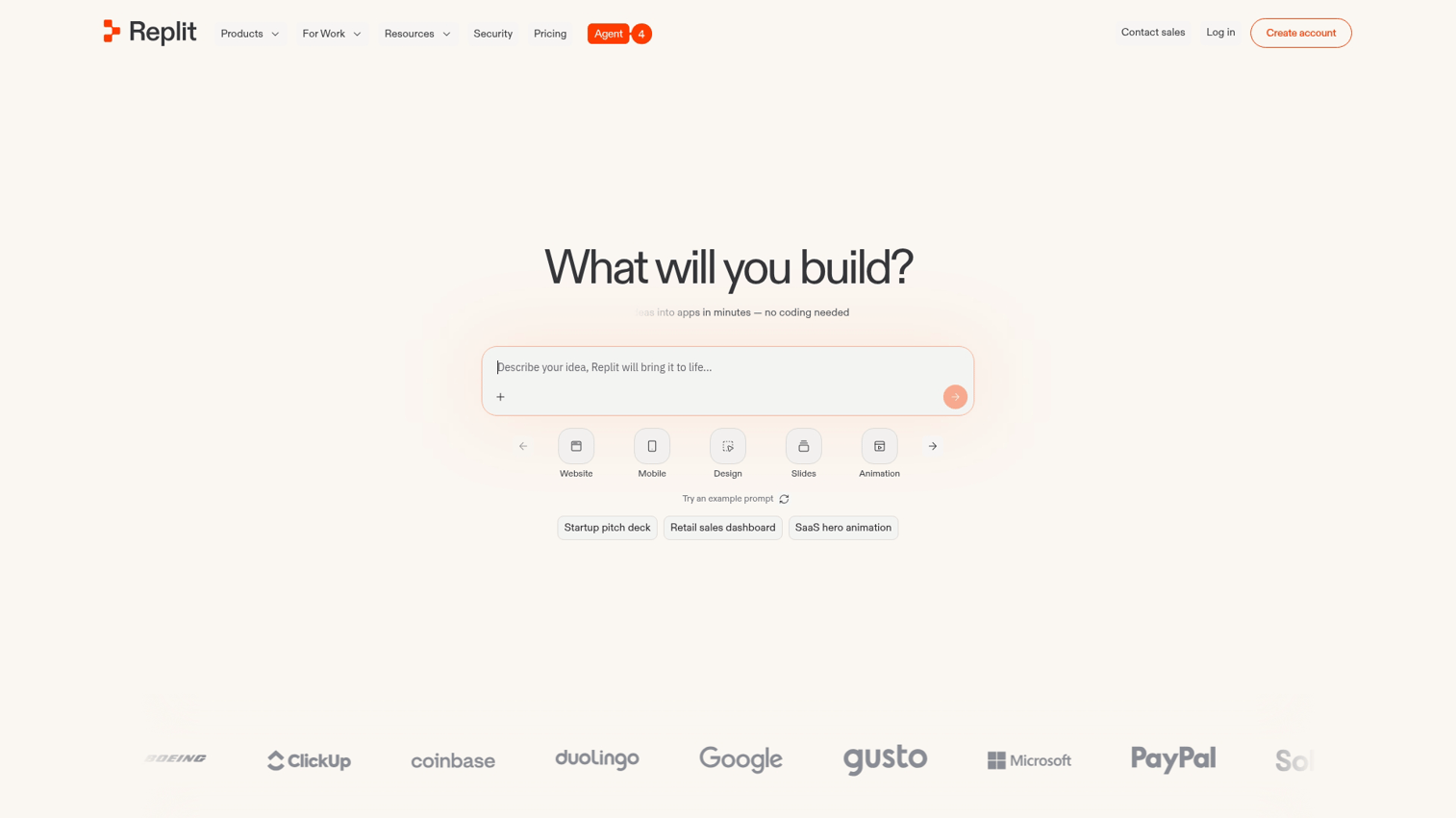
Replit Agent provides end-to-end ai for building apps with integrated cloud services and mobile access. The platform handles everything from code generation to hosting, with real-time collaboration built in.
Best for: Developers and non-developers who want one platform from creation to deployment.
Key strengths
- End-to-end app generation: Produces complete applications with backend services and databases
- Built-in hosting: Deploys automatically without external infrastructure
- Real-time collaboration: Multiple users can work on the same project simultaneously
Why choose Replit Agent
Replit works well for teams that want a unified environment. You write prompts, review code, collaborate with teammates, and deploy, all without switching tools. The mobile app also lets you code and monitor projects from anywhere.
Replit Agent pricing
Free tier supports basic projects. Paid plans start at $25/month for additional compute, storage, and collaboration features.
3. Lovable
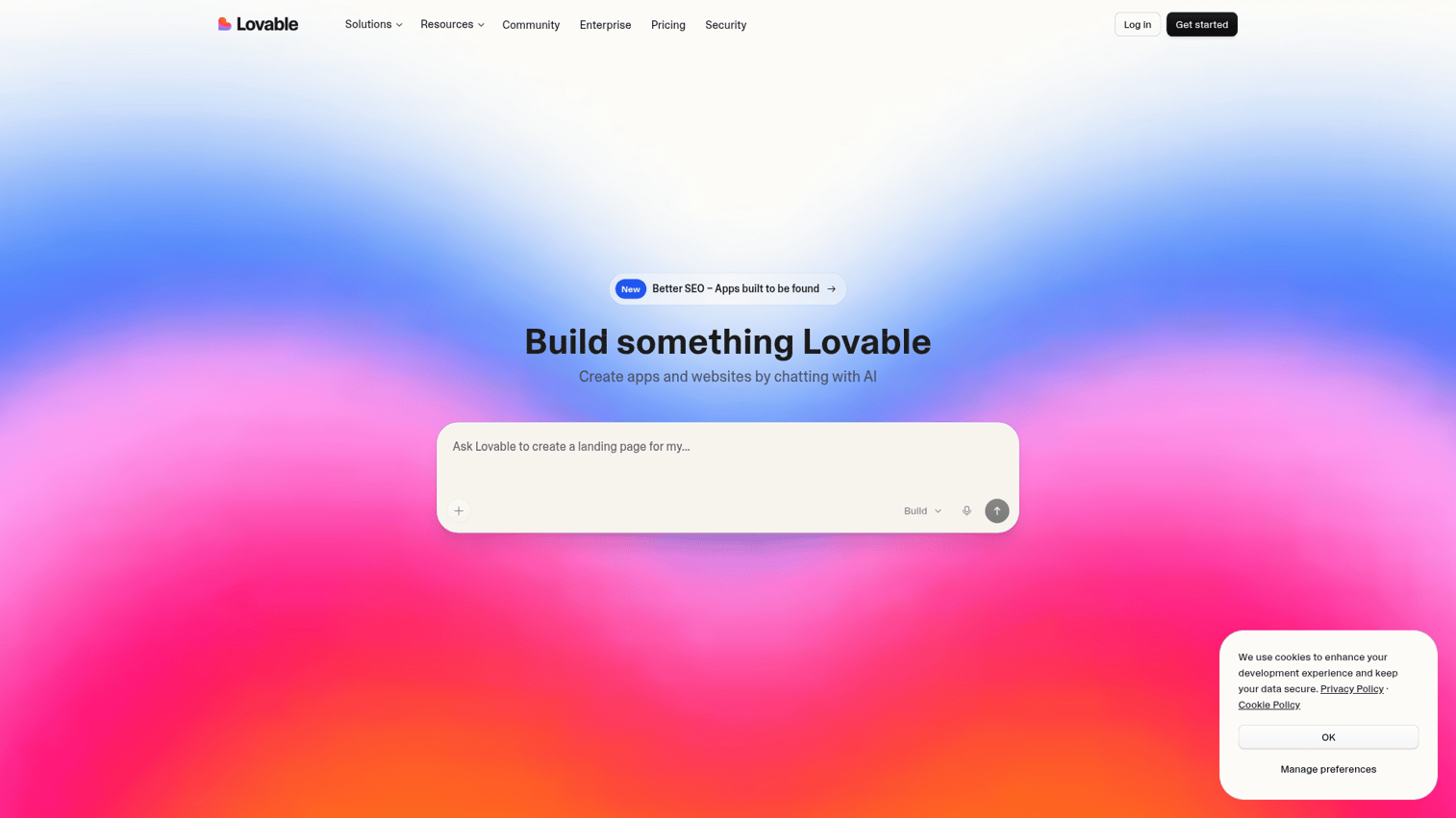
Lovable optimizes for fast MVP creation and demo-ready prototypes. The platform focuses on producing clean, presentable applications that founders can show to investors or early customers.
Best for: Founders validating ideas quickly who want polished output without extensive refinement.
Key strengths
- Speed to working prototype: Generates functional apps in minutes rather than hours
- Clean default UI: Produces visually appealing interfaces without manual design work
- Easy iteration: Refines output through conversational follow-up prompts
Why choose Lovable
Choose Lovable when presentation matters as much as functionality. The platform produces apps that look ready to share, which helps when pitching investors or testing with early users.
For inspiration on presenting your app effectively, explore interactive demo examples from other SaaS products. Once you've validated the concept, you can create interactive demos to showcase the product to broader audiences.
Lovable pricing
Free tier includes limited projects. Paid plans start at $20/month for additional capacity and export options.
4. Cursor
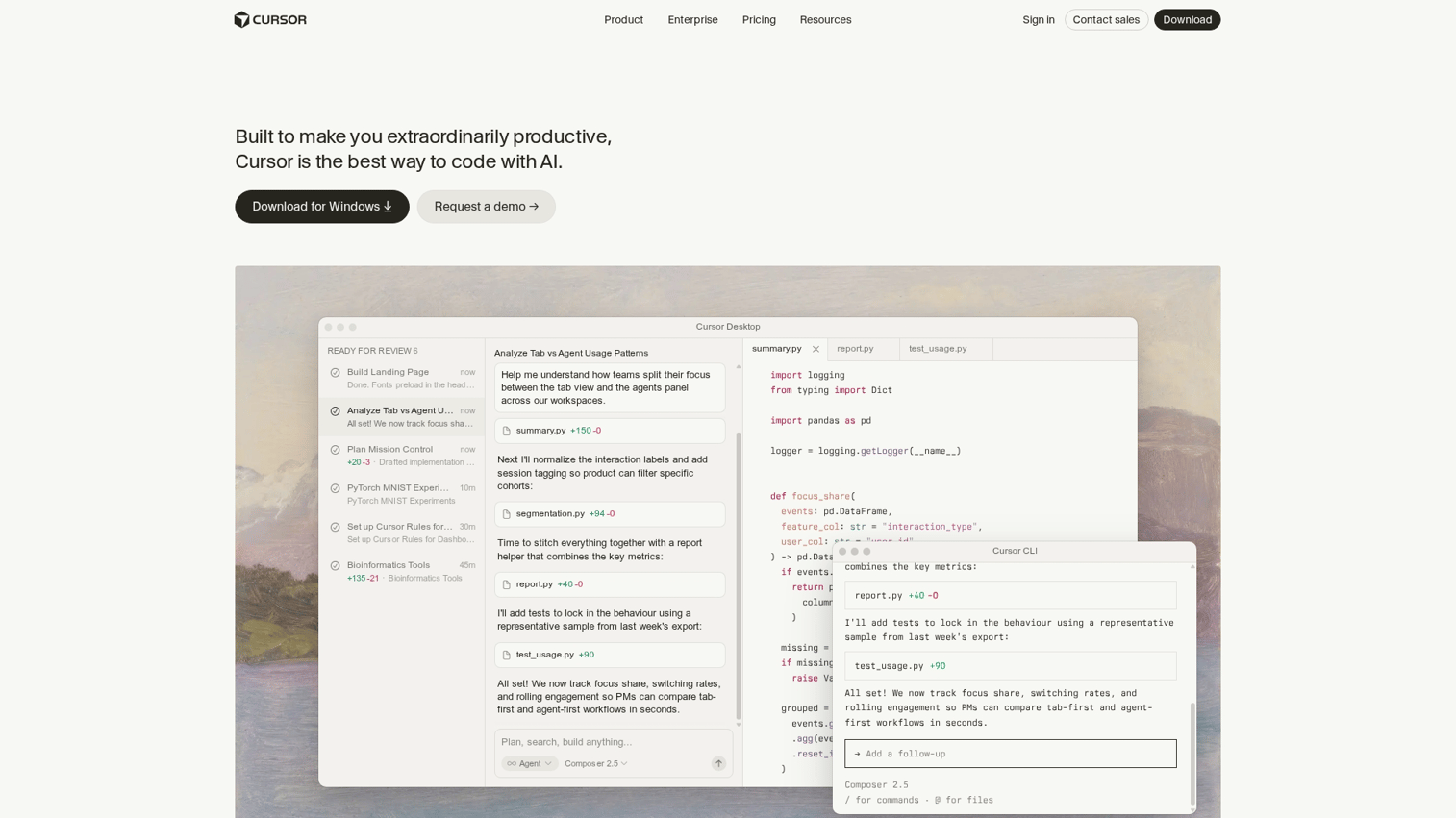
Cursor takes a code-first approach to ai app creation. Rather than generating complete applications from scratch, Cursor works as an AI-powered code editor that assists developers writing and modifying code.
Best for: Technical users who code but want AI assistance for faster development.
Key strengths
- Code-first approach: Enhances existing development workflows rather than replacing them
- AI pair programming: Suggests completions, explains code, and helps debug issues
- Works with existing codebases: Integrates with projects you've already built
Why choose Cursor
Cursor fits developers who want assistance, not automation. You maintain control over architecture and implementation while the AI handles repetitive tasks, suggests improvements, and answers questions about your code.
Cursor pricing
Free tier includes basic AI features. Paid plans start at $20/month for advanced capabilities and higher usage limits.
5. v0 by Vercel
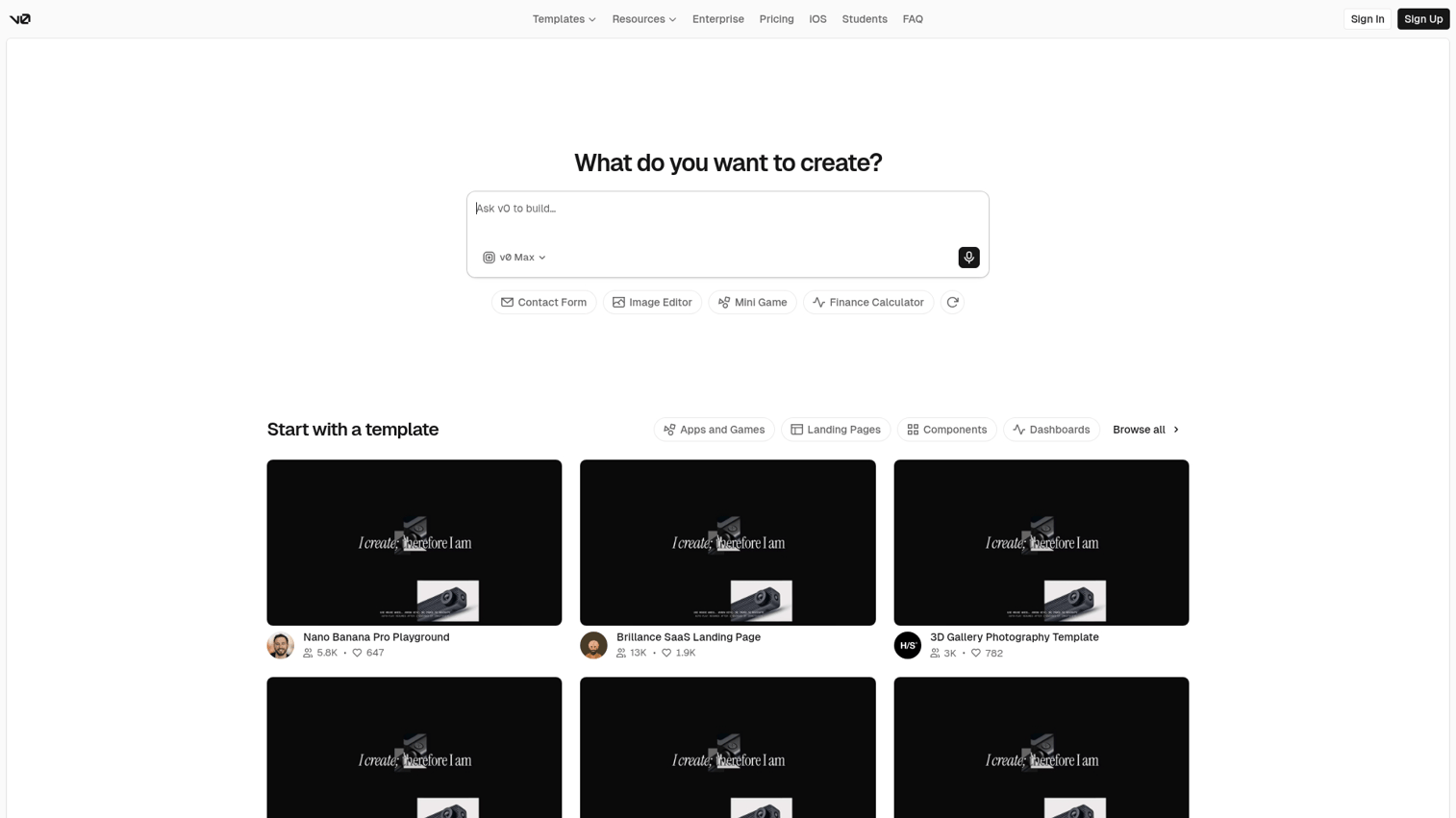
v0 generates UI components and full interfaces from design prompts and wireframes. The platform outputs React and Next.js code that deploys directly to Vercel's hosting infrastructure.
Best for: Designers and frontend teams who think visually first.
Key strengths
- Design-to-code generation: Turns visual descriptions and wireframes into working components
- React/Next.js output: Produces production-ready code in popular frameworks
- Vercel deployment integration: Ships directly to Vercel's global edge network
Why choose v0
v0 works well when you know what the interface looks like but don't want to write the code. Designers can describe layouts, and the platform generates components that developers can refine. The Vercel integration makes deployment seamless for teams already using that ecosystem.
v0 pricing
Free tier includes limited generations. Paid plans start at $20/month for additional capacity.
6. Figma Make
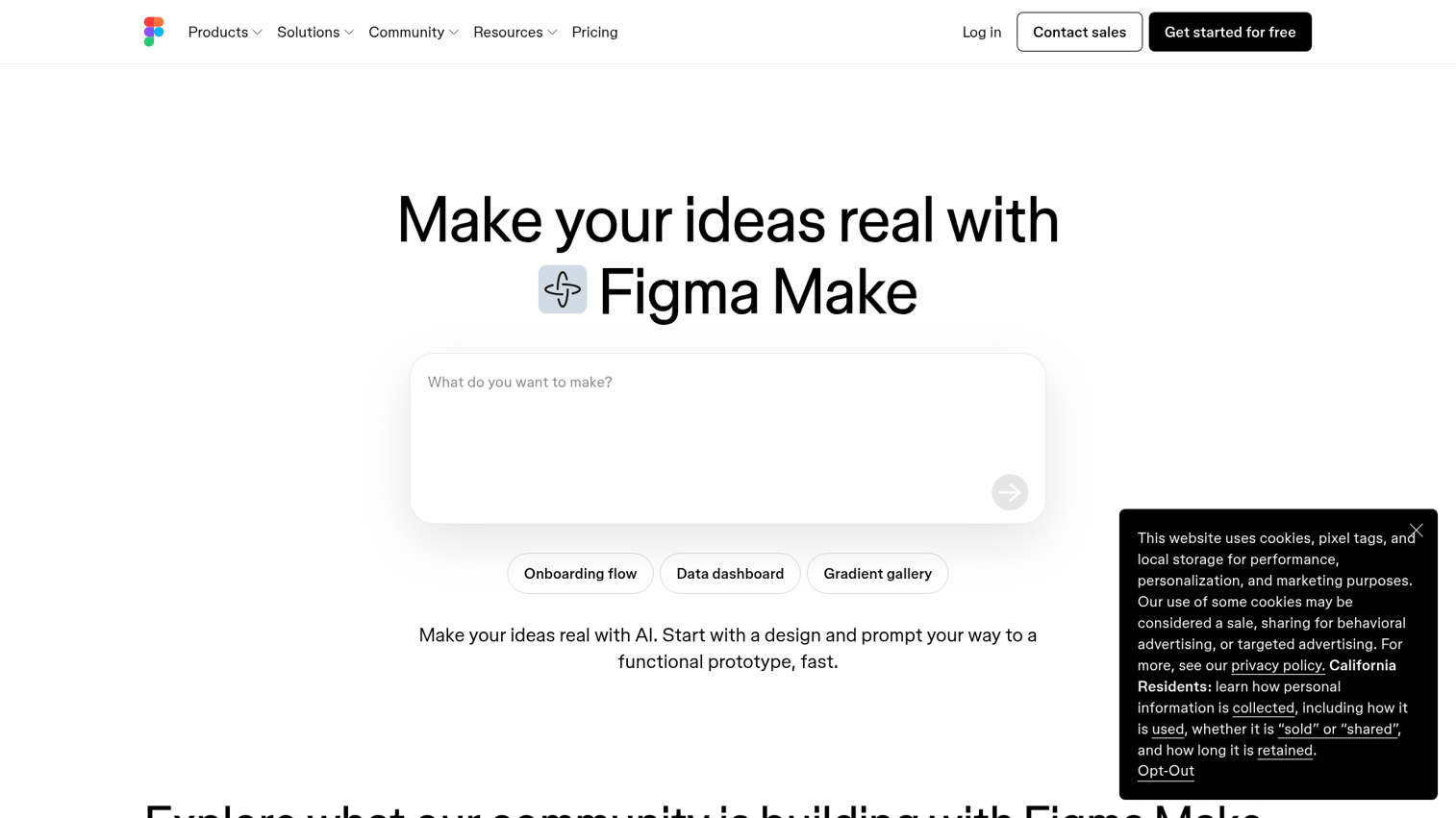
Figma Make brings AI app creation directly into the Figma design environment. Teams already using Figma for design can build functional apps without leaving their primary tool.
Best for: Teams already using Figma who want apps without switching platforms.
Key strengths
- Design-to-app workflow: Converts Figma designs into interactive applications
- Data connections: Links apps to external data sources and APIs
- Prototype testing: Tests functionality before publishing
Why choose Figma Make
Figma Make eliminates the handoff between design and development for simple applications. Designers maintain ownership of the entire process, from visual design through functional app. The tradeoff is flexibility: complex applications may outgrow what the platform supports.
Figma Make pricing
Included with Figma plans. Check Figma's current pricing for details.
7. Create.xyz
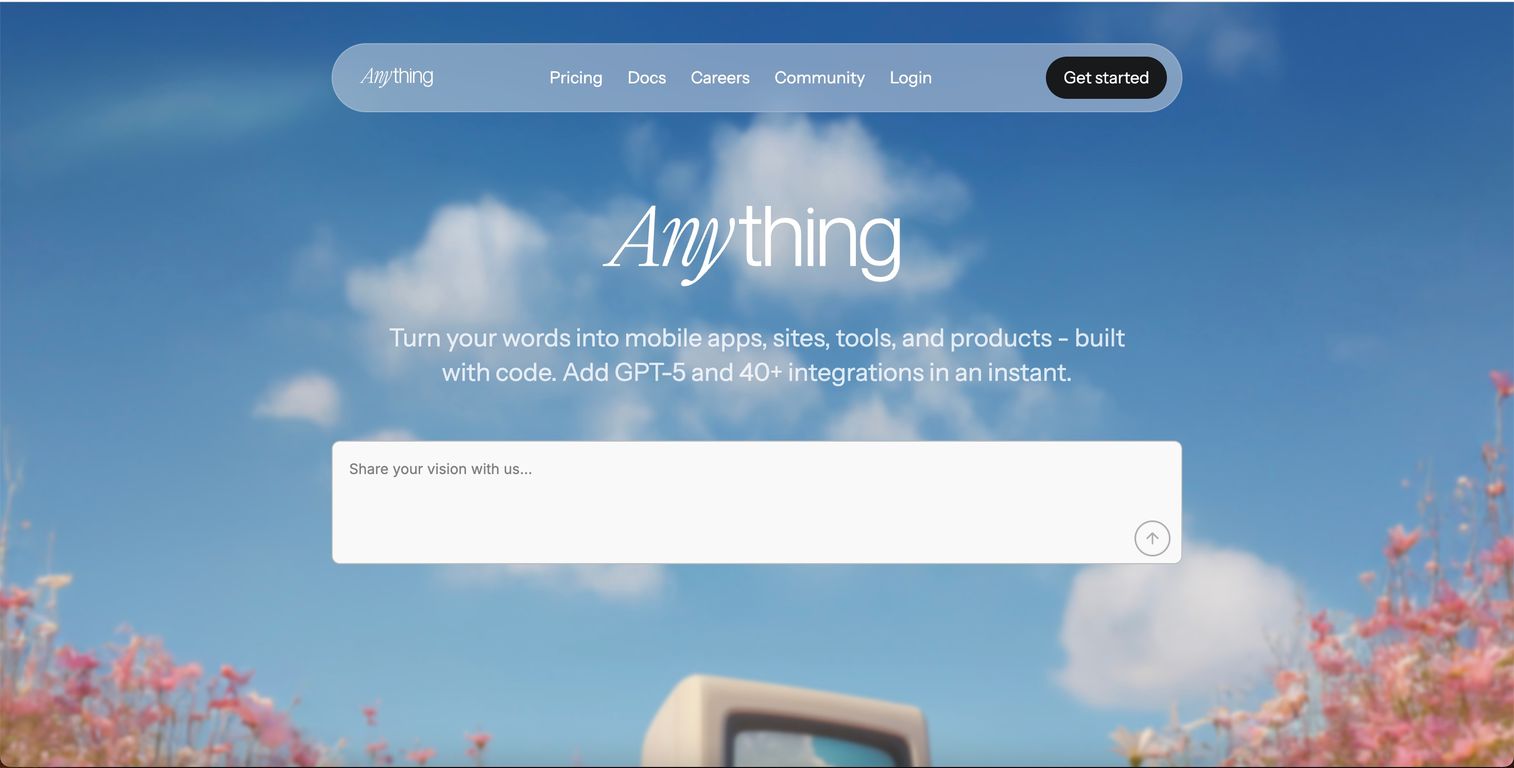
Create.xyz offers a general-purpose ai app developer free tier for turning ideas into sites and tools. The platform emphasizes simplicity, making it accessible for complete beginners.
Best for: Beginners who want to create app with ai free without complexity.
Key strengths
- Broad app types: Supports websites, tools, and simple applications
- Simple prompting: Accepts natural language descriptions without technical jargon
- Quick deployment: Publishes apps with minimal configuration
Why choose Create.xyz
Create.xyz works well for first-time users exploring what ai app creation can do. The learning curve is gentle, and the free tier provides enough capacity to build several projects. More experienced users may find the platform limiting for complex applications.
Create.xyz pricing
Free tier available with generous limits. Paid plans unlock additional features and capacity.
8. Softr
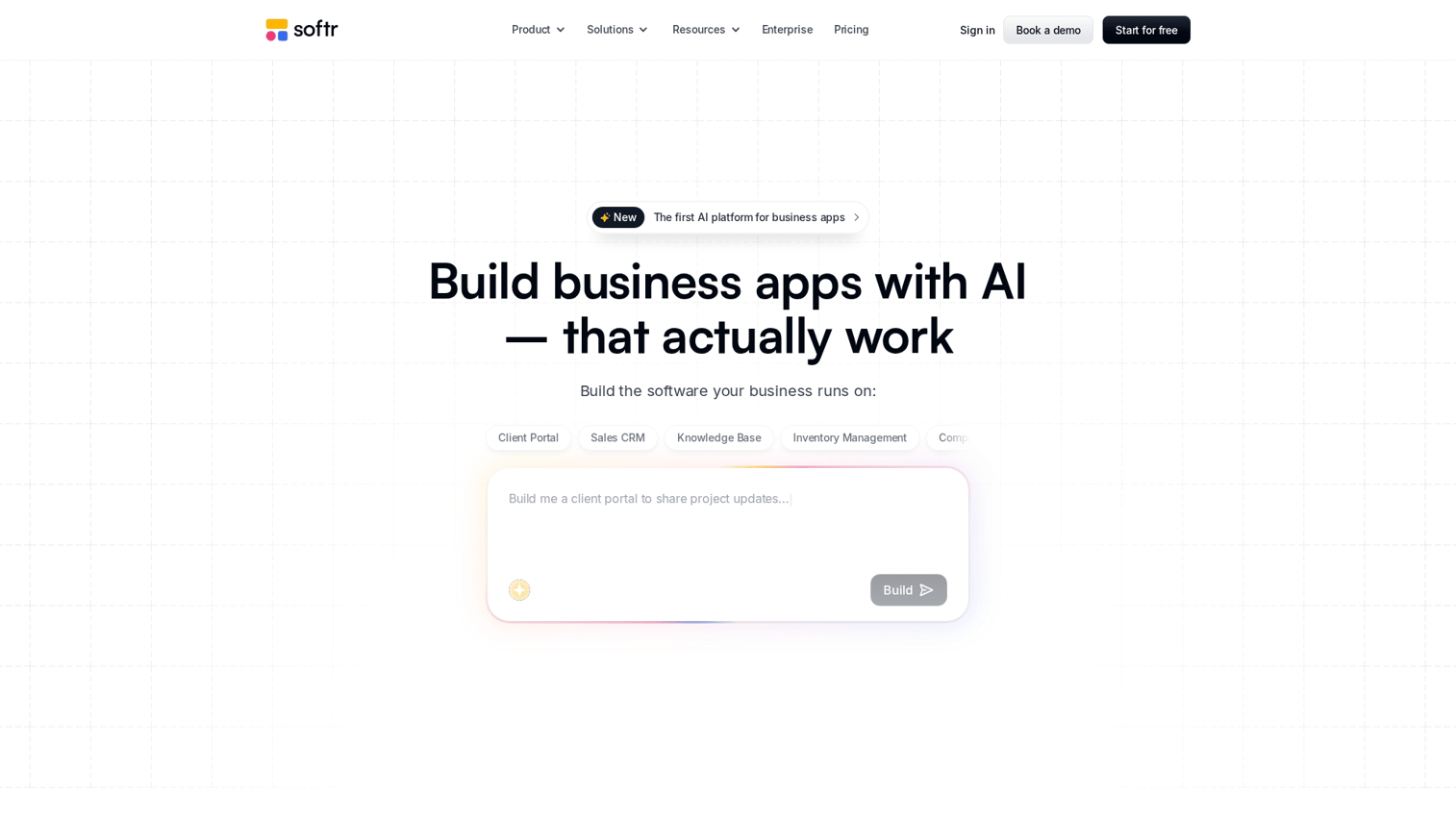
Softr builds production-ready business applications on top of existing databases. The platform connects to Airtable and Google Sheets, turning your data into functional portals, directories, and internal tools.
Best for: Teams building client portals, directories, or internal tools on existing data.
Key strengths
- Database integration: Connects directly to Airtable and Google Sheets
- Membership and portal features: Supports user authentication, permissions, and gated content
- Templates: Provides starting points for common use cases
Why choose Softr
Softr excels when you already have data and want to build an interface around it. The platform handles authentication, permissions, and user management, which saves significant development time for business applications. Marketing teams often use Softr for customer-facing portals and resource centers.
Softr pricing
Free tier includes basic features. Paid plans start at $49/month for additional users and capabilities.
9. Glide
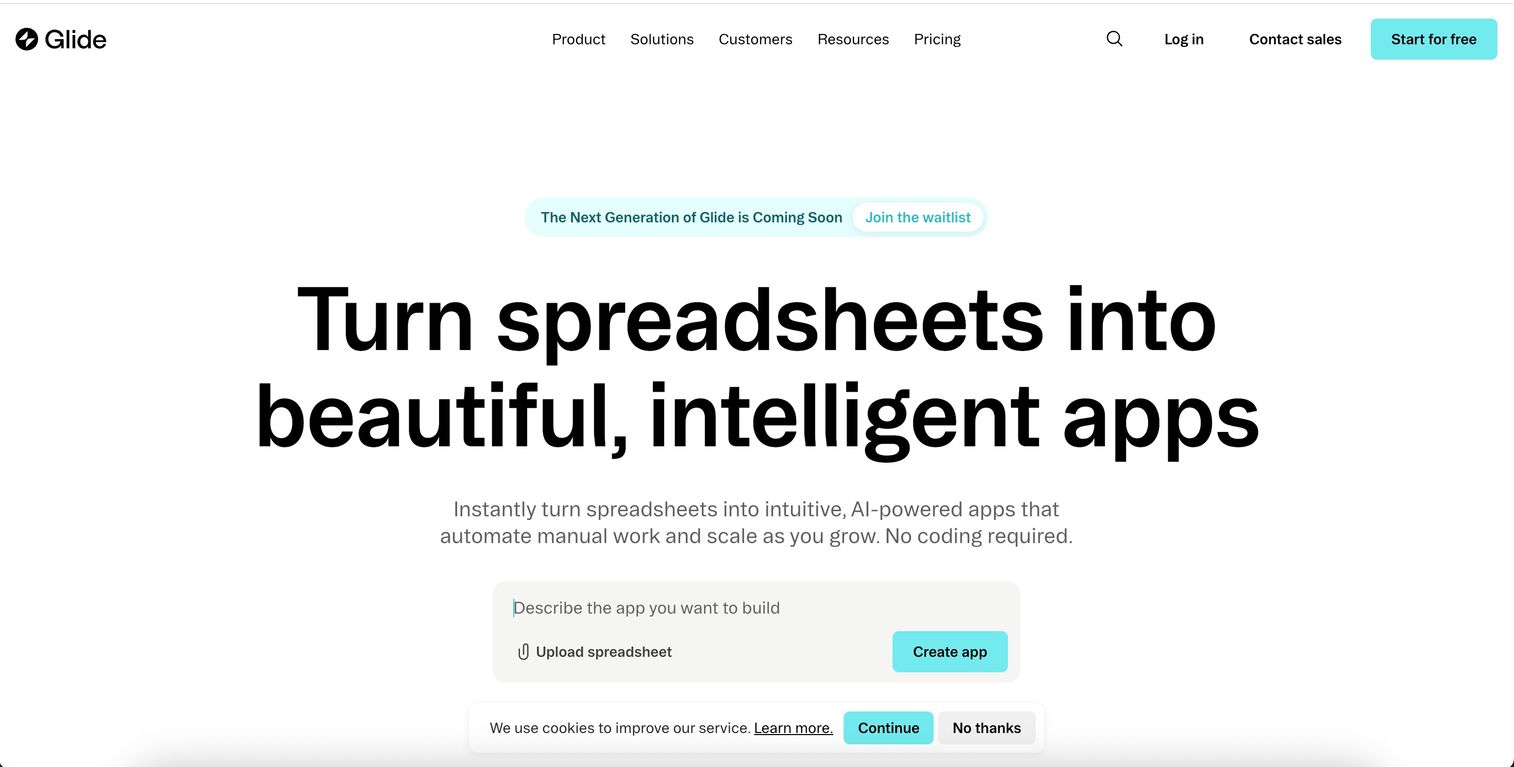
Glide creates mobile-first applications powered by spreadsheet data. The platform produces native-feeling apps for iOS and Android without requiring mobile development expertise. Once built, you can create interactive demos for your mobile app to showcase functionality without requiring downloads.
Best for: Teams wanting mobile apps powered by data they already have.
Key strengths
- Spreadsheet-powered apps: Uses Google Sheets or Airtable as the backend
- Native mobile experience: Produces apps that feel native on iOS and Android
- No-code editing: Modifies apps through a visual interface
Why choose Glide
Glide works well for teams that think in spreadsheets. If your data already lives in Google Sheets, you can have a mobile app in hours. The platform handles the complexity of mobile development while you focus on the data and user experience.
Glide pricing
Free tier supports basic apps. Paid plans start at $25/month for additional features and users.
How to choose the right app builder AI free or paid
Assess your technical comfort level
The spectrum runs from fully no-code (Softr, Glide) to code-first (Cursor). Match the tool to your skill level and willingness to learn.
- Non-technical users: Softr, Glide, and Create.xyz offer visual interfaces with minimal learning curve
- Technical users wanting AI assistance: Cursor provides code-level control with AI support
- Everyone in between: Bolt.new, Replit, Lovable, v0, and Figma Make balance automation with customization
Match the tool to your app type
Different platforms excel at different outputs:
- Full-stack web apps: Bolt.new, Replit Agent, Lovable
- UI-first designs: v0 by Vercel, Figma Make
- Business tools on databases: Softr, Glide
- Code assistance: Cursor
Starting with the wrong tool creates friction. A mobile-first project fits Glide better than v0, even though both use AI.
Evaluate deployment and hosting options
Some tools handle hosting automatically. Others require export and self-hosting. Automatic hosting simplifies getting started but may limit control. Export options provide flexibility but require infrastructure knowledge.
Compare free app creator ai tiers to paid plans
Free tiers often limit features, projects, or usage. Common limitations include project count caps, compute limits, branding requirements, and feature restrictions. Paid plans typically remove the constraints.
Check export and ownership policies
Can you export the code? Do you own the intellectual property? Some platforms lock you into their ecosystem.
Others provide full code export with no restrictions. Review terms of service before building anything critical.
What AI app builders cannot do yet
Setting honest expectations helps you choose the right tool for the right job. Current limitations include:
- Complex backend logic: Multi-step workflows with custom business rules often require manual coding
- Enterprise security requirements: SOC 2, SSO, and audit logs may require additional work beyond what AI generates
- Deep integrations: Connecting to legacy systems or proprietary APIs usually requires developer input
- Performance optimization: AI-generated code may require refactoring for high-traffic applications
The limitations don't make AI app builders useless. They define the boundary between "good enough for now" and "requires professional development."
From idea to deployed app in one day
AI app builder software removes the coding barrier so you can ship fast. The tools in this guide cover the full spectrum from complete beginners to experienced developers who want AI assistance.
Pick one platform from the list and build a simple project today. The fastest way to understand the tools is to use them.
Once your app is built, you can capture any workflow and turn it into an interactive demo that showcases your product to prospects, investors, or teammates.
Start your journey with Guideflow today!
FAQs about AI app builder software
Most tools allow export, but policies vary significantly. Bolt.new, Replit, and Cursor provide full code access. Softr and Glide keep code within their platforms. Check before building anything production-critical.
Security depends on the platform and your configuration. AI-generated code follows the same security principles as human-written code, which means vulnerabilities can exist. Review each tool's security documentation before launching public apps.
If you can export code, you can migrate to another hosting provider. If the tool is fully hosted with no export option, your app may be at risk. Prioritize platforms with clear export policies for critical applications.
Most support common integrations like Airtable, Google Sheets, and REST APIs. Softr and Glide specialize in database connections. Complex or proprietary integrations may require workarounds or custom code.
Typically yes, but review each platform's terms of service to confirm. Most tools grant you ownership of the output while retaining rights to the underlying platform and AI models.
Free tiers usually limit projects, features, or remove branding options. Paid plans unlock more capacity, advanced features, and custom domains. The specific limitations vary by platform.
Some tools generate mobile-ready web apps that work on any device. Glide produces native-feeling mobile experiences. Others like Bolt.new and Replit focus on web applications. Check platform capabilities if native apps are required.
AI app builders generate from prompts, while traditional no-code tools require manual drag-and-drop configuration. The AI approach is faster for initial creation and can deliver 30 to 60% coding time savings but may offer less granular control than visual builders.
Simple apps can be ready in minutes. More complex projects with custom logic, multiple screens, and integrations take longer to refine. Expect hours rather than days for most use cases.
Tools like Softr, Glide, and Create.xyz are designed for complete beginners with intuitive interfaces. The platforms abstract away technical complexity while still producing functional applications.