DNS is invisible until it breaks. When it does, everything downstream breaks with it: email stops resolving, apps time out, and your monitoring lights up before anyone can say "it's always DNS." Yet most teams treat DNS software as an afterthought, running whatever shipped with the OS until traffic, security requirements, or an outage forces the question.
The stakes keep rising. The global DNS services market is projected to grow from USD 845.89 million in 2026 to USD 3.42 billion by 2034, a 19.10% CAGR, according to Fortune Business Insights (2024). The DNS security software market alone is forecast to reach USD 2.31 billion by 2028, per The Insight Partners (2021). That growth reflects a simple truth: DNS is now a security boundary, a performance lever, and a compliance surface, not just a lookup service.
Here's the catch. There is no single "best" DNS software. The right choice depends on whether you need to publish records for domains you own, resolve queries for internal users, or block malicious domains before they load. An authoritative DNS server and a recursive resolver solve different problems, and a protective DNS platform solves a third. Pick the wrong category and you fight your tooling for years.
This guide cuts through that. If you evaluate software stacks for a living, the way sales enablement teams weigh tools like feedback software or ab testing tools against real workflows, you already know the exercise: match the tool to the job, not the hype. Let's do that for DNS.
What's inside
This guide compares 8 DNS software options across architecture, security, deployment model, support, and use case. It is written for administrators, network engineers, DevOps teams, and security-minded buyers who already know they need DNS software and want a shortlist that helps them decide.
We selected tools based on four criteria: authoritative versus recursive support, open-source licensing and support model, security features such as DNSSEC and encrypted DNS, and operational fit for a given deployment. The aim is to help you choose by role first, then by support model. Where useful, we cross-reference how buyers evaluate adjacent categories like ai governance tools and ai customer service software, because the selection logic is the same: intent, fit, then cost.
TL;DR
- Best all-around open-source option: BIND, the classic full-featured DNS server software with optional ISC support.
- Best for enterprise-grade recursive resolution: PowerDNS, with its modular authoritative, recursor, and dnsdist layers.
- Best for cloud-native environments: CoreDNS, the plugin-based default for Kubernetes service discovery.
- Best for secure recursive resolution: Unbound, a lean validating resolver with DNSSEC and encrypted DNS.
- Best for DNS filtering and protective DNS: DNSFilter, for threat blocking and content policy across managed devices.
- Best for lean, focused deployments: NSD for authoritative-only performance, MaraDNS for a lightweight footprint, and Technitium DNS Server for self-hosting with a clean management UI.
What is DNS software?
DNS software is the server-side software that answers Domain Name System queries, either by publishing the authoritative records for a domain or by resolving names on behalf of clients. In plain terms, it turns names like example.com into IP addresses and back, and it is the machinery behind every website load, email delivery, and API call.
There are three distinct categories, and conflating them is the most common mistake buyers make.
An authoritative DNS server holds the master records for a zone you own. When someone asks "where does example.com live," an authoritative nameserver gives the definitive answer. This is publishing DNS.
A recursive DNS server, also called a recursive resolver or caching resolver, does the legwork for clients. It walks the DNS hierarchy, caches answers, and returns results to internal users or networks. This is consuming DNS.
A protective DNS or filtering layer sits in front of resolution to block malicious or policy-violating domains before they load. This is securing DNS.
The capabilities that matter most when comparing DNS server software:
- Authoritative serving: publishing records for your own zones as an authoritative nameserver.
- Recursive resolution: resolving queries for clients as a recursive resolver.
- Caching: storing answers to cut latency and upstream load.
- DNSSEC: cryptographic signing and validation to prevent spoofing and cache poisoning.
- Encrypted DNS transports: DoT (DNS-over-TLS), DoH (DNS-over-HTTPS), DoQ (DNS-over-QUIC), and DoH3 for DNS privacy in transit.
- Access control and logging: query ACLs, rate limiting, and audit trails.
- Filtering or policy enforcement: blocking domains by category, threat feed, or rule.
- Licensing and support model: whether it is an open source DNS server and how you get help when it matters.
The same rigor buyers apply to ai content creation tools or ai design tools applies here: define the job before you shop.
When to use DNS software
DNS software is not one purchase. It is three jobs that sometimes overlap. Here is how to know which one you are solving.
Run authoritative DNS for owned domains
If you own domains and need to publish their records, you need an authoritative DNS server. This is about control, reliability, and delegation. You define the zone, set the records, and serve the definitive answers the rest of the internet trusts. Authoritative hosting demands high uptime and clean zone management, because a mistake here takes your domain offline for everyone. Teams often run redundant authoritative nameservers across networks to survive outages.
Run recursive DNS for internal users or networks
If you need to resolve names for employees, servers, or applications, you need a recursive DNS server. This is about resolution, caching, policy control, and performance. A good recursive resolver caches aggressively to cut latency, supports forwarders to route specific domains, and can enforce DNS privacy through encrypted transports. Internal resolvers also give you a natural point to apply split-horizon DNS and internal-only zones.
Add filtering or security controls
If your priority is blocking malicious domains, enforcing acceptable-use policy, or protecting remote users, you want DNS filtering or protective DNS. This layer inspects queries against threat intelligence and category rules, blocking phishing, malware, and unwanted content at the resolution step. It is especially valuable for distributed workforces where traditional network security perimeters no longer apply.
Comparison table
The table below sorts by relevance to broad DNS software intent. Pricing and ratings reflect verified values at publish time; several of these tools are open source with support offered by quote, so pricing appears as free plus optional paid support where applicable.
| # | Product | Intent | Key differentiation | Pricing | G2 rating |
|---|---|---|---|---|---|
| 1 | BIND | Authoritative + recursive | Classic, full-featured open-source DNS server; optional ISC support | Free; paid ISC support by quote | 4.0/5 |
| 2 | PowerDNS | Authoritative + recursive + load balancing | Modular stack with authoritative, recursor, and dnsdist | Authoritative Essentials from $9,800/year | 4.7/5 |
| 3 | CoreDNS | Recursive + service discovery | Plugin-based, cloud-native default for Kubernetes | Free, open source | 4.5/5 |
| 4 | Unbound | Recursive resolver | Lean validating resolver with DNSSEC and encrypted DNS | Free; paid support by contact | Not listed |
| 5 | Technitium DNS Server | Authoritative + recursive | Self-hosted with clean management UI, DoT/DoH/DoQ | Free, open source | Not listed |
| 6 | DNSFilter | Protective DNS + filtering | Real-time threat detection and content filtering | Core from $1.00/license/month | 4.6/5 |
| 7 | MaraDNS | Authoritative + recursive | Small, lightweight, BSD-licensed | Free, open source | Not listed |
| 8 | NSD | Authoritative only | High-performance authoritative nameserver | Free; paid support by contact | Not listed |
1. BIND
BIND is the DNS server most engineers cut their teeth on. Maintained by ISC, BIND 9 is a full-featured open-source DNS server that handles both authoritative and recursive roles. If you have ever edited a zone file, you have likely touched BIND syntax. Its ubiquity means the documentation, forums, and hiring pool all run deep.
Best for: Organizations that want a widely deployed, open-source DNS server with the option of paid ISC support.
Key strengths
- Dual-role coverage: Serves as both an authoritative nameserver and a recursive resolver from one codebase.
- Mature ecosystem: Decades of tooling, tutorials, and battle-tested deployments across every major OS.
- Tiered support: ISC offers Stable, Extended-Support, and Development branches so you can match stability to your risk tolerance.
Why choose BIND: BIND is the safe default when you need something that does everything and that your team already understands. The configuration surface is large, which is exactly why it is flexible: you can tune ACLs, views, DNSSEC signing, and forwarding to fit almost any topology. When institutional familiarity matters more than a minimal footprint, BIND wins.
BIND pricing: BIND is free and open source. ISC offers paid support through Gold, Silver, and Bronze subscriptions, plus a Basic no-support tier at no cost. Pricing is quote-based and scales with deployment size and service level, so contact ISC for a figure. BIND holds a 4.0/5 rating on G2, though from a small review sample.
2. PowerDNS
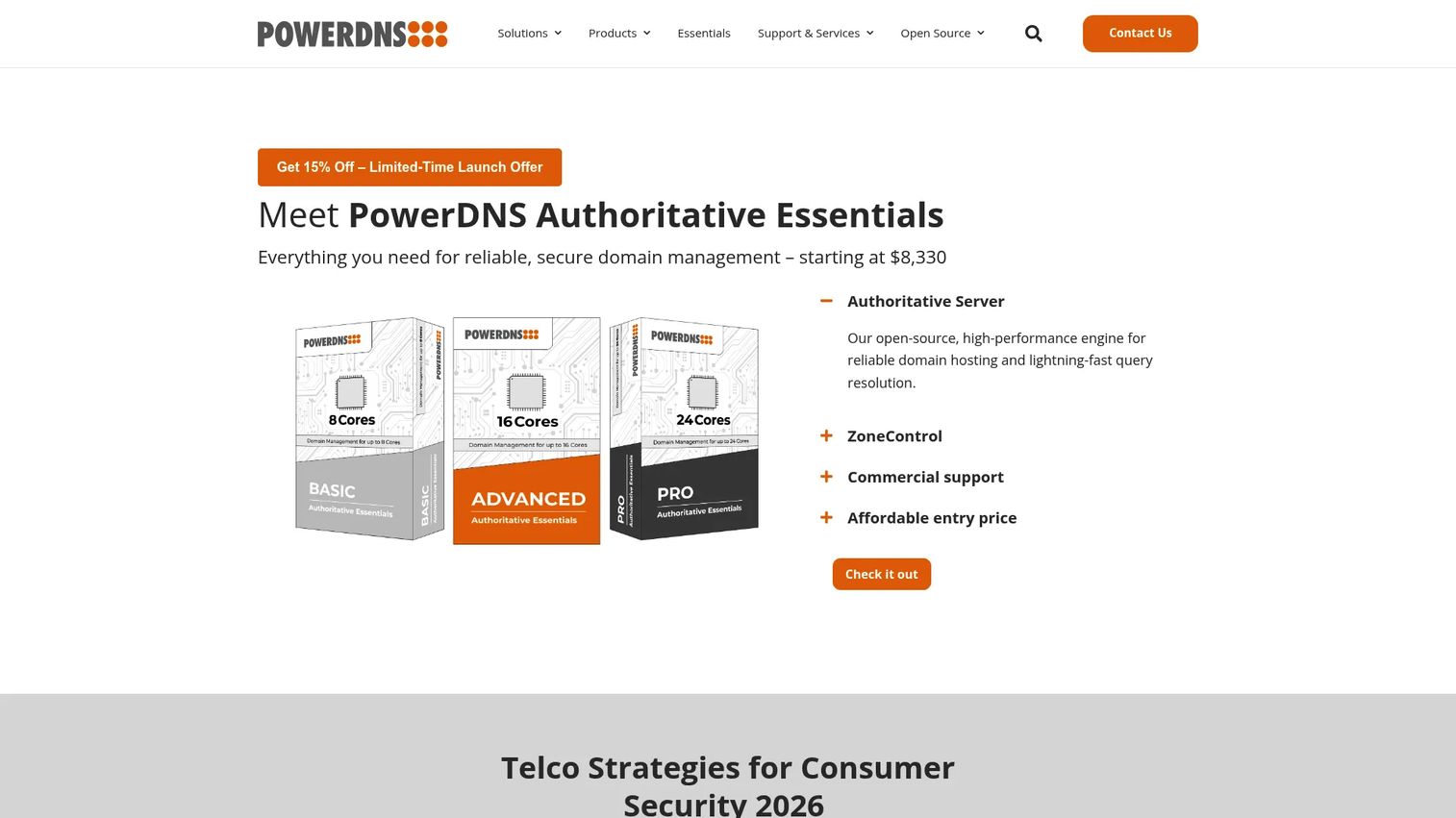
PowerDNS takes a modular approach. Instead of one binary doing everything, it ships separate components: an authoritative server, a recursor, and dnsdist for DNS load balancing and DDoS protection. That separation is why service providers and large infrastructure teams gravitate to it. You deploy exactly the layers you need and scale each independently.
Best for: Service providers and infrastructure teams needing scalable DNS software with enterprise add-ons.
Key strengths
- Modular architecture: Authoritative, recursive, and load-balancing layers you can deploy and scale separately.
- Modern security posture: Strong support for encrypted DNS and DNSSEC, with dnsdist adding traffic shaping and DDoS mitigation.
- Flexible backends: The authoritative server can pull records from databases, letting you drive DNS management from existing systems.
Why choose PowerDNS: dnsdist is the differentiator. It sits in front of your resolvers as a smart load balancer, absorbing attack traffic and routing queries intelligently. For teams running DNS at scale where uptime and encrypted DNS are non-negotiable, that operational tooling justifies the investment. The database-backed authoritative model also suits teams that want programmatic DNS management.
PowerDNS pricing: PowerDNS Authoritative Essentials offers three annual plans: BASIC at $9,800/year (8 cores), ADVANCED at $13,600/year (16 cores), and PRO at $17,400/year (24 cores). Other PowerDNS products use contact-based pricing. It holds a strong 4.7/5 on G2.
3. CoreDNS
CoreDNS is the DNS server that container teams reach for by default, because it is the default. As a CNCF graduated project, CoreDNS handles service discovery inside Kubernetes clusters, and its plugin architecture is the reason. Every function, from caching to metrics to rewriting, is a plugin you enable in a simple Corefile.
Best for: Teams needing a flexible, plugin-based DNS and service discovery server, especially in Kubernetes.
Key strengths
- Plugin-based design: Compose exactly the DNS behavior you need by chaining plugins in a readable config.
- Kubernetes-native: The de facto service discovery layer for clusters, with tight integration into container orchestration.
- Observability built in: Native Prometheus metrics and structured logging make it easy to monitor in cloud-native stacks.
Why choose CoreDNS: If your infrastructure lives in containers, CoreDNS is not really a choice, it is the plumbing. But the plugin model makes it worth considering beyond Kubernetes too. You can build a lean recursive resolver or a forwarding layer with only the features you want and nothing you do not. That minimalism keeps the attack surface and config complexity down.
CoreDNS pricing: CoreDNS is free and open source with no public paid tiers. Support comes from the community and the broader cloud-native ecosystem. It holds a 4.5/5 rating on G2 from a small review base.
4. Unbound
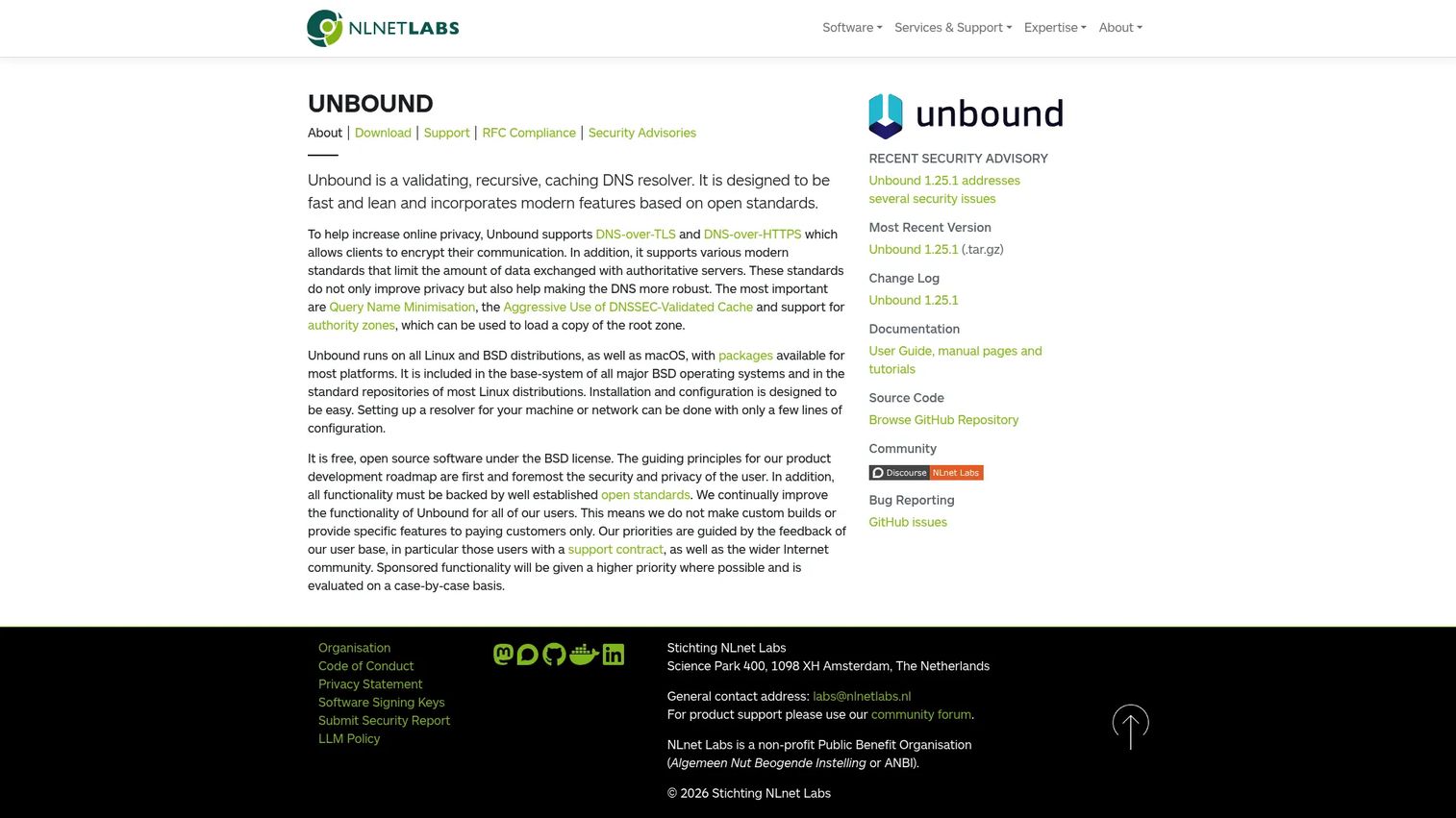
Unbound is a validating, recursive, caching DNS resolver from NLnet Labs. It is not an authoritative platform, and that focus is the point. Unbound does one job, recursive resolution, and does it fast, securely, and with a small footprint. Security-conscious teams run it as their internal resolver precisely because it stays lean.
Best for: Organizations needing a fast, lean recursive DNS resolver with DNSSEC and encrypted DNS support.
Key strengths
- DNSSEC validation: Aggressive validated caching means faster responses and stronger protection against spoofing.
- Encrypted transports: Native DNS-over-TLS and DNS-over-HTTPS support for DNS privacy on the wire.
- Query Name Minimisation: Sends only the minimum query data upstream, reducing what third parties can observe.
Why choose Unbound: When your goal is a secure recursive resolver rather than a do-everything platform, Unbound is the clean answer. Its small codebase reduces attack surface, DNSSEC validation is first-class, and the caching resolver performance holds up under load. Pair it with a separate authoritative server and you get a clear separation of duties that security teams appreciate.
Unbound pricing: Unbound is free and open source. NLnet Labs offers professional support contracts through Open Netlabs, with pricing available by contacting them directly. A verified G2 rating for the NLnet Labs product was not available at publish time.
5. Technitium DNS Server
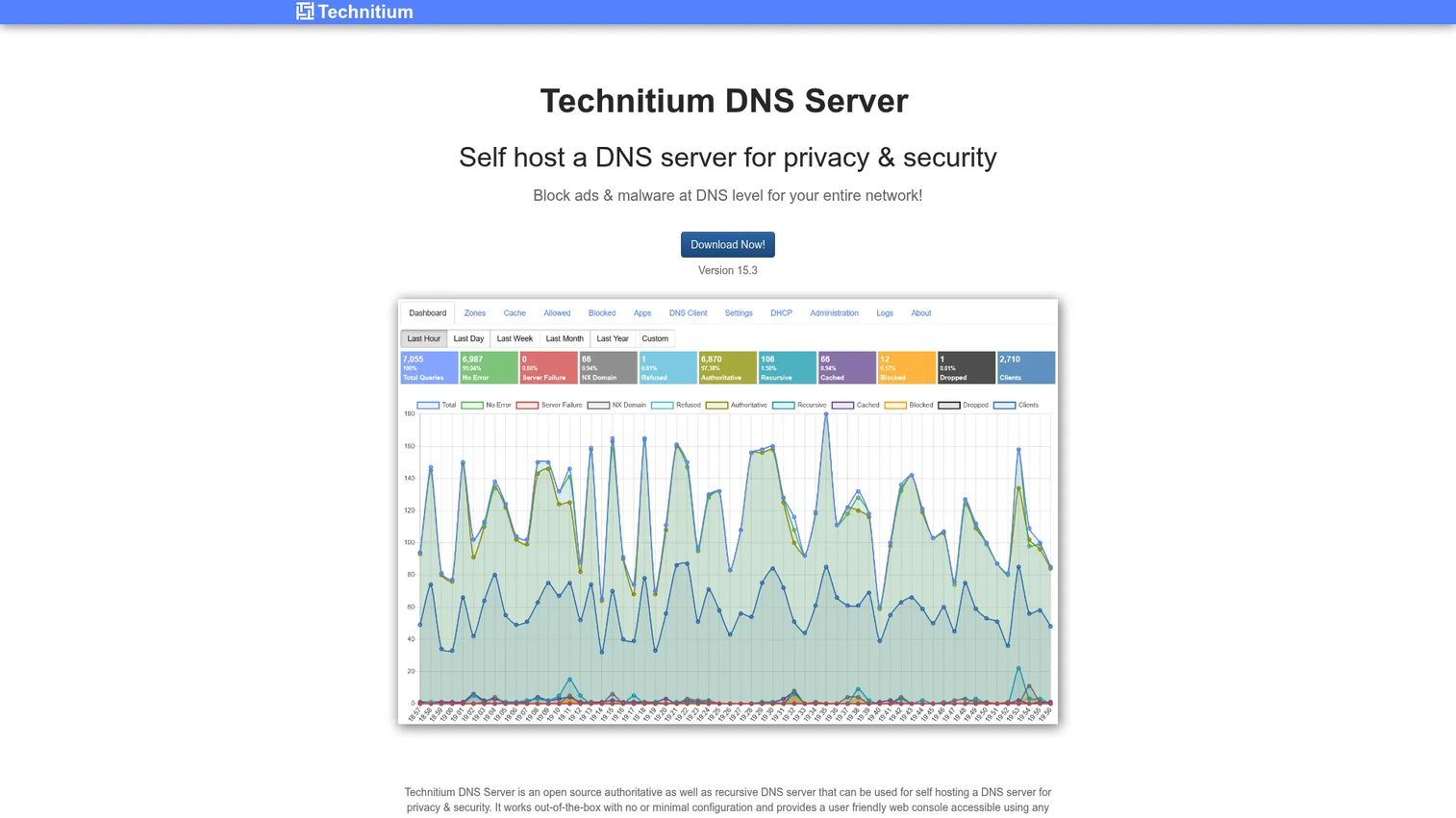
Technitium DNS Server is the modern self-hosted option that treats management as a first-class feature. It handles both authoritative and recursive roles, runs on Windows, Linux, macOS, and Raspberry Pi, and ships with a clean web UI that spares you the zone-file editing many older tools demand. That accessibility makes it popular for home labs, SMBs, and admins who want capable self-hosted DNS without a steep operational curve.
Best for: Teams or individuals needing a self-hosted DNS server with privacy, caching, and easy management.
Key strengths
- Clean management UI: A browser-based console for zones, records, and settings that lowers the barrier to competent DNS administration.
- Broad protocol support: DNS-over-TLS, DNS-over-HTTPS, and DNS-over-QUIC for encrypted DNS out of the box.
- Cross-platform reach: Runs anywhere from a Raspberry Pi to a Linux server, ideal for labs and small networks.
Why choose Technitium DNS Server: The management experience is the draw. If you want authoritative and recursive DNS with privacy controls and ad-blocking, but you do not want to hand-edit config files, Technitium closes that gap. It is a strong fit for teams that value fast setup and clear visibility over minimalism.
Technitium DNS Server pricing: Technitium DNS Server is free and open source, with no paid tiers listed on the official site. A verified G2 rating was not available at publish time.
6. DNSFilter
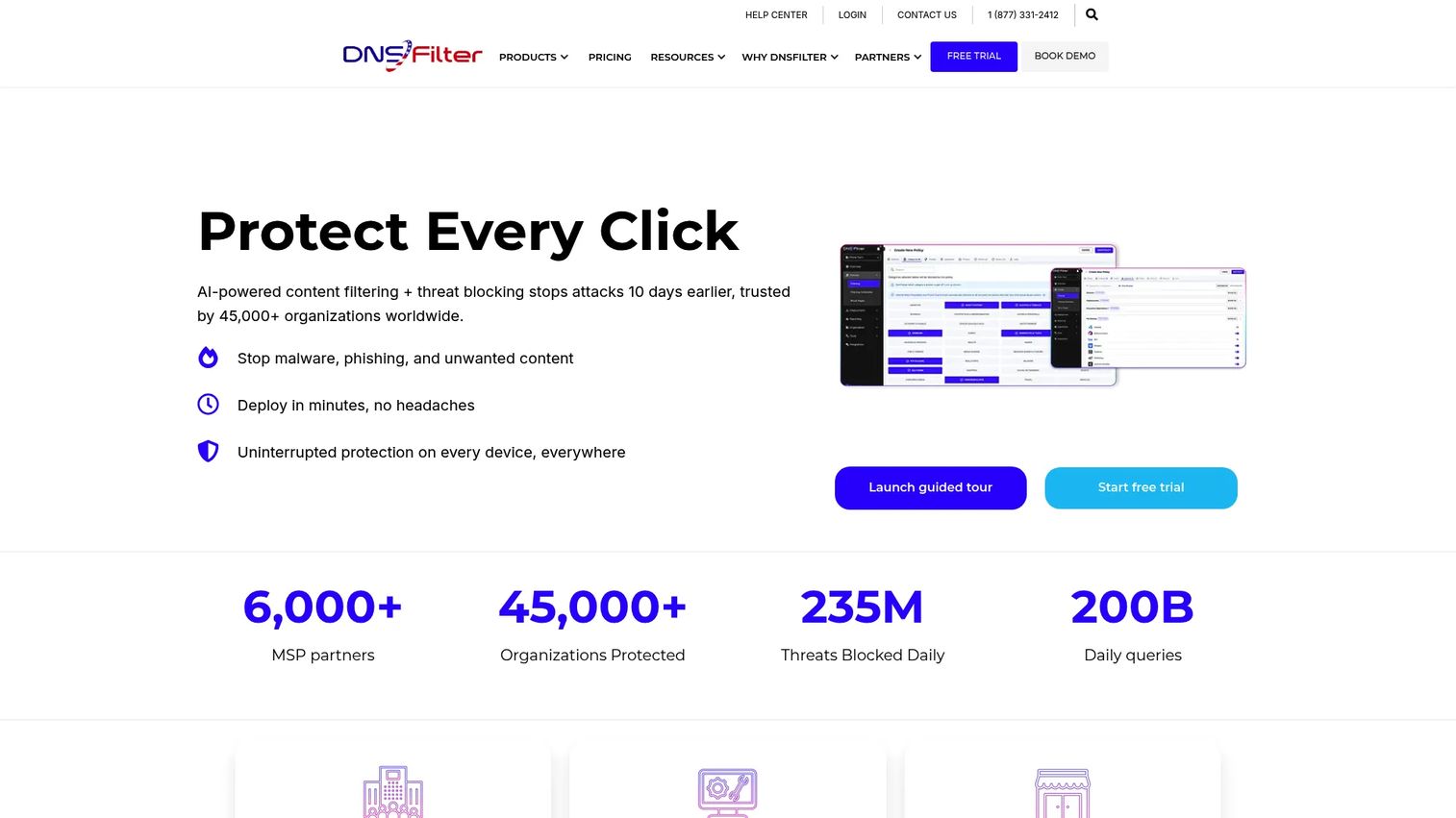
DNSFilter is a different animal from the rest of this list. It is not a general authoritative DNS server. It is a protective DNS and content filtering platform built to block threats and enforce policy at the resolution layer. For enterprises, MSPs, and any organization managing distributed devices, that DNS-layer network security is the whole value.
Best for: Organizations needing DNS-layer security and web or content filtering across managed devices.
Key strengths
- Real-time threat detection: Blocks phishing, malware, and malicious domains as queries happen, not after the fact.
- Content filtering: Category-based policy enforcement for acceptable-use across networks and roaming clients.
- Deployment flexibility: Roaming clients and network-level deployment protect remote users wherever they work, with DNSSEC and SIEM data export.
Why choose DNSFilter: If your problem is security and policy rather than publishing records, DNSFilter is purpose-built. It layers protective DNS onto whatever resolution you already run, giving you threat blocking, reporting, and policy enforcement without replacing your authoritative or recursive stack. Think of it as the security control that complements, rather than replaces, a full DNS server.
DNSFilter pricing: DNSFilter publishes three plans: Core at $1.00/license/month, Pro at $2.10/license/month, and Enterprise at $2.70/license/month, with monthly and annual options and per-plan minimums. It holds a 4.6/5 rating on G2.
7. MaraDNS
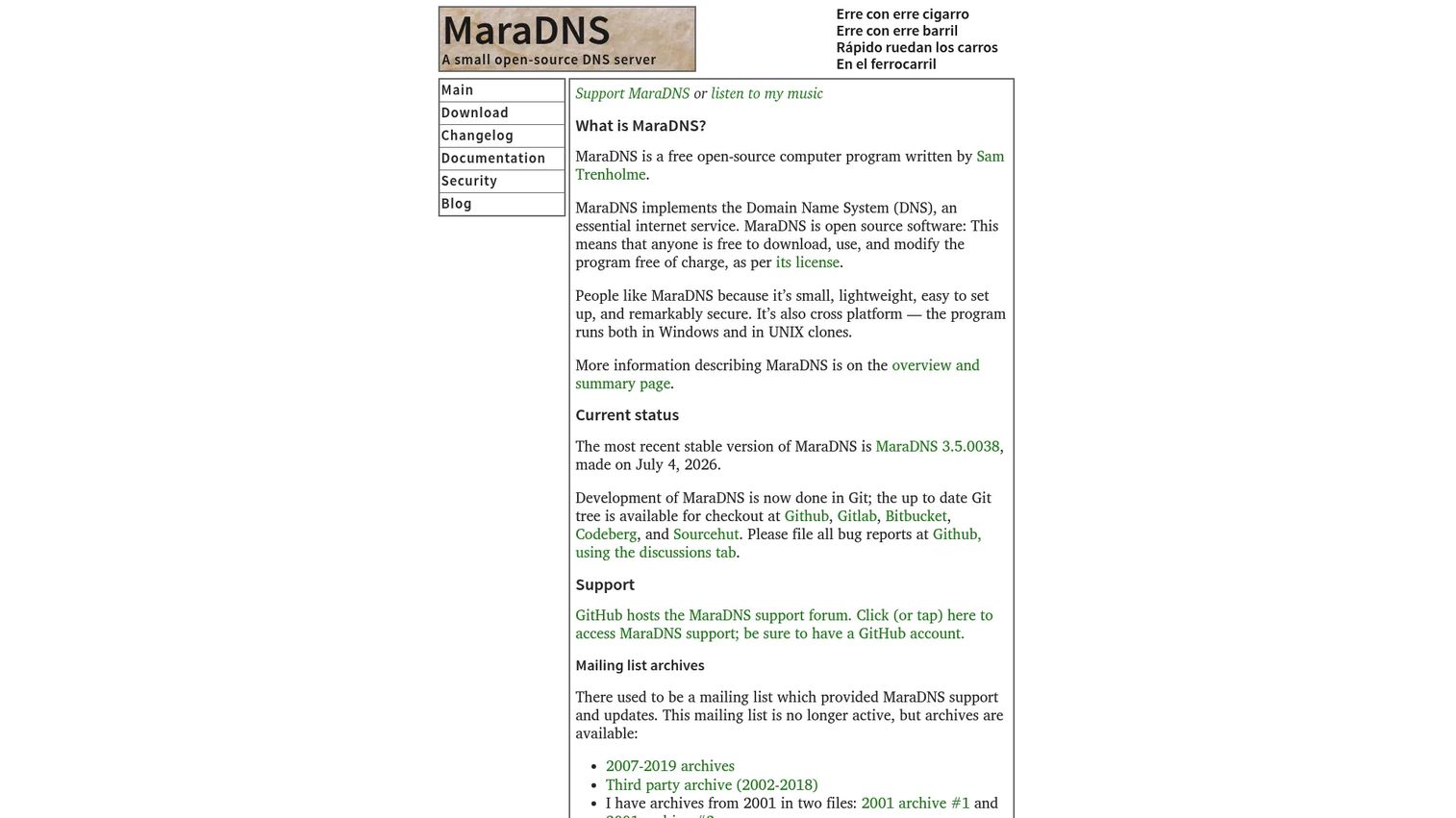
MaraDNS is the minimalist's DNS server. It is a small, lightweight, cross-platform open source DNS server released under a BSD license, with authoritative and recursive components that fit in a tiny binary and memory footprint. For users who value simplicity and transparency over feature breadth, that lean design is exactly the appeal.
Best for: Organizations needing a lightweight open-source DNS server for straightforward authoritative or recursive use.
Key strengths
- Tiny footprint: Small binary and low memory use, ideal for constrained environments and embedded systems.
- BSD-licensed: Permissive licensing with clear transparency around project status and support expectations.
- Cross-platform: Runs authoritative and recursive components across multiple operating systems.
Why choose MaraDNS: MaraDNS is for teams that want a DNS server they can fully understand and audit. It deliberately skips DNSSEC and heavier features in favor of a small, readable codebase suited to simpler deployments. If your requirements are modest and you prize a lean footprint, MaraDNS delivers without ceremony.
MaraDNS pricing: MaraDNS is free and open source under a BSD license, with no paid tiers. A verified G2 rating was not available at publish time.
8. NSD
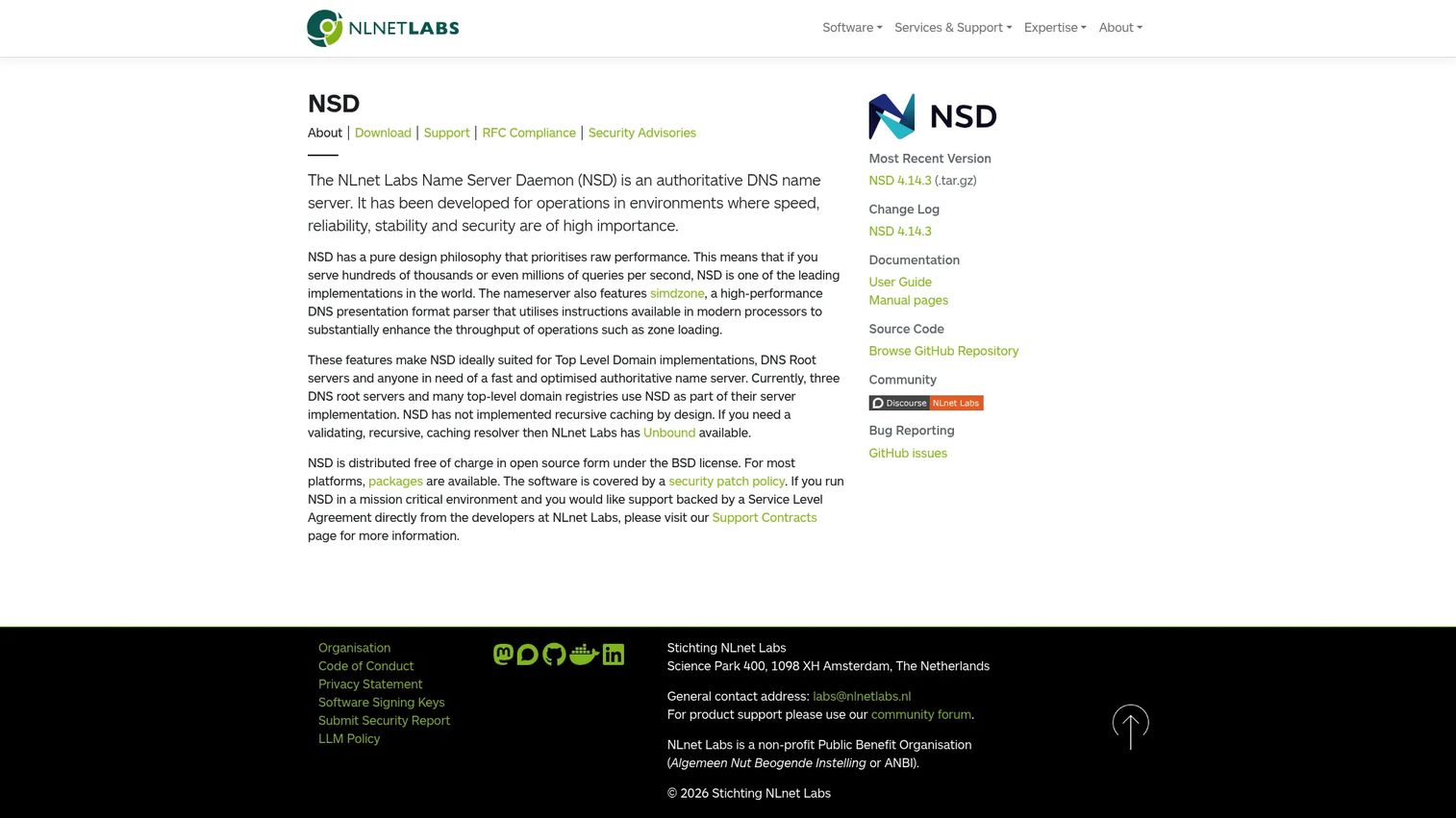
NSD is NLnet Labs' authoritative-only DNS name server, and the "only" is the design philosophy. NSD does not do recursion by choice. It focuses entirely on serving authoritative answers fast and reliably, which is why it powers several of the internet's root and top-level domain servers. When you want a lean authoritative nameserver without extra surface area, NSD is the answer.
Best for: Organizations needing a fast, stable authoritative DNS server.
Key strengths
- Authoritative focus: Purpose-built as an authoritative nameserver with no recursive caching by design.
- High performance: Engineered to handle large query volumes with consistent, predictable behavior.
- Small attack surface: By excluding recursion, it keeps the codebase lean and the security footprint minimal.
Why choose NSD: NSD pairs naturally with a recursive resolver like Unbound, giving you a clean split between publishing and resolving. That separation is a best practice in high-stakes deployments: the authoritative server never resolves, and the resolver never publishes. If you run authoritative DNS at scale and want performance plus a minimal footprint, NSD is a proven choice.
NSD pricing: NSD is free and open source under a BSD license. NLnet Labs offers Gold, Silver, and Bronze professional support levels, with pricing available on request. A verified G2 rating was not available at publish time.
Considerations before you choose
Picking DNS server software is less about features and more about matching the tool to the job and your team's operational reality. Run through this checklist before committing.
Authoritative versus recursive fit
Decide which job you are actually solving. If you publish records for owned domains, you need an authoritative DNS server like NSD, BIND, or PowerDNS. If you resolve for internal users, you need a recursive resolver like Unbound or CoreDNS. Many teams run both, using separate tools for each role to keep responsibilities clean.
Security and DNSSEC support
If DNSSEC, encrypted DNS, or threat filtering matter, verify support explicitly. BIND, PowerDNS, Unbound, and Technitium handle DNSSEC and encrypted transports; MaraDNS intentionally does not. For protective DNS and content filtering, DNSFilter is built for exactly that. Match the security model to your compliance and threat requirements.
Support and licensing model
Open source is free to run, but production reliability often means paying for support. BIND, PowerDNS, Unbound, and NSD all offer commercial support contracts. Confirm the response times and service levels you can get before an incident, not during one.
Operational complexity
Consider your team's comfort with configuration. BIND and PowerDNS reward deep expertise with fine-grained control. Technitium offers a UI-driven path for faster setup. CoreDNS fits teams already fluent in cloud-native tooling. Choose the operational model your team can maintain, the same way you would vet affiliate marketing software or ai recruiting software for real adoption.
Conclusion
There is no universal best DNS software, only the best fit for a specific role. Choose by job first, then by support model and operational complexity.
For broad familiarity and flexibility, BIND remains the dependable default. For modular enterprise DNS at scale, PowerDNS and its dnsdist layer lead. In cloud-native environments, CoreDNS is effectively the standard. For secure recursive resolution, Unbound is hard to beat. When your priority is protective DNS and filtering, DNSFilter is purpose-built. And for lean, focused deployments, NSD covers authoritative serving while MaraDNS and Technitium DNS Server handle self-hosted needs.
Map your requirement to one of the three jobs, publishing, resolving, or securing, and the shortlist narrows fast. The teams that get DNS right treat it as infrastructure worth deliberate choices, not a default to inherit. Start there, and the rest follows.
FAQs
DNS software is the server-side software that answers Domain Name System queries. It either publishes the authoritative records for domains you own or resolves names on behalf of clients, translating human-readable names into IP addresses and back. It underpins nearly every website load, email delivery, and API call on the internet.
An authoritative DNS server holds the definitive records for a zone you own and gives the final answer for those domains. A recursive DNS server resolves queries on behalf of clients by walking the DNS hierarchy and caching results. In short, authoritative servers publish DNS, while recursive resolvers consume it.
It depends on the threat you are addressing. For DNSSEC and encrypted DNS on your resolver, Unbound and PowerDNS are strong choices. For blocking malicious domains and enforcing content policy across devices, DNSFilter is purpose-built as a protective DNS and filtering platform.
Yes. BIND, PowerDNS, Unbound, and NSD run some of the internet's largest and most critical DNS infrastructure. Many organizations pair the free open-source software with a commercial support contract to guarantee response times and service levels for production incidents.
CoreDNS is the standard for Kubernetes. It ships as the default cluster DNS and service discovery layer, and its plugin architecture lets you compose exactly the behavior your cluster needs. For container-native teams, it integrates directly into the orchestration stack.
If you publish authoritative records and want to protect users from spoofing and cache poisoning, DNSSEC is worth enabling. Most modern DNS server software, including BIND, PowerDNS, Unbound, and Technitium, supports it. Lightweight tools like MaraDNS intentionally omit it for simpler deployments.
Yes. BIND, PowerDNS, Technitium DNS Server, and MaraDNS can serve both roles. That said, many security-conscious teams deliberately separate the two, pairing an authoritative server like NSD with a recursive resolver like Unbound to keep responsibilities and attack surfaces distinct.
Start with the job: authoritative publishing, recursive resolution, or protective filtering. Then evaluate security features like DNSSEC and encrypted DNS, the licensing and commercial support model, and whether the operational complexity matches your team's expertise. Match the tool to the role first, and cost and complexity fall into place.