Your brainstorming session produced three sticky notes and a headache.
Ideas scattered across docs, whiteboards, and chat threads don't become plans on their own. Mind mapping software - also called brain mapping software or a mind map maker - gives those ideas a structure: a visual, branching hierarchy that connects concepts and makes complex thinking navigable.
We tested and compared 20 mind mapping tools across core features, AI capabilities, collaboration, integrations, export options, and pricing to help you find the right fit. Each tool was evaluated by building a real project mind map with 50+ nodes to assess performance, UX, and feature depth. What's new in 2026: AI-powered idea generation has moved from novelty to table stakes, real-time collaboration is now available in most free tiers, and the best tools connect directly to your existing project management stack.
The comparison table below gives you a quick snapshot. Scroll down for in-depth reviews of each tool.
What's inside
This guide covers the 20 best mind mapping software tools for 2026, with honest evaluations of features, pricing, collaboration quality, and AI capabilities. You'll find a scannable comparison table, individual tool reviews organized by use case, a trends section, and a decision guide that tells you exactly which tool fits your situation.
Tools were selected based on feature depth, user base size, free tier quality, and coverage across the major use cases: personal productivity, team collaboration, project management, education, and enterprise strategy.
TL;DR
- Best overall for power users: Xmind - deepest feature set, multiple map structures, strong offline support
- Best for team collaboration: Miro - real-time co-editing, 300+ integrations, used by millions of teams
- Best free mind mapping software: Coggle - unlimited public maps on the free plan, collaboration included
- Best for beginners: MindMeister - lowest learning curve, clean interface, solid free tier
- Best for enterprise: MindManager - most feature-rich, deep Microsoft integration, premium pricing
- Best AI-powered free option: GitMind - AI map generation included in the free tier
What is mind mapping software?
Mind mapping software is a digital tool that helps you visually organize ideas, concepts, and information in a branching, hierarchical structure radiating from a central topic. It's the digital equivalent of a whiteboard covered in connected bubbles - but searchable, shareable, and exportable.
Common use cases include brainstorming sessions, project planning, note-taking, studying, and strategic planning. The terms "mind map software," "mind map maker," "mind map creator," and "brain mapping software" all refer to the same category of application mind mapping tools.
Modern mindmap software ranges from lightweight browser tools to enterprise platforms with Gantt charts, AI assistants, and deep integrations with project management systems.
Quick comparison table: 20 best mind mapping tools at a glance
Here's a snapshot of every tool we reviewed. Scroll down for in-depth analysis of each.
| # | Tool | Best For | Starting Price | Platform | AI Features | Real-Time Collab |
|---|---|---|---|---|---|---|
| 1 | Xmind | Professional-grade maps | Free; Pro from $4.99/mo | Web, Mac, Win, Linux, iOS, Android | Yes (Copilot) | Limited |
| 2 | Miro | Team collaboration | Free; Starter from $8/user/mo | Web, Desktop, Mobile | Yes | Yes |
| 3 | MindMeister | Ease of use | Free (3 maps); Pro from $6/user/mo | Web, iOS, Android | Limited | Yes |
| 4 | Coggle | Free simple projects | Free; Awesome from $5/mo | Web only | No | Yes |
| 5 | Ayoa | Mind maps + task management | Free; Ultimate from $10/user/mo | Web, Mac, Win, iOS, Android | Yes | Yes |
| 6 | MindNode | Apple users | Free; Plus from $2.49/mo | Mac, iOS, iPad | No | No |
| 7 | ClickUp | Project managers | Free; Unlimited from $7/user/mo | Web, Desktop, Mobile | Yes (Brain) | Yes |
| 8 | Lucidchart | Diagramming power users | Free (limited); Individual from $9/mo | Web | No | Yes |
| 9 | FigJam | Design teams | Free for Figma users; from $3/editor/mo | Web, Desktop | Yes | Yes |
| 10 | Mindomo | Education | Free (3 maps); Premium from $6/mo | Web, Win, Mac, iOS, Android | No | Yes |
| 11 | MindManager | Enterprise strategy | From $99/user/yr (Essentials) | Win, Mac, Web | Limited | Yes |
| 12 | Canva | Visual presentations | Free; Pro from $15/mo | Web, Desktop, Mobile | Yes | Yes |
| 13 | Mural | Facilitated workshops | Free (limited); Team+ from $9.99/user/mo | Web | Yes | Yes |
| 14 | GitMind | Free AI mind mapping | Free; Premium from $5.99/mo | Web, Win, Mac, iOS, Android | Yes | Yes |
| 15 | FreeMind | Open-source / offline | Free (open source) | Win, Mac, Linux | No | No |
| 16 | Microsoft Visio | Microsoft 365 enterprise | Visio Plan 1 from $5/user/mo | Web, Windows | No | Yes |
| 17 | Bubbl.us | Quick no-frills maps | Free (3 maps); Premium from $6/mo | Web only | No | Basic |
| 18 | MindMup | Google Drive users | Free; Gold from $2.99/mo | Web (Google Drive) | No | Via Google |
| 19 | Mind42 | Free collaborative maps | Free (ad-supported) | Web only | No | Yes |
| 20 | QuikFlow | AI workflow mind maps | Free tier available | Web | Yes | Basic |
How we evaluated these mind mapping tools
We tested each tool by building a real project mind map with 50+ nodes to evaluate performance, UX, and feature depth. Here's what we measured:
Core mind mapping features
Branch creation speed, node styling options, available layout types (radial, tree, org chart, fishbone, matrix, timeline), and template quality. How intuitive is the map-building experience for a first-time user vs. a power user?
AI capabilities
Does the tool offer AI-generated branches from prompts, auto-layout, summarization, or smart suggestions? We assessed whether AI features are genuinely useful or just marketing copy.
Collaboration and sharing
Real-time co-editing quality, commenting, permission controls, and presentation mode. Specifically: how well does it work for distributed teams on a video call?
Integrations and export
Connections with project management tools (Jira, Asana, Trello), communication tools (Slack, Teams), and storage (Google Drive, OneDrive). Export formats tested: PDF, PNG, SVG, Markdown, OPML.
Pricing and free tier value
Is the free plan genuinely usable, or does it gate the features that matter? We assessed value-for-money at each paid tier.
Platform availability and offline access
Web, desktop (Mac/Windows/Linux), mobile (iOS/Android), and whether the tool works without an internet connection.
The 20 best mind mapping software tools for 2026
Here's our in-depth review of each tool, organized by what it does best.
1. Xmind - best for professional-grade mind maps
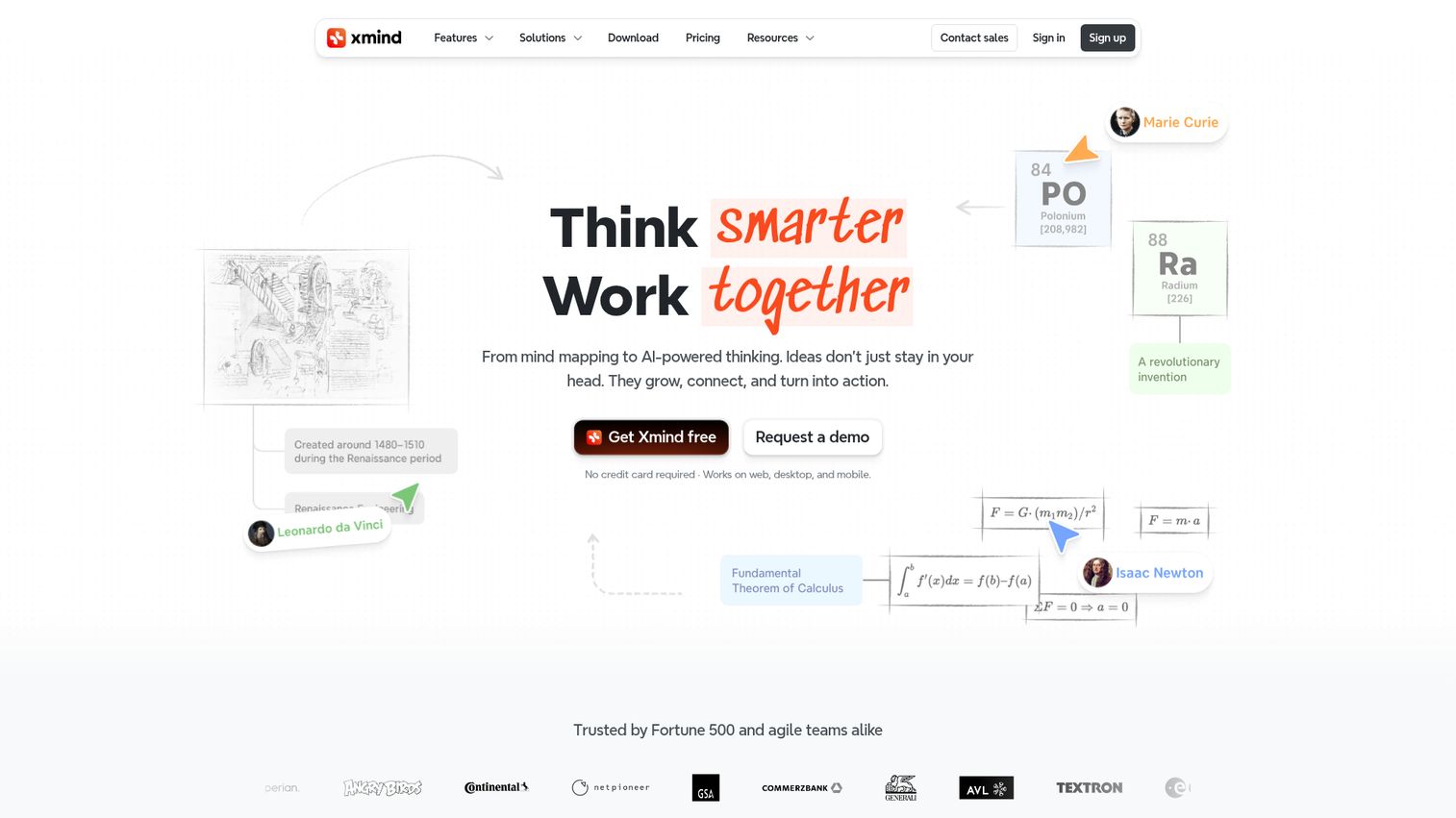
Xmind is the most feature-complete dedicated mind mapping tool available, with the widest range of map structures and the most polished desktop experience in the category.
It's the tool that appears in more competitor reviews than any other - cited across three of the four top-ranking pages for this keyword - and for good reason. Xmind offers eight distinct map structures including fishbone diagrams, matrix layouts, logic charts, timelines, and org charts, which no other tool on this list matches in breadth. The 2026 addition of Xmind Copilot brings AI-powered brainstorming directly into the map-building workflow: you can generate branches from a topic prompt, summarize content, and auto-organize cluttered maps.
Zen mode strips the interface to just your map for distraction-free thinking. Pitch mode converts any map into a presentation without leaving the app.
The honest trade-off: collaboration features lag behind web-first tools like Miro and MindMeister. If your team needs to co-edit in real time while on a call, Xmind isn't the strongest choice. But for individual professionals who want the deepest, most polished mind mapping experience available, it's the clear pick.
Best for: Individual professionals and power users who want the most feature-rich mind mapping experience.
Key strengths
- Eight map structure types including fishbone, matrix, and timeline
- Xmind Copilot AI for branch generation and map summarization
- Zen mode and Pitch mode for focused work and presentations
- Strong offline support across Mac, Windows, Linux, iOS, and Android
- Excellent export options including PDF, SVG, Word, and Markdown
Pricing: Free tier available with limitations. Pro plan from $4.99/month (billed annually).
2. Miro - best for team collaboration and visual thinking
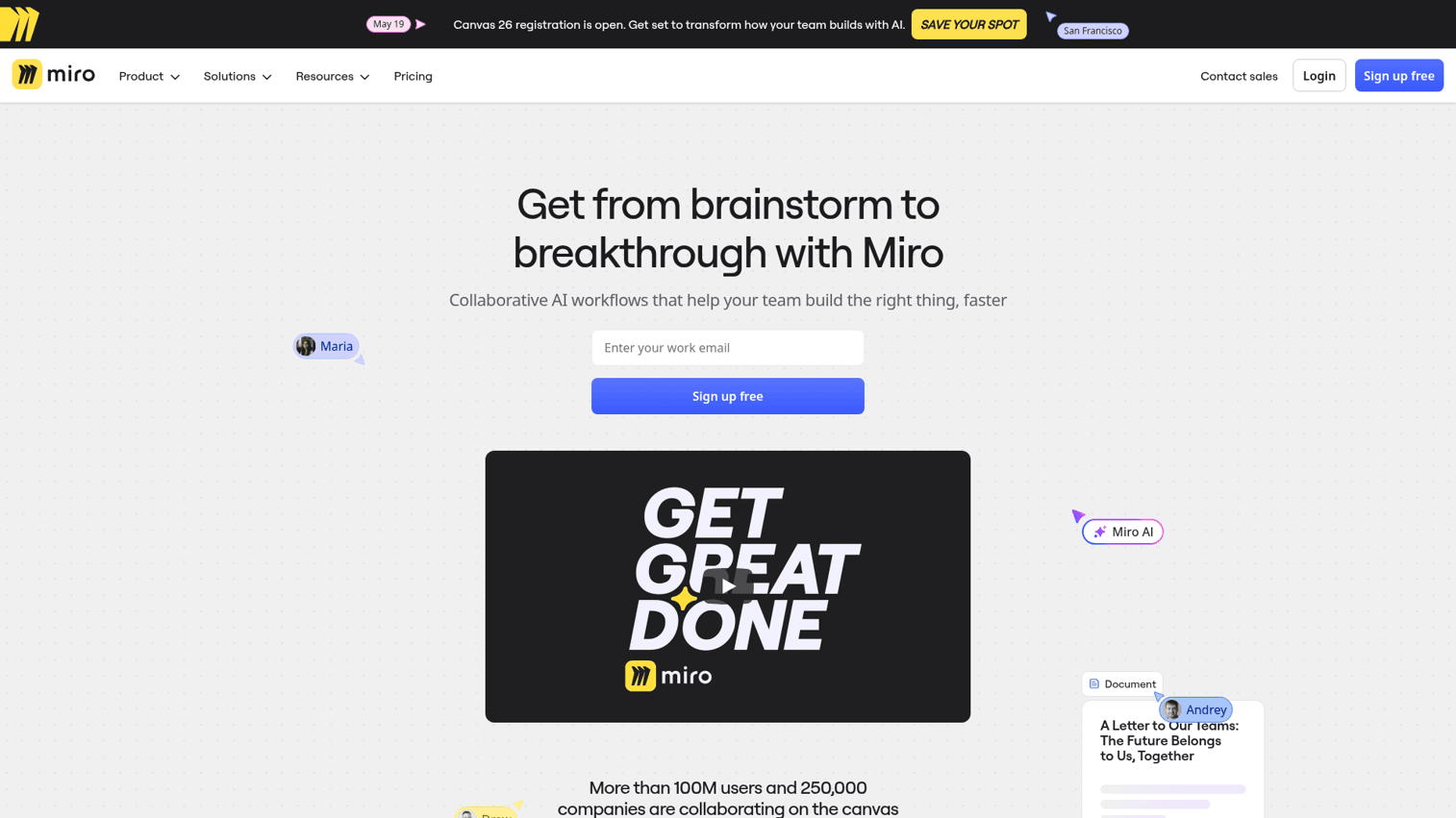
Miro is an infinite-canvas collaboration platform used by millions of teams worldwide, with mind mapping as one of its core use cases alongside whiteboards, flowcharts, and retrospectives.
Mind mapping in Miro works differently from dedicated tools. You're not constrained to a single map structure - you can mix mind map branches with sticky notes, images, voting widgets, and embedded documents on the same canvas. The AI clustering feature automatically groups related sticky notes into themes, which is useful after a large brainstorming session. With 300+ integrations covering Jira, Slack, Asana, Google Workspace, Microsoft Teams, and more, Miro connects to virtually any team workflow.
The free tier gives you three editable boards, which is enough to evaluate the tool but limiting for ongoing use.
The honest trade-off: Miro is a broad platform, not a deep mind mapping tool. You won't find keyboard-driven branch creation, outline view, or OPML export here. If mind mapping is your primary activity, a dedicated tool will serve you better. If mind mapping is one of many things your team does together, Miro's collaboration depth is hard to match.
Best for: Teams that need mind mapping as part of a broader visual collaboration workflow.
Key strengths
- Real-time co-editing with built-in video chat, commenting, and voting
- AI-powered idea clustering and content generation
- 300+ integrations with project management and communication tools
- Massive template library covering mind maps, retrospectives, and design thinking
- Free tier with three editable boards
Pricing: Free tier (3 boards). Starter plan from $8/user/month (billed annually).
3. MindMeister - best for ease of use and getting started quickly
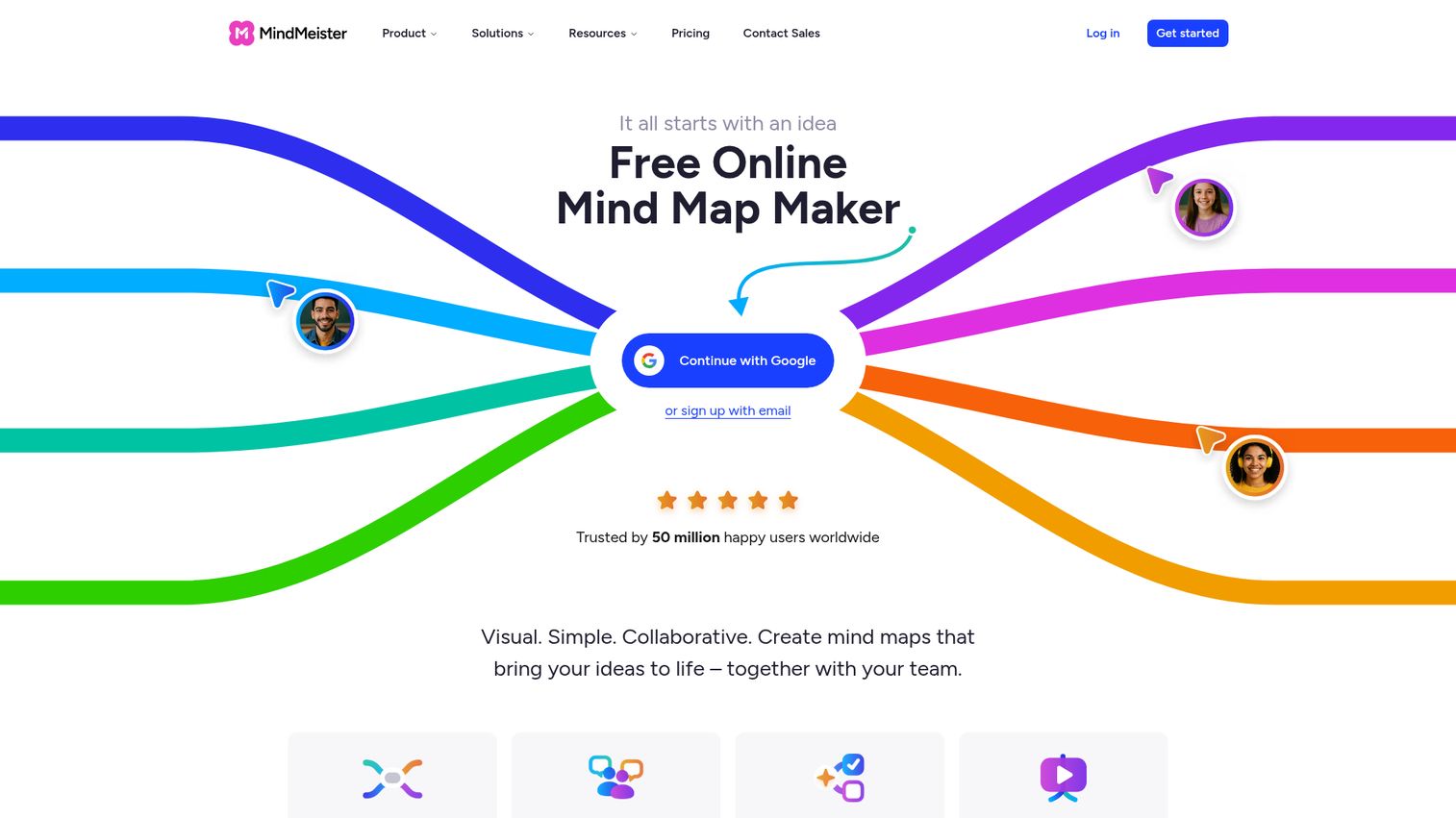
MindMeister is the tool you recommend to someone who's never made a mind map before. It has the lowest learning curve of any tool on this list, with a drag-and-drop editor that feels immediately intuitive.
The free tier allows up to three maps, which is enough to build a habit before committing to a paid plan. Real-time collaboration, comments, and @mentions are all available without upgrading. The built-in presentation mode converts any mind map into a slideshow in one click - no export required. The standout integration is MeisterTask: you can convert mind map nodes directly into task cards, creating a workflow from brainstorm to execution without switching tools.
The honest trade-off: MindMeister supports primarily radial map layouts, so if you need fishbone diagrams or matrix views, look elsewhere. There's no desktop app, and export options are locked behind paid plans.
Best for: Beginners and teams who want the lowest learning curve in the category.
Key strengths
- Drag-and-drop editor with near-zero learning curve
- Real-time co-editing, comments, and @mentions on all plans
- Built-in presentation mode converts maps to slideshows instantly
- Direct MeisterTask integration for brainstorm-to-task workflows
- Free tier with up to three maps
Pricing: Free (3 maps). Personal from $6/user/month, Pro from $10/user/month (billed annually).
4. Coggle - best free mind mapping tool for simple projects
Coggle is the honest answer to "what's the best free mind mapping software?" Most tools claim to be free but gate the features that matter. Coggle's free tier includes unlimited public diagrams, real-time collaboration, and change history - no credit card required.
The interface is clean and fast. You can start a new map and have branches flowing within 30 seconds. Multiple starting points let you create maps that branch from more than one central node, which is useful for comparing options or mapping parallel workstreams. Markdown notes and image uploads add context to individual nodes without cluttering the visual.
The honest trade-off: Coggle is web-only with no desktop or mobile app. Styling and customization options are limited compared to Xmind or MindMeister. There are no AI features. Private maps require a paid plan. For students, freelancers, and anyone who needs a free tool that genuinely works for simple projects, it's the strongest option in the category.
Best for: Students, freelancers, and anyone who wants a free mind map tool that doesn't gate the essentials.
Key strengths
- Unlimited public diagrams on the free plan
- Real-time collaboration included in the free tier
- Multiple starting points for non-linear maps
- Markdown notes and image upload on nodes
- Change history for tracking edits over time
Pricing: Free (unlimited public maps). Awesome plan from $5/month. Organization plan from $8/user/month.
5. Ayoa - best for combining mind maps with task management
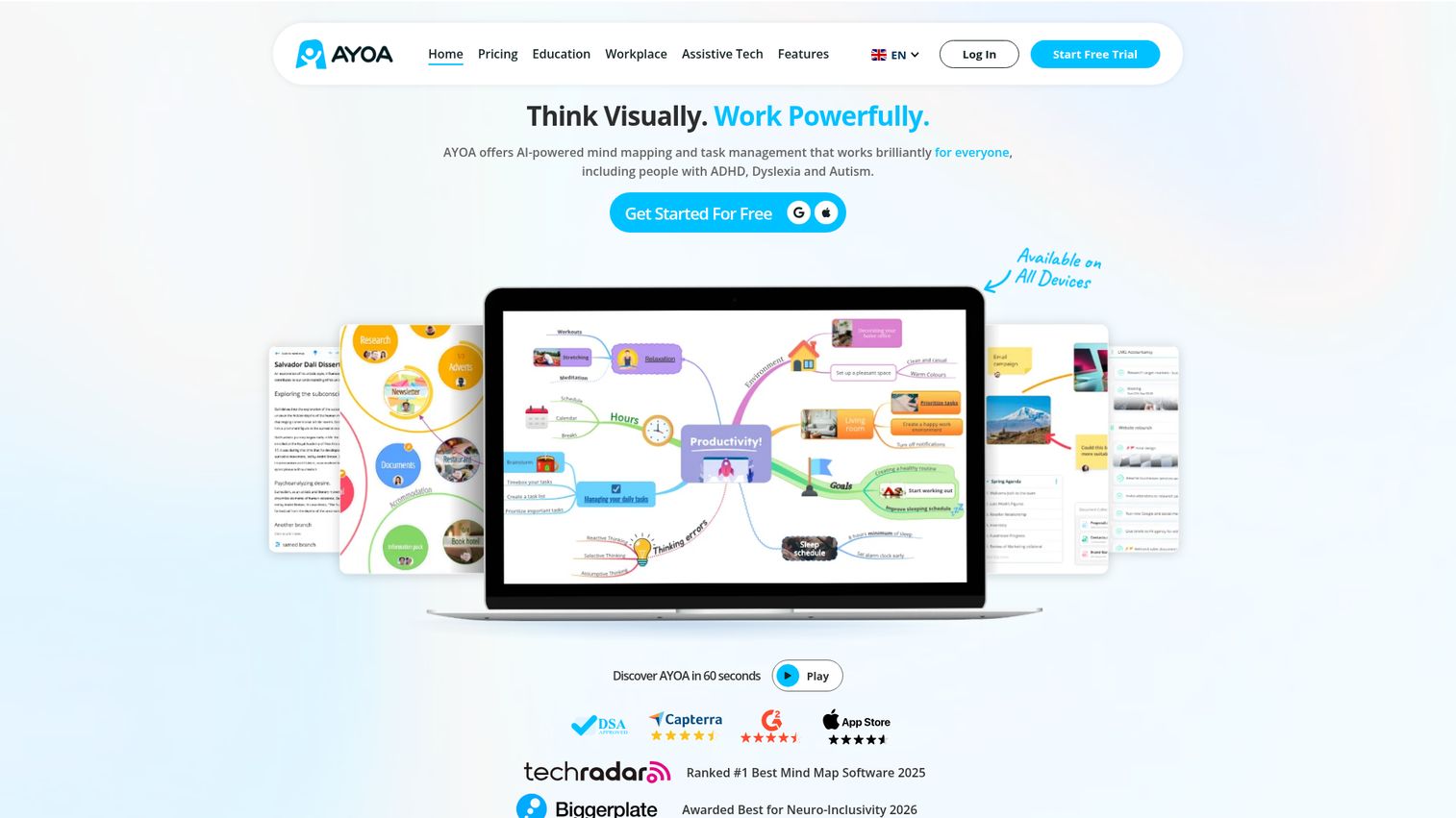
Ayoa is the only tool on this list that converts mind map nodes directly into task cards with a single click. It bridges the gap between brainstorming and execution in one platform, combining organic mind maps, Kanban boards, and Gantt charts.
The organic mind map style is visually distinctive - branches curve and flow rather than sitting at rigid angles, which some users find more natural for creative thinking. AI idea generation suggests related branches as you build, helping you push past the obvious connections. Task assignment, due dates, and team chat are all built in, so you can move from "here's the plan" to "here's who owns what" without leaving the app.
The honest trade-off: the hybrid workflow creates a steeper learning curve than a pure mind mapping tool. The interface can feel cluttered when you're using multiple views simultaneously. Pricing is higher than dedicated mind mapping tools - you're paying for the task management layer. If you only need mind maps, Xmind or MindMeister will cost less and do it better.
Best for: Teams that want to go from brainstorming to execution in a single tool.
Key strengths
- One-click conversion of mind map nodes to task cards
- Organic, curved branch style for natural creative thinking
- AI idea generation for branch suggestions
- Built-in Kanban boards and Gantt charts
- Good mobile apps on iOS and Android
Pricing: Free tier available. Ultimate plan from $10/user/month (billed annually).
6. MindNode - best mind mapping app for Apple users
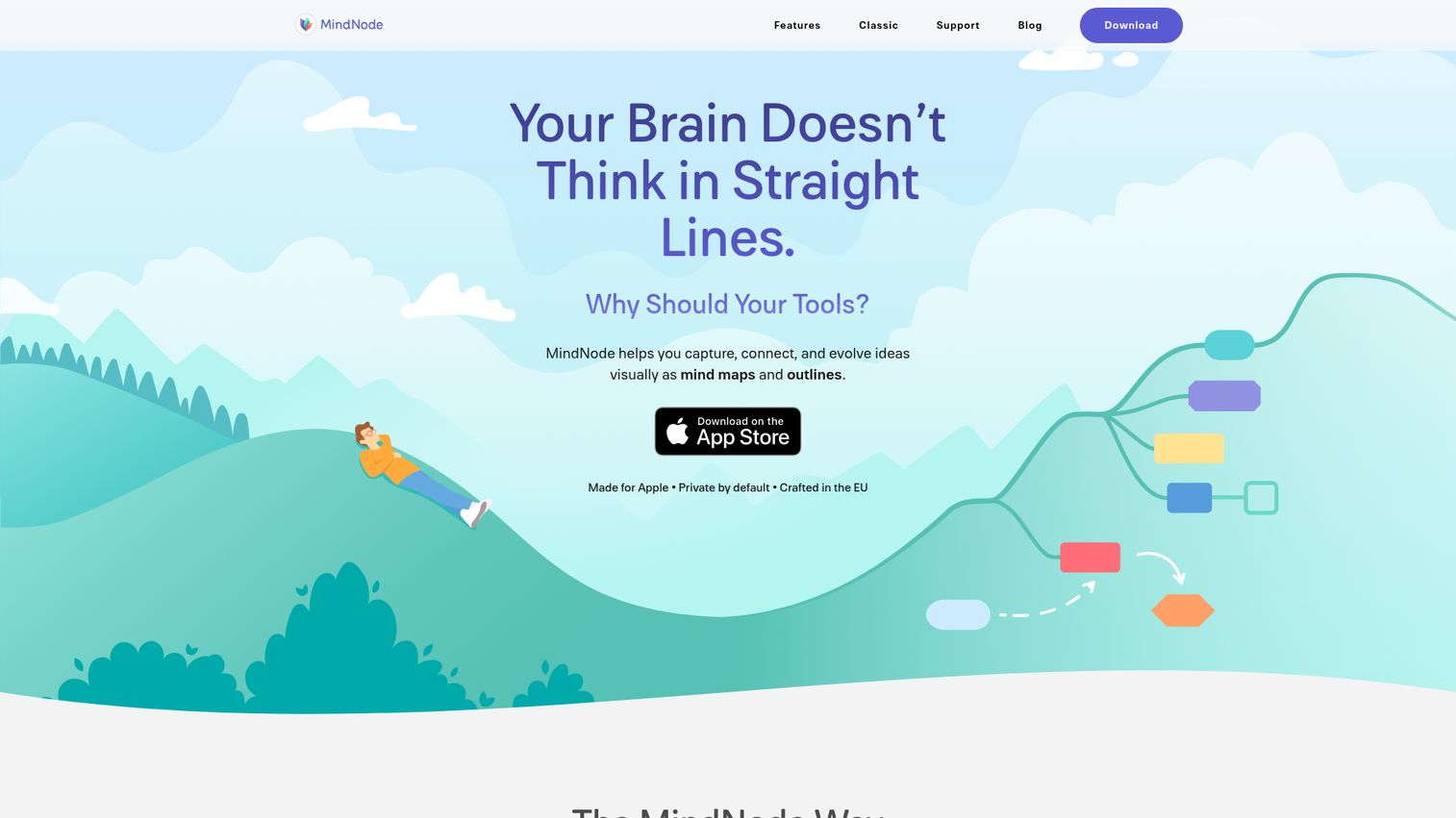
MindNode is an Apple-native mind mapping app built specifically for Mac, iPhone, iPad, and Apple Watch. If you're in the Apple ecosystem, it's arguably the best personal mind mapping experience available.
iCloud sync keeps your maps consistent across all your Apple devices without any configuration. The Focus mode dims everything except the branch you're actively working on, which helps when maps get large and complex. Quick entry lets you capture ideas from the Apple Watch and have them appear in your maps automatically. Visual tags, stickers, and themes make maps genuinely pleasant to look at. The outline view lets you switch between visual and text-based thinking without losing any content.
Be clear about the limitation before going further: MindNode has no Windows version, no Android app, and no web access. If anyone on your team uses a non-Apple device, this tool doesn't work for collaboration.
Best for: Apple users who want a native, beautifully designed personal mind mapping tool.
Key strengths
- Best-in-class Apple ecosystem integration with iCloud sync
- Focus mode for working on complex maps without distraction
- Apple Watch quick capture for ideas on the go
- Outline view for switching between visual and text thinking
- Offline-first with no account required for basic use
Pricing: Free (basic features). MindNode Plus from $2.49/month (billed annually).
7. ClickUp - best for project managers who need mind maps built in
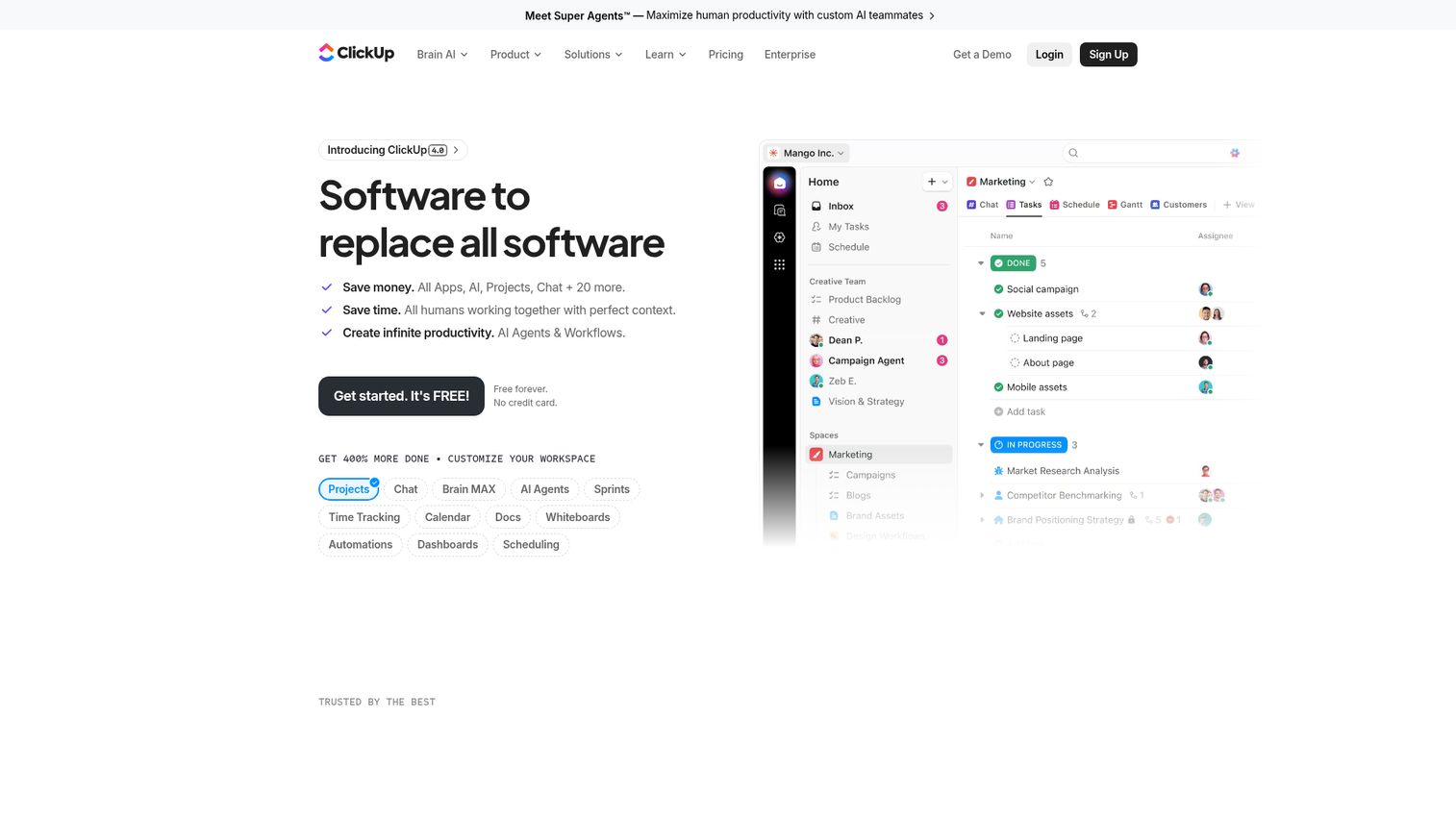
ClickUp is an all-in-one project management platform where mind mapping is a native feature connected directly to your tasks, projects, and docs.
If you already use ClickUp, the mind map feature is free and integrated - nodes connect to real tasks, so your brainstorm becomes actionable without any manual transfer. ClickUp Brain, the platform's AI assistant, can generate mind map content, summarize documents, and suggest next steps. The free tier is genuinely generous, with unlimited tasks and 100MB of storage.
The honest trade-off: ClickUp's mind mapping features are basic compared to dedicated tools. You won't find multiple map structures, Zen mode, or advanced export options. The full platform has a steep learning curve, and it can run slowly on large workspaces. If you don't already use ClickUp for project management, switching to it just for mind maps doesn't make sense - pick a dedicated tool instead.
Best for: Teams already using ClickUp for project management who want mind mapping without an additional subscription.
Key strengths
- Mind maps connected directly to tasks and project data
- ClickUp Brain AI assistant for content generation and summaries
- 15+ views including List, Board, Gantt, and Calendar
- Generous free tier with unlimited tasks
- Full team collaboration across all features
Pricing: Free tier available. Unlimited plan from $7/user/month (billed annually).
8. Lucidchart - best for diagramming power users
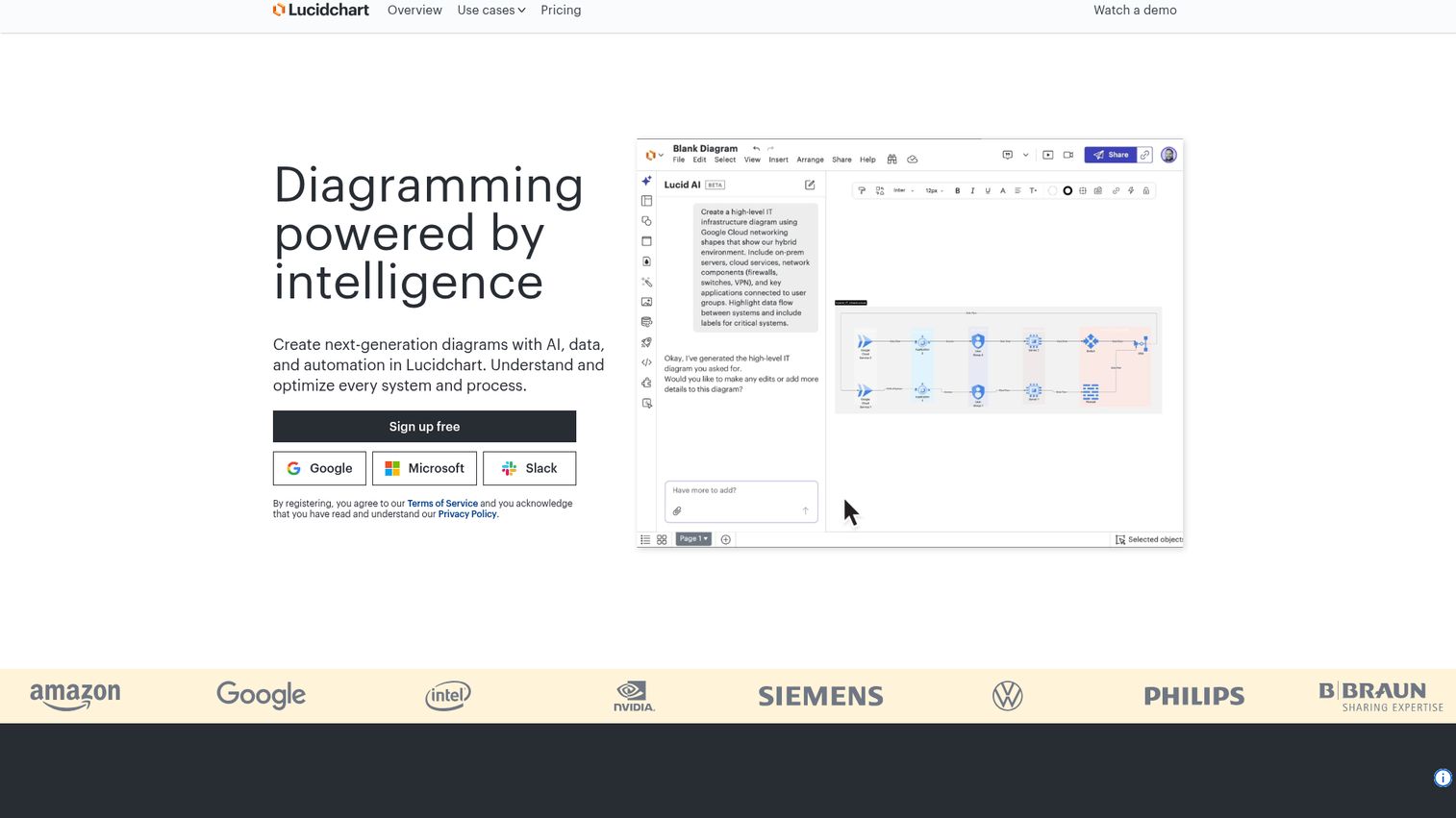
Lucidchart is a professional diagramming platform where mind mapping is one capability among many, alongside flowcharts, org charts, ERDs, network diagrams, and process maps.
If you need mind maps alongside other diagram types in a single tool, Lucidchart is the strongest option. The diagramming engine is the most powerful on this list, with extensive shape libraries, data linking, and auto-layout. Visio import and export means you can bring existing diagrams into Lucidchart without rebuilding them. The Lucidspark companion product handles brainstorming-specific use cases with a more visual, whiteboard-style interface. Enterprise features include team spaces, version history, and deep integrations with Google Workspace, Microsoft 365, Confluence, and Jira.
The honest trade-off: mind mapping is secondary to diagramming here. The interface feels complex for simple maps, and the free tier is limited to three editable documents. If mind mapping is your primary use case, a dedicated tool will give you a better experience at a lower price.
Best for: Users who need mind maps alongside flowcharts, org charts, and other technical diagrams.
Key strengths
- Most powerful diagramming engine in the category
- Visio import and export for migration from Microsoft tools
- Data linking to connect diagrams to live data sources
- Deep integrations with Google Workspace, Microsoft, and Confluence
- Enterprise-grade team spaces and version history
Pricing: Free (3 documents). Individual from $9/month. Team plans from $10/user/month (billed annually).
9. FigJam - best for design teams and Figma users
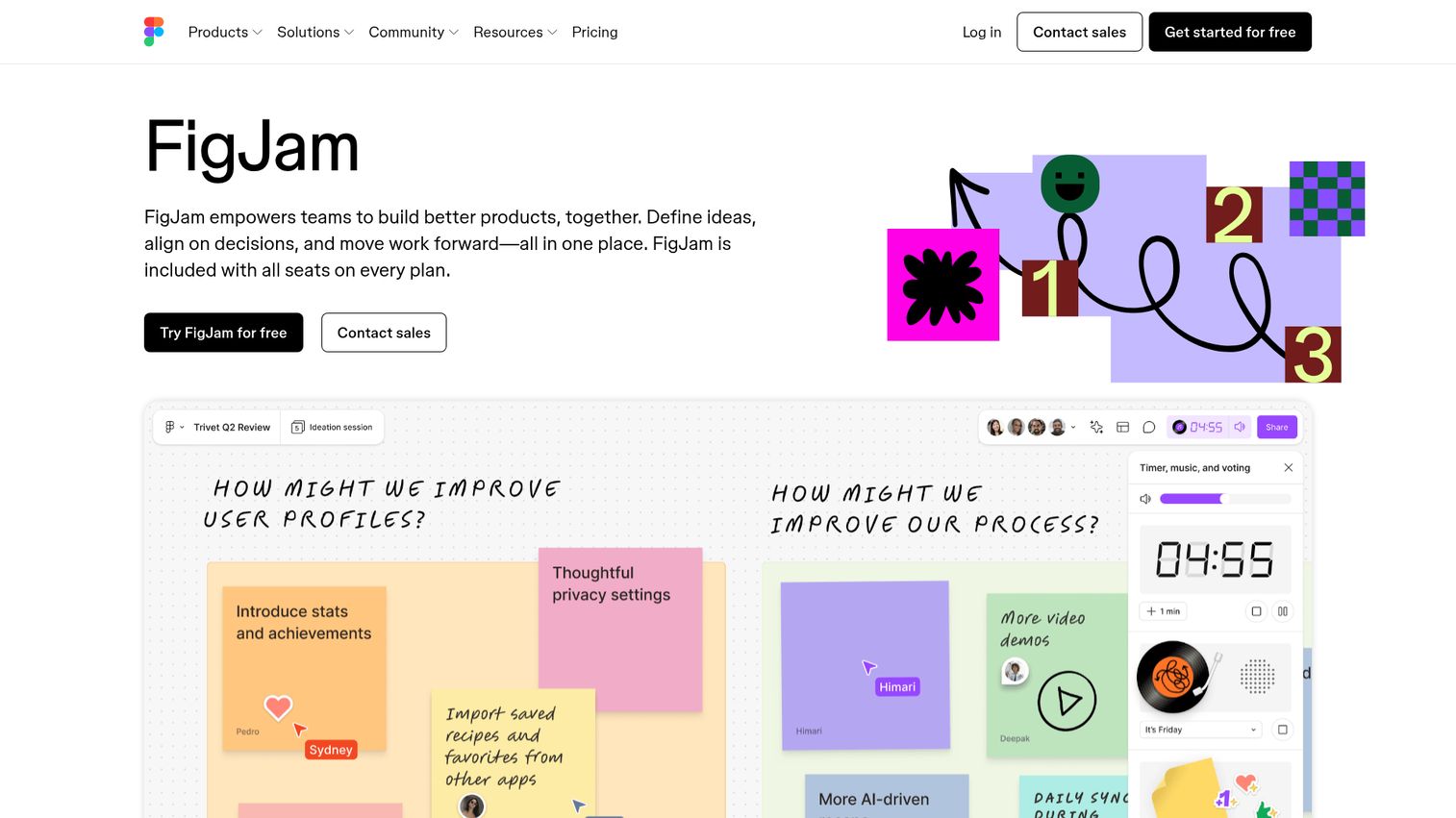
FigJam is Figma's collaborative whiteboard tool, and it's the natural choice for design teams who already live in the Figma ecosystem.
Mind mapping in FigJam is informal and flexible - you're working on an open canvas with shapes, connectors, sticky notes, and stamps rather than a structured branching tool. That's not a weakness for design teams; it matches how they think. The tight Figma integration means you can move from a FigJam brainstorm directly into a Figma design file without context switching. Collaboration features are genuinely fun: audio chat, cursor chat, emoji reactions, voting, and timers make remote workshops feel more human. AI features help generate ideas and organize content automatically.
The honest trade-off: FigJam is a whiteboard with mind mapping capabilities, not a dedicated mind map tool. You won't find structured map layouts, outline view, or OPML export. For anyone outside the Figma ecosystem, there are better options.
Best for: Design teams already working in Figma who want brainstorming and mind mapping in the same workflow.
Key strengths
- Tight integration with Figma design files
- Audio chat, cursor chat, and voting for engaging remote workshops
- AI-powered idea generation and content organization
- Stamps, stickers, and widgets for expressive collaboration
- Free for Figma Starter users
Pricing: Free for Figma Starter. Professional plan from $3/editor/month (billed annually).
10. Mindomo - best for education and classroom use
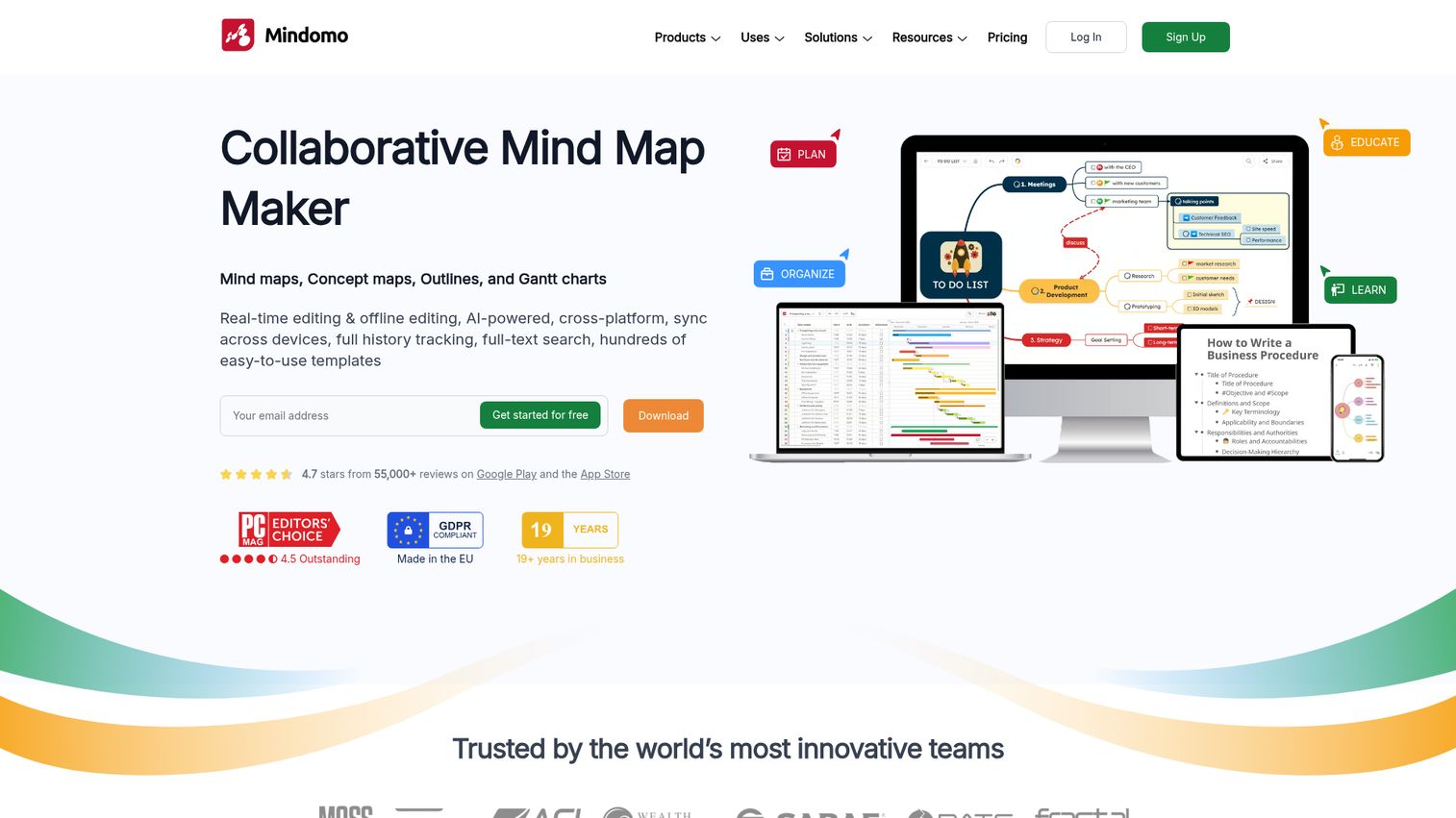
Mindomo is the only tool on this list with dedicated classroom features: assignment workflows, teacher-student account structures, and direct LMS integration with Google Classroom, Canvas, Moodle, and other platforms.
Beyond mind maps, Mindomo supports concept maps and outlines - which are distinct from mind maps and more appropriate for certain educational tasks like comparing theories or structuring arguments. Presentation mode lets students and teachers present directly from a map. The offline desktop app works on Windows and Mac, which matters in environments with unreliable internet. Group maps let multiple students collaborate on a shared assignment.
The honest trade-off: the UI feels dated compared to modern tools like Miro or MindMeister. The free tier is limited to three maps, which is restrictive for classroom use without a school license. For business or enterprise use, there are better-suited options on this list.
Best for: Educators, students, and training professionals who need classroom-specific features.
Key strengths
- Dedicated teacher-student workflows and assignment management
- LMS integration with Google Classroom, Canvas, and Moodle
- Concept map support alongside standard mind maps
- Offline desktop app for Windows and Mac
- Group maps for collaborative student assignments
Pricing: Free (3 maps). Premium from $6/month. Education pricing available for schools.
11. MindManager - best for enterprise and business strategy
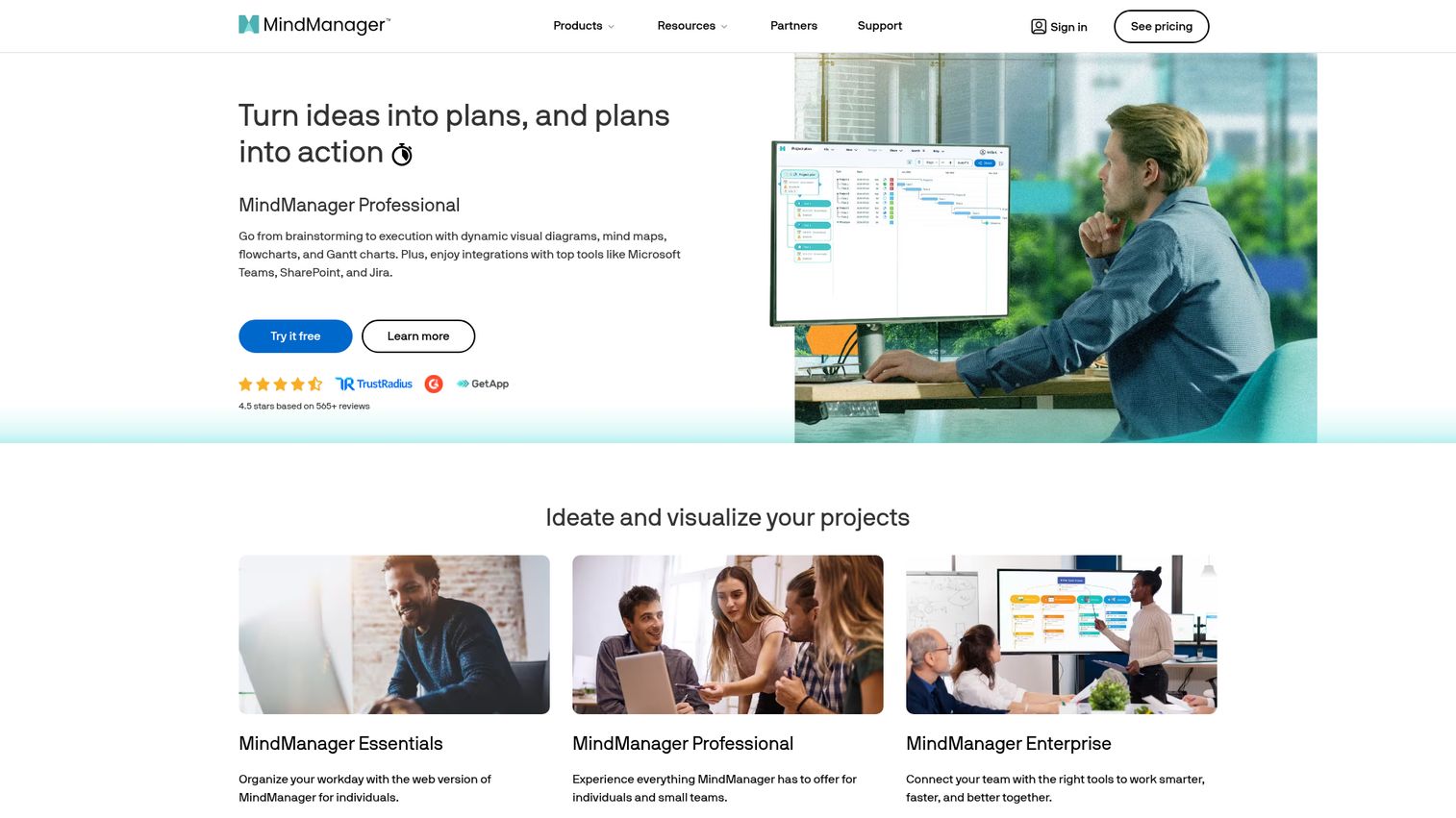
MindManager is the most feature-rich tool on this list. It's the choice for enterprise teams, business strategists, and project managers who need advanced visualization capabilities and deep Microsoft ecosystem integration.
MindManager goes well beyond mind mapping: Gantt charts, flowcharts, concept maps, priority tracking, progress indicators, and advanced filtering are all built in. Excel and Microsoft Project integration means you can import data directly into maps and export structured plans back out. SharePoint integration and co-editing support enterprise collaboration workflows. The breadth of features is genuinely impressive - this is a tool that can handle complex strategic planning, portfolio management, and business analysis.
The honest trade-off: there's no free tier. Pricing starts at $99/user/year for the Essentials plan, which is a significant commitment. The learning curve is steep - this isn't a tool you pick up in an afternoon. The UI feels enterprise-heavy compared to modern web-first tools. If you need everything it offers, it's worth the investment. If you need a simpler tool, it's overkill.
Best for: Enterprise teams, business strategists, and project managers who need the most advanced feature set available.
Key strengths
- Gantt charts, flowcharts, and concept maps built in alongside mind maps
- Deep Microsoft integration: Excel, Project, SharePoint, and Teams
- Priority tracking, progress indicators, and advanced filtering
- Co-editing and web publishing for team collaboration
- Most comprehensive export options on this list
Pricing: No free tier. Essentials from $99/user/year. Professional and Enterprise plans available.
12. Canva - best for visually stunning mind map presentations
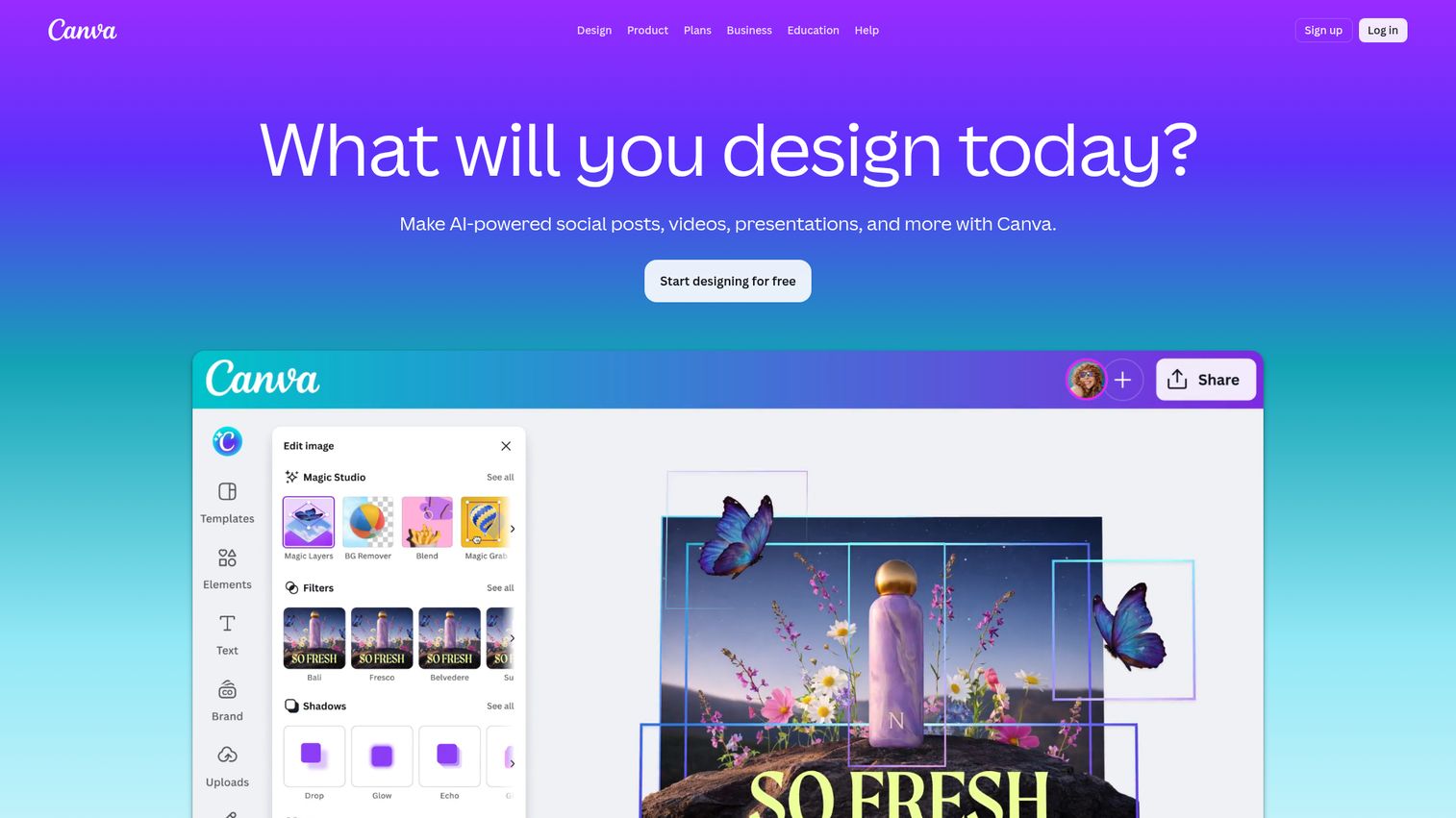
Canva is a design platform with mind map templates, not a dynamic mind mapping tool. That distinction matters - and it determines whether Canva is the right choice for you.
Canva mind maps are essentially designed graphics. They look polished, they're easy to customize with brand colors and fonts, and they're perfect for putting in a presentation, report, or social media post. The template library is enormous, and most people already have a Canva account. AI-powered design suggestions help non-designers produce professional-looking output quickly. Real-time collaboration and team folders make it workable for small teams.
The honest trade-off: Canva has no dynamic branching, no auto-layout, no keyboard shortcuts for fast node creation, and no export to text or outline formats. If you're brainstorming or trying to think through a complex problem, Canva is the wrong tool. If you've already done your thinking and need a beautiful mind map to share externally, it's excellent.
Best for: Marketers, presenters, and anyone who needs a polished mind map for external sharing.
Key strengths
- Thousands of mind map templates with professional design quality
- Brand kit integration for consistent visual output
- AI-powered design suggestions for non-designers
- Real-time collaboration and team folders
- Generous free tier with most templates accessible
Pricing: Free tier available. Canva Pro from $15/month. Canva for Teams from $10/user/month (billed annually).
13. Mural - best for facilitated workshops and design thinking
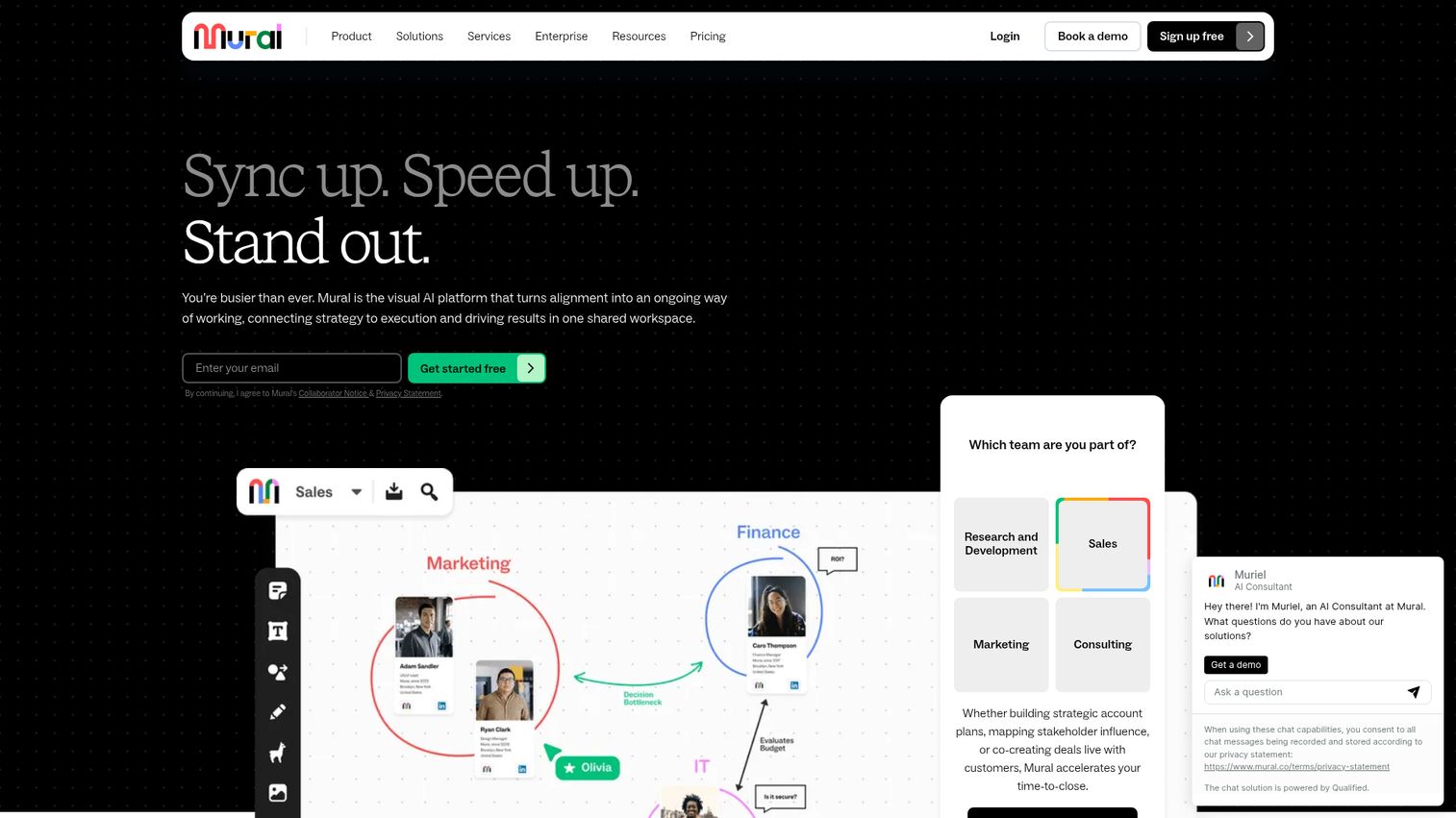
Mural is a digital workspace for visual collaboration that leans harder into facilitation than any other tool on this list - including Miro, which is its closest competitor.
The distinction between Mural and Miro is worth understanding before you choose. Miro is more general-purpose; Mural is built specifically for structured workshops and guided activities. Mural includes facilitation features like timers, private mode (participants submit ideas before seeing others'), voting, and structured frameworks for affinity diagrams, journey maps, and design thinking sprints. AI clustering organizes sticky notes automatically. Integrations with Microsoft Teams and Zoom let you run workshops directly inside video calls. Enterprise security features make it a viable option for regulated industries.
The honest trade-off: mind mapping is one use case among many in Mural. If you're not running structured workshops, you're paying for facilitation features you won't use. Pricing can be high for teams that only need occasional mind mapping.
Best for: Facilitators, UX researchers, and teams running structured workshops and design thinking sessions.
Key strengths
- Best facilitation features in the category: timers, private mode, voting
- Structured frameworks for affinity diagrams and design thinking
- AI clustering for automatic organization of sticky notes
- Deep integration with Microsoft Teams and Zoom
- Strong enterprise security and compliance features
Pricing: Free tier (limited). Team+ from $9.99/user/month (billed annually).
14. GitMind - best free AI-powered mind mapping tool
GitMind is the tool to try if you want AI-powered mind mapping without paying for it. The free tier includes AI map generation - you enter a topic or paste text, and GitMind builds a structured map automatically.
The AI output is a starting point, not a finished product. Generated maps tend to be broad rather than deep, and you'll typically need to edit and expand them. But for getting past a blank canvas quickly, it works. Beyond AI, GitMind supports multiple map structures, flowcharts, and OCR (image-to-mind-map conversion). The cross-platform coverage is solid: web, desktop on Windows and Mac, and mobile on iOS and Android. Real-time collaboration is available on the free plan.
The honest trade-off: GitMind is a relatively new tool with a smaller user base than established options. Some features feel rough around the edges, and the integration ecosystem is limited compared to Miro or ClickUp. AI output quality varies significantly depending on the topic and prompt quality.
Best for: Users who want to experiment with AI-powered mind mapping without a paid subscription.
Key strengths
- AI map generation from text or topic prompts on the free plan
- OCR feature converts images and documents into mind maps
- Multiple map structures including flowcharts and org charts
- Cross-platform: web, Windows, Mac, iOS, and Android
- Real-time collaboration included in the free tier
Pricing: Free (generous - AI features included). Premium from $5.99/month.
15. FreeMind - best open-source mind mapping software
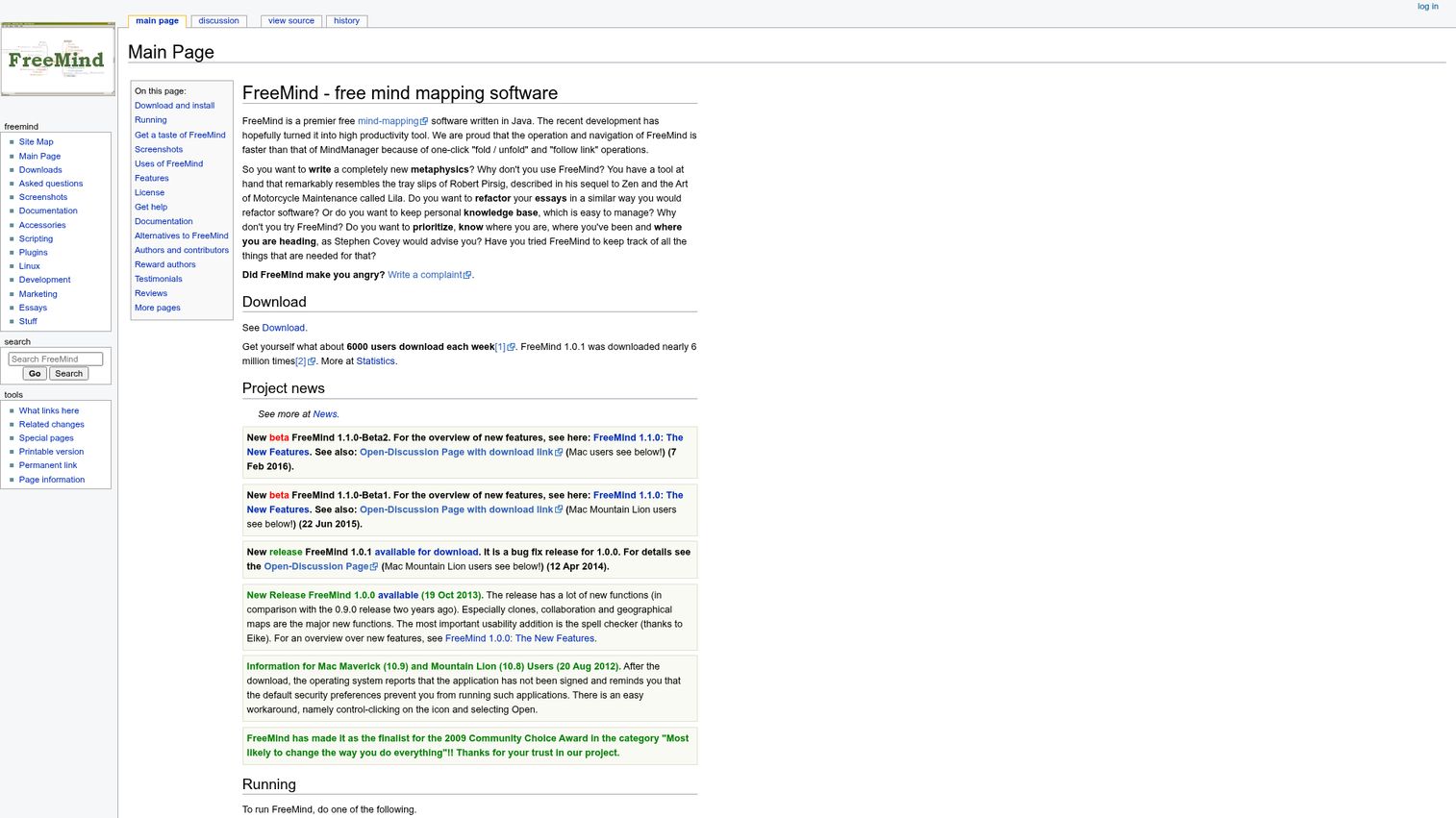
FreeMind has been around since 2000 and remains the definitive answer to "freeware mind mapping with no strings attached."
There's no account, no subscription, no cloud sync, and no data sharing. You install it, you open it, and you make mind maps. The XML-based file format is open and portable. Keyboard shortcuts make navigation fast once you learn them. Export to HTML, PDF, and PNG covers the basics. For users who want complete privacy, offline-first operation, and zero cost forever, FreeMind delivers on all three.
The honest trade-off: the UI is dated by roughly 15 years. There's no collaboration, no mobile app, no AI, and no cloud sync. Development is slow. If you need any modern features, FreeMind isn't the answer. But for a privacy-conscious user who wants a simple, permanent, cost-free mind mapping tool that works on Windows, Mac, and Linux, nothing else on this list competes on those specific terms.
Best for: Users who want a completely free, offline, privacy-first mind mapping tool with no account required.
Key strengths
- 100% free, open-source, no account or subscription required
- Works fully offline on Windows, Mac, and Linux
- No data sharing or cloud dependency
- Keyboard-driven navigation for fast map building
- Open XML file format for maximum portability
Pricing: Completely free (open source).
16. Microsoft Visio - best for Microsoft 365 enterprise users
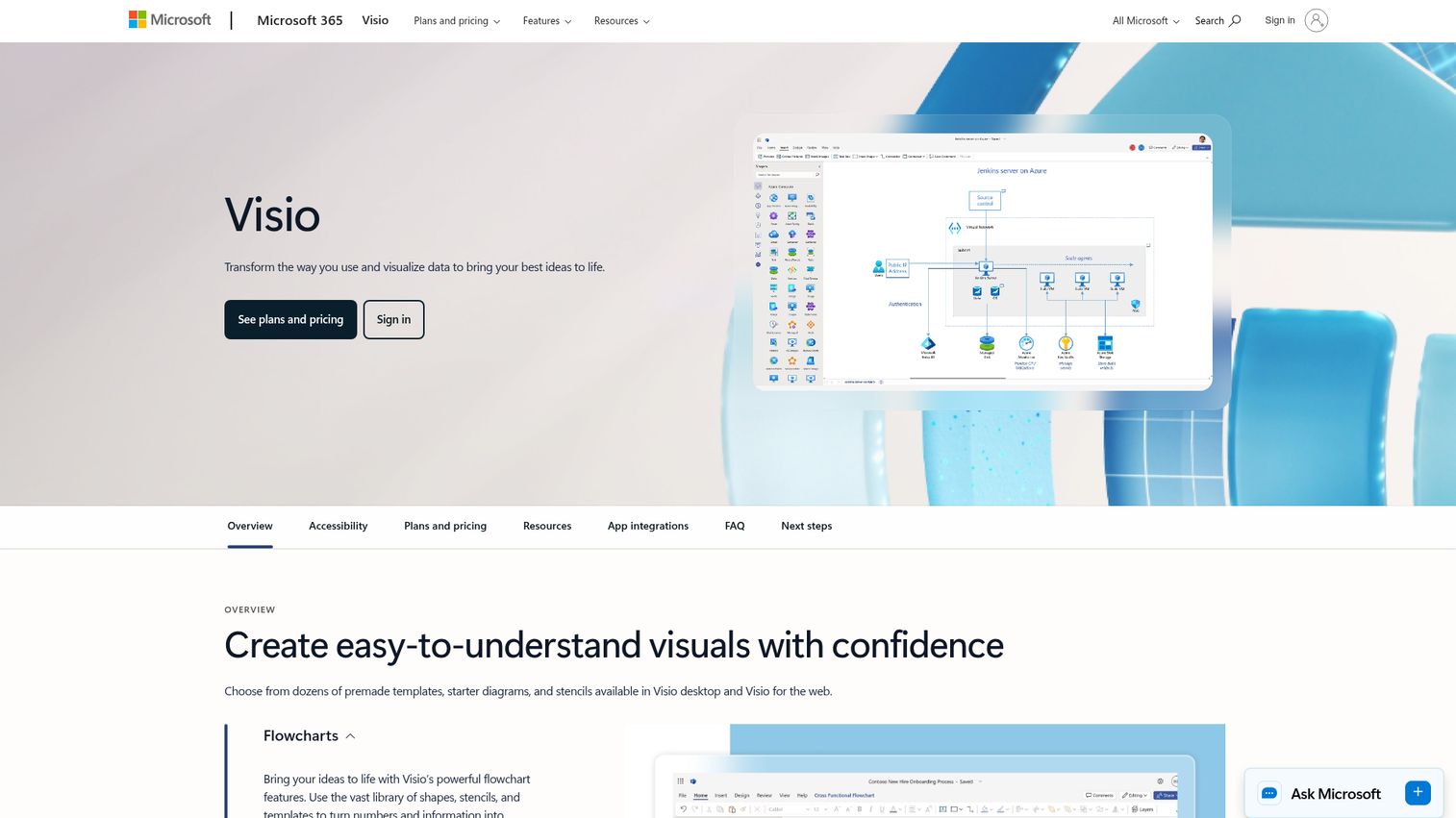
Microsoft Visio is a professional diagramming tool with mind mapping templates, and many enterprise users don't realize they may already have access to it through their Microsoft 365 plan.
Visio's strength is deep Microsoft integration: SharePoint, Teams, OneDrive, and co-authoring through Microsoft 365. The shape libraries are extensive, and the familiar Office interface reduces the learning curve for users already in the Microsoft ecosystem. For organizations that need mind mapping alongside process flows, org charts, and network diagrams - all within a Microsoft-governed environment - Visio is the path of least resistance.
The honest trade-off: there's no Mac desktop app, which is a significant limitation for mixed-device teams. Mind mapping is a secondary feature, not a core capability. Visio is expensive as a standalone purchase, and the web version (Visio for the web) has fewer features than the desktop app. For teams outside the Microsoft ecosystem, there are better and cheaper options.
Best for: Organizations already invested in Microsoft 365 that need mind mapping without adding a new vendor.
Key strengths
- Deep integration with SharePoint, Teams, OneDrive, and Microsoft 365
- Co-authoring through Microsoft 365 collaboration infrastructure
- Extensive shape libraries for diagrams beyond mind maps
- Familiar Office interface for Microsoft-native users
- Included in some Microsoft 365 enterprise plans
Pricing: Visio Plan 1 (web only) from $5/user/month. Visio Plan 2 (desktop + web) from $15/user/month.
17. Bubbl.us - best for quick, no-frills mind maps
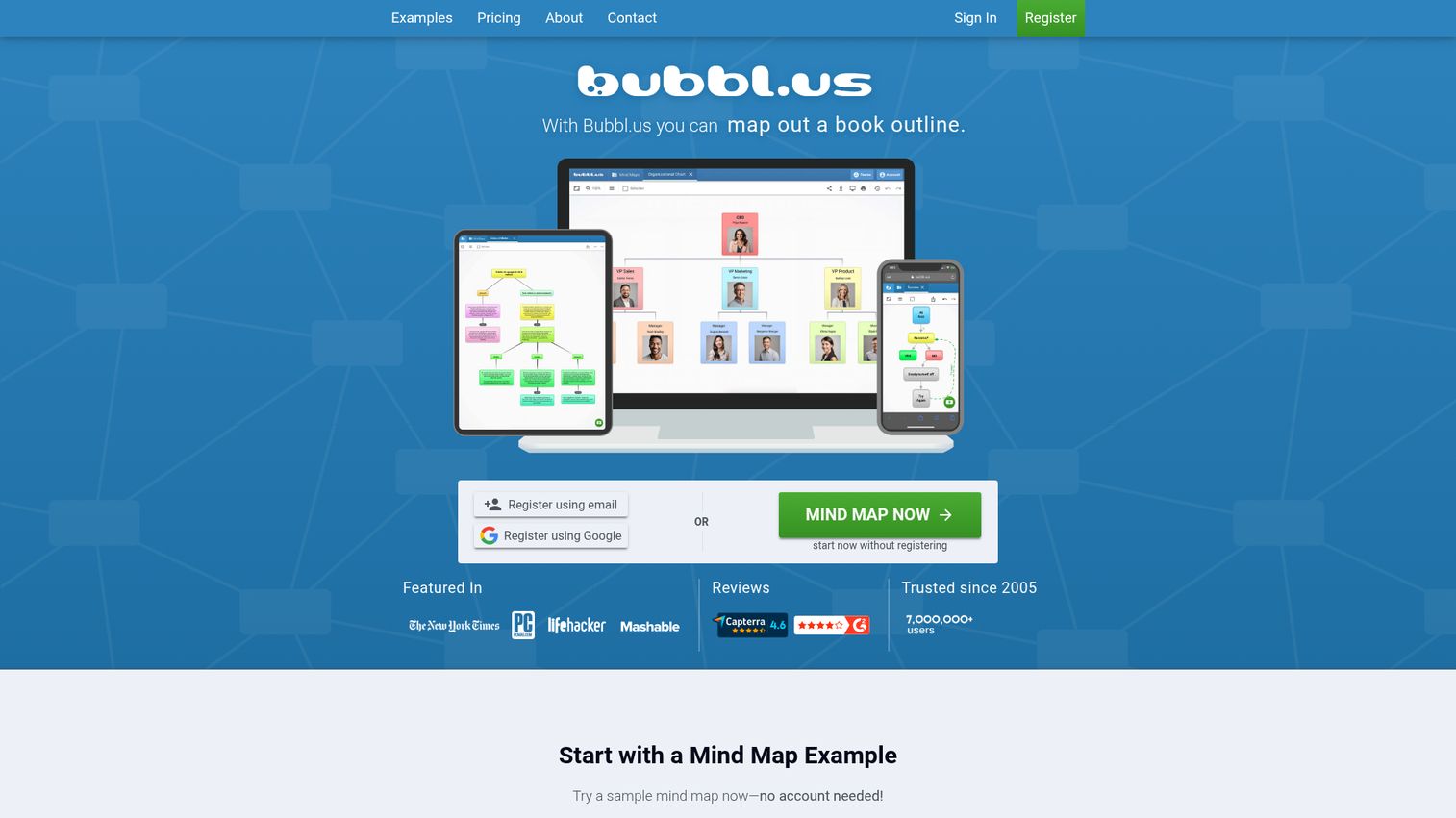
Bubbl.us is the napkin sketch of mind mapping tools. The entire value proposition is speed: open a browser tab, start typing, and have a color-coded mind map in under a minute.
There's no setup, no learning curve, and no feature overload. Color-coded branches help distinguish different threads visually. Export to image or text covers the basic use cases. Sharing via view or edit links is straightforward. For a quick brainstorm before a meeting or a fast idea capture that you'll refine later in a more capable tool, Bubbl.us does exactly what it promises.
The honest trade-off: Bubbl.us is limited in almost every dimension. No AI, no integrations, no desktop app, no mobile app, and basic export options. The free tier allows only three maps. If you need anything beyond a simple branching diagram, you'll hit a wall quickly.
Best for: Users who want the fastest possible path from idea to mind map with zero friction.
Key strengths
- Zero learning curve - start mapping in under 60 seconds
- Color-coded branches for visual organization
- Clean, distraction-free interface
- Export to image and text formats
- No installation required
Pricing: Free (3 maps). Premium from $6/month.
18. MindMup - best for Google Drive integration
MindMup is built around one core idea: mind maps that live in Google Drive alongside your other files.
If you work primarily in Google Workspace, MindMup fits naturally into your existing file management. Maps save directly to Drive, share through Google's permission system, and open like any other Drive file. Keyboard-driven editing makes map building fast once you learn the shortcuts. Storyboard mode converts maps into sequential presentations. No separate account is needed - you sign in with Google.
The honest trade-off: the UI is basic, styling options are limited, and there's no desktop or mobile app. Advanced features like unlimited maps and additional export formats require the Gold plan. If you don't live in Google Workspace, there's no compelling reason to choose MindMup over Coggle or MindMeister.
Best for: Google Workspace users who want mind maps stored and shared alongside their other Drive files.
Key strengths
- Native Google Drive save, open, and sharing
- No separate account required - sign in with Google
- Keyboard-driven editing for fast map building
- Storyboard mode for sequential presentations
- Free for basic use with no feature gates on core functionality
Pricing: Free (basic, via Google Drive). Gold plan from $2.99/month.
19. Mind42 - best for lightweight collaborative mind mapping
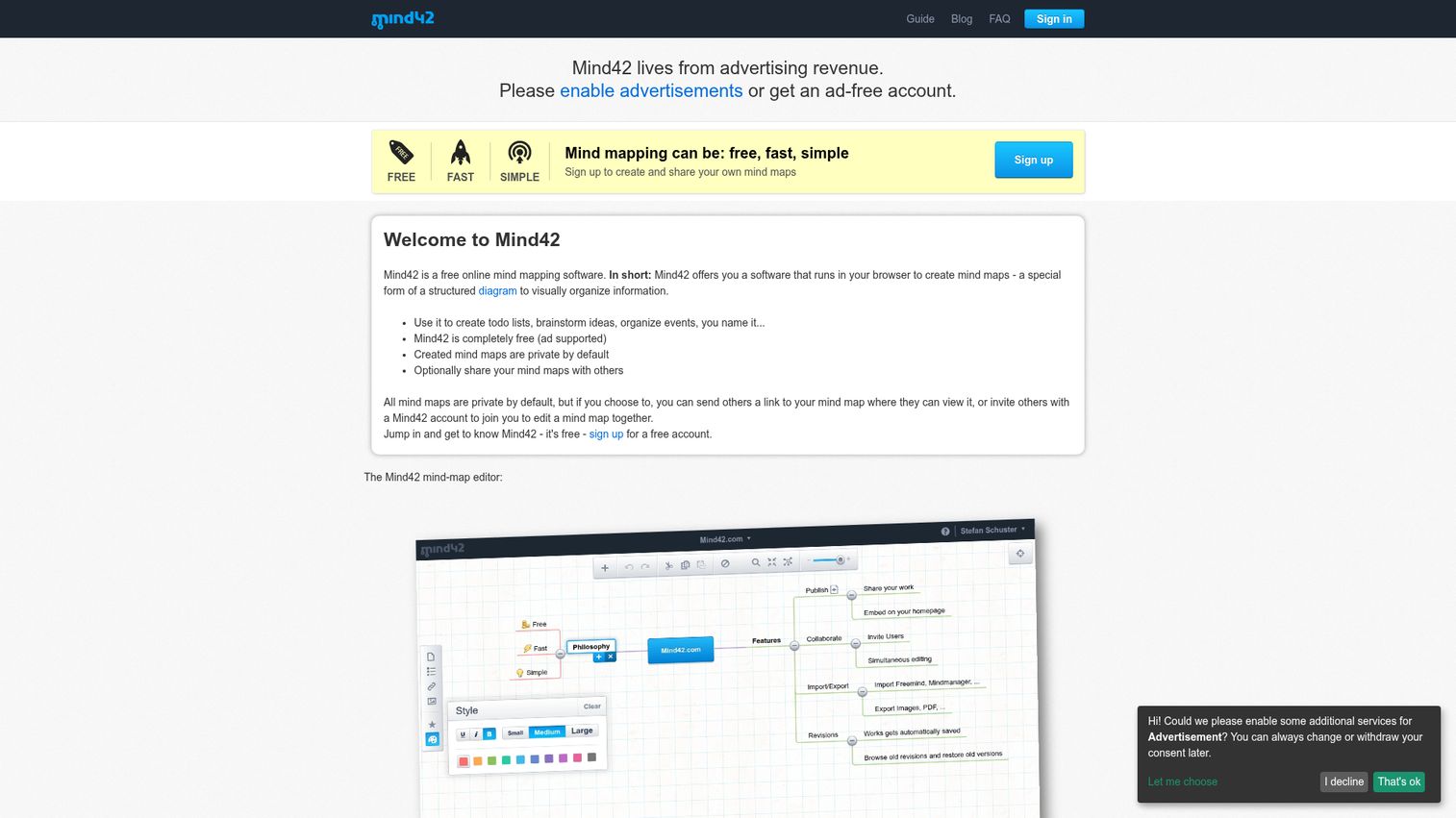
Mind42 is one of the few tools where real-time collaboration is genuinely free - no paywall, no upgrade prompt, no feature gate.
The interface is simple and browser-based. You can invite collaborators via email and co-edit in real time without either party needing a paid account. Notes and links can be added to individual nodes for context. Export options cover the basic formats. For small teams or students who need free collaborative mind mapping and are willing to accept ads and a dated UI, Mind42 delivers.
The honest trade-off: the interface is noticeably dated, and the feature set is thin. No AI, no mobile app, no desktop app, and limited styling options. The ad-supported model means you'll see ads while working. For teams with any budget, MindMeister or Coggle offer a better experience.
Best for: Small teams and students who need free real-time collaborative mind mapping.
Key strengths
- Real-time collaboration completely free with no feature gates
- Notes and links on individual nodes for added context
- Simple, no-setup browser-based interface
- Invite collaborators via email
- Export to common formats
Pricing: Free (ad-supported).
20. QuikFlow - best for AI-driven workflow mind maps
QuikFlow is a newer AI-first mind mapping tool with a specific focus on workflow visualization and process mapping.
QuikFlow generates structured mind maps from prompts, with templates oriented toward workflows and processes rather than general brainstorming. The interface is clean and modern. Basic collaboration features are available. It was mentioned by Zapier in their mind mapping roundup, which signals early traction in the category.
The honest trade-off: QuikFlow is less established than every other tool on this list. The user base is smaller, integrations are limited, and the feature set is still maturing. Treat it as a tool to watch in 2026 rather than a proven choice for critical workflows. If AI-generated mind maps are your priority and you want a more established option, GitMind or Xmind Copilot are safer bets.
Best for: Users interested in AI-first mind mapping with a workflow and process focus.
Key strengths
- AI-generated mind maps from text prompts
- Workflow and process-oriented templates
- Clean, modern interface
- Web-based with no installation required
- Free tier available
Pricing: Free tier available. Paid plans available - check current pricing on the QuikFlow website as the tool is in active development.
Mind mapping software trends to watch in 2026
AI-powered idea generation and auto-layout
AI has moved from a novelty feature to a genuine workflow accelerator in mind mapping. Tools like Xmind (Copilot), GitMind, Miro AI, and ClickUp Brain now generate branches from prompts, auto-organize cluttered maps, and summarize content into structured hierarchies. The quality gap between tools is significant - Xmind Copilot and GitMind produce more useful output than most competitors. Expect AI to become standard across the category by the end of 2026.
Real-time collaboration as table stakes
Two years ago, real-time collaboration was a premium feature. In 2026, it's available in the free tiers of Coggle, MindMeister, GitMind, and Mind42. The shift from "share a link" to "work together live" is complete for most tools. The next differentiation is collaboration quality - how well tools handle simultaneous editing, conflict resolution, and cursor visibility at scale.
Integration-first design
Mind maps are becoming nodes in larger workflows rather than standalone documents. ClickUp connects maps to tasks. MindMeister connects to MeisterTask. Miro connects to Jira, Slack, and 300+ other tools. The trend is toward mind mapping inside the tools teams already use, rather than separate applications. This favors platforms like Miro and ClickUp over dedicated tools for team use cases.
Privacy and data sovereignty
Growing demand for on-premise and self-hosted options is visible in regulated industries. FreeMind remains the only fully offline, zero-data-sharing option on this list. MindManager offers enterprise security features that meet SOC 2 requirements. As GDPR enforcement tightens and enterprise security reviews become more rigorous, expect more tools to add data residency options and compliance certifications as differentiators.
How to choose the right mind mapping software for your needs
For solo users and personal productivity
Recommended: Xmind, MindNode (Apple only), Coggle (free).
Prioritize offline access, keyboard shortcuts, and personal aesthetics. If you're on Apple devices, MindNode is hard to beat. If you want the deepest feature set, Xmind. If you want free, Coggle.
For teams and collaboration
Recommended: Miro, MindMeister, Mural.
Prioritize real-time co-editing, integrations with your team's existing tools, and permission controls. Miro works for general collaboration; Mural works better for structured workshops; MindMeister is the simplest entry point.
For project managers
Recommended: ClickUp, Ayoa, MindManager.
Prioritize task conversion, Gantt chart integration, and connection to your project data. If you're already in ClickUp, use the built-in mind map feature. If you need brainstorm-to-task conversion, Ayoa. If you need enterprise-grade features, MindManager.
For students and educators
Recommended: Mindomo, Coggle, Mind42.
Prioritize free tier quality, LMS integration, and simplicity. Mindomo is the only tool with dedicated classroom features. Coggle and Mind42 are the best free options for collaborative student work.
For enterprise and business strategy
Recommended: MindManager, Microsoft Visio, Lucidchart.
Prioritize security compliance, Microsoft ecosystem integration, and advanced features. MindManager is the most powerful. Visio is the right choice if your organization already pays for Microsoft 365 enterprise. Lucidchart works best when you need mind maps alongside other diagram types.
Find your perfect mind mapping tool
The best mind mapping software for you depends on your workflow, team size, and budget. Xmind for power users, Miro for teams, Coggle for free, MindMeister for beginners, and MindManager for enterprise - those five cover the majority of use cases.
Start by identifying your primary use case from the decision guide above, then try two or three tools from that category using their free plans. Most teams find their ideal mind map tool within a week of testing.
If you're looking for other productivity tools to complement your mind mapping workflow, check out our guides to the best project management software, best collaboration tools, and best AI productivity tools for 2026.
For teams that need to create interactive product demos alongside their planning and brainstorming workflows, consider exploring how demo automation can streamline your product marketing efforts.
Frequently asked questions about mind mapping software
Mind mapping software is a digital tool that helps you visually organize ideas, concepts, and information in a branching, hierarchical structure radiating from a central topic. Common use cases include brainstorming sessions, project planning, note-taking, studying, and strategic planning. The terms “mind map software,” “brain mapping software,” and “mind map maker” all refer to the same category of tools.
Yes - several tools offer genuinely usable free tiers. Coggle is the strongest free option, with unlimited public maps and real-time collaboration at no cost. FreeMind is 100% free and open source with no account required. GitMind includes AI features in its free tier. Mind42 offers free real-time collaboration. Miro, ClickUp, MindMeister, and Canva all have free tiers, though each limits maps, boards, or export options.
Yes - real-time collaboration is available in most modern mind mapping tools, including Miro, MindMeister, Mural, FigJam, ClickUp, Coggle, and GitMind. Some tools (MindNode, FreeMind) are single-user only with no collaboration features. Collaboration is increasingly available in free tiers, though some tools limit the number of collaborators or maps at no cost.
MindNode is the best native Mac experience - it’s built specifically for the Apple ecosystem with iCloud sync, Focus mode, and Apple Watch support. Xmind also has an excellent Mac desktop app with full offline support. For web-based options that work well on Mac: Miro, MindMeister, and Coggle all run well in any browser. Note that Microsoft Visio has no Mac desktop app, so it’s not a viable option for Mac-only teams.
Yes - AI is a major trend across the category. Tools with meaningful AI features include Xmind (Copilot for branch generation and summarization), GitMind (AI map generation from text prompts), Miro (AI idea clustering), ClickUp (Brain assistant), and Ayoa (AI idea suggestions). AI typically generates branches from prompts, auto-organizes messy maps, and summarizes content into structured hierarchies. Quality varies significantly - Xmind Copilot and GitMind produce the most useful output in our testing.
Yes, but only with desktop apps. Xmind, MindNode, MindManager, FreeMind, and Mindomo all have offline-capable desktop apps that work without an internet connection. Web-only tools - Coggle, Bubbl.us, Mind42, and MindMup - require internet access at all times. Some tools like ClickUp and Miro have limited offline modes in their desktop apps, but full functionality requires connectivity.
Dedicated mind mapping tools (Xmind, MindMeister, MindManager) offer deeper mind map-specific features: more map structures, better export options, keyboard shortcuts, and outline views. Whiteboard platforms (Miro, Mural, FigJam) offer broader collaboration capabilities but shallower mind mapping. Choose a dedicated tool if mind mapping is your primary activity. Choose a platform if mind mapping is one of several things your team does together and you want everything in one place.
Most tools support common export formats including PDF, PNG, and SVG. For tool-to-tool migration, look for OPML, XMind format (.xmind), or FreeMind format (.mm) support. Xmind and MindManager have the widest import and export compatibility across formats. Lucidchart supports Visio import, which helps teams migrating from Microsoft tools. Always test import and export with a sample map before committing to a full migration - format support varies more than vendor documentation suggests.