Presales teams are stretched thin. The average SE supports 8-12 account executives, and without the right tooling, that means repetitive demo prep, fragmented tracking, and no clear picture of what's actually moving deals forward.
Presales management software solves this by giving SEs and presales leaders a dedicated layer for demo creation, activity tracking, and buyer engagement analytics. This guide covers 15 tools across four categories, with comparison tables, pricing, and selection criteria to help you find the right fit.
What's inside
This guide covers what presales management software actually does, the four main categories of presales tools, and when your team benefits most from adopting one. You'll find a comparison table of 15 tools with pricing and G2 ratings, followed by detailed reviews of each platform. The final sections walk through selection criteria and FAQs to help you match the right tool to your workflow.
TL;DR
Presales software defined: Platforms that help solutions engineers and presales teams manage demos, technical discovery, and buyer engagement before a deal closes.
Core categories: Demo automation, presales management, sales enablement, and revenue intelligence.
Top pick for demo automation: Guideflow lets you create interactive demos in minutes without engineering support.
Selection criteria: CRM integration, engagement analytics, and security compliance matter most.
Best fit guidance: Match tool type to your biggest bottleneck, whether that's demo creation, pipeline visibility, or content management.
What is presales management software
Presales management software helps solutions engineers, presales consultants, and technical sales teams coordinate everything that happens before a deal closes. Demo building, technical discovery, proof-of-concept environments, and buyer engagement tracking all fall under this umbrella.
Unlike general sales software that focuses on pipeline and forecasting, presales tools address the technical selling motion specifically. They sit alongside your CRM and give visibility into what SEs are working on, which demos are converting, and where technical objections are stalling deals.
Core capabilities include:
Demo creation and delivery: Building product experiences prospects can explore without a live call or login.
Pipeline and activity tracking: Visibility into SE workload, deal support, and technical win assignments.
Content and asset management: Organizing battlecards, technical collateral, and demo libraries.
Engagement analytics: Measuring how buyers interact with presales content, which features they explore, and where they drop off.
The category has grown because presales teams are stretched thin. The average SE supports 8-12 account executives - and Alexander Group research found that teams with a 1:5 SE-to-rep ratio average just $2 million in revenue per rep compared to $3.2 million at 1:1. Without tooling, that means repetitive demo prep, fragmented tracking, and limited insight into what actually moves deals forward.
Types of presales software tools
Presales software falls into four main categories. Each serves a different function in the technical sales workflow, and most teams end up using tools from multiple categories.
Demo automation and product experience platforms
Demo automation tools let presales teams create interactive demos, sandbox environments, and product tours without engineering support. You capture your product flow, customize it for specific personas or use cases, and share it via link or embed.
Demo automation platforms are sometimes called "value selling SaaS tools" because they help demonstrate product value before purchase. They're especially useful when you want prospects to experience the product on their own terms, before or after a live call.
Presales management and pipeline visibility tools
Presales management platforms track SE activities, manage technical win assignments, and provide presales-specific pipeline analytics. Think of them as the "presales CRM layer" that sits alongside Salesforce or HubSpot.
They answer questions like: How many deals is each SE supporting? Which opportunities are waiting on technical validation? What's our technical win rate by segment?
Sales enablement and content management platforms
Sales enablement tools organize and distribute sales collateral, battlecards, and training content - with enablement budgets projected to increase 50% by 2027 according to Gartner. Presales teams use them differently than AEs, often pulling technical documentation, competitive positioning, and demo scripts.
The best enablement platforms track which assets get used and which drive engagement, so you can see what's actually helping close deals.
Revenue intelligence and conversation analytics tools
Revenue intelligence platforms analyze sales calls, emails, and meetings to surface insights. For presales, the use case is tracking technical objections, competitive mentions, and feature requests across conversations.
Revenue intelligence helps presales leaders understand patterns, like which technical concerns come up most often or which competitors are winning on specific features.
When to use presales management software
Scaling demo capacity without adding headcount
If your SEs are spending more time building demos than running them, automation helps. Self-serve interactive demos let prospects explore on their own, reserving SE time for complex opportunities.
Improving demo conversion through value selling
Generic demos don't convert - interactive demos convert 52% higher than standard screen-share demos. Presales tools let you personalize demos to specific buyer pain points, industries, and use cases. When prospects see their own scenario reflected in the product experience, engagement increases.
Standardizing presales workflows across distributed teams
When SEs work across regions or product lines, consistency becomes a challenge. Presales platforms create shared demo libraries, standardized talk tracks, and repeatable workflows that work regardless of who's running the call.
Gaining visibility into presales performance metrics
Most teams have a blind spot around presales metrics. They know pipeline and revenue, but not SE utilization, demo engagement, or technical win rates. Presales software surfaces metrics so leaders can optimize resource allocation.
Presales software comparison table
# | Product | Intent | Key differentiation | Pricing | G2 rating |
|---|---|---|---|---|---|
1 | Guideflow | Interactive demo creation | No-code capture, AI personalization | Free tier available | 4.8/5 |
2 | Vivun | Presales management | SE activity and pipeline tracking | Contact for pricing | 4.6/5 |
3 | Gong | Conversation analytics | Call recording and insights | Contact for pricing | 4.7/5 |
4 | Clari | Revenue intelligence | Forecasting and pipeline analytics | Contact for pricing | 4.5/5 |
5 | Seismic | Sales enablement | Content management at scale | Contact for pricing | 4.7/5 |
6 | Highspot | Sales enablement | Content analytics and training | Contact for pricing | 4.7/5 |
7 | Mindtickle | Sales readiness | SE onboarding and training | Contact for pricing | 4.7/5 |
8 | Revenue Grid | Revenue intelligence | Guided selling and activity capture | From $25/user/month | 4.5/5 |
9 | HubSpot Sales Hub | CRM with presales features | All-in-one platform | Free tier, paid from $15/month | 4.4/5 |
10 | Homerun | Presales management | SE workload and pipeline tracking | Contact for pricing | 4.8/5 |
11 | HyperComply | Security questionnaire automation | Compliance and vendor assessments | Contact for pricing | 4.6/5 |
12 | CloudShare | Virtual demo environments | Full sandbox for complex products | Contact for pricing | 4.5/5 |
13 | Chili Piper | Scheduling and routing | Demo booking automation | From $15/user/month | 4.6/5 |
13 best presales software tools for SEs and AEs
1. Guideflow
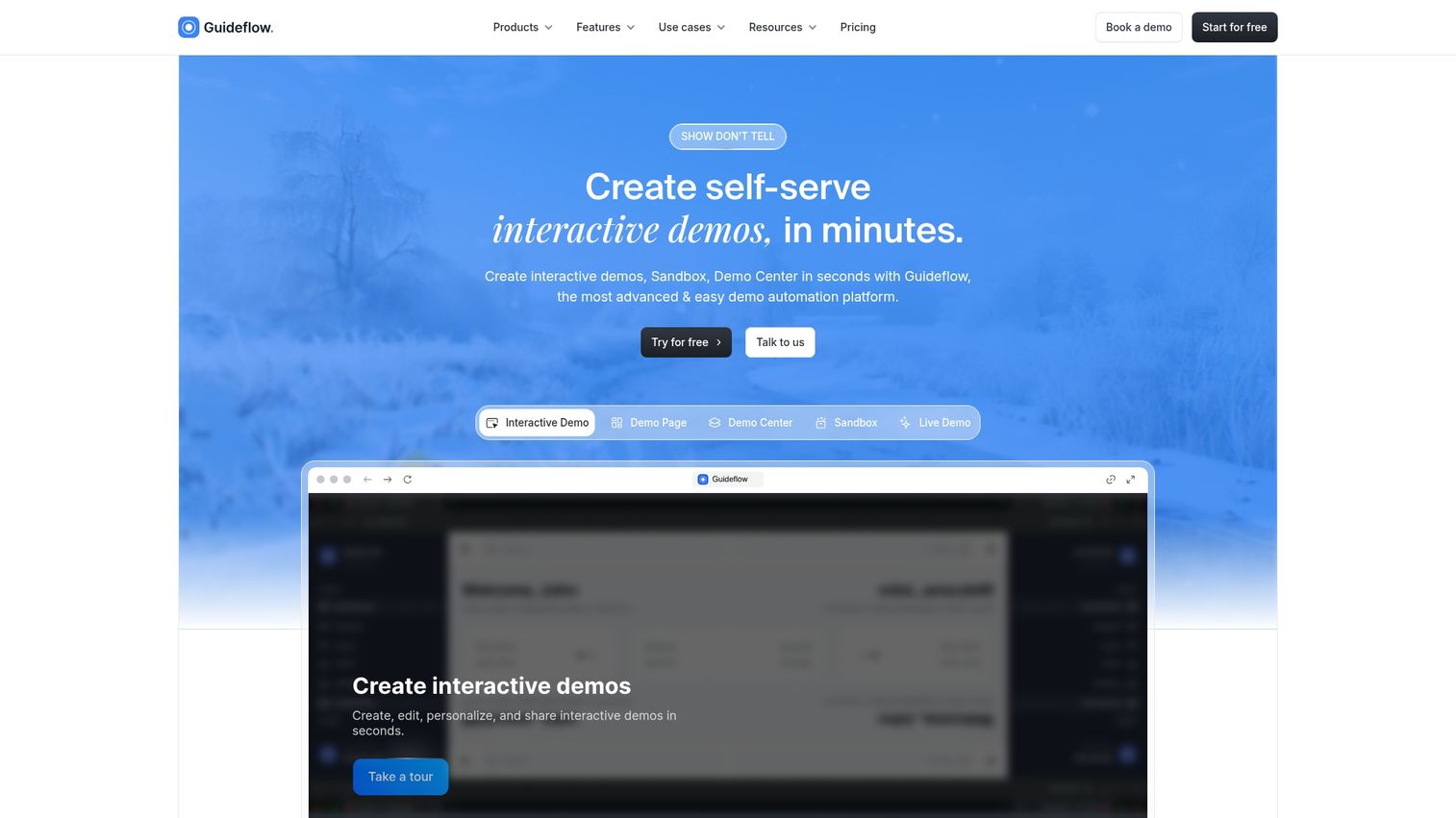
Guideflow is a demo automation platform built for presales and marketing teams who want prospects to experience the product before a call. Instead of static screenshots or scheduling-heavy "book a demo" flows, you capture your product directly from your browser and turn it into clickable, step-by-step demos.
The platform supports multiple demo formats: interactive demos for guided walkthroughs, sandbox environments for hands-on exploration, demo centers for organizing multiple demos by persona or use case, and live demo mode for sales calls.
Best for: Presales teams wanting to scale demo capacity, marketing teams embedding demos on landing pages, and customer success teams building onboarding flows.
Key strengths
Browser-based capture: Record your product flow in clicks, no engineering required.
Personalization at scale: Customize text, images, and data using CRM variables.
Engagement analytics: Track completion rates, feature interest, and drop-off points.
Multi-channel distribution: Share via links, embeds, email, or social.
AI-powered editing: Auto-generate steps, translations, and voiceovers.
Why pick Guideflow
Pick Guideflow when your bottleneck is demo creation speed and personalization. The platform gets you from "we should show this" to a ready-to-share demo in minutes, not days.
Guideflow pricing
Free: $0/month (5 guideflows, unlimited viewers, 7-day analytics)
Solo: $40/month (unlimited guideflows, advanced analytics, AI features)
Growth: $499/month
Advanced: $1,499/month
Enterprise: From $2,999/month
Start your journey with Guideflow today!
2. Vivun
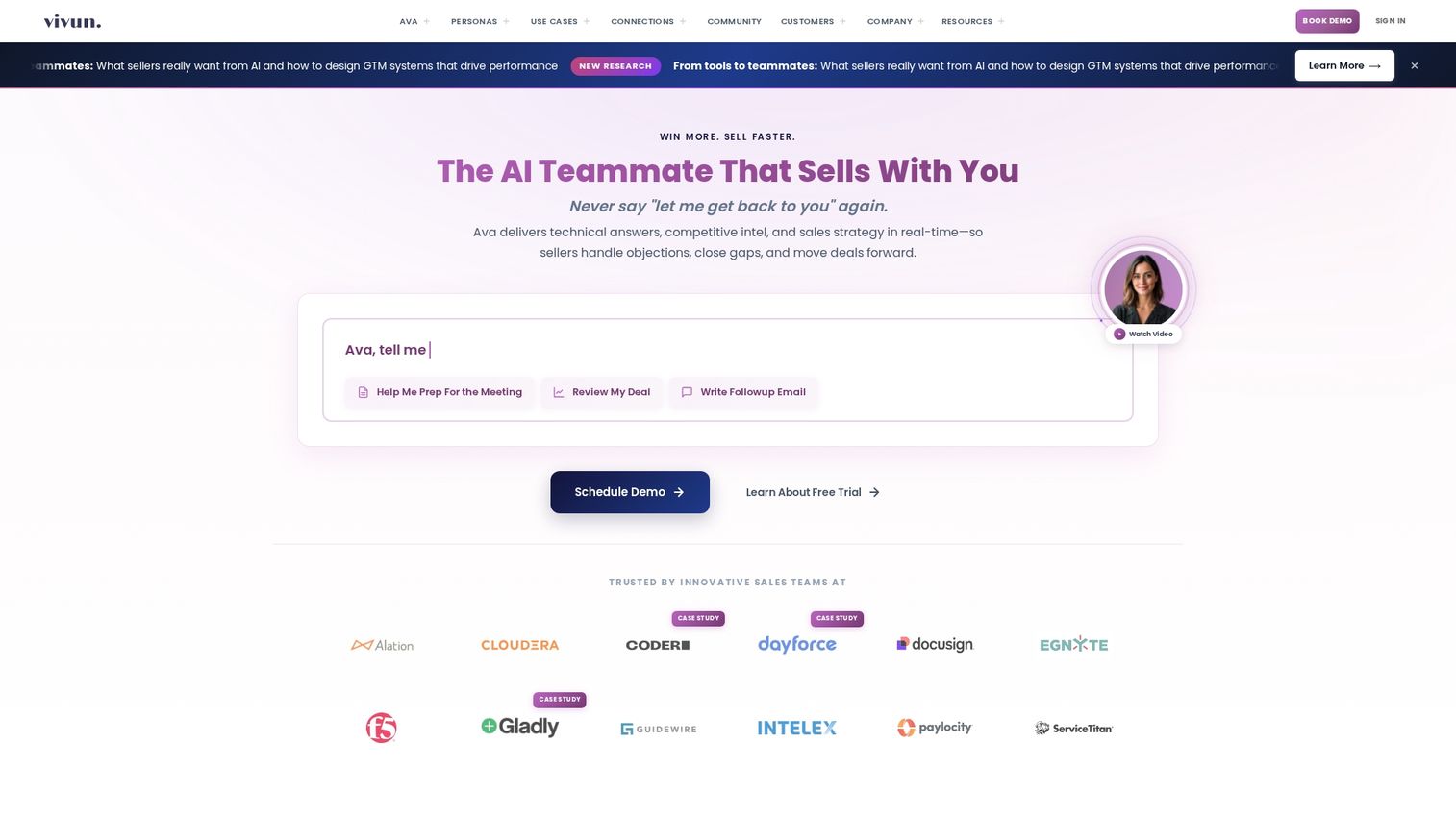
Vivun is a presales management platform that tracks SE activities, manages technical win assignments, and provides presales-specific pipeline analytics. It's the operational layer that gives presales leaders visibility into team performance.
Best for: Presales leaders managing teams of 5+ SEs who want workload balancing and performance metrics.
Key strengths
SE activity tracking: See what each SE is working on across deals.
Technical win management: Track which opportunities have technical validation.
Presales analytics: Measure SE utilization, win rates, and deal velocity.
CRM integration: Sync with Salesforce for unified pipeline views.
Why pick Vivun
Vivun solves the visibility problem for presales leaders. If you're managing a team and can't answer "how are my SEs spending their time?" this platform provides that clarity.
Vivun pricing
Contact for pricing. Enterprise-focused with custom implementation.
3. Gong
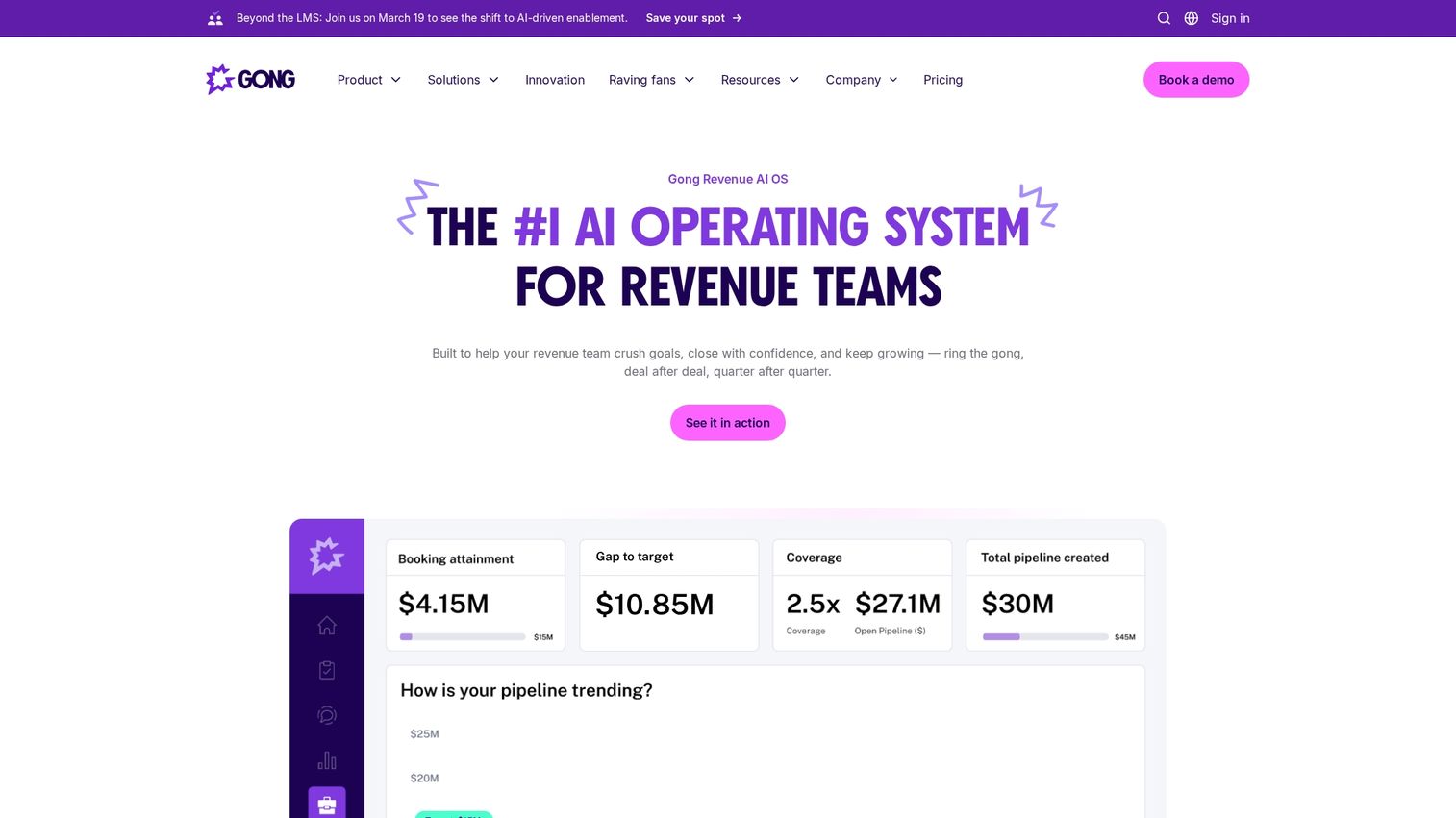
Gong records and analyzes sales conversations to surface insights about what's working and what's not. For presales, it helps track technical objections, competitive mentions, and feature requests across calls.
Best for: Teams wanting to understand patterns in technical discussions and improve demo effectiveness.
Key strengths
Conversation recording: Capture calls, meetings, and emails automatically.
AI-powered insights: Surface trends in objections, competitors, and topics.
Deal intelligence: See which conversations correlate with wins.
Coaching tools: Review calls and provide feedback to SEs.
Why pick Gong
Gong helps presales teams learn from their conversations at scale. Instead of relying on anecdotes, you can see data on which technical topics come up most and how top performers handle them.
Gong pricing
Contact for pricing. Typically $100-150/user/month for enterprise.
4. Clari
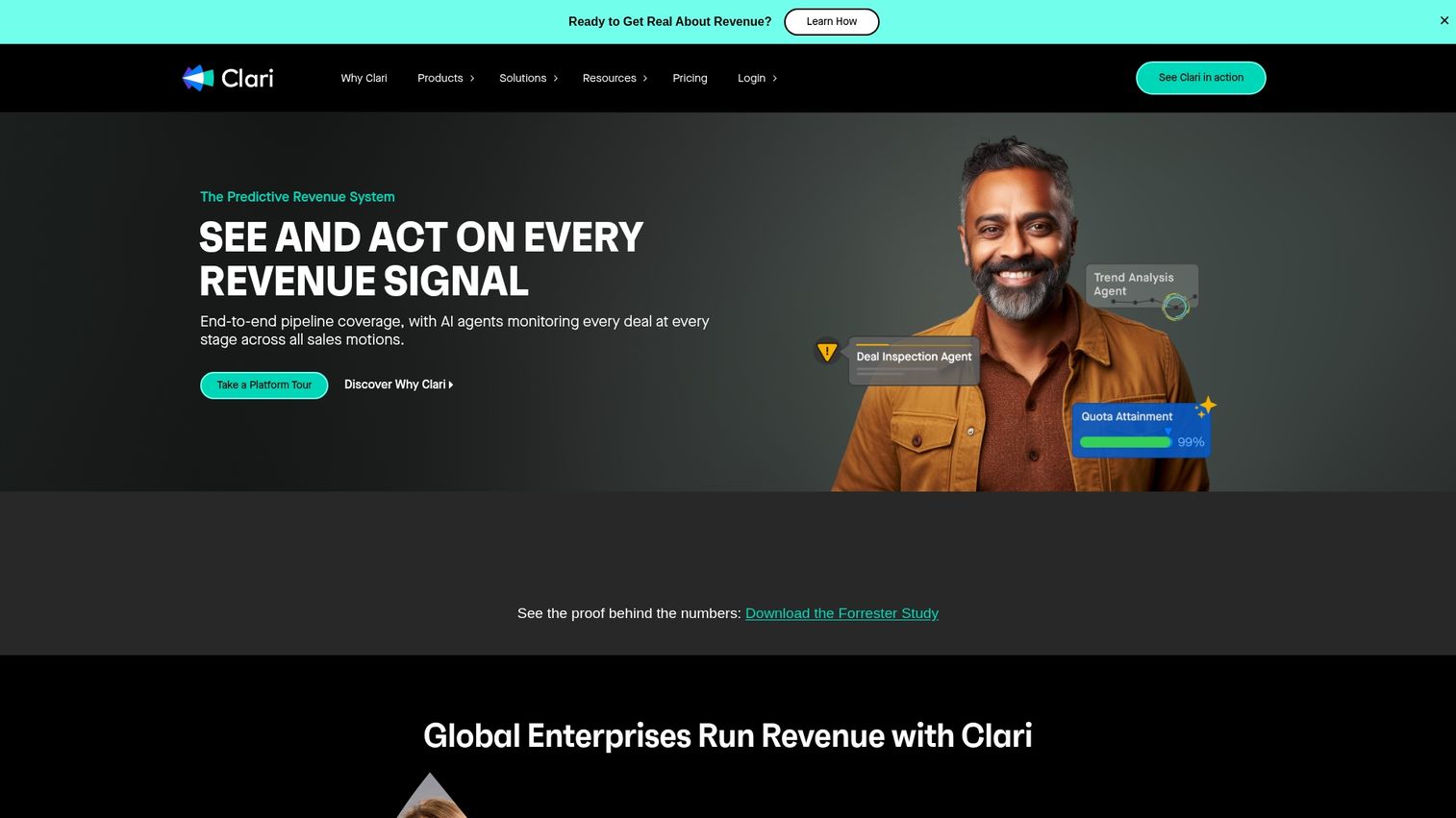
Clari is a revenue platform focused on forecasting and pipeline analytics. For presales, it connects SE activity to revenue outcomes and helps leaders understand which deals are at risk.
Best for: Presales leaders who want to connect SE work to pipeline health and revenue forecasting.
Key strengths
Pipeline analytics: See deal health and progression in real time.
Forecasting: AI-powered revenue predictions based on activity data.
Activity capture: Automatically log emails, meetings, and calls.
Risk identification: Flag deals that are stalling or at risk.
Why pick Clari
Clari works well when presales leaders want to justify headcount or demonstrate SE impact on revenue. The platform connects the dots between presales activity and closed deals.
Clari pricing
Contact for pricing. Enterprise-focused.
5. Seismic

Seismic is a sales enablement platform for managing and distributing content at scale. Presales teams use it to organize technical collateral, battlecards, and demo scripts.
Best for: Large presales organizations with extensive content libraries that want governance and analytics.
Key strengths
Content management: Organize and version control sales assets.
Content analytics: Track which assets get used and drive engagement.
Personalization: Customize content for specific accounts and personas.
Training and enablement: Deliver learning content alongside sales materials.
Why pick Seismic
Seismic makes sense when content sprawl is a problem. If your SEs can't find the right battlecard or are using outdated materials, centralized content management helps.
Seismic pricing
Contact for pricing. Enterprise-focused with custom implementation.
6. Highspot
Highspot combines sales enablement with content analytics and training. It helps presales teams find the right content and understand what's actually driving results.
Best for: Teams wanting to connect content usage to deal outcomes and improve SE effectiveness.
Key strengths
Content discovery: AI-powered search to find relevant materials quickly.
Engagement tracking: See how prospects interact with shared content.
Training integration: Combine enablement content with learning paths.
CRM integration: Connect content usage to pipeline and revenue.
Why pick Highspot
Highspot works well when you want to understand which content actually helps close deals. The analytics layer shows what's being used and what's driving engagement.
Highspot pricing
Contact for pricing. Mid-market to enterprise.
7. Mindtickle
Mindtickle focuses on sales readiness and training. For presales, it helps with SE onboarding, skill development, and certification programs.
Best for: Presales organizations investing in SE development and wanting to standardize training.
Key strengths
Onboarding programs: Structured learning paths for new SEs.
Skill assessments: Test and certify SE knowledge.
Coaching tools: Provide feedback on recorded calls and demos.
Content delivery: Combine training with enablement materials.
Why pick Mindtickle
Mindtickle makes sense when SE ramp time is a problem or when you want consistent training across a distributed team. The platform standardizes what "good" looks like.
Mindtickle pricing
Contact for pricing. Mid-market to enterprise.
8. Revenue Grid
Revenue Grid combines revenue intelligence with guided selling. It automatically captures activity data and provides recommendations to help reps and SEs move deals forward.
Best for: Teams wanting automated activity capture and deal guidance without manual logging.
Key strengths
Activity capture: Automatically log emails, meetings, and calls to CRM.
Guided selling: AI recommendations for next best actions.
Pipeline analytics: Visibility into deal health and progression.
Salesforce integration: Deep native integration with Salesforce.
Why pick Revenue Grid
Revenue Grid helps when manual CRM logging is a problem. The automatic capture ensures activity data is complete, which improves forecasting and coaching.
Revenue Grid pricing
From $25/user/month for basic plans. Enterprise pricing varies.
9. HubSpot Sales Hub
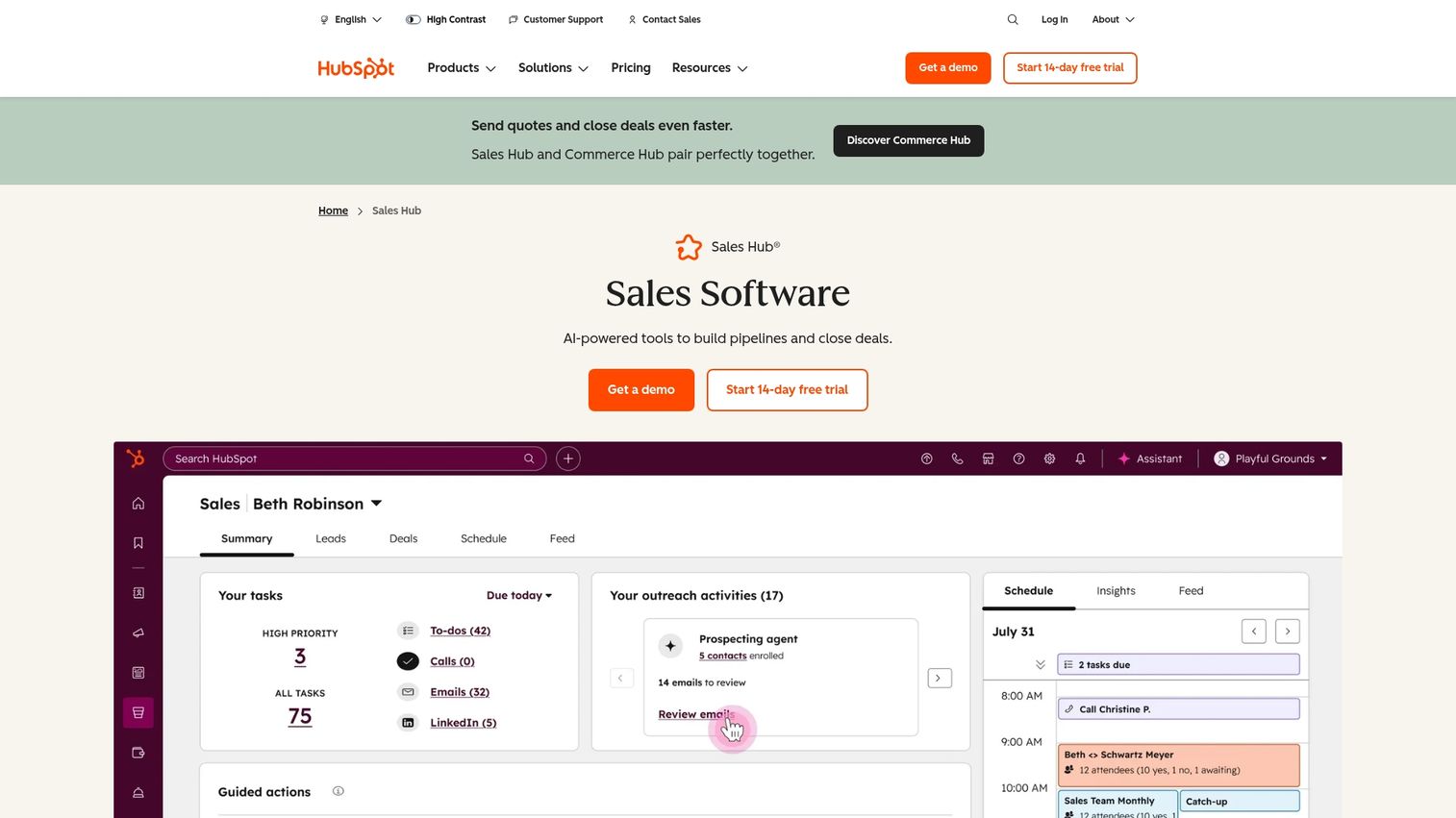
HubSpot Sales Hub includes presales functionality within a broader CRM platform. You get deal tracking, email sequences, meeting scheduling, and basic analytics in one place.
Best for: Teams wanting presales functionality without adding standalone tools, especially if already using HubSpot CRM.
Key strengths
All-in-one platform: CRM, email, meetings, and analytics together.
Email sequences: Automated follow-up for presales outreach.
Meeting scheduling: Built-in booking for demos and calls.
Pipeline management: Track deals and activities in one view.
Why pick HubSpot Sales Hub
HubSpot works well for smaller presales teams or those already invested in the HubSpot ecosystem. It's not as specialized as dedicated presales tools, but it covers the basics.
HubSpot Sales Hub pricing
Free tier available. Paid plans from $15/user/month. Professional from $90/user/month.
10. Homerun
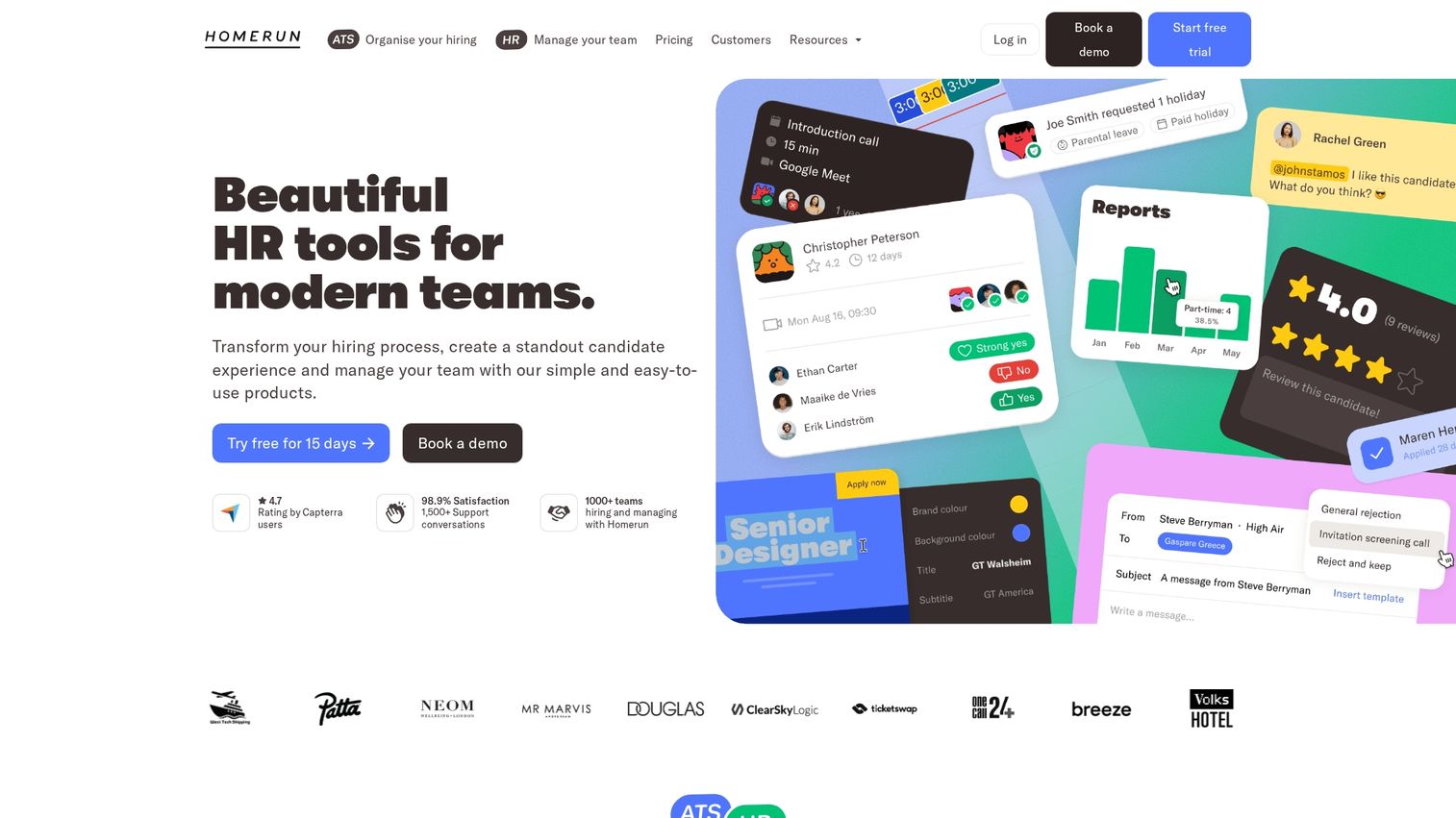
Homerun is a purpose-built presales management platform focused on SE workload and pipeline tracking. It gives presales leaders visibility into team capacity and deal support.
Best for: Presales leaders wanting dedicated SE management without the complexity of broader revenue platforms.
Key strengths
SE workload tracking: See capacity and assignments across the team.
Pipeline visibility: Track which deals have presales support.
Activity management: Log and track SE activities by opportunity.
Reporting: Presales-specific metrics and dashboards.
Why pick Homerun
Homerun is built specifically for presales operations. If you want a focused tool for SE management rather than a broader platform, it delivers that clarity.
Homerun pricing
Contact for pricing.
11. HyperComply
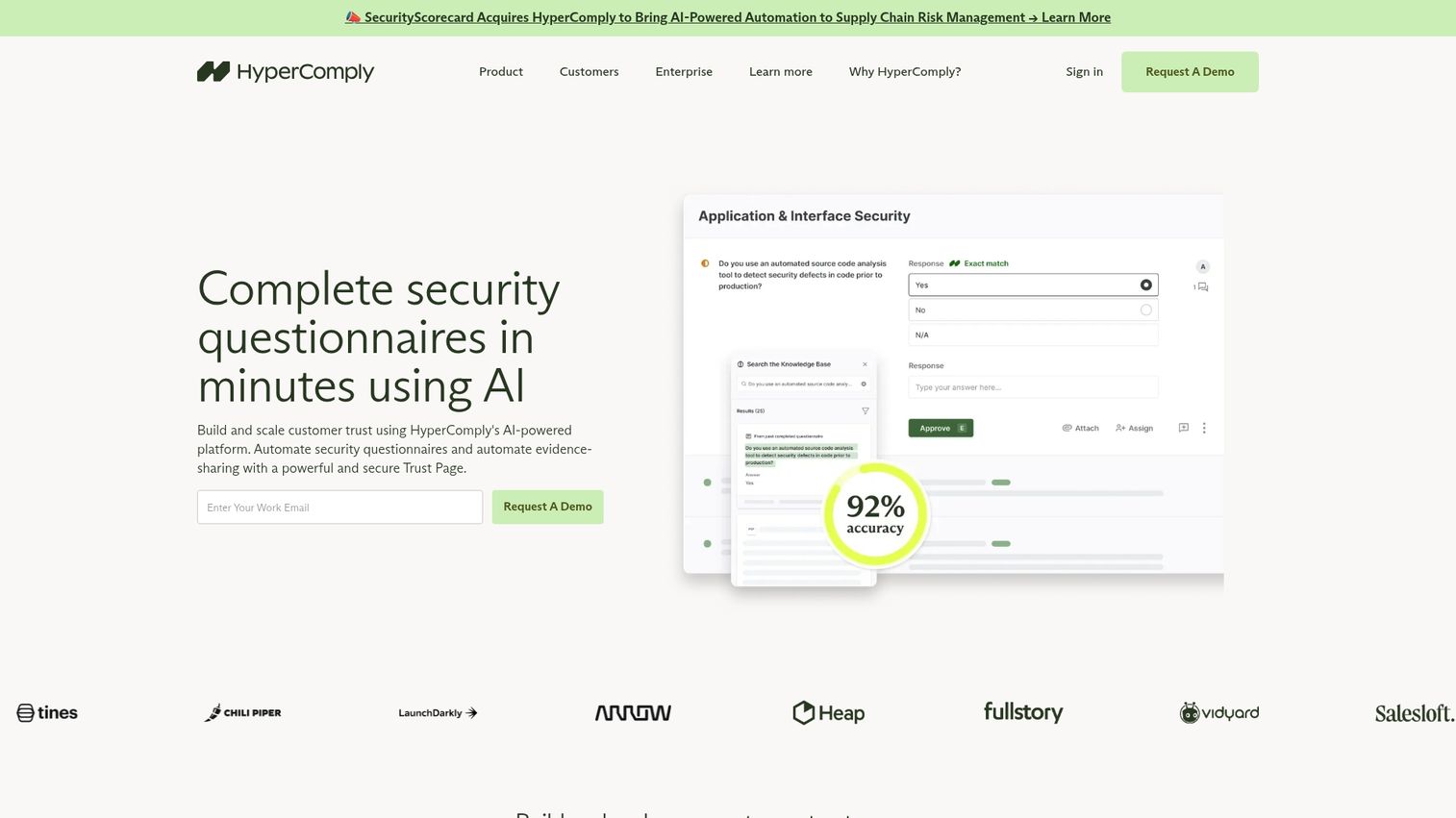
HyperComply automates security questionnaires and compliance documentation. For presales teams spending significant time on vendor assessments, it accelerates the security review process.
Best for: Enterprise presales teams where security questionnaires are a bottleneck in the sales cycle.
Key strengths
Questionnaire automation: AI-powered responses to security questions.
Knowledge base: Centralized repository of compliance documentation.
Collaboration: Work with security teams on responses.
Analytics: Track questionnaire volume and completion time.
Why pick HyperComply
Pick HyperComply when security reviews are slowing down deals. The platform can reduce questionnaire response time from days to hours.
HyperComply pricing
Contact for pricing.
12. CloudShare
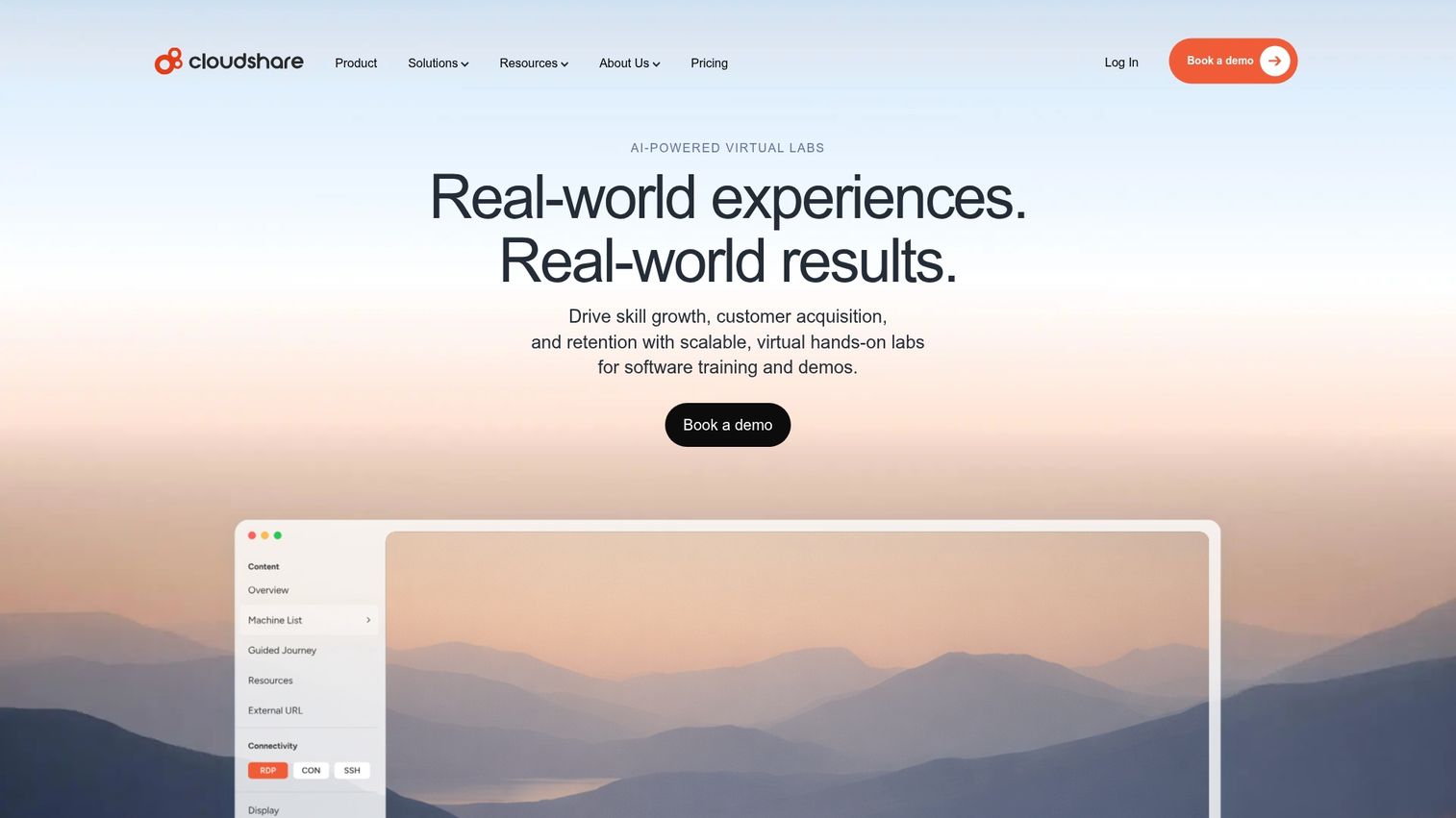
CloudShare creates virtual training and demo environments for complex technical products. Unlike lighter demo automation, it provides full sandbox environments with real infrastructure.
Best for: Teams with complex products that require hands-on technical evaluation or training.
Key strengths
Virtual environments: Full sandbox with real product functionality.
Training labs: Hands-on learning environments for customers and partners.
Environment management: Spin up and tear down instances automatically.
Usage analytics: Track how prospects and learners use environments.
Why pick CloudShare
CloudShare makes sense when your product requires real infrastructure to demonstrate. This is common in DevOps, security, and enterprise software where prospects want to test integrations.
CloudShare pricing
Contact for pricing. Usage-based models available.
13. Chili Piper
Chili Piper automates demo booking and SE assignment. It routes inbound requests to the right SE based on territory, availability, and expertise.
Best for: Teams wanting to reduce friction in demo scheduling and improve response time to inbound requests.
Key strengths
Instant booking: Prospects schedule demos without back-and-forth.
Intelligent routing: Assign demos based on rules and availability.
Calendar integration: Sync with Google and Outlook calendars.
CRM integration: Log meetings and update records automatically.
Why pick Chili Piper
Chili Piper solves the scheduling bottleneck. If prospects are waiting days for demo confirmations, instant booking improves conversion and response time.
Chili Piper pricing
From $15/user/month for basic scheduling. Advanced routing from $25/user/month.
How to choose the right presales software
Define your primary presales use case
Start by identifying your biggest bottleneck. Is it demo creation? Pipeline visibility? Content management? Analytics? Each tool category addresses different problems, so clarity on your primary use case narrows the field quickly.
Evaluate CRM and tech stack integration
Presales tools work best when they connect to your existing systems. Check for native Salesforce or HubSpot integration, data sync capabilities, and workflow triggers. Poor integration means manual data entry and incomplete records.
Assess analytics and engagement tracking capabilities
Look for presales-specific metrics: demo completion rates, feature interest, stakeholder engagement, and time spent. Generic pageview analytics don't tell you what you want to know about buyer intent.
Review security and compliance requirements
Enterprise buyers often require SOC 2 compliance, SSO support, and data residency options. Verify requirements early, especially if you're in regulated industries.
Compare pricing models and scalability
Presales tools use different pricing structures: per seat, per demo, usage-based, or platform fees. Model out your total cost as the team grows and demo volume increases.
How presales tools support SEs and AEs
Reducing demo prep time for solutions engineers
Demo automation tools cut the time SEs spend building custom demos for each opportunity. Instead of recreating flows from scratch, you start with templates and personalize for specific accounts.
Enabling AEs to share demos without SE involvement
Self-serve demos let AEs send interactive product experiences for early-stage deals. This reserves SE time for complex opportunities while still giving prospects a hands-on experience. The result is better qualification before SEs get involved.
Improving SE and AE handoff workflows
Presales platforms create visibility into deal context, technical requirements, and buyer engagement before live calls. When SEs can see what prospects have already explored, they can tailor the conversation and avoid repeating information.
Find the best presales platform for your team
The right presales software depends on your biggest pain point. If demo creation is the bottleneck, start with demo automation. If SE visibility is the problem, look at presales management platforms. If content sprawl is slowing you down, sales enablement tools help.
Most teams end up using tools from multiple categories. The key is starting with the problem that's costing you the most deals or the most time, then expanding from there.
Start your journey with Guideflow today!
Frequently asked questions
Presales software focuses on technical sales activities like demos, solution design, and proof-of-concept management, while sales enablement covers broader content management and training for the entire sales organization.
Interactive demos work well for early-stage qualification and async sharing, letting prospects explore on their own before committing to a call, while live demos remain valuable for complex technical discussions and late-stage deals.
Most presales platforms offer native CRM integrations that sync demo engagement data, log SE activities, and trigger workflows based on buyer behavior through bi-directional sync.
Key presales metrics include demo-to-meeting conversion, SE utilization rate, technical win rate, time spent per opportunity, demo completion rates, feature interest, stakeholder engagement, and competitive mentions.
Demo automation platforms often deploy in days since they don't require deep integration, while presales management systems may require weeks for CRM integration, workflow configuration, and team training.
Smaller teams benefit most from demo automation tools that multiply individual SE capacity, while dedicated presales management platforms typically show ROI for larger teams where workload balancing and performance tracking become critical.