You didn't just spec out a beam. You checked it against the wrong load combination, re-ran the model, exported the drawing, and then discovered the detailer was working off last week's version. The analysis was never the hard part. The workflow around it was.
That is the real problem with picking structural engineering software. Most tools can run a linear static analysis. Far fewer fit the way your team actually moves: the code family you design to, the CAD and BIM handoffs you live with every day, the reviewers who need to trust your calculations, and the deadlines that do not care how elegant your finite element mesh is. The market reflects how high the stakes have become. The structural engineering software market reached USD 7.15 billion in 2024 and is projected to grow to USD 12.8 billion by 2035 at a 5.4% CAGR, according to WiseGuy Reports (2025).
More tools does not mean an easier choice. It means more ways to standardize on the wrong one. If you are a presales engineer or a solutions team evaluating how technical buyers weigh complex software, the same lens applies: workflow fit beats feature count. The evaluation patterns here echo how buyers assess any technical stack, the same way teams compare AI design tools or weigh best AI code generation tools before committing budget.
This guide gives you a practical shortlist and a decision framework. Not a feature dump. A way to match software to how your team works.
What's inside
This guide covers eight tools that structural teams compare in 2026, spanning structural analysis, design, modeling, detailing, and workflow integration. Some are cloud-based structural software you open in a browser. Others are deep desktop platforms or full suites.
We chose tools based on four criteria that matter in real projects: code coverage across steel, concrete, and other materials; BIM interoperability and CAD compatibility; cloud access and deployment model; and support, onboarding, and usability. Pricing and ratings are drawn from current vendor and third-party sources where public. Where a vendor does not publish a figure, we say so rather than guess.
TL;DR
- Best overall cloud-first option: SkyCiv, for browser-based structural analysis and design with API automation.
- Best suite for broad structural workflows: Bentley Structural Analysis and Detailing, spanning analysis, design, and detailing from one vendor.
- Best for deep analysis power: SAP2000, for general-purpose modeling of buildings, bridges, and complex structures.
- Best for enterprise BIM-linked workflows: Revit, for coordinated modeling across architecture, structure, and MEP.
- Best for detailing and fabrication: Tekla Structures, for model-driven, multi-material BIM.
- Best budget or calculation-focused choice: ClearCalcs for cloud calculations, ZWCAD for value-driven DWG drafting.
What is structural engineering software?
Structural engineering software is a category of engineering tools that help engineers model, analyze, design, detail, and document load-bearing structures while checking them against building codes. It replaces hand calculations and disconnected drawings with a coordinated digital workflow.
The category breaks into a few core jobs-to-be-done. Understanding these helps you see where each tool fits.
- Structural analysis: Solving for forces, stresses, deflections, and reactions under load. This is the math engine.
- Structural design: Sizing and checking members against code, including steel design software and concrete design software checks.
- Modeling and visualization: Building the 3D structural engineering software model that everyone works from.
- BIM and CAD interoperability: Moving models and drawings cleanly between structural, architectural, and construction tools.
- Detailing and documentation: Producing fabrication-level drawings, schedules, and detailing software output.
- Code compliance and calculation transparency: Proving the design meets ASCE, Eurocode, AISC, ACI, or local standards, with calculations a reviewer can follow.
Modern buyers expect more than a solver. Here is what the category has moved toward.
- Cloud access, so a distributed team can open the same model without a local install.
- API automation, so repetitive checks and report generation run without manual clicks.
- Clean BIM interoperability, so the structural model is not an island.
- Transparent, auditable calculations that survive peer review and permitting.
- Fast onboarding, because a tool nobody adopts is a tool nobody paid for wisely.
When to use each type of structural software
Not every team needs the same category. Match the tool to your situation before you compare feature lists.
Choose cloud-based structural software when...
Your team needs fast access without a heavy local install, or works across offices and time zones. Cloud tools make sharing models and reports simple, and they lower the barrier for a distributed team to collaborate on the same analysis. If onboarding speed and browser access matter more than deep legacy features, this is your lane.
Choose suite-based engineering software when...
You need analysis plus design plus detailing inside one ecosystem, and your firm standardizes on a larger workflow stack. Suites reward larger teams with enterprise governance needs and tight interoperability across many structure types. The payoff is fewer handoffs between disconnected tools.
Choose modeling-centric tools when...
3D visualization and BIM coordination sit at the center of your work. These tools shine when engineers collaborate closely with architects and detailers, and when shared design context drives the project. If the deliverable is a coordinated model as much as a set of calculations, start here.
Comparison table
The eight tools below differ mostly along three axes: cloud access versus desktop power, single-tool focus versus full suite breadth, and analysis depth versus modeling and detailing focus. Use the table as a fast scan, then read the sections that match your workflow. Pricing reflects public or third-party figures as of mid-2026 and can vary by region and license type.
| # | Product | Intent | Key use case | Pricing | G2 rating |
|---|---|---|---|---|---|
| 1 | SkyCiv | Cloud analysis and design | Browser-based structural analysis with API automation | From $69/month | 4.6/5 |
| 2 | Bentley Structural Analysis and Detailing | Full structural suite | Analysis, design, and detailing from one vendor | Varies by region | Not listed |
| 3 | SAP2000 | Deep analysis power | General-purpose modeling of buildings and bridges | From $2,289 (lease) | Not listed |
| 4 | Revit | BIM modeling | Coordinated multi-discipline building models | Subscription (no public price) | 4.6/5 |
| 5 | ZWCAD | DWG drafting | Value-driven CAD drafting and documentation | From $29.9 (one-time) | 4.6/5 |
| 6 | AutoCAD | CAD drafting | Precise 2D/3D drafting in a familiar ecosystem | Subscription (no public price) | 4.4/5 |
| 7 | ClearCalcs | Cloud calculations | Code-compliant structural calculations and reports | From $79/month | 4.6/5 |
| 8 | Tekla Structures | Detailing and BIM | Model-driven, multi-material fabrication detailing | From $1,100/year +VAT | 4.5/5 |
1. SkyCiv
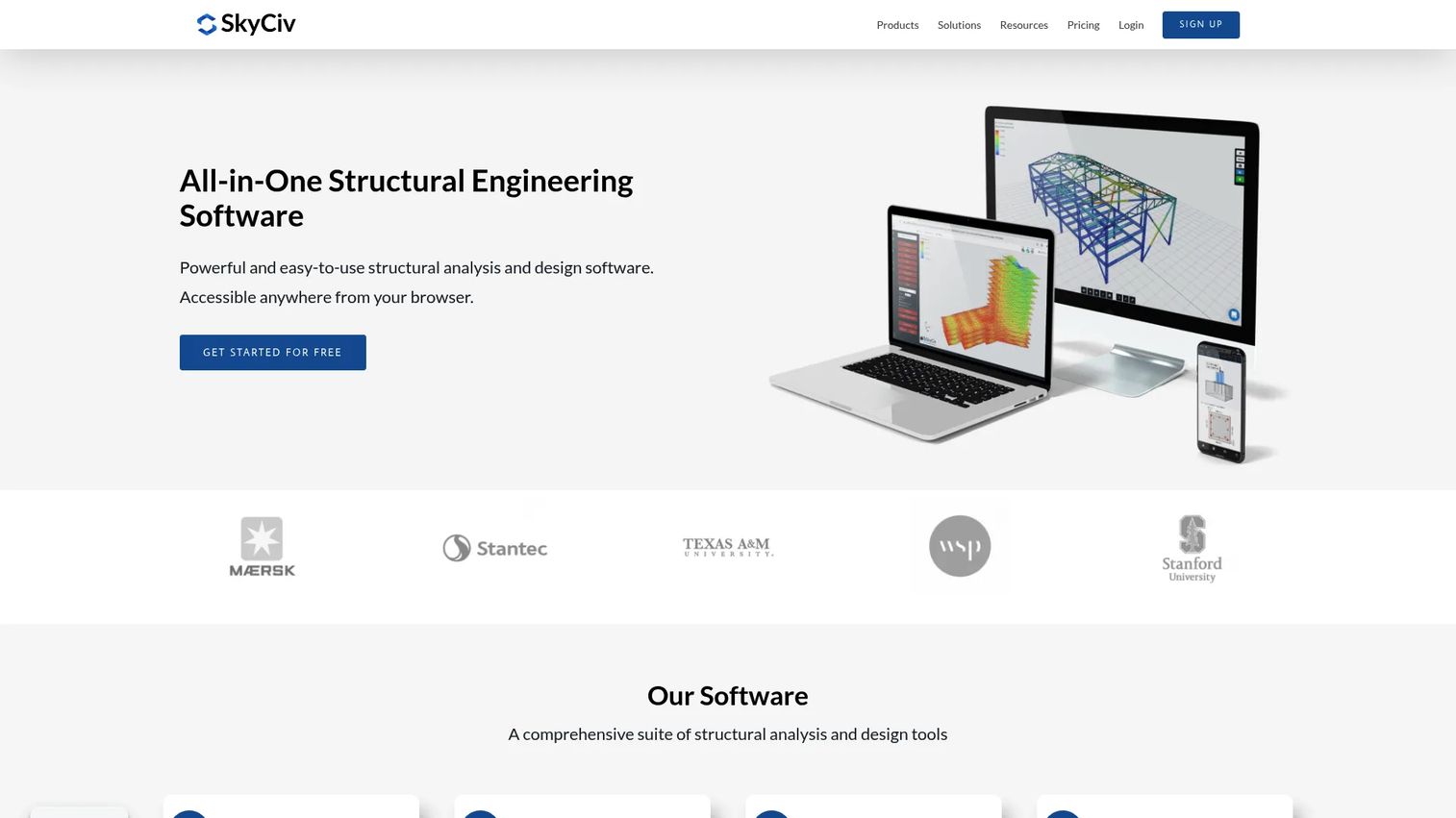
SkyCiv is cloud-based structural engineering software for analysis, design, and modeling that runs entirely in the browser. That matters for teams tired of local installs, version drift, and machines that cannot handle a heavy model. SkyCiv Structural 3D handles 3D structural analysis and rendering, SkyCiv Beam covers beam analysis and diagrams, and the Section Builder handles section properties and reinforced concrete design.
Best for: Structural engineers and teams that want cloud-based analysis and design without desktop overhead.
Key strengths
- Browser-native analysis: Run 3D structural analysis from any machine, no install required, so a distributed team works from the same model.
- API automation: Automate repetitive checks and report generation through the API, which saves hours on high-volume projects.
- Modular product suite: Pick the modules you need, from beam analysis to reinforced concrete design, rather than buying one monolithic package.
Why choose SkyCiv: If your team values fast onboarding, code-family coverage, and clean reporting over deep legacy desktop features, SkyCiv is the strongest cloud-first pick on this list. It suits smaller firms and modern teams that treat browser access and API automation as table stakes rather than luxuries.
SkyCiv pricing: SkyCiv Structural 3D lists four plans. A free account is available, Basic runs $69 per month, Professional runs $109 per month, and Enterprise is listed at $5,000 per year. Pricing figures here are drawn from a third-party listing, so confirm current numbers with SkyCiv before purchase. SkyCiv holds a 4.6/5 rating on G2.
2. Bentley Structural Analysis and Detailing
Bentley Structural Analysis and Detailing is not a single tool but a category of products spanning analysis, design, and detailing, including STAAD, RAM, and ProStructures. For firms that want one vendor across the full structural workflow, this suite view reduces the number of handoffs between disconnected tools. It covers 3D structural analysis and design for steel and concrete, reinforced concrete design and detailing with automated drawings and schedules, and 3D modeling for structural steel and concrete.
Best for: Engineering teams that need structural analysis, design, and detailing software from a single vendor ecosystem.
Key strengths
- End-to-end workflow: Move from analysis to design to detailing inside one product family, cutting the friction of exporting between vendors.
- Specialized modules: Purpose-built products for steel, concrete, and specific structure types, so depth does not get sacrificed for breadth.
- Interoperability and collaboration: Built to connect across Bentley's broader infrastructure ecosystem for larger, coordinated projects.
Why choose Bentley: Larger firms standardizing on a broad engineering stack benefit most here. If your projects span many structure types and you value enterprise governance plus interoperability, the suite breadth earns its place.
Bentley pricing: Bentley's structural category page does not show public pricing. Product pages note that prices vary by region and direct buyers to licensing, subscription options, or the eStore. Request a quote directly for current figures tied to your region and module mix.
3. SAP2000
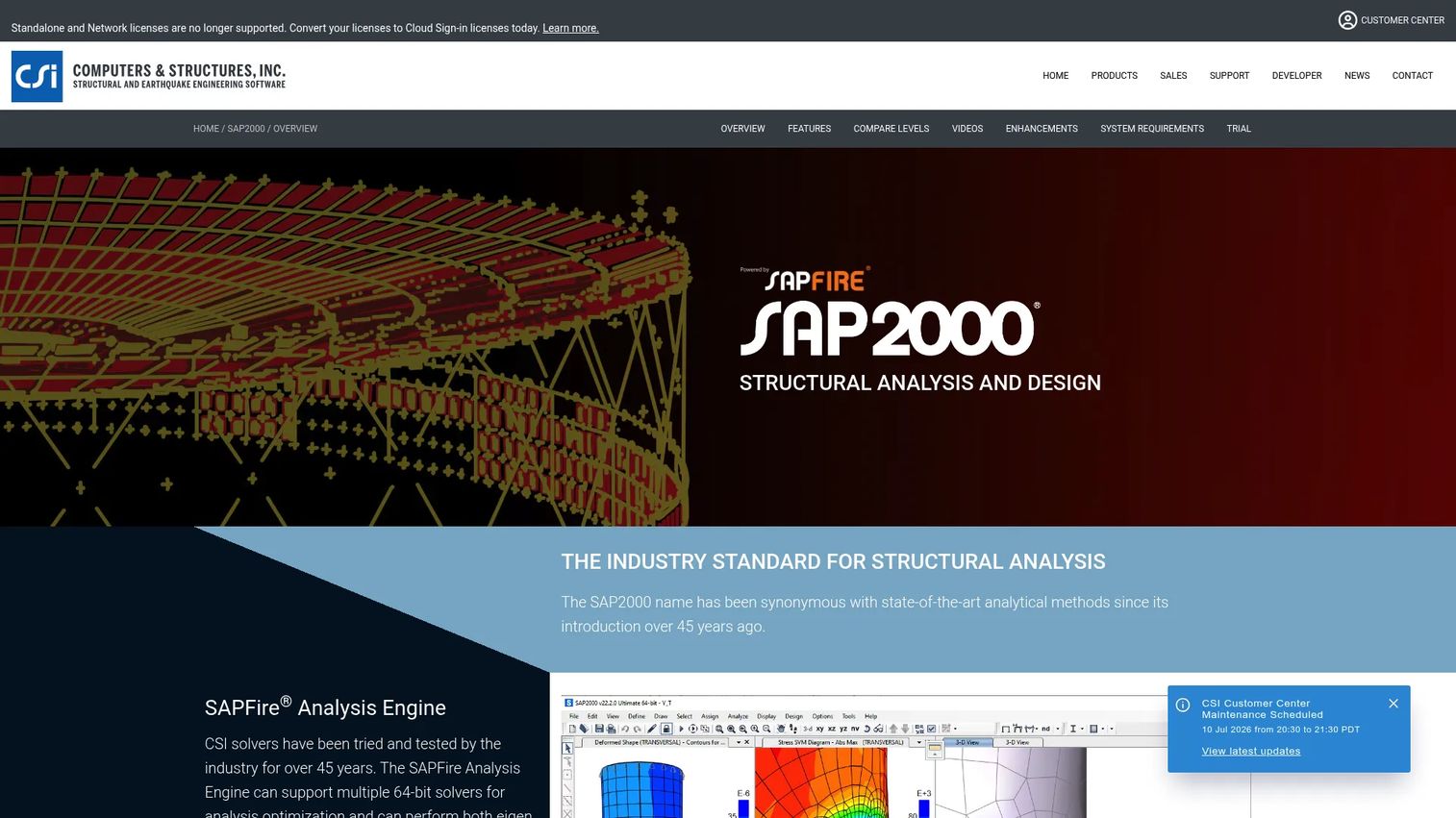
SAP2000 from CSI is a general-purpose structural analysis and design platform for buildings, bridges, and other structures. It has decades of adoption behind it, which is exactly why so many senior engineers reach for it when a project demands proven analysis depth. It handles general structural analysis and design, code-based design for steel, concrete, cold-formed steel, and aluminum frames, plus Section Designer and moving load generation.
Best for: Engineers who need a general-purpose structural analysis program with deep modeling capability.
Key strengths
- Analysis depth: Handles complex structures, moving loads, and nonlinear scenarios that lighter tools do not attempt.
- Broad code-based design: Checks steel, concrete, cold-formed steel, and aluminum frames against major codes.
- Open API and plugins: Extend and automate workflows through the API, which matters for firms with custom processes.
Why choose SAP2000: When power and legacy adoption matter more than cloud convenience, SAP2000 is a defensible choice. It fits engineers who run complex analysis regularly and value a platform their reviewers and peers already trust.
SAP2000 pricing: CSI lists perpetual licenses: Basic at $2,977, Plus at $7,439, Advanced at $11,903, and Ultimate at $17,855, each with annual maintenance. An Ultimate 3-month lease runs $2,289, and a one-time 30-day trial is available. Prices were verified on CSI's pricing page.
4. Revit
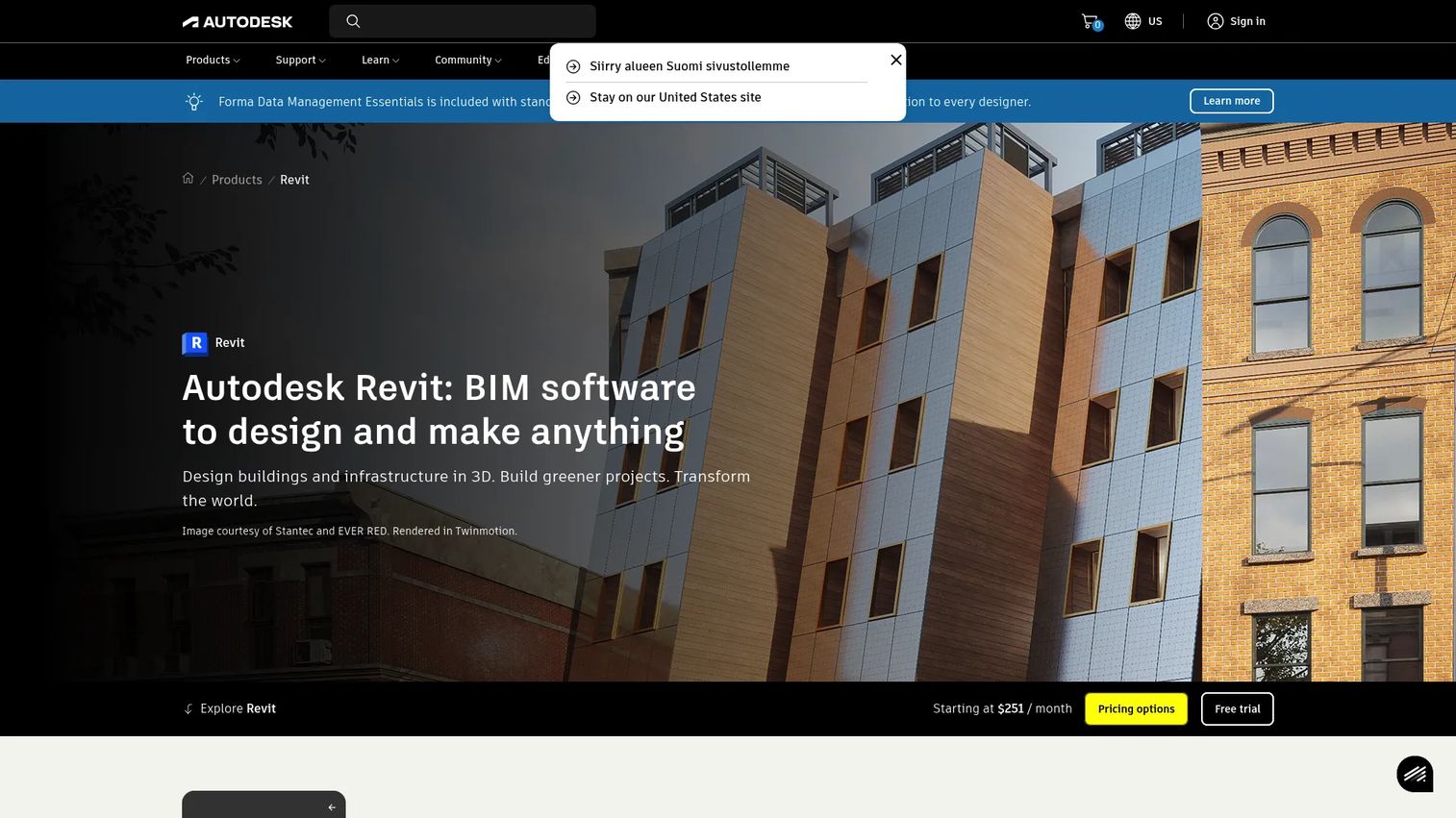
Revit is Autodesk's BIM platform for designing, documenting, visualizing, and delivering architecture, engineering, and construction projects in 3D. For structural teams, Revit is less an analysis engine and more the coordination layer where the structural model lives alongside the architectural and MEP models. It offers 3D building information modeling, parametric change coordination across views, sheets, and schedules, plus structural, architectural, MEP, and construction workflows.
Best for: AEC teams that need coordinated BIM authoring and documentation across disciplines.
Key strengths
- Multi-discipline coordination: Structural, architectural, and MEP models live in one coordinated environment, cutting clash and rework.
- Parametric change management: Change a member once and it updates across every view, sheet, and schedule automatically.
- Broad AEC ecosystem: Deep interoperability with the wider Autodesk and BIM toolchain most large projects already use.
Why choose Revit: Revit is strongest when cross-discipline coordination drives the project. Many teams pair it with a dedicated analysis tool such as SAP2000 or SkyCiv, using Revit for the model and BIM interoperability while the analysis engine does the number-crunching.
Revit pricing: Autodesk offers Revit with annual and monthly subscription options plus Flex pay-as-you-go access. The buy page does not display a public numeric price, and a free trial plus education access are referenced. Request current pricing from Autodesk for your region and term. Revit holds a 4.6/5 rating on G2.
5. ZWCAD
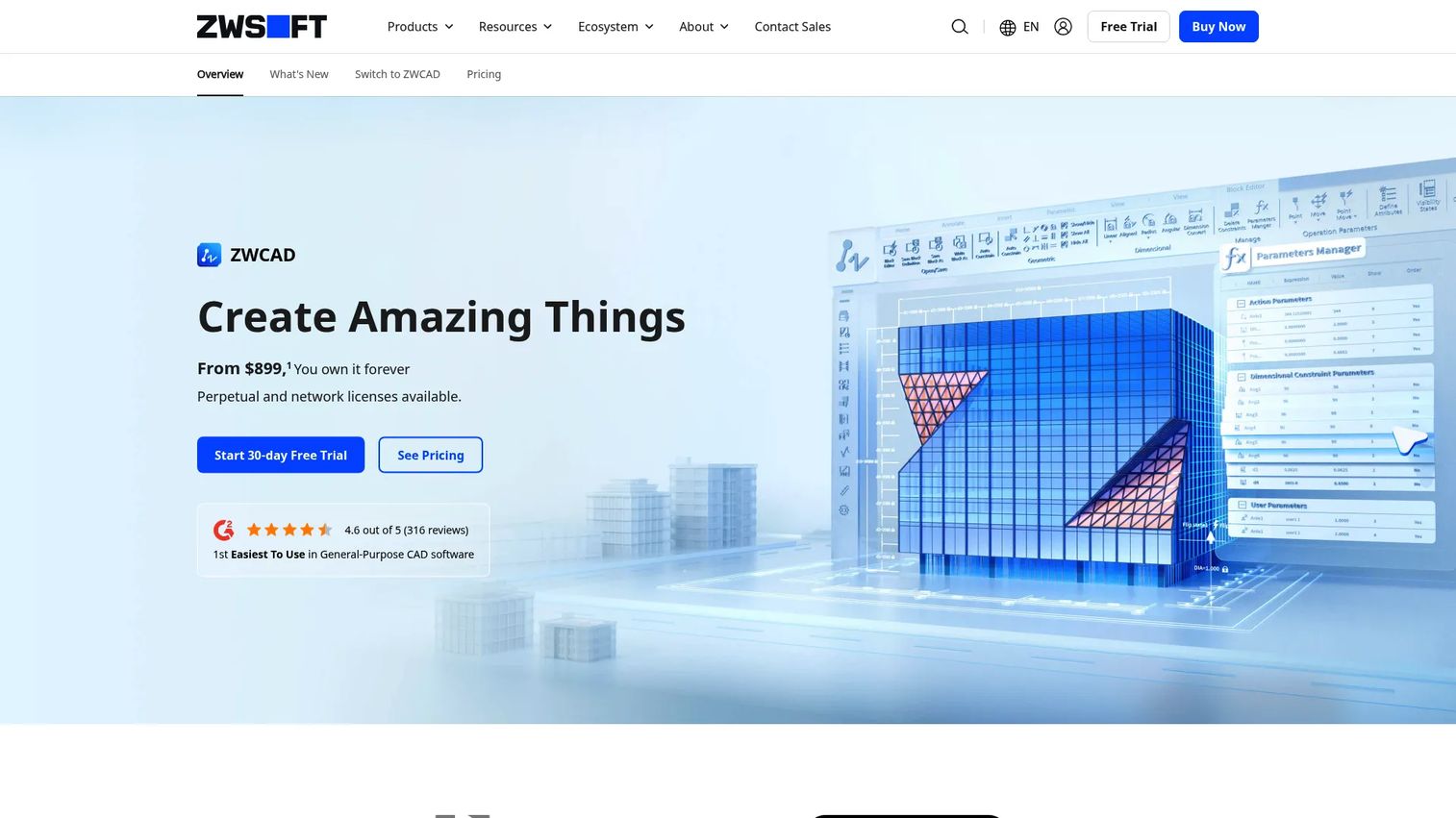
ZWCAD is DWG-compatible CAD software for 2D drafting and 3D modeling, positioned as a lower-cost alternative for teams that live in DWG files. It is not a structural analysis tool. It earns a place in a structural design stack because so much documentation and drawing work still happens in DWG, and file compatibility keeps that work flowing. It offers native DWG compatibility, a full set of 2D drafting tools, and LISP routine support for automation.
Best for: Teams needing a value-driven CAD platform for DWG-based drafting and documentation.
Key strengths
- Native DWG compatibility: Open and edit DWG files without conversion headaches, so drawings move cleanly across the team.
- Familiar drafting tools: A 2D drafting environment engineers already know, which shortens the learning curve.
- LISP automation: Reuse existing LISP routines to automate repetitive drafting tasks.
Why choose ZWCAD: Cost-conscious teams that need DWG drafting without a premium subscription find real value here. It slots into a structural workflow as the drafting and documentation layer, pairing with a dedicated analysis or design tool.
ZWCAD pricing: ZWCAD sells perpetual licenses with standalone and network options. ZWCAD Standard starts at $29.9, Professional at $1,399, and MFG at $1,699 as one-time purchases. Prices are MSRPs and exclude VAT and yearly maintenance. Note that perpetual licenses are not available in the USA and Canada, and ZWCAD Flex is unavailable in the USA. ZWCAD holds a 4.6/5 rating on G2.
6. AutoCAD
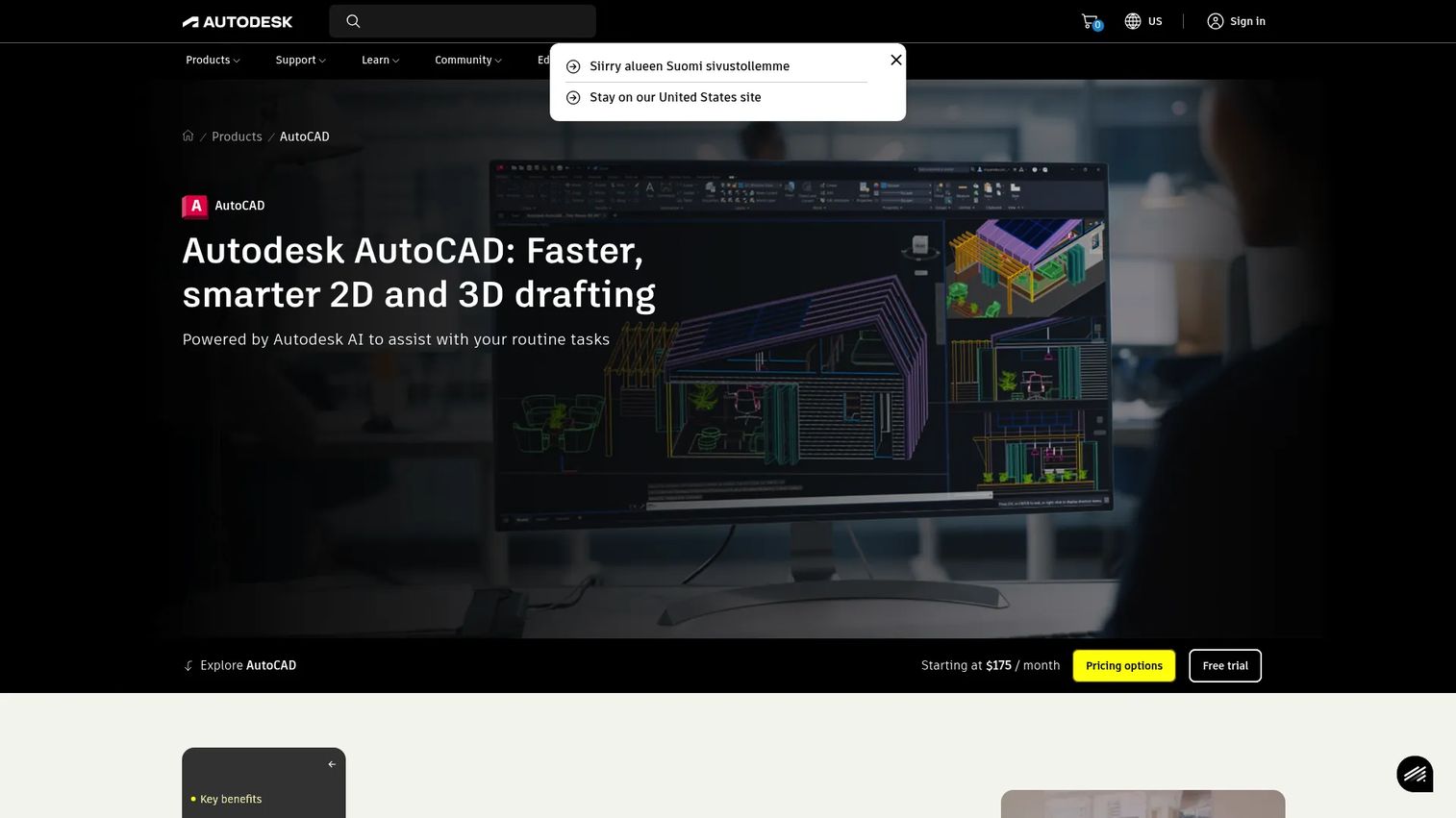
AutoCAD is Autodesk's CAD software for 2D and 3D drafting, design, and modeling. It is the drafting standard much of the industry grew up on, which is precisely its value in a structural stack: near-universal file familiarity and interoperability. Be honest about its role, though. AutoCAD is a drafting and documentation tool, not a native structural analysis platform. It offers 2D and 3D CAD drafting, desktop, web, and mobile access, plus industry-specific toolsets and Autodesk AI assistance.
Best for: Teams and professionals needing precise 2D/3D drafting and broad CAD interoperability.
Key strengths
- Industry-standard files: DWG is the lingua franca of drafting, so AutoCAD drawings move anywhere without translation loss.
- Multi-platform access: Work on desktop, web, or mobile, which helps field teams and reviewers.
- Toolsets and AI assistance: Industry-specific toolsets and Autodesk AI speed up repetitive drafting work.
Why choose AutoCAD: AutoCAD fits teams that want ecosystem familiarity and broad interoperability at the drafting layer. It pairs with a dedicated analysis or BIM tool rather than replacing one, and it keeps documentation compatible with almost every partner you work with.
AutoCAD pricing: Autodesk lists monthly, annual, and three-year subscriptions. Reviewer-visible figures include roughly $260 per month, $2,095 per year, and $6,285 over three years for a single user, though the overview page showed placeholders rather than confirmed public prices during our review. Confirm current pricing with Autodesk. AutoCAD holds a 4.4/5 rating on G2.
7. ClearCalcs
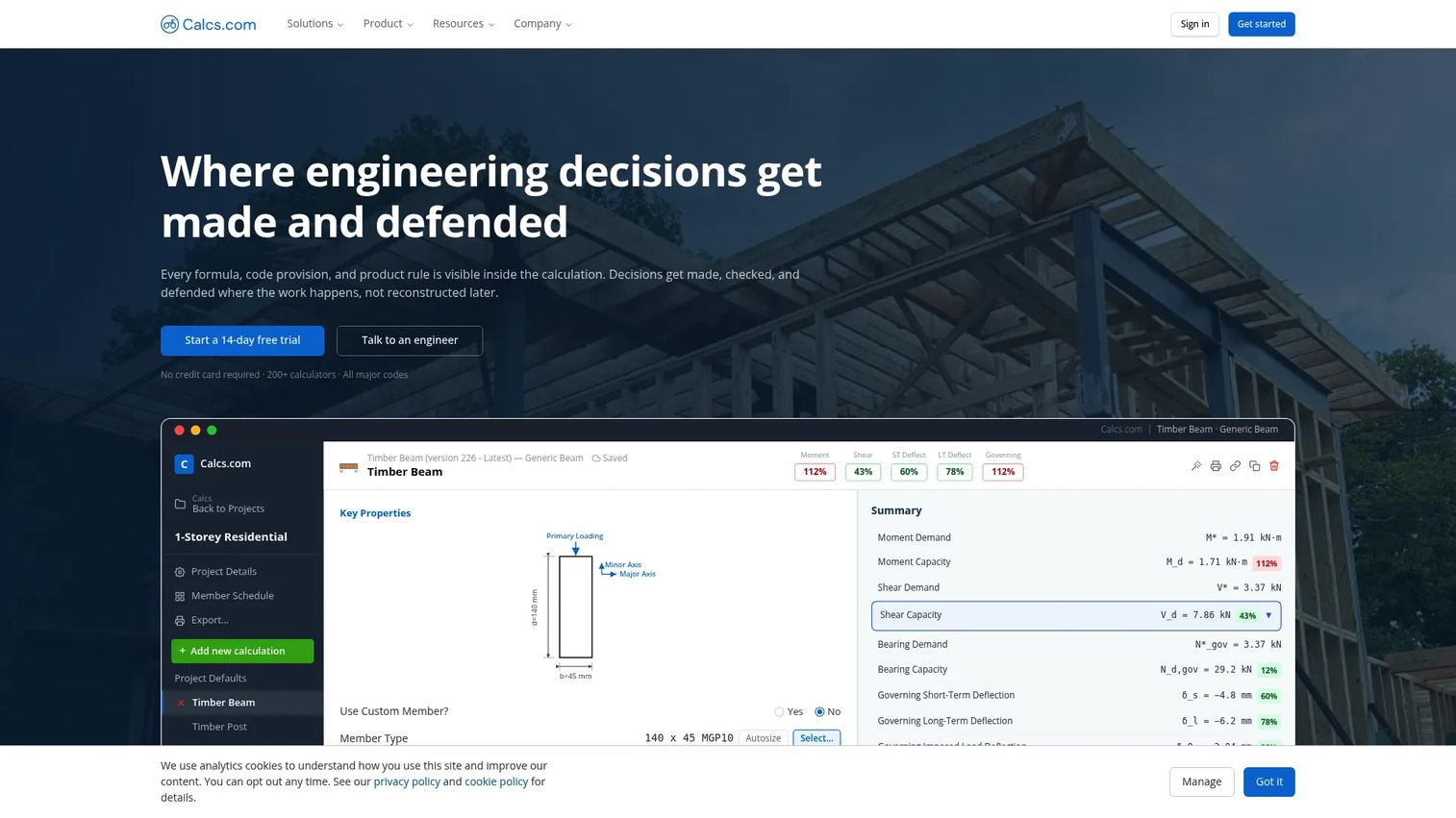
ClearCalcs is cloud-based structural design and analysis software built around engineering calculations and reports. It is the tool to compare against heavier suites when your bottleneck is documenting and automating calculations, not building giant 3D models. It offers pre-built code-compliant calculators for wood, steel, concrete, masonry, and more, dynamic load linking across calculations, plus professional PDF report generation and collaboration tools.
Best for: Structural engineers and design teams needing cloud-based calculation workflows and clear reporting.
Key strengths
- Code-compliant calculators: Pre-built calculators for wood, steel, concrete, and masonry speed up routine design checks.
- Dynamic load linking: Link loads across calculations so a change propagates automatically, reducing manual re-entry.
- Transparent PDF reports: Generate professional reports that reviewers can follow, which supports permitting and peer review.
Why choose ClearCalcs: Smaller teams and fast-moving engineers who value calculation transparency and quick reporting over a monolithic suite will feel at home. It excels when the deliverable is a defensible calculation package rather than a fabrication model.
ClearCalcs pricing: The public pricing page shows monthly and yearly billing for Basic, Pro, and Ultimate. Monthly runs $79, $119, and $149 respectively; yearly runs $790, $1,190, and $1,490. A 14-day free trial and a restricted free plan after trial are available. ClearCalcs holds a 4.6/5 rating on G2.
8. Tekla Structures
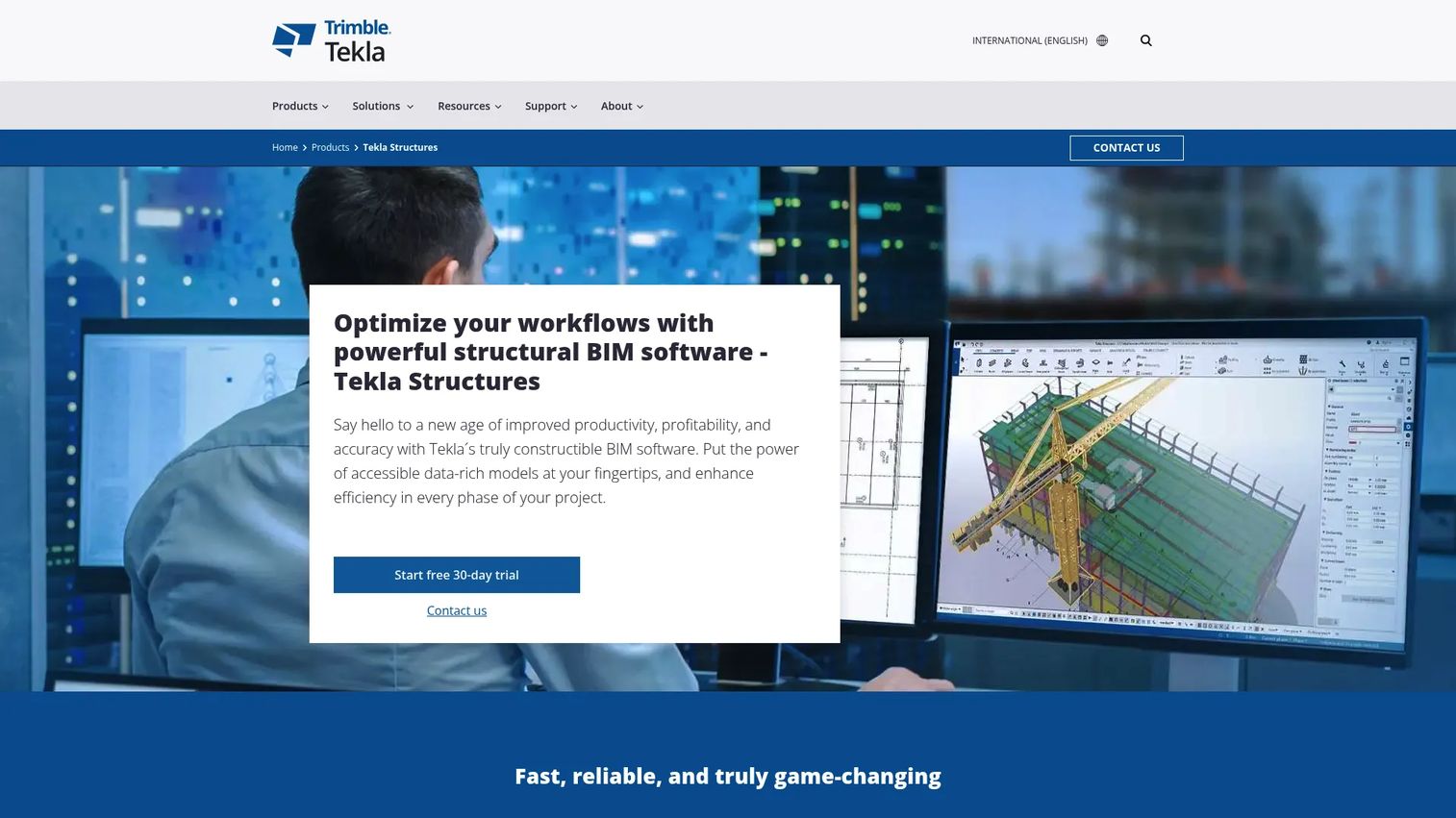
Tekla Structures is structural BIM software for creating and sharing information-rich 3D construction models. Where Revit leans toward multi-discipline coordination, Tekla leans toward fabrication-level detail and model accuracy, which is why it dominates steel-heavy and construction-adjacent workflows. It lets you create, combine, manage, and share accurate 3D models, offers material-independent subscription plans, and supports automatic drawings, reports, analysis interfaces, and an Open API.
Best for: Construction and structural engineering teams needing detailed multi-material BIM modeling and fabrication documentation.
Key strengths
- Fabrication-level detail: Model to the accuracy fabricators need, cutting errors between design and shop.
- Multi-material modeling: Handle steel, concrete, and mixed-material structures in one information-rich model.
- Automation and Open API: Generate automatic drawings and reports, and extend workflows through the Open API.
Why choose Tekla Structures: Teams whose output is a buildable, detailed model, especially in steel and construction-adjacent work, get the most here. It fits firms where model accuracy and BIM coordination with fabricators drive the project rather than early-stage analysis alone.
Tekla Structures pricing: Tekla offers three material-independent annual subscriptions: Carbon at $1,100 per year plus VAT, Graphite at $3,600 per year plus VAT, and Diamond at $7,350 per year plus VAT. A limited free trial is available. Tekla Structures holds a 4.5/5 rating on G2.
Considerations before you buy
Feature lists lie by omission. Before you standardize on any structural analysis and design software, pressure-test it against these criteria using a real project, not a canned vendor demo.
Code coverage
Confirm the tool supports the exact code family you design to, whether AISC, ACI, Eurocode, AS, or a local standard, and the current edition. A tool that checks steel design software rules against last cycle's code creates rework and liability. Verify the specific material checks you run most, not just the marketing bullet that says "code compliant."
Modeling depth
Match modeling capability to your real work. If you run nonlinear analysis or complex bridges, a lightweight tool will frustrate you. If your bread and butter is beams and simple frames, deep 3D structural engineering software may be overkill you pay for and never use. Test the exact model type you build most.
BIM/CAD interoperability
Check how cleanly models and drawings move between your structural tool, your CAD platform, and your BIM environment. Broken BIM interoperability shows up as manual re-entry, lost metadata, and clashes discovered too late. Run an actual round-trip export and import before you commit.
Cloud access and deployment
Decide whether cloud-based structural software, desktop, or a hybrid fits your team's collaboration model and IT constraints. Cloud tools ease distributed work and onboarding. Desktop platforms may offer depth or offline reliability specific projects require. Match the deployment model to how and where your people actually work.
Learning curve and support
The best tool your team never adopts is wasted money. Evaluate onboarding resources, documentation, training, and support responsiveness. Ask how long a new hire takes to reach productive output. Calculation transparency matters here too: reviewers and junior engineers need to follow the logic, not just trust a black box.
Conclusion
The best structural engineering software depends on your workflow, your code family, and your team size, not on a leaderboard. SkyCiv leads for cloud-first analysis and API automation. Bentley Structural Analysis and Detailing wins for firms wanting one suite across analysis, design, and detailing. SAP2000 delivers deep analysis power for complex structures. Revit anchors multi-discipline BIM coordination, while Tekla Structures owns fabrication-level detailing. ZWCAD and AutoCAD cover the DWG drafting layer, and ClearCalcs excels when transparent calculations are the deliverable.
Do not standardize on reputation alone. Pick two or three tools that match your workflow profile, then run each against a live project scenario: your actual code checks, your real BIM handoff, your typical model. The tool that fits your team's motion, not the one with the longest feature list, is the one that earns its license fee. That is how technical buyers should evaluate any complex stack.
FAQs
Structural engineering software is used to model, analyze, design, detail, and document load-bearing structures, then check them against building codes. It replaces hand calculations and disconnected drawings with a coordinated digital workflow spanning analysis, design, and often BIM interoperability.
For deep, general-purpose analysis of complex structures like buildings and bridges, SAP2000 is a proven choice. For cloud-based analysis and design with API automation and fast onboarding, SkyCiv is a strong pick. The best fit depends on whether you prioritize legacy analysis depth or browser-based accessibility.
Look for clean model and drawing exchange between your structural tool, CAD platform, and BIM environment, with metadata preserved. Revit leads multi-discipline coordination and Tekla Structures leads fabrication-level detailing. Always run a real round-trip export and import to confirm BIM interoperability before committing.
Yes. Cloud-based structural software like SkyCiv and ClearCalcs supports professional analysis, design, and code-compliant reporting used on real projects. Cloud access eases distributed collaboration and onboarding, and reputable tools maintain calculation transparency so reviewers can follow the logic.
Code family is often the deciding factor. Confirm the tool supports your exact standard, such as AISC, ACI, or Eurocode, and the current edition for the materials you design most. A tool that checks against an outdated code cycle creates rework and liability, so verify specific material checks rather than trusting a generic compliance claim.
Structural analysis software solves for forces, stresses, and deflections and checks members against code. Drafting software like AutoCAD and ZWCAD produces the 2D and 3D drawings and documentation. Many teams pair the two, using an analysis or BIM tool for engineering and a CAD tool for the DWG drafting layer.
Small firms often favor cloud tools with lower entry costs and fast onboarding. ClearCalcs suits teams focused on transparent calculations and reporting, SkyCiv suits those needing browser-based analysis and design, and ZWCAD offers value-driven DWG drafting. Match the tool to your most common deliverable and budget.
Strong teams evaluate against a live project rather than a scripted demo. They test their exact code checks, run a real BIM or CAD round-trip, model their most common structure type, and measure onboarding time. Comparing two or three tools this way reveals workflow fit far better than any feature list.