Finding a contract buried somewhere in Slack, Google Drive, or that one email thread from three months ago shouldn't take 15 minutes. Yet for most organizations, searching for internal information takes 20% of the workweek and feels like a scavenger hunt across a dozen disconnected apps.
Enterprise search software solves this by indexing content across all your company's applications and surfacing results from a single search bar. This guide covers how enterprise search works, the features that matter most, and 12 tools ranked by use case, pricing, and capabilities.
What's inside
This guide covers what enterprise search software does, which features separate good tools from great ones, and a ranked list of 12 enterprise search solutions for 2026. You'll find a comparison table, detailed breakdowns of each platform, and a practical evaluation framework to help you choose the right fit for your organization.
TL;DR
- Enterprise search software centralizes information across apps, documents, and data silos into one searchable interface so employees stop wasting hours switching between platforms.
- Why it matters: Knowledge workers spend a significant portion of their day searching for information across disconnected tools. That number grows as tool sprawl increases.
- Must-have features: Native connectors, natural language processing, permission-aware results, and AI-generated answers using your company's own data.
- Top picks: Glean for AI-native search across 100+ apps, Microsoft Search for M365-heavy organizations, and Elastic Search for teams with engineering resources who want full customization.
- Evaluation tip: Start by mapping your data landscape and integration requirements before comparing vendors.
What is enterprise search software
Enterprise search software indexes and searches content across a company's internal applications so employees can find files, messages, and data from a single interface. Instead of checking Slack, then Google Drive, then Salesforce, then Jira, you type one query and get results from everywhere.
This differs from consumer search like Google in two important ways. First, enterprise search respects internal permissions. If a document is restricted in SharePoint, it stays restricted in search results.
Second, enterprise search understands organizational context, surfacing results based on your role, team, and past behavior.
Here's what enterprise search software typically connects to:
- Documents: PDFs, Word files, spreadsheets stored across cloud drives like Google Drive, OneDrive, and Dropbox
- Communication tools: Slack messages, email threads, Microsoft Teams conversations
- Business applications: CRM records in Salesforce or HubSpot, project management tickets in Jira or Asana, HR systems
- Knowledge bases: Wikis, help centers, Confluence spaces, Notion workspaces, internal documentation
The best enterprise search engines go beyond returning links. They use AI to generate direct answers by synthesizing information from multiple sources. This technique, called Retrieval-Augmented Generation (RAG), grounds AI responses in your actual company data.
Instead of opening five documents to find what you're looking for, you get a summarized answer with citations.
Why organizations need enterprise search solutions
The core problem is simple: information lives in too many places. A typical mid-size company uses 106 SaaS apps.
Reduce time spent searching for information
Employees spend significant portions of their workday hunting for documents and data across disconnected systems. Enterprise search eliminates the guesswork about which app holds which information.
Think about the last time you needed a contract, a product spec, or a conversation from three months ago. You probably checked email, then Slack, then your file storage, then asked a colleague. That scavenger hunt happens dozens of times per day across your organization.
Break down knowledge silos across teams
Departments often store information in tools only they access. Sales lives in Salesforce. Engineering lives in Jira and GitHub.
Marketing lives in Google Drive and Notion. Enterprise search surfaces relevant content regardless of which team created it or where it lives.
This matters most for cross-functional work. When product marketing needs engineering specs, or when sales needs case studies from customer success, enterprise search removes the "who do I ask?" friction.
Accelerate employee onboarding
New hires struggle to find institutional knowledge. They don't know which Slack channels matter, where documentation lives, or who owns what. Enterprise search lets them self-serve answers without interrupting colleagues.
Teams looking to complement onboarding search with structured guidance may also benefit from knowledge base software.
Improve decision making with unified data access
When all company information is searchable from one place, teams can surface insights that would otherwise stay buried. A sales rep preparing for a call can find every previous interaction, support ticket, and internal discussion about that account in seconds.
Enable AI-powered knowledge discovery
Modern enterprise search products use RAG adopted by 71% of early GenAI adopters to generate answers using your company's indexed data rather than generic training data. You ask "What was our Q3 revenue target?" and get a direct answer pulled from internal documents, not a generic response about how companies set revenue targets.
This is the difference between a search engine and a knowledge assistant. The former returns links. The latter answers questions.
Key features of the best enterprise search engines
The following capabilities separate basic search from enterprise-grade enterprise search products. Each feature directly impacts how useful the tool will be for your team.
Connectors and data source integrations
Connectors are pre-built links between the search platform and common business apps. The more native connectors, the faster deployment. Without them, you're looking at custom development work that can delay rollout by months.
Look for native integrations with:
- Google Workspace and Microsoft 365
- Slack and Microsoft Teams
- Salesforce, HubSpot, and other CRMs
- Jira, Asana, Monday, and project management tools
- Confluence, Notion, and documentation platforms
- ServiceNow, Zendesk, and support systems
Natural language processing and semantic search
NLP (natural language processing) lets users ask questions in plain English rather than requiring exact keyword matches. Semantic search understands intent and context, so "Q3 sales deck" finds results even if the file is titled "Revenue Presentation September."
This matters because employees don't think in keywords. They think in questions: "Who owns the Acme account?" or "What's our refund policy for enterprise customers?" Good enterprise search software handles both.
AI-powered summarization and answers
Modern enterprise search engines don't just return links. They synthesize information and generate direct answers. This reduces time spent opening and scanning multiple documents.
The underlying technology is RAG, which grounds AI responses in your actual company data. The AI retrieves relevant documents, then generates an answer based on what it found. You get the convenience of ChatGPT with the accuracy of your internal knowledge base.
Granular security and access controls
Enterprise search respects existing permissions. If a document is restricted in Google Drive, it stays restricted in search results. This is non-negotiable for any organization handling sensitive data.
Permission-aware search ensures employees only see content they're authorized to access. The search platform inherits permissions from source systems rather than creating a separate access control layer you have to manage.
Analytics and search quality reporting
Search analytics help you identify failed searches (queries with no results), popular queries, and content gaps. This data helps IT and knowledge teams improve information architecture over time.
If employees keep searching for "expense policy" and getting no results, that's a signal to create or surface that content. Without analytics, you're flying blind.
Customizable search experience
Enterprise search companies offer configuration options to tune relevance for specific organizational needs. Configuration options include custom ranking rules, synonyms (so "PTO" and "vacation" return the same results), promoted results for common queries, and branded interfaces.
Enterprise search software comparison table
This table compares the 12 enterprise search solutions covered in this guide. Ratings are from G2 as of early 2025.
# | Product | Best for | Key differentiator | Pricing model | G2 rating |
|---|---|---|---|---|---|
1 | Glean | AI-native enterprise search | 100+ native connectors, personalized results | Custom quote | 4.7/5 |
2 | Microsoft Search | Microsoft 365 environments | Built into existing Microsoft licenses | Included with M365 | 4.2/5 |
3 | Elastic Search | Developer-led implementations | Open-source flexibility, highly scalable | Free tier + paid plans | 4.5/5 |
4 | Algolia | Product teams building search UX | API-first, sub-second response times | Usage-based | 4.5/5 |
5 | Lucidworks | E-commerce and support portals | Signals-based learning from user behavior | Custom quote | 4.3/5 |
6 | Coveo | Personalized digital experiences | AI relevance tuning for customer-facing apps | Custom quote | 4.4/5 |
7 | Sinequa | Regulated industries | Designed for complex compliance environments | Custom quote | 4.5/5 |
8 | Google Cloud Search | Google Workspace organizations | Native integration with Google apps | Included with Workspace | 4.3/5 |
9 | SearchUnify | Customer support teams | Unified search across support content | Custom quote | 4.6/5 |
10 | Guru | Knowledge management | Verification workflows keep content accurate | Per user/month | 4.7/5 |
11 | Bloomfire | Team knowledge sharing | Q&A format encourages contribution | Per user/month | 4.4/5 |
12 | Yext | Multi-location businesses | Structured data and answers platform | Custom quote | 4.4/5 |
Best enterprise search products ranked
The following are the leading enterprise search solutions evaluated across integration depth, AI capabilities, security, and deployment flexibility. The best enterprise search engine for your organization depends on your existing tech stack and primary use case.
1. Glean
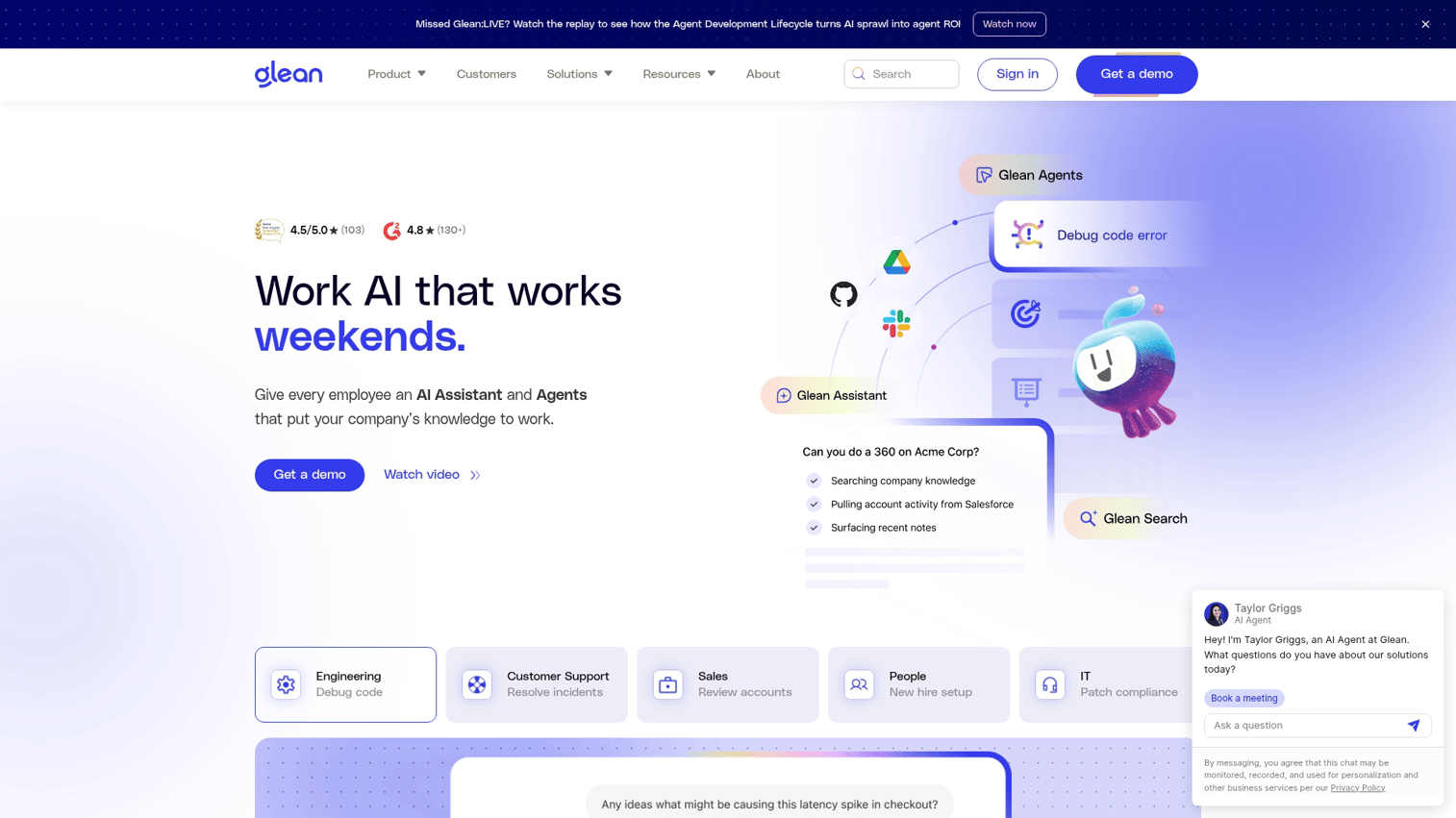
Glean is an AI-native enterprise search platform that connects to over 100 apps and delivers personalized, context-aware results. It's designed for organizations that want turnkey AI search without heavy IT lift.
Best for: Organizations wanting broad coverage across SaaS apps and AI-generated answers, not just links.
Key strengths
- Connector breadth: 100+ native integrations covering most common business applications
- Personalized ranking: Results adapt based on your role, team, and past behavior
- AI-generated answers: Uses RAG to synthesize information and answer questions directly
- Fast deployment: Most implementations complete in weeks, not months
Why choose Glean: When you want comprehensive coverage across a diverse SaaS stack and AI that actually understands your company's context. Glean's strength is making enterprise search feel as intuitive as consumer search.
Pricing: Custom quote based on employee count. Expect enterprise-level pricing.
2. Microsoft Search
Microsoft Search is built into Microsoft 365 and searches across SharePoint, OneDrive, Teams, Outlook, and other Microsoft apps. For organizations already standardized on M365, it's the path of least resistance.
Best for: Organizations already standardized on Microsoft 365 who want zero-friction adoption.
Key strengths
- No additional licensing: Included with Microsoft 365 enterprise licenses
- Deep Microsoft integration: Native search across SharePoint, Teams, OneDrive, and Outlook
- Copilot integration: AI features through Microsoft 365 Copilot for summarization and answers
- Familiar UX: Search bar appears in apps employees already use daily
Why choose Microsoft Search: When your knowledge already lives in Microsoft apps and you want search that works without additional procurement or training. The limitation is coverage outside the Microsoft ecosystem.
Pricing: Included with Microsoft 365 enterprise licenses. Copilot features require additional licensing.
3. Elastic Search
Elastic Search is an open-source search engine that powers custom enterprise search implementations. It's the foundation behind many commercial search products and offers maximum flexibility for teams with engineering resources.
Best for: Engineering teams building tailored search experiences who want full control.
Key strengths
- Highly scalable architecture: Handles massive data volumes and complex queries
- Full customization control: Build exactly the search experience you want
- Strong developer community: Extensive documentation and community support
- Deployment flexibility: Self-hosted or Elastic Cloud options
Why choose Elastic Search: When you have engineering resources and want flexibility beyond packaged solutions. Elastic is powerful but requires technical investment to implement and maintain.
Pricing: Free open-source tier available. Elastic Cloud starts at usage-based pricing. Enterprise features require paid licenses.
4. Algolia
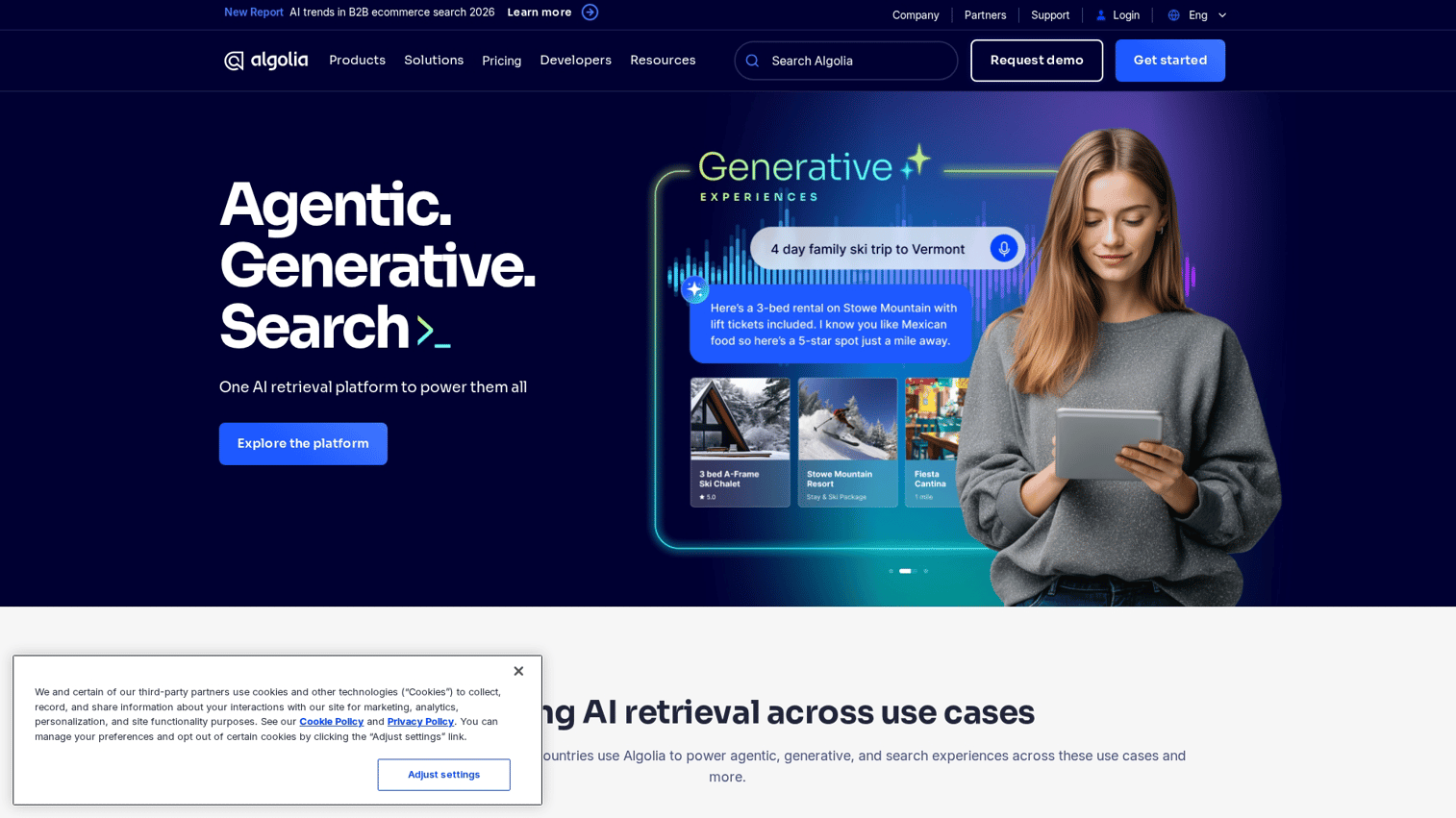
Algolia is an API-first search platform optimized for speed and developer experience. It's designed for product teams building customer-facing or internal search experiences where milliseconds matter.
Best for: Product teams building search UX where speed and developer experience are top priorities.
Key strengths
- Sub-second response times: Optimized for speed at scale
- Extensive API documentation: Developer-friendly with comprehensive SDKs
- AI-powered recommendations: Suggest related content based on user behavior
- Easy frontend integration: Pre-built UI components accelerate development
Why choose Algolia: When search speed directly impacts user experience and you have developers who can work with APIs. Algolia excels at customer-facing search but can also power internal tools.
Pricing: Free tier available. Paid plans based on search requests and records indexed.
5. Lucidworks
Lucidworks is an AI-powered search platform that uses signals-based learning to improve relevance over time. It learns from user clicks and behavior to surface better results.
Best for: E-commerce and customer support portals where search directly impacts revenue. Marketing teams looking to create interactive experiences might also explore sandbox demos for marketers as a complementary approach.
Key strengths
- Signals-based learning: Improves results based on what users actually click
- Commerce-specific features: Product recommendations, merchandising controls
- Support for structured and unstructured data: Handles product catalogs and documents equally well
- Machine learning pipelines: Built-in tools for training custom relevance models
Why choose Lucidworks: When you want search that gets smarter based on how users interact with results. Particularly strong for e-commerce where search quality directly impacts conversion.
Pricing: Custom quote based on deployment size and features.
6. Coveo
Coveo is an AI relevance platform focused on personalized search for digital experiences. It's designed for customer-facing applications and service portals where personalization drives engagement.
Best for: Customer-facing applications and service portals where personalization matters more than internal knowledge search.
Key strengths
- Machine learning relevance tuning: Automatically optimizes results based on user behavior
- Analytics dashboard: Detailed insights into search performance and user behavior
- Commerce and service cloud integrations: Native connections to Salesforce, ServiceNow, and e-commerce platforms
- Personalization engine: Tailors results based on user profile and context
Why choose Coveo: When personalization across customer touchpoints is the priority. Coveo excels at making search feel tailored to each user.
Pricing: Custom quote based on usage and features.
7. Sinequa
Sinequa is an enterprise search platform designed for complex, highly regulated environments. It's built for organizations where compliance and security requirements are non-negotiable.
Best for: Financial services, healthcare, and government organizations with strict compliance requirements.
Key strengths
- Advanced security controls: Fine-grained access control and audit capabilities
- Compliance certifications: SOC 2, HIPAA, and other certifications for regulated industries
- NLP in multiple languages: Supports global organizations with multilingual content
- On-premises deployment option: For organizations that can't use cloud-hosted search
Why choose Sinequa: When regulatory requirements dictate strict data handling and you want enterprise document search across sensitive content. Sinequa is built for complexity.
Pricing: Custom quote. Expect enterprise-level pricing given the target market.
8. Google Cloud Search
Google Cloud Search searches across Google Workspace apps plus third-party connectors. For organizations running on Google Workspace, it provides familiar search UX with minimal setup.
Best for: Organizations standardized on Google Workspace who want search that just works.
Key strengths
- Native Google integration: Deep integration with Drive, Gmail, Calendar, and other Google apps
- Cloud-native architecture: Scales automatically with your organization
- Familiar Google search UX: Employees already know how to use it
- Third-party connectors: Extend search to non-Google data sources
Why choose Google Cloud Search: When your company runs on Google Workspace and you want search without additional procurement. Coverage outside Google apps requires connector setup.
Pricing: Included with Google Workspace Business and Enterprise plans.
9. SearchUnify
SearchUnify is a unified cognitive search platform focused on customer support and self-service. It's designed to help support teams reduce ticket volume through better search.
Best for: Support teams wanting to unify knowledge bases and case data to reduce ticket volume. For teams exploring how to make product knowledge more accessible, a demo center for customer support can complement search capabilities.
Key strengths
- Case deflection analytics: Measure how search reduces support tickets
- Agent assist features: Help support agents find answers faster during live interactions
- Salesforce Service Cloud integration: Native connection to Salesforce support workflows
- Zendesk integration: Works with existing Zendesk knowledge bases and tickets
Why choose SearchUnify: When reducing support ticket volume through better self-service search is the primary goal. SearchUnify is purpose-built for support use cases.
Pricing: Custom quote based on deployment size.
10. Guru
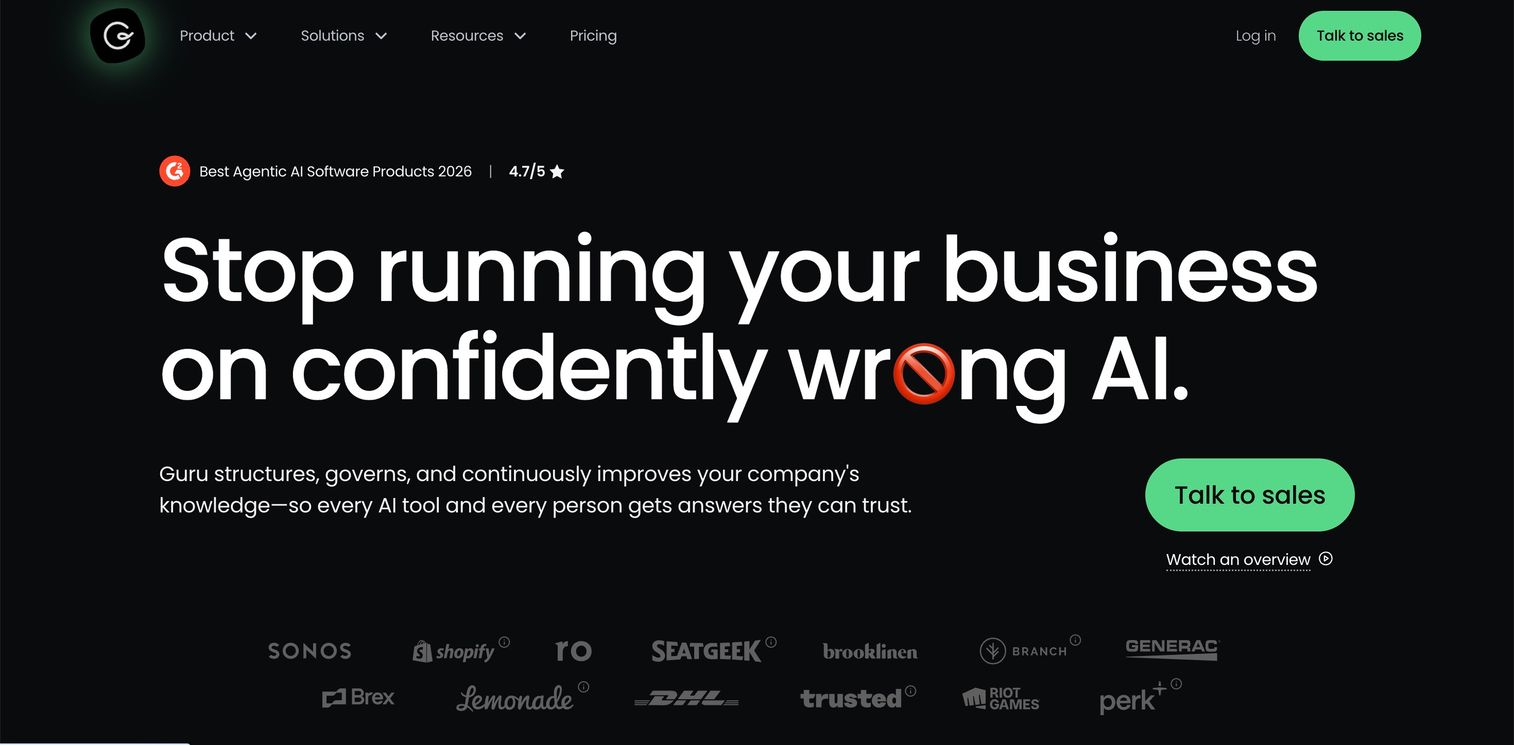
Guru is a knowledge management platform with built-in search and verification workflows. It's designed for teams that prioritize knowledge accuracy and freshness over raw search power.
Best for: Teams prioritizing knowledge accuracy and freshness over raw search capabilities.
Key strengths
- Expert verification system: Assigns knowledge owners who verify content stays accurate
- Browser extension: Surfaces knowledge in context while employees work
- Slack and Teams integrations: Answer questions directly in chat tools
- AI-powered suggestions: Recommends relevant knowledge based on context
Why choose Guru: When outdated or incorrect information is a bigger problem than findability. Guru's verification workflows ensure knowledge stays current.
Pricing: Per user per month. Free tier available with limited features.
11. Bloomfire
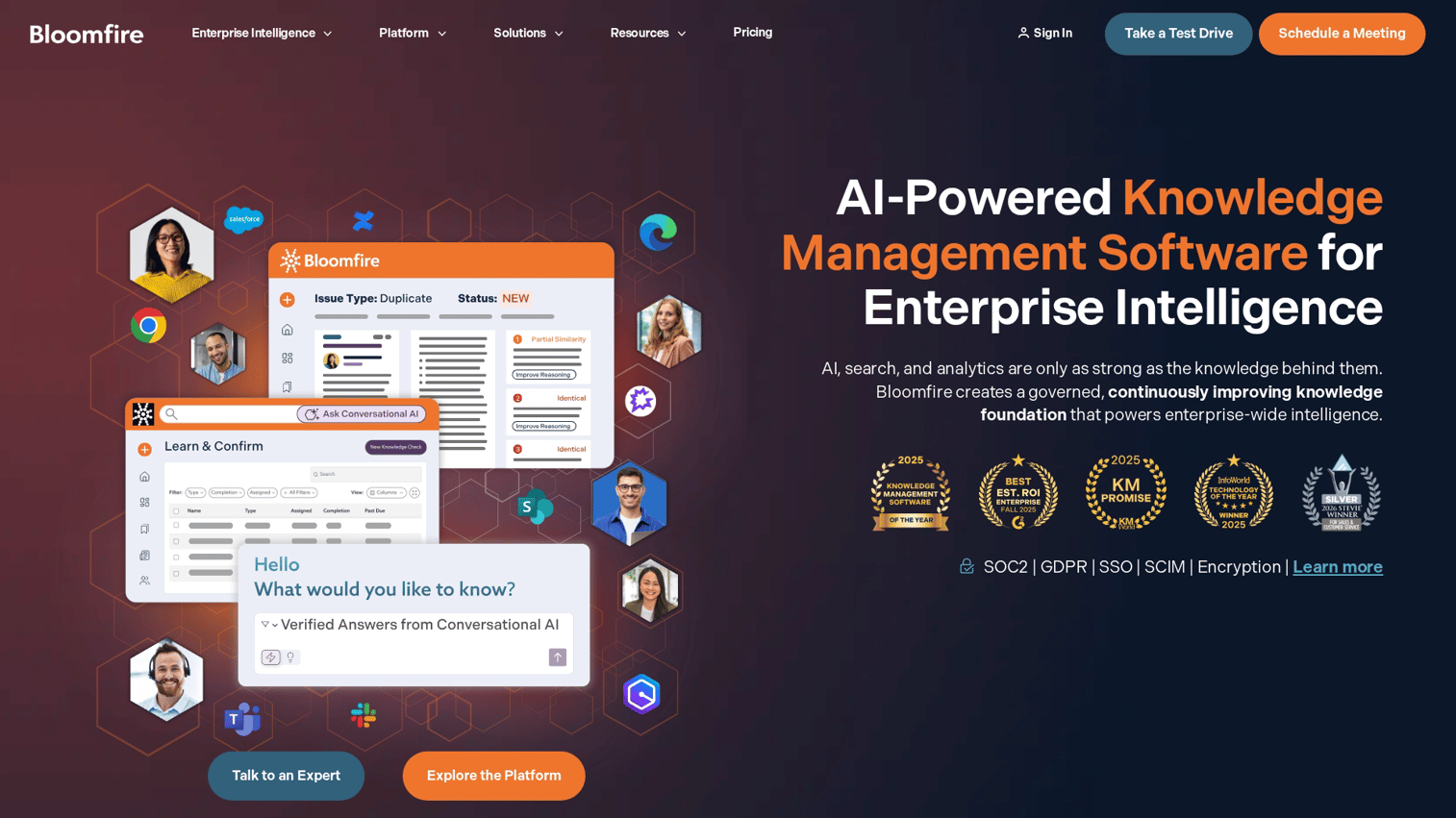
Bloomfire is a knowledge sharing platform with Q&A-style search and contribution features. It's designed for teams that want to encourage knowledge contribution, not just consumption.
Best for: Teams wanting to build a culture of knowledge sharing, not just search.
Key strengths
- AI-generated transcripts: Automatically transcribes video content for search
- Q&A format: Encourages employees to ask and answer questions
- Crowdsourced knowledge: Makes it easy for anyone to contribute
- Social features: Likes, comments, and follows create engagement around content
Why choose Bloomfire: When building a culture of knowledge sharing matters as much as search functionality. Bloomfire makes contributing knowledge as easy as consuming it.
Pricing: Per user per month. Contact sales for specific pricing.
12. Yext
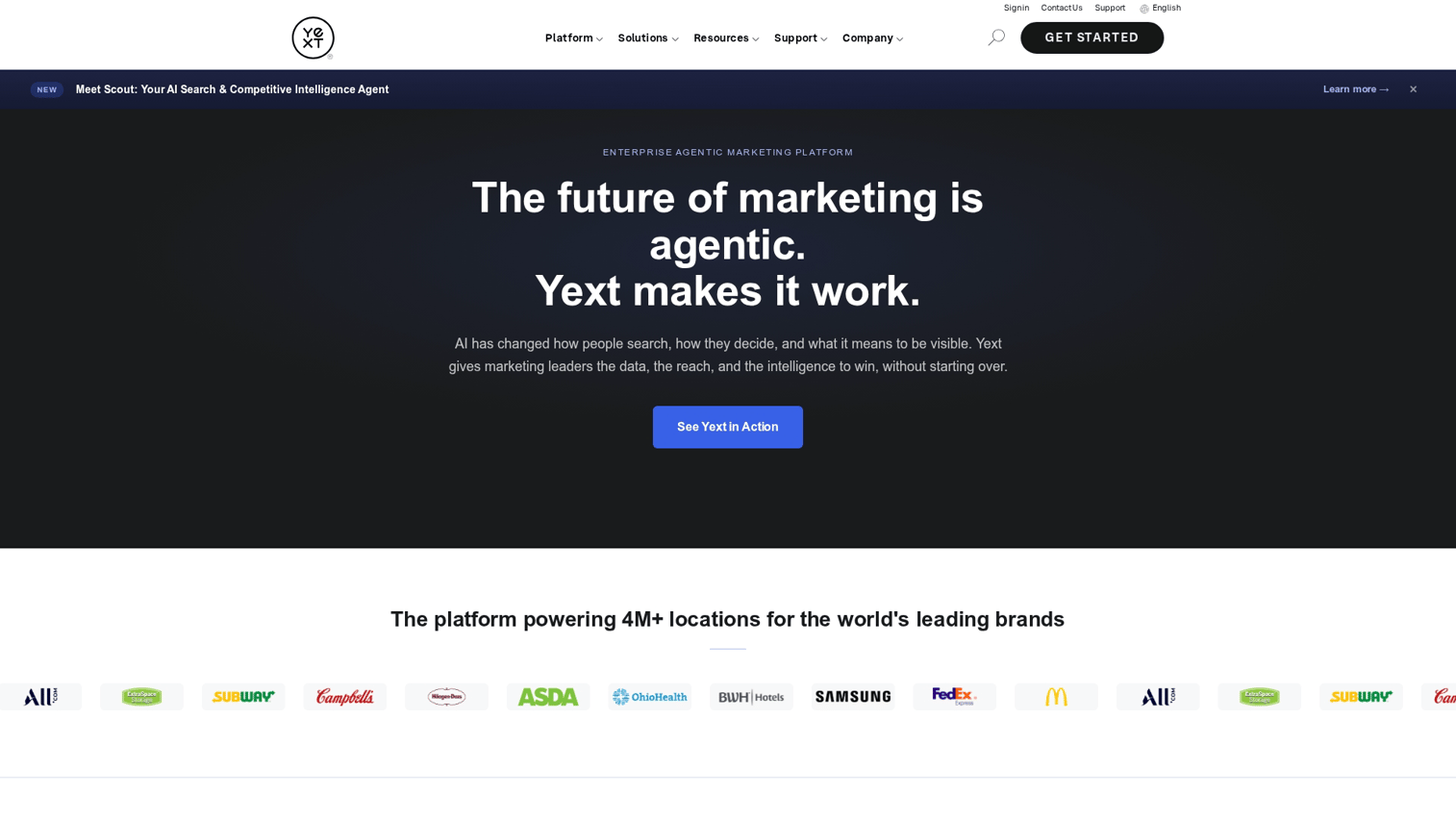
Yext is an answers platform for structured data and multi-location businesses. It's designed for organizations that want to serve consistent answers across locations or customer-facing channels.
Best for: Organizations with distributed locations wanting consistent information delivery.
Key strengths
- Structured data management: Organize and maintain consistent information across locations
- Direct answers: Returns answers, not just links, for common questions
- Location-aware results: Tailors responses based on user location
- Multi-channel delivery: Serve answers on websites, apps, and voice assistants
Why choose Yext: When you want to serve consistent answers across locations or customer-facing channels. Yext excels at structured data and FAQ-style queries.
Pricing: Custom quote based on features and scale.
How to evaluate enterprise search solutions
Choosing enterprise search software involves more than comparing feature lists. Here's a practical evaluation framework.
1. Define your data landscape
Start by inventorying where company knowledge currently lives. List all apps, file storage systems, and databases that would benefit from indexing. Note which sources contain the most frequently searched content.
This inventory determines which connectors you want. If your critical data lives in systems without native connectors, you're looking at custom development work.
2. Map integration requirements
Check which tools have native connectors versus requiring custom development. Prioritize enterprise search products that natively connect to your most critical systems.
Ask vendors specifically about connector depth. A "Salesforce connector" might index accounts and contacts but miss custom objects your team relies on.
3. Assess AI and NLP capabilities
Test how each platform handles natural language queries specific to your business. Ask questions the way employees actually phrase them, not sanitized keyword searches.
Try queries like "Who owns the Acme account?" or "What's our policy on customer refunds?" The difference between good and great enterprise search shows up in real-world tests like this.
4. Verify security and compliance posture
Confirm the platform respects source system permissions. For regulated industries, check certifications (SOC 2, HIPAA, GDPR) and data residency options.
Ask how the platform handles permission changes. If someone loses access to a SharePoint folder, how quickly does that change reflect in search results?
5. Calculate total cost of ownership
Factor in licensing, implementation services, ongoing maintenance, and connector development for unsupported systems. Usage-based pricing can scale unexpectedly with adoption.
A platform that looks cheaper upfront might cost more once you add custom connectors, professional services, and the engineering time to maintain it.
6. Plan for change management
The best enterprise search engine fails if employees don't use it. Evaluate ease of adoption, training requirements, and whether the UX matches how your team actually works.
Consider running a pilot with a specific team before organization-wide rollout. Their feedback will surface issues you won't catch in vendor demos.
Security and compliance for enterprise document search
Security is a top concern for any enterprise search deployment. Here's what to evaluate:
- Permission-aware indexing: Search respects who can see what in source systems. If a document is restricted, it stays restricted in search results.
- Data residency: Where indexed content is stored matters for GDPR and data sovereignty requirements. Some vendors offer region-specific hosting.
- Audit trails: Logging who searched for what and when. Critical for compliance and security investigations.
- Encryption: Data encrypted in transit and at rest. Standard for enterprise software but worth confirming.
- SSO integration: Single sign-on ensures only authenticated employees access search. Reduces password sprawl and improves security posture.
For organizations in regulated industries, also verify compliance certifications. SOC 2 Type II is table stakes. HIPAA, FedRAMP, or industry-specific certifications may be required depending on your data.
How to choose the right enterprise search company
When feature comparisons are close, the following factors often determine the right choice:
- Vendor stability: How long has the company been in market? What's their funding situation and customer base? Enterprise search is infrastructure in a $6.83 billion market, and you want a vendor that will be around in five years.
- Implementation support: What professional services are available? How long do typical implementations take? Ask for references from similar-sized companies.
- Roadmap alignment: Where is the vendor investing? If AI-generated answers matter to you, make sure that's a priority for them too.
- Customer references: Ask to speak with similar-sized companies in your industry. Vendor demos are optimized. Customer conversations reveal reality.
- Exit strategy: What happens if you want to switch vendors? How portable is your data and configuration?
For organizations evaluating how prospects experience product information during sales cycles, interactive demos can complement enterprise search by making product knowledge self-serve and trackable. When buyers can explore your product on their own, they arrive at sales conversations better informed and more qualified.
Start your journey with Guideflow today!
FAQs about enterprise search software
Most cloud-based enterprise search solutions deploy in weeks for standard integrations. Organizations with complex environments, custom connectors, or on-premises requirements can expect timelines extending to several months. The biggest variable is usually connector development for systems without native support.
Organizations typically see ROI through reduced time employees spend searching for information, faster onboarding, and fewer duplicate work efforts. Exact returns vary based on company size and current knowledge fragmentation.
Yes, most enterprise search engines offer hybrid deployment options. On-premises crawlers index local file shares, databases, and legacy systems while keeping the search interface cloud-hosted. This is common for organizations with sensitive data that can't move to the cloud.
Leading platforms include NLP models trained on multiple languages. Employees can search in their preferred language and find relevant results regardless of the original document language. Coverage varies by vendor, so verify support for your specific languages during evaluation.
Permission-aware enterprise search automatically removes access when an employee's accounts are deactivated in source systems. Departed employees no longer appear in people searches, and their private content remains protected. The speed of this update depends on how frequently the search platform syncs permissions.
Enterprise search complements rather than replaces native search in individual tools. It provides a unified interface across all systems. In practice, many organizations find employees stop using individual app search once enterprise search is adopted because one search bar is simpler than remembering which app holds what.