
A visitor walks into your hospital, campus, or mall. They have an appointment in eight minutes. They cannot find the right wing. So they stop a staff member, who walks them halfway there, then returns to a backlog of work. Multiply that by hundreds of visitors a day.
This is the friction digital wayfinding software solves. People get lost in large physical spaces, and that confusion costs you in missed appointments, late arrivals, frustrated guests, and staff hours burned on "where is the..." questions.
The scale of the problem is measurable. Research from Mappedin found that 53% of venue visitors experience navigation problems, and 24% wasted time searching for a destination in the past six months. The same research shows 77% of visitors actively use digital wayfinding when it is available, and 62% who used indoor map tools found it easier to discover new stores and services.
Stat callout: 53% of venue visitors experience navigation problems, yet 77% actively use digital wayfinding when it is offered. (Mappedin venue-experience research, 2026)
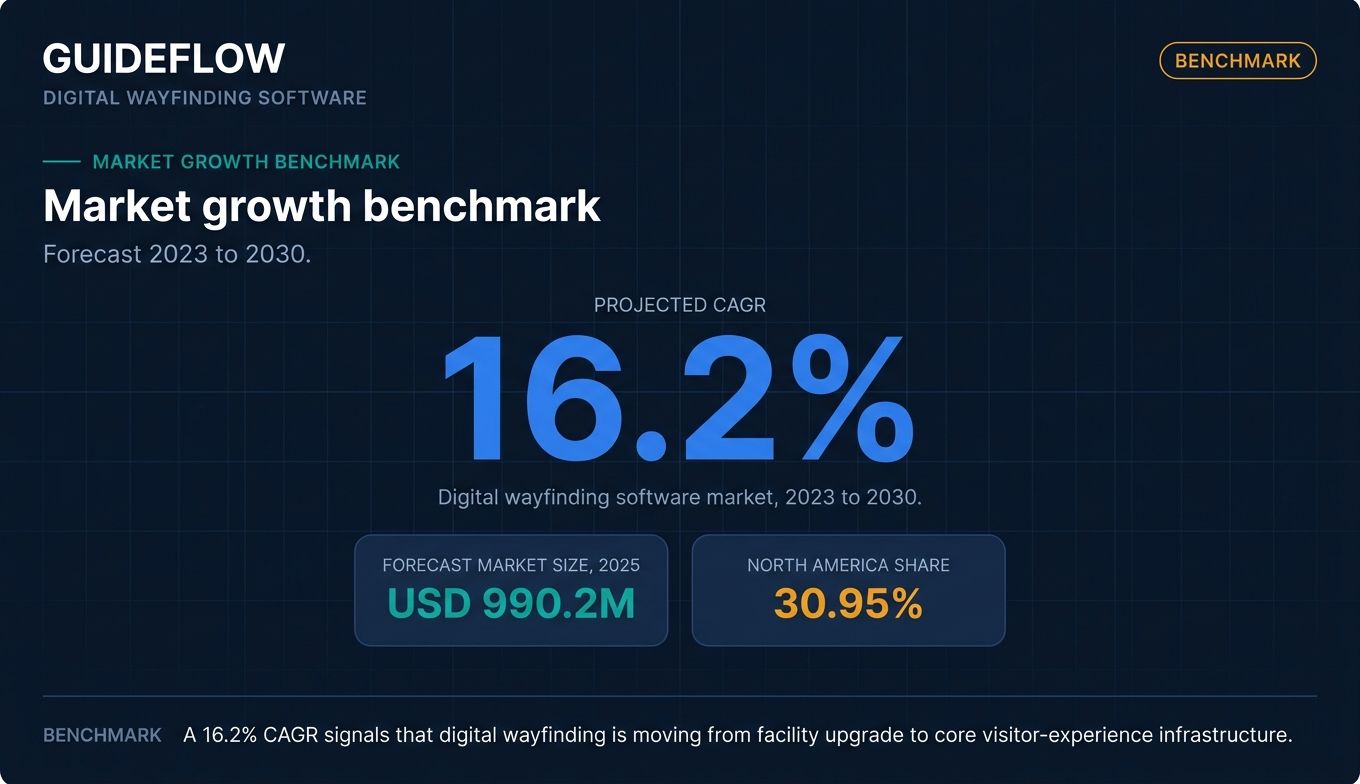
Demand is following the friction. The global digital wayfinding software market is forecast to grow at a 16.2% CAGR from 2023 to 2030, reaching roughly USD 990.2 million in 2025, according to Cognitive Market Research. North America holds about 30.95% of that market.
The hard part is not deciding you need a wayfinding platform. It is choosing the right one from a crowded field where vendor pages all promise the same thing. This guide compares the options on the factors that actually decide fit.
What's inside
This guide is for facilities and workplace-experience managers, IT and AV buyers, and CX or marketing leads at venues, retail, hospitality, and large campuses. If you are building a shortlist before booking demos, start here.
We chose and ranked these digital wayfinding solutions against four criteria that matter at evaluation time:
- Interactive map quality: how good the map editing, routing, and visual experience are.
- Multi-device delivery: coverage across kiosks, digital signage, mobile, and QR handoff.
- Implementation and self-service updates: how quickly you go live and how easily you keep maps current.
- Analytics and integrations: visitor data, space booking, emergency alerts, CMS, and API access.
TL;DR
Short on time? Here are the decision shortcuts.
- Best for higher-ed campuses and venues: Concept3D, for 3D and 360 interactive maps plus virtual tours.
- Best free option to start: Mappedin, with a genuine free tier and an AI-assisted map editor.
- Best signage plus wayfinding suite: 22Miles, for enterprises that want both in one CMS.
- Best for precise indoor positioning: Navigine, for blue-dot navigation and RTLS embedded in your own app.
- Best for hybrid workplaces: Robin or MAPIQ, where wayfinding ties to desk and room booking.
- Best budget signage with wayfinding: Hypersign, with transparent published per-screen pricing.
What is digital wayfinding software?
Digital wayfinding software is a platform that helps people navigate physical spaces through interactive maps, directional signage, kiosks, and mobile or QR-based turn-by-turn directions. It replaces static printed maps and "you are here" boards with searchable, updatable, data-rich navigation.
A digital wayfinding system usually combines a map editor, a routing engine, and one or more delivery surfaces (a kiosk, a signage screen, a phone). Interactive wayfinding software adds touch interaction and search so visitors can look up a destination and get a route, rather than reading a fixed diagram. The same logic applies to digital products, where teams use interactive product tours to guide users through unfamiliar software.
Most platforms in this category share a recognizable feature set.
- Interactive map editing: build and update floor plans, points of interest, and routes without a developer.
- Turn-by-turn and blue-dot navigation: guide visitors step by step, with real-time positioning indoors where supported.
- POI search: let people search for a room, store, department, or person.
- Multi-device delivery: push the same map to kiosks, digital signage, and mobile, often with QR or takeaway URLs.
- Accessibility and ADA routing: offer routes that avoid stairs or prefer elevators, plus multilingual support.
- Analytics: track searches, popular destinations, and kiosk engagement.
- Integrations: connect to space booking, emergency alerts, CMS, and APIs.
The line between a wayfinding platform and a digital signage tool is blurry on purpose. Many vendors sell both, because a lobby screen that broadcasts content can also host an interactive map. That overlap is why "digital signage wayfinding software" and "wayfinding digital signage software" return so many of the same vendors.
One practical note for buyers evaluating the market: many wayfinding vendors now showcase their map and kiosk UI to prospects through an interactive demo on their site, so you can often preview the editor experience before a sales call. Treat that as a go-to-market convenience, not a feature of the wayfinding product itself.
When to use digital wayfinding software
Not every space needs a wayfinding platform. These are the situations where it earns its cost.
Guide visitors through complex venues
Hospitals, airports, malls, and multi-building campuses are where indoor wayfinding software pays off fastest. The more wings, floors, and entrances you have, the more visitors get lost. A searchable interactive map plus turn-by-turn routing turns a maze into a guided path. First-time visitors, in particular, arrive on time instead of arriving stressed.
Reduce staff time spent on directions
Every "where is radiology" question is a small tax on your staff. At a busy venue that adds up to hours a day. Self-serve kiosks and mobile wayfinding deflect those questions before they reach a person. Front-desk and security staff get their time back for work that actually needs a human. Teams building these self-serve flows can borrow patterns from how software vendors build self-service experiences for their own users.
Bridge signage, kiosks, and mobile
Digital wayfinding signage works best when it does not strand the visitor at the screen. The strongest deployments let someone search at a lobby kiosk, scan a QR code or grab a takeaway URL, and continue navigating on their phone as they walk.
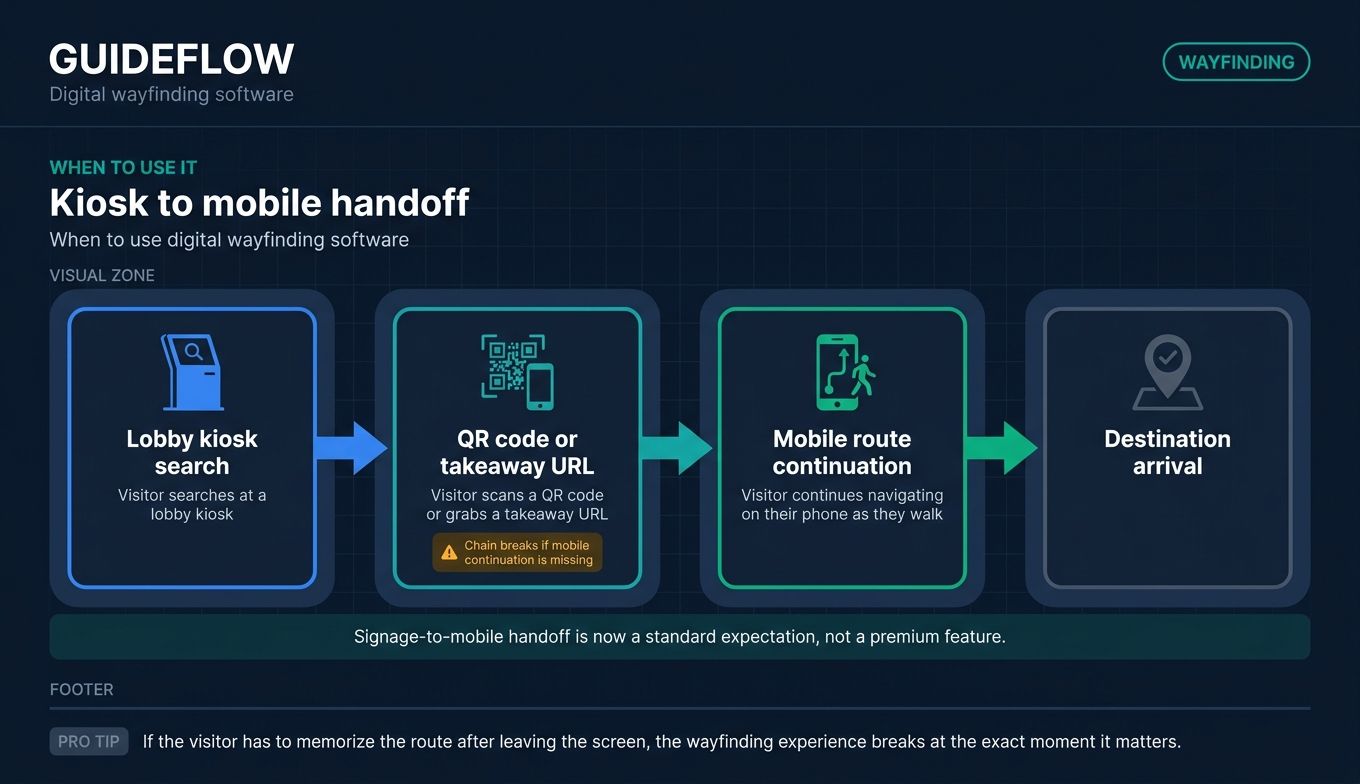
This signage-to-mobile handoff is now a standard expectation, not a premium feature, and it is one of the clearest ways to tell a serious wayfinding solution from a glorified map image. If QR handoff is central to your deployment, it is worth reviewing the best QR code generator software to pair with your maps.
Comparison table
Here is a side-by-side view of the 10 platforms, sorted by relevance to the keyword. Pricing reflects each vendor's published pricing page as of June 2026. Where a vendor only quotes custom pricing, that is noted. G2 ratings reflect each tool's live G2 listing; where a verified G2 score was not available, that is marked accordingly.
| # | Product | Intent | Key use case | Pricing | G2 rating |
|---|---|---|---|---|---|
| 1 | Concept3D | Campus and venue maps | 3D and 360 interactive maps for higher ed and destinations | Quote-based; free trial for 360 Tour | 4.5/5 |
| 2 | Mappedin | Indoor mapping platform | Maps and wayfinding for malls, airports, retail | Free tier; Pro $165/map/mo | Not verified |
| 3 | 22Miles | Signage plus wayfinding | Combined CMS for screens, kiosks, mobile | Custom quote | 5.0/5 |
| 4 | Navigine | Indoor positioning | Blue-dot navigation and RTLS in your own app | Quote-based | 4.3/5 |
| 5 | Clevertouch | Signage-first wayfinding | Interactive displays with included CMS | Software included, no subscription fee | 4.0/5 |
| 6 | Purple | Wayfinding plus visitor data | Guest WiFi, analytics, and venue engagement | Free Connect tier; paid plans on request | 4.1/5 |
| 7 | Appspace | Workplace experience | Signage, wayfinding, and space management | From $4/user/mo, $950/mo minimum | 4.7/5 |
| 8 | MAPIQ | Workplace navigation | Wayfinding with desk and space booking | From EUR 950/mo | 4.2/5 |
| 9 | Robin | Office wayfinding | Maps tied to desk and room booking | Custom quote | 4.4/5 |
| 10 | Hypersign | Budget signage plus wayfinding | Affordable per-screen signage with wayfinding | From $19.90/mo billed annually | 4.8/5 |
The 10 best digital wayfinding software platforms for 2026
1. Concept3D
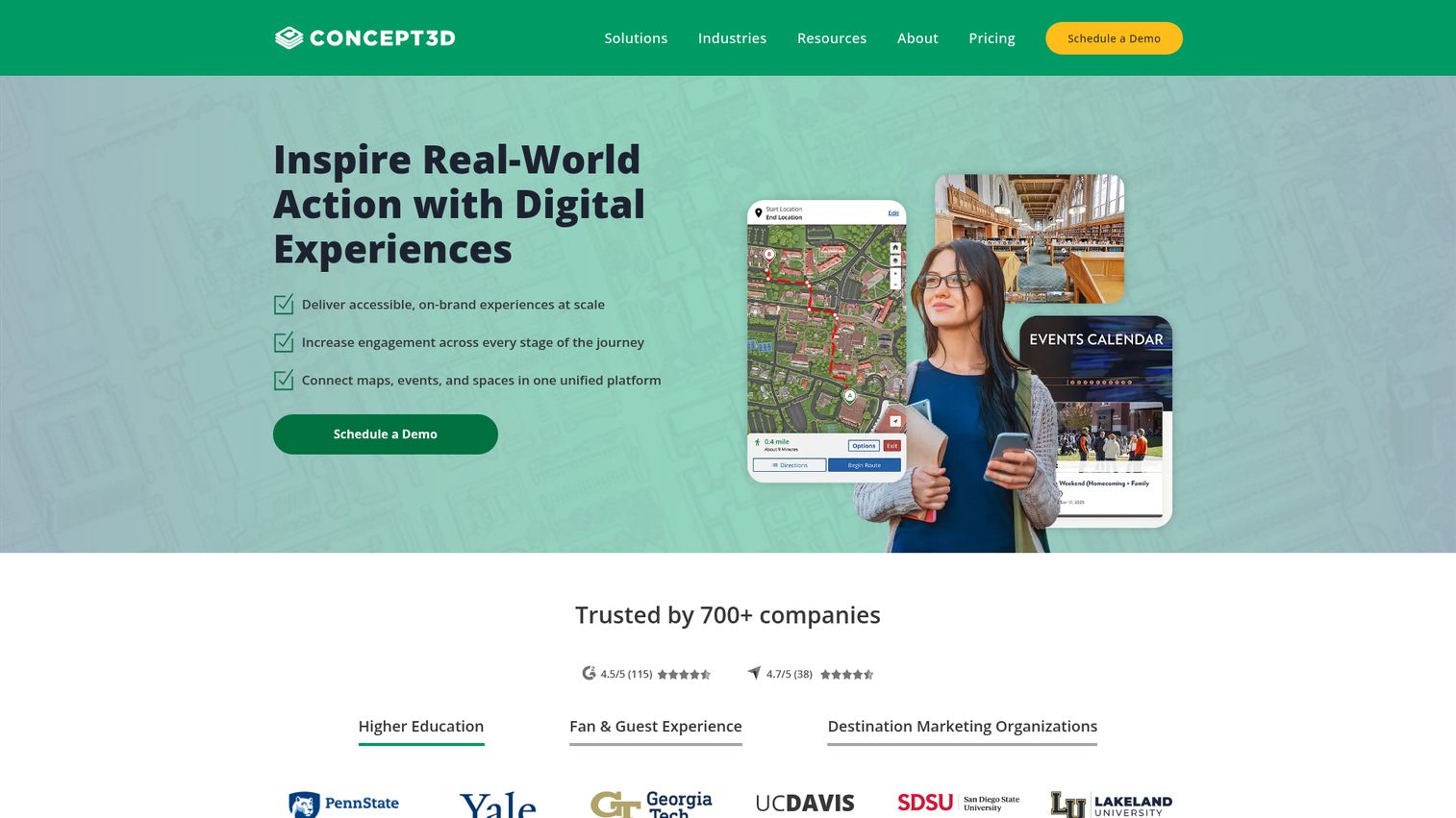
Concept3D builds digital experience software for interactive maps, 360 tours, event calendars, and room reservation workflows. Its sweet spot is higher education and destination marketing, where prospective students and visitors expect a polished, explorable map. The platform pairs editable, mobile-responsive maps with virtual tours that make a campus feel navigable before anyone sets foot on it.
Best for: Colleges, universities, large venues, and municipalities that need accessible interactive maps plus virtual tours and reservation experiences.
Key strengths
- Interactive maps with full CMS: edit maps, add overlays, manage wayfinding, pull data feeds, and access the API without a heavy IT lift.
- 360 tours with VR support: auto-rotate, inset maps, hotspots, audio, embedded forms, and multi-language tours for immersive virtual visits.
- Localist events integration: unlimited events, SSO, registration and ticketing, and event feeds that tie the map to what is actually happening on site.
Why choose Concept3D: If your wayfinding doubles as a recruitment and engagement tool, Concept3D fits. Campuses and destinations get a map that markets the place while it guides people through it. Teams that only need a single-building kiosk may find it more platform than they need, but venues that value the visual experience get a strong return.
Concept3D pricing: Concept3D uses quote-based pricing across its Interactive Map, 360 Tour, and Localist Events products. Interactive Map comes in Starter, Professional, and Advanced tiers, all priced on request. The 360 Tour product offers a Free Trial alongside paid Professional and Advanced tiers. Localist Events is also quote-based. No public numeric pricing is published, so request a quote for your building or campus count.
2. Mappedin
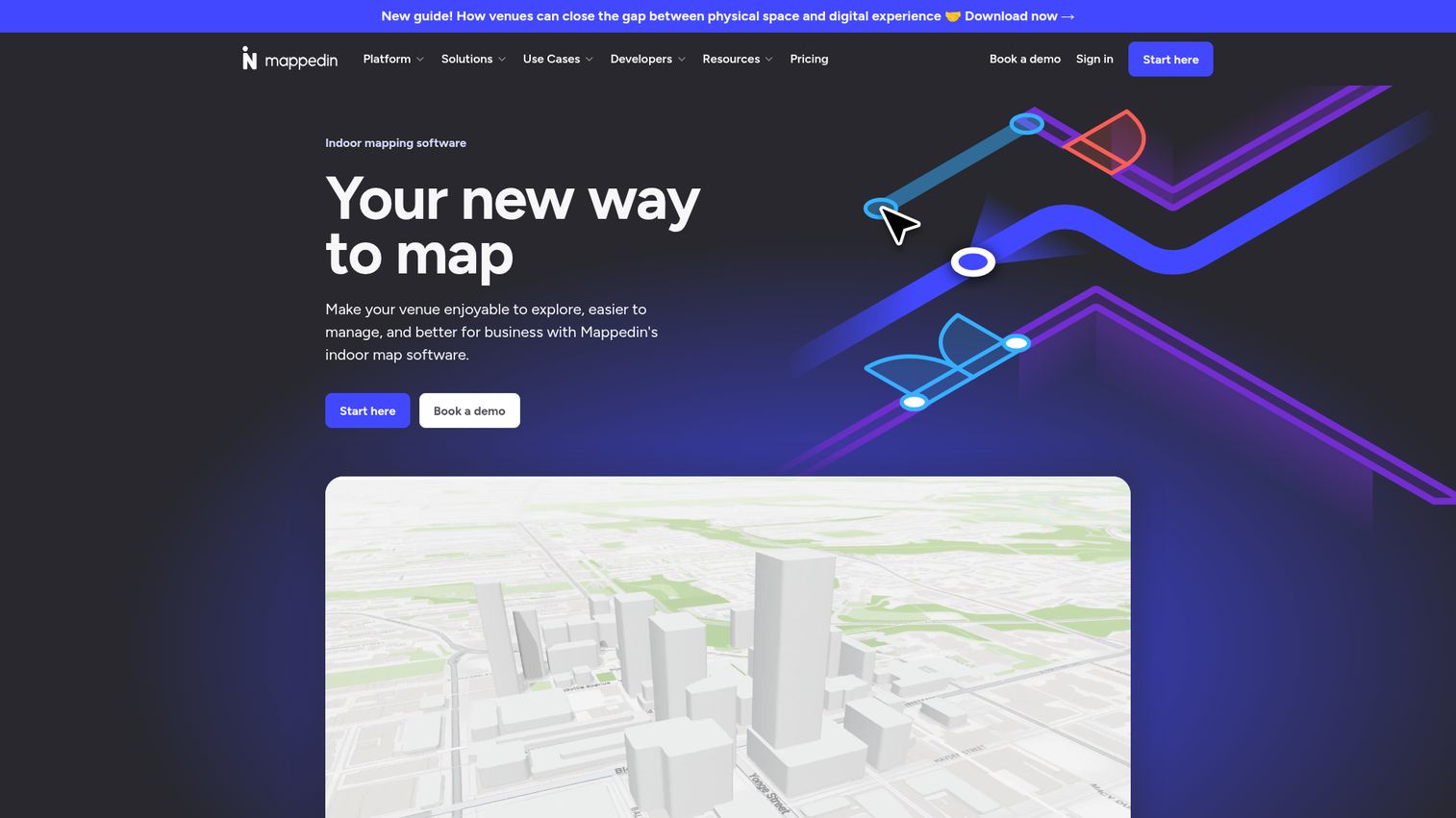
Mappedin is indoor mapping software for creating, managing, and embedding interactive venue maps. It serves both no-code users, through a drag-and-drop map editor, and developers, through an SDK and API. AI mapping turns existing floor plans into interactive maps, which shortens the slowest part of any wayfinding rollout. It targets airports, malls, stadiums, workplaces, schools, and healthcare facilities.
Best for: Retail centers, transit hubs, and large public venues that want both a self-service editor and developer-grade map integrations.
Key strengths
- AI mapping: transform static floor plans into interactive maps, cutting the manual map-building work that stalls most deployments.
- Indoor navigation and wayfinding: blue-dot positioning and routing built into the platform, with real-time collaboration on map edits.
- SDK and API access: embed maps in your own app, support multi-building mapping, and integrate with Microsoft Places IMDF on the Pro tier and above.
Why choose Mappedin: Mappedin is one of the few platforms with a genuine free tier, which makes it the easiest way to test indoor mapping before committing budget. Teams that want to start small and scale to a developer-built integration get a clear upgrade path. The free plan even includes unlimited floors.
Mappedin pricing: Mappedin publishes its pricing in USD. The Free plan costs $0 and includes the map editor, indoor navigation, AI mapping, real-time collaboration, share and embed, PDF export, and the Mappedin Scan iOS app. The Pro plan is $165 per map per month and adds SDK and API access, developer tools, multi-building mapping, private maps, advanced exports, and IMDF integration. Partner and Solution tiers are custom-priced for scaled and bespoke deployments.
3. 22Miles
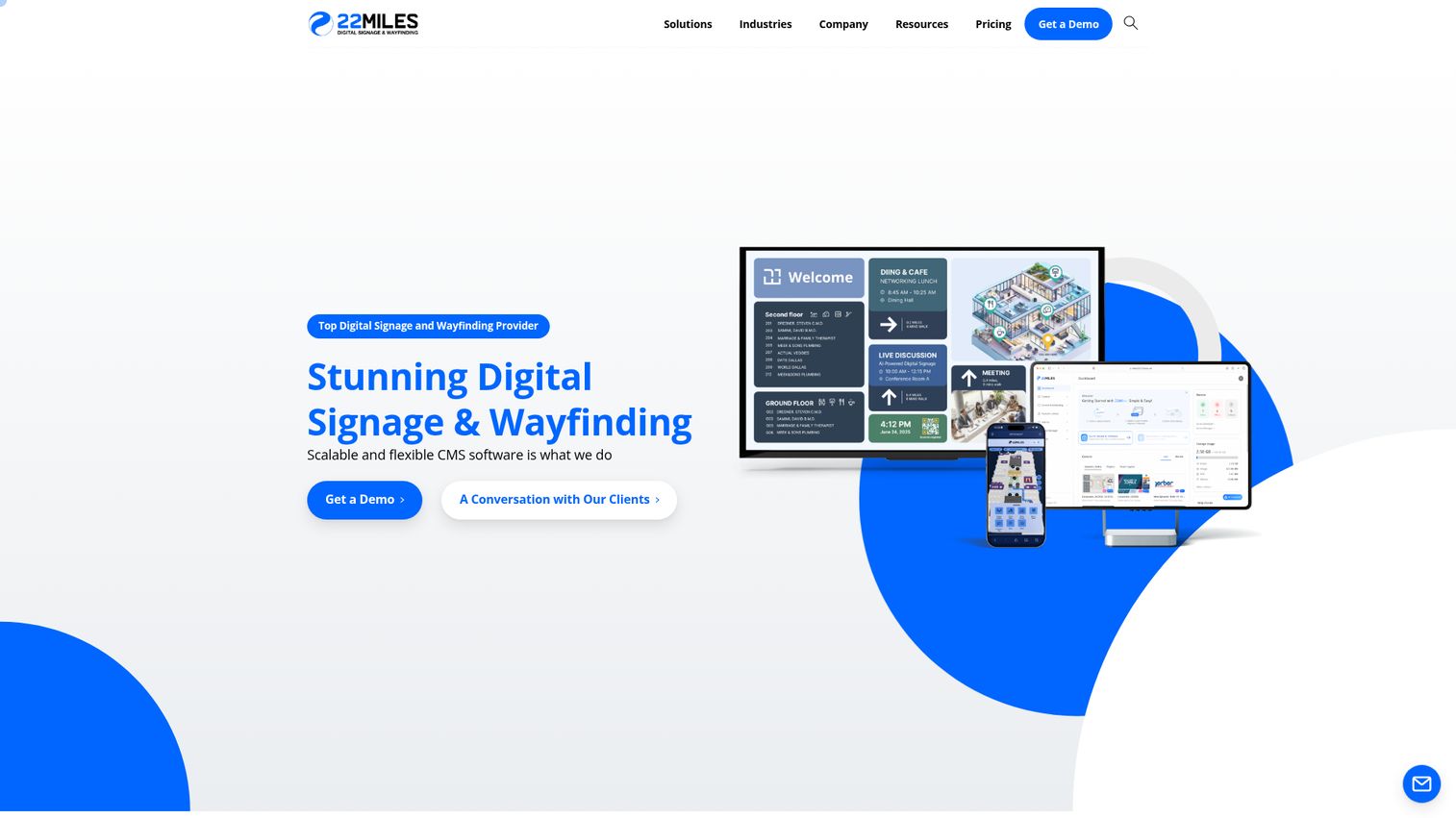
22Miles provides scalable digital signage and wayfinding CMS software for managing visual communications across screens, kiosks, mobile, and facilities. It is built for organizations that want signage and wayfinding to live in one system rather than two. The cloud CMS handles drag-and-drop content updates, scheduling, and zone management, with its Carry2Mobile feature pushing the kiosk experience to a visitor's phone via QR.
Best for: Multi-vertical enterprises and campuses that want interactive wayfinding and digital signage managed from a single centralized CMS.
Key strengths
- Cloud CMS for signage and wayfinding: one platform to manage both, across buildings or an entire campus, with unlimited users and seats per license.
- Drag-and-drop updates: schedule content, manage zones, and refresh maps without coding, using 1,000-plus templates.
- Carry2Mobile and open API: hand off from kiosk to mobile via QR, support 4K, and integrate through open APIs.
Why choose 22Miles: If you are buying digital signage anyway, getting wayfinding in the same CMS avoids running two tools and two vendor relationships. 22Miles fits enterprises that span verticals and want one console for both. The trade-off is that pricing requires a conversation, so plan for a quote cycle.
22Miles pricing: 22Miles does not publish off-the-shelf pricing, stating that every solution differs. Buyers book a demo or request a quote. Every license includes the cloud CMS, unlimited users and seats, 1,000-plus templates, drag-and-drop updates, scheduling and zone management, Carry2Mobile, 4K support, scalable architecture, and open API integrations. Because pricing is custom, scope your building and screen count before reaching out.
4. Navigine
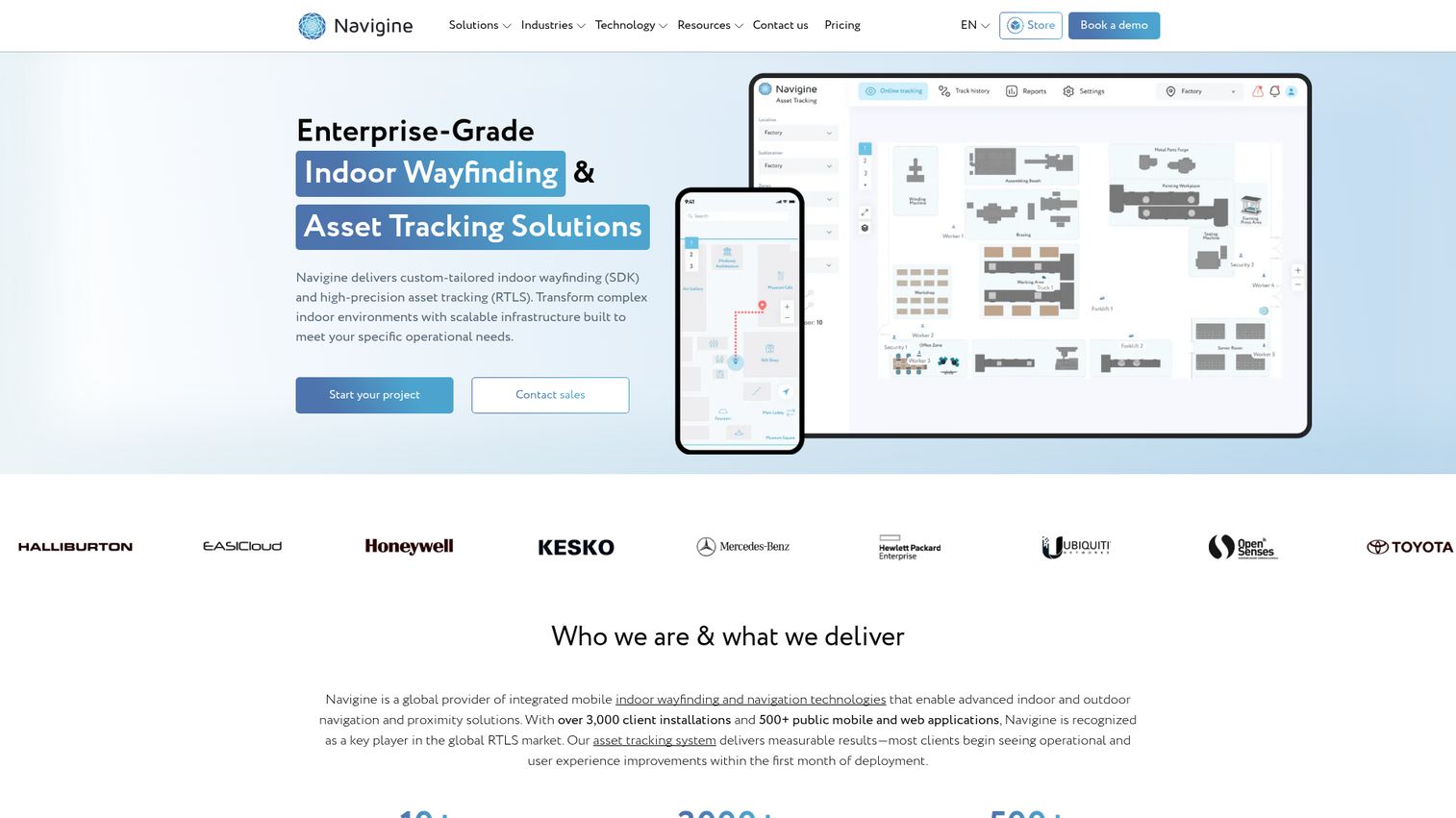
Navigine provides indoor wayfinding, positioning, and real-time asset tracking for complex indoor environments. Where many platforms focus on the map, Navigine focuses on knowing exactly where someone (or something) is. It supports indoor positioning, geofencing, and location-based notifications, which makes it the pick for teams embedding precise navigation into their own application.
Best for: Organizations needing custom indoor navigation or RTLS asset tracking across warehouses, hospitals, retail, manufacturing, or transportation hubs.
Key strengths
- Indoor positioning and wayfinding: real-time blue-dot positioning and turn-by-turn routing inside large, complex buildings.
- Real-time asset tracking: monitor people, equipment, and inventory across a facility, not just guide visitors.
- Geofencing and location notifications: trigger location-based alerts and messages as users move through defined zones.
Why choose Navigine: Navigine suits teams that already have an app and want positioning embedded inside it, rather than a standalone kiosk experience. The SDK-first approach gives engineering teams real control. Organizations without developer bandwidth may prefer a more turnkey wayfinding platform, but for precision indoor positioning, Navigine is purpose-built.
Navigine pricing: Navigine's pricing page presents case examples and a "Request a quote" path rather than public price tiers. A first-party page references a 14-day free trial for the RTLS platform, but no ongoing free tier is confirmed. Because pricing is custom and depends on facility size and positioning technology, request a scoped quote.
5. Clevertouch
Clevertouch provides interactive displays, commercial displays, digital signage, room booking, and collaboration software for education, enterprise, and healthcare environments. Its wayfinding angle is signage-first: the displays are the centerpiece, and the bundled CleverLive CMS handles content, including wayfinding maps. The included software model means the navigation and management layer ships with the hardware.
Best for: Organizations that want interactive displays with bundled signage, wayfinding, collaboration, and remote device management.
Key strengths
- CleverLive cloud signage: create, deploy, schedule, and update content across one or many Clevertouch displays from the cloud.
- CleverMDM remote management: control a fleet of displays from anywhere, which matters across multi-site deployments.
- Interactive collaboration: screen sharing, whiteboarding, annotation, and NFC profile access alongside the signage and wayfinding layer.
Why choose Clevertouch: If your wayfinding starts from a hardware decision (you are buying touchscreens for lobbies, schools, or meeting spaces), Clevertouch bundles the software so you are not paying a separate subscription. Teams that need deep indoor positioning or developer-grade map APIs will look elsewhere, but signage-first buyers get a tidy package.
Clevertouch pricing: Clevertouch states that CleverLive and CleverMDM software are included with no subscription fees, and that apps, software, and management features are free for the life of the product. No public numeric pricing for hardware or software plans is published on its first-party pages. Pricing centers on the displays themselves, so request a hardware quote for your screen count.
6. Purple
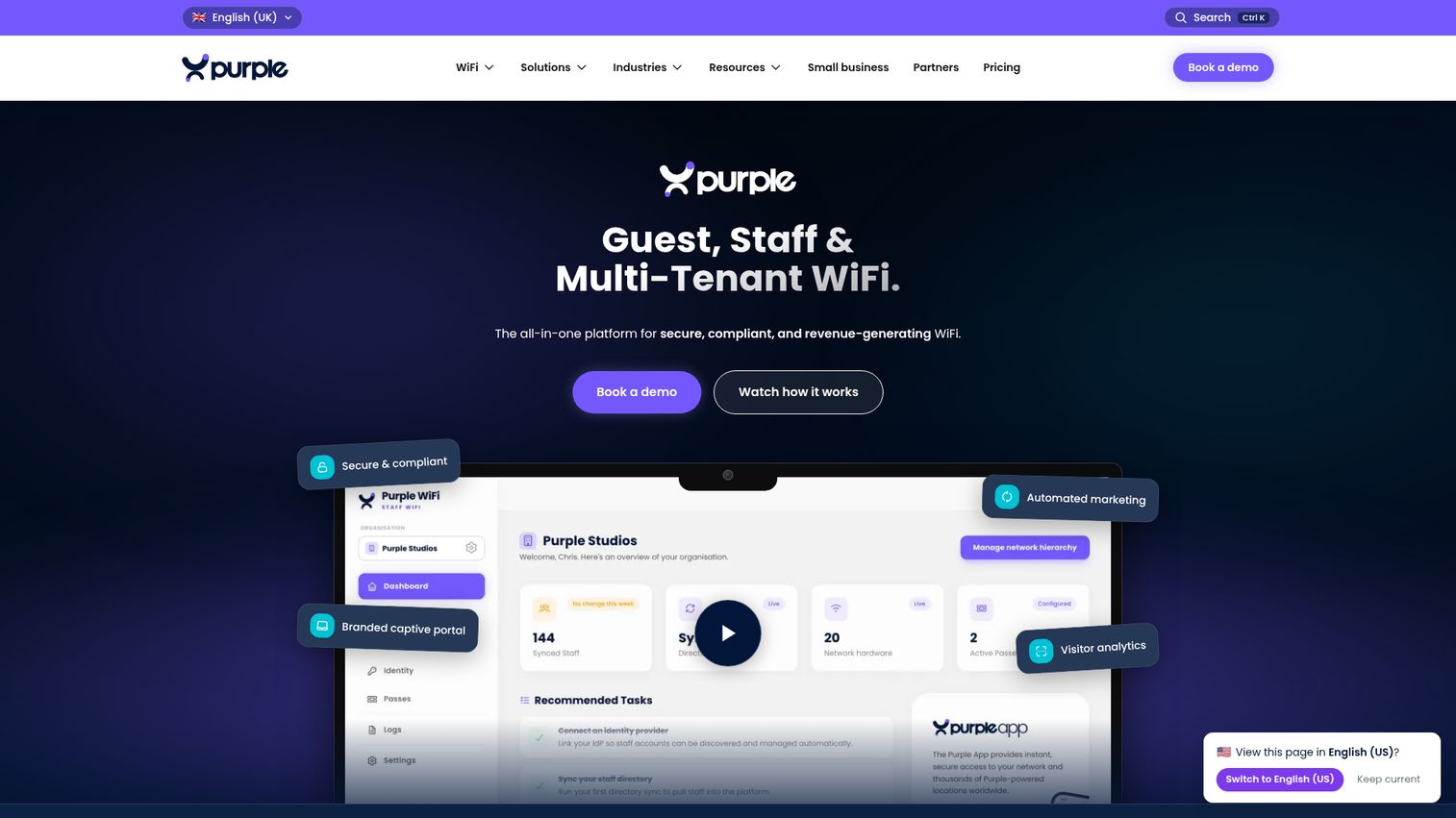
Purple provides a cloud-based guest WiFi captive portal and analytics platform for capturing first-party visitor data, understanding guest behavior, and personalizing engagement. Its wayfinding relevance comes from tying navigation and presence to visitor data. For venues that already run guest WiFi, Purple turns that connection point into behavioral insight and physical space analytics.
Best for: Venues with physical spaces that want branded guest WiFi, visitor analytics, first-party data capture, and CRM-connected engagement.
Key strengths
- Branded captive portals: customizable splash pages that turn WiFi login into a branded, data-capturing touchpoint.
- Visitor and space analytics: network insights, behavioral insights, and physical space analytics that show how people move and dwell.
- CRM and marketing integrations: push first-party data into your stack for targeted, location-aware communications.
Why choose Purple: Purple fits venues that treat wayfinding as one part of a broader visitor-data strategy, not just a map. Retail and large public spaces get navigation context tied to who is visiting and where they go. Teams that need turn-by-turn routing as the core deliverable should pair it with a dedicated mapping platform.
Purple pricing: Purple publishes its guest WiFi pricing. The Connect plan is free and serves as the entry-level guest WiFi tier. Capture adds first-party data capture, CRM integration, detailed WiFi analytics, behavioral insights, and email verification, and Engage adds customized access journeys, personalized communications, advanced analytics, full integrations, and managed service options. Capture and Engage prices are quoted on request.
7. Appspace

Appspace is a workplace experience platform that connects employee communications, intranet, digital signage, space reservation, and visitor management in one place. Its wayfinding lives inside that broader workplace context, so a lobby screen, a floor map, and a desk booking can share a single system. For corporate campuses, that consolidation is the appeal.
Best for: Organizations that want a unified platform for employee communications, digital signage, room and desk booking, and visitor management.
Key strengths
- Employee app and intranet: workplace communications that sit alongside signage and wayfinding for a single employee experience layer.
- Digital signage with device management: centralized content publishing and device control across many screens.
- Space reservation and visitor management: desk and room booking plus visitor flows that pair naturally with workplace wayfinding.
Why choose Appspace: Appspace suits enterprises that want one vendor for the full workplace experience, not a standalone wayfinding tool. The breadth is the value, and the high G2 rating reflects that. The trade-off is a meaningful minimum spend, so it fits larger workplaces rather than single sites.
Appspace pricing: Appspace pricing starts at $4 per user per month and $42 per device per month, with a minimum $950 per month spend. It publishes Free, Express, and Enterprise plans. The Free plan includes 2 premium users, 1 Appspace device ID, 5GB storage, and 5GB per month bandwidth. Express and Enterprise tier prices are not published as fixed amounts, so interpret the $4 starting point within that user and device model.
8. MAPIQ
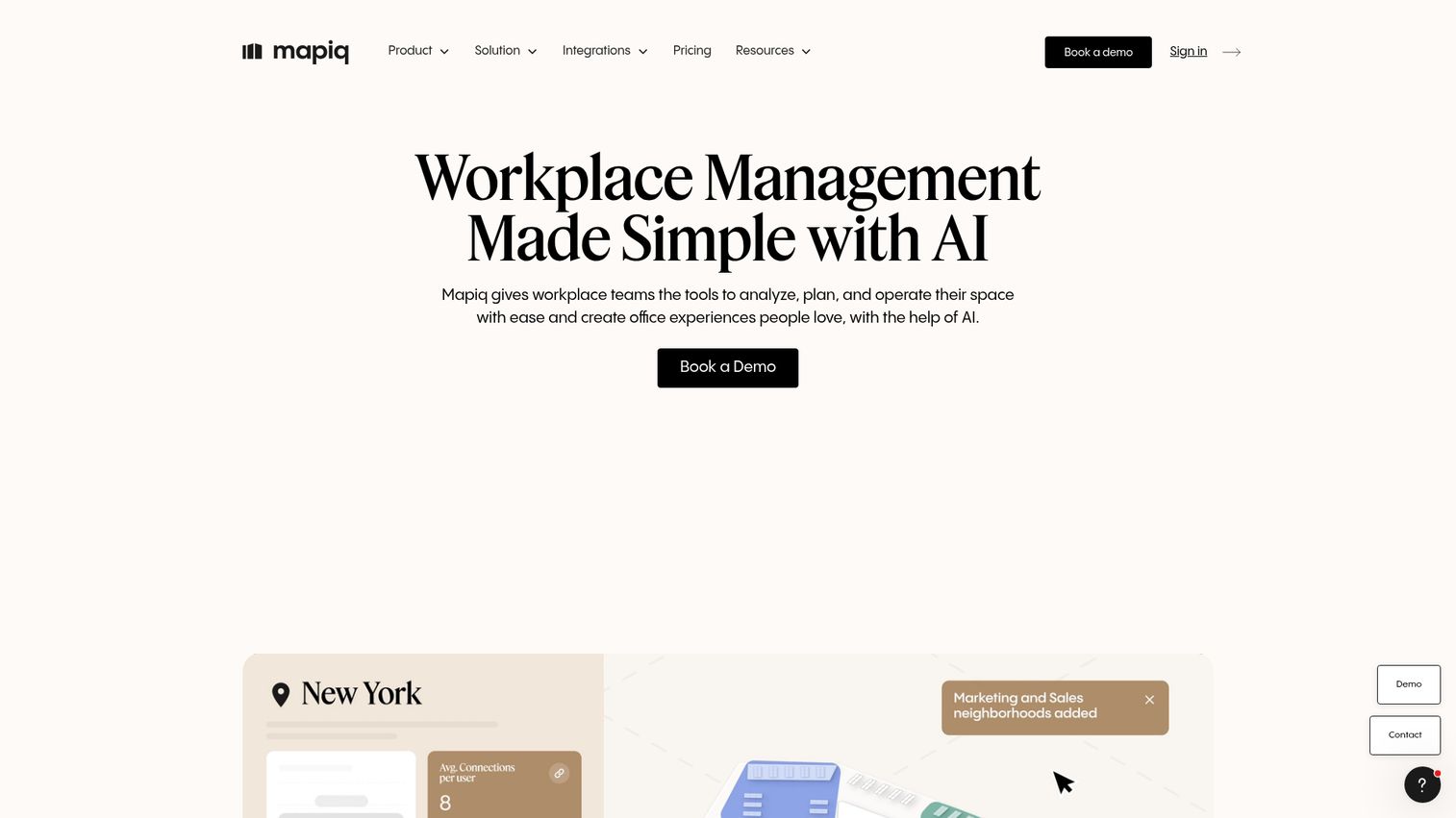
MAPIQ is a workplace management platform for analyzing, planning, and operating office space, with AI-assisted employee experience, space planning, and operations tools. Wayfinding here is hybrid-workplace navigation: employees find desks, rooms, and teammates across offices that change layout week to week. The map is tied directly to booking and occupancy data.
Best for: Organizations with more than 250 employees per location that need a flexible workplace management platform across multiple offices.
Key strengths
- Resource booking: reserve desks, rooms, and parking, with the map reflecting what is actually available.
- Workplace analytics: office attendance, utilization, heatmaps, executive reports, and BI dashboards.
- Space planning: drag-and-drop map editing, team neighborhoods, booking policies, forecasting, and scenario planning.
Why choose MAPIQ: MAPIQ fits hybrid workplaces where wayfinding is inseparable from "where do I sit today." The modular approach lets you pay for the pieces you need. Smaller offices may find the per-location scale and price point aimed above them, but large multi-office employers get navigation plus planning in one platform.
MAPIQ pricing: MAPIQ's pricing page indicates pricing starting at EUR 950 per month. Customers pay for what they need and can mix modules including Resource Booking, Workplace Analytics, Space Planning, Employee Experience, Workplace Operations, and Data Integrations. Named consumer tiers and a free tier were not confirmed on its site, so request a module-based quote for your locations.
9. Robin
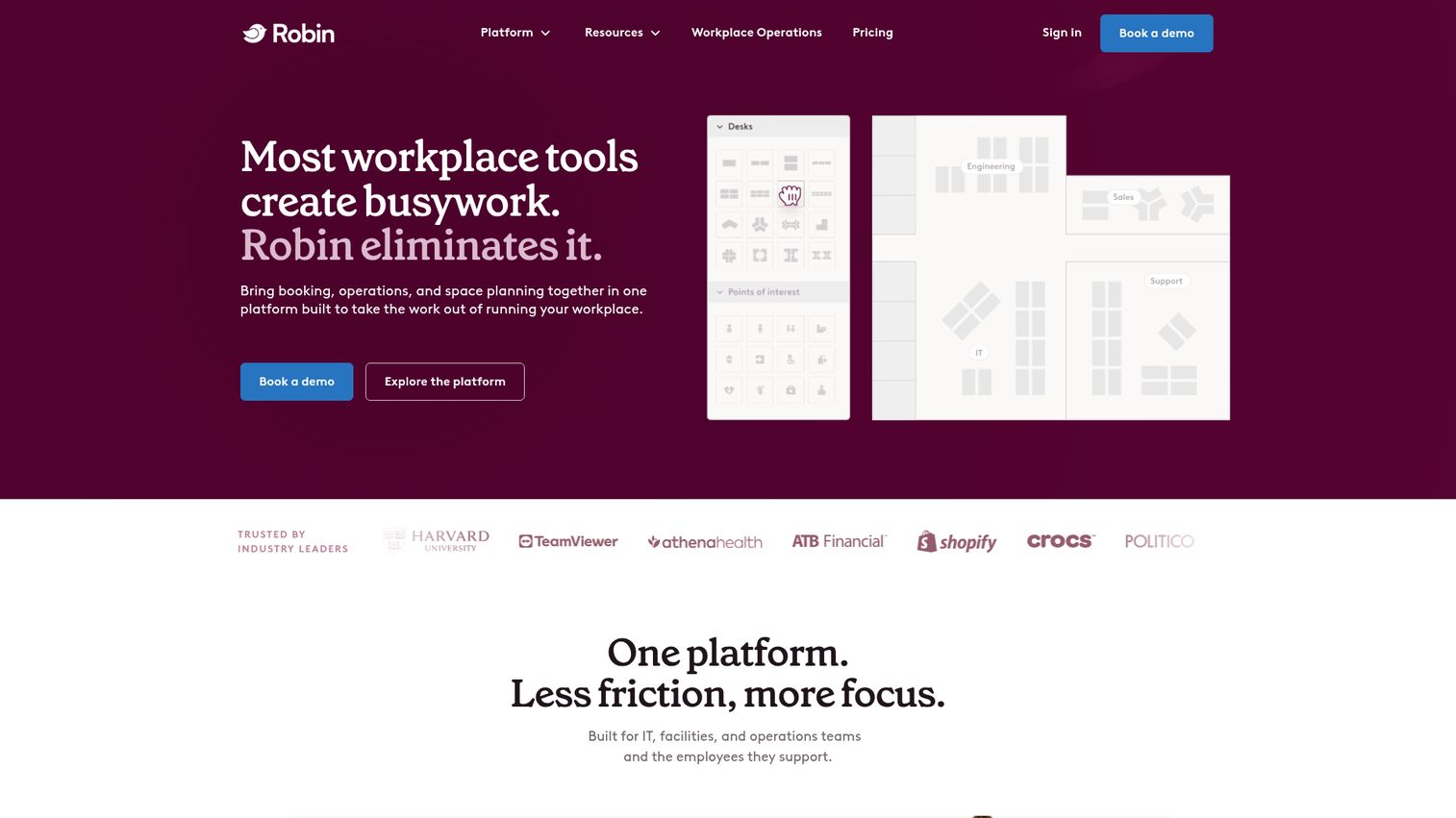
Robin is a workplace management platform for planning, managing, and using office spaces. Its maps and wayfinding are tightly coupled to desk and room booking, so employees navigate to a space they have actually reserved. With more than 200 reviews behind its G2 rating, it is one of the more established workplace platforms in this list.
Best for: Hybrid workplaces that need a unified platform for desk and room booking, visitor management, analytics, and multi-office space operations.
Key strengths
- Resource booking: desks, rooms, parking, lockers, assigned desks, automatic booking, and priority booking in one flow.
- Space management: a WYSIWYG map editor, office neighborhoods, move management, access control sync, and scenario planning.
- Analytics and visitor management: workplace analytics, meeting management, visitor flows, and employee experience tools.
Why choose Robin: Robin is a strong pick when office wayfinding needs to be inseparable from scheduling. Employees see a map that knows what is booked and what is free. Teams looking purely for public-venue navigation, like a mall or airport, are better served by a dedicated indoor mapping platform, but for offices it is a mature choice.
Robin pricing: Robin's pricing page directs buyers to request pricing and schedule a call, and states it will customize a quote for your workplace. Subscriptions are billed annually, though no dollar figure is published. Because pricing depends on your office footprint and module mix, expect a scoped, custom quote.
10. Hypersign
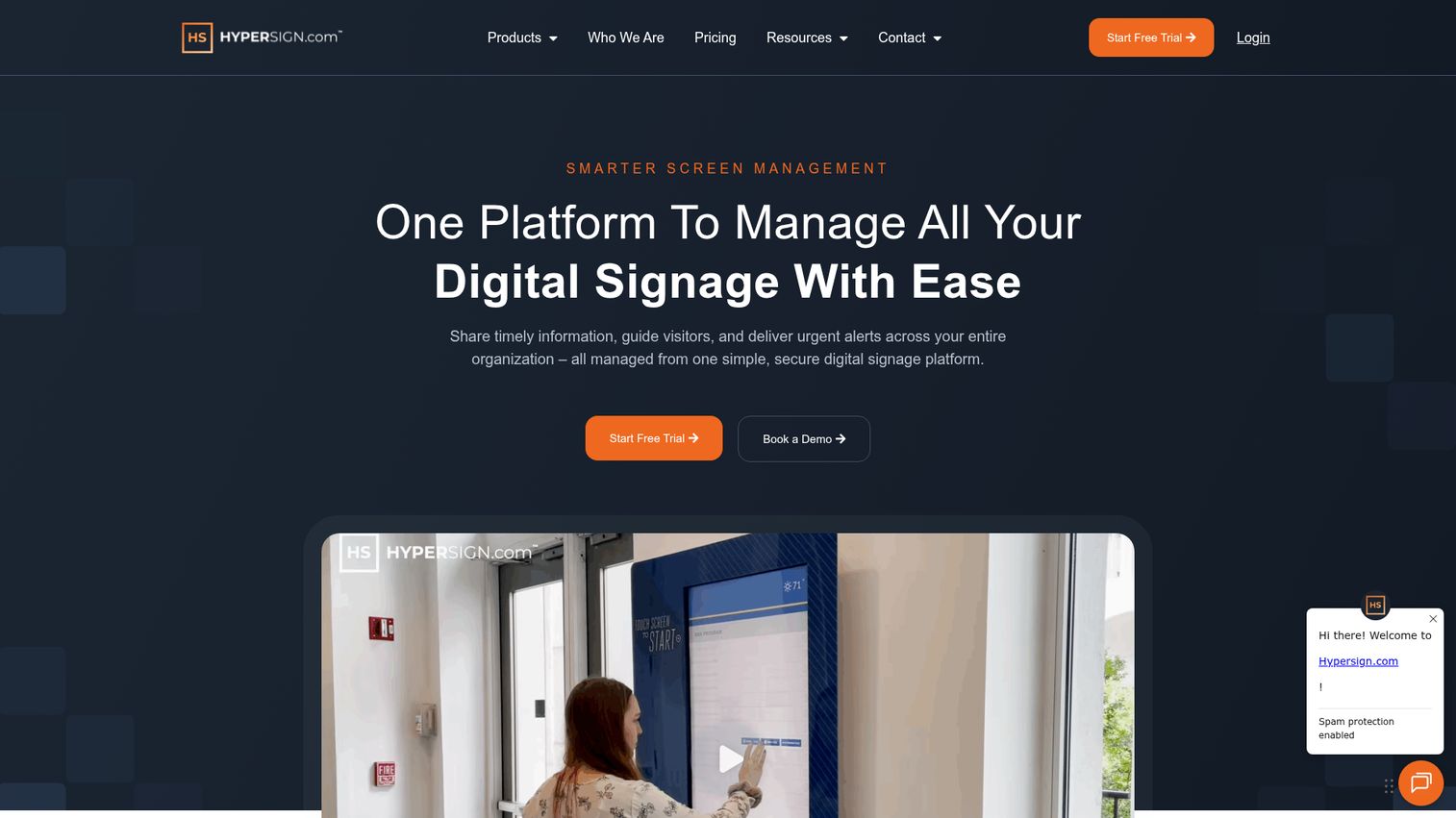
Hypersign is a cloud-based digital signage platform for managing screen content, wayfinding, room displays, meeting collaboration, and emergency alerts. Its Waystation feature handles interactive wayfinding, and its published per-screen pricing makes it the most budget-transparent option in this list. For teams that want signage plus wayfinding without a custom quote cycle, it removes friction from the buying process.
Best for: Hospitals, campuses, and enterprise teams that need centralized digital signage, alerts, wayfinding, and room display management.
Key strengths
- Waystation interactive wayfinding: built-in interactive navigation alongside the signage layer, no separate platform required.
- Drag-and-drop layouts with scheduling: build signage and wayfinding content, schedule playlists, and refresh quickly.
- Centralized monitoring and emergency alerts: manage devices from one console and push emergency alerts across screens.
Why choose Hypersign: Hypersign is the clearest fit for budget-conscious buyers who want signage and wayfinding together with pricing they can see upfront. Its high G2 rating and transparent tiers lower the evaluation effort. Teams needing precise blue-dot indoor positioning or deep map APIs will want a positioning-first platform, but for affordable signage plus wayfinding, it is hard to beat on clarity.
Hypersign pricing: Hypersign publishes per-screen pricing billed annually. Essentials is $19.90 per month and includes unlimited users, 1GB base storage, 1080p resolution, scheduling, and content store access. Pro is $34.90 per month and adds 5GB storage, 4K resolution, faster content refresh, PowerPoint conversions, and emergency alerts. Enterprise is $54.08 per month with 20GB storage, 8K resolution, and video wall capability. There is a 30-day free trial but no permanent free tier.
Considerations before you buy
A demo will sell you on the map. These five criteria decide whether the platform actually fits your venue.
Multi-device delivery
Confirm the platform covers every surface you need: kiosks, digital signage, mobile, and QR or takeaway-URL handoff. The most common gap is a strong kiosk experience that strands the visitor at the screen. If your visitors walk long distances after looking something up, signage-to-mobile handoff is not optional.
Implementation and map maintenance
Ask how you go live and how you keep maps current. Some vendors offer remote implementation from labeled floor maps with no site visit, while hardware-dependent rollouts take longer. The bigger long-term question is self-service updates: can a non-technical team member move a department or add a store without filing an IT ticket?
Accessibility and ADA compliance
Check that the platform offers accessible routing, such as routes that avoid stairs or prefer elevators, plus multilingual support. For hospitals, government, and education, this is often a requirement rather than a nice-to-have. Verify it with the vendor rather than assuming it ships by default.
Analytics and integrations
Look at what visitor data the platform captures and where that data goes. Useful integrations include space booking, emergency alerts, CMS, and an open API. Analytics on popular searches and destinations also tell you where your physical space confuses people, which is worth acting on independently. The same principle drives software teams to lean on product analytics tools to see where users get stuck.
Pricing model fit
Pricing models vary widely: per building or floor, per location, per screen, per user and device, or per square footage. A per-screen model like Hypersign suits predictable signage counts, while a per-map model like Mappedin suits venue-based deployments. A free tier, where available, lets you validate fit before committing budget.
Conclusion
The right digital wayfinding platform depends on your venue type and what wayfinding sits next to in your stack.
For higher-ed campuses and destinations that want a map that markets the place, Concept3D leads on 3D and 360 experiences. To test indoor mapping for free before committing, Mappedin is the easiest entry point. Enterprises that want signage and wayfinding in one CMS should look at 22Miles, while teams embedding precise positioning into their own app should evaluate Navigine. For hybrid workplaces where navigation ties to booking, Robin and MAPIQ are the strongest fits, and budget-conscious buyers who want transparent pricing will find it with Hypersign.
Your next step is simple. Shortlist two or three platforms that match your venue and pricing model, then book demos and ask each vendor to walk you through map editing and the signage-to-mobile handoff with your own floor plan. The platform that makes those two things effortless is usually the one to choose. If your evaluation involves digital product demos rather than physical venues, you can build and share interactive guided walkthroughs of your own software just as easily.
FAQ
Digital wayfinding software is a platform that powers interactive maps and turn-by-turn navigation across kiosks, signage, and mobile devices in physical venues. It replaces static printed maps and "you are here" boards with searchable, updatable directions. Visitors use it to find rooms, stores, departments, and routes inside complex spaces.
Pricing models include per building or floor, per location, per screen, per user and device, and per square footage, and most enterprise tools are quote-based. Published examples in this guide range from Hypersign at $19.90 per month per screen (billed annually) to Appspace from $4 per user per month with a $950 per month minimum, to MAPIQ from EUR 950 per month. Platforms like Concept3D, 22Miles, Navigine, and Robin quote custom pricing based on your venue.
Yes. Free and freemium tiers exist. Mappedin offers a free plan that includes its map editor, indoor navigation, and AI mapping with unlimited floors, and Purple offers a free Connect tier for guest WiFi. Free tiers typically limit advanced features such as SDK and API access, private maps, integrations, or analytics depth, so confirm what is gated before you rely on one.
Digital signage broadcasts content to screens, such as announcements, menus, or schedules. Digital wayfinding adds interactive navigation: searchable maps and turn-by-turn routing that respond to a visitor's input. The two often combine, because the same lobby screen can show signage content and host an interactive map, which is why many vendors sell both in one CMS.
Indoor wayfinding uses positioning technology to place a "blue dot" showing where a visitor is, then routes them turn by turn to a destination. Positioning relies on signals such as BLE beacons, Wi-Fi, or UWB, since GPS is unreliable indoors. Kiosks often bridge to mobile through a QR code or takeaway URL, so visitors keep navigating on their phone as they walk.
Hospitals, airports, malls and retail centers, university campuses, corporate workplaces, and hospitality venues are the heaviest users. These are large, multi-area spaces where first-time visitors get lost and staff spend significant time giving directions. The more complex the floor plan and the higher the visitor volume, the stronger the case for a wayfinding platform.
It depends on the deployment model. Some vendors offer remote implementation from labeled floor maps with no site visit, which can go live quickly, and AI mapping tools speed up the slowest step of converting floor plans into interactive maps. Hardware-dependent rollouts that require installing kiosks, signage, or positioning beacons take longer because physical setup is involved.
Yes, leading tools support accessibility. That typically includes accessible routing options, such as routes that avoid stairs or prefer elevators, plus multilingual support for diverse visitors. Because the depth of accessibility features varies by vendor, confirm the specifics during evaluation rather than assuming ADA-compliant routing ships by default.