You found the perfect track. You cut it into the launch video. Three weeks later, the platform flags a copyright claim, the ad gets muted, and your reach drops to zero.
That is the real cost of getting music licensing wrong. For marketers and content teams, music is not a creative afterthought. It is a legal decision with budget attached. The global stock music market sits at USD 1.76 billion in 2026 and is projected to reach USD 3.72 billion by 2034, growing at a 9.8% CAGR, according to Straits Research. That growth is driven by one thing: more teams producing more video, and needing music they can use without a lawyer on retainer.
The problem is not finding a track. It is finding a track fast, using it legally across every channel, and knowing the license actually covers what you plan to do. Most teams learn the hard way that "royalty-free" does not mean "free" and does not always mean "safe on YouTube." The gap between a library that looks fine and one that holds up under a platform copyright check is where budgets get burned and campaigns stall.
This guide compares seven stock music platforms on the criteria that decide whether music helps or hurts your production workflow. If you build video ads, product launches, social creative, or explainers, the right library saves you time, protects your reach, and keeps your creative velocity high. If you also produce a lot of digital content and care about how visual assets perform, our roundups of application performance monitoring tools and best enterprise search software cover adjacent stack decisions worth reading.
What's inside
This guide is built for marketers, content teams, and creators choosing a stock music tool for commercial work. We compared each platform on five things that matter in production: licensing clarity, catalog quality, search and filter experience, pricing model, and business-friendly usage rights. We looked at both subscription and per-track options so you can match spend to how often you actually publish. Every pricing figure and rating comes from the vendor's own pages or verified review sources, checked in 2026. The goal is simple: help you pick a library that keeps music legal, fast to find, and safe across every channel you use.
TL;DR
- Best overall for premium, easy licensing: PremiumBeat, with curated tracks and clear single-track licenses.
- Best for unlimited-download workflows: Soundstripe, built for teams publishing constantly.
- Best for flexible pay-per-item buying: Pond5, ideal for irregular buyers and mixed asset needs.
- Best for broad production-music licensing: Audio Network, with deep coverage for broadcast and commercial use.
- Best for marketplace-style purchasing: AudioJungle, a budget-friendly library with per-item pricing.
- Best for curated, high-end music: Musicbed, aimed at brand-driven, cinematic content.
- Best for discovery and filtering depth: Music Vine, with a polished catalog and strong search.
What is stock music software?
Stock music software is a platform or library that lets teams license pre-recorded music and sound effects for commercial use, without commissioning original compositions. Instead of hiring a composer, you search a catalog, preview tracks, choose a license that matches your project, and download files cleared for use. These tools handle discovery, licensing, and delivery in one place.
A few core concepts decide whether a library fits your work:
- Royalty-free stock music: You pay once (per track or via subscription) and use the track without paying ongoing royalties per view or per broadcast. Royalty-free describes the payment model, not the absence of a license.
- Sync license: The right to synchronize music with visual media like video, film, or ads. This is the license most marketers actually need.
- Public performance rights: Coverage for music played in public settings such as broadcast, venues, or large events. Some platforms include this; others treat it separately.
- Commercial use music: Tracks explicitly cleared for business and revenue-generating projects, not just personal use.
- Copyright clear music: Music backed by clean rights, so platform copyright systems recognize your license and do not flag your content.
When you evaluate a stock music library, expect these features:
- Fast search and filter by mood, genre, tempo, instrument, and duration
- Quick preview so you can audition tracks without downloading
- A broad, curated music catalog with regular new releases
- Clear licensing tiers, ideally in plain English
- Coverage for the channels you publish to, including social and paid ads
- Flexible pricing across subscription and per-track models
- No flagging on YouTube or other platforms when you use the license correctly
The distinction that trips up most teams: royalty-free is a pricing model, not a promise that a track is free or that any use is permitted. The license terms still govern what you can do. Read them once, save yourself a takedown later.
When to use stock music software
For video ads and social content
Paid social and short-form video move fast. You are shipping multiple cuts a week, testing hooks, and swapping creative before fatigue sets in. Commissioning custom music for that pace is not realistic. Stock music keeps production predictable and your costs flat. You license once, reuse across variants, and stay legal on every platform. For teams running paid campaigns, that predictability matters as much as the track itself, because a flagged ad wastes both spend and momentum.
For product launches and explainers
Launch videos and explainers usually pass through multiple stakeholders before they go live. Legal, brand, and leadership all want to sign off. Licensed stock music with clear rights removes one approval risk entirely. You are not waiting on a rights check or hoping a track clears. You pick copyright clear music, confirm the license covers your channels, and publish. That speed matters when a launch date is fixed and the video is the last thing standing between you and going live.
For agency and client work
When you produce for clients, licensing clarity is not optional. Multiple stakeholders, reused assets, and campaigns that run for months all raise the stakes. You need to know whether a license transfers to the client, whether it covers paid distribution, and whether it holds up if the campaign scales. Platforms with transparent commercial use music terms and reusable rights save agencies from renegotiating licenses mid-campaign or explaining a takedown to a client.
Comparison table
The seven platforms below differ on three axes that matter more than musical taste: the rights model (subscription versus per-track), the catalog style (curated versus marketplace), and the buying experience. Use this table to shortlist two or three, then read the detailed sections.
| # | Product | Intent | Key use case | Pricing | G2 rating |
|---|---|---|---|---|---|
| 1 | PremiumBeat | Premium curated licensing | Licensed music and SFX for video, podcasts, media | Single-track from $39 | 4.3/5 |
| 2 | Soundstripe | Unlimited-download workflows | High-volume content teams needing scalable rights | Personal license from $49 | Not listed |
| 3 | Pond5 | Flexible pay-per-item buying | Mixed asset needs, irregular buyers | Music from $3; Music sub $10/mo | 4.3/5 |
| 4 | Audio Network | Broad production-music licensing | Broadcast, advertising, corporate content | Custom / quote-based | 3.7/5 |
| 5 | AudioJungle | Marketplace-style purchasing | One-off royalty-free tracks on a budget | Per item from $1 | 4.4/5 |
| 6 | Musicbed | Curated, high-end music | Brand-driven, cinematic content | Plan-based (Individual to Enterprise) | 3.8/5 |
| 7 | Music Vine | Discovery and filtering depth | Professional video with curated selection | Custom license from $150 | 4.5/5 |
1. PremiumBeat
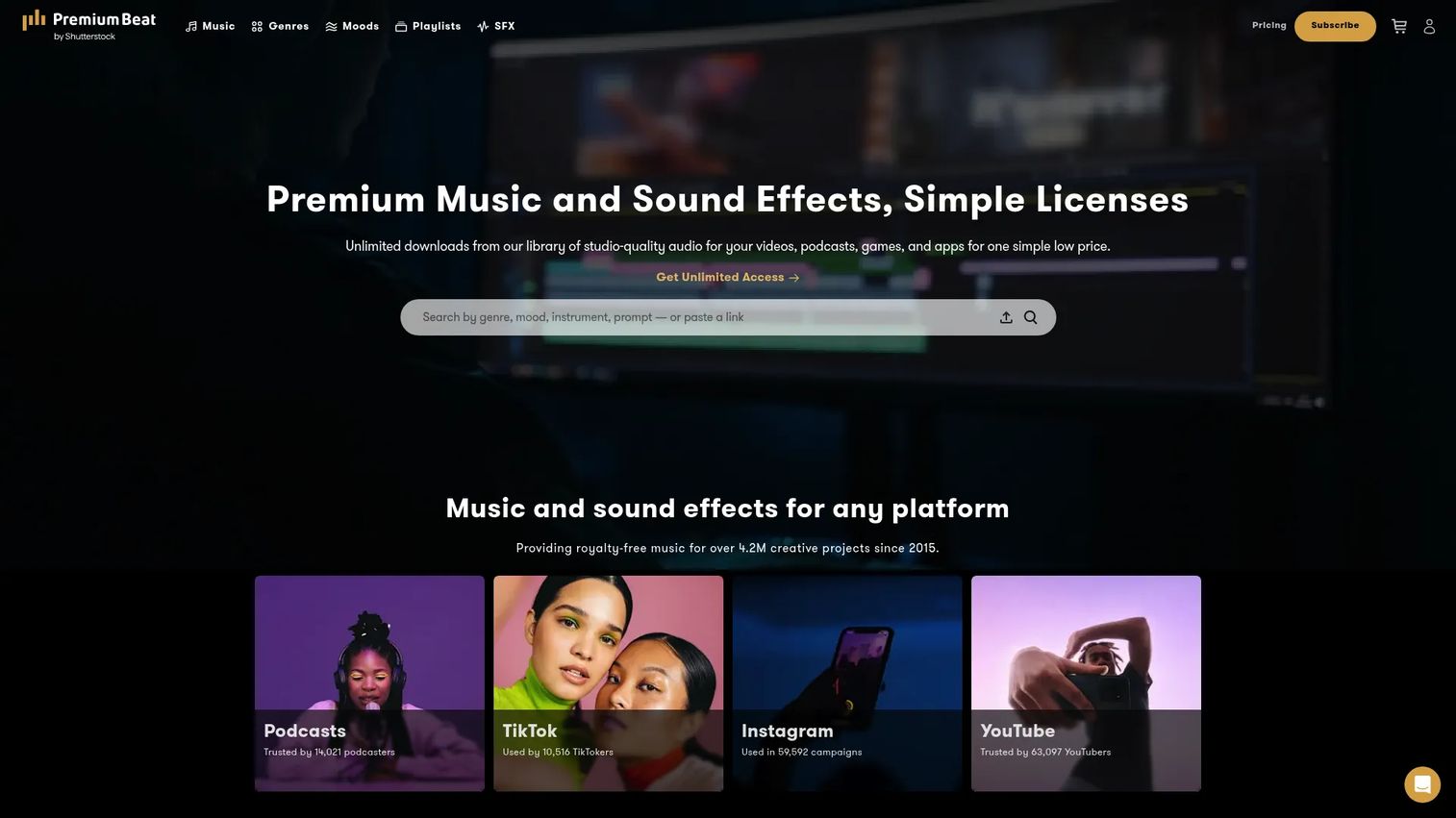
PremiumBeat is a royalty-free music and sound effects library built for licensed use in video and other media projects. Its catalog is exclusive and curated rather than crowd-sourced, which means fewer tracks that sound like everything else and stronger consistency in production quality. For marketers and video teams who need copyright clear music that holds up across channels, PremiumBeat leans hard on quality and licensing simplicity.
Best for: Creators and teams who need premium, licensed stock music and sound effects for videos, podcasts, and media projects.
Key strengths
- Exclusive curated catalog: Tracks are hand-selected and exclusive, so your music does not sound like the last three ads in the feed.
- Single-track licenses: Clear per-track licensing for both music and SFX, so you pay only for what you use.
- Unlimited subscriptions: Music and SFX subscriptions for teams that publish often and want predictable costs.
Why choose PremiumBeat: If your priority is a polished, curated music catalog with licensing you can explain to legal in one sentence, PremiumBeat fits. The exclusive library reduces the risk of hearing your ad's track in a competitor's video, and the per-track model works well for teams that publish deliberately rather than constantly. Its quick preview also makes auditioning fast when you are choosing between finalists.
PremiumBeat pricing: Single-track licenses start at $39 for the Creator tier, $59 for Standard, $199 for Premium, and $999 for Business, per track. Subscription pricing is available on localized pages, while the main English license page lists these single-track licenses. There is no free tier. This per-track structure suits teams that want to buy exactly what they need without a recurring commitment.
2. Soundstripe
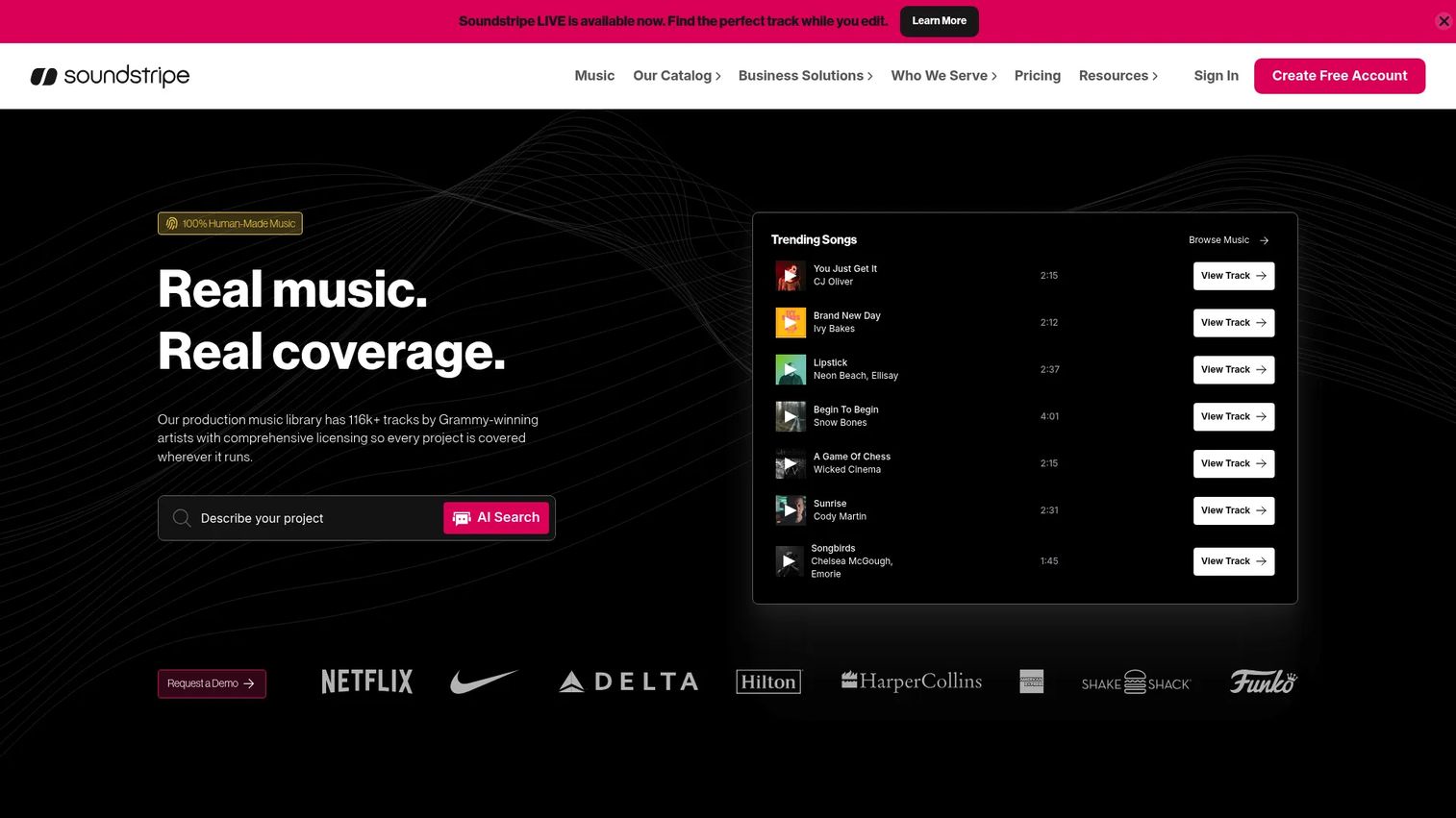
Soundstripe is a royalty-free music, sound effects, and licensing platform built for creators, teams, and enterprises. Its core pitch is unlimited access: subscribe once and download as much as your workflow demands. For content teams shipping high volumes of video, that unlimited-downloads model changes the economics of music entirely. You stop rationing tracks and start choosing the right one.
Best for: Creators and teams that need licensed music and SFX with workflow integrations and scalable commercial coverage.
Key strengths
- Unlimited access: Download as much music and as many sound effects as you need on a subscription, with no per-track counting.
- AI Search Assistant (Supe): Describe the mood or scene and let the search assistant surface matching tracks faster.
- Editing integrations: Adobe Premiere Pro and Adobe Express extensions bring the library into your editor, cutting the download-import loop.
Why choose Soundstripe: If your team publishes constantly and hates counting downloads, the unlimited model removes friction from every project. The Adobe integrations matter for editors who live in Premiere, since browsing and licensing without leaving the timeline saves real time on repeat-use projects. Soundstripe suits teams that treat music as a recurring input, not a one-off purchase.
Soundstripe pricing: Single-use licenses are available at Personal for $49, Digital for $199, Expanded starting at $399, and All Media starting at $1,249, each as a one-time purchase. Subscriptions for Individual, Business, and Enterprise are also offered, with Enterprise quote-based. A free tier is available. The single-use options give one-off buyers coverage while subscriptions serve high-volume teams.
3. Pond5
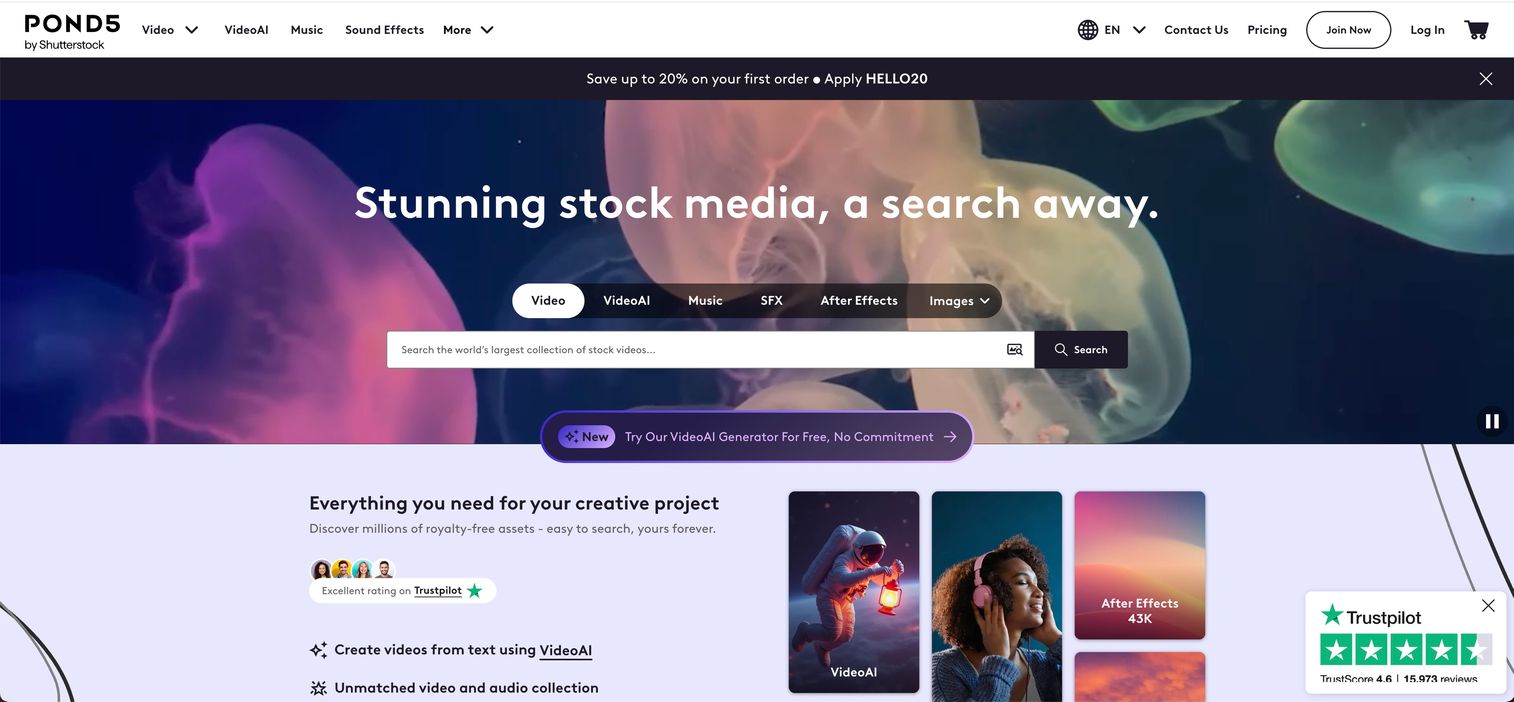
Pond5 is a royalty-free stock media marketplace covering video, music, sound effects, photos, and more. Its differentiator is flexibility: buy per asset, load a credit pack, or subscribe, depending on how you work. For teams with irregular buying patterns or mixed asset needs, that flexibility means you are not paying for a subscription you barely touch. Music sits alongside footage and stills, which helps teams sourcing multiple asset types in one place.
Best for: Teams and creators who need a large royalty-free stock media library with flexible buying options.
Key strengths
- Pay-per-asset: Buy exactly the track or clip you need, with music starting low, so occasional buyers avoid subscription lock-in.
- Credit packs: Prepaid packs with bonus credits for teams that buy in bursts across projects.
- Multi-asset subscriptions: Separate plans for Music, Music and SFX, and Footage, so you subscribe to what you actually use.
Why choose Pond5: If your buying is unpredictable, or you source music alongside video and stills, Pond5's flexible model fits better than a rigid subscription. The credit-pack option is useful for agencies that batch purchases per client, and the per-item pricing keeps costs honest when you only need one track a quarter. It is the flexible middle ground between per-track buying and all-in subscriptions.
Pond5 pricing: Pay-per-asset music starts at $3, with sound effects from $2 and video from $39. Credit packs come in $250, $500, $1,000, and $2,500 tiers. Subscriptions run $10/mo or $60/yr for Music, $15/mo or $90/yr for Music and SFX, and $199/mo or $999/yr for Footage Plus. A free collection is available. This range covers everyone from one-off buyers to steady producers.
4. Audio Network

Audio Network is a production music and sound effects licensing platform built for TV, film, advertising, digital, and corporate content. Its strength is breadth and professional-grade production music, with a catalog spanning more than 280,000 tracks and over 200,000 sound effects. For teams that need broadcast and commercial coverage, including public performance rights scenarios, Audio Network's licensing approach is designed for higher-stakes usage than casual social content.
Best for: Teams that need licensed stock music and sound effects with custom usage rights across broadcast and commercial contexts.
Key strengths
- Deep catalog: More than 280,000 music tracks and 200,000 sound effects for broad genre and mood coverage.
- Professional production music: Tracks built for TV, film, and advertising, with the polish broadcast work demands.
- Custom licensing: One-off licenses or subscriptions scoped to project specifics and usage rights.
Why choose Audio Network: If your work spans broadcast, advertising, and corporate video where usage rights get complicated, Audio Network's custom licensing meets that need. The catalog depth means you can match tone precisely across a large campaign, and the production quality suits brand and TV work. It fits teams whose licensing questions go beyond a standard sync license into broader distribution and public performance rights.
Audio Network pricing: Pricing is custom and quote-based, with cost depending on project specifics such as usage and distribution. A trial offers 10 test downloads for free, though those are not licensed for final use. This quote-based model reflects the platform's focus on tailored commercial and broadcast rights rather than fixed-price consumer plans.
5. AudioJungle
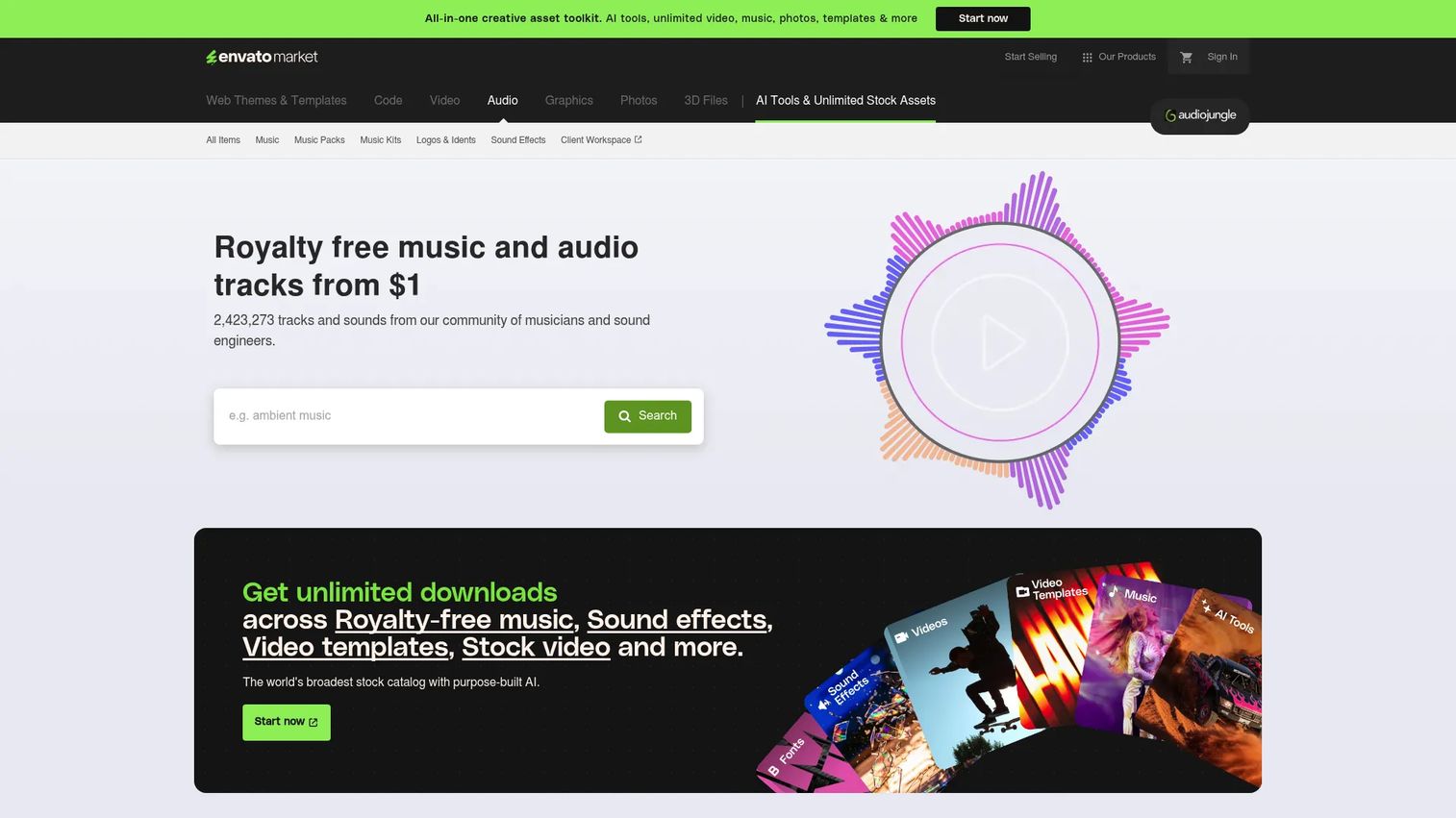
AudioJungle is a royalty-free music and sound effects marketplace with a contributor-driven catalog. Instead of a single curated library, it aggregates tracks and packs from many independent creators, which drives breadth and low entry pricing. For teams on a tight budget who need one-off tracks, the marketplace model and per-item licensing make it a practical, low-cost option with a different discovery experience.
Best for: Creators who need one-off royalty-free audio assets for projects without a subscription.
Key strengths
- Marketplace scale: A large, contributor-driven catalog spanning music tracks, packs, and sound effects.
- Low entry pricing: Per-item purchases starting from $1, so budget projects still get licensed audio.
- Per-item licensing: Buy exactly the track you need with a Regular License, no subscription required.
Why choose AudioJungle: If budget is the constraint and you need occasional tracks rather than a steady stream, AudioJungle's per-item pricing is hard to beat. The contributor marketplace means enormous variety, and the low floor price makes it viable for scrappy teams and one-off projects. Its discovery model differs from curated libraries, rewarding buyers who are comfortable browsing a broad marketplace to find the right fit.
AudioJungle pricing: Licensing is per item rather than subscription, with item prices starting from $1 and varying by track under a Regular License. There is no free tier. This marketplace structure suits buyers who want to pay only for individual tracks and avoid recurring costs entirely.
6. Musicbed
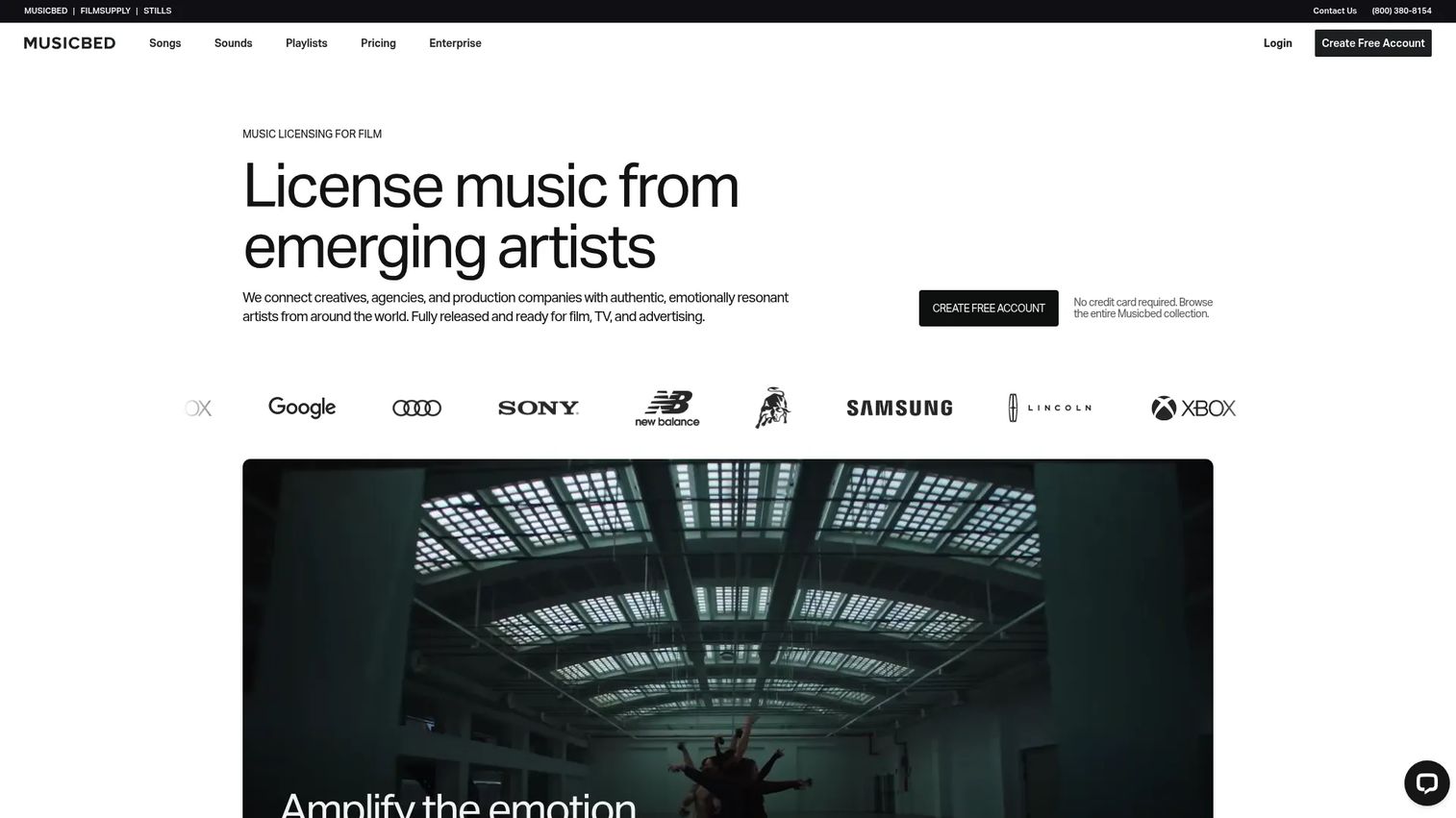
Musicbed is a curated music licensing platform for filmmakers, brands, and creative teams. Its focus is cinematic, high-end music with strong artist relationships, positioning it for brand-driven content where mood and quality carry the story. For teams producing premium video where the music has to feel intentional rather than generic, Musicbed's curated catalog and mood-led discovery fit the brief.
Best for: Video creators and production teams who need curated licensed music with copyright clearance.
Key strengths
- Search by Song: Find similar tracks by referencing a song you already like, speeding mood-led discovery.
- SyncID clearance: Copyright claim clearance so your licensed tracks do not trigger false flags on platforms.
- Projects: Collaboration and organization tools to manage track selections across a production team.
Why choose Musicbed: If your content is brand-led and cinematic, and the music needs to feel like a creative choice rather than a stock pick, Musicbed's curated catalog delivers. The SyncID clearance directly addresses the copyright-claim problem that plagues YouTube and Vimeo uploads, and the Projects feature helps teams align on selections. It suits brands and filmmakers who treat music as a core part of the story.
Musicbed pricing: Musicbed lists Individual, Business, and Enterprise plans, with Enterprise quote-based. Public numeric prices are not shown on the pricing page, and a free account is available. The plan-based structure is designed to scale with the scope of your production, from individual creators up to enterprise teams.
7. Music Vine
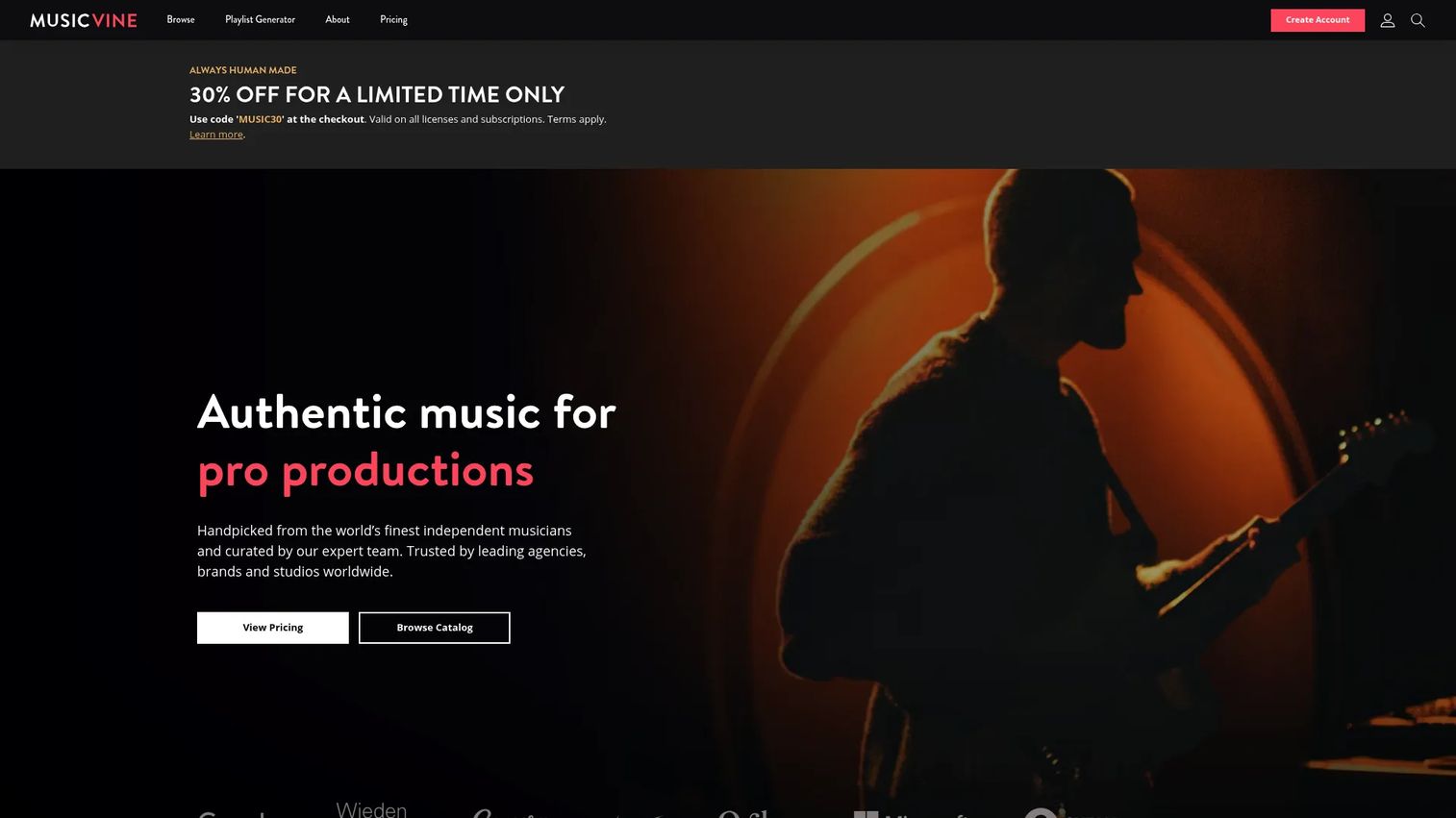
Music Vine is a curated music licensing platform for professional video, film, agencies, and brands. It pairs a hand-picked catalog with a strong discovery experience, including a playlist generator and music suggestion service that speed up finding the right track. For teams that value fast browsing and polished selection, Music Vine's search and filter depth and premium-brand appeal make it a standout for discovery.
Best for: Teams and creators who need curated, license-cleared music for professional video productions.
Key strengths
- Curated catalog: A hand-picked production music library aimed at professional video and brand work.
- Playlist generator: A music suggestion service that surfaces matching tracks fast, cutting search time.
- Flexible licensing: Unlimited subscription, pay-per-use licenses, and custom options to match project scope.
Why choose Music Vine: If discovery speed and catalog polish are what slow you down, Music Vine's suggestion tools and clean search and filter experience solve that directly. The mix of subscription and pay-per-use licensing lets you match spend to output, and the curated library keeps quality consistent for brand-facing work. It suits teams that want to find the right track quickly without wading through marketplace noise.
Music Vine pricing: The pricing page shows a minimum starting price of $150 for custom licenses, and confirms Pro Subscription and Pay-Per-Use options, though track-specific Pay-Per-Use prices are not publicly listed. There is no free tier. The custom-license floor reflects the platform's positioning toward professional productions with defined usage needs.
What to check before you buy
Licensing model and coverage
Confirm exactly what the license covers before you download. Does it include paid social and ads, broadcast, and client work? Does it transfer to a client if you are an agency? A cheap track with narrow rights costs more than a pricier one that covers everything you plan to do. Read the sync license and any public performance rights terms for your specific channels.
Subscription versus per-track pricing
Match the pricing model to how often you publish. High-volume teams save with unlimited downloads and subscriptions. Occasional buyers waste money on subscriptions they barely touch and are better served by per-track or per-item pricing. Map your typical monthly track usage against each model before committing.
Search, filter, and preview speed
Discovery is where you actually spend time. Test the search and filter tools, mood and genre tagging, and quick preview before you buy. A deep catalog you cannot navigate quickly slows every project. Suggestion tools and playlist generators can cut search time meaningfully on tight deadlines.
Copyright clearance and platform safety
Verify how the platform handles copyright claims on YouTube, Vimeo, and social. Some offer active clearance systems that whitelist your channel so licensed tracks do not get flagged. That protection matters more than catalog size when a false claim can mute your ad or demonetize a video.
Conclusion
The right stock music software depends on two things: how often you publish and how complex your licensing needs are.
For fast premium licensing with a curated catalog, PremiumBeat is the top pick. For unlimited use across a high-volume content operation, Soundstripe removes the friction of counting downloads. For flexible, pay-per-item buying and mixed asset needs, Pond5 gives you room to match spend to output. And for brand-led, cinematic creative where the music has to feel intentional, Musicbed delivers.
Audio Network covers broad broadcast and commercial licensing, AudioJungle serves budget-conscious one-off buyers, and Music Vine wins on discovery speed and catalog polish. Choose based on your usage volume and licensing complexity, not just which demo track sounds best in the moment. Shortlist two or three, run a few real projects through their search and licensing flows, and confirm the rights cover every channel you publish to before you commit budget.
FAQs
Stock music software is a platform or library that lets teams license pre-recorded music and sound effects for commercial use instead of commissioning original compositions. You search a catalog, preview tracks, choose a license, and download files cleared for your project. These tools combine discovery, licensing, and delivery in one place.
Royalty-free music is still copyrighted; you pay once for a license and then use it without ongoing per-use royalties. Copyright-free (or public domain) music has no copyright owner and needs no license at all. Most stock music is royalty-free, not copyright-free, so the license terms still govern how you can use it.
It depends on your output. Subscriptions with unlimited downloads win for teams publishing constantly, since cost per track drops fast. Per-track and per-item pricing win for occasional buyers who only need a handful of tracks and would waste money on a recurring plan. Map your monthly usage before choosing.
Yes, as long as the license explicitly covers commercial use music and the channels you publish to, including paid ads. Check whether the license includes paid social distribution and, for agencies, whether it transfers to clients. Never assume a personal or standard license covers commercial or paid use; confirm it in the license terms.
Check the sync license (rights to pair music with video), the scope of commercial and paid distribution, whether the license transfers to clients, and any public performance rights for broadcast or public settings. Confirm the license covers every channel in your plan. A narrow license on a cheap track can cost more than a broad one later.
A sync license covers pairing music with visual media, which is what most video projects need. Public performance rights cover music played in public or broadcast settings. Platforms serving broadcast, advertising, and corporate clients, like Audio Network, surface these terms because higher-stakes usage requires clearer, broader rights than casual social content.
Use copyright clear music from a reputable platform and keep your license documentation. Some platforms offer active copyright-claim clearance, such as Musicbed's SyncID, that whitelists your channel so licensed tracks do not get falsely flagged. If a claim appears, submit your license proof through the platform's dispute process to clear it.
Agencies benefit most from platforms with transparent licensing that covers client work and reuse. PremiumBeat offers clear per-track licenses, Pond5's credit packs suit batch buying across clients, and Audio Network handles complex broadcast and commercial rights. Prioritize whether the license transfers to clients and covers paid distribution before committing to any one library.