


QR codes show up everywhere now, with 102.6 million U.S. smartphone users scanning them in 2026 - from restaurant menus to product packaging to conference badges.
But the tool you use to create them determines whether you get a basic static image or a trackable, editable asset that actually tells you something useful.
This guide breaks down 12 QR code generators, explains the difference between static and dynamic codes, and helps you pick the right tool based on whether you're printing business cards or running marketing campaigns.
What's inside
This guide covers the top free and paid QR code generators for 2026. You'll learn the difference between static and dynamic codes, see a side-by-side comparison of 12 tools, and get practical guidance on choosing the right one for marketing campaigns, business cards, or product packaging.
TL;DR
Best free options: QRCode Monkey, Canva, and Adobe Express offer unlimited static codes with logo customization and no account required.
Best for trackable codes: QR.io and Bitly let you edit destination URLs after printing and track scan analytics.
Static vs dynamic: Static codes are free and permanent. Dynamic codes allow editing and analytics but typically require a paid plan.
Pro tip: Link your QR codes to interactive demos instead of static landing pages to boost engagement.
What is QR code generator software
QR code generator software converts data like URLs, text, WiFi credentials, or contact information into scannable quick response codes. Popular free options include QRCode Monkey for unlimited custom static codes, Adobe Express for branded marketing materials, and Canva for codes integrated directly into designs. For trackable dynamic codes, tools like QR.io and Bitly are widely used. Microsoft Edge also has a built-in generator that creates codes for any webpage with a right-click.
Types of QR codes you can create
Different QR code types serve different purposes:
URL codes: Link to websites, landing pages, or specific URLs
vCard codes: Share contact information instantly when scanned
WiFi codes: Allow instant network connection without typing passwords
PDF and file codes: Link to downloadable documents
Social media codes: Direct to profiles, pages, or specific posts
App store codes: Link to iOS or Android app downloads
Key features to look for
When evaluating QR code generators, look for customization options like logos and brand colors, download formats (PNG for digital, SVG/PDF/EPS for print), dynamic vs static capability, scan analytics, bulk generation, and unlimited scans without expiration.
Static vs dynamic QR codes
Static codes encode data directly into the pattern itself. Once created, the destination cannot change. Dynamic codes use a short redirect URL, so you can update where the code points without reprinting anything.
Feature | Static QR codes | Dynamic QR codes |
|---|---|---|
Edit after creation | No | Yes |
Scan tracking | No | Yes |
URL length impact | Longer URLs create denser codes | Short redirect keeps codes simple |
Cost | Usually free | Often requires subscription |
Best for | Permanent links, simple text | Marketing campaigns, A/B testing |
When to use static codes
Static codes work well for information that won't change. Think personal business cards with your contact details, permanent signage with your website URL, or simple text like a WiFi password. They're free on virtually every platform and never expire.
When to use dynamic codes
Dynamic codes, now accounting for 65% of global implementations, become essential when you're running marketing campaigns. You can track how many people scan, where they're located, and what devices they use. If you realize your landing page isn't converting, you can swap the destination URL without reprinting a single flyer or poster.
QR code generator software comparison
# | Product | Best for | Key differentiator | Pricing | G2 rating |
|---|---|---|---|---|---|
1 | QRCode Monkey | Free custom codes | Unlimited free static codes with logo | Free | 4.7 |
2 | Adobe Express | Branded marketing | Integrates with Adobe creative suite | Free | 4.5 |
3 | Canva | Design integration | Built into design platform | Free/Pro | 4.7 |
4 | QR Code Generator (Bitly) | Link management | Combined with Bitly link tracking | Free/$35/mo | 4.6 |
5 | Beaconstac | Enterprise analytics | Advanced scan analytics and CRM integrations | $5/mo+ | 4.9 |
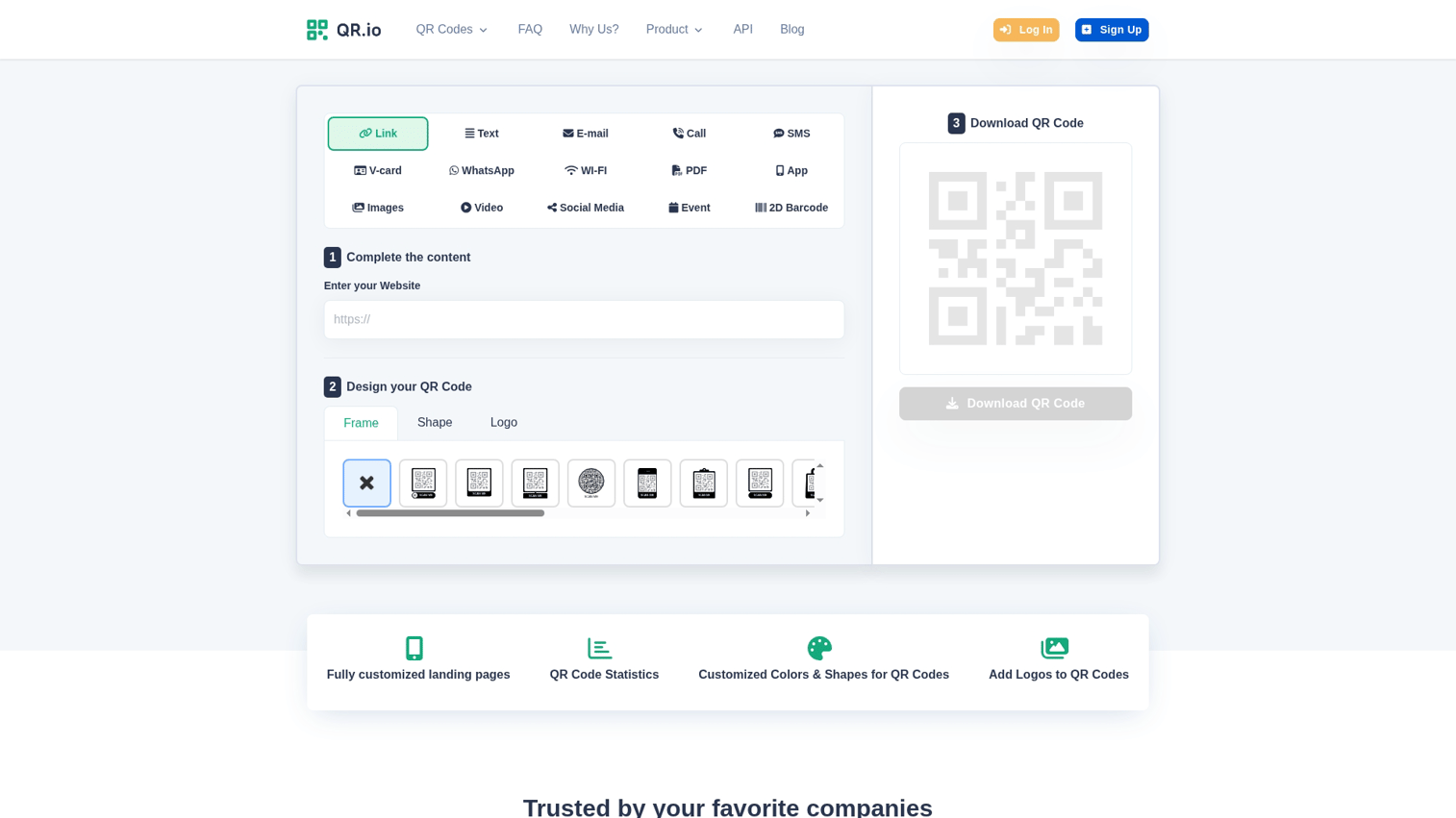
6 | QR.io | Dynamic codes | Specialized dynamic QR platform | Free/$7/mo | 4.5 |
7 | QR Tiger | Bulk generation | Mass QR code creation and API access | Free/$7/mo | 4.7 |
8 | Scanova | Business campaigns | Campaign management and scheduling | $14/mo | 4.4 |
9 | Unitag | Design customization | Advanced visual patterns and gradients | Free/$4.99/mo | 4.3 |
10 | GoQR.me | Quick generation | No signup required | Free | N/A |
11 | Flowcode | Brand focus | TV-grade high-resolution codes | Free/$25/mo | 4.5 |
12 | Visualead | Visual QR codes | Image-embedded QR technology | Contact sales | 4.2 |
1. QRCode Monkey
QRCode Monkey is one of the most popular free QR code generators available. It creates unlimited static codes with extensive design customization, including colors, shapes, and logo insertion. No account is required for basic use, and the platform provides high-resolution downloads in vector formats (SVG, PDF, EPS) for print materials.
Key strengths
100% free with no scan limits or expiration
Custom colors, corner shapes, and logo insertion
High-resolution vector downloads for print
Works for commercial projects
Pricing
Completely free for static QR codes. No paid tier exists.
2. Adobe Express
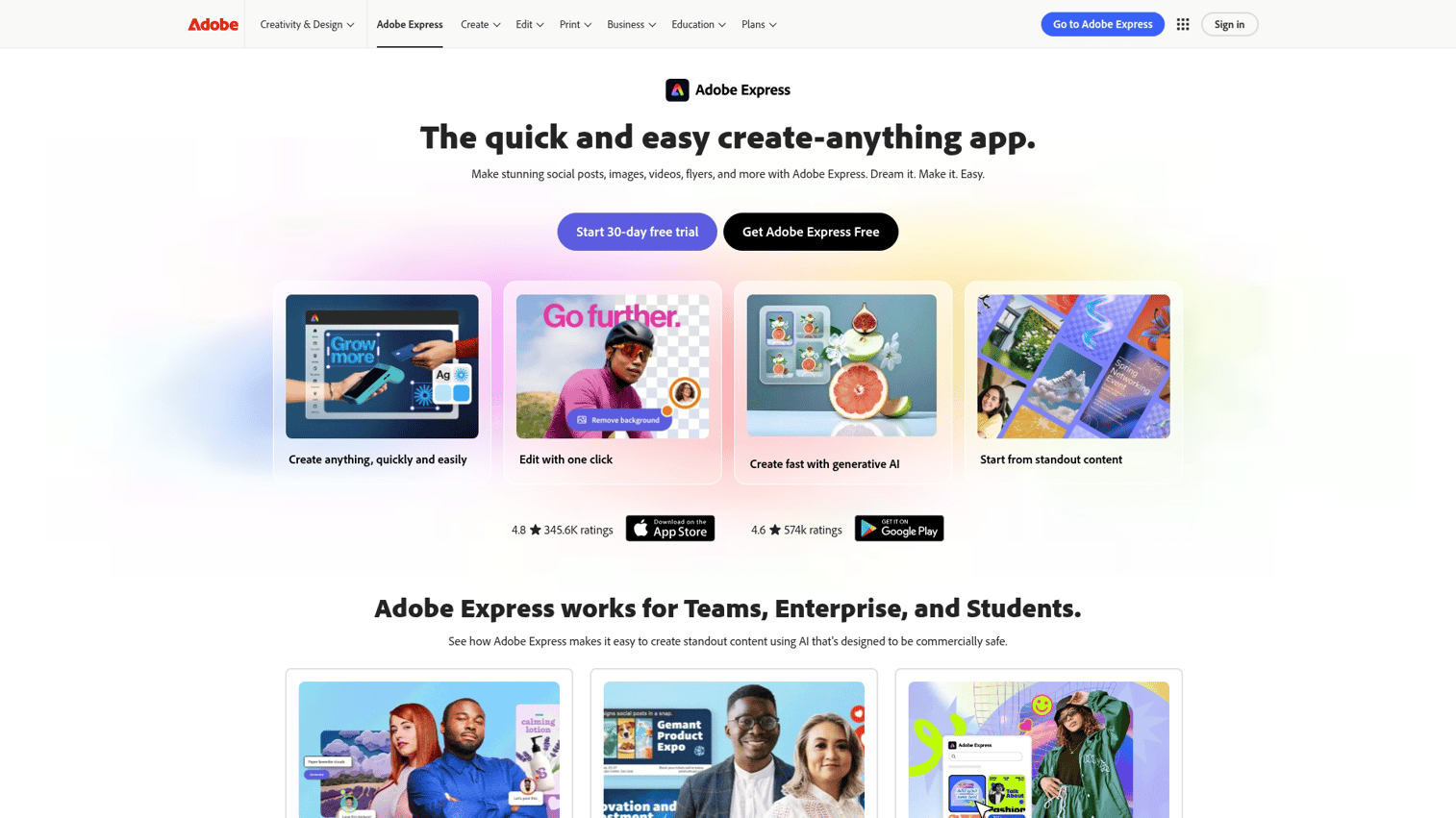
Adobe Express offers a free QR code generator that integrates with its broader creative suite. It's particularly useful for teams already using Adobe tools who want consistent branding across marketing materials. The generator produces clean, professional codes that match your brand colors and style.
Key strengths
Free online QR code creation
Brand color and style matching
Part of broader Adobe Express creative suite
Multiple export formats
Pricing
Free tier available. Adobe Express premium plans start at $9.99/month for additional features.
3. Canva
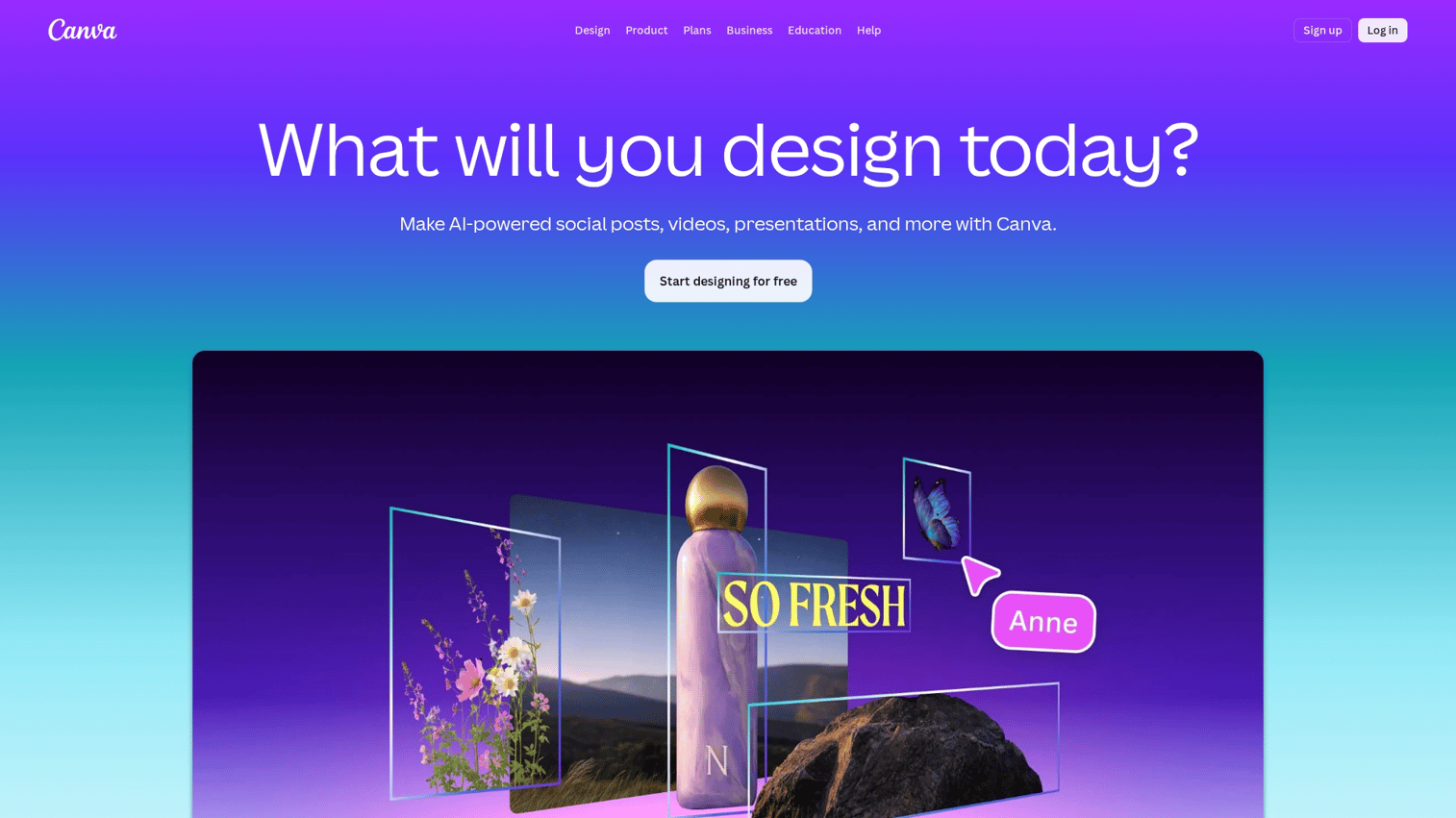
Canva builds QR code generation directly into its design platform. Instead of creating a code in one tool and importing it to another, you generate and place codes within your designs in a single workflow. This integration makes Canva ideal for creating QR codes for social media posts, flyers, presentations, and marketing materials.
Key strengths
Integrated into the design platform
Drag-and-drop into any Canva design
Customize colors to match brand
Works on desktop and mobile
Pricing
Free QR code generator included in Canva Free. Canva Pro is $12.99/month for additional design features.
4. QR Code Generator by Bitly
The QR Code Generator from Bitly combines QR codes with link management and tracking. If you're already using Bitly for link shortening, this integration keeps everything in one place. The platform creates branded, trackable QR codes with scan analytics showing how many people scanned, when they scanned, and from what locations.
Key strengths
Combined with Bitly link management
Branded short links and QR codes together
Scan tracking and analytics
Custom domains available
Pricing
Free tier for basic codes. Paid plans start at $35/month for advanced tracking and customization.
5. Beaconstac
Beaconstac targets enterprise teams that require advanced analytics, CRM integrations, and team collaboration features. The platform offers detailed scan data including location, device type, and time of scan. Beyond basic generation, Beaconstac supports retargeting pixels, bulk creation, and white-label options.
Key strengths
Advanced scan analytics (location, device, time)
CRM and marketing automation integrations
Bulk QR code generation
Retargeting pixel support
Pricing
Plans start at $5/month (Lite) with Pro and Business tiers for larger teams.
6. QR.io
QR.io specializes in dynamic QR codes. The platform focuses specifically on codes that allow URL editing and scan tracking, with a straightforward interface that doesn't overwhelm with unnecessary features. If your primary concern is flexibility after printing, QR.io offers competitive pricing for its dynamic features.
Key strengths
Specialized in dynamic QR codes
Edit destination URL after printing
Real-time scan analytics
Simple, focused interface
Pricing
Free tier for limited codes. Paid plans start from $7/month for full dynamic features.
7. QR Tiger
QR Tiger excels at bulk QR code generation. If you're creating codes for hundreds of products, locations, or campaigns, the platform handles mass creation efficiently. The tool also provides API access for developers who want to integrate QR generation into their own applications.
Key strengths
Bulk QR code generation via CSV
API access for developers
Password-protected codes
Multi-URL codes (one code, multiple destinations)
Pricing
Free for limited static codes. Paid plans start from $7/month with bulk features at higher tiers.
8. Scanova
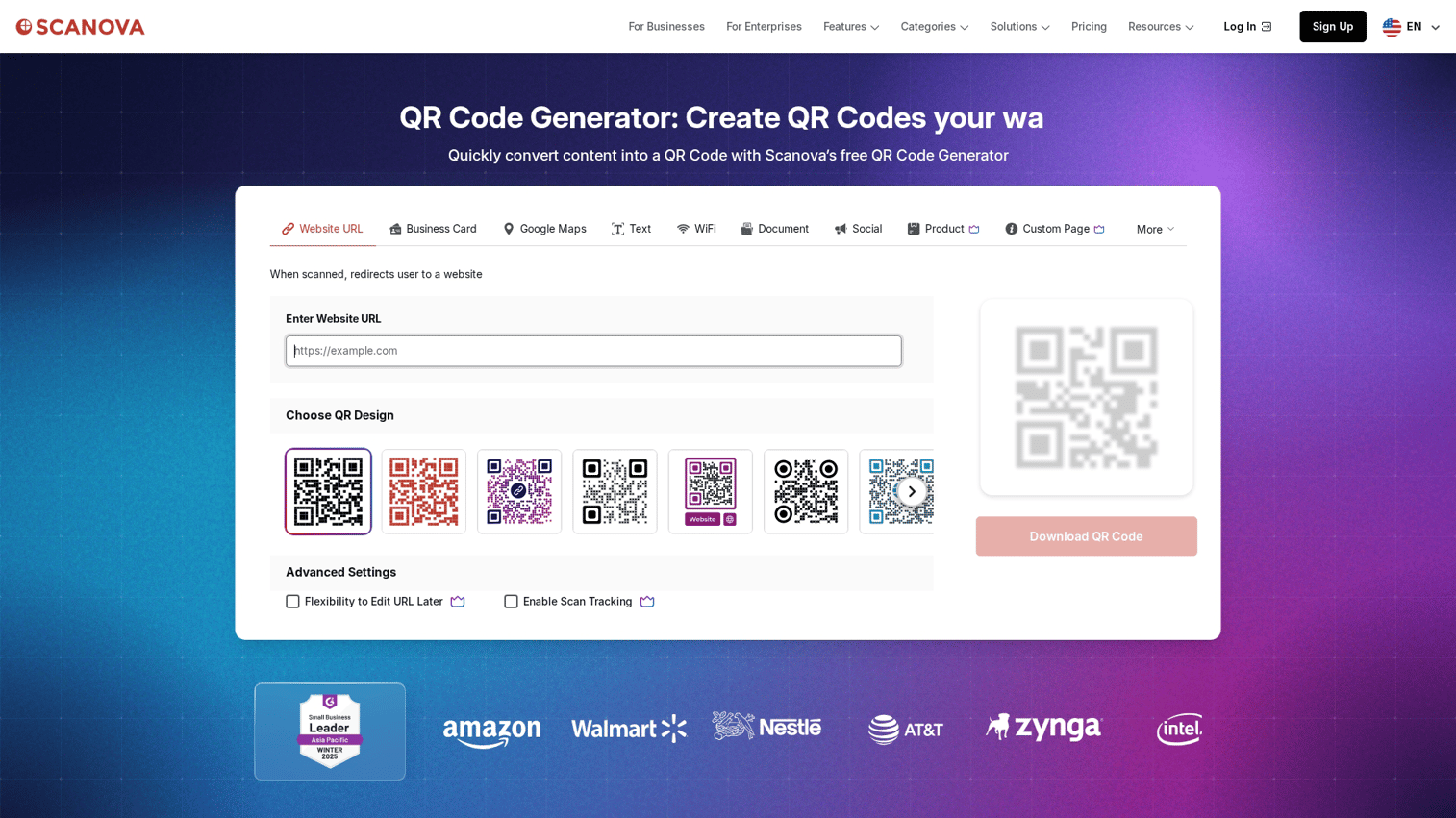
Scanova focuses on business campaign management. Beyond creating codes, the platform helps organize campaigns, capture leads through forms, and schedule when codes activate or deactivate. This makes Scanova useful for coordinated marketing efforts where you're running multiple campaigns simultaneously.
Key strengths
Campaign management and organization
Lead capture forms behind QR codes
Scheduled activation and deactivation
Team collaboration features
Pricing
Plans start at $14/month. No free tier, but a 14-day free trial is available.
9. Unitag
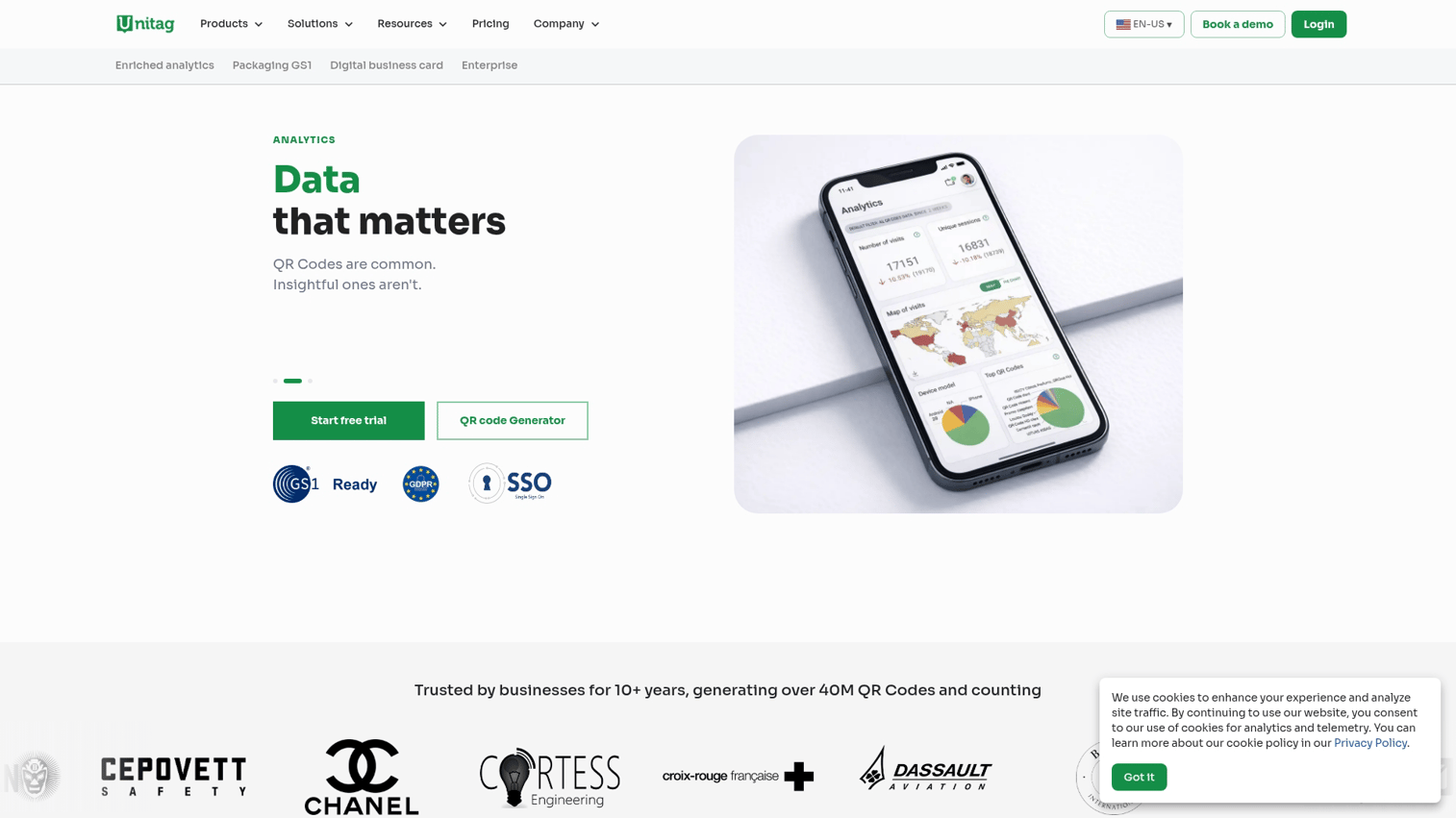
Unitag provides advanced visual customization options. If you want QR codes that stand out visually with patterns, gradients, and unique shapes, this platform offers more design flexibility than most. The tool includes pre-designed templates and supports background image integration.
Key strengths
Advanced visual customization
Pre-designed templates and patterns
Background image integration
Color gradients supported
Pricing
Free tier for basic codes. Premium plans start from $4.99/month for advanced customization.
10. GoQR.me
GoQR.me offers the simplest possible experience. No signup, no account, no friction. You enter your data, customize basic options, and download your code immediately. For one-off situations where you don't want to create yet another account, this straightforward approach saves time.
Key strengths
No signup or account required
Instant QR code generation
Basic customization options
Embed code for websites
Pricing
Completely free with no paid options.
11. Flowcode
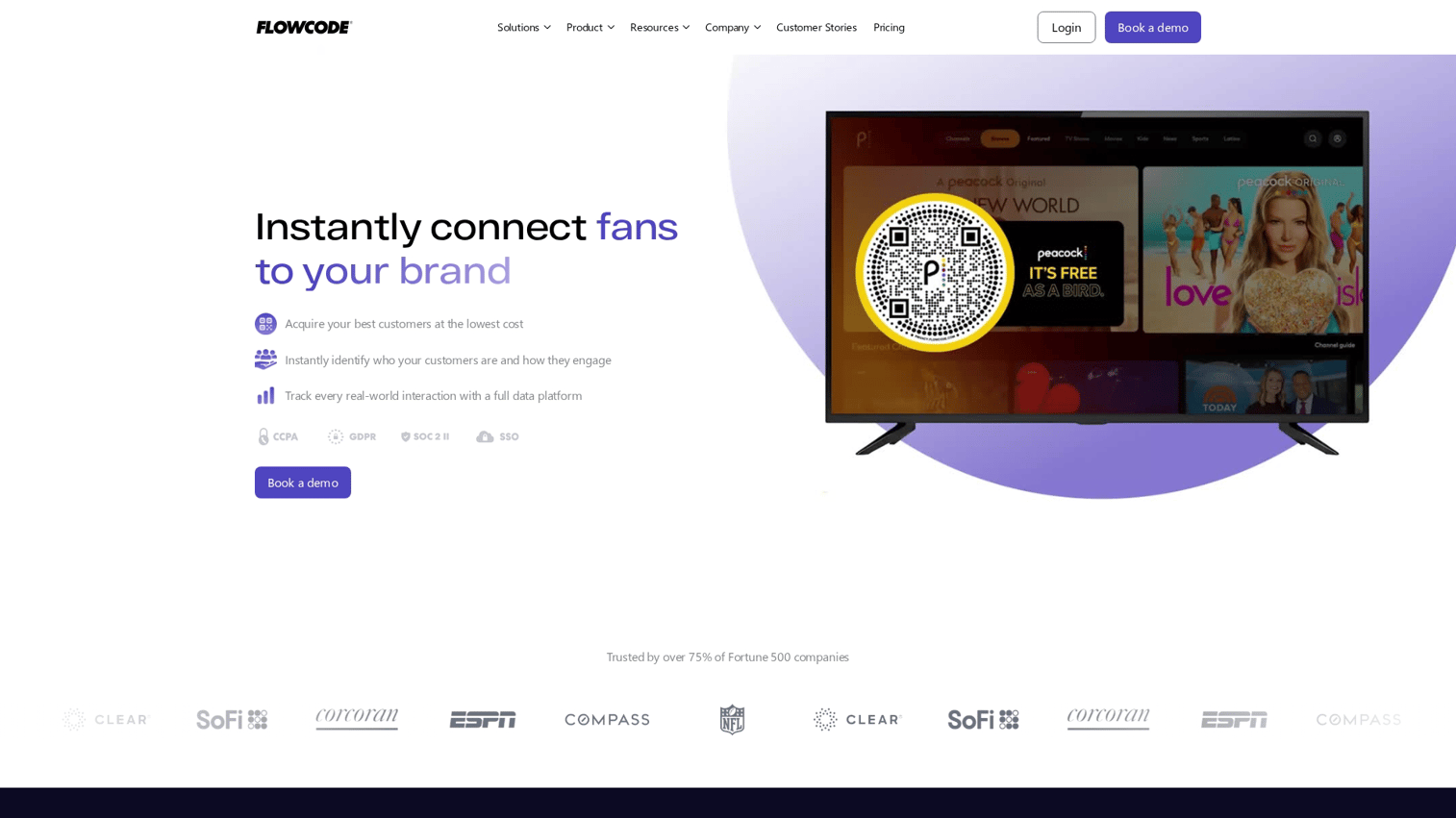
Flowcode creates TV-grade, high-resolution codes designed for major brand campaigns. The platform is used by Fortune 500 companies and offers codes that scan reliably even when displayed on screens. Beyond resolution, Flowcode provides Instagram-style analytics and mobile-optimized landing pages.
Key strengths
TV-grade high resolution (works on screens)
Brand-first design approach
Detailed engagement analytics
Mobile-optimized landing pages
Pricing
Free tier available. Pro plans start from $25/month for advanced features.
12. Visualead
Visualead uses unique technology that embeds QR functionality directly into images. Instead of a traditional black-and-white code, you get a visual that incorporates the scannable pattern into existing graphics. This enterprise-focused solution creates highly distinctive codes for brands that want something beyond standard QR aesthetics.
Key strengths
Visual QR technology (QR embedded in images)
Highly distinctive, branded appearance
Enterprise-grade solutions
Advanced analytics
Pricing
Contact sales for pricing. Enterprise-focused solution.
How to create a QR code
Creating a QR code takes less than a minute with most tools. Here's the typical process:
1. Select your content type
Choose what you want your QR code to do. Options typically include URL, plain text, WiFi credentials, vCard contact information, PDF file, or social media profile.
2. Enter your URL or data
Paste your destination URL or input the relevant data. For URL codes, use the full address including https:// to ensure proper functionality.
3. Customize with your brand
Add your logo to the center, adjust colors to match your brand identity, and select frame styles if available. Most free tools offer basic customization, while paid tiers unlock more options.
4. Download in the right format
Choose SVG, PDF, or EPS for print materials where quality matters. PNG works fine for digital use. Higher resolution prevents scanning issues when codes are printed large.
5. Test before publishing
Always scan your final code with multiple devices before printing or publishing. Test on both iOS and Android phones to catch any issues early.
How to choose the right QR code generator
The right tool depends on your specific situation.
For marketing and growth teams
Marketing teams - over 90% of whom now use QR codes - typically benefit from dynamic codes with scan analytics, A/B testing capabilities, and CRM integrations. Tools like Beaconstac, Bitly, or QR.io provide the tracking data useful for campaign optimization. Consider linking QR codes to interactive demos rather than static landing pages so prospects can experience your product hands-on.
For small businesses
Free tools like QRCode Monkey, Canva, or Adobe Express cover most small business use cases. Focus on branding options and ease of use rather than advanced analytics.
For enterprise and product teams
Enterprise teams typically require bulk generation, API access, security compliance, and team collaboration. Beaconstac and enterprise tiers of other tools provide audit trails and access controls alongside core QR functionality.
Make your QR codes link to interactive experiences
QR codes connect physical and digital worlds, but the destination matters as much as the code itself. A code on product packaging that links to a static PDF won't engage users the way an interactive experience will.
Guideflow lets you create clickable, step-by-step product demos that prospects can experience without scheduling a call or creating an account. Link your QR codes to interactive demos and turn passive scanners into engaged prospects who understand your product before they ever talk to sales.
Start your journey with Guideflow today!
FAQs about QR code generator software
The FBI has warned about malicious QR codes placed over legitimate ones in public spaces, particularly on parking meters and in restaurants. Fake codes can direct users to phishing sites or trigger malware downloads. Always verify QR codes in public locations and check the URL preview before entering sensitive information.
Yes. Microsoft Edge has a built-in QR code generator. Right-click on any webpage and select "Create QR code for this page" to generate a code instantly. No additional software or extensions required.
QR codes themselves cannot contain viruses. They simply store data like URLs or text. However, they can link to malicious websites that attempt to download malware or steal information. Preview the URL before visiting and avoid scanning codes from untrusted sources.
For reliable scanning, most QR codes require at least 2cm x 2cm (about 0.8 inches square). Codes with more data encoded create denser patterns that require larger sizes. Always test at your intended print size before mass production.
For dynamic QR codes, canceling typically deactivates the redirect, making printed codes non-functional. Static codes continue working indefinitely regardless of subscription status since the data is encoded directly in the pattern.
Only with dynamic QR codes. Static codes encode the destination directly into the pattern and cannot be changed. If you anticipate wanting to update destinations, choose a dynamic code from the start.
Static QR codes never expire. Dynamic codes depend on your subscription status with the provider. Some free dynamic code services may deactivate codes after a period of inactivity.
Codes containing simple data like text, WiFi credentials, or contact information (vCards) work offline. Codes linking to URLs require an internet connection to load the destination page.










