Your collections data lives in three spreadsheets, an aging desktop database, and one registrar's head. Object records are inconsistent. Condition notes never match the images. And when someone asks what you have in offsite storage, the answer takes two days to assemble.
That is the daily reality for a lot of museums, and it is exactly the problem museum software is built to solve. The category has matured fast. The global museum software market is projected to grow from USD 1.51 billion in 2025 to USD 3.20 billion by 2034, an 8.65% CAGR, according to Pixelated Future (2025). Adoption backs that up: roughly 62% of museums worldwide now use at least one collection or visitor management platform, per Market Growth Reports (2026).
The problem is not whether to adopt a system. It is which one fits your workflow, your team size, and your integration reality. Some museum software programs are collections-first, built for cataloging, provenance, and searchability. Others are operations-first museum management software covering memberships, ticketing, donations, and reporting. Choosing wrong means paying for features you never touch, or outgrowing a tool in eighteen months.
This guide compares 7 tools across those two axes, with a hard look at cloud access, multi-device use, and real institutional workflows. No vendor puffery. Just the decision criteria that actually change the outcome.
What's inside
This is a practical buyer's guide to the best museum software for collections, operations, and cross-team workflows. It covers systems for cataloging and collections management, contact and constituent management, memberships, ticketing, donor tracking, and reporting.
Tools were chosen on four criteria:
- Breadth of museum functionality: how much of the collections-to-operations spectrum the tool covers
- Cloud and multi-device access: whether staff can work from galleries, storage, or home
- Fit for real workflows: acquisitions, loans, condition reporting, memberships, admissions
- Social proof and maturity: adoption signals, reviews, and track record with cultural institutions
TL;DR
- Best for collections-first cataloging: CatalogIt, with a cloud-native, image-driven capture workflow and multiple free tiers.
- Best for small museums and private collections: Artwork Archive, with transparent low-cost plans and public-facing sharing.
- Best for operations-first institutions: Blackbaud Altru or Tessitura, for ticketing, memberships, donations, and constituent management at scale.
- Best for Salesforce-native teams: Veevart, built directly on the Salesforce platform.
- Best for specialized collections and archives: Axiell, for multidiscipline collections and long-term record keeping.
- Best for all-in-one CRM and POS: Versai, covering admissions, memberships, gift shop, and donor workflows.
What is museum software?
Museum software is a category of tools that helps museums manage collections, people, operations, and reporting, either as a focused collections system or as a broader management platform.
The category breaks into a handful of core functions:
- Collections cataloging: object records, images, provenance, condition notes, and searchable metadata
- Acquisitions and loans workflow: tracking incoming objects, deaccessions, and outgoing loans with full documentation
- Membership management software: joins, renewals, tiers, cards, and passes
- Ticketing and admissions: online and on-site sales, timed entry, group bookings
- Museum CRM and donor management: constituent records, giving history, campaigns, mailings
- Reporting: exhibition planning, board reports, financial summaries, and audit trails
The key distinction to understand before you buy: collections management software is a subset of broader museum management software. A museum catalog software tool is built around the object, focused on cataloging, digital collections database structure, and searchability. A full museum management platform adds the operational layer, memberships, ticketing, POS, and CRM, so the front-of-house and back-office run in the same system.
Cloud versus desktop
Deployment is a real differentiator, not a footnote. Cloud museum software gives you remote collections access from any device, which matters when your registrar is in offsite storage and your curator is at a conference. Web-based museum software also handles updates and backups for you. Cloud-based and AI-enabled platforms now represent 64% of new deployments, per Market Growth Reports (2026). Desktop museum database software still appeals to institutions that want local control over sensitive records, and some tools offer both editions.
When to use museum software
Centralize collections data
If your object records live across spreadsheets, a legacy desktop database, and paper files, you have outgrown improvisation. This is the moment to move to a proper collections management software system.
What you gain:
- One searchable record per object, with images, provenance, and condition history
- Consistent metadata that survives staff turnover
- Fast retrieval for loans, insurance, and exhibition planning
- An audit trail that stands up to accreditation review
Any institution past a few thousand objects, or any team where more than one person touches the catalog, benefits from a single digital collections database.
Coordinate operations across teams
When memberships, donations, mailings, reporting, and CRM start living in different tools, reconciliation eats your week. Broader museum workflow software brings admissions, membership management software, donor records, and reporting into one system.
This matters most for lean teams. A five-person museum cannot afford three logins and manual data transfer between them. A unified museum CRM means a membership renewal, a gift shop purchase, and a donation all attach to the same constituent record.
Support remote access and multi-site work
If staff work across galleries, storage sites, or from home, you need multi-device access and remote collections access as a baseline. Cloud and web editions let a curator update a record from the gallery floor while a registrar reviews condition notes offsite. For institutions with distributed teams or multiple locations, this flexibility is not a nice-to-have. It is the difference between a living catalog and a stale one.
Museum software comparison
Here is a side-by-side look at all 7 tools. Sorted by relevance to collections and museum management use, not alphabetically.
| # | Product | Intent | Key use case | Pricing | G2 rating |
|---|---|---|---|---|---|
| 1 | CatalogIt | Collections-first | Cloud, image-driven cataloging and web publishing | Free tiers; Museum Small from $54/mo | Not listed |
| 2 | PastPerfect | Collections + contacts | Mature cataloging with membership and contact management | By enquiry | Not listed |
| 3 | Blackbaud Altru | Operations-first | Ticketing, memberships, donations, constituent view | Custom quote | 3.6/5 |
| 4 | Tessitura | Operations-first | Unified CRM, ticketing, fundraising, memberships | Custom quote | 3.8/5 |
| 5 | Veevart | Operations-first | Salesforce-native museum management and CRM | Custom quote | 4.7/5 |
| 6 | Artwork Archive | Collections-first | Art inventory, sales, and public sharing | From $9/mo | 4.5/5 |
| 7 | Axiell | Collections-first | Web-based multidiscipline collections management | Custom quote | 4.0/5 |
Pricing and ratings shift often. Verify both against each vendor's live pricing page and current review listing before you commit.
1. CatalogIt
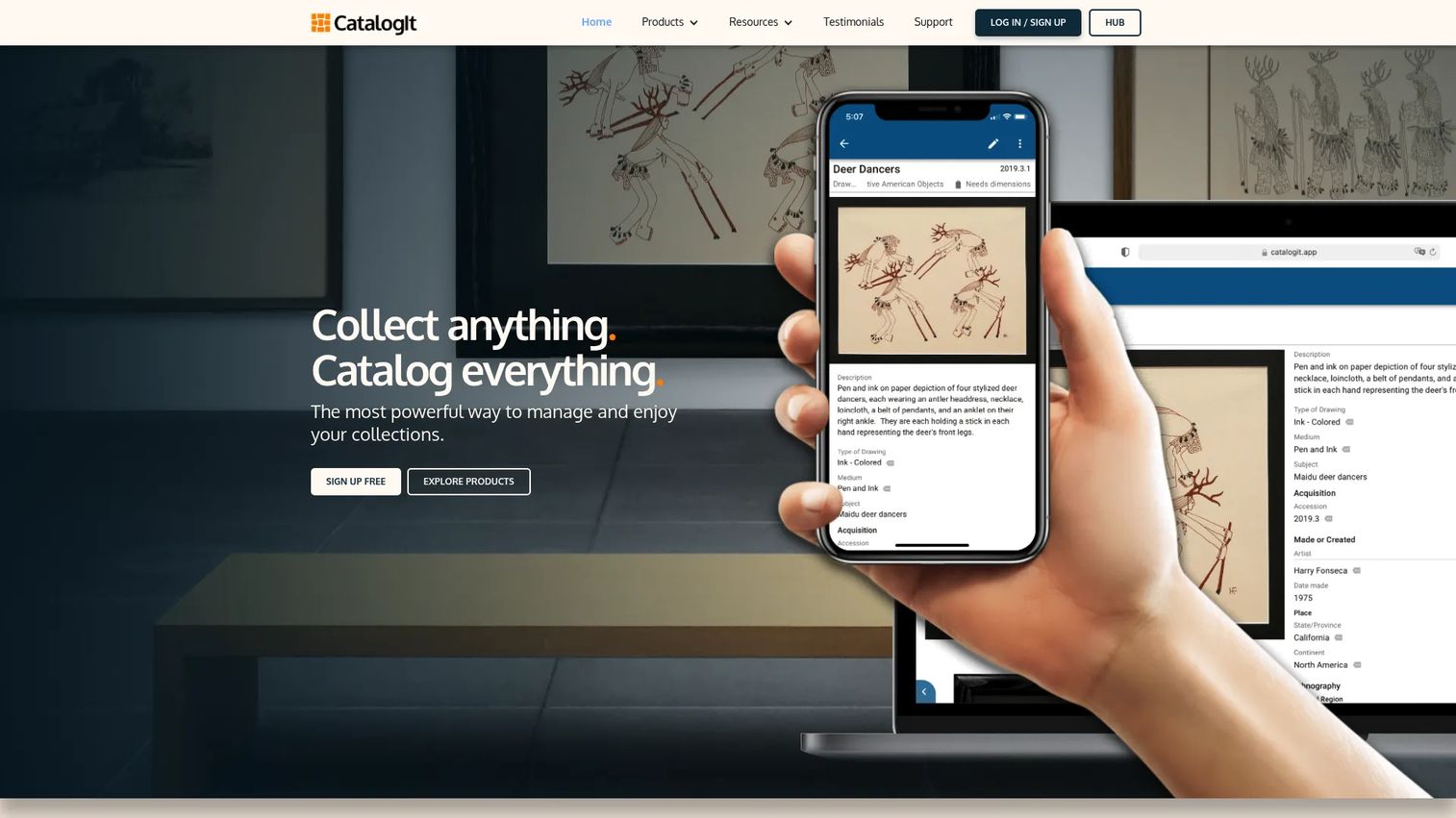
CatalogIt is cloud-based collections management software built around an image-first workflow. Its Snap, Document, Use approach lets you photograph an object, attach structured metadata, and immediately make it usable across your team. It suits museums, private collectors, organizations, and conservators who want fast capture without a heavy desktop install.
The publishing layer is where it separates from a plain catalog. You can push records to a public HUB, pull them into your own site through the API, a WordPress plugin, or an iframe, and control exactly what goes public.
Best for: collections-focused teams that want modern, cloud-native cataloging with real-time collaboration and web publishing.
Key strengths
- Cloud-based documentation: every record lives online, accessible from any device with remote collections access
- Real-time collaboration: multiple team members work the same catalog without version conflicts
- Flexible web publishing: share collections through HUB, API, WordPress, or iframe embeds
Why choose CatalogIt: if your priority is getting objects catalogued quickly with images and clean metadata, and then publishing selectively, CatalogIt hits that job directly. The multi-tier structure means a small historical society and a mid-sized museum can both find a fit.
CatalogIt pricing: CatalogIt offers free tiers across its Museum, Personal, Organization, and Conservator plan families. Paid museum plans start at $54 per month or $540 per year for Museum Small, with Medium at $72/mo and Large at $96/mo. Monthly billing runs about 20% above annual. That transparency is rare in this category.
2. PastPerfect
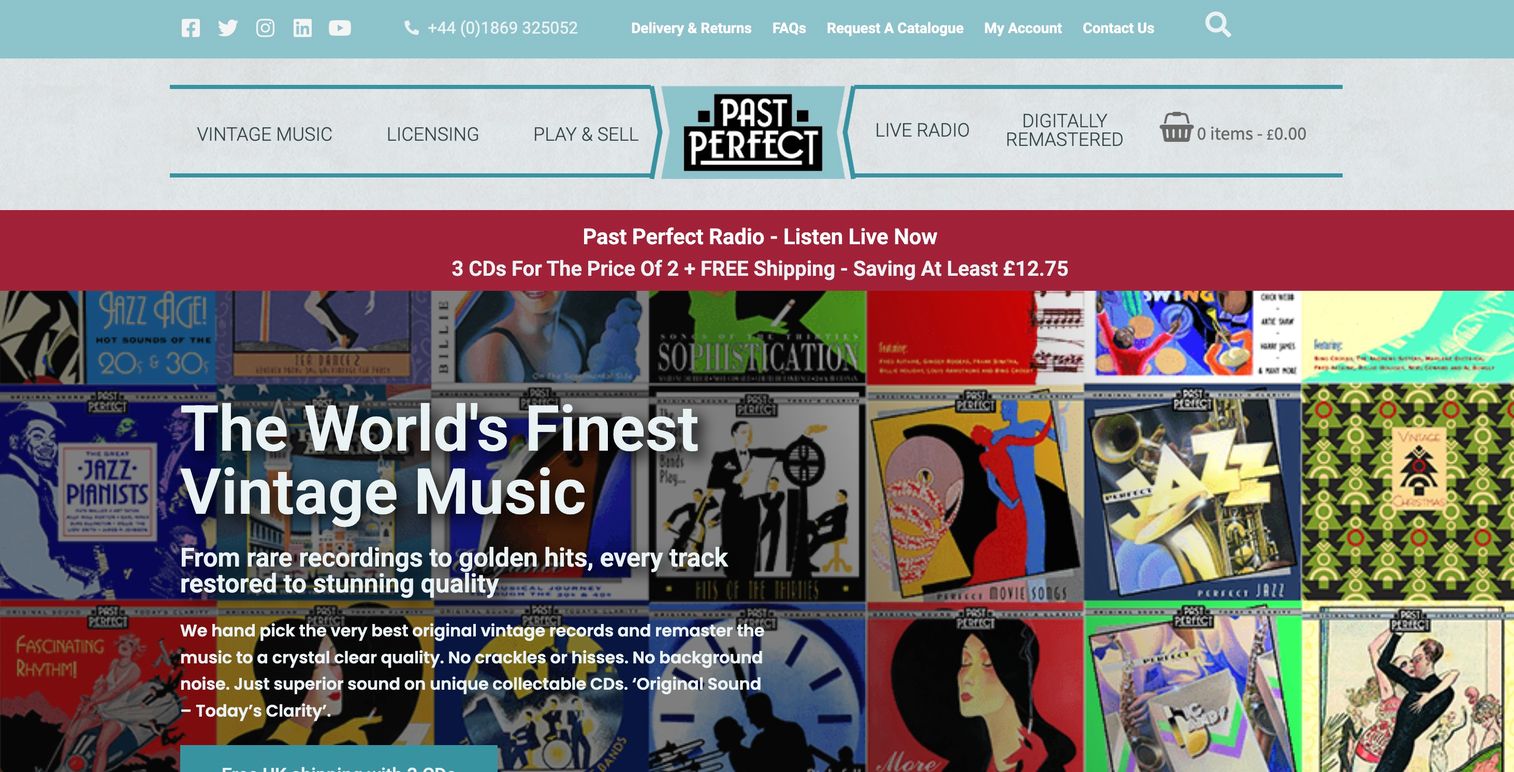
PastPerfect has one of the longest track records in the museum catalog software space, with combined collection and contact management that has served institutions for decades. It offers both a desktop edition and a Web Edition, giving museums a choice between local control and remote access.
The appeal is breadth at an accessible price point. Acquisition tracking, loan management, reporting, and membership workflows sit alongside the cataloging core, so a museum can run collections and basic contact operations from one mature system.
Best for: museums that want a proven, affordable system covering cataloging, acquisitions, loans, and membership records.
Key strengths
- Combined collections and contacts: object records and constituent data in one system
- Dual deployment: desktop edition for local control, Web Edition for remote access
- Operational workflows: acquisition, loan, reporting, and membership tracking built in
Why choose PastPerfect: for a museum that values maturity and a wide feature footprint without a steep price, PastPerfect remains a default consideration. The dual-edition model lets you pick your comfort level on cloud versus desktop.
PastPerfect pricing: PastPerfect handles software licensing through direct enquiry rather than a public plan table, so contact the vendor for a current quote tailored to your edition and museum size.
3. Blackbaud Altru
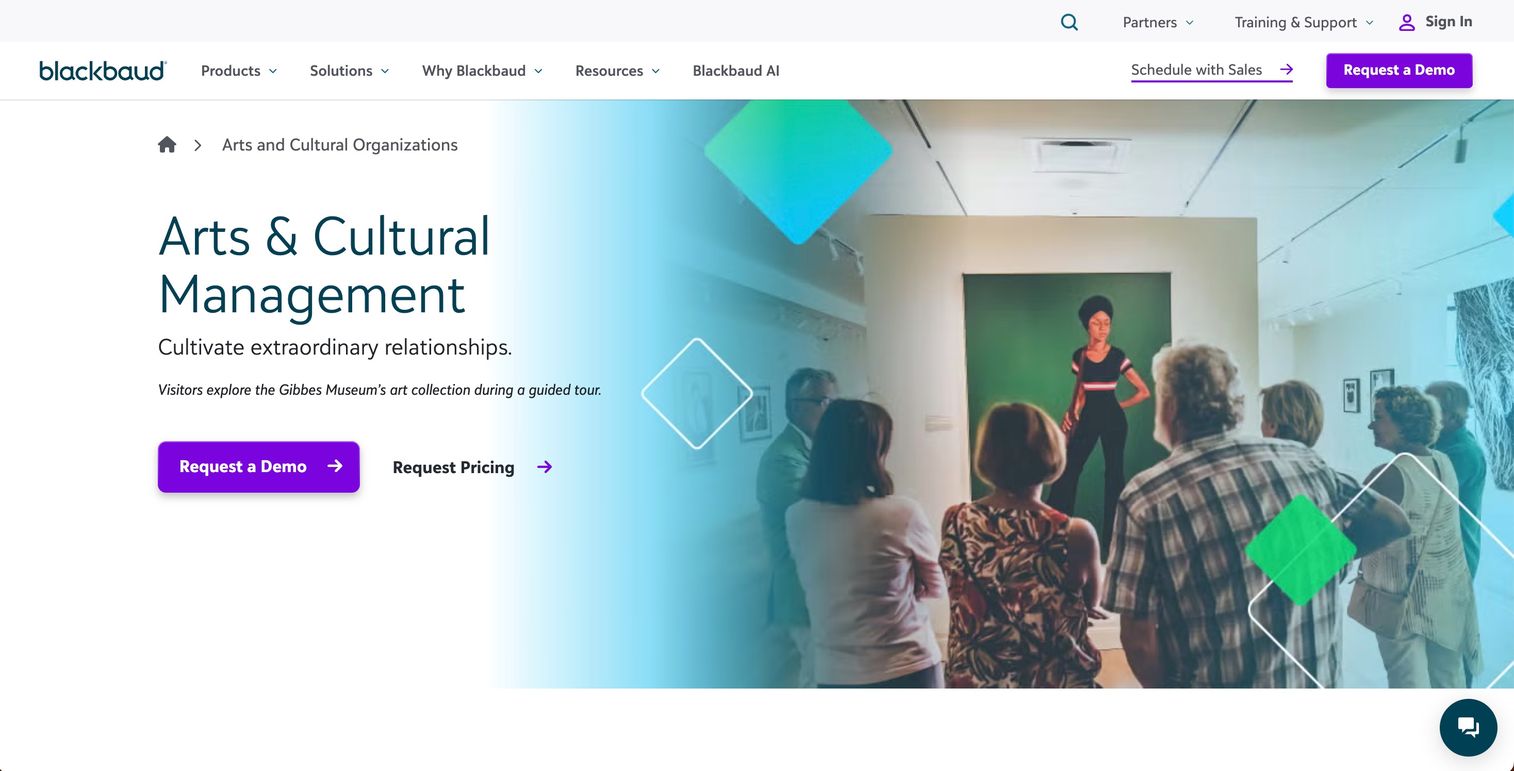
Blackbaud Altru is cloud-based software built for the operations side of cultural institutions. It integrates ticketing, memberships, donations, and group sales into a single system, with a 360-degree view of every supporter and guest across online, in-person, and back-office channels.
This is museum management software, not a collections tool. Its strength is running admissions, membership, and fundraising in one place, which fits museums, zoos, aquariums, and gardens with high visitor volume and active donor programs.
Best for: visitor-based cultural organizations that need integrated ticketing, memberships, and donor management more than deep cataloging.
Key strengths
- Integrated commerce: ticketing, memberships, donations, and group sales in one platform
- 360-degree constituent view: every guest and supporter interaction in a single record
- Multi-channel sales: online, in-person, and back-office transactions unified
Why choose Blackbaud Altru: if your operational complexity, admissions volume, membership tiers, and donor campaigns, outweighs your cataloging needs, Altru covers the front-of-house and fundraising layer well. Pair it with a dedicated collections tool if you need both.
Blackbaud Altru pricing: Blackbaud uses custom, quote-based pricing with no public numeric price. Contact a representative for a quote scaled to your institution. It holds a 3.6/5 rating on G2.
4. Tessitura
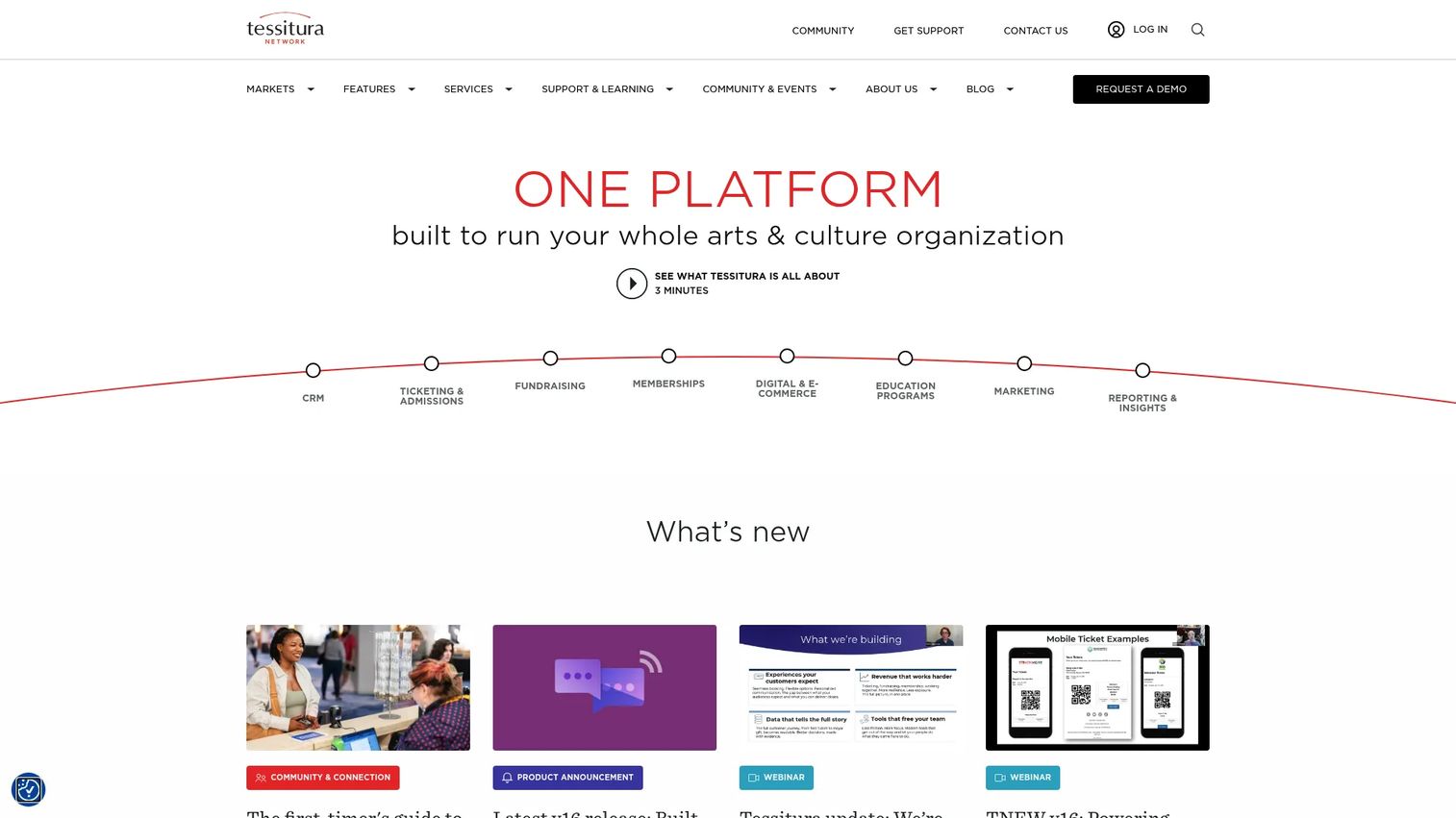
Tessitura is a unified CRM and commerce platform for arts and cultural organizations. It brings ticketing and admissions, fundraising, memberships, marketing, reporting, and e-commerce into a single system, built for institutions with multiple revenue streams and sophisticated visitor operations.
It performs best when a museum has genuinely complex operational needs, several concurrent revenue lines, layered membership tiers, and active fundraising, that a lighter tool would strain to coordinate. The unified data model means a patron's ticket, donation, and membership all connect.
Best for: larger arts and cultural institutions with layered memberships, ticketing, and fundraising that need one system of record.
Key strengths
- Unified CRM: ticketing, fundraising, and memberships share one constituent record
- Full commerce stack: admissions, e-commerce, and marketing in one platform
- Reporting and insights: cross-functional data for board and campaign reporting
Why choose Tessitura: when your institution runs multiple revenue streams and needs them coordinated, Tessitura is built for that scale. The implementation is a serious project, so it is a fit consideration best matched to institutions ready to invest in a system of record.
Tessitura pricing: Tessitura does not publish product subscription pricing. It offers free self-guided courses and hands-on training at $298 per registration, with core licensing handled through sales. It holds a 3.8/5 rating on G2.
5. Veevart
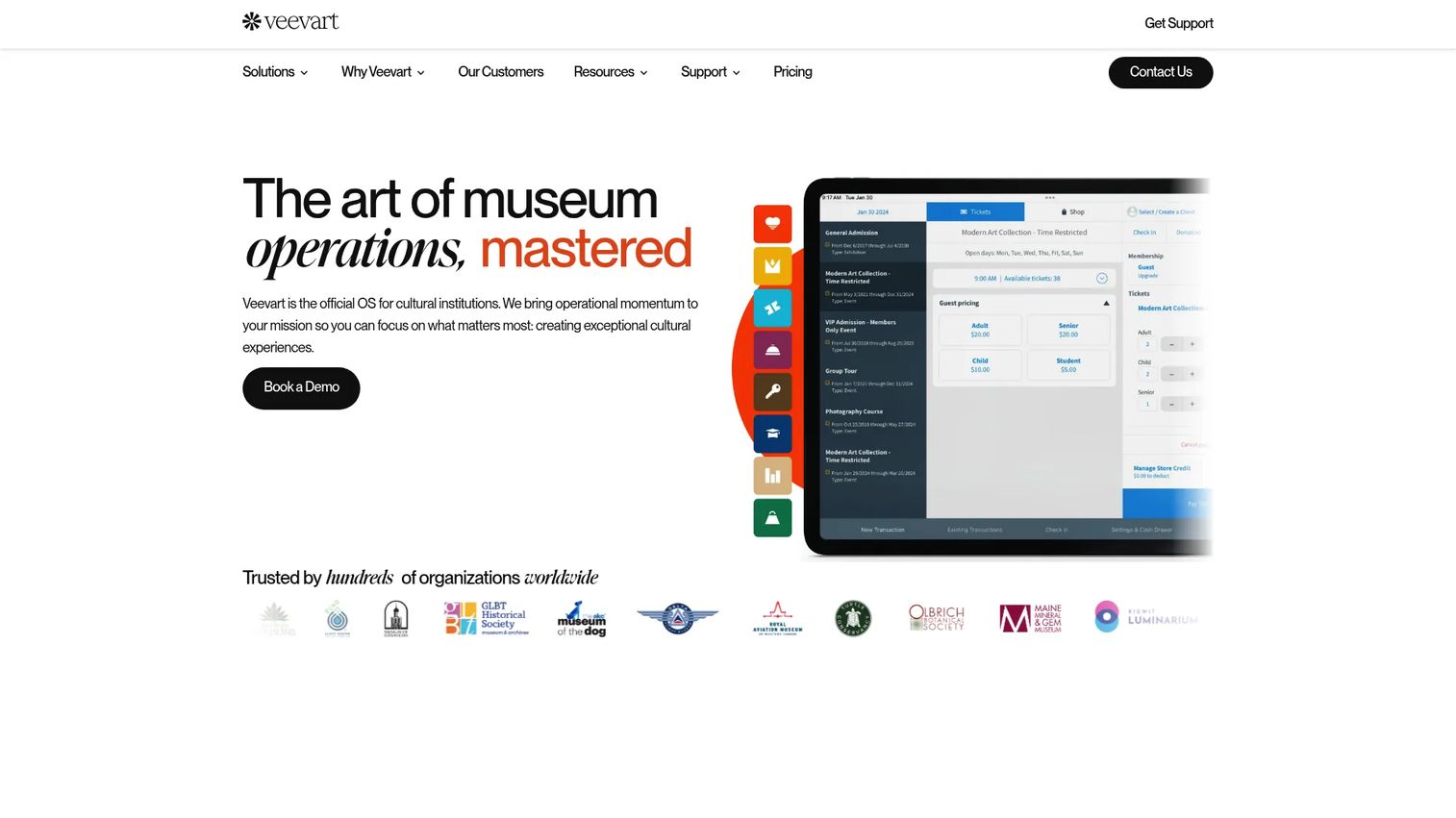
Veevart is all-in-one museum management software built on the Salesforce platform. It covers fundraising, membership management, ticketing, and events, using Salesforce as the underlying CRM and data engine for cultural institutions.
The platform decision here is really an ecosystem decision. If your museum already runs on Salesforce, or wants a museum CRM with the reporting and automation depth Salesforce brings, Veevart lets you keep everything in one unified records environment rather than bolting on a separate system.
Best for: cultural institutions already invested in Salesforce, or teams that want a CRM-heavy operations platform.
Key strengths
- Salesforce-native: inherits Salesforce reporting, automation, and integration depth
- Operations coverage: fundraising, memberships, ticketing, and events in one platform
- Unified records: constituent data lives in a single CRM foundation
Why choose Veevart: the integration-driven case is strong. Teams standardizing on Salesforce avoid maintaining a parallel database and get familiar tooling for reports and automations. It carries a 4.7/5 rating on G2, the highest in this comparison.
Veevart pricing: Veevart does not list public pricing. Because it is built on Salesforce, licensing typically reflects both the Veevart layer and underlying platform costs, so request a scoped quote.
6. Artwork Archive
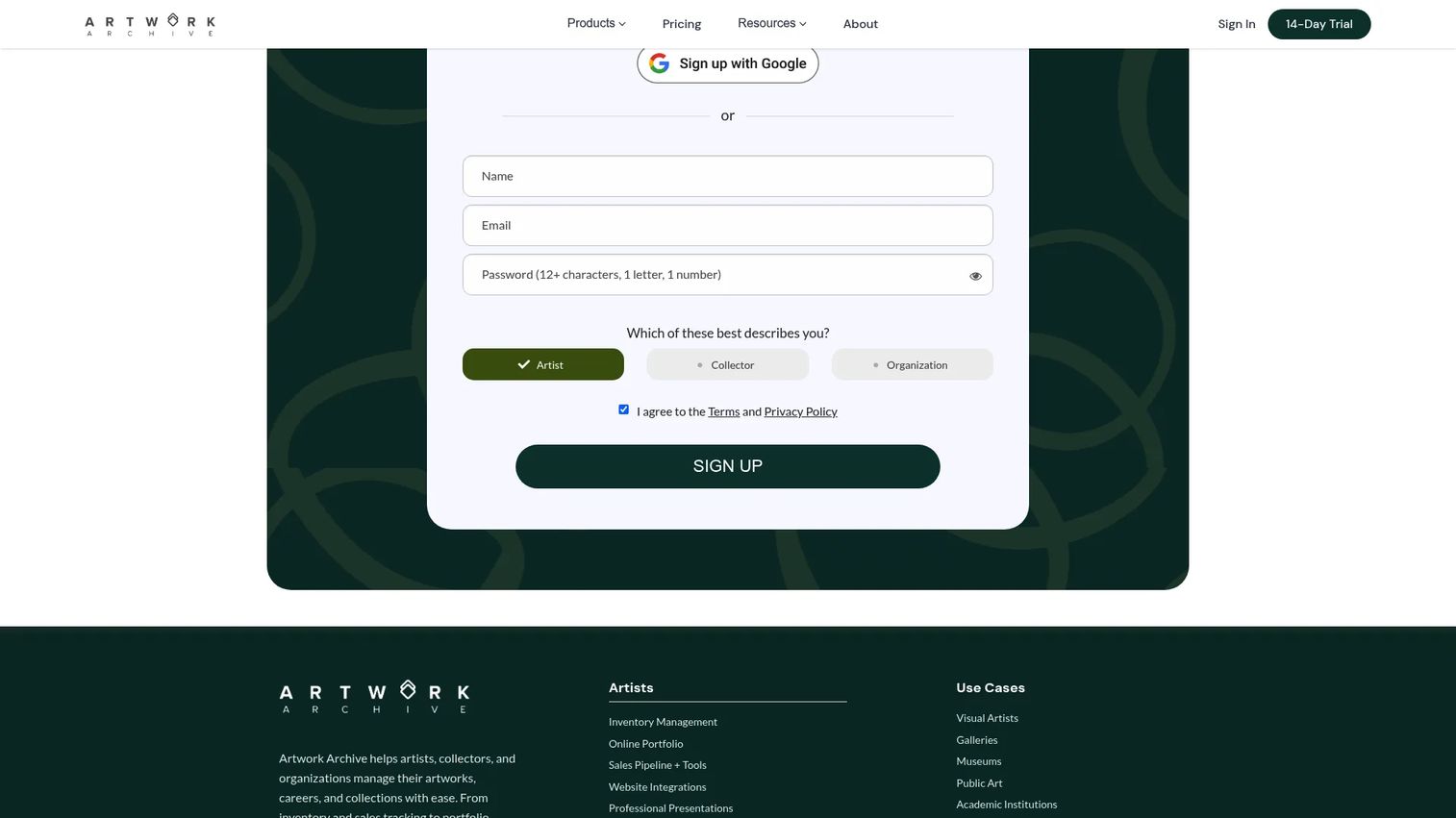
Artwork Archive is art inventory and collection management software for artists, collectors, and organizations. It handles inventory and location tracking, sales and invoicing with an integrated CRM, and public-facing sharing through profiles, private rooms, and web embeds.
Relative to traditional museum software, it is lighter and more approachable, which is precisely its strength for smaller organizations, private collections, and art-heavy institutions. If your cataloging needs are straightforward and public sharing matters, it fits without the overhead of an enterprise system.
Best for: smaller institutions, private collectors, and artists who need clean inventory management and easy public sharing.
Key strengths
- Inventory and location tracking: know what you have and where it sits
- Integrated sales and CRM: invoicing and contact records in one place
- Public sharing: profiles, private rooms, and web embeds for showing work
Why choose Artwork Archive: for a lean team with lighter operational requirements, this is one of the easiest tools to adopt, and pricing is transparent. It is a strong collection management software pick when you do not need memberships or ticketing.
Artwork Archive pricing: plans start at $9/mo for the entry Apprentice or Starter tier, billed annually, with Professional and organization tiers scaling to $156/mo for Enterprise. A 14-day free trial is available; there is no permanent free tier. It holds a 4.5/5 rating on G2.
7. Axiell
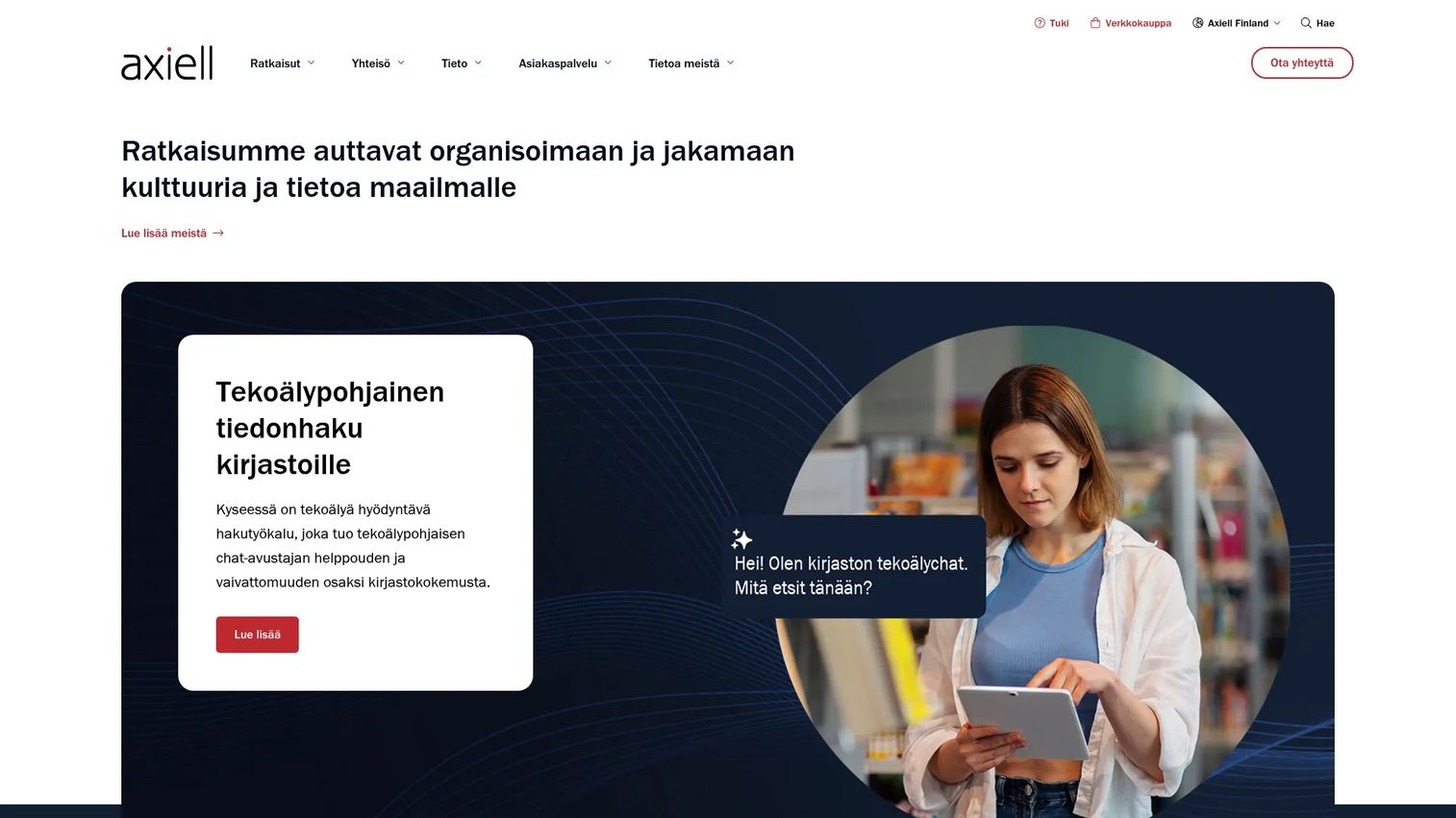
Axiell builds software and services for libraries, museums, archives, schools, and vital records institutions. Its Axiell Collections product is web-based collections management software with an open API and support for multidiscipline collections, spanning objects, archives, and library materials.
This is a more specialized system for institutions that treat collections and cultural heritage record keeping as a core mandate. The open API and multidiscipline support fit museums that manage varied collection types and need long-term governance and interoperability with other systems.
Best for: museums and archives that need deep, web-based collections management across multiple discipline types.
Key strengths
- Web-based collections management: remote access to a full collections database
- Open API: integrate with digital asset systems, portals, and other platforms
- Multidiscipline support: objects, archives, and library materials in one system
Why choose Axiell: when scale, governance, and long-term record keeping drive the decision, Axiell's collections depth and interoperability stand out. It suits institutions that see the catalog as permanent infrastructure, not a convenience.
Axiell pricing: Axiell does not publish pricing and directs prospects to request a quote for Axiell Collections. It holds a 4.0/5 rating on G2.
How to choose the right museum software
Before you commit, run your shortlist through these criteria.
Collections depth versus operations breadth
Decide which side of the line you sit on. If cataloging, provenance, and searchability drive the decision, weight collections-first tools like CatalogIt, Artwork Archive, or Axiell. If memberships, ticketing, and donor management dominate your day, weight operations-first platforms like Blackbaud Altru, Tessitura, Veevart, or Versai.
Cloud access and multi-device use
Confirm how staff will actually work. If people need remote collections access from galleries, storage, or home, prioritize cloud museum software or web-based museum software. If local control over sensitive records matters more, a desktop edition or dual-deployment tool may fit better.
Reporting and integrations
Check what the system exports and what it connects to. Board reports, financial summaries, and audit trails should come out cleanly. If you run a separate CRM, accounting tool, or website, verify the integration path before you buy.
Implementation effort and support
Be honest about your team's capacity. A unified enterprise platform is a real project; a lighter tool ships faster. Ask about onboarding, training, and support responsiveness, and match the effort to the staff you have.
Conclusion
There is no single winner here, only fit. The 7 tools split cleanly along the decisions that matter.
- Collections-first: CatalogIt for cloud-native, image-driven cataloging; Artwork Archive for smaller collections and public sharing; Axiell for deep, multidiscipline collections.
- Operations-first: Blackbaud Altru and Tessitura for ticketing, memberships, and fundraising at scale; Veevart for Salesforce-native teams; Versai for all-in-one CRM and POS.
- Balanced and practical: PastPerfect for mature collections-plus-contacts; Muse for right-sized management at small institutions.
The practical next step is not to pick one from a page. Shortlist two or three tools that match your current workflow and integration reality. Verify pricing directly with each vendor, since most use quote-based models. Then test data migration effort with a sample of your real records before you sign anything, because migration is where most switches succeed or stall.
FAQs
Museum software helps museums manage collections, people, operations, and reporting in one place. That covers cataloging objects with images and provenance, tracking acquisitions and loans, running memberships and ticketing, managing donors, and producing the reports a board or accreditation review needs. Some tools focus tightly on collections, while others run the full operational side of an institution.
Collections management software is a subset of broader museum software. A collections tool centers on the object: cataloging, condition notes, provenance, and searchability. Broader museum management software adds the operational layer, memberships, ticketing, museum CRM, and donor workflows, so front-of-house and back-office run in the same system. Many institutions pair a collections tool with an operations platform.
Smaller museums usually do best with lighter, cloud-based tools that are quick to adopt. CatalogIt offers free tiers and low-cost paid plans for image-driven cataloging. Artwork Archive starts at $9/mo with transparent pricing and public sharing. Muse targets small to mid-sized institutions wanting a practical management system. The best pick depends on whether your priority is collections or operations.
Cloud museum software matters most for distributed teams, offsite storage, and staff who work from galleries or home. It provides remote collections access and multi-device use, and handles updates and backups for you. Cloud and AI-enabled platforms now make up 64% of new deployments, per Market Growth Reports (2026). That said, some institutions still prefer desktop software for local control over sensitive records.
Yes. Many museum platforms include acquisitions and loans workflow support, tracking incoming objects, deaccessions, and outgoing loans with full documentation. PastPerfect and Axiell both handle these registrar-focused workflows. This matters because acquisitions and loans carry legal, insurance, and provenance obligations, and a system of record keeps that documentation auditable rather than scattered across paper and email.
Run each option through a short checklist: collections depth, user access and permissions, reporting quality, integrations with your existing stack, support responsiveness, and implementation effort. Then test with real records or a sample workflow rather than trusting a sales demo. Seeing how the tool handles your own data surfaces problems that a polished walkthrough never will.
Focus on operational readiness. Ask how data migration works and who owns it, what training and onboarding the vendor provides, how access permissions and roles are managed, and which integrations are supported. Confirm whether cloud and desktop editions exist if that matters to you. Most switches succeed or fail on migration, so test it with a sample before committing.