A decision made three weeks ago is buried in someone's inbox. The context lives in a thread nobody can find. Two people just made conflicting calls because neither saw the other's update.
That is what scattered communication actually costs. Not just time, but alignment. When updates split across email, DMs, meetings, and docs, the record of why something happened disappears. For a product team shipping on a tight release cadence, that decay is expensive.
The global team chat software market hit $11.2 billion in 2025 and is projected to reach $23.4 billion by 2034, according to Market Intelo (2025). That growth tracks a real shift: 93% of enterprises now run some form of unified communication and collaboration software, per IDC data cited by Thunderbit (2026). Chat is no longer optional infrastructure. It is where work coordination happens.
The tool you pick shapes how your team stays aligned, how decisions get preserved, and how much context survives the next sprint. This guide breaks down eight workplace messaging tools, when each fits, and how to choose based on your existing stack rather than a feature checklist.
What's inside
This guide is for product managers, team leads, and anyone choosing a business messaging app for internal collaboration. We picked tools that matter for real workflows, not novelty.
Selection came down to four criteria:
- Searchable history: how well the tool preserves decisions and past context
- Notification and organization control: channels, threads, and alert management that reduce noise
- Integrations: how the tool connects to your product, analytics, and workflow stack
- Security and deployment: encryption, admin controls, SSO, and self-hosting options
TL;DR
Short on time? Here are the quick decision shortcuts by team type.
- Best for Slack-first teams: Slack, for deep integrations and organized channels
- Best for Microsoft 365 teams: Microsoft Teams, for chat, meetings, and file collaboration in one place
- Best for Google Workspace teams: Google Chat, for tight Gmail, Drive, and Meet alignment
- Best for voice-first collaboration: Discord, for always-on audio channels
- Best for secure and self-hosted teams: Element, Mattermost, or Rocket.Chat, for encryption and deployment control
- Best for budget-conscious teams: Zoho Cliq, for organized business messaging at low cost
What is team chat software
Team chat software is a workplace messaging platform that organizes internal communication into channels, threads, and direct messages, replacing scattered email chains with searchable, real-time conversation.
Most tools in this category share a core set of capabilities. When you evaluate a chat application, these are the features that determine day-to-day fit:
- Channels and spaces: dedicated rooms organized by project, client, team, or function
- Threads: replies that stay attached to a message so conversations do not fragment
- Searchable message history: the ability to retrieve past decisions, files, and context on demand
- Voice and video calls: built-in audio, video, and screen sharing for quick sync-ups
- Integrations: connections to your CRM, analytics, project tools, and product stack
- Notification control: granular alert settings so people tune signal over noise
- File sharing: documents, images, and assets shared inline and kept with the conversation
- Cross-device access: consistent experience across desktop, web, and mobile
Here is why this replaces email for internal coordination. Email treats every message as a private, linear object. A team chat app treats conversation as a shared, persistent space. When a new hire joins a channel, they inherit months of context instead of starting from an empty inbox. When a decision gets made, it lives in a searchable record rather than a thread only three people can see. That difference matters most for remote and hybrid work, where 30% of meetings now span multiple time zones, according to Microsoft data cited by Thunderbit (2026).
When to use team chat software
Replace email for fast internal updates
Email works for formal, external, or archival communication. It is slow for the back-and-forth that internal coordination demands. When a decision needs three quick reactions, or a rollout needs a status check before standup, chat removes the ceremony. You post once, the right people see it, and the record stays searchable. No CC lists, no reply-all sprawl, no waiting a day for a two-word answer.
Organize work by project, client, or function
Channels, threads, spaces, and groups exist to fight chaos. Instead of one firehose, you get rooms scoped to a project, an account, or a team. Threads keep a side conversation from derailing the main channel. For a product manager juggling engineering, design, and go-to-market conversations at once, that structure is the difference between context you can find and context you lose.
Support remote and hybrid collaboration
When your team is not in the same room, the shared record becomes the office. Remote and hybrid teams rely on searchable history to stay aligned across time zones and async schedules. A person who logs on hours after a decision can catch up without scheduling a call. Voice and video calls fill the gaps that text cannot, and cross-device access means the conversation follows people wherever they work.
Comparison table
Here is a side-by-side view of the eight tools, ordered by relevance to most teams evaluating workplace messaging. Pricing reflects each vendor's current published rates, and ratings reflect current G2 listings.
| # | Product | Best for | Key differentiator | Pricing | G2 rating |
|---|---|---|---|---|---|
| 1 | Slack | Slack-first teams needing integrations | Deep app directory and Slack Connect | Free; paid from $7.25/user/mo | 4.5/5 |
| 2 | Microsoft Teams | Microsoft 365 organizations | Chat, meetings, and Office in one place | Free; Essentials from $4/user/mo | 4.4/5 |
| 3 | Google Chat | Google Workspace teams | Native Gmail, Drive, and Meet alignment | Free with account; Workspace from $7/user/mo | 4.5/5 |
| 4 | Discord | Voice-first collaboration | Always-on voice channels | Free; Nitro available | Not listed |
| 5 | Element | Encrypted, federated messaging | End-to-end encryption on Matrix | Free community tier; enterprise on request | 4.2/5 |
| 6 | Mattermost | Secure, self-hosted technical teams | Self-hosting and workflow automation | Free tier; paid on request | 4.3/5 |
| 7 | Rocket.Chat | Open-source, sovereign deployment | Air-gapped and self-managed options | Free starter; paid on request | 4.2/5 |
| 8 | Zoho Cliq | Budget-conscious and Zoho users | Zoho ecosystem fit at low cost | Free tier; paid plans available | 4.4/5 |
Best team chat software for 2026
Below is a closer look at each tool: what it does, who it fits, key strengths, and pricing. Every entry is numbered consecutively so you can scan straight to the option that matches your stack.
1. Slack
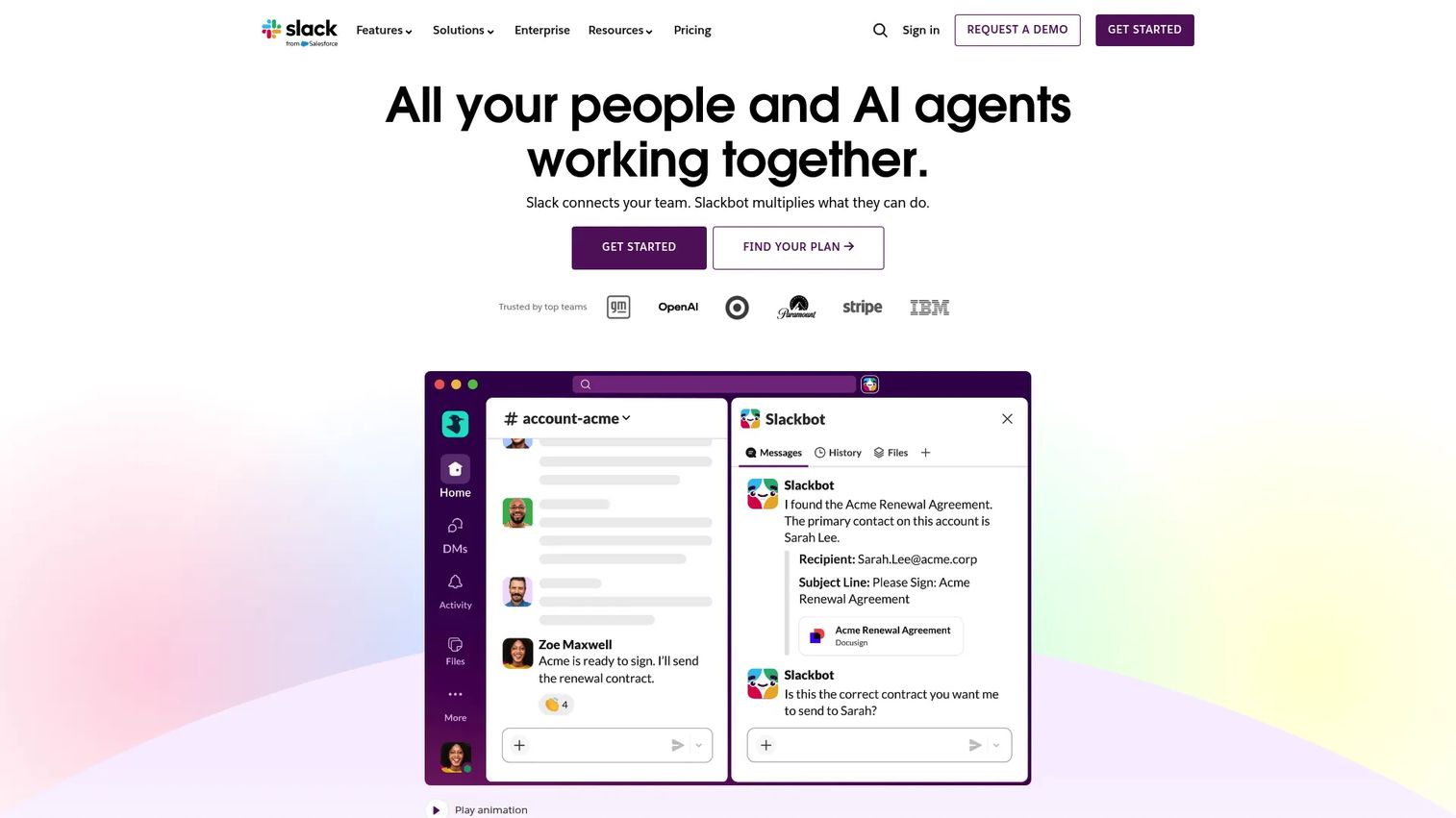
Slack is the tool most teams picture when they hear team chat. It organizes work into channels, keeps every message searchable, and connects to more third-party apps than any other tool on this list. For a product manager, the value is less about messaging and more about consolidation: pipeline alerts, deploy notifications, and design handoffs can all surface in the same searchable space.
Best for: Teams that live in a wide app stack and want persistent, channel-based communication with strong external collaboration.
Key features
- Channels and searchable message history
- Huddles for audio, video, and screen sharing
- Slack Connect for external collaboration
- Canvases, lists, and built-in AI features
Why choose Slack: If your workflow depends on connecting many tools, Slack's app directory is the deepest here. It fits teams that treat chat as the hub where product, engineering, and go-to-market signals converge.
Slack pricing: Free tier available. Pro starts at $7.25 per user per month billed annually, and Business+ is $15 per active user per month billed annually. Enterprise+ requires contacting sales.
2. Microsoft Teams
Microsoft Teams combines chat, calls, video conferencing, and file collaboration inside the Microsoft 365 stack. If your organization already runs on Word, Excel, SharePoint, and Outlook, Teams removes the seams between messaging and the documents people work in. Meeting recordings arrive with transcripts and live captions, which helps distributed teams catch up async.
Best for: Organizations already standardized on Microsoft 365 that want chat, meetings, and calling in one place.
Key features
- Chat, call, and video conferencing
- Real-time collaboration with file sharing, tasks, and polling
- Meeting recordings with transcripts and live captions
Why choose Microsoft Teams: For Microsoft-centric organizations, Teams is the path of least resistance. It is already bundled, already integrated with Office, and already provisioned through existing admin controls, which cuts rollout friction.
Microsoft Teams pricing: A free plan is available. Microsoft Teams Essentials starts at $4.00 per user per month paid yearly, and Teams Premium is $10.00 per user per month paid yearly.
3. Google Chat
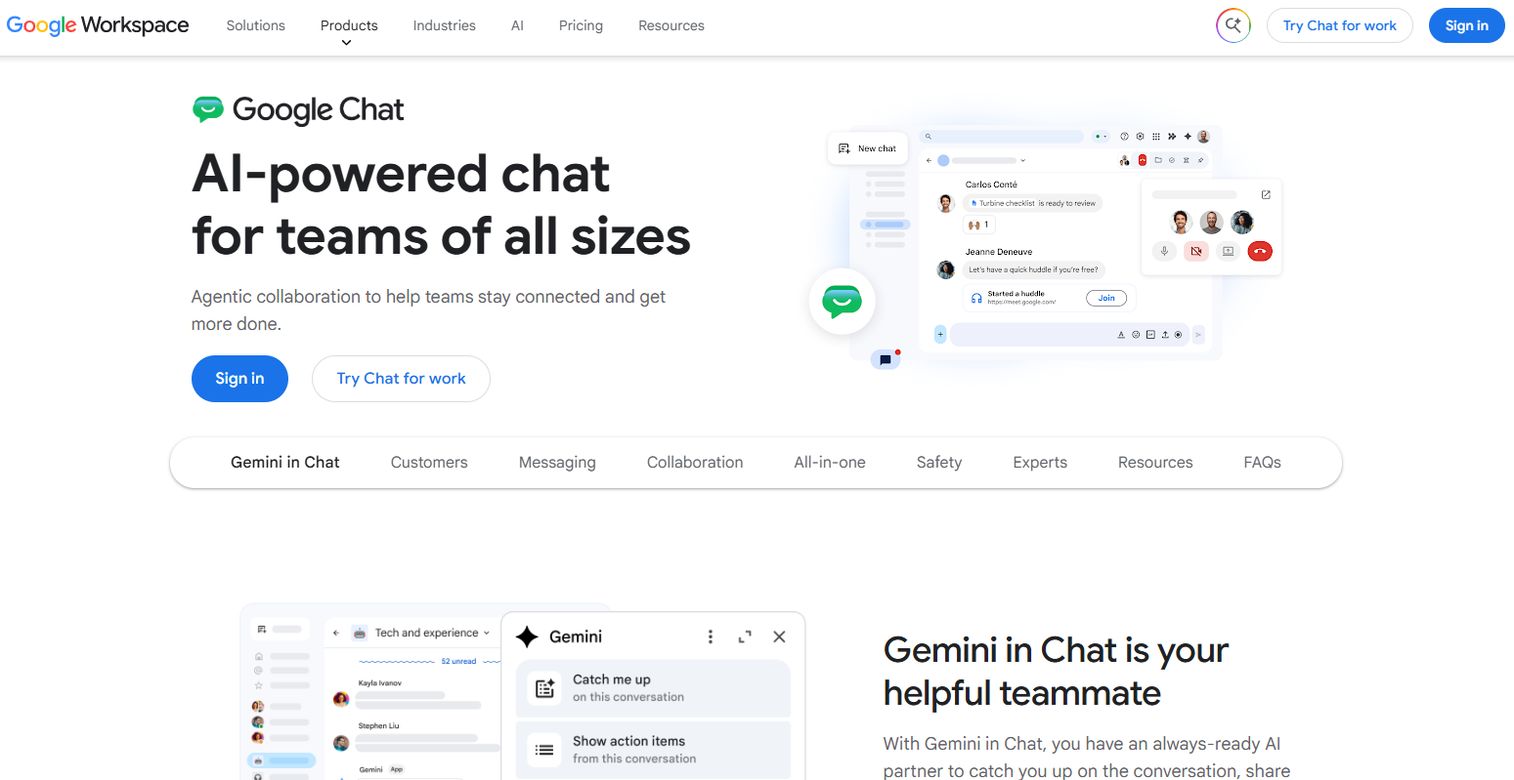
Google Chat is the messaging layer inside Google Workspace. It organizes conversation into direct messages, group chats, and Spaces, and it ties directly into Gmail, Drive, and Meet. For teams already writing in Docs and meeting in Meet, Chat keeps the conversation in the same environment as the work, with Gemini AI assistance available in the flow.
Best for: Organizations running on Google Workspace that want messaging tightly aligned with Gmail, Drive, and Meet.
Key features
- Direct messages and group chats
- Spaces for organized team collaboration
- Gemini in Chat AI assistance
Why choose Google Chat: If Workspace is your system of record, Chat is the natural fit. There is no separate tool to provision, and files, calendars, and calls all live in the same account structure your team already uses.
Google Chat pricing: Free for personal Google accounts. Google Workspace business plans start at $7.00 per user per month for Business Starter, $14.00 for Business Standard, and $22.00 for Business Plus. Enterprise pricing requires contacting sales.
4. Discord
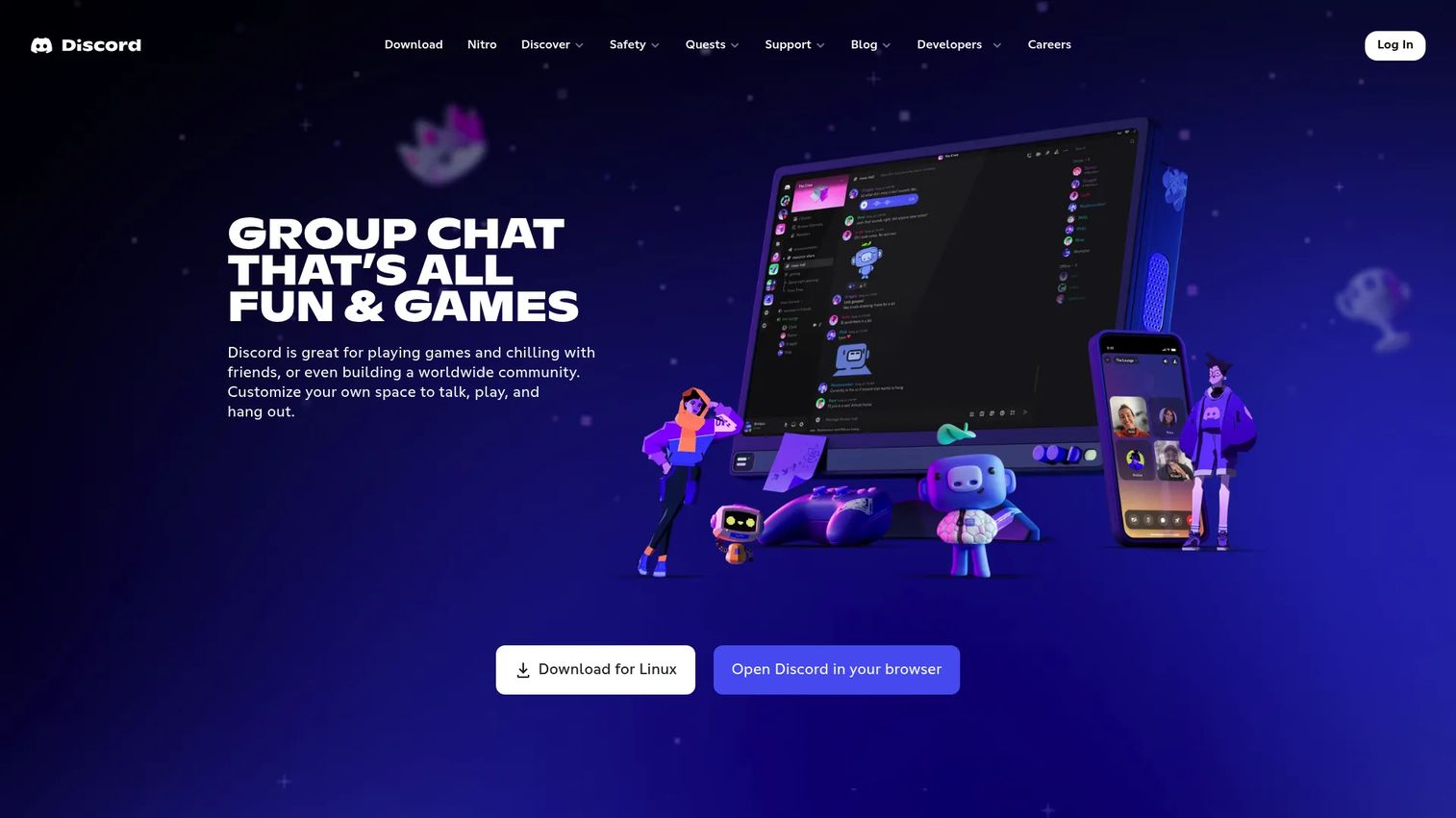
Discord started in gaming but has become a real option for voice-first teams. Its always-on voice channels change the rhythm of collaboration: instead of scheduling a call, people drop into a channel and talk. Servers and channels organize both text and voice, which suits teams that want ambient, community-style presence over structured email-replacement messaging.
Best for: Voice-heavy teams and communities that want persistent, low-friction audio alongside text.
Key features
- Voice, video, and text communication
- Servers and channels for community organization
- Nitro perks like higher file uploads, HD streaming, and custom personalization
Why choose Discord: If your team collaborates better talking than typing, Discord's voice channels are hard to beat. It works best for real-time, informal coordination and community engagement rather than formal document workflows.
Discord pricing: Free to use. Nitro Basic and Nitro are available as paid monthly or annual subscriptions with premium perks.
5. Element
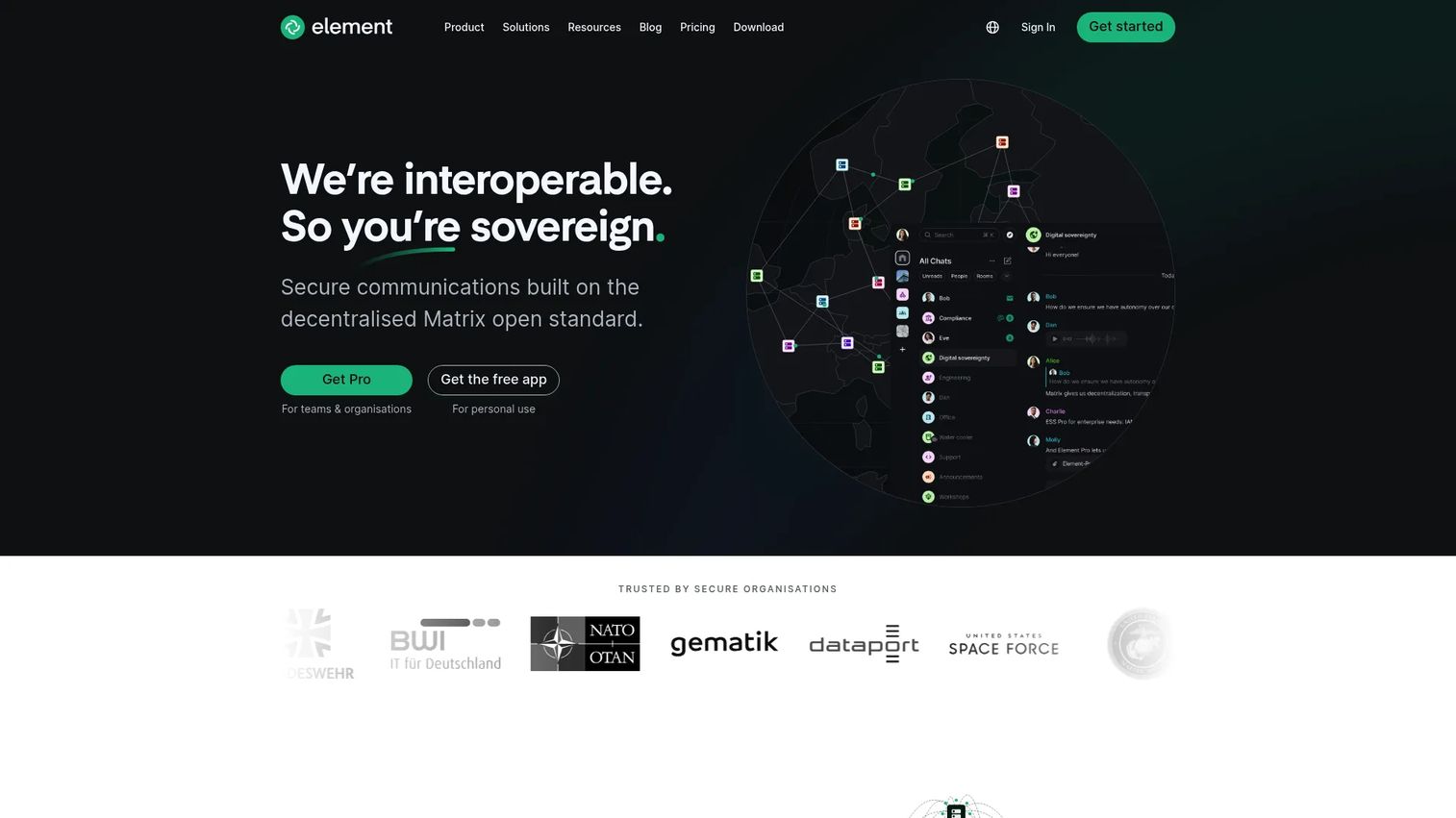
Element is a secure messaging platform built on the open Matrix protocol. End-to-end encryption is on by default, and federation lets separate organizations communicate without funneling data through a single vendor. For privacy-conscious and regulated teams, that combination of encryption and data sovereignty is the whole point.
Best for: Organizations that need secure, self-hosted, Matrix-based messaging with strict data control.
Key features
- End-to-end encryption by default
- Federation and sovereignty controls
- Voice and video calls
Why choose Element: If data residency and encryption sit at the top of your requirements, Element gives you control that hosted tools cannot. It fits teams in regulated sectors that need to own where their messages live.
Element pricing: The Community tier is free of charge for self-hosting. Enterprise is priced per seat per month, and Sovereign is priced per deployment. Both require contacting sales.
6. Mattermost

Mattermost is a self-hostable collaboration platform aimed at security-conscious and technical teams. Beyond messaging, it layers in workflow automation and playbooks, which makes it a fit for engineering and operations teams that want incident response and process built into the chat tool itself. Audio calls, screen sharing, and threaded discussions round out the collaboration surface.
Best for: Security-conscious and technical organizations that need self-hosted collaboration plus workflow automation.
Key features
- Secure messaging, file sharing, and threaded discussions
- Audio calls, screen sharing, and video integrations
- Workflow automation, playbooks, and AI/agent features
Why choose Mattermost: For teams that run their own infrastructure and want chat under their control, Mattermost pairs secure messaging with operational tooling. It fits DevOps and engineering teams that treat chat as part of the incident and workflow stack.
Mattermost pricing: A free, limited-use edition is available for technical evaluation. Professional, Enterprise, and Enterprise Advanced plans use annual seat licenses with pricing available on request.
7. Rocket.Chat
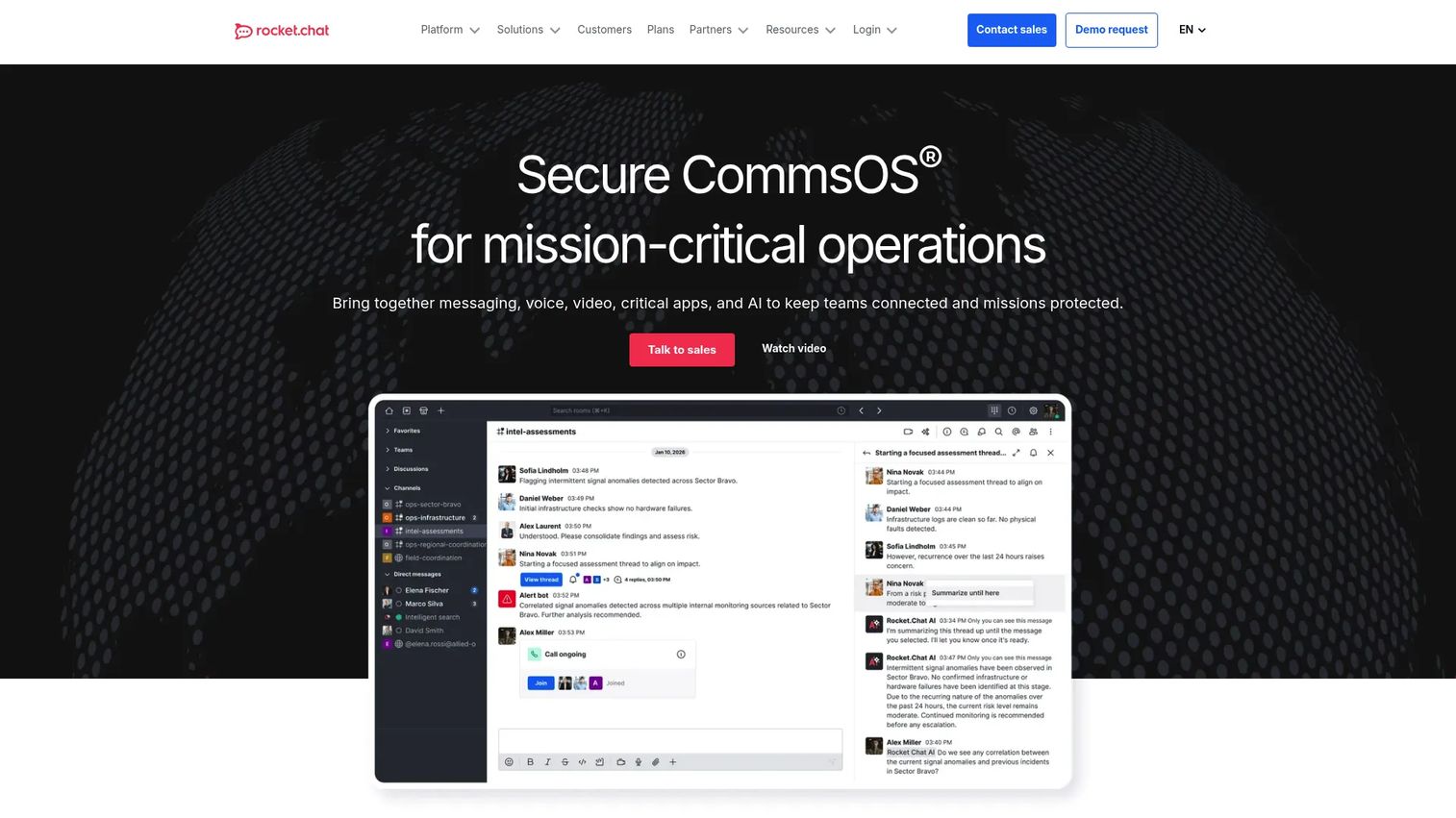
Rocket.Chat is an open-source communications platform for teams that want customization and full control over deployment. It supports self-managed, private cloud, sovereign cloud, and air-gapped setups, which appeals to government, defense, and highly regulated organizations. Messaging, voice, video, and screen sharing sit alongside federation, access control, and audit logging.
Best for: Organizations that need secure, self-hostable, and highly customizable team communications.
Key features
- Messaging, voice, video, and screen sharing
- Self-managed, private cloud, sovereign cloud, and air-gapped deployment options
- Federation, access control, audit logging, and integrations
Why choose Rocket.Chat: If you want to own the codebase and the deployment model, Rocket.Chat's open-source foundation gives you room to customize. It fits teams with strict security postures and the technical depth to run their own stack.
Rocket.Chat pricing: The Starter plan is free at $0 per user per month. Commercial, Government, and Defense plans are quote-based and require contacting sales.
8. Zoho Cliq
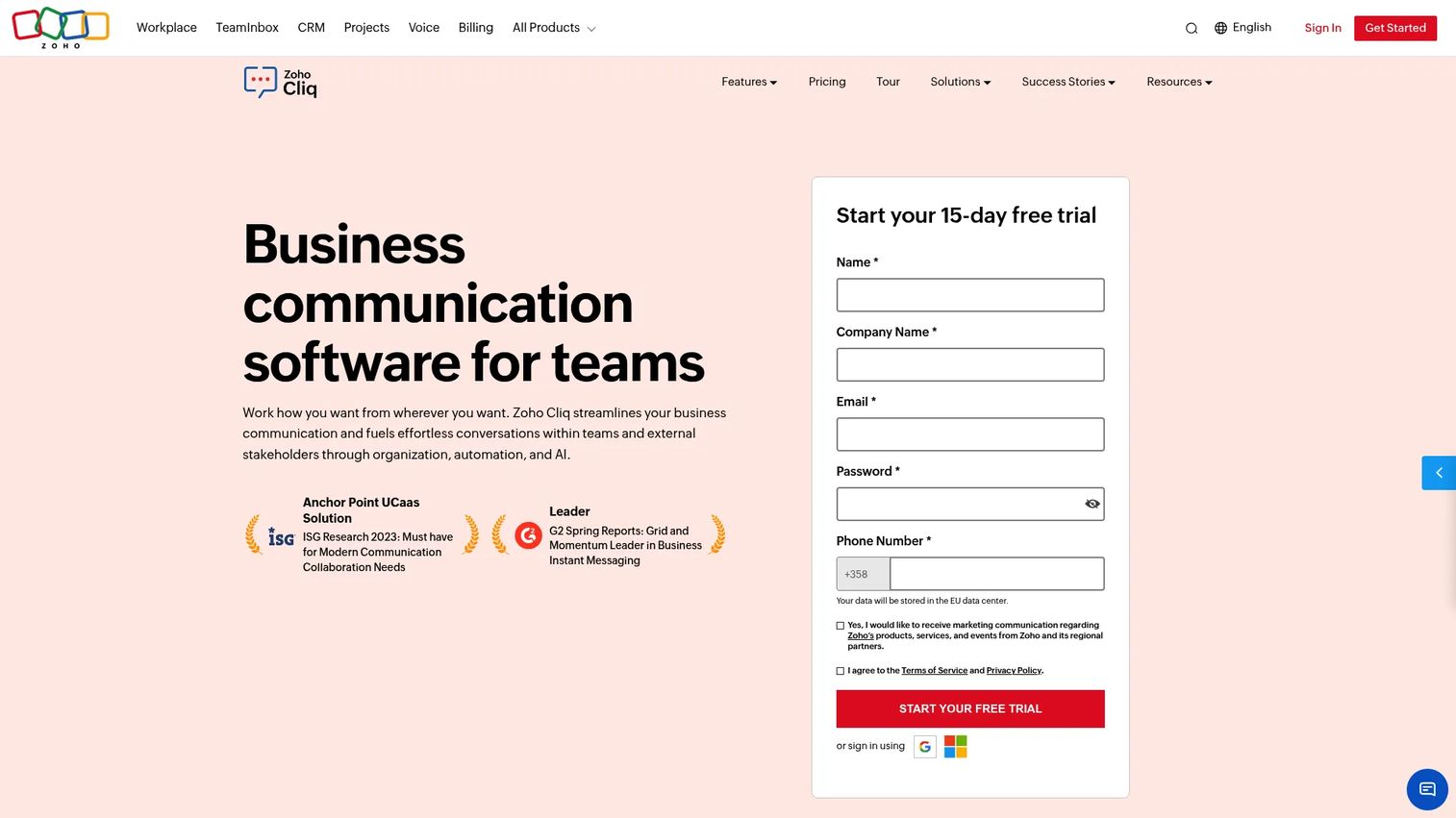
Zoho Cliq is a business messaging app built for budget-conscious teams and organizations already in the Zoho ecosystem. It organizes conversation into channels, supports audio and video calls with screen sharing, and automates work across Zoho and third-party apps. For a small team that wants organized conversations without a per-seat premium price, it is a practical starting point.
Best for: Smaller teams and Zoho users who want an affordable, all-in-one business chat platform.
Key features
- Channels for team and company-wide collaboration
- Audio/video calls, meetings, and screen sharing
- Integrations and automation across Zoho and third-party apps
Why choose Zoho Cliq: If cost is a primary constraint or you already run Zoho apps, Cliq keeps messaging in the same ecosystem at a low price point. It fits growing teams that want structure without a heavy budget.
Zoho Cliq pricing: A free plan is available. Standard, Professional, and Enterprise plans are offered, with Professional and Enterprise requiring a minimum of 10 users. Add-ons include additional storage, room devices, and phone system credits.
Considerations
Before you commit, run every option through this checklist. The right tool depends less on feature counts and more on operational fit.
Search and history
Searchable history is where team chat earns its keep. When a decision, file, or rationale lives in a retrievable record, new hires ramp faster and nobody re-litigates a settled call. Check retention limits on free tiers, because some tools cap how far back you can search. For a team that ships often, losing history means losing the "why" behind past decisions.
Notification control
Alert overload kills adoption. If every message pings everyone, people mute the tool and stop checking it. Look for granular controls: per-channel settings, keyword alerts, quiet hours, and thread-level subscriptions. The goal is signal over noise. A tool people trust to interrupt them only when it matters is a tool people actually use.
Integrations
Every unnecessary tab switch is a small tax on focus. Chat that connects to your CRM, analytics, deploy pipeline, and project tools brings context to where conversation already happens. For product teams, integrations that surface usage data or pipeline signals inside a channel reduce manual follow-up and keep decisions grounded in current data.
Security and deployment
Self-hosting, encryption, SSO, and admin controls matter most for regulated industries and teams handling sensitive data. Decide early whether you need end-to-end encryption, data residency control, or air-gapped deployment. These requirements narrow the field fast, and retrofitting them later is painful. If compliance is a factor, prioritize it over convenience.
Budget and plan fit
Free tiers are generous but capped, usually on history, integrations, or user counts. Map your rollout: a five-person team and a five-hundred-person org have different scaling curves. Check per-user pricing at the tier you will actually land on, not the entry tier, and confirm whether the features you need are gated behind higher plans.
Conclusion
The best team chat software is the one that fits your existing stack, your security needs, and how your team actually collaborates. There is no universal winner, only the right match for your context.
If you live in a wide app ecosystem, Slack's integrations make it the strongest hub. Microsoft 365 shops get the least friction from Microsoft Teams, and Google Workspace teams get the same tight fit from Google Chat. Voice-first teams should look at Discord for its always-on audio. For security and self-hosting, Element, Mattermost, and Rocket.Chat give you encryption and deployment control, each with a different depth. Budget-conscious teams and Zoho users get organized business messaging at low cost from Zoho Cliq.
Start from your ecosystem, then layer in security and collaboration style. Pick the tool that preserves decisions, controls noise, and connects to the work your team already does. That is the choice that survives the next release cycle instead of becoming another abandoned tab.
FAQs
Team chat software is a workplace messaging platform that organizes internal communication into channels, threads, and direct messages. It replaces scattered email chains with searchable, real-time conversation and usually adds voice and video calls, file sharing, and integrations with your other work tools.
Email treats each message as a private, linear object routed to specific recipients. Team chat treats conversation as a shared, persistent space organized by channel or project. The result is faster back-and-forth, less reply-all clutter, and a searchable record that new team members can inherit instead of starting from an empty inbox.
Prioritize searchable message history, channel and thread organization, notification control, integrations with your existing stack, and cross-device access. For regulated teams, security features like encryption, SSO, and self-hosting rise to the top. Match the feature set to how your team actually works rather than chasing the longest list.
It depends on your stack. Slack has the deepest third-party app directory and suits teams that connect many tools. Microsoft Teams is the stronger choice if your organization already runs on Microsoft 365, because it bundles chat, meetings, and Office collaboration with no extra provisioning. Neither is universally better.
For encryption and deployment control, Element, Mattermost, and Rocket.Chat lead. Element offers end-to-end encryption by default on the Matrix protocol. Mattermost and Rocket.Chat both support self-hosting, with Rocket.Chat adding air-gapped and sovereign cloud options. The best fit depends on whether you prioritize federation, workflow automation, or full codebase control.
The best remote fit is usually the one that aligns with your existing stack and preserves context well. Slack, Microsoft Teams, and Google Chat all handle async, cross-time-zone work through searchable history and integrated video. Voice-first remote teams often prefer Discord for its always-on audio channels that replace scheduled calls.
Several tools offer capable free tiers. Slack, Microsoft Teams, Google Chat, Discord, and Zoho Cliq all have free plans, and Rocket.Chat offers a free Starter tier. Free plans typically cap message history, integrations, or user counts, so check those limits against your team size before committing.
For internal coordination, largely yes. Chat handles fast updates, project conversations, and decision-making better than email. Email still holds up for formal external communication, contracts, and long-form archival records. Most teams end up using chat for internal work and email for external and official correspondence rather than eliminating one completely.