A single monitoring center can field thousands of alarm signals in a shift. Intrusion trips, video events, panic buttons, environmental sensors, industrial process alerts. Each one arrives faster than any operator can triage by hand.
Miss one escalation and you do not just lose time. You lose customer trust, break service-level agreements, and sometimes fail a compliance audit. The global alarm monitoring software market hit USD 65.9 billion in 2025 and is projected to reach USD 100.19 billion by 2034, according to Fortune Business Insights. That growth tracks a simple reality: signal volume keeps climbing, and manual triage does not scale.
So the buying decision is not "which tool sends alerts." Every platform sends alerts. The real question is which software receives, routes, logs, escalates, and audits alarm events without turning your operators into a bottleneck. That is what separates a usable central station platform from a glorified notification service.
This guide is written for the people who actually evaluate these systems: security operations leads, central station managers, SOC engineers, and technical buyers who have to defend a shortlist internally.
What's inside
This guide covers alarm monitoring software across four operating models: central station monitoring, security operations centers, smart security for homes and SMBs, and industrial or SCADA alarm management.
We selected tools based on the criteria that matter to technical buyers:
- Alert handling and escalation: How the platform routes, acknowledges, and escalates events.
- Integrations: Receiver, protocol, video, and communication channel coverage.
- Reporting and auditability: Event logs, audit trails, and multi-site reporting.
- Mobile access: Field response, remote acknowledgment, and app support.
- Scalability and trust signals: Fit from single-site operations to enterprise central stations.
The list focuses on platforms used by security ops teams, monitoring centers, and technical operators, not consumer gadgets.
TL;DR
- Best for central stations: AlarmFront and Bold Group Stages handle high-volume dispatch and operator workflows.
- Best for industrial and SCADA alarm routing: Inductive Automation Ignition Alarming, built for drag-and-drop notification pipelines.
- Best for smart security and SMB monitoring: Alarm.com, a cloud platform with video analytics and mobile control.
- Best for enterprise and multi-site operations: Patriot Systems and Honeywell / Resideo AlarmNet.
- Best for stronger logging and operational visibility: AlarmFront and DMP System Link.
- Best for video verification: ADPRO VideoCentral Platinum for command-center remote monitoring.
What is alarm system software
Alarm system software is a platform that receives, analyzes, routes, logs, and coordinates responses to alarm events from security, environmental, or industrial systems. It sits between the signal source and the operator, turning raw events into actionable, trackable work.
In practice, central station alarm monitoring software connects to alarm receivers, panels, sensors, and video systems, then applies rules that decide who gets notified, in what order, and what happens if no one responds. Good alarm management software does not stop at the alert. It records every operator action, keeps a defensible audit trail, and surfaces reporting that proves response times and outcomes.
Core capabilities to expect:
- Real-time alerts and event intake: Live signal reception from receivers, panels, and IP devices.
- Escalation workflow: Rules that route, retry, and escalate events until acknowledged.
- Operator actions and dispatch: Structured response steps, action plans, and dispatch coordination.
- Event logs and audit trail: Timestamped history of every signal, action, and outcome.
- Integrations: Protocol, receiver, video, SMS, email, and API connections.
- Mobile response: Remote acknowledgment and field response tracking.
- Reporting and analytics: Multi-site dashboards, response-time metrics, and compliance reporting.
The difference between a strong platform and a weak one usually comes down to escalation logic, audit depth, and how cleanly it handles alarm system monitoring at scale.
When to use alarm system software
Run a central station or monitoring center
If you operate a central monitoring station, your operators watch many signals at once and coordinate responses across accounts. You need live event visibility, operator accountability, and precise alarm response routing.
Here the software earns its place by keeping detailed logs, enforcing action plans, and making sure no signal sits unhandled. Central station alarm monitoring software should show which operator touched which event, when, and what they did. That accountability is the whole job.
Manage security alarms across a distributed operation
Security companies running multi-site monitoring need centralized oversight and consistent response across locations. Manual coordination breaks down fast when a team covers dozens or hundreds of sites.
The right platform lowers manual work, speeds up response, and gives supervisors one view across every site. Mobile response matters here too: field teams need to acknowledge and act on events without being tied to a desk.
Handle industrial or SCADA alarm workflows
Industrial alarming is a different animal. When you are monitoring plant processes, PLCs, and SCADA systems, simple alerts are not enough. You need alarm routing, notification pipelines, and escalation logic that persists until an operator acknowledges.
SCADA alarm software has to survive shift changes, unacknowledged events, and web or mobile acknowledgment from the field. The logic behind who gets notified, in what order, and what happens on no-response is where these tools separate from basic security alarm monitoring software.
Comparison table
The table below orders tools by closest fit to core alarm system software intent, starting with dedicated central station platforms and moving toward smart security and video-specific tools. Pricing for most of these platforms runs through quote or dealer channels, so figures are noted only where a vendor publishes them.
| # | Product | Best for | Key use case | Pricing | G2 rating |
|---|---|---|---|---|---|
| 1 | AlarmFront | Central stations | Alarm event processing and operator dispatch | Quote-based | Not listed |
| 2 | Bold Group Stages | Large monitoring centers | Enterprise alarm automation and action plans | Quote-based | Not listed |
| 3 | Bold Group Manitou | Central stations and SOCs | Real-time monitoring and response workflows | Quote-based | 4.7/5 (Capterra) |
| 4 | Inductive Automation Ignition Alarming | Industrial and SCADA | Drag-and-drop alarm notification pipelines | From $2,245 (one-time) | 5.0/5 |
| 5 | Alarm.com | Smart security and SMB | Cloud monitoring with video and mobile control | Provider-dependent | 4.5/5 |
| 6 | Patriot Systems | Commercial monitoring stations | Alarm and CCTV monitoring automation | Quote-based | Not rated |
| 7 | Alarm Central | Alarm dealers | Contract monitoring services | Quote-based | Not listed |
| 8 | Honeywell / Resideo AlarmNet | Security dealers | Account management and remote services | Quote-based | Not listed |
| 9 | DMP System Link | DMP panel operators | PC-based alarm panel management | Quote-based | Not listed |
| 10 | ADPRO VideoCentral Platinum | Video command centers | Multi-site remote video verification | Quote-based | Not listed |
Most of these vendors gate pricing behind demos or dealer quotes, so treat "quote-based" as the norm for this category, not a red flag. Inductive Automation stands out with public per-module pricing.
1. AlarmFront
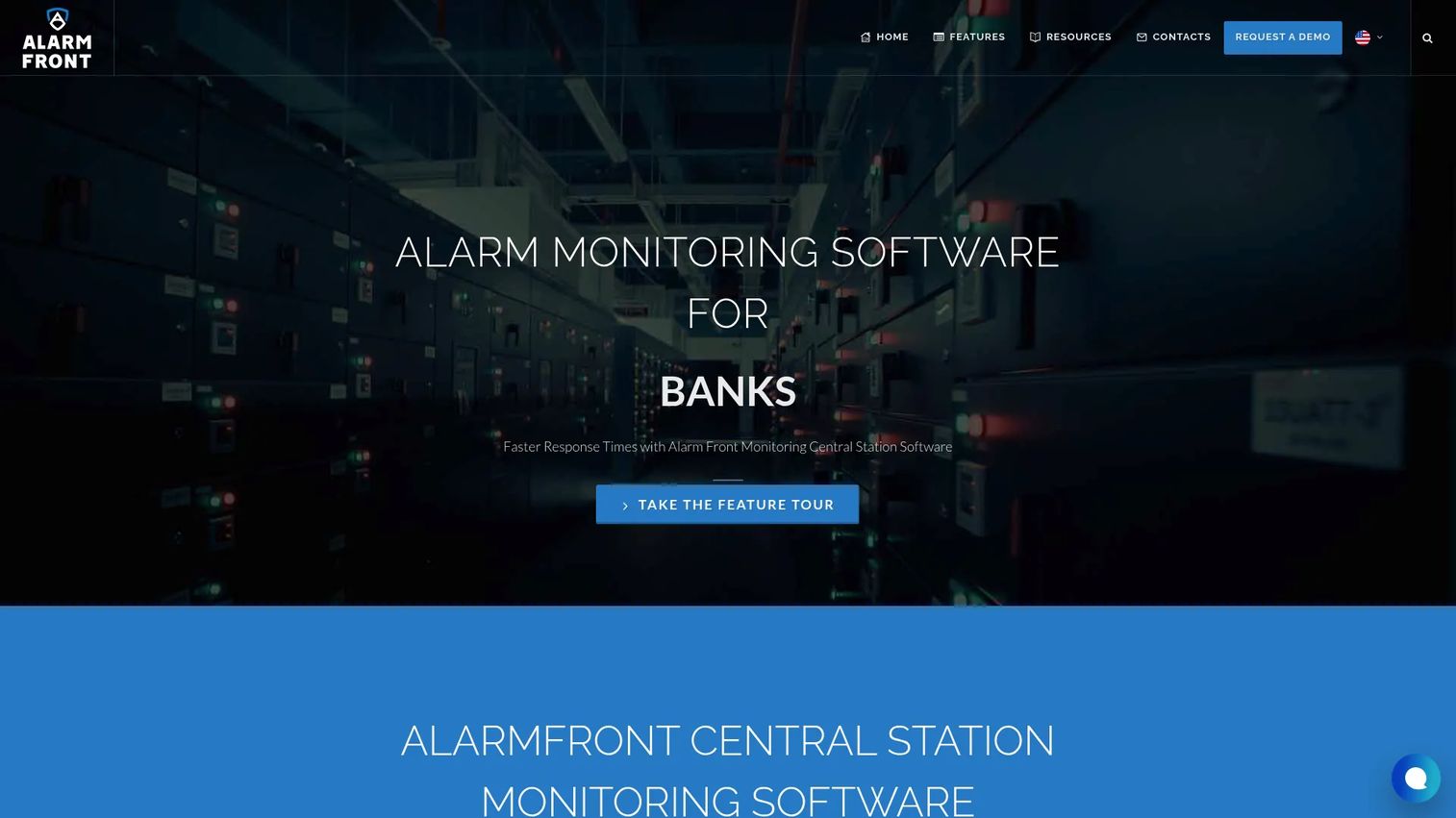
AlarmFront is central station alarm monitoring software built for security and alarm companies that dispatch and monitor events for their clients. It focuses on the core central station job: receive the signal, process it, and get an operator to act. The platform runs in both web-based remote access and client-server mode, so operators can work from the monitoring floor or remotely.
Best for: Alarm monitoring businesses that need dependable central-station dispatch and monitoring.
Key strengths
- Alarm event processing and operator dispatching
- Web-based remote access and client-server mode
- Logs, reports, and historical parameter tracking
Why choose AlarmFront: If your priority is a focused dispatch-and-monitor workflow with solid logging, AlarmFront keeps the operational core tight. The historical parameter tracking and reporting give supervisors the audit trail they need to defend response times.
AlarmFront pricing: The vendor offers a 1 Year license and an Unlimited license. Public numeric pricing is not shown on the site; purchase runs through a retailer, and a demo download is available via form.
2. Bold Group Stages
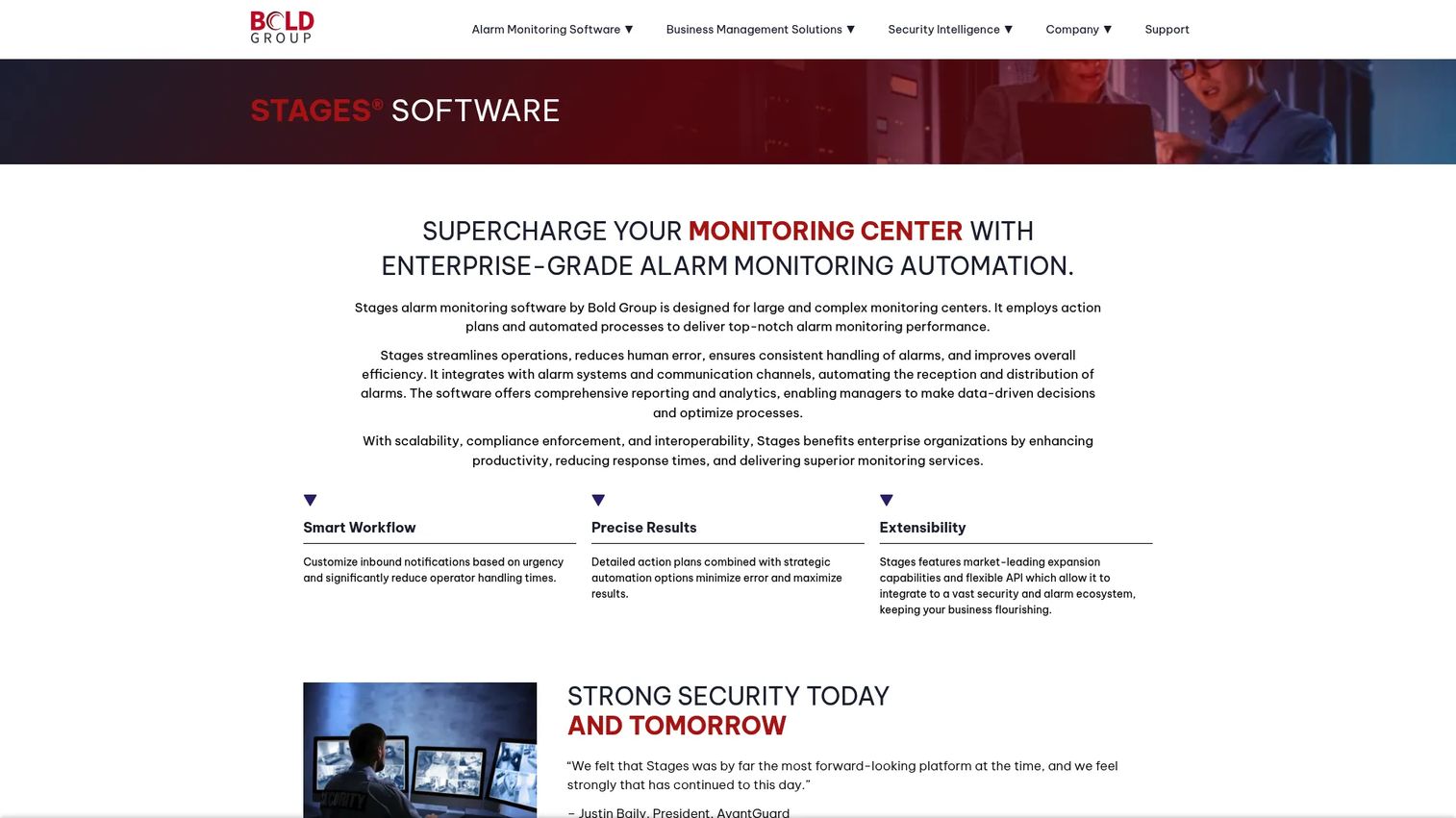
Bold Group Stages is enterprise-grade alarm monitoring automation software built for large and complex monitoring centers. It leans on automated action plans to keep high-volume operations moving without letting events pile up. Deployment flexes across cloud, hybrid, and mobile, which matters when a central station scales past a single site.
Best for: Large central stations and SOCs that need enterprise alarm monitoring automation.
Key strengths
- Action plans and automated workflows
- Cloud, hybrid, and mobile deployment options
- API, reporting, analytics, and UL-compliance
Why choose Bold Group Stages: When signal volume is high and consistency is non-negotiable, Stages automates the repetitive parts of the escalation workflow so operators focus on real decisions. UL-compliance and API access make it a defensible pick for regulated, high-volume environments.
Bold Group Stages pricing: Bold Group uses a demo and contact-sales flow. No public pricing figure is published on the product pages; request a demo to get a quote for your operation.
3. Bold Group Manitou
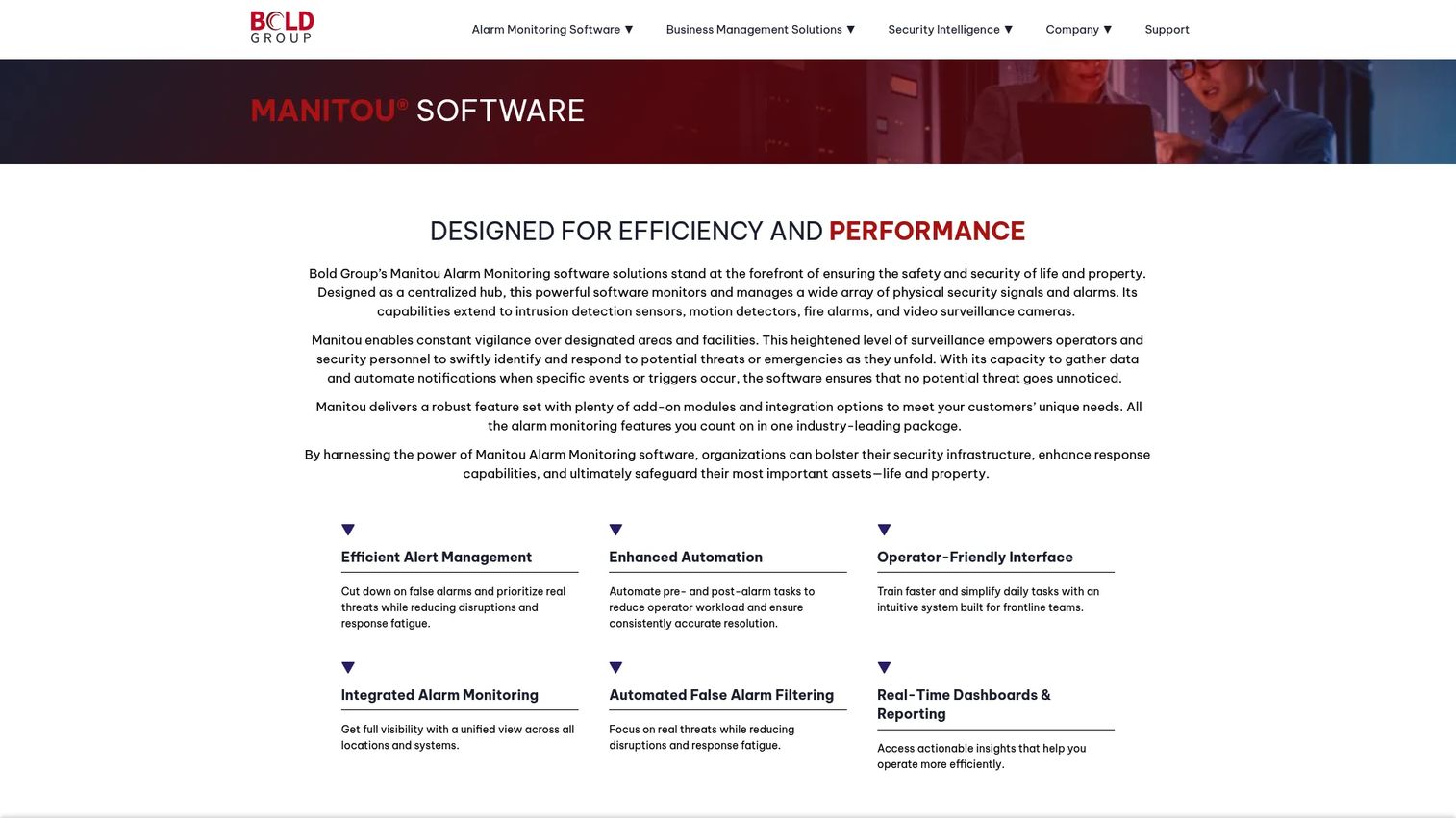
Bold Group Manitou is alarm monitoring software for central stations and security operations centers that need centralized, real-time control. It pulls intrusion, video, and access control events into one monitoring view, then applies response workflows so operators act with full context. The platform is built to extend, which suits SOCs that keep adding signal types.
Best for: Security companies that need an extensible central station monitoring platform.
Key strengths
- Centralized alarm monitoring and management
- Real-time alerts, reporting, and response workflows
- Integration across intrusion, video, access control, and more
Why choose Bold Group Manitou: Manitou earns its spot when operational visibility drives faster response decisions. Pulling multiple signal types into one view cuts the time operators spend switching systems, and the reporting layer supports the audit trail SOCs depend on.
Bold Group Manitou pricing: Pricing is contact-vendor; no public figure is published. Capterra lists Manitou at 4.7/5 and notes no free trial or free version.
4. Inductive Automation Ignition Alarming
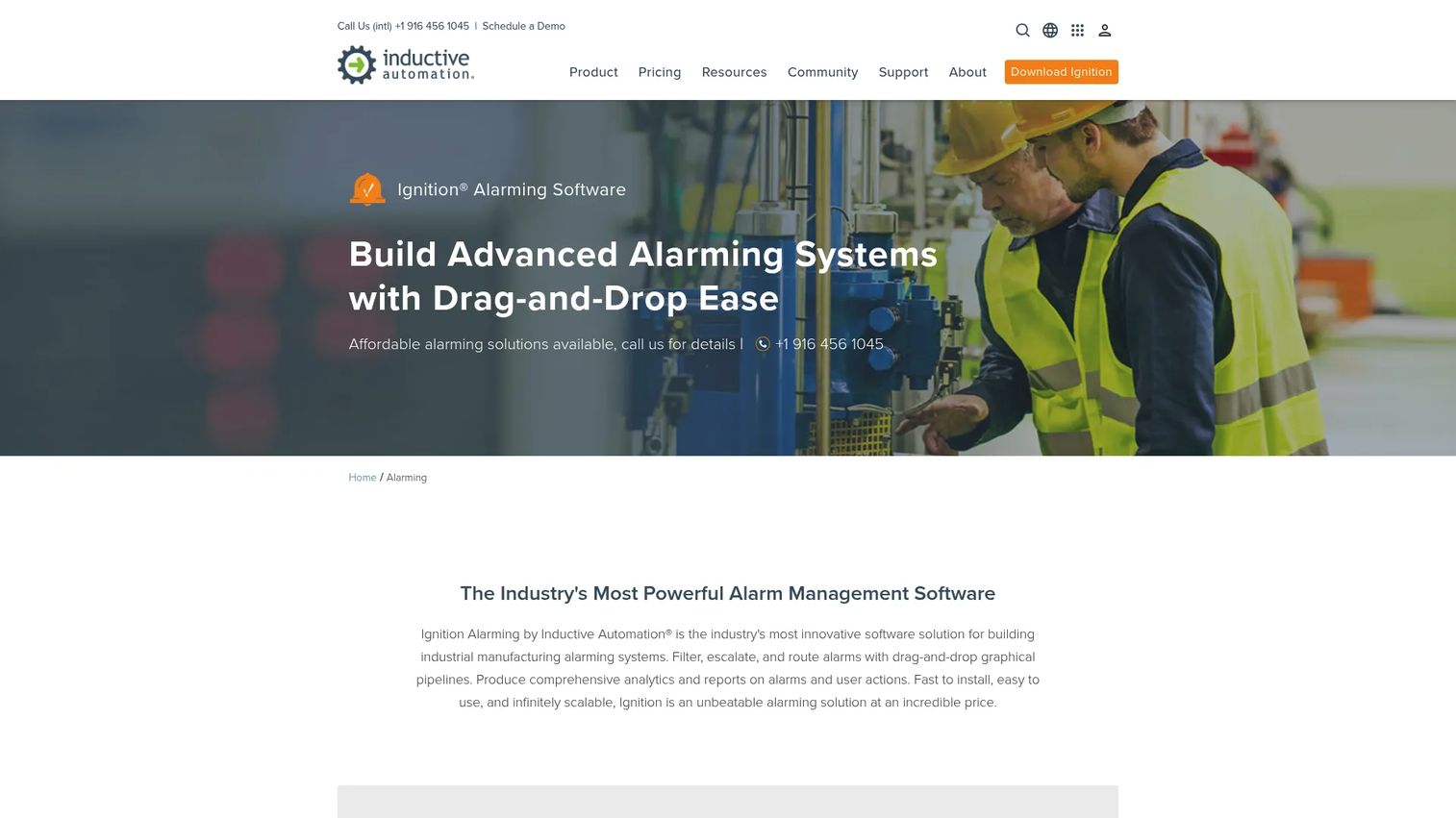
Inductive Automation Ignition Alarming is industrial alarm notification software for building, routing, escalating, and acknowledging alarms. This is the SCADA alarm software on the list. It uses drag-and-drop notification pipelines, so engineers design routing logic visually instead of hardcoding it. Notifications reach operators through email, SMS, voice, Twilio, and WhatsApp.
Best for: Teams that need industrial alarm notification and escalation inside Ignition.
Key strengths
- Drag-and-drop alarm notification pipelines
- Email, SMS, voice, Twilio, and WhatsApp notifications
- Rosters, schedules, escalation, shelving, and reporting
Why choose Inductive Automation Ignition Alarming: For manufacturing, utilities, and plant operations, the persistence and escalation logic here is the point. Rosters and schedules make sure the right on-call operator gets paged, and web or mobile acknowledgment keeps field teams in the loop.
Inductive Automation Ignition Alarming pricing: The Alarm Notification Module is $2,245 USD and the Alarm Management Suite is $3,200 USD, both one-time. G2 lists Ignition at 5.0/5.
5. Alarm.com
Alarm.com is a cloud-based smart security and automation platform sold through professional service providers. It targets homes, SMBs, and commercial users who want monitored security with app-based control and video. This is the most consumer-facing pick on the list, but the video analytics and mobile response make it a serious option for distributed SMB monitoring.
Best for: Homes and businesses that want professionally installed, monitored security with smart automation.
Key strengths
- Remote security control via app
- Video analytics and alerts
- Crash and Smash protection
Why choose Alarm.com: The video analytics help with false alarm reduction by adding visual context to events before anyone dispatches. All-in-one management from a single app suits businesses that want monitoring, video, and automation in one place rather than stitched-together tools.
Alarm.com pricing: Pricing is provider-dependent. Alarm.com states the service provider sets the price, and systems typically use an upfront cost plus a monthly service fee. G2 lists Alarm.com at 4.5/5.
6. Patriot Systems
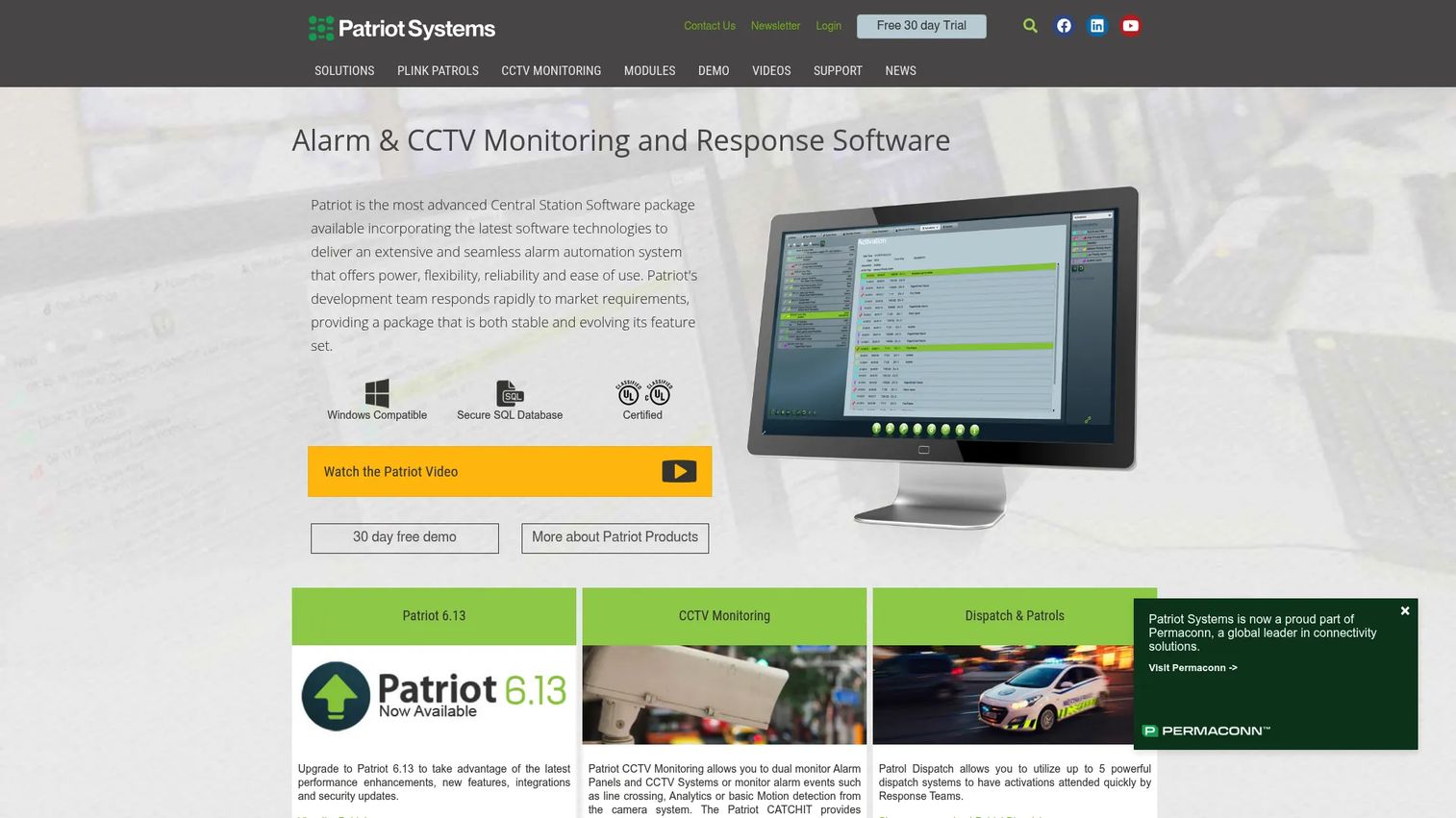
Patriot Systems is security alarm and CCTV monitoring automation software for central monitoring stations and ARC/CMS operations. It handles both alarm and video monitoring, which suits commercial centers that need dual monitoring under one roof. Modular add-ons let a station scale capability as its account base grows.
Best for: Security monitoring stations that need alarm and CCTV automation with modular expansion.
Key strengths
- Alarm monitoring packages: Lite, Professional, Enterprise
- Optional modules for CCTV, IP, messaging, dispatch, accounting, and lone worker
- Integrations with major alarm receivers, IP/video systems, and Windows/SQL environments
Why choose Patriot Systems: The tiered packages and optional modules mean a station can start on Lite and add CCTV, dispatch, or lone worker modules as needed. Broad receiver and video integrations make it a strong fit for mixed-signal commercial monitoring.
Patriot Systems pricing: Plan names are Lite, Professional, and Enterprise. No public numeric price is shown; the site directs users to request a quote. A 30-day trial or demo is offered.
7. Alarm Central
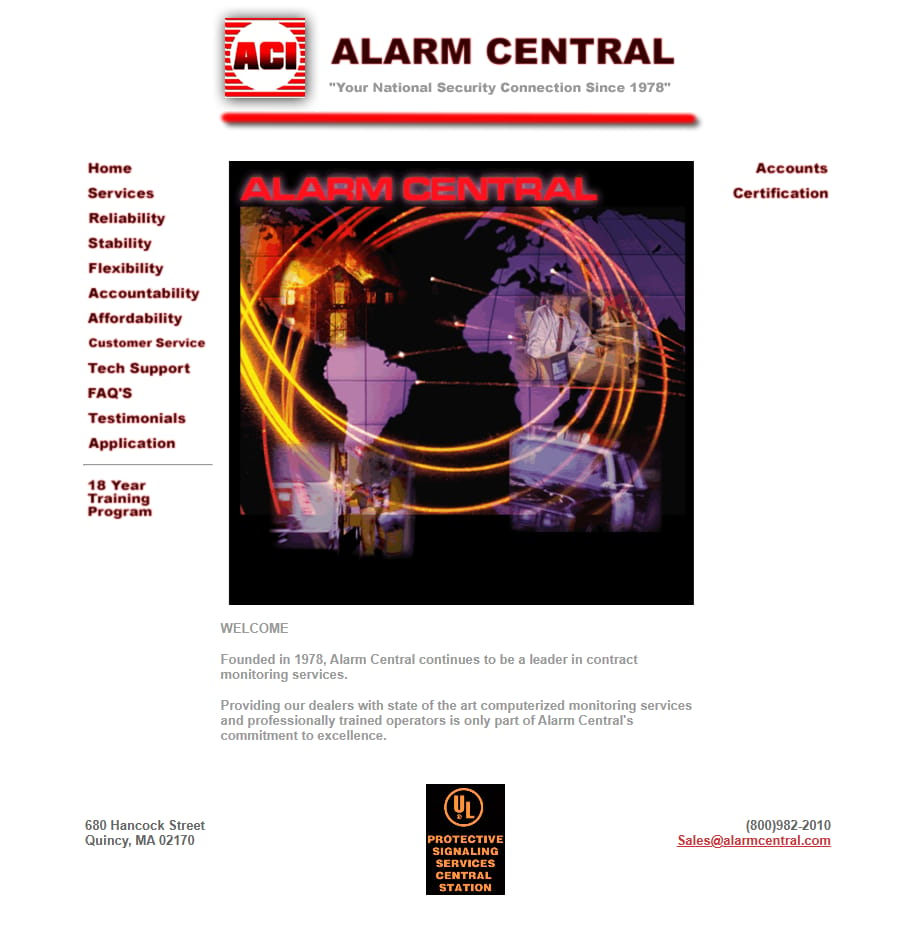
Alarm Central is a contract monitoring services provider that supplies computerized monitoring for alarm dealers. Rather than selling only software, it offers professionally staffed monitoring, which suits dealers who want to outsource the central monitoring station function instead of running one. Founded in 1978, it focuses on the dealer-monitoring relationship.
Best for: Alarm dealers that need monitored security services rather than in-house infrastructure.
Key strengths
- Computerized monitoring services
- Professionally trained operators
- Dealer-focused contract monitoring
Why choose Alarm Central: If your business does not want to staff and license its own monitoring platform, contract monitoring shifts that operational load to a dedicated provider. It matters most for dealers who need reliable coverage and response coordination without building it themselves.
Alarm Central pricing: No public pricing is published. Contact the provider directly for contract monitoring terms.
8. Honeywell / Resideo AlarmNet
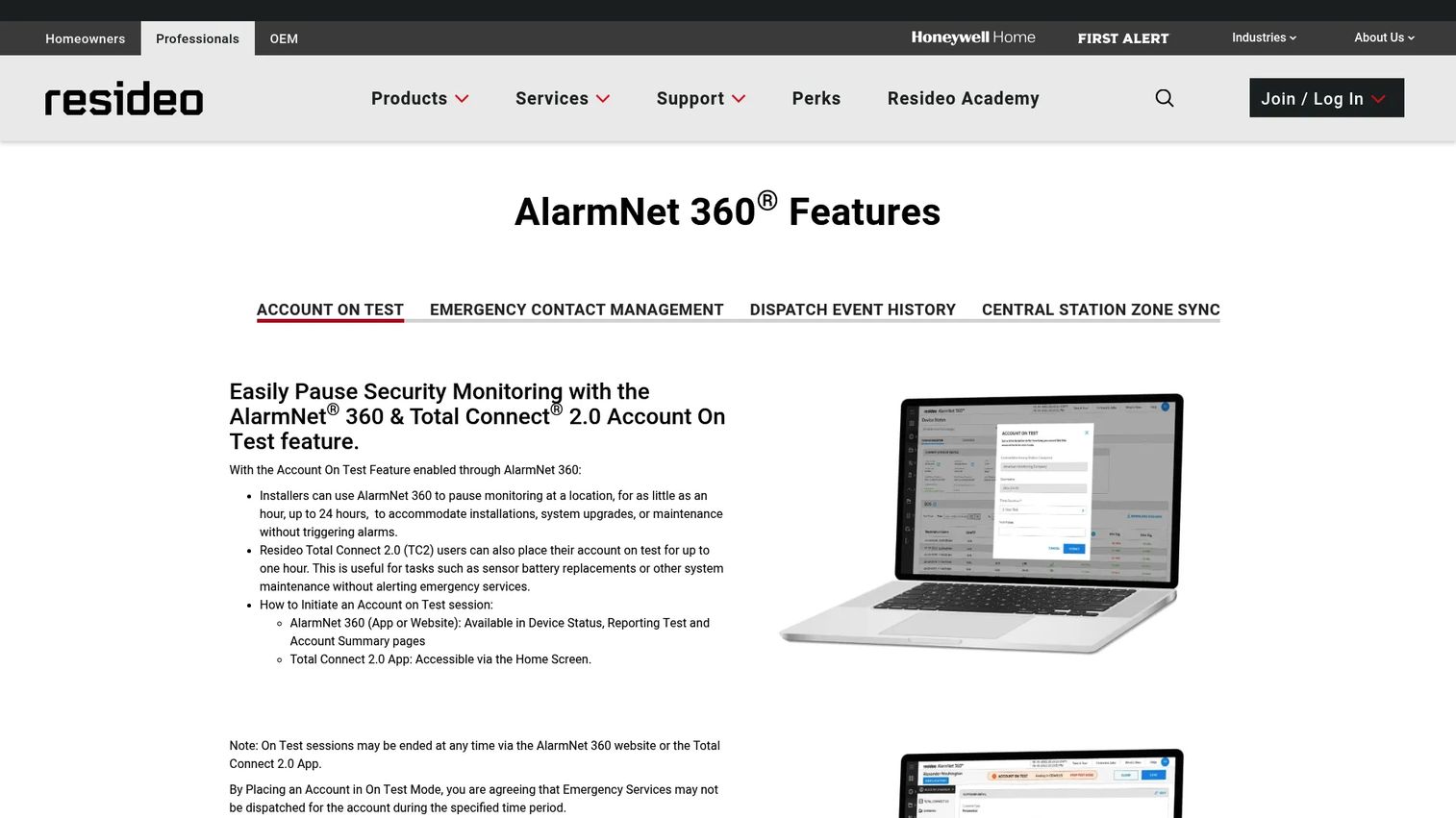
Honeywell / Resideo AlarmNet is Resideo's AlarmNet 360, a dealer-facing security and remote services platform for monitoring, account management, and dispatch-related workflows. It sits inside a broad professional monitoring ecosystem, so its strength is compatibility and account operations across a large installed base of panels and services.
Best for: Security dealers and central stations managing customer accounts and remote services.
Key strengths
- Account On Test monitoring pause
- Emergency contact management in Total Connect 2.0
- Real-time dispatch event updates and Zone Sync
Why choose Honeywell / Resideo AlarmNet: For dealers already inside the Resideo and Total Connect ecosystem, AlarmNet 360 keeps account management, testing, and dispatch updates in one place. The Account On Test feature is a practical touch for reducing noise during service work.
Honeywell / Resideo AlarmNet pricing: No public pricing page or figure was found on the brand domain. Pricing runs through dealer and service channels.
9. DMP System Link
DMP System Link is end-user alarm panel management software from DMP. It lets operators manage DMP alarm panels from a personal computer, including remote management of DMP XR Series and XT Series panels. This is a focused tool: it matters most for teams standardized on DMP hardware that need operational control over their panels.
Best for: DMP customers that need PC-based alarm panel management.
Key strengths
- Manage DMP alarm panels from a personal computer
- Remotely manage DMP XR Series and XT Series panels
- Set up users, schedules, reports, and monitor system status
Why choose DMP System Link: If your operation runs DMP panels, System Link gives you direct panel management, user and schedule setup, and status monitoring without a separate console. The reporting and status visibility support the event logs operators lean on day to day.
DMP System Link pricing: No public pricing is published for this product. Contact DMP for details.
10. ADPRO VideoCentral Platinum
ADPRO VideoCentral Platinum is a multi-site security management application for monitoring remote video and audio sites. It is the video-verification specialist on the list, built for central monitoring stations and command centers that verify alarms visually before dispatch. Interactive maps and integrated audio give operators command over remote sites.
Best for: Central monitoring stations that need remote video verification across multiple sites.
Key strengths
- Multi-site security management for remote video and audio monitoring
- Interactive, user-definable maps for site control
- Integrated audio plus remote control of lights, gates, barriers, and PTZ cameras
Why choose ADPRO VideoCentral Platinum: Video verification is one of the strongest levers for false alarm reduction, because operators confirm a real event before rolling a response. For enterprise surveillance workflows spread across many sites, the map-based control and device remote control are the draw.
ADPRO VideoCentral Platinum pricing: Xtralis does not publish public pricing. The contact page directs buyers to an authorized dealer for pricing and availability.
How to choose the right alarm system software
Before you commit, run every shortlisted tool through the criteria that decide whether it holds up in production.
Signal volume and scale
Match the platform to your event load. A single-site operation and a multi-region central station have different needs. Check how the software handles peak signal volume without dropping or delaying events, and whether it scales from one site to many without a rebuild.
Escalation and response workflow
Look hard at the escalation workflow. How does the tool route unacknowledged events, retry, and page the next operator? Weak escalation logic is where missed events hide. The best platforms let you define action plans and enforce them automatically.
Integrations and protocol coverage
Confirm the platform speaks to your receivers, panels, and protocols. Check for protocol integrations, video, SMS, email, and API access. If it cannot connect to your existing hardware and communication channels, nothing else matters.
Audit trail and reporting
Demand a defensible audit trail. Every signal and operator action should be timestamped and retrievable. Strong reporting and analytics prove response times, support compliance, and surface where your operation slows down.
Mobile response and remote access
If field teams act on events, mobile response is not optional. Evaluate remote acknowledgment, field response tracking, and how cleanly the mobile experience mirrors the operator console.
Conclusion
The right alarm system software depends on your operating model, not on a feature checklist. Central stations and monitoring centers should look hard at AlarmFront and Bold Group Stages for high-volume dispatch, and Bold Group Manitou for multi-signal operational visibility. Industrial and SCADA teams get purpose-built routing from Inductive Automation Ignition Alarming.
For smart security and distributed SMB monitoring, Alarm.com brings cloud, video, and mobile together. Enterprise and multi-site operations should evaluate Patriot Systems and Honeywell / Resideo AlarmNet. When video verification drives your response decisions, ADPRO VideoCentral Platinum is the specialist. DMP System Link fits teams standardized on DMP hardware, and Alarm Central serves dealers who want to outsource monitoring entirely.
Start by picking one monitoring model and one integration stack, then build your shortlist around signal volume, escalation logic, and reporting depth. Run a demo against your real event patterns before you sign anything. The platform that handles your worst shift, not your average one, is the one worth buying.
FAQs
Alarm monitoring software focuses on receiving alarm events and coordinating a response, often in a central station or SOC context. Alarm management software is broader: it can include routing, notification pipelines, reporting, and administrative control over how alarms are configured and escalated. In practice, most strong platforms blend both, but industrial tools lean toward management while security platforms lean toward monitoring.
Protocol and receiver coverage come first, because the software has to speak to your hardware. After that, operator workflows, event logs, escalation logic, and response time drive daily value. A defensible audit trail matters for compliance, and reporting proves your central monitoring station is hitting its service-level targets.
Yes. Video verification lets operators confirm a real event before dispatch, which is one of the strongest levers for false alarm reduction. Smarter alert routing, richer event context, and rules that filter low-priority signals also cut noise. Platforms with analytics can flag accounts that generate excessive false signals so you address the source.
Many do. Mobile response matters when field teams or on-call operators need to acknowledge and act on events away from the console. Look for remote acknowledgment, field response tracking, and a mobile experience that mirrors the desktop console. Industrial tools often add web and mobile acknowledgment so on-call engineers can clear alarms from anywhere.
Scale and uptime first, since missed events break trust. Then evaluate multi-site monitoring visibility, integrations with your receivers and video systems, escalation workflow depth, and reporting. A platform that centralizes oversight across every site while keeping a clean audit trail is worth more than one with a longer feature list.
Industrial alarming monitors plant processes, PLCs, and SCADA systems, where alarms often need persistence, shelving, and escalation logic that survives shift changes. Security alarm monitoring software focuses on physical security events like intrusion, panic, and video. The core difference is that industrial tools prioritize notification pipelines and acknowledgment, while security tools prioritize dispatch and operator response.
At minimum, alarm receivers, SMS, email, and API access. Central stations also need video and CCTV integration for verification, and many operations connect to CRM or account systems for dealer workflows. Industrial platforms add communication protocols like Twilio and messaging channels. Confirm the specific protocols your hardware uses before committing.
Test scalability against your real peak signal volume, not a demo dataset. Then check audit trails, security controls, and administrative access management. Enterprise buyers should confirm reporting depth, multi-site oversight, deployment flexibility, and compliance certifications like UL where relevant. Run the platform through your worst-case scenario before signing.