Your cloud bill spikes on a Tuesday afternoon and nobody knows why. Traffic surged, a batch job kicked off, and someone spun up capacity to survive the moment. By the time you look on Friday, that capacity is still running, idle, burning money through the weekend.
That is the core tension auto scaling software exists to resolve. Provision too little and performance breaks during spikes. Provision too much and you pay for compute nobody is using. Manual scaling cannot keep pace with modern workloads that shift by the minute, and most teams discover this the hard way after a launch, a viral moment, or a seasonal surge.
The stakes are not small. The global auto scaling software market was valued at roughly USD 390 million in 2025 and is projected to reach USD 612 million by 2034, growing at a 5.7% CAGR, according to 24MarketReports (2025). North America accounts for over 40% of that revenue, with Asia-Pacific identified as the fastest-growing region. By June 2026, about 68% of large enterprises had deployed at least one scheduling or autoscaling solution for AI workloads, up from 52% in 2024, per MarketIntelo (2026).
That growth reflects a simple reality: teams running variable workloads need automatic scaling to keep availability high and cloud cost optimization honest. The question is no longer whether to automate capacity. It is which tool fits your architecture, your governance model, and your FinOps goals.
What's inside
This guide covers the best auto scaling software for cloud engineers, platform teams, SREs, and FinOps-minded infrastructure buyers. It includes native cloud services, Kubernetes-focused autoscalers, and third-party cost optimization layers, so you can match the tool to your stack rather than force your stack to a tool.
We evaluated each option on four criteria that matter most for real infrastructure decisions:
- Native autoscaling support and policy controls (desired capacity, min max capacity, cooldown, scaling policies)
- Workload fit across compute, containers, and databases
- Cost optimization and FinOps value
- Observability and integration with your existing monitoring stack
TL;DR
- Best native option for GCP teams: Google Compute Engine, for managed instance group autoscaling tied directly to your virtual machines.
- Best for Kubernetes cost optimization: Cast AI, for automated rightsizing and multi-cluster scaling decisions.
- Best Kubernetes rightsizing depth: ScaleOps, for pod rightsizing, replica optimization, and spot handling in production.
- Best native option for AWS-first teams: AWS Auto Scaling, for unified scaling across multiple AWS services.
- Best for Spot savings without custom code: Xosphere Instance Orchestrator, for automatic On-Demand to Spot migration.
- Best for database elasticity: Amazon Aurora Serverless V2, for fine-grained capacity that scales with query demand.
What is auto scaling software?
Auto scaling software automatically adds or removes compute resources in response to demand, so applications stay available under load without paying for idle capacity during quiet periods.
Under the hood, most autoscaling works the same way. The system watches a signal, compares it to a target, and changes capacity when thresholds are crossed. Here is what that looks like in practice:
- What it does: Adjusts the number of running instances, pods, or capacity units based on live metrics or forecasts.
- How it triggers: Reactive scaling responds to CPU, memory, request rate, or queue depth crossing a threshold. Scheduled autoscaling changes capacity on a known calendar. Predictive autoscaling forecasts demand and scales ahead of it.
- How it controls cost: By scaling in during off-peak hours, teams stop paying for resources nobody uses. This is where autoscaling and FinOps overlap directly.
- How it supports availability: By scaling out before saturation, the system absorbs workload spikes without dropping requests or degrading latency.
- How it differs from load balancing: Load balancing distributes incoming traffic across existing instances. Auto scaling changes how many instances exist. They work together, not instead of each other.
The other distinction worth getting right is direction. Horizontal scaling adds or removes instances of the same size, which suits stateless, distributed workloads and pairs naturally with an auto scaling group. Vertical scaling changes the size of a single instance by adding CPU or memory, which suits workloads that are hard to distribute. Most cloud-native architectures lean horizontal because it maps cleanly to elasticity and load balancing, while databases and legacy monoliths often scale vertically first.
Three scaling modes cover most patterns. Dynamic (reactive) scaling reacts to live metrics. Scheduled scaling handles predictable cycles like business hours. Predictive autoscaling uses demand forecasting to provision capacity before the spike arrives, which reduces the lag that pure reactive scaling can introduce.
When to use auto scaling software
Reduce cloud waste during off-peak periods
Most non-production environments sit idle overnight and on weekends. Development clusters, staging, and internal tools rarely need full capacity at 3 a.m. Auto scaling software scales these down automatically, then back up before the workday starts. For FinOps teams chasing cloud cost optimization, this is often the fastest win: predictable workload patterns are easy to model, and scheduled autoscaling captures the savings without touching application code.
Protect performance during traffic spikes
Product launches, marketing pushes, seasonal demand, and heavy batch jobs all create workload spikes that manual intervention cannot catch in time. By the time a human notices the alert and provisions capacity, requests are already failing. Policy-driven automatic scaling reacts in seconds, adding instances or pods before saturation degrades the experience. This is where reactive and predictive autoscaling earn their place: the system holds performance and availability while you sleep.
Standardize scaling across cloud and Kubernetes environments
Teams running one cloud and one cluster can often rely on native services alone. Multi-cluster or multi-cloud teams usually cannot. Native tools scale within their own boundaries, but a platform team managing dozens of clusters across providers needs consistent policy, unified cost visibility, and a single control plane. That is where a third-party Kubernetes autoscaler or optimization layer earns its budget, sitting on top of native primitives to enforce governance and rightsizing everywhere at once.
Comparison table
The table below sorts the best auto scaling software by relevance to the keyword and buyer usefulness. Use it to spot architecture fit at a glance, then read the full section for the tools that match your stack. Pricing for native cloud autoscaling is usually included at no extra charge, so your real cost is the underlying compute.
| # | Product | Intent | Key differentiation | Pricing | G2 rating |
|---|---|---|---|---|---|
| 1 | Google Compute Engine | GCP VM autoscaling | Managed instance groups with self-managed VM control | VM instances from $0.01 per usage; free tier available | 4.5/5 |
| 2 | Cast AI | Kubernetes cost optimization | Automated optimization and multi-cluster scaling | Custom quote; free Kubernetes cost monitoring | 4.6/5 |
| 3 | ScaleOps | Kubernetes rightsizing | Automated pod rightsizing and replica optimization | Custom quote; free trial | 4.6/5 |
| 4 | AWS Auto Scaling | Unified AWS scaling | Scaling plans across multiple AWS services | No extra charge; pay for AWS resources | 4.5/5 |
| 5 | Amazon EC2 Auto Scaling | EC2 instance scaling | Auto scaling groups with health checks and predictive scaling | No extra fee; pay for EC2 resources | Not listed |
| 6 | Pepperdata Capacity Optimizer | Cluster cost optimization | Real-time scheduler tuning for more containers per node | Pay-as-you-go from $0.02 per vCPU hour | 4.6/5 |
| 7 | Xosphere Instance Orchestrator | Spot cost optimization | Automatic On-Demand to Spot migration | SpotIQ at 10% of On-Demand rate | 5.0/5 |
| 8 | Real-Time Technology Solutions | Managed scaling services | Hands-on infrastructure optimization support | Contact vendor | Not listed |
| 9 | Alibaba Auto Scaling | Alibaba Cloud scaling | Scheduled and dynamic scaling for ECS and ECI | No extra cost; pay for resources | 3.8/5 |
| 10 | Amazon Aurora Serverless V2 | Database autoscaling | Fine-grained capacity scaling in 0.5 ACU increments | From $0.12 per ACU-hour | 3.5/5 |
1. Google Compute Engine
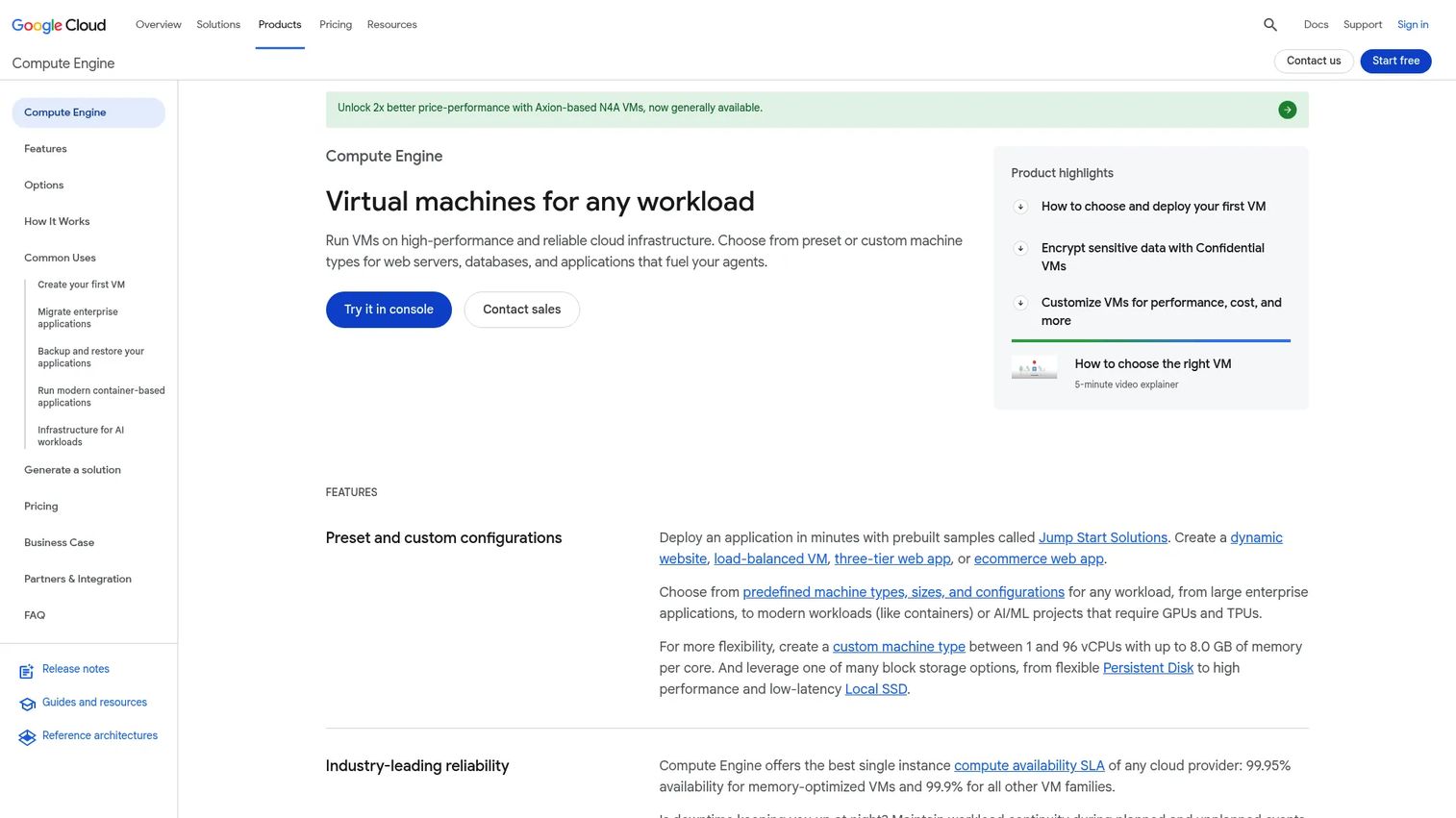
Google Compute Engine is Google Cloud's infrastructure-as-a-service layer for creating and running customizable virtual machines. Its autoscaling lives in managed instance groups, which add or remove identical VMs based on CPU utilization, load balancing capacity, custom metrics, or schedules. For teams already committed to GCP, it is the native path to elasticity without bolting on a separate control plane.
Best for: Teams that need flexible, self-managed cloud VMs with granular infrastructure control.
Key strengths
- Self-managed virtual machines: Full control over machine configuration, OS, and networking for workloads that need it.
- Custom and preset machine types: Match instance size to the workload instead of overpaying for a fixed shape.
- Linux and Windows support: Run mixed operating system fleets under one autoscaling policy.
Why choose Google Compute Engine: If your infrastructure already runs on Google Cloud, managed instance group autoscaling is the lowest-friction way to handle horizontal scaling. You define a target utilization and min max capacity, and the group holds the line. Teams that want deep control over the underlying VM, rather than an abstracted container layer, will find it the natural fit.
Google Compute Engine pricing: Compute Engine uses usage-based pricing, with VM instances starting at around $0.01 depending on machine type and region. Google offers a free trial with credits and an always-free VM tier for low-volume usage. Because autoscaling itself carries no separate fee, your cost is the compute the instance group provisions. Verify current per-hour rates against your specific machine type and region before you model spend.
2. Cast AI
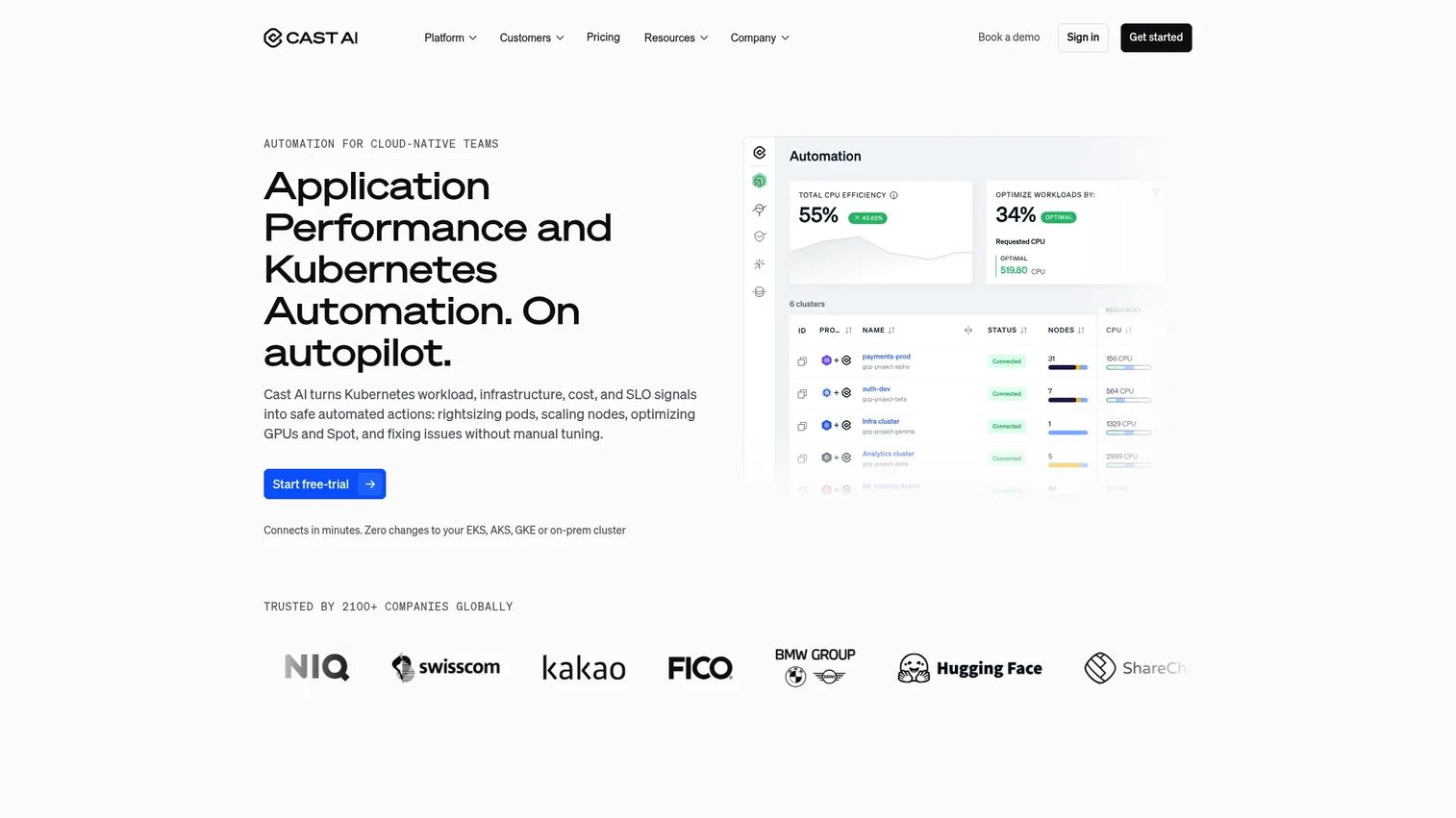
Cast AI is an automation platform for cloud-native and AI infrastructure, focused squarely on Kubernetes optimization and cost reduction. It reads what your clusters actually consume, then automates scaling and rightsizing decisions across nodes and workloads. Platform teams use it to cut waste that manual tuning leaves on the table, across single clusters or fleets spanning multiple clouds.
Best for: Teams running Kubernetes that want automated cost optimization and infrastructure operations.
Key strengths
- Kubernetes cost monitoring: See exactly where cluster spend goes, down to the workload level.
- Automated optimization and scaling: Let the platform pick node sizes and scale decisions instead of hand-tuning them.
- Multi-cloud and cluster automation: Apply consistent scaling policy across clusters and providers from one place.
Why choose Cast AI: For a platform team drowning in overprovisioned nodes, Cast AI turns a manual rightsizing chore into an automated one. It functions as a Kubernetes autoscaler and cost engine at once, which suits teams that want the FinOps signal and the automatic scaling in a single tool rather than stitching two together.
Cast AI pricing: Cast AI publishes a free Kubernetes cost monitoring offering, which is a low-commitment way to see the savings before you automate. Core platform pricing is not posted publicly; the company scopes it to environment-specific factors and asks teams to request a custom quote. Start with the free monitoring tier to quantify waste, then size the paid engagement against the savings it surfaces.
3. ScaleOps
ScaleOps is a Kubernetes resource management platform built for automated rightsizing, optimization, and cost control. It watches pod-level consumption in real time and adjusts requests and limits automatically, so workloads get what they need without the padding engineers add to be safe. For teams running containers in production, it removes the guesswork from capacity.
Best for: DevOps and platform engineering teams running Kubernetes in production.
Key strengths
- Automated pod rightsizing: Continuously matches CPU and memory requests to actual usage.
- Replica optimization: Tunes the number of running replicas to demand instead of a static count.
- Spot optimization: Shifts eligible workloads to spot capacity for deeper savings.
Why choose ScaleOps: ScaleOps goes deep on the operational side of Kubernetes autoscaling, pairing rightsizing with replica and spot handling in one control plane. Teams that already run the horizontal pod autoscaler but still see waste will find ScaleOps closes the gap by automating the request and limit tuning that most teams never get around to.
ScaleOps pricing: ScaleOps prices by custom quote and asks teams to get in touch for accurate figures. The site references a free trial and a demo, so you can validate fit against your own clusters before committing. Because pricing scales with your environment, get a quote sized to your node count and workload mix rather than a list price.
4. AWS Auto Scaling
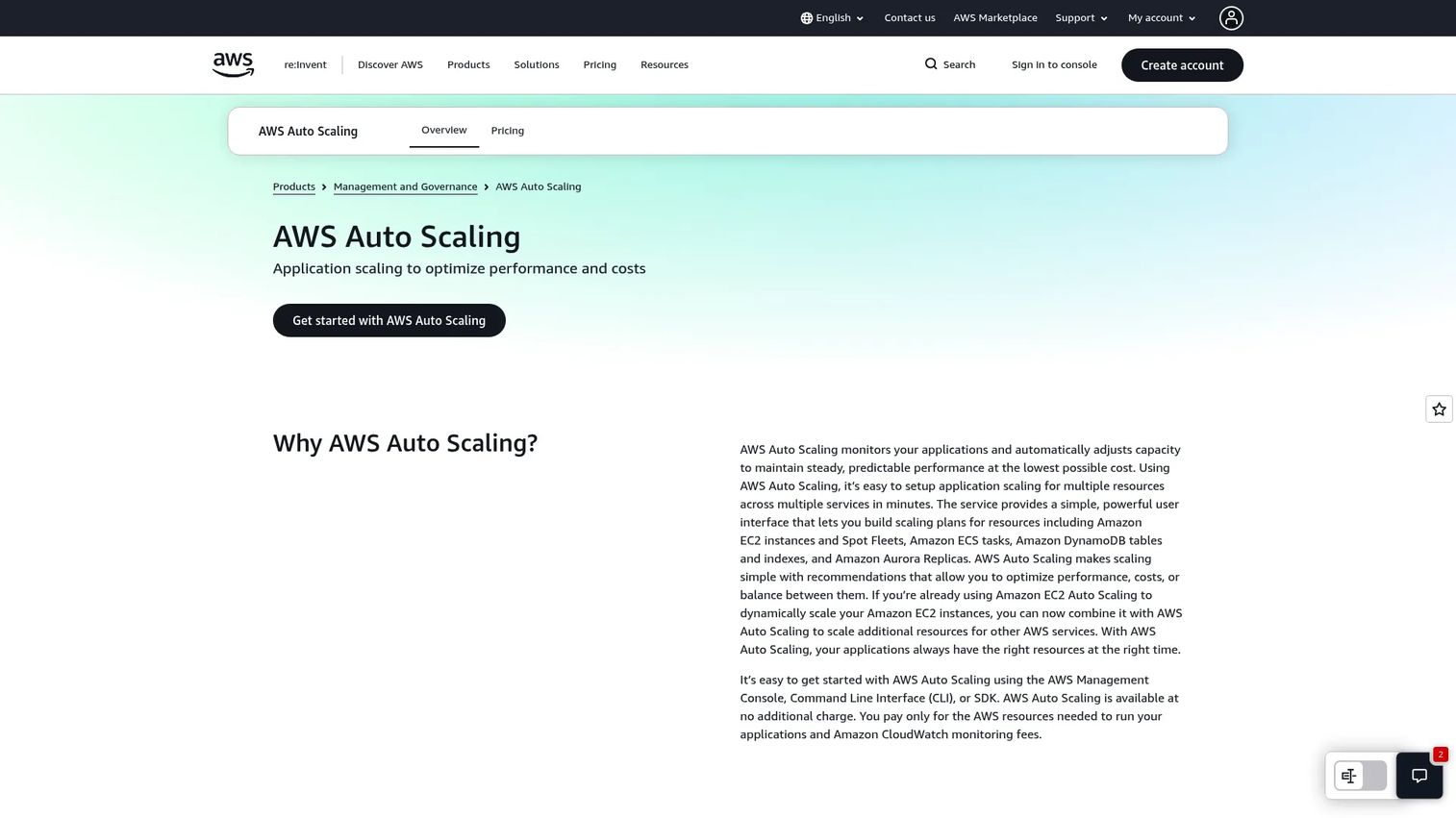
AWS Auto Scaling is the AWS-native umbrella for scaling application resources across multiple services from one place. Instead of configuring each service separately, you build a scaling plan that spans EC2, ECS, DynamoDB, Aurora, and more, then let AWS optimize for performance, cost, or a balance of both. For AWS-first teams, it is the default control layer for automatic scaling.
Best for: Teams running AWS workloads that want unified, automated scaling across multiple services.
Key strengths
- Monitors and adjusts capacity automatically: Tracks application load and scales resources without manual triggers.
- Scaling plans across services: Coordinate capacity for related resources under one policy.
- Optimization recommendations: Choose to favor performance, cost, or a balanced target.
Why choose AWS Auto Scaling: If your workloads span several AWS services, AWS Auto Scaling gives you one place to define intent rather than juggling per-service configs. It suits teams that want unified scaling policy and cost visibility across the stack, especially when a single application depends on compute, containers, and a database that all need to flex together.
AWS Auto Scaling pricing: There is no additional charge for AWS Auto Scaling itself. You pay only for the underlying AWS resources it provisions and for Amazon CloudWatch monitoring fees. That makes the real cost question about the compute and services behind the plan, not the scaling layer. Confirm your CloudWatch metric and alarm costs, since detailed monitoring can add up at scale.
5. Amazon EC2 Auto Scaling
Amazon EC2 Auto Scaling is the service that keeps the right number of EC2 instances running for your workload. It manages an auto scaling group, replaces unhealthy instances automatically, and enforces the min max capacity and desired capacity you define. It pairs tightly with Elastic Load Balancing, so new instances register for traffic as they come online.
Best for: Teams running EC2 workloads that need automatic horizontal scaling and instance replacement.
Key strengths
- Automatic EC2 capacity scaling: Adds and removes instances to hold your desired capacity target.
- Fleet health and availability management: Detects unhealthy instances and replaces them without intervention.
- Scaling policies including predictive scaling: Supports scheduled, step, and predictive autoscaling in one service.
Why choose Amazon EC2 Auto Scaling: For raw EC2 workloads, this is the workhorse. The auto scaling group construct handles desired capacity, health checks, and cooldown windows so a bad instance gets recycled and a spike gets absorbed. Teams running stateless web tiers behind a load balancer will find it the standard AWS pattern, and its predictive scaling reduces the lag pure reactive policies introduce.
Amazon EC2 Auto Scaling pricing: There are no additional service fees for Amazon EC2 Auto Scaling. You pay for the EC2 instances and associated resources it launches, along with any CloudWatch monitoring you enable. Common deployments put a web tier or a batch fleet inside an auto scaling group with target-tracking or scheduled policies. Model your cost around instance hours and the cooldown behavior that governs how aggressively the group scales.
6. Pepperdata Capacity Optimizer
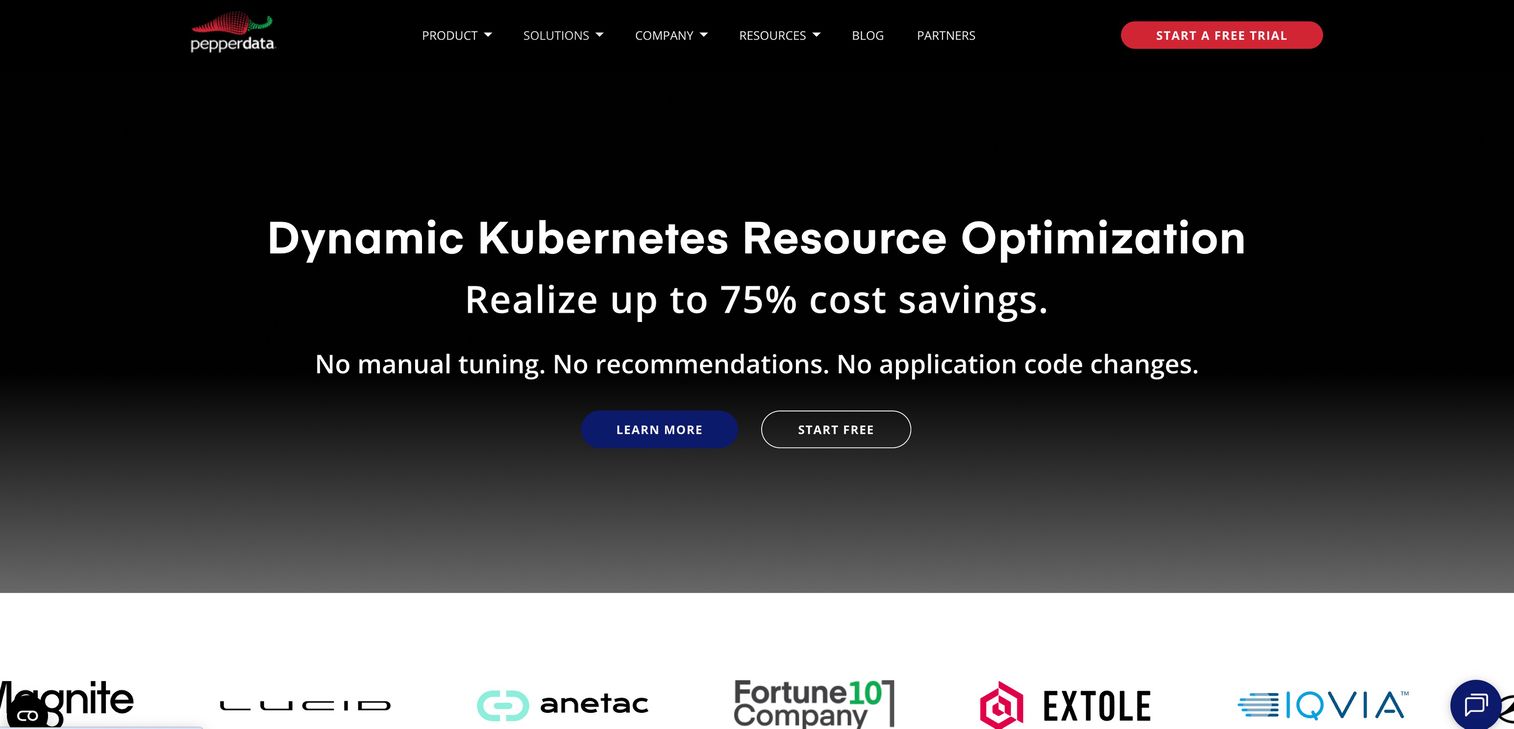
Pepperdata Capacity Optimizer is real-time resource and cost optimization software for Kubernetes and big-data workloads. Rather than only adding or removing nodes, it tunes scheduler decisions in real time so more containers fit per node, squeezing better utilization from the capacity you already run. That focus makes it strong in large, dense environments where small utilization gains compound into real money.
Best for: Enterprises running Kubernetes or Spark workloads that want automated cost and resource optimization.
Key strengths
- Real-time utilization visibility: Tracks CPU, GPU, and memory usage as workloads run.
- Smarter scheduler decisions: Packs more containers per node to lift utilization.
- Improved autoscaling efficiency: Reduces waste that node-level scaling alone leaves behind.
Why choose Pepperdata Capacity Optimizer: Pepperdata complements a Kubernetes autoscaler rather than replacing it. Where node autoscaling decides how many nodes to run, Pepperdata makes each node carry more, which is why it shines in big clusters with GPU and Spark workloads. Larger environments feel its impact most, since a few percentage points of utilization across thousands of cores is a meaningful line item.
Pepperdata Capacity Optimizer pricing: Pepperdata uses usage-based pricing with a pay-as-you-go plan reported at around $0.02 per vCPU hour, plus a yearly subscription option. A free trial is available so you can measure the utilization lift against your own workloads. Because the model is consumption-based, your spend tracks your cluster size, so validate the savings on a representative workload before rolling it fleet-wide.
7. Xosphere Instance Orchestrator
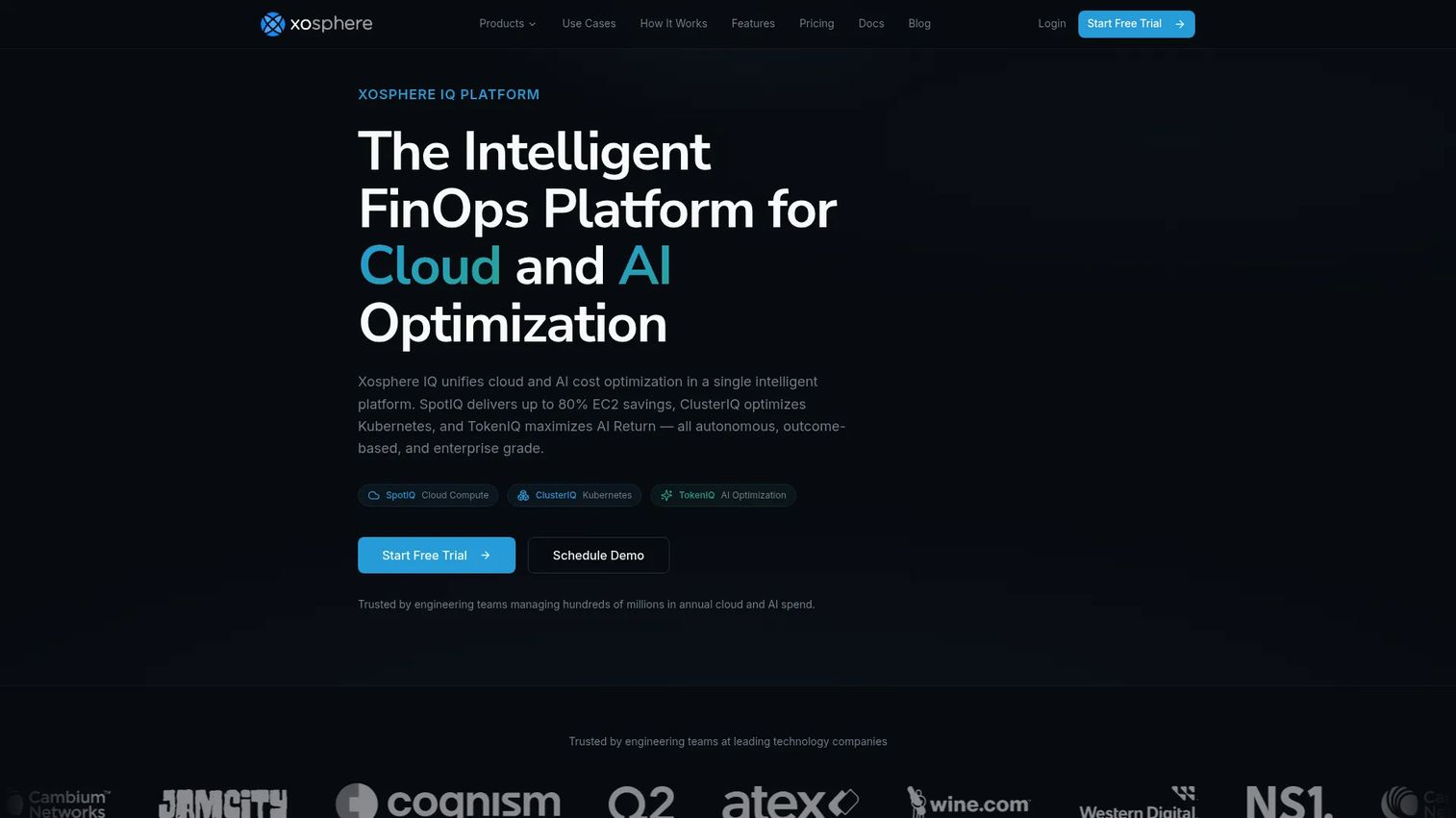
Xosphere Instance Orchestrator is cloud cost optimization software that automatically replaces eligible On-Demand compute with Spot capacity across AWS and GCP. Spot instances are dramatically cheaper but can be reclaimed with little notice, so the hard part is handling interruptions gracefully. Xosphere automates that orchestration, so cost-conscious platform teams capture Spot savings without building the failover logic themselves.
Best for: Teams wanting automated Spot-instance savings without building custom orchestration.
Key strengths
- Automatic On-Demand to Spot migration: Moves eligible capacity to Spot and manages interruptions.
- Cross-cloud support: Works across AWS and GCP under one policy.
- Simple install and opt-in: Deploys via CloudFormation or Terraform and uses tags to manage participation.
Why choose Xosphere Instance Orchestrator: Xosphere is a complement to your existing cloud-native autoscaling, not a replacement for it. Your auto scaling group decides how much capacity to run; Xosphere decides how cheaply to run it by shifting eligible instances to Spot. Teams with fault-tolerant, stateless workloads see the biggest savings, since those workloads absorb Spot interruptions without user-facing impact.
Xosphere Instance Orchestrator pricing: Xosphere prices its SpotIQ product at 10% of the On-Demand rate, an outcome-based model that ties its fee to the savings it delivers. ClusterIQ is also outcome-based via sales, and TokenIQ is in early access. Because you pay a share of savings rather than a flat license, the tool is self-funding when it works. Confirm which workloads are Spot-eligible before you project the savings.
8. Real-Time Technology Solutions
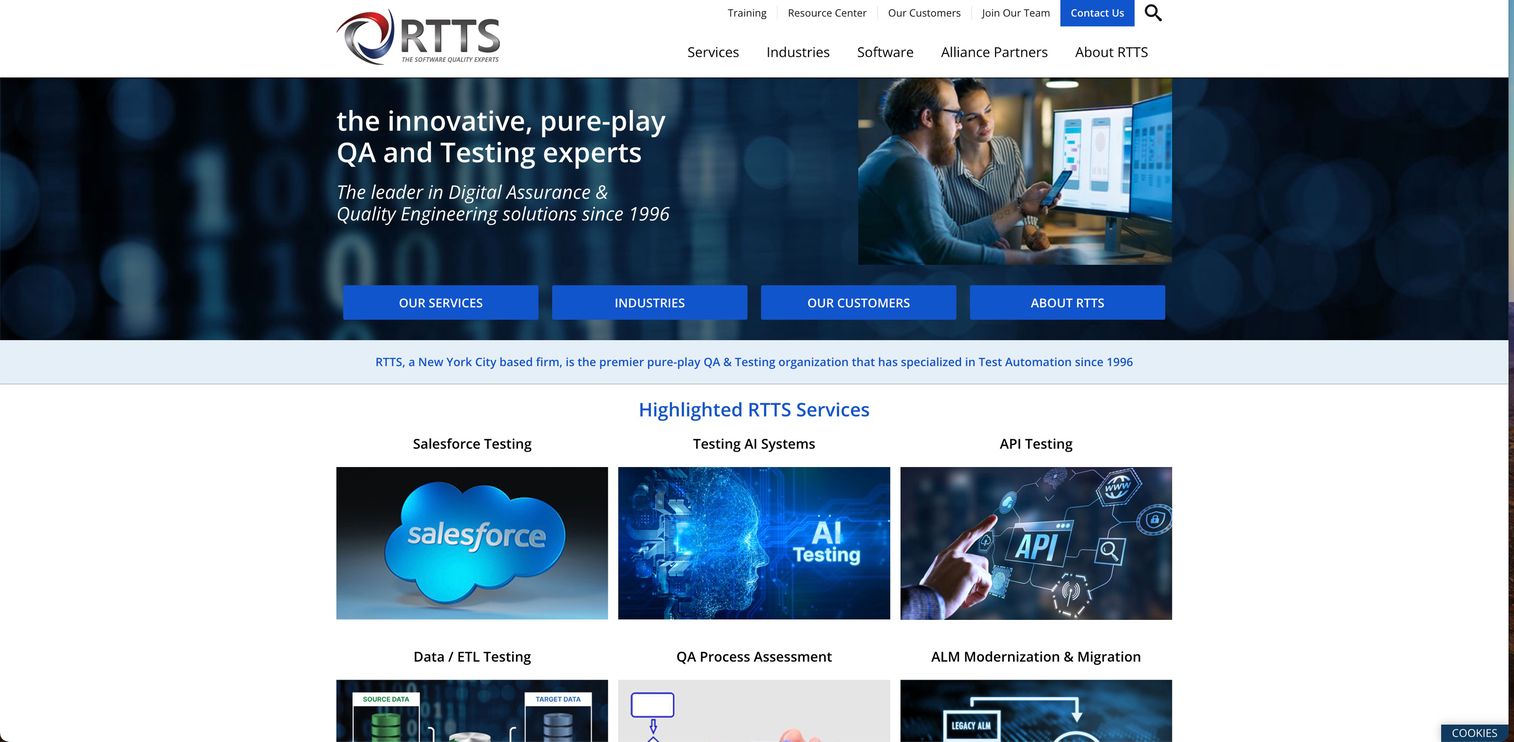
Real-Time Technology Solutions offers managed scaling services and infrastructure optimization for teams that want hands-on support rather than a self-serve product. The buyer fit here is different from the rest of this list: instead of configuring scaling policies yourself, you engage a service partner to design, implement, and tune the capacity model around your workloads.
Best for: Teams that prefer a managed, service-led approach to scaling and infrastructure optimization.
Key strengths
- Managed scaling services: Hands-on design and tuning rather than a purely self-serve tool.
- Infrastructure optimization: Broader capacity and efficiency work beyond a single autoscaler.
- Service-model flexibility: Support shaped around your team's operational reality.
Why choose Real-Time Technology Solutions: Some teams do not want another dashboard to own. A service-led model fits organizations short on platform-engineering headcount or those that want an outside partner to own the scaling design. It works best when you value expert implementation over a product you configure and maintain in-house.
Real-Time Technology Solutions pricing: Public pricing is not posted, which is common for a services-led engagement where scope drives cost. Contact the vendor to scope a statement of work against your environment. Because pricing depends on the depth of the engagement, treat the initial conversation as a discovery step to size both the work and the value.
9. Alibaba Auto Scaling
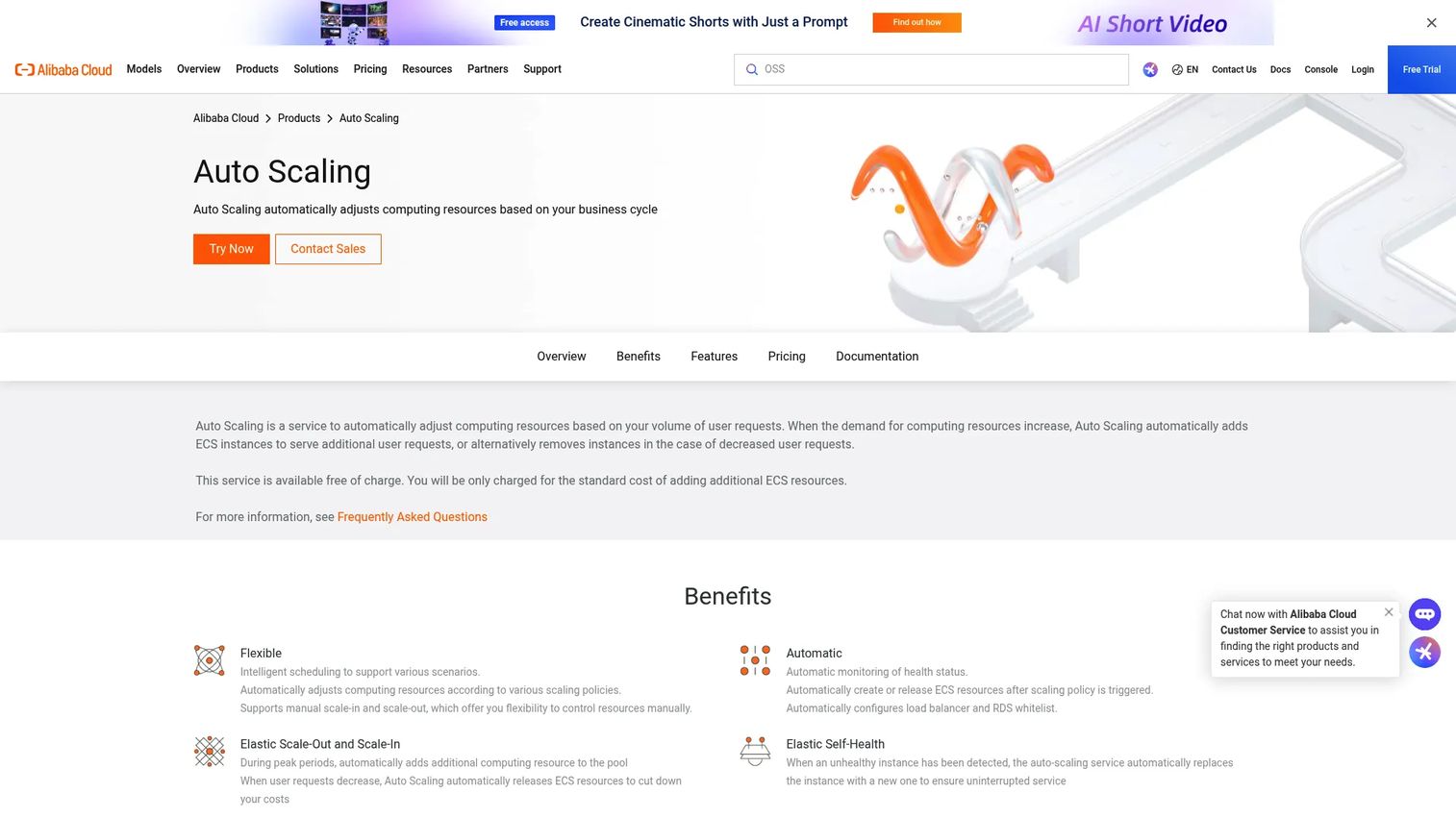
Alibaba Auto Scaling is Alibaba Cloud's service for automatically adjusting compute instance counts based on demand. It supports both scheduled and dynamic scaling for ECS and ECI workloads, with health checks that replace unhealthy instances automatically. For teams operating in the Alibaba Cloud ecosystem, especially those serving Asia-Pacific users, it is the native path to elasticity.
Best for: Teams on Alibaba Cloud that need automatic horizontal scaling for ECS or ECI workloads.
Key strengths
- Automatic scale-out and scale-in: Adjusts instance counts to match live demand.
- Scheduled and dynamic modes: Combine calendar-based and metric-based scaling policies.
- Health checks with replacement: Detects and replaces unhealthy instances automatically.
Why choose Alibaba Auto Scaling: Regional cloud footprint is the deciding factor here. Teams with a significant presence in Asia-Pacific, or those already standardized on Alibaba Cloud, get native autoscaling without adopting a second provider. It handles the same horizontal scaling patterns as other cloud-native services, tuned to the ECS and ECI resources you already run.
Alibaba Auto Scaling pricing: The Auto Scaling service itself carries no extra cost. You pay only for the ECS, ECI, and other associated resources it creates or manages. That makes it a low-risk addition for teams already on the platform. As with other native services, model your spend around the underlying compute and the scaling policy's aggressiveness rather than the autoscaling layer.
10. Amazon Aurora Serverless V2
Amazon Aurora Serverless V2 is an on-demand, autoscaling configuration of Amazon Aurora built for variable database workloads. Unlike compute autoscaling that adds and removes instances, Aurora Serverless V2 scales database capacity in fine-grained 0.5 ACU increments, flexing with query demand. It belongs on this list as the specialized option for teams whose scaling bottleneck is the database, not the app tier.
Best for: Teams needing an AWS-managed relational database that scales automatically with demand.
Key strengths
- Fine-grained autoscaling: Adjusts capacity in 0.5 ACU steps to match load precisely.
- Scales from a low baseline: Starts small and grows only as demand requires.
- Read scalability: Supports up to 15 Aurora read replicas for read-heavy workloads.
Why choose Amazon Aurora Serverless V2: Database elasticity solves a problem compute autoscaling cannot. When your app tier scales out but the database becomes the constraint, Aurora Serverless V2 lets the data layer flex too. It suits spiky or unpredictable database workloads where provisioning for peak wastes money and provisioning for average risks saturation.
Amazon Aurora Serverless V2 pricing: Aurora Serverless V2 bills on ACU-hours, starting at $0.12 per ACU-hour under Aurora Standard and $0.156 per ACU-hour under Aurora I/O-Optimized. There is no separate free tier for Serverless V2 itself. Because you pay for capacity consumed rather than a fixed instance, cost tracks demand closely. Model both configurations against your I/O pattern, since I/O-Optimized changes the math for I/O-heavy workloads.
Considerations before you choose
The right auto scaling software depends less on feature checklists and more on matching the tool to your architecture and governance model. Use this checklist before you commit.
Match the tool to your cloud and workload
Native services usually win when you run one cloud and one workload type. If you are AWS-first, AWS Auto Scaling and Amazon EC2 Auto Scaling cover most cases at no extra charge. GCP teams lean on Google Compute Engine, and Alibaba Cloud teams on Alibaba Auto Scaling. Reach for a third-party layer when your needs cross clusters, clouds, or optimization depth.
Confirm the scaling methods you need
Not every workload scales the same way. Verify support for reactive, scheduled, and predictive autoscaling, plus the policy controls that matter: desired capacity, min max capacity, cooldown windows, and health-check driven replacement. Horizontal scaling suits stateless tiers; vertical or database scaling suits stateful ones.
Weigh cost optimization against complexity
Tools like Cast AI, ScaleOps, Pepperdata, and Xosphere earn their budget by cutting waste, but their value depends on your scale. A few percentage points of utilization across a large fleet is real money; on a small cluster it may not clear the effort bar. Quantify the savings on a representative workload first.
Check observability and integrations
Autoscaling is only as good as the signals it acts on. Confirm the tool integrates with your monitoring stack and surfaces the metrics your team already trusts. Poor visibility turns a scaling policy into a black box, which is the fastest way to lose trust in automation.
Conclusion
The best auto scaling software for your team is the one that matches your existing cloud stack and governance needs, not the one with the longest feature list. Start native. If you are AWS-first, AWS Auto Scaling and Amazon EC2 Auto Scaling handle most compute scaling at no extra charge, with Amazon Aurora Serverless V2 covering the database layer. GCP teams get the same elasticity through Google Compute Engine managed instance groups, and Alibaba Cloud teams through Alibaba Auto Scaling.
Add a third-party layer when governance or optimization needs outgrow what native services offer. Cast AI and ScaleOps bring automated Kubernetes rightsizing across clusters, Pepperdata lifts utilization inside dense environments, and Xosphere Instance Orchestrator captures Spot savings without custom orchestration. For teams that would rather not own the scaling design at all, Real-Time Technology Solutions offers a managed, service-led path.
The move that fails is provisioning for peak and forgetting to scale down. Pick the native option that fits your cloud, model your min max capacity and cooldown honestly, then layer in cost optimization once you have proof of where the waste lives.
FAQs
Auto scaling software automatically adjusts compute resources to match demand, adding capacity during spikes and removing it during quiet periods. It comes in two broad forms: native cloud services like AWS Auto Scaling or Google Compute Engine managed instance groups, and third-party tools that layer optimization, rightsizing, and cross-cloud policy on top of those primitives. The native option is usually free beyond the compute you run; third-party tools charge for the optimization they deliver.
The system monitors a metric such as CPU utilization, memory, request rate, or queue depth, then compares it to a target you define. When the metric crosses a threshold, the autoscaler changes capacity by launching or terminating instances or pods. Cooldown windows prevent it from overreacting to short spikes, and health checks replace instances that fail, keeping the fleet at your desired capacity.
Load balancing distributes incoming traffic across the instances you already have. Auto scaling changes how many instances exist. A load balancer spreads requests so no single server is overwhelmed; an autoscaler adds servers when the whole fleet is under pressure and removes them when demand falls. They work together: new instances from an auto scaling group register with the load balancer as they come online.
An auto scaling group is a collection of instances managed as a unit, with rules that define its minimum, maximum, and desired capacity. The autoscaler keeps the running instance count within those bounds, replaces unhealthy instances, and applies your scaling policies. It is the core construct in Amazon EC2 Auto Scaling and has direct equivalents in other clouds, such as managed instance groups in Google Compute Engine.
For variable demand, automatic scaling almost always wins because it reacts in seconds and never sleeps through a spike. Manual scaling cannot keep pace with modern workloads that shift by the minute. That said, automation is only as good as its policies. Poorly tuned thresholds, cooldowns, or capacity limits can overscale and waste money, or underscale and hurt performance, so the value comes from tuning as much as from the automation itself.
Predictive autoscaling uses demand forecasting, often based on historical patterns and machine learning, to provision capacity before a spike arrives rather than reacting after it starts. It helps most when your workload has recognizable cycles, like daily or weekly traffic patterns, and when reactive scaling introduces lag that hurts performance during the ramp. For truly unpredictable spikes, reactive scaling still does the heavy lifting.
It depends on your workload architecture. Horizontal scaling adds more instances of the same size and suits stateless, distributed workloads that pair well with load balancing and an auto scaling group. Vertical scaling makes a single instance larger and suits workloads that are hard to distribute, such as some databases or legacy monoliths. Most cloud-native systems favor horizontal scaling for elasticity, while data-heavy tiers often scale vertically or use database-specific elasticity like Amazon Aurora Serverless V2.
Start with workload fit: confirm the tool supports pod-level rightsizing, replica optimization, and the node scaling behavior your clusters need. Check policy controls and how the Kubernetes autoscaler handles requests, limits, and spot capacity. Verify observability so you can see and trust its decisions, and confirm it integrates cleanly with your monitoring stack. For multi-cluster or multi-cloud teams, tools like Cast AI or ScaleOps add consistent policy and cost optimization that native cluster autoscaling alone does not provide.