Your support lead builds next week's coverage in a spreadsheet on Friday afternoon. Two people call out Monday. Someone's PTO request got buried in a Slack thread. By Wednesday, three agents are into overtime and nobody planned for it. This is the quiet tax on every company that runs on shifts, and it scales worse than most founders expect.
Shift management software replaces that manual coordination with repeatable scheduling, time and attendance tracking, and real labor visibility. The payoff is measurable. Automated scheduling tools cut labor costs by an average of 8.2% annually and reduce scheduling admin time by up to 70% versus manual methods, according to Dataintelo (2025). The broader employee scheduling software market was valued at $4.3B in 2025 and is projected to reach $11.2B by 2034, growing at an 11.2% CAGR. Companies are not adopting these tools for fun. They are removing a recurring source of margin leak and coverage risk.
If you run hourly teams, whether in support, operations, field service, or a hybrid function, the question is not whether to systematize scheduling. It is which tool matches your scale, compliance exposure, and existing stack. This is a decision founders increasingly own, not because they build the schedule, but because unplanned labor cost and coverage gaps show up on the board deck. If you are evaluating adjacent operational tooling too, our guides on event management software and contract management cover parallel buying decisions.
What's inside
This guide compares seven shift management tools built for hourly and shift-based teams. We selected them based on scheduling automation, employee self-service, time and attendance, mobile scheduling access, compliance controls, and payroll or workforce integration depth. The shortlist spans simple staff scheduling software for a single location up to enterprise HR suites with scheduling baked in. Each entry covers who it fits, its core strengths, and verified pricing where the vendor publishes it. The goal is a decision-oriented shortlist, not a feature dump.
TL;DR
Short on time? Here is the quick decision map for the best employee scheduling software this year.
- Best overall for complex operations: Shiftboard, for mission-critical coverage and compliance.
- Best for easy scheduling and team messaging: Sling, a simple but complete shift scheduling tool.
- Best for mobile-first teams: When I Work, built for fast schedule updates on any device.
- Best for broader workforce management: Connecteam, scheduling inside a wider frontline workflow.
- Best for HR stack consolidation: Rippling, scheduling connected to payroll and HR data.
- Best for restaurant scheduling: 7shifts, hospitality-specific labor and shift planning.
- Best enterprise suite: ADP Workforce Now, scheduling within full HR and payroll governance.
What is shift management software?
Shift management software is a system for building employee schedules, managing availability and time off, handling shift swaps, and tracking attendance across shift-based teams. It replaces spreadsheets, group texts, and manual timesheets with a single source of truth for who works when, and what that labor costs.
Most tools in this category cluster around the same core capabilities. Here is what employee shift scheduling software typically delivers:
- Automated schedule creation: Rules-based scheduling that builds coverage from availability, roles, and demand instead of manual drag-and-drop.
- Availability, PTO, and shift swap workflows: Employees set availability, request time off, and trade open shifts without a manager relaying every message.
- Time and attendance tracking: Clock-in and clock-out records, often with GPS clock-in and geofencing, tied directly to the schedule.
- Labor forecasting and coverage planning: Demand-based staffing so you schedule to expected volume, not to habit.
- Mobile notifications and self-service: Shift notifications, schedule access, and swap requests on employees' phones.
- Compliance and payroll sync: Break rules, overtime alerts, and labor law guardrails, plus payroll integration that turns hours into paychecks without re-keying.
- Reporting and manager oversight: Scheduled hours versus actuals, labor cost against budget, and coverage visibility for leadership.
The strongest shift planning software connects these into one workflow. Scheduling automation feeds time tracking, which feeds payroll, which feeds the labor cost reports a founder actually reads.
When to use shift management software
Not every team needs this on day one. Here is how to pattern-match your situation.
Replace spreadsheets and group texts
A single manager scheduling a handful of people can survive on a spreadsheet. The moment schedules change weekly, availability shifts, and swap requests pile up in Slack, that system breaks quietly. You feel it as missed coverage, double-bookings, and a manager spending hours a week on scheduling instead of the work. A shared system of record removes the guesswork and the reconstruction.
Coordinate hourly teams across locations
Multi-location scheduling is where manual methods fully collapse. Each site has its own coverage needs, local availability, and compliance rules, but leadership needs one view of labor across all of them. Shift management software gives central control with local flexibility, so a regional lead can staff five sites without five separate spreadsheets and five separate overtime surprises.
Reduce overtime and coverage gaps
Overtime rarely comes from a decision. It comes from a lack of visibility. Rules-based scheduling, open shifts, and labor forecasting let you staff to demand and catch overtime before it happens, not after payroll runs. When scheduled hours are visible against forecasted demand, labor cost control stops being reactive.
Comparison table
Here is the shortlist at a glance. Pricing and ratings reflect each vendor's published figures at the time of writing. Use the intent column to find your starting point, then read the full entry.
| # | Product | Intent | Key differentiation | Pricing | G2 rating |
|---|---|---|---|---|---|
| 1 | Shiftboard | Mission-critical scheduling | Compliance, fatigue risk, coverage optimization | Quote-based (Enterprise, Enterprise Plus) | 4.6/5 |
| 2 | Sling | Simple shift scheduling | Scheduling plus messaging and time tracking in one | Free; Premium from $1.70/user/mo | 4.4/5 |
| 3 | When I Work | Mobile-first scheduling | Fast mobile updates, self-service, attendance | From $2.50/user/mo | 4.4/5 |
| 4 | Connecteam | Frontline workforce ops | Scheduling inside a wider deskless workflow | Free tier; Basic from $29/mo | 4.6/5 |
| 5 | Rippling | HR suite with scheduling | Scheduling connected to payroll and HR data | Custom quote | 4.8/5 |
| 6 | 7shifts | Restaurant scheduling | Hospitality labor, tips, and compliance tools | Free; Entrée from $29.99/mo/location | 4.5/5 |
| 7 | ADP Workforce Now | Enterprise HR suite | Scheduling within full HR, payroll, governance | Custom quote (Select, Plus, Premium) | 4.2/5 |
1. Shiftboard
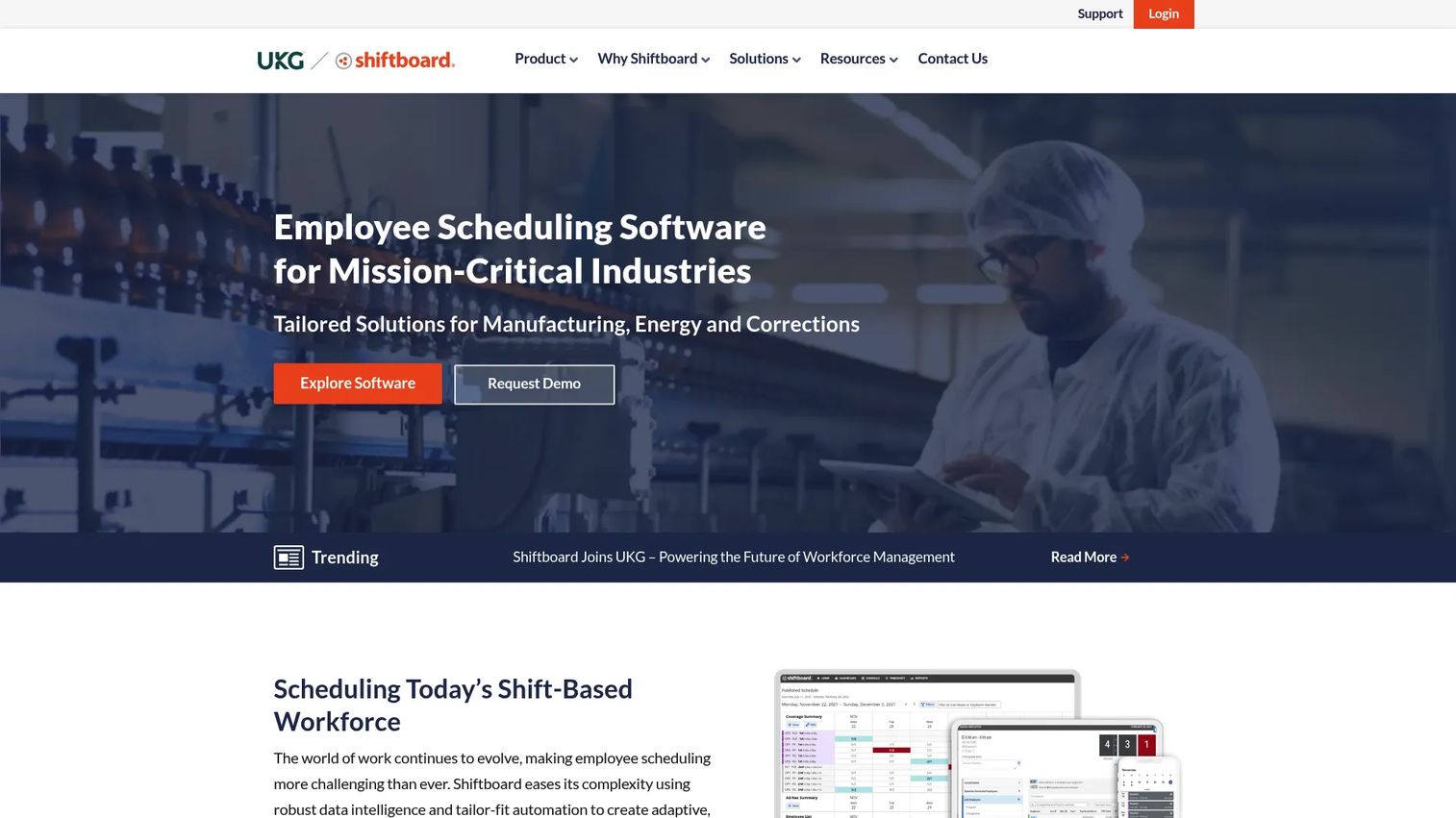
Shiftboard is the option for operations where coverage is not optional. It is built for shift-based organizations that treat scheduling as mission-critical: manufacturing, energy, healthcare, corrections, and logistics. The platform focuses on configurable scheduling rules, coverage optimization, and compliance rather than lightweight ease of use. When a missed shift means a safety risk or a regulatory violation, Shiftboard is designed for that stakes level.
Best for: Shift-based organizations needing configurable scheduling, compliance, and coverage optimization.
Key strengths
- Schedule automation: Rules-based scheduling that fills coverage from qualifications, availability, and demand instead of manual assignment.
- Shift trading and self-service: Workers pick up open shifts and trade coverage within the rules you set, reducing manager load.
- Compliance and fatigue risk management: Built-in guardrails for labor rules and fatigue thresholds where over-scheduling carries real risk.
Why choose Shiftboard: If your operation has hard compliance requirements, complex coverage rules, and vertical-specific needs, Shiftboard is built for that complexity rather than around it. It rewards teams that need configurability over teams that want a five-minute setup. For a founder scaling a regulated or safety-critical operation, it is the platform that treats labor forecasting and coverage as controllable, not accidental.
Shiftboard pricing: Shiftboard lists two subscription plans, Enterprise and Enterprise Plus. Pricing is quote-based, with no public price shown on the plans page. You engage sales for a figure scoped to your headcount, locations, and compliance needs. That model fits its target buyer, larger and more complex operations, but expect a sales conversation rather than a self-serve signup.
2. Sling
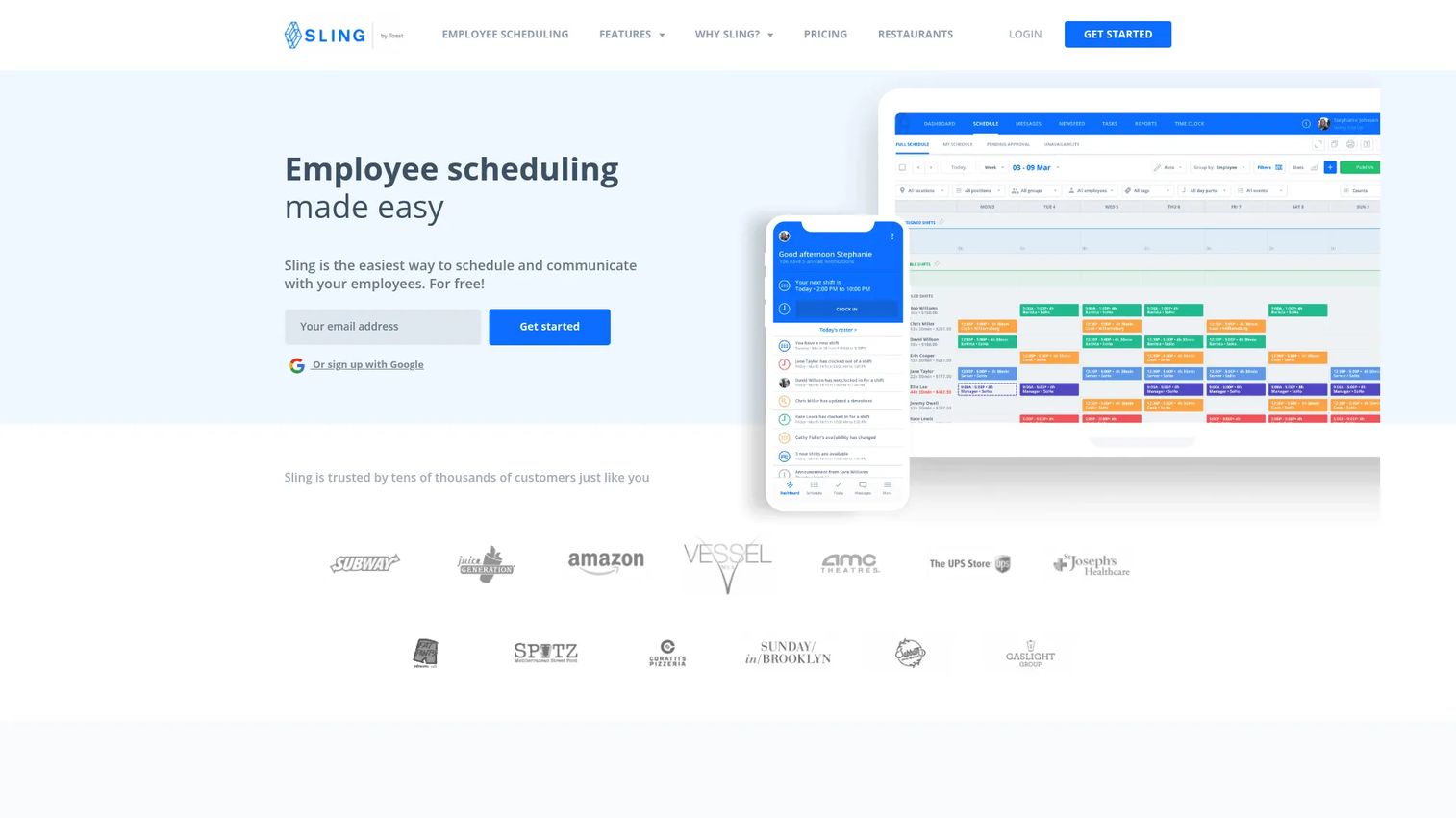
Sling is the simple-but-complete choice for small to mid-sized hourly teams. It bundles shift scheduling, time tracking, and team messaging in one tool, so you get scheduling and communication without stitching together separate apps. It is the shift scheduling tool a founder can hand to an operations lead and expect adoption within a week. The interface stays approachable while still covering the fundamentals most teams need.
Best for: Shift-based teams needing scheduling plus time tracking in one tool.
Key strengths
- Shift scheduling: Build and publish schedules quickly, handle shift swaps, and manage open shifts without spreadsheet gymnastics.
- Time tracking: Clock-in and clock-out records tied to the schedule, with timesheet export toward payroll.
- Team messaging and announcements: Communication built into the same tool, so schedule changes and coverage requests live where the schedule does.
Why choose Sling: Sling wins on ease and price for teams that want the essentials without complexity. It handles the core loop of scheduling, time tracking, and labor cost control at a scale a growing company can adopt without a rollout project. For founders who want scheduling systematized without a heavy commitment, it earns its place fast.
Sling pricing: Sling offers a Free plan for up to 30 users. The Premium plan runs $2.00 per user per month billed monthly, or $1.70 per user per month billed annually. The Business plan is $4.00 per user per month monthly, or $3.40 per user per month annually. Annual billing saves 15%. The free tier makes it a low-risk starting point for a single team.
3. When I Work
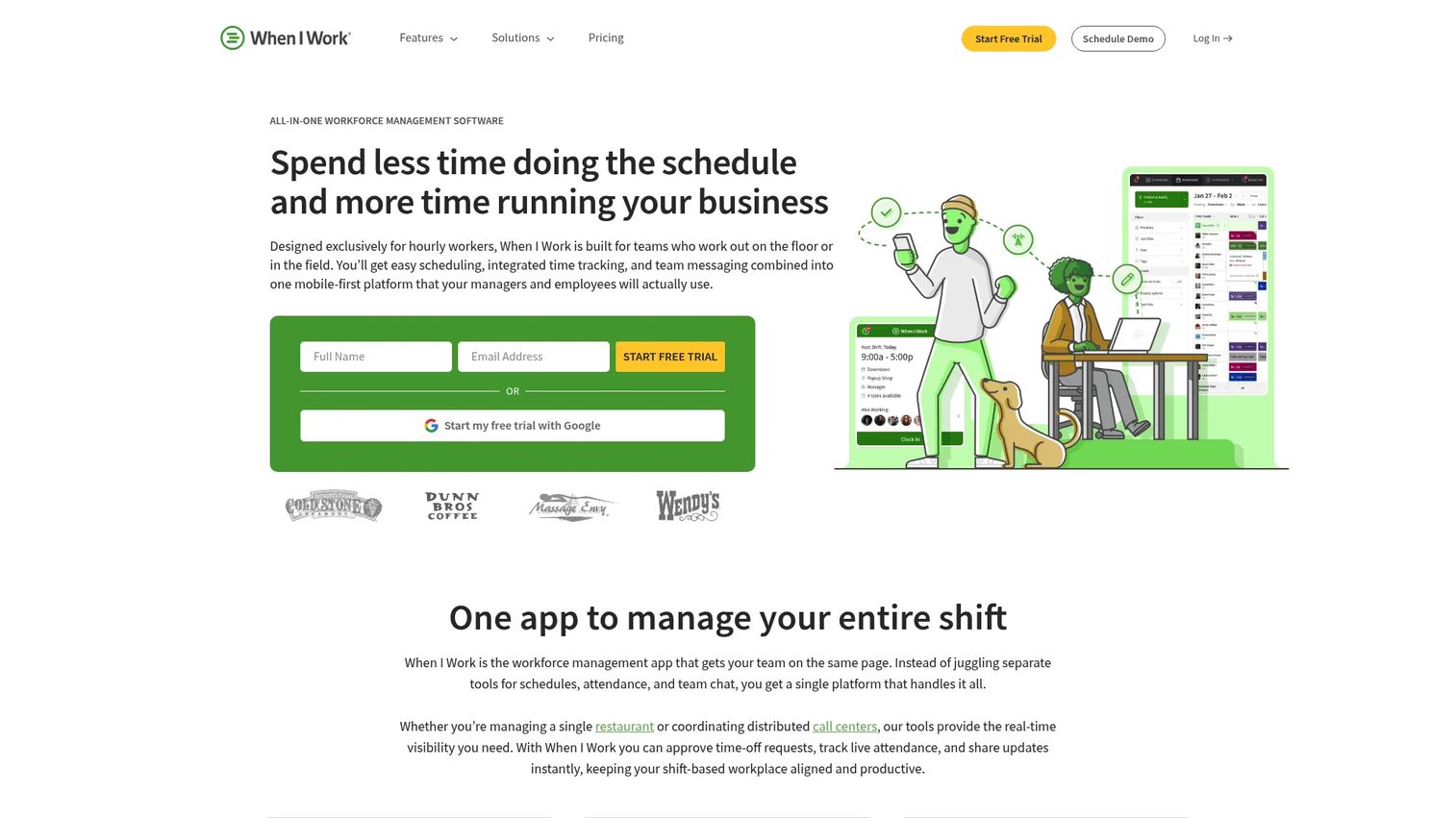
When I Work is built for mobile-first hourly teams that need to update and access schedules from a phone. It pairs employee scheduling with time and attendance and team messaging, and leans hard into self-service. Employees set availability, grab open shifts, and swap coverage from the app, which cuts the volume of scheduling requests a manager has to field. For distributed or on-the-move teams, that mobility is the differentiator.
Best for: Shift-based businesses that need scheduling, attendance, and messaging in one tool.
Key strengths
- Employee scheduling: Fast schedule creation with open shifts, auto-scheduling, and availability management for quick updates.
- Time tracking and attendance: GPS clock-in and geofencing tie attendance to location, keeping timesheets honest.
- Team messaging: Built-in communication so shift notifications and changes reach employees where they already are.
Why choose When I Work: If your team lives on their phones and schedules change often, When I Work removes the friction of last-minute updates. Strong self-service means employees resolve their own availability and swaps, freeing managers for real work. It fits hourly teams that value speed and mobile access over deep configurability.
When I Work pricing: Three paid plans are published. Essentials is $2.50 per user per month, Pro is $5 per user per month, and Premium is $8 per user per month. A 14-day free trial is available with no credit card required, though there is no permanent free tier. The tiered structure lets you start light and add attendance and forecasting features as you scale.
4. Connecteam
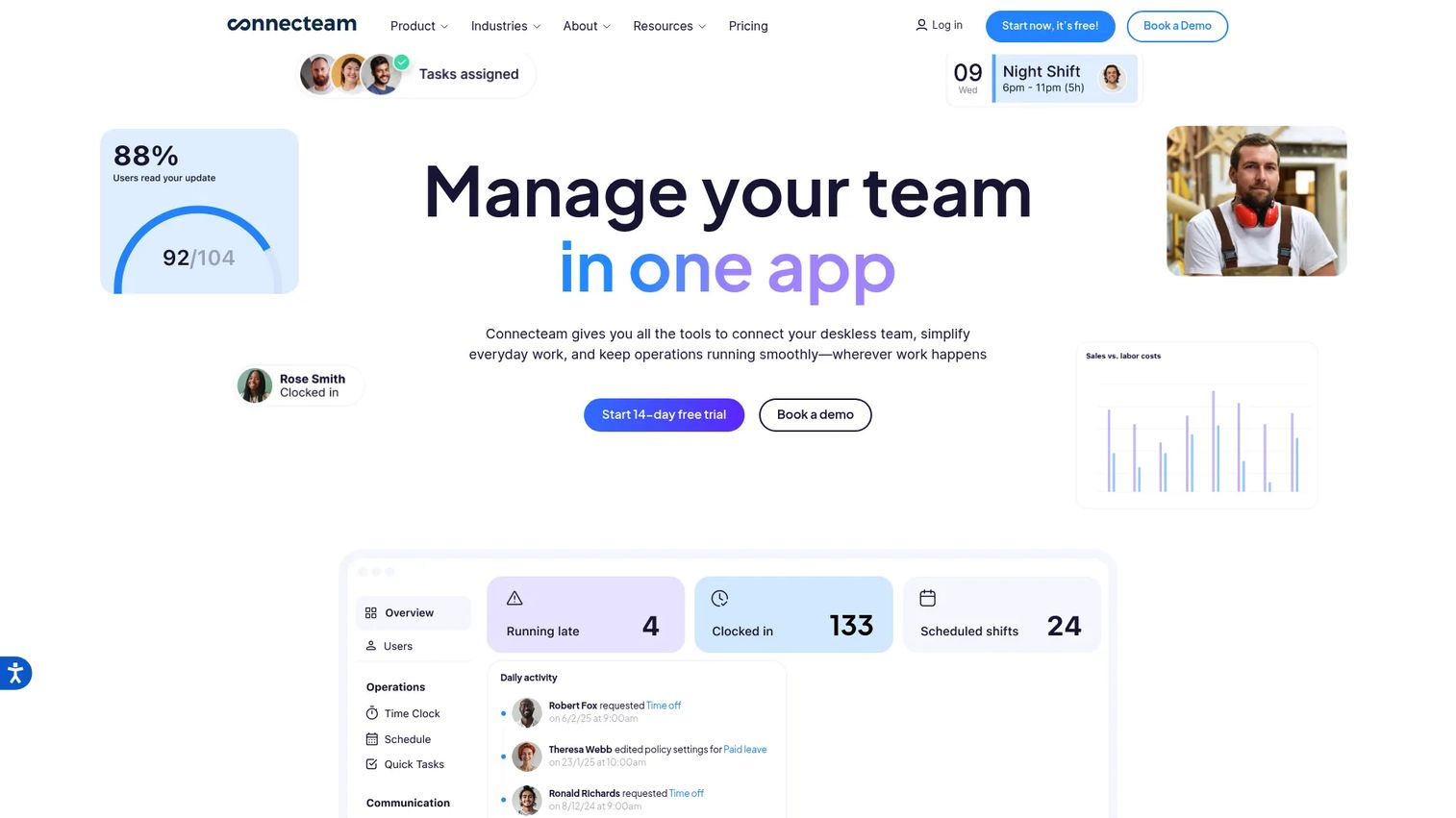
Connecteam is an all-in-one workforce management platform for deskless and frontline teams. Scheduling is one module inside a wider system that also covers time tracking, internal communication, and HR tasks like training and document management. If you want shift scheduling to live alongside the rest of your frontline operations rather than in a standalone app, Connecteam is built for that consolidation. It suits teams that are tired of managing separate tools for scheduling, chat, and onboarding.
Best for: Deskless and frontline businesses needing scheduling, time tracking, and internal communications.
Key strengths
- Time clock and scheduling: Shift scheduling and time tracking in one place, with mobile clock-in for frontline staff.
- Team communication and updates: In-app chat, announcements, and shift notifications so operational messaging stays in one system.
- HR training, documents, and courses: Onboarding, training, and document workflows extend the platform beyond scheduling.
Why choose Connecteam: Connecteam fits when scheduling is one piece of a broader frontline workforce problem. Instead of a scheduler plus a chat app plus an onboarding tool, you consolidate. For a founder trying to reduce tool sprawl while giving frontline managers a single operations app, that breadth is the draw.
Connecteam pricing: Public pricing shows a Basic plan at $29 per month, Advanced at $49 per month, and Expert at $99 per month, all billed monthly with yearly options available. The first 30 users are included at the base price, and a 14-day free trial is offered. There is also a free tier, making it accessible for smaller teams to start.
5. Rippling
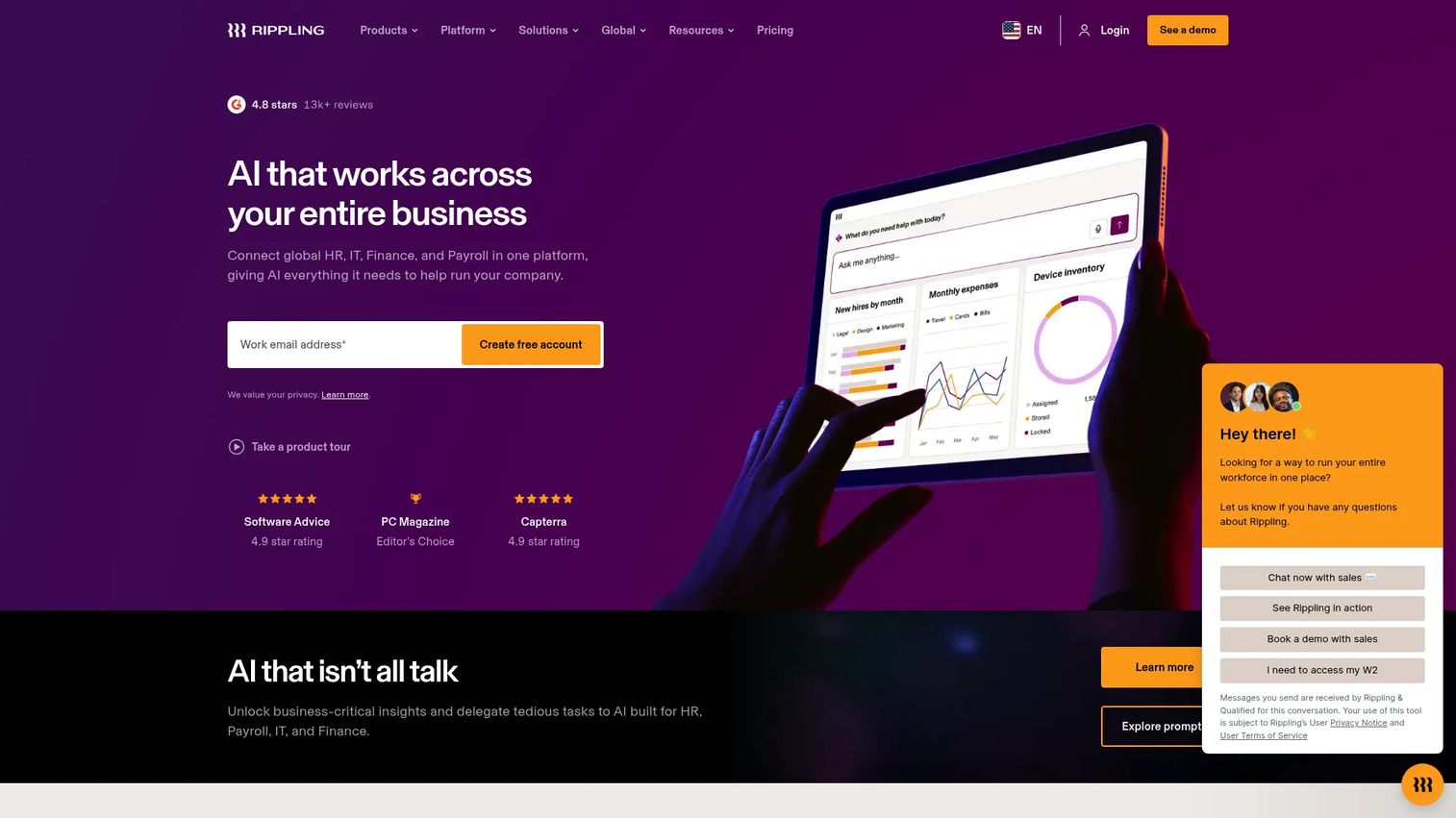
Rippling is the choice when you want scheduling connected to everything else in your people stack. It is an all-in-one platform for HR, payroll, IT, and spend management, with scheduling and time and attendance as part of a unified system. The value here is not scheduling in isolation, it is scheduling that flows directly into payroll, benefits, and employee data without re-entry. For a founder consolidating HR infrastructure, that connection is the point.
Best for: Companies wanting a unified HR, IT, payroll, and spend platform.
Key strengths
- Unified HR and payroll: HRIS, payroll, benefits, recruiting, performance, scheduling, and time and attendance in one platform.
- IT and device management: Identity, access, device management, and inventory alongside the HR stack.
- Finance and spend tools: Corporate cards, expenses, bill pay, and travel connected to the same employee data.
Why choose Rippling: Rippling suits companies that want to stop stitching HR, payroll, and scheduling together across tools. When employee data lives in one system, scheduling and time tracking feed payroll automatically, and onboarding a new hire configures their access, pay, and shifts at once. It is the consolidation play for companies ready to unify operational data.
Rippling pricing: Rippling uses custom, quote-based pricing. Products can be purchased separately alongside the core Rippling Platform, and most are billed per employee per month, with some monthly base fees. There is no public starting price. Expect a sales conversation scoped to which modules you need, which fits its position as a broad platform rather than a point scheduling tool.
6. 7shifts
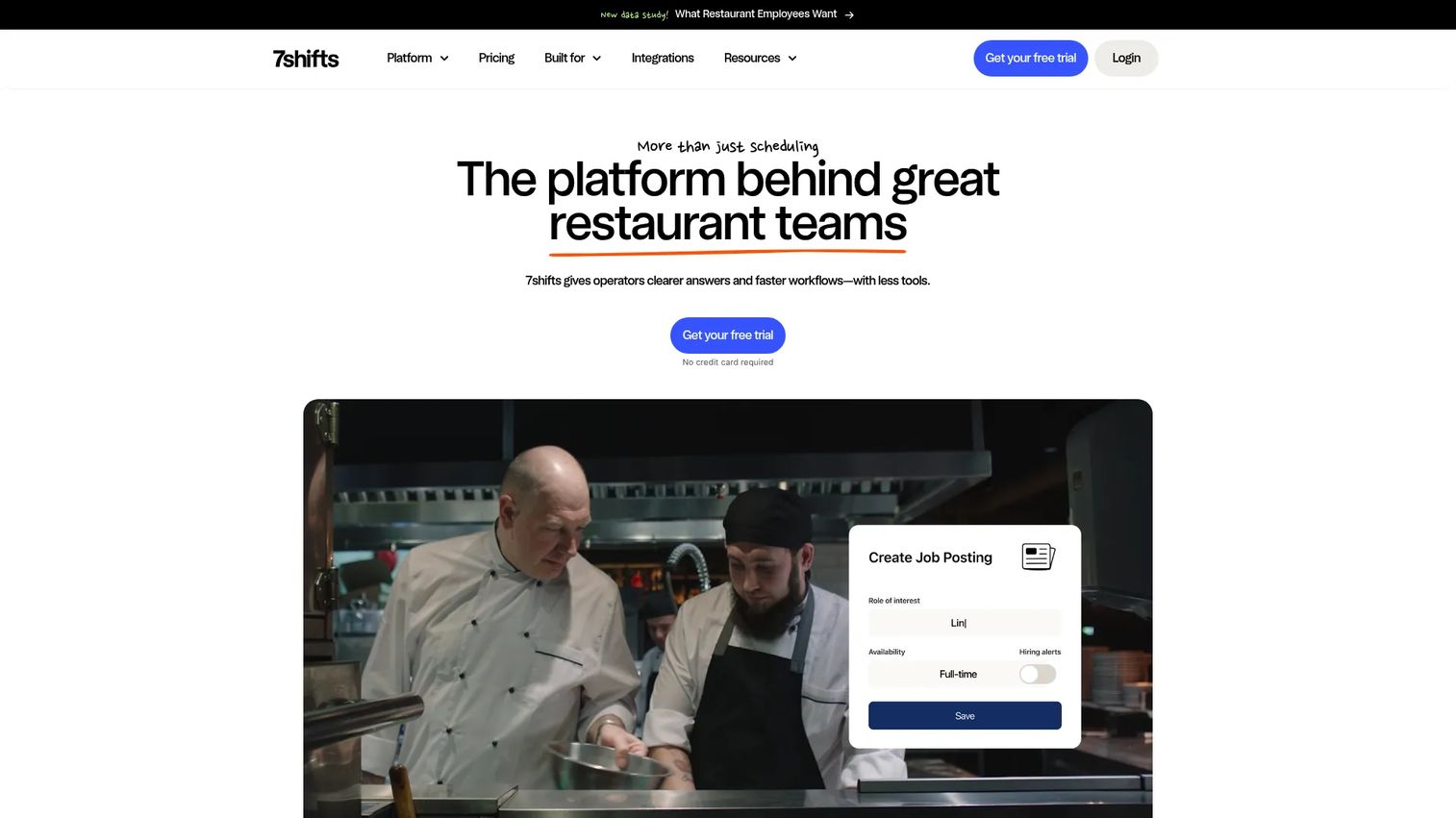
7shifts is purpose-built for restaurants. It handles restaurant scheduling, availability management, team communication, time clocking, labor compliance, and payroll tools, with workflows shaped around hospitality realities like tips and location-based labor. Restaurants often pick specialized scheduling software because generic tools miss the specifics of shift planning around covers, roles, and tip management. 7shifts covers those without forcing a workaround.
Best for: Restaurants that need an all-in-one scheduling and team management platform.
Key strengths
- Restaurant scheduling and availability: Shift planning and availability management built around restaurant roles and coverage patterns.
- Team communication and shift notifications: In-app messaging and alerts keep front and back of house coordinated on changes.
- Time clocking, labor compliance, and payroll: Time tracking with labor compliance guardrails and payroll integration for hospitality.
Why choose 7shifts: If you run restaurants, a hospitality-specific tool removes the friction of bending a generic scheduler to your workflow. Tip management, labor compliance, and restaurant-shaped scheduling come standard rather than as add-ons you build around. For a multi-location restaurant operator, that fit shortens the path from setup to daily use.
7shifts pricing: The published pricing page shows four plans. Comp is free, Entrée is $29.99 per month per location, The Works is $69.99 per month per location, and Gourmet is $135 per month per location. A 14-day free trial is offered, and add-ons include Tip Management, Manager Log Book, Task Management, and Employee Onboarding. The per-location model fits multi-site restaurant groups.
7. ADP Workforce Now
ADP Workforce Now is the enterprise suite for businesses that need scheduling inside a larger HR, payroll, and compliance system. It is an AI-powered cloud HCM suite covering HR, payroll, workforce management, benefits, talent, and analytics for mid-sized and enterprise organizations. Scheduling here is one function within a governed, integrated platform, and the value is consolidation and process alignment across a large workforce rather than a standalone scheduler.
Best for: Mid-sized to enterprise businesses needing an integrated HR and payroll platform.
Key strengths
- Full HCM suite: HR, payroll, workforce management, benefits, talent, and reporting and analytics in one platform.
- Continuous payroll with anomaly detection: Payroll that calculates continuously with AI-powered anomaly detection to catch errors early.
- Employee self-service and mobile access: Self-service and mobile access so employees manage their own information and schedules.
Why choose ADP Workforce Now: ADP fits enterprises where scheduling has to align with payroll governance, compliance, and established HR process across a large headcount. The value is a single system of record with the controls and reporting that scale and due diligence demand. For companies past the point where point tools suffice, the integration and governance are the draw.
ADP Workforce Now pricing: ADP lists Select, Plus, and Premium packages, but no public prices are shown. Pricing is handled through "Get pricing" and "Talk to sales." Expect a scoped quote based on headcount, modules, and payroll complexity, consistent with its enterprise positioning.
Considerations before you buy
Before you commit, run every shortlisted tool through these criteria. The right choice depends less on feature count and more on fit with your operation.
Mobile access and self-service
Frontline and hourly employees live on their phones. Evaluate how well each tool handles mobile scheduling, shift swaps, and availability from a device. Strong self-service reduces the volume of requests a manager fields, which is where most scheduling time goes. If the mobile experience is an afterthought, adoption suffers.
Time and attendance accuracy
Scheduling and time tracking should be one loop, not two systems. Look for GPS clock-in and geofencing where location matters, and confirm timesheets flow cleanly into payroll. Accurate attendance data is what turns scheduling into real labor cost control rather than a planning exercise.
Compliance and labor rules
Overtime rules, break requirements, and labor law vary by state and industry. Check that the tool enforces the compliance guardrails your operation needs, especially in regulated or multi-location contexts. Compliance failures are expensive, and the right software catches them before payroll runs.
Payroll and stack integration
A scheduling tool that does not connect to payroll creates re-entry work and errors. Verify payroll integration and how the tool fits your existing HR and workforce management stack. For founders, stack fit is often the deciding factor, because a tool that replaces something or connects cleanly beats one that adds a silo.
Scale and multi-location control
If you run or plan to run multiple locations, confirm the tool gives central visibility with local flexibility. Multi-location scheduling that forces one rigid structure across sites, or fragments into separate accounts, will not hold as you grow.
Conclusion
The best shift management software is the one that matches your scale, compliance exposure, and existing stack, not the one with the longest feature list.
For complex operational environments with hard compliance needs, choose Shiftboard. For simple hourly scheduling that a team adopts in a week, Sling or When I Work are the strongest starting points. For broader workforce operations where scheduling is one piece of a wider frontline or HR system, Connecteam or Rippling consolidate the sprawl. For restaurants, 7shifts fits the specifics of hospitality without a workaround. And for enterprises that need scheduling inside a governed HR and payroll suite, ADP Workforce Now is built for that scale.
Start with the option that matches where you are now, not where you might be in three years. A tool your operations lead actually adopts this quarter beats a heavier platform that stalls in rollout. Systematize scheduling before unplanned overtime and coverage gaps show up on your labor cost line.
If part of your evaluation is showing stakeholders how a tool actually works, an interactive demo turns a static feature list into something a team can experience before committing. Start your journey with Guideflow today!
FAQs
Shift management software is a tool for building employee schedules, managing availability, handling shift swaps and PTO, and tracking attendance across shift-based teams. It replaces spreadsheets and group texts with a single system of record for who works when and what that labor costs. Most tools also connect scheduling to time tracking and payroll.
The core features are automated schedule creation, mobile access, open shifts and shift swaps, time and attendance tracking, labor forecasting, and payroll integration. For most teams, mobile self-service and clean payroll sync matter most day to day, because they remove the two biggest sources of manual work. Compliance guardrails become critical in regulated or multi-location operations.
Shift management software is narrower and scheduling-focused: building schedules, managing swaps and availability, and tracking attendance. Workforce management software is broader and often includes HR, payroll, benefits, labor forecasting, and compliance across the full employee lifecycle. Tools like Rippling and ADP Workforce Now sit on the workforce management end, while Sling and When I Work focus on scheduling.
Small teams often start with spreadsheets and group texts, and that works while the team is tiny and schedules rarely change. Software becomes worth it when schedules change weekly, coverage errors get costly, or a manager spends real hours on scheduling and swaps. Free tiers from tools like Sling, Connecteam, and 7shifts make it low-risk to start early.
Hourly teams should prioritize mobile access, employee self-service, built-in communication, accurate time tracking, and ease of use for frontline staff. If employees cannot set availability, grab open shifts, and swap coverage from their phones, adoption will lag and the tool will not deliver. Simplicity for the frontline usually beats depth of configuration for smaller teams.
Shift software reduces overtime through rules-based scheduling, better coverage planning, open shift assignment, and visibility into scheduled hours versus demand. Instead of discovering overtime after payroll runs, you see it building against forecasted labor need and can rebalance before it happens. Automated scheduling tools cut labor costs by an average of 8.2% annually versus manual methods, per Dataintelo (2025).
Restaurants, retail, healthcare, manufacturing, logistics, hospitality, and field service benefit most, because they run large hourly workforces with variable demand and shifting coverage needs. These are the operations where scheduling errors translate directly into cost, compliance risk, or lost coverage. The more your labor cost moves with demand, the more scheduling automation and labor forecasting pay off.