Your product is clear to everyone who built it. It's not clear to the prospect who just landed on your pricing page, the AE heading into a discovery call, or the new customer trying to figure out which feature to use first.
Static screenshots don't show workflow. Long live demo cycles don't scale. According to Wyzowl's 2026 report, 93% of video marketers say video helps people understand their product, yet only 39% of video marketers actually create product demo videos. The gap is a production bottleneck, not a motivation problem.
Product demo video software closes that gap. But the category now covers four meaningfully different workflows: Interactive demos that buyers click through themselves, screen recordings for polished or quick walkthrough videos, AI-generated presenter videos for education and localization, and professional editors for launch-quality assets. Choosing the wrong one wastes time and produces content your sales team won't use.
This guide helps you pick the right tool for each moment in your GTM motion.
What's inside
This guide is for PMMs, growth marketers, and sales enablement teams choosing product demo tools in 2026. Here's how tools were evaluated:
- Demo workflow fit: Does it match the actual job - launch asset, website embed, sales leave-behind, or training content?
- PMM usability: Can you publish without waiting on design or engineering?
- Analytics and shareability: Can you measure what's working and distribute easily?
- Pricing clarity: Are tiers and entry points clearly published?
Pricing and G2 ratings were verified against each vendor's live pages at writing time.
TL;DR
- Best for interactive product demos: Guideflow covers interactive demos, sandboxes, demo centers, live demos, and mobile demos in one platform
- Best for polished screen recordings: Screen Studio, macOS only, with automatic zoom and cursor effects
- Best for quick async demo videos: Loom, for one-to-one and internal sharing
- Best for hosted video distribution: Vimeo, for teams that need reliable embeds and viewer analytics
- Best for AI-generated explainer videos: HeyGen or Synthesia, depending on whether you need multilingual avatars or structured training flows
- Best for professional editing: Adobe Premiere (Creative Cloud teams) or Final Cut (Mac-native editors)
What is product demo video software?
Product demo video software helps teams create, edit, share, and measure product demonstrations that show how software works. The category spans five distinct workflows, and choosing based on feature lists without matching workflow first is the most common reason PMMs end up with content nobody uses.
The five workflows this category covers:
- Interactive demos: Clickable, guided product experiences buyers navigate on their own
- Screen recordings: Captured product walkthrough videos with narration, zoom, and annotations
- AI-generated demos: Script, avatar, or document-to-video workflows at scale
- Hosted video: Distribution, branded player controls, and viewer analytics
- Professional video editors: Full post-production for polished launch and brand assets
Key capabilities to look for:
- Screen capture or browser-based capture
- Cursor smoothing, zoom, callout, and annotation tools
- Script, voiceover, webcam, or avatar support
- Editing and export formats (MP4, GIF, PDF)
- Personalization and localization
- Embeds, CTAs, and form captures
- Analytics, completion tracking, and CRM integrations
- Versioning and update workflows for fast-moving products
Where the category boundary sits: Recorded videos work best when the viewer should watch a polished story. Interactive demos work best when the viewer should click, explore, and self-qualify before talking to sales. Both belong in a PMM's toolkit. They serve different moments.
When to use product demo video software
Launch a feature without waiting on a live demo
A launch window doesn't wait for the sales calendar. Product demo video software lets you capture a workflow and publish it to a landing page, release note, or email sequence before the live demo cycle catches up. For PMMs who own launch velocity, this is the bottleneck the right tool eliminates.
Give sales a follow-up asset buyers can share
Sales calls don't scale across buying committees. A short screen recording or a clickable interactive demo becomes a leave-behind the champion can forward internally. The right tool makes that asset easy to create, track, and update when messaging shifts.
Educate users after signup
Onboarding content, feature adoption emails, and help center embeds all rely on the same asset types. PMMs working with CS teams use demo video software to build education content that scales without scheduling live walkthroughs for every new cohort.
Product demo video software comparison
The tools below are ordered by workflow fit for PMMs, not alphabetically. Start with the column "Best for" to find your primary use case, then check pricing and rating before shortlisting.
| # | Product | Best for | Key differentiator | Pricing | G2 rating |
|---|---|---|---|---|---|
| 1 | Guideflow | Interactive demos, sandboxes, and demo centers | Five demo formats plus engagement analytics and CRM sync | Free; paid from $35/month | 5.0/5 |
| 2 | Screen Studio | Polished screen recordings on macOS | Automatic zoom, cursor smoothing, 4K export | From $9/month (billed yearly) | 4.5/5 |
| 3 | Loom | Fast async demo videos | Quick recording, share link, and viewer insights | Free; paid from $18/user/month | 4.7/5 |
| 4 | Vimeo | Hosting and distributing demo videos | Ad-free player, privacy controls, viewer analytics | Free; paid from $12/seat/month | 4.3/5 |
| 5 | Leadde | AI-generated SaaS demo videos from documents | Document-to-video and avatar creation | Free; paid from $18/month | N/A |
| 6 | HeyGen | Avatar-led product explainers with localization | 175+ language translation with lip sync | Free; paid from $29/month | 4.8/5 |
| 7 | Synthesia | Scalable training and enablement AI videos | AI presenter videos, AI screen recorder, SCORM export | Free; paid from $29/month | 4.6/5 |
| 8 | Camtasia | Training-style product videos with editing | Screen recording plus timeline editing and callouts | From $39/year (Starter) | 4.6/5 |
| 9 | Adobe Premiere | Professional launch and brand videos | Full pro editing with Creative Cloud integration | From $22.99/month | 4.5/5 |
| 10 | Final Cut Pro | Apple-based pro video workflows | Magnetic timeline, one-time purchase option | From $12.99/month or $299.99 one-time | 4.4/5 |
Best 10 product demo video software tools for 2026
1. Guideflow
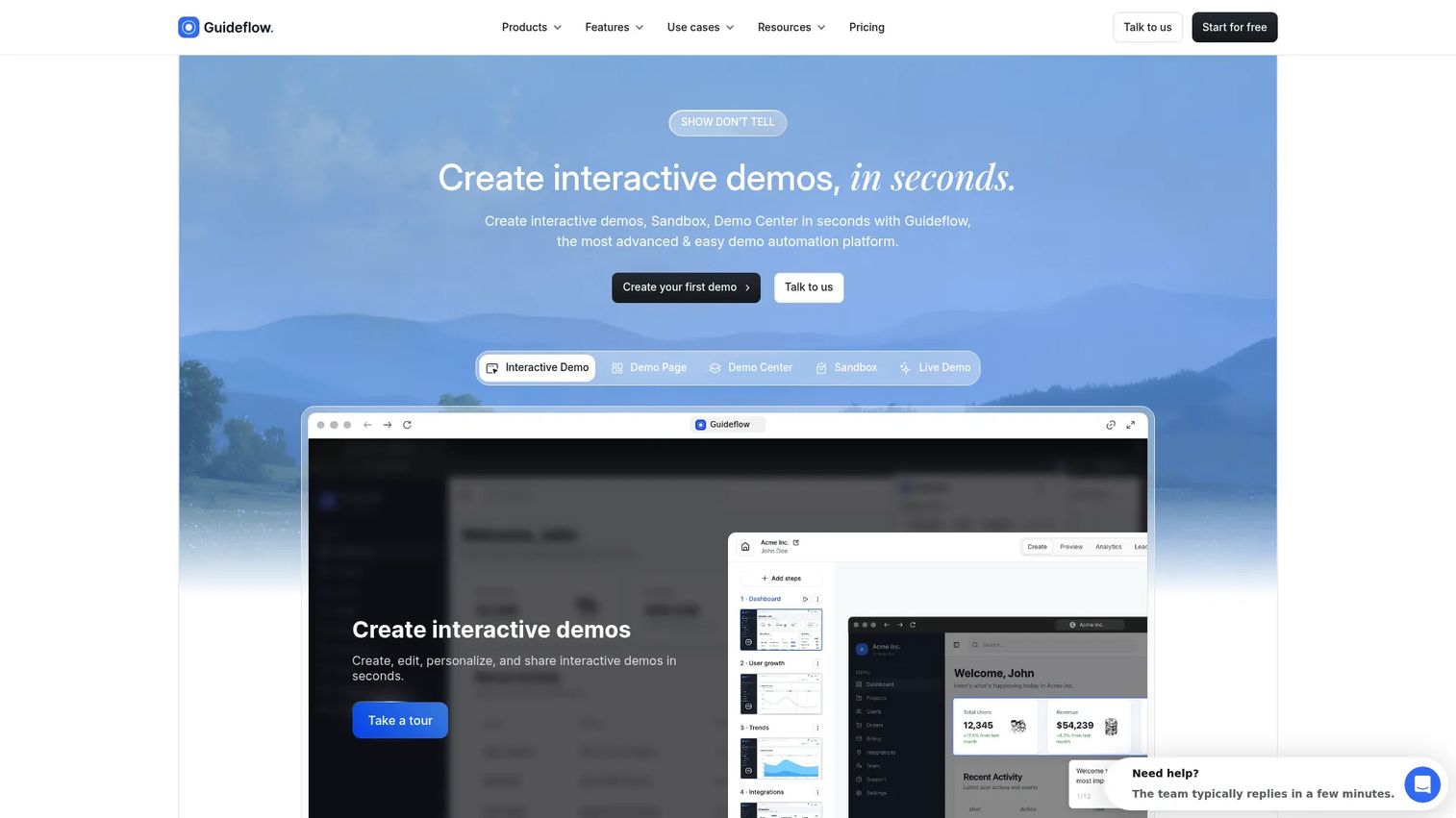
Guideflow is a demo automation platform for creating guided, personalized, shareable product experiences. PMMs use it to capture product flows, publish them as clickable demos, embed them on websites, and send them as sales leave-behinds, all without touching engineering. The platform covers five demo formats in a single workspace: Interactive demos, sandboxes, demo centers, live demos, and mobile demos.
Best for: PMMs and GTM teams that need buyers to experience the product, not just watch it, across launches, sales enablement, website conversion, and onboarding.
Key features
- Interactive demos and guided click paths
- Sandboxes for free-form product exploration
- Branded demo centers that organize all demos by use case or persona
- Personalization with CRM variables, AI editing, and voiceovers
- Engagement analytics with completion tracking and CRM sync
Why choose Guideflow: Guideflow fits teams whose product value lands through interaction. Interactive demos guide the story; sandboxes let buyers validate; demo centers organize the full library. If your sales team keeps asking for better follow-up assets or your website visitors don't understand the product from copy alone, the interactive format delivers materially higher engagement than a static screenshot or recorded video.
Guideflow pricing: A free plan is available. Paid plans start at $35/month (Solo), then Growth at $499/month and Advanced at $1,499/month. Enterprise starts at $2,999/month.
G2 rating: 5.0/5 (142 reviews)
Start your journey with Guideflow today!
2. Screen Studio
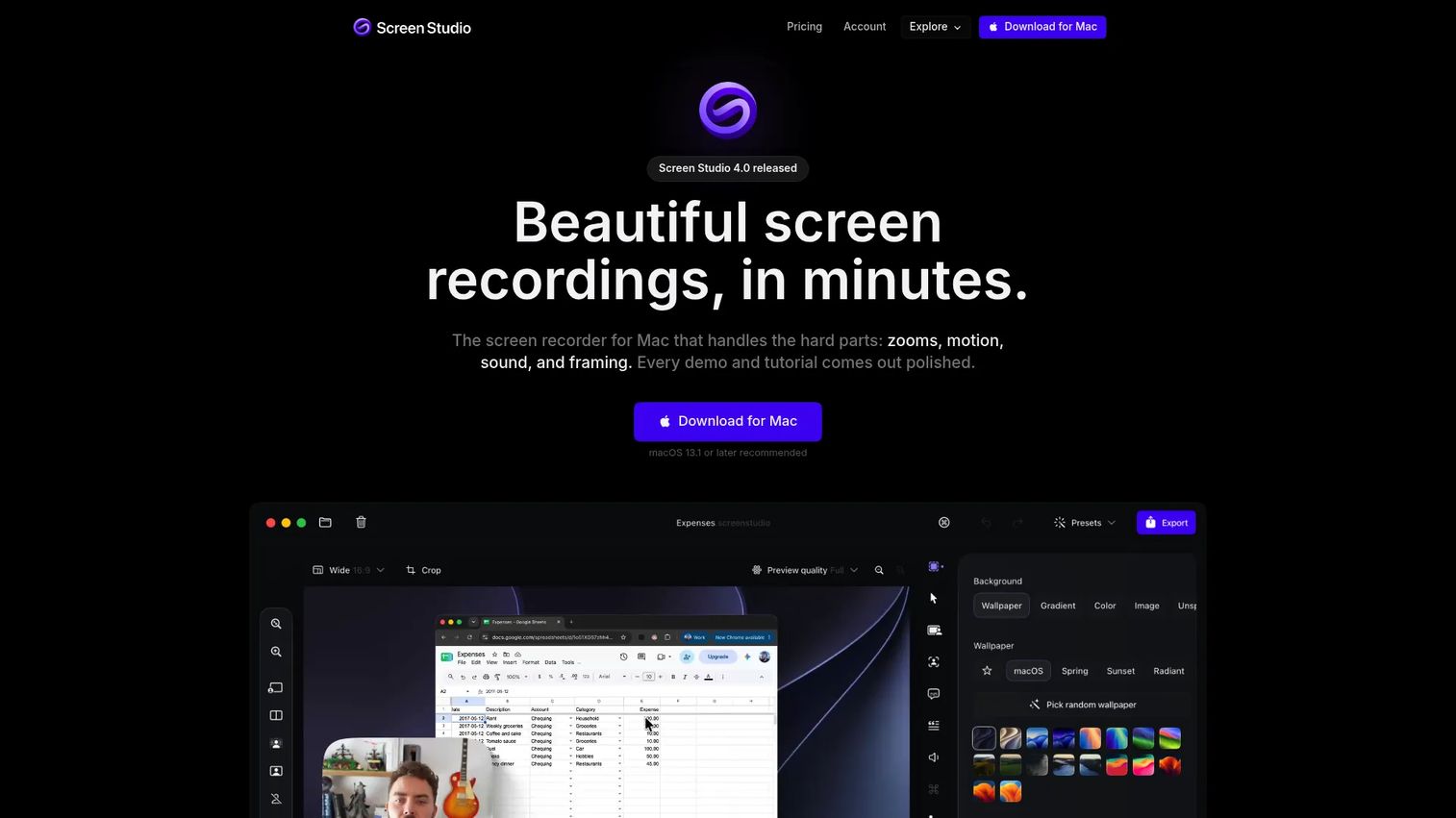
Screen Studio is a macOS screen recorder built for polished product demo videos, tutorials, and social content. It records your screen, webcam, microphone, and system audio, then applies automatic zoom effects and cursor smoothing so the final output looks edited even without timeline work. It's popular among founders and PMMs who want a professional-looking product video without hiring a video editor.
Best for: Mac-based PMMs, founders, and content creators who need polished product walkthrough videos without a dedicated editing workflow.
Key features
- Automatic zoom effects tied to cursor movements
- Cursor smoothing and path customization
- Webcam, microphone, and system audio recording
- 4K video export and GIF export
- Shareable links and shared projects
Why choose Screen Studio: Good fit when the product story is linear and visual polish is the priority. Note that it's macOS only, which affects adoption on cross-platform teams. For video distribution and analytics, you'll want to pair it with a hosting platform.
Screen Studio pricing: Plans start at $9/month billed yearly. Monthly billing is $29/month. A free trial is available; all features are included on both plans.
G2 rating: 4.5/5
3. Loom
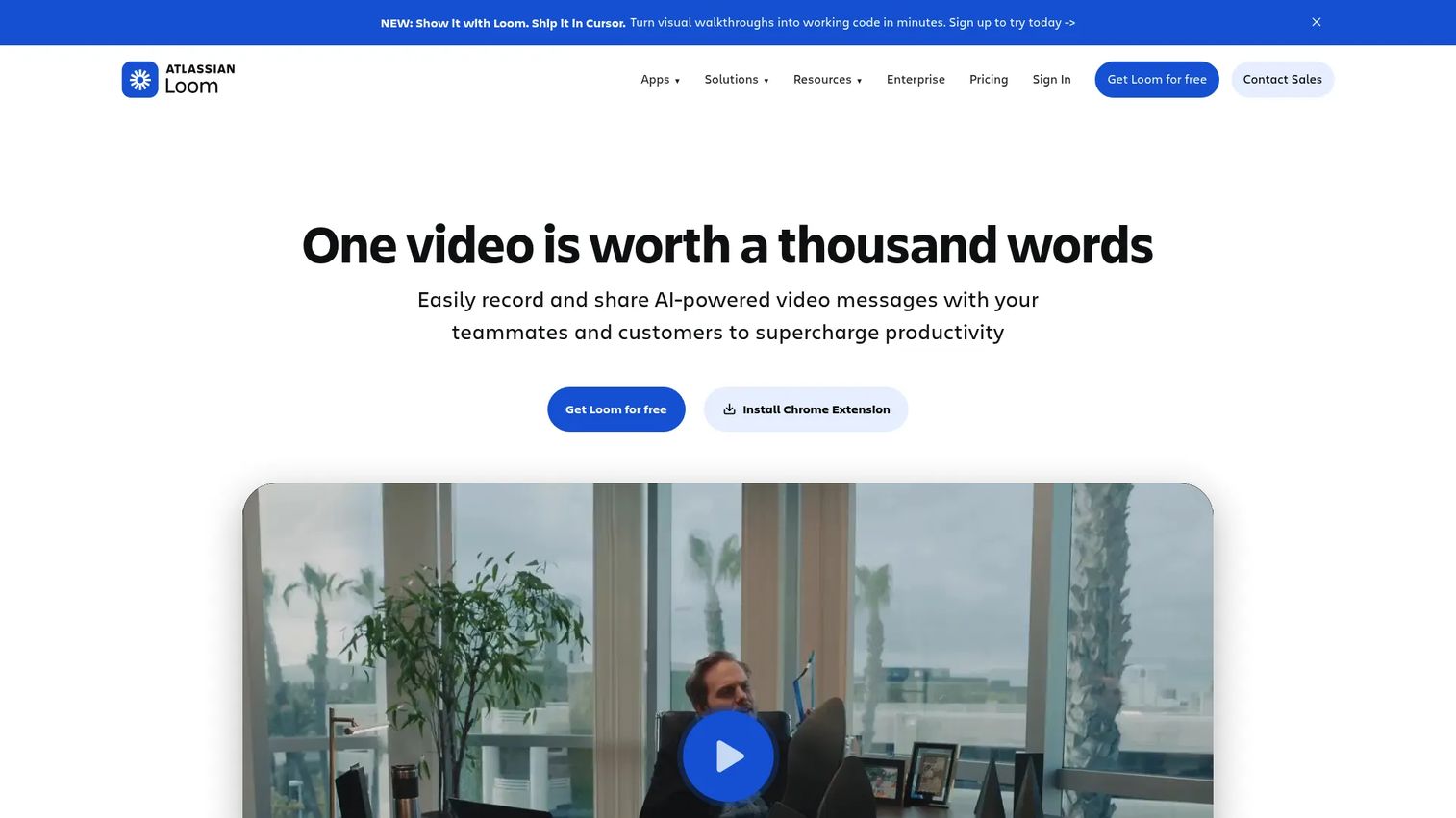
Loom is a video communication platform for recording and sharing screen-and-camera videos quickly. It's built for async sharing: You record, get a link immediately, and the recipient can comment, react, and see who watched. AI features generate titles, summaries, chapters, and meeting recaps automatically. Atlassian acquired Loom, and enterprise teams often use it for internal demos, handoff videos, and training clips.
Best for: PMMs and sales teams creating quick product explainers, handoff videos, and internal enablement clips where human context and speed matter more than production polish.
Key features
- Screen and camera recording with instant share links
- Viewer engagement insights (views, watch time, rewatch)
- AI-generated titles, summaries, and chapters
- Transcripts, captions, and comment threads
- Video libraries with folders and search
Why choose Loom: Strong for one-to-one or internal use cases where you want your face and voice in the frame. For reusable PMM assets on landing pages or in sales sequences, a more structured platform will give you better analytics and version control.
Loom pricing: A free Starter plan is available. Business is $18/user/month; Business + AI is $24/user/month. Enterprise pricing requires contacting sales.
G2 rating: 4.7/5
4. Vimeo
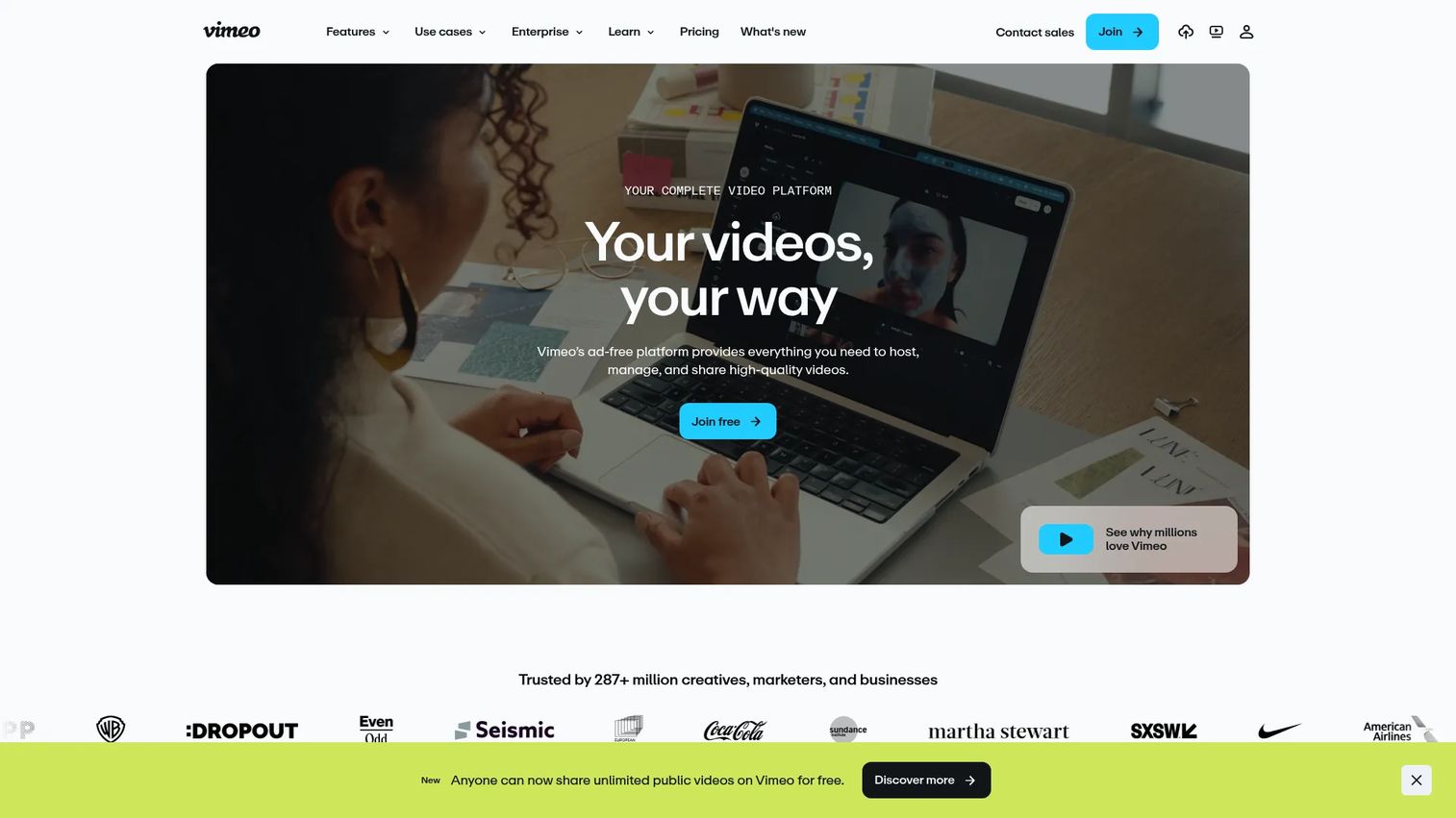
Vimeo is a professional video hosting, creation, and distribution platform. It handles the hosting and delivery side of your demo video workflow: Branded ad-free players, privacy controls, viewer analytics, and team collaboration with time-coded comments. It also includes a built-in screen recorder, AI script tools, and live streaming capabilities, making it a reasonable all-in-one for teams that already produce polished video.
Best for: Teams that have polished product demo videos and need reliable hosting, embeds, and viewer analytics at scale.
Key features
- Ad-free, branded video player with privacy controls
- Screen recording and AI script generation
- Viewer analytics (plays, completion, location, device)
- Time-coded comments and version history
- Live streaming and webinar support
Why choose Vimeo: Good fit when your team already produces polished video and needs a reliable distribution layer. Vimeo focuses on video hosting and operations rather than building interactive product experiences, so pair it with a creation tool that fits your recording workflow. Check out our best video editing software guide for complementary options.
Vimeo pricing: A free plan is available. Paid plans start at $12/seat/month (Starter), $25/seat/month (Standard), and $75/seat/month (Advanced). Enterprise pricing requires contacting sales.
G2 rating: 4.3/5
5. Leadde
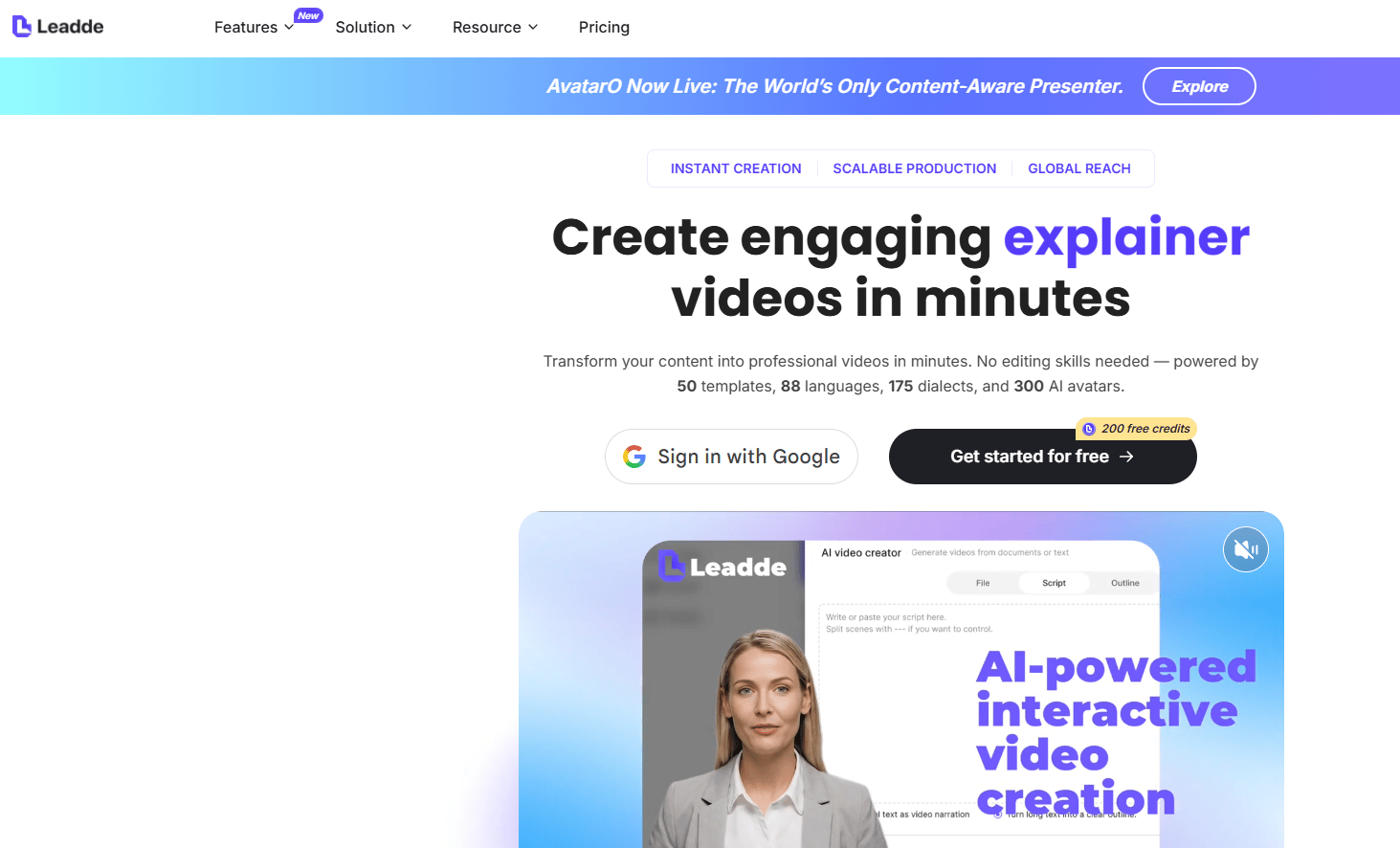
Leadde is an AI video platform focused on turning documents, presentations, scripts, and other written materials into multilingual demo and explainer videos. You upload a PDF, script, or set of slides, and the platform generates a video with AI narration or avatar presentation. It targets teams creating training, onboarding, and product explainer content who want to reduce editing time on routine video production.
Best for: SaaS teams that want to generate AI demo videos from existing launch materials, help content, or release notes without recording workflows.
Key features
- Document-to-video and slide-to-video generation
- AI avatars and custom avatar cloning
- Video and PPT translation and dubbing
- Knowledge base for source material management
- 1080p and 4K video export
Why choose Leadde: Good fit when you have written launch materials and need video outputs quickly. It handles the AI narration and video assembly, so the PMM's role becomes source material curation rather than recording. For teams without G2 data to compare against, testing the free tier first is the practical approach.
Leadde pricing: A free plan includes 200 credits. Starter is $18/month (or $216/year). Creator is $41/month (or $492/year) and includes 7,000 credits, 4K export, and brand kits.
6. HeyGen
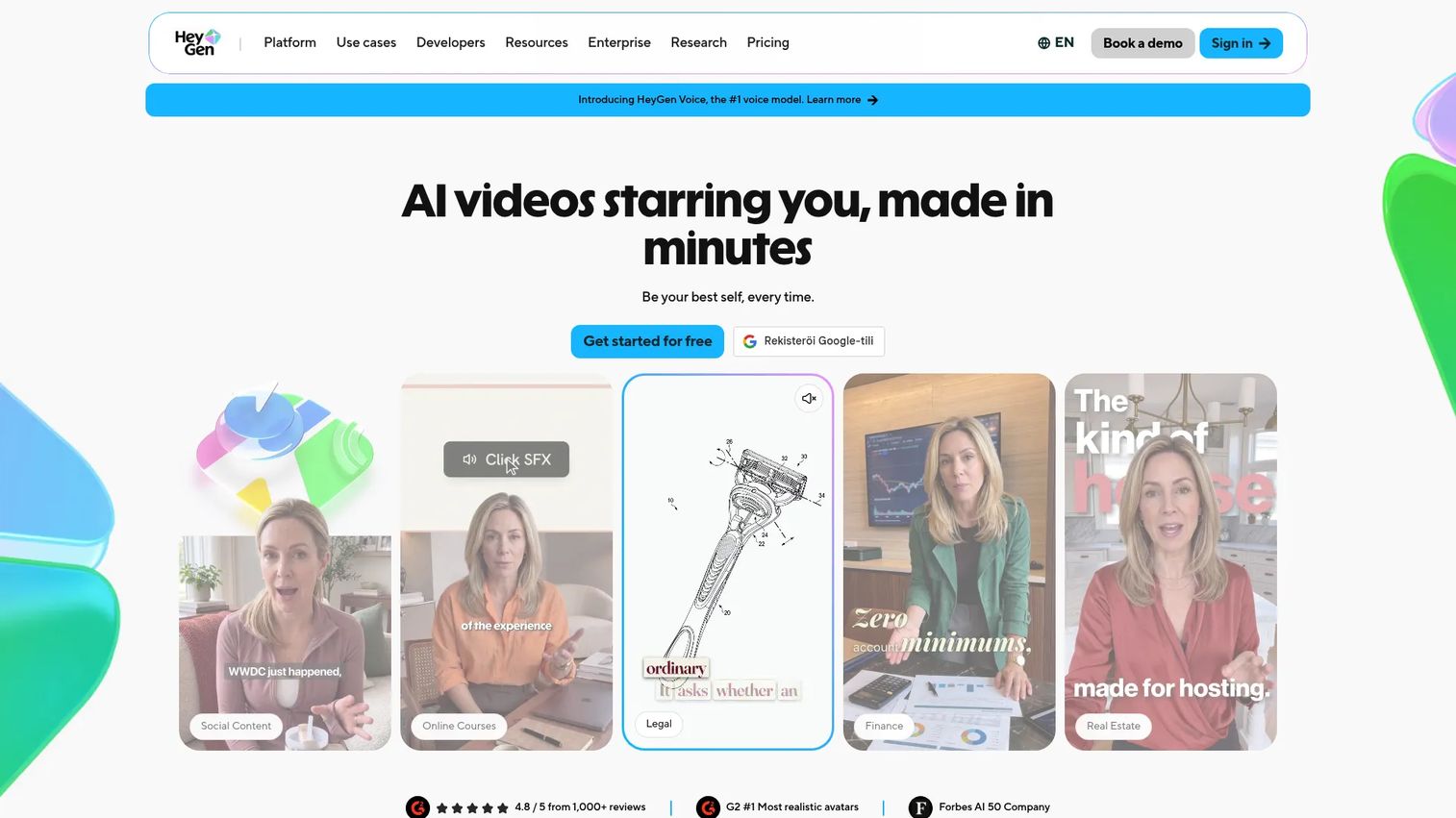
HeyGen is an AI video generation platform that creates presenter-led videos using avatars, voice generation, and localization. You write a script or upload a document, select an avatar, and HeyGen produces a finished video. Its standout capability is translation across 175+ languages and dialects with lip synchronization, which makes it practical for PMMs running multi-market launches who need localized product education at scale. The platform also handles PPT-to-video conversion and interactive video with SCORM export.
Best for: PMMs creating avatar-led product explainers, localized launch videos, and repeatable enablement clips without filming a human speaker.
Key features
- AI avatars with text-to-video creation
- 175+ language translation with lip sync
- Custom video avatar and voice cloning
- PPT and PDF-to-video conversion
- SCORM export and LMS integrations
Why choose HeyGen: Strong fit when the demo needs a presenter layer and you can't or don't want to film someone. Best suited for explainer-style assets rather than hands-on product evaluation. If your use case requires buyers to explore workflows themselves, an interactive demo format serves that job better. See our best AI video generators roundup for further comparison.
HeyGen pricing: A free plan includes up to 3 videos per month. Creator is $29/month ($24/month billed annually). Pro is $49/month. Business is $149/month plus $20 per additional seat. Enterprise pricing is custom.
G2 rating: 4.8/5
7. Synthesia
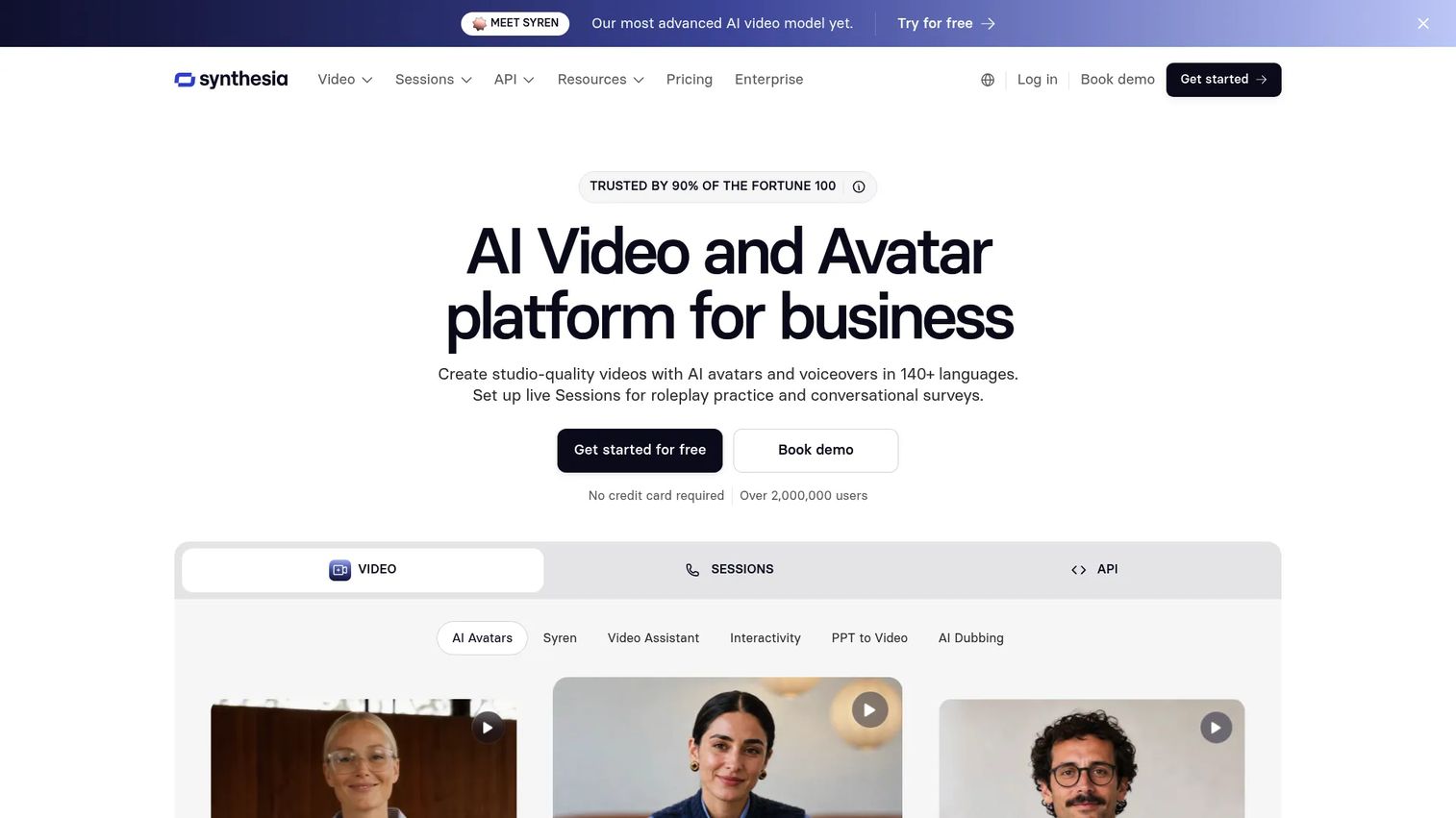
Synthesia is an AI video communications platform for creating structured presenter-led videos at scale. It focuses on enterprise learning, HR communications, and enablement content: Training modules, onboarding programs, and product education that needs to be multilingual, brand-controlled, and repeatable. The platform includes an AI screen recorder, brand kits, roleplay session support, and interactive video capabilities alongside its core avatar and video creation tools.
Best for: Teams creating structured product education, internal training, and enablement videos that need to scale across regions.
Key features
- AI presenter videos with script-to-video workflow
- AI screen recorder and AI video assistant
- Video translation and AI dubbing
- Brand kits and team collaboration
- Interactive videos, SCORM export, and video analytics
Why choose Synthesia: Strong fit when the demo is closer to product education than buyer-led evaluation. PMMs can use it for launch training, internal enablement, and tutorials that need to run consistently across a global team. For buyer-facing product experiences where exploration matters, an interactive demo platform covers that job differently. Check the best sales training software guide if training content is your primary need.
Synthesia pricing: A free Basic plan is available. Starter is $29/month. Pro is $89/month. Enterprise pricing is custom.
G2 rating: 4.6/5
8. Camtasia
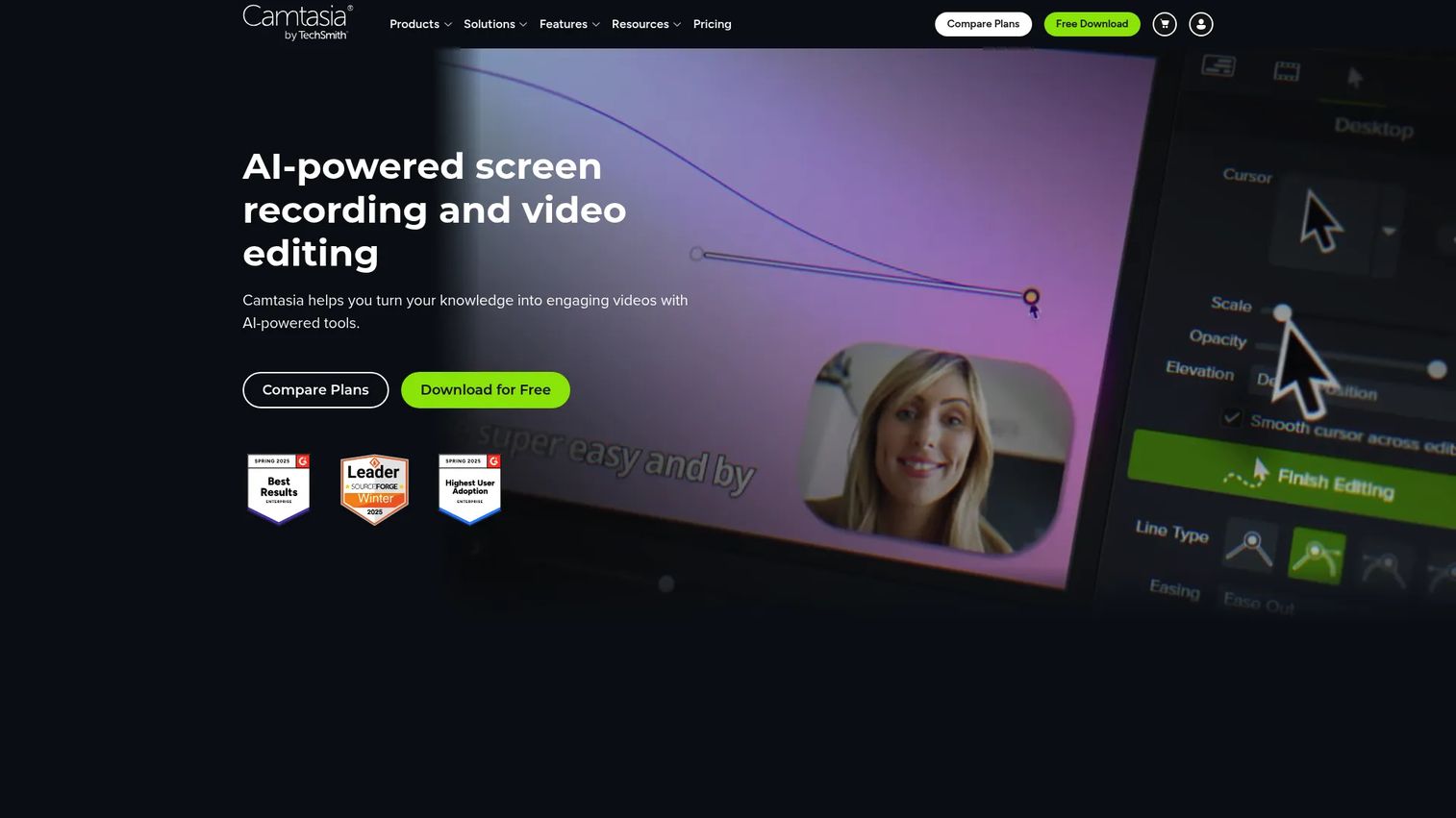
Camtasia by TechSmith is screen recording and video editing software built for tutorials, training videos, software walkthrough videos, and educational demos. It combines multitrack screen recording with a timeline editor, annotations, callout templates, and quiz capabilities, making it practical for teams that need more control than a quick recorder offers but don't need the full depth of professional editing software.
Best for: PMMs, enablement teams, and trainers who need a practical tutorial video workflow with editing flexibility, without moving into pro editing tools.
Key features
- Multitrack screen recording
- Timeline editing with transitions, effects, and annotations
- Callouts, highlights, and zoom-and-pan
- Templates and reusable asset library
- AI script, transcription, and background-noise tools
Why choose Camtasia: Good fit for training-style product demo content where annotations and structure matter. It sits between a basic screen recorder and a professional editor, which makes it the right choice for enablement managers who produce a consistent volume of tutorial content. For best sales onboarding software that pairs with this workflow, that guide covers the broader stack.
Camtasia pricing: Starter is $39/year. Essentials is $179.88/year. Create is $249/year. Pro pricing requires checking with TechSmith directly. A free trial is available.
G2 rating: 4.6/5
9. Adobe Premiere
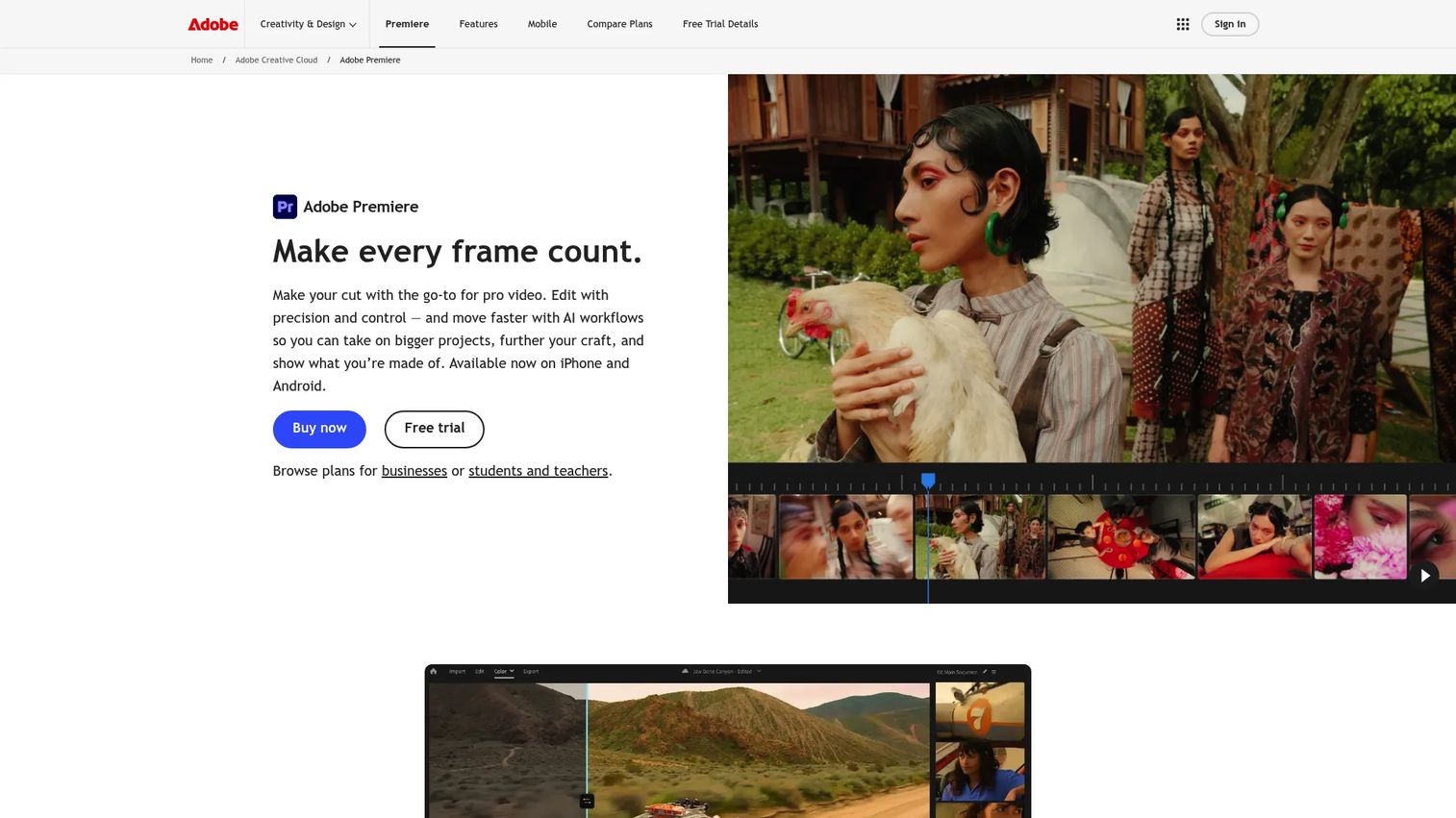
Adobe Premiere Pro is professional video editing software for polished product launch videos, brand campaigns, and complex post-production. It offers AI-powered object masking, text-based editing, advanced color grading with Lumetri Color, professional audio mixing with Enhance Speech, and Frame.io collaboration. For PMMs at companies with an in-house creative team or agency partners, Premiere is the production standard.
Best for: PMM and creative teams with video production skills that need full editing control for launch-quality brand assets.
Key features
- AI object mask, Generative Extend, and Media Intelligence search
- Text-based editing and transcription-based trimming
- Lumetri Color grading and professional audio mixing
- Frame.io collaboration and Team Projects
- Multi-format export and Creative Cloud integration
Why choose Adobe Premiere: The right choice when brand polish and production control matter more than speed to publish. It requires stronger editing skills than any other tool on this list, so factor in your team's production capability. For teams without dedicated editors, a lighter tool will ship content faster. The best video editing software guide covers the full range.
Adobe Premiere pricing: Premiere Pro alone is $22.99/month (annual, billed monthly). Creative Cloud Pro starts at $34.99/month (introductory) and goes to $69.99/month after the introductory period. A seven-day free trial is available.
G2 rating: 4.5/5
10. Final Cut Pro
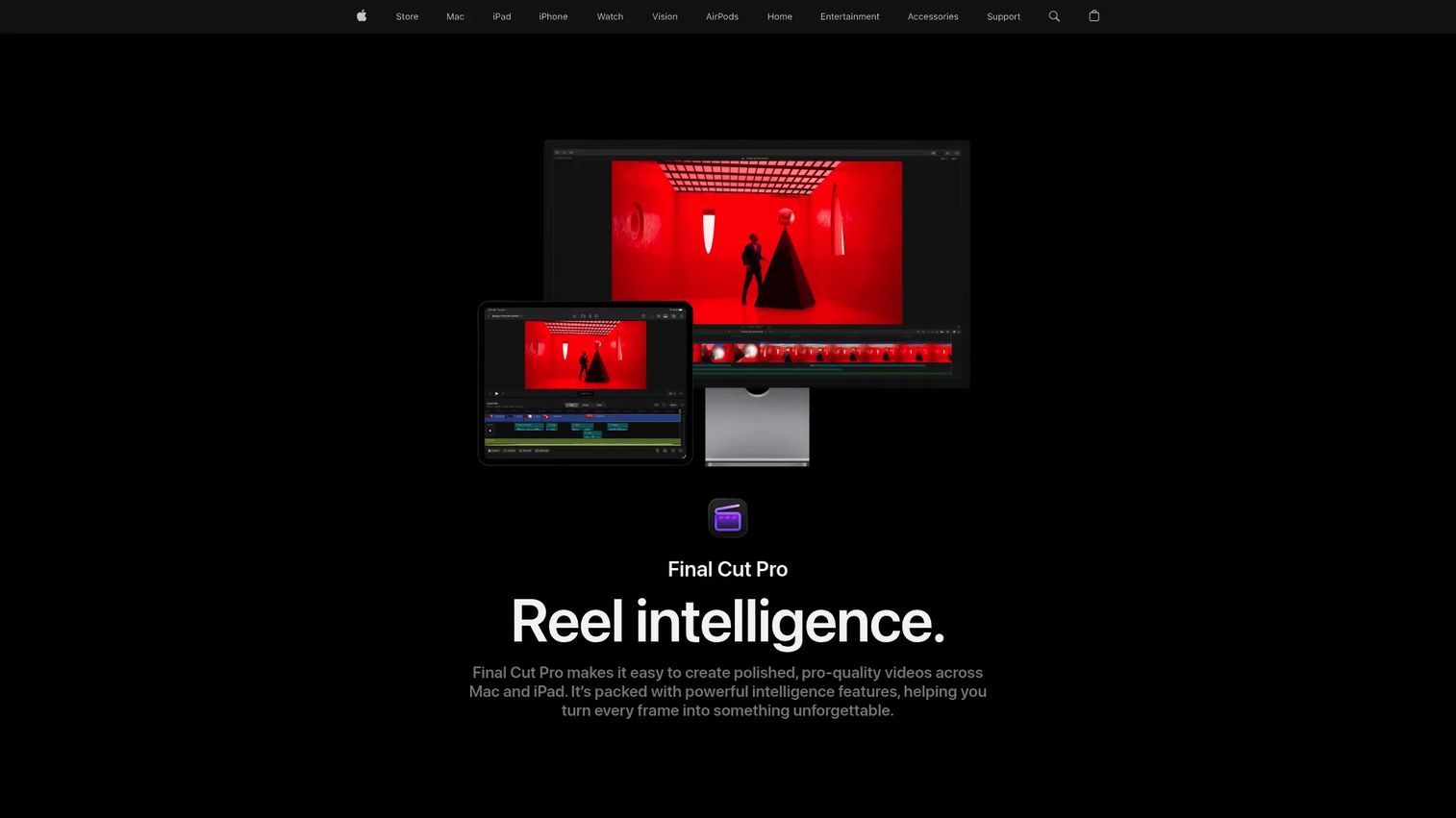
Final Cut Pro is Apple's professional video editing software for Mac and iPad. Its magnetic timeline removes track management complexity that makes Premiere steep for non-specialists. It includes AI-powered magnetic masking, automatic captions, object tracking, professional color grading, and iPad touch-first editing via Apple Creator Studio. The one-time purchase option makes it attractive for teams that produce a consistent volume of polished content.
Best for: Apple-based creative teams producing polished product demo videos who want high-performance editing and a one-time cost model.
Key features
- Magnetic timeline editing
- Magnetic mask for isolating subjects
- Automatic captions and object tracking
- Professional color grading and advanced audio editing
- iPad touch-first editing and Live Multicam
Why choose Final Cut Pro: Good fit when the team already works in Apple's creative stack and prefers a one-time purchase over a monthly subscription. Note that Final Cut is a video editor, not a hosting or demo automation platform. You'll need a separate tool for distribution, viewer analytics, and interactive product experiences.
Final Cut Pro pricing: Apple Creator Studio (includes Final Cut for Mac and iPad) is $12.99/month or $129/year. The one-time purchase for Mac is $299.99. A 30-day free trial of Apple Creator Studio is available.
G2 rating: 4.4/5
Considerations when choosing product demo video software
Match the format to the job first
Before comparing features, decide what the demo needs to do. A website embed that converts visitors needs different software than a localized training module for a global sales team. Start with the moment: Website conversion, launch announcement, sales follow-up, onboarding, or training. Then choose the format that fits that moment.
Check how updates work before you commit
Demo assets age quickly. After a UI change, a pricing update, or a messaging shift, outdated demos in sales sequences or onboarding flows create real credibility problems. Evaluate whether the tool requires a full re-record or lets you edit specific steps, screens, or copy after capture. For PMMs managing a product that ships frequently, update cost is as important as creation cost.
Measure beyond views
Views tell you the asset existed. Completion rate, drop-off by step, CTA clicks, form fills, and account-level engagement tell you whether the product story landed. Look for tools that connect demo analytics to your CRM or marketing automation stack. The best product analytics software guide covers the broader measurement stack.
Keep sales adoption in mind
A demo asset that lives in a folder nobody opens doesn't move pipeline. Evaluate how easy it is for reps to find, share, and customize demos. Check for features like shareable links, embed options, permission controls, and organized demo libraries. Enablement content only counts when the field uses it.
Evaluate brand and governance controls
PMMs need demos that reflect current positioning at all times. Look for branding controls, approval workflows, version history, and role-based permissions. For teams running multiple product lines or regional variants, governance determines whether demos drift or stay consistent.
Conclusion
The right product demo video software depends on your workflow, not your feature wishlist.
For PMMs who need buyers to experience the product, Guideflow covers interactive demos, sandboxes, demo centers, live demos, and mobile demos in a single platform with engagement analytics. Screen Studio produces polished macOS recordings without a timeline editor. Loom handles quick async sharing with viewer context. Vimeo distributes video reliably with a professional player. Leadde, HeyGen, and Synthesia each handle AI video at different scales and use cases. Camtasia sits between basic recording and pro editing for training content. Adobe Premiere and Final Cut serve teams with dedicated creative resources.
Match the tool to the moment. A launch asset for a landing page needs different software than a localized training video or a sales follow-up a rep can customize. Choosing by workflow gives you content that gets used, not just content that gets made.
Start your journey with Guideflow today!
FAQs
The answer depends on the workflow. For buyer-led product exploration and website conversion, interactive demo platforms give buyers hands-on product experience without a live call. For quick one-to-one videos, a screen recorder with async sharing handles the job. For scaled training content across regions, AI video platforms generate multilingual presenter videos from scripts or documents. Most SaaS teams use more than one format across their GTM motion.
A product demo video is a linear recording the viewer watches from start to finish. An interactive demo is a guided, clickable experience the viewer navigates at their own pace, choosing which flows to explore. Both are useful, but they serve different goals: Videos work well for storytelling and launch assets, while interactive demos work better when the goal is buyer self-qualification and product exploration before a sales call.
PMMs use these tools across six recurring jobs: Launch assets for landing pages and email sequences, website embeds that convert traffic, sales follow-up content that champions can share internally, onboarding demos that reduce CS workload, feature adoption content embedded in lifecycle emails, and internal enablement clips for new reps. The common thread is producing content that shows the product without requiring a live call. For a deeper look at tools built specifically for this role, see our best interactive demo tools for product marketing guide.
Look for capture or recording, editing and annotation tools, voiceover or avatar support, personalization options, sharing and embed controls, analytics that track completion and drop-off, and update workflows that don't require a full re-record after every UI change. For interactive demos, also check for CRM integration and lead capture. The right combination depends on whether you're building a video asset or a buyer-navigable experience.
Yes, with important limits. AI tools like HeyGen, Synthesia, and Leadde can generate scripts, narration, avatar-led presentations, translations, and video drafts from existing documents or slides. What AI doesn't replace is PMM judgment on story structure, positioning accuracy, and which features to highlight for a specific buyer segment. AI handles production; PMMs still own the message.
For simple linear walkthroughs, internal enablement clips, or quick bug explanations, screen recording is often enough. For website conversion, buyer self-education, or product-led onboarding where prospects need to explore the product on their own terms, interactive demos provide fundamentally different engagement. The distinction is whether the goal is passive viewing or active exploration.
Start with completion rate and drop-off by section to understand where the story breaks. Add CTA clicks, form submissions, and time spent per step for intent signals. For interactive demos, track account-level engagement and sync those signals to your CRM for lead scoring. Views without downstream data don't tell you whether the demo influenced pipeline. Connect demo analytics to marketing automation wherever possible to close that gap. Our best sales analytics software guide covers how teams tie content signals to revenue.
Review demos after major UI changes, pricing updates, messaging shifts, and significant feature launches. For interactive demos built on HTML capture, individual steps can often be edited without a full re-record. For screen recording-based videos, a UI change typically means re-recording the affected section. Assign ownership to a named PMM or enablement manager so outdated demos don't circulate in sales sequences or help centers. The maintenance cost of keeping demos current is lower than the credibility cost of leaving stale content live.