Your reps run calls in one tool, host video in another, and message prospects in a third. None of it logs cleanly to the CRM. So when a deal moves from SDR to AE to customer success, the context dies somewhere in the handoff.
That fragmentation has a cost. Every tab a rep opens is time not spent selling. Every call that does not log is a gap in the record the next person inherits. And every separate vendor invoice is another line your finance team scrutinizes at renewal.
UCaaS exists to collapse that sprawl into one system. According to Metrigy's UCaaS market research, worldwide UCaaS seats grew 4% in the first half of 2025 to 114 million seats, with Microsoft holding 21.7% share, Cisco 15.1%, Zoom 8.8%, and RingCentral 6.4%. The category is no longer emerging. It is the default way distributed teams handle voice, video, and chat.
For sales and support orgs, the question is not whether to consolidate. It is which platform reduces friction at handoffs, logs to the CRM, and gets adopted by every role from frontline rep to VP. A tool the whole team works in beats seven tools nobody trusts.
This guide breaks down ten UCaaS platforms through that lens. We look at feature breadth, pricing, integrations, and the practical reality of whether your team will actually use the thing once IT signs the contract. The goal is one system the whole team works in, not a stack you fight every morning. Many teams round out that stack with interactive demos that let prospects explore the product alongside live conversations, and sales engagement tools that keep deals moving between calls.
What's inside
This guide is for sales, support, and operations leaders consolidating communications infrastructure. We picked ten platforms recognized as established UCaaS providers, drawn from analyst coverage and market-share data.
We evaluated each against four criteria that matter to revenue teams:
- Feature breadth: voice, video, and team chat in one platform, or gaps you will backfill.
- Pricing transparency: what each tier costs and what it gates behind upgrades.
- CRM and stack integration: call logging, click-to-dial, and clean data flow.
- Security and reliability: encryption, compliance support, and uptime your team can trust.
Pricing and G2 ratings reflect values verified in June 2026. Confirm current figures before you buy.
TL;DR
Short on time? Here are the decision shortcuts for the best UCaaS providers in 2026:
- Best overall for business teams: RingCentral, for a mature all-in-one suite with broad integrations.
- Best for AI calling and sales coaching: Dialpad, built around real-time transcription and live coaching.
- Best value for growing teams: Nextiva, with voice, video, and chat starting at $15 per user.
- Best for Microsoft-native shops: Microsoft Teams, with native Microsoft 365 integration.
- Best for enterprise global deployment: 8x8, combining UCaaS and CCaaS with global coverage.
- Best video-first option: Zoom, anchored by its meeting heritage and AI Companion.
What is UCaaS?
UCaaS (Unified Communications as a Service) is a cloud-delivered platform that combines voice telephony, video meetings, team messaging, and collaboration into one system managed by a provider. Instead of buying and maintaining hardware, you pay a per-user subscription and the vendor handles infrastructure, updates, and uptime.
That is the short answer to "what is UCaaS." The longer version is that unified communications as a service replaces the legacy on-premise phone system (the PBX in a closet) with software your team accesses from any device, anywhere. The same number rings on a desk phone, a laptop, and a phone in an airport lounge.
The "ucaas meaning" people search for is really about consolidation. One login, one bill, one admin console for everything your team uses to talk to each other and to customers.
Core UCaaS capabilities
Most cloud unified communications platforms include a common set of features:
- Voice and cloud PBX: business calling, call routing, auto attendants, and voicemail.
- Video meetings: built-in conferencing with screen sharing and recording.
- Team chat: persistent messaging channels and direct messages.
- File sharing and presence: see who is available and exchange documents in context.
- Mobile apps: the same experience on desktop and phone.
- Integrations: connections to CRM, helpdesk, and calendar tools.
- Analytics: call volume, usage, and quality reporting.
How UCaaS works
A cloud based unified communications platform runs on the provider's servers, not yours. Voice travels over the internet using VoIP (Voice over Internet Protocol), and calls connect to the traditional phone network through SIP (Session Initiation Protocol) trunking.
On top of that foundation, vendors layer APIs and prebuilt integrations. Those connections let a unified communications platform log a call to Salesforce automatically, post a missed-call alert to Slack, or sync contacts from your CRM. The cloud delivery model means new features ship without you touching a server.
UCaaS vs CCaaS vs VoIP
These three terms get used interchangeably, and that confusion costs buyers money. Here is the clean distinction.
UCaaS covers internal and all-purpose business communications: how your team talks to each other and handles everyday calls. CCaaS (Contact Center as a Service overview) is built for high-volume customer-facing interactions, with queue routing, agent workspaces, and supervisor monitoring. VoIP is the underlying technology that carries voice over the internet. It powers both UCaaS and CCaaS, but on its own it is just calling.
| Term | What it is | Best for |
|---|---|---|
| UCaaS | Cloud platform bundling voice, video, and chat | Internal and general business communications |
| CCaaS | Cloud contact center software | Customer-facing support and sales call centers |
| VoIP | Voice transport over the internet | The calling layer beneath UCaaS and CCaaS |
In practice, many vendors blur the line. Platforms like 8x8 sell a combined UCaaS plus CCaaS package. If your team handles both internal calls and a customer support queue, look for a provider that does both well rather than stitching two tools together.
When sales and support teams use UCaaS
UCaaS solutions are not just a phone bill. For revenue teams, they remove friction at the exact moments deals stall or context gets lost.
Run discovery calls and demos without juggling tools
A rep on a discovery call should not be switching between a dialer, a video app, and a screen-share tool. One UCaaS platform handles the call and the meeting in the same window. That matters when a prospect asks to see the product mid-conversation and the rep needs to pivot without fumbling.
Many teams pair that live conversation with interactive demos that prospects can explore on their own afterward. The call builds the relationship, and the self-serve experience lets the buyer revisit the product at their own pace. Together they keep momentum going between meetings. Building out a live demo for those moments means reps can pivot to a hands-on walkthrough the instant a prospect asks to see the product.
Keep handoffs clean with CRM-logged calls and messages
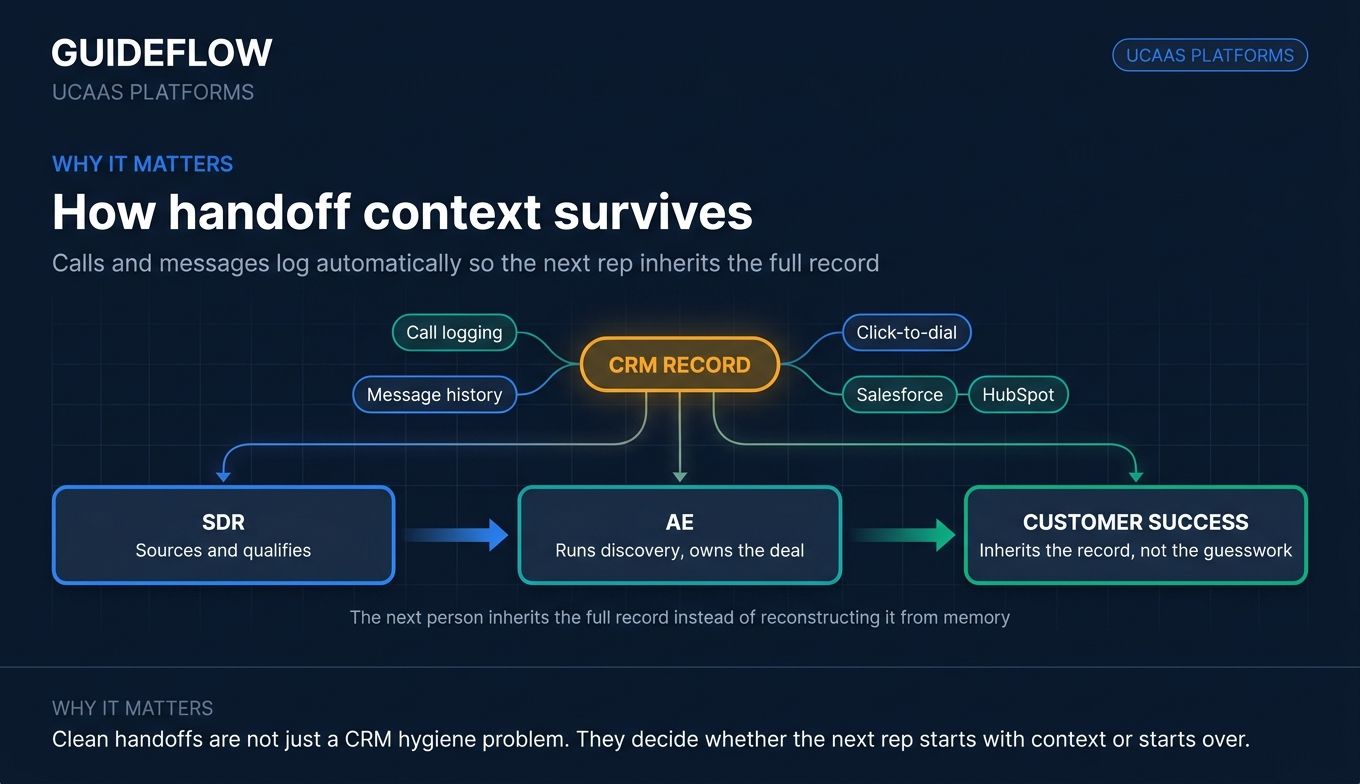
The relay from SDR to AE to customer success is where deals leak. When calls and messages log automatically to the CRM, the next person inherits the full record instead of reconstructing it from memory. Most leading UCaaS platforms offer Salesforce and HubSpot integrations for call logging and click-to-dial, so context survives every handoff. The same logic applies to your demo stack: choosing the right CRM software that integrates cleanly keeps that data flowing.
Support hybrid and distributed teams
Modern UCaaS is device-agnostic. The same number reaches a rep on a desk phone, a laptop, or a mobile app, so a deal does not wait because someone left the office. For distributed teams, that cross-device continuity is the difference between a fast follow-up and a missed window.
Comparison table
Here is a side-by-side view of the ten UCaaS vendors in this guide, sorted by relevance to business teams shopping for a unified communications platform. Use it as a shortlist, then read the full sections for the detail that matters to your stack. Pricing and G2 ratings were verified in June 2026.
| # | Product | Intent | Key use case | Pricing | G2 rating |
|---|---|---|---|---|---|
| 1 | RingCentral | All-in-one suite | Established voice, video, and messaging in one platform | From $19.99/user/mo | 4.3/5 |
| 2 | Zoom | Video-first | Meeting-heavy sales and collaboration | Free tier available | 4.6/5 |
| 3 | Microsoft Teams | Microsoft-native | Teams already standardized on Microsoft 365 | From $4.00/user/mo | 4.4/5 |
| 4 | Nextiva | Value SMB-to-mid | Consolidating UC and customer experience | From $15/user/mo | 4.5/5 |
| 5 | 8x8 | Global enterprise | Combined UCaaS plus CCaaS across regions | Request a quote | 4.2/5 |
| 6 | Dialpad | AI calling | Real-time transcription and sales coaching | From $15/user/mo | 4.4/5 |
| 7 | GoTo Connect | Simplicity-focused | Small and multi-location ease of use | Contact sales | 4.4/5 |
| 8 | Vonage | Comms plus APIs | Programmable communications and UC | From $0/mo (AI Studio) | 4.3/5 |
| 9 | Webex | Security-conscious | Enterprise meetings and calling | From $14.50/user/mo | 4.2/5 |
| 10 | Google Workspace | Google-first | Workspace-native chat, Meet, and Voice | Paid tiers, no free business tier | 4.7/5 |
The 10 best UCaaS platforms for business teams in 2026
1. RingCentral (RingEX)
RingCentral is one of the most established names in cloud communications, and its RingEX platform bundles business phone, SMS, video, fax, and team messaging into a single app. It is an AI-powered communications platform built for businesses that want one vendor for everything from a quick internal call to a recorded client meeting. The breadth is the point: you are not assembling a stack, you are buying one.
Best for: Businesses that want a mature, all-in-one cloud communications platform with broad integrations and a long track record.
Key strengths
- Full communications suite: Business phone with unlimited calls within the US and Canada, plus team messaging, video, SMS, and online fax in one place.
- RingSense AI: AI features layered across calling and meetings for transcription, summaries, and insights.
- Deep integrations: Connections to CRM and productivity apps so calls and context flow into the systems reps already use.
Why choose RingCentral: For a revenue org that wants the safest established choice, RingCentral is hard to beat. Its market share, broad integration library, and unified app mean every role from SDR to support agent works in the same system. The trade-off is that the breadth comes with a per-user price that climbs as you add advanced tiers.
RingCentral pricing: RingEX starts at $19.99 per user per month for the Essentials plan, billed monthly. Standard runs $24.99, Premium $44.99, and Ultimate $59.99 per user per month. There is no permanent free tier, but RingCentral advertises a free trial so teams can test before committing.
2. Zoom (Zoom Workplace / Zoom Phone)
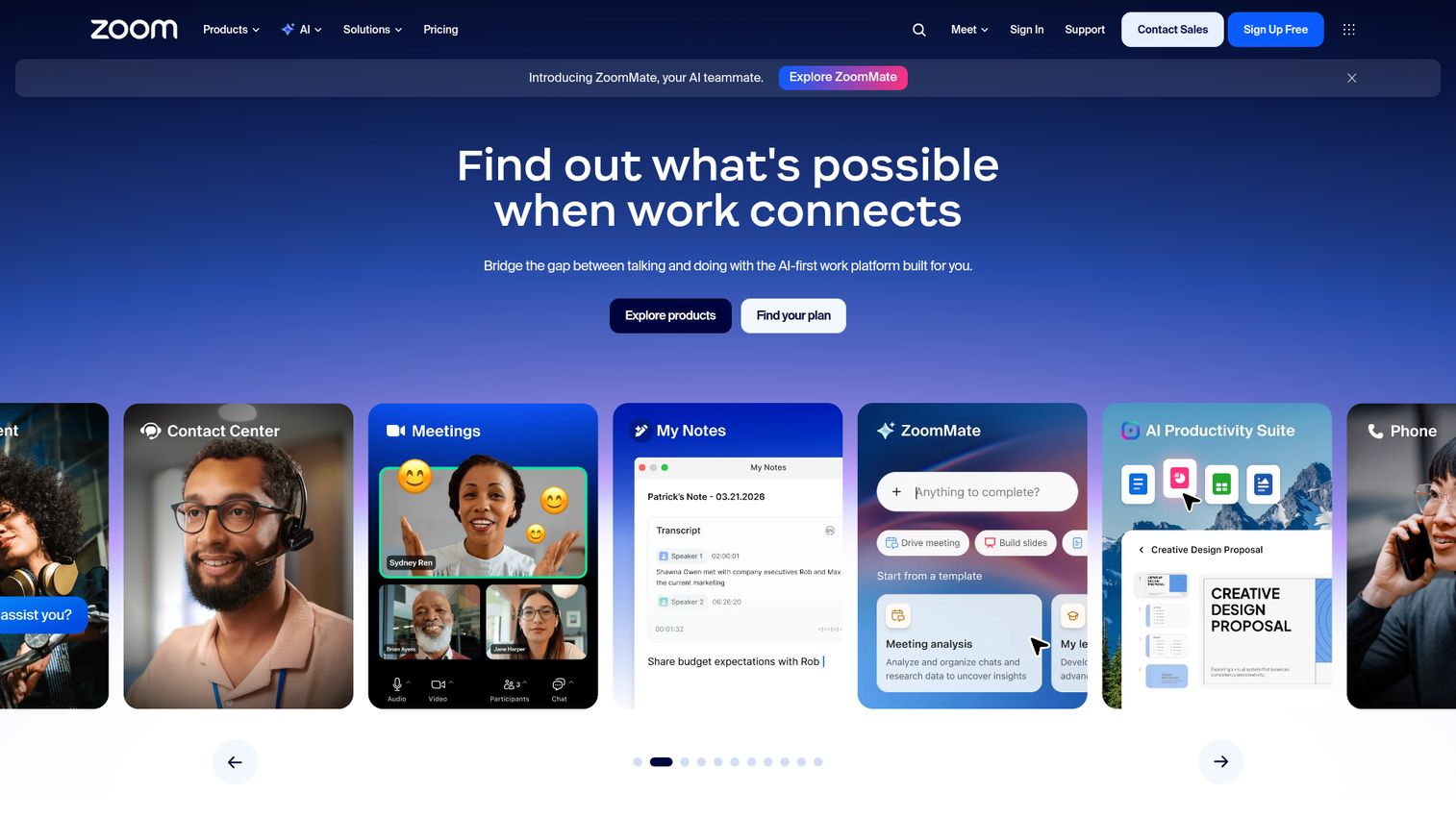
Zoom built its reputation on video, and Zoom Workplace now wraps meetings, chat, phone, docs, whiteboards, and AI-assisted workflows into one collaboration suite. For sales orgs that live in video calls, the meeting quality and familiarity are real advantages. Zoom Phone adds the telephony layer, turning the video tool your prospects already know into a full UCaaS platform. You can see how a tool like this presents inside an interactive Zoom demo built on Guideflow.
Best for: Video-heavy sales and collaboration teams that want meetings, calling, and chat anchored by a tool buyers already recognize.
Key strengths
- Unified collaboration: Meetings, chat, calls, email, and scheduling in one platform, so reps stop switching apps mid-deal.
- Zoom AI Companion: Built-in AI for summaries, message drafting, meeting notes, and follow-ups.
- Workspace breadth: Docs, Whiteboard, Clips, Tasks, Rooms, and digital signage extend the platform beyond calls.
Why choose Zoom: When prospects join your calls without friction because they already use Zoom, you remove a small barrier from every meeting. The AI Companion handles note-taking so reps stay present in the conversation. Zoom is the natural pick when video is the center of your sales motion rather than a side feature.
Zoom pricing: Zoom offers a free Workplace Basic plan for a single user. Paid tiers include Workplace Pro for 1 to 99 users and Workplace Business for 1 to 250 users, both billed annually or monthly. Confirm current per-user pricing on Zoom's pricing page, since the published numbers shift by plan and region.
3. Microsoft Teams (Microsoft 365)
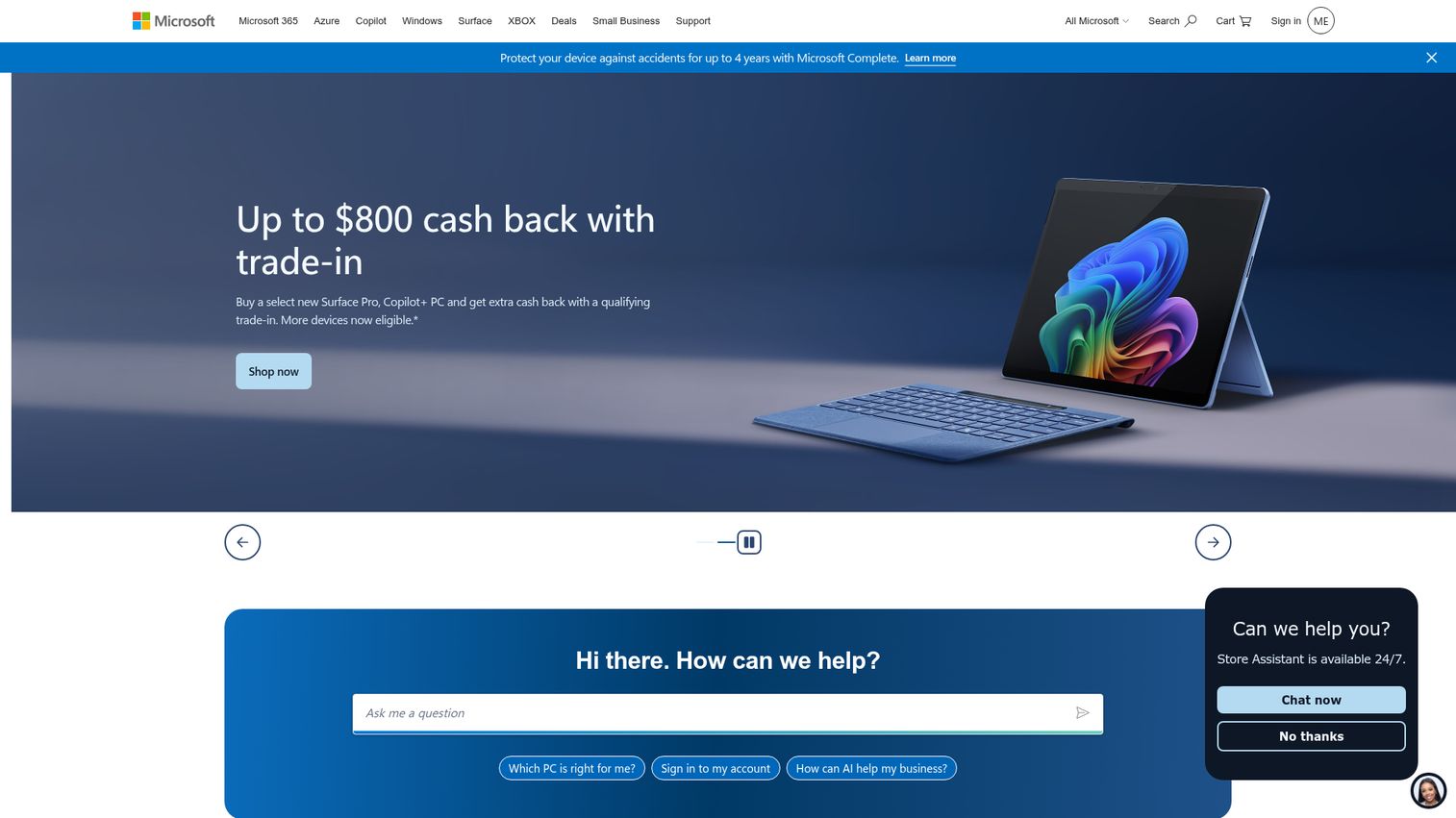
Microsoft Teams is the default communications layer for any company already running Microsoft 365. Chat, video, calling, and file collaboration live inside the same environment as Outlook, Word, and SharePoint. Teams Phone adds cloud telephony, turning the collaboration hub into a genuine UCaaS platform without bolting on a separate vendor.
Best for: Organizations already standardized on Microsoft 365 that want communications inside the tools their team uses all day.
Key strengths
- Native Microsoft 365 integration: Chat, calls, and meetings sit alongside the documents and email your team already works in.
- Real-time collaboration: File sharing, tasks, and polling built directly into the meeting and channel experience.
- Meeting intelligence: Recordings with transcripts and live captions for every call.
Why choose Microsoft Teams: If your company already pays for Microsoft 365, Teams is often the lowest-friction adoption story on this list because it is already on every desktop. Teams Phone extends that into full telephony. The consideration is that getting the calling experience right can require layering on the right phone and licensing tiers.
Microsoft Teams pricing: Microsoft Teams Essentials starts at $4.00 per user per month, paid yearly. Microsoft 365 Business Basic ($6.00) and Business Standard ($12.50) bundle Teams with broader Microsoft 365 apps. Teams Phone Standard adds calling for $10.00 per user per month, and Teams Premium is another $10.00. A free version is available for individuals and home use.
4. Nextiva
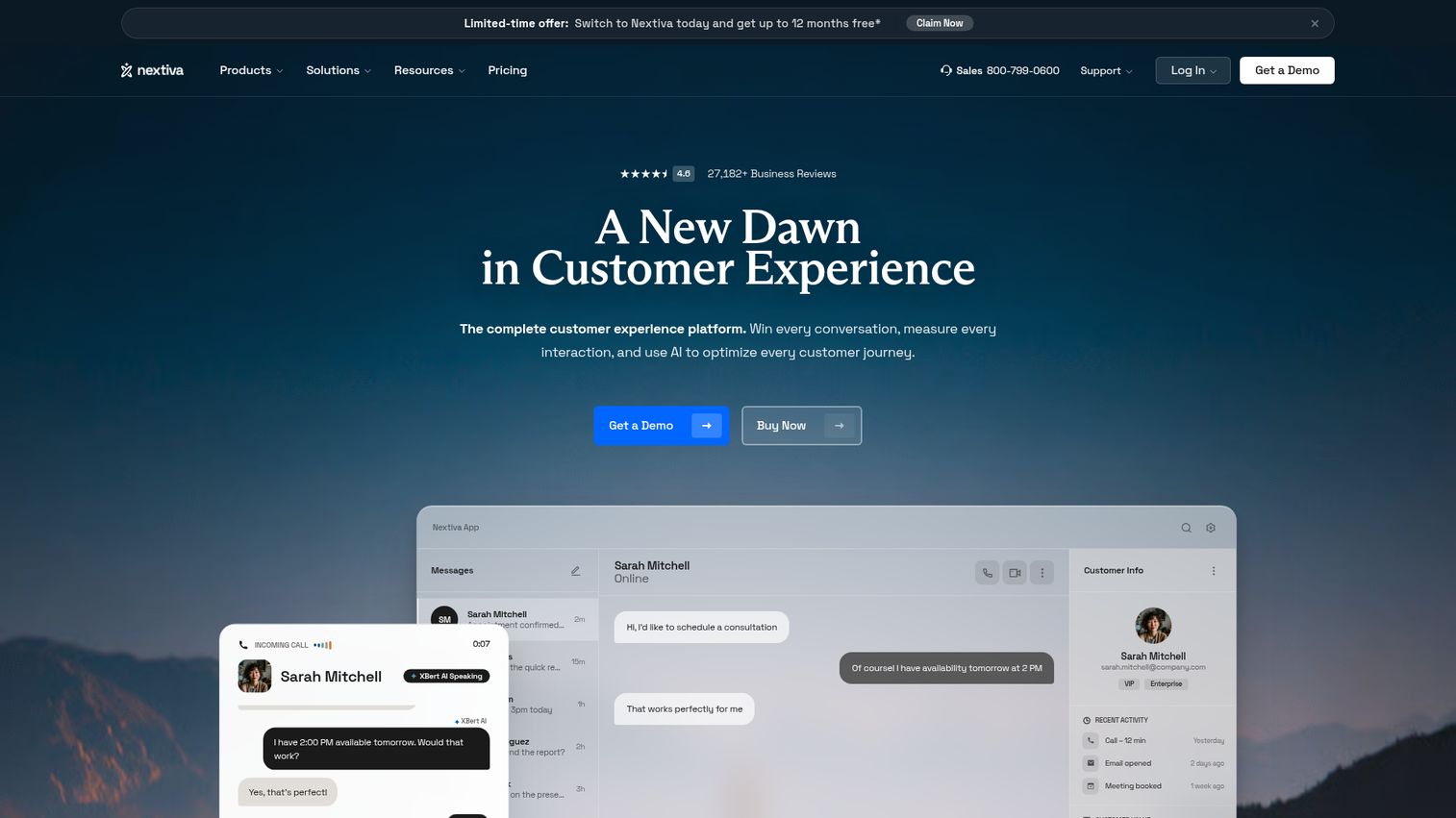
Nextiva is a unified customer experience and business communications platform that combines voice, messaging, video, and customer engagement tools. It has built a reputation for reliability among small and growing businesses, and its platform brings UC and customer experience into one place. For a team consolidating both internal communications and customer-facing channels, that combination is the draw.
Best for: Small businesses and growing customer-facing teams that need unified phone, messaging, video, and customer experience tools in one platform.
Key strengths
- Voice and SMS: Inbound and outbound calling with business text messaging built in.
- Collaboration tools: Video meetings, screen sharing, team chat, and desktop and mobile apps.
- Customer experience layer: Live chat, chatbot, call center routing, reporting, and omnichannel engagement.
Why choose Nextiva: Nextiva pairs a low entry price with a platform that scales into customer experience, so a growing team does not outgrow it quickly. The unified approach means support and sales work from the same system rather than separate tools. It earns a 4.5 out of 5 on G2 across thousands of reviews, which signals consistent real-world satisfaction.
Nextiva pricing: Small business plans start with Core at $15 per user per month, billed annually, including voice, SMS, video meetings, screen and file sharing, call routing, team chat, and the mobile app. Engage runs $25 and Scale $75 per user per month. Enterprise and contact center plans (Essential, Professional, Premium) are priced separately. There is no public free tier, though demos require no credit card.
5. 8x8
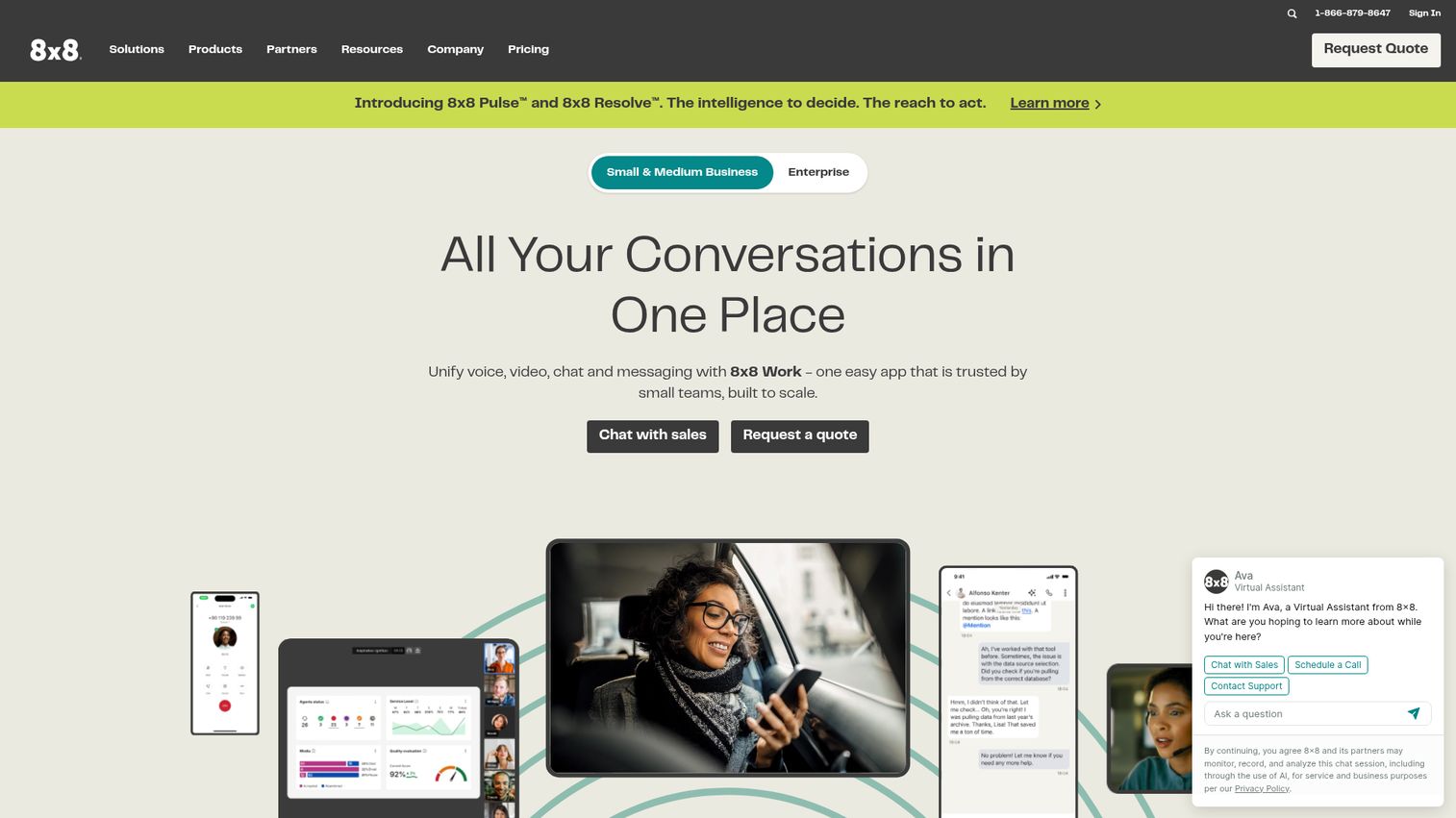
8x8 offers an integrated customer experience and business communications platform that spans contact center, unified communications, CX engagement, Microsoft Teams calling, and communications APIs. Its XCaaS approach combines UCaaS and CCaaS in one system, and its global PSTN coverage makes it a strong fit for companies operating across borders. When you need both internal communications and a customer contact center under one roof, 8x8 is built for it.
Best for: Organizations that need an integrated platform for contact center, unified communications, and customer engagement across global teams.
Key strengths
- UCaaS plus CCaaS: One platform for internal calling and customer-facing contact center, so you avoid stitching two vendors together.
- Global coverage: Unified calling, meetings, messaging, and analytics with broad international reach.
- Communications APIs: SMS, voice, video, authentication, and fraud-prevention APIs for teams that want to build on top of the platform.
Why choose 8x8: For a multi-location or international company, 8x8's combined UC and contact center on a single platform removes a real source of complexity. The global PSTN footprint means consistent calling quality across regions. The consideration is that pricing is quote-based, so you will need a sales conversation to scope your deployment.
8x8 pricing: 8x8's US pricing page lists solution categories (Contact Center, CX Beyond the Contact Center, Communications APIs, Unified Communications, and 8x8 for Microsoft Teams) but shows "Request a quote" rather than public prices. Plan to engage sales for a tailored figure based on seats and modules.
6. Dialpad (Dialpad Connect)
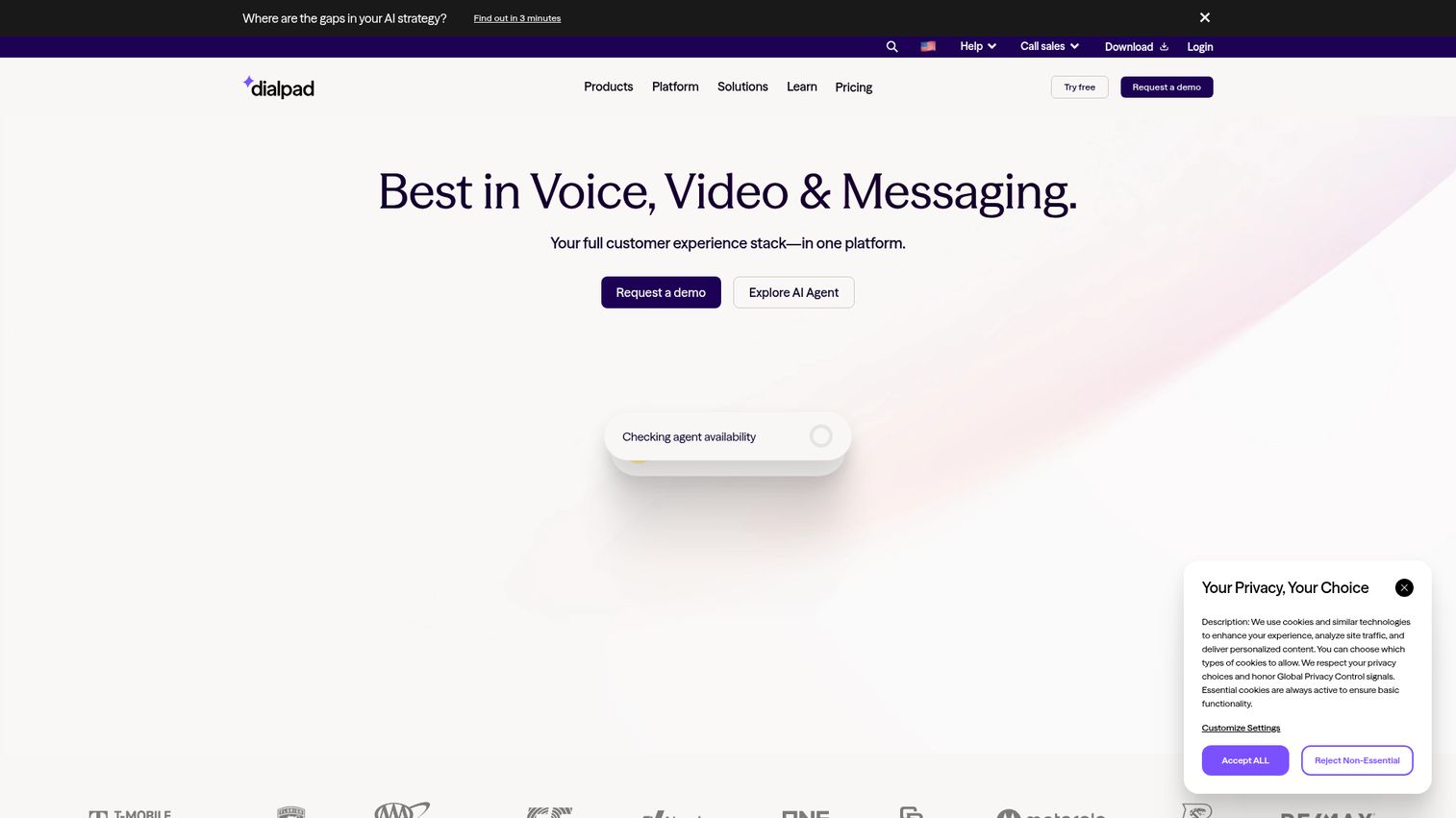
Dialpad is an AI-powered communications platform that combines calling, messaging, meetings, and conversation intelligence. It is built AI-first, with real-time transcription and call summaries running on every conversation. For sales teams that want coaching and call intelligence baked in rather than bolted on, Dialpad is the natural fit. Teams comparing options here often also evaluate dedicated sales coaching software to round out call review and rep development.
Best for: Teams that want an AI-powered cloud communications platform combining calling, meetings, messaging, and conversation intelligence.
Key strengths
- Unified workspace: Voice, messaging, and video in one place across desktop and mobile.
- Real-time AI: Live call transcription, voicemail transcriptions, call summaries, and AI Recaps.
- CRM-ready integrations: Connections to Salesforce, Zendesk, Microsoft Teams, and Google Workspace.
Why choose Dialpad: If your priority is coaching reps and capturing every call's content automatically, Dialpad's AI-native design does that better than platforms where transcription is an add-on. The real-time transcription means managers can review conversations without scrubbing recordings. It is the pick for AI calling and sales coaching specifically.
Dialpad pricing: Dialpad Connect's Standard plan starts at $15 per user per month, including calls, AI-powered meetings, and built-in messaging. Pro runs $25 per user per month and adds CRM integrations and 24/7 support. Enterprise is contact-sales pricing. There is no free tier, but a free trial is available.
7. GoTo Connect
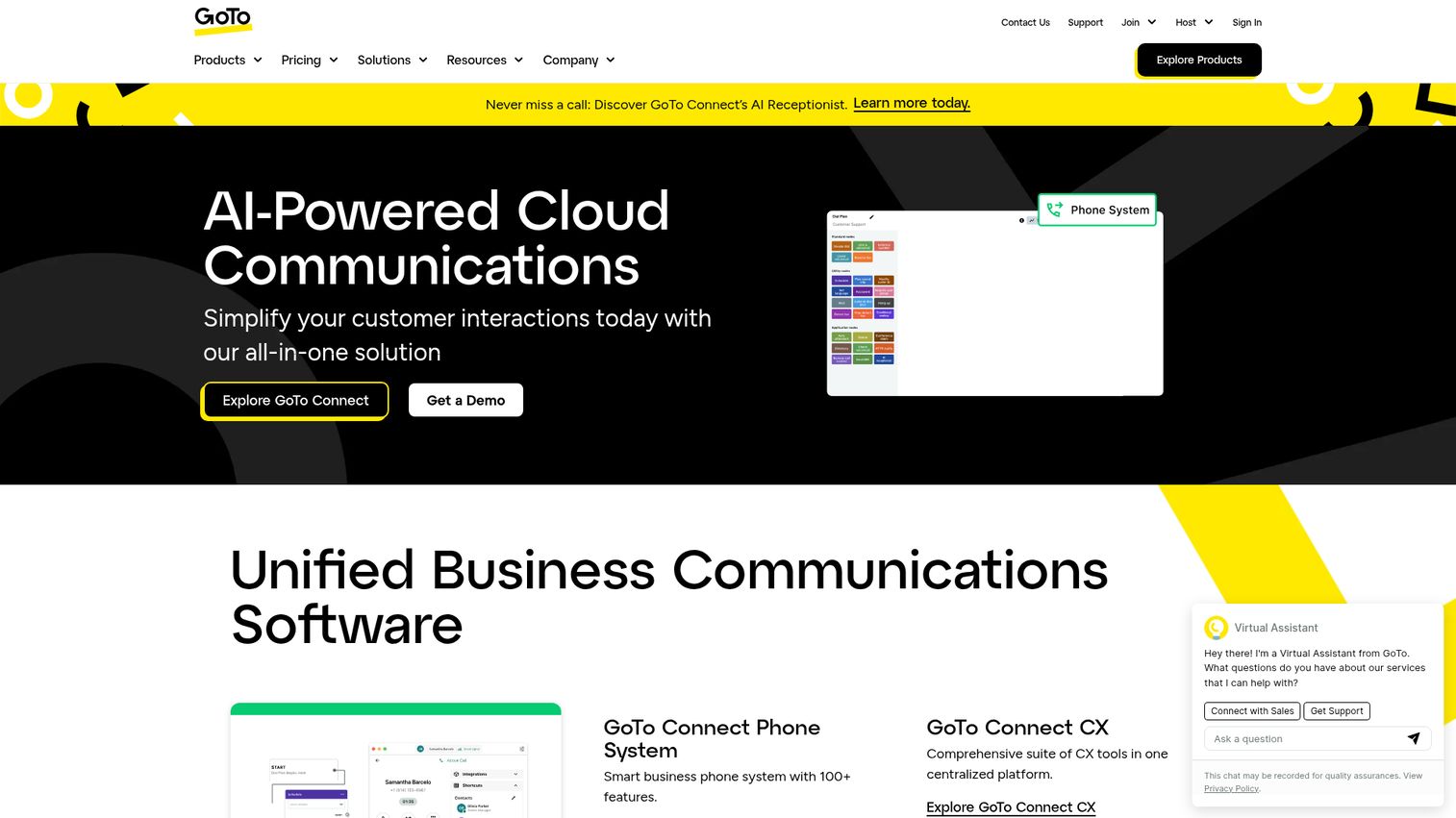
GoTo Connect is an all-in-one, AI-powered cloud communications platform aimed at small, mid-sized, and distributed businesses. It bundles a cloud phone system, video meetings, and messaging with call management features that are straightforward to set up. For teams that value ease of use over an exhaustive feature list, GoTo Connect keeps things simple.
Best for: Small, midsize, and multi-location organizations that need cloud voice, video, messaging, and call routing without heavy administrative overhead.
Key strengths
- Cloud phone system: Voice calls, mobile and desktop apps, and softphone capabilities in one platform.
- Built-in meetings and chat: Video meetings and messaging included alongside calling.
- Call management: Auto attendants, call routing, customizable dial plans, call queues, and analytics.
Why choose GoTo Connect: When a small or multi-location team wants communications that work without a dedicated admin, GoTo Connect's ease of use is the selling point. The call management features handle routing and queues without complex configuration. It carries a 4.4 out of 5 G2 rating, reflecting solid satisfaction among its core audience.
GoTo Connect pricing: GoTo's pricing page lists Phone System, Customer Experience (CX), CX Complete, and Contact Center plans, but each shows "Contact sales" rather than a public price. You will need to reach out for a quote scoped to your seat count and feature needs.
8. Vonage (Vonage Business Communications)
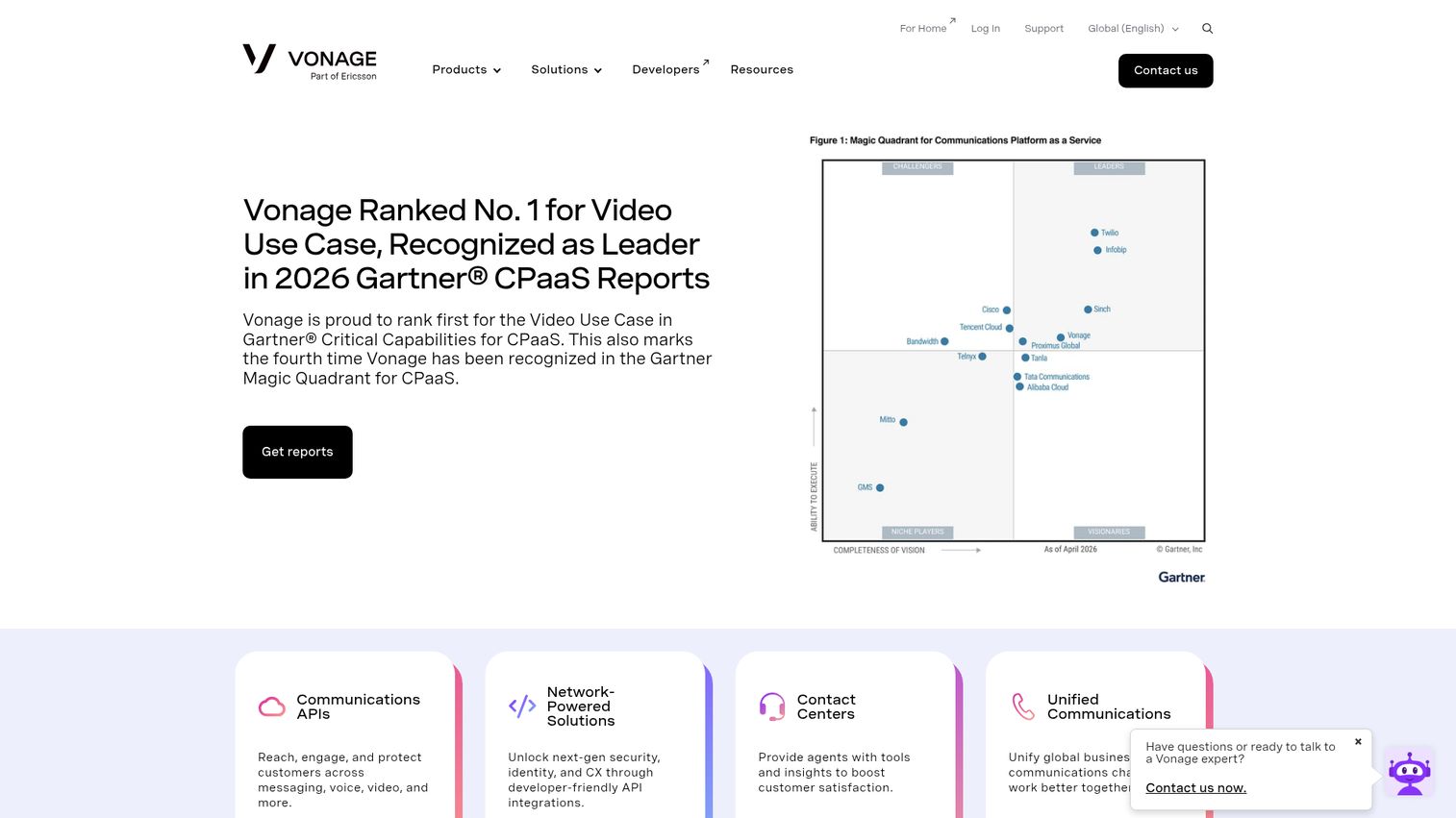
Vonage provides business communications products spanning unified communications, contact center, and programmable communications APIs. Vonage Business Communications delivers cloud phone, SMS, video, and team messaging, while the API side lets developers build voice and messaging into their own apps. For teams that want communications plus the ability to customize through code, Vonage covers both.
Best for: Businesses that need unified voice, messaging, video, and contact center communications, or programmable communications APIs.
Key strengths
- Unified communications: Cloud business phone, calls, SMS, video collaboration, team messaging, and mobile and desktop apps.
- Communications APIs: Programmable messaging, voice, and video for teams that want to build on the platform.
- Contact center features: CRM integration, skills-based routing, supervisor monitoring, and a statistics API.
Why choose Vonage: Vonage stands out when your team wants a communications platform and the flexibility to extend it programmatically. The CPaaS heritage means you are not boxed into prebuilt workflows. It earns a 4.3 out of 5 on G2 for its business communications product.
Vonage pricing: Vonage runs multiple product lines with separate pricing pages, and several use usage-based or contact-sales models. Its AI Studio publicly lists a Standard plan at $0 per month (10 agents, 10K sessions), an Advanced plan at $1,100 per month, and a Fully Managed custom tier. For Vonage Business Communications seat pricing, contact Vonage directly.
9. Webex (Webex Suite)
Webex by Cisco is an AI-powered platform for collaboration, hybrid work, meetings, calling, messaging, webinars, and contact center, backed by Cisco's security pedigree. The Webex Suite combines meetings and calling with AI features and enterprise-grade controls. For security-conscious organizations, the Cisco lineage and certifications are a meaningful differentiator.
Best for: Organizations that need secure, AI-powered meetings, messaging, calling, webinars, and collaboration in one Cisco-managed suite.
Key strengths
- Full-featured meetings: Unlimited meetings with screen sharing, annotation, whiteboards, messaging, calendar integration, and advanced noise cancellation.
- AI and engagement: AI Assistant, cloud recording, Slido live polling and Q&A, and closed captions.
- Business calling: Business phone numbers, visual voicemail, device-to-device call move, and conferencing on the Webex Suite plan.
Why choose Webex: For enterprises where security review gates every tool purchase, Webex's Cisco backing and FedRAMP authorization standards on higher tiers clear hurdles other platforms struggle with. The AI Assistant and full meeting feature set keep it competitive on collaboration. It is the pick when compliance and security weigh as heavily as features. Webinars are central to Webex, so teams weighing this category may also want to review the best webinar platforms.
Webex pricing: Webex Free starts at $0 per user per month for basic meetings and messaging. Webex Meet runs $14.50 per user per month and adds the AI Assistant, longer meetings, 200 attendees, cloud recording, and Slido polling. Webex Suite at $25 per user per month adds calling features. Webex Enterprise is contact-sales pricing with FedRAMP-authorized security and larger attendee limits.
10. Google Workspace (with Google Voice/Meet)
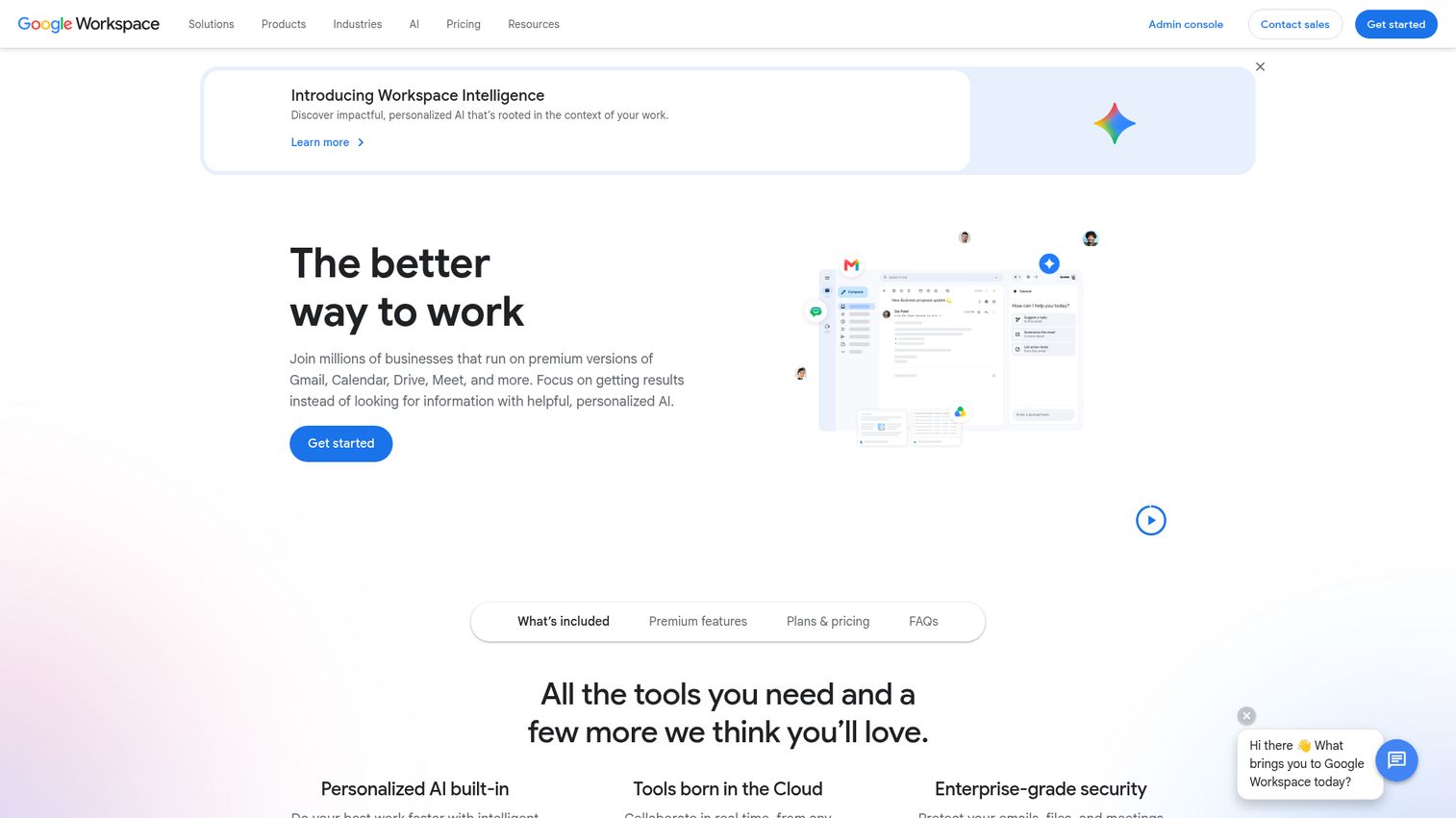
Google Workspace is a cloud productivity and collaboration suite with business email, file storage, meetings, chat, calendars, documents, and AI assistance. Paired with Google Meet for video and Google Voice for telephony, it functions as a UCaaS platform for companies built on Google's ecosystem. If your team already runs on Gmail and Drive, communications can live in the same environment.
Best for: Businesses that want an integrated Google-based suite for email, meetings, storage, real-time collaboration, and AI assistance.
Key strengths
- Custom business email: Secure Gmail-based email on your domain.
- Collaborative content: Real-time co-editing in Docs, Sheets, Slides, and Vids.
- Meetings and storage: Google Meet video conferencing and Google Drive cloud storage in one suite.
Why choose Google Workspace: For a Google-first organization, adding communications through Meet and Voice keeps everything in one ecosystem your team already knows. The real-time collaboration in Docs and Sheets is a daily advantage for distributed teams. It holds a 4.7 out of 5 rating on Capterra, reflecting strong user satisfaction with the suite.
Google Workspace pricing: Google Workspace offers Starter, Standard, and Plus tiers billed per user per month, with an Enterprise contact-sales tier. Each step up adds storage, larger meeting capacity, and advanced security and management controls. There is a 14-day trial, but no ongoing free business tier. Confirm current pricing for your region, and note that Google Voice telephony is licensed separately.
How to choose the right UCaaS platform
The right UCaaS platform depends on what your team actually does all day, not on a feature checklist. Here is what to weigh before you sign.
Feature breadth
Decide whether you need voice, video, and chat in one platform or whether your team leans heavily on one channel. A video-first sales org has different needs than a support team that lives on the phone. Map the platform's strengths to your dominant workflow, and note any gaps you will have to backfill with another tool.
Integrations
Your UCaaS platform should log calls and messages to your CRM automatically. Check that it connects natively to Salesforce, HubSpot, or whatever system holds your customer data. Click-to-dial and automatic call logging are the difference between clean handoffs and reps reconstructing context from memory. The same principle guides any demo tooling you add, where native integrations keep your data flowing without manual work.
Pricing model
Watch how per-seat pricing scales as you grow. A plan that looks affordable at the entry tier can climb fast when the features your team needs are gated behind higher tiers. Read what each tier actually includes, and model the cost at your projected headcount, not just today's.
Security and compliance
Confirm the platform supports the standards your industry requires. Many providers offer encryption, HIPAA compliance requirements or GDPR compliance support, and uptime SLAs, but not all guarantee every standard. If you are in healthcare or handle EU data, verify the specifics before procurement raises a flag - including alignment with GDPR data protection standards.
Adoption and support
The best platform is the one every role actually uses. Weigh onboarding effort and whether the interface fits how your team already works. A tool that requires heavy change management often gets abandoned, no matter how strong the feature list.
Conclusion
The best UCaaS platform is the one your whole team adopts, not the one with the longest feature list. For most business teams, RingCentral is the safest all-in-one choice, with broad integrations and a mature platform. Dialpad wins on AI calling and sales coaching, Nextiva delivers strong value for growing teams starting at $15 per user, and Microsoft Teams is the obvious pick for Microsoft-native shops. For global enterprise deployments, 8x8's combined UCaaS and CCaaS approach handles complexity that others split across vendors.
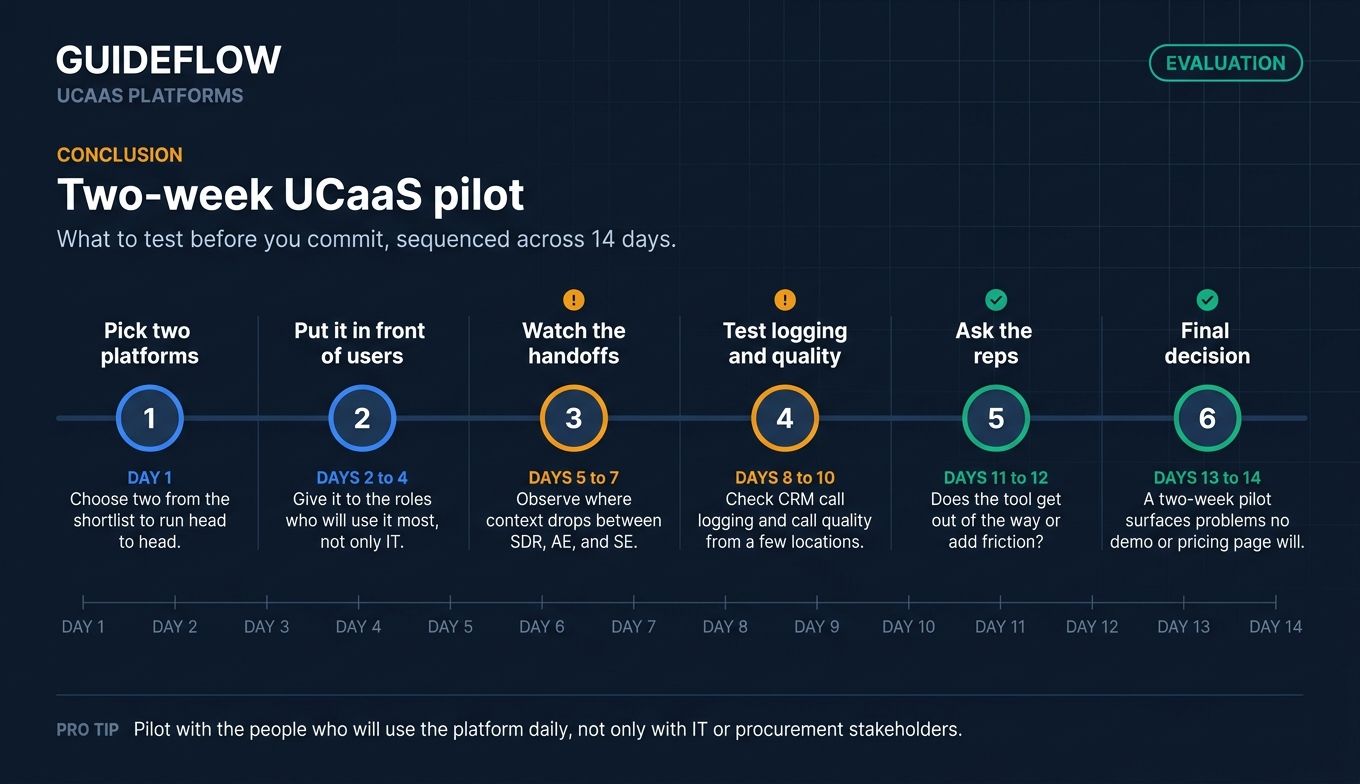
Before you commit, run a short pilot. Pick two platforms from your shortlist, put them in front of the roles who will use them most, and watch what happens at the handoffs. Test the CRM logging, check call quality from a few locations, and ask reps whether the tool gets out of their way or adds friction. A two-week pilot surfaces problems no demo or pricing page will.
Whichever way you lean, start with a trial of your top one or two UCaaS vendors and let the daily reality of your team's workflow decide.
FAQ
A UCaaS platform is a cloud-delivered system that combines voice telephony, video meetings, and team messaging into one provider-managed service. Instead of buying and maintaining phone hardware, you pay a per-user subscription and the vendor handles the infrastructure. It gives distributed teams one place to call, meet, and chat across any device.
UCaaS handles internal and all-purpose business communications: how your team talks to each other and manages everyday calls. CCaaS (Contact Center as a Service) is built for high-volume customer-facing interactions, with queue routing, agent workspaces, and supervisor tools. Some vendors, like 8x8, combine both in a single platform.
Entry tiers for small-business UCaaS commonly range from $15 to $35 per user per month on annual billing, according to provider pricing in 2026. Nextiva and Dialpad start around $15, while RingCentral's entry plan begins at $19.99. Higher tiers and enterprise plans cost more, and some vendors price by quote, so confirm figures for your seat count.
VoIP (Voice over Internet Protocol) is the underlying technology that carries voice calls over the internet. UCaaS bundles VoIP with video meetings, team chat, and collaboration into one managed cloud platform. Put simply, VoIP is just the calling layer, while UCaaS is the full communications suite built on top of it.
For small businesses, Nextiva offers strong value, bundling voice, video, and chat from $15 per user per month with a path into customer experience tools. GoTo Connect is another solid pick for small and multi-location teams that prioritize ease of use. Both keep setup manageable for teams without a dedicated IT admin.
Most leading UCaaS platforms offer encryption, compliance support for standards like HIPAA and GDPR, and uptime service level agreements. Security depth varies by vendor and tier, so not every platform guarantees every standard. If you handle regulated data, verify the specific certifications during evaluation rather than assuming coverage.
Yes. Most leading UCaaS platforms integrate with CRMs like Salesforce and HubSpot for automatic call logging and click-to-dial. Those integrations keep deal context flowing into the systems your reps already use, which matters most at handoffs between SDRs, AEs, and customer success. Confirm native support for your specific CRM before buying.
AI features are increasingly standard on major UCaaS platforms. Real-time transcription, meeting summaries, and AI assistants now ship across providers like Zoom, Dialpad, RingCentral, and Webex. Industry research on AI in UCaaS expects roughly two-thirds of UCaaS solutions to integrate AI capabilities such as transcription and translation, making it a core differentiator in 2026.