A dishwasher call comes in at 8:12 a.m. By 8:20, you need to know which technician is closest, whether they have the part, what the customer was quoted last time, and when the invoice from yesterday's job actually got paid. If any of that lives in a spreadsheet, a text thread, or someone's head, the day starts leaking money before the first van leaves the lot.
That is the core problem appliance repair software exists to solve. The U.S. appliance repair industry generated roughly USD 7.0 billion in revenue in 2025 across 37,769 active businesses, most of them small 1-to-5-van operations, according to IBISWorld data reported by Service Business Academy (2025). At that scale, the difference between a business that grows and one that stalls is rarely demand. It is whether the operation can dispatch, invoice, and follow up without the owner touching every job.
For an operator trying to build repeatable systems, the goal is not more software. It is fewer manual handoffs. You want scheduling and dispatch that runs without a dispatcher babysitting it, invoicing that closes the same day the job does, and a shared customer record every technician can see in the field. This guide ranks seven appliance repair business software platforms on exactly those operational criteria, not on brand recognition or feature count.
What's inside
This guide covers seven full-workflow platforms built for appliance repair and adjacent field service teams. Each one handles the core operating loop: scheduling, dispatch, invoicing, customer management, and mobile technician access.
We selected and ranked tools on four criteria that matter most to a growing service business: how well scheduling and dispatch automation reduces manual coordination, how tightly invoicing and payments connect to accounting (including QuickBooks integration), how much a technician can actually do from a phone in the field, and whether the pricing model scales with headcount or punishes it. Tools were chosen for operational fit and buyer intent, not familiarity.
TL;DR
- Best all-in-one with inventory and pricing control: ServiceWorks, for teams that manage parts and margin as tightly as jobs.
- Best low-friction entry point: Orcatec, which offers a free starter package for lean appliance repair teams getting off spreadsheets.
- Best for connected payments and accounting: Service Fusion, with unlimited users and strong QuickBooks sync.
- Best modern mobile and offline field work: FieldPie, for technicians who work where the signal drops.
- Best simple operating system for small teams: Jobber, for solo operators and growing crews that want clean scheduling and invoicing.
- Best customer-facing booking-to-payment flow: Housecall Pro, for teams competing on customer experience.
- Best for larger, higher-complexity operations: ServiceTitan, for multi-team businesses with mature processes.
What is appliance repair software?
Appliance repair software is field service management software that centralizes scheduling, dispatch, work order management, invoicing, customer records, and technician mobile access for businesses that repair home and commercial appliances.
Instead of coordinating jobs across a calendar, a phone, a notepad, and an accounting file, an appliance repair service software platform keeps the entire job lifecycle in one system, from the first service call to the final paid invoice.
Core capabilities to expect:
- Scheduling and dispatch: assign jobs to technicians by availability, skill, and location, with drag-and-drop or automated routing.
- Invoicing and payments: generate invoices from completed work and collect payment on-site or online.
- Customer management: a shared CRM with service history, equipment records, and contact details.
- Technician mobile access: a mobile app for technicians to view jobs, add notes and photos, capture signatures, and update status in real time.
- QuickBooks sync: push invoices and payments into accounting without double entry.
- Estimates and quotes: build and send estimates that convert into scheduled jobs.
- GPS tracking and route optimization: see where crews are and cut drive time between calls.
- Reporting and analytics: track revenue, technician productivity, close rates, and job profitability.
The market is expanding as more small operators move off manual tools. The global appliance repair software market was valued at USD 1.90 billion in 2025 and is projected to reach USD 2.78 billion by 2032 at a 5.62% CAGR, per GII Research (2025).
When to use appliance repair software
Use it when you need to stop managing jobs in spreadsheets
A spreadsheet works for the first ten jobs a week. It breaks around fifty. Once you are double-booking technicians, losing service history, and rebuilding the schedule every morning, you need a shared system where dispatch, customer records, and job status live in one place. This shift matters most for small teams trying to scale, because it removes the owner from the middle of every handoff.
Use it when dispatch, invoicing, and follow-up are slowing down cash flow
If invoices go out days after the job, collections drag. If a technician forgets to log a completed repair, it never gets billed. Appliance repair scheduling software ties billing to job completion, so the invoice fires when the work closes. Faster invoicing, fewer missed jobs, and automated follow-up all compress the gap between doing the work and getting paid.
Use it when technicians need real-time access in the field
Your technicians are the business, and they spend the day away from the office. A mobile field service app lets them see the day's route, read job notes and equipment history, add photos, capture customer signatures, and mark jobs complete without calling in. Add GPS tracking and route optimization and the dispatcher stops playing phone tag to figure out who is where.
Comparison table
We ranked these tools by best-fit operational intent, not raw feature count. A dispatch-heavy team, a payments-heavy team, and a mobile-first team each have a different best answer. Pricing and G2 ratings below reflect verified vendor and G2 sources as of mid-2026.
| # | Product | Intent | Key use case | Pricing | G2 rating |
|---|---|---|---|---|---|
| 1 | ServiceWorks | All-in-one with parts and margin control | Teams managing inventory, pricing, and back-office | From $49/mo | 3.5/5 |
| 2 | Orcatec | Low-friction, budget-first | Lean teams leaving spreadsheets | Free starter package | Not listed |
| 3 | Service Fusion | Connected payments and accounting | Contractors wanting unlimited users | From $208/mo | 4.1/5 |
| 4 | FieldPie | Modern mobile and offline field work | Technicians in low-signal areas | From $19/user/mo | 4.9/5 |
| 5 | Jobber | Simple operating system | Solo operators and small crews | From $21/mo | 4.6/5 |
| 6 | Housecall Pro | Customer-facing booking to payment | Teams competing on experience | From $59/mo | 4.3/5 |
| 7 | ServiceTitan | Enterprise-grade operations | Larger, high-complexity businesses | Request pricing | 4.5/5 |
1. ServiceWorks
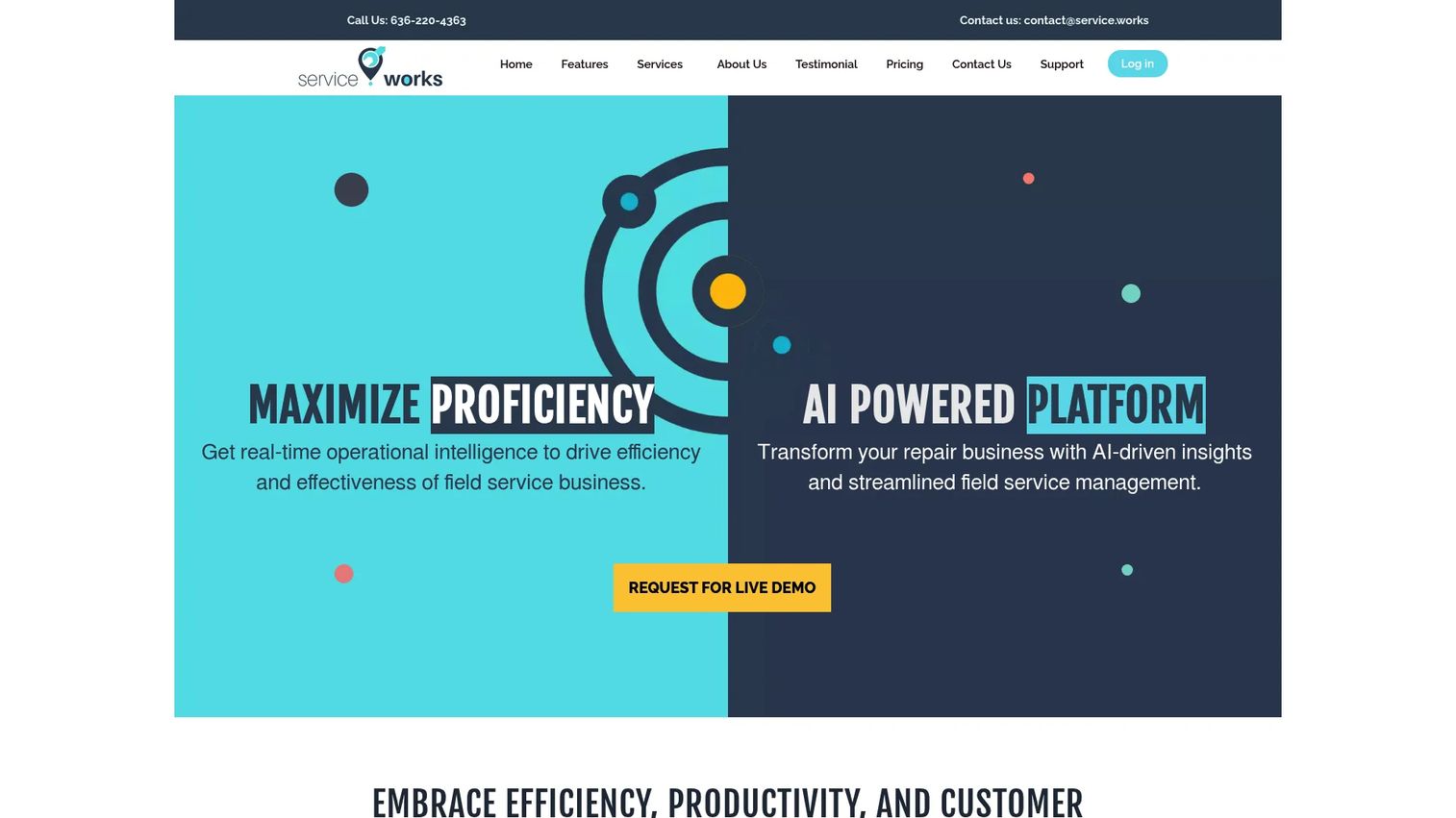
ServiceWorks is an all-in-one field service management platform built for service businesses that treat parts and pricing as seriously as they treat the schedule. It combines scheduling and dispatch, work order and job management, invoicing, payments, and customer communication in a single system, with inventory tied directly to jobs so you always know what a repair consumed and what it cost.
For appliance repair, that inventory-to-job link is the differentiator. When a technician swaps a compressor or a control board, the part comes off stock and onto the invoice in the same motion. That keeps margin visible instead of guessed, which matters for owners trying to run the business on numbers rather than gut feel.
Best for: Small to medium appliance repair businesses that need parts, pricing models, and back-office control in one platform.
Key strengths
- Inventory linked to jobs: Parts consumed on a repair flow straight to the invoice and out of stock counts.
- Scheduling and dispatch: Assign and reassign technicians with a shared operational view.
- Invoicing and customer communication: Bill from completed work and keep customers updated automatically.
Why choose ServiceWorks: If your business lives or dies on parts availability and job-level margin, ServiceWorks gives you back-office depth that lighter tools skip. It suits operators who want scheduling and inventory in the same system rather than stitched across two.
ServiceWorks pricing: ServiceWorks publishes three plans: Starter at $49.00, Plus at $149.00, and Ultimate at $399.00, available monthly or annually, with annual signing saving 11% of the base price. A 14-day free trial is available. It holds a 3.5/5 rating on G2.
2. Orcatec
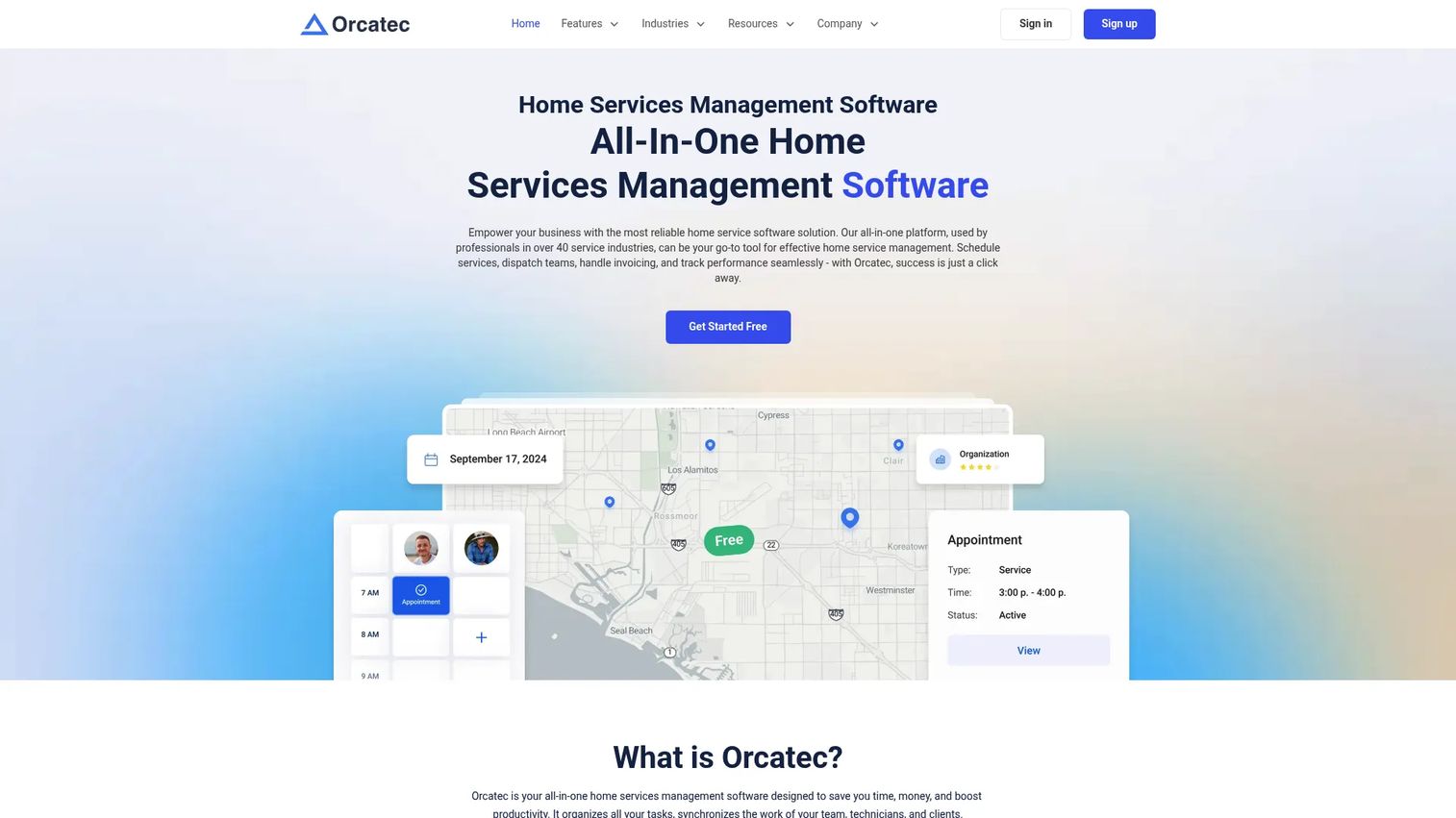
Orcatec is home services management software covering scheduling, dispatching, invoicing, estimates, and payments for field service and appliance repair contractors. Its standout angle is the low-friction entry point: a free starter package that lets a lean team get off spreadsheets without a budget approval process.
For a two- or three-person appliance repair shop, that matters. You can put jobs, customers, and invoices into a shared system, then add paid modules as the operation grows. Estimate delivery and tracking help close quotes faster, since you can see when a customer opens an estimate and follow up while interest is still warm.
Best for: Field-service and home-services contractors who want scheduling, dispatch, invoicing, and payments without an upfront software cost.
Key strengths
- Free starter package: Get core scheduling and invoicing running at no subscription cost.
- Scheduling and dispatch: Coordinate technicians and jobs from one calendar.
- Estimates and invoicing: Send quotes and bills, and track estimate activity for follow-up.
Why choose Orcatec: For appliance repair owners protecting cash and testing whether software earns its place, the free entry point removes the risk of committing before you see value. You add modules only when the workflow demands them.
Orcatec pricing: Orcatec offers a free starter package, with additional modules available for $19/month. Payment processing is billed separately from the software subscription. A current G2 rating was not listed at the time of writing.
3. Service Fusion
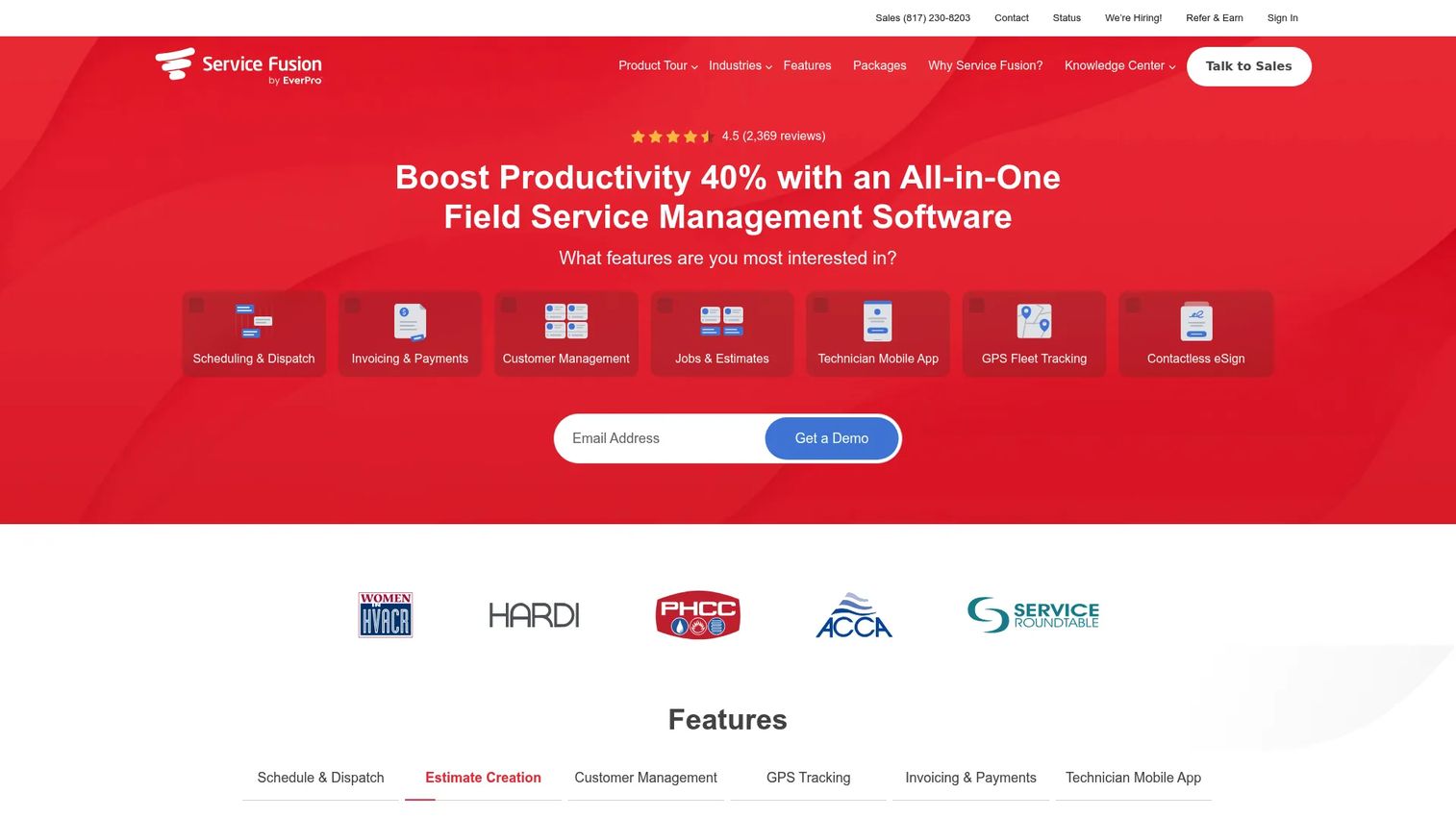
Service Fusion is all-in-one field service management software for service contractors, with a clean estimates-to-job-to-payment flow. It covers scheduling and dispatch, estimate creation, customer management, technician mobility, customer web booking, and payments, and it connects tightly to QuickBooks so invoicing and accounting stay in sync.
The unlimited-users pricing model is the operational story here. Because you pay a flat monthly rate rather than per technician, adding field staff does not raise your software bill. For an appliance repair business hiring its way through growth, that turns a common scaling penalty into a fixed cost.
Best for: Small-to-midsize appliance repair contractors who want scheduling, invoicing, payments, and QuickBooks sync in one system without per-user fees.
Key strengths
- Estimates-to-job flow: Convert approved estimates into scheduled, billable jobs.
- QuickBooks integration: Keep invoices and payments in sync with accounting automatically.
- Unlimited users: Add technicians and office staff without raising the subscription.
Why choose Service Fusion: If payments and accounting are where your operation loses time, Service Fusion connects them tightly and removes the per-seat math from hiring decisions. It fits teams that want billing and bookkeeping to feel like one workflow.
Service Fusion pricing: Service Fusion offers three paid plans with unlimited users: Starter at $208/month, Plus at $325/month, and Pro at $533/month, all billed annually, with annual billing saving 15%. There is no free tier. It holds a 4.1/5 rating on G2.
4. FieldPie

FieldPie is cloud-based field management software for service, sales, audit, and field teams, with a modern approach to mobile work. It handles scheduling and dispatch, custom forms and workflow automation, GPS tracking and route optimization, quoting, billing, and reporting, with offline-first mobile work so technicians keep operating where the signal drops.
That offline capability is the reason appliance repair teams shortlist it. A technician in a basement laundry room or a rural service area can still pull job details, log the repair, and capture a signature, then sync when connectivity returns. Real-time GPS tracking and route optimization also give the dispatcher a live picture of the field without a phone call.
Best for: Appliance repair and field operations teams that need modern booking, offline mobile work, and strong routing.
Key strengths
- Offline-first mobile work: Technicians keep working in low-signal areas and sync later.
- GPS tracking and route optimization: See crews live and cut drive time between jobs.
- Custom forms and workflow automation: Standardize repair checklists and follow-up steps.
Why choose FieldPie: For teams whose field productivity depends on reliable mobile access rather than a strong signal, FieldPie's offline-first design and routing keep technicians moving. Its per-user pricing starts low, which suits growing crews watching cost per head.
FieldPie pricing: FieldPie publishes Basic, Grow, and Pro plans. Basic starts at $19/user/month billed annually ($25 monthly), Grow at $29/user/month annually ($39 monthly), and Pro at $49/user/month annually ($65 monthly), with a 14-day free trial and custom enterprise pricing. It holds a 4.9/5 rating on G2.
5. Jobber
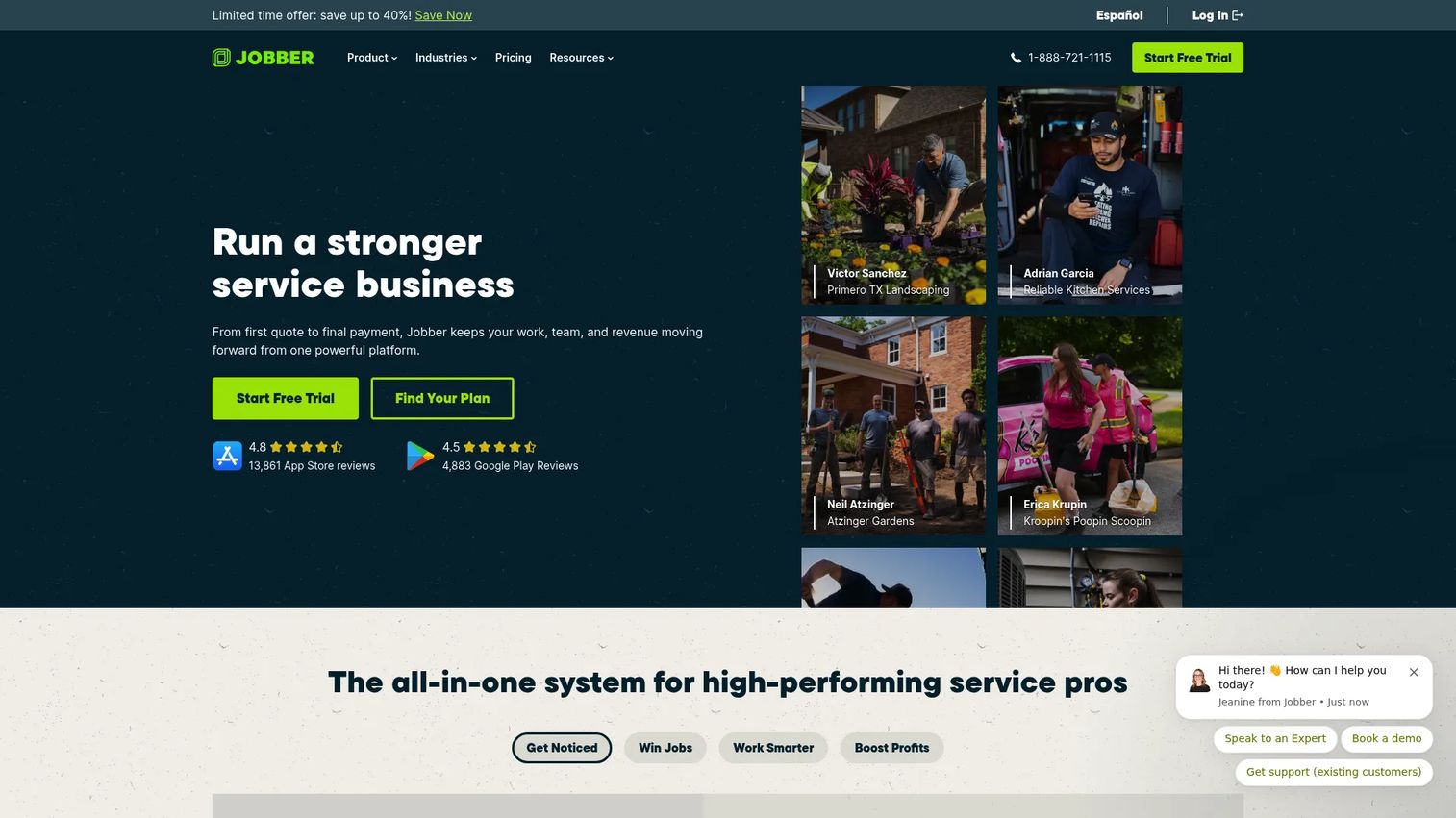
Jobber is field service management software for home service businesses, built to be the simple operating system a small team can run without a specialist. It covers online booking and scheduling, quotes, invoicing and online payments, client communication and automation, a mobile app, and route optimization.
For appliance repair solo operators and small crews, Jobber's appeal is clarity. The scheduling calendar, the quote-to-invoice path, and the customer communication tools are approachable enough that an owner can set them up and a new technician can learn them fast. Automated client communication (appointment reminders, on-the-way texts, follow-ups) cuts no-shows without manual effort.
Best for: Solo operators and growing appliance repair crews that want a clean, simple operating system.
Key strengths
- Online booking and scheduling: Let customers book and keep the calendar organized.
- Quotes, invoicing, and payments: Move from estimate to paid invoice in one flow.
- Client communication and automation: Automate reminders and follow-ups to reduce no-shows.
Why choose Jobber: If you want software that runs without a dedicated dispatcher or admin, Jobber trades depth for approachability in the right places. It fits owners who value fast setup and low training overhead over heavy configuration.
Jobber pricing: Jobber offers four plans billed annually: Core at $21/month, Connect at $70/month, Grow at $105/month, and Plus at $280/month. There is no free tier. It holds a 4.6/5 rating on G2.
6. Housecall Pro
Housecall Pro is field service management software for home service businesses, with a strong focus on the customer-facing journey from online booking through payment. It covers online booking, scheduling and dispatching, estimates, invoicing and payments, CRM, and a field app, and it is built to make the customer experience feel modern and easy.
For appliance repair teams competing on responsiveness and professionalism, that booking-to-payment flow is the draw. A customer can book online, get automated updates, receive a digital estimate, approve it, and pay from a link, all without a phone call. That reduces friction on the customer side and speeds up collections on yours.
Best for: Appliance repair contractors who want a polished customer experience from booking to payment.
Key strengths
- Online booking: Capture jobs from your website without staff answering the phone.
- Scheduling and dispatching: Assign jobs and keep technicians on track.
- Invoicing and payments: Send digital invoices and collect payment fast.
Why choose Housecall Pro: If customer experience is your competitive edge, Housecall Pro's booking, communication, and payment flow are built to convert and retain. It overlaps with broader home services software, so it suits teams that may expand beyond appliance repair.
Housecall Pro pricing: Housecall Pro publishes three plans billed annually: Basic at $59/month, Essentials at $149/month, and Max at $299/month, with prices in USD and exclusive of sales tax. There is no free tier. It holds a 4.3/5 rating on G2.
7. ServiceTitan
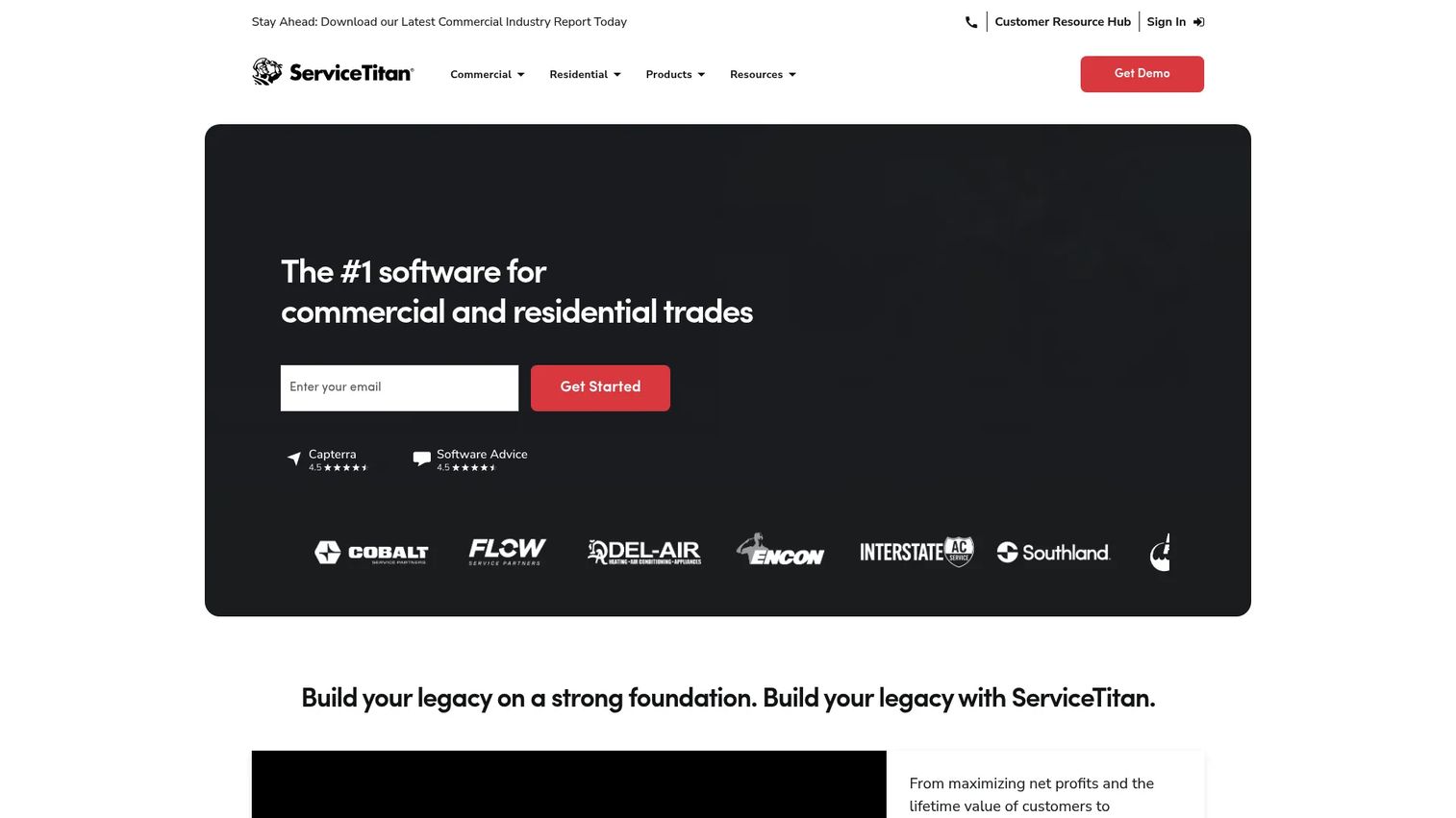
ServiceTitan is cloud software for home and commercial service contractors, built for operations with more scale and process maturity than a typical small shop. It covers scheduling and dispatching, call booking and invoicing, a pricebook, mobile estimates, customer management, and deep reporting and analytics.
For a larger appliance repair operation, or one running multiple teams and locations, ServiceTitan's depth is the point. The pricebook standardizes what technicians quote, call booking ties phone volume to scheduling, and the analytics give ownership the kind of visibility a board or lender expects. It is a heavier platform, which is why it fits businesses ready to operate on process rather than improvisation.
Best for: Larger residential and commercial appliance repair contractors with higher operational complexity.
Key strengths
- Scheduling and dispatching: Coordinate high job volume across teams.
- Pricebook and mobile estimates: Standardize pricing and quote from the field.
- Reporting and analytics: Get operational visibility built for scale.
Why choose ServiceTitan: If you have outgrown lighter tools and need enterprise-grade dispatch, pricing control, and analytics, ServiceTitan is built for that complexity. It suits mature operations willing to invest in process depth.
ServiceTitan pricing: ServiceTitan uses per-technician pricing across Starter, Essentials, and The Works plans, all shown as Request Pricing rather than public numeric prices. It holds a 4.5/5 rating on G2.
Considerations before you buy
The best appliance repair management software is the one that fits how your business actually runs. Use this checklist to pressure-test any shortlist.
Pricing model versus headcount
Per-user pricing and flat-rate pricing scale very differently. If you plan to hire technicians, a flat model like unlimited users protects you from a rising bill; a per-user model can be fine for stable teams. Map the price to your 12-month headcount plan, not today's.
Depth of QuickBooks and accounting sync
If your books live in QuickBooks, verify that invoices, payments, and customers sync both ways without manual re-entry. A shallow accounting sync creates double work that eats the time the software was supposed to save.
Mobile field capability
Test the technician mobile app before you commit. Confirm it handles job notes, photos, signatures, and status updates, and check whether it works offline if your service area has dead zones. Field productivity is where most of the ROI lives.
Dispatch and route optimization
Look at how scheduling and dispatch automation actually behaves under load. GPS tracking and route optimization only pay off if the dispatcher can reassign jobs quickly and see the field in real time. Density of jobs makes routing more valuable, not less.
Reporting that answers real questions
Reporting and analytics should tell you job profitability, technician productivity, and close rates, not just how many jobs you ran. If you cannot get to margin per job, the numbers will not help you make decisions.
Conclusion
The right pick comes down to what is slowing your business down. For parts-heavy operations that need inventory and margin control, ServiceWorks is the strongest fit. For lean teams leaving spreadsheets on a tight budget, Orcatec's free starter package is the lowest-risk start. If payments and accounting are the bottleneck, Service Fusion's unlimited-user model and QuickBooks sync solve it cleanly.
For mobile-first teams working in low-signal areas, FieldPie's offline design and routing keep technicians productive. Solo operators and small crews wanting simplicity should look at Jobber. Teams competing on customer experience will get the most from Housecall Pro. And larger, higher-complexity operations that need enterprise-grade dispatch, pricing control, and reporting and analytics should evaluate ServiceTitan.
Match the tool to your biggest operational leak, then run a free trial before you commit. The goal for any all-in-one appliance repair software is the same: a business that dispatches, invoices, and follows up without the owner in the middle of every job.
FAQs
Appliance repair software is a type of field service management software that centralizes scheduling, dispatch, work order management, invoicing, customer records, and technician mobile access for businesses that repair appliances. It replaces spreadsheets, phone coordination, and separate accounting entry with one connected system covering the full job lifecycle.
At minimum, look for scheduling and dispatch, invoicing and payments, customer management, a technician mobile app, and estimates and quotes. Stronger platforms add QuickBooks integration, GPS tracking, route optimization, inventory linked to jobs, and reporting that shows job-level profitability.
Yes, for most small operators the time saved on dispatch, invoicing, and follow-up pays for the subscription quickly. Small business appliance repair software reduces missed appointments and speeds collections, which matters more when every technician's hour counts. Several tools offer free tiers or trials, so you can test fit before committing budget.
For scheduling and dispatch automation, ServiceTitan offers the deepest capability for high-volume, multi-team operations, while Jobber and Housecall Pro provide clean, approachable dispatch for smaller crews. FieldPie stands out where GPS tracking and route optimization matter most for mobile-heavy teams.
Service Fusion is built around tight QuickBooks integration, syncing invoices and payments to accounting. Most major platforms in this list, including Jobber and Housecall Pro, also support accounting sync, so confirm the depth of the connection against your bookkeeping workflow before choosing.
Yes, every platform here includes a mobile app for technicians to view jobs, add notes and photos, capture signatures, and update job status from the field. FieldPie adds offline-first mobile work, so technicians can keep operating in areas with no signal and sync when they reconnect.
Look for invoicing that fires automatically from completed work, on-site and online payment processing, and two-way accounting sync so you avoid double entry. Estimates and quotes that convert directly into invoices keep the billing loop tight and shorten the gap between finishing a job and getting paid.
Start with your biggest operational leak: inventory and margin point to ServiceWorks, budget and simplicity to Orcatec or Jobber, payments and accounting to Service Fusion, mobile work to FieldPie, customer experience to Housecall Pro, and scale to ServiceTitan. Then match the pricing model to your headcount plan, verify the QuickBooks sync and mobile app depth, and run a free trial before you commit.