You manage three buildings, or thirty. Maintenance requests come in by email, text, and the occasional sticky note. Your asset history lives in a spreadsheet that one person updates when they remember. When a board member asks how many work orders closed last quarter, you spend an afternoon reconstructing the answer.
That is not a staffing problem. It is a systems problem.
The market agrees. The global building management system and software market reached USD 19.8 billion in 2024 and is projected to hit USD 81.1 billion by 2034, growing at a 15.3% CAGR, according to GM Insights (2024). Buildings running these systems reduce energy consumption by 30 to 40% and cut carbon emissions by up to 25%, per SNS Insider (2024). The reason is not magic. It is instrumentation: clean data, routed workflows, and visibility across sites.
The hard part is choosing. Property-first platforms, facilities-first platforms, enterprise IWMS suites, and maintenance-forward systems all call themselves building management software. They solve overlapping but different jobs. Pick the wrong category and you inherit a high-maintenance system that fights your operating model every release.
This guide is built for product managers, operations leads, and portfolio owners who evaluate tools by operational impact, not feature count. If you care about time-to-value, maintainability across releases, and whether a tool reduces handoffs or creates new ones, keep reading.
What's inside
This guide covers building, property, and facility management software for maintenance, work orders, analytics, automation, and multi-site oversight. It is written for teams comparing categories, not just individual products.
We selected tools based on four criteria:
- Maintenance workflow depth: work order routing, preventive maintenance, and asset history.
- Integrations: accounting, CRM, ticketing, documents, and analytics connections.
- Dashboards and automation: decision-useful reporting plus recurring task handling.
- Portfolio fit: support for single sites, mixed portfolios, and enterprise complexity.
Every pick maps to a specific operating model. No single winner. The right tool depends on whether you lead with property finance, facilities operations, or enterprise governance.
TL;DR
- Best overall for broad building management: Buildium, if your portfolio leans property-heavy and you want accounting, leasing, and maintenance in one platform.
- Best for building operations plus document control: Aptien, for centralized records, defect routing, and compliance archives without enterprise overhead.
- Best for maintenance-first teams: FMX for configurable facilities workflows, Fracttal for CMMS-forward asset lifecycle and automation.
- Best for enterprise portfolios: IBM TRIRIGA (now IBM Maximo Real Estate and Facilities) for real estate, space, and governance at scale.
- Best for distributed, multi-location networks: ServiceChannel for retail and branch service orchestration, Corrigo for enterprise facilities coordination.
- Best for complex facility asset visibility: Akitabox for location-mapped assets, floor plans, and structured maintenance.
What is building management software
Building management software is a platform that centralizes the operation of one or more buildings, covering maintenance requests, work orders, assets, compliance, reporting, automation, and multi-site visibility in a single workflow layer.
It replaces the scatter of email threads, spreadsheets, and disconnected tools with a shared system of record. Teams submit and route requests, schedule preventive maintenance, track asset histories, and pull reporting without stitching data by hand.
Core capabilities usually include:
- Work order management: intake, assignment, routing, and status tracking.
- Preventive maintenance: recurring schedules tied to assets and calendars.
- Asset and equipment tracking: location, history, and lifecycle data.
- Compliance and documents: inspections, certifications, and audit-ready archives.
- Dashboards and analytics: trends across sites, not just activity logs.
- Automation: reminders, routing rules, and recurring task creation.
- Integrations: accounting, CRM, ticketing, document storage, and analytics.
The category overlaps with adjacent terms. Facility management software often skews broader and more operations-oriented, spanning space, workplace, and asset management across large portfolios. Property management software emphasizes leases, rent, tenants, and accounting. Building maintenance management software narrows to the maintenance job specifically: work orders, schedules, and asset uptime. In practice, many platforms blur these lines, which is exactly why category choice matters before you shortlist products.
When to use building management software
Manage maintenance without spreadsheets
Email threads and shared spreadsheets work until they do not. A tenant reports a leak, someone forwards it, a technician gets pinged in a side channel, and nobody logs the fix. Three months later you cannot answer whether that unit had a recurring issue.
Building management software gives every request an owner, a status, and a history. Work orders route automatically by type, location, or priority. Maintenance history attaches to the asset, so the next technician sees what happened last time. That is the difference between reactive firefighting and a system you can actually report on.
Coordinate multiple properties or sites
Managing one building is a checklist. Managing a mixed portfolio is a data problem. Different sites drift into different processes, different naming conventions, and different definitions of "done."
Centralized dashboards fix the drift. You standardize workflows across locations, compare performance site to site, and spot the building that is quietly generating triple the work orders. For mixed portfolios spanning residential, commercial, and community associations, shared workflows keep operations consistent without forcing every site into an identical template.
Replace fragmented tools with one workflow layer
You have accounting in one tool, tickets in another, documents in a third, and automation held together with manual copy-paste. Every handoff is a place where context leaks.
The stronger move is one workflow layer that connects accounting, tickets, documents, and automation through integrations. Reporting stops requiring three exports. Automation reduces repetitive handoffs instead of adding new ones. This is where the operating-model question becomes decisive: the right integrations turn a collection of tools into a system.
Comparison table
Read this table by operating model first, then by capability. The tools are sorted by relevance to the broad building management keyword, not alphabetically. "Best for" tells you which operating model each fits; "Key use case" names the job it does best. Pricing and ratings reflect verified vendor and G2 sources at writing time, and several vendors price by quote based on portfolio size.
| # | Product | Best for | Key use case | Pricing | G2 rating |
|---|---|---|---|---|---|
| 1 | Buildium | Property-heavy portfolios | Accounting, leasing, and maintenance in one platform | From $62/month | 4.4/5 |
| 2 | Aptien | Building operations plus document control | Centralized records, defect routing, compliance | Custom quote | 4.8/5 |
| 3 | FMX | Maintenance-heavy operations teams | Configurable work orders and preventive maintenance | Custom quote | 4.8/5 |
| 4 | IBM TRIRIGA | Enterprise real estate portfolios | Lease, space, and facilities at scale | Custom quote | Not listed |
| 5 | Fracttal | Asset-intensive maintenance teams | CMMS/EAM with IoT and automation | Custom quote | Not listed |
| 6 | Corrigo | Enterprise facilities coordination | Work orders, assets, and vendor management | Custom quote | 4.5/5 |
| 7 | Akitabox | Complex facility asset visibility | Location-mapped assets and inspections | Custom quote | 4.5/5 |
| 8 | ServiceChannel | Multi-location service networks | Vendor and work order orchestration | Custom quote | 4.1/5 |
Best building management software tools for 2026
1. Buildium
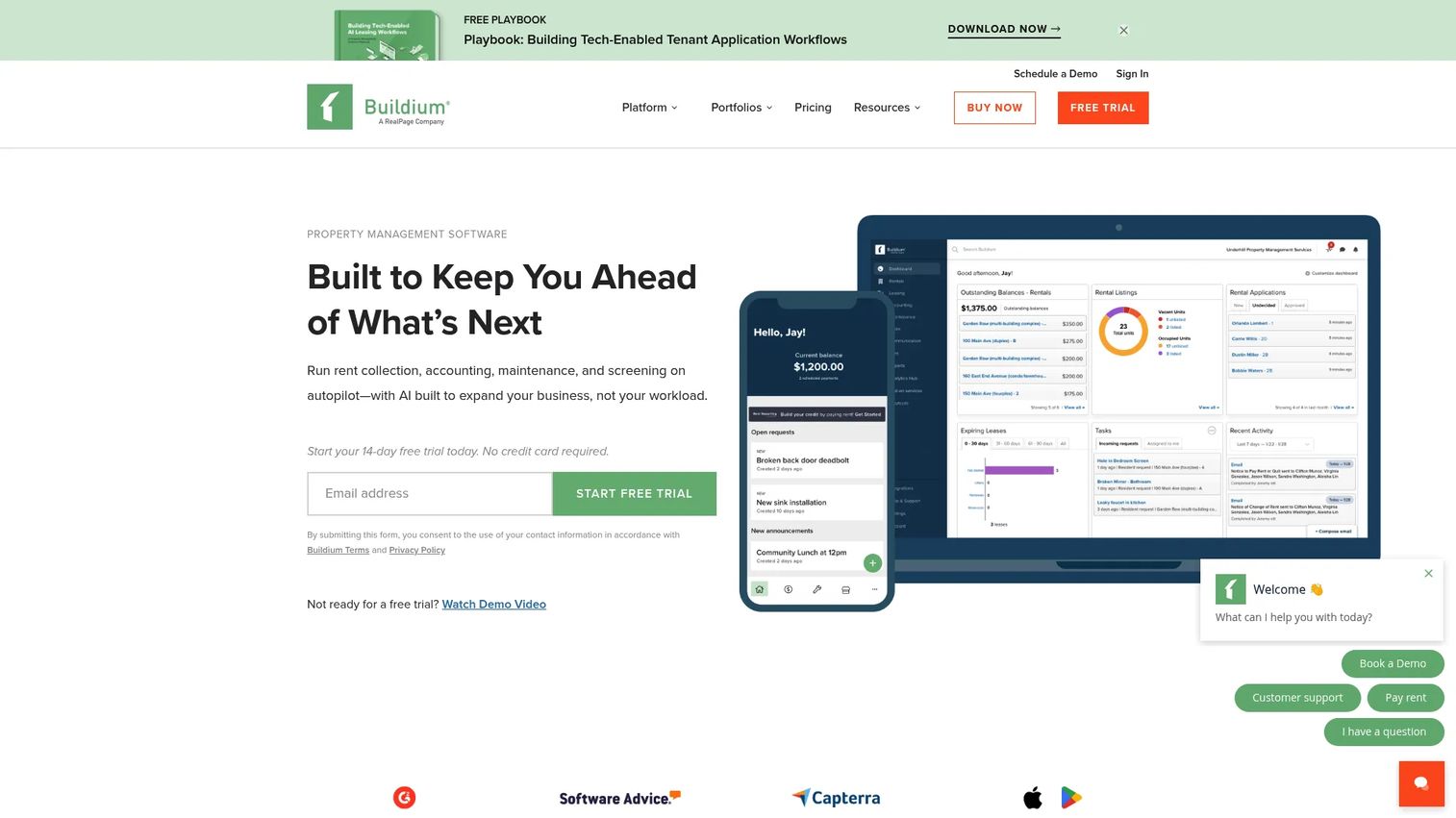
Buildium is all-in-one property management software for residential, community association, commercial, and student housing portfolios. It leads with the financial and operational workflows property teams run every day: leasing, accounting, payments, and maintenance in a single system. If your building management job is really a property management job, this is the most direct fit on the list.
The platform pairs online rent collection and property accounting with maintenance requests and work orders, so the money side and the operations side share one record. Leasing covers listing syndication, applications, screening, and eSignatures. Resident and owner mobile apps keep communication out of your inbox. For mixed portfolios, Buildium explicitly supports multiple property types and unit counts, which matters when you run residential and commercial under one roof.
Best for: Property managers who need accounting, leasing, and maintenance in one platform across a mixed portfolio.
Key strengths
- Property accounting with bank reconciliation and online rent collection
- Maintenance requests, work orders, and inspections
- Leasing with syndication, screening, and eSignatures
- Resident and owner mobile apps
- Mixed portfolio and multi-site support
Why choose Buildium: Choose it when finance owns the operating model and maintenance rides alongside leasing and accounting. It is less of a fit if you run pure facilities with no leasing or rent workflows.
Buildium pricing: Three published plans: Essential at $62/month, Growth at $192/month, and Premium at $400/month. Buildium also offers a free 14-day trial.
2. Aptien
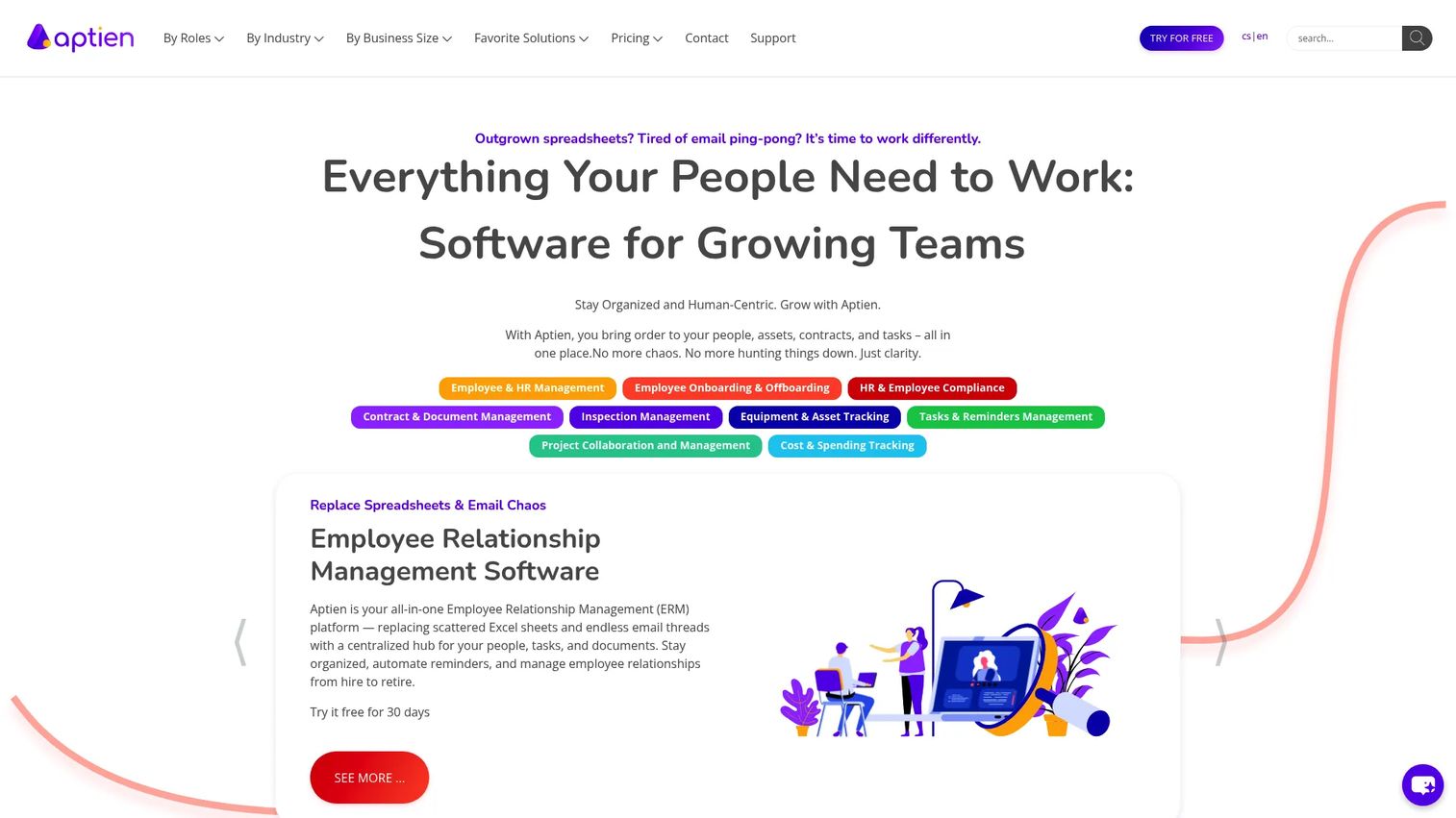
Aptien is cloud-based software for managing assets, contracts, documents, tasks, and the processes around them. For building teams, it lands in a useful middle ground: centralized property and building records plus maintenance and document control, without pushing you into enterprise IWMS complexity. Think of it as a building management app that keeps records and operations in one place.
The platform tracks assets and equipment, schedules maintenance, and routes defects to the right owner. Contract and document management gives you a compliance archive that survives audits and staff turnover. Because everything lives against a central record, maintenance history stays attached to the asset rather than buried in someone's inbox. That makes it a practical CMMS-lite option for teams that outgrew spreadsheets but do not need a heavyweight suite.
Best for: Small and growing teams that want building operations plus document control in one all-in-one system.
Key strengths
- Asset and equipment tracking with history
- Maintenance scheduling and defect routing
- Contract and document management
- Centralized records across buildings
- Mixed portfolio support
Why choose Aptien: Choose it when you want operations and document control together and want to avoid overshooting into enterprise process weight. It is less suited to teams that need deep property accounting or rent collection.
Aptien pricing: Aptien offers Premium and Enterprise plans plus a free trial. Public starting prices were not listed at writing time, so request a quote from Aptien for current numbers. G2 reviewers rate it 4.8/5.
3. FMX
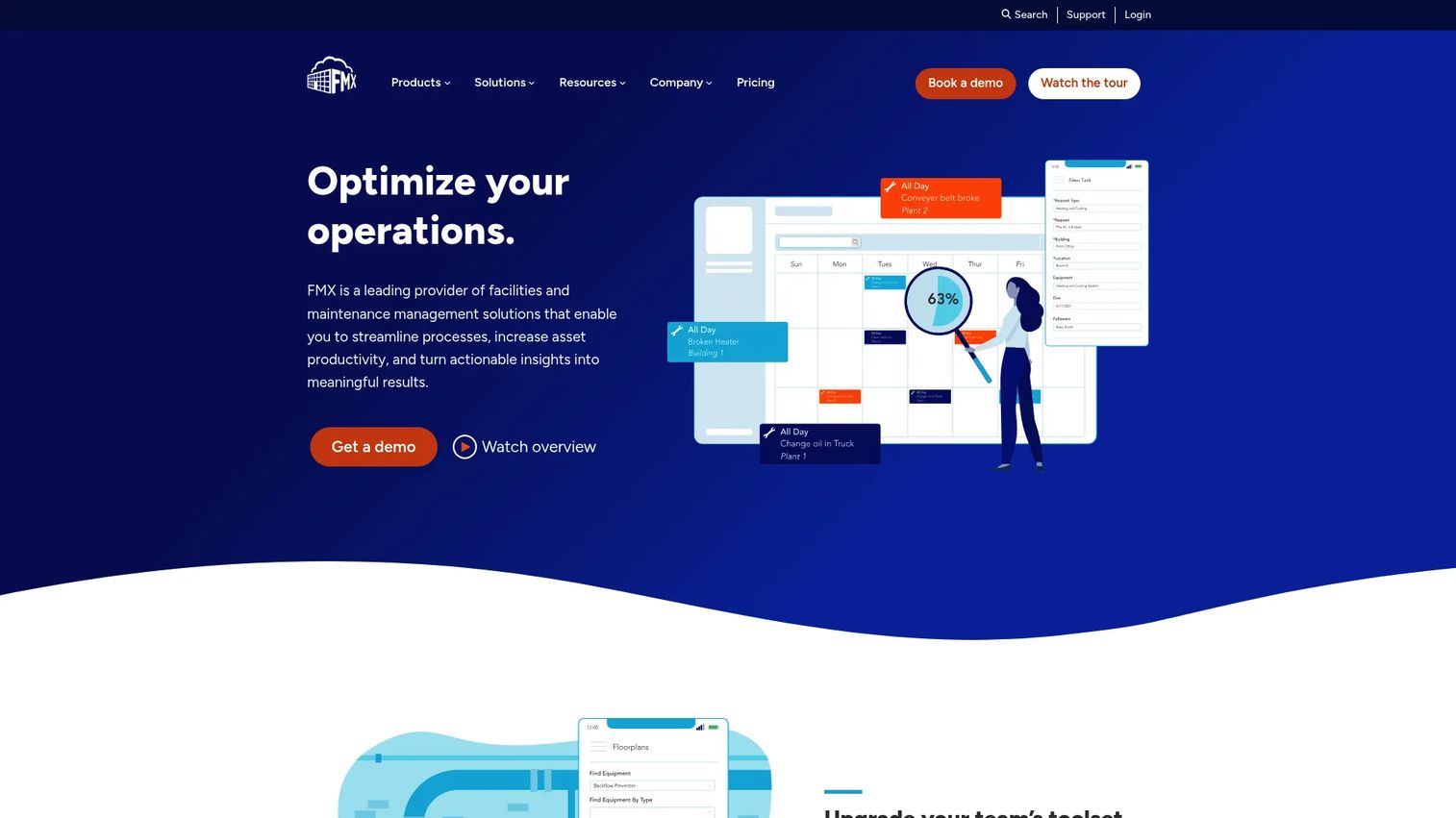
FMX is cloud-based facilities and maintenance management software built around work orders, preventive maintenance, assets, and scheduling. It is a workflow-first option for maintenance-heavy teams, with strong adoption in K-12, higher education, government, and operations groups that live in the maintenance queue.
The platform handles maintenance requests and work order tracking with configurable workflows, so you shape the process around how your team actually operates rather than the other way around. Preventive maintenance schedules keep recurring tasks on the calendar instead of in someone's memory. Dashboard visibility surfaces maintenance trends and backlog at a glance, which is the reporting layer operations leads need for planning. Configurability is the through-line: FMX bends to your operating model.
Best for: Operations and facilities teams focused on day-to-day maintenance who want configurable workflows.
Key strengths
- Work order management and request tracking
- Preventive maintenance scheduling
- Facilities and asset management
- Configurable workflows
- Dashboard visibility into maintenance trends
Why choose FMX: Choose it when maintenance is the core job and configurability matters more than leasing or accounting. It is a lighter fit for property teams that need rent and financial workflows.
FMX pricing: Pricing is quote-based and depends on user count, features and custom workflows, plus student enrollment for public K-12 schools. FMX also charges a one-time implementation fee. Request a quote for numbers. G2 reviewers rate it 4.8/5.
4. IBM TRIRIGA
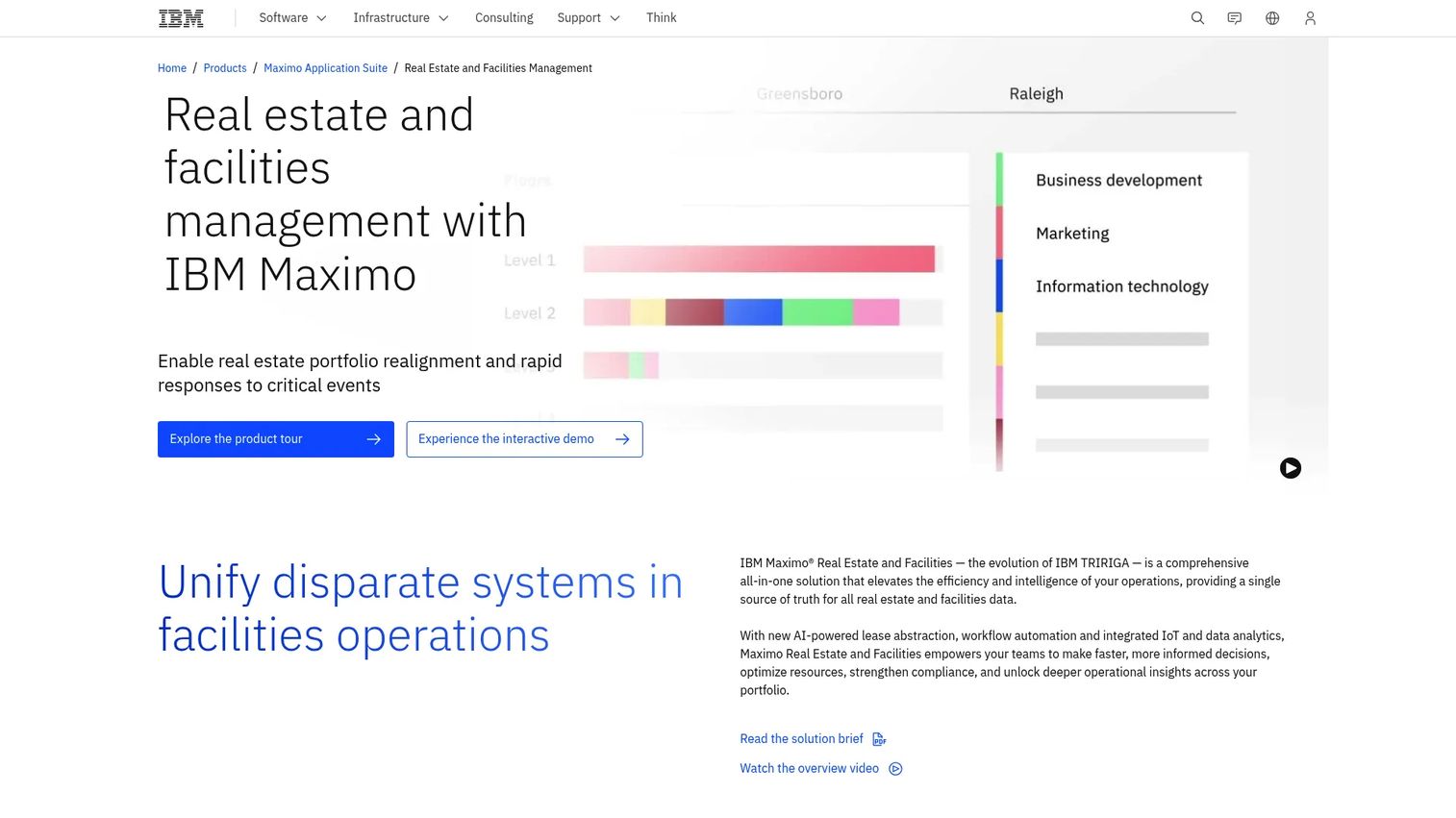
IBM TRIRIGA, now positioned as IBM Maximo Real Estate and Facilities, is an enterprise IWMS platform for organizations managing real estate, facilities, lease, and workplace operations at scale. This is the pick when governance, portfolio complexity, and process alignment across departments matter more than fast setup.
The platform covers lease management, space management, and capital planning alongside facilities and maintenance operations. That breadth is the point: large organizations need one system that spans real estate strategy, space utilization, and maintenance, with reporting that holds up to enterprise scrutiny. Deployment options include SaaS and customer-managed paths, which suits IT and procurement teams that own the evaluation. If your portfolio has real estate governance requirements, TRIRIGA is built for that reality.
Best for: Large enterprises with complex real estate portfolios and governance requirements.
Key strengths
- Lease management across a portfolio
- Space management and utilization
- Capital planning
- Facilities and maintenance operations
- Enterprise reporting and integration
Why choose IBM TRIRIGA: Choose it when scale, real estate governance, and cross-department process alignment are the priority. It is more than most single-building or maintenance-only teams need.
IBM TRIRIGA pricing: IBM does not publish public pricing. The product page routes to IBM Maximo Real Estate and Facilities with SaaS request-a-quote and customer-managed sales paths. Contact IBM for a quote.
5. Fracttal
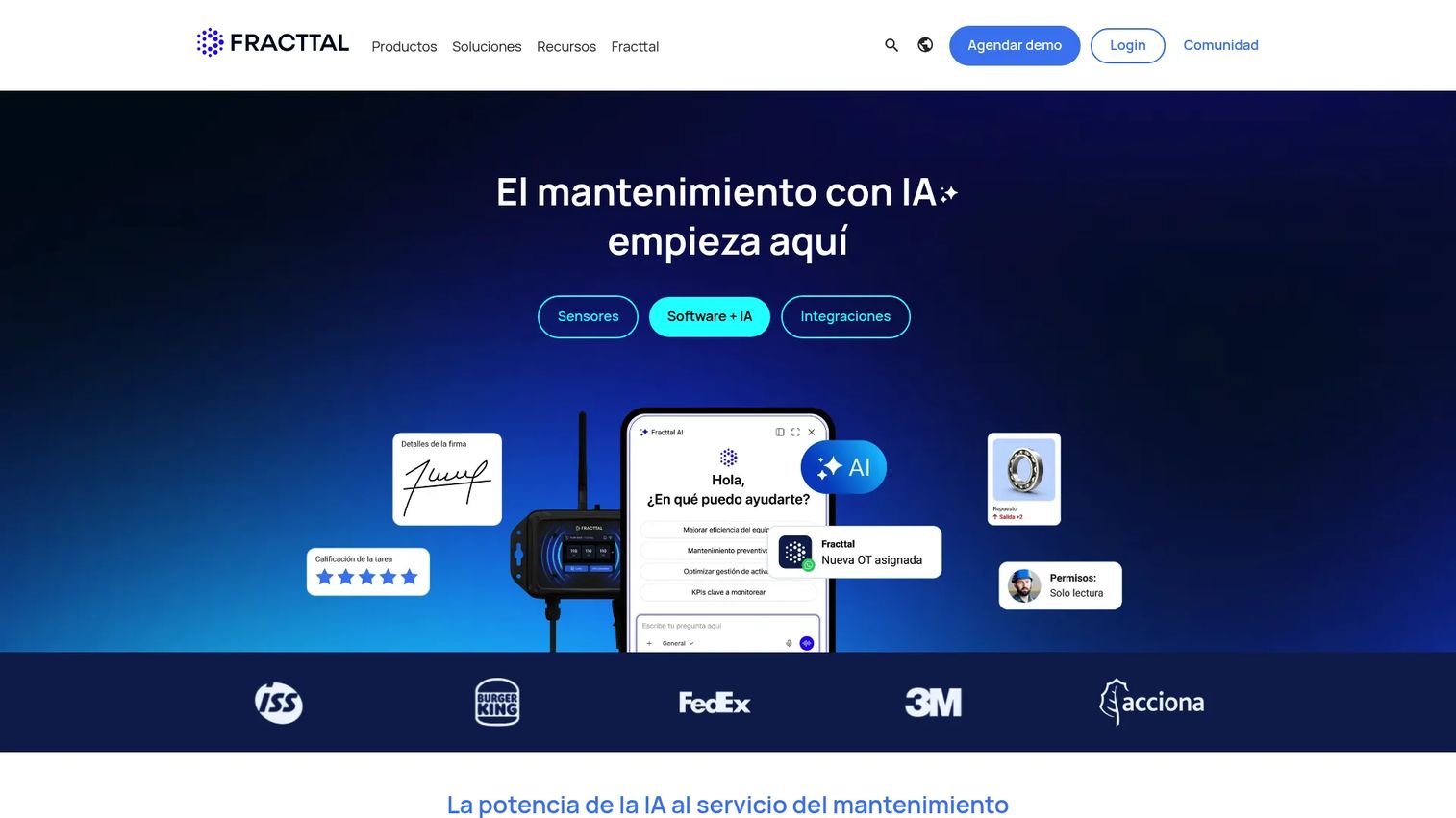
Fracttal is CMMS/EAM software for maintenance and asset management, with IoT and AI features layered on top. It is a CMMS-forward platform for asset-intensive teams that want automation and lifecycle visibility, not just a ticket queue. This is where maintenance operations get serious.
The platform combines work order management and maintenance planning with IoT sensor integration for condition-based and predictive maintenance. That means recurring tasks and reminders, but also automation triggered by real asset conditions rather than just the calendar. Integrations with ERP and BI systems plus real-time dashboards give you asset lifecycle visibility across sites. For teams whose operating model centers on uptime and asset performance, Fracttal puts maintenance automation at the core.
Best for: Mid-market and enterprise maintenance teams needing CMMS/EAM with IoT and automation.
Key strengths
- Work order management and maintenance planning
- IoT sensor integration for condition-based maintenance
- Predictive maintenance capabilities
- ERP and BI integrations
- Real-time asset dashboards
Why choose Fracttal: Choose it when asset lifecycle and maintenance automation drive your operating model and you want IoT-informed scheduling. It is more maintenance-focused than property-finance teams typically need.
Fracttal pricing: Fracttal's pricing page asks visitors to request a quote. Its help center notes that Fracttal One is sold as an annual SaaS subscription tailored to the selected plan. Request a quote for numbers. Capterra reviewers rate it 4.6/5.
6. Corrigo
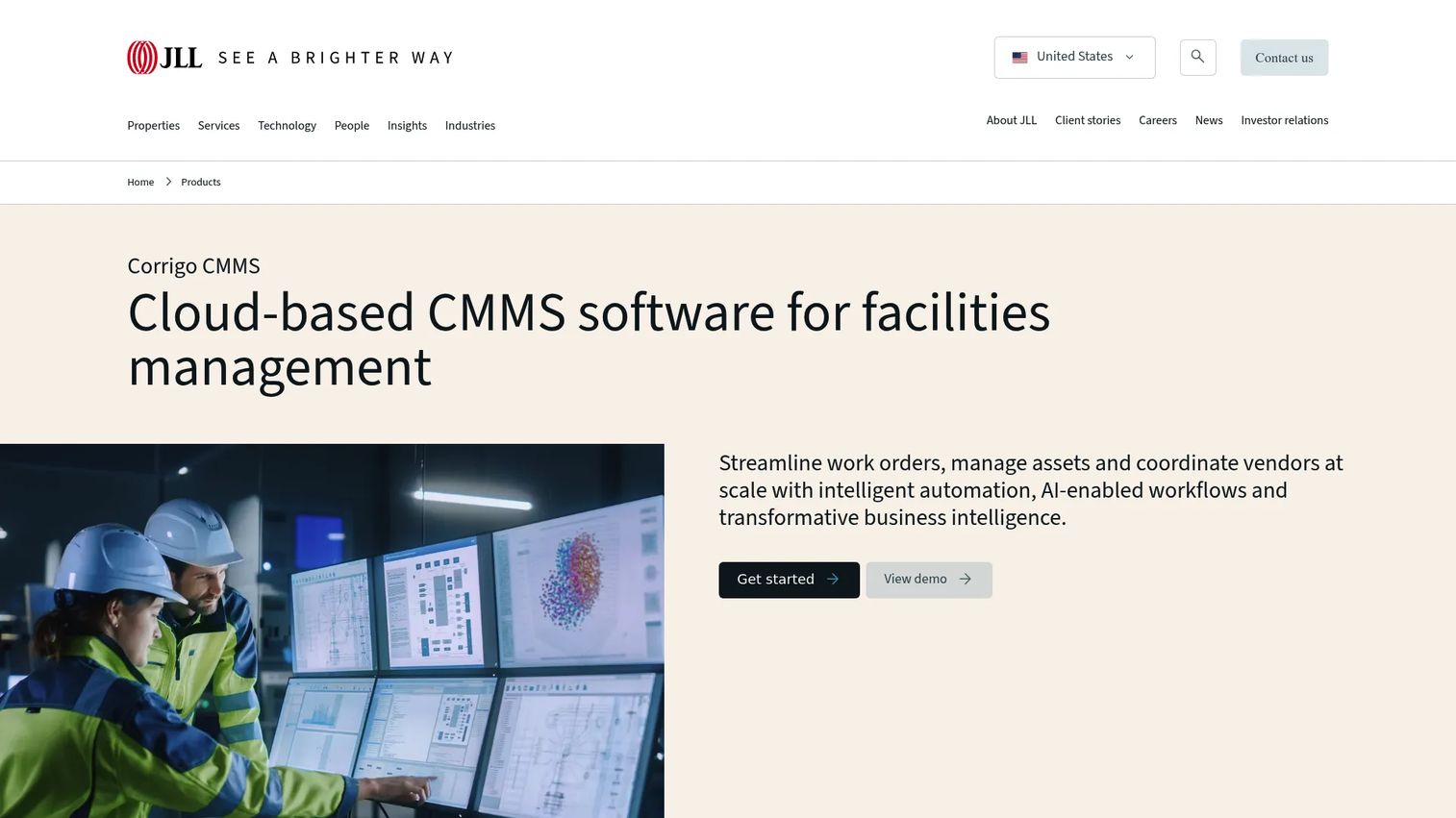
Corrigo is facilities management and CMMS software built around work orders, assets, vendors, and maintenance workflows. It fits enterprise facilities teams coordinating maintenance across many locations, where service tickets and operational consistency are the daily reality.
The platform centralizes work order management and asset management, then adds vendor management to coordinate the external service providers most distributed operations depend on. That combination matters when your maintenance runs through a mix of in-house teams and contractors across sites. Corrigo's strength is standardizing that coordination so ticket handling, asset tracking, and vendor performance follow one process rather than drifting location by location. For enterprise facilities groups, that consistency is the whole point.
Best for: Enterprise facilities teams needing centralized CMMS workflows across many locations.
Key strengths
- Work order management across sites
- Asset management and tracking
- Vendor management and coordination
- Distributed maintenance workflows
- Operational consistency across locations
Why choose Corrigo: Choose it when you coordinate maintenance across many locations with a mix of internal teams and vendors. It is heavier than single-site teams need.
Corrigo pricing: Corrigo does not publish a readable public price on its main site; pricing is handled through sales. Contact Corrigo for a quote. G2 reviewers rate it 4.5/5.
7. Akitabox
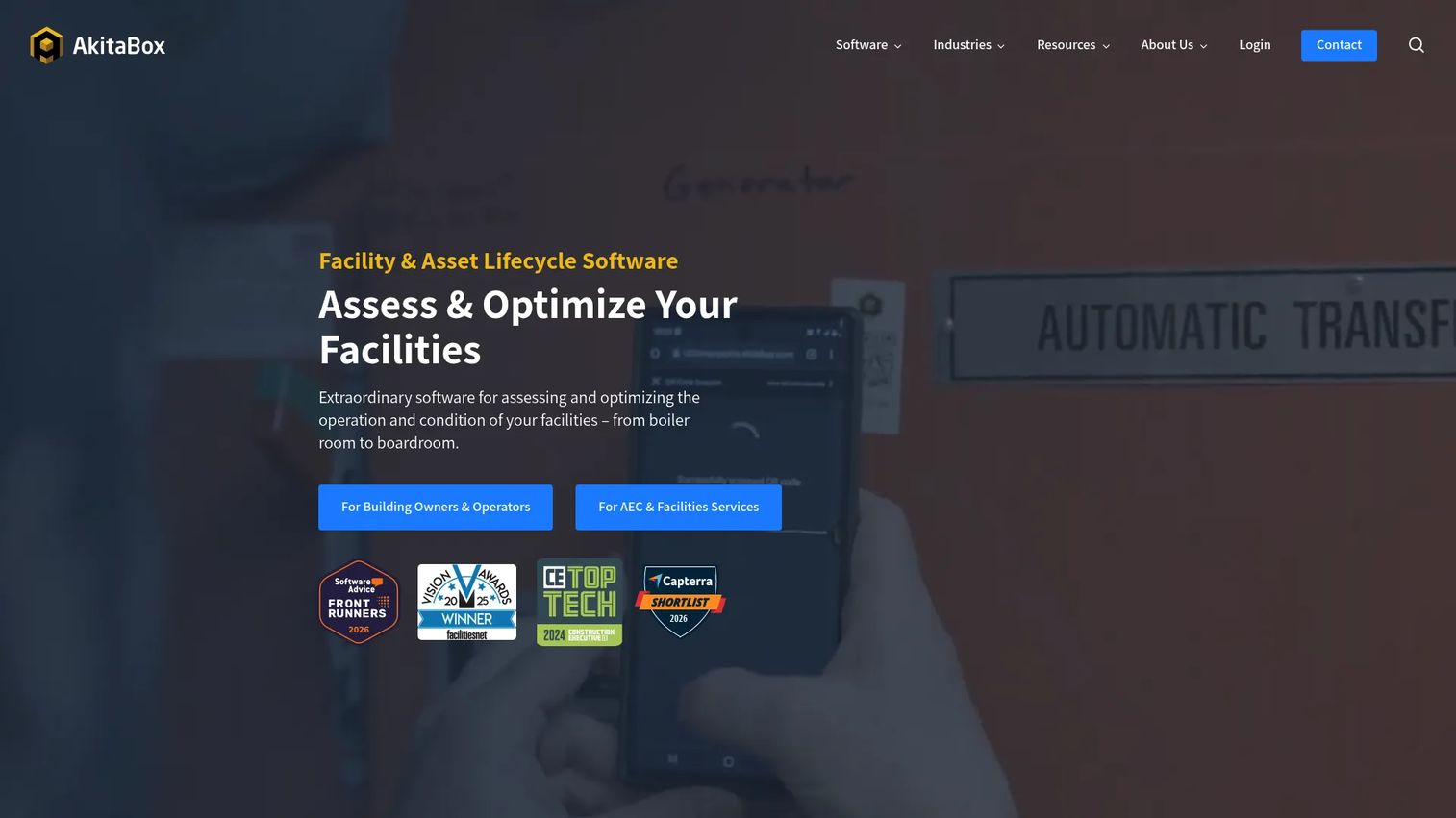
Akitabox is facilities management software for asset, maintenance, inspection, capital, and occupant experience workflows. It stands out for asset visibility in complex facility environments, pairing location-based asset mapping with digital floor plans so you always know what an asset is and exactly where it sits.
The platform runs work orders, service requests, and preventive maintenance against that mapped asset and space inventory. Document management and reporting round out the operational picture, which supports structured maintenance and capital planning over time. For teams managing large or intricate facilities, the location-anchored data model is the differentiator: maintenance decisions get grounded in where things actually are, not just a flat asset list. That structure is what makes long-term planning maintainable.
Best for: Organizations that need strong facility asset visibility and location-based maintenance control.
Key strengths
- Asset and space inventory with location mapping
- Work orders, service requests, and preventive maintenance
- Digital floor plans
- Document management and reporting
- Capital planning support
Why choose Akitabox: Choose it when asset visibility and location-mapped facility data are central to how you plan and maintain. It is more facilities-focused than property-finance teams require.
Akitabox pricing: Pricing is custom and quote-based. Akitabox notes unlimited users for building owner and operator customers, with per-seat access for AEC customers. Request a quote for numbers. G2 reviewers rate it 4.5/5.
8. ServiceChannel
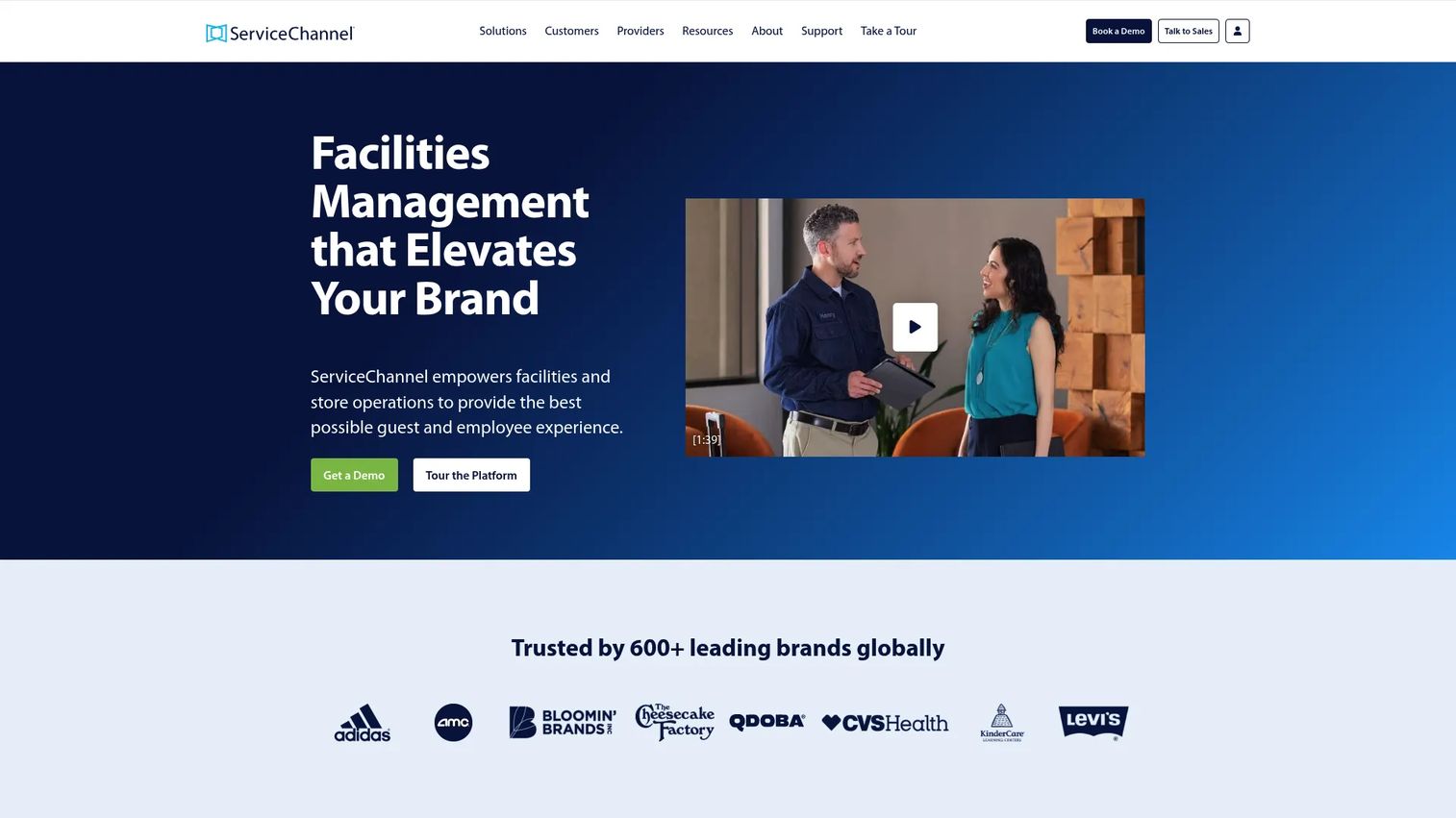
ServiceChannel is facilities management software for multi-location businesses managing work orders, assets, providers, and related operations. It is built for retail, restaurant, grocery, and healthcare networks where centralized oversight and consistent service across every location is the operating model.
The platform combines work order management with provider search and performance management, so you find, dispatch, and rate service providers from one place. Asset management and preventive maintenance keep equipment across branches on a shared schedule. The real value for distributed networks is orchestration: one system tracks service performance across hundreds of sites, which is how branch operations stay consistent instead of fragmenting into local habits. For retail and branch property networks, that centralized view is the core job.
Best for: Multi-location retail, restaurant, grocery, and healthcare teams needing centralized facilities operations.
Key strengths
- Work order management across locations
- Provider search and performance management
- Asset management and preventive maintenance
- Vendor coordination at scale
- Service performance tracking
Why choose ServiceChannel: Choose it when you run a distributed network and vendor orchestration plus performance tracking drive consistency. It is more than single-property teams need.
ServiceChannel pricing: Subscriptions are priced per location, and ServiceChannel directs buyers to contact sales for a customized quote. G2 reviewers rate it 4.1/5.
Considerations
Match the tool to your operating model
Map tool type to org structure before you compare features. Property-heavy teams that own leasing and accounting fit property-first platforms. Facilities-heavy teams living in the maintenance queue fit facilities-first or CMMS-forward tools. Enterprises with real estate governance fit IWMS suites. Get this right first and the rest of the evaluation narrows fast.
Check integrations before you buy
Reporting and automation only work when data flows. Confirm the connections you actually rely on: accounting, CRM, ticketing, document storage, analytics, and ERP. A tool that cannot talk to your accounting system forces manual exports, and manual exports are where reporting accuracy goes to die.
Evaluate automation depth
Automation ranges from simple reminders to routing rules, recurring task creation, and condition-based triggers. Decide which level you need. The test is simple: automation should reduce handoffs, not create new ones. If a workflow adds a manual step to satisfy the tool, that is the wrong fit.
Verify reporting and dashboards
Activity logs tell you what happened. Decision-useful reporting tells you what to do next. Look for visibility across sites, asset histories, maintenance trends, and service performance in one view. For mixed portfolios, cross-site comparison is the report that earns the tool its place.
Confirm maintenance and compliance fit
Preventive maintenance, compliance documents, asset history, and audit readiness are what keep a system maintainable over time. This matters most for teams that need the tool to survive staff turnover and frequent process changes. Confirm the compliance archive and asset history hold up before you commit.
Conclusion
There is no single best building management software, only the best fit for how you operate. If your portfolio leans property-heavy, Buildium keeps accounting, leasing, and maintenance in one platform. If you want building operations plus document control without enterprise weight, Aptien lands in the middle. Maintenance-first teams should look at FMX for configurable workflows or Fracttal for CMMS-forward automation.
For enterprise real estate and governance, IBM TRIRIGA scales. For distributed networks, ServiceChannel orchestrates multi-location service and Corrigo coordinates enterprise facilities. And when location-anchored asset visibility drives your planning, Akitabox is purpose-built for it.
Start with your operating model, not the feature list. Shortlist two tools that match how your org is structured, then pressure-test integrations, automation depth, and reporting against your actual workflows. That is the evaluation that keeps you from inheriting a high-maintenance system a year from now.
FAQs
The terms overlap heavily and are often used interchangeably. Facility management software usually skews broader and more operations-oriented, spanning space, workplace, and asset management across large portfolios. Building management software tends to center on operating specific buildings: maintenance, work orders, assets, and multi-site visibility.
Not quite. Property management software emphasizes leases, rent, tenants, and accounting, which is why platforms like Buildium lead with financial workflows. Building management software can be broader or more operations-focused, covering maintenance, assets, and compliance whether or not leasing is involved. Many teams need both jobs, which is why some platforms combine them.
Prioritize work order management, preventive maintenance, dashboards, automation, integrations, and asset tracking. Work orders and preventive maintenance handle the daily job. Dashboards and automation reduce repetitive work and surface trends. Integrations keep data flowing so reporting stays accurate without manual exports.
Yes. Portfolio support, shared workflows, and cross-site dashboards let you standardize operations and compare performance across locations. Buildium supports mixed residential and commercial portfolios, while ServiceChannel and Corrigo orchestrate service across many locations. For large real estate portfolios with governance requirements, enterprise IWMS tools like IBM TRIRIGA become the more appropriate choice.
It depends on your operating model. Property teams that own leasing, rent, and financials usually need built-in accounting, which is where Buildium fits. Pure facilities teams focused on maintenance and assets often do not, since finance lives in a separate system. Map the answer to who owns finance in your org.
CMMS is maintenance-centric: work orders, preventive maintenance, and asset uptime, which is the core of tools like Fracttal and FMX. Building management software is broader operations software that can include maintenance plus leasing, compliance, or multi-site oversight. Some tools blur the line, so shortlist by the primary job you need done first.
Look for connections to accounting systems, CRMs, ticketing tools, document storage, and analytics platforms. Integration depth directly affects reporting and automation: if the tool cannot sync with your accounting or analytics stack, you end up exporting data by hand. Confirm the specific connectors you rely on before committing.
Smaller teams should prioritize simplicity, clear workflows, and fast setup over enterprise depth. Buildium works well for small property teams that need leasing, maintenance, and accounting in one place, starting at $62/month. Aptien suits small building operations teams that want records and document control without heavyweight configuration. Match the pick to whether your job is property-first or operations-first.