


You picked a texturing tool off a feature list. Six weeks later, your team hit UDIM tiles the tool chokes on, a real-time preview that lags on production meshes, and export presets that don't match the renderer.
The differences between texturing tools rarely show up in a trial. They show up in production, when scale, maintainability, and pipeline fit start to matter more than the paint engine. That is the exact moment a wrong choice gets expensive to reverse.
The 3D painting software market reached roughly $2.5 billion in 2025 and is projected to hit $8.0 billion by 2033, a 15% CAGR, according to Data Insights Market (2025). More money means more tools, and more tools means a harder call for anyone accountable for workflow and adoption, not just artist output.
This guide compares seven tools on the criteria that actually decide the outcome.
What's inside
This guide is for anyone evaluating a 3D texture program for a team, not a hobby project. If you own a workflow decision and care about adoption over feature counts, it's built for you.
We picked and ranked these seven tools on four criteria:
- Production fit: How well the tool holds up at studio scale and asset volume
- Workflow depth: PBR authoring, smart materials, baking, and UV handling
- Preview and iteration speed: Real-time feedback that survives heavy meshes
- Pricing transparency: Verified prices and trial access, not vague quotes
No sponsored placements. Ranking follows relevance to the keyword and production readiness.
TL;DR
- Best overall for modern production teams: Substance 3D Painter, real-time PBR painting with smart materials
- Best for large-scale, high-end production: Mari, projection painting and UDIM-heavy pipelines
- Best all-in-one sculpt and texture: 3DCoat, sculpting, retopo, and PBR painting in one license
- Best for 2D texture prep in an existing stack: Adobe Photoshop, map editing and layer control
- Best for Autodesk-centered pipelines: Autodesk Mudbox, sculpting plus multi-channel painting
- Best for budget and cross-platform painting: ArmorPaint, GPU PBR painting for $19 one-time
- Best for sculpt-first artists: ZBrush, Polypaint alongside detailed modeling
What is texturing software
Texturing software is a 3D texture program that lets artists and teams apply materials, color, surface detail, and wear directly onto 3D models before rendering. It sits between modeling and final output in most pipelines.
Modern texturing tools center on PBR texturing, which produces physically based materials that respond correctly to light across engines and renderers. That consistency is why PBR became the studio standard.
Most tools in this category share a core capability set. Here's what to expect:
- PBR texturing: Physically based materials with base color, roughness, metallic, and normal channels
- Smart materials and masks: Reusable material presets that adapt to different meshes automatically
- Real-time preview: A live viewport that shows paint results under lighting as you work
- UV mapping support: Tools to read, edit, or unwrap the UV coordinates that pin 2D textures to 3D surfaces
- Baking textures: Transferring high-poly detail (ambient occlusion, curvature, normals) onto a low-poly mesh
- UDIM or multi-tile support: Painting across multiple UV tiles for high-resolution assets that exceed a single texture space
- Export presets: Output configurations matched to Unreal, Unity, or offline renderers
For a Product Manager evaluating creative software, the useful mental model is time-to-value against maintainability. A tool with deep node-based texturing may raise the ceiling but also raise the onboarding cost for new artists. The right pick balances workflow depth against how fast a new hire reaches a first meaningful output, and how well the tool survives frequent asset and pipeline changes.
Brush-based painting and node-based texturing are two philosophies inside the same category. Brush-driven tools reward speed and intuition. Node-driven tools reward reuse and precision at scale. Several tools on this list blend both, which is why matching the tool to your production reality matters more than chasing the longest feature list.
When to use texturing software
Build game-ready assets
Game pipelines need texture painting, clean baking, and export presets that map to the engine. You bake high-poly detail onto game meshes, paint PBR materials, then export channel-packed maps for Unreal or Unity. Real-time preview matters here because what you paint should match what ships in-engine.
Prepare VFX or film assets
Film and VFX work pushes resolution hard. Assets get textured across many UDIM tiles, often with node-based texturing for procedural control and repeatable results. UDIM support and projection painting stop being nice-to-have and become the deciding factor for hero assets that fill the frame.
Create stylized or design-focused assets
Not every job needs a full PBR pipeline. Stylized game art, product visualization, and simpler design assets sometimes need only 2D map editing or lighter painting. Here a design-stack tool or a compact painter covers the work without the overhead of a studio-grade platform.
Comparison table
Here's the shortlist side by side. Pricing and ratings were verified against vendor pages and G2 listings as of August 2026. Order follows relevance to production texturing.
| # | Product | Best for | Key differentiator | Pricing | G2 rating |
|---|---|---|---|---|---|
| 1 | Substance 3D Painter | Modern production teams | Real-time PBR painting with smart materials | From US$59.99/mo | 4.6 |
| 2 | Mari | Large-scale VFX and film | Projection painting and deep UDIM support | From $299/yr | 4.3 |
| 3 | 3DCoat | All-in-one sculpt and texture | Sculpting plus GPU texture painting in one license | €379 one-time | 4.3 |
| 4 | Adobe Photoshop | 2D texture prep | Layer-based map editing in a familiar tool | From US$22.99/mo | N/A |
| 5 | Autodesk Mudbox | Autodesk-centered pipelines | Multi-channel painting with sculpting | See pricing note | 4.5 |
| 6 | ArmorPaint | Budget and cross-platform | GPU PBR painting for a one-time $19 | $19 one-time | N/A |
| 7 | ZBrush | Sculpt-first artists | Polypaint alongside high-detail sculpting | From $479.40/yr | 4.7 |
Best 7 texturing software tools for 2026
1. Substance 3D Painter
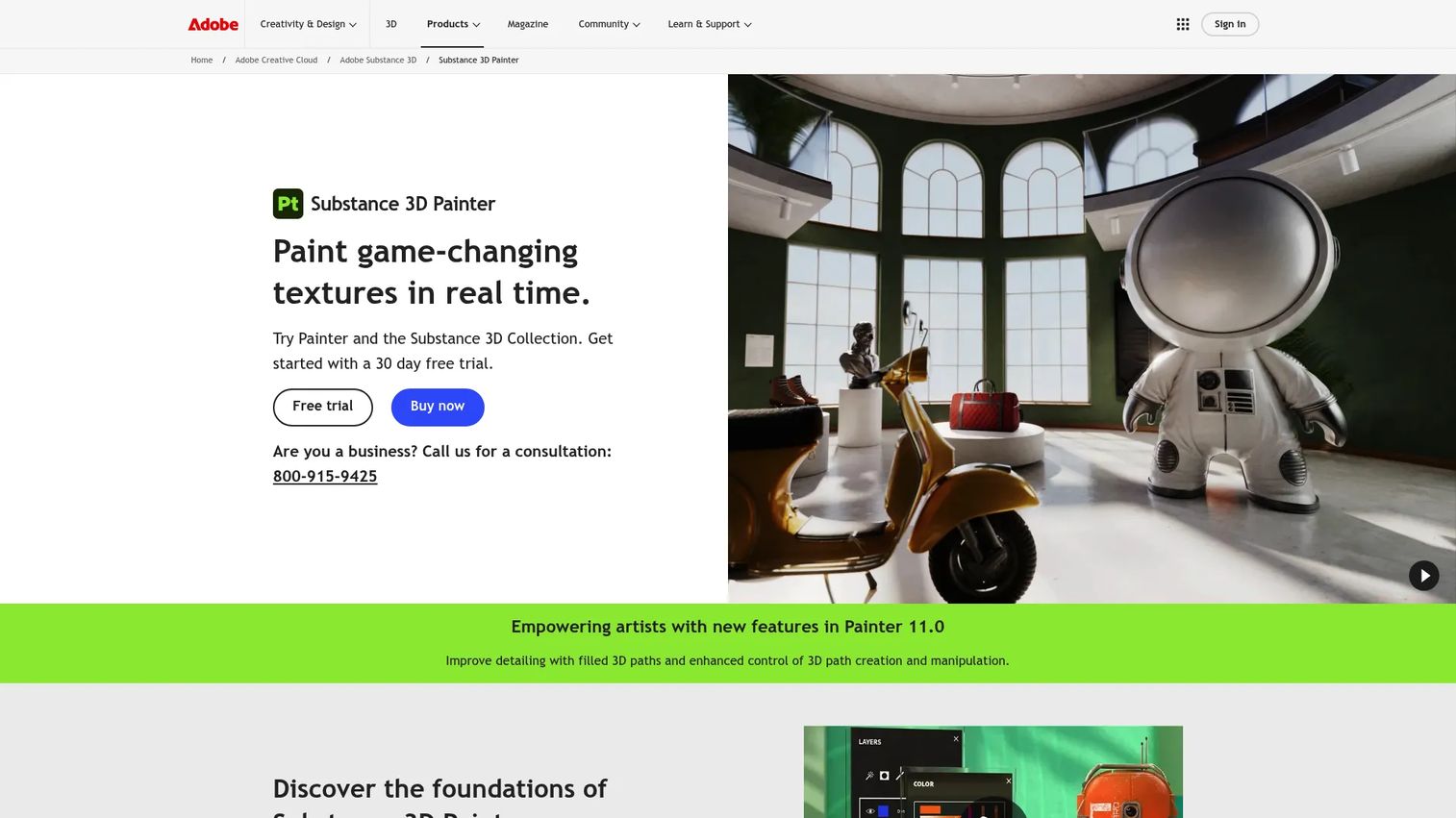
Substance 3D Painter is a real-time 3D painting software that lets artists paint materials and detail directly onto meshes and see the result under lighting immediately. It has become the default texturing tool for a large share of game and product visualization teams because it balances depth with a learnable workflow. Smart materials adapt to different meshes, which cuts rework when assets change.
Best for: Game artists, product visualization teams, and studios that need fast PBR iteration with export presets that map to their engine.
Key features
- Real-time PBR viewport with live lighting
- Smart materials and smart masks
- Automatic UV unwrapping
- UDIM and multi-tile painting
- Python scripting for pipeline automation
Why choose Substance 3D Painter: It hits the sweet spot between artist-friendly painting and studio-grade depth, which lowers the onboarding cost for a new hire while still handling complex assets. For a PM weighing time-to-value against maintainability, that balance is the core argument.
Substance 3D Painter pricing: Adobe offers a 30-day free trial. The Substance 3D Collection for individuals runs US$59.99/mo and includes Painter. The Collection for teams is US$119.99/mo per license, and Adobe lists an education offer for students and teachers.
On G2, Substance 3D Painter holds a 4.6 out of 5 rating.
2. Mari
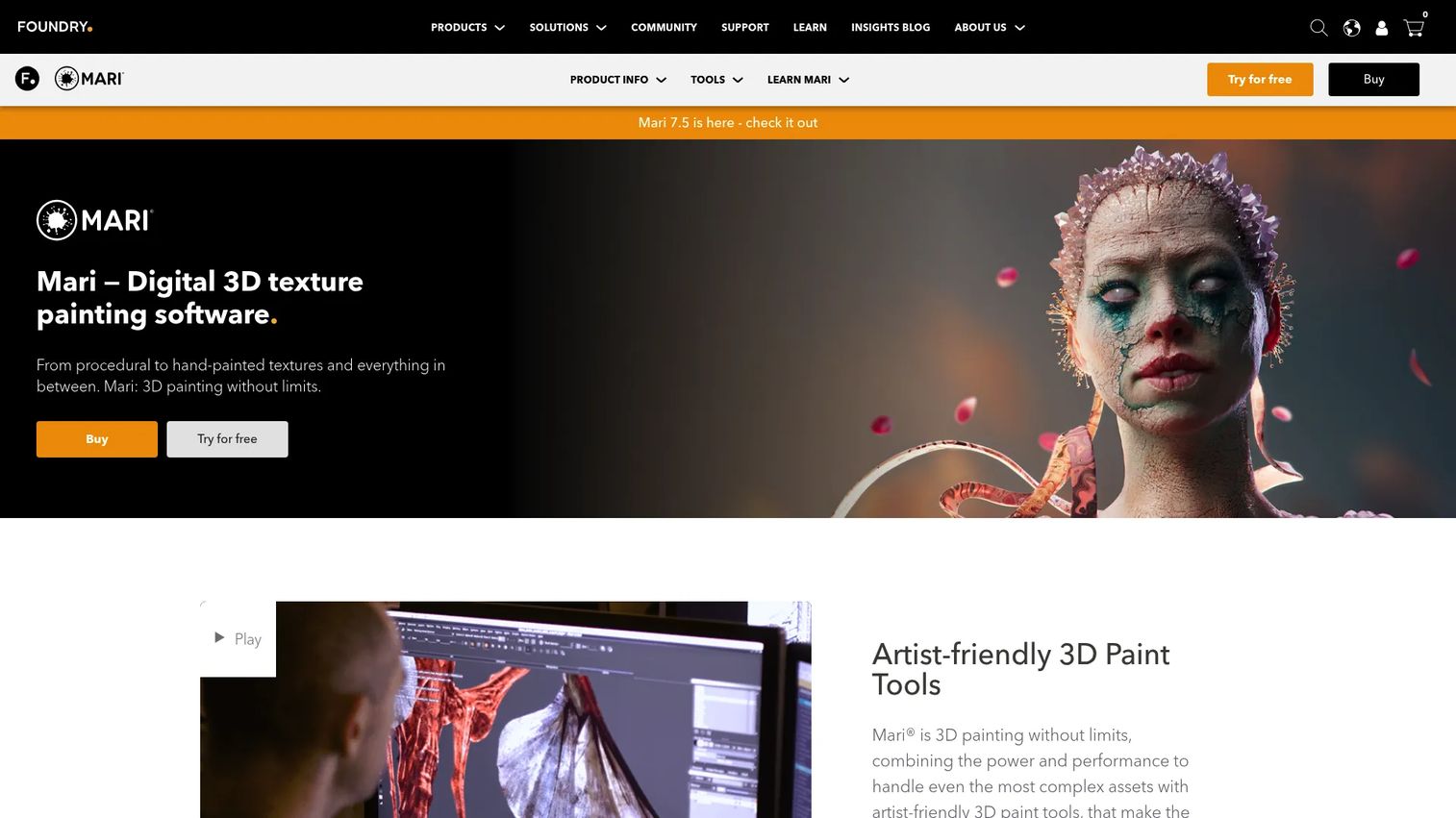
Mari is a 3D painting and texturing tool built for high-resolution digital asset work, and it earns its place in film and VFX pipelines where hero assets fill the screen. Its projection painting and deep UDIM handling let artists texture across many tiles without the tool buckling. Node-based procedural workflows add repeatability that studios need across shots.
Best for: VFX and film studios, plus asset-heavy teams running UDIM-heavy, high-resolution pipelines.
Key features
- Projection painting for high-resolution assets
- Deep UDIM support across many tiles
- Node-based procedural workflows
- Multi-Paint up to 8 streams
- Python scripting for pipeline control
Why choose Mari: It's the pick when scale and pipeline control decide the outcome, not raw speed of a first pass. Teams texturing feature-film hero assets reach for Mari because it holds up where lighter tools stall.
Mari pricing: Foundry offers a free 30-day trial. Mari Individual starts at $299/yr, or $35/mth on a monthly plan. Foundry also lists team options including a $1,289 annual license and a $949/qtr quarterly plan.
On G2, Mari carries a 4.3 out of 5 rating.
3. 3DCoat
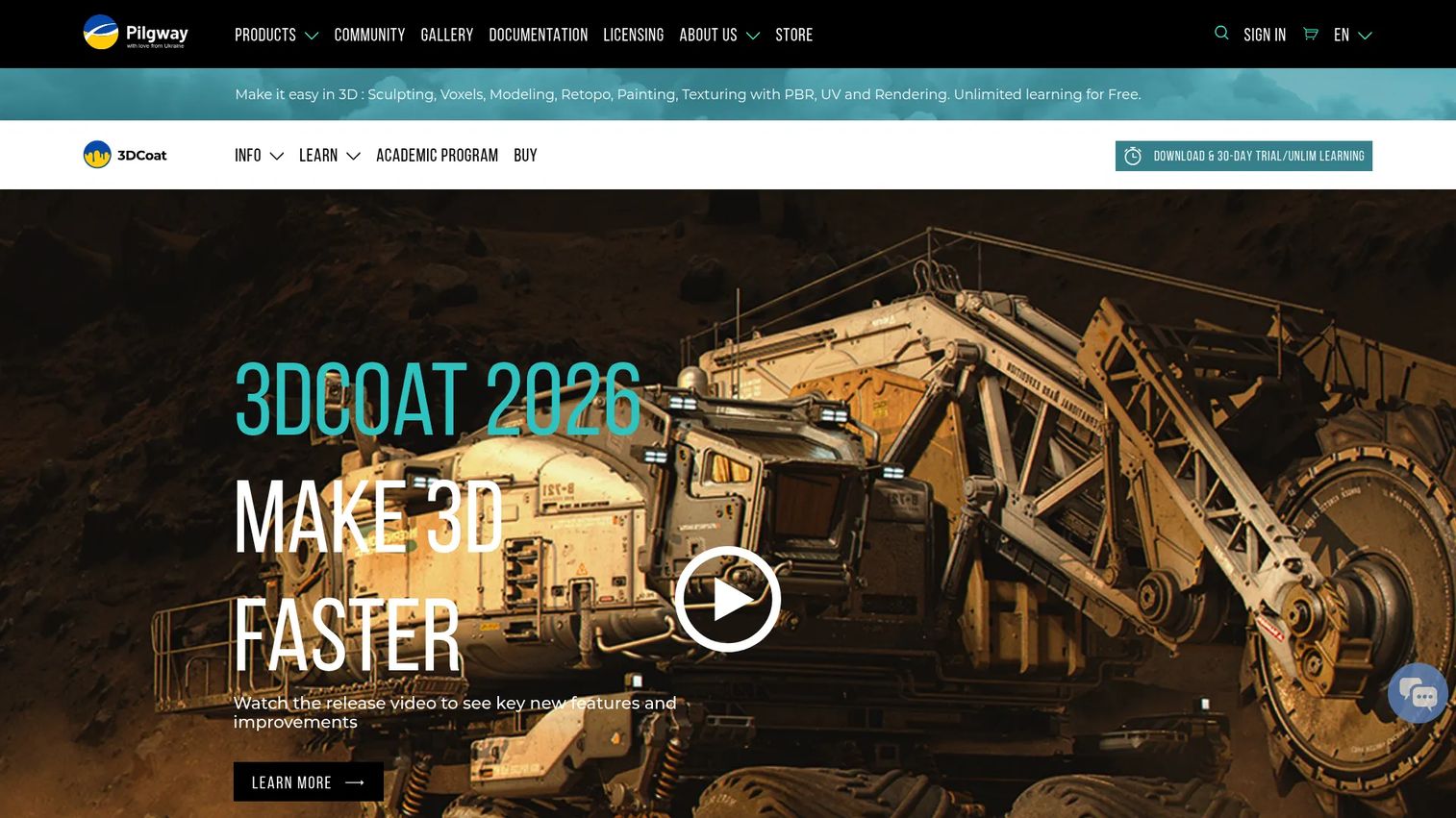
3DCoat folds sculpting, retopology, UV editing, and PBR texture painting into one tool, which appeals to smaller teams and solo creators who want fewer licenses to manage. You can texture while you sculpt, then move straight into GPU node-based texturing without hopping applications. Real-time PBR preview keeps the feedback loop tight.
Best for: Artists and small studios that want modeling, retopo, and texturing together without stitching multiple tools into a pipeline.
Key features
- Voxel and surface sculpting
- Retopology and auto-retopology
- GPU node-based texturing
- Smart Materials with real-time PBR preview
- UV editing tools
Why choose 3DCoat: For a lean team, one tool covering the sculpt-to-texture path reduces the maintenance surface and cross-tool handoffs. That consolidation is worth more than best-in-class depth in any single stage.
3DCoat pricing: 3DCoat offers a 30-day trial plus an unlimited learning mode. The 3DCoat 2026 node-locked personal license is €379 as a one-time purchase, with 12 months of free updates included.
On G2, 3DCoat holds a 4.3 out of 5 rating.
4. Adobe Photoshop
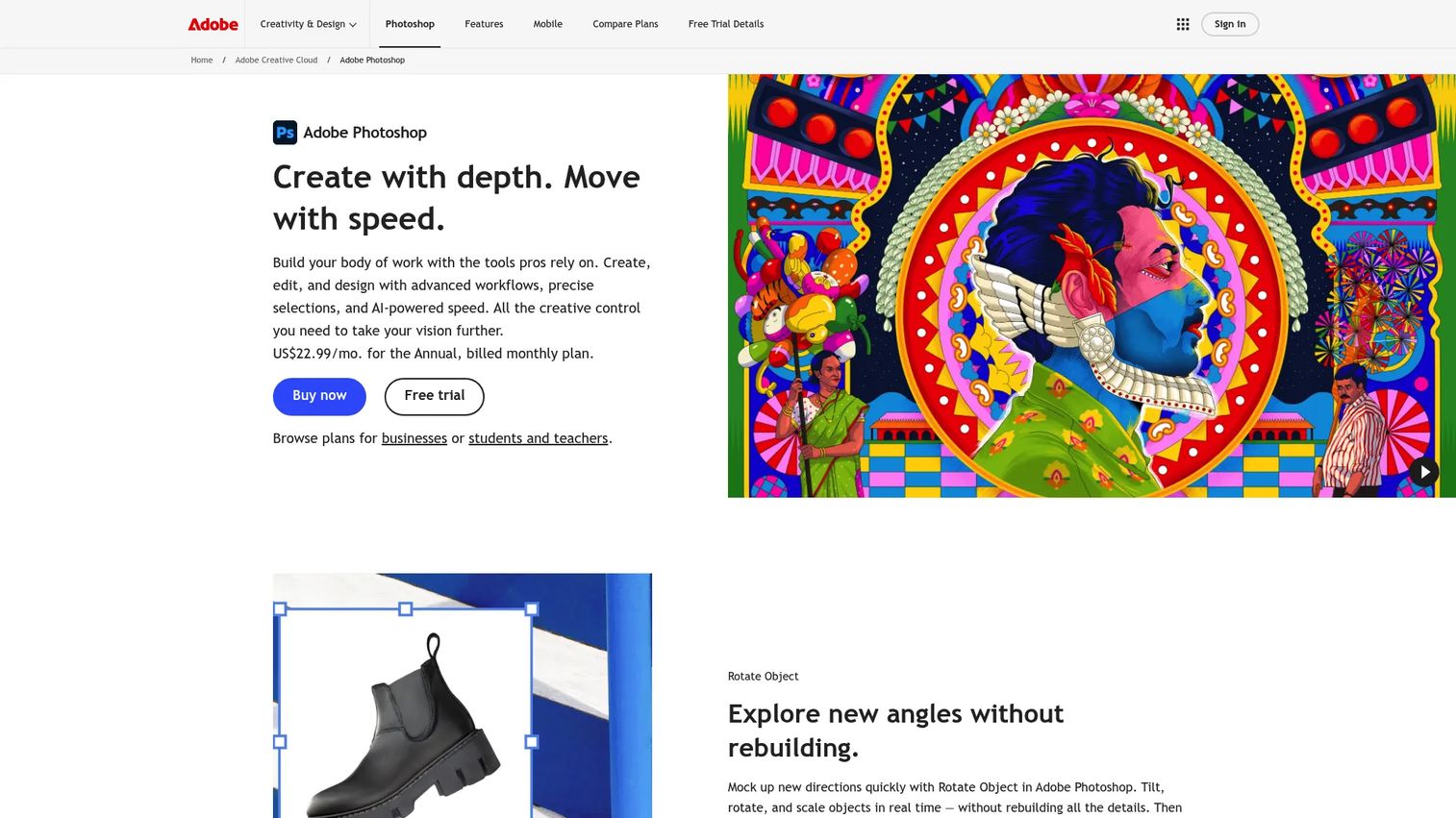
Adobe Photoshop is Adobe's image editing app, and it stays useful in 3D pipelines for 2D texture creation and map editing. Layer control and a deep brush set make it a fast option for editing base color maps, fixing seams, or authoring simpler textures. It also runs across desktop, web, and mobile, with generative AI features via Adobe Firefly.
Best for: Teams already inside the Adobe ecosystem who need 2D texture prep alongside a dedicated 3D painting tool.
Key features
- Layer-based editing across desktop, web, and mobile
- Deep brush and selection controls
- Map export for texture channels
- Generative AI features via Adobe Firefly
- Familiar workflow for existing Adobe users
Why choose Adobe Photoshop: It handles 2D texture creation well but doesn't replace a full 3D texturing tool. Reach for it when you need map editing inside a workflow your team already knows, not as your primary PBR painter.
Adobe Photoshop pricing: The standalone Photoshop plan is US$22.99/mo (annual, billed monthly). The Photography plan is US$19.99/mo, and a mobile and web plan runs $7.99/month or $69.99/year. The mobile app is free with paid upgrades.
Adobe does not list a current G2 rating verified from a primary source for the standalone plan.
5. Autodesk Mudbox
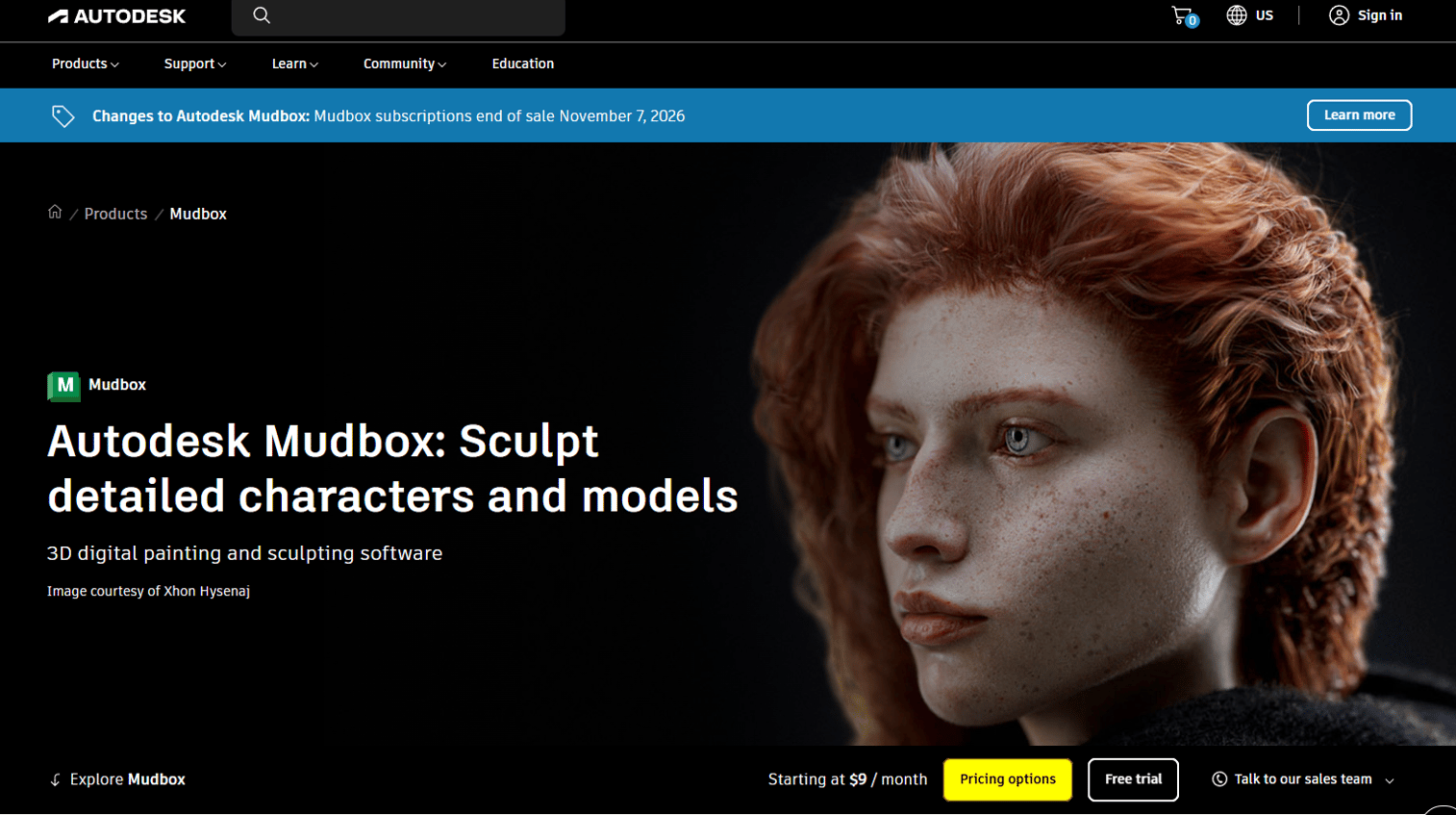
Autodesk Mudbox pairs digital sculpting with multi-channel texture painting, and it stays relevant for studios already running Autodesk-centric pipelines. Its layer-based painting and high-resolution mesh handling fit teams that live in Maya and 3ds Max. One caveat worth flagging up front: Autodesk has moved Mudbox toward end-of-sale status.
Best for: Studios and artists deep in Autodesk workflows who want sculpting and texture painting alongside their existing tools.
Key features
- Sculpting tools for high-resolution meshes
- Texture painting across multiple channels
- Layer-based paint workflow
- Retopology tools
Why choose Autodesk Mudbox: It's a solid fit if you already live in Autodesk tools and want painting tied to that pipeline. Given the end-of-sale direction, weigh the maintainability risk before committing a team to it.
Autodesk Mudbox pricing: Autodesk says Mudbox 3-year subscriptions ended sales on August 7, 2026, and 1-year and monthly subscriptions end sales on November 7, 2026. The buy page did not display readable prices at generation time, so confirm current availability directly with Autodesk before purchase.
On G2, Mudbox carries a 4.5 out of 5 rating.
6. ArmorPaint
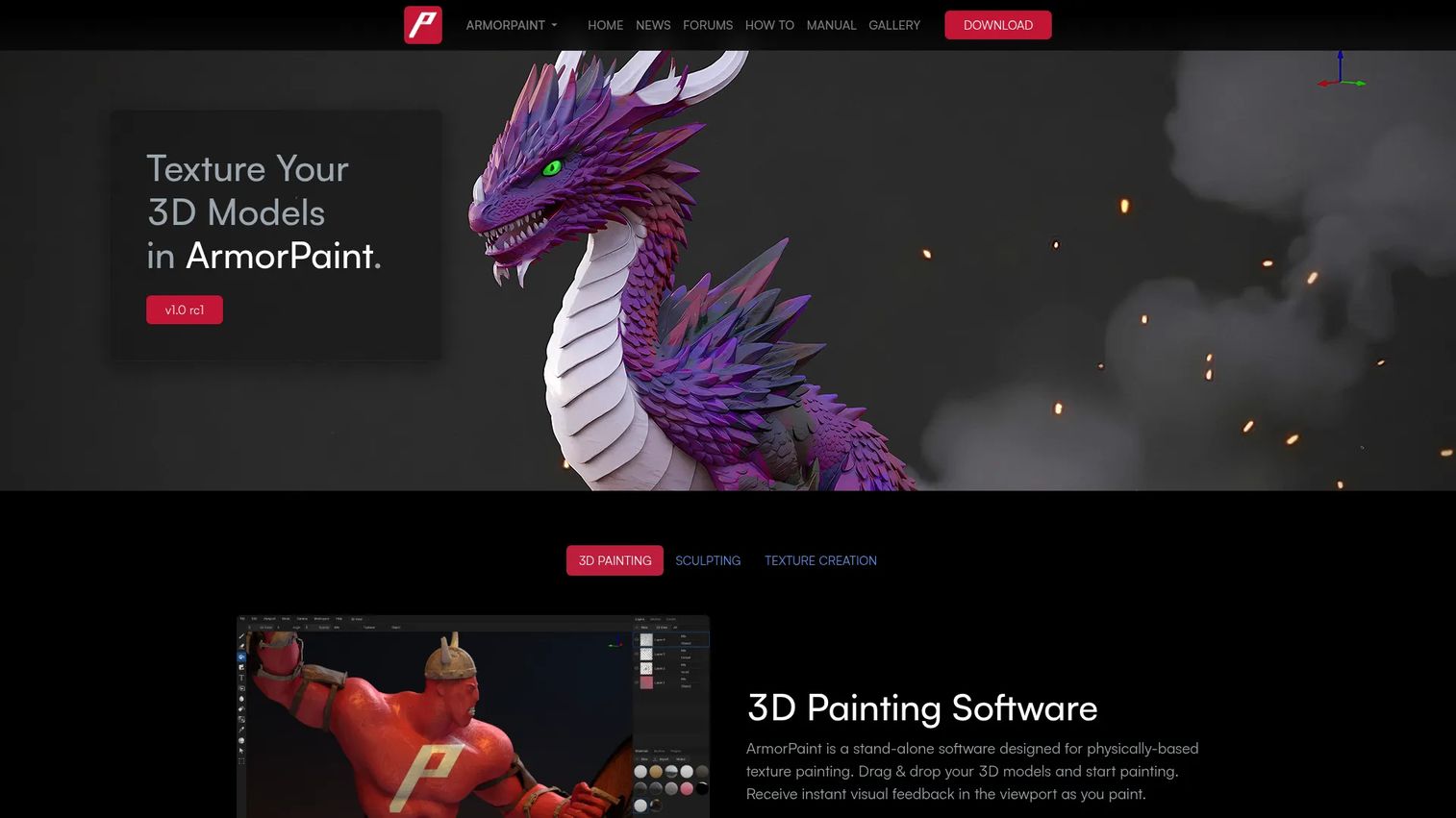
ArmorPaint is a compact 3D PBR texture painting tool that paints and bakes on the GPU. Its lighter footprint and cross-platform reach make it a practical pick for budget-conscious experimentation. Node-based materials and brushes give you real control without a heavy license commitment.
Best for: Budget-conscious artists and teams that want low-cost, cross-platform PBR painting for experimentation or lightweight production.
Key features
- Node-based materials and brushes
- GPU-accelerated painting and baking
- Ray tracing support
- Runs on Windows, Linux, macOS, iOS, and Android
Why choose ArmorPaint: When cost and platform breadth matter more than a deep studio feature set, it delivers PBR painting for a one-time price. The trade-off is a smaller ecosystem and thinner support compared with the established platforms.
ArmorPaint pricing: The desktop app is $19 as a one-time purchase, with free updates included. The iOS and Android versions are marked early access on the download page.
ArmorPaint does not have a G2 rating verified from a primary source at this time.
7. ZBrush
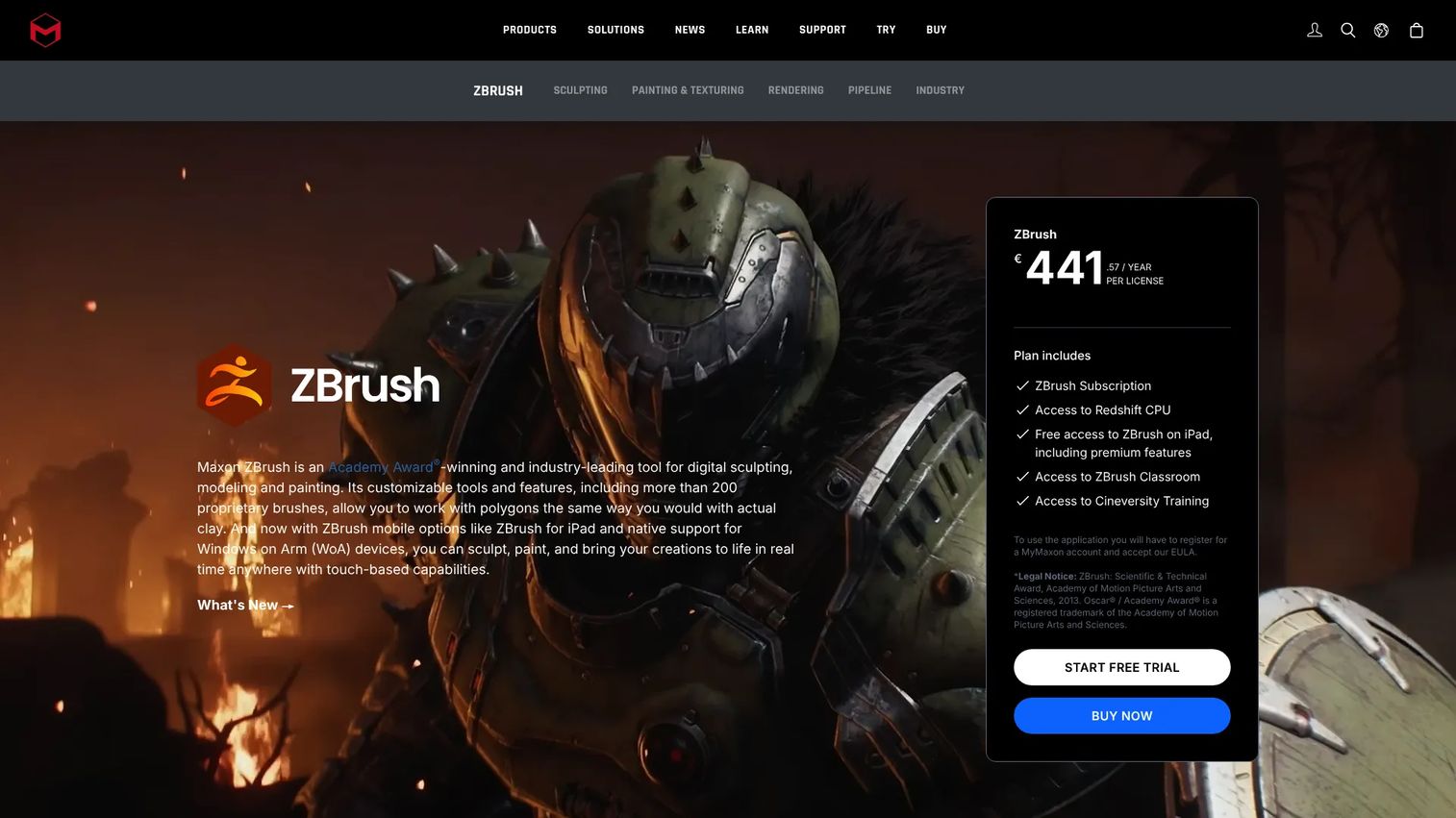
ZBrush is Maxon's digital sculpting and modeling software, and its Polypaint feature lets sculptors paint color and detail directly onto high-resolution meshes without UVs first. For artists whose main job is sculpting, painting inside the same tool keeps the workflow tight. Its brush system and DynaMesh drive the detailed models it's known for.
Best for: Sculpt-first artists who want paint workflows alongside high-detail modeling, where texture is secondary to sculpting.
Key features
- Dynamic sculpting brush system
- DynaMesh for flexible topology
- Polypaint for painting without UVs
- Broad brush variety for detail work
Why choose ZBrush: It's strongest when sculpting leads and texture follows. Teams that need a dedicated PBR authoring pipeline will still pair it with a painter, but for detail-driven work Polypaint keeps color inside the sculpt.
ZBrush pricing: Maxon offers a free ZBrush for iPad plan. The ZBrush subscription is $479.40/year, or $39.95/month, and Maxon says it includes both ZBrush desktop and ZBrush for iPad.
On G2, ZBrush holds a 4.7 out of 5 rating.
Considerations
Before you commit a team, run each tool against the criteria that surface in production, not in the trial.
UDIM and multi-tile support
If your assets exceed a single texture space, UDIM support is non-negotiable. Film and VFX hero assets routinely span many tiles. Check how the tool handles tile density and whether performance holds as tiles grow, because that's where lighter tools stall.
Real-time feedback
A live PBR viewport that lags on production meshes kills iteration speed and frustrates artists. Test real-time preview on a heavy asset, not the demo model. Fast feedback shortens the loop between paint and approval, which is the practical measure of daily productivity.
Baking and UV workflow
Baking textures transfers high-poly detail onto low-poly meshes, and a weak baker forces manual cleanup. Confirm the tool bakes the maps your renderer needs and reads or edits UVs cleanly. A rough UV workflow taxes every asset that passes through it.
Pipeline integration
Scripting, export presets, and clean handoff to your engine or renderer decide whether the tool fits or fights your stack. Check for Python support and preset configurations matched to Unreal, Unity, or your offline renderer. Pipeline integration is the difference between a tool that scales and one that creates bottlenecks.
Pricing and team fit
Subscription, one-time, and node-locked models each carry different total cost and maintenance implications. Match the licensing to how your team actually works and how often you onboard. A cheap license that slows adoption costs more than a pricier one that ships.
Conclusion
The right texturing tool depends on your production reality, not a feature checklist. Substance 3D Painter fits most modern teams that need fast PBR iteration with a learnable workflow. Mari is the call for large-scale VFX and film where UDIM depth and pipeline control matter most.
For lean teams, 3DCoat consolidates sculpt-to-texture into one license and reduces the tools you maintain. Photoshop stays useful for 2D map editing inside an existing Adobe stack, while Mudbox suits Autodesk-centered pipelines, though its end-of-sale direction warrants caution.
If budget and cross-platform reach lead, ArmorPaint delivers GPU PBR painting for $19. And ZBrush remains the pick when sculpting is the main job and Polypaint covers the detail.
Start with the criteria that break in production: UDIM handling, real-time preview on heavy meshes, baking, and pipeline fit. Then run the two or three tools that clear that bar through a real trial asset before you commit. Most vendors offer a 30-day trial, so test against your actual workflow, not the demo model.
FAQs
Substance 3D Painter is the most approachable entry point for most people because its smart materials and real-time preview shorten the path to a usable result. 3DCoat is a strong alternative if you also want sculpting in the same tool. For a no-cost start, ArmorPaint's $19 desktop license keeps the barrier low.
For 3D texturing, yes. Substance 3D Painter paints PBR materials directly onto meshes with real-time preview, which Photoshop does not do. Photoshop excels at 2D map editing and seam fixes, so many teams use both: Painter for the primary pipeline, Photoshop for touch-ups.
Usually not. Most game assets fit within a single UV tile or a small set, so standard UV workflows cover them. UDIM support becomes important for high-resolution film and VFX hero assets that exceed a single texture space.
Mari is the common choice for VFX and film because of its projection painting, deep UDIM handling, and node-based procedural workflows. It holds up on high-resolution hero assets where lighter tools struggle. Substance 3D Painter also appears in VFX pipelines for assets that don't demand heavy UDIM density.
You can produce professional results with lower-cost tools like ArmorPaint or 3DCoat's trial and learning mode, but fully free options are limited for production. Most studio pipelines run paid tools for their baking depth, UDIM support, and pipeline integration. Trials let you validate fit before spending.
UV mapping defines how a 2D texture wraps onto a 3D surface by assigning coordinates to the mesh. Texture painting applies the actual color, materials, and detail onto those mapped surfaces. You typically map UVs first, then paint, though some tools like ZBrush let you paint before UVs exist.
3DCoat combines sculpting, retopology, UV editing, and PBR texture painting in one license, which suits small teams wanting fewer tools. ZBrush is the sculpt-first alternative, with Polypaint for painting during sculpting. The choice depends on whether texturing or sculpting is your primary job.
Prioritize real-time PBR preview, smart materials, reliable baking, and export presets matched to your renderer. Add UDIM support if you work on high-resolution assets, and check scripting and integration for pipeline fit. For a team, weigh onboarding cost and maintainability as heavily as the feature set.










